Apps
Every app, made for LordOS.
The native apps that come with LordOS, built on its own interface engine. Calm, clear and private, with the same look in light and dark mode.
Productivity
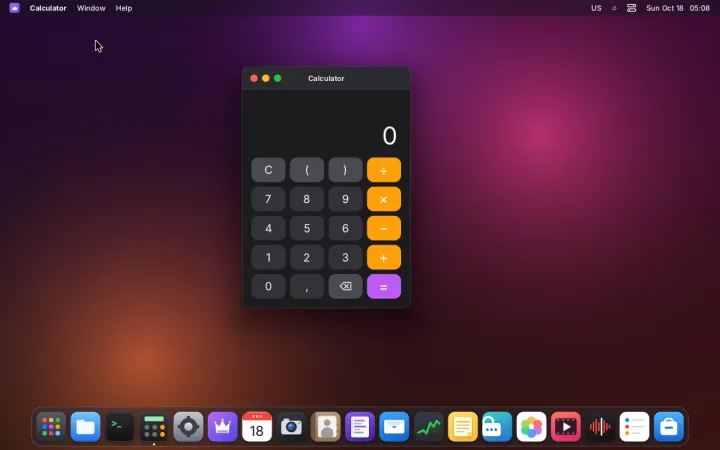
Calculator
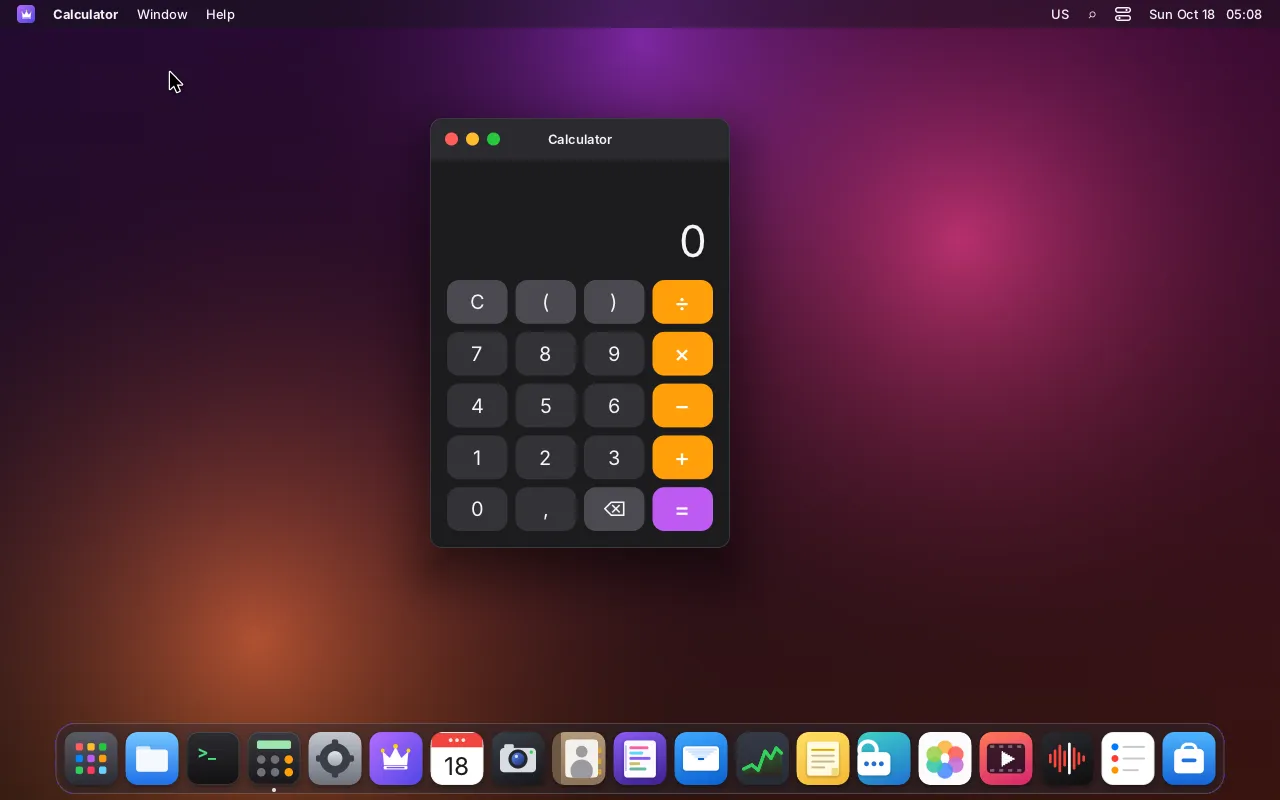
A simple calculator you can drive from the keyboard
- The four operations, with parentheses
- Type numbers and operators on the keyboard
- Shows the last expression above the result
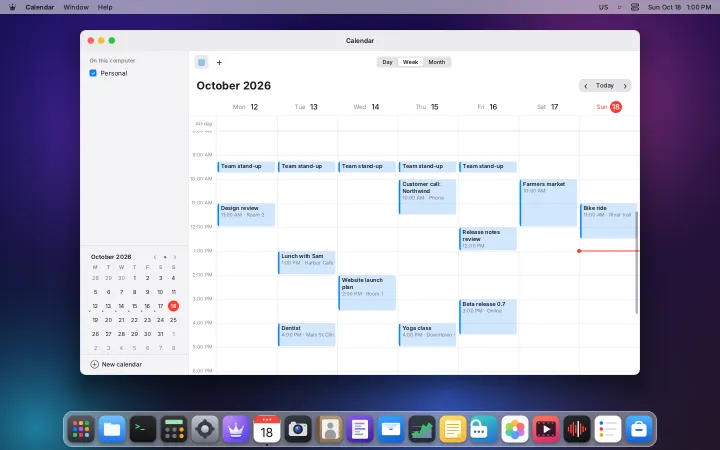
Calendar
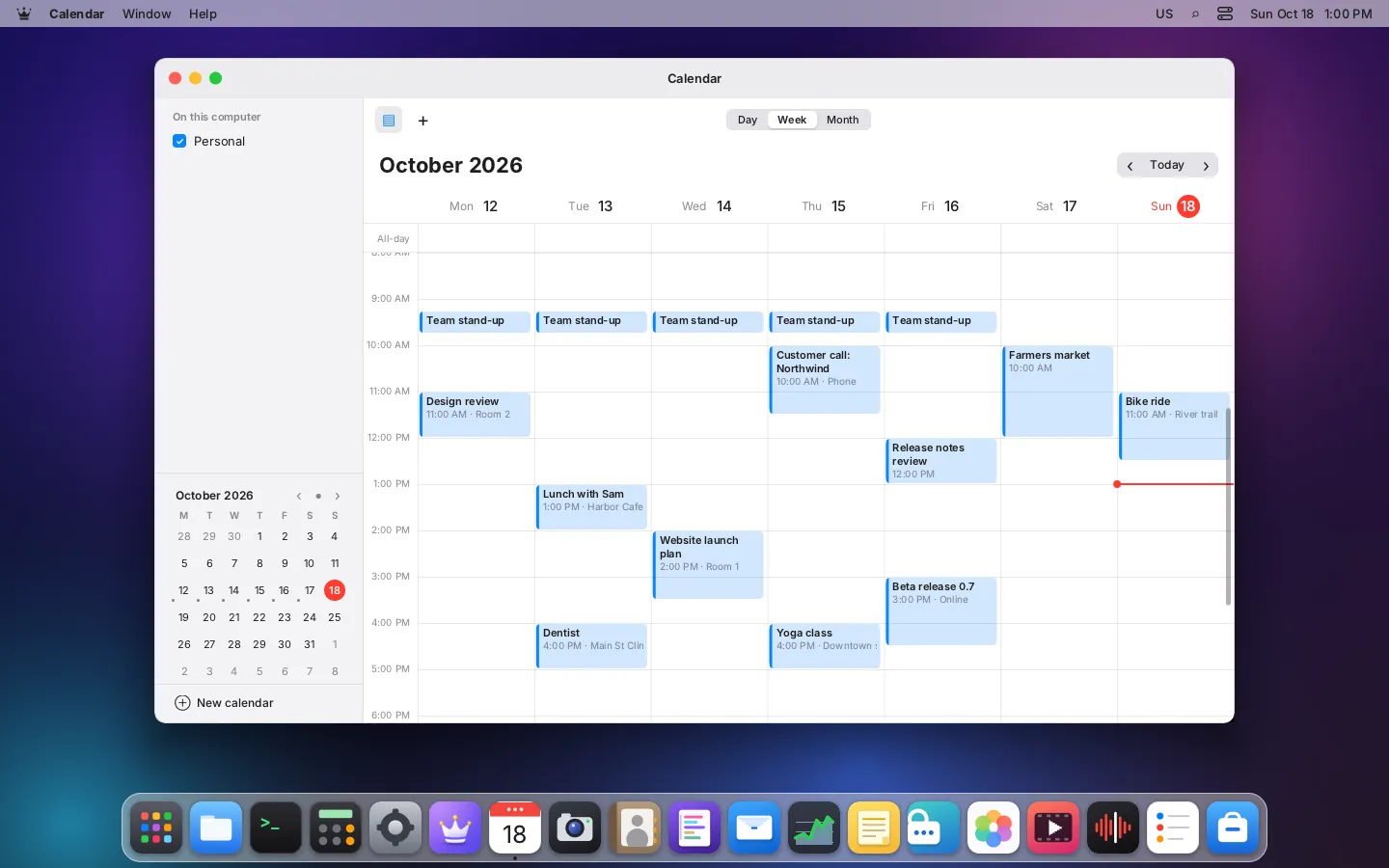
Day, week and month views of all your calendars
- Local and CalDAV calendars, each with its color
- Repeating events and alarms
- Alarms fire even with the app closed
- Accept invitations straight from Mail
Contacts
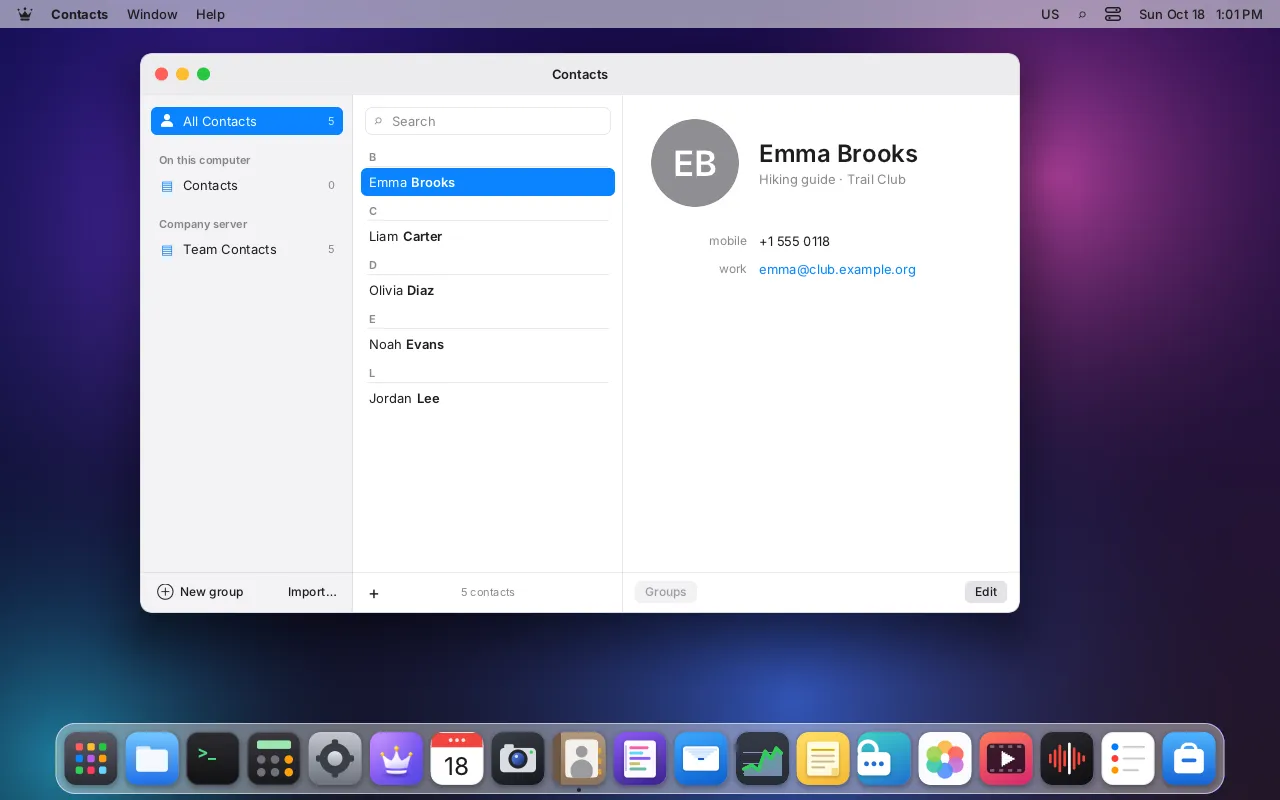
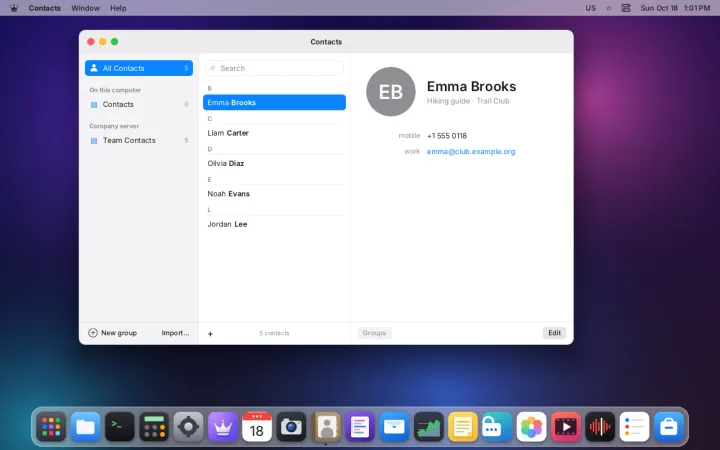
Address books, groups and contact cards
- Local and CardDAV address books
- Groups, photos and the usual vCard fields
- Import contacts from .vcf files
- Mail autocompletes addresses from it
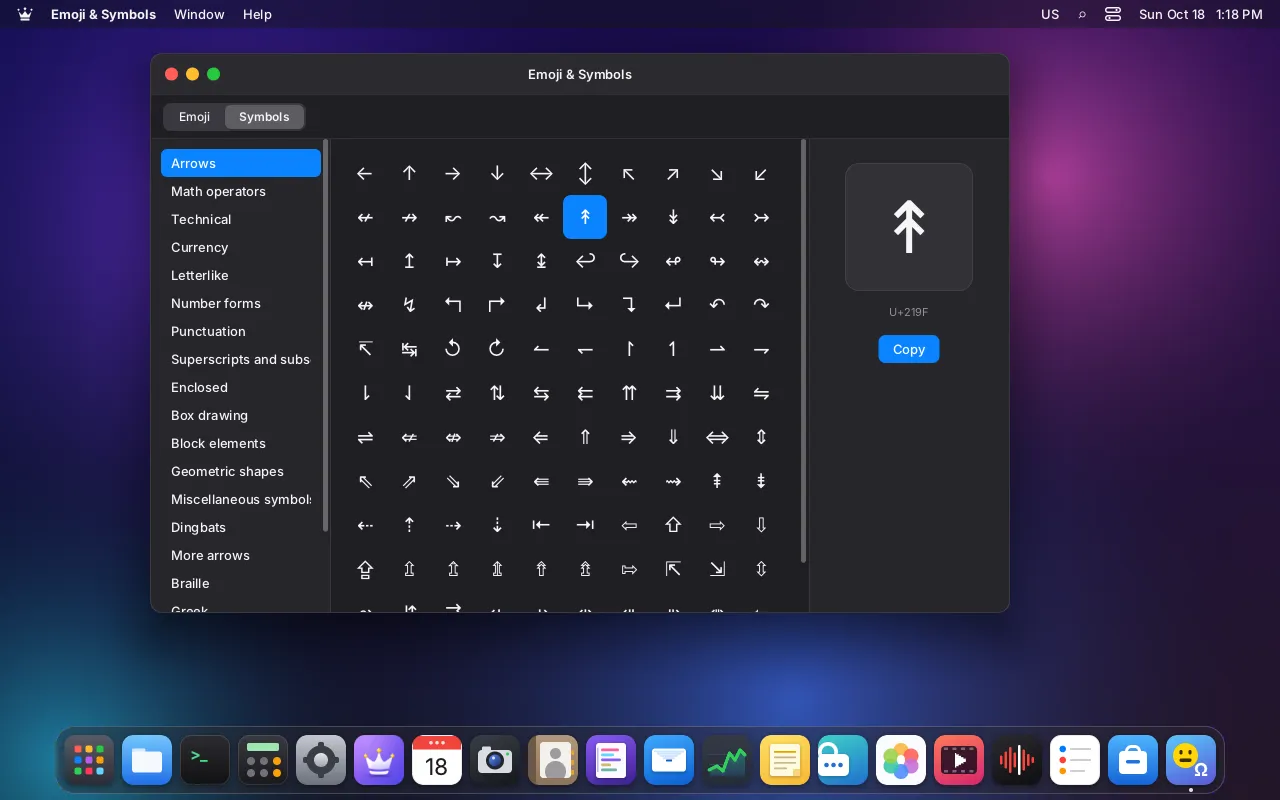
Emoji & Symbols
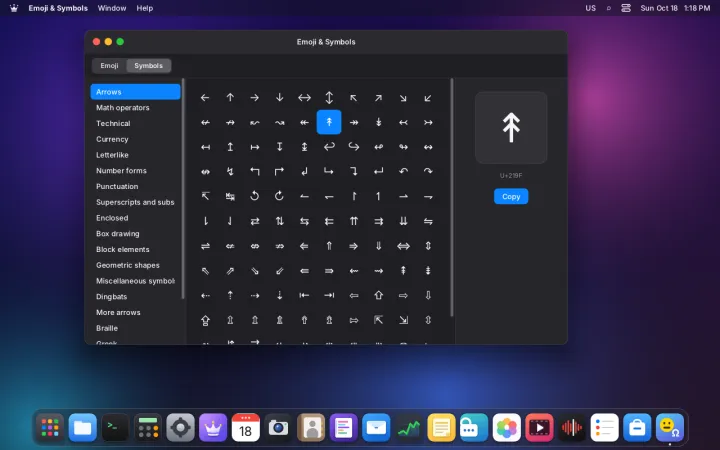
Every emoji and Unicode symbol, one click away
- Emoji by category, with search and skin tones
- Search in English, Spanish and Portuguese
- Unicode symbols by block: arrows, math, currency…
- Quick picker in any app with ❖.

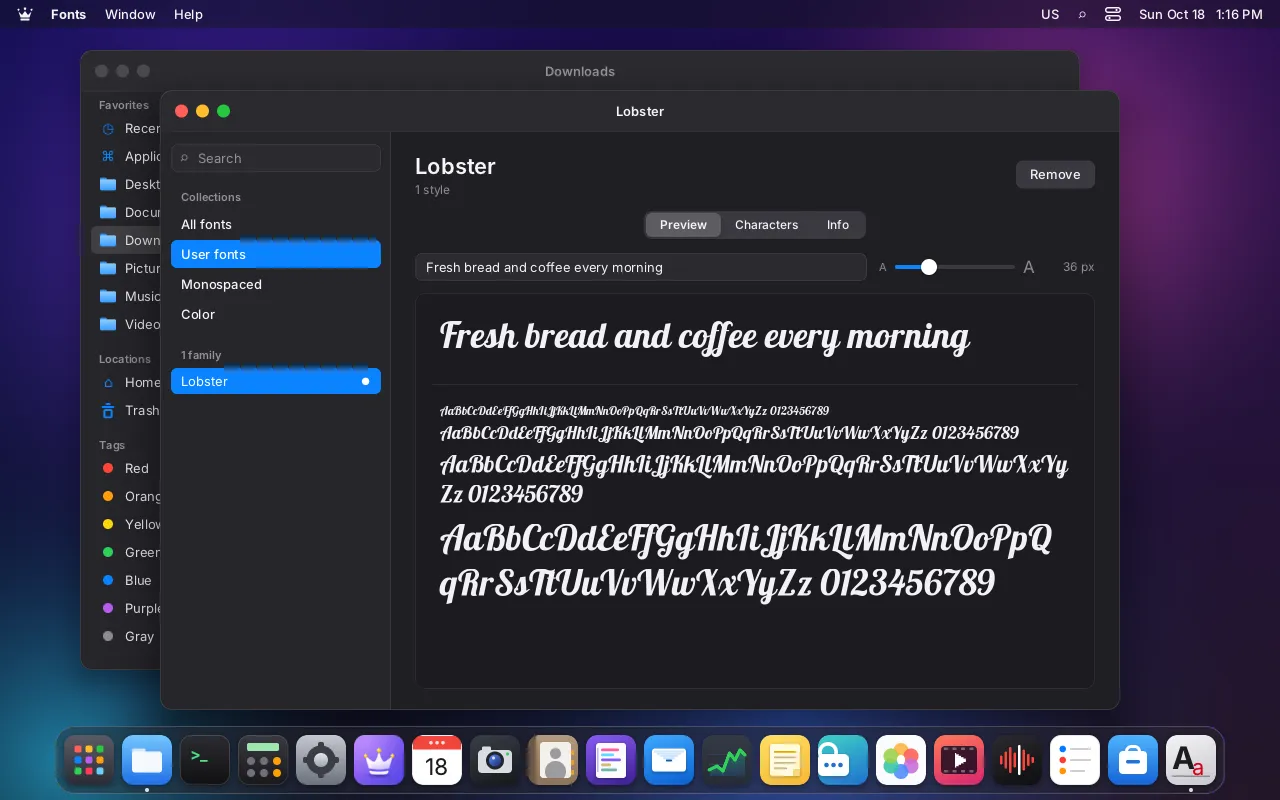
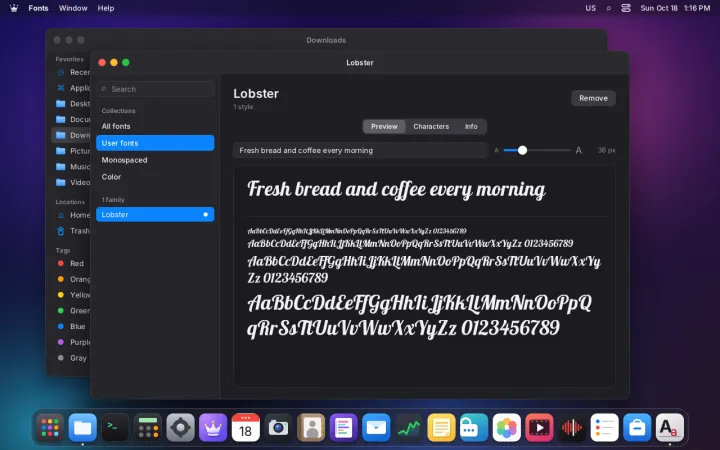
Fonts
Preview, install and remove fonts
- Sample any text from 8 to 120 px
- Character map by Unicode block
- Install .ttf, .otf and .ttc files from Files
- Collections: yours, monospaced and color

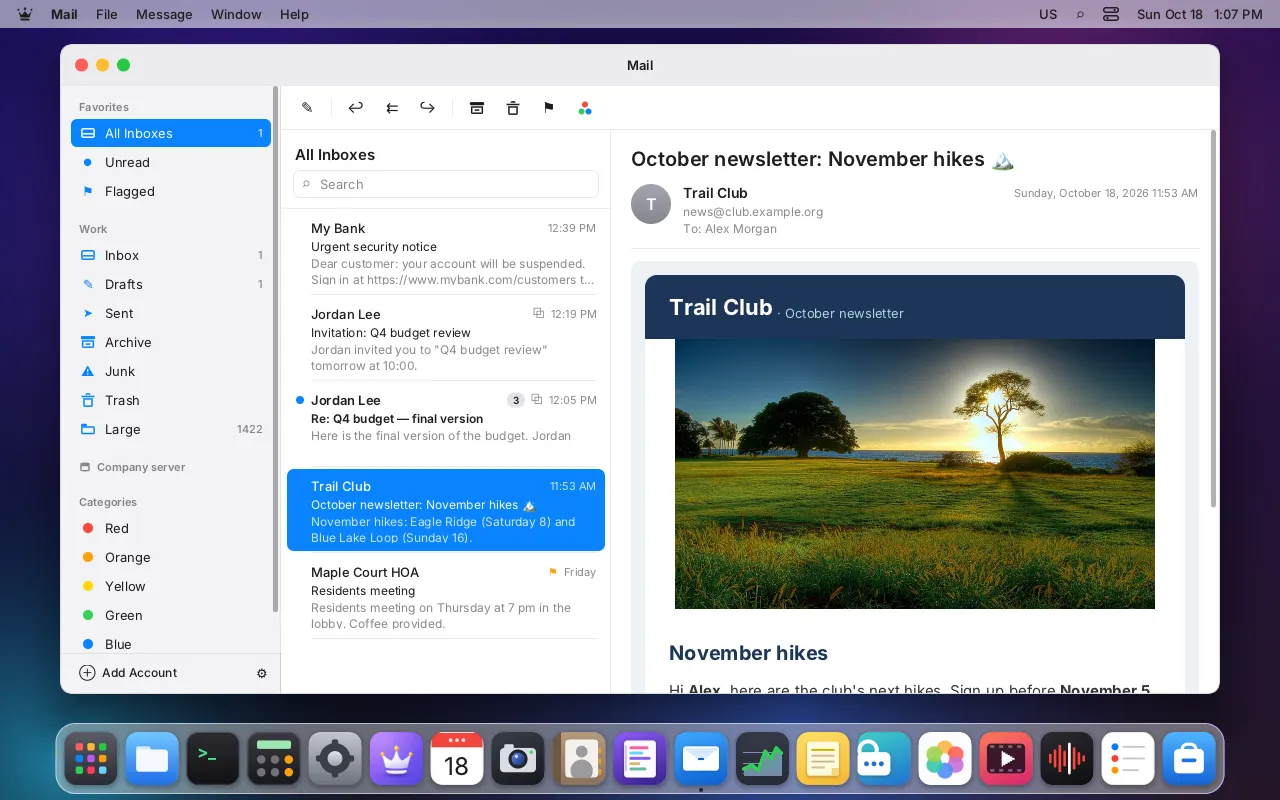
Mail
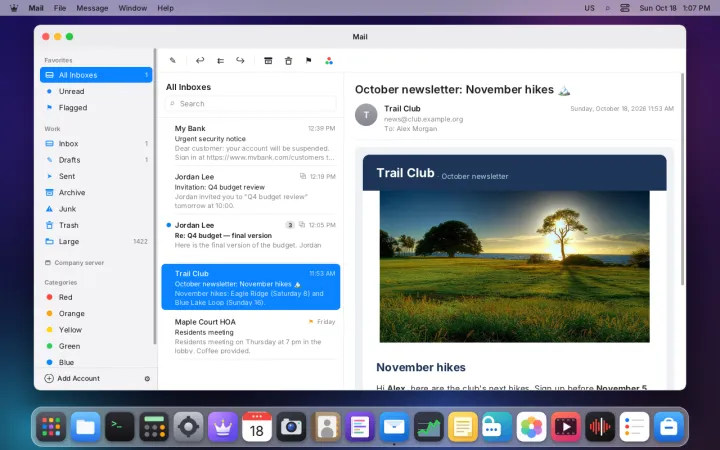
Your IMAP and SMTP accounts in one calm, safe inbox
- Any IMAP and SMTP account, with a unified inbox
- Conversations, flags and six color categories
- Offline cache and search
- Remote images blocked, deceptive links flagged
- Rich text or markdown, signatures and send later
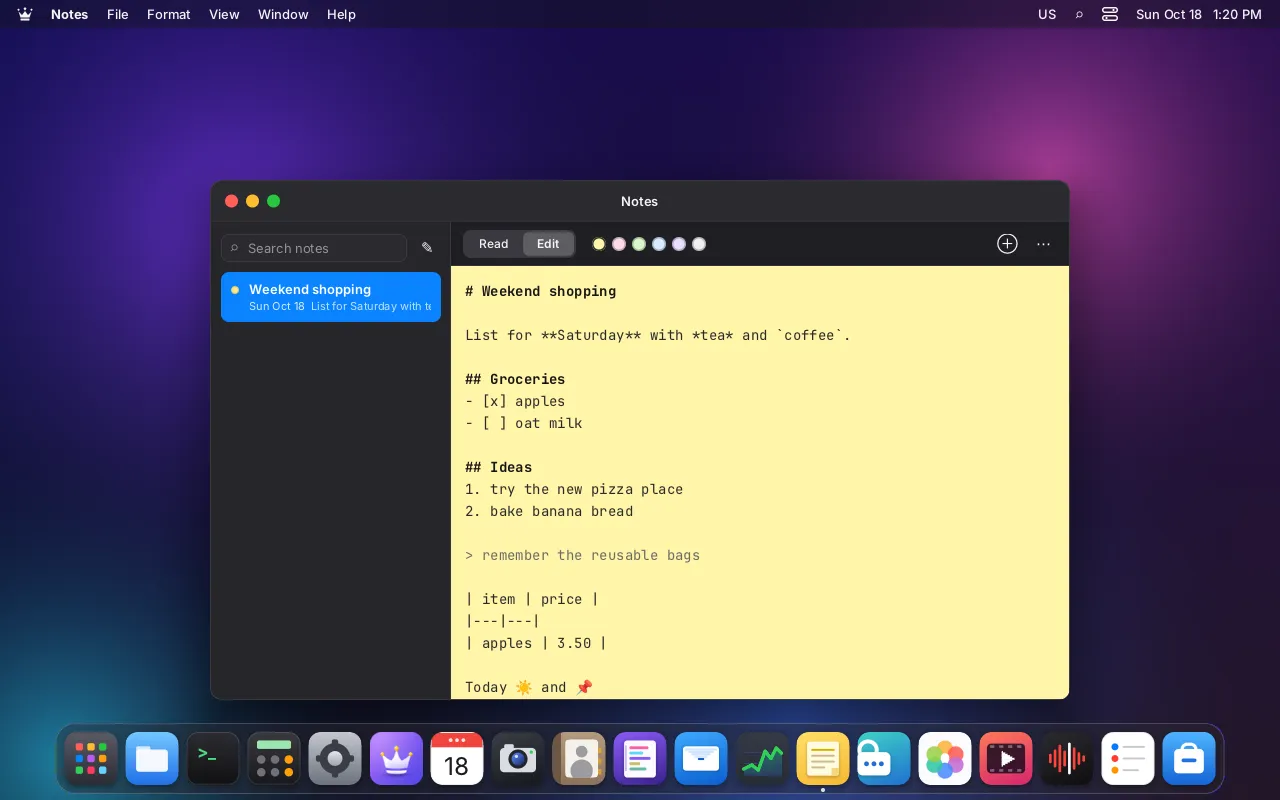
Notes
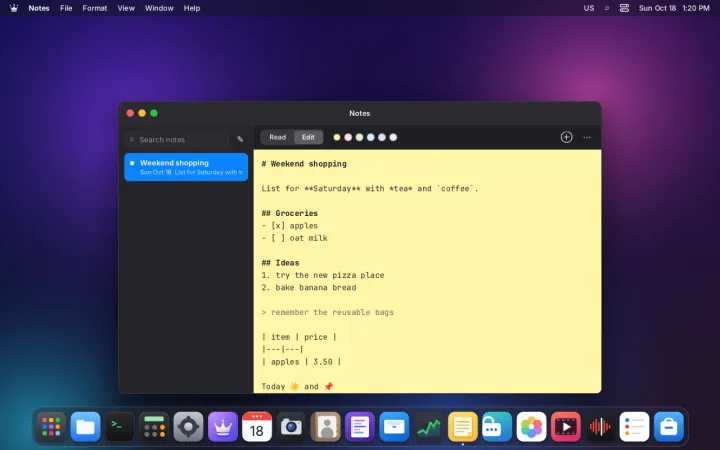
Markdown notes that can also live on your desktop
- Markdown with checkboxes, tables and an outline
- Images, attachments and emoji
- Pin notes to the desktop as sticky notes
- Plain files in your home folder
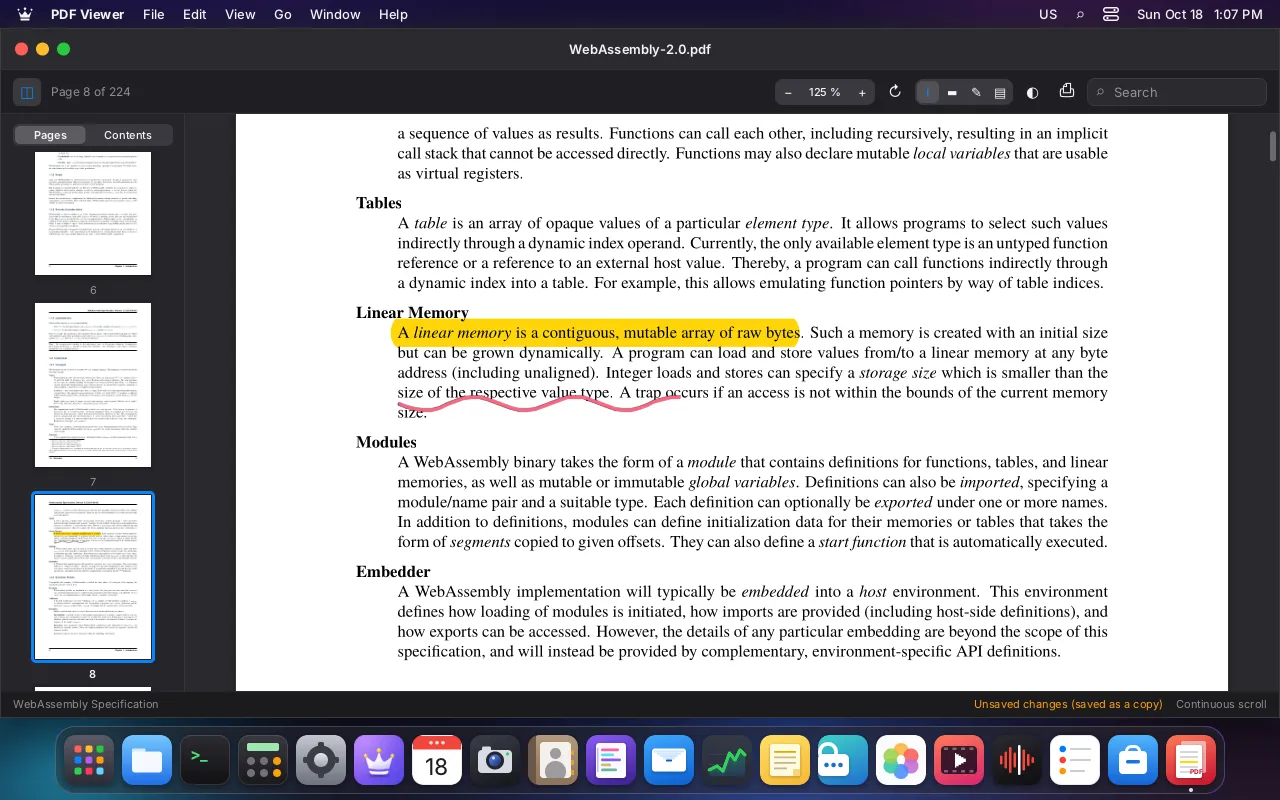
PDF Viewer
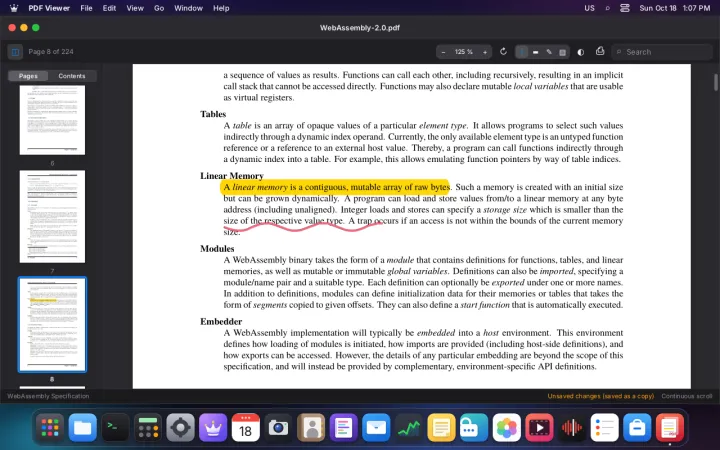
Read, search, annotate and fill in PDFs
- Thumbnails, outline and fast search
- Highlights, notes and freehand drawing
- Fill in forms
- Saves a copy: the original is never touched
- Print and password-protected files
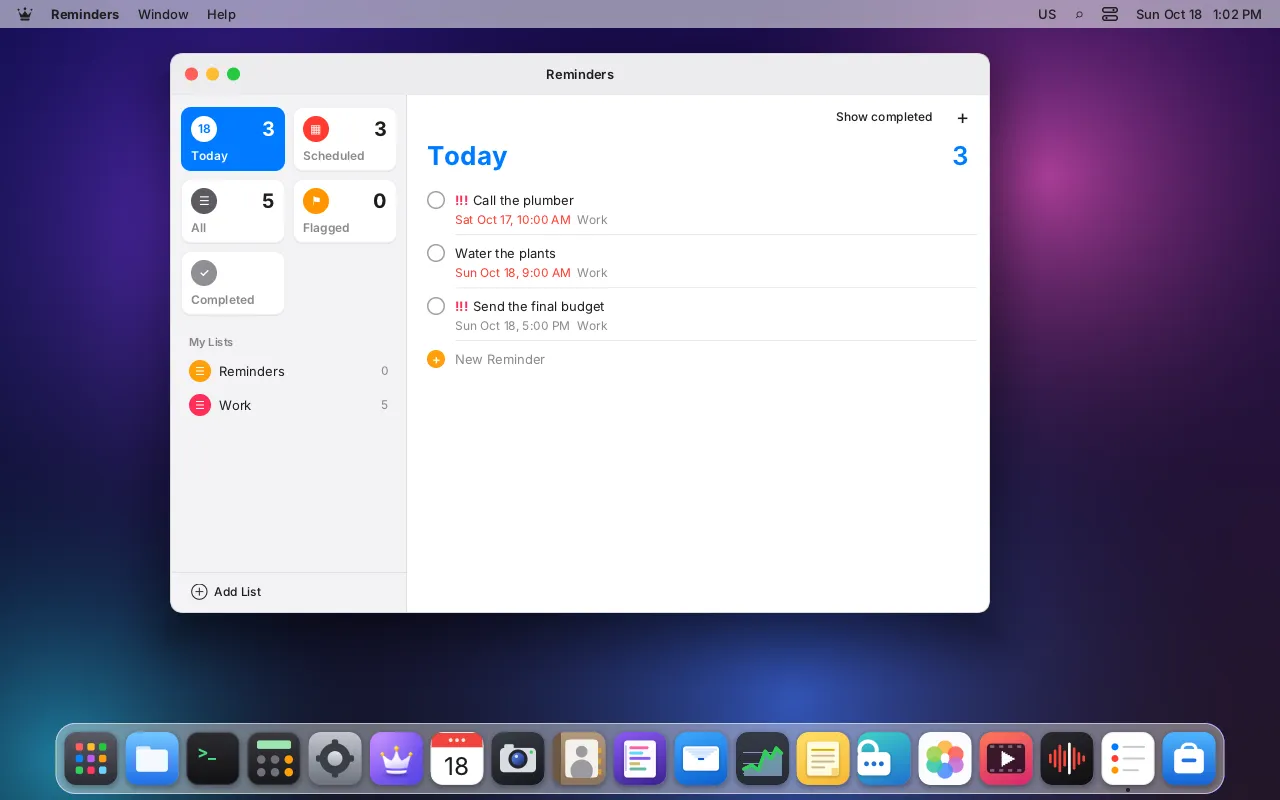
Reminders
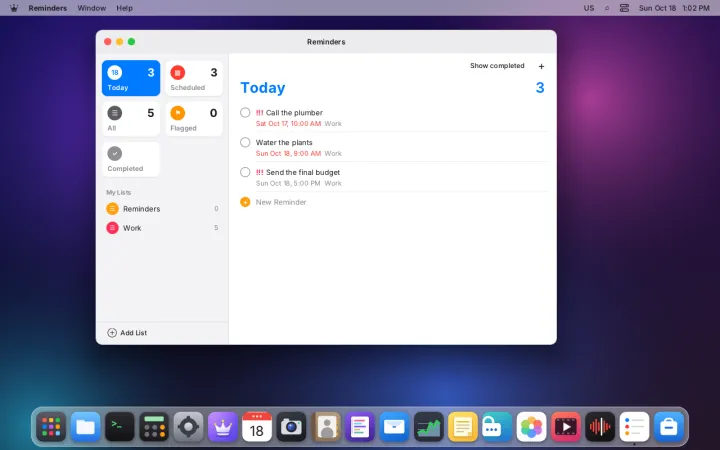
To-do lists with due dates, priorities and flags
- Lists with due dates, priorities and flags
- Today, Scheduled, Flagged and Completed views
- Syncs to-dos over CalDAV
- Alerts arrive even with the app closed
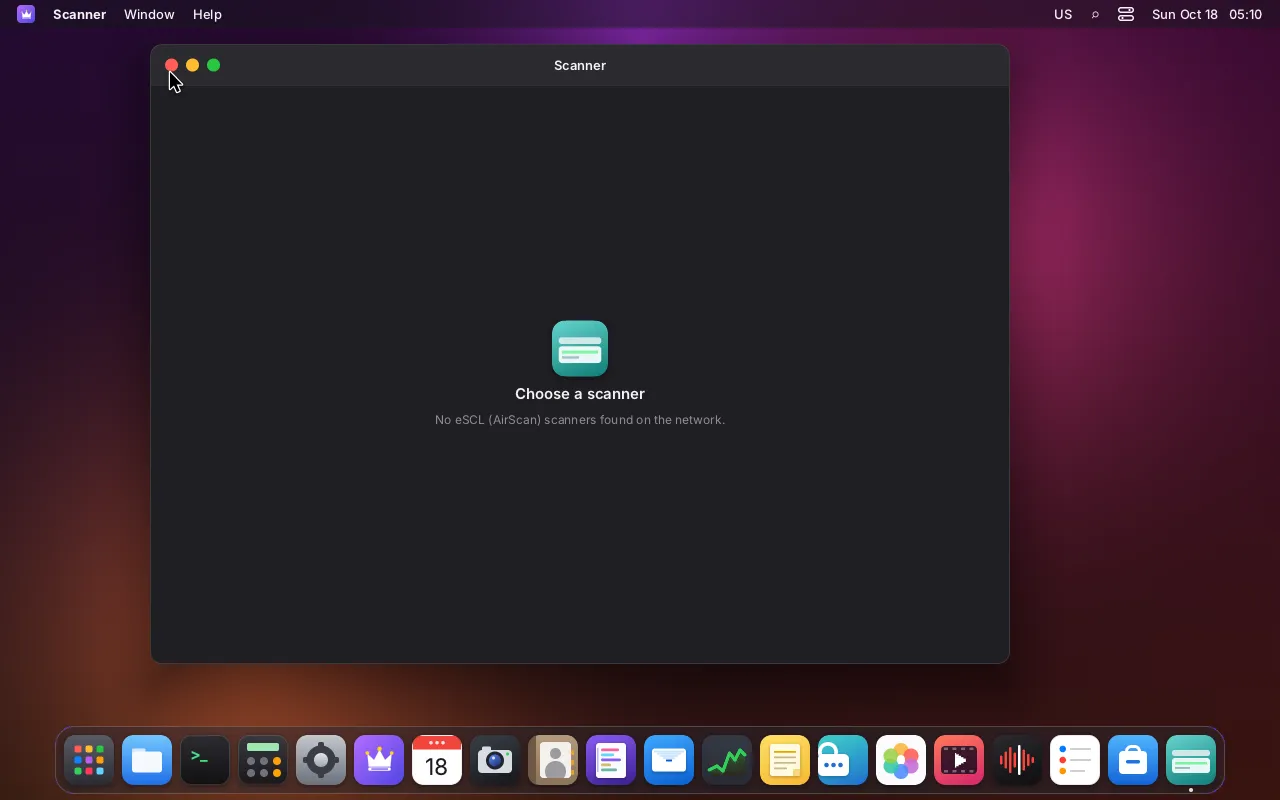
Scanner
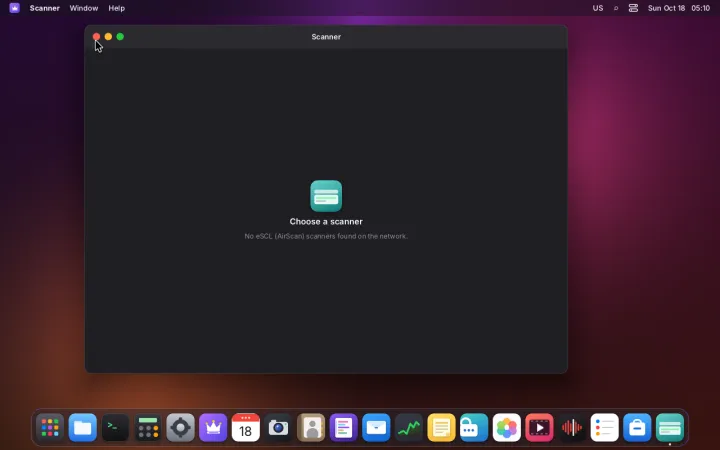
Scan from network scanners, no drivers needed
- Driverless network scanners (eSCL)
- Preview and drag to pick the area
- Choose resolution and color mode
- Save as PDF, PNG or JPEG
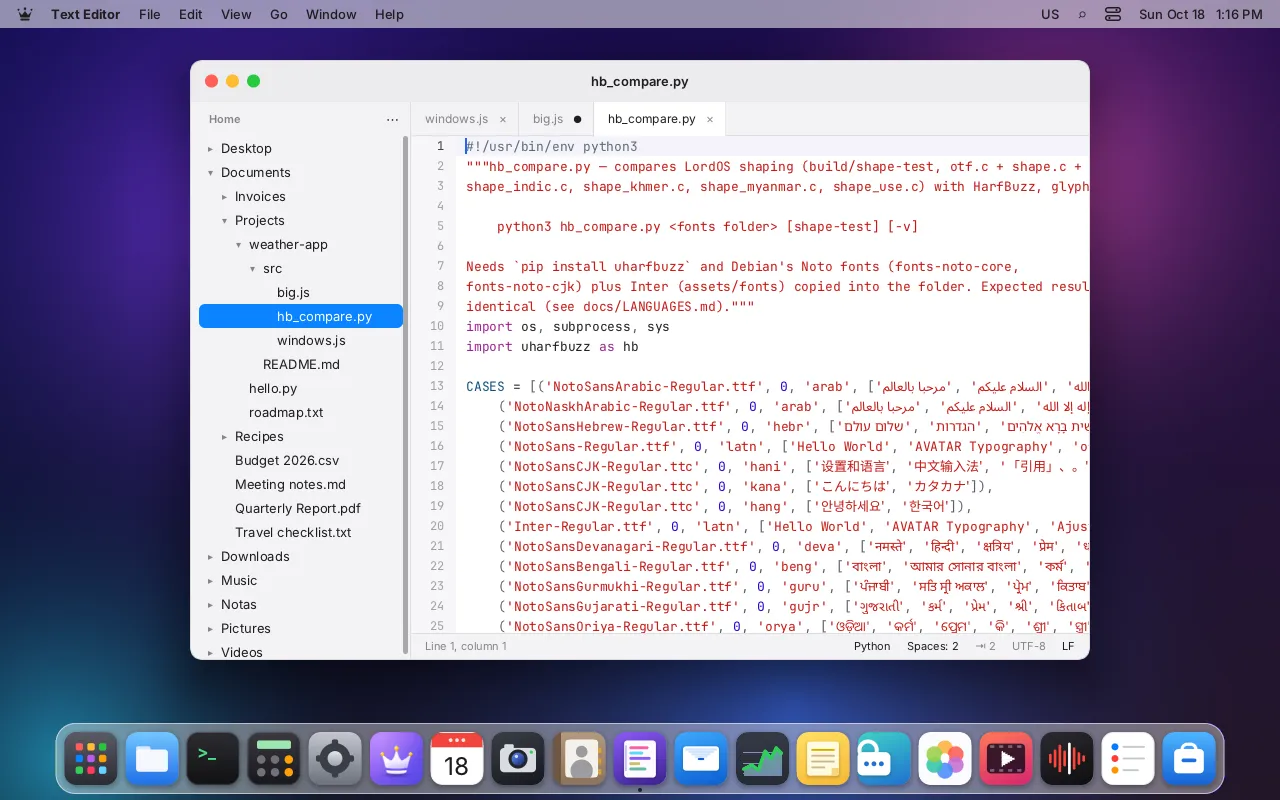
Text Editor
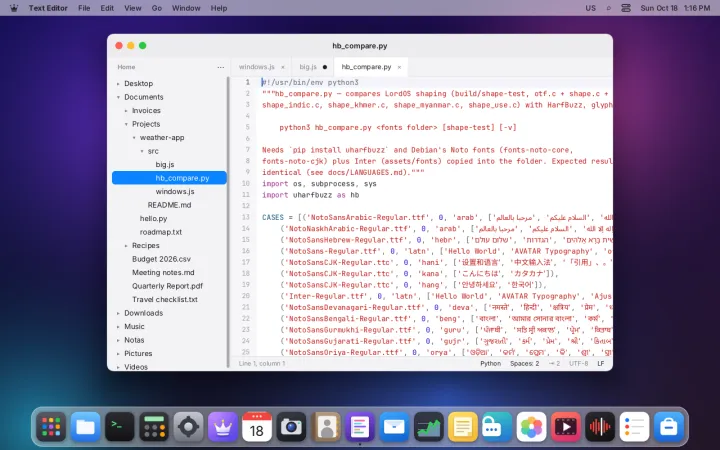
A fast code editor with projects, tabs and multiple cursors
- Project folder tree and tabs
- Multiple cursors and column selection
- Find and replace, with regular expressions
- Syntax highlighting for common languages
- Jump to any project file by typing a few letters
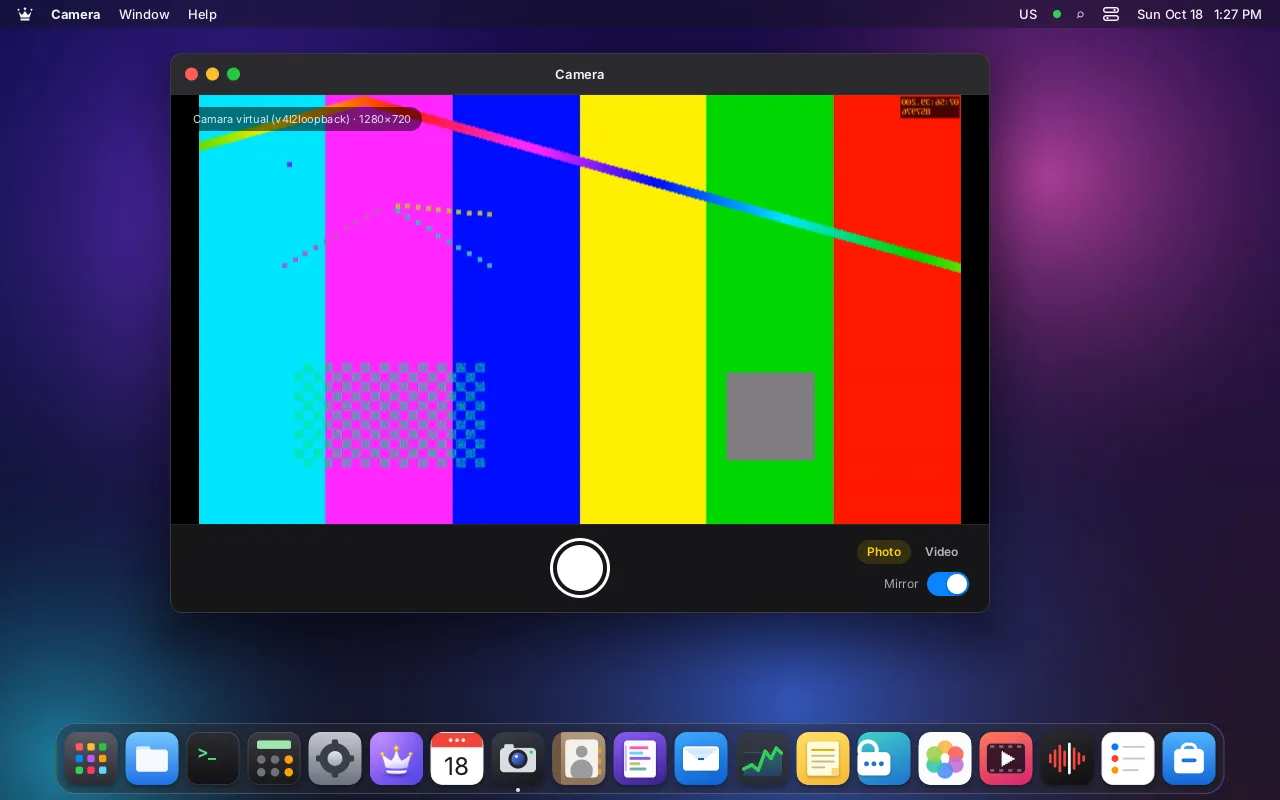
Camera
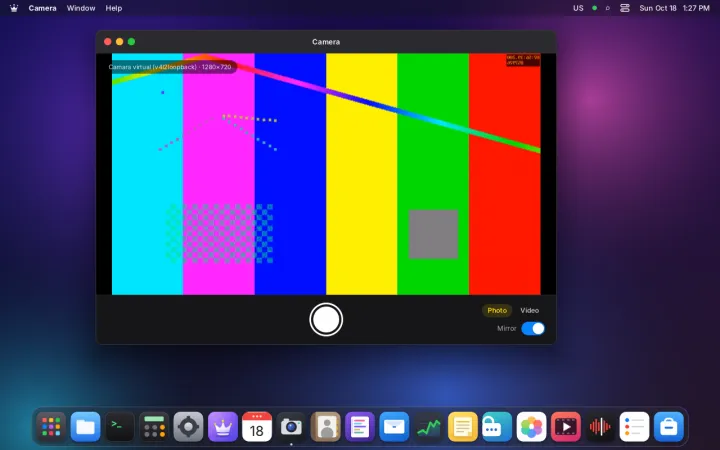
Take photos and videos with your webcam
- Live preview from any USB webcam
- Photos as JPEG, videos with sound
- Mirror the image and choose the camera
- Asks for permission before using the camera
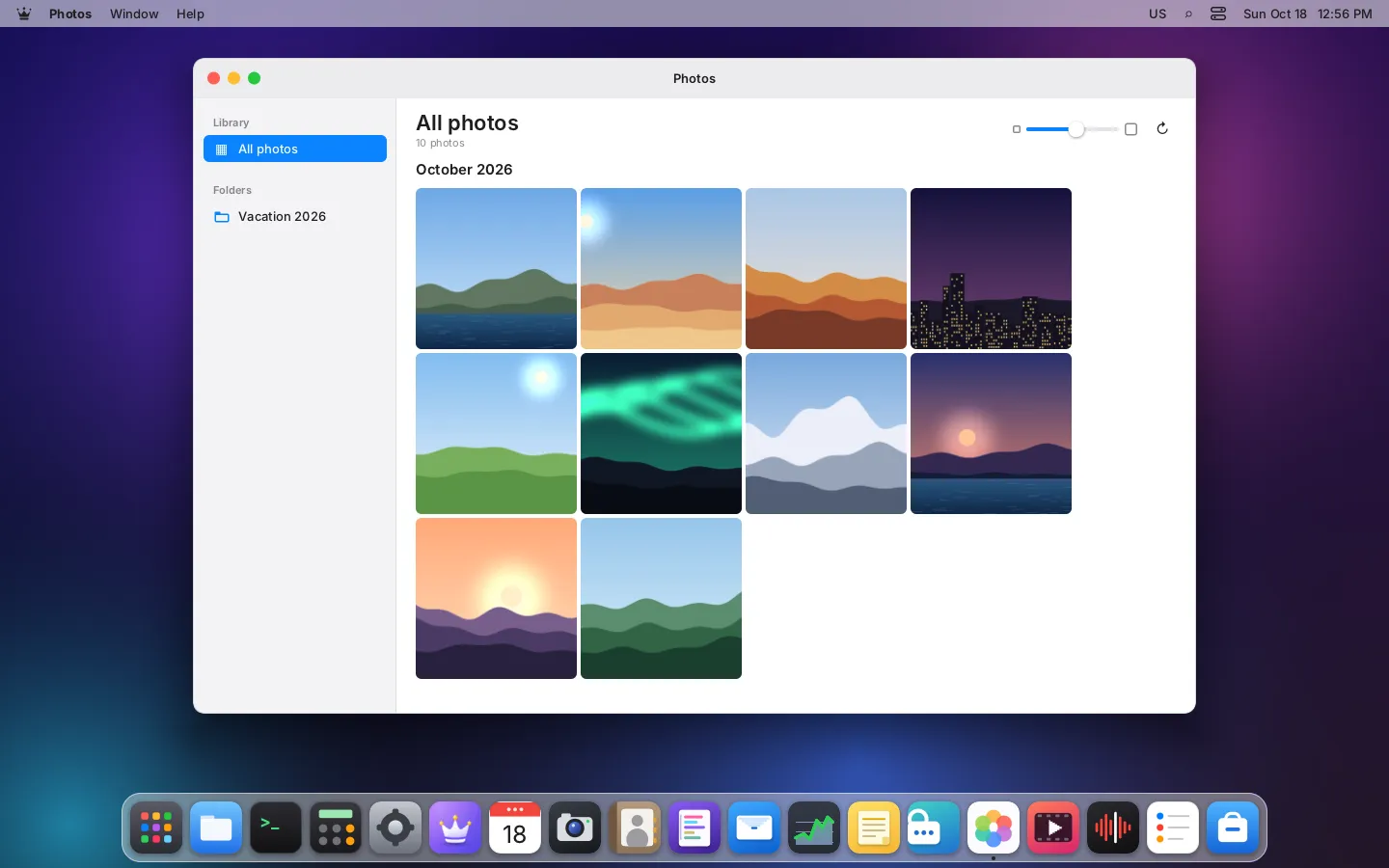
Photos
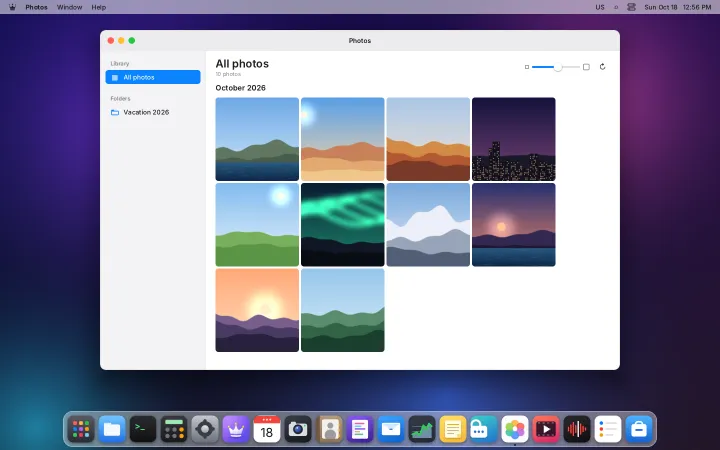
Your picture library, with a viewer and simple edits
- Library of your Pictures folder, by month
- Zoom, rotate, full screen and slideshow
- Crop, brightness and contrast, saved as a copy
- Animated GIF, WebP and more

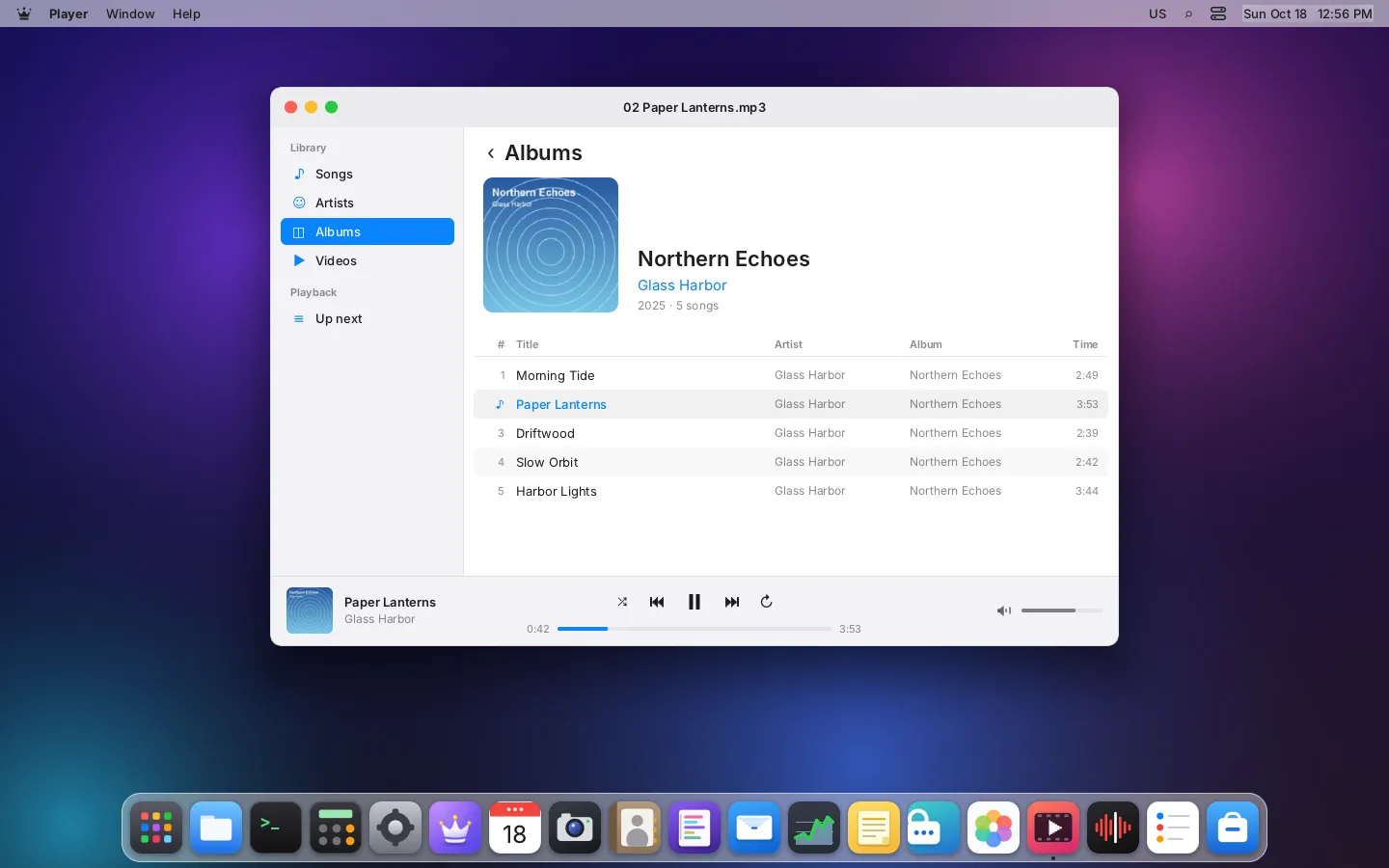
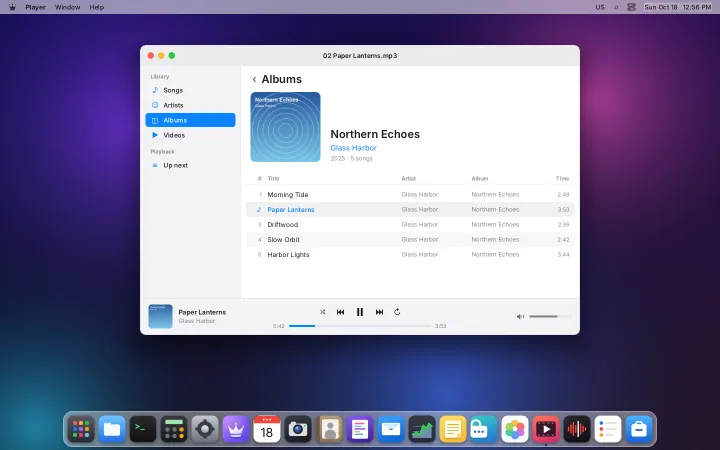
Player
Videos and music in one player
- Music library by artist and album, with covers
- Queue, shuffle and repeat
- Subtitles from .srt files or inside the video
- Full screen and picture in picture
- Media keys work everywhere
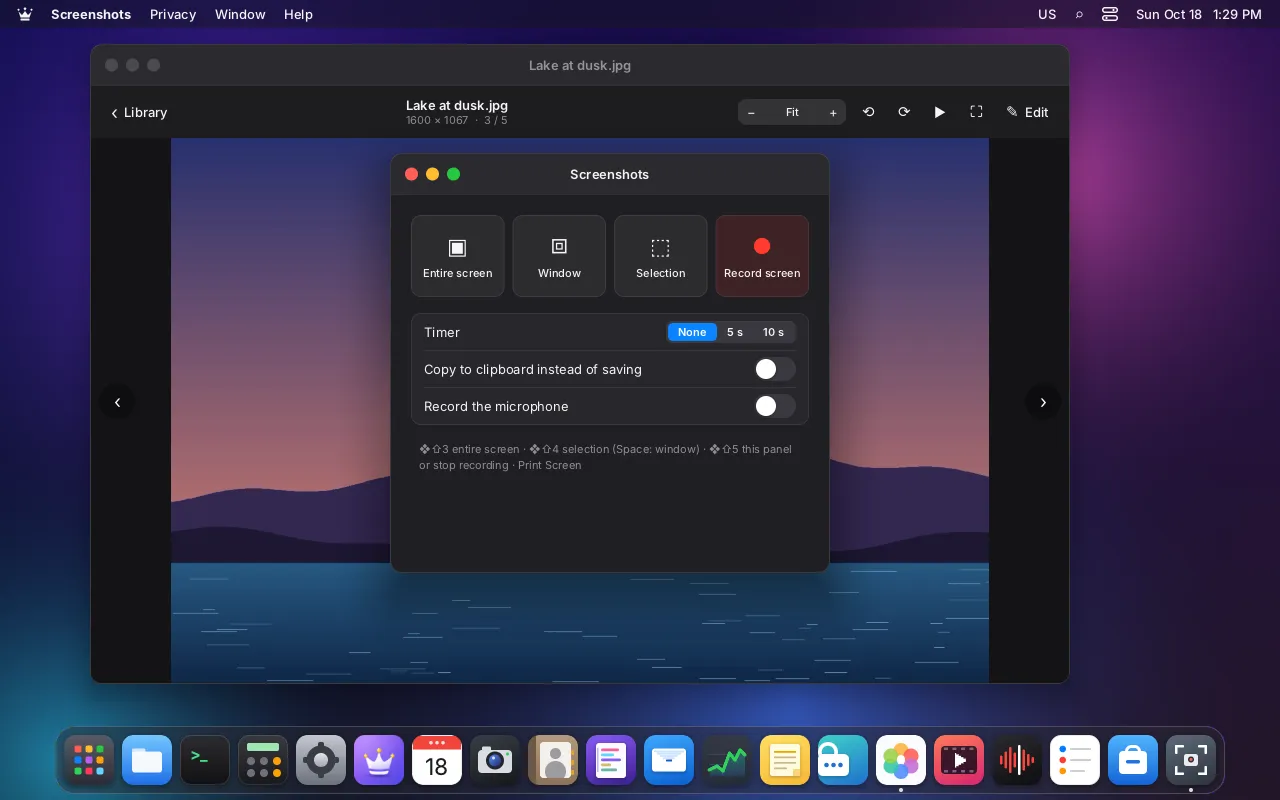
Screenshots
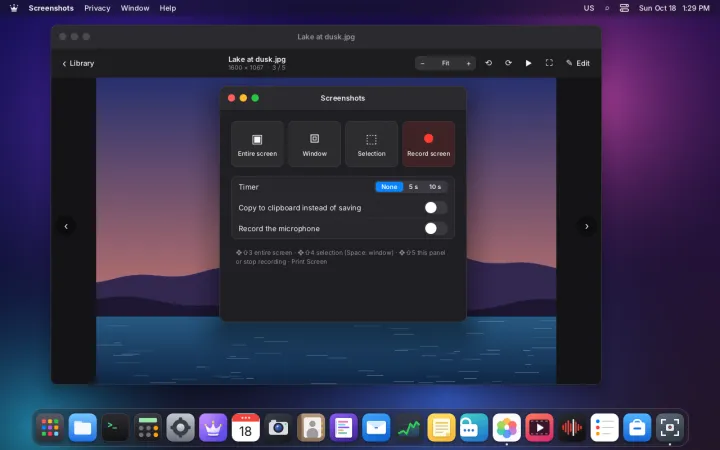
Capture and record your screen
- Entire screen, a window or an area
- Timer, or copy straight to the clipboard
- Annotate with arrows, boxes, text and blur
- Record the screen to MP4, with optional microphone
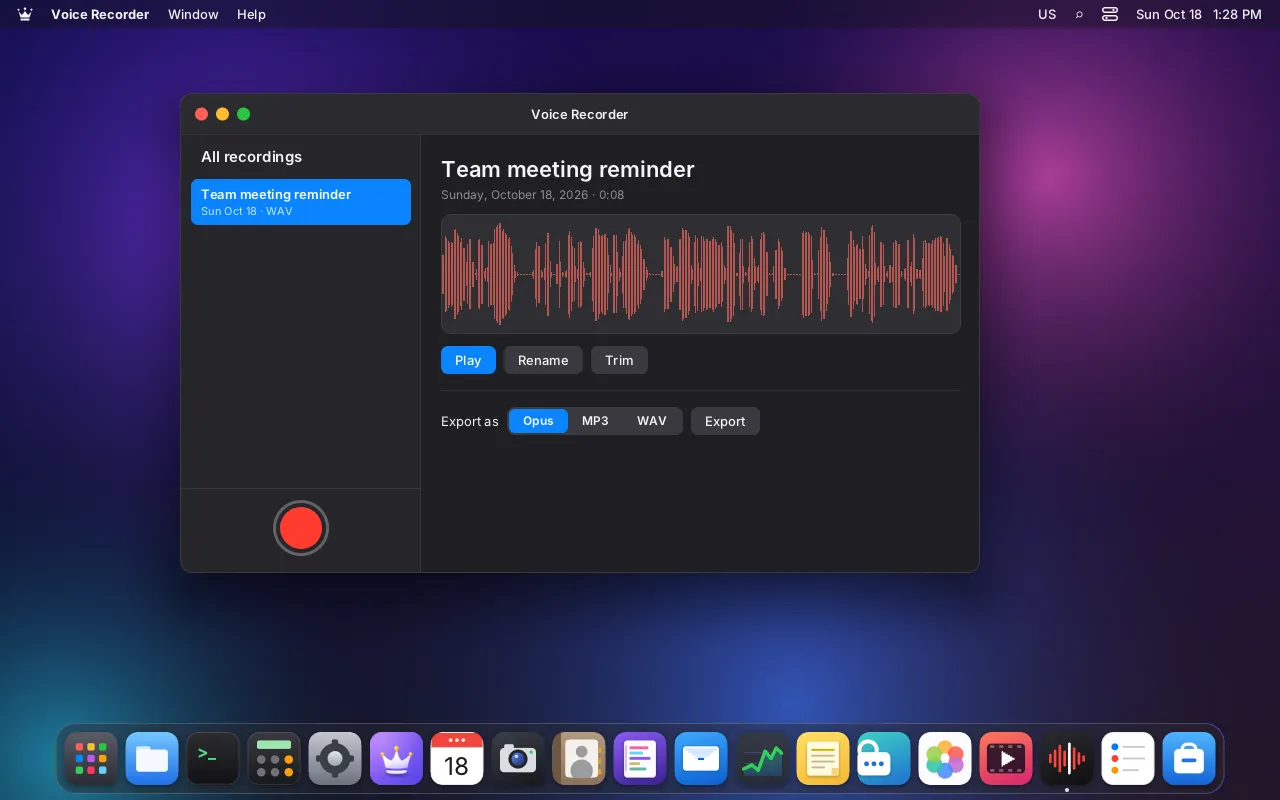
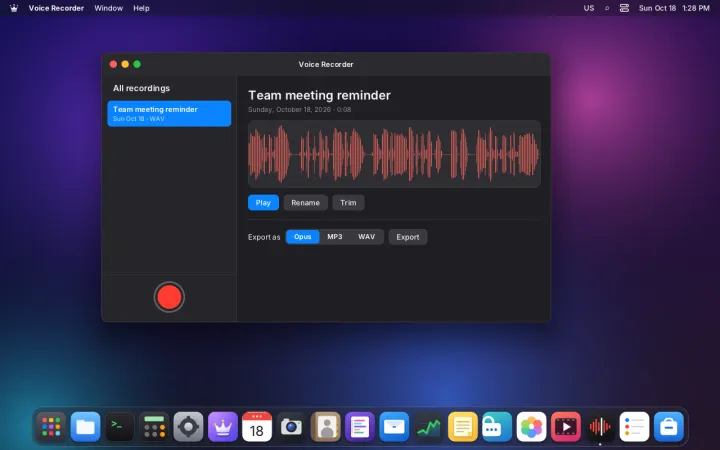
Voice Recorder
Record voice memos in a click
- Record from the microphone, with a live waveform
- Rename and trim recordings
- Export to Opus, MP3 or WAV
System
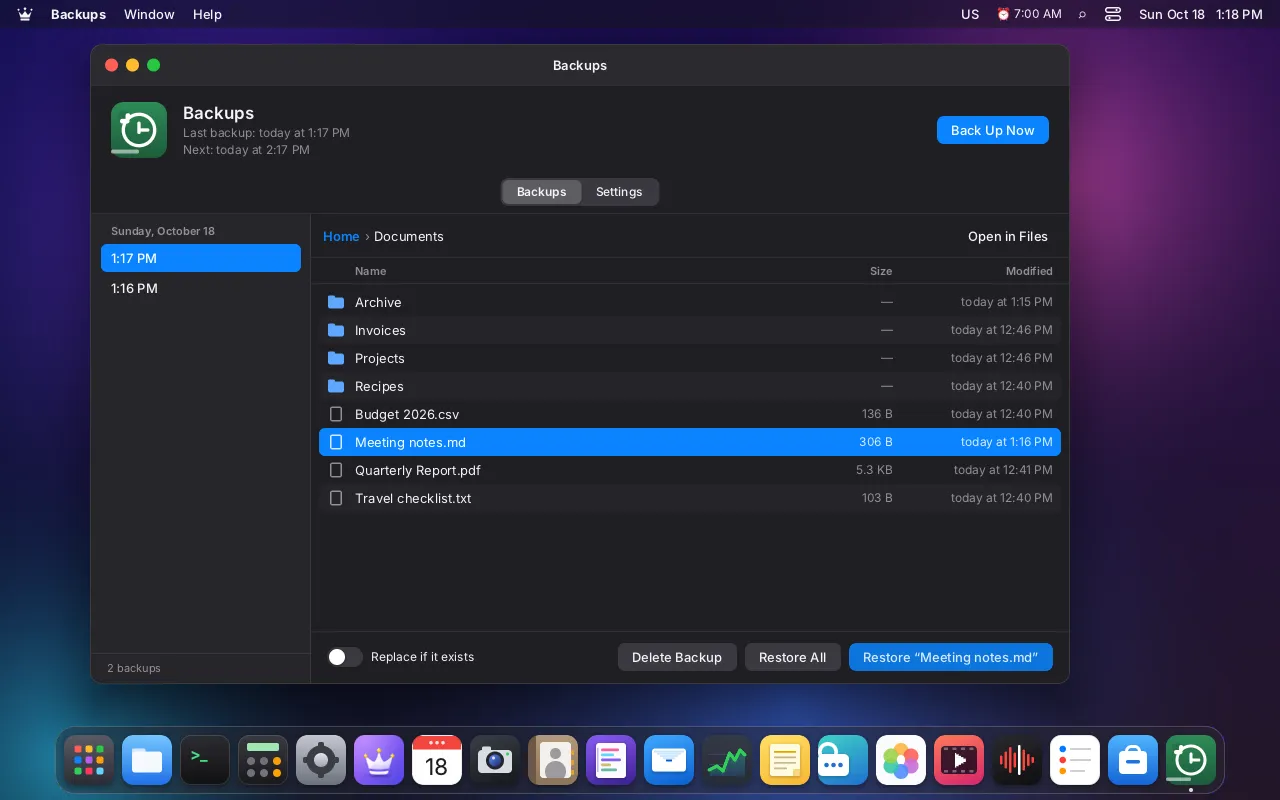
Backups
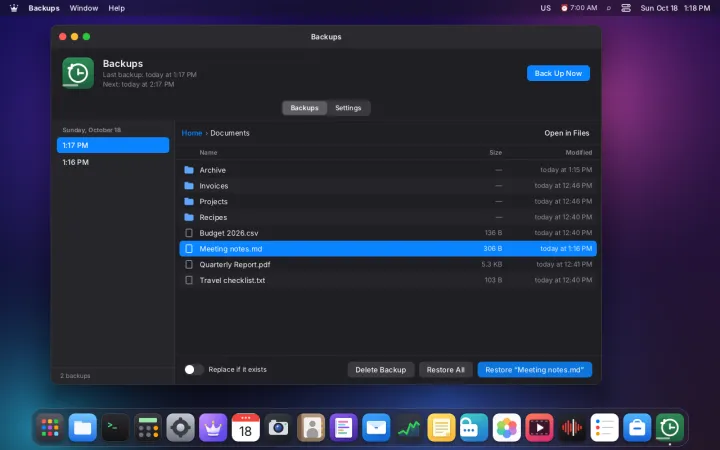
Scheduled backups of your home folder
- Back up to an external disk or a folder
- Runs on a schedule, with exclusions
- Browse backups by date and restore files
- Optional encryption
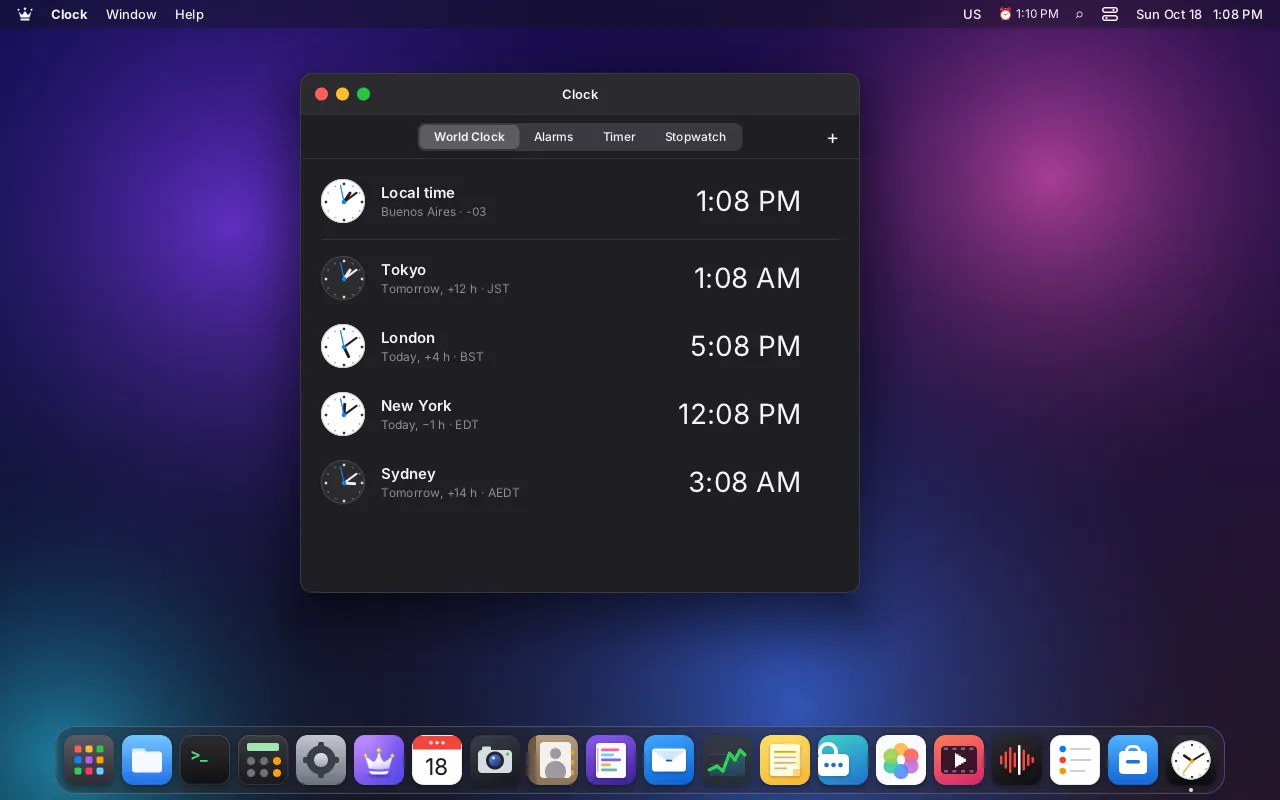
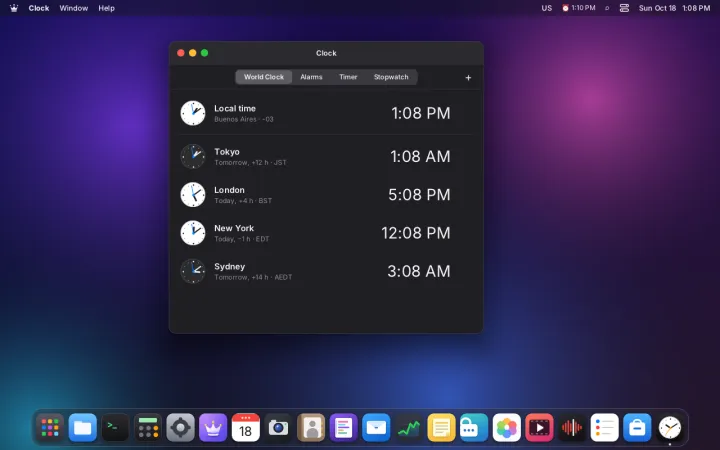
Clock
World clock, alarms, timer and stopwatch
- The time in any city of the world
- Alarms that ring even with the app closed
- Timer with presets, pause and resume
- Stopwatch with laps
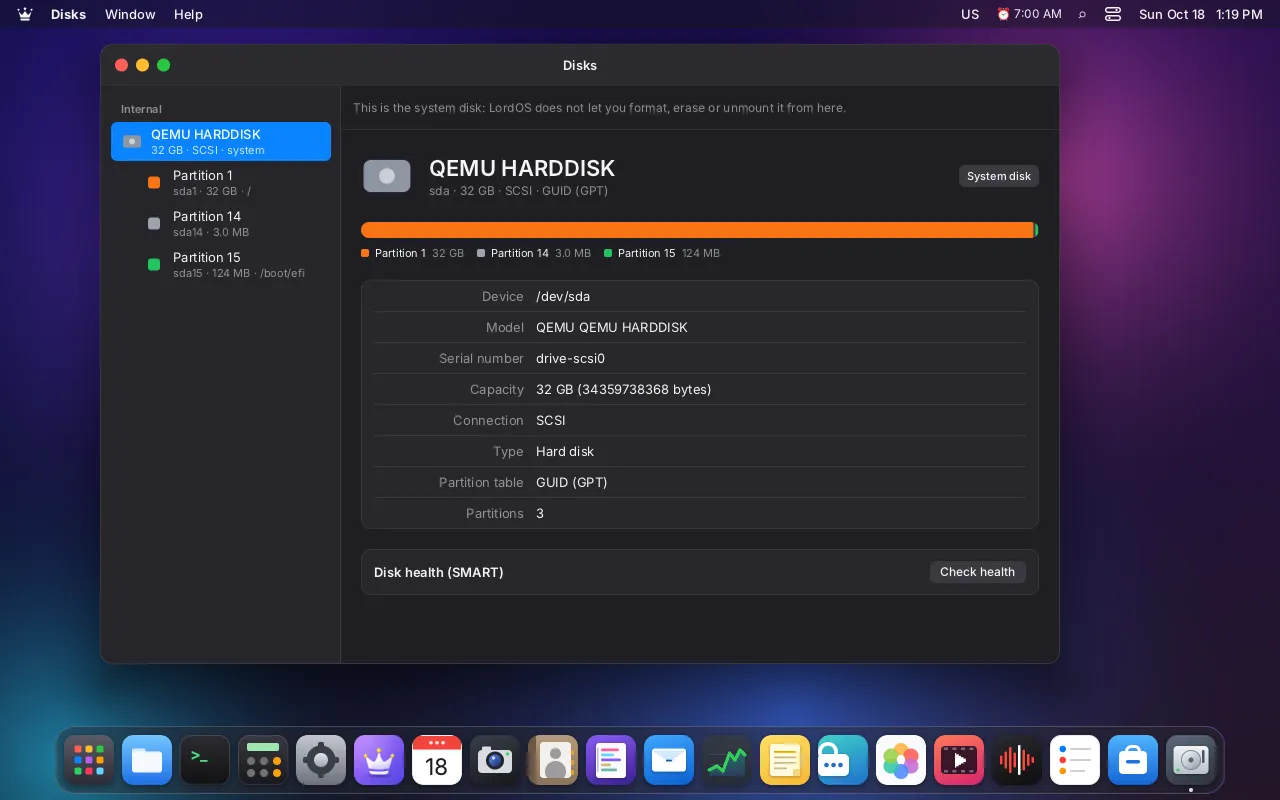
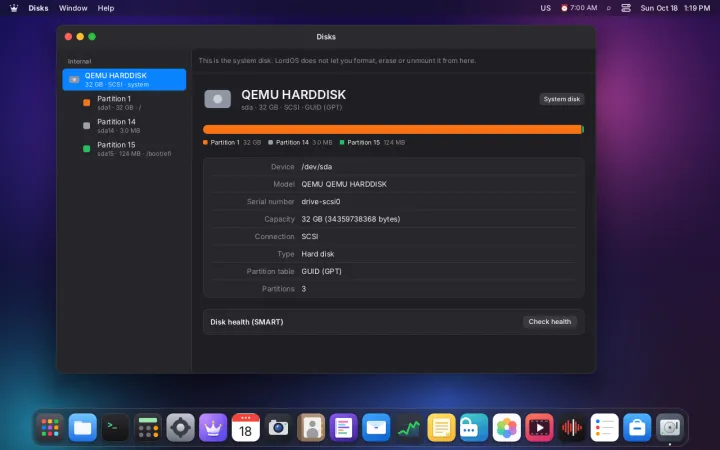
Disks
Manage disks and USB sticks safely
- Usage, partitions and disk details
- Disk health (SMART)
- Mount, format and erase
- Create a bootable USB, verified after copying
- The system disk is protected from mistakes
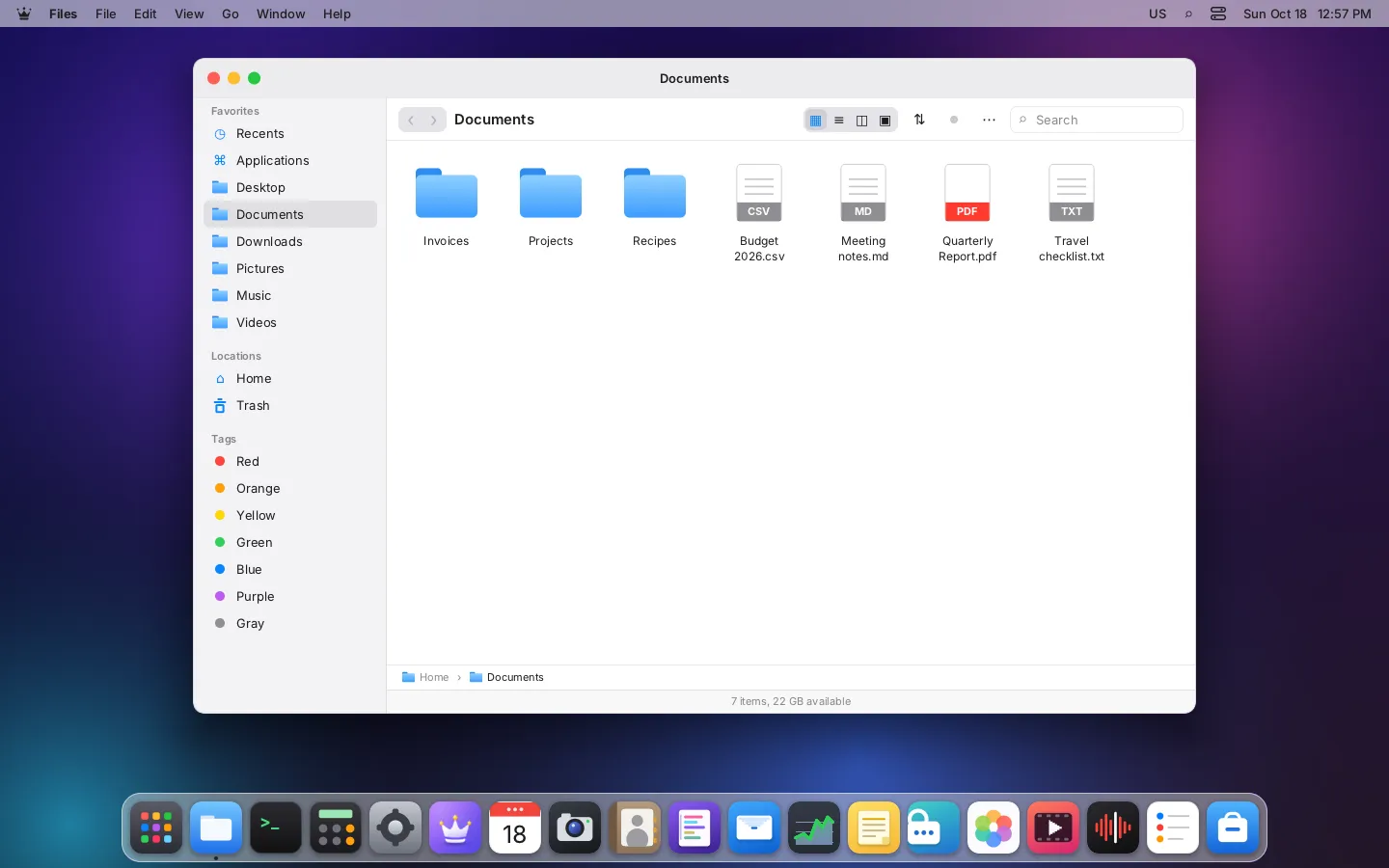
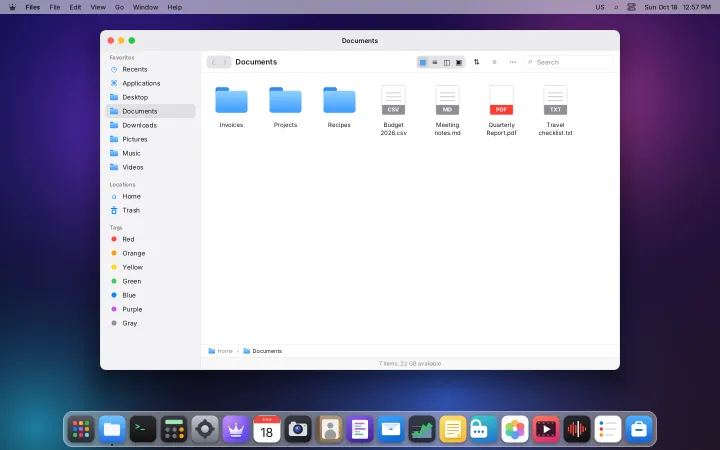
Files
Browse your home folder, disks and USB sticks
- Tabs and four views: icons, list, columns, gallery
- Quick Preview with the Space bar
- Color tags, search and Recents
- Trash with restore
- Compress and extract archives

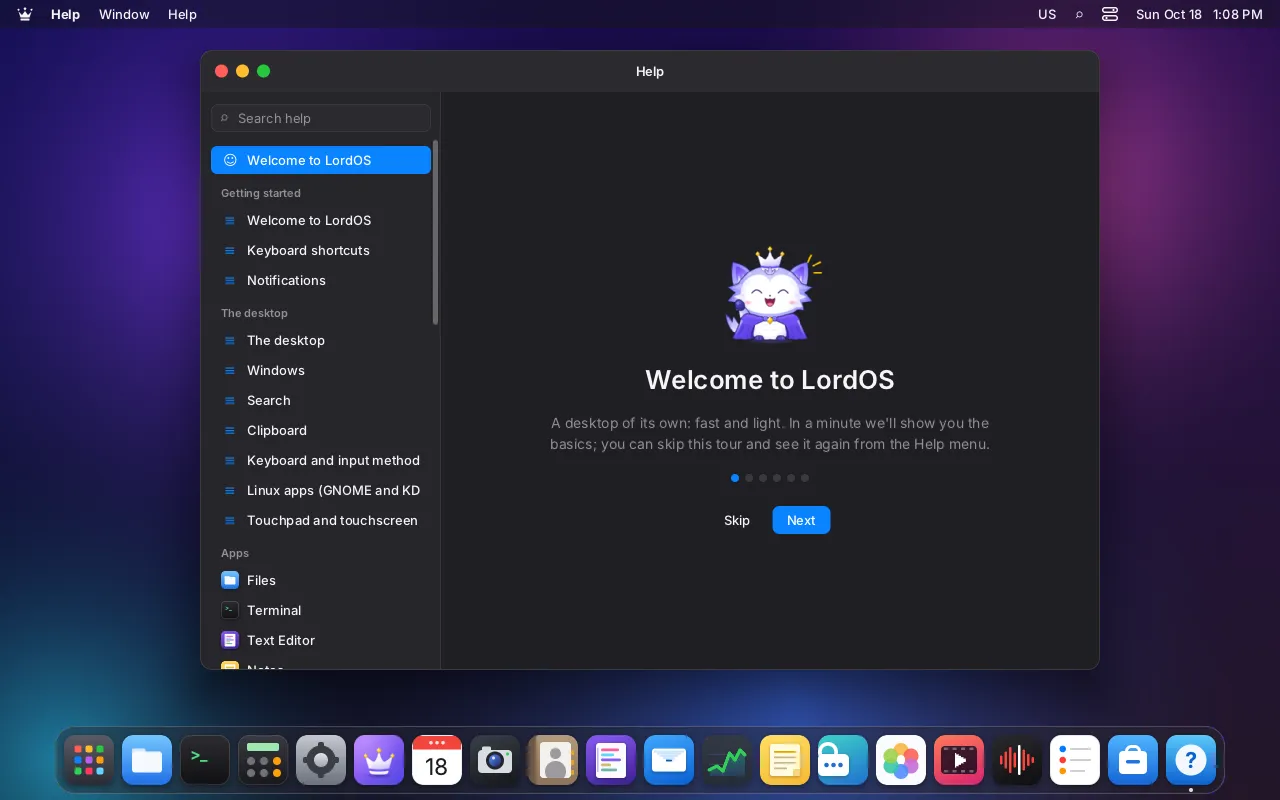
Help
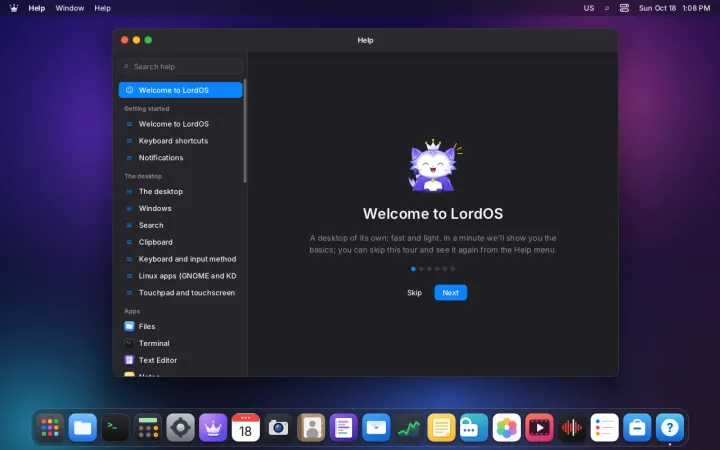
Help and tips for every part of LordOS
- Articles for every app and feature
- Search across titles and text
- Links that open the right app or setting
- A welcome tour for your first steps
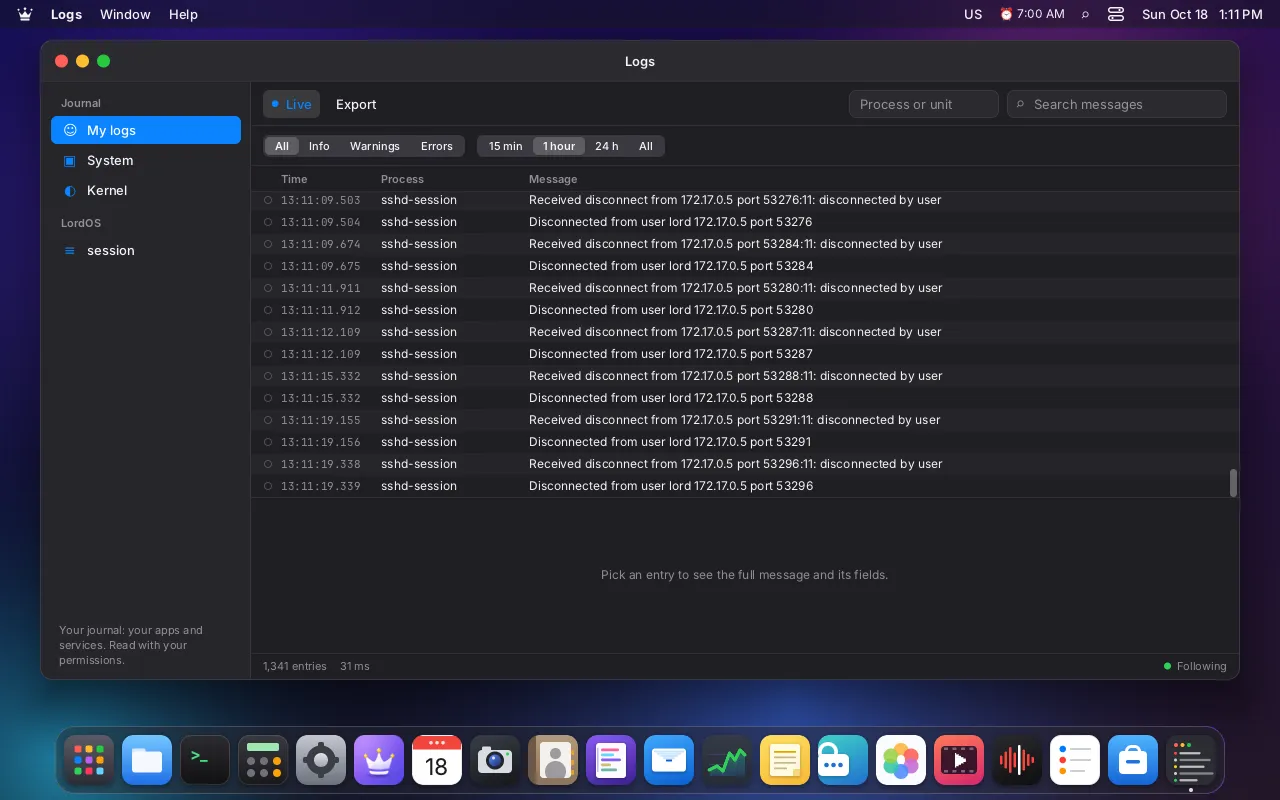
Logs
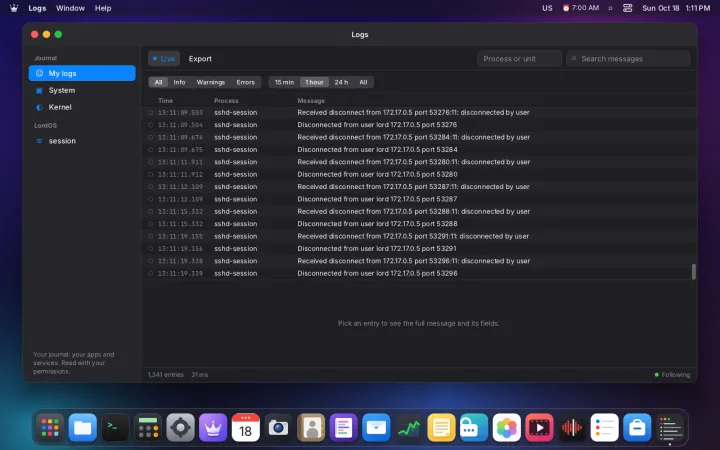
Read system, app and LordOS logs
- Your logs, system, kernel and LordOS
- Filter by level, time, process or text
- Follow new entries live
- Export the filtered view as text
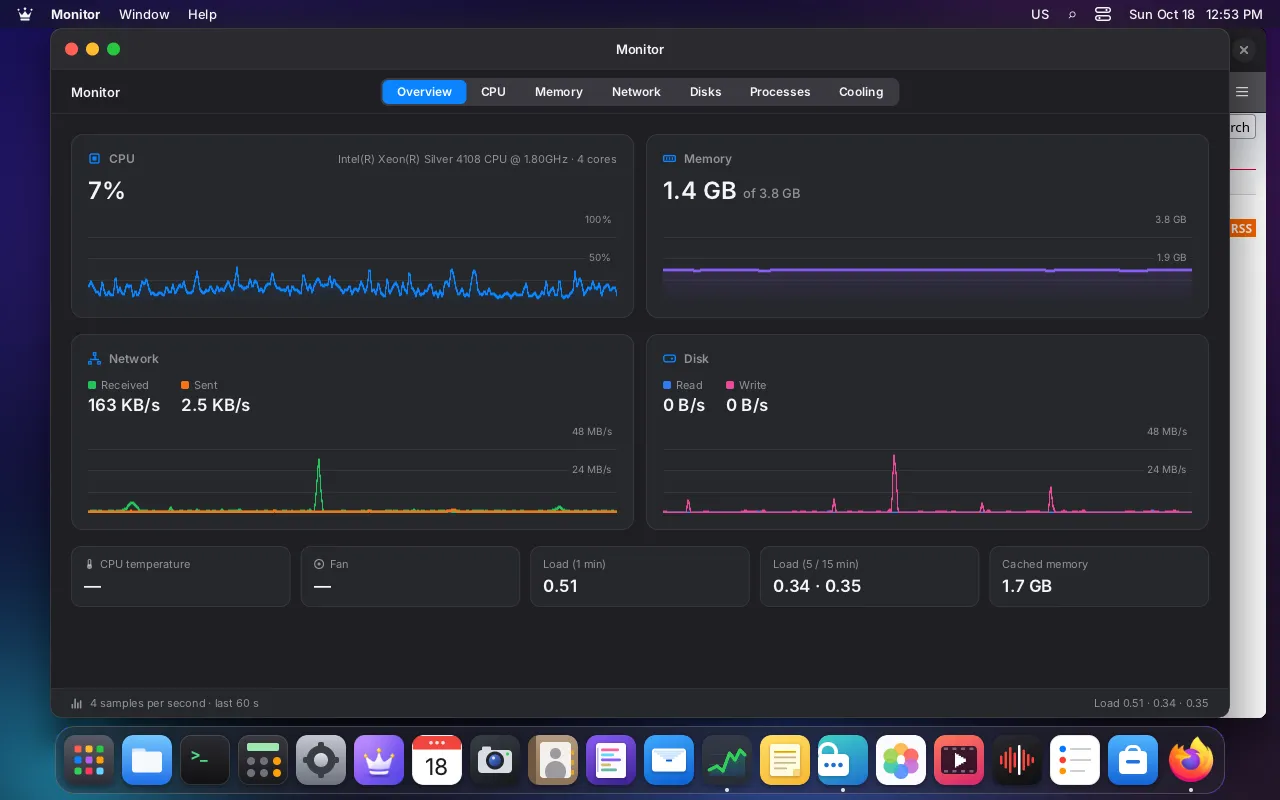
Monitor
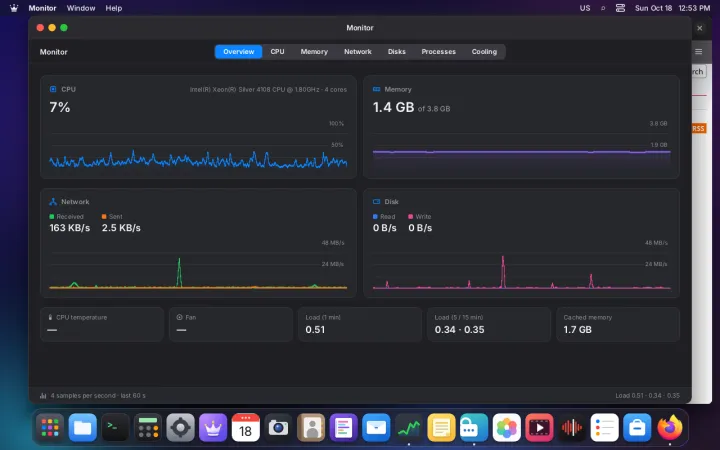
See what your computer is doing, and who it talks to
- Live CPU, memory, network and disk charts
- Processes you can sort and search
- Each app's connections on a world map
- Block an app's network access with one switch
- Temperatures and fans in the Cooling tab
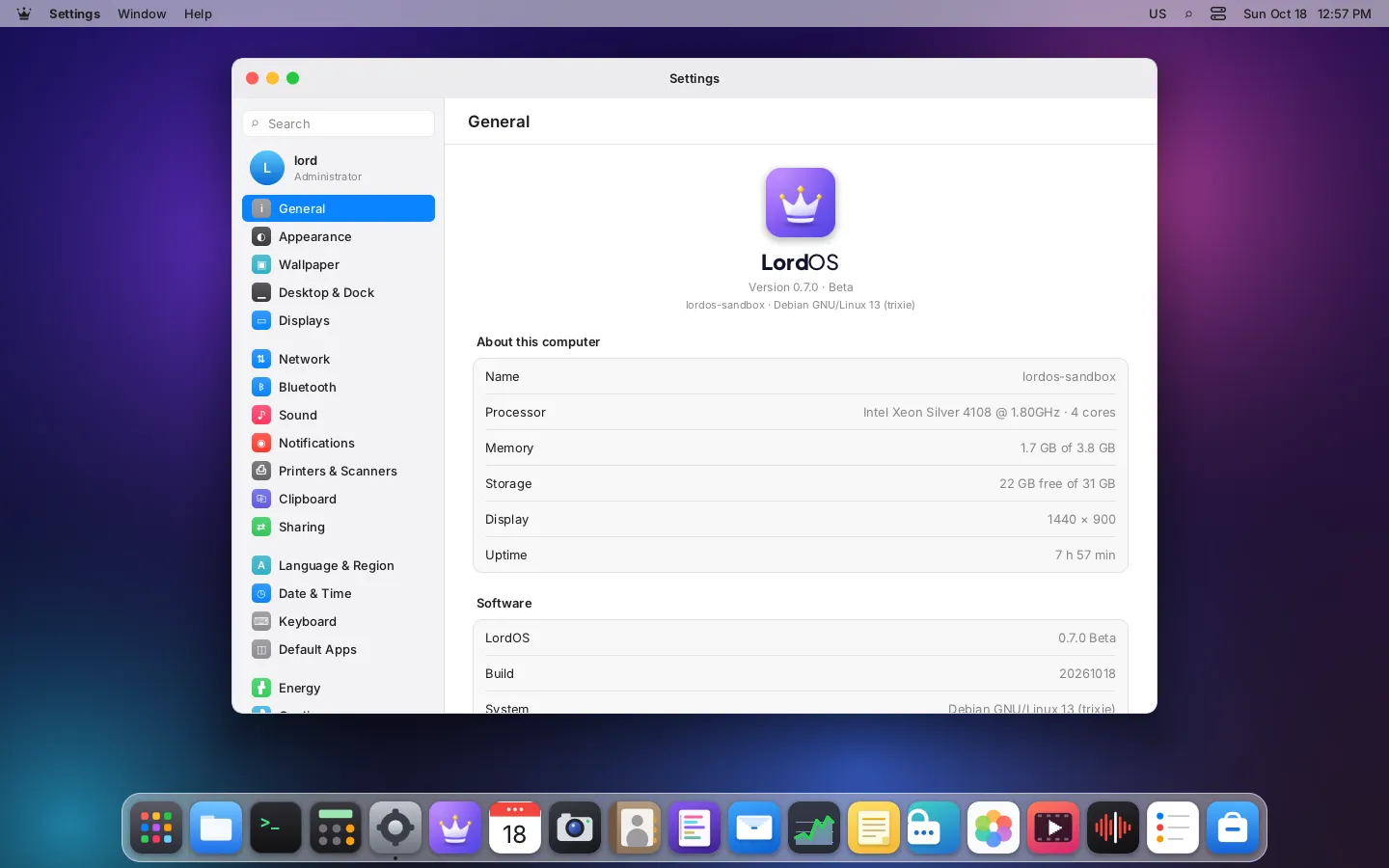
Settings
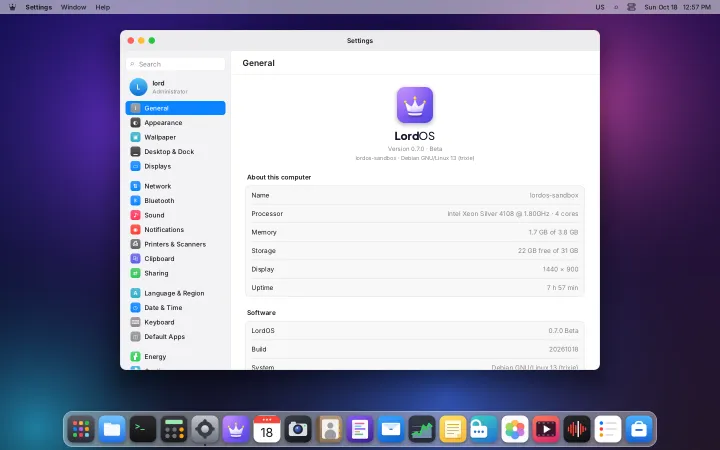
Every setting of your desktop in one place
- Network, Wi-Fi, VPN and Bluetooth
- Displays, Night Light, sound and notifications
- Appearance, themes, wallpaper and the Dock
- Privacy, app permissions and network access
- Users, remote desktop and updates
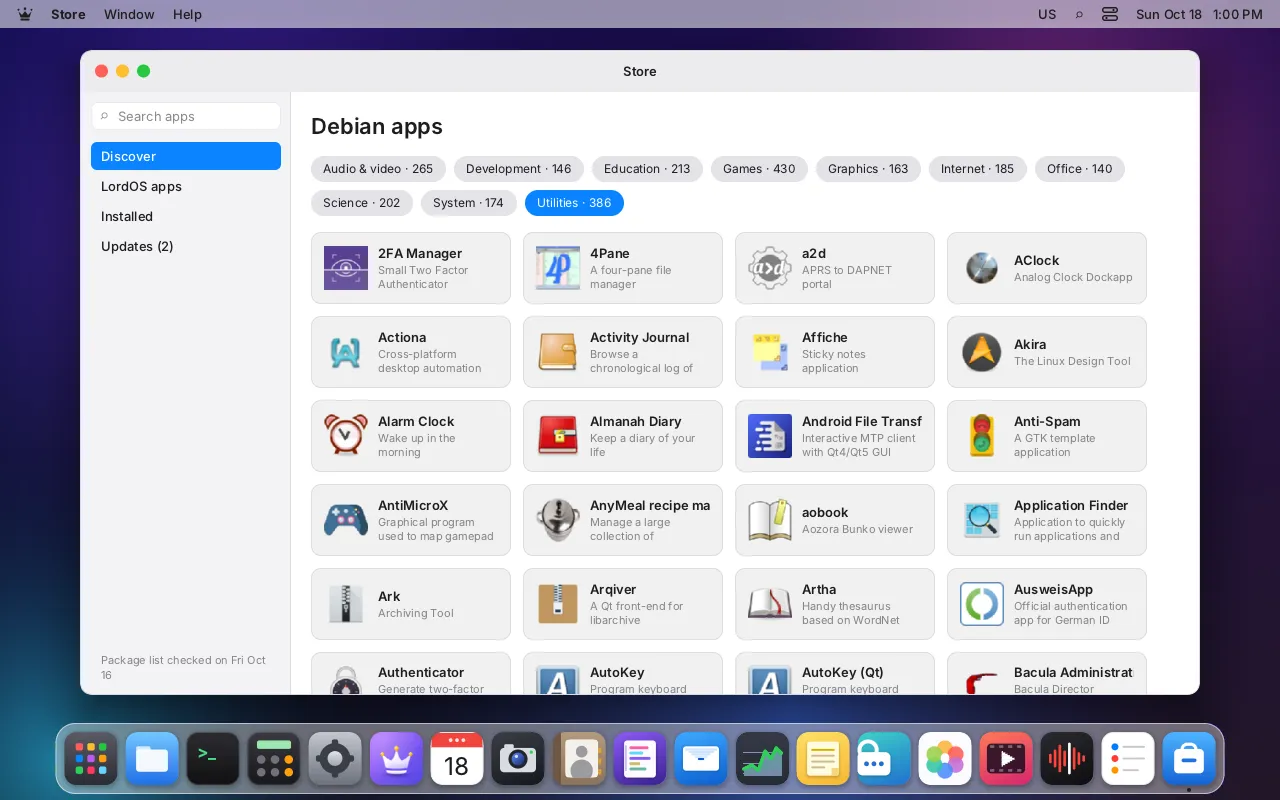
Store
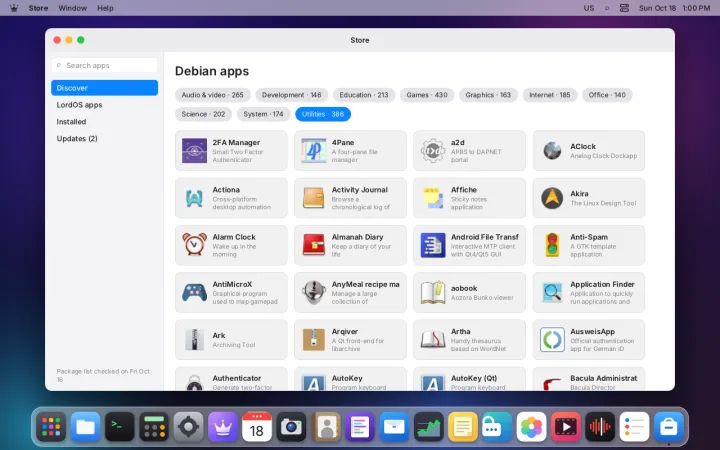
Find, install and update LordOS and Debian apps
- Debian apps by category, with search
- See exactly what changes before you install
- Install LordOS apps (.lpk) without root
- All updates in one click
- Open a .deb or .lpk from Files to install it
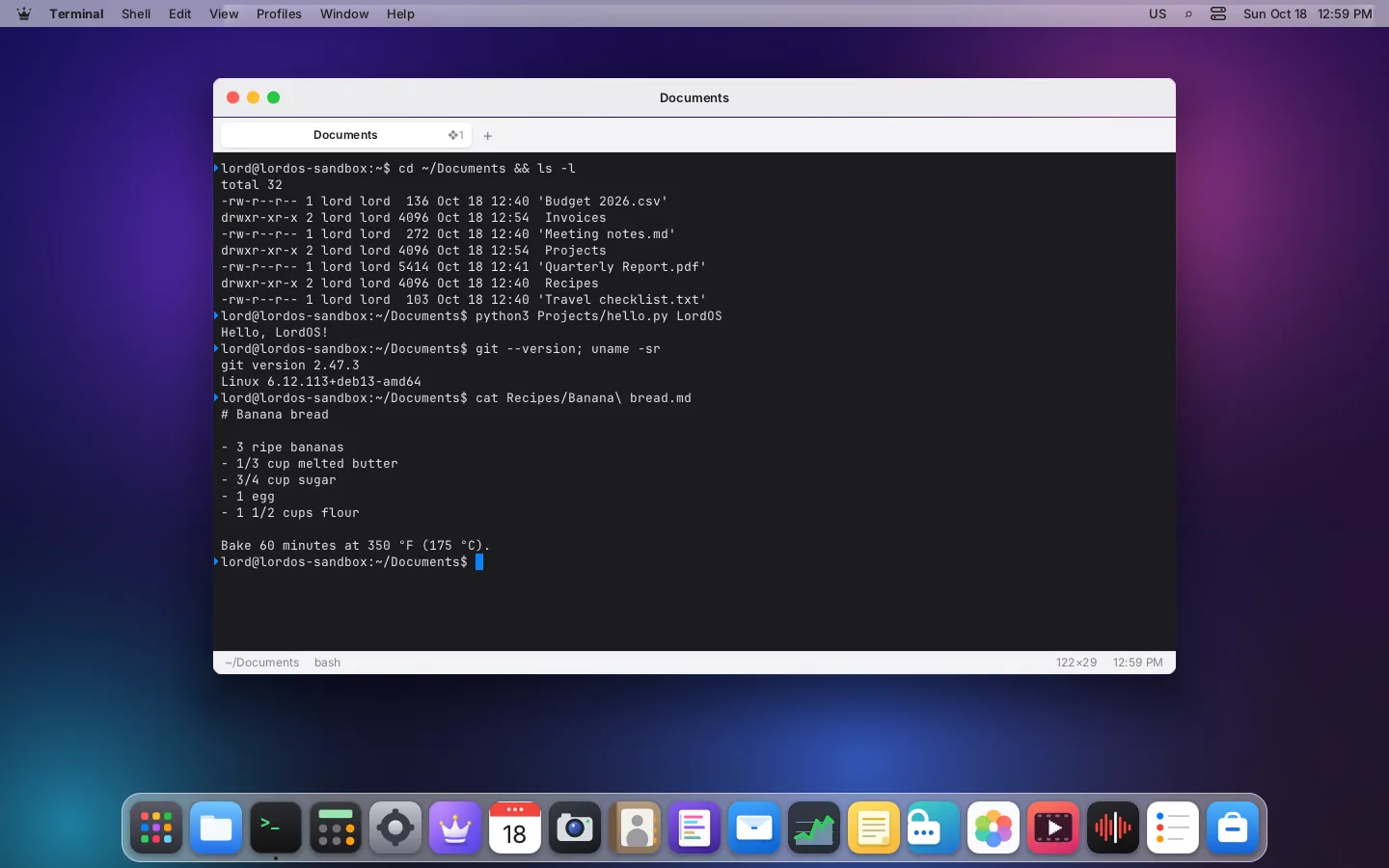
Terminal
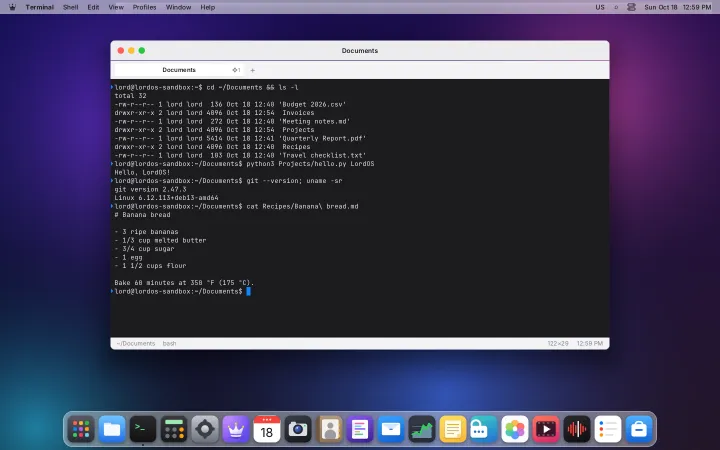
A fast native terminal with its own emulator
- Tabs, split panes and a drop-down window
- Profiles with 16 color schemes
- Search with regular expressions
- Inline images and font ligatures
- Sessions survive a restart; tmux integration
Privacy & security
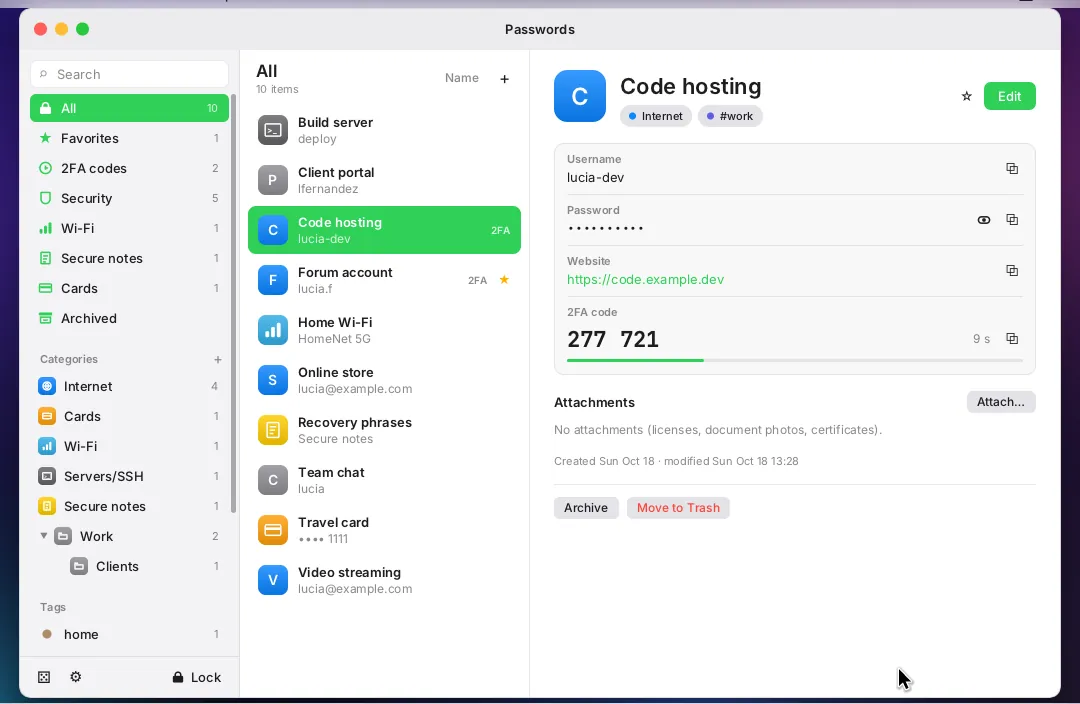
Passwords
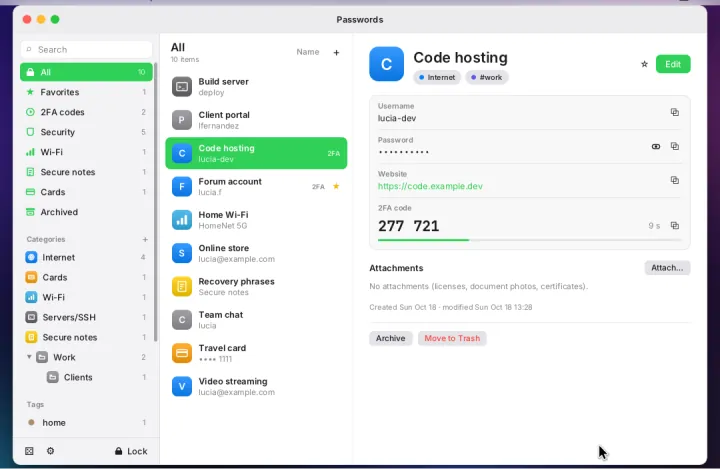
Passwords, 2FA codes and secrets in an encrypted vault
- Logins, 2FA codes, Wi-Fi, cards and secure notes
- Unlock with a password, a FIDO2 key or a key file
- Security report and password generator
- Import from KDBX and CSV files
- Runs isolated; hidden from screenshots