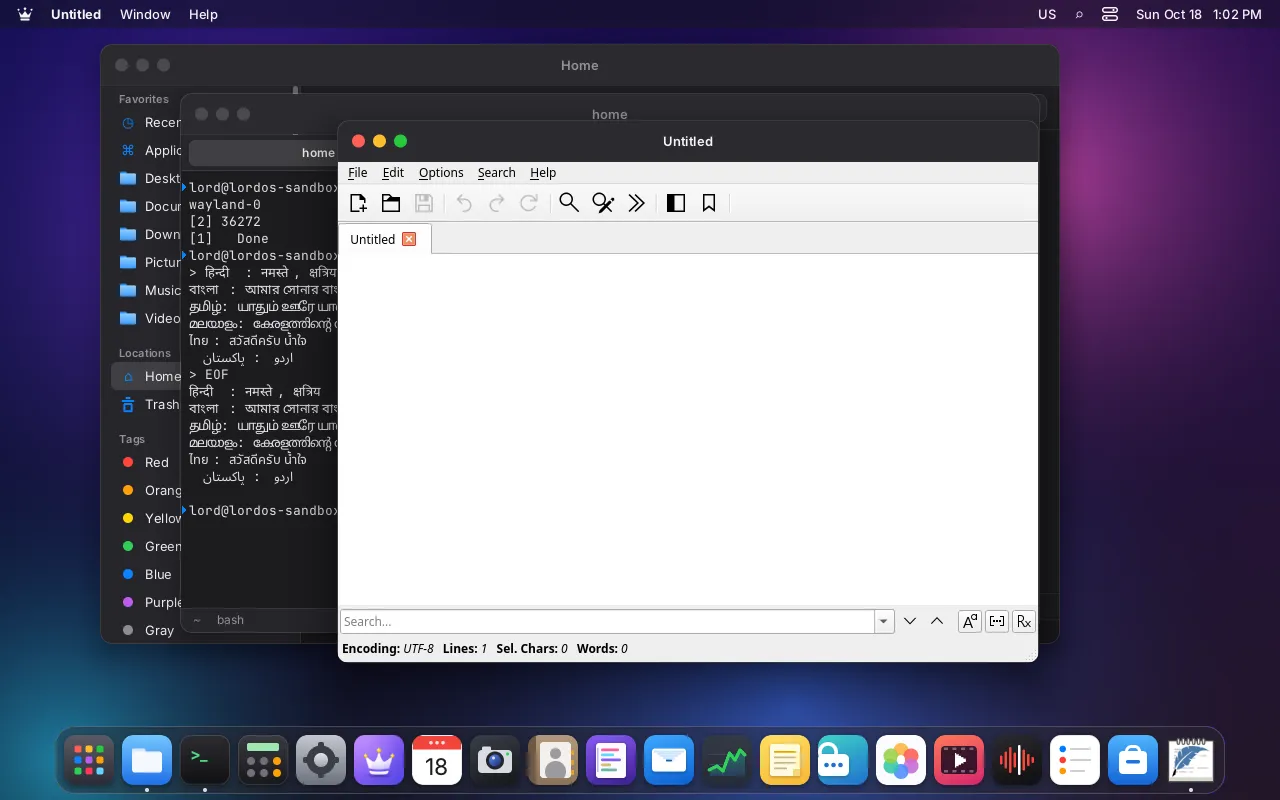
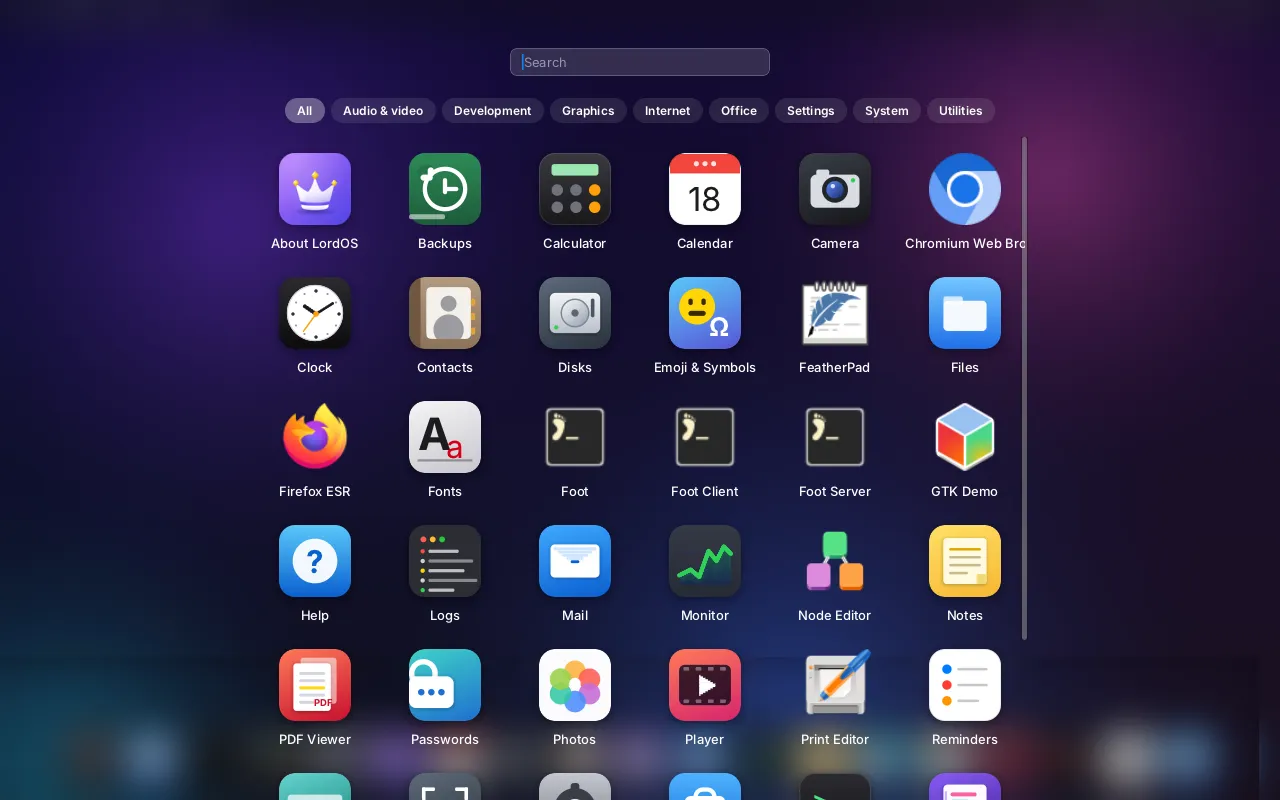
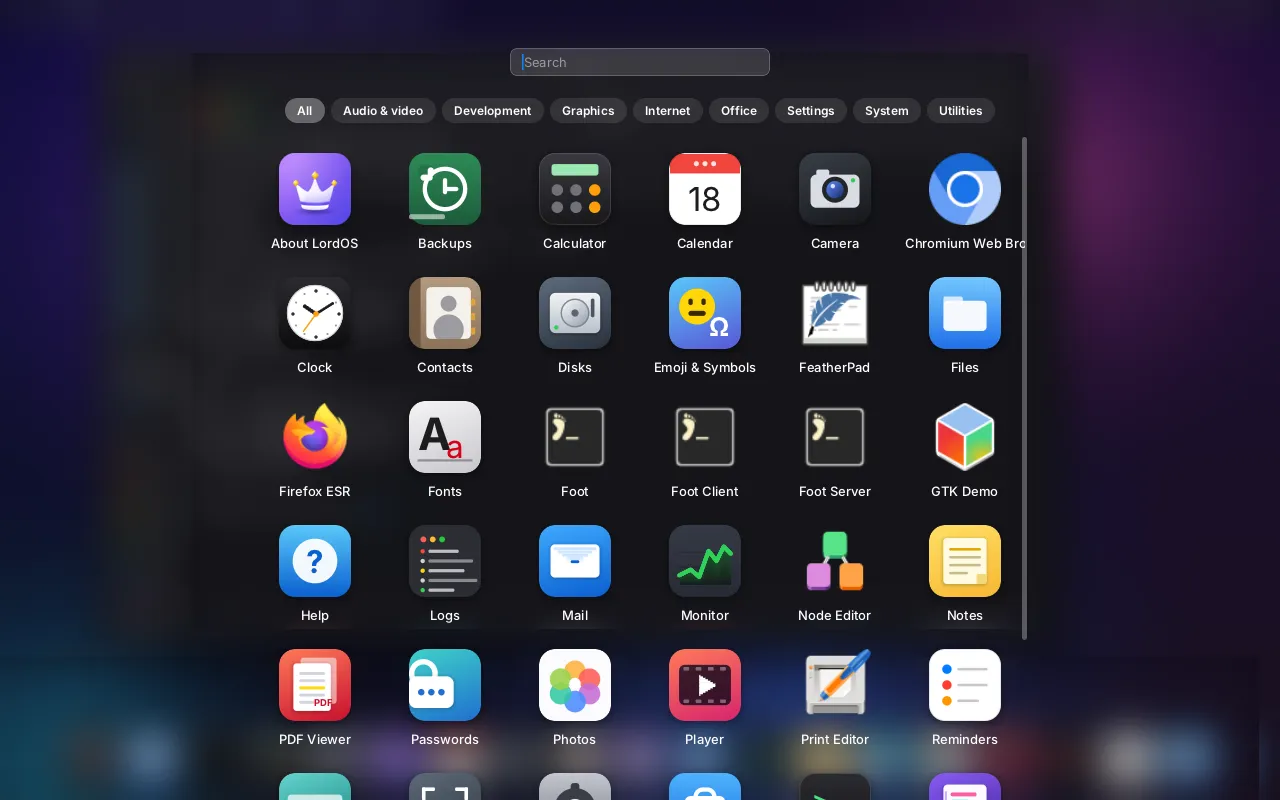
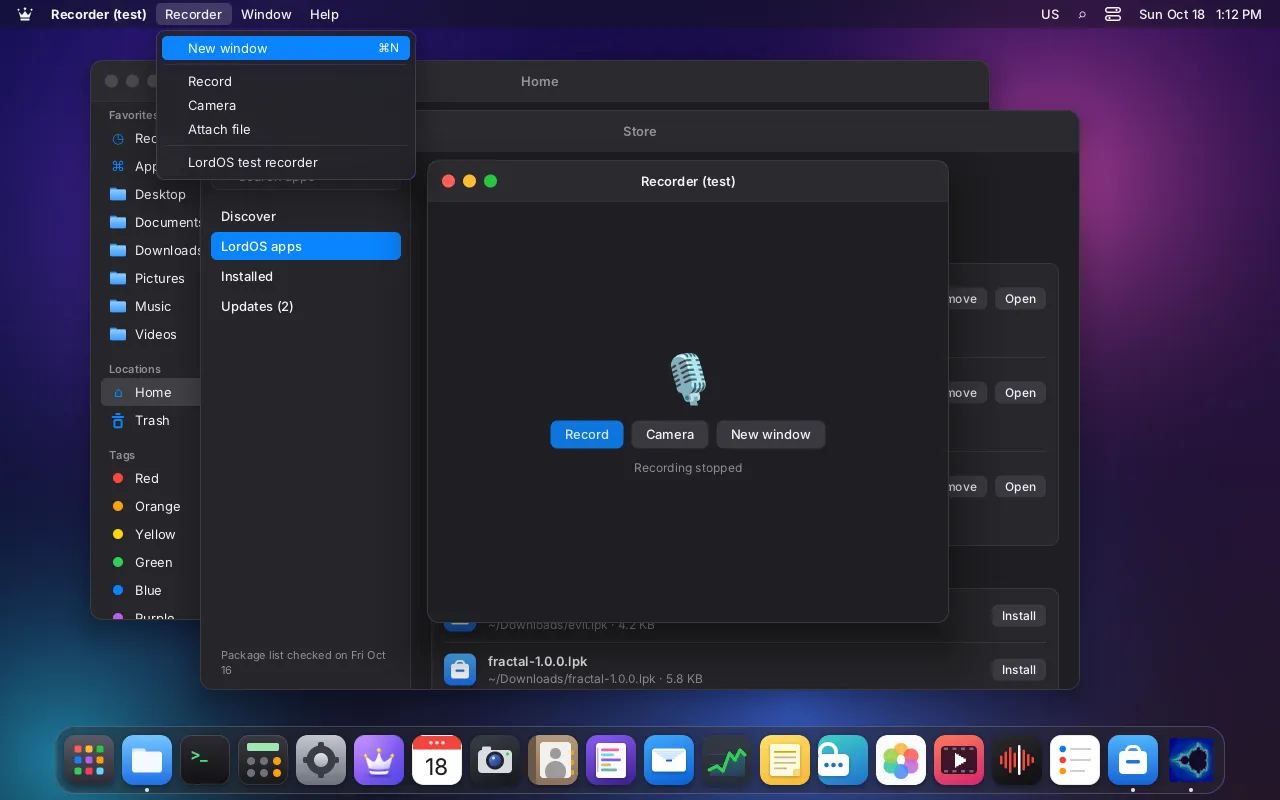
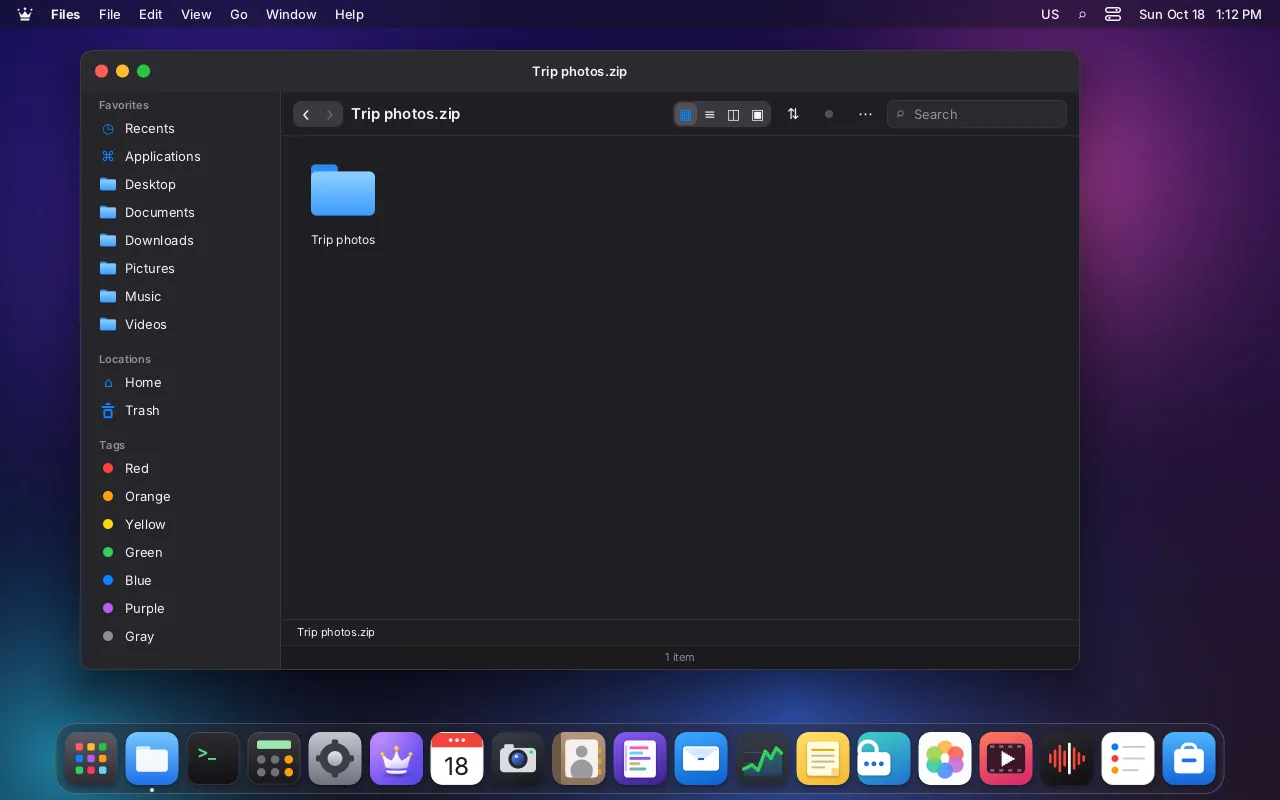
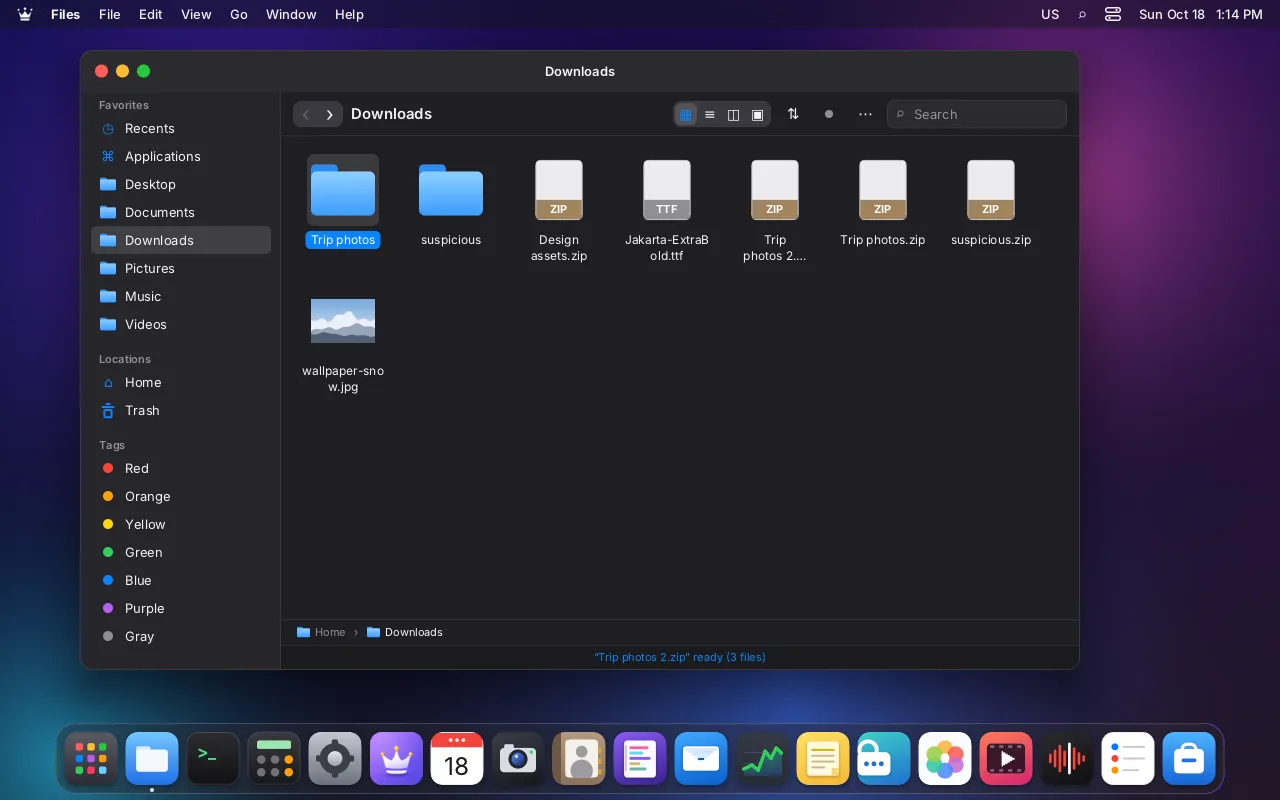
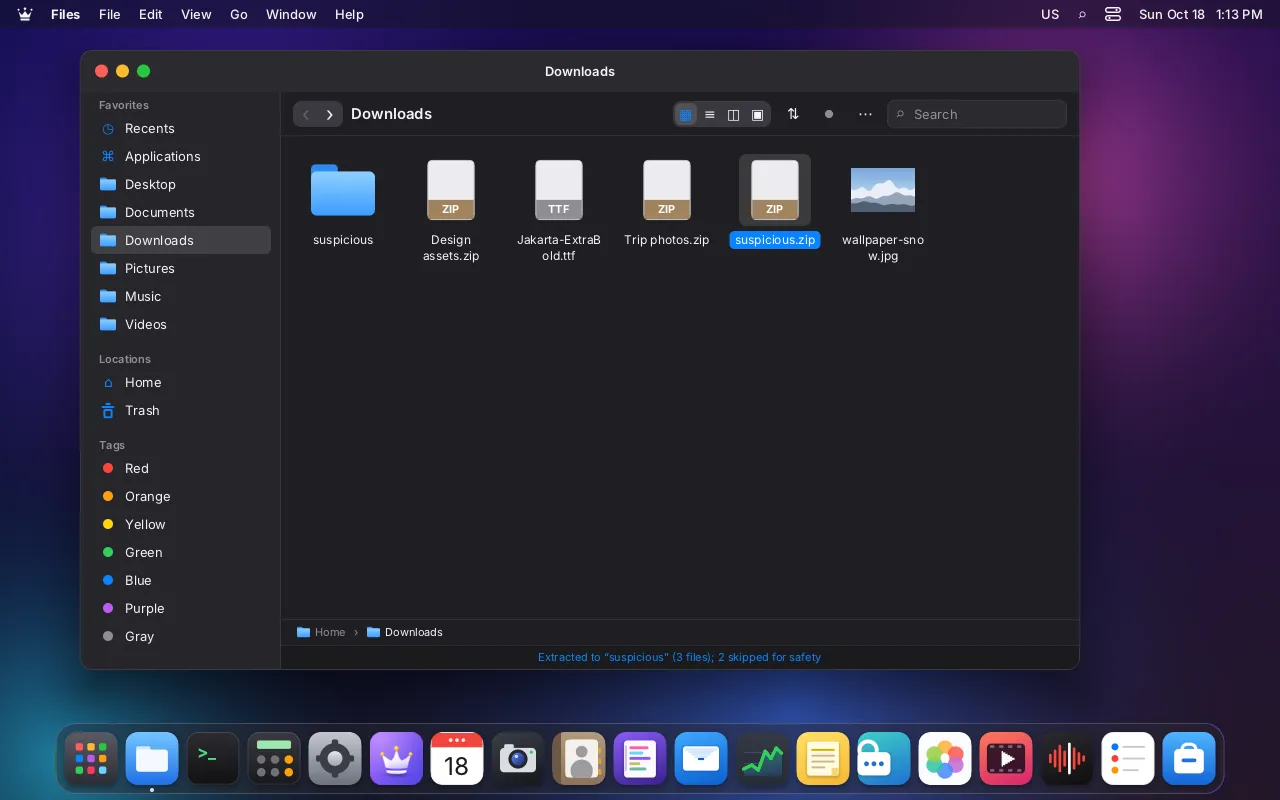
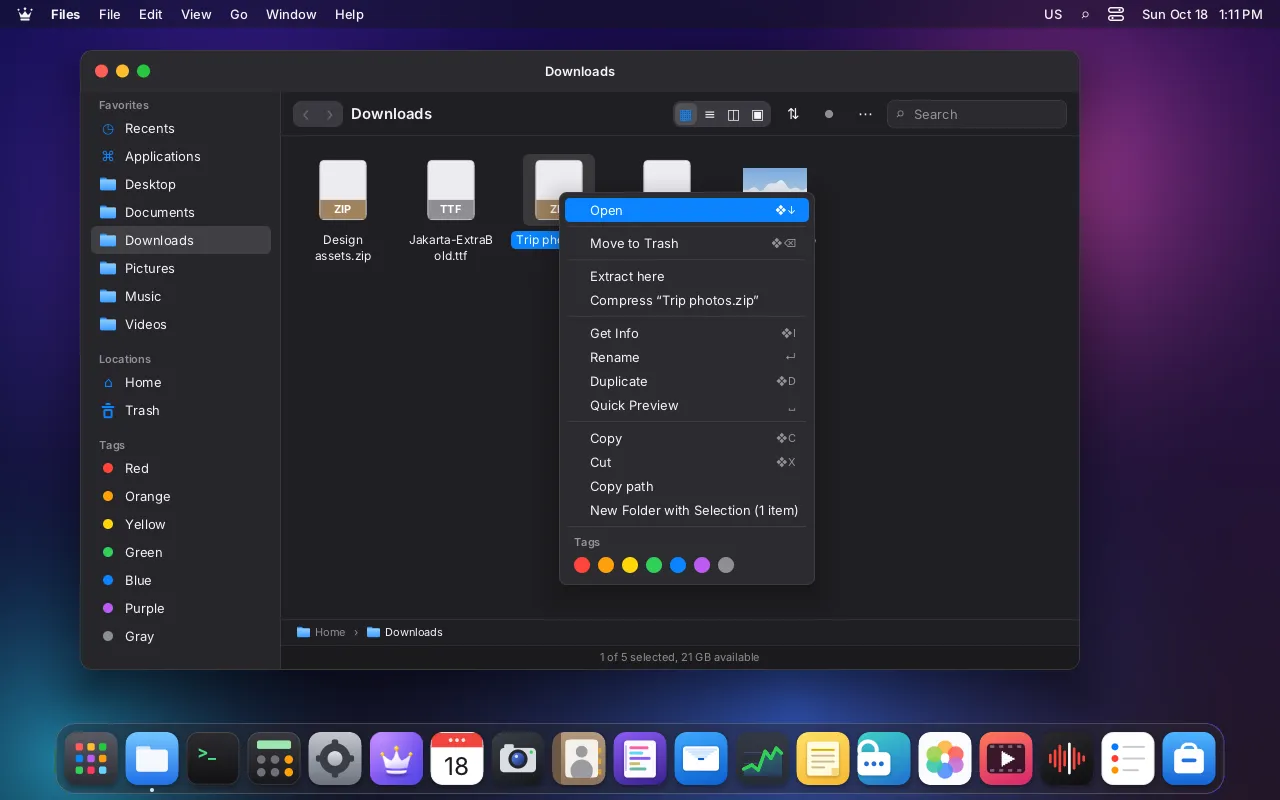
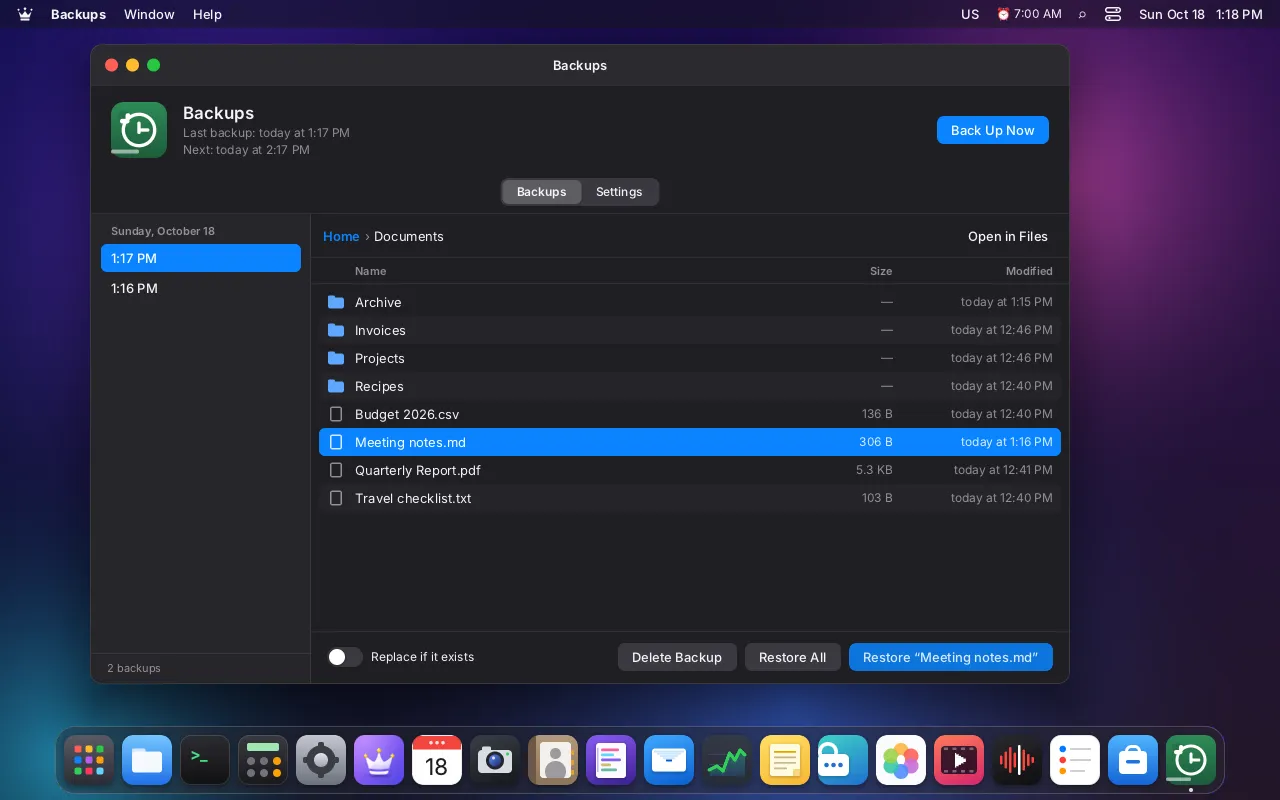
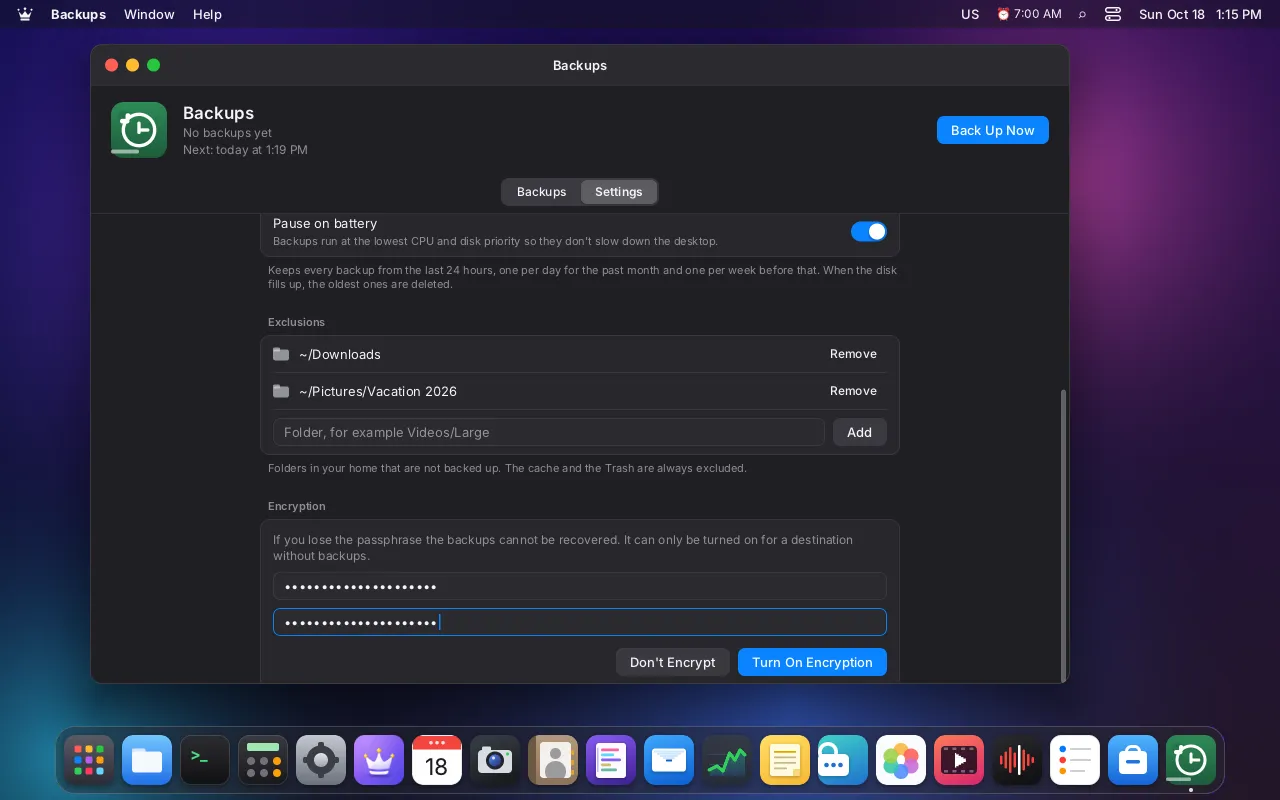
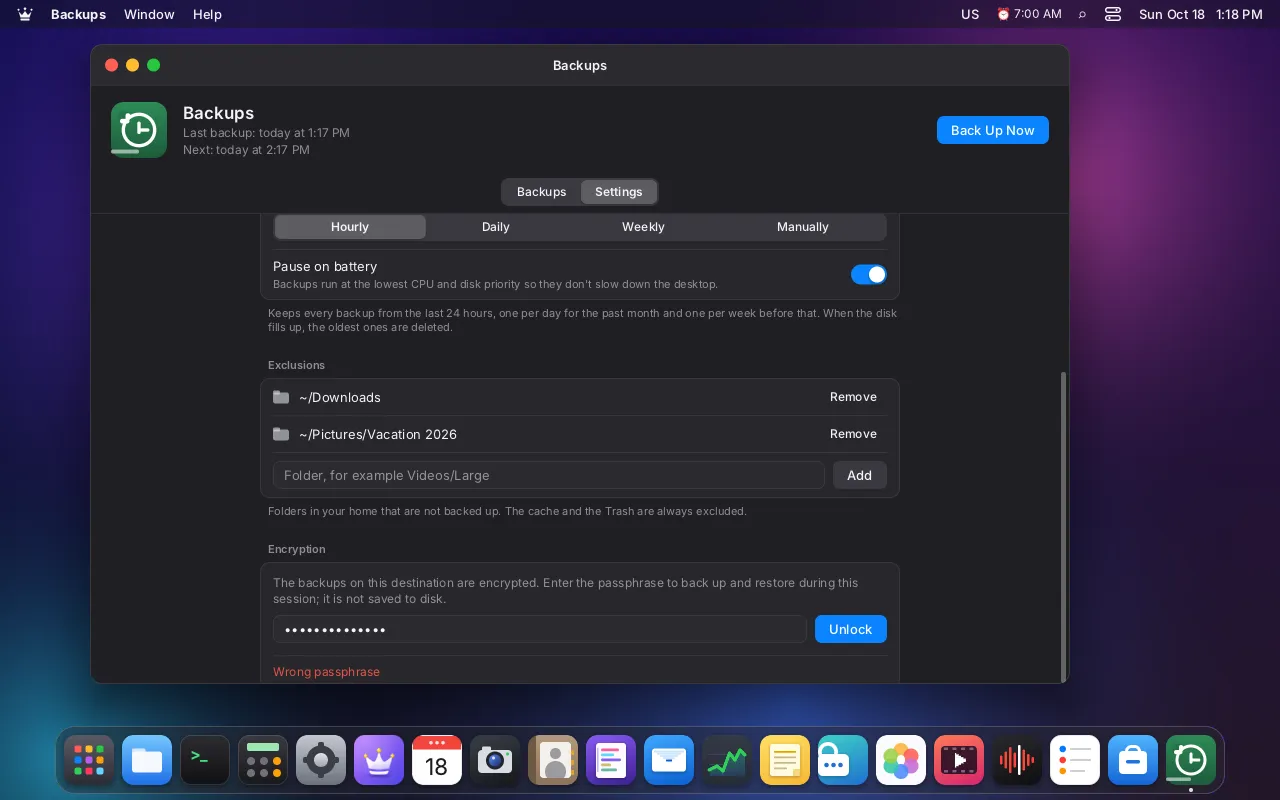
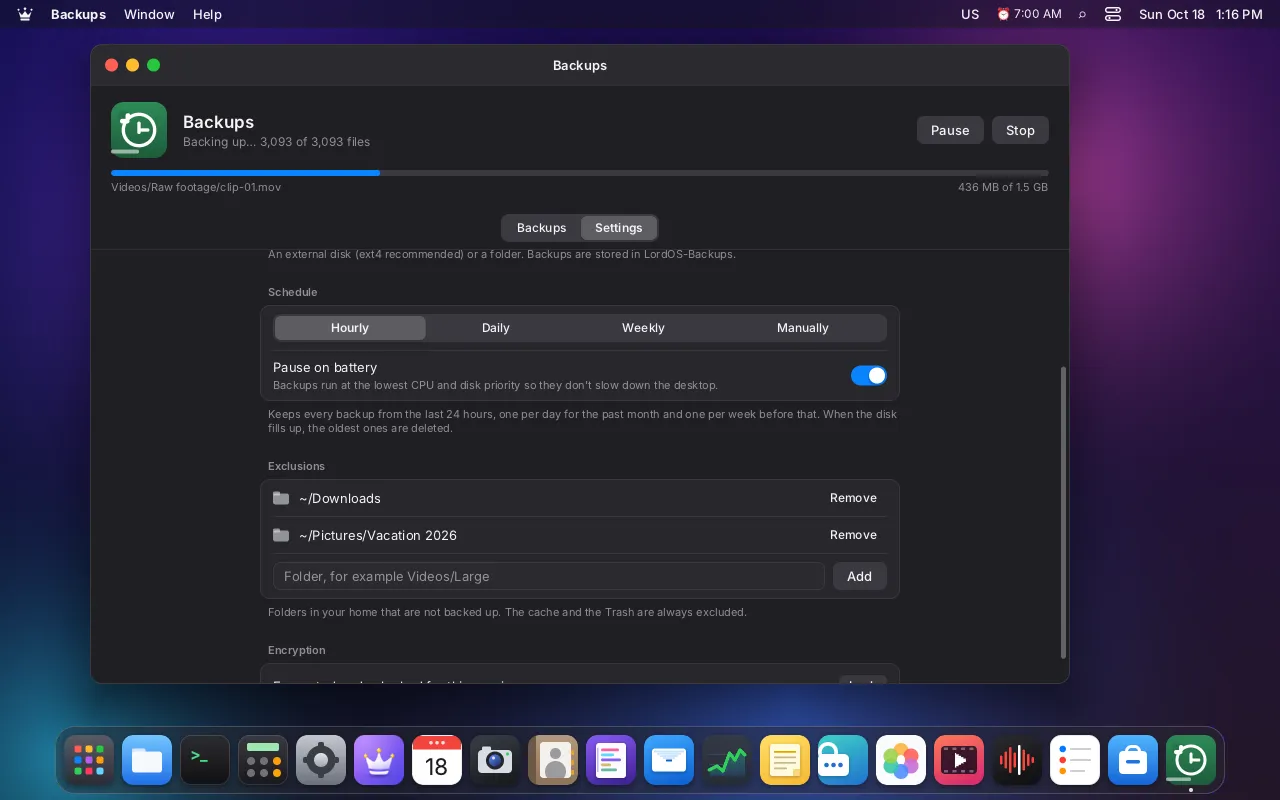
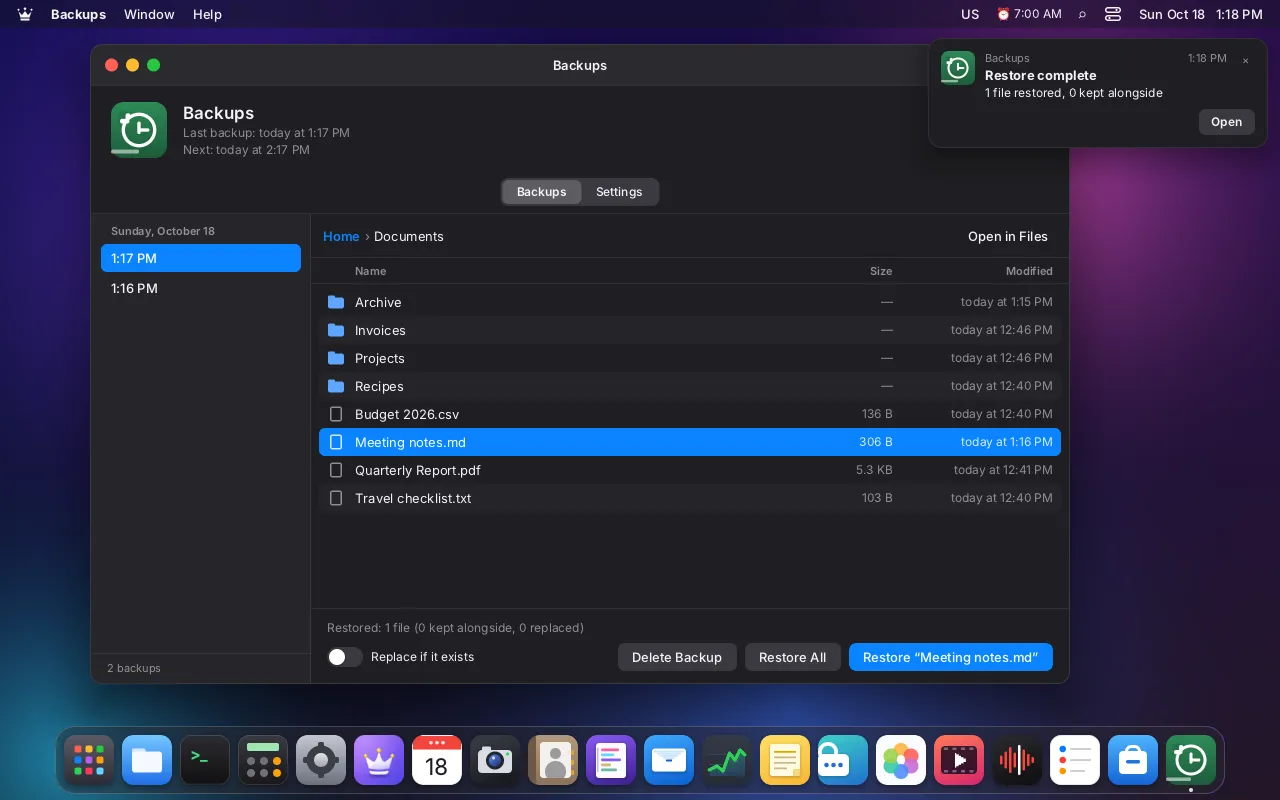
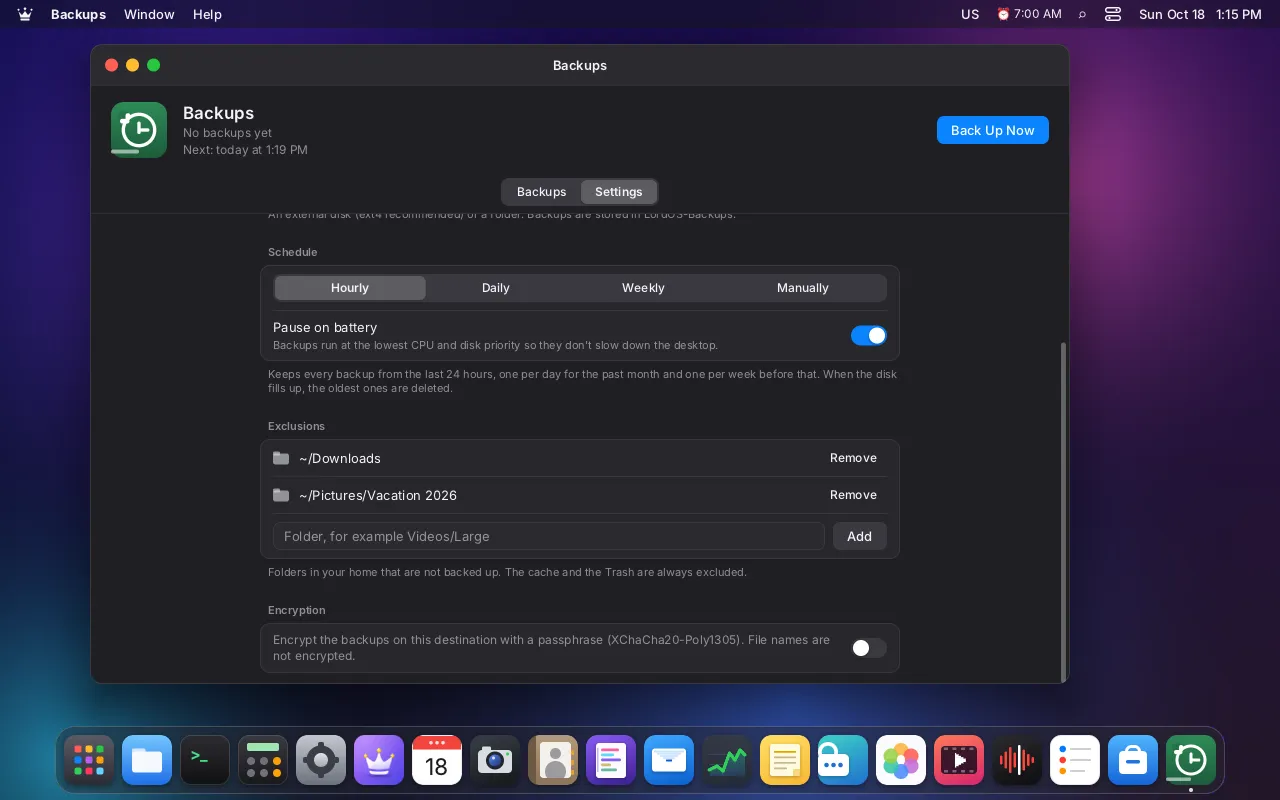
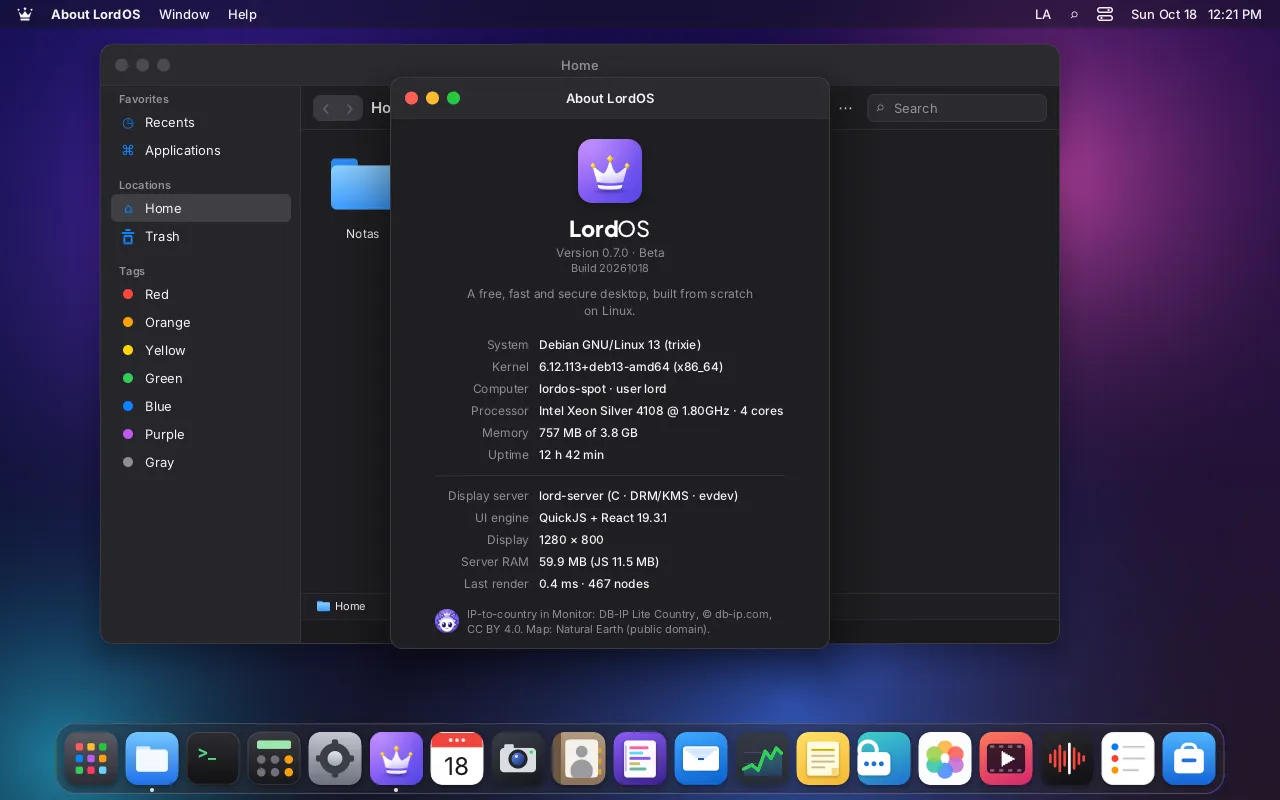
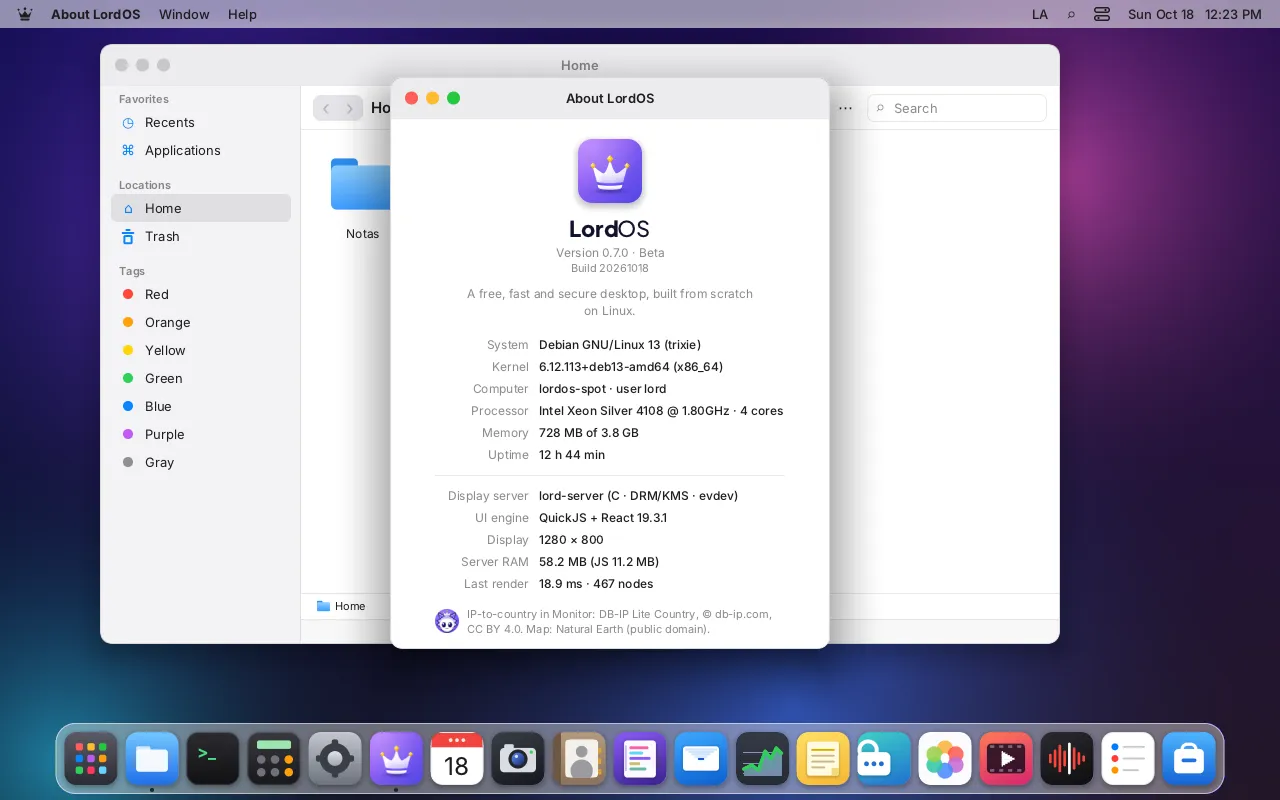
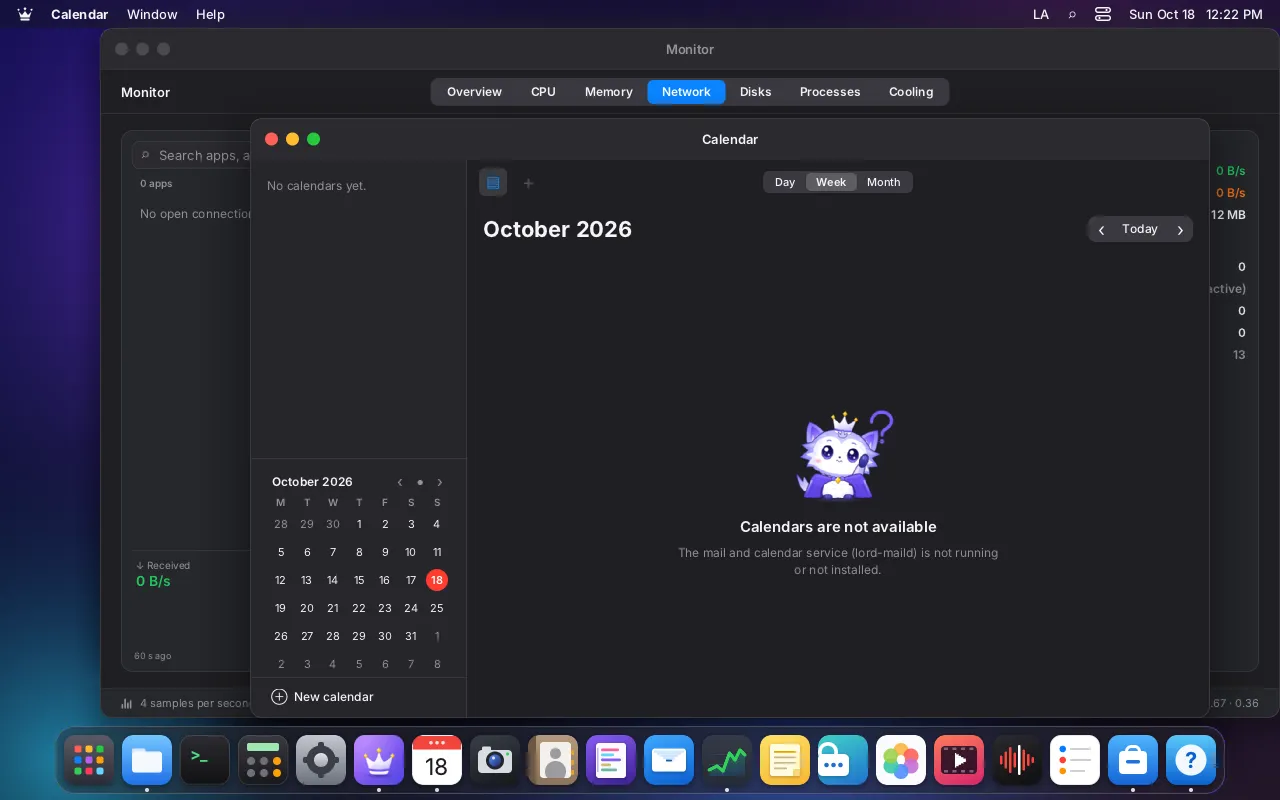
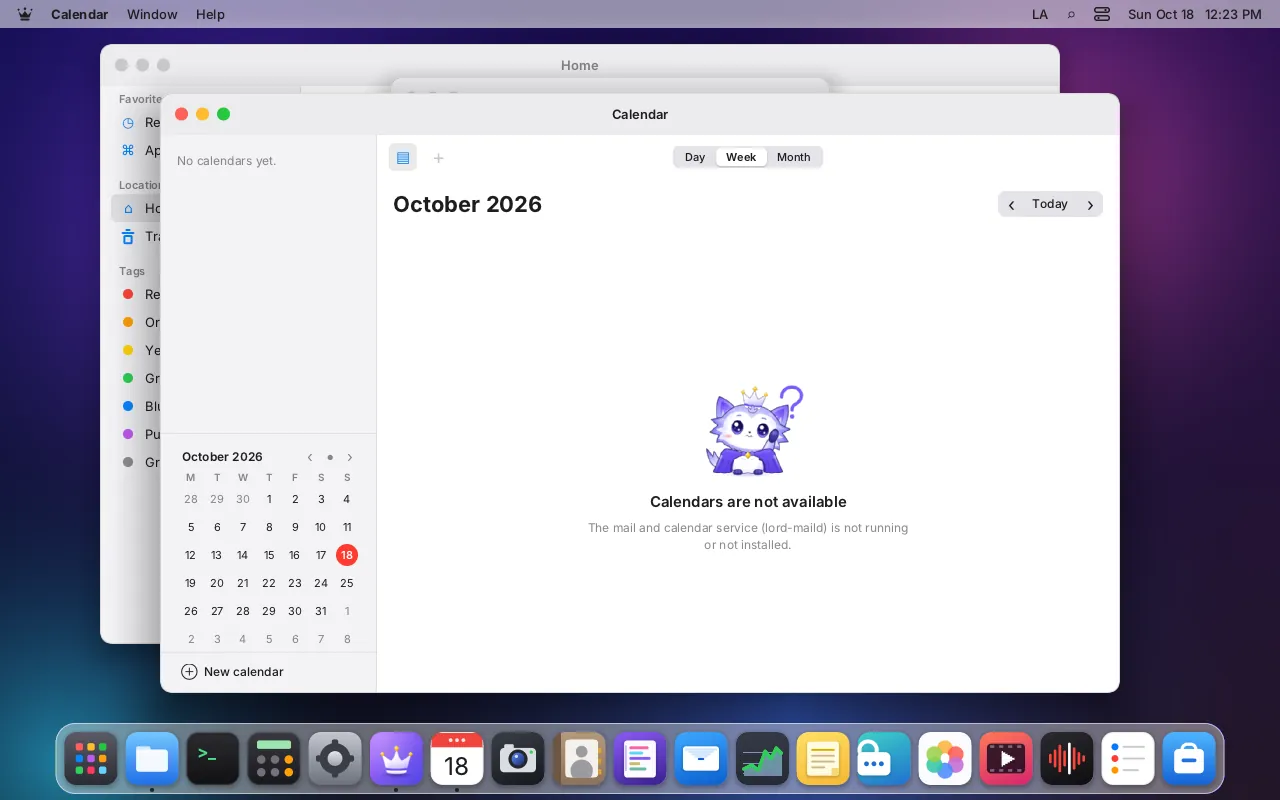
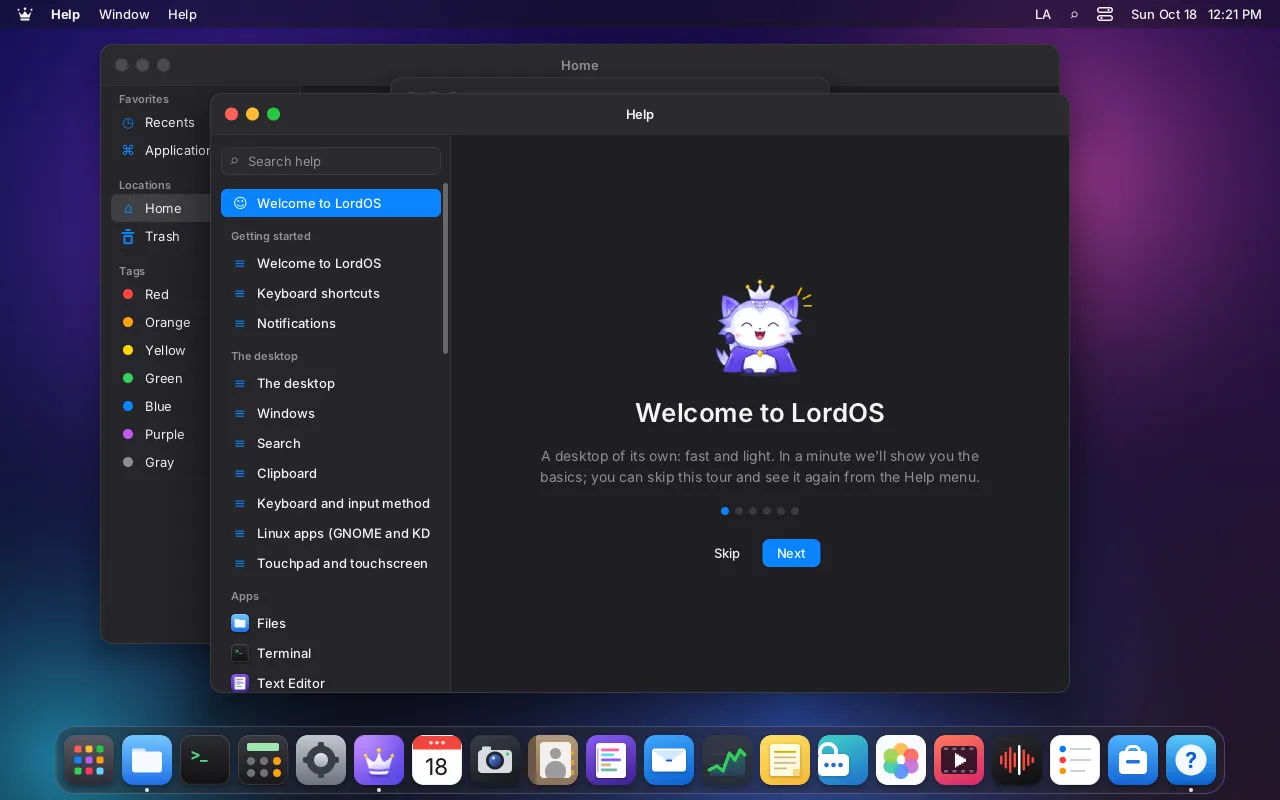
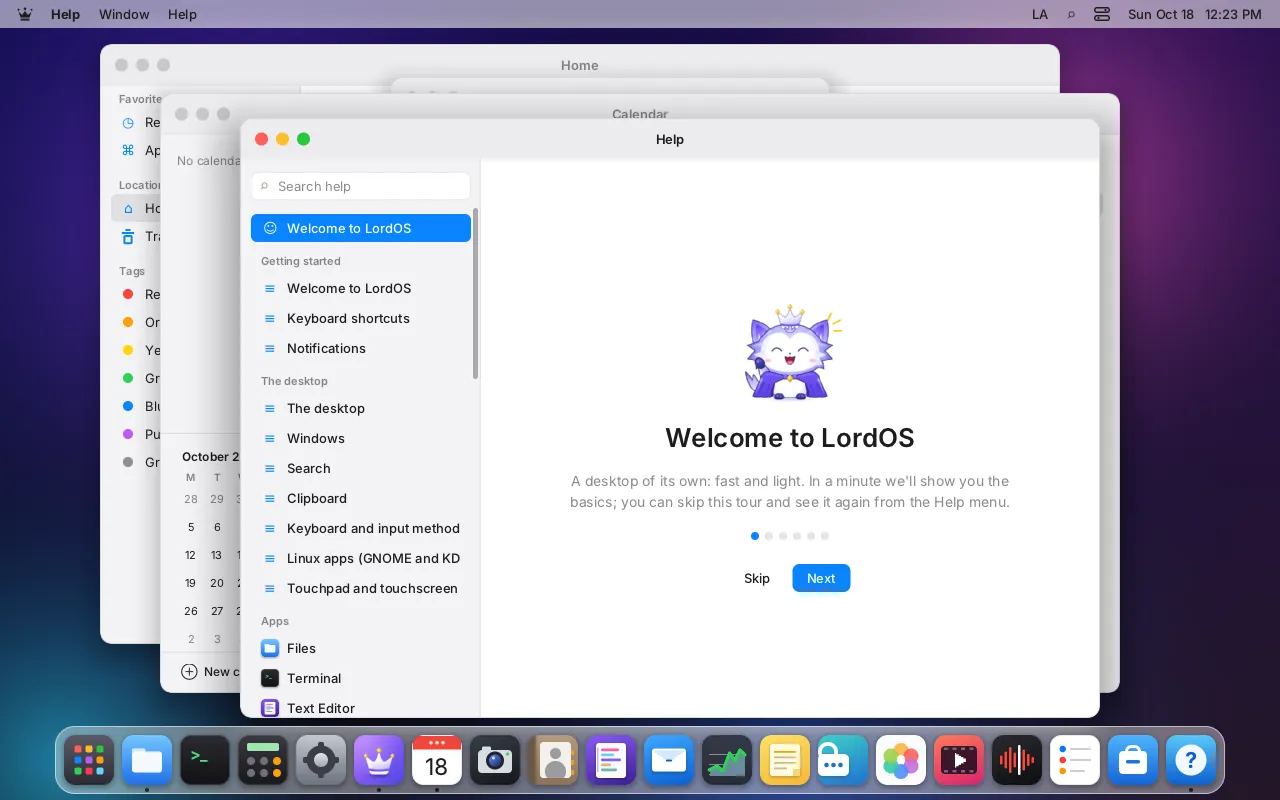
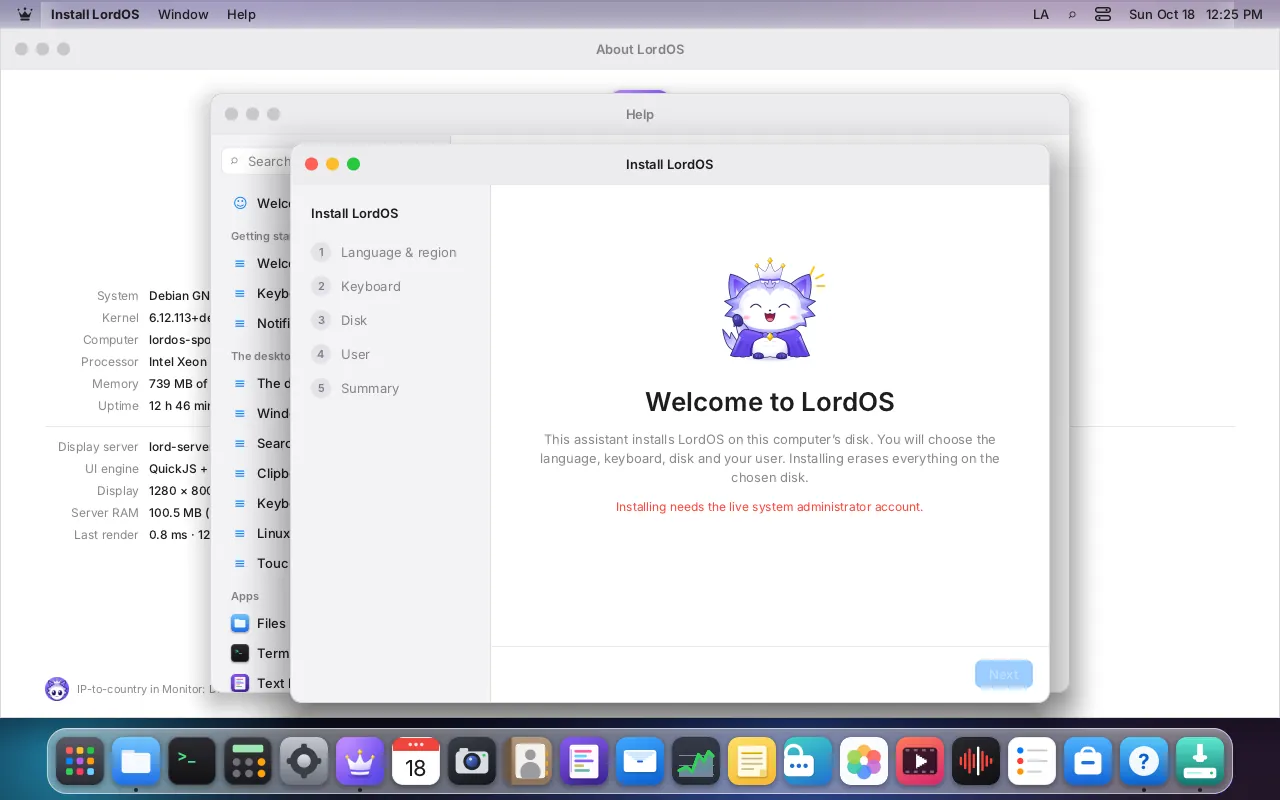
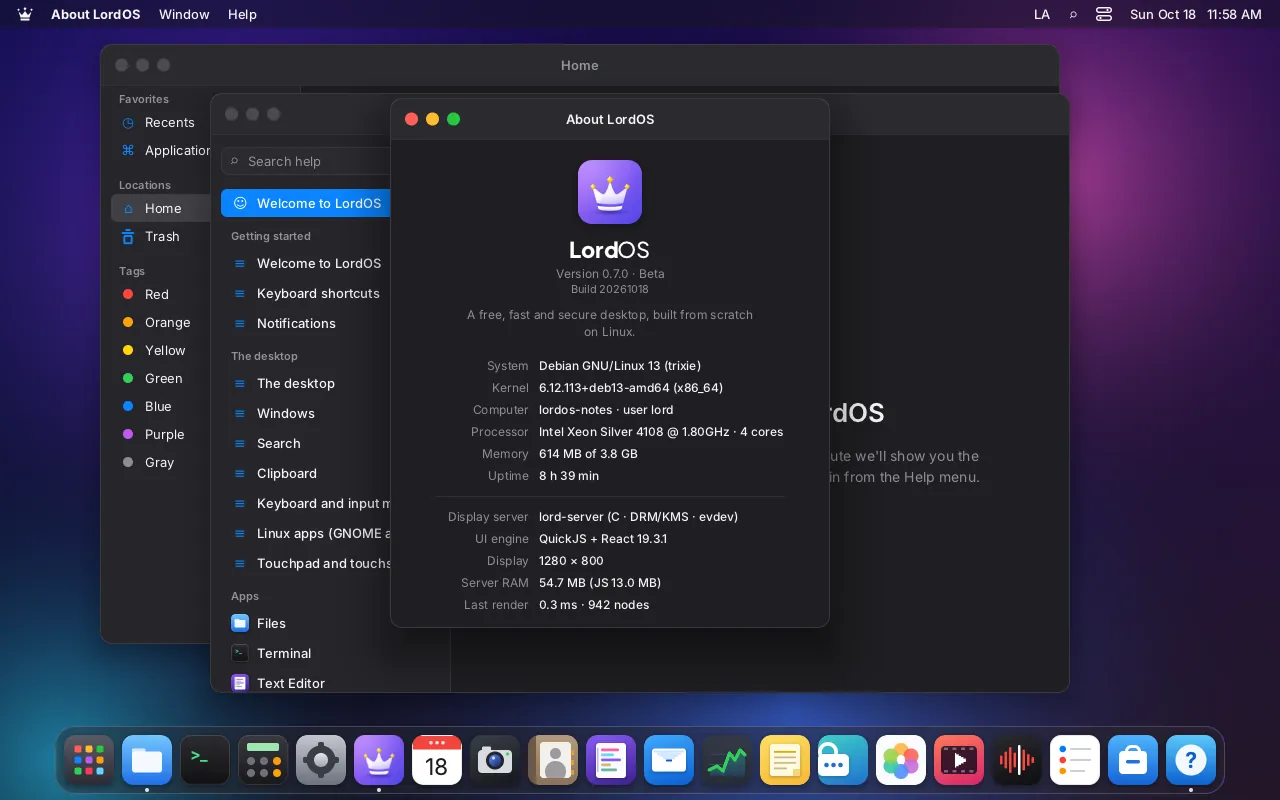
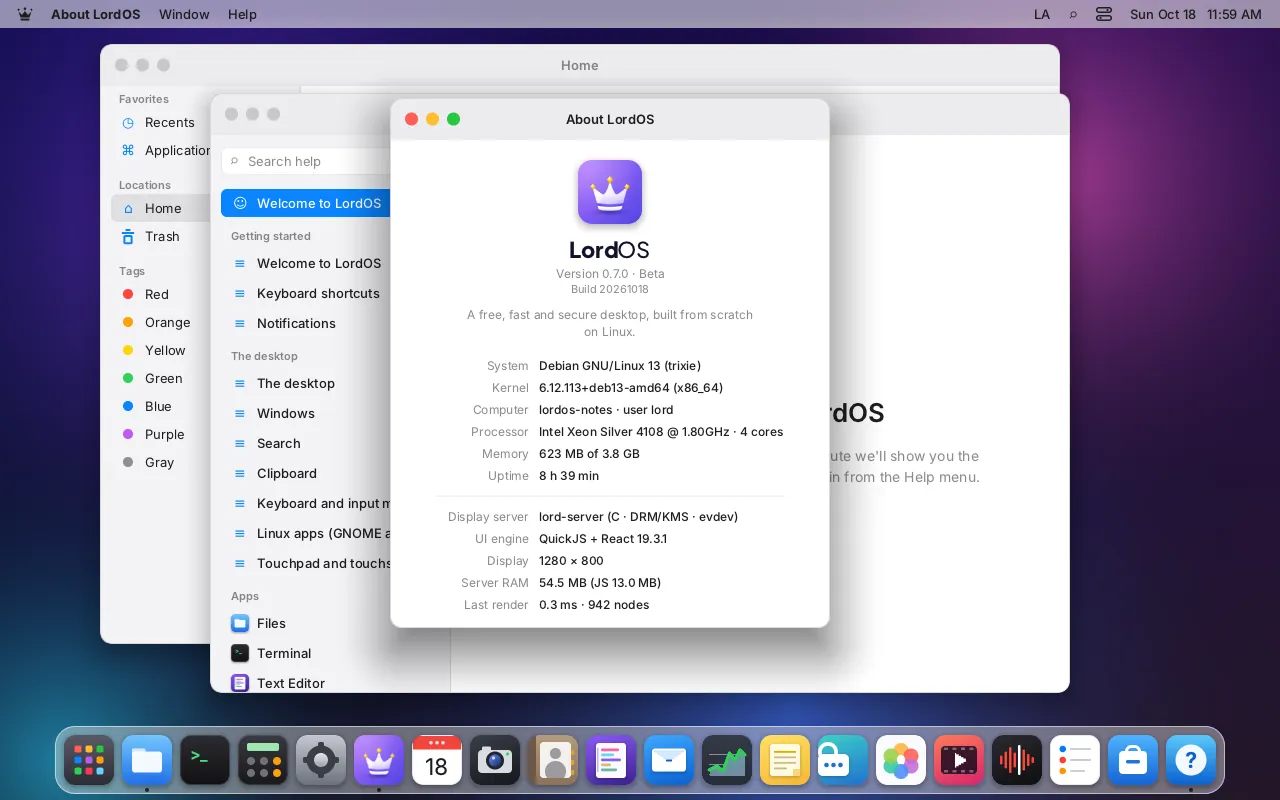
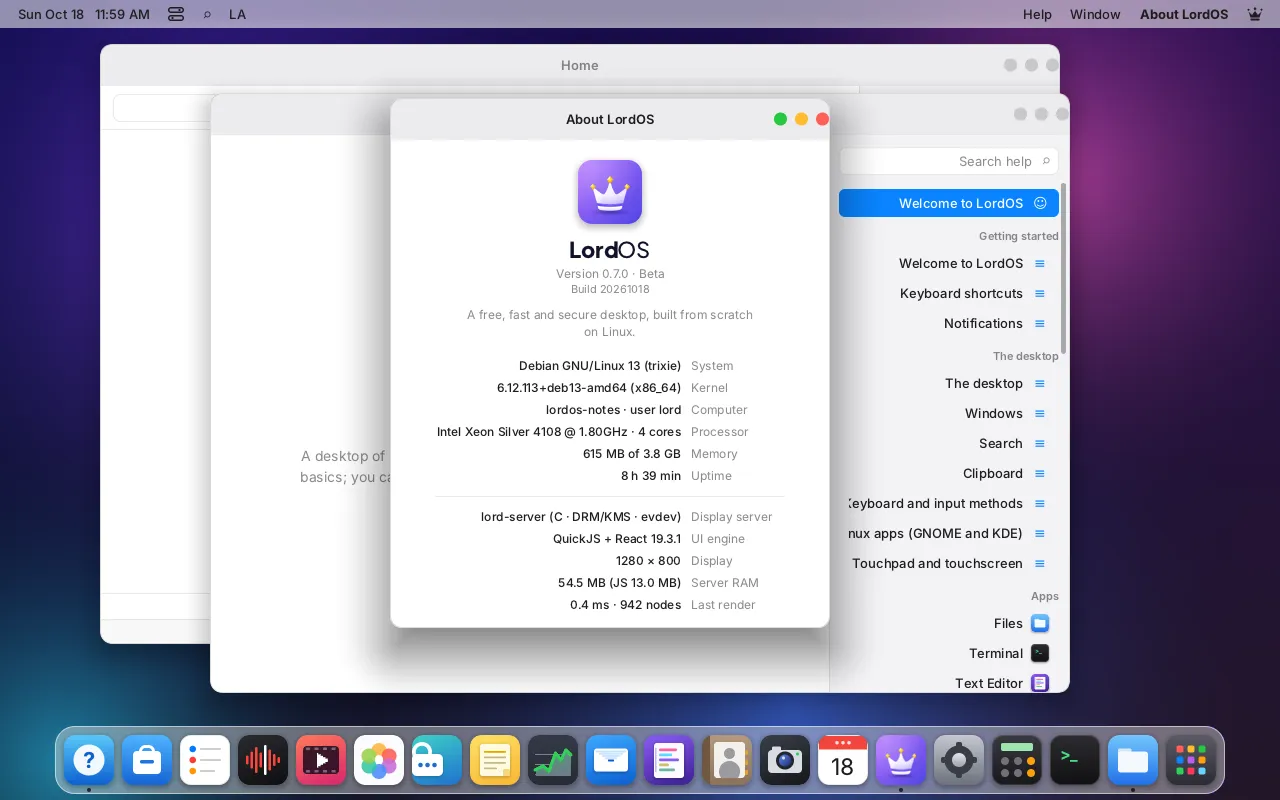
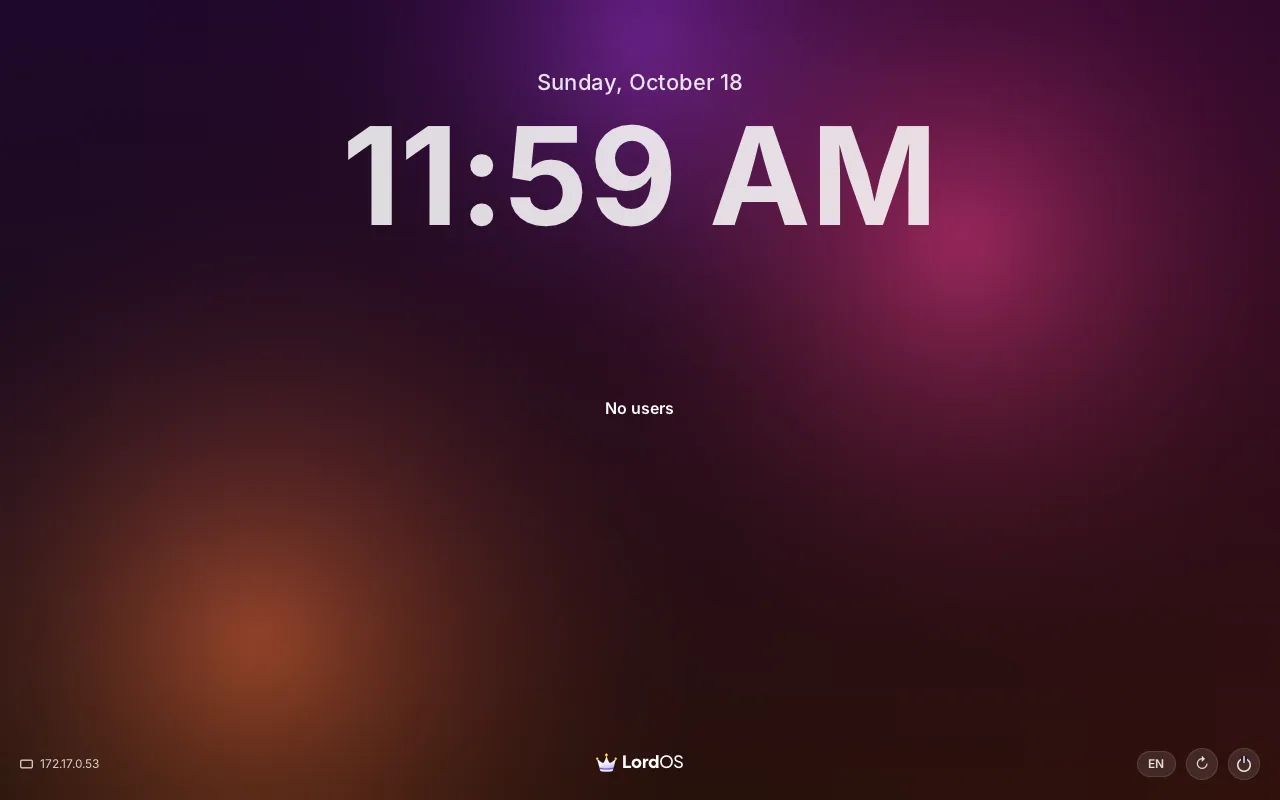
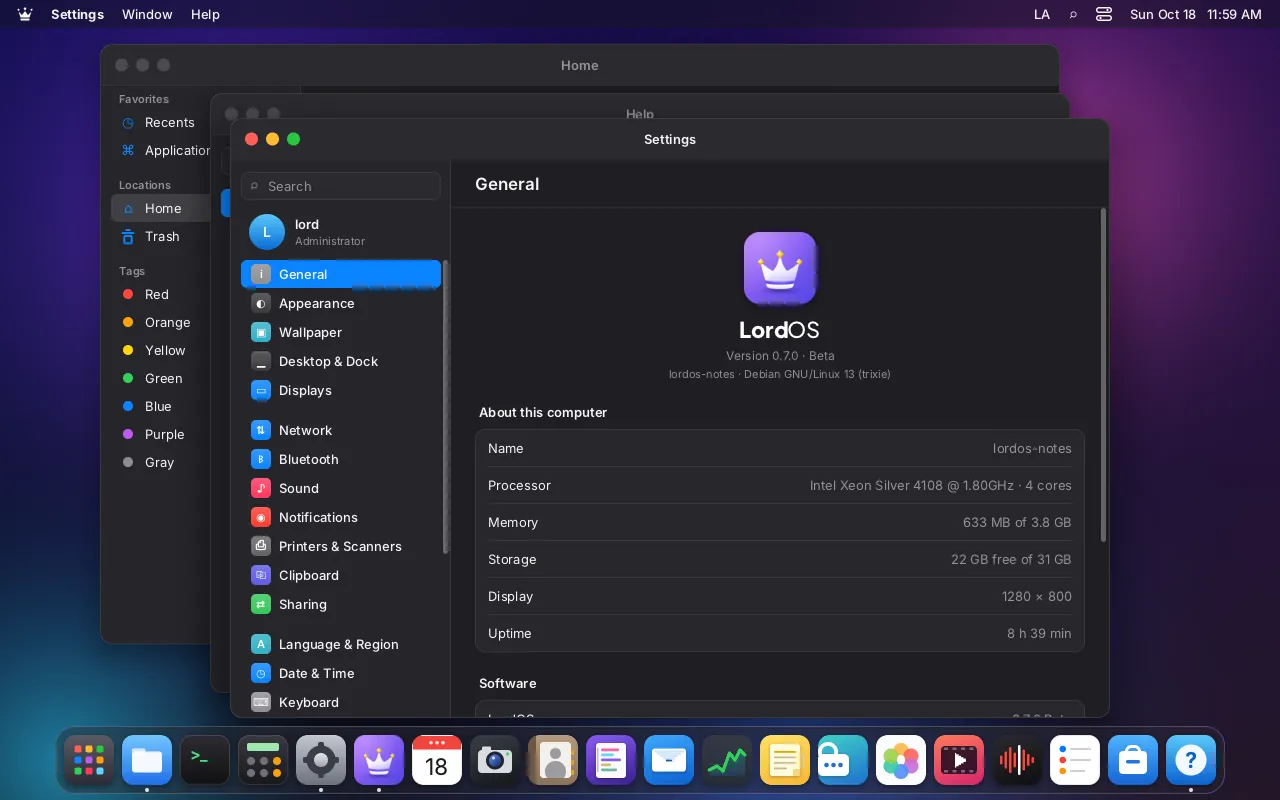
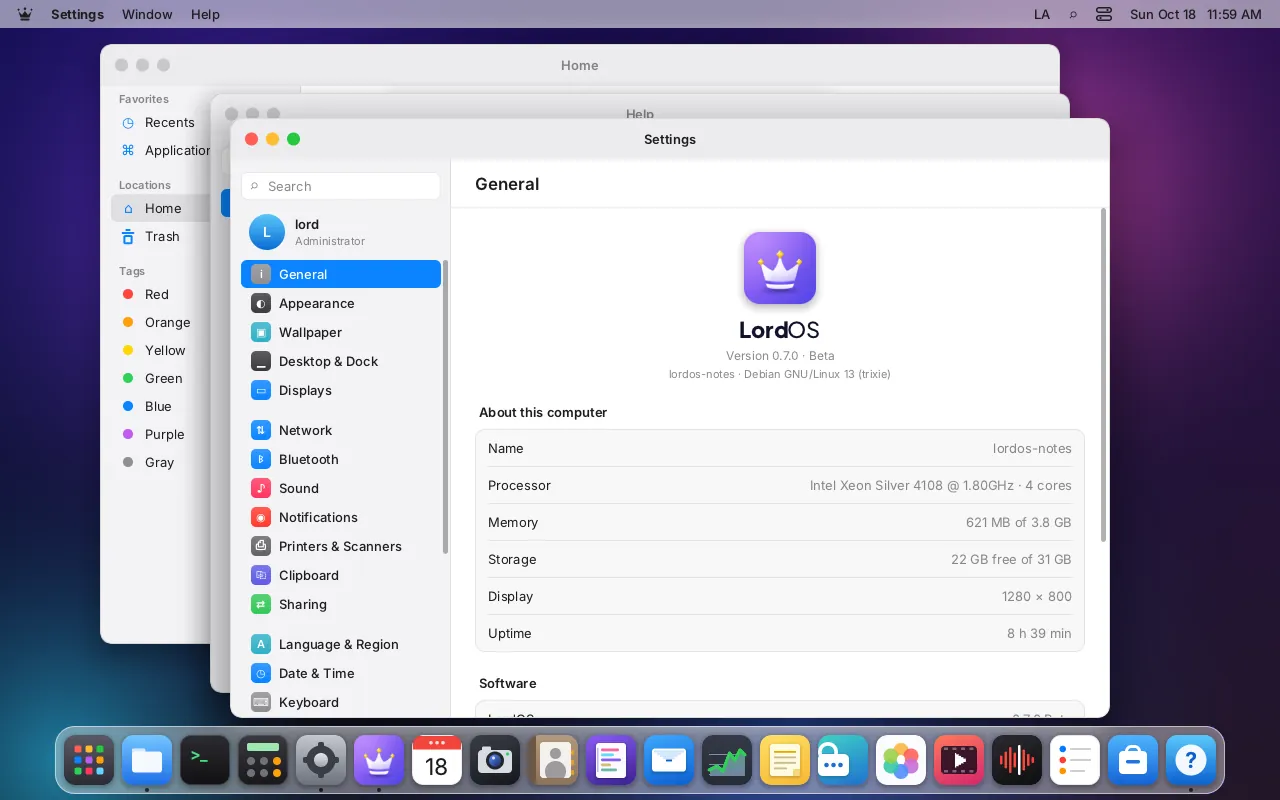
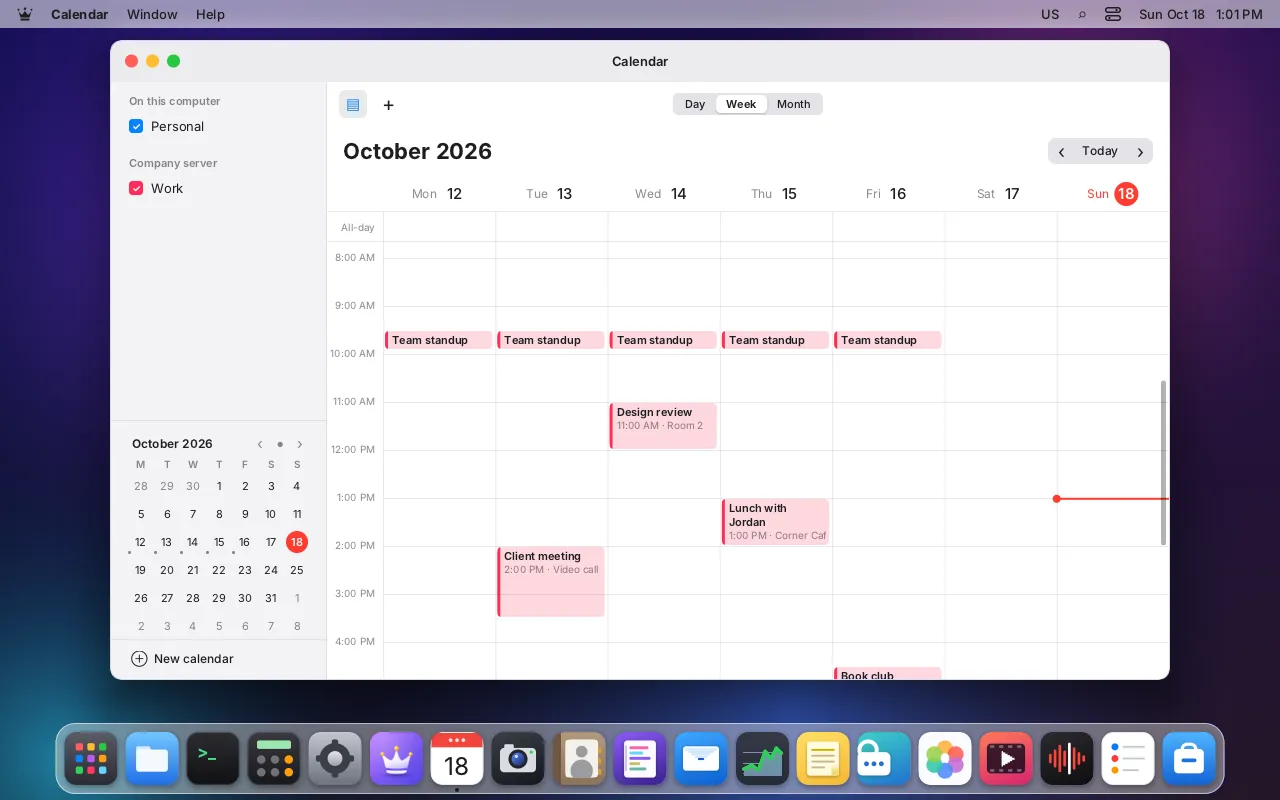
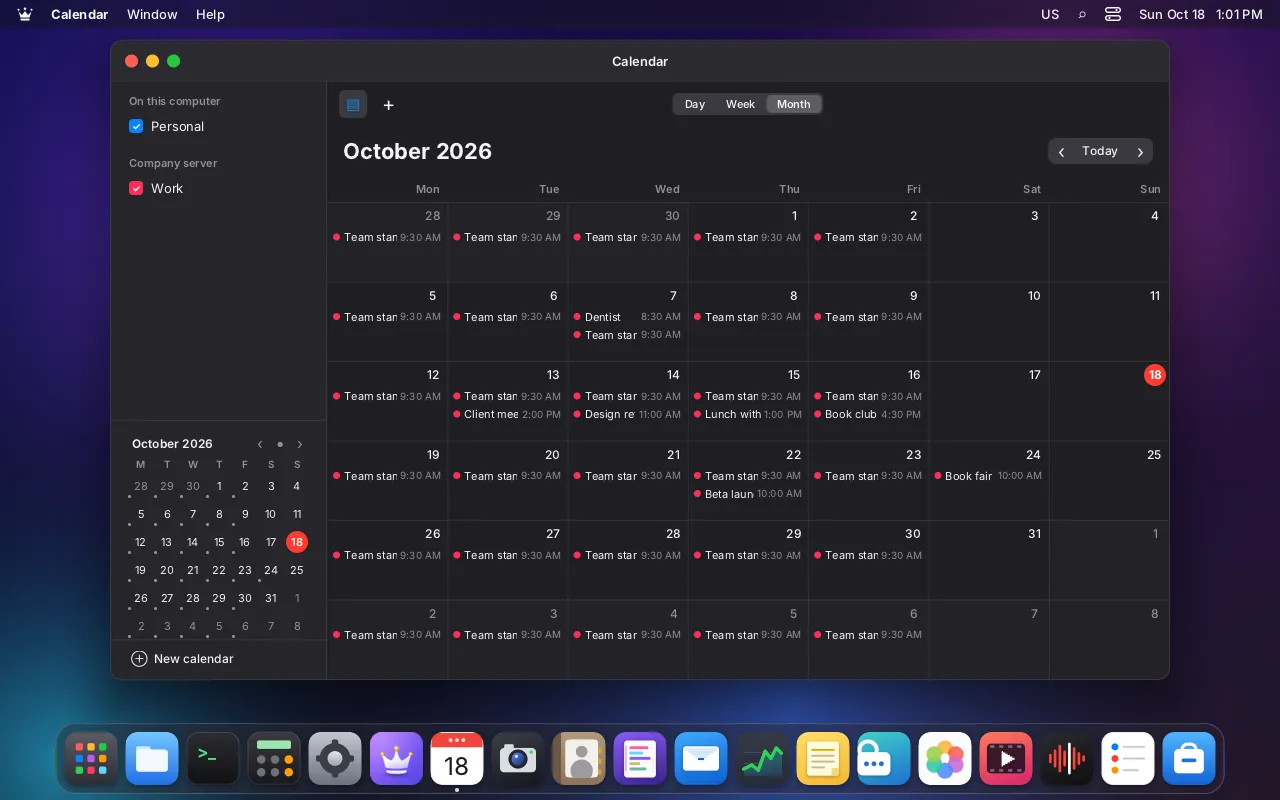
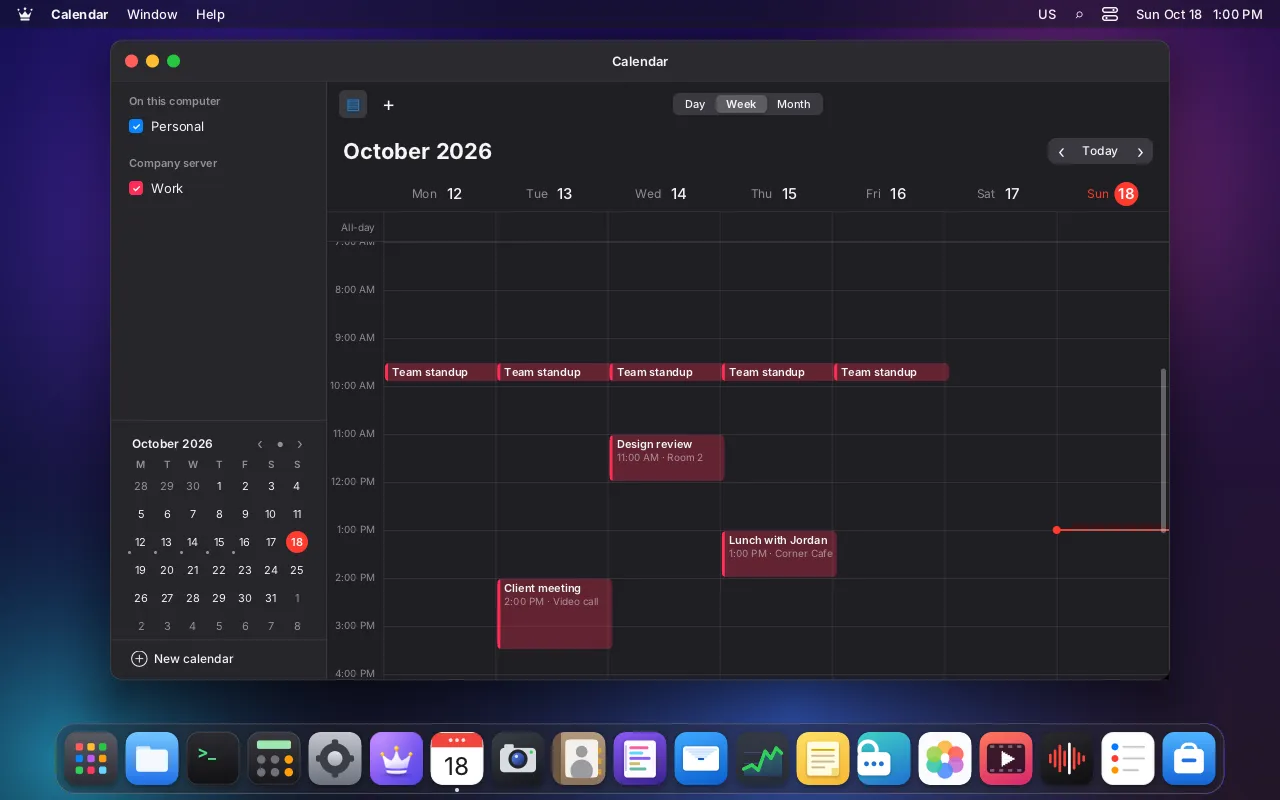
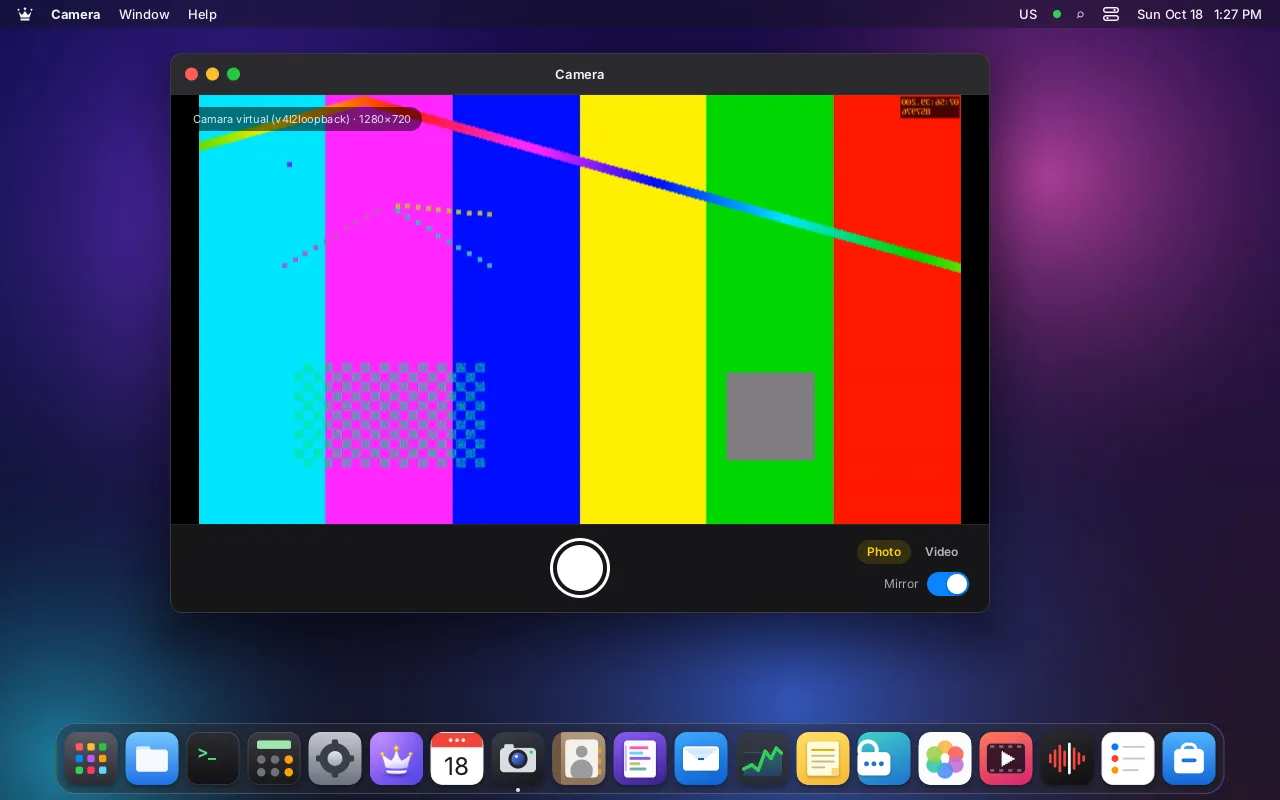
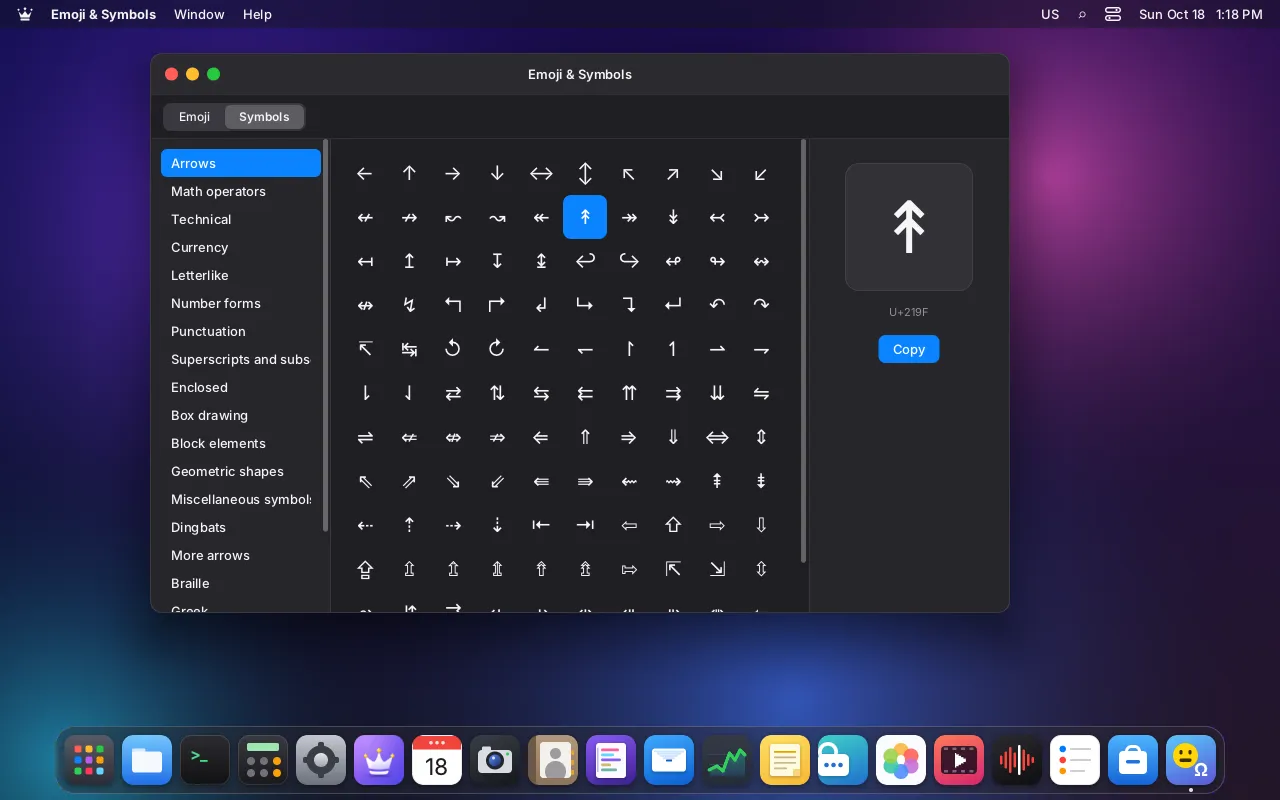
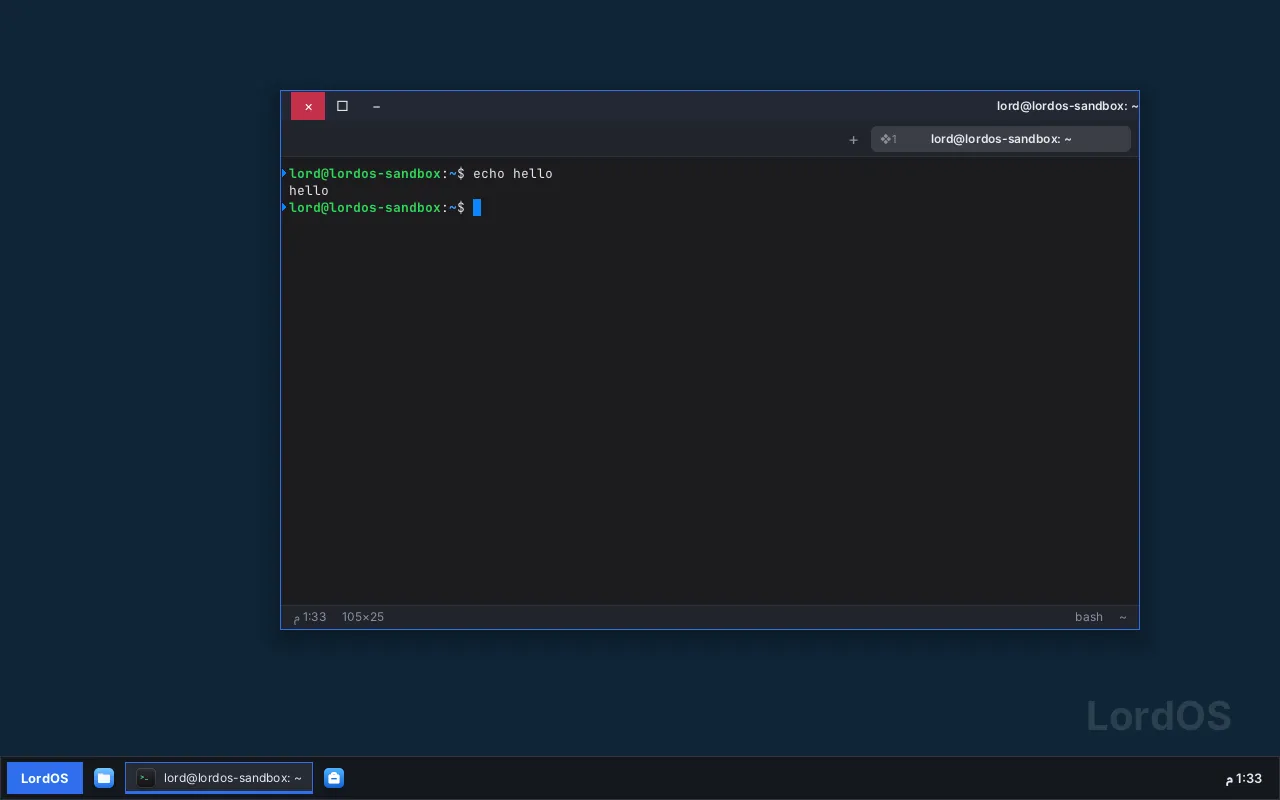
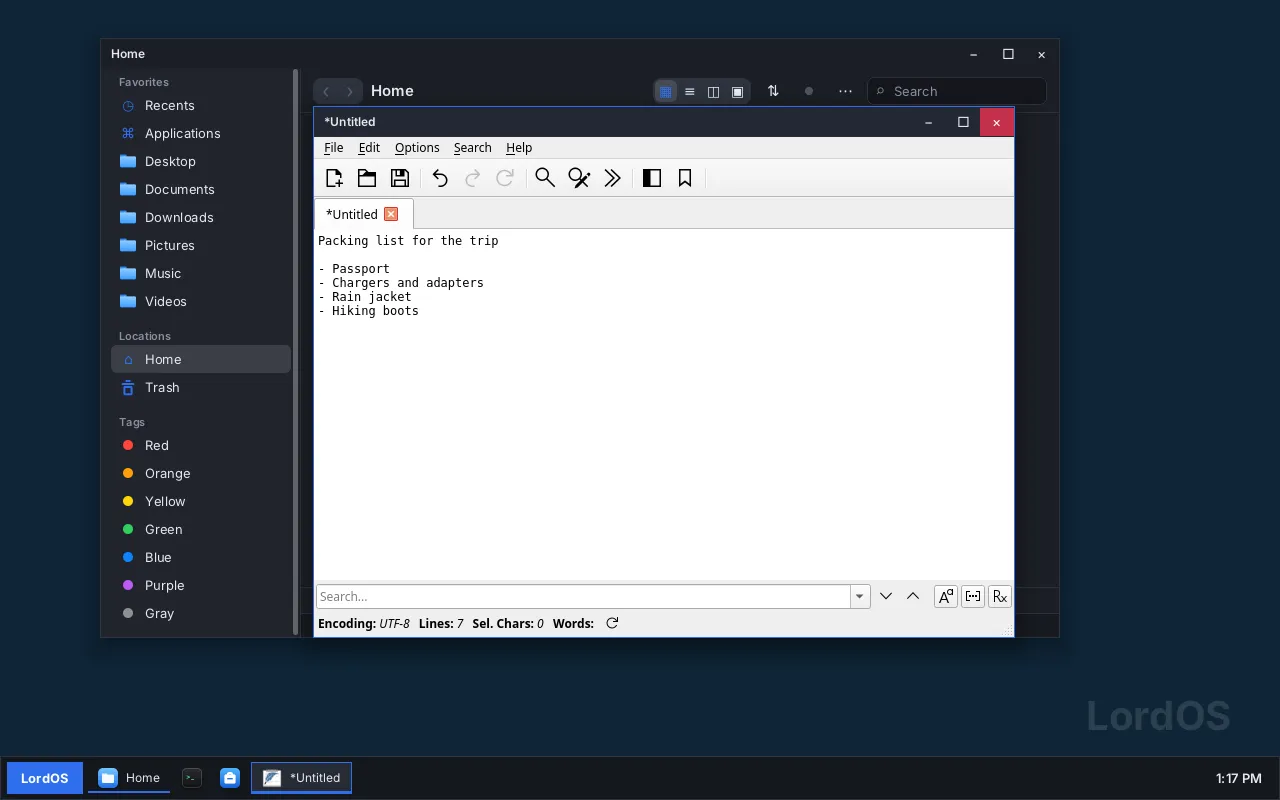
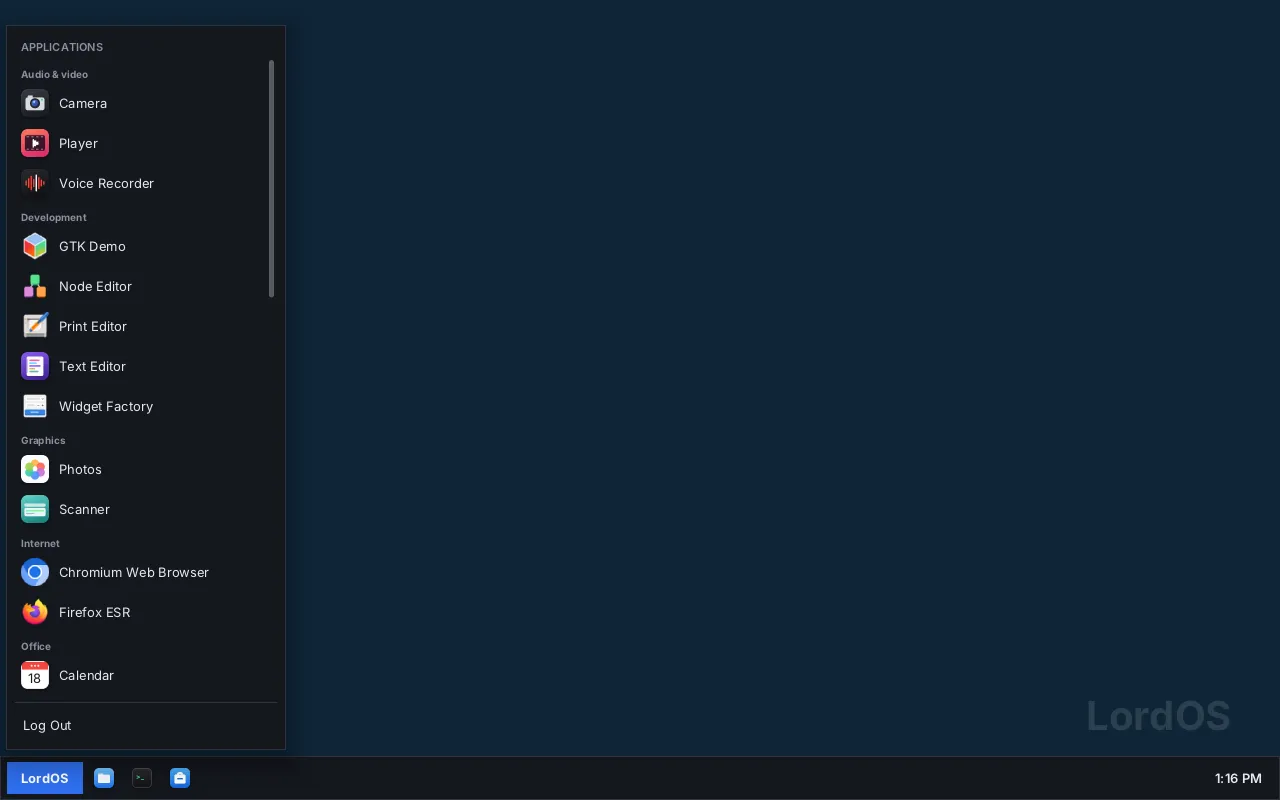
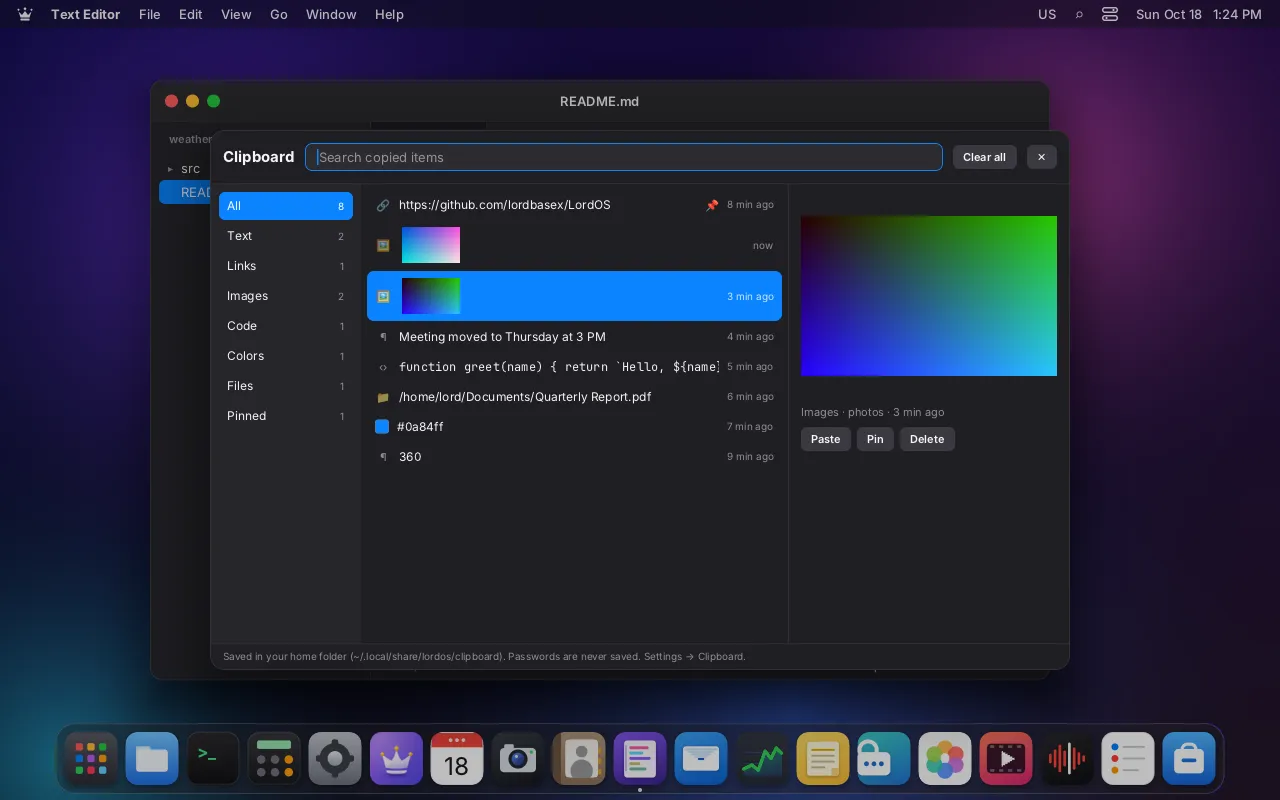
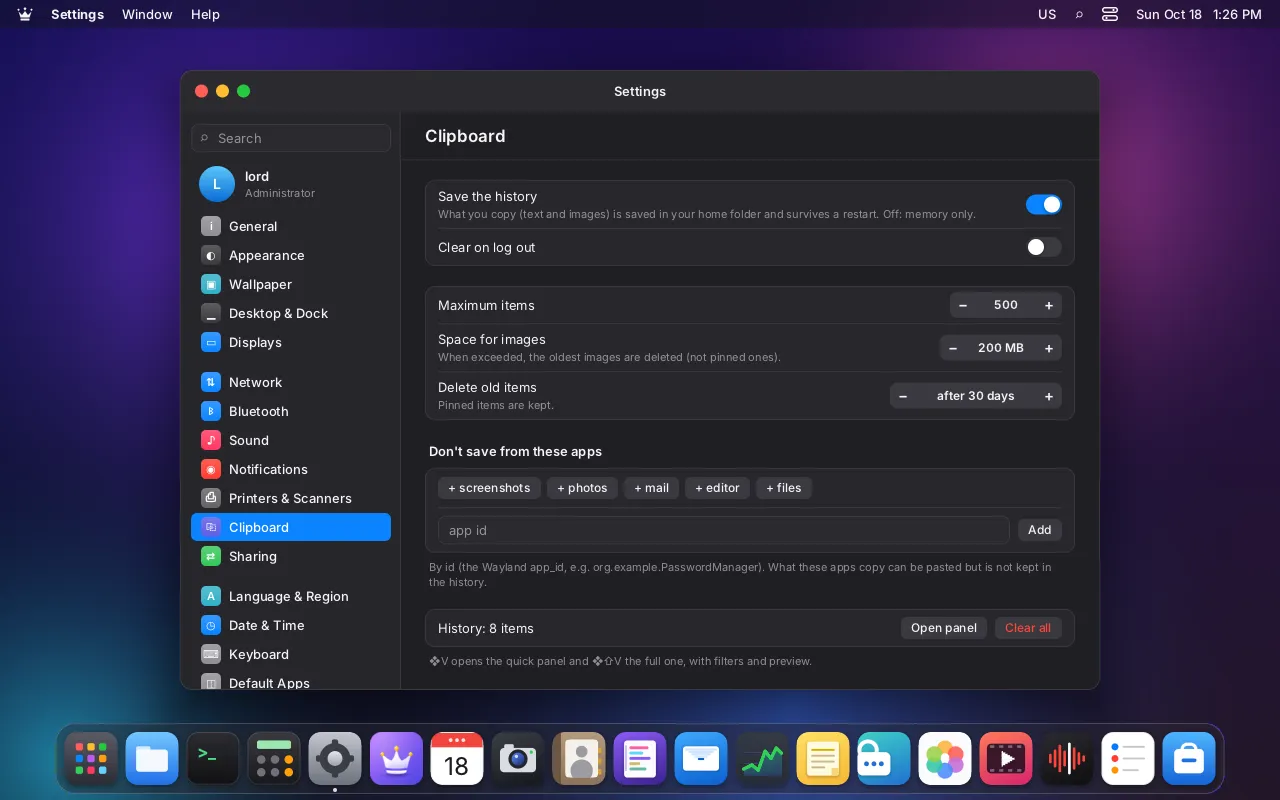
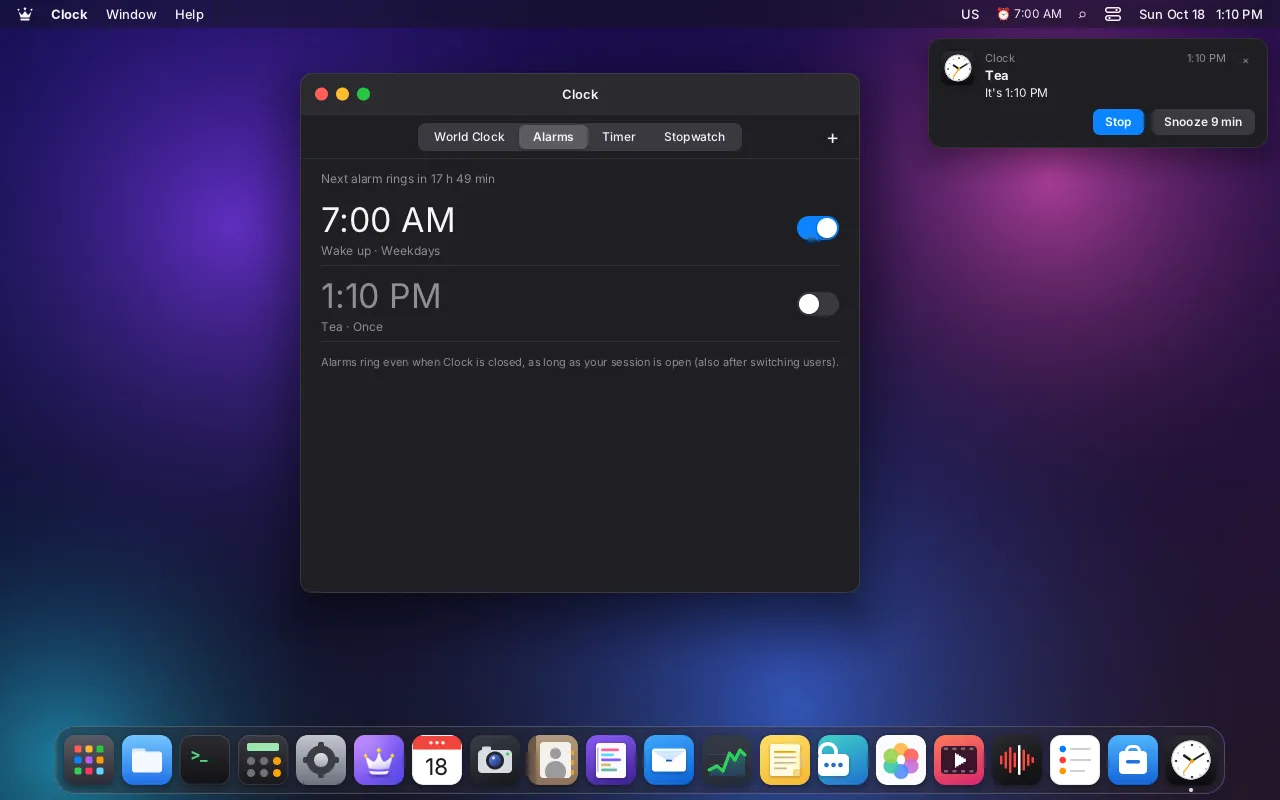
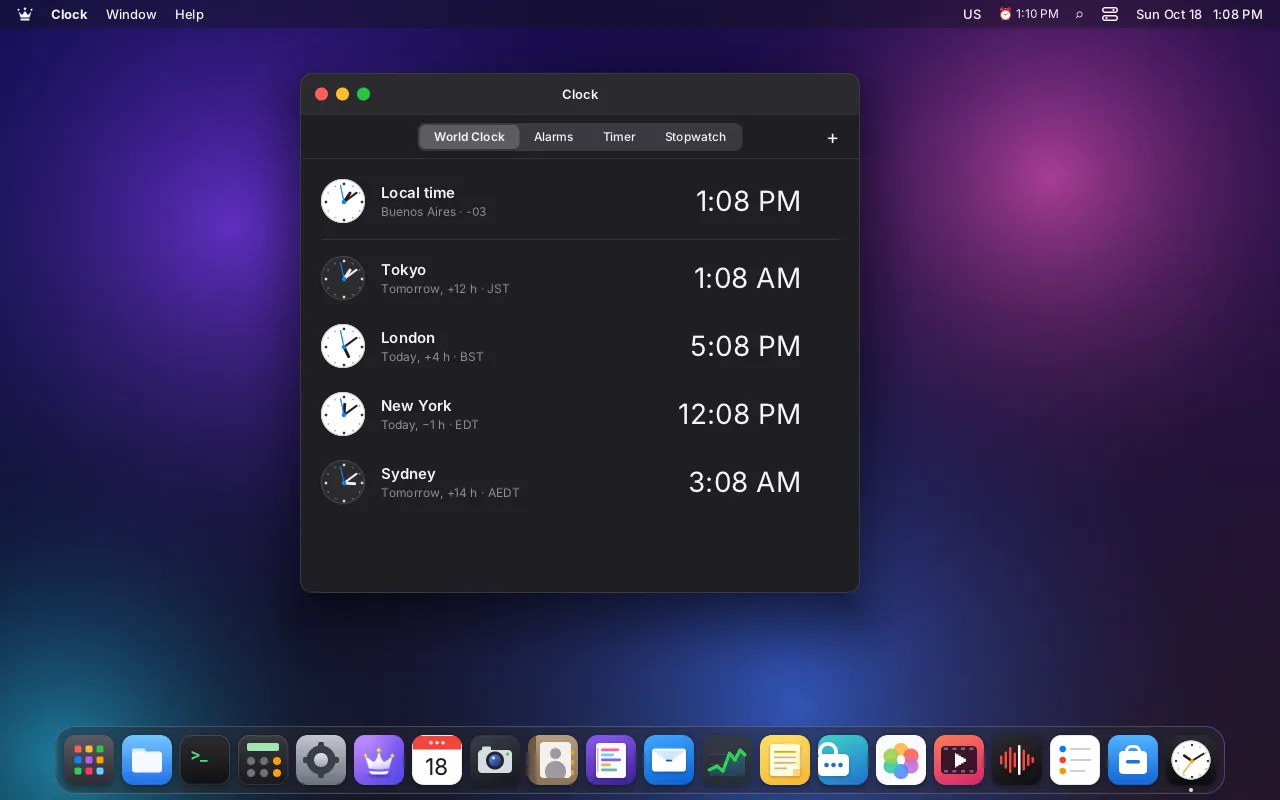
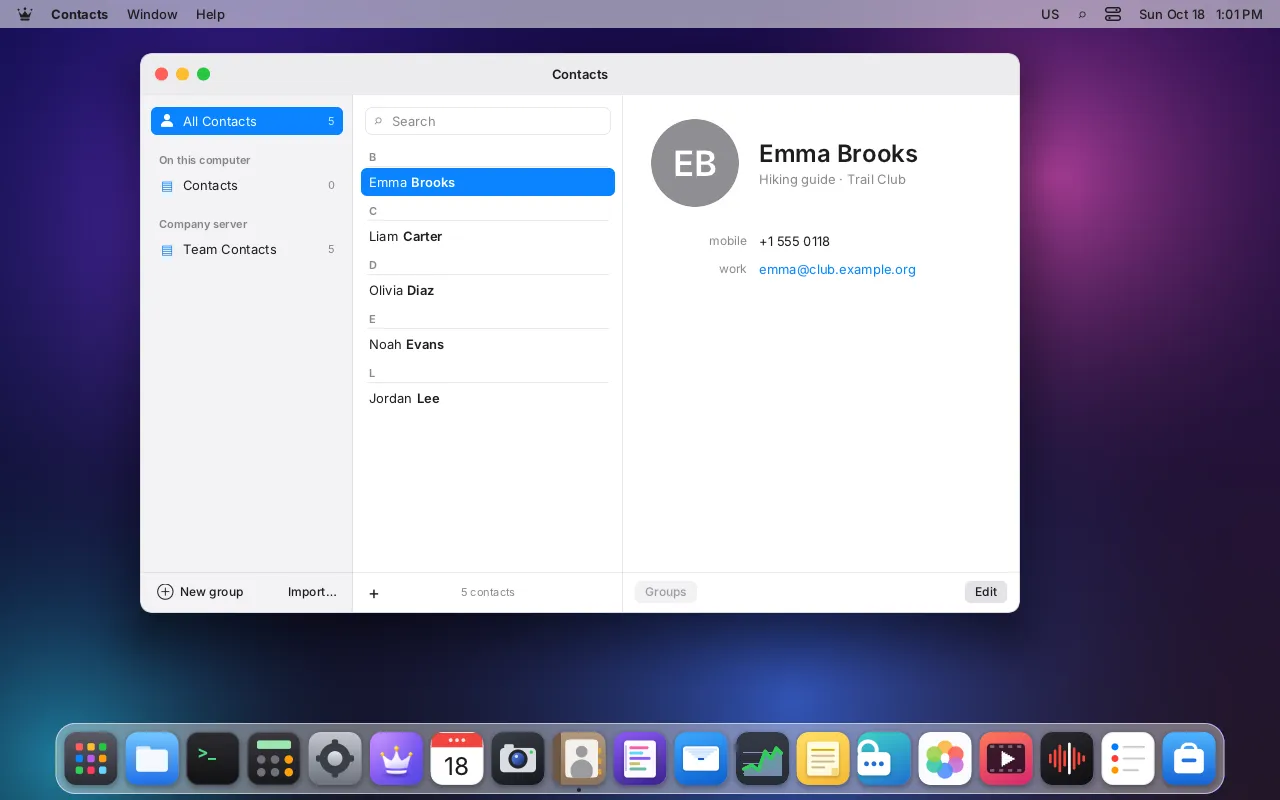
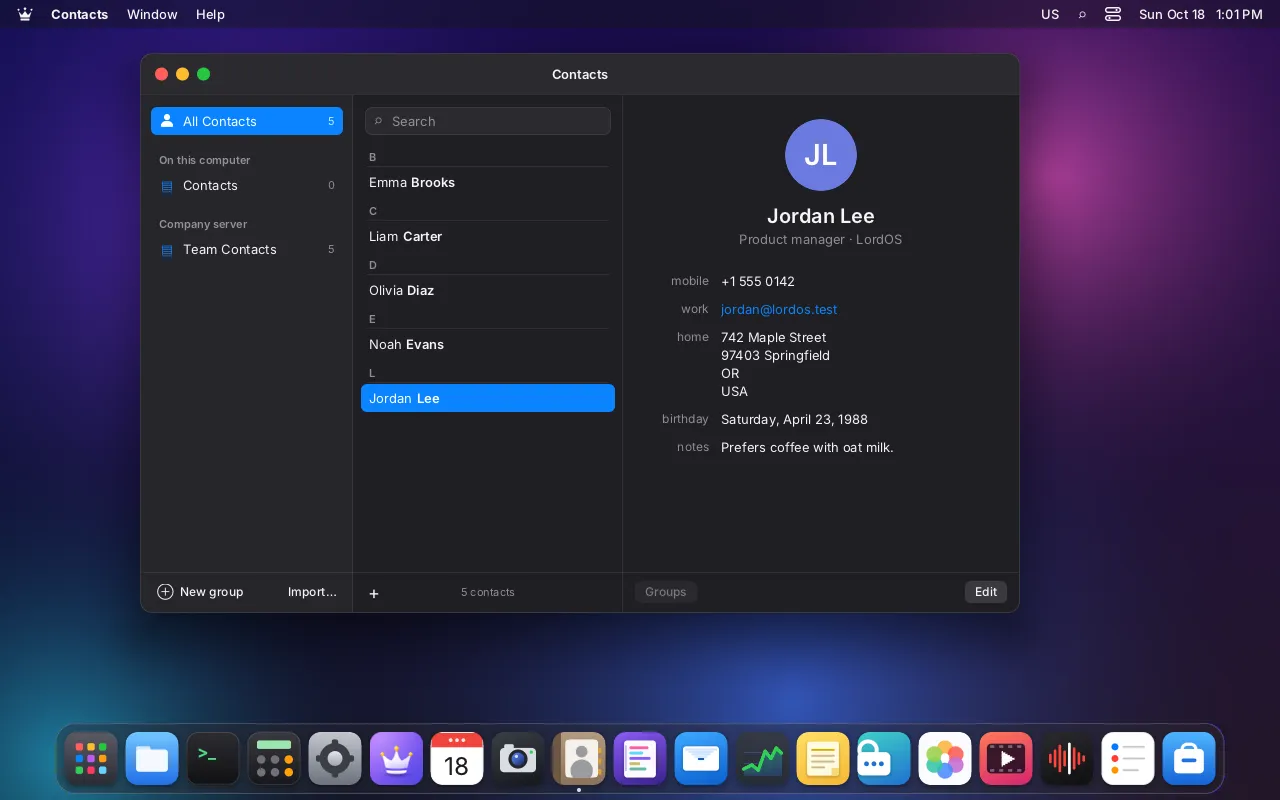
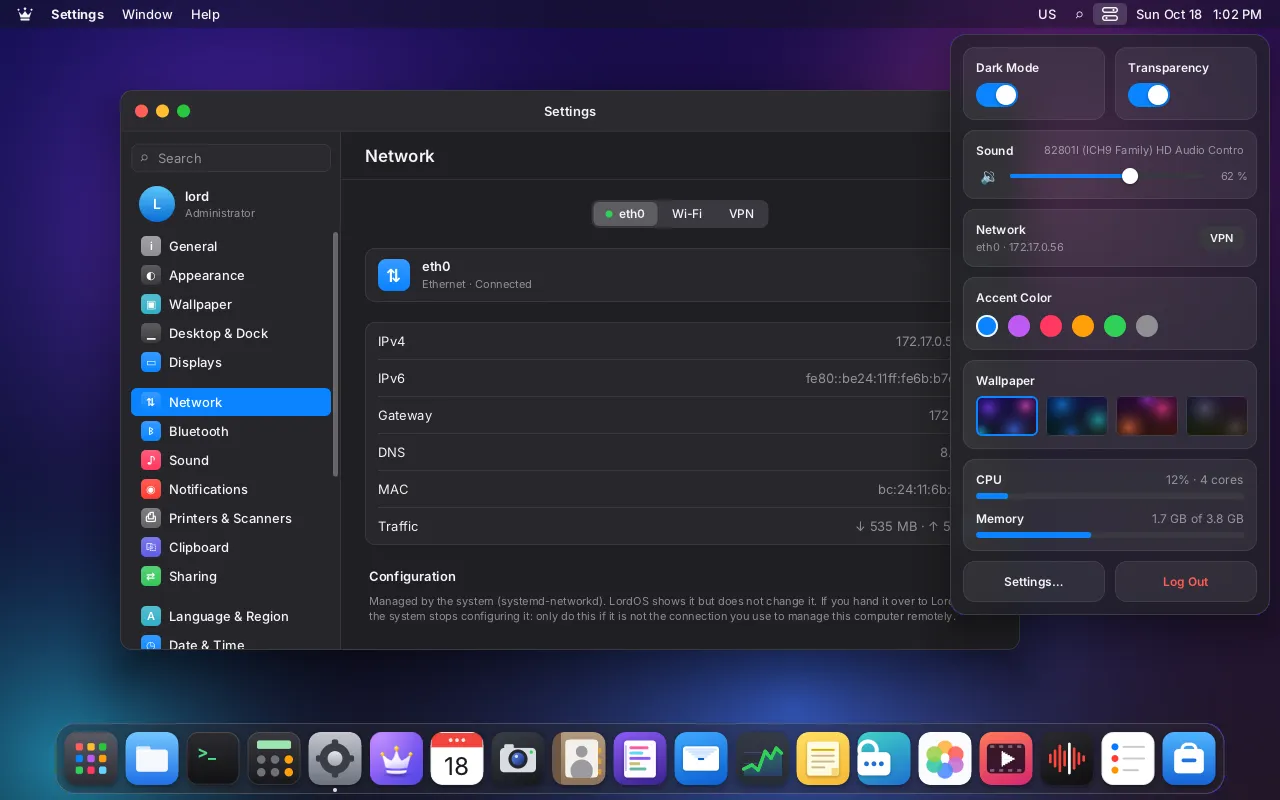
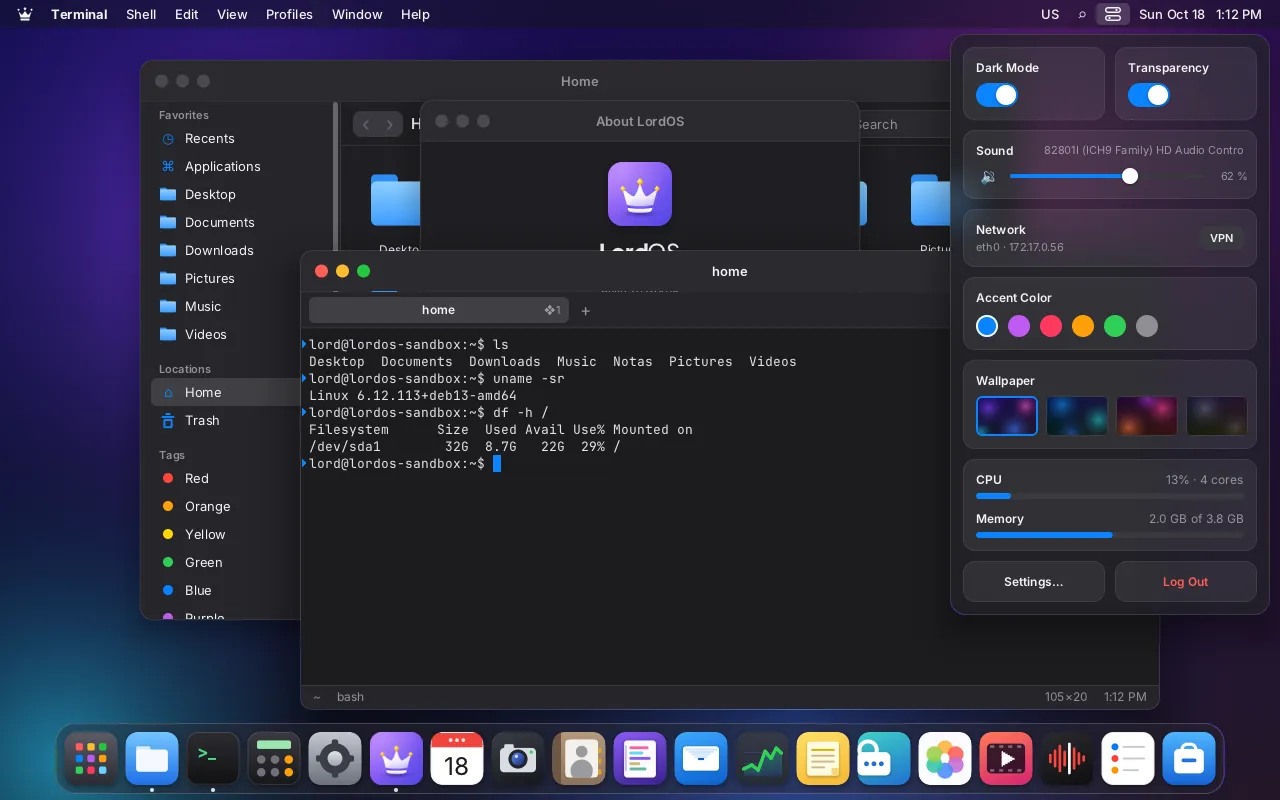
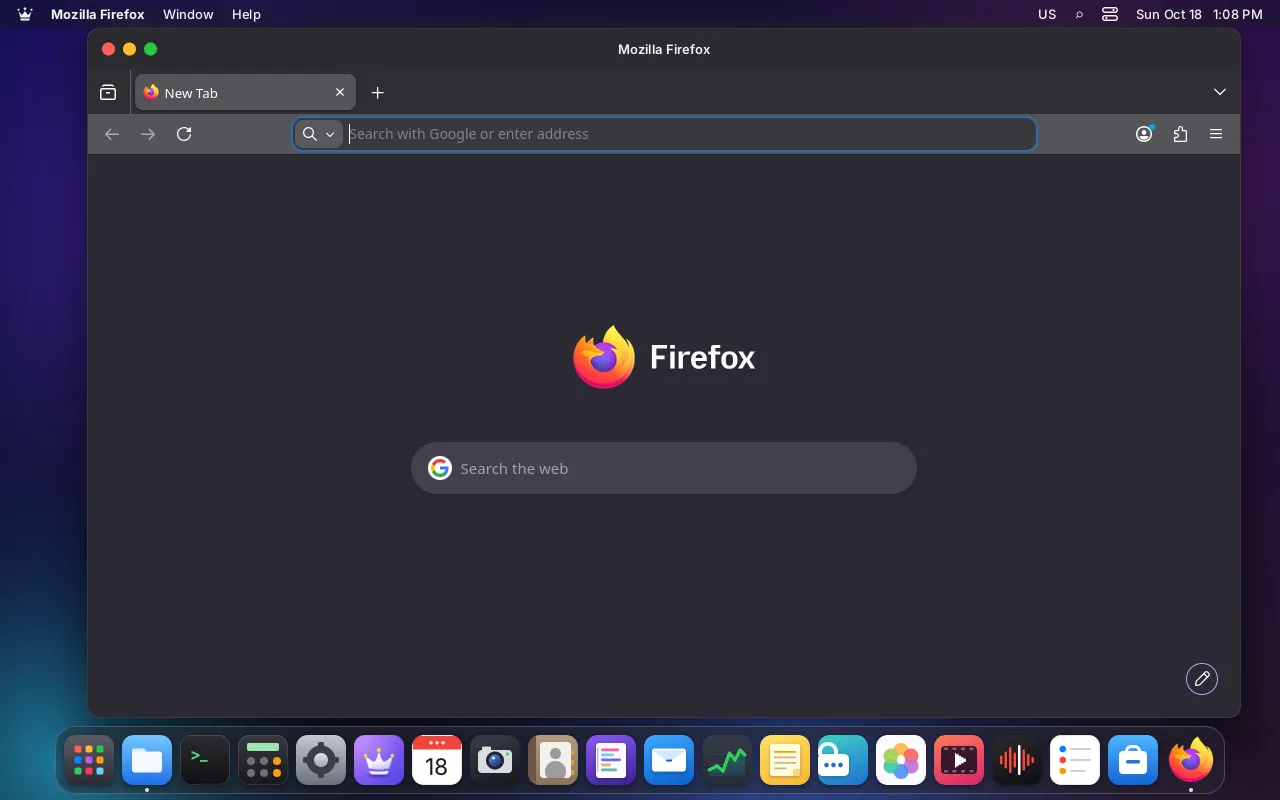
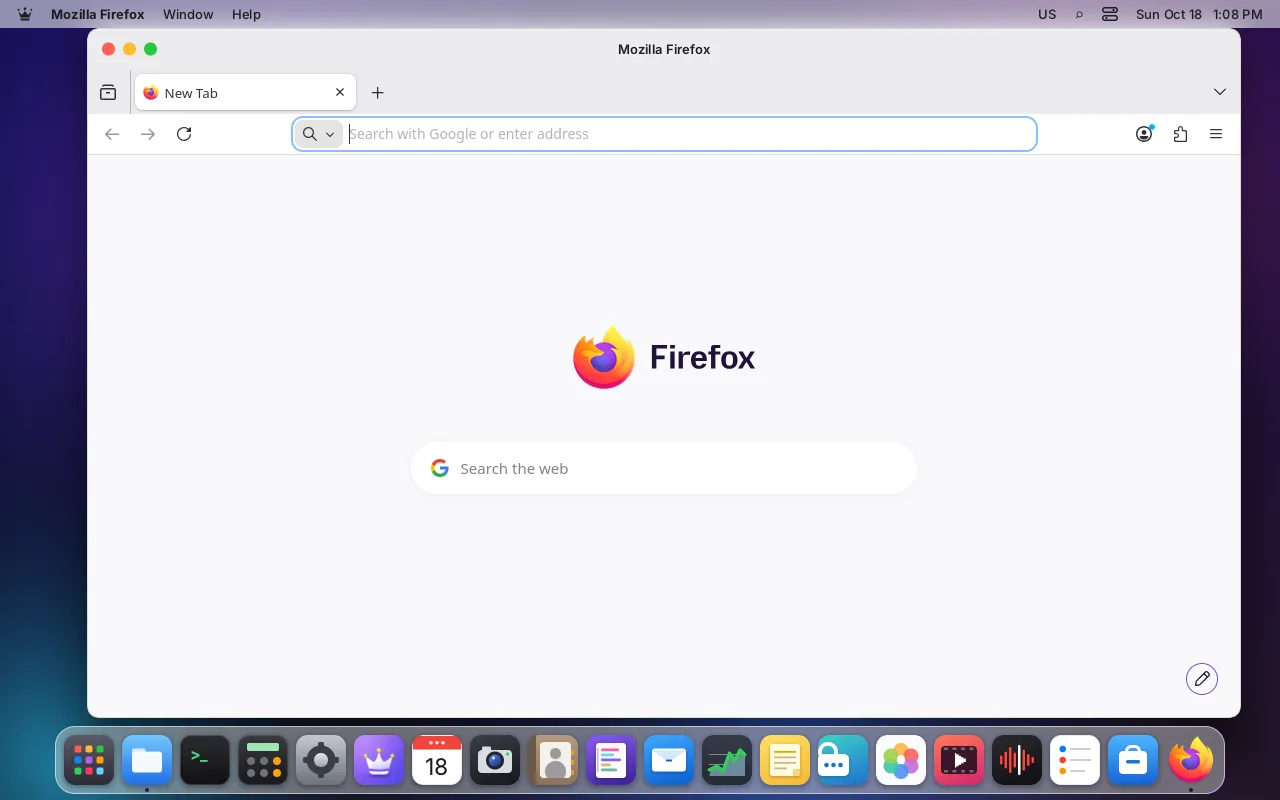
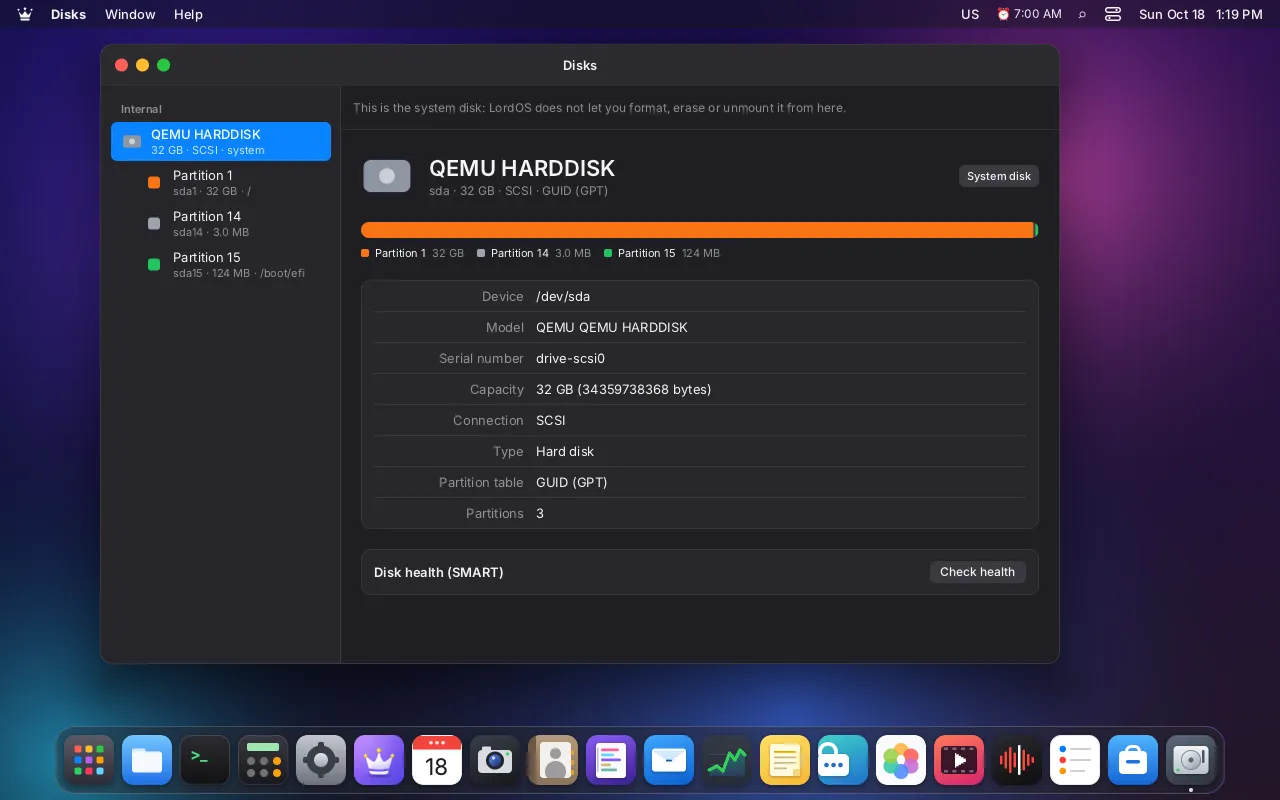
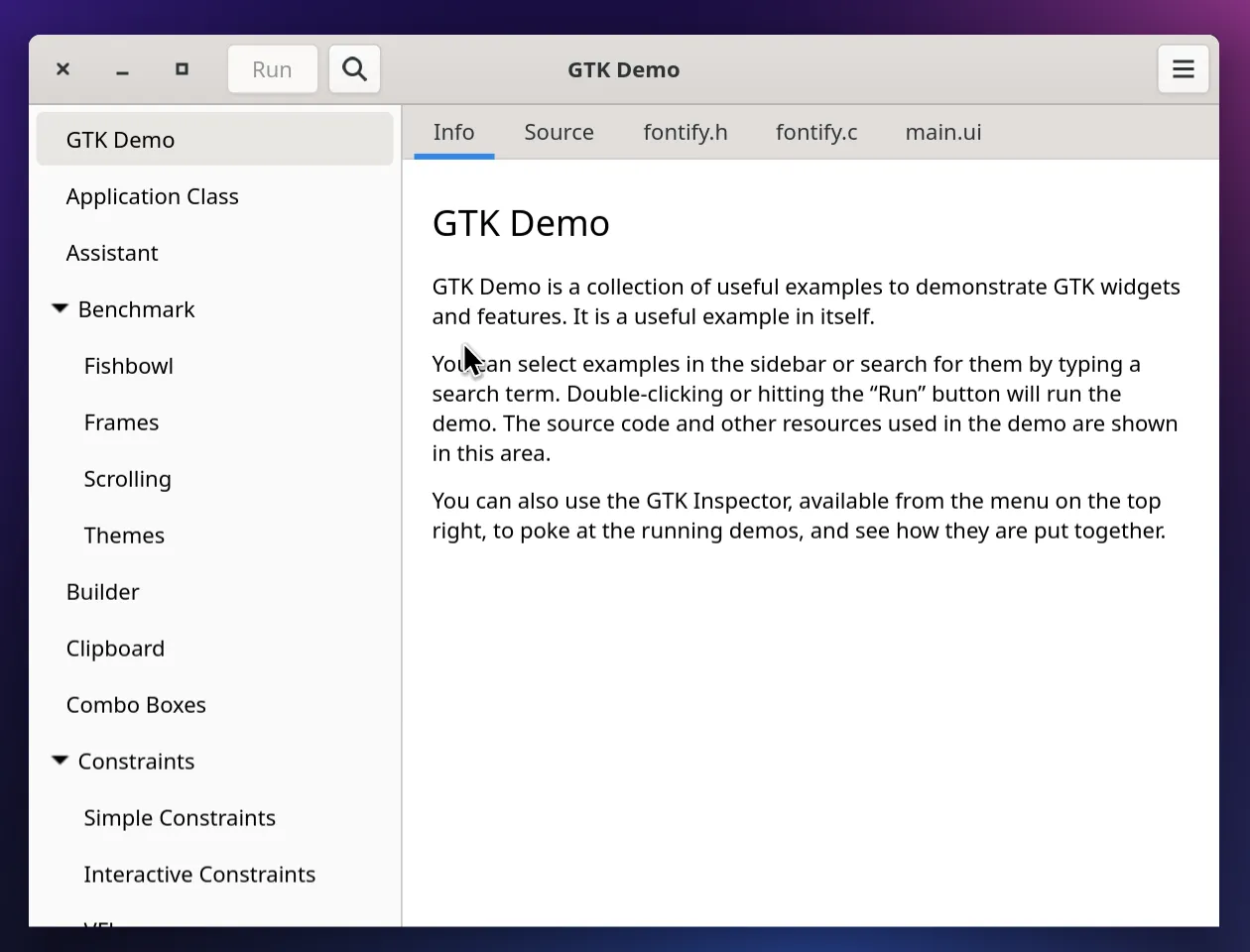
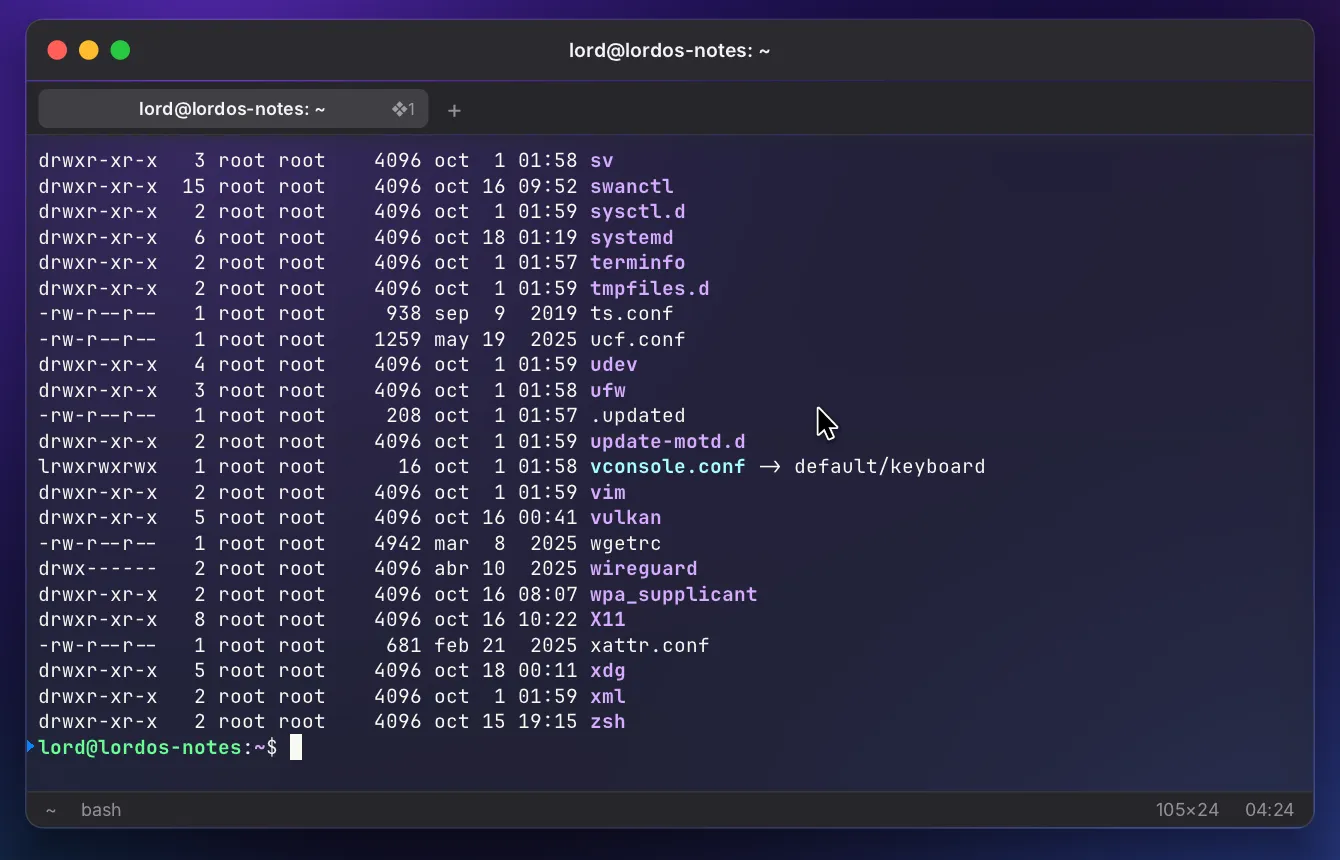
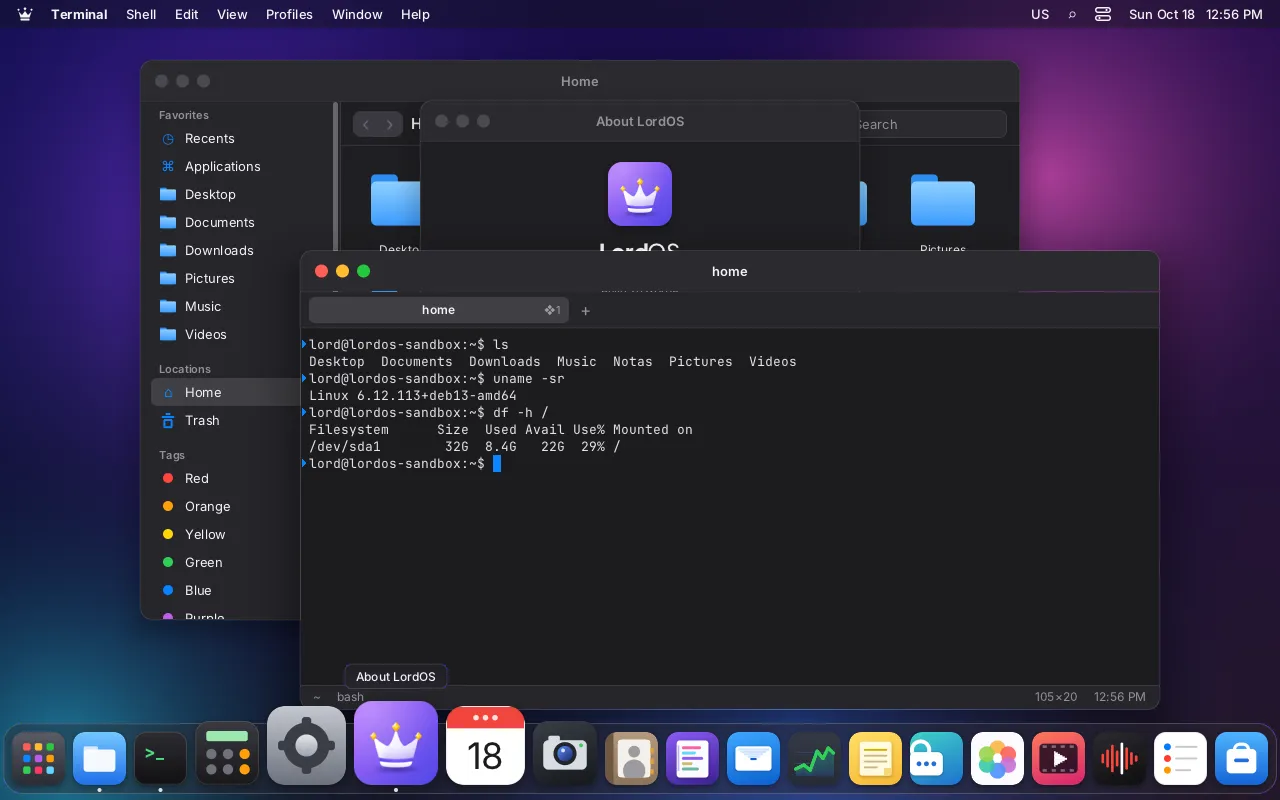
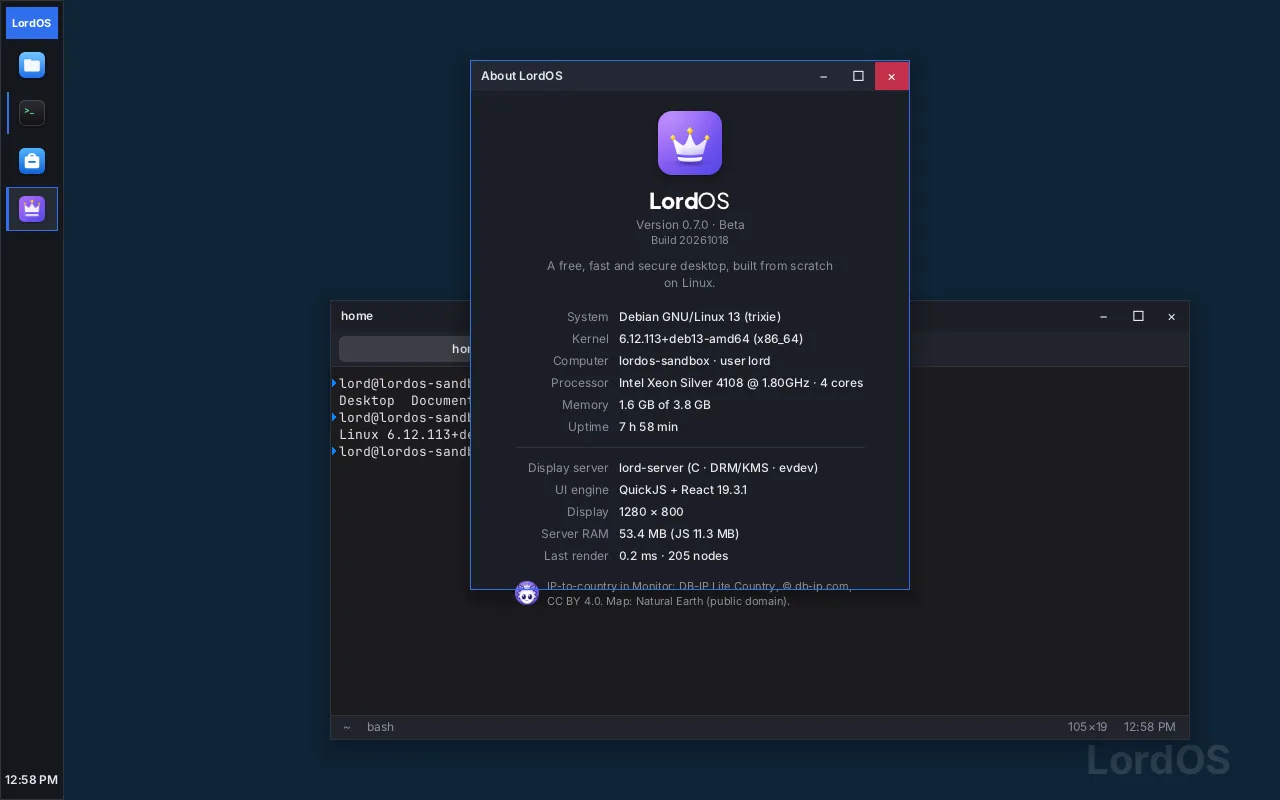
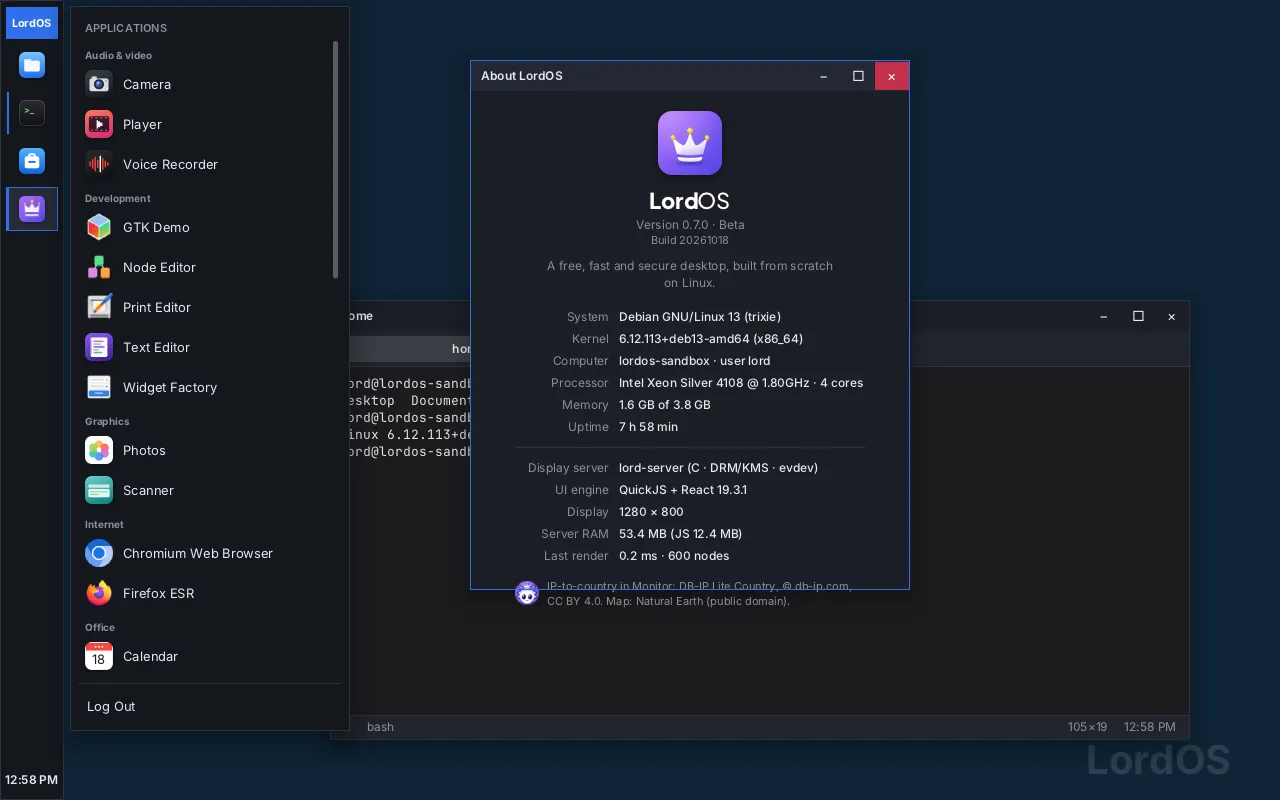
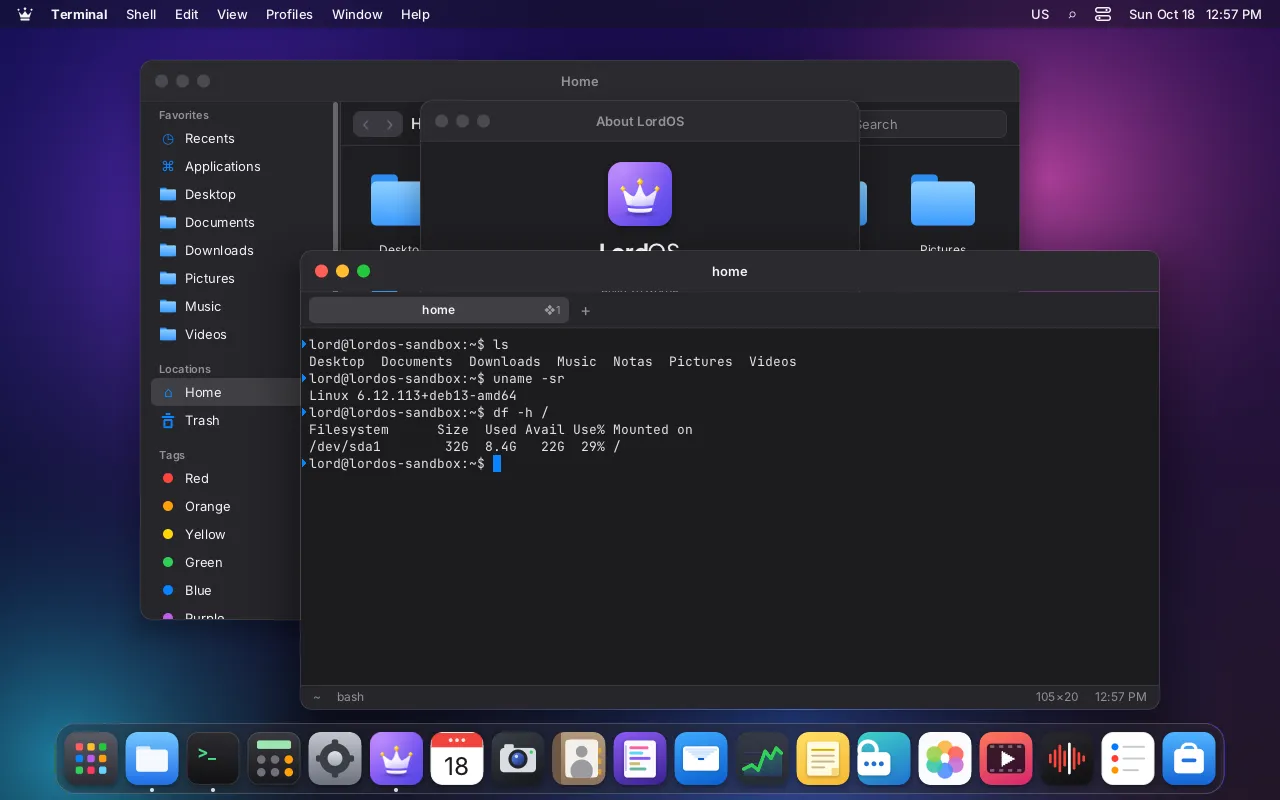
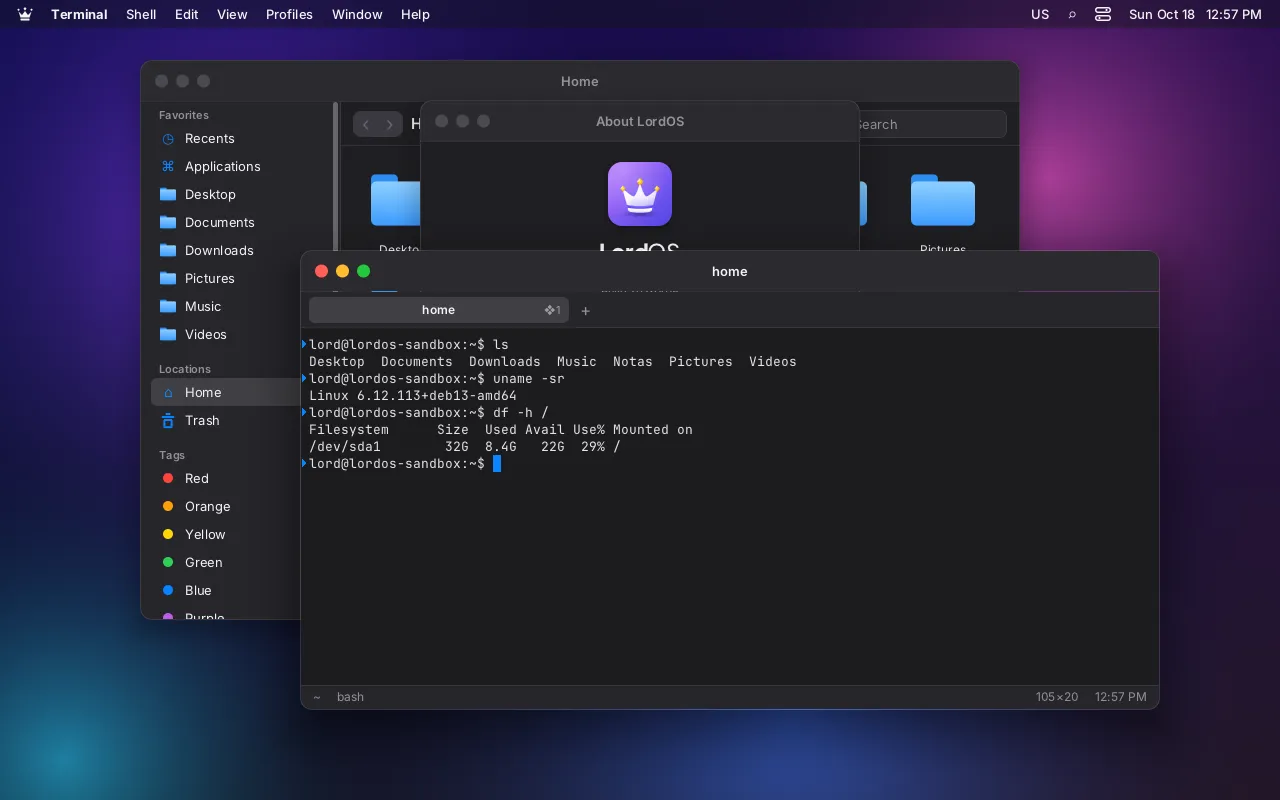
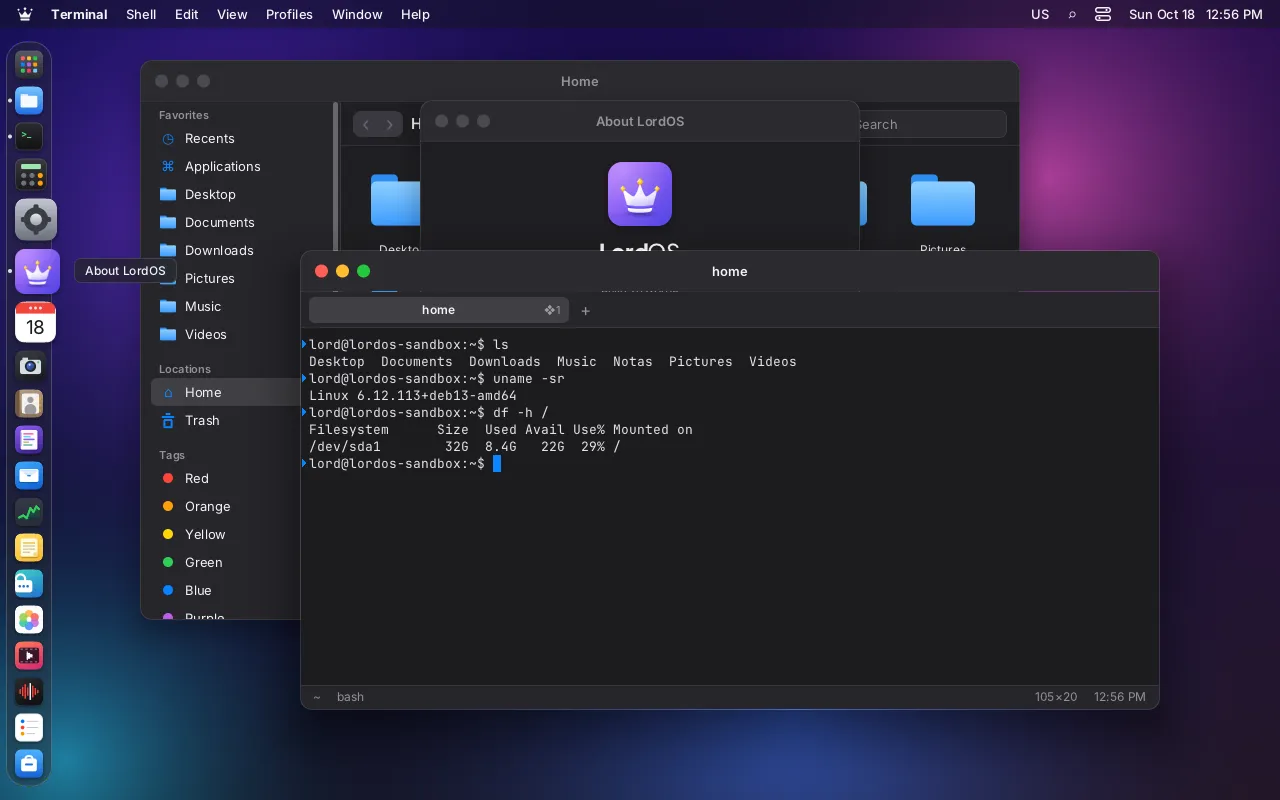
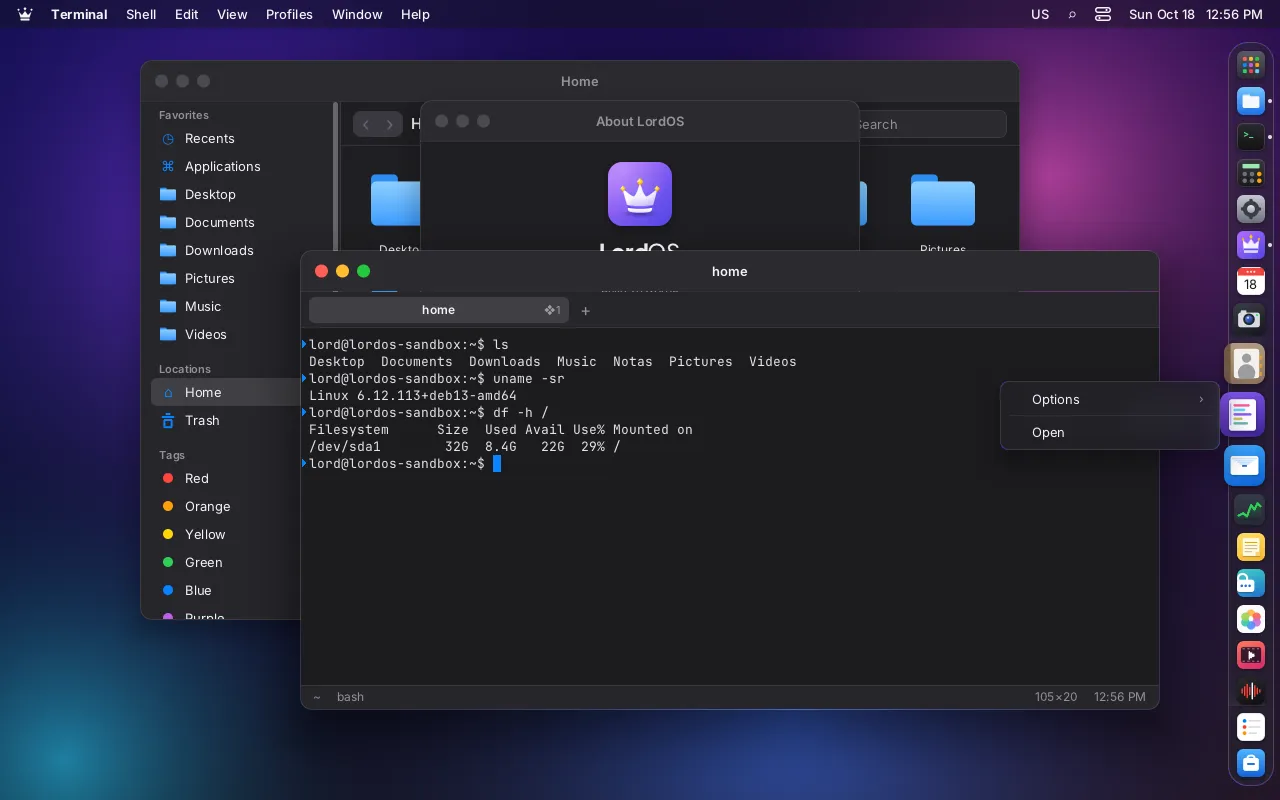
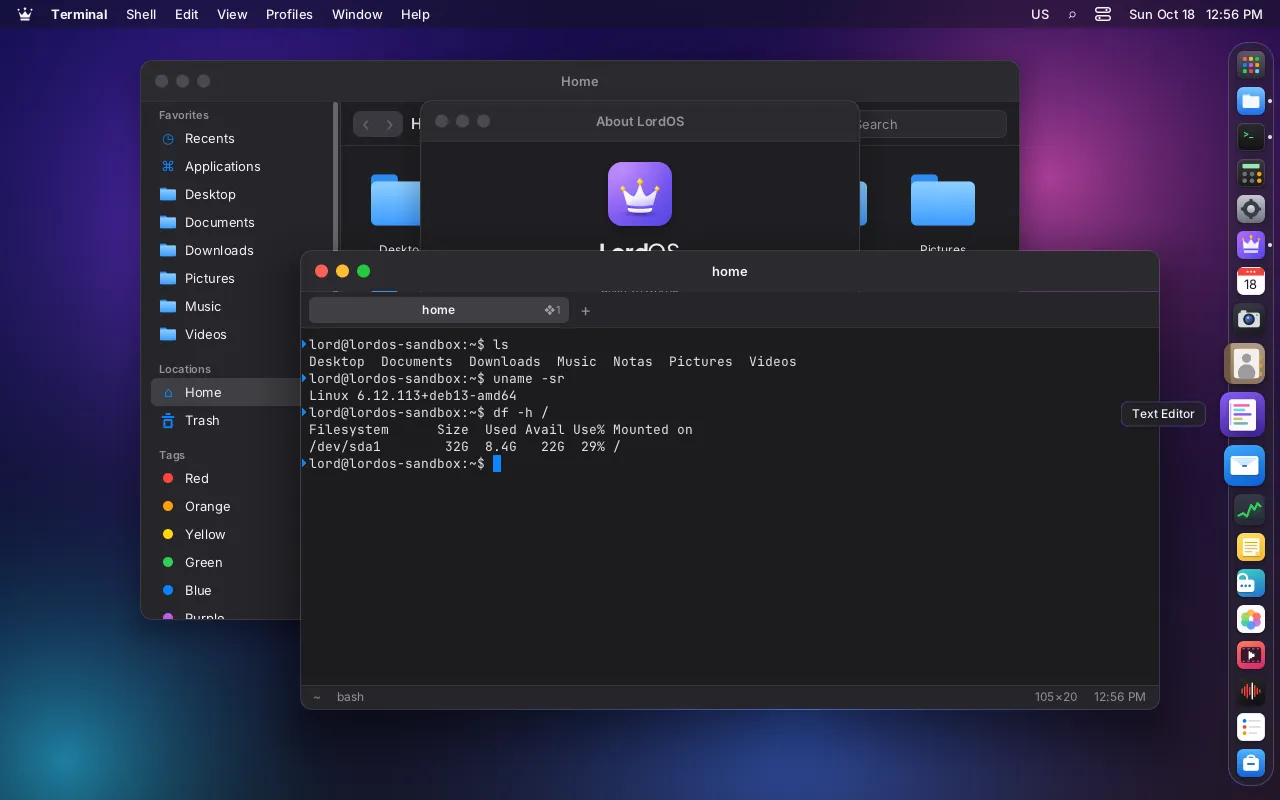
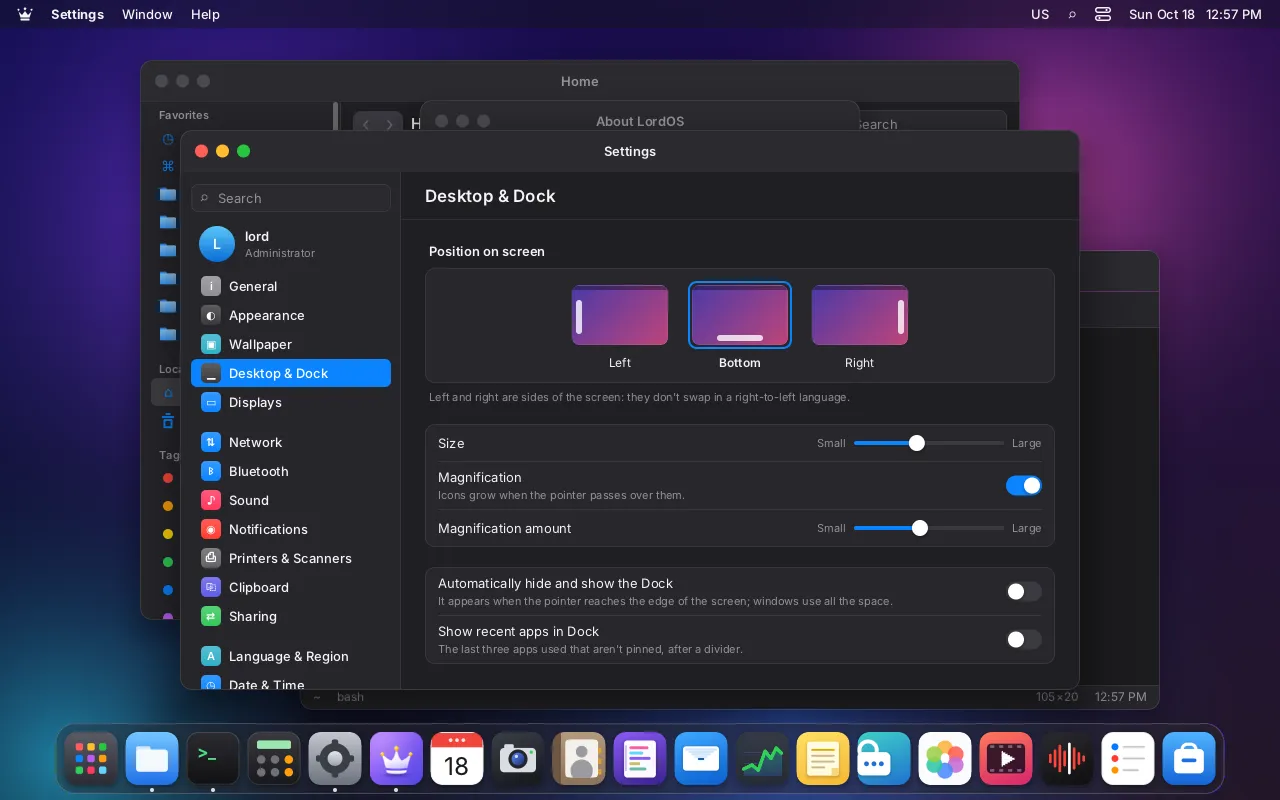
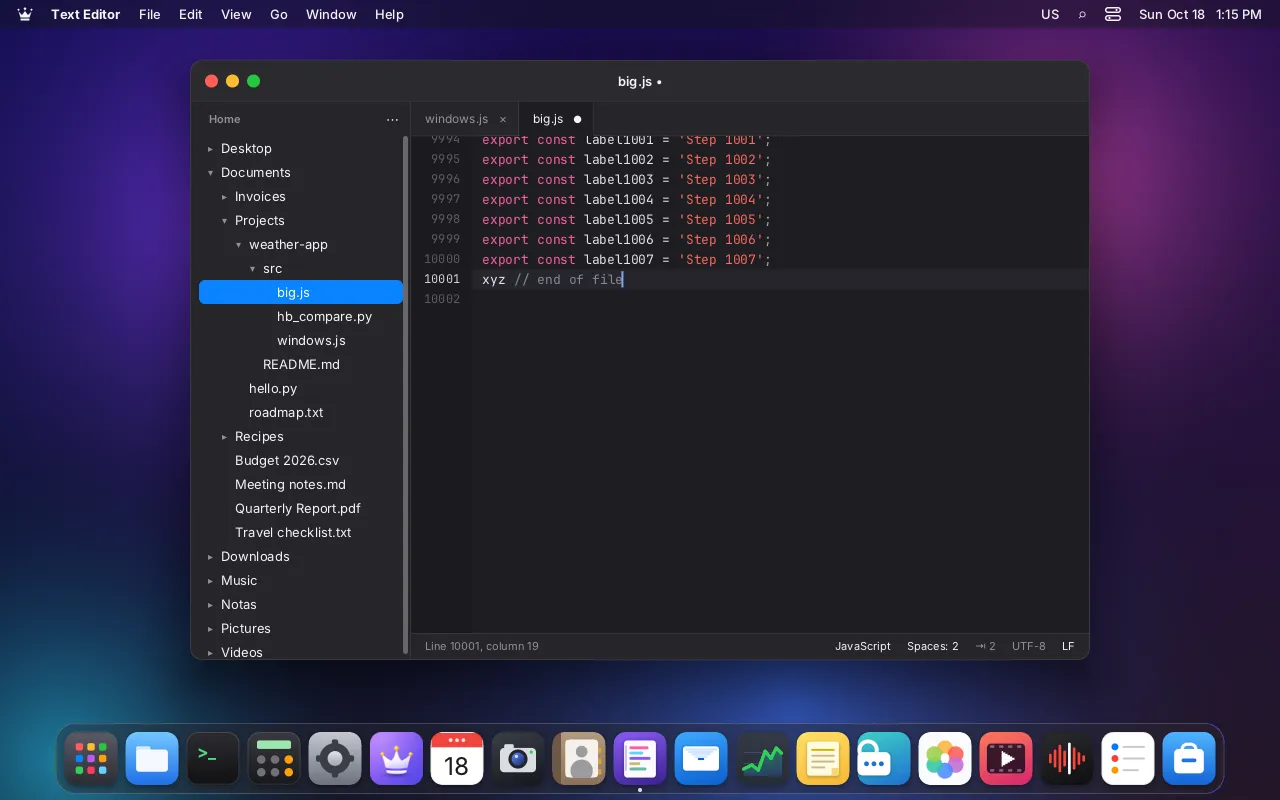
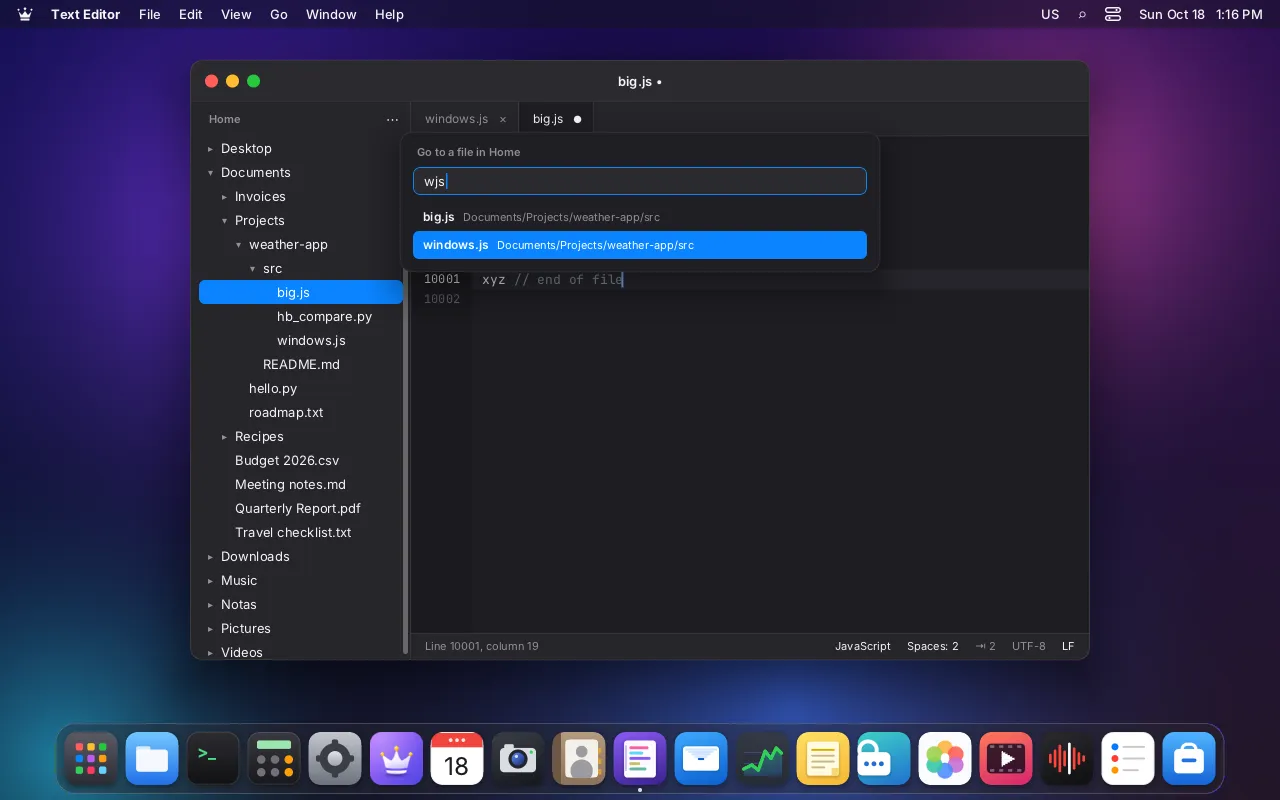
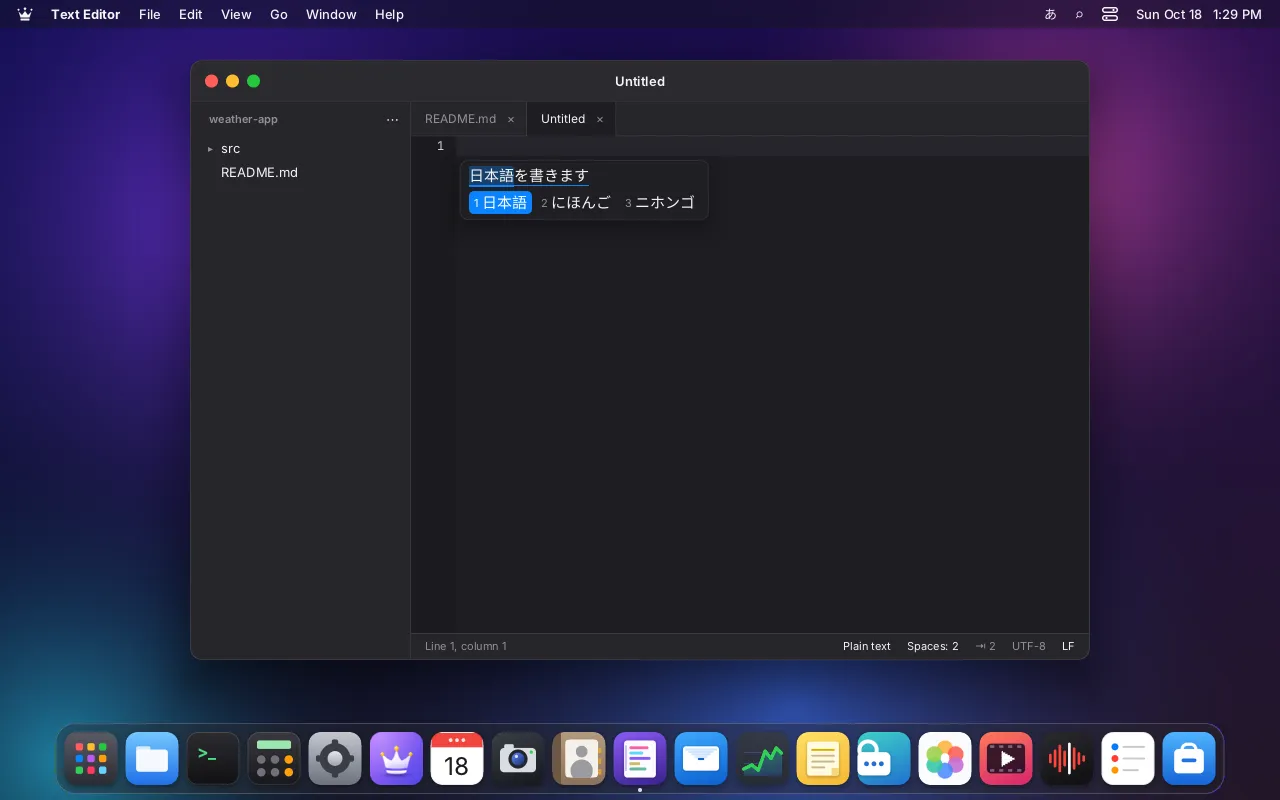
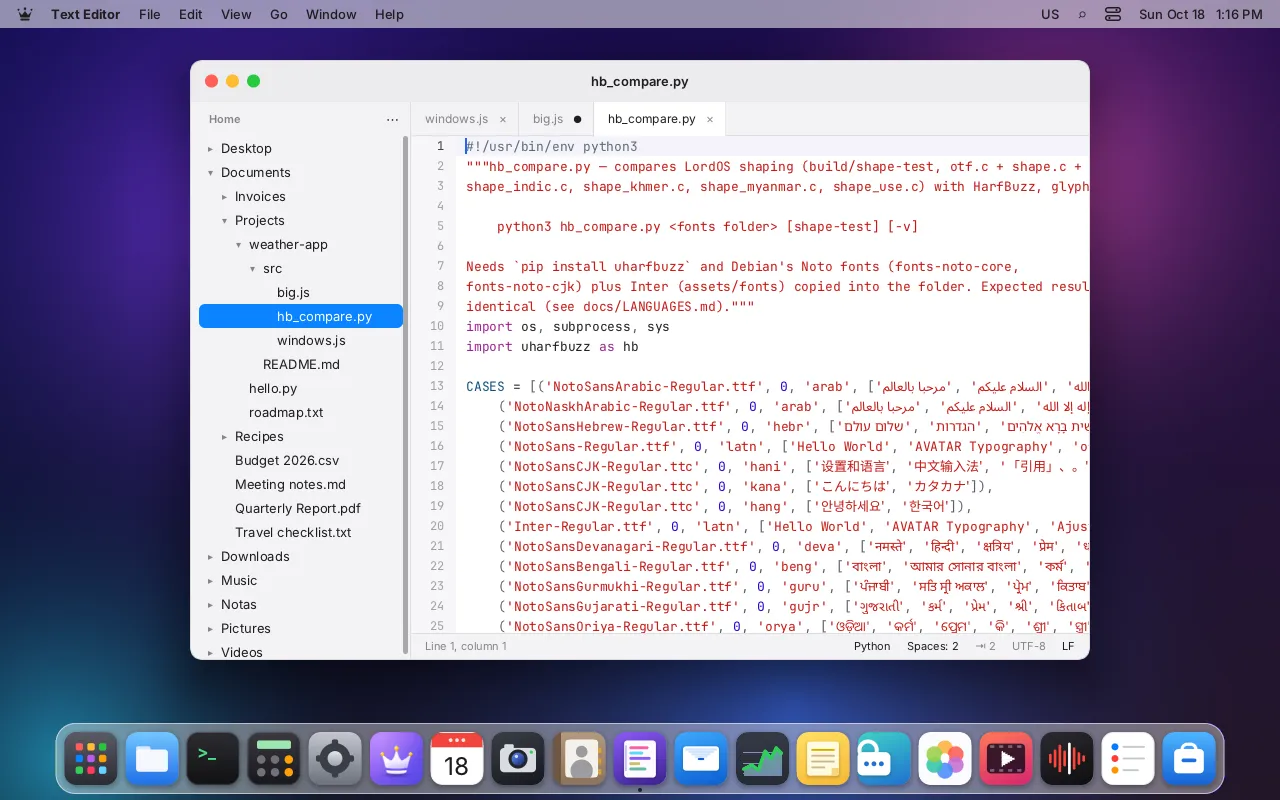
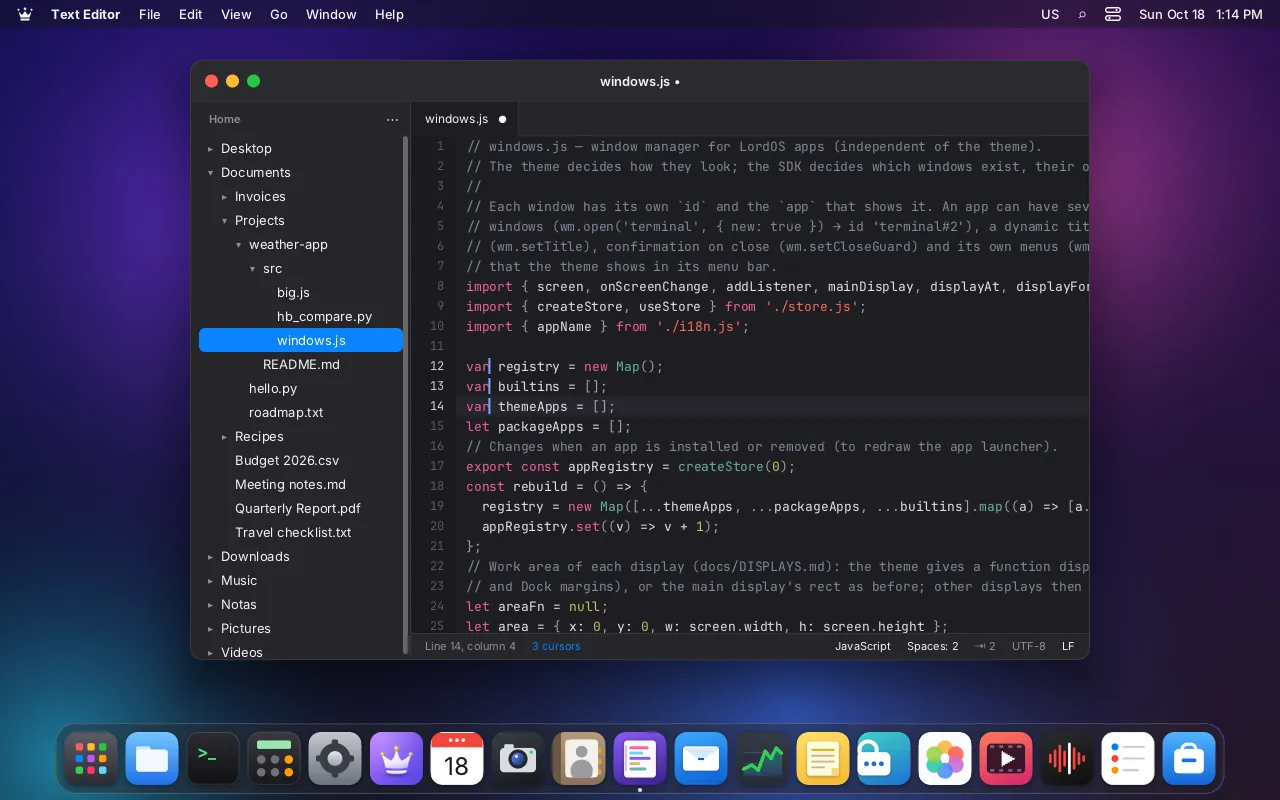
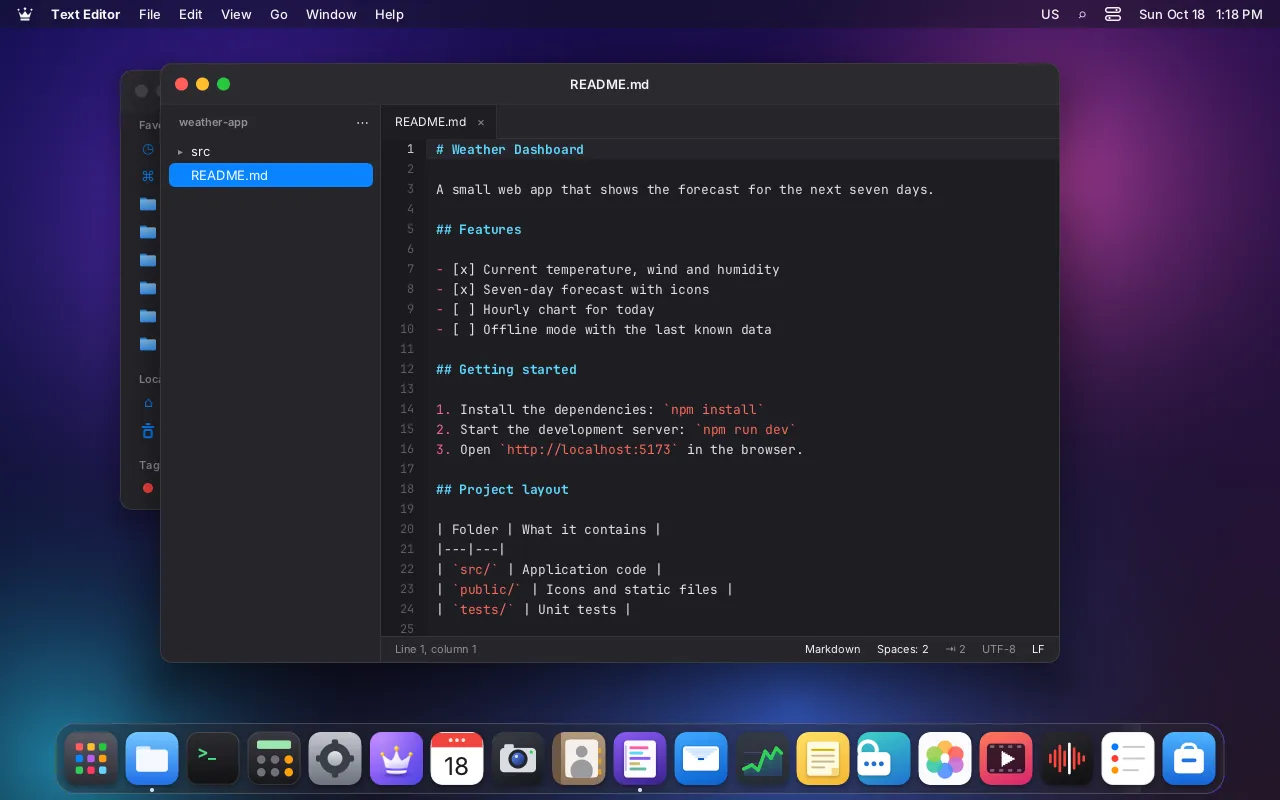
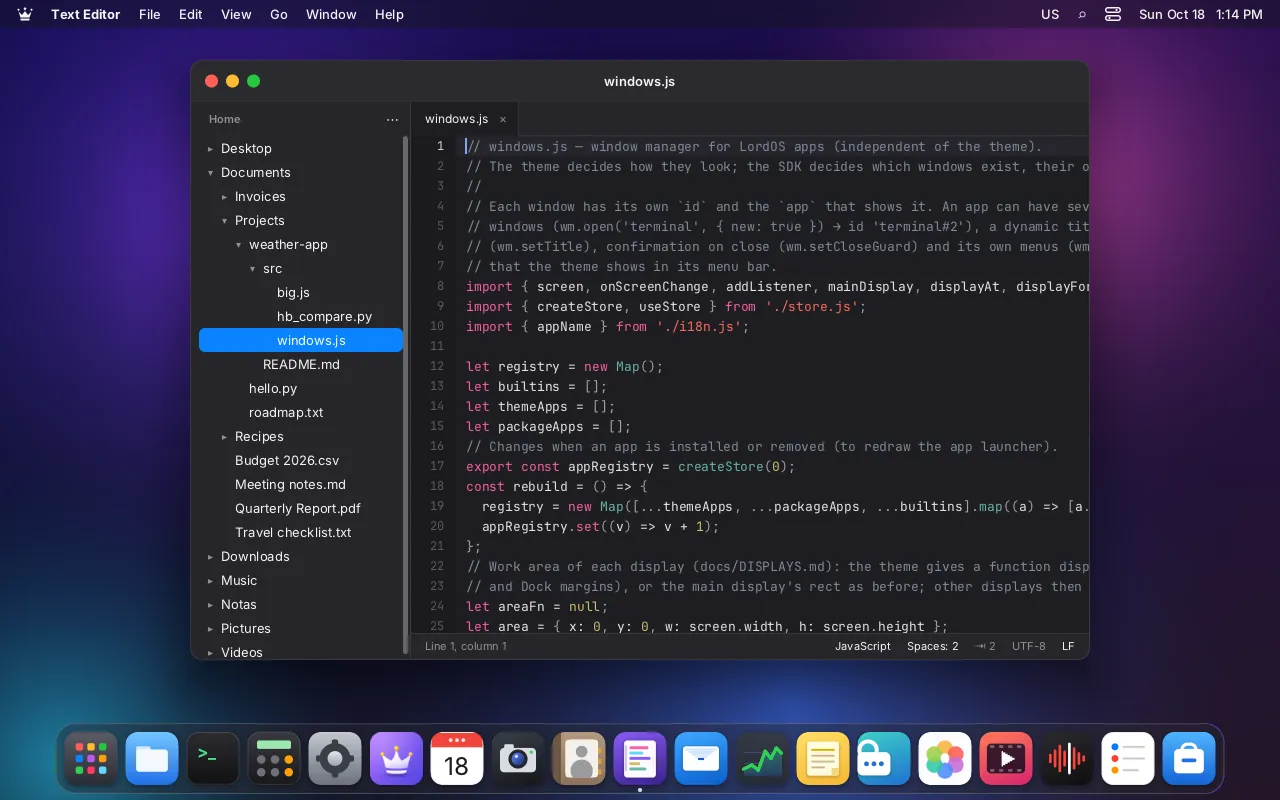
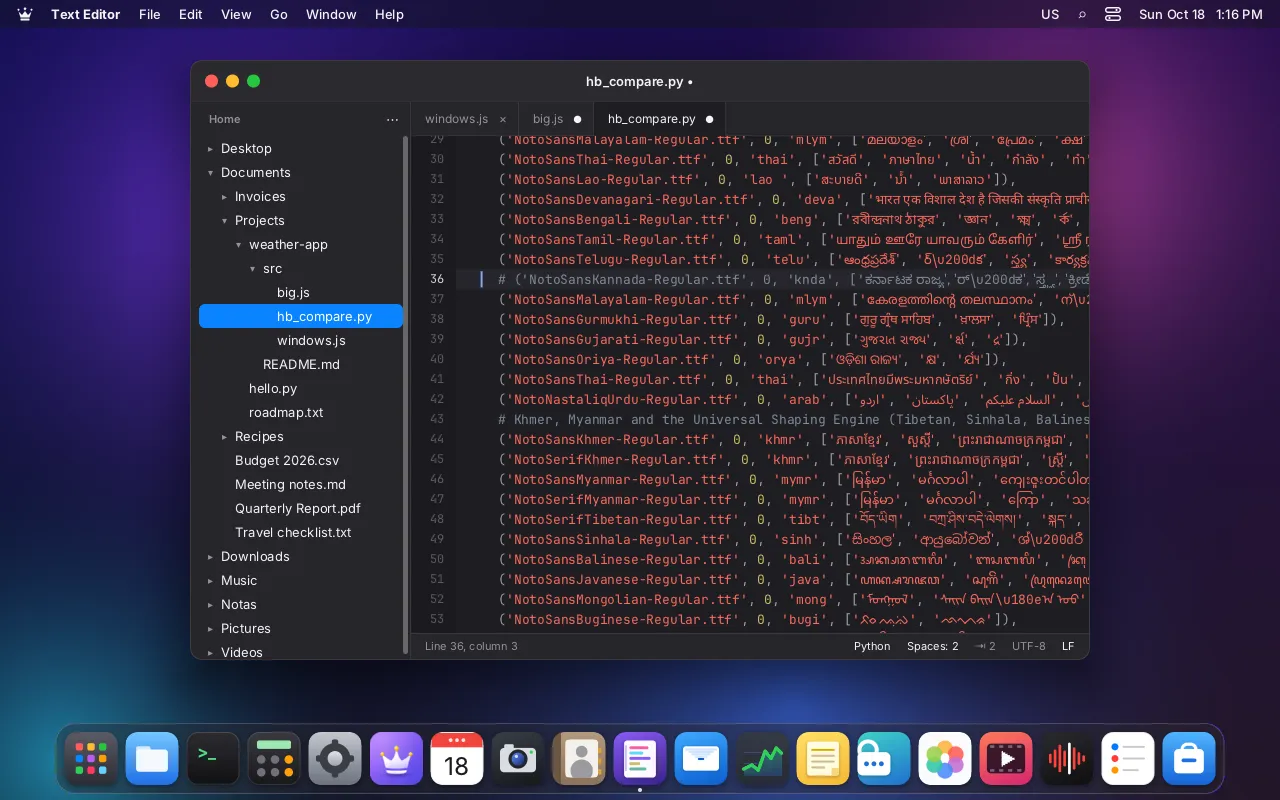
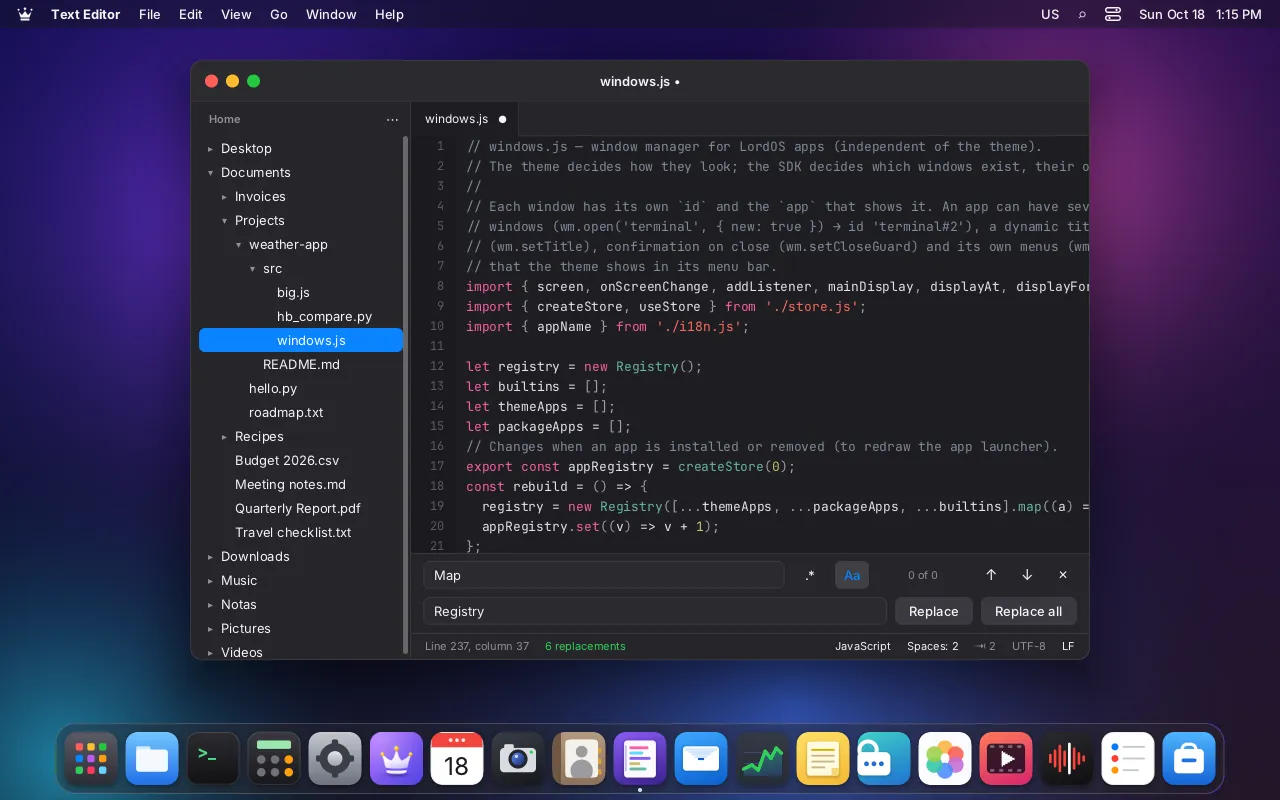
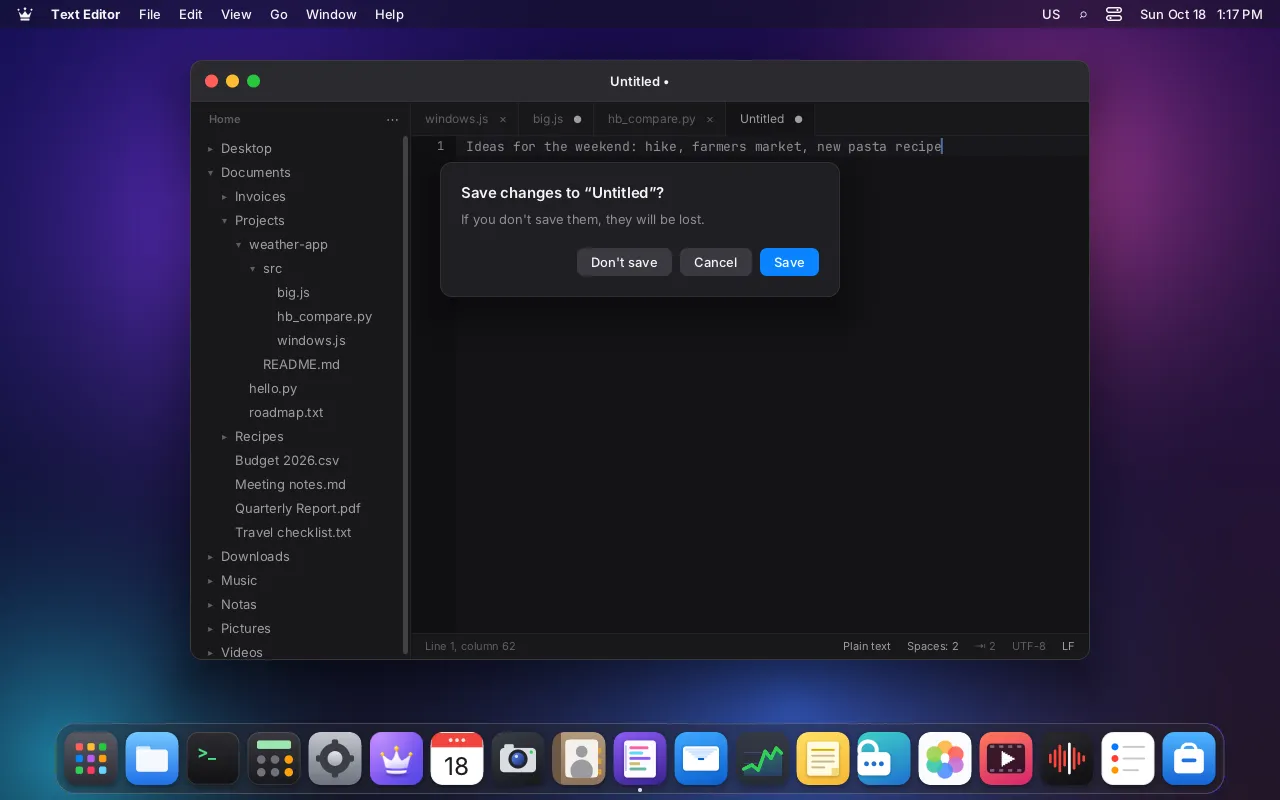
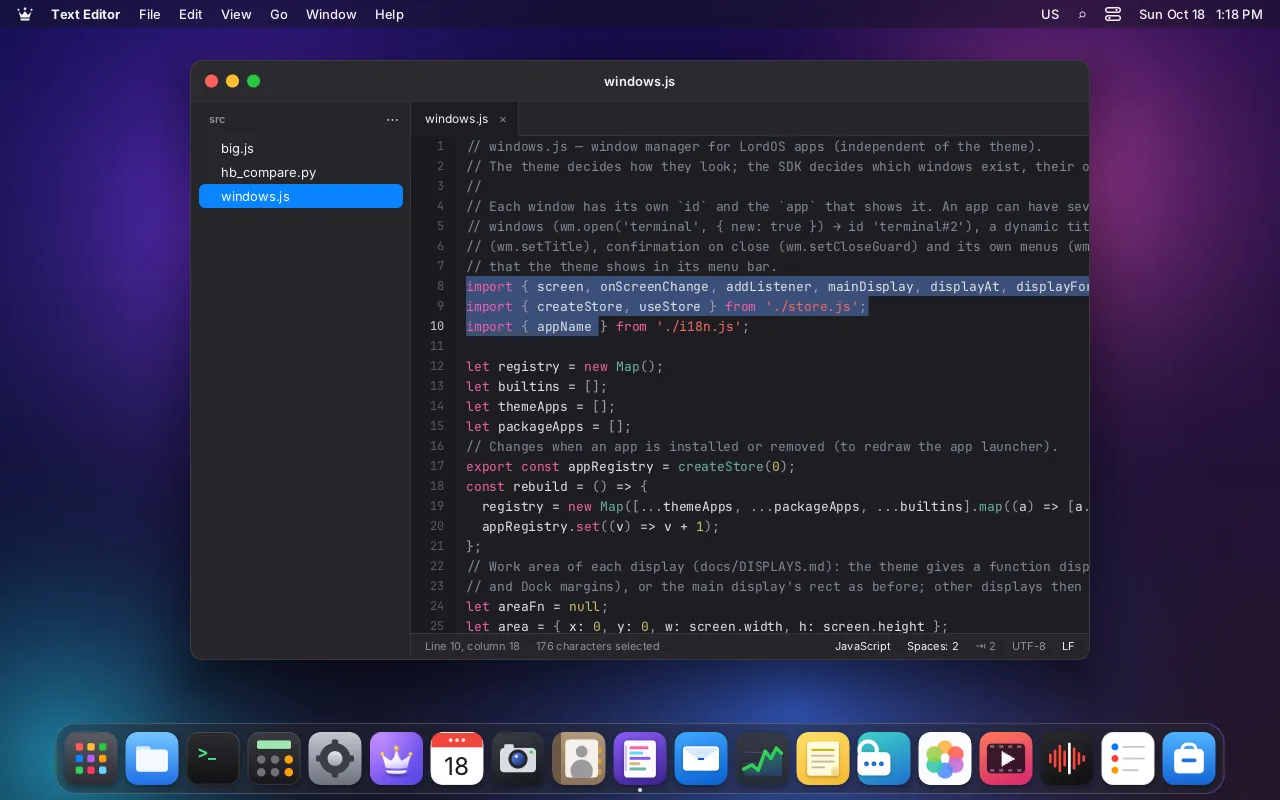
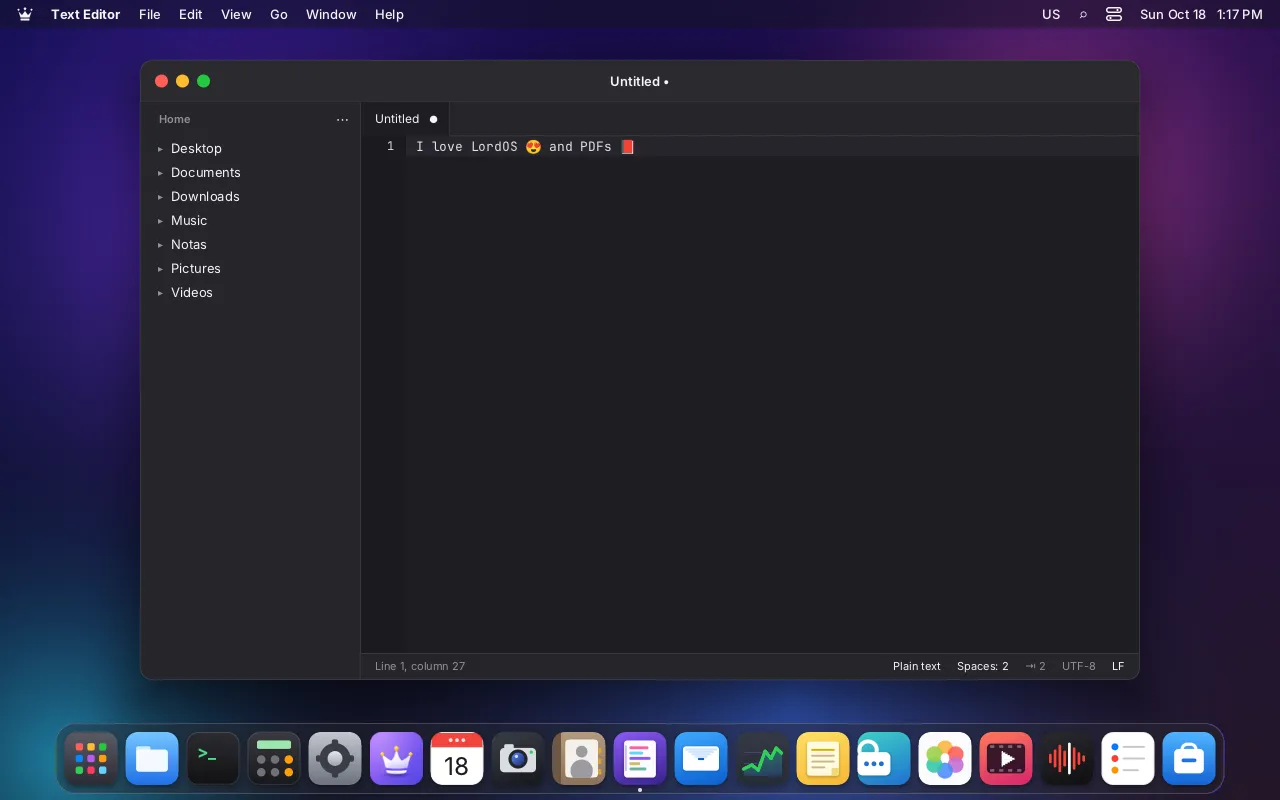
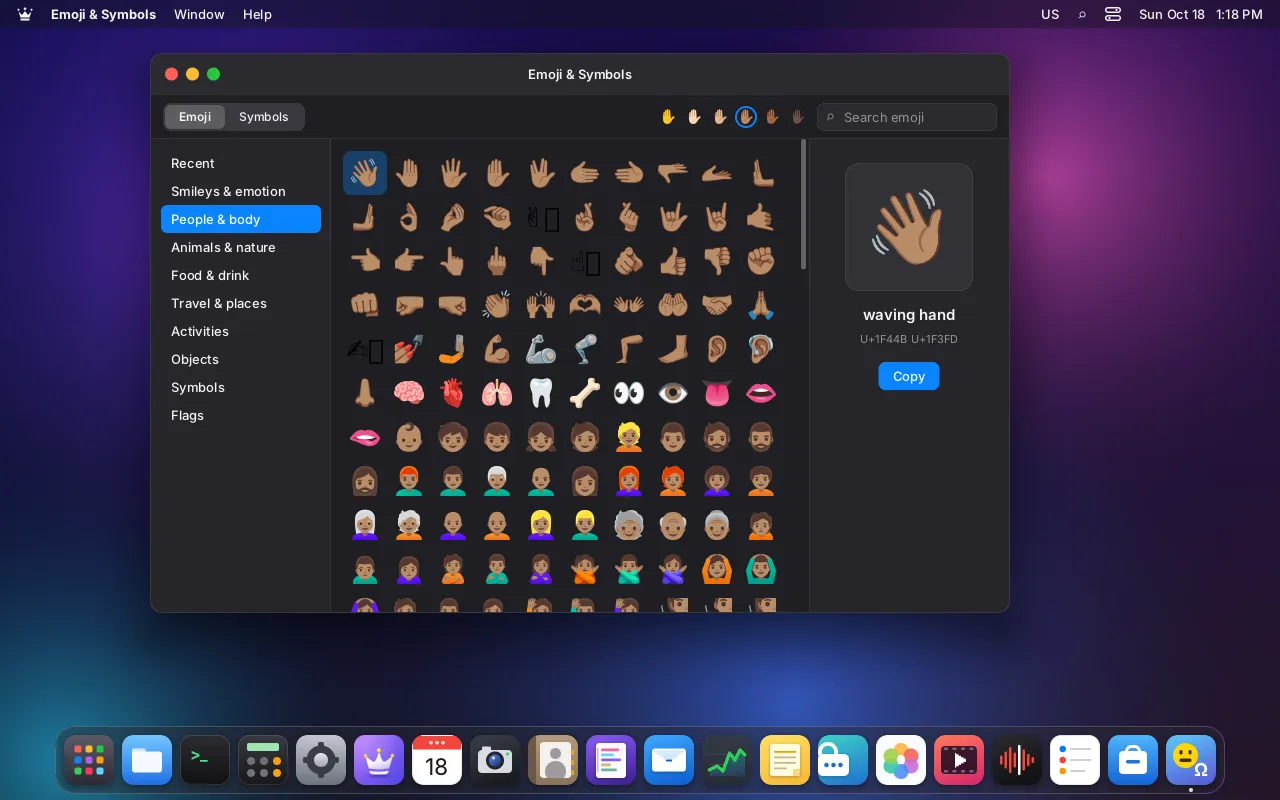
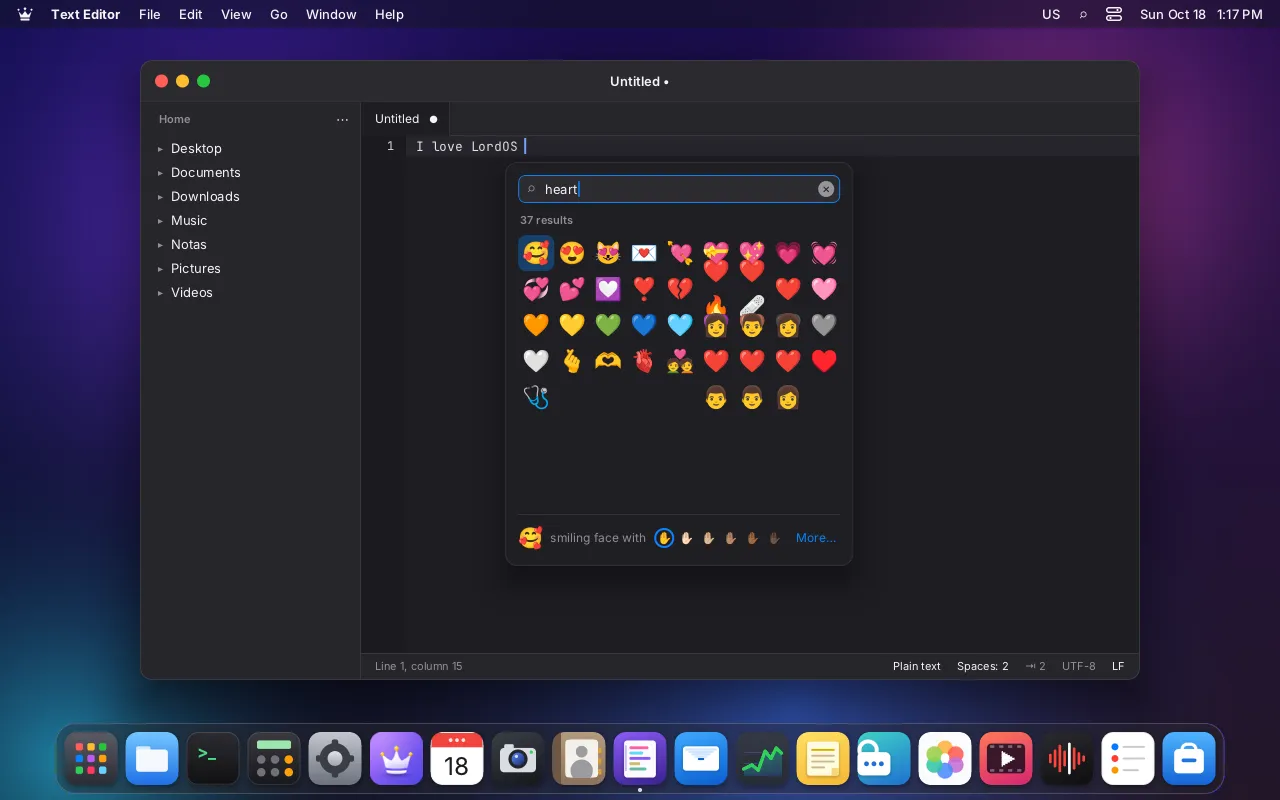
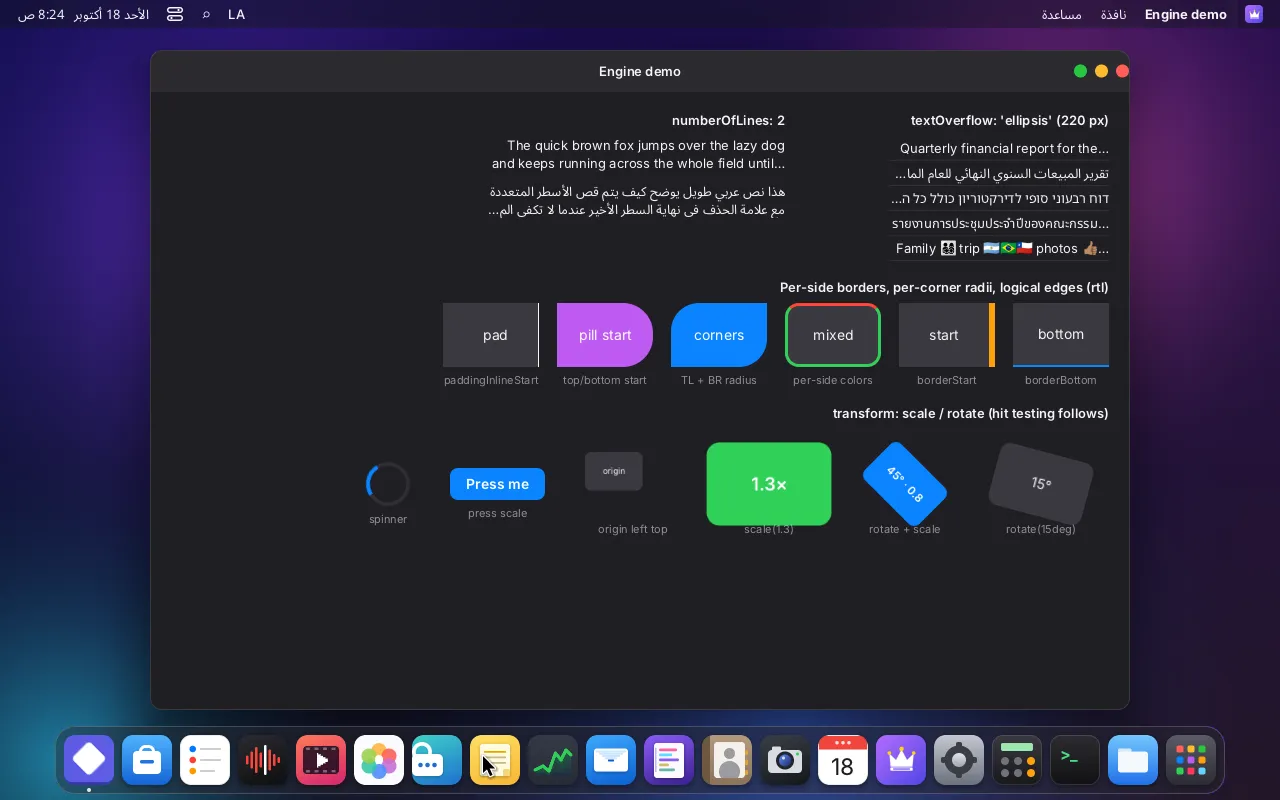
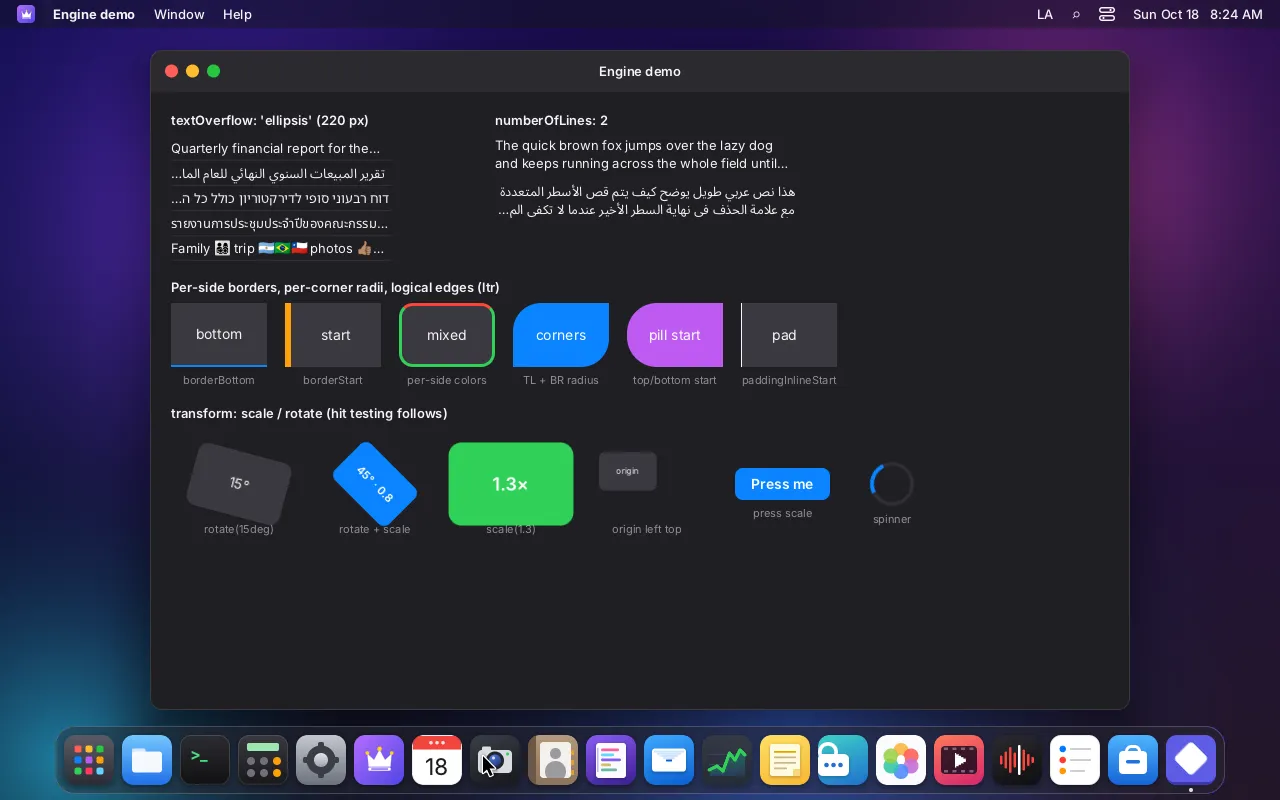
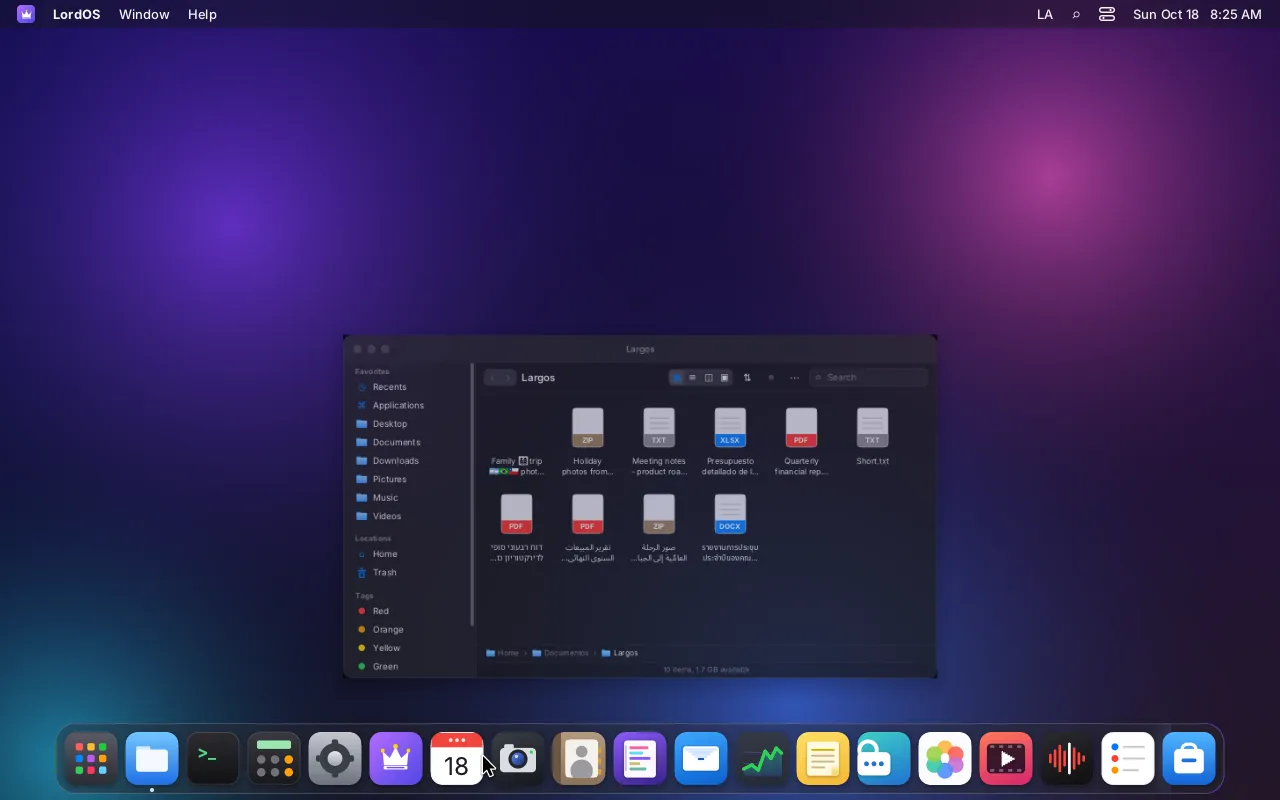
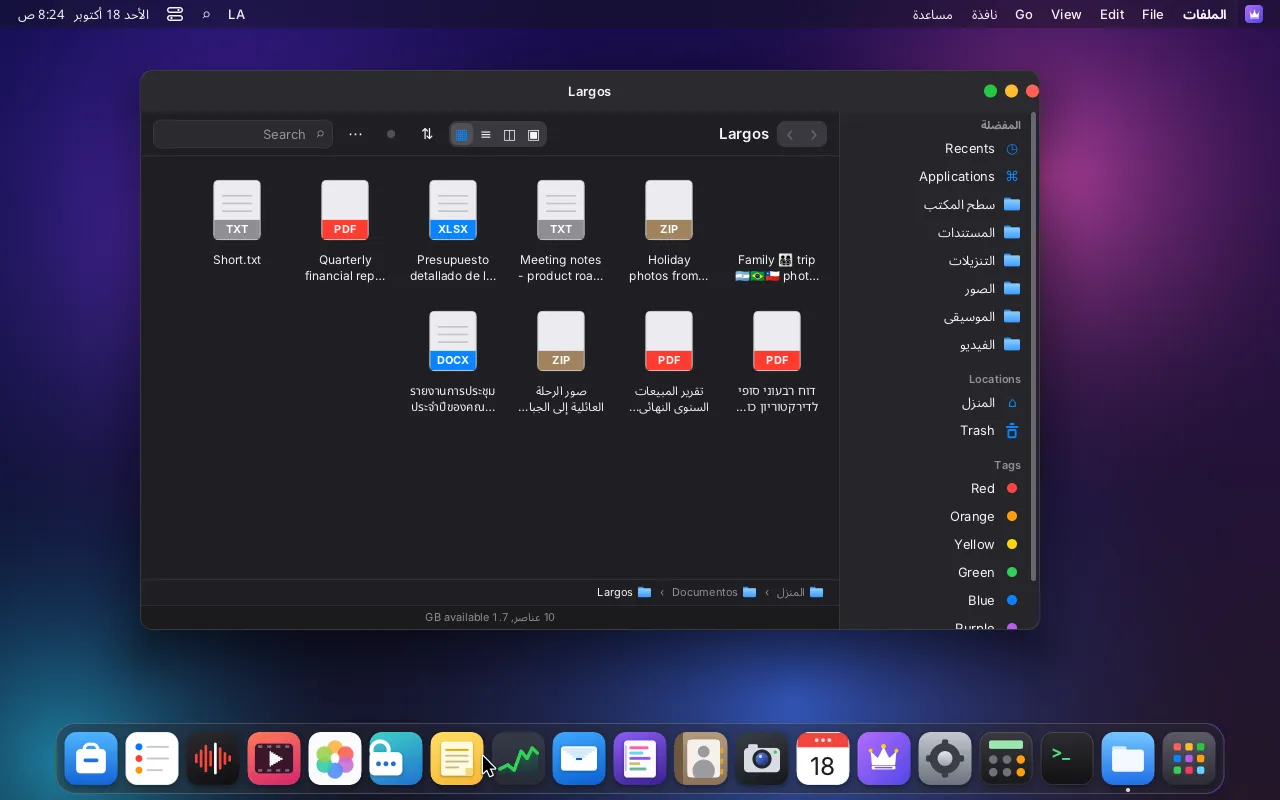
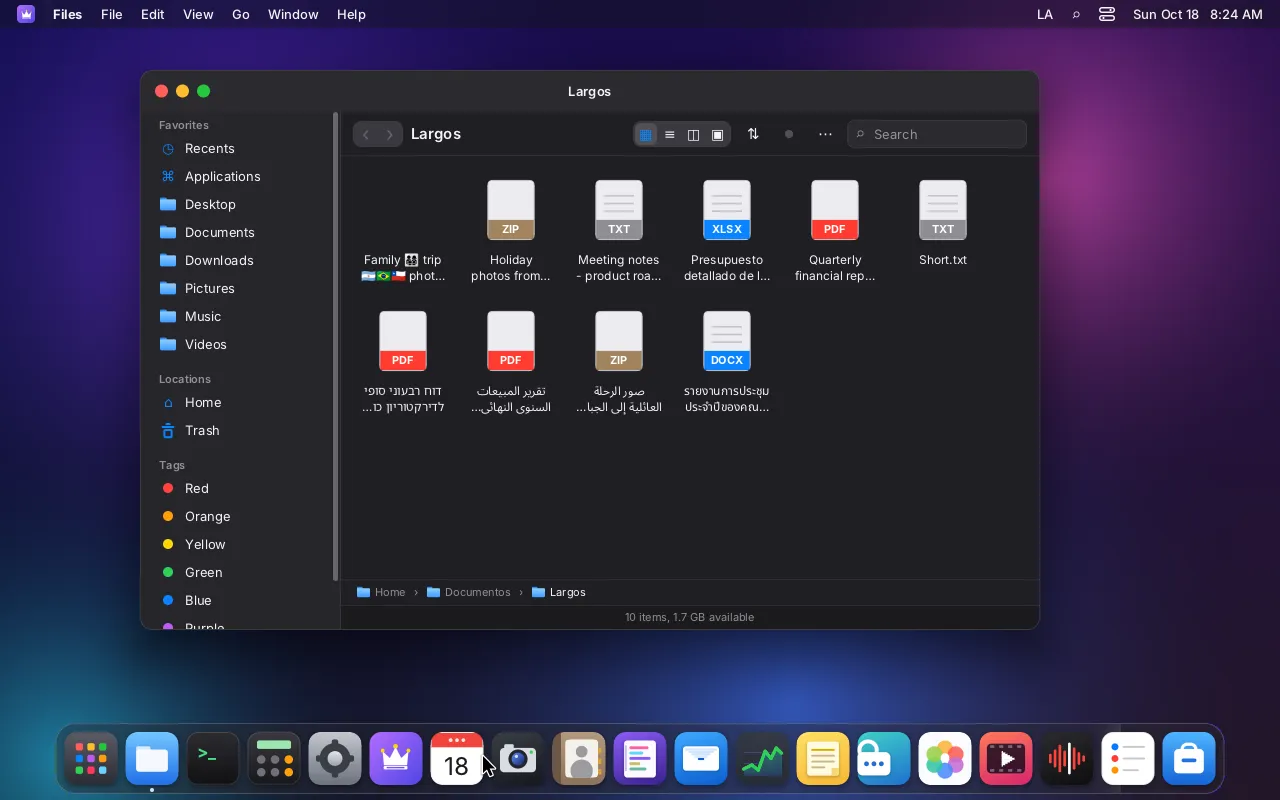
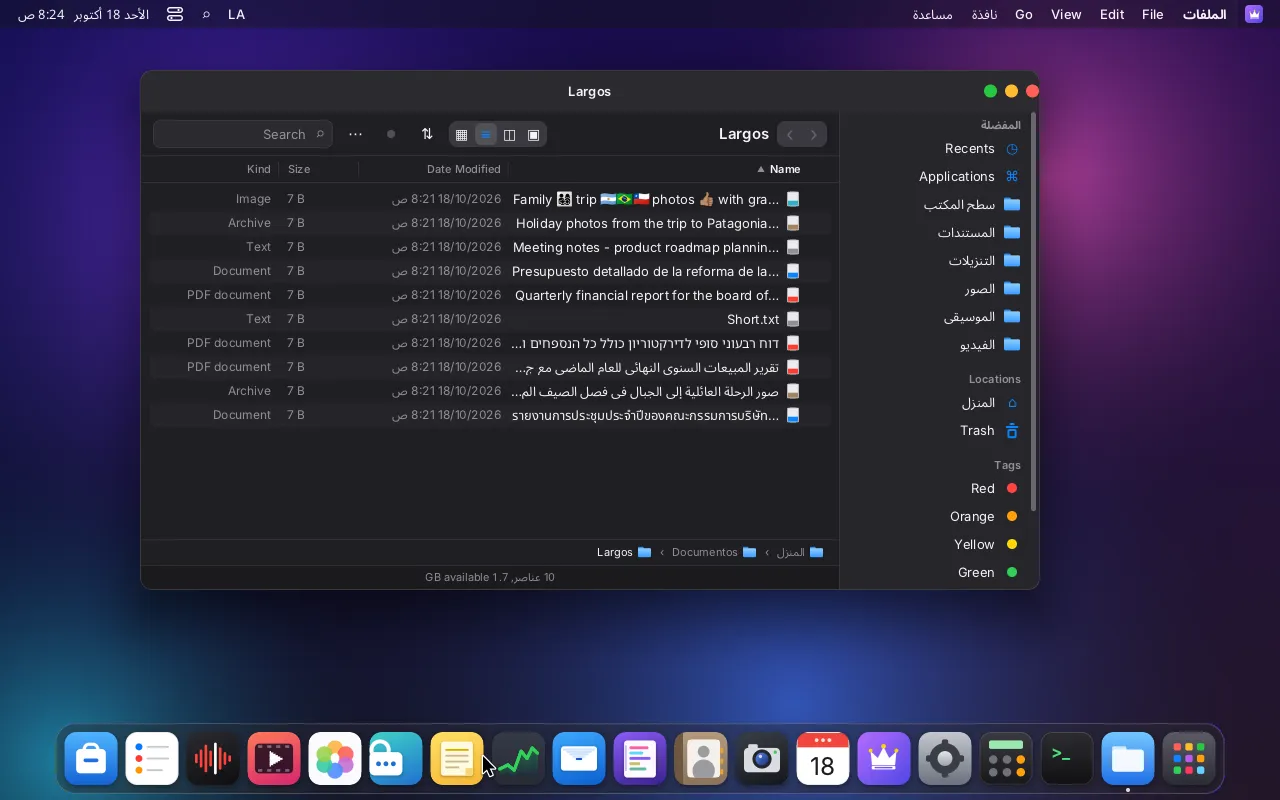
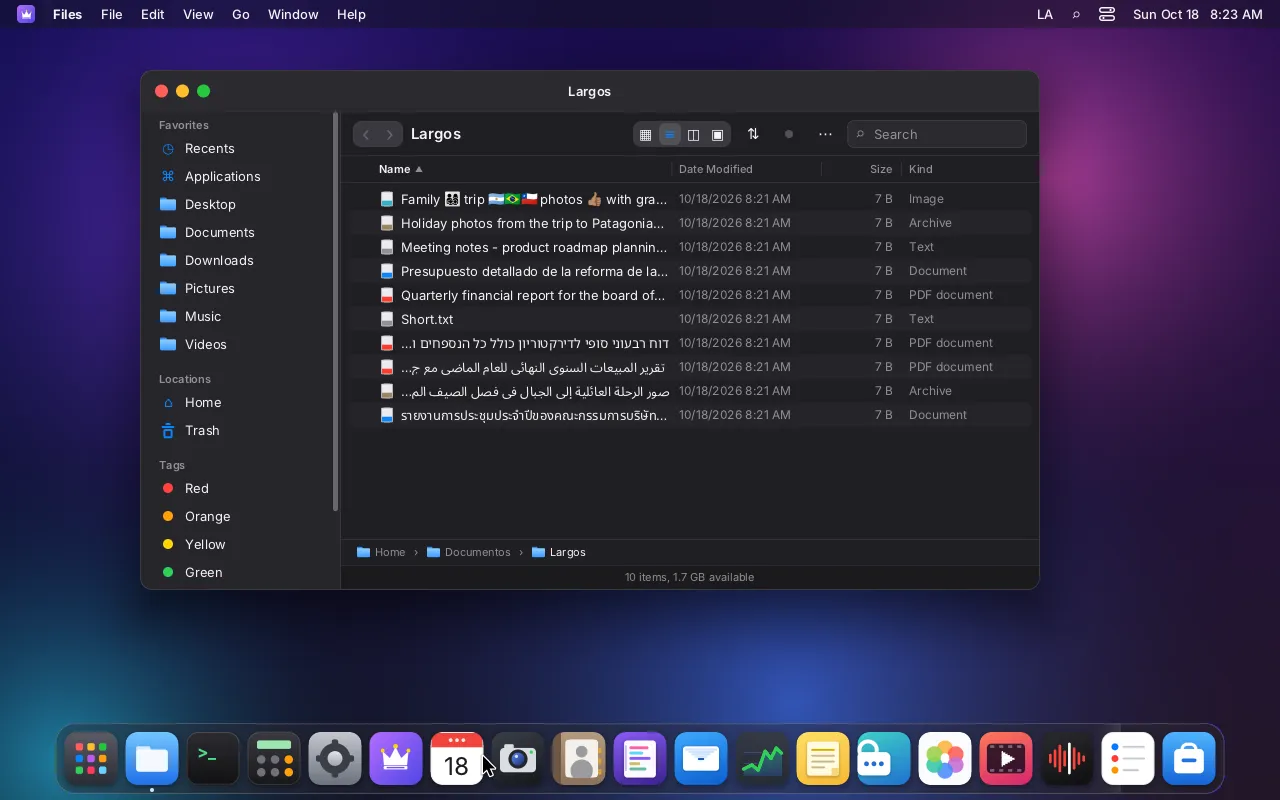
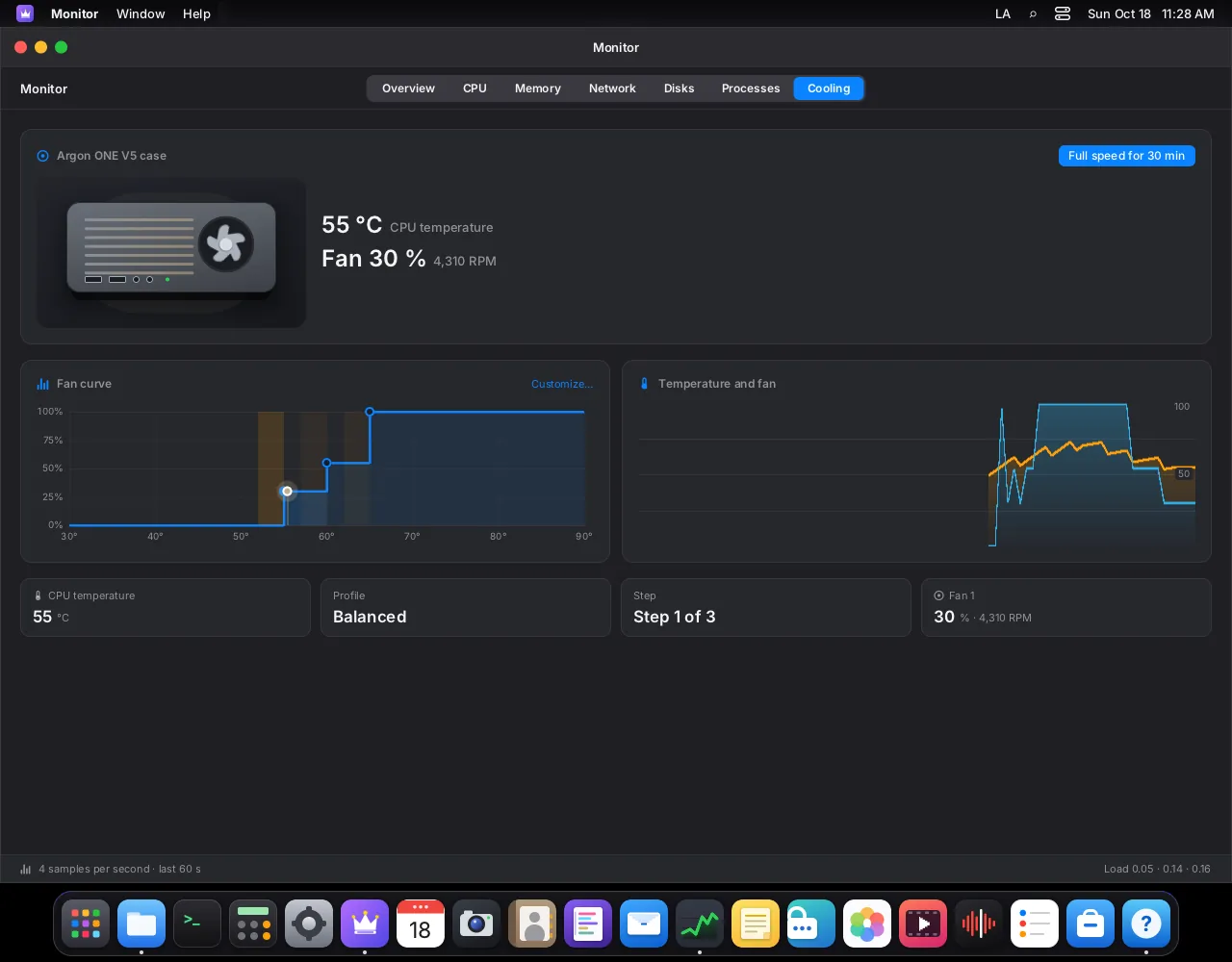
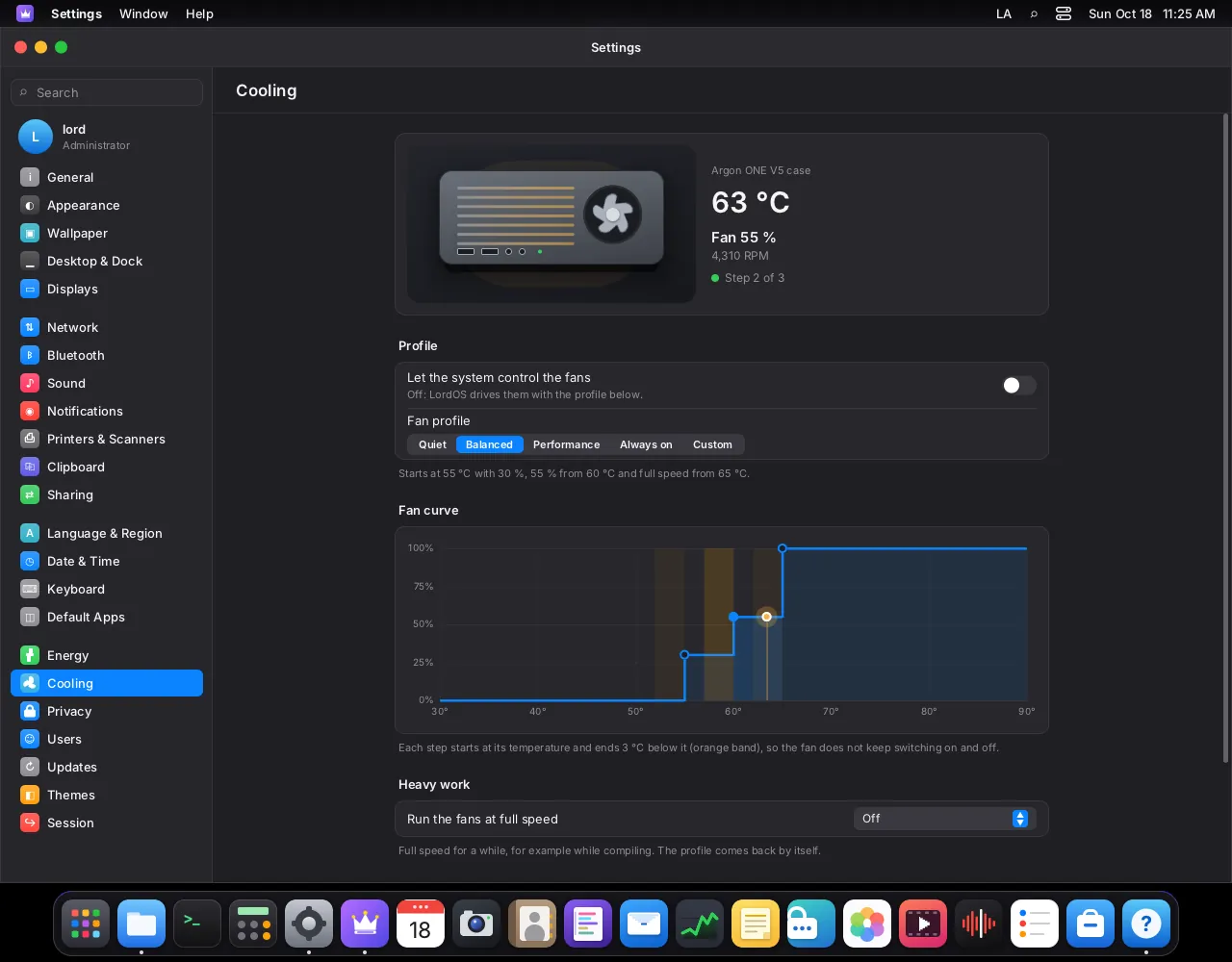
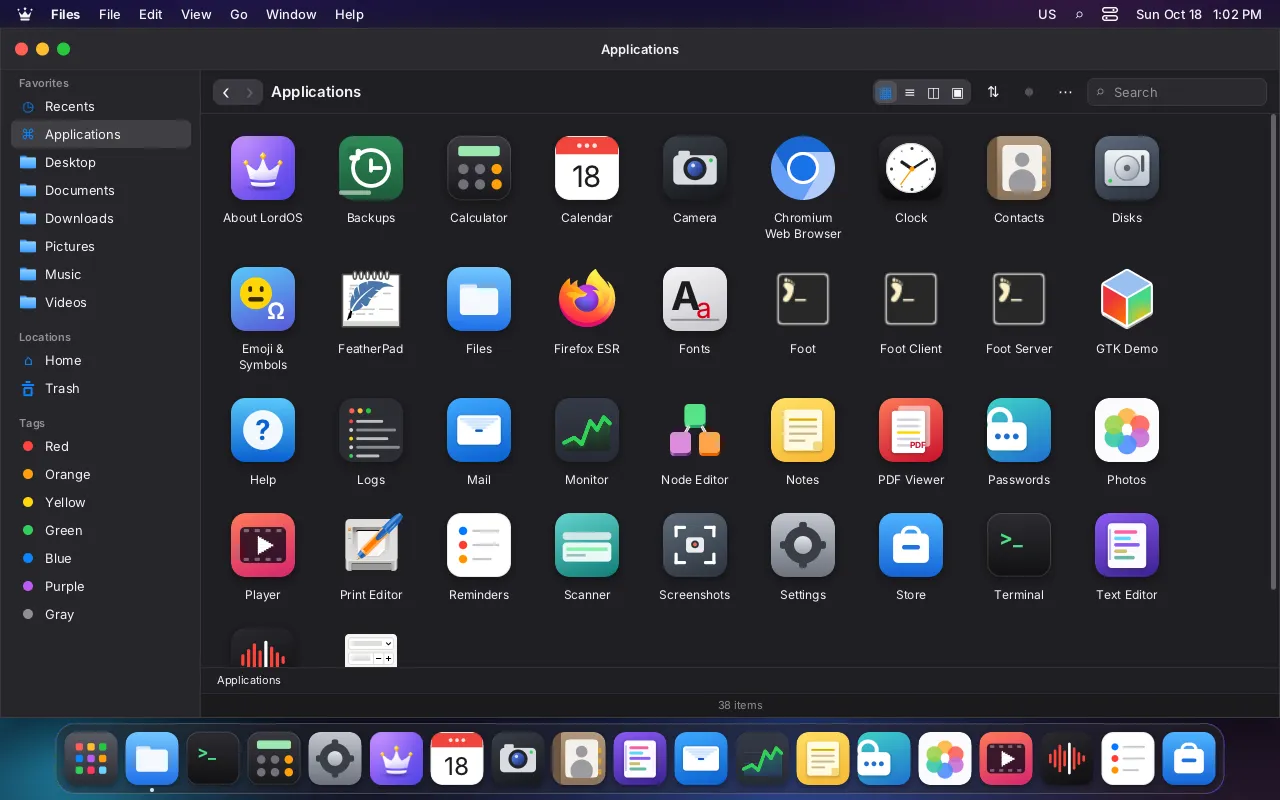
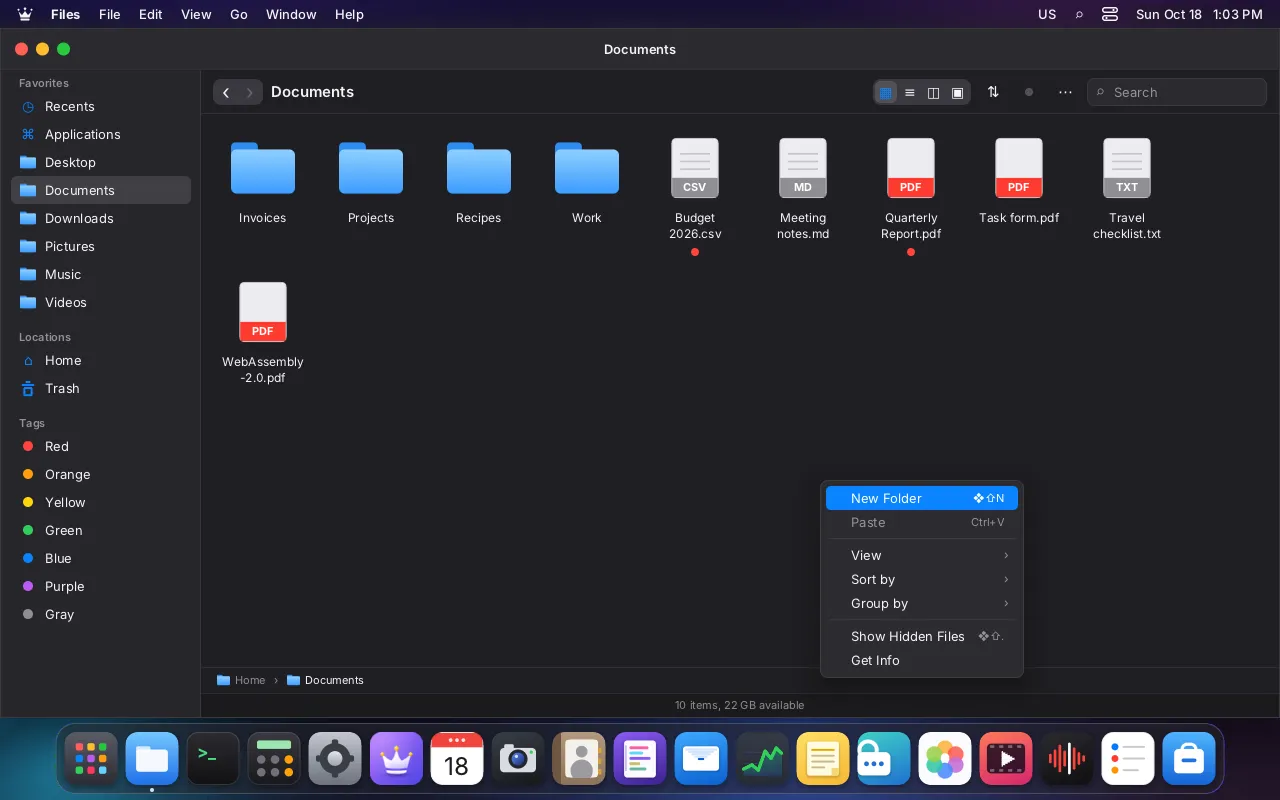
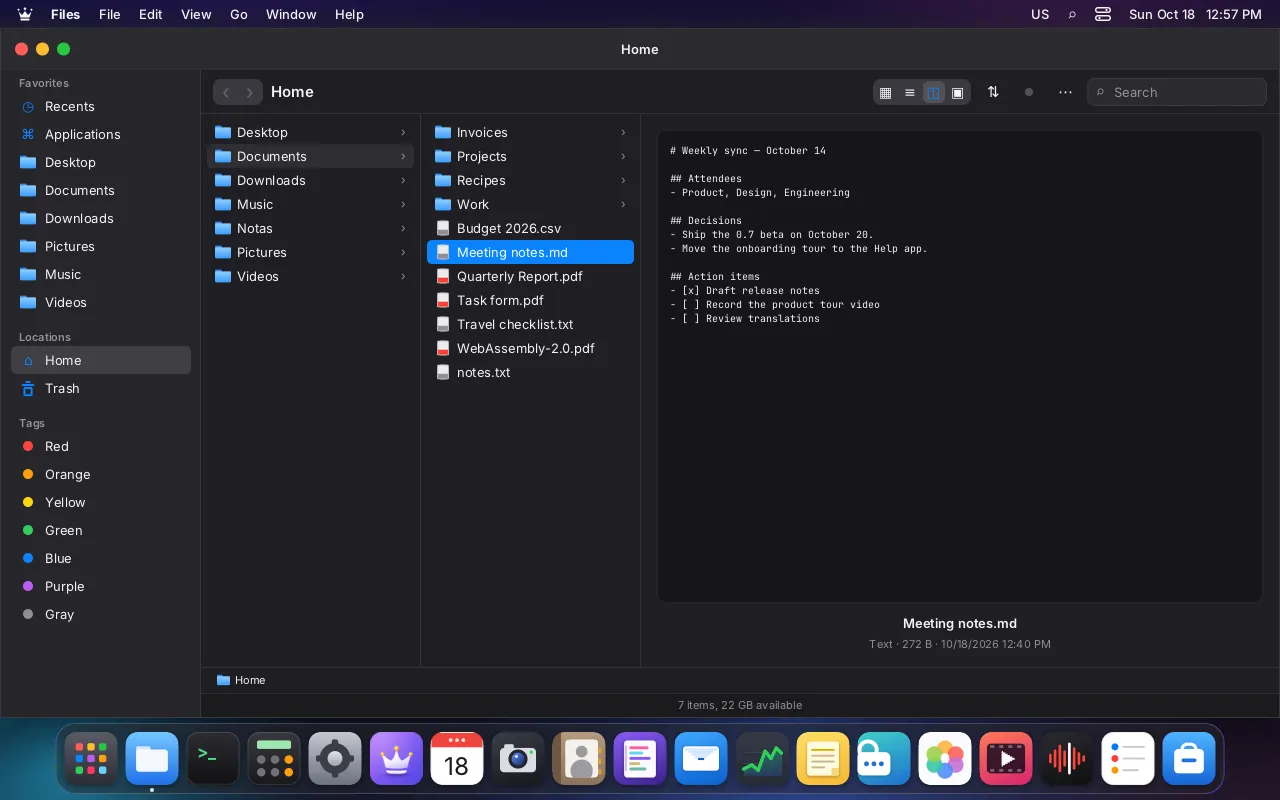
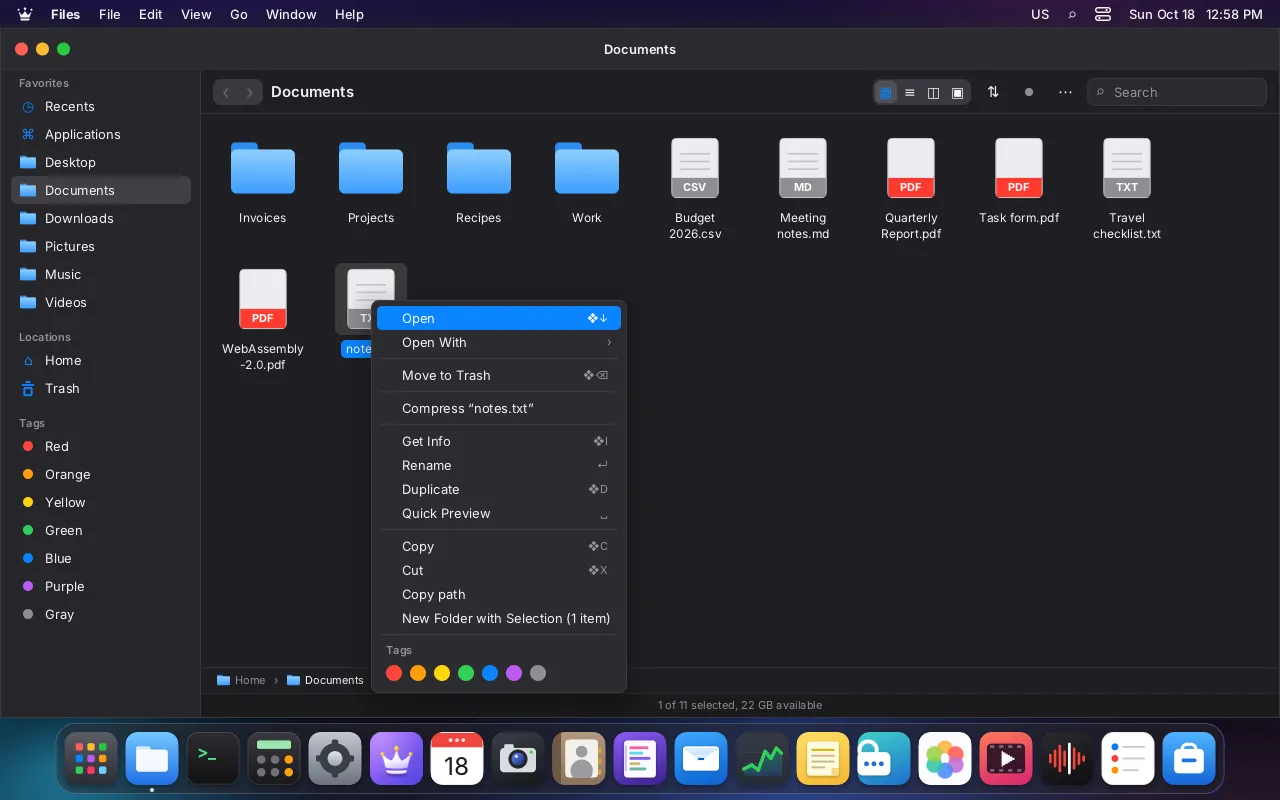
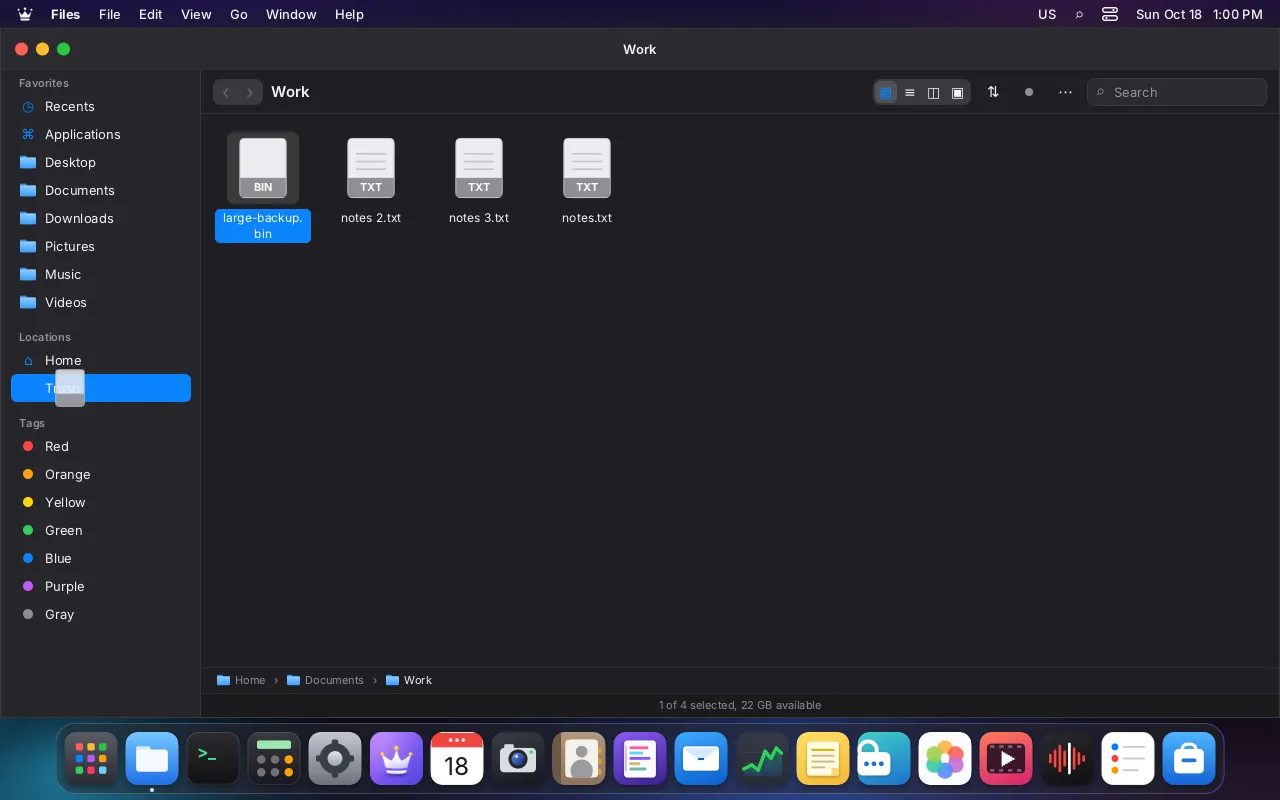
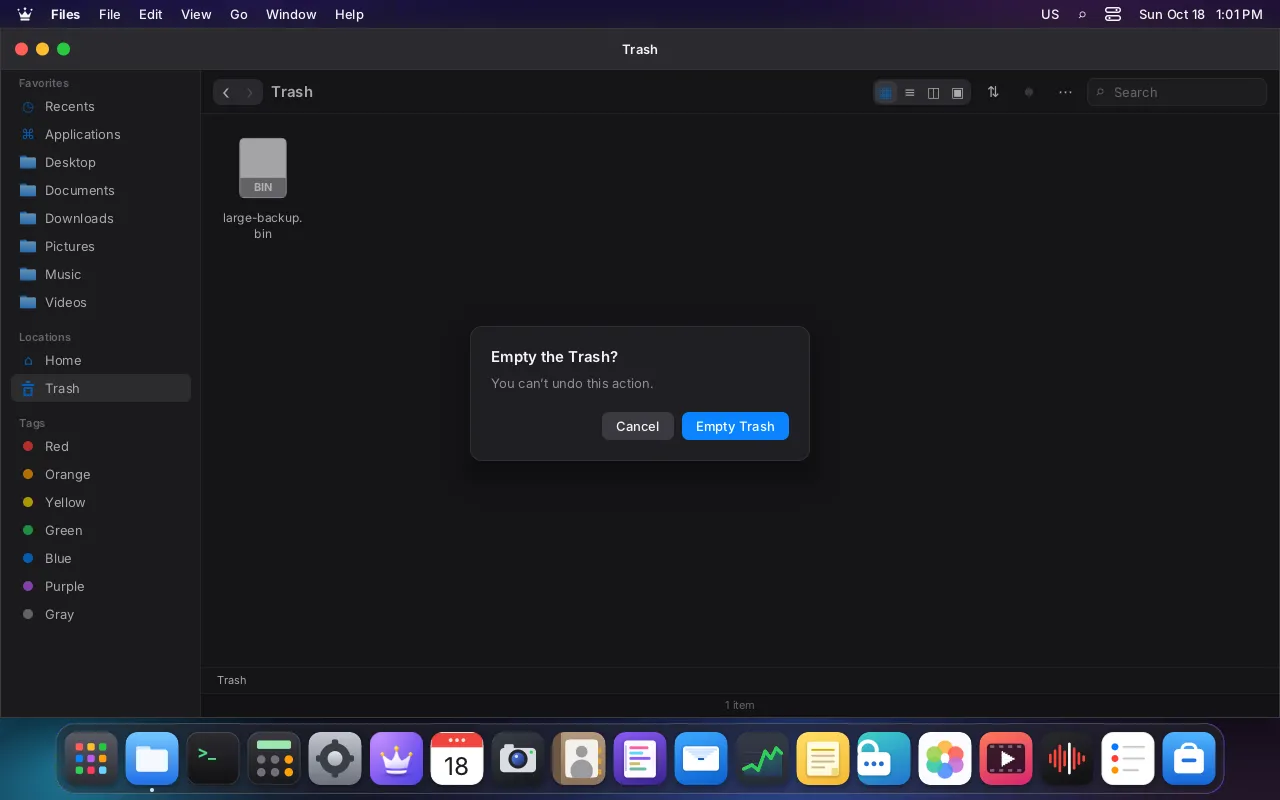
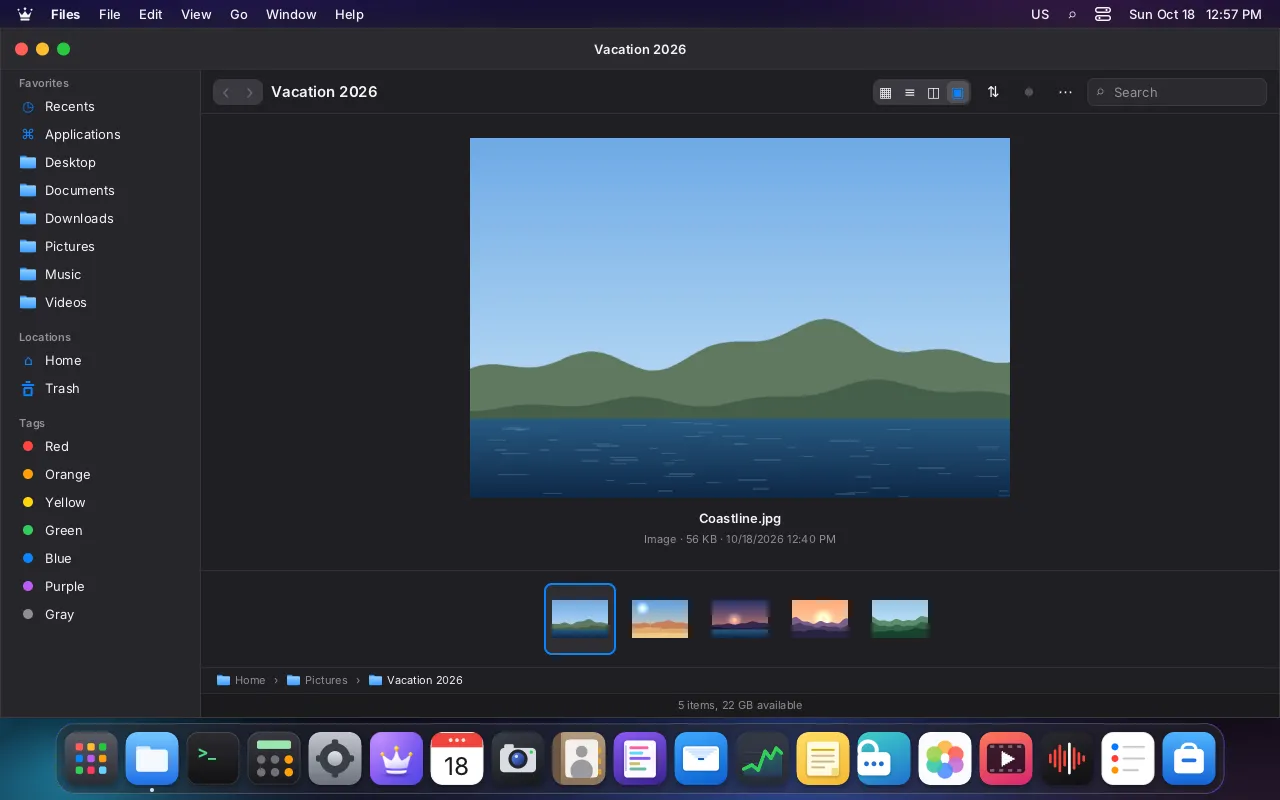
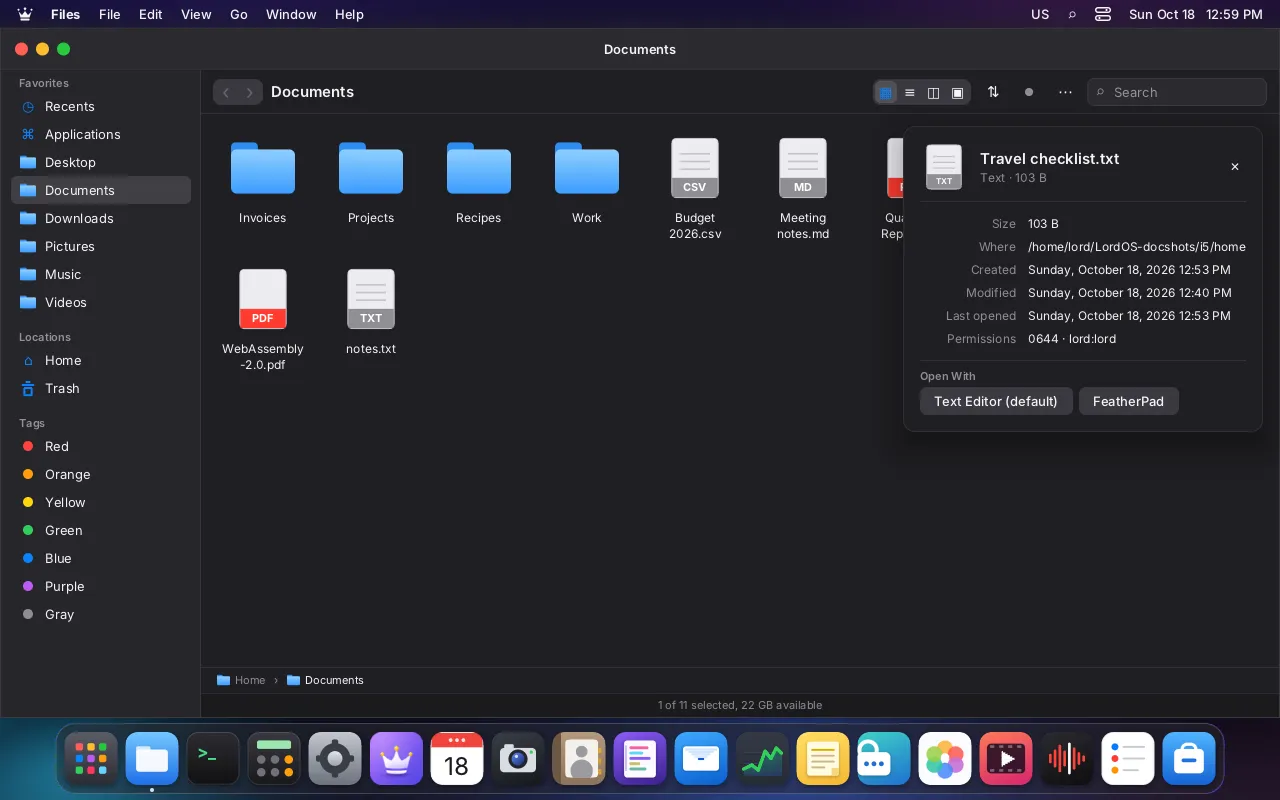
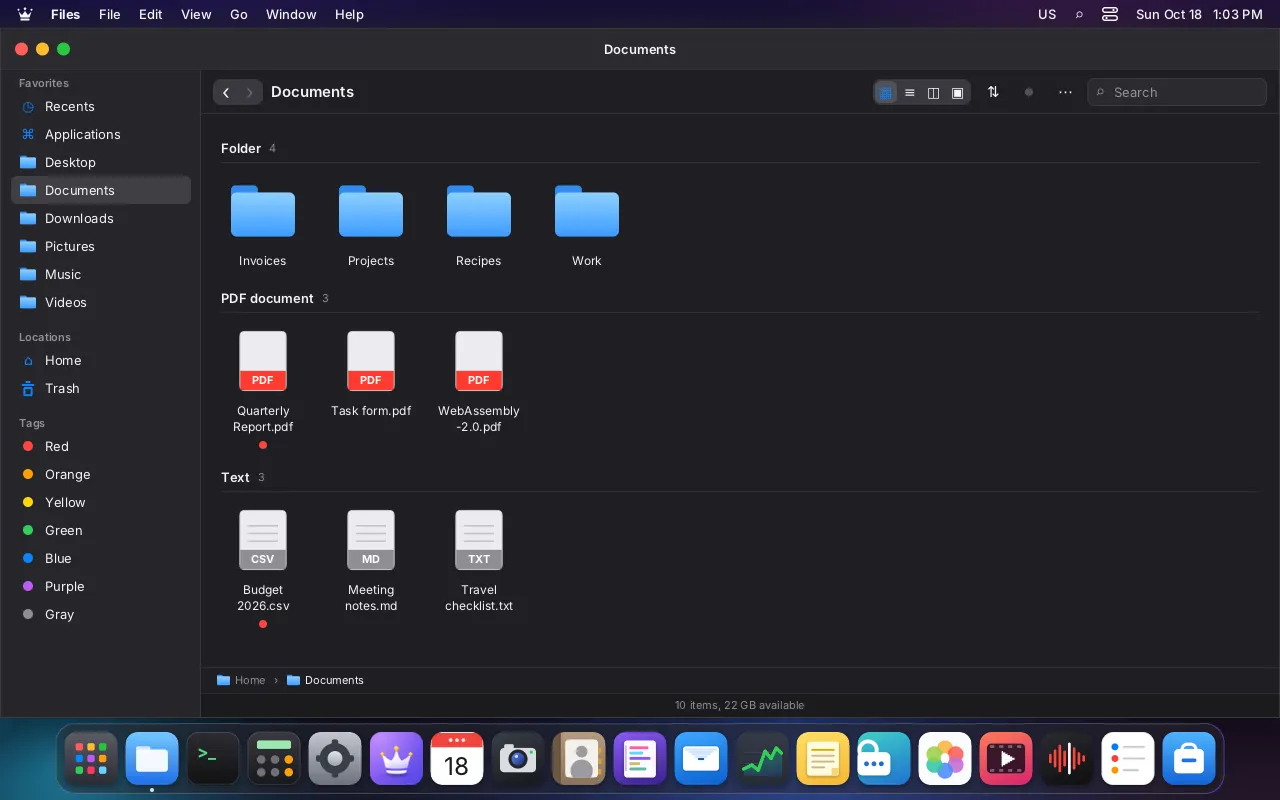
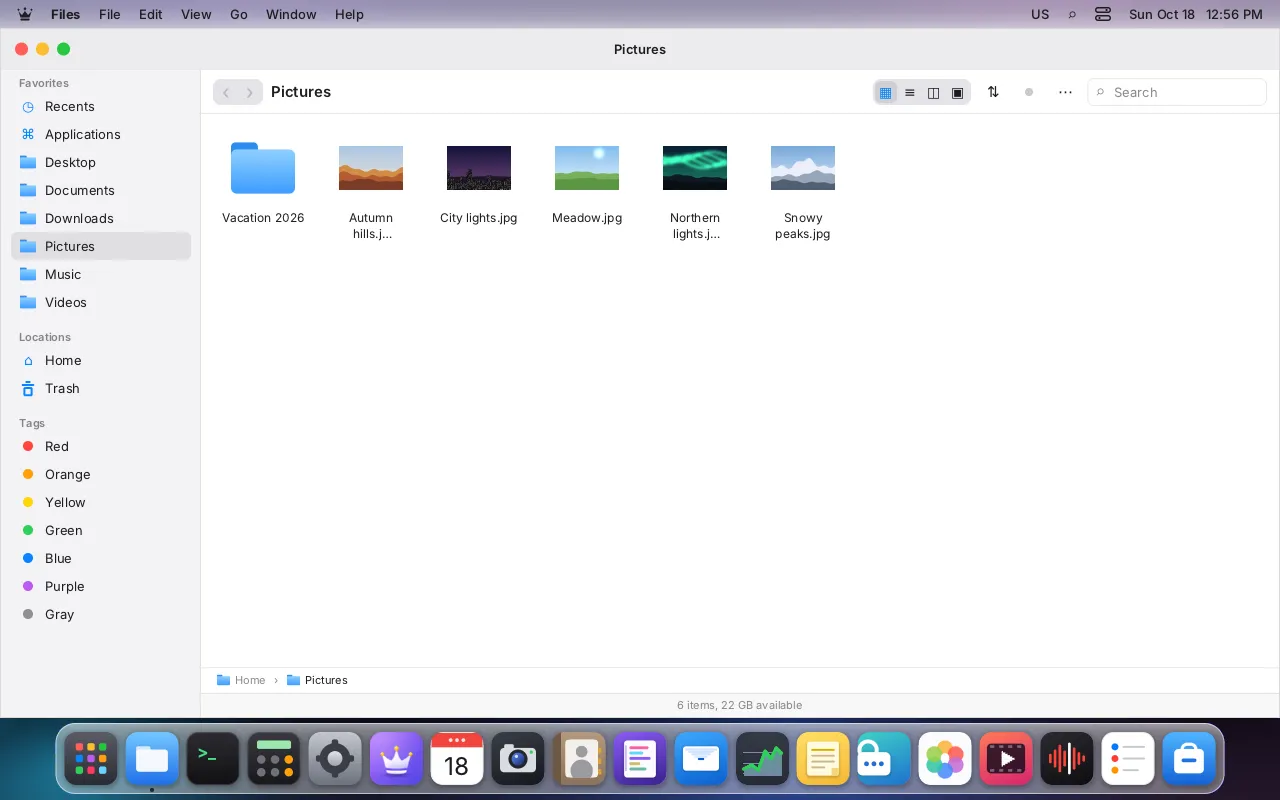
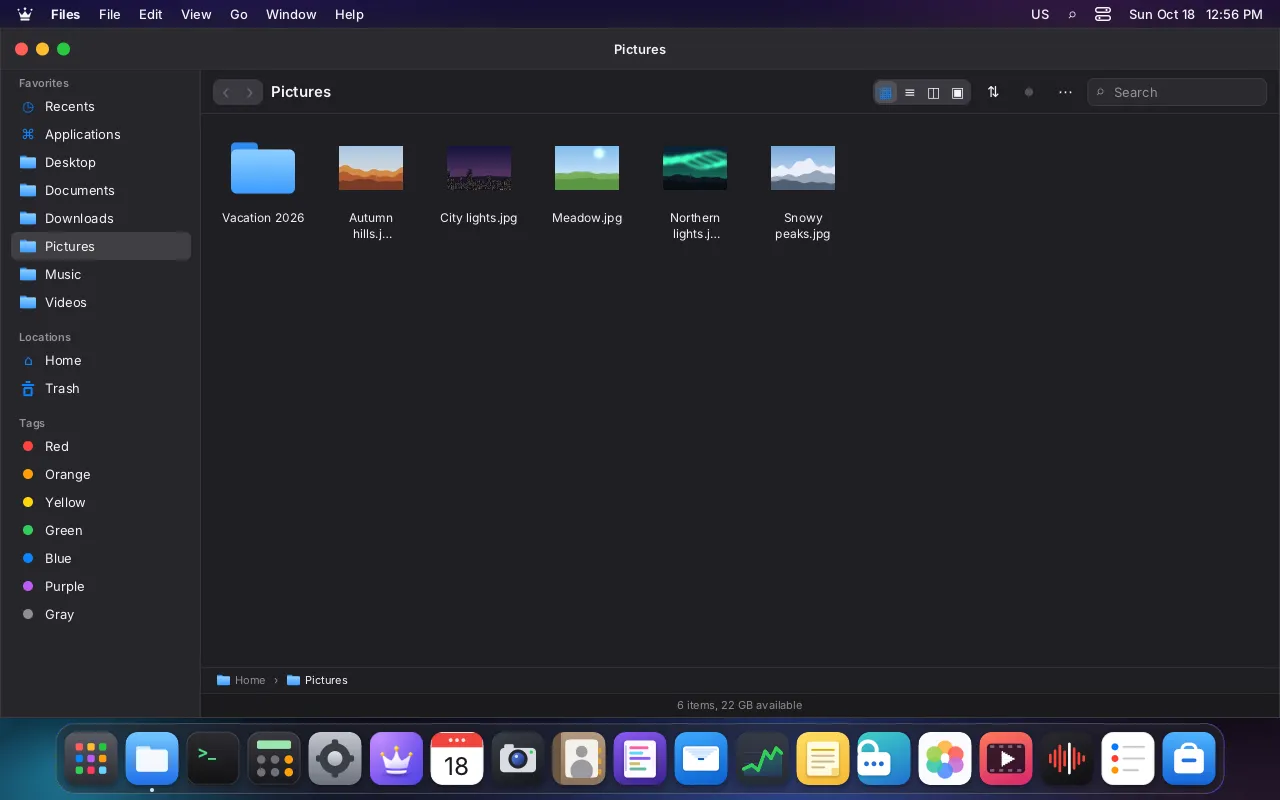
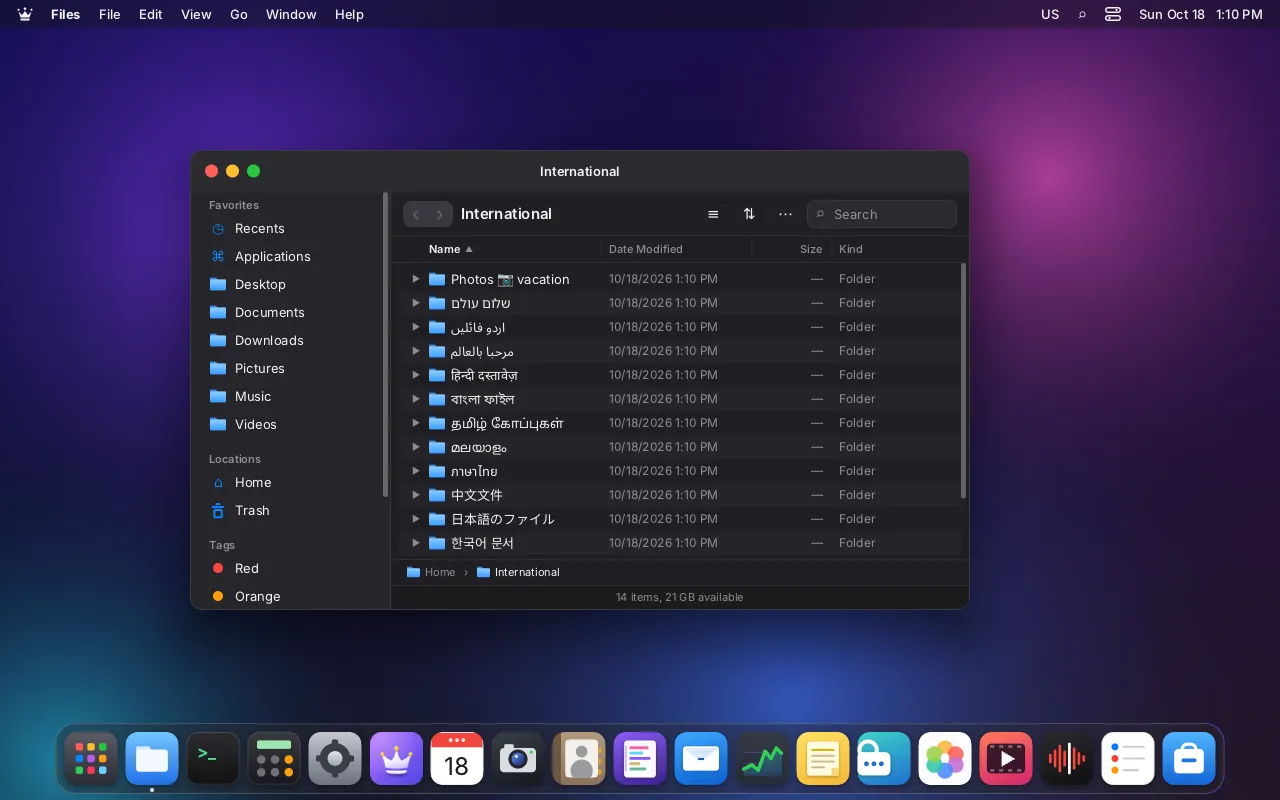
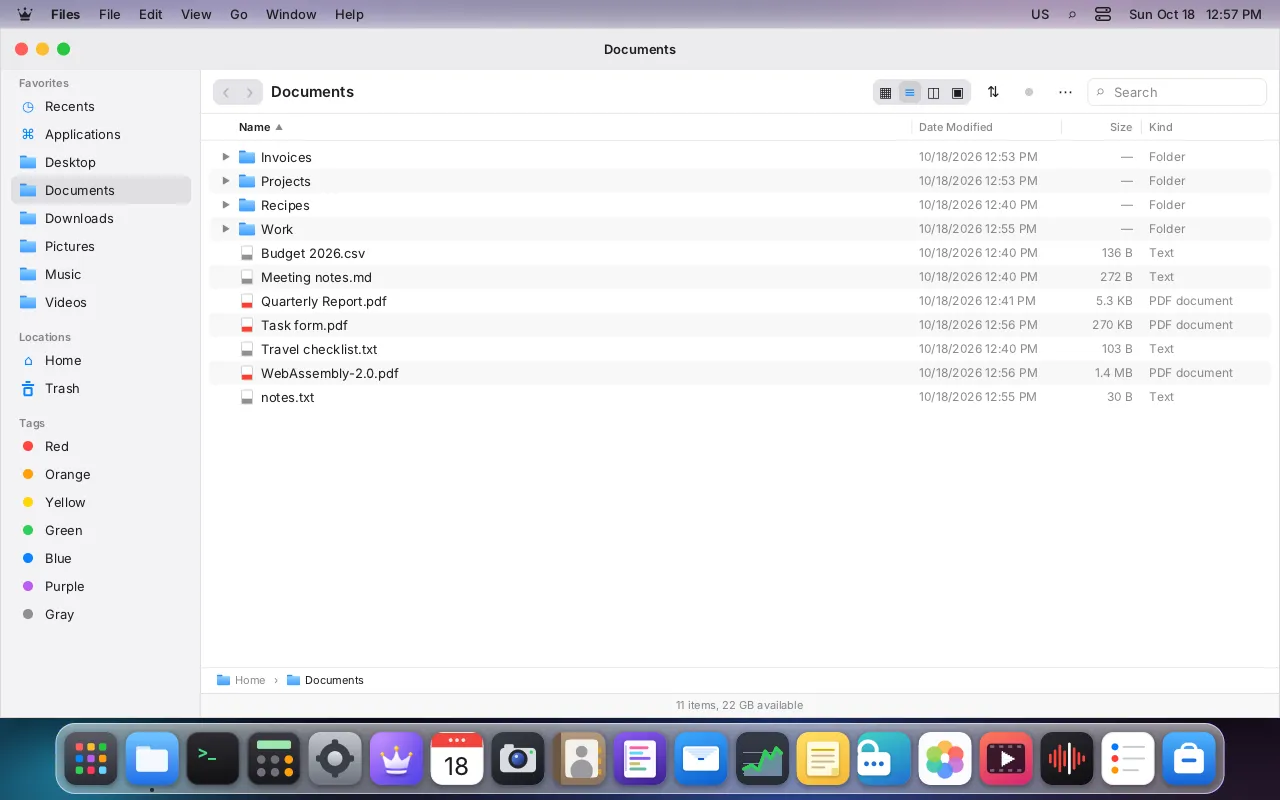
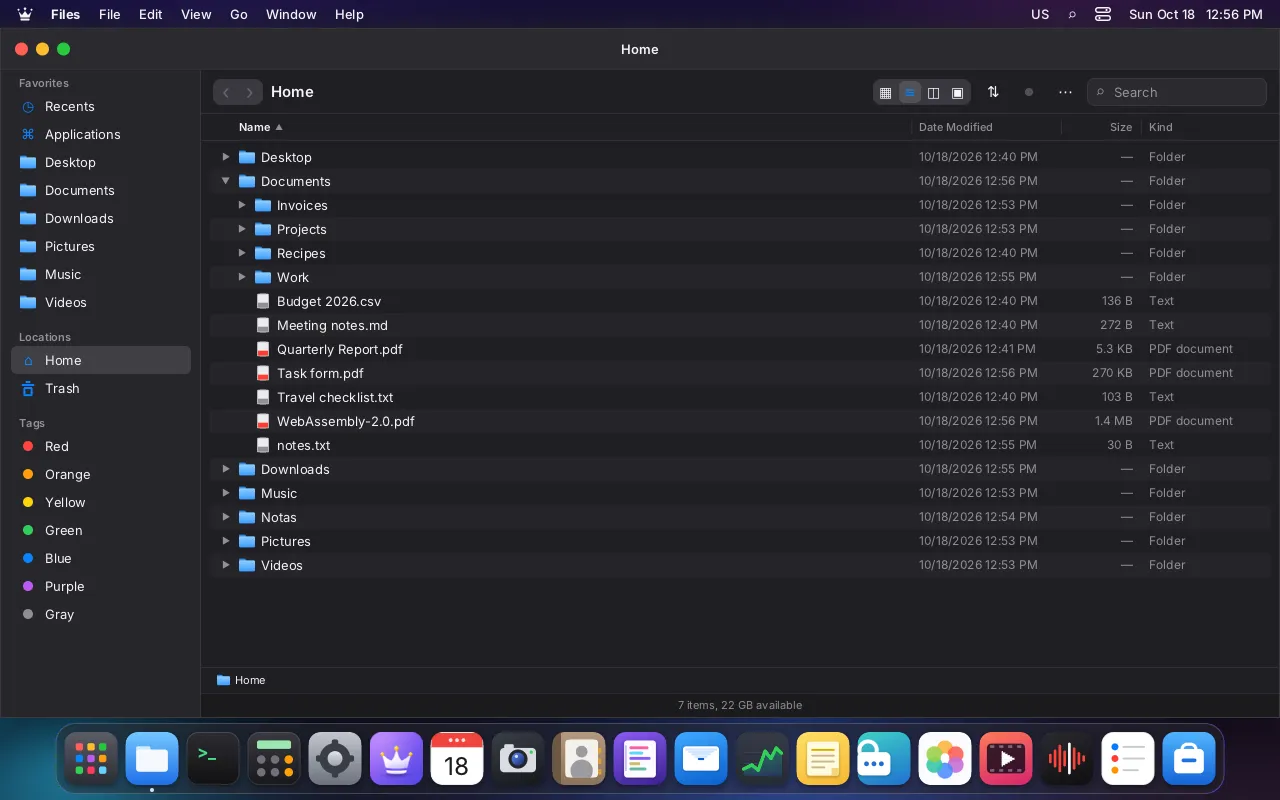
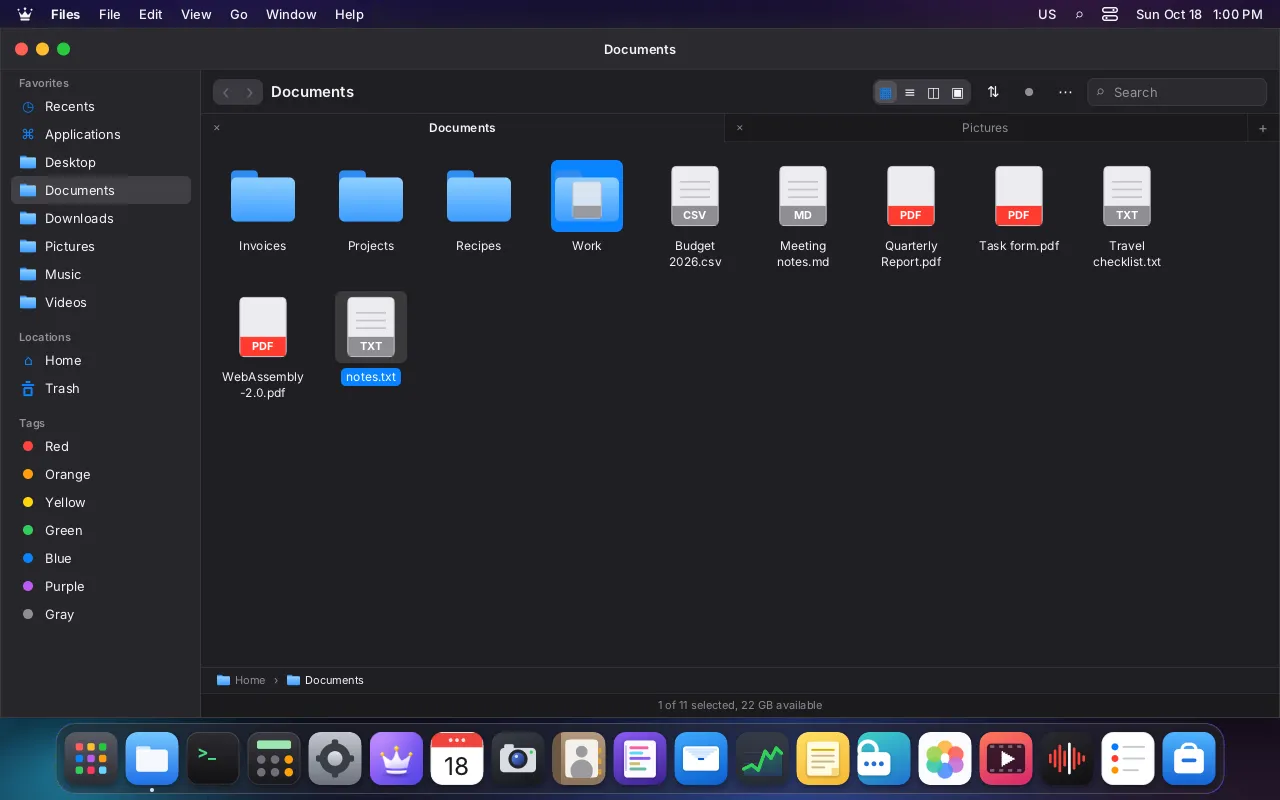
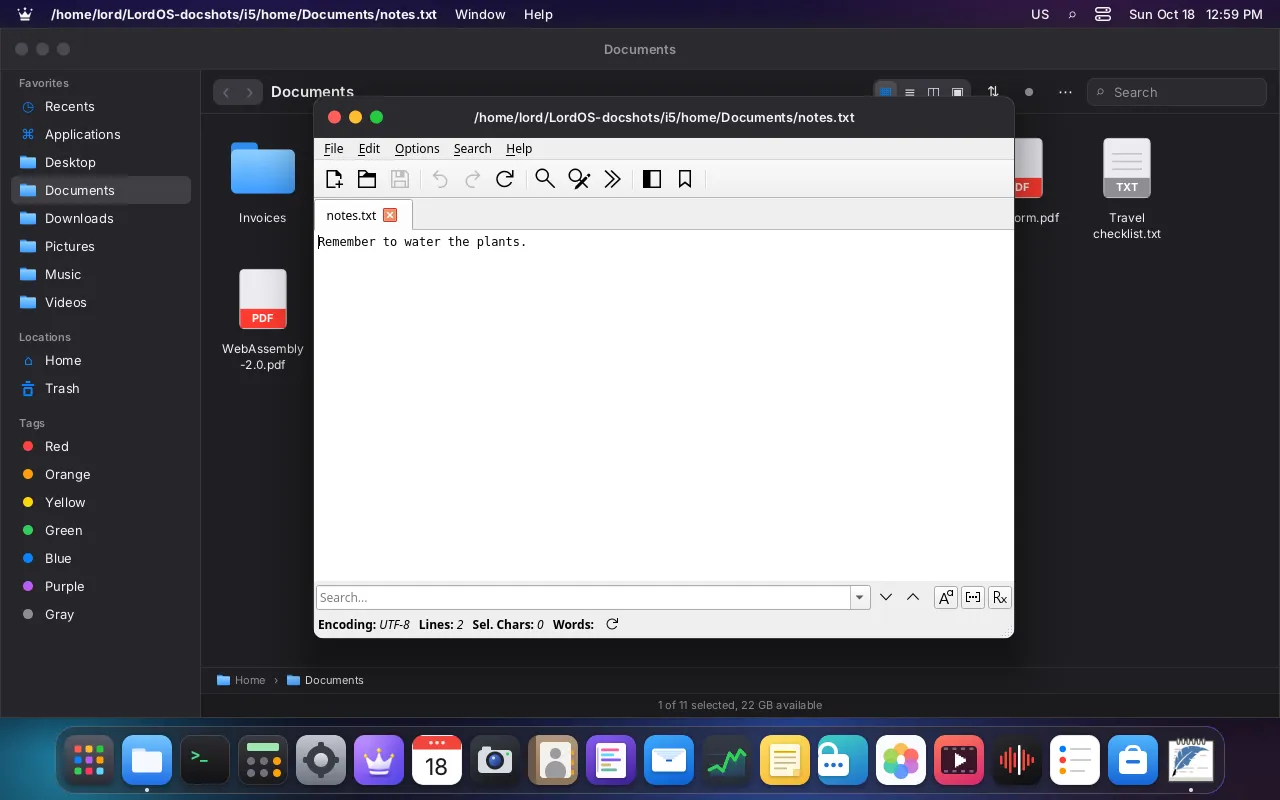
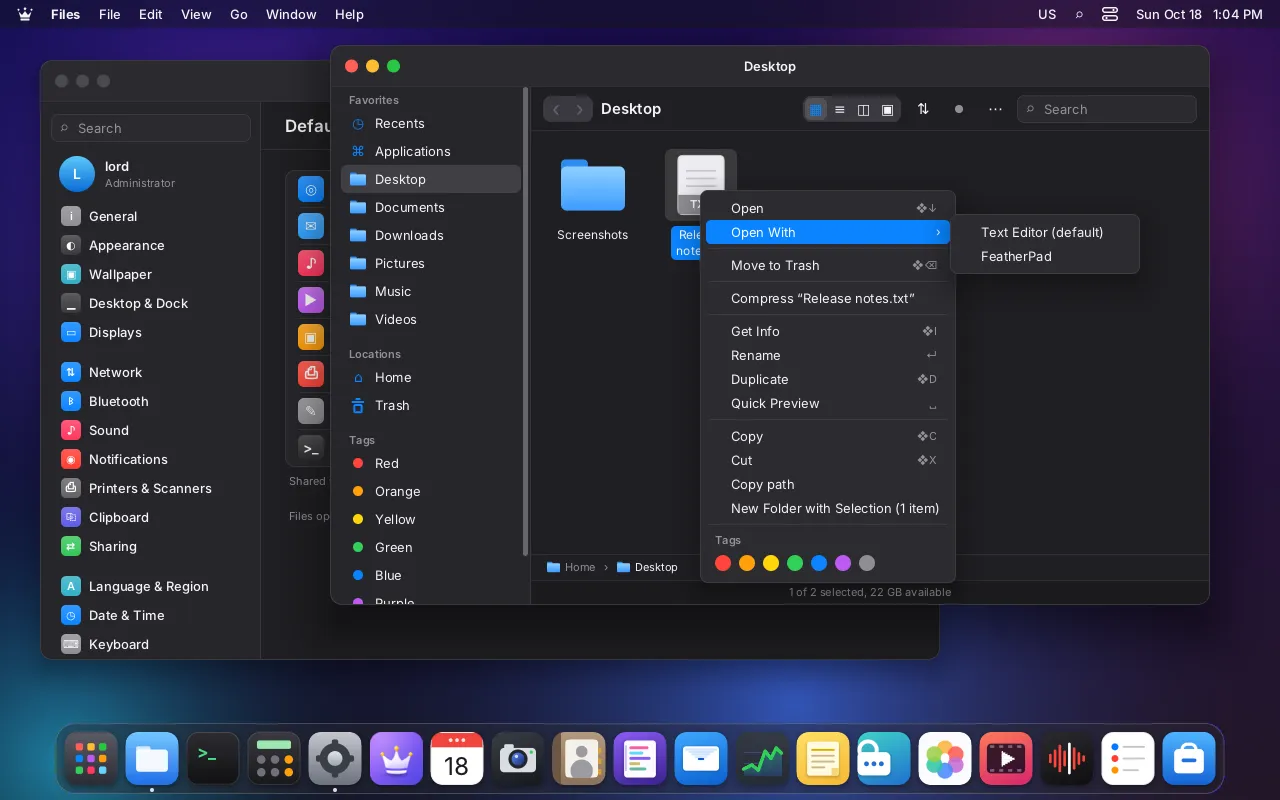
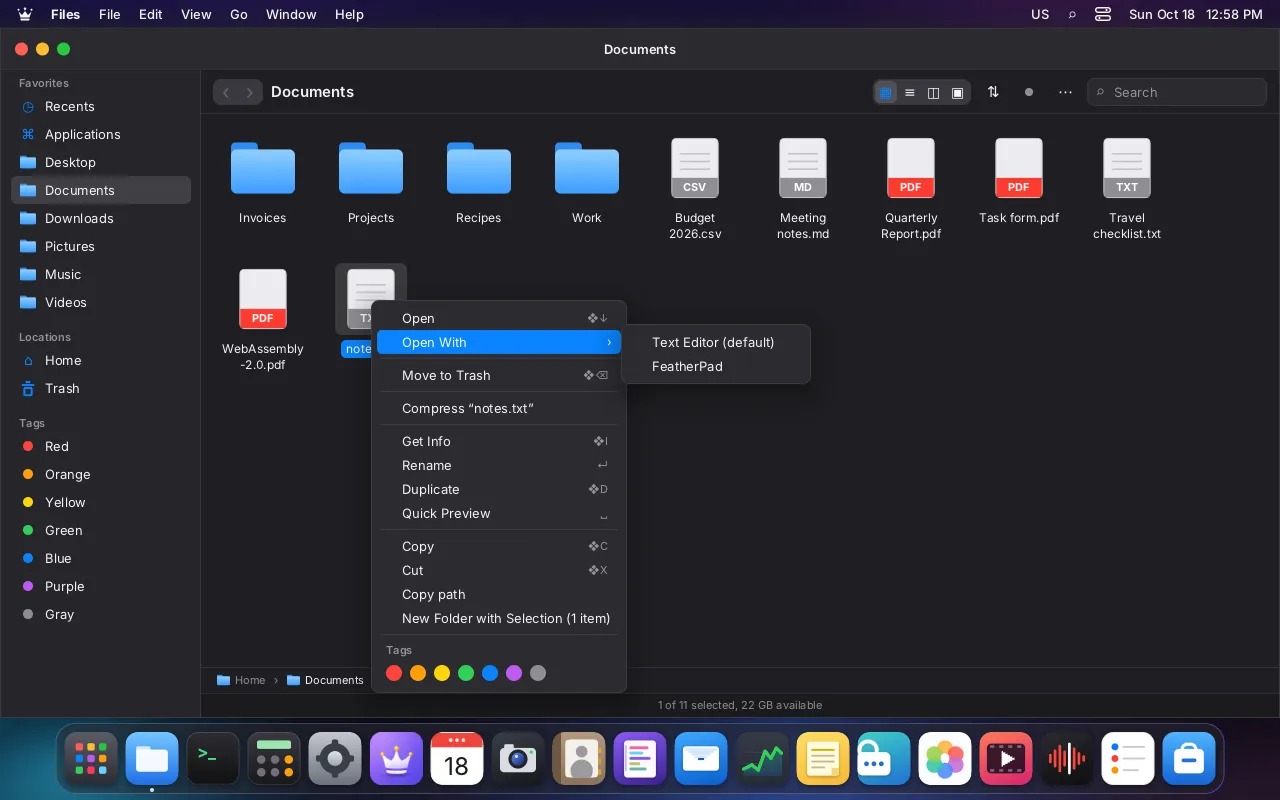
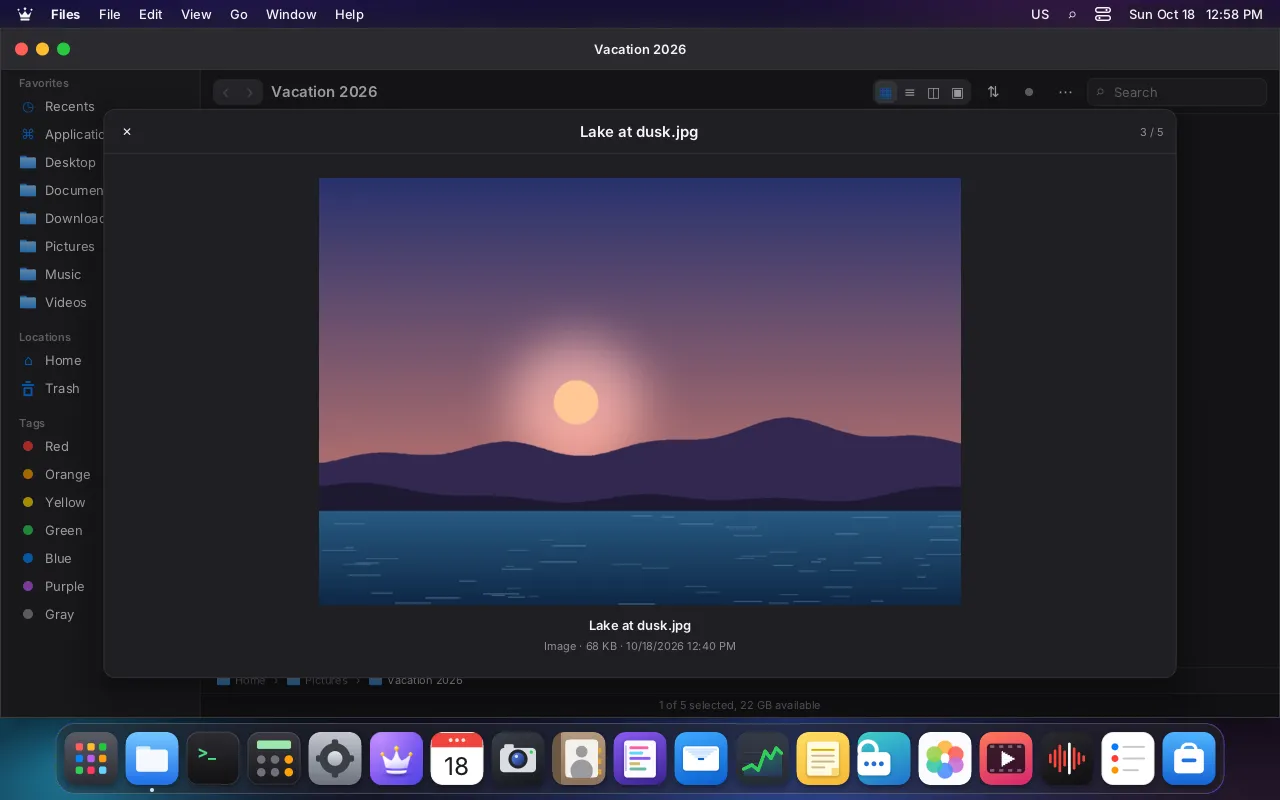
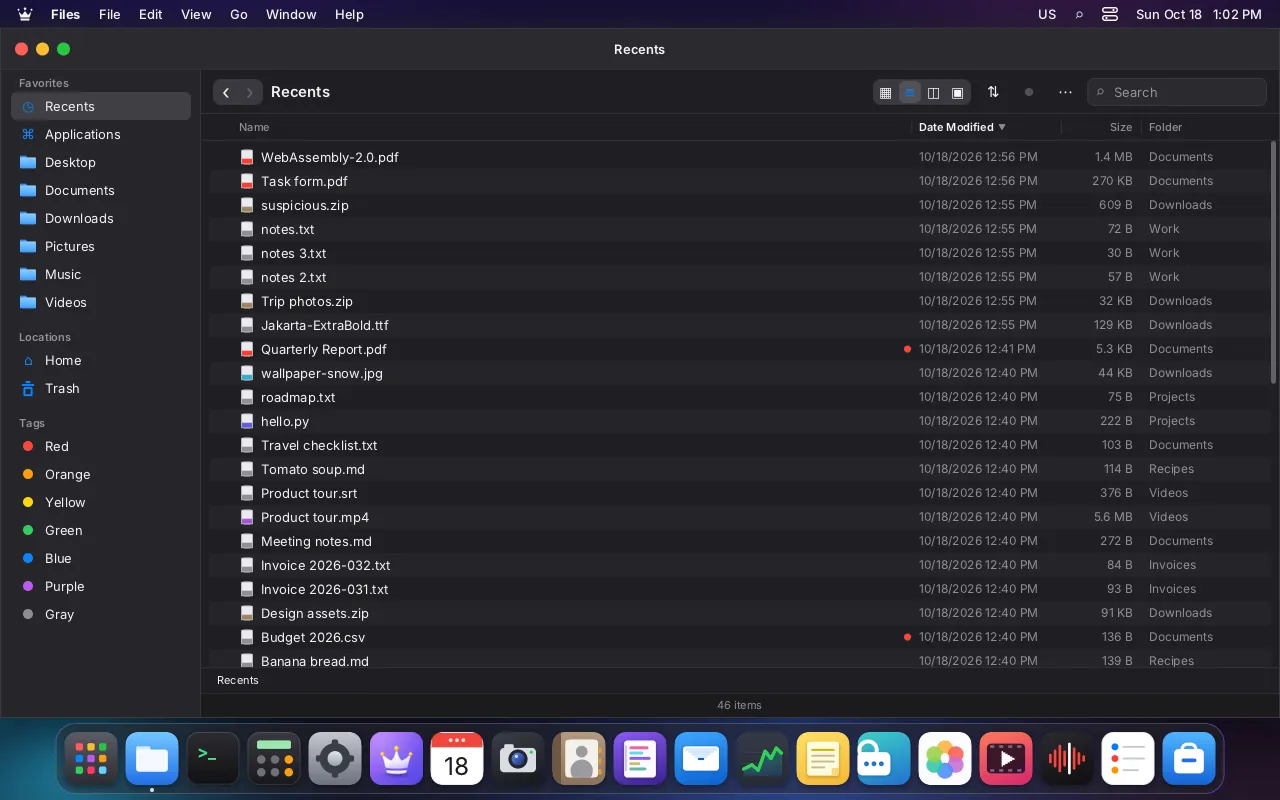
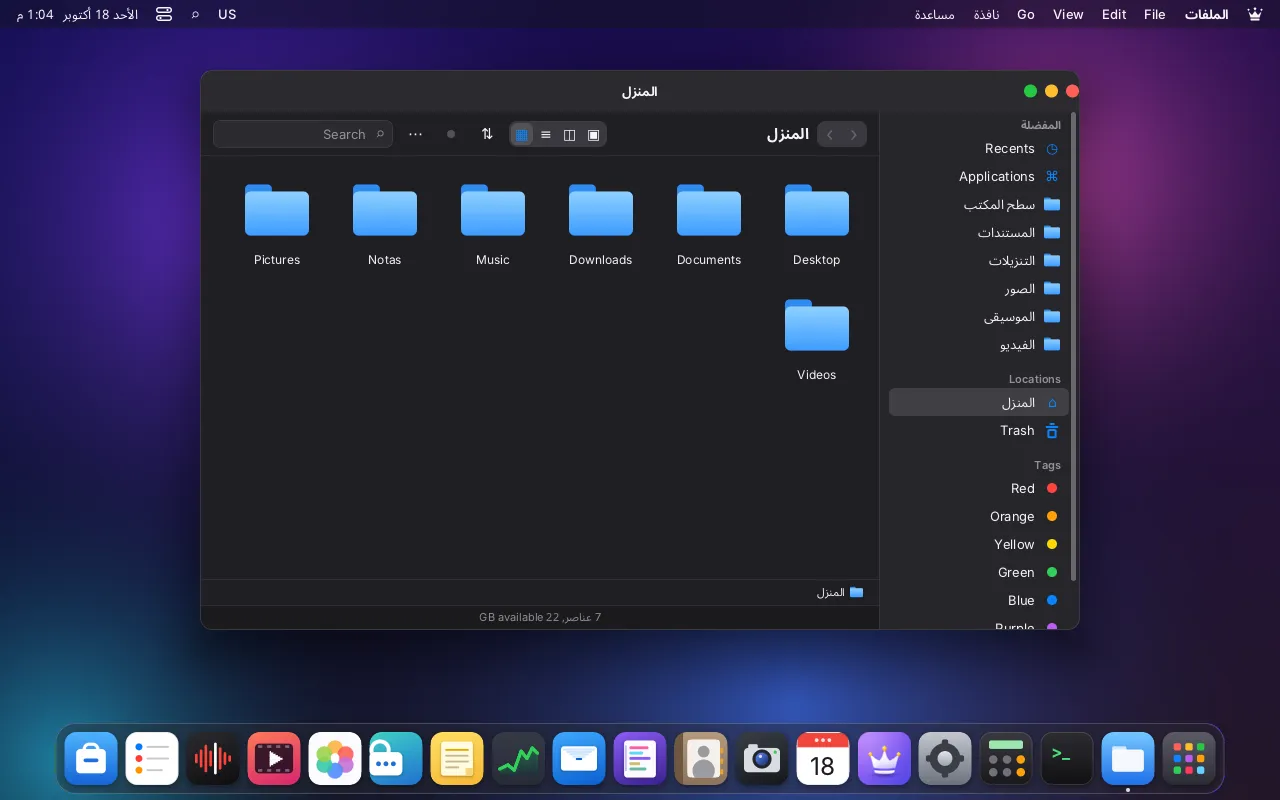
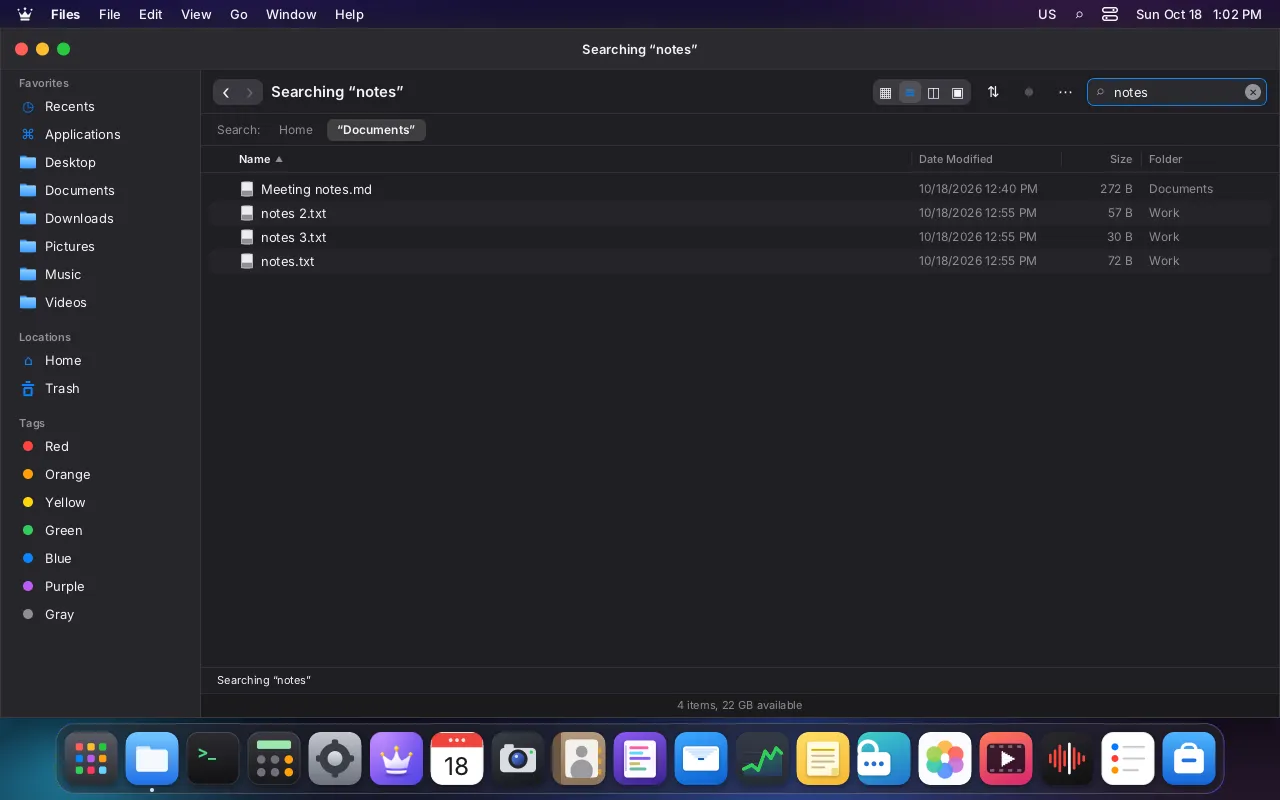
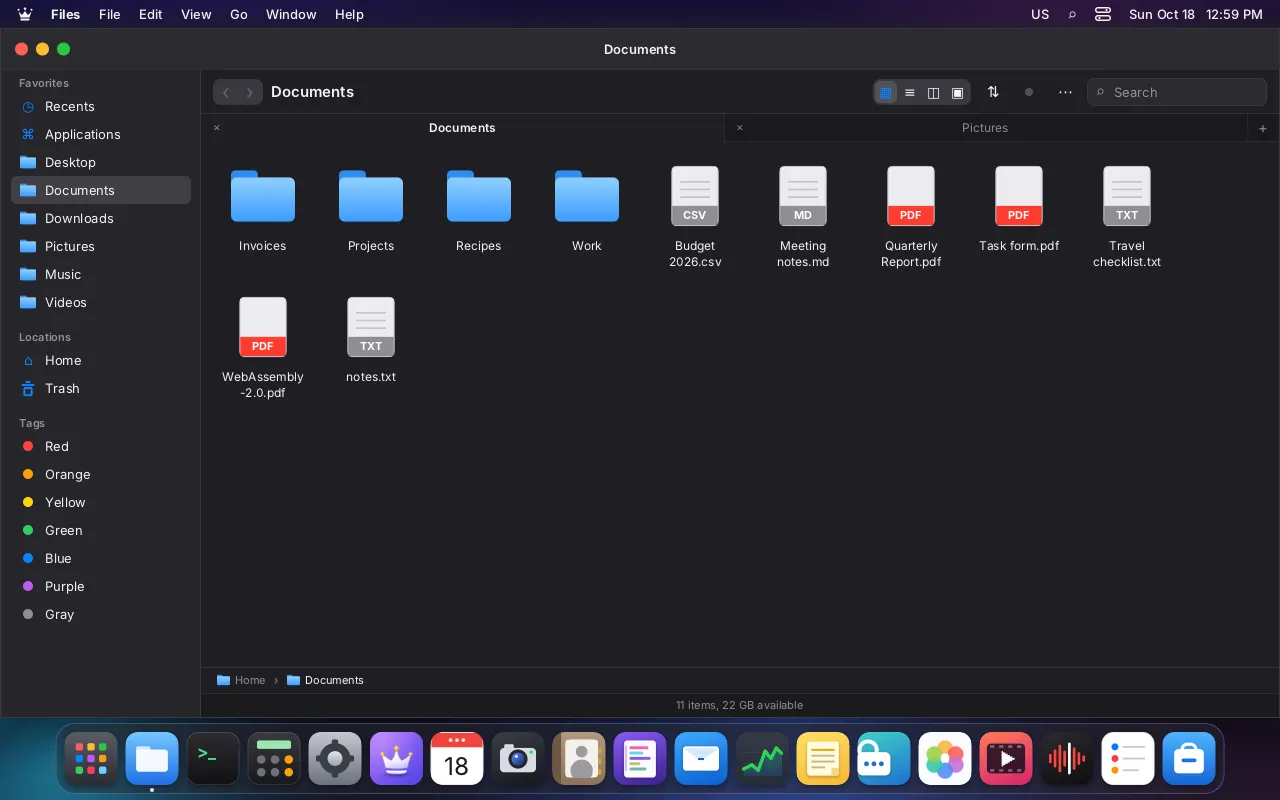
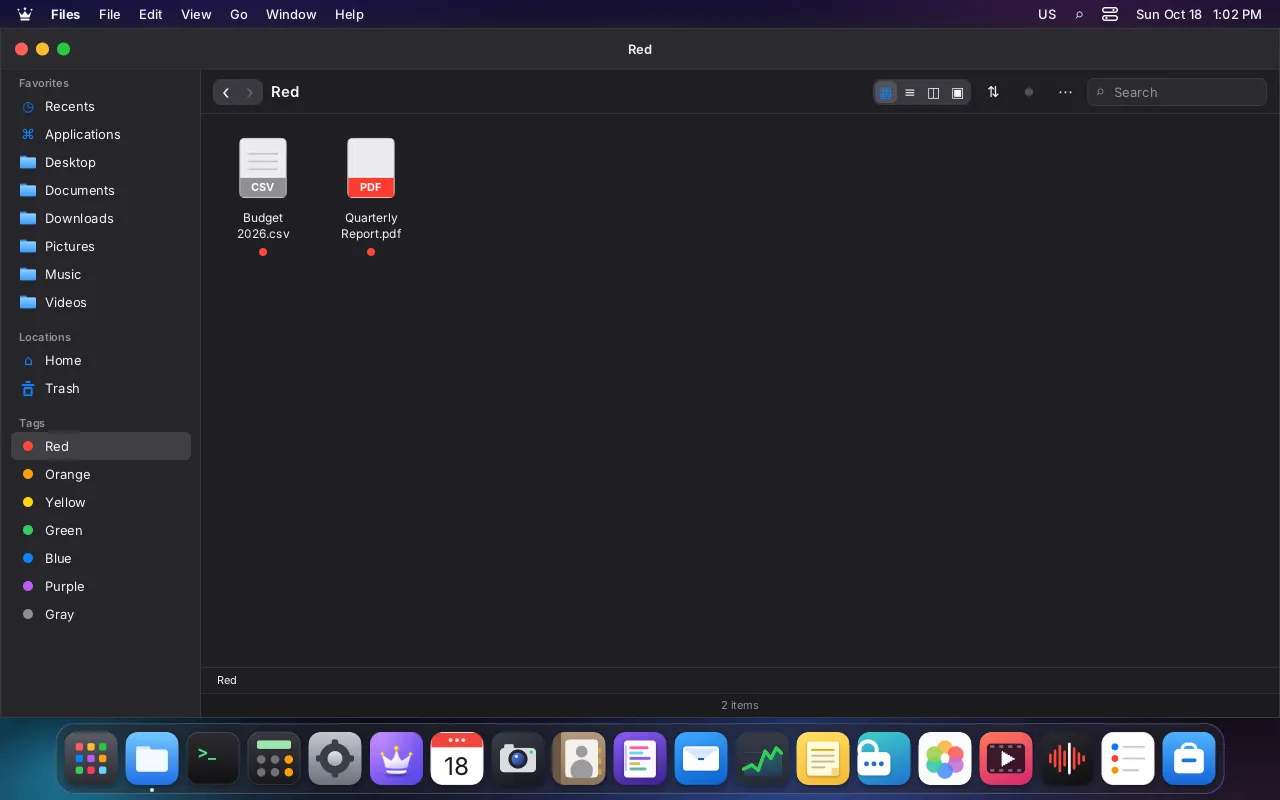
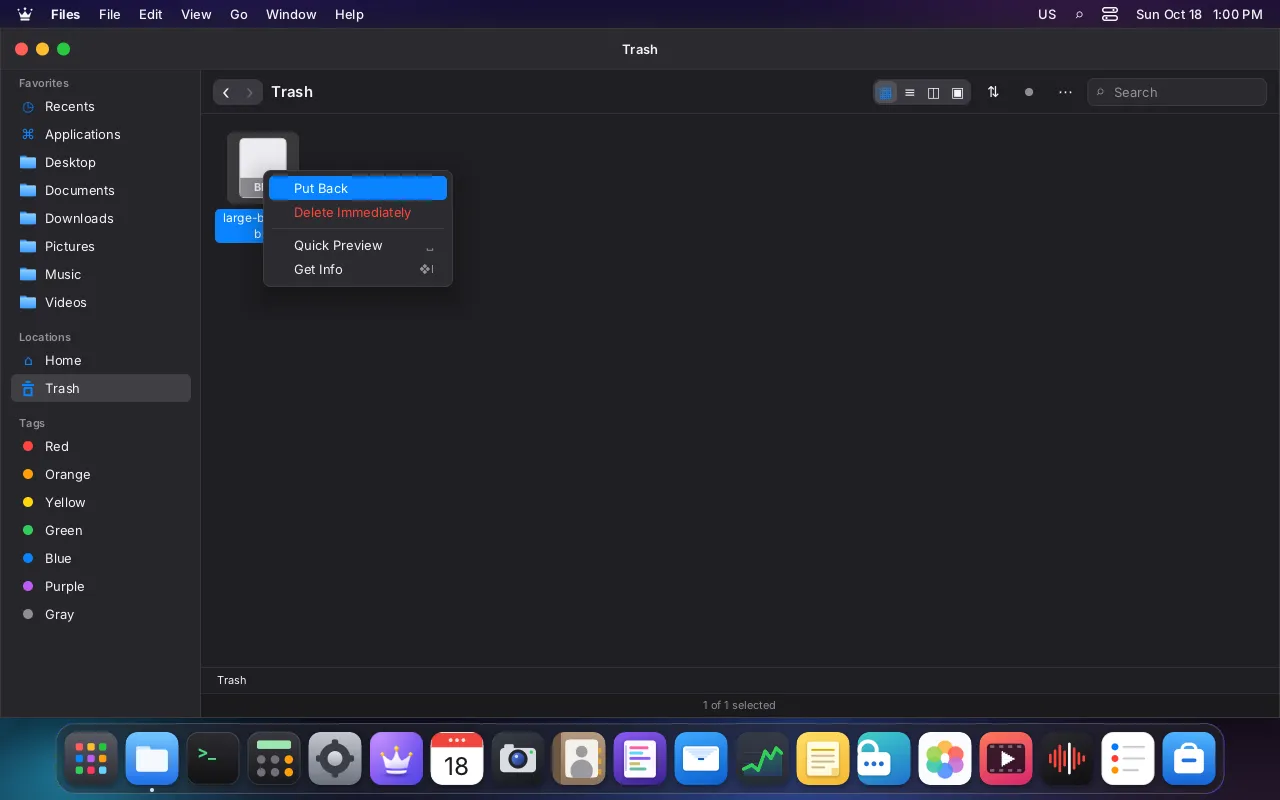
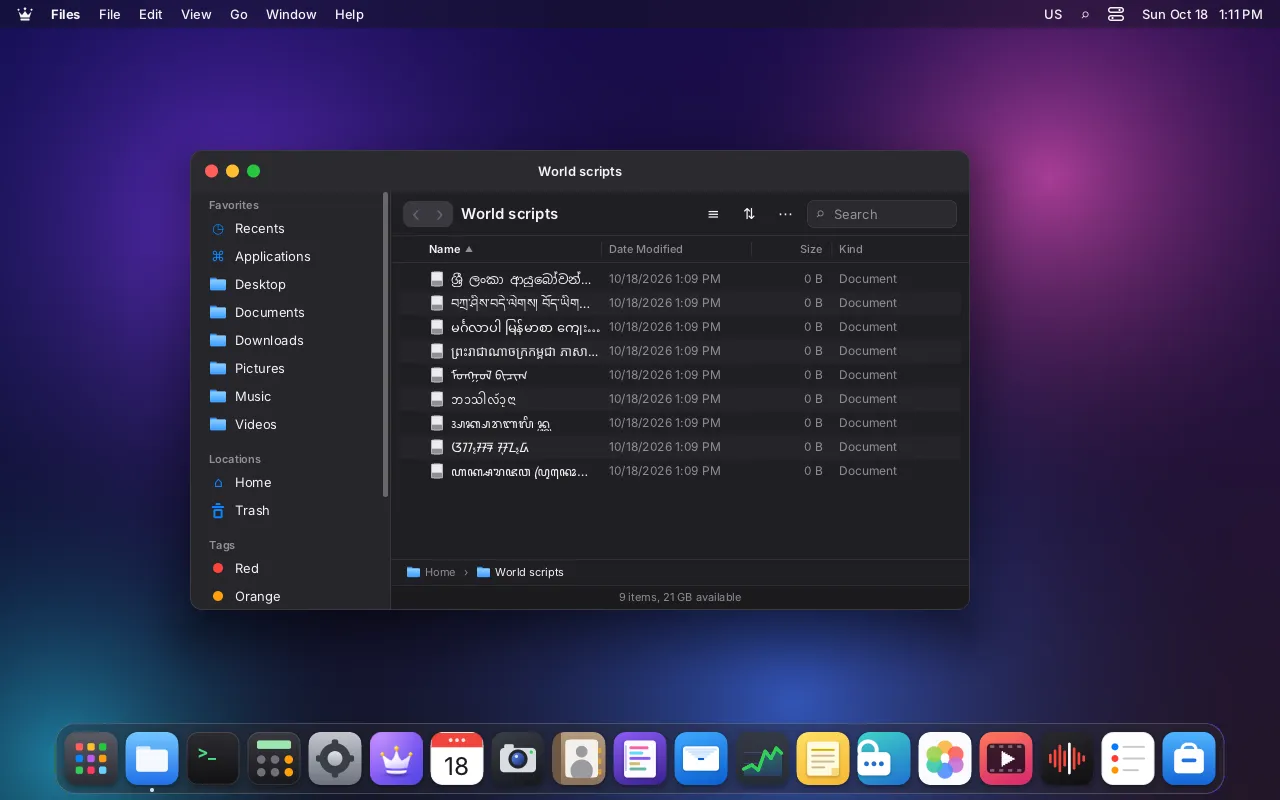
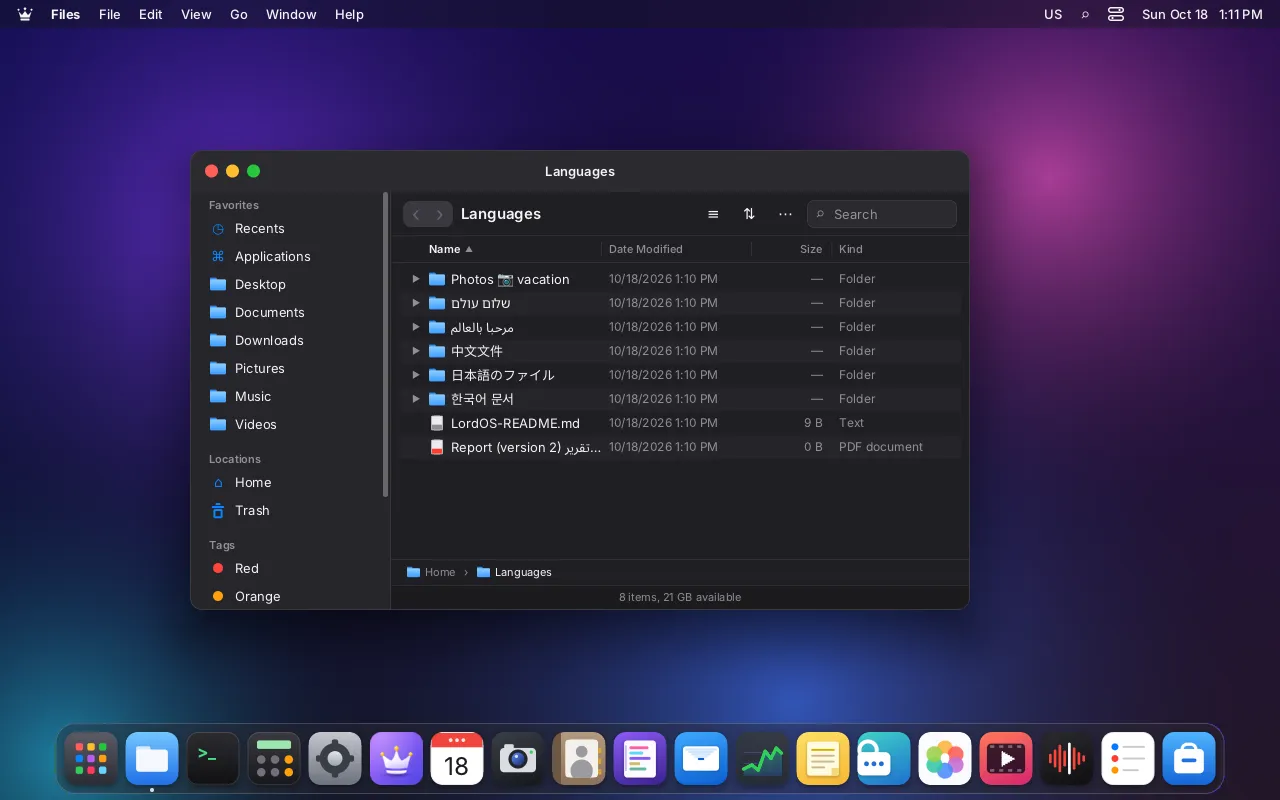
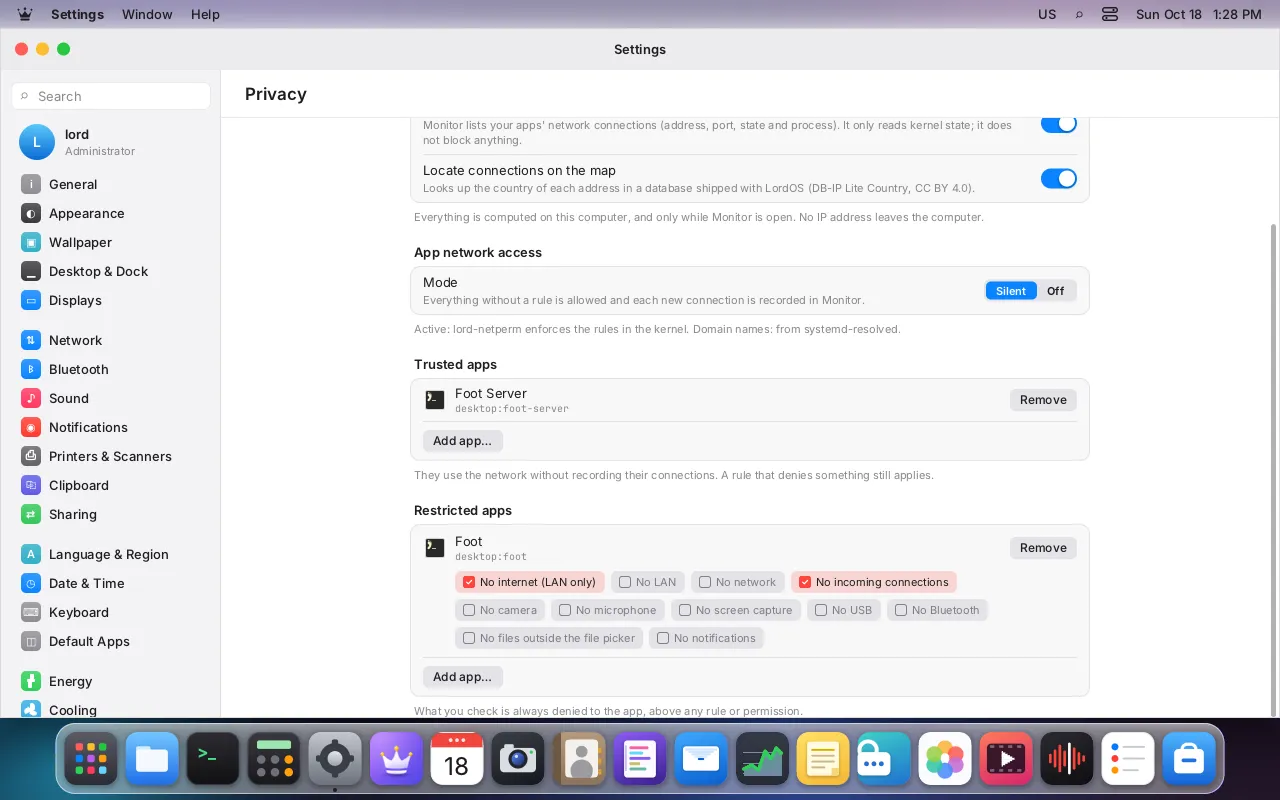
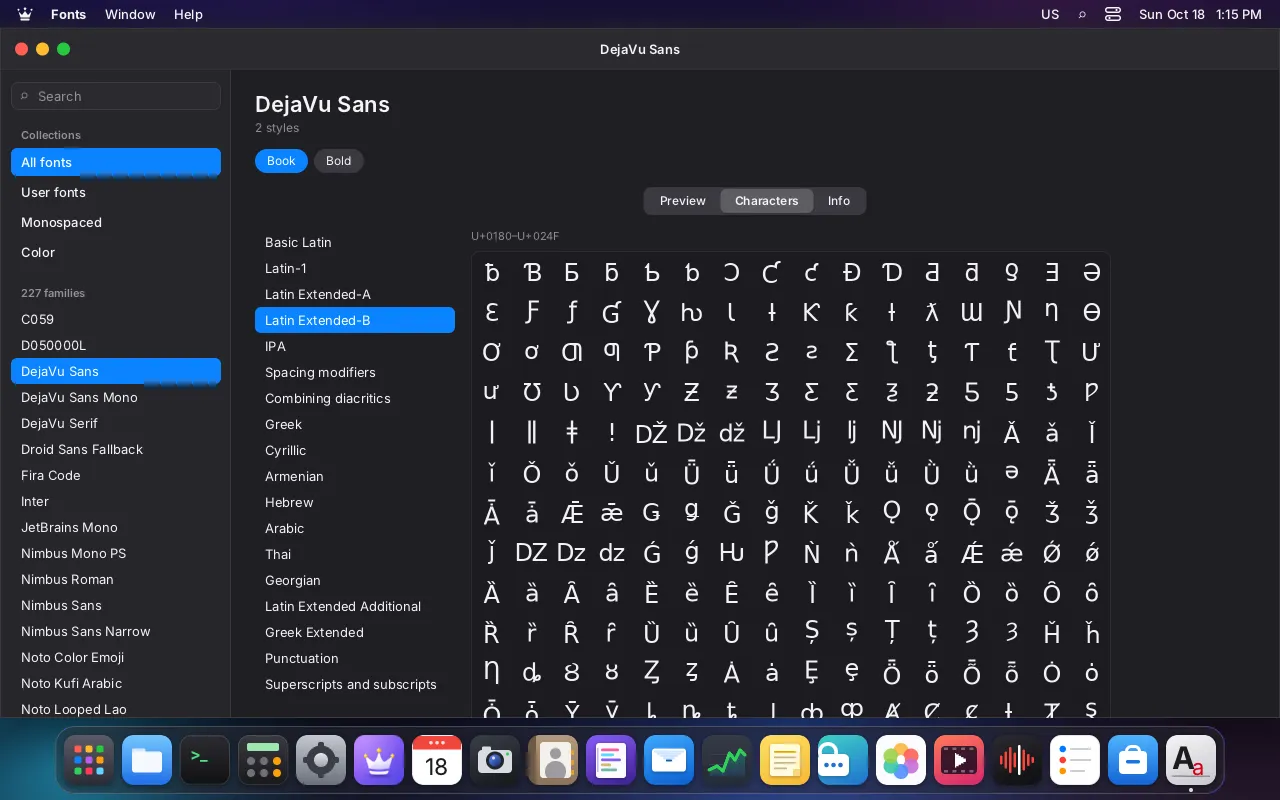
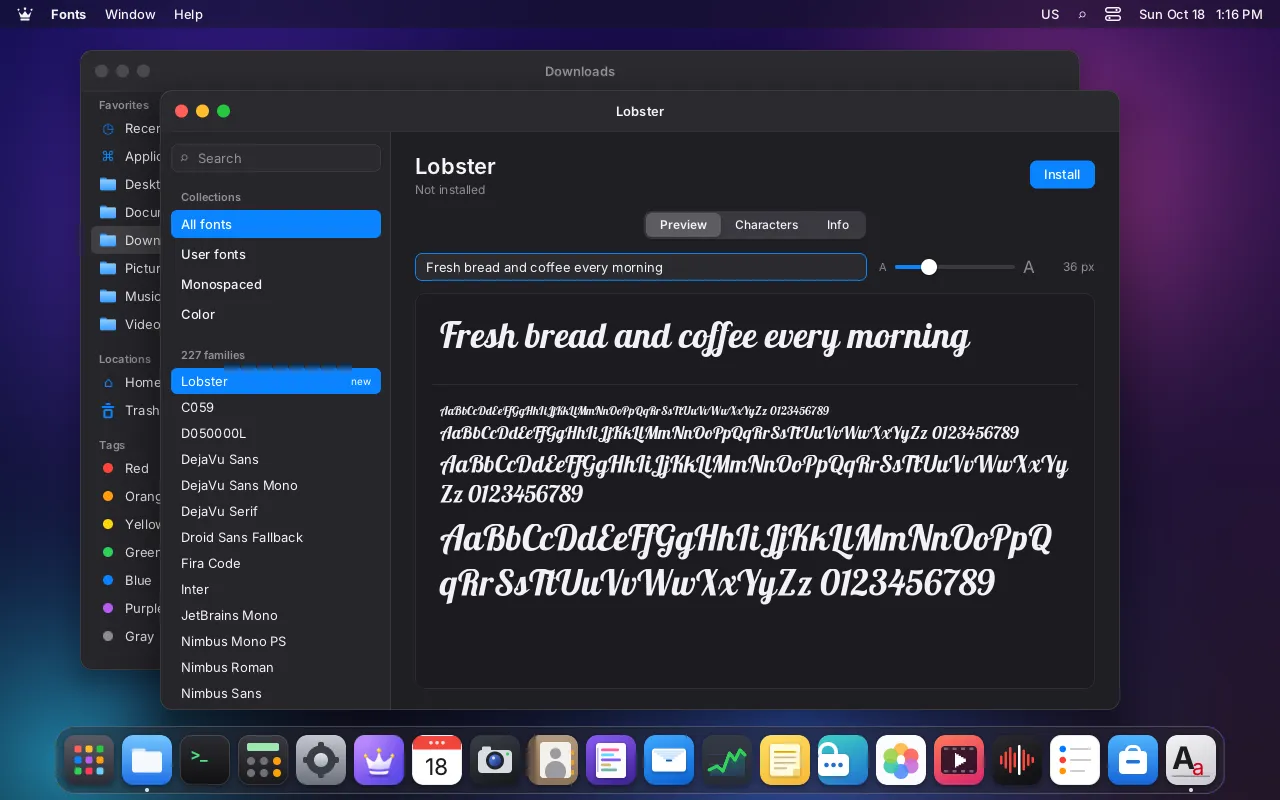
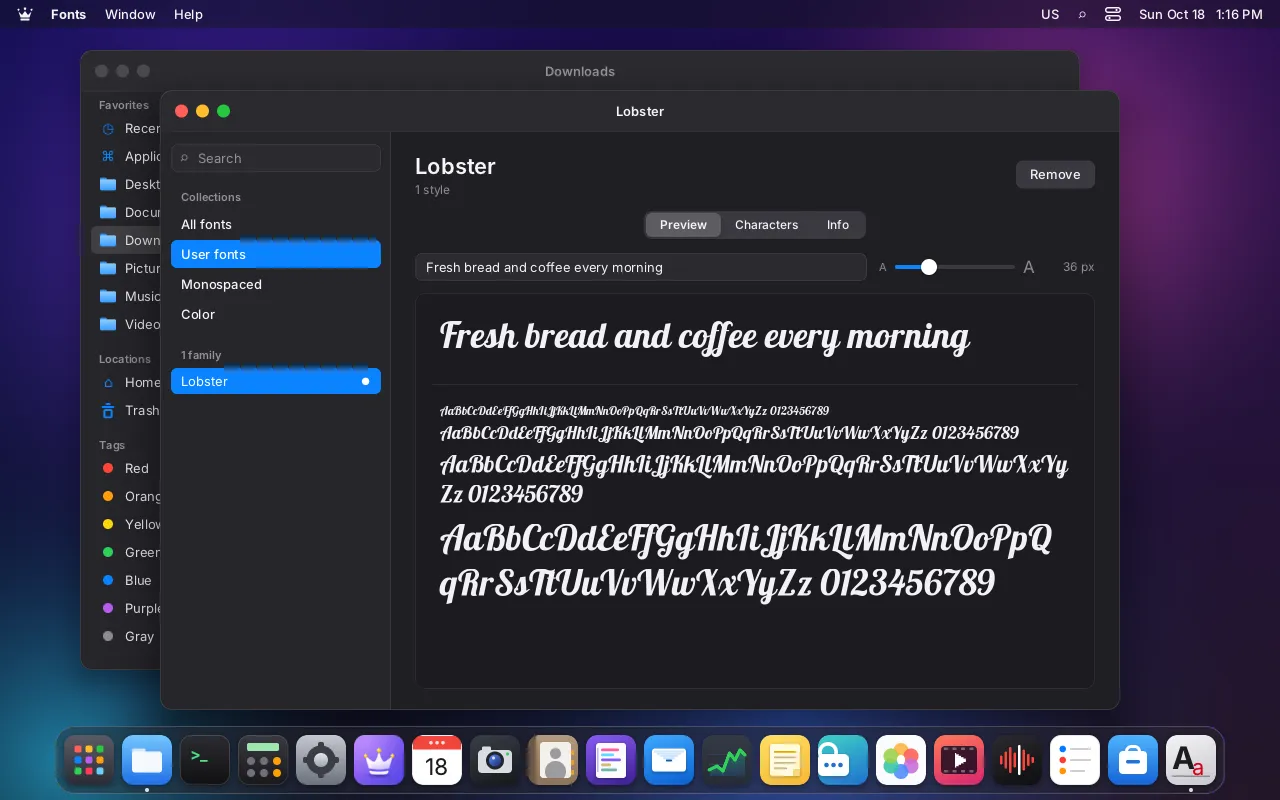
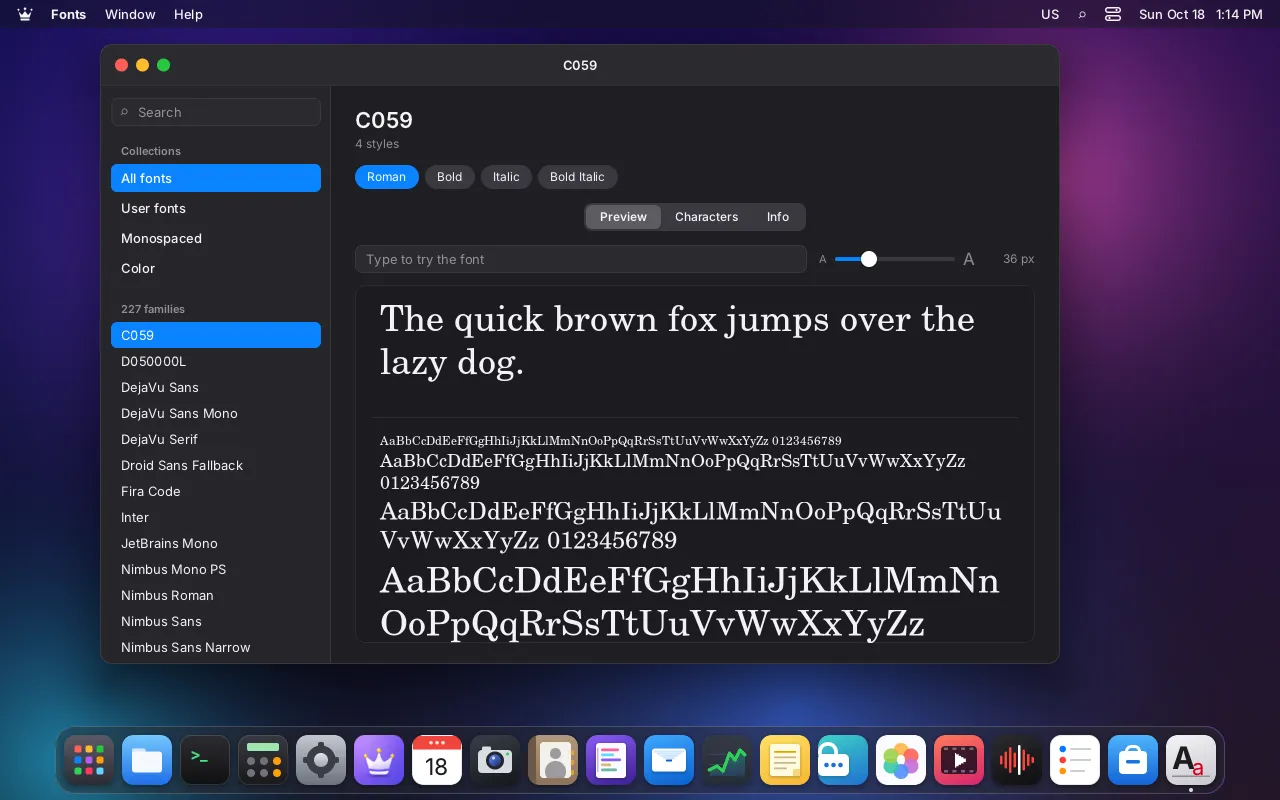
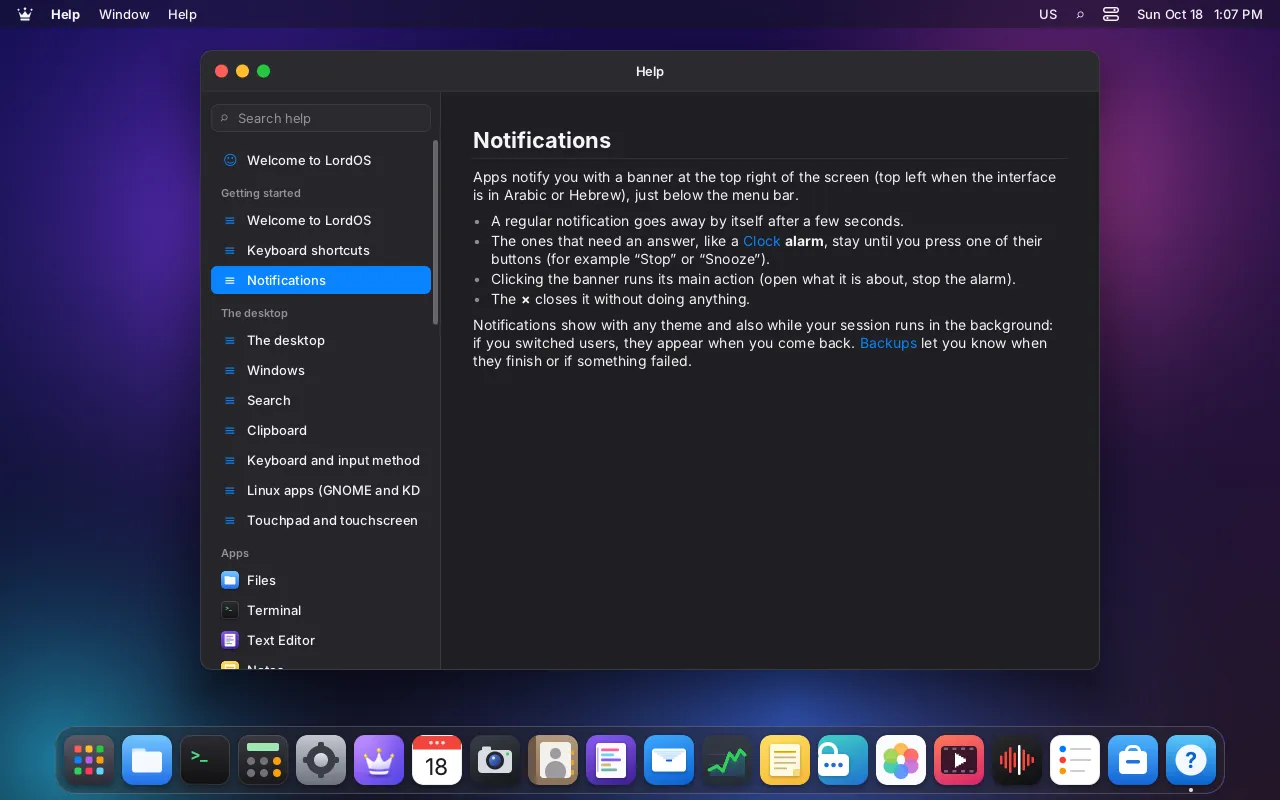
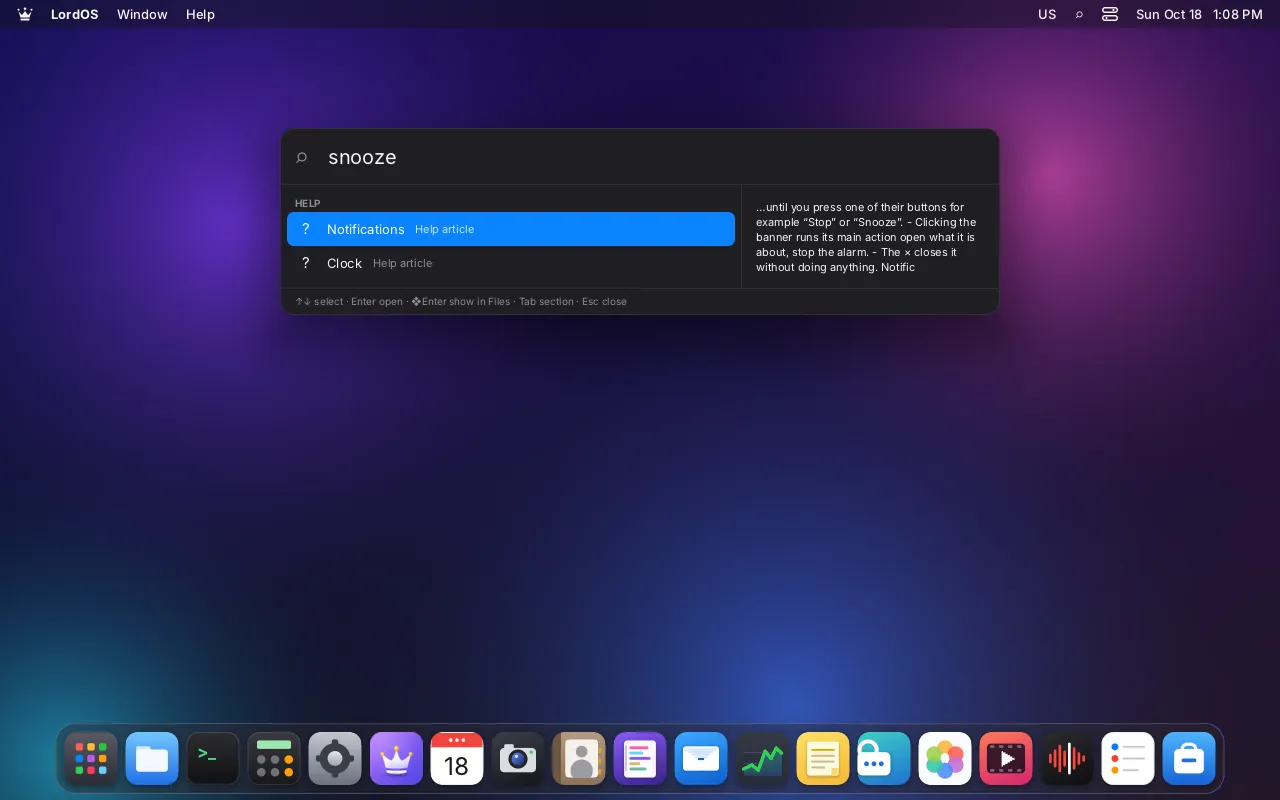
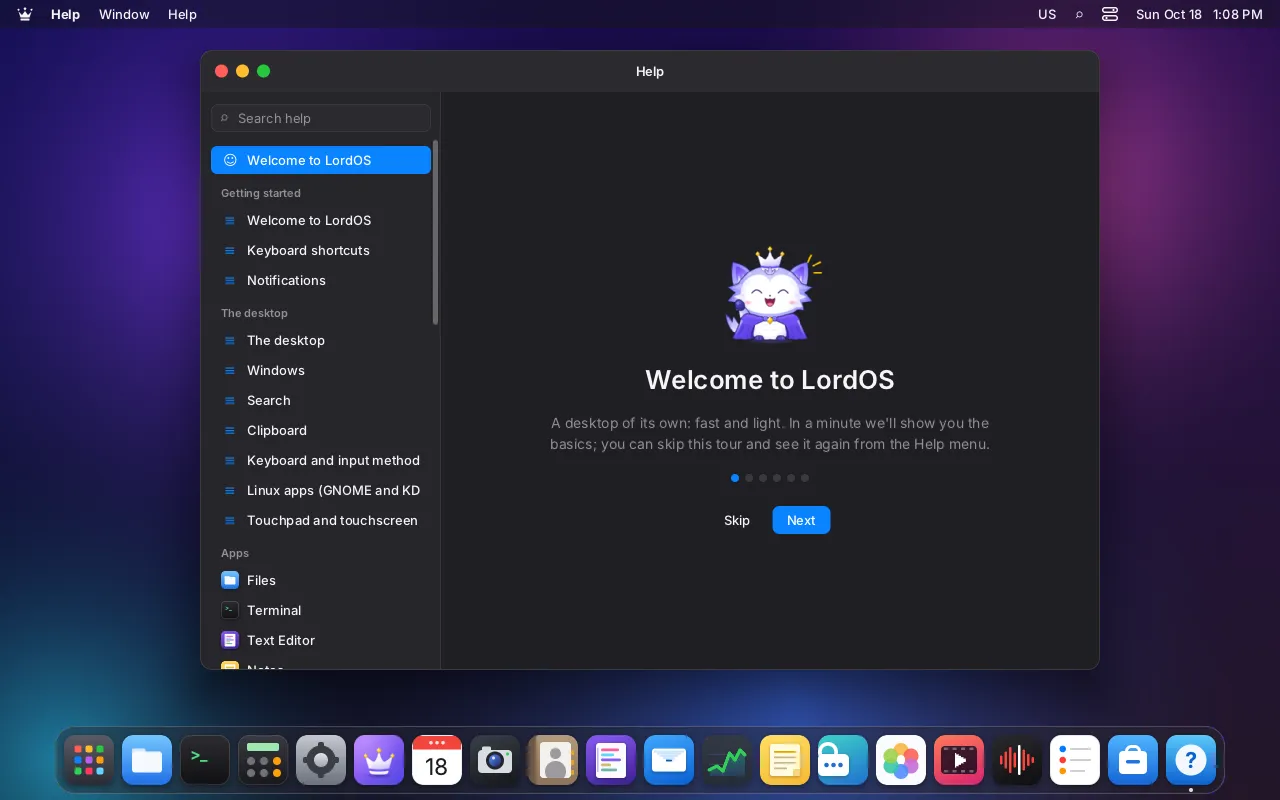
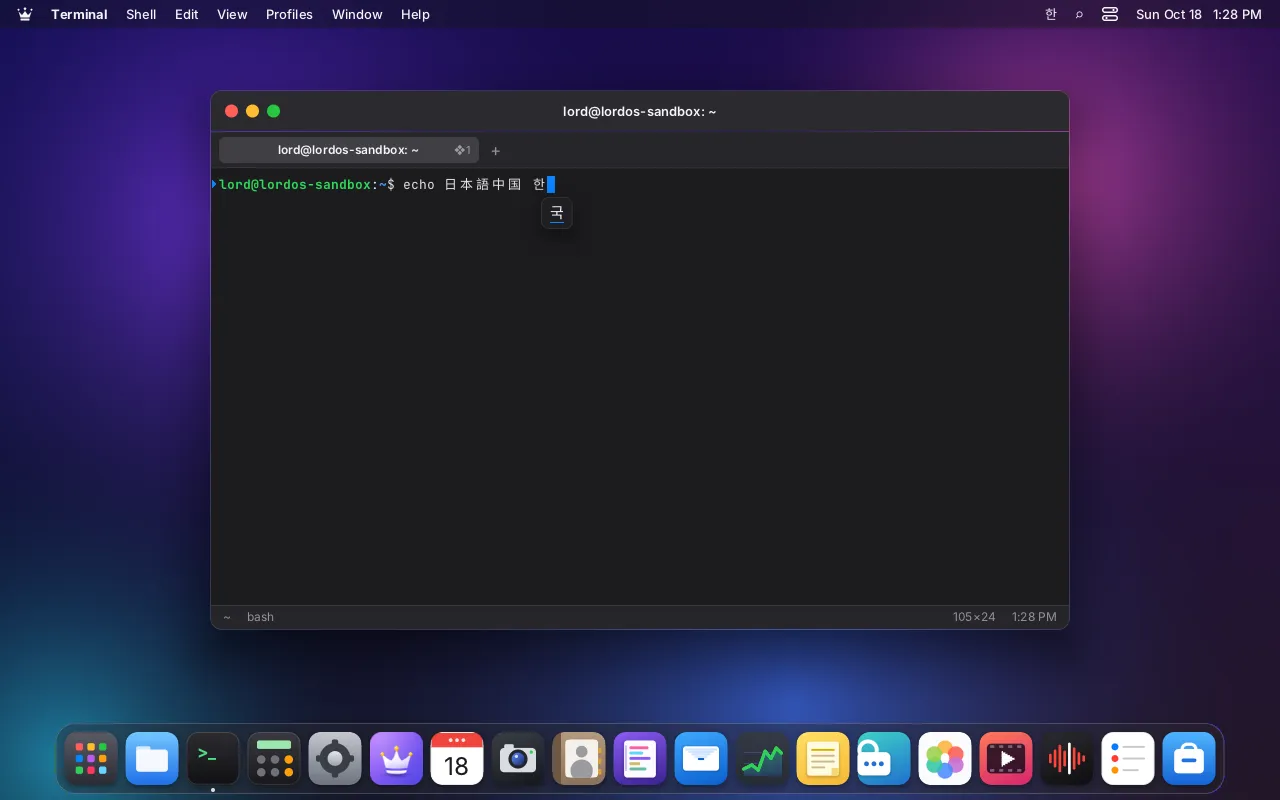
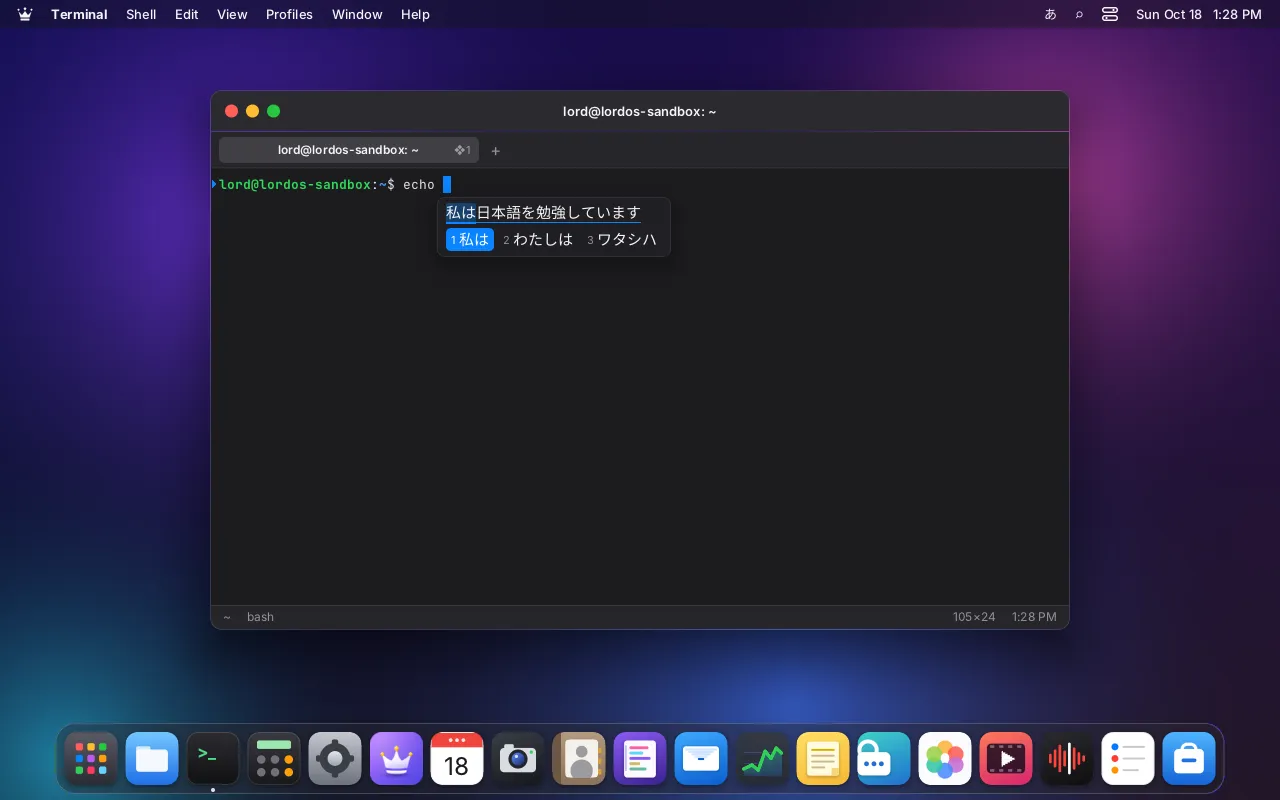
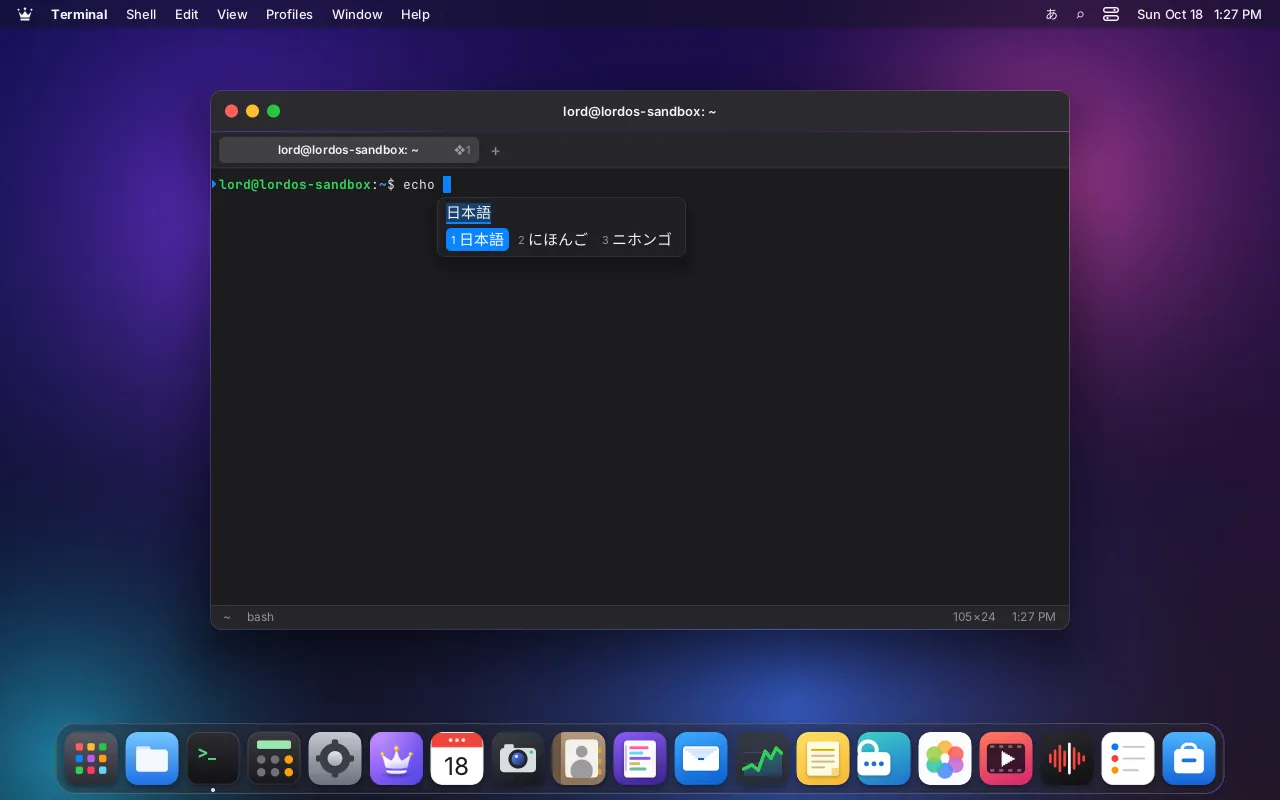
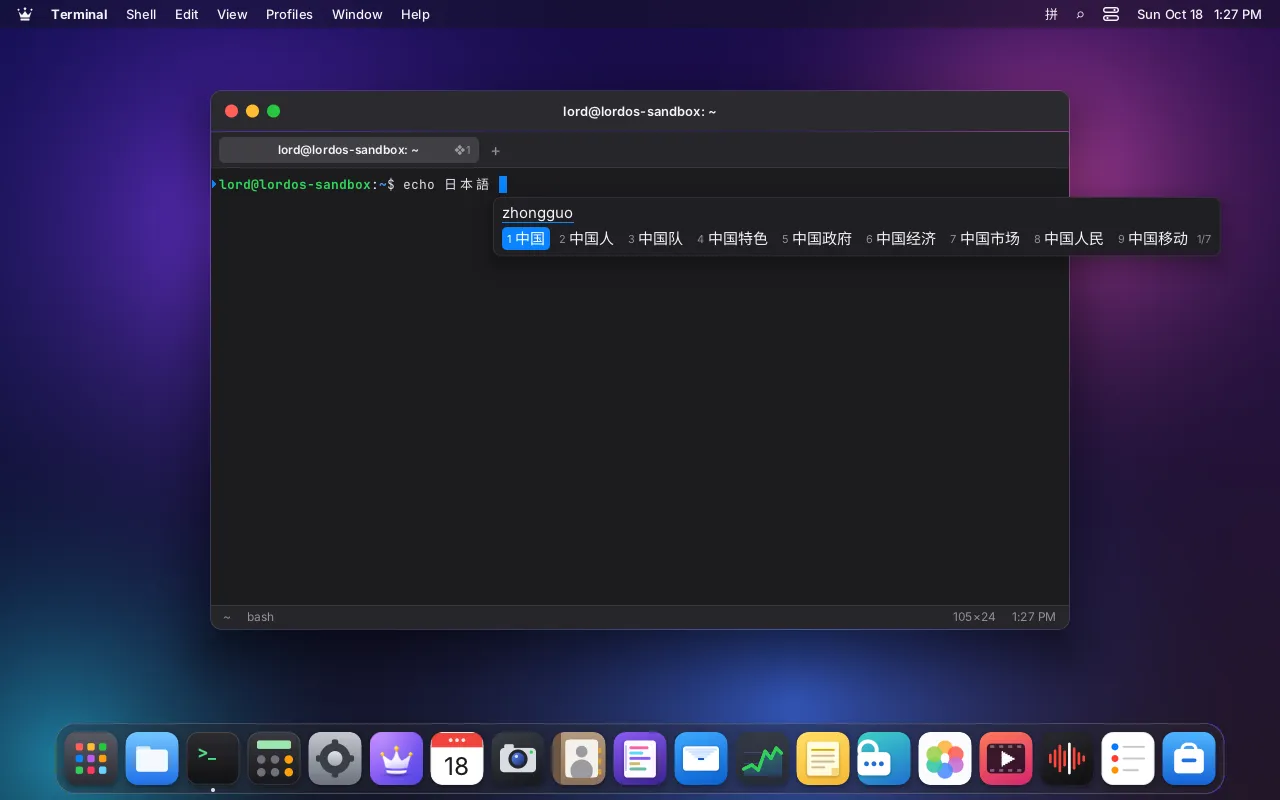
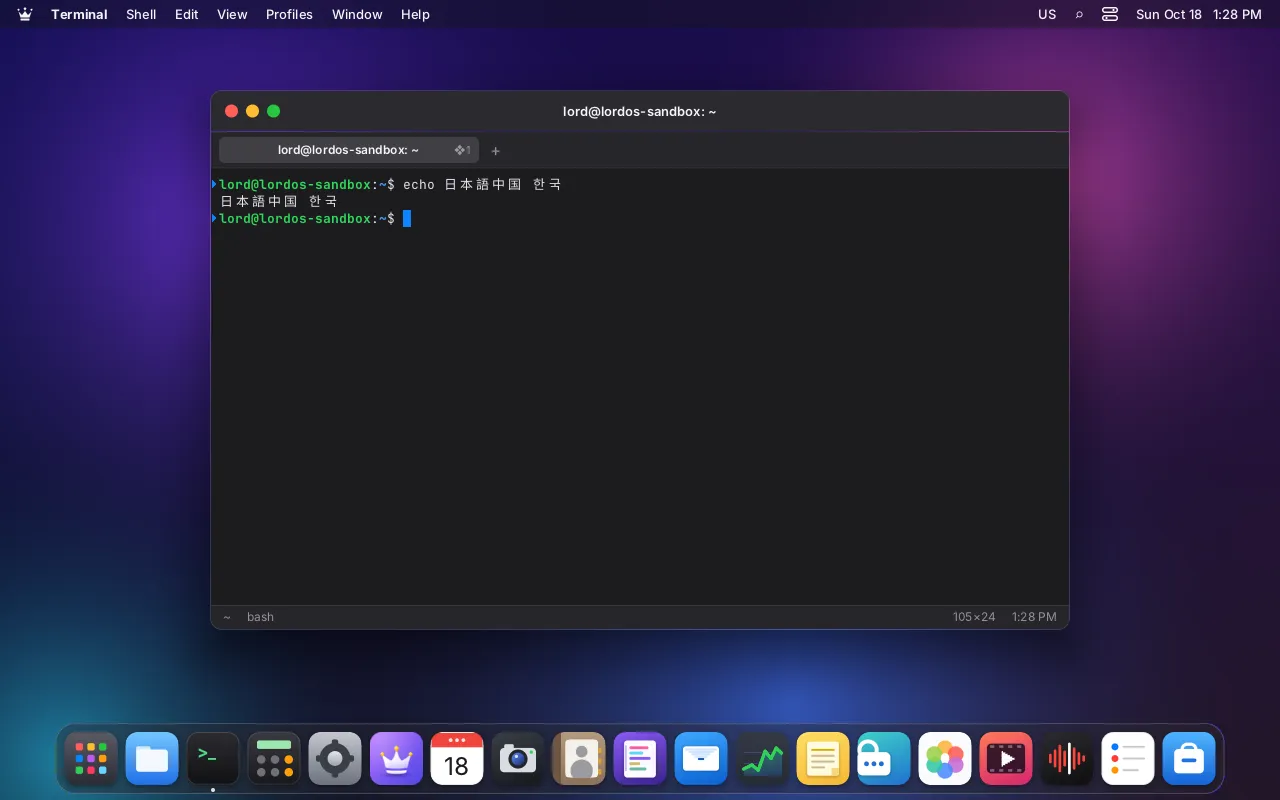
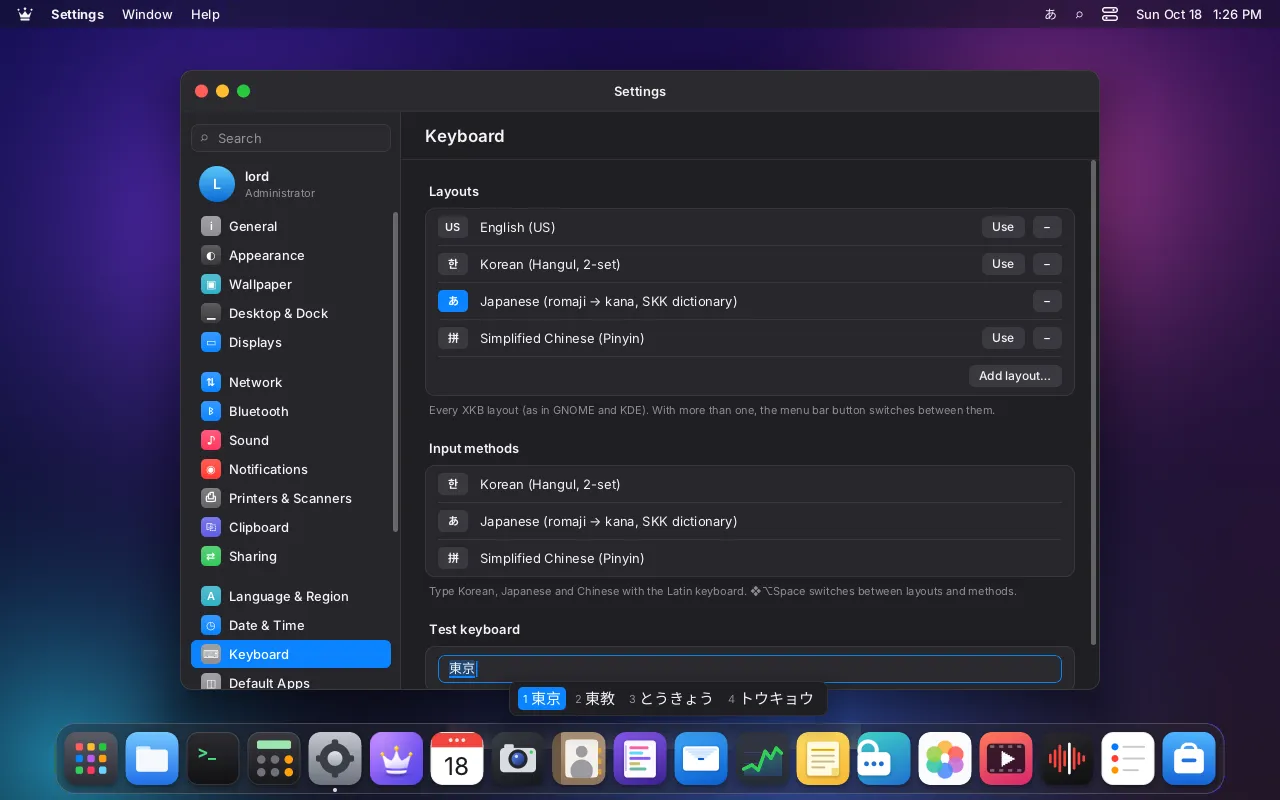
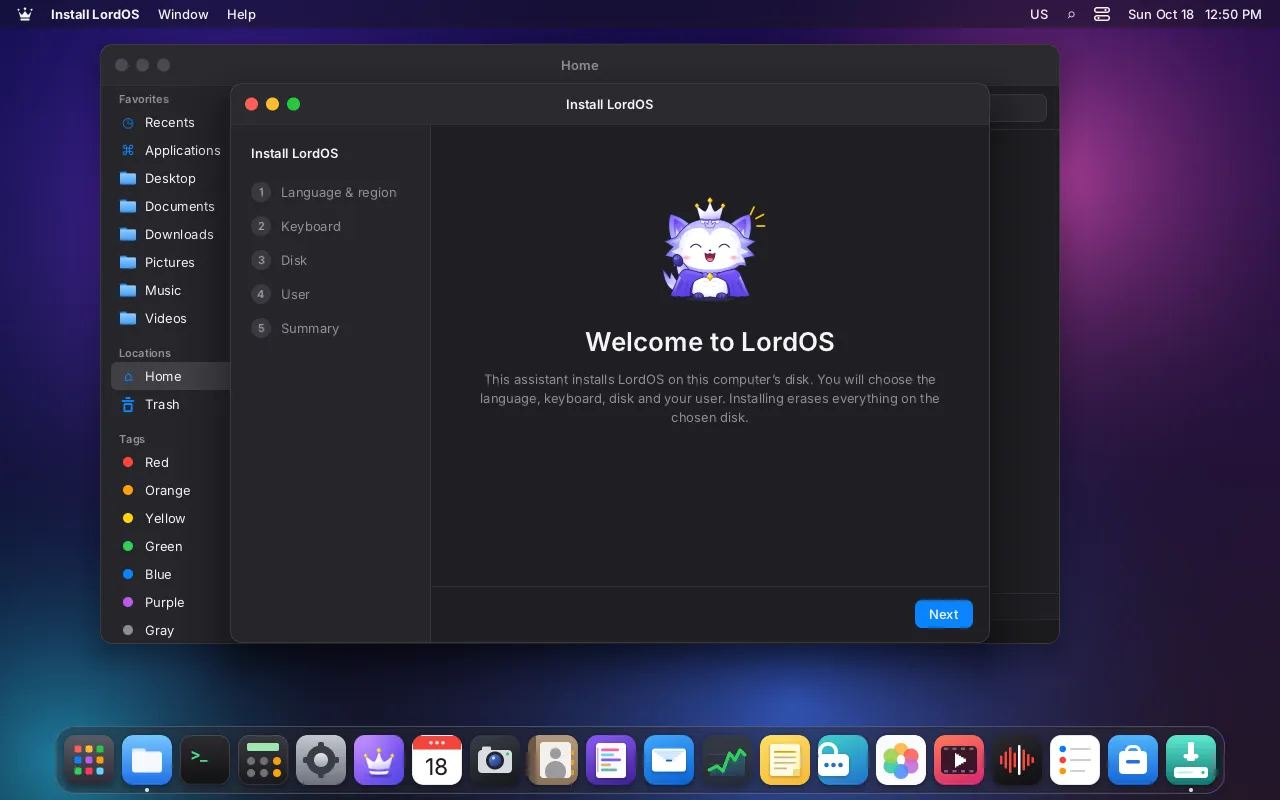
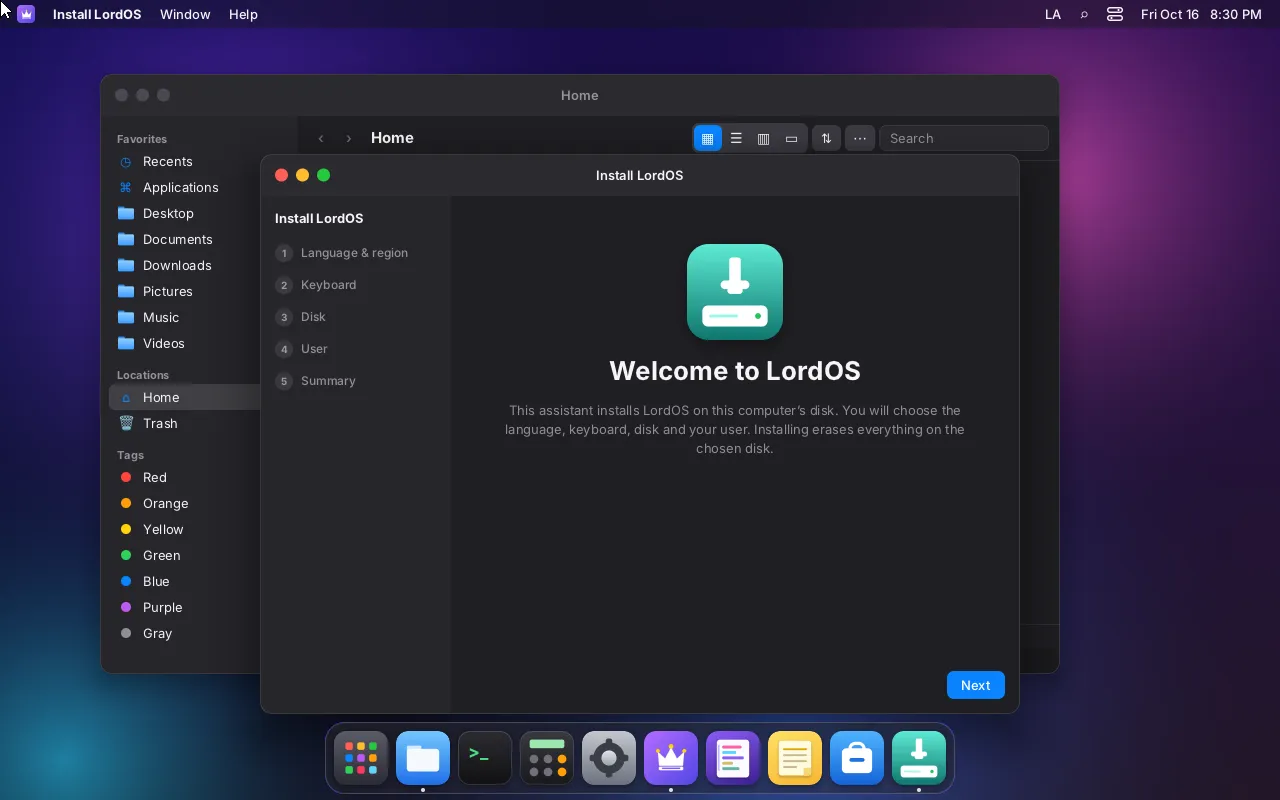
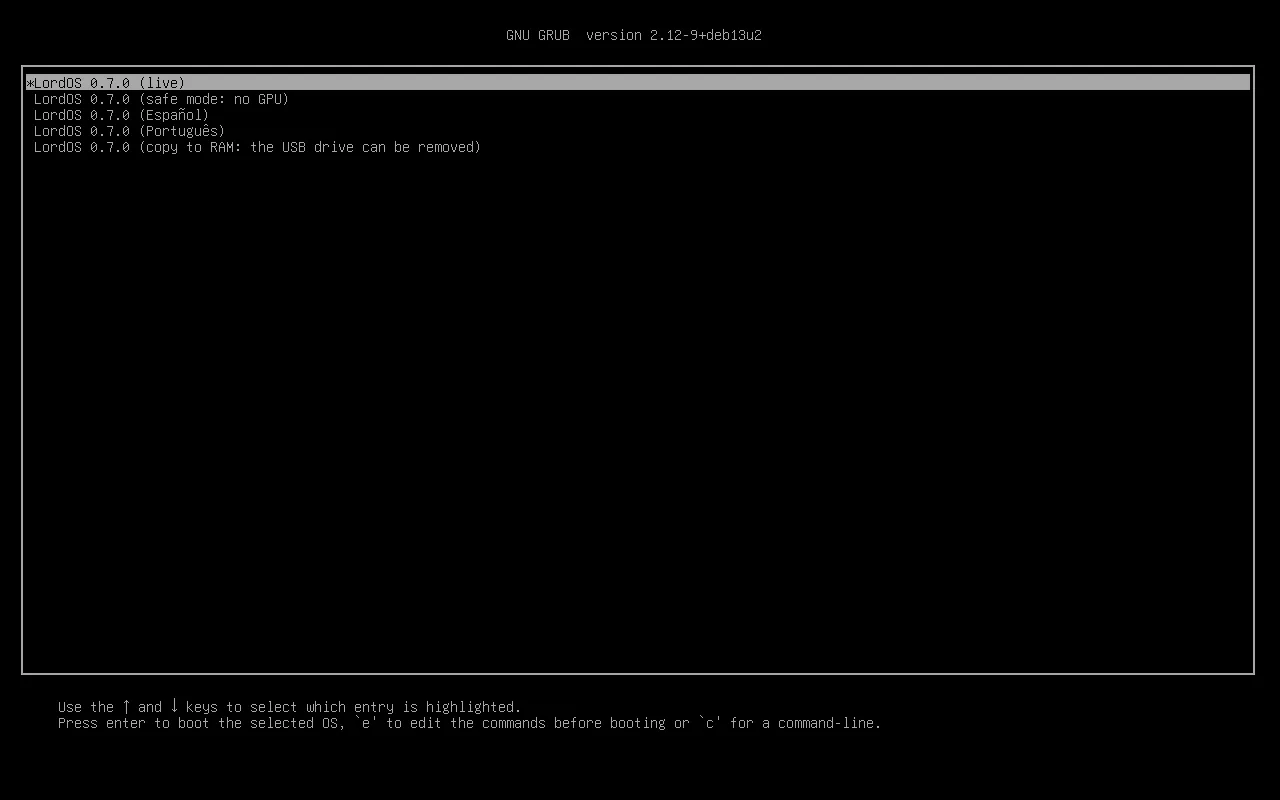
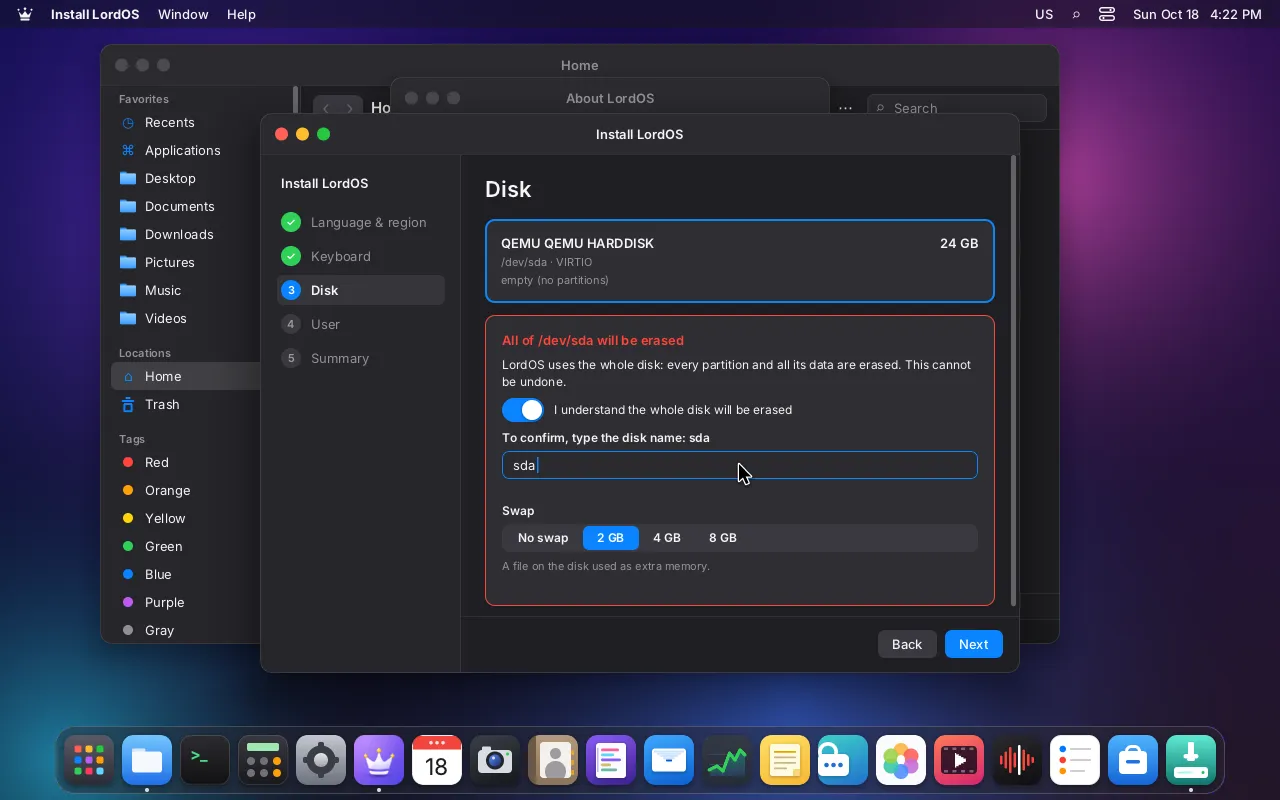
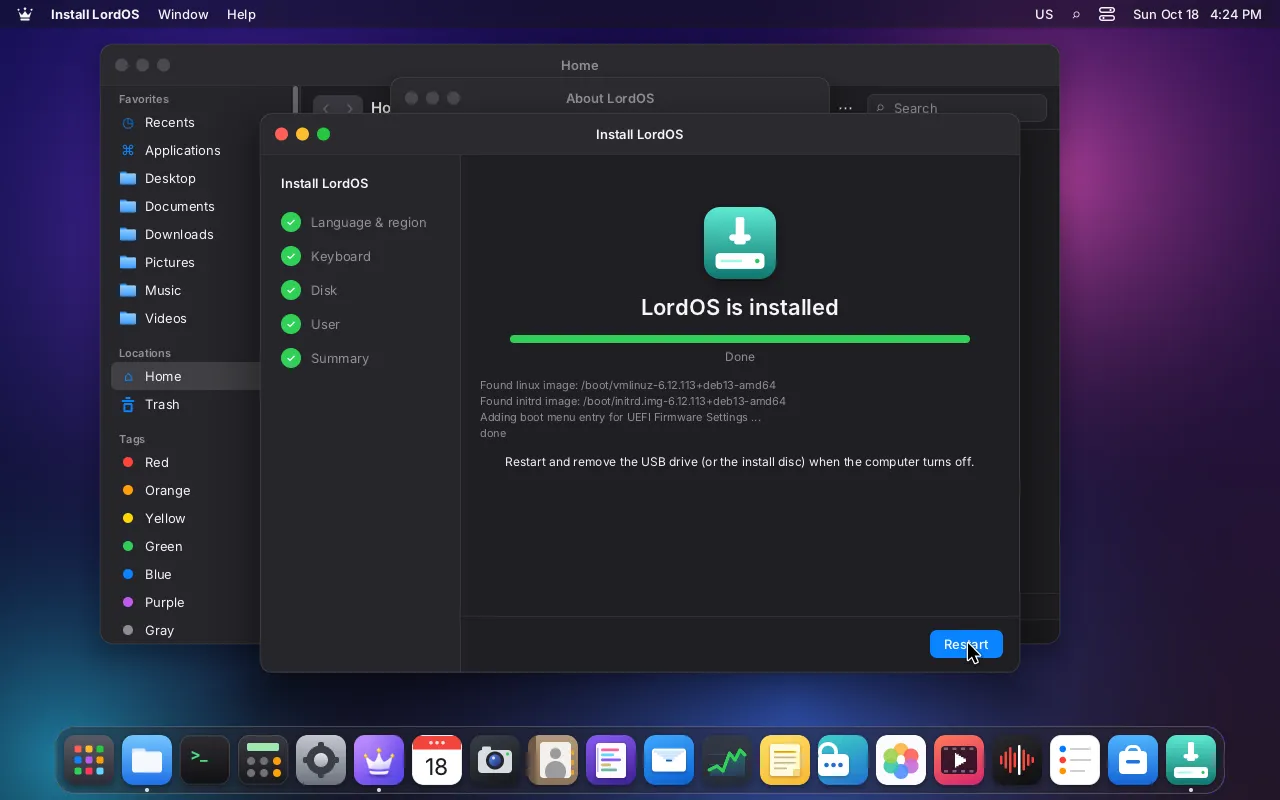
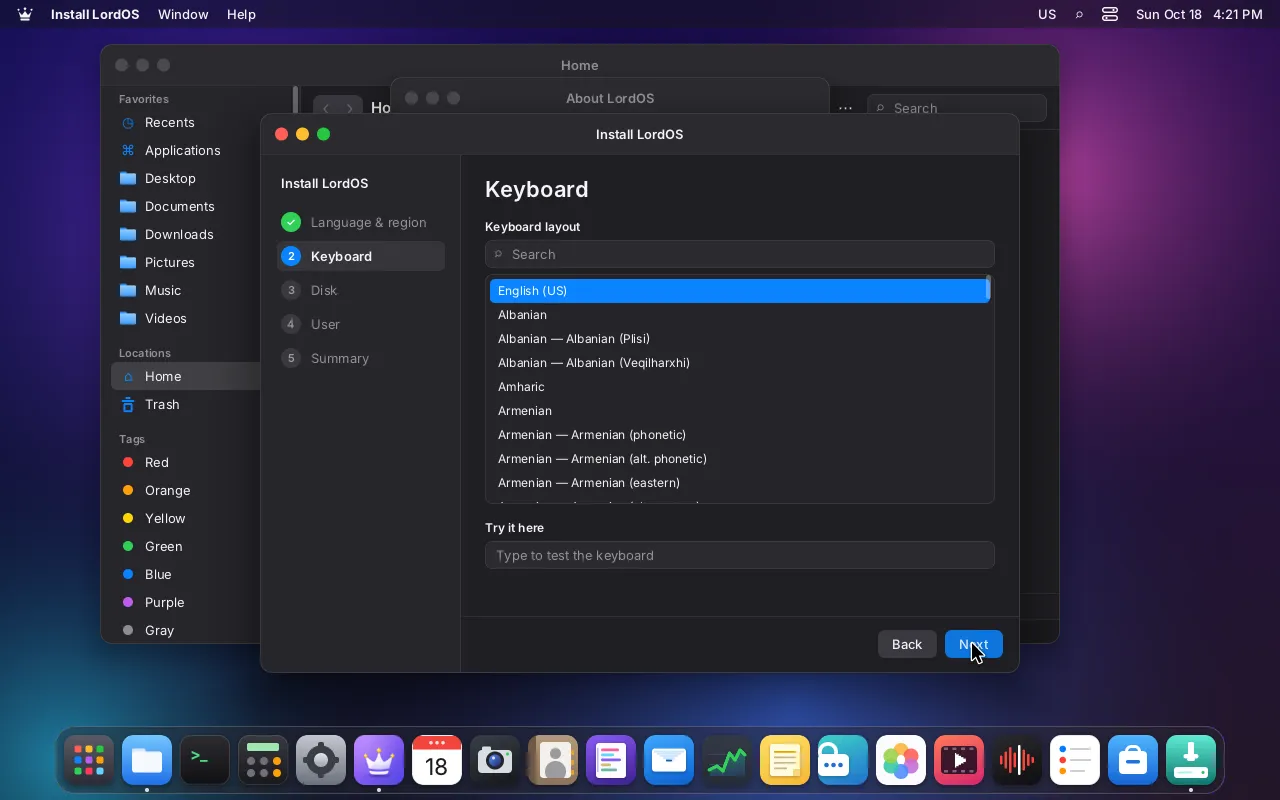
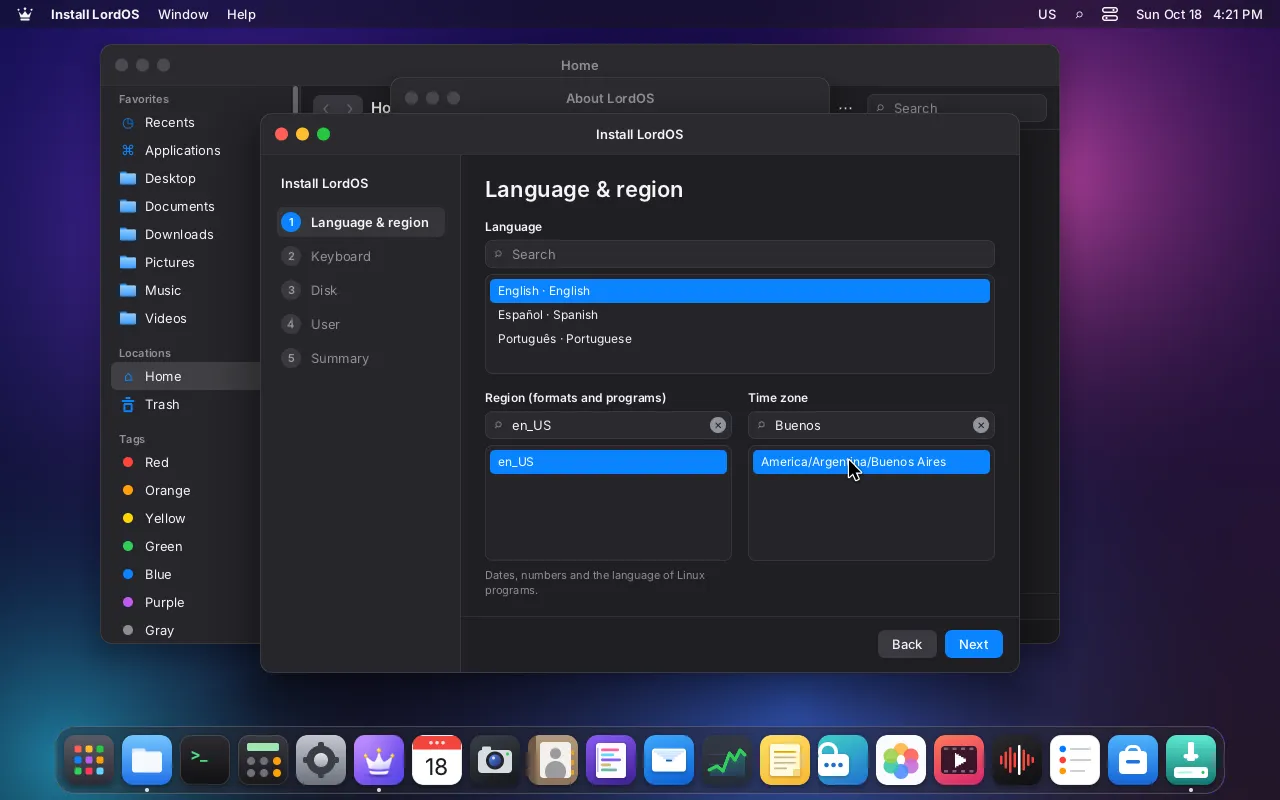
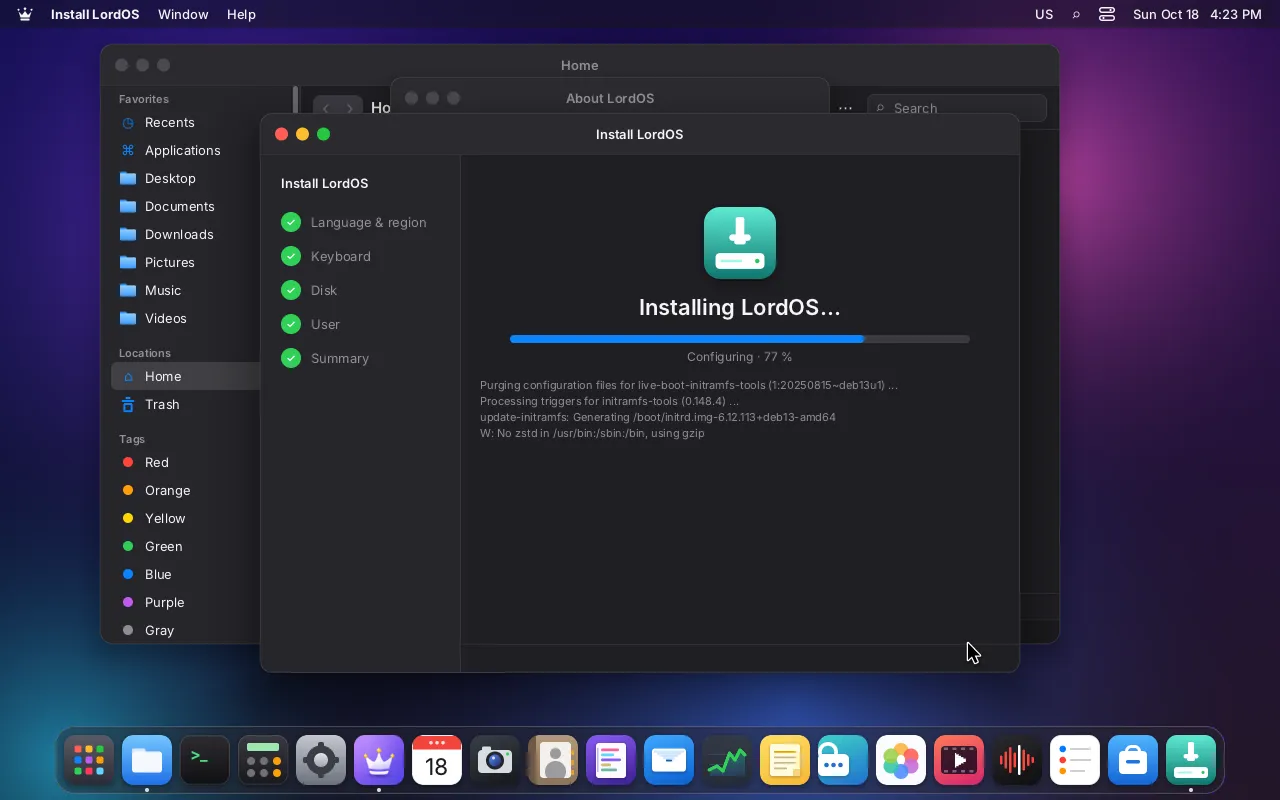
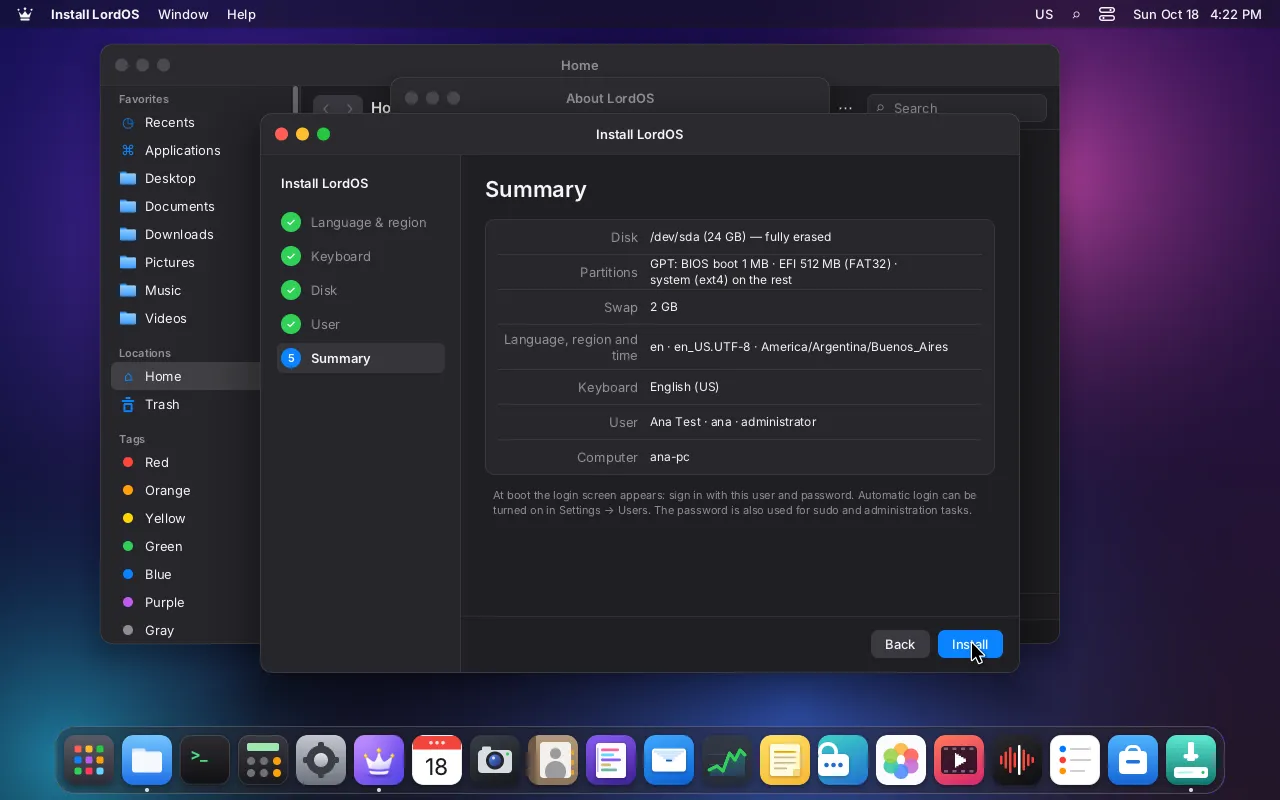
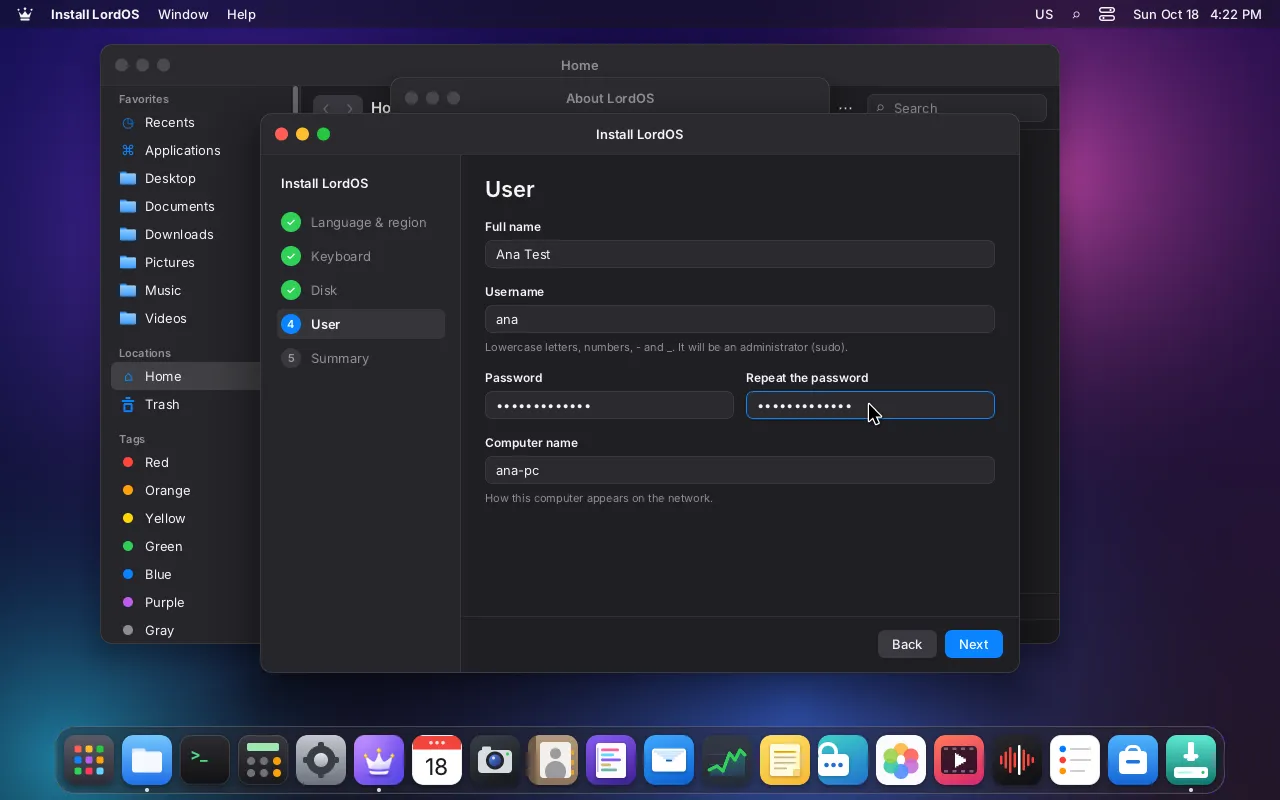
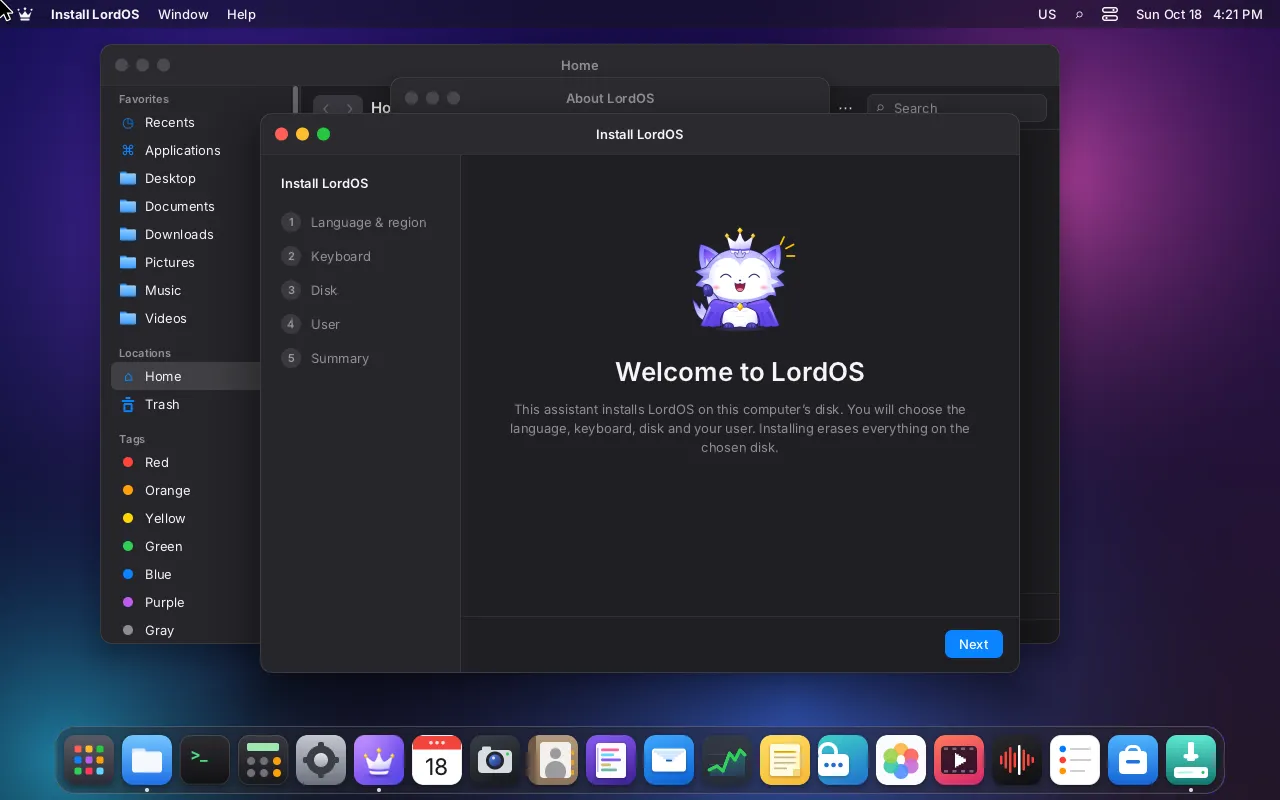
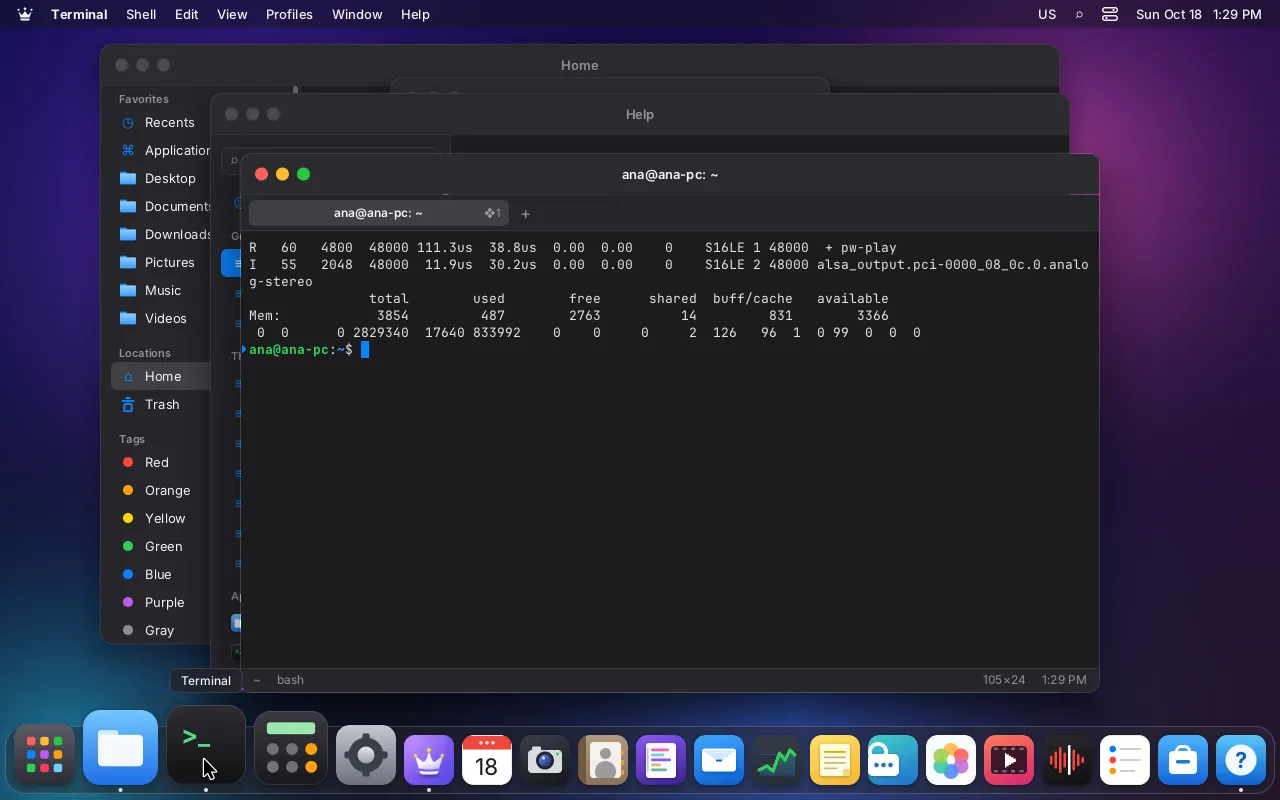
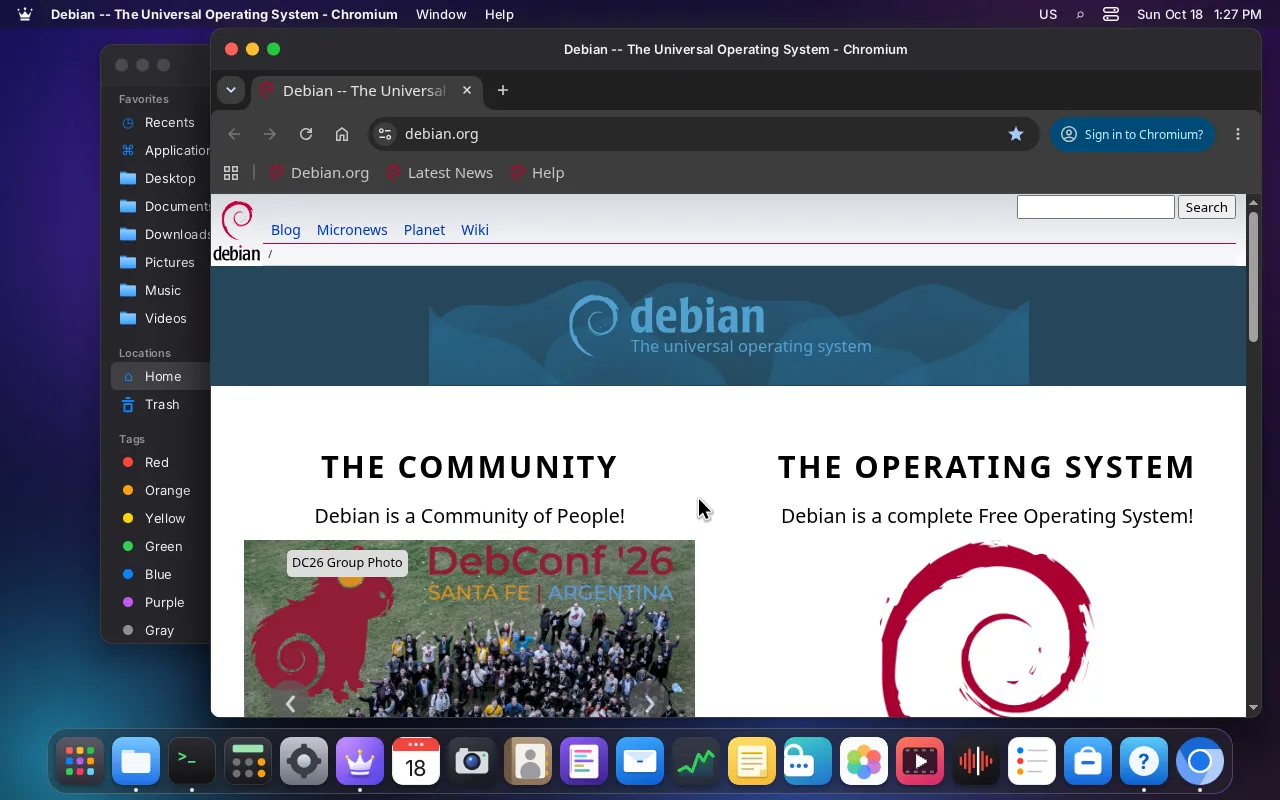
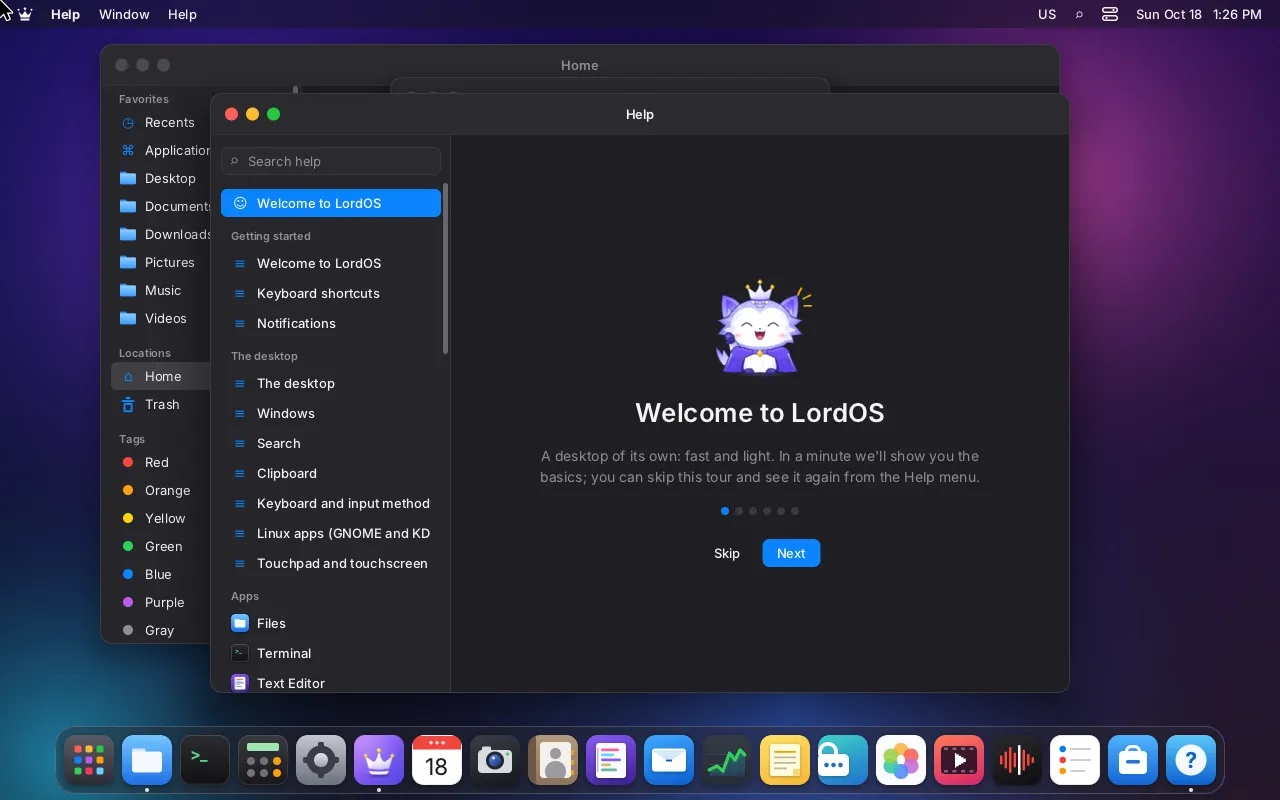
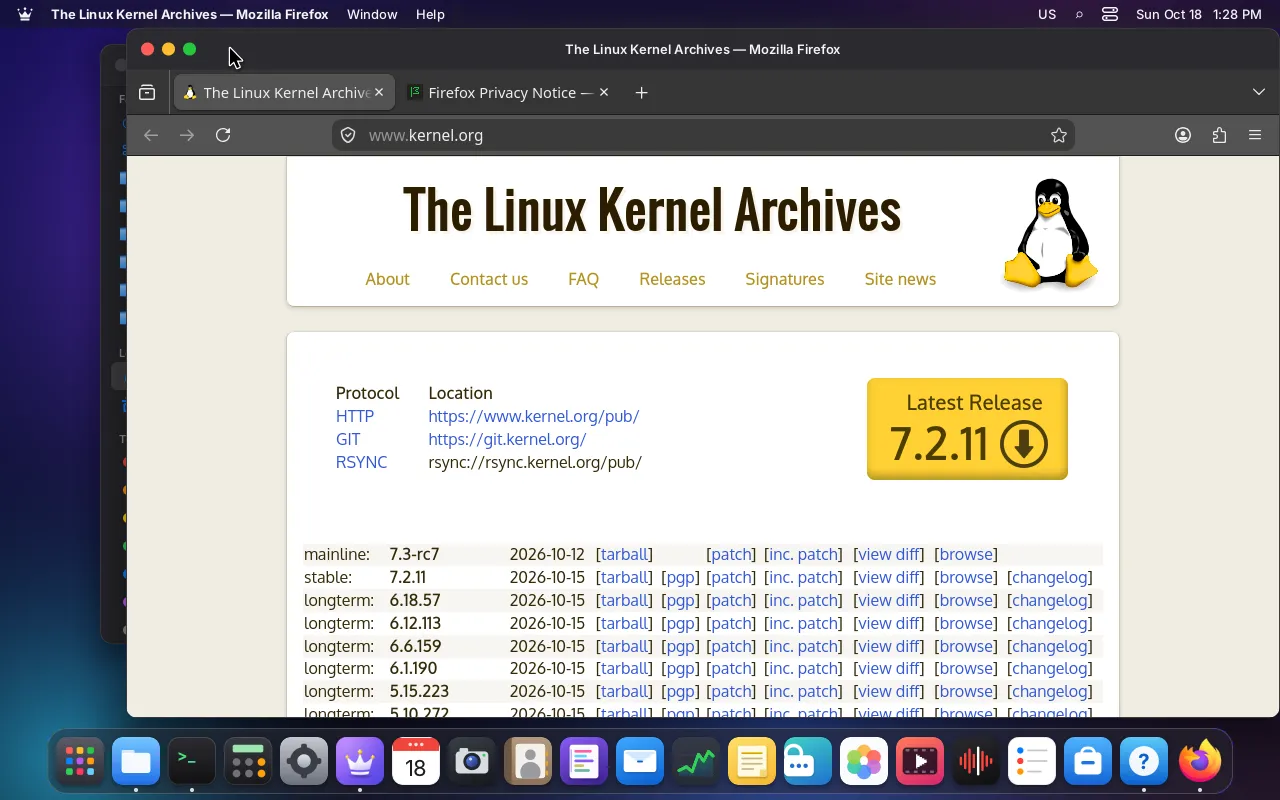
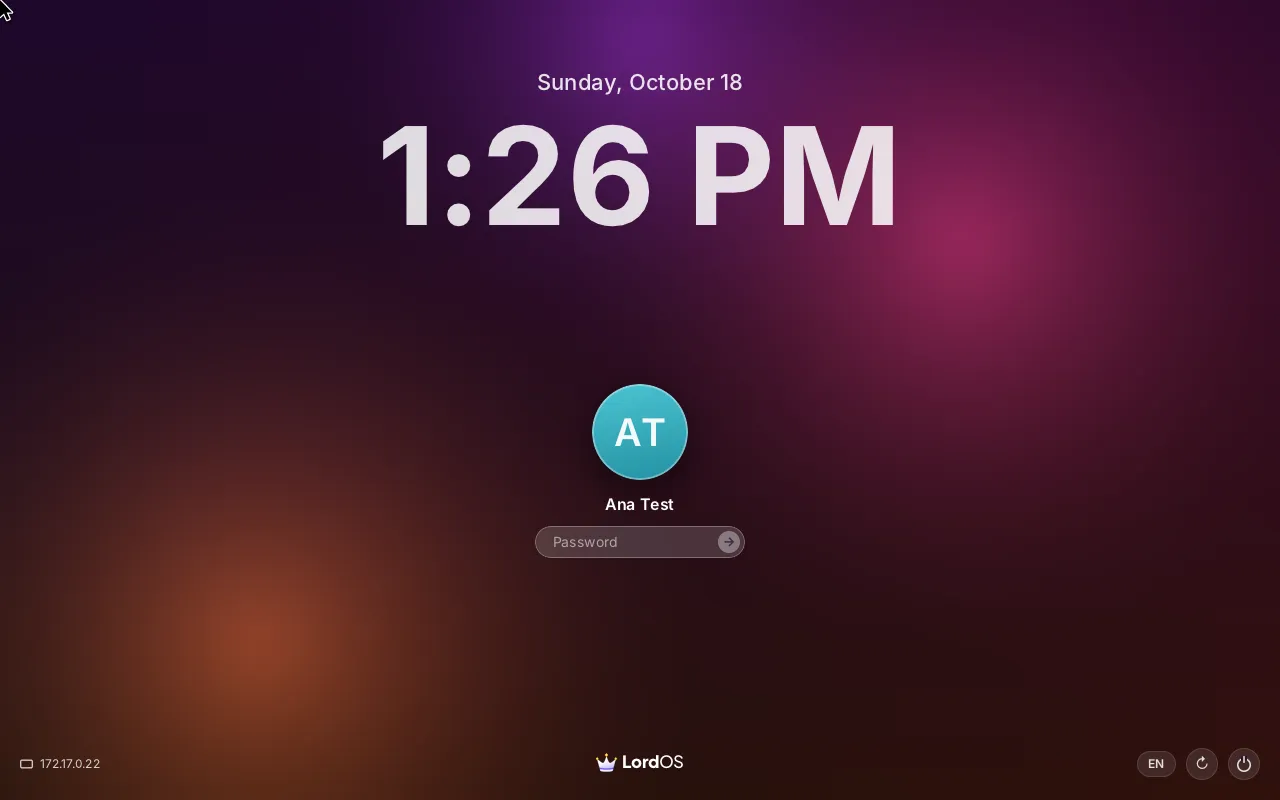
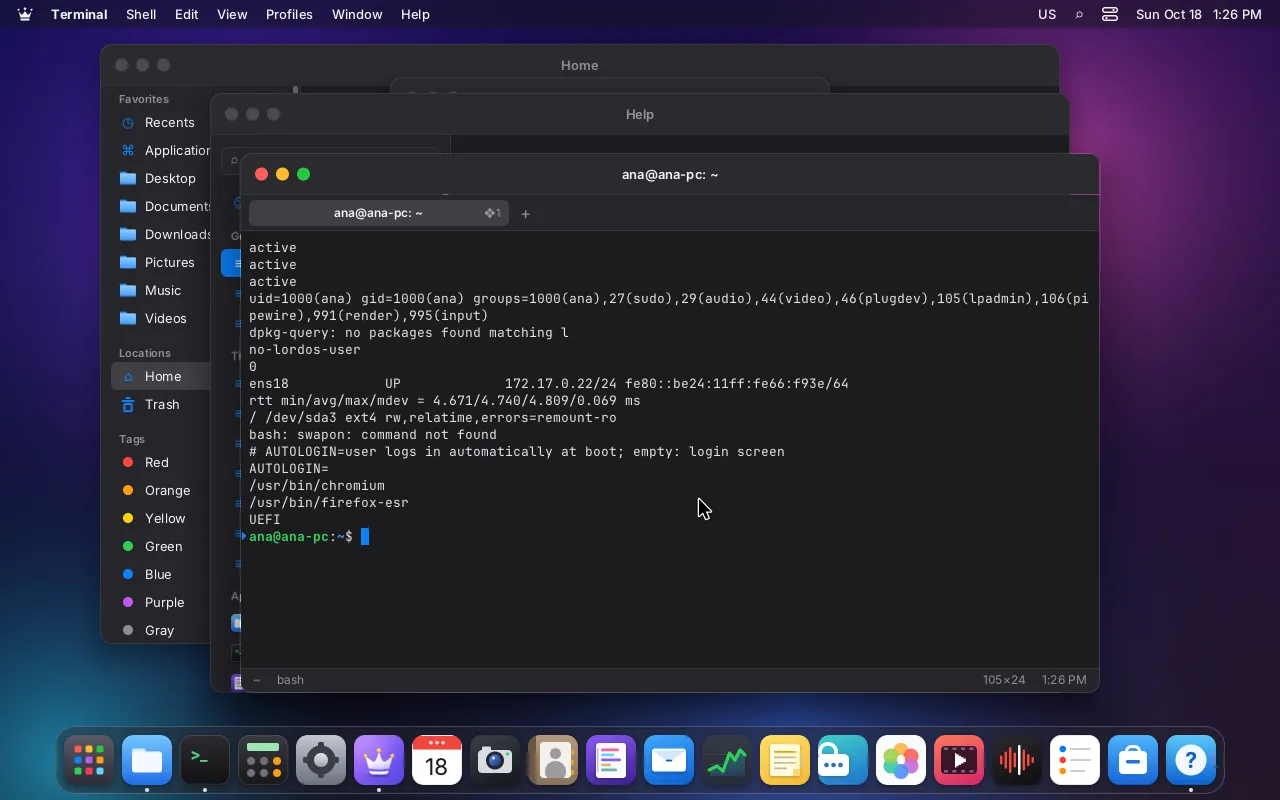
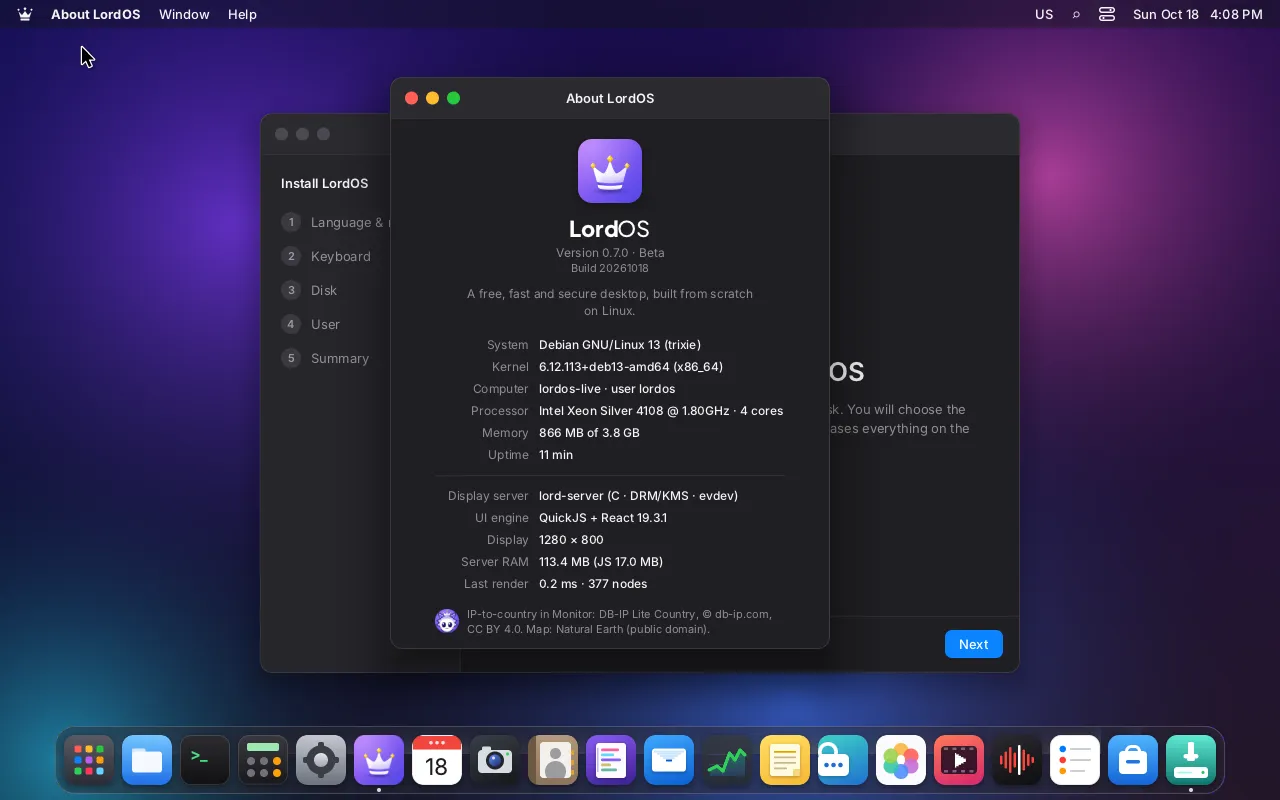
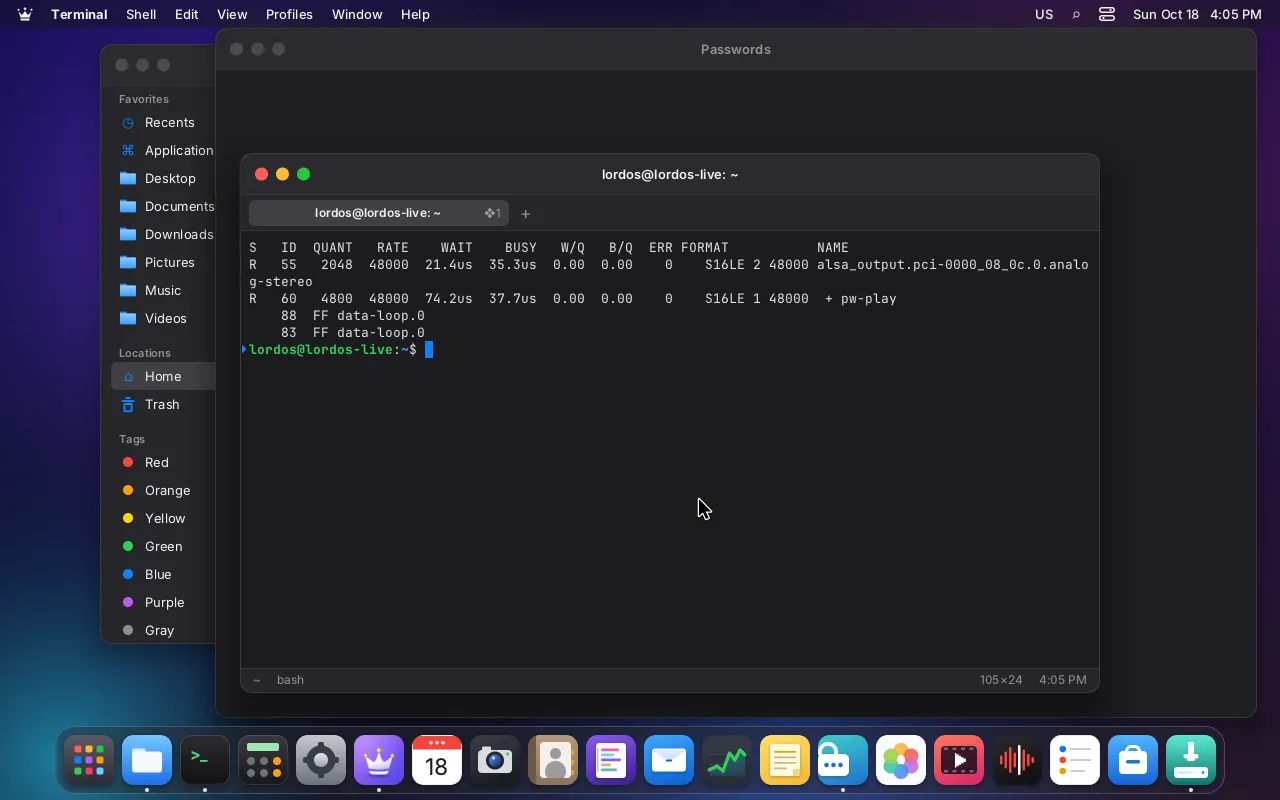
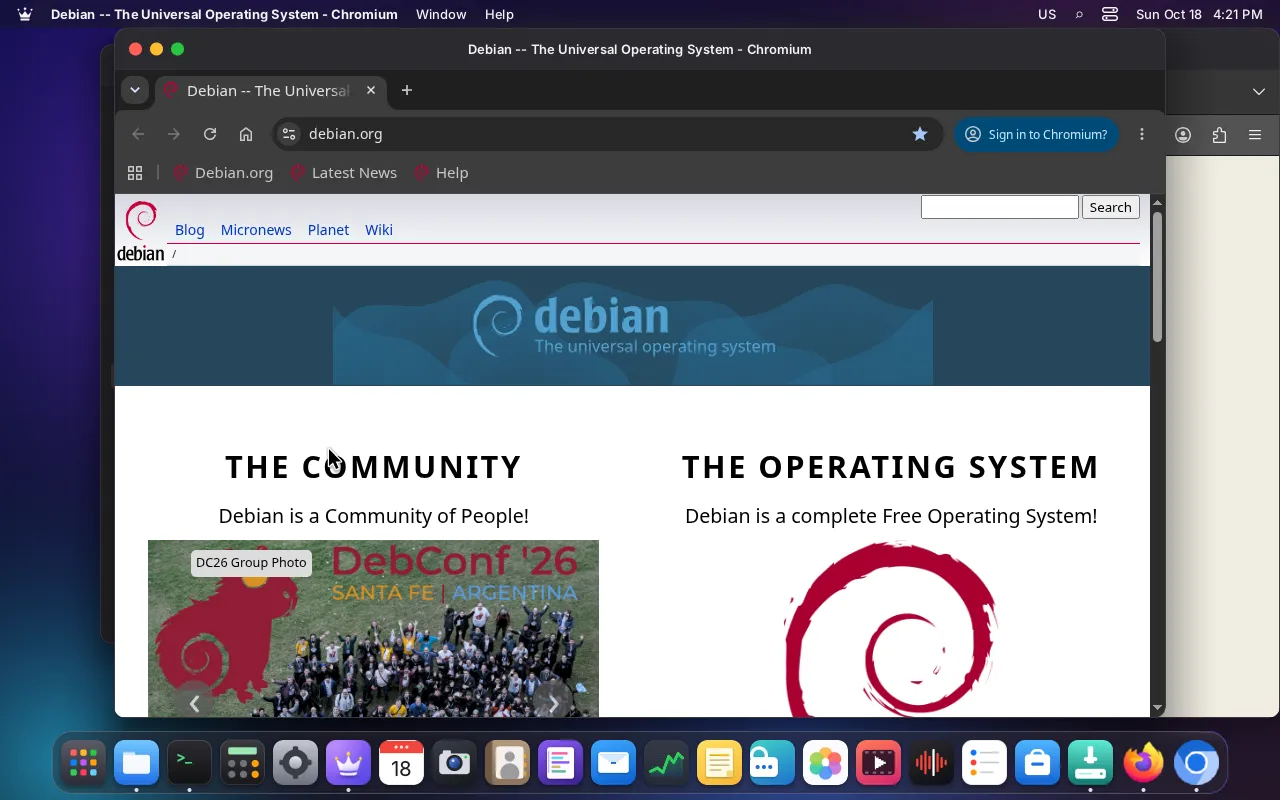
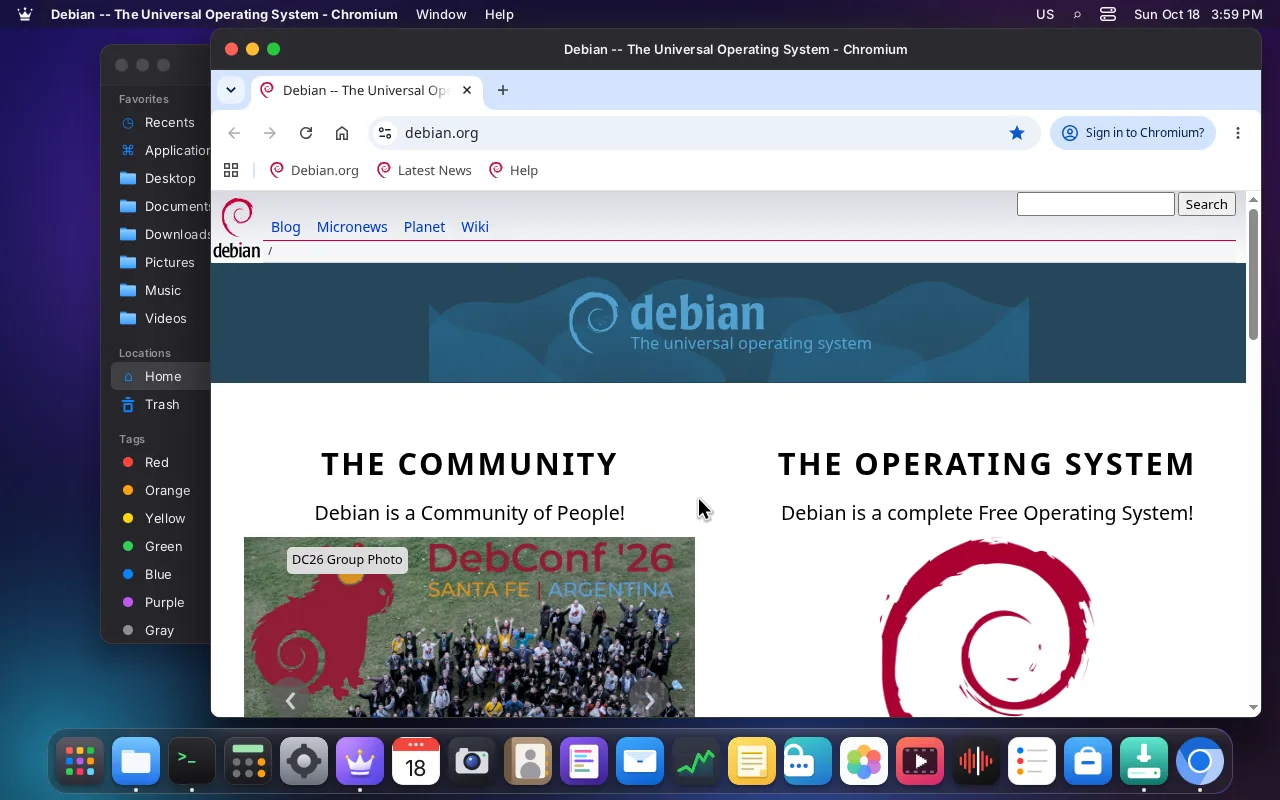
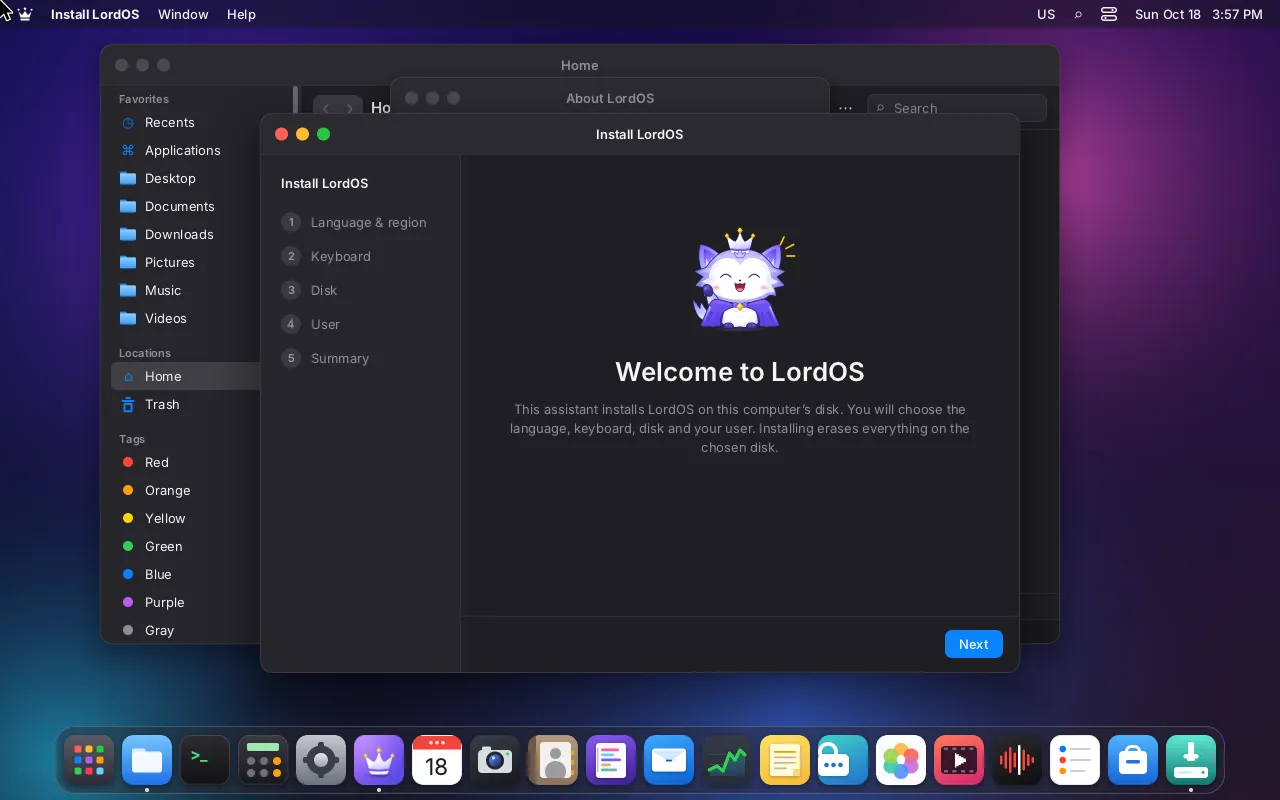
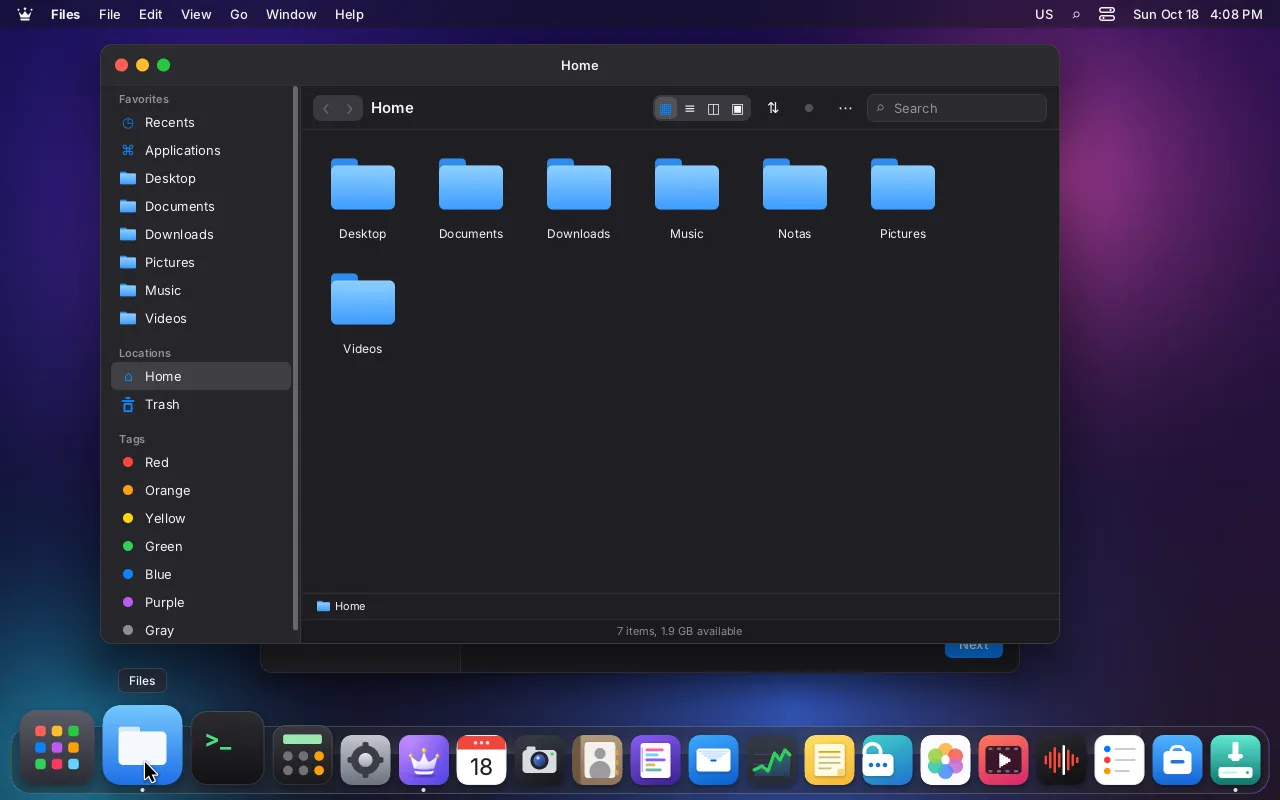
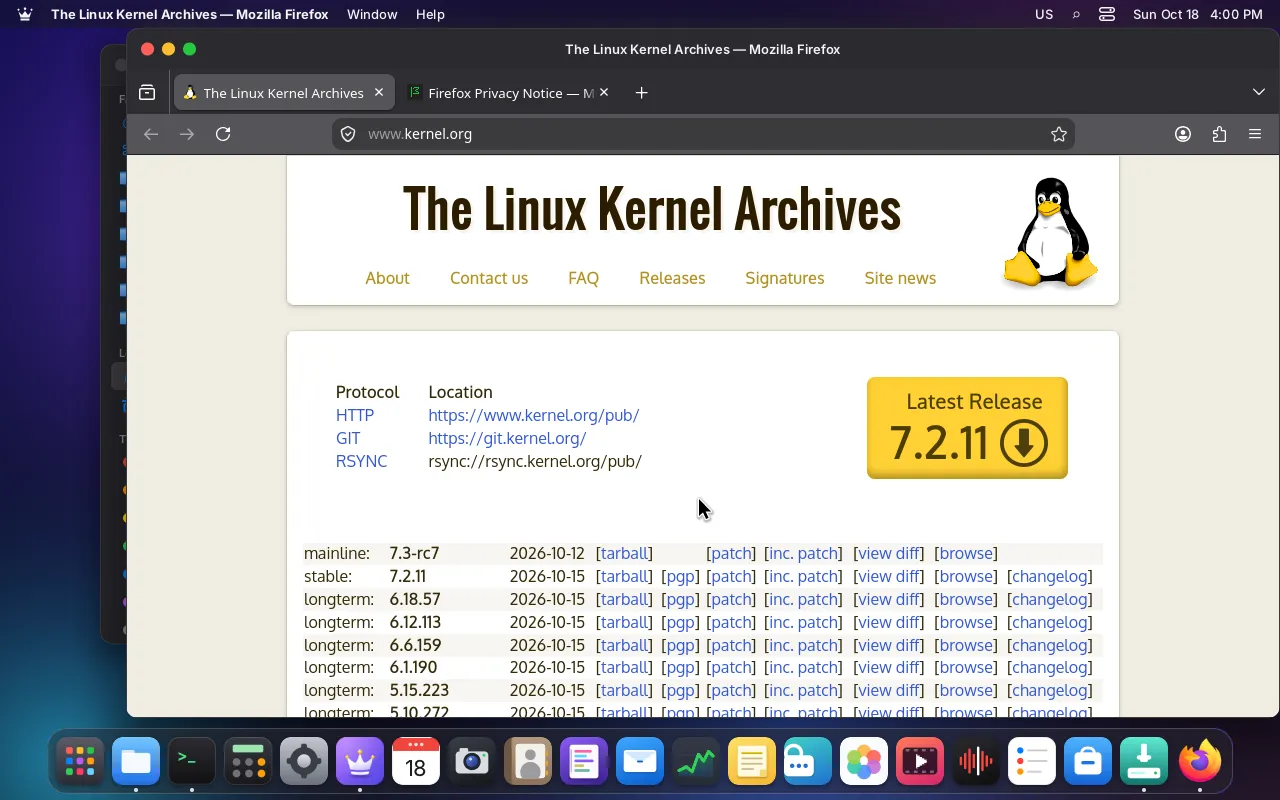
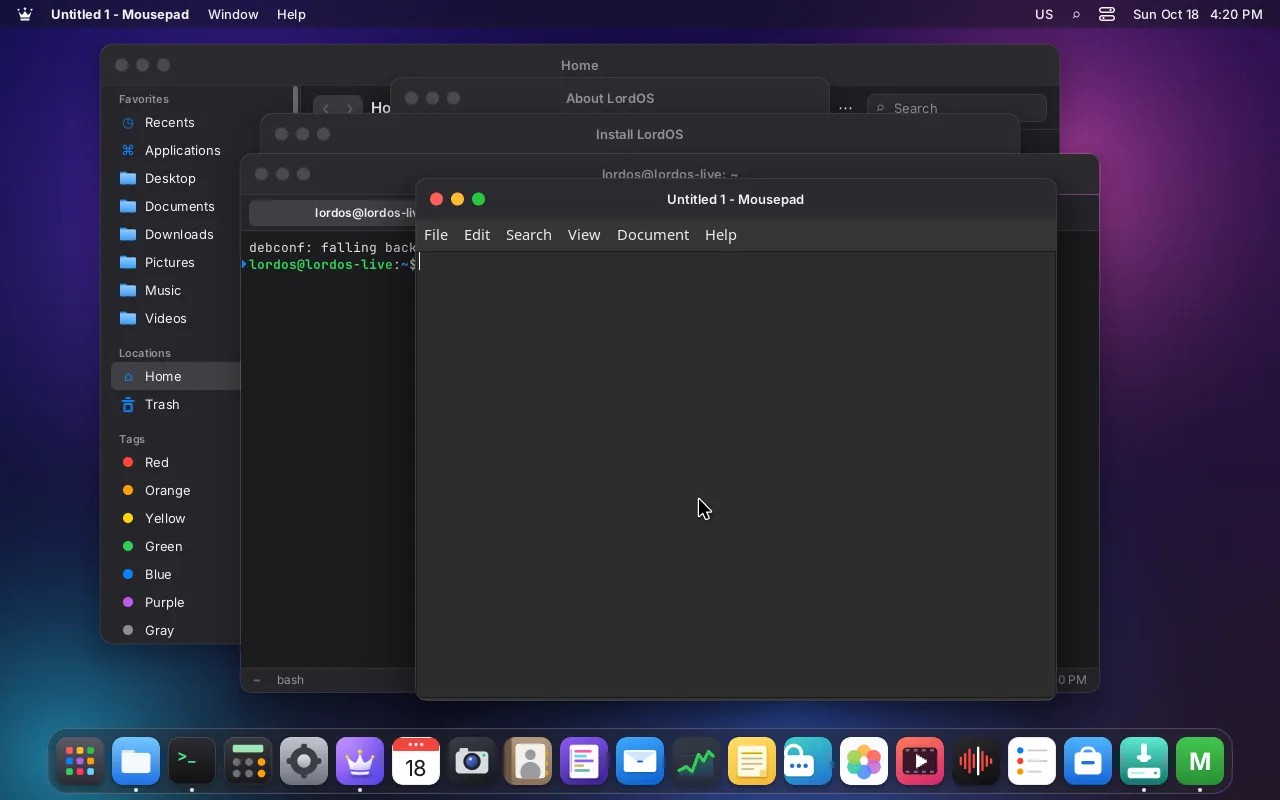
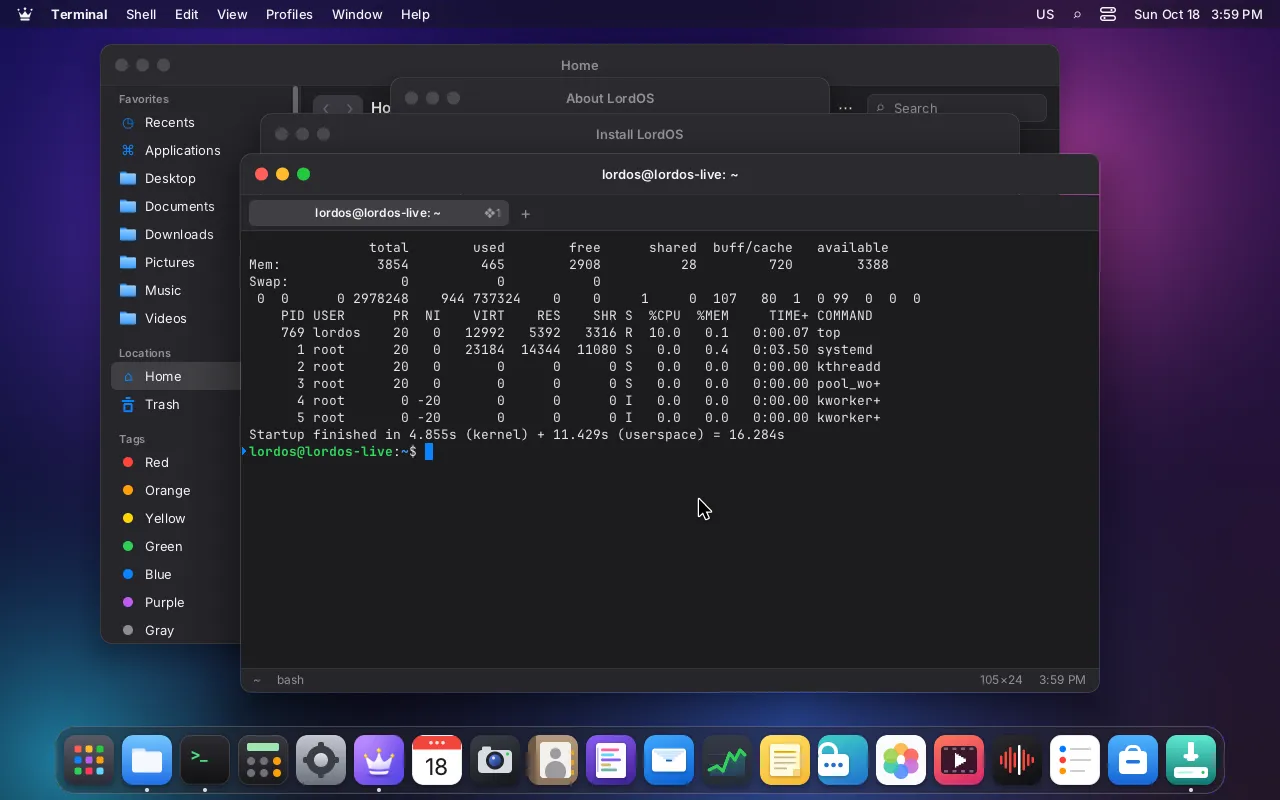
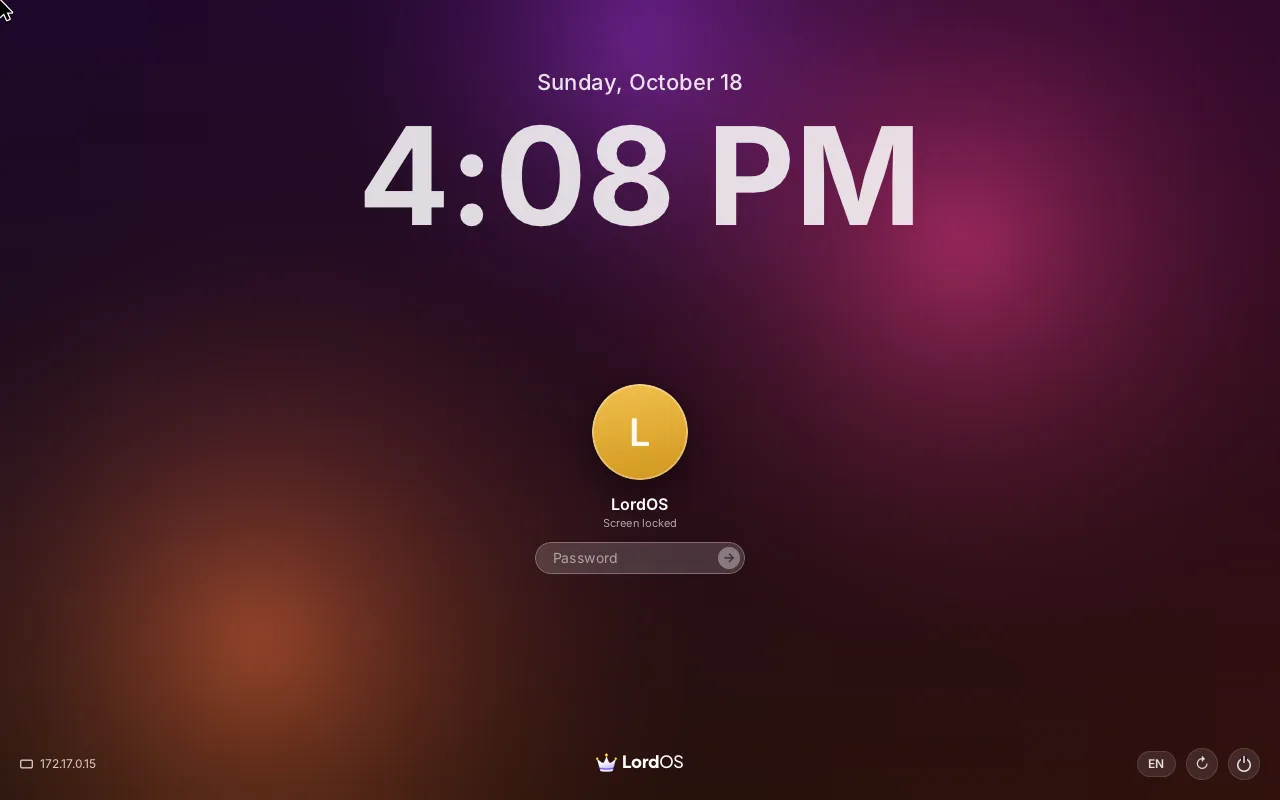
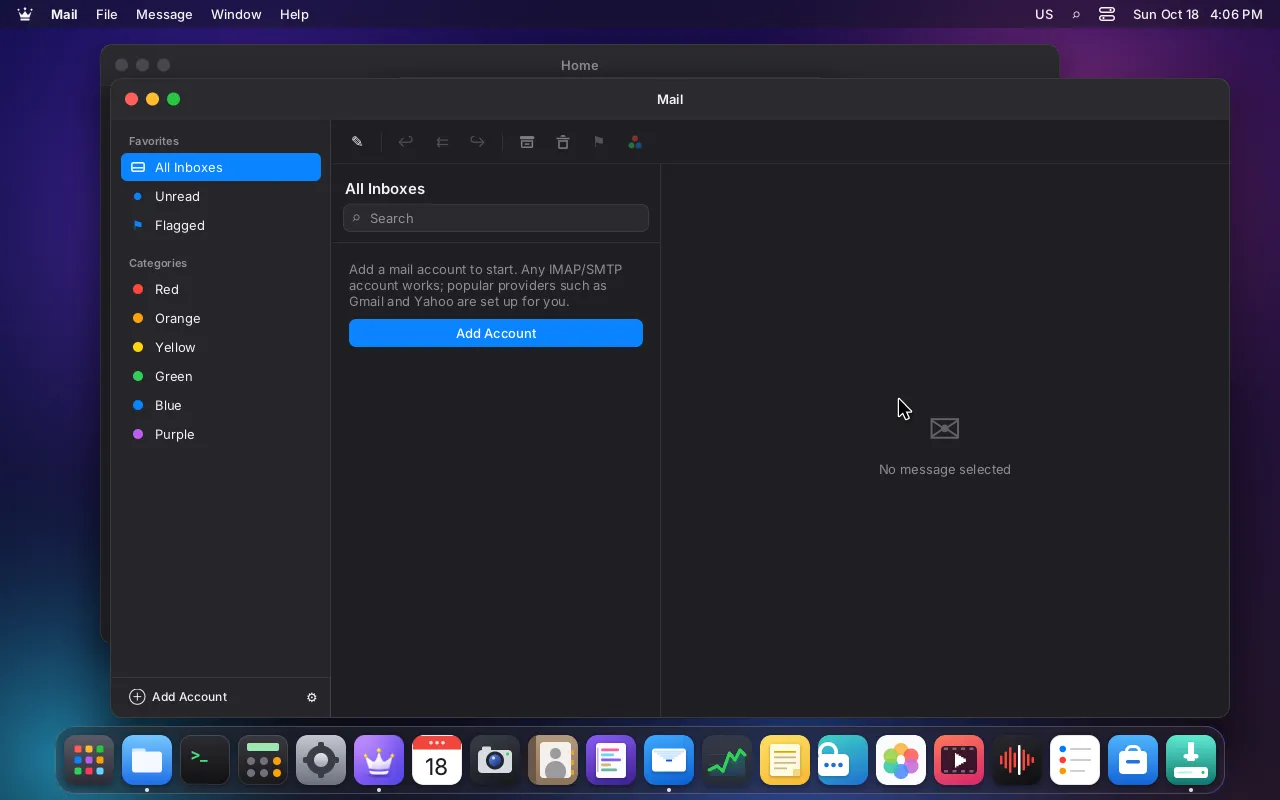
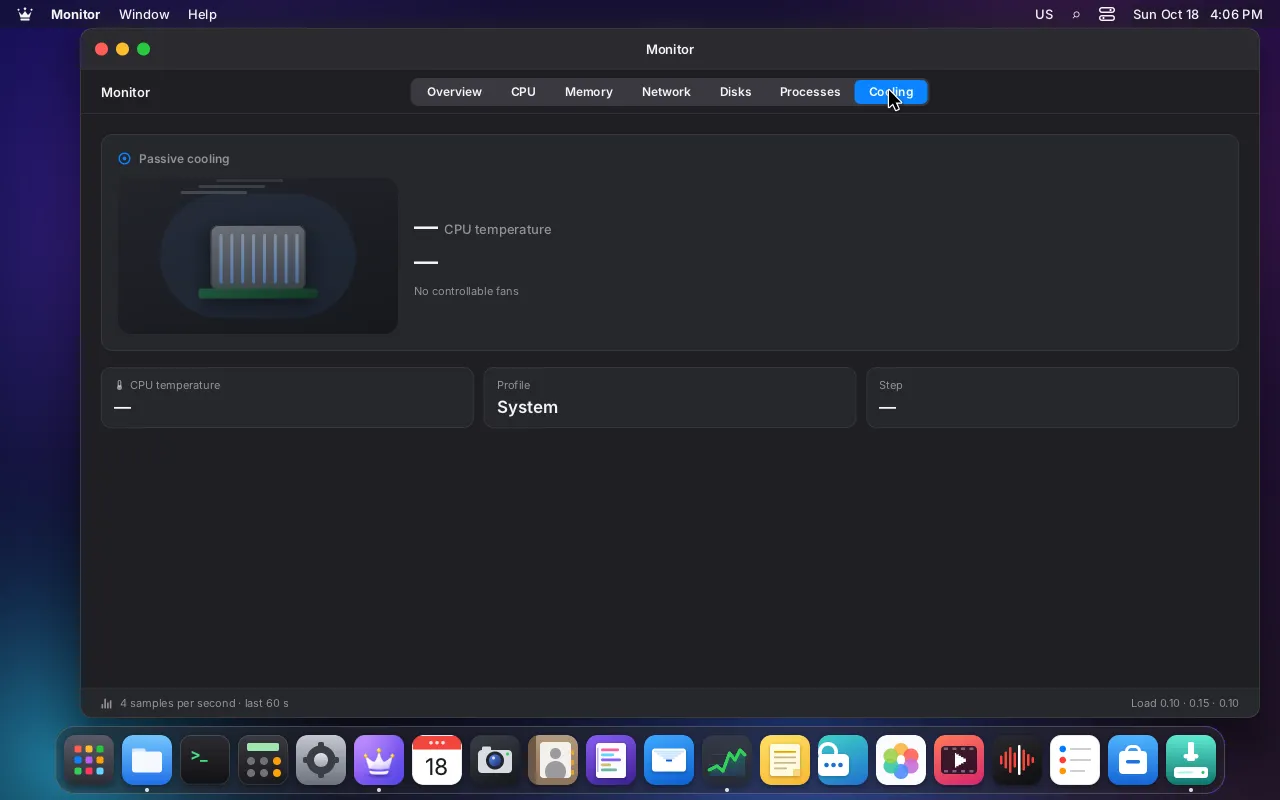
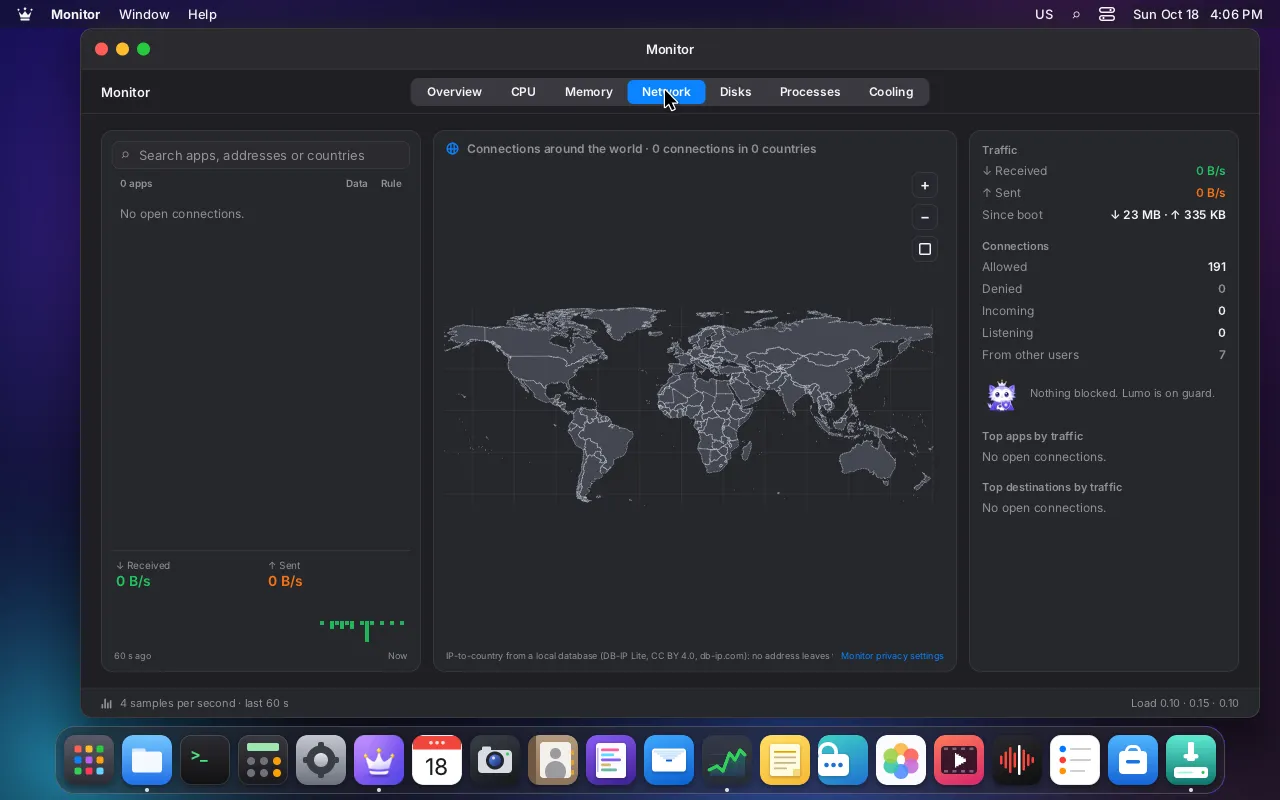
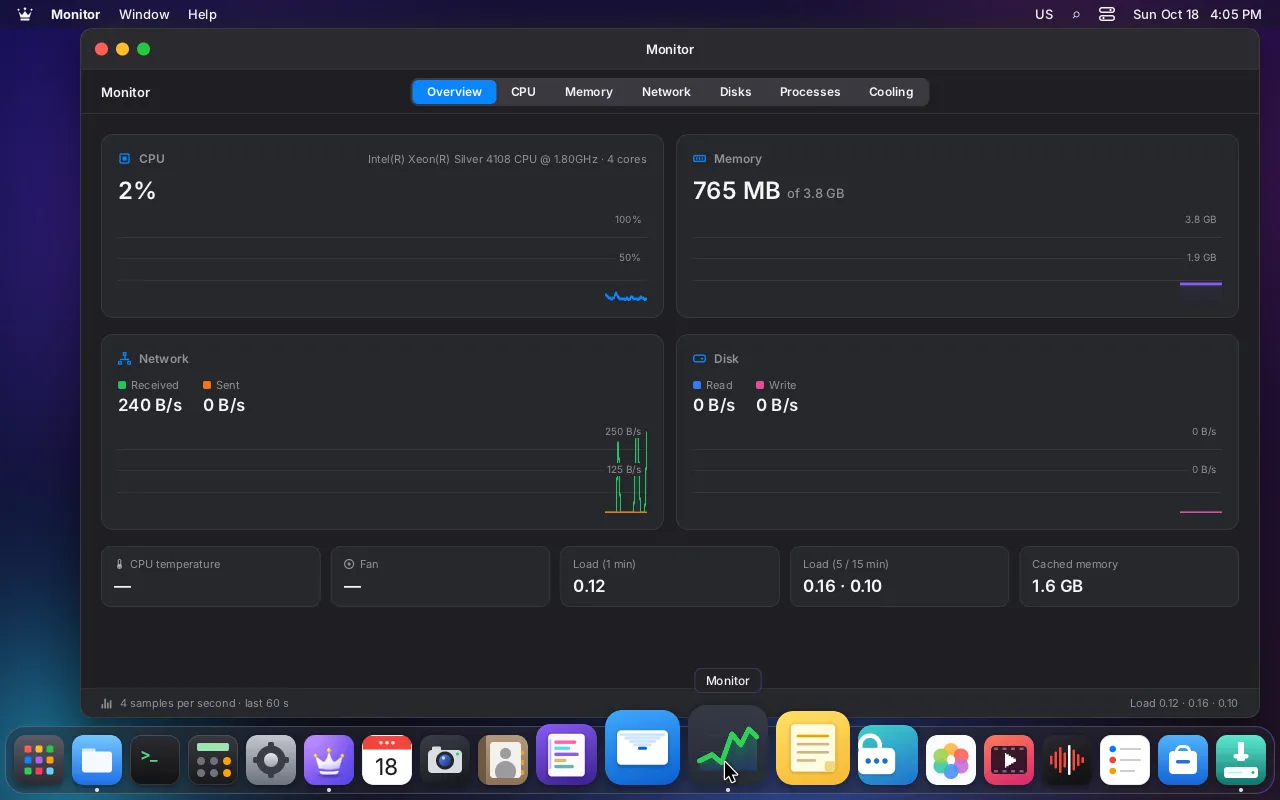
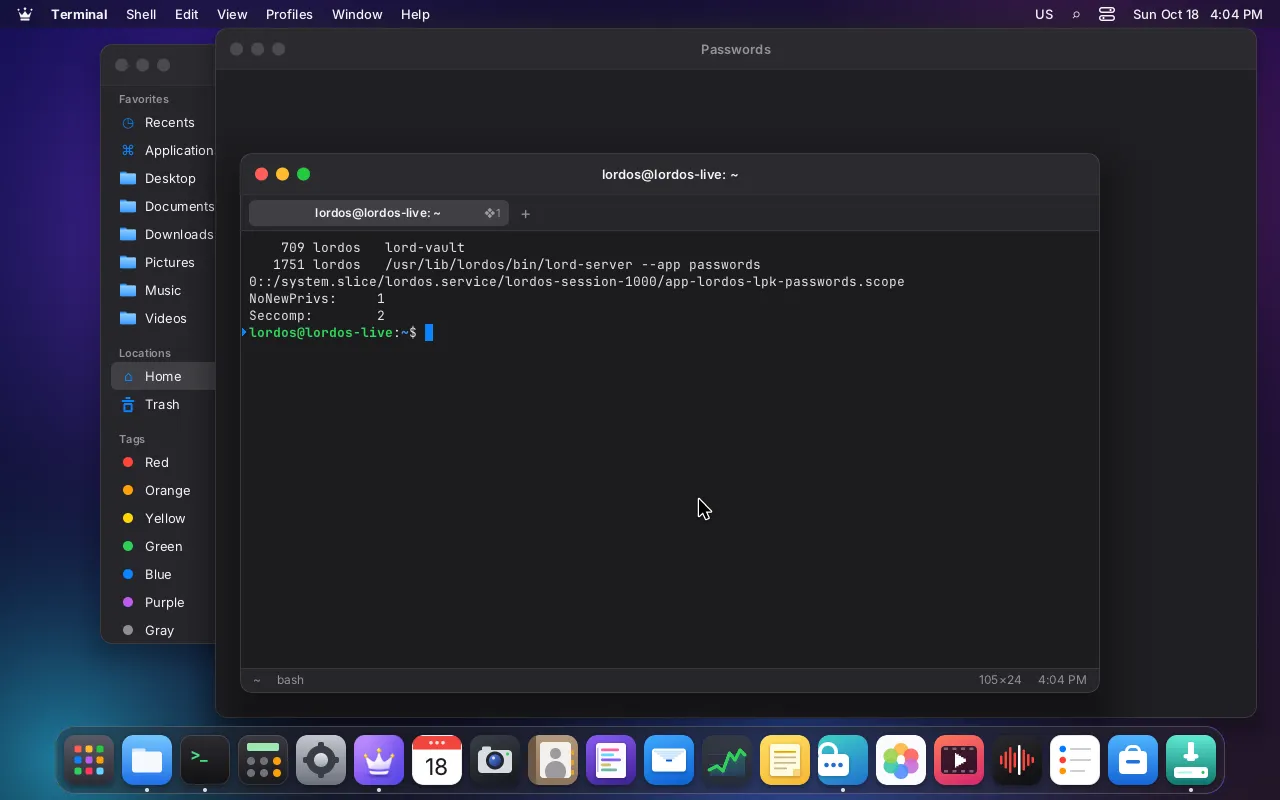
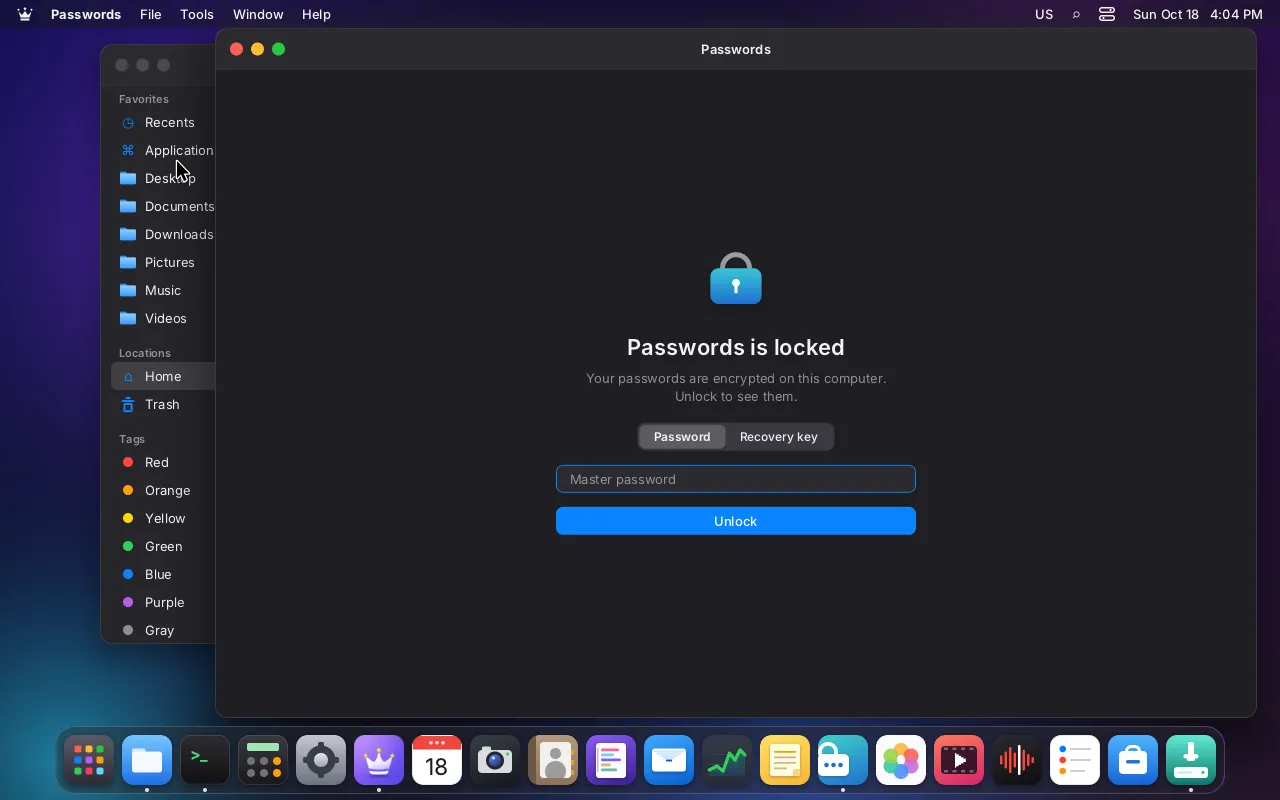
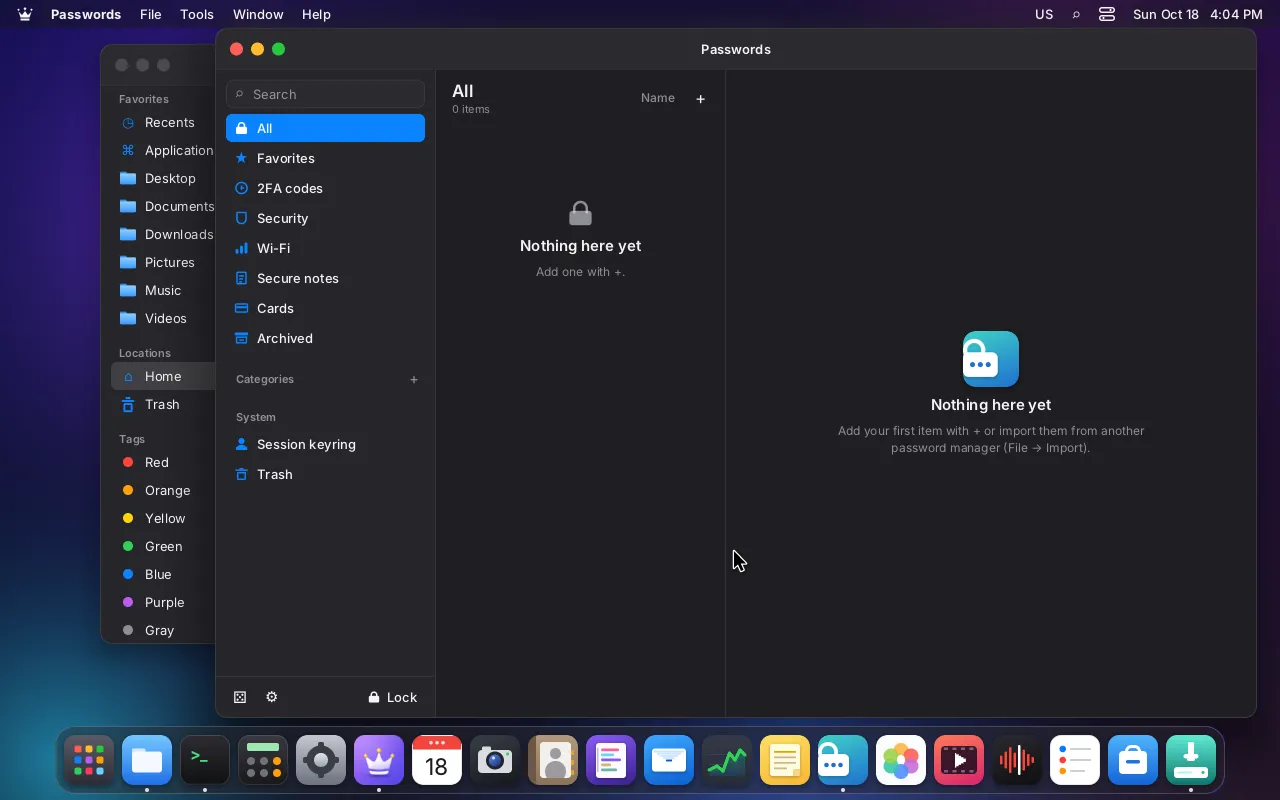
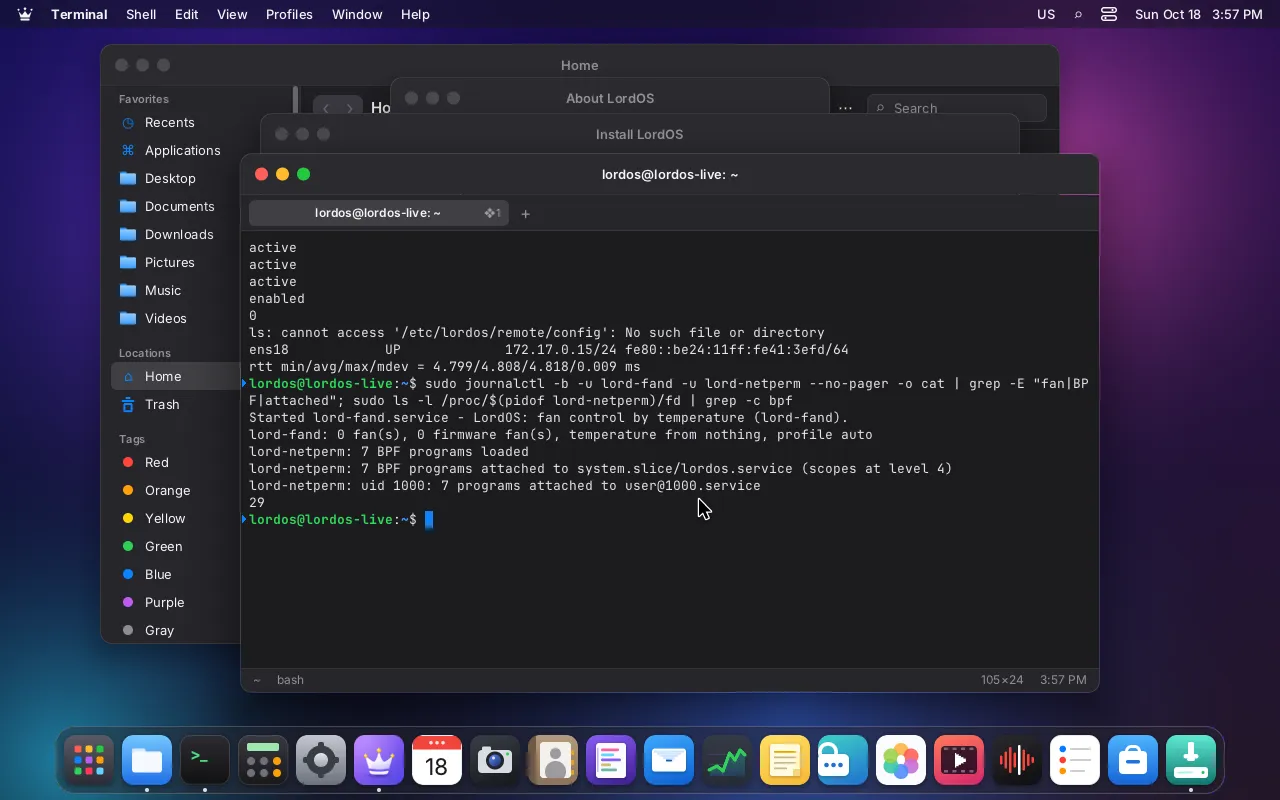
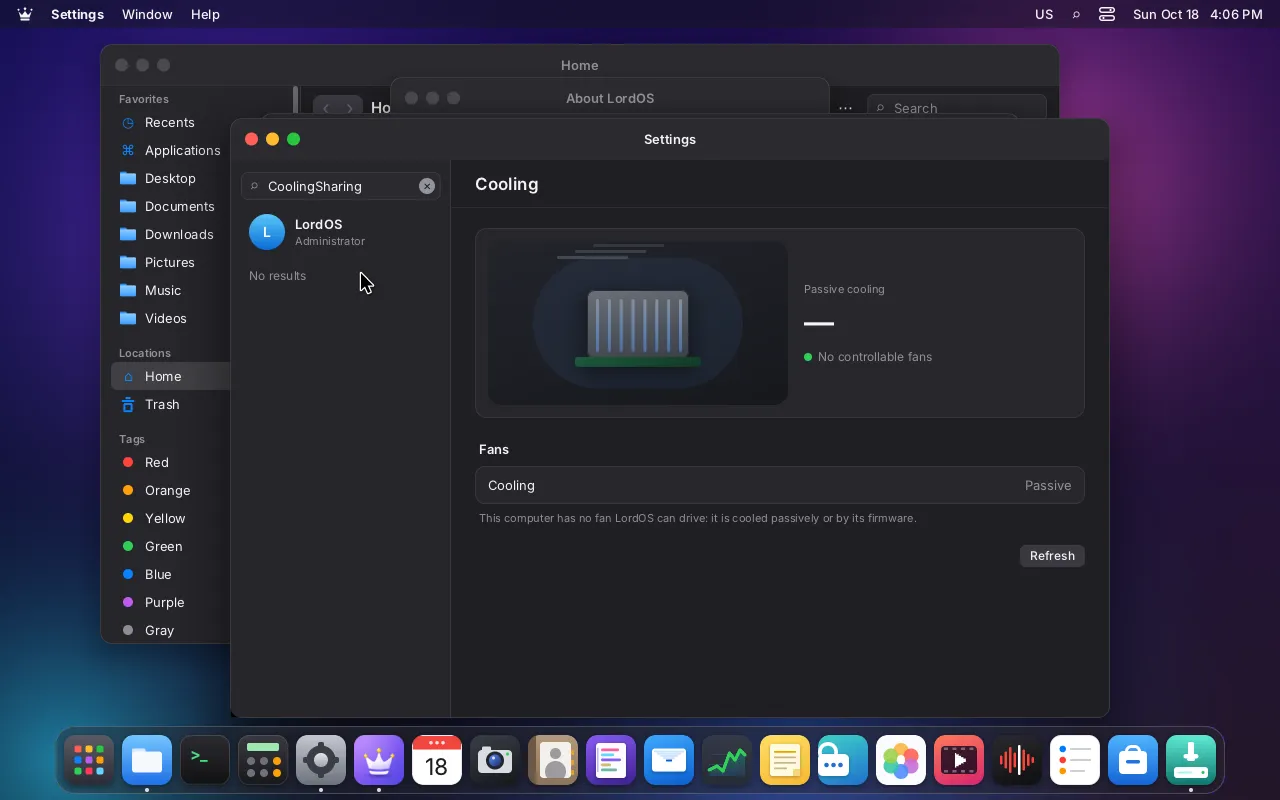
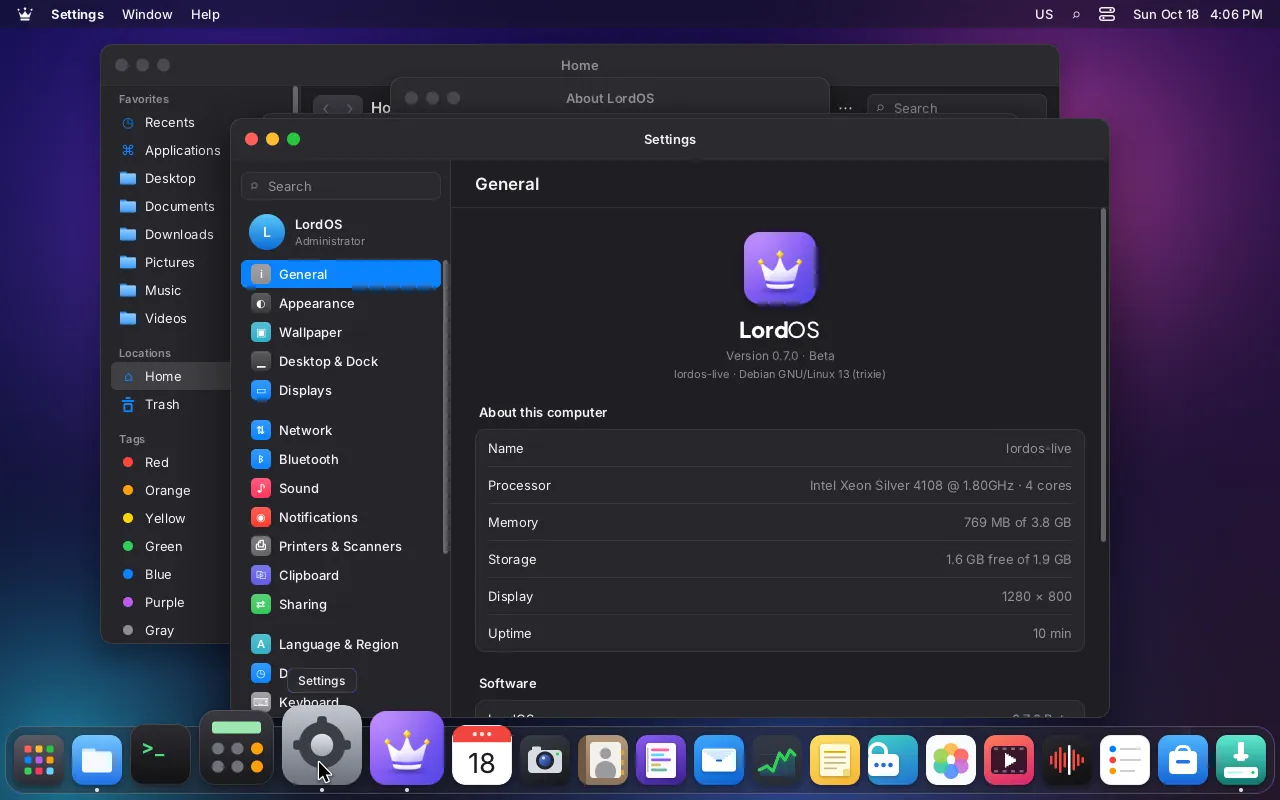
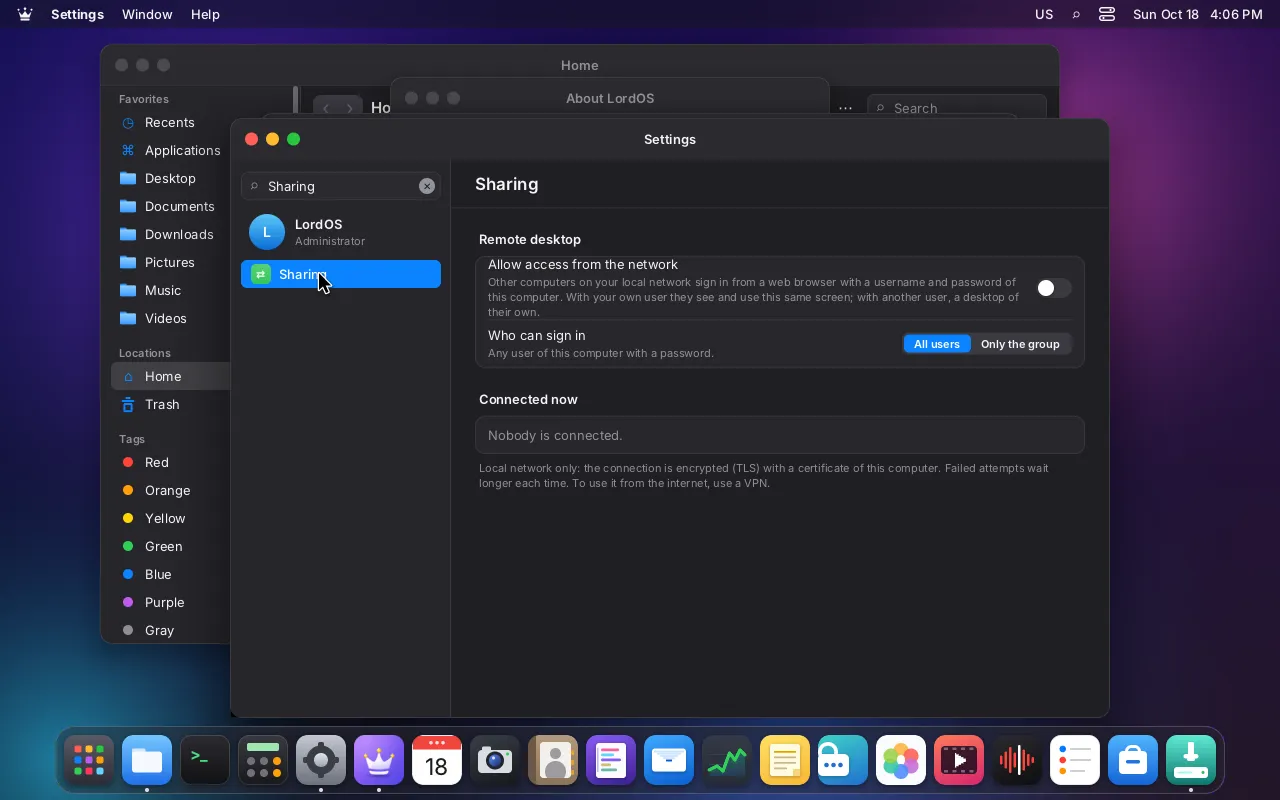
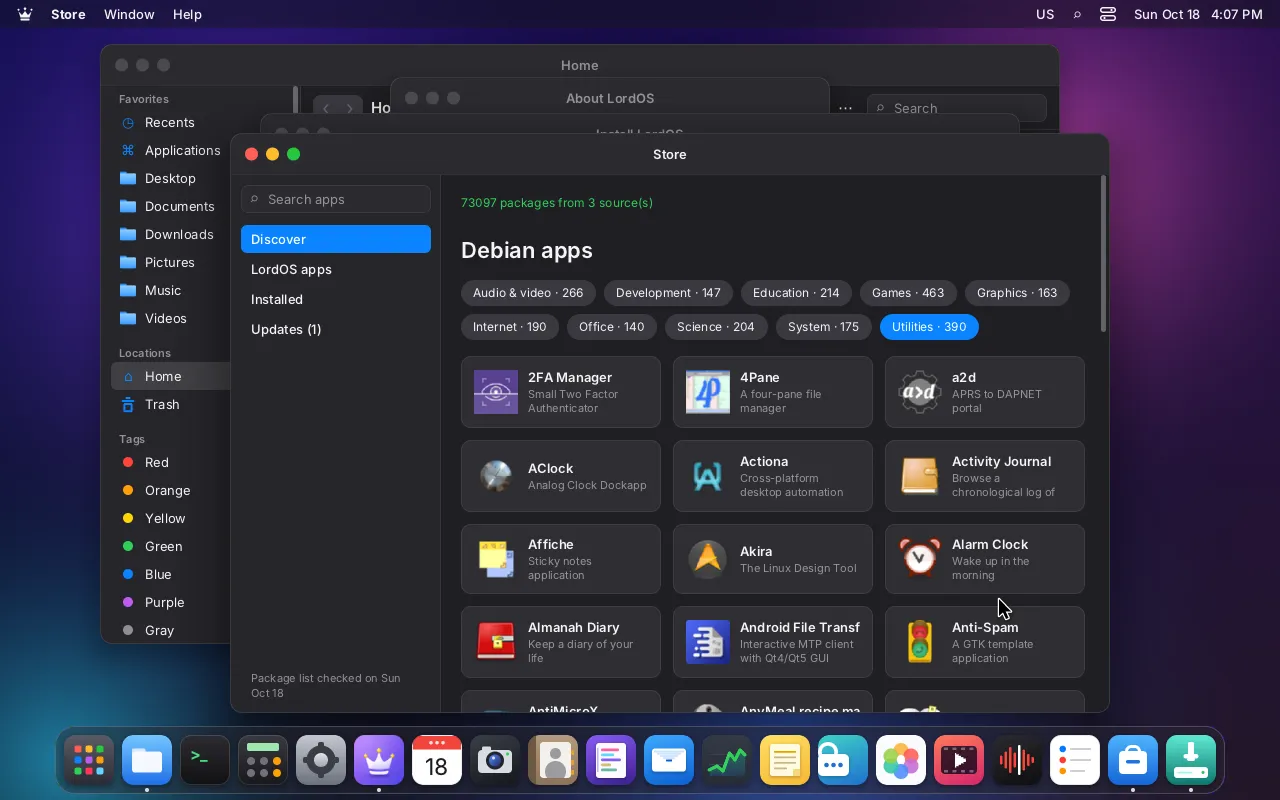
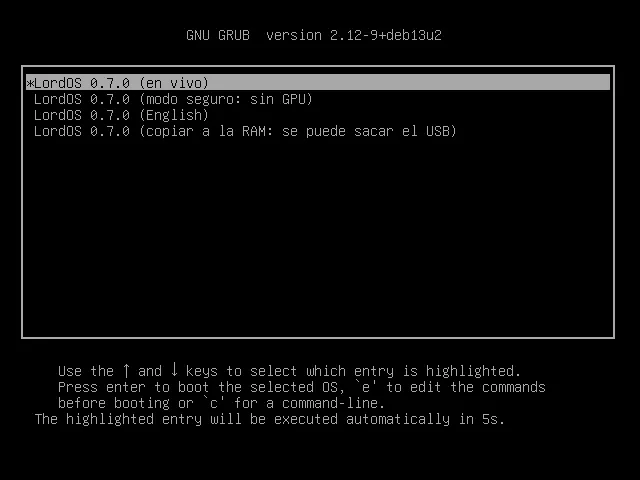
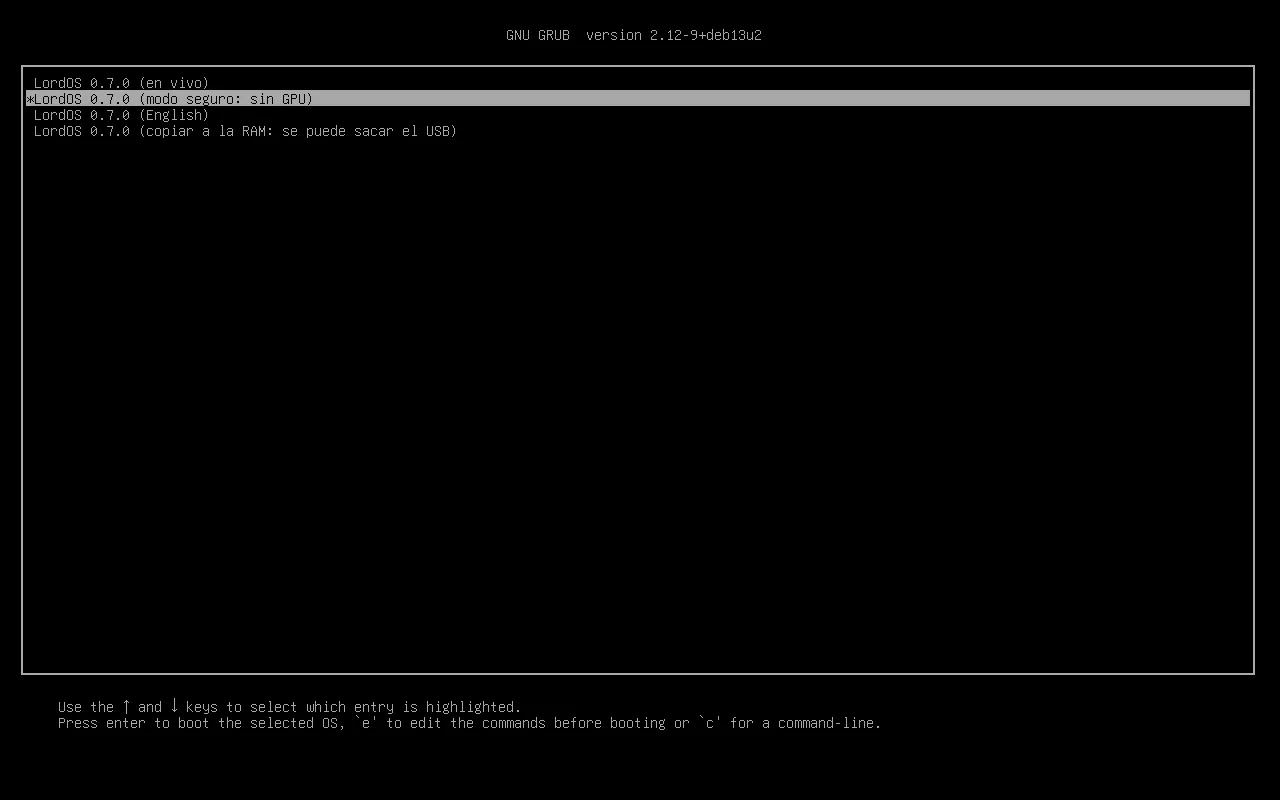
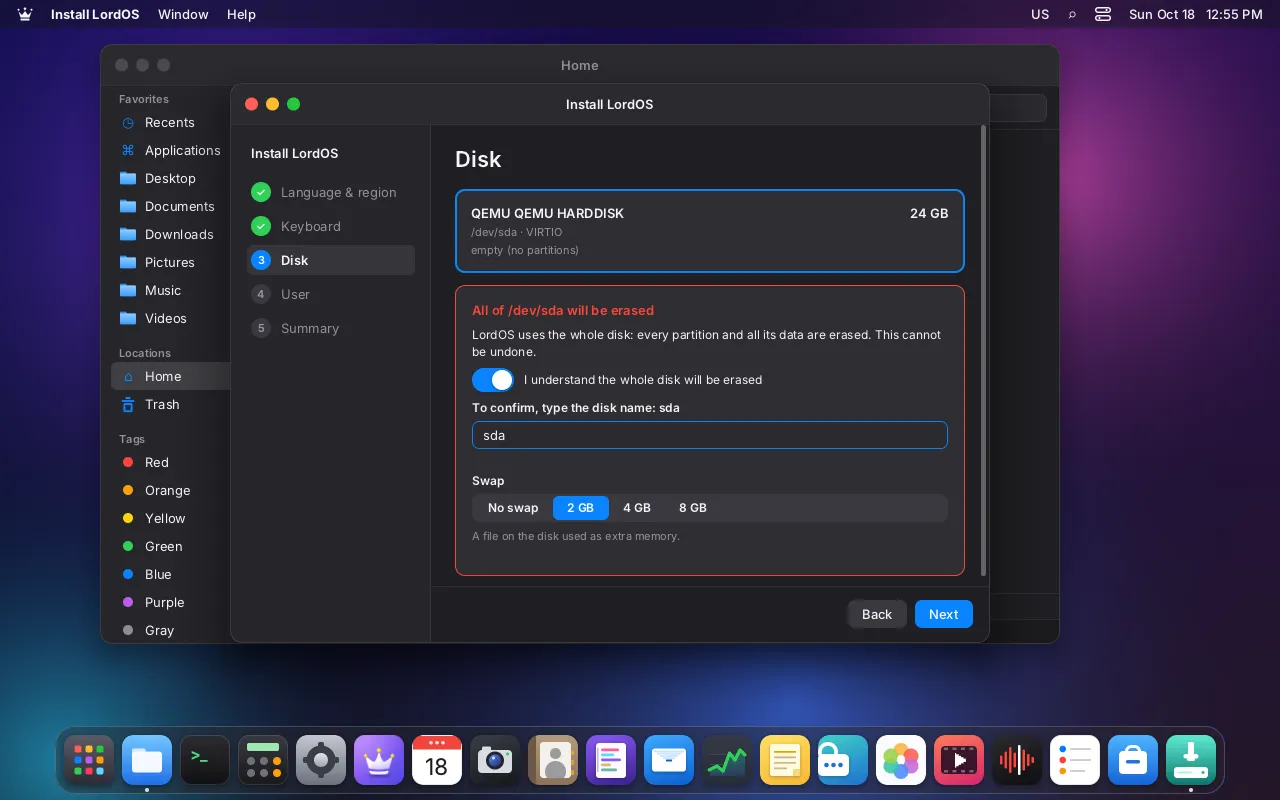
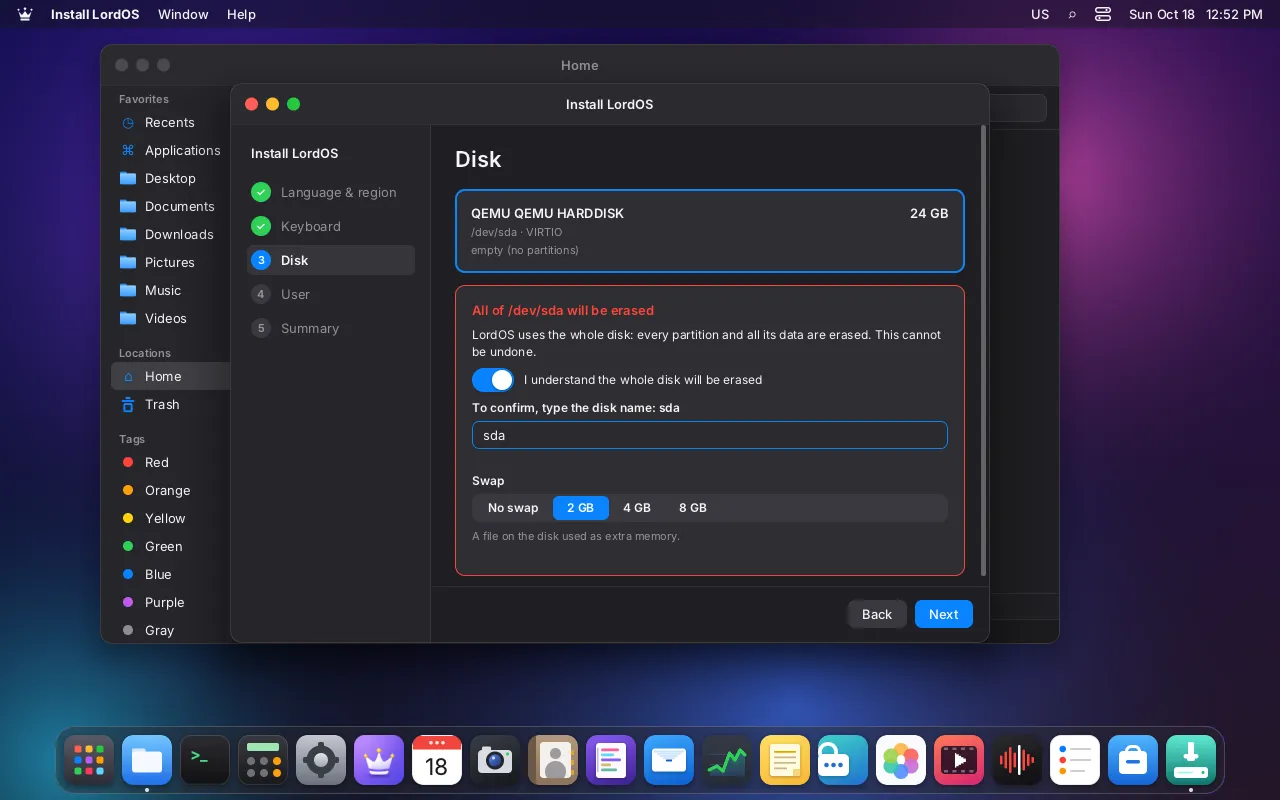
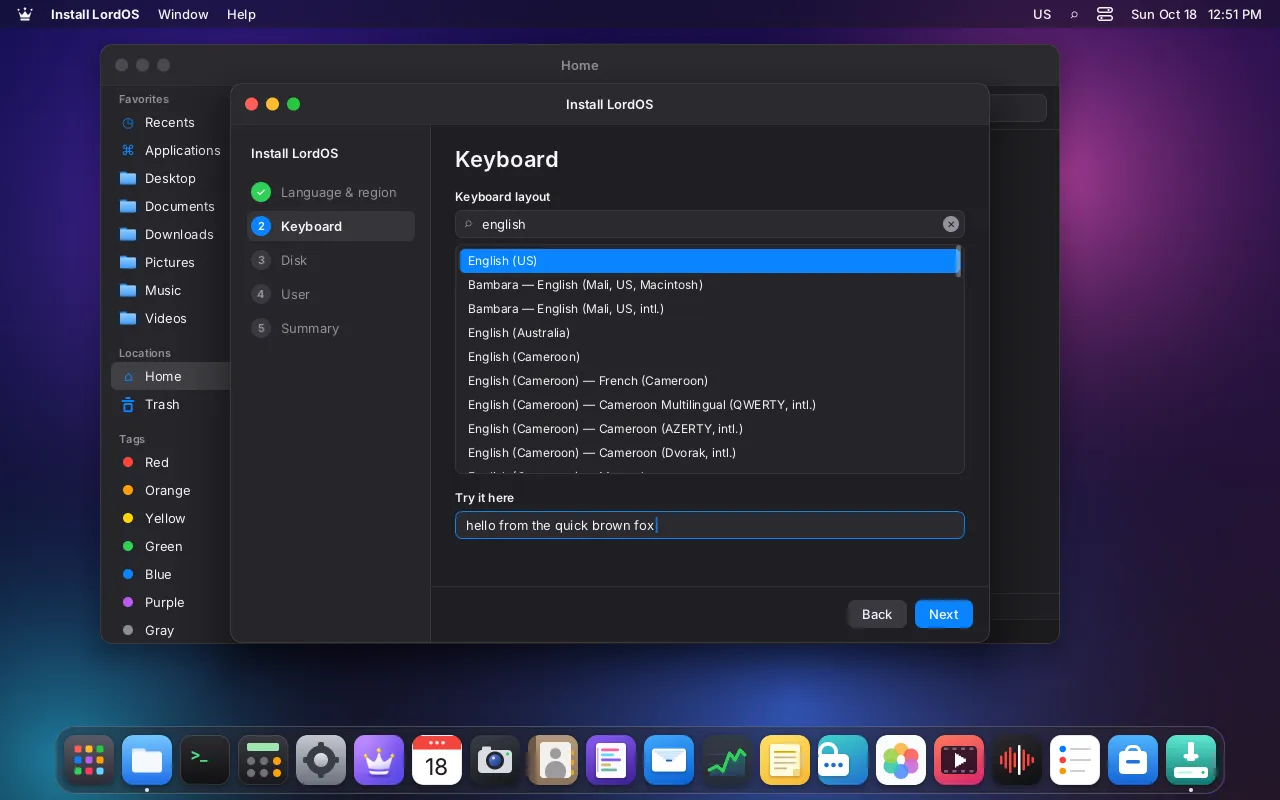
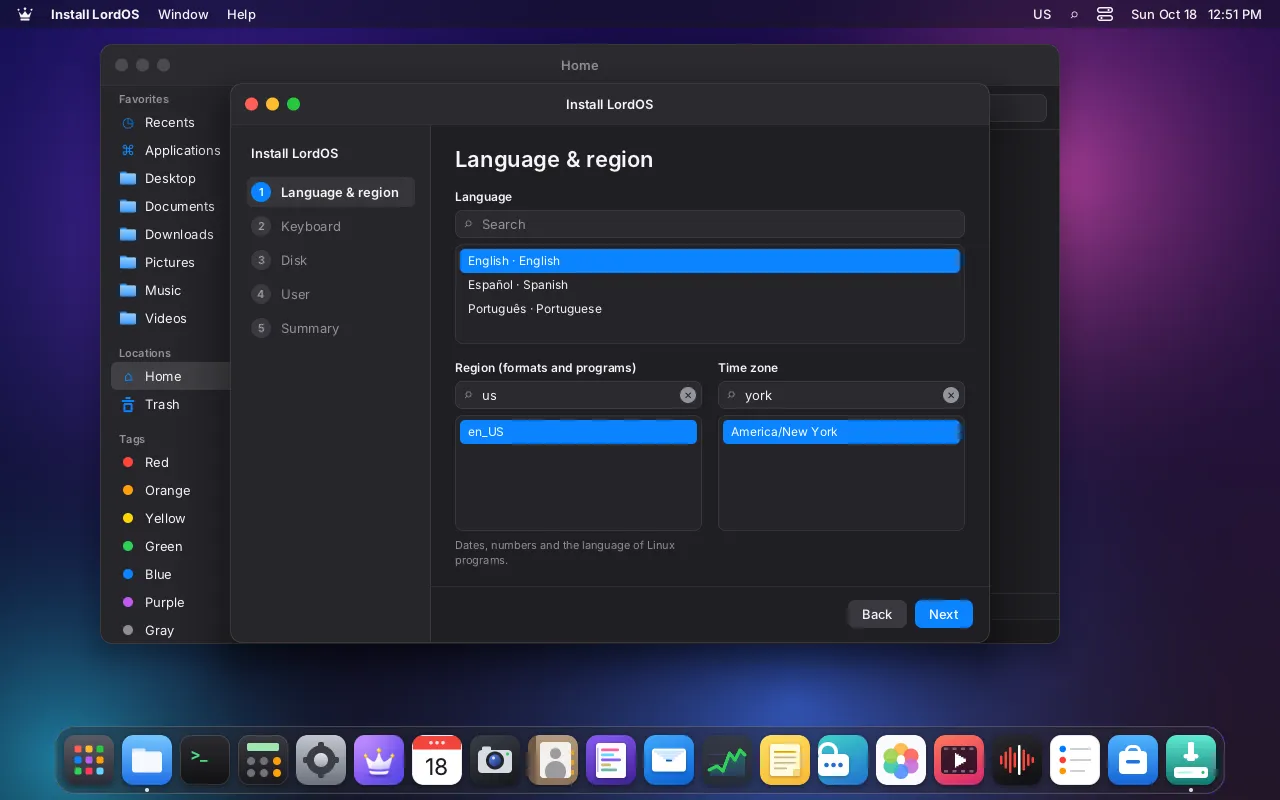
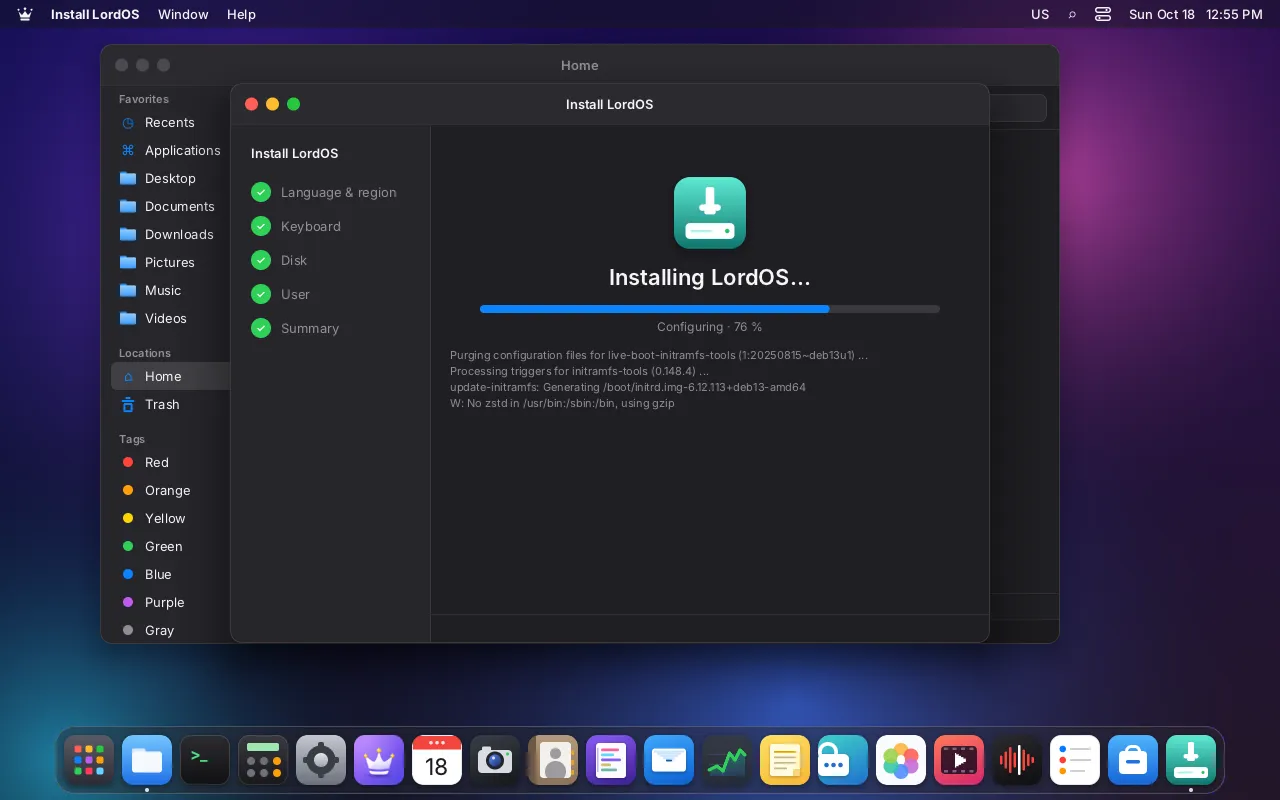
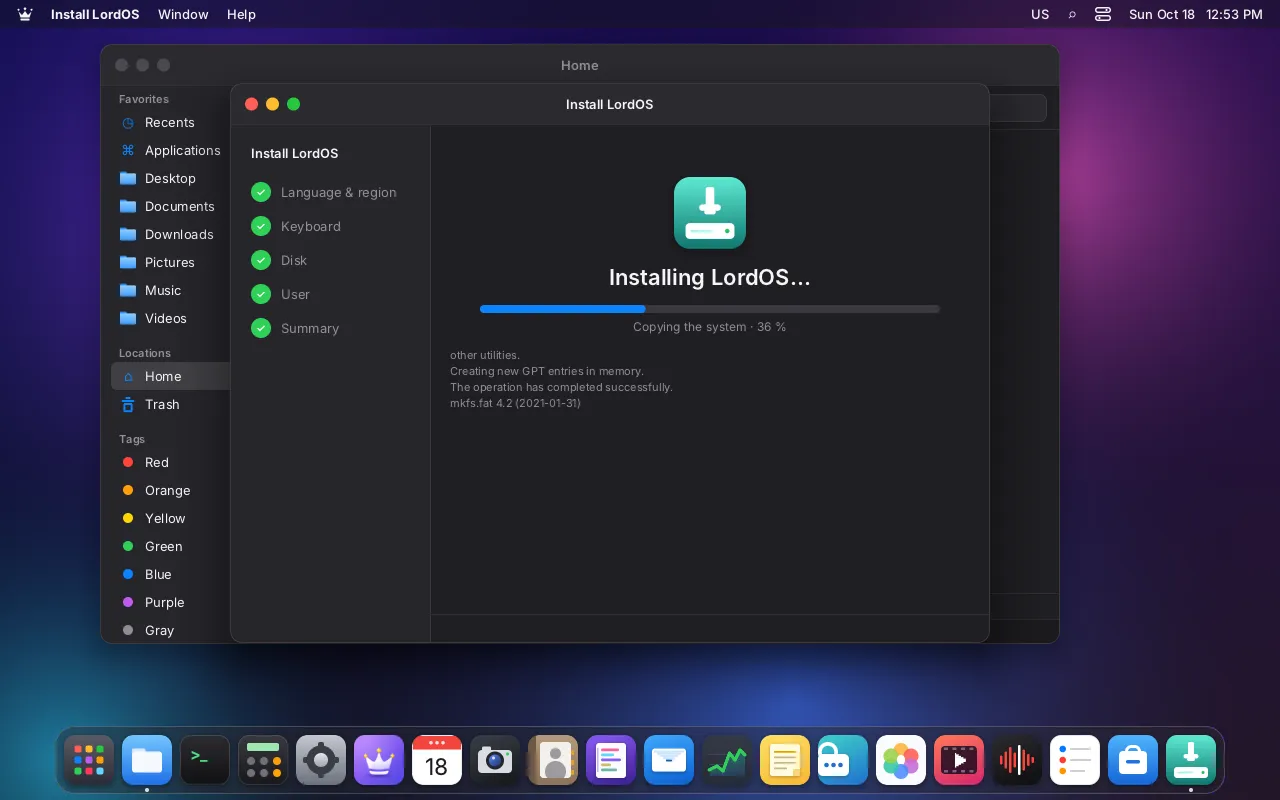
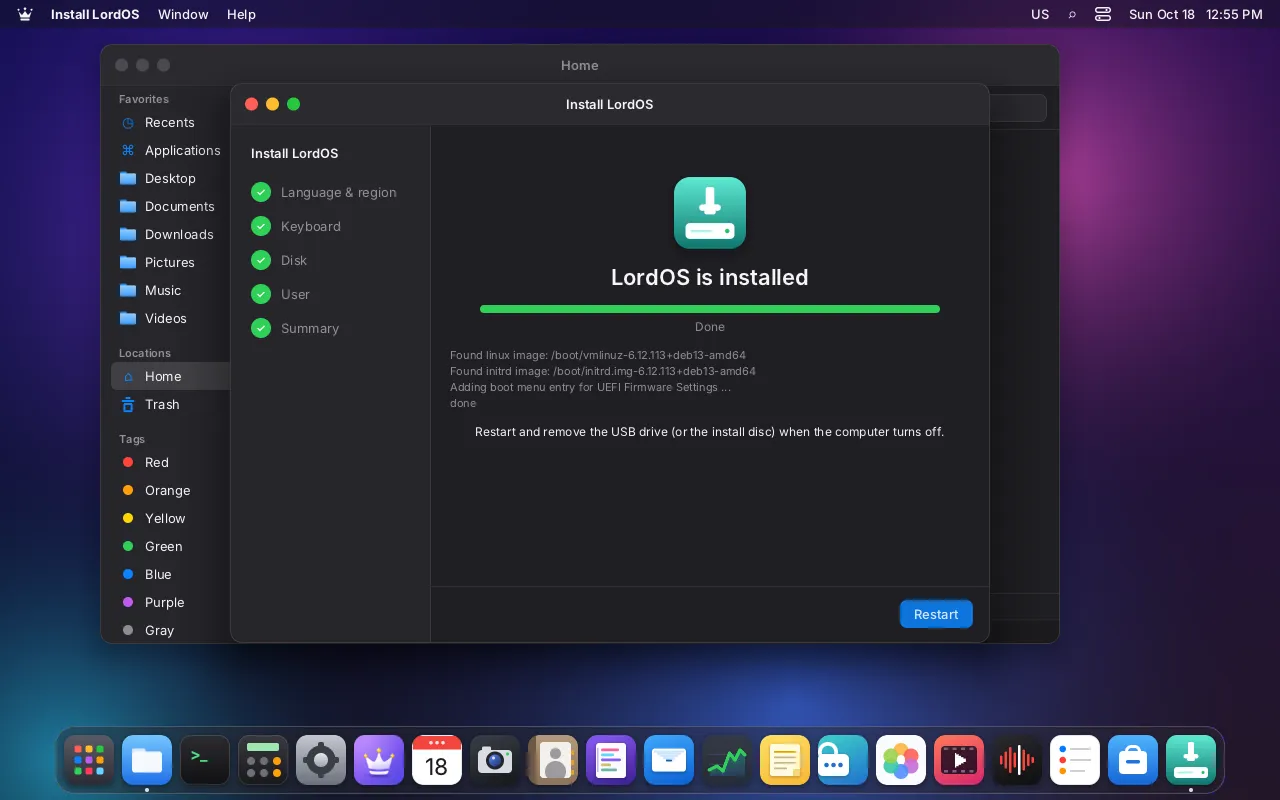
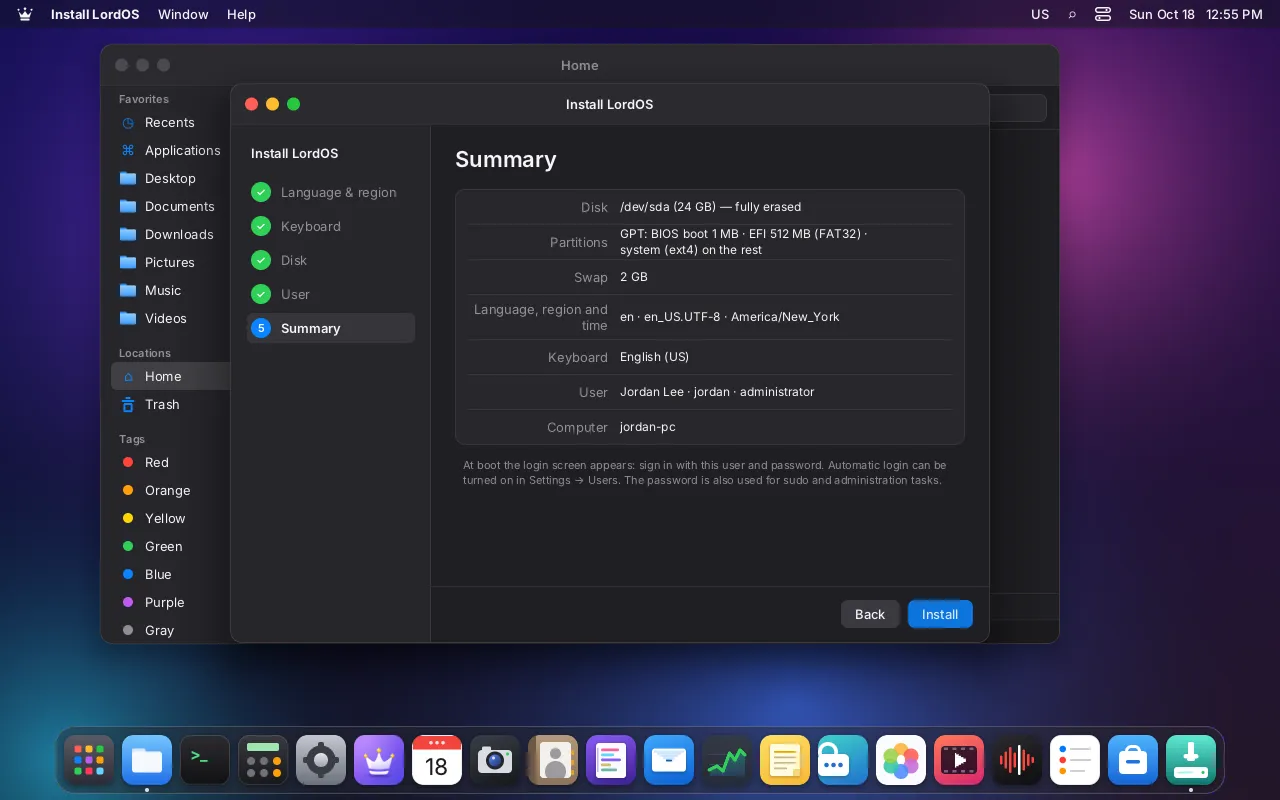
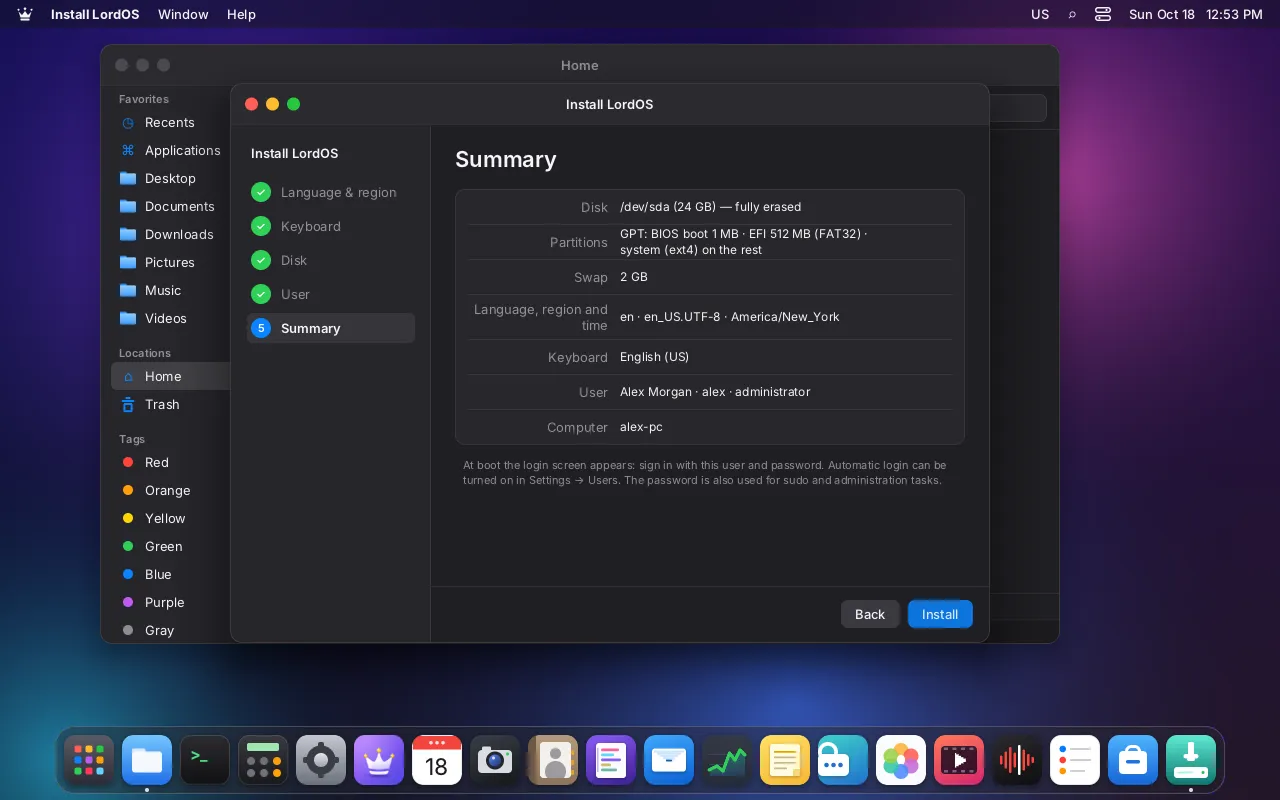
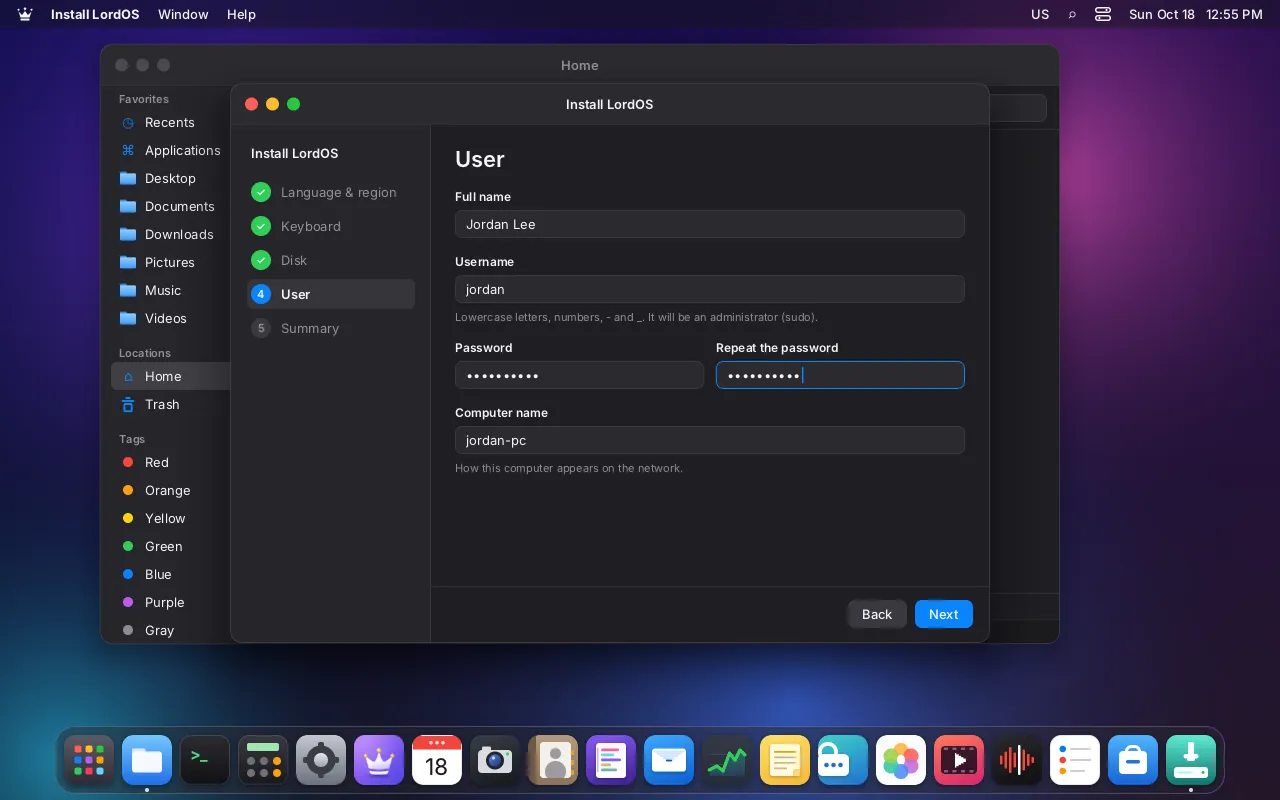
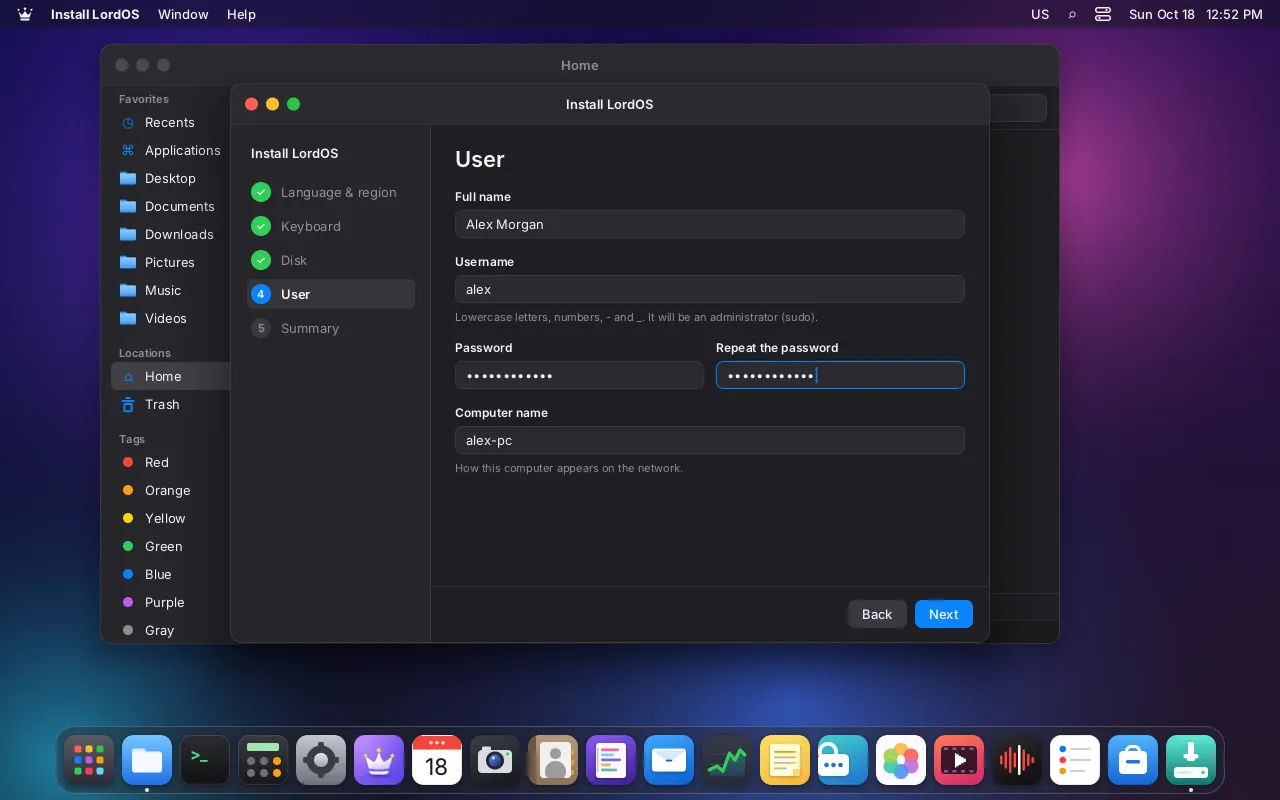
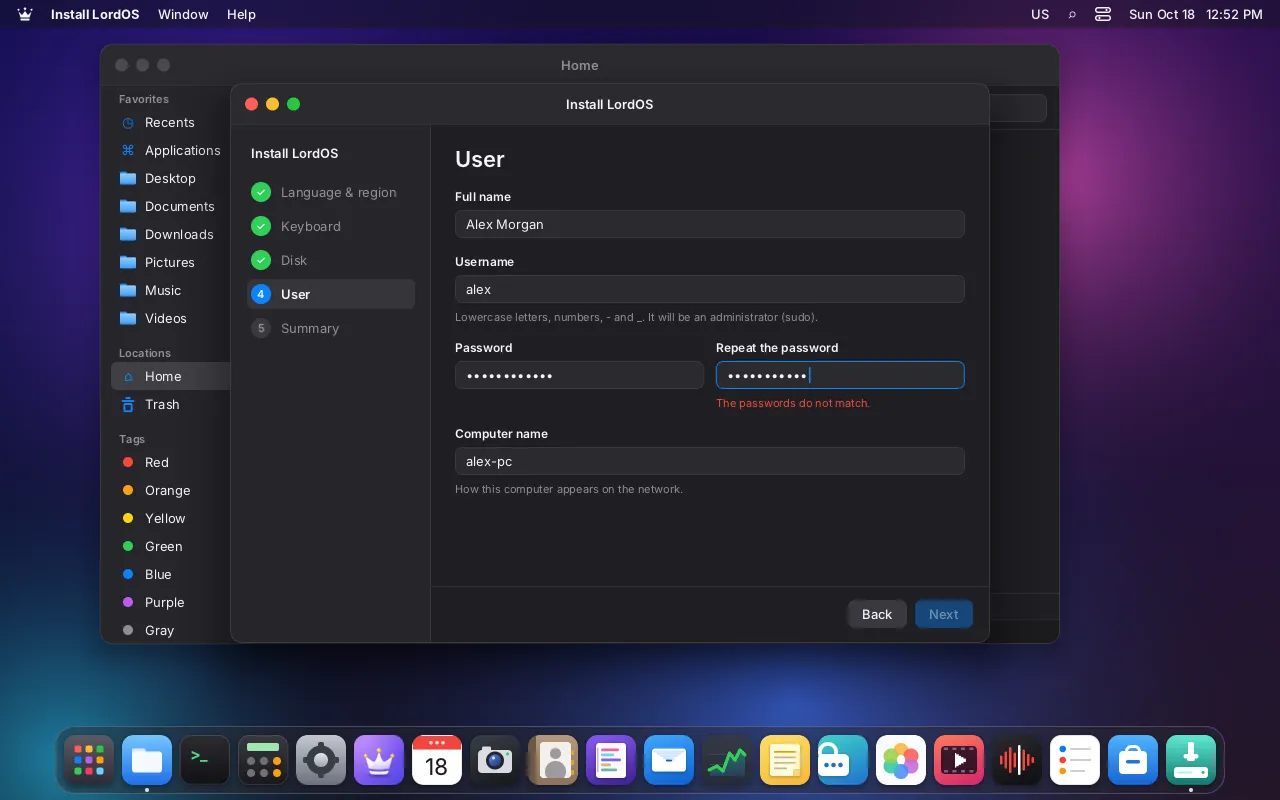
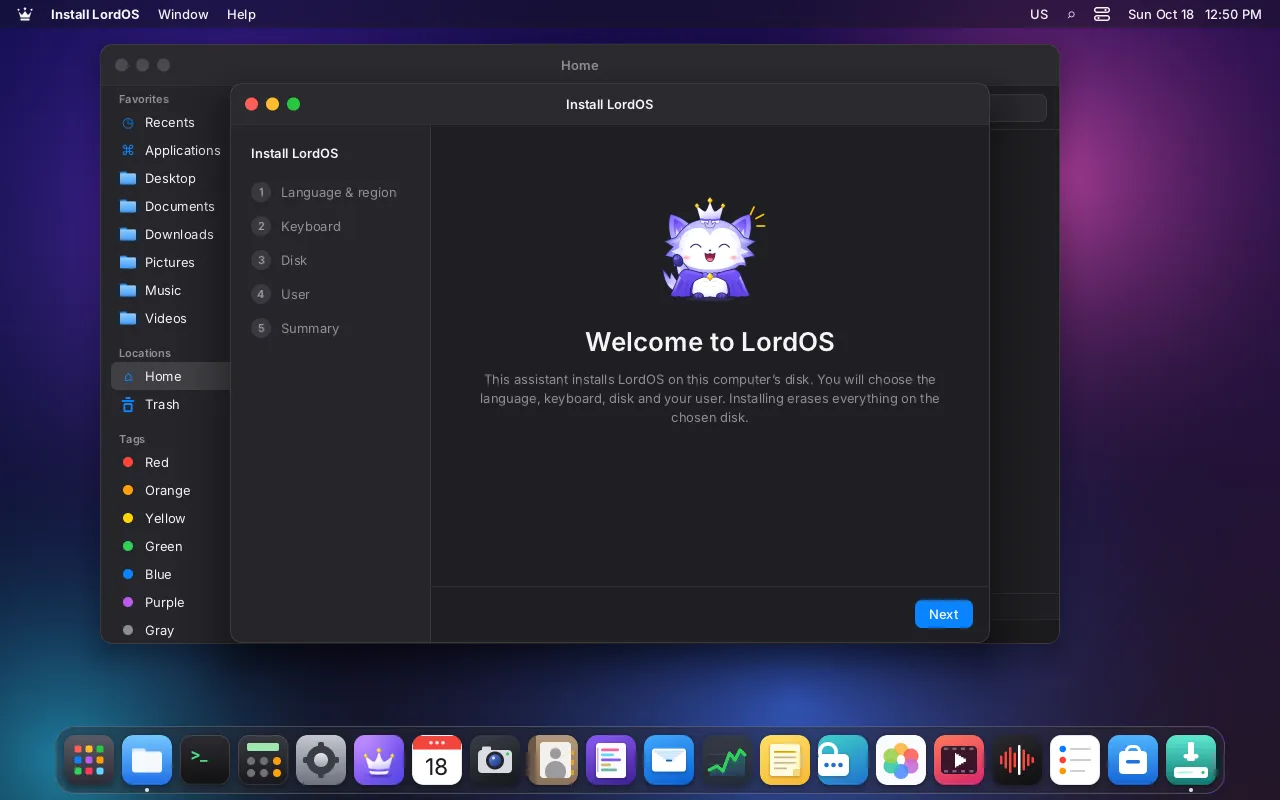
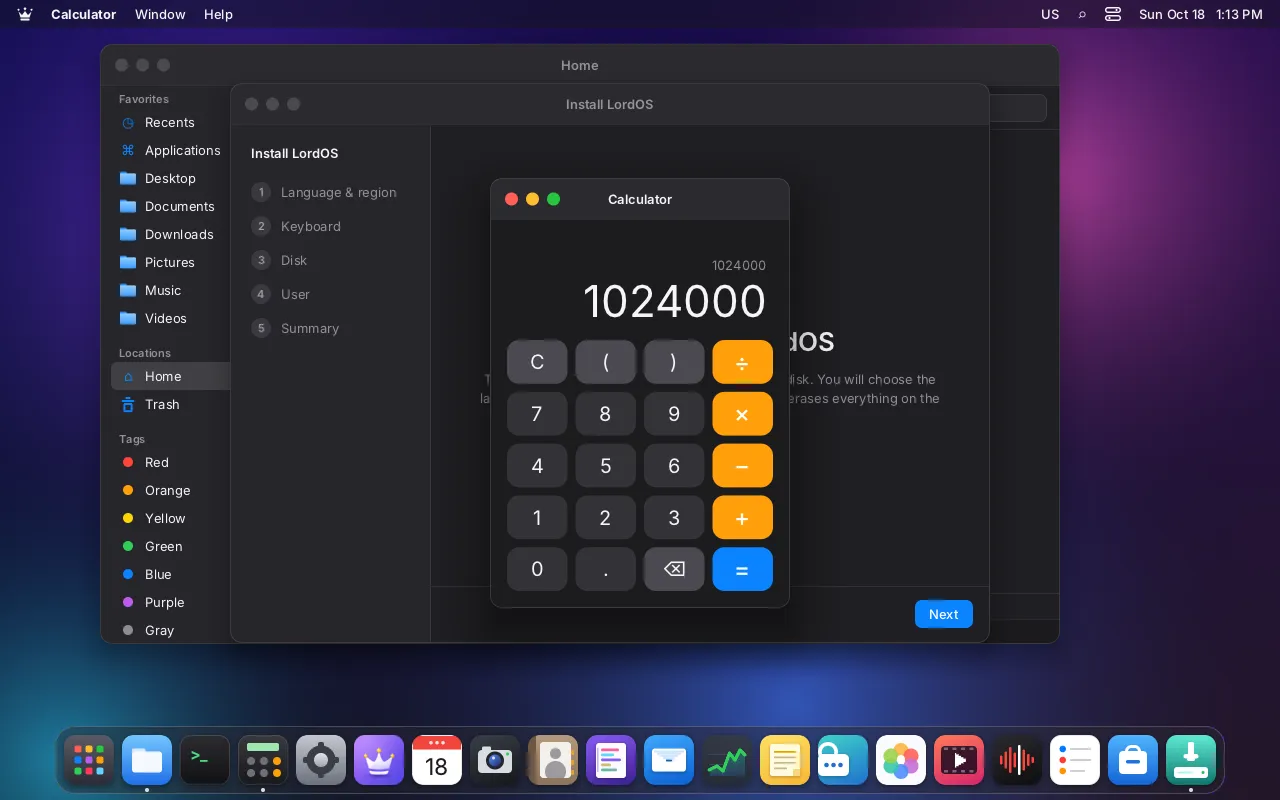
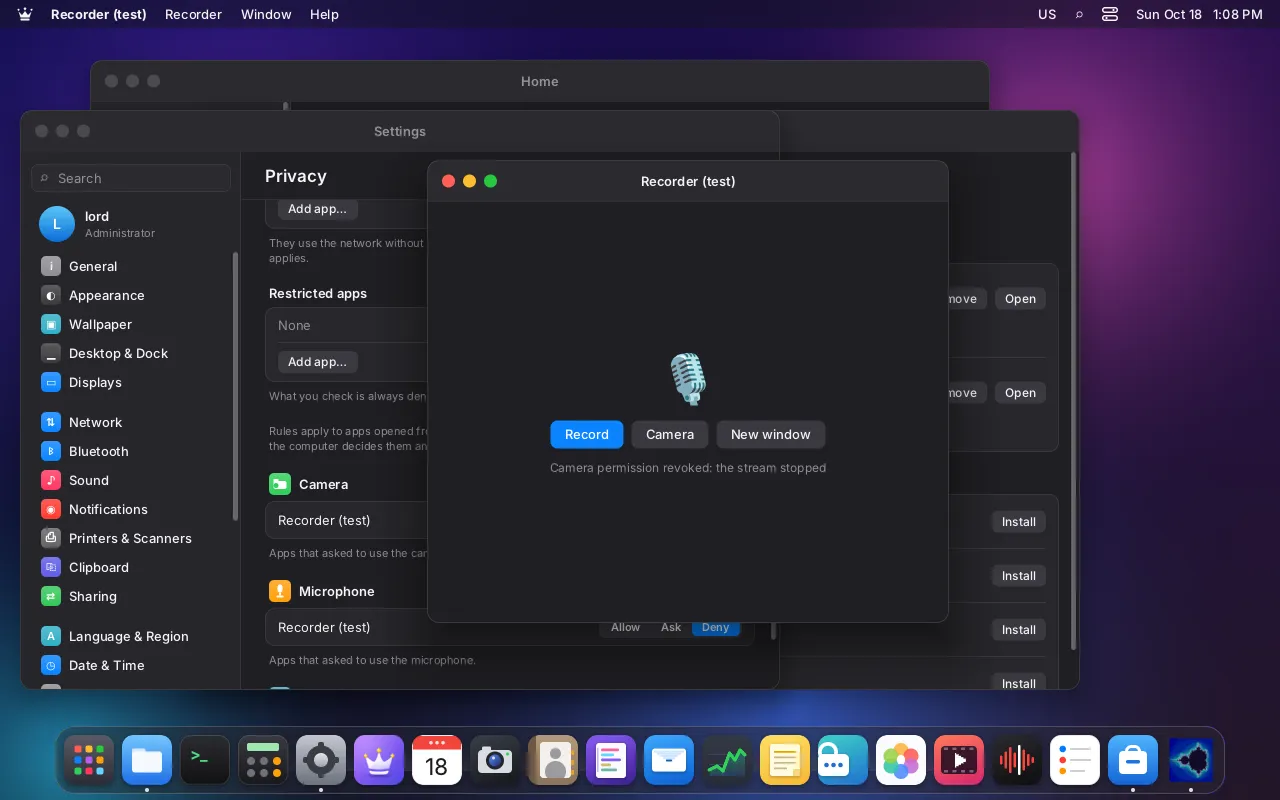
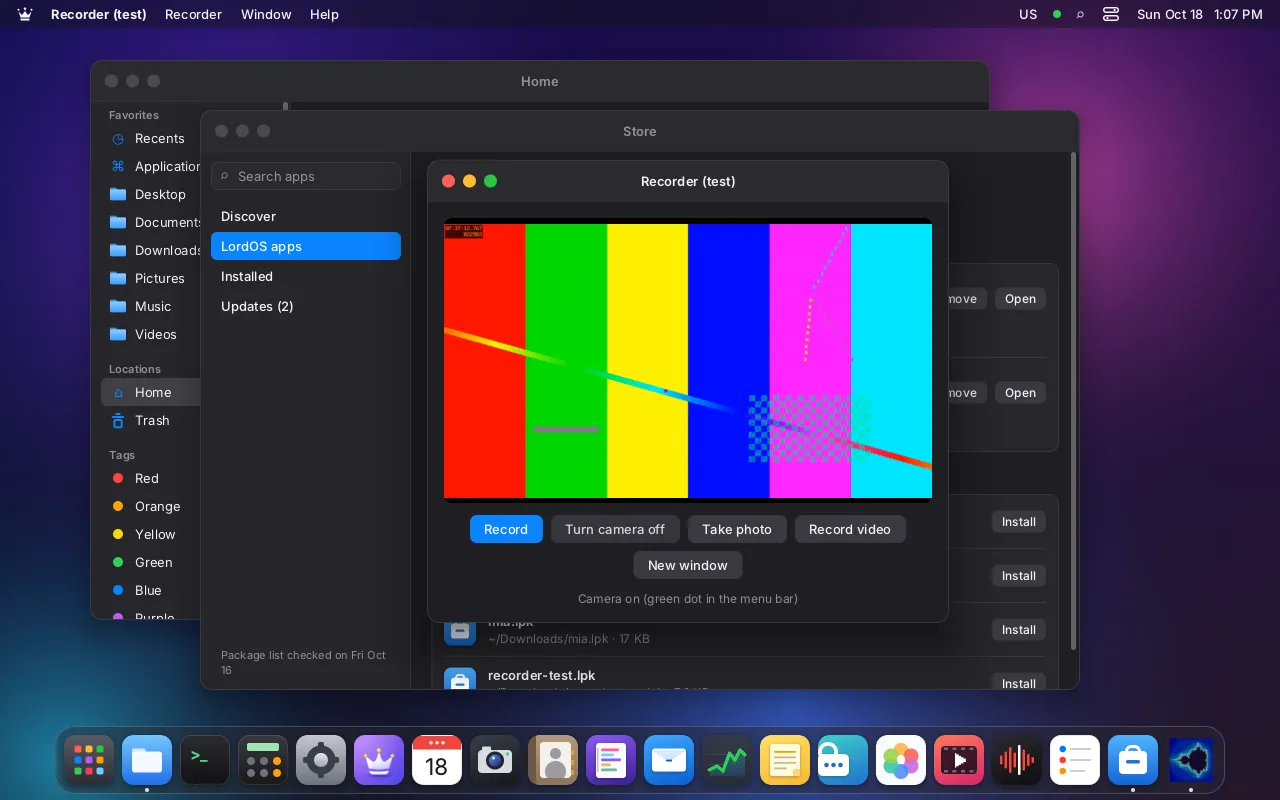
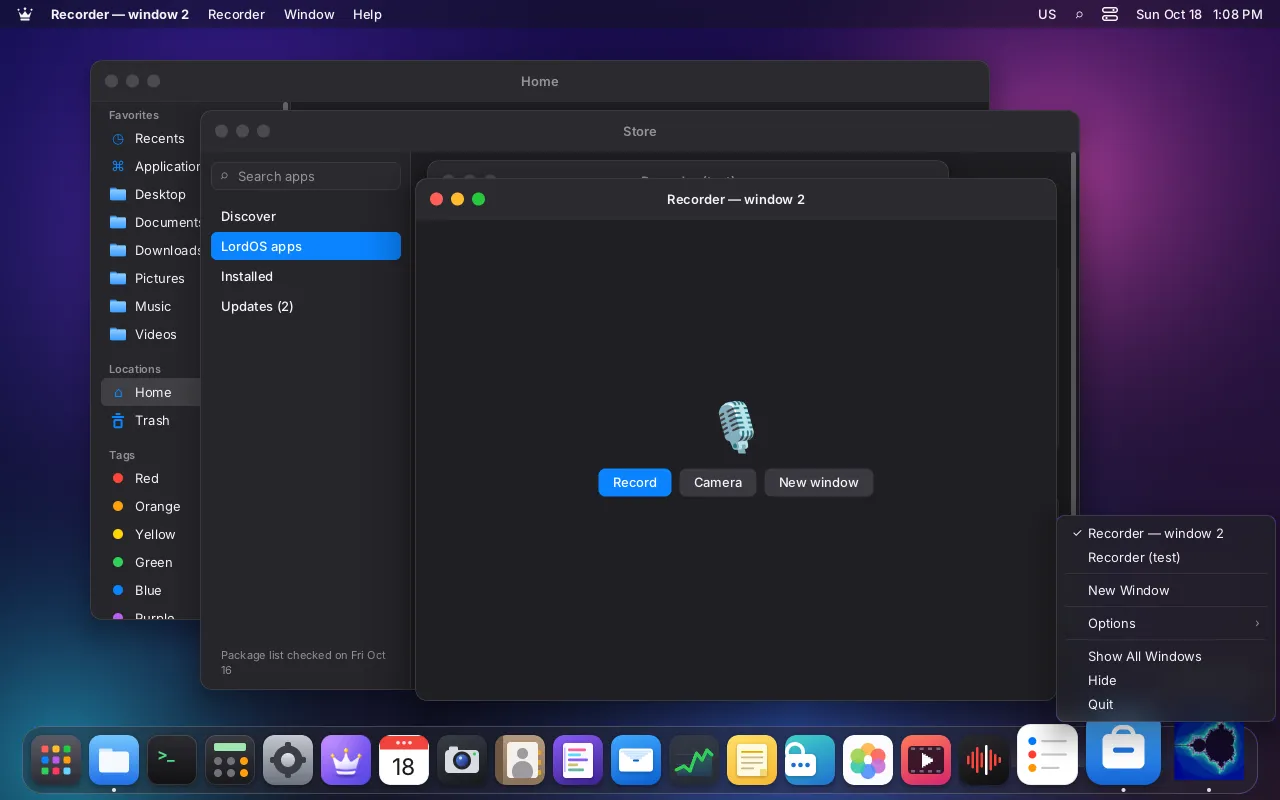
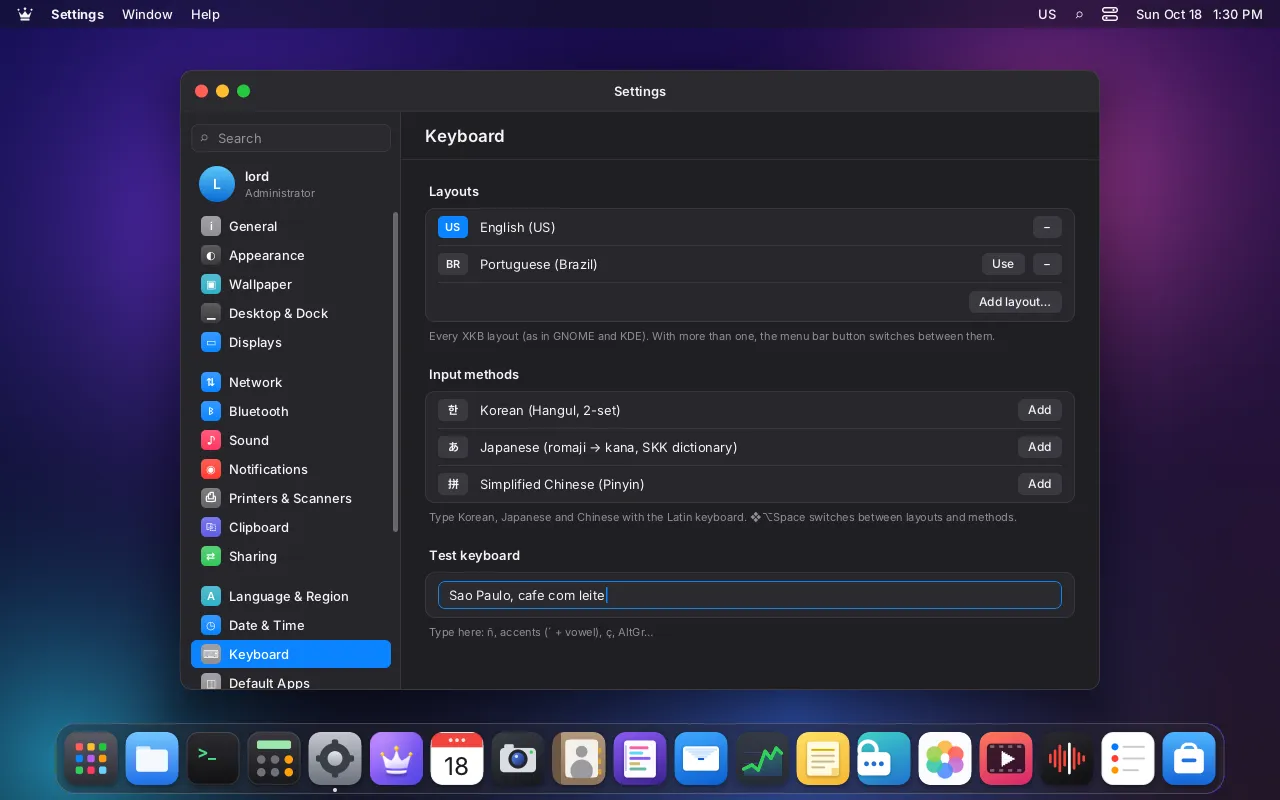
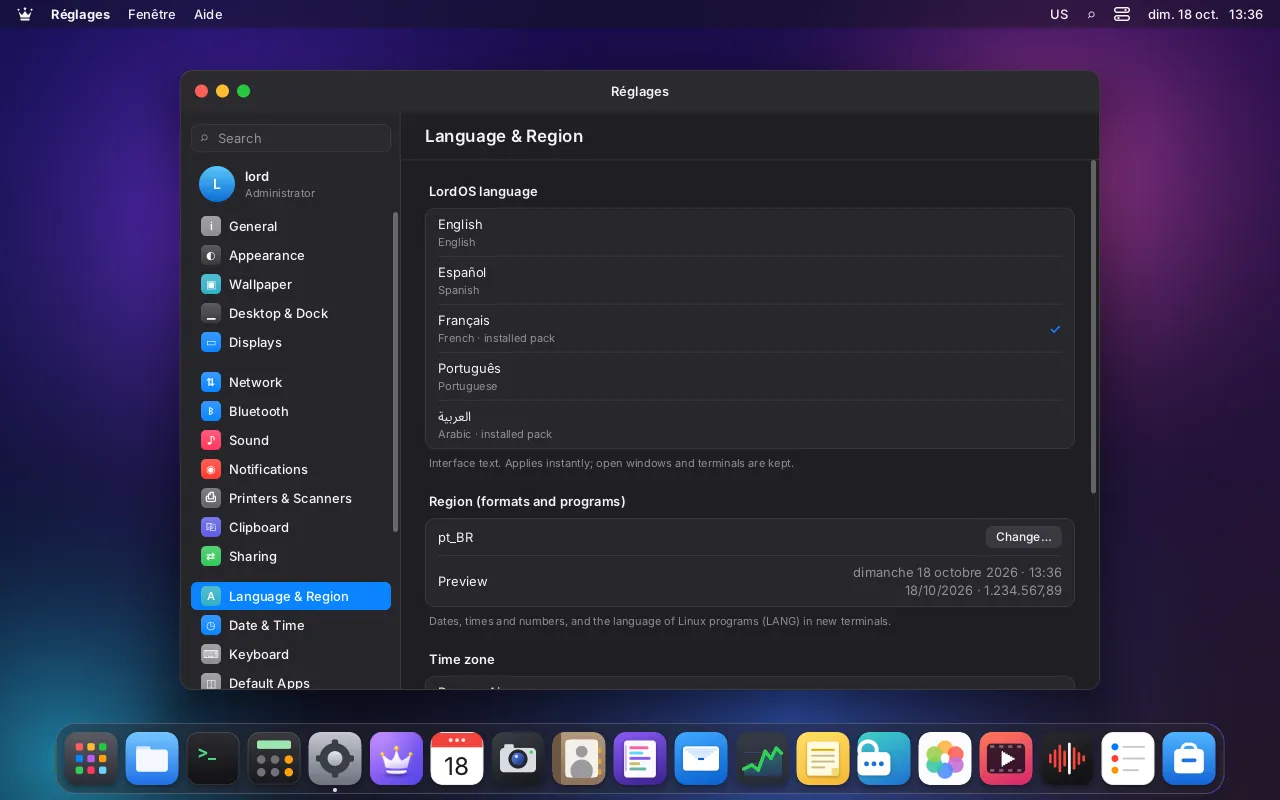
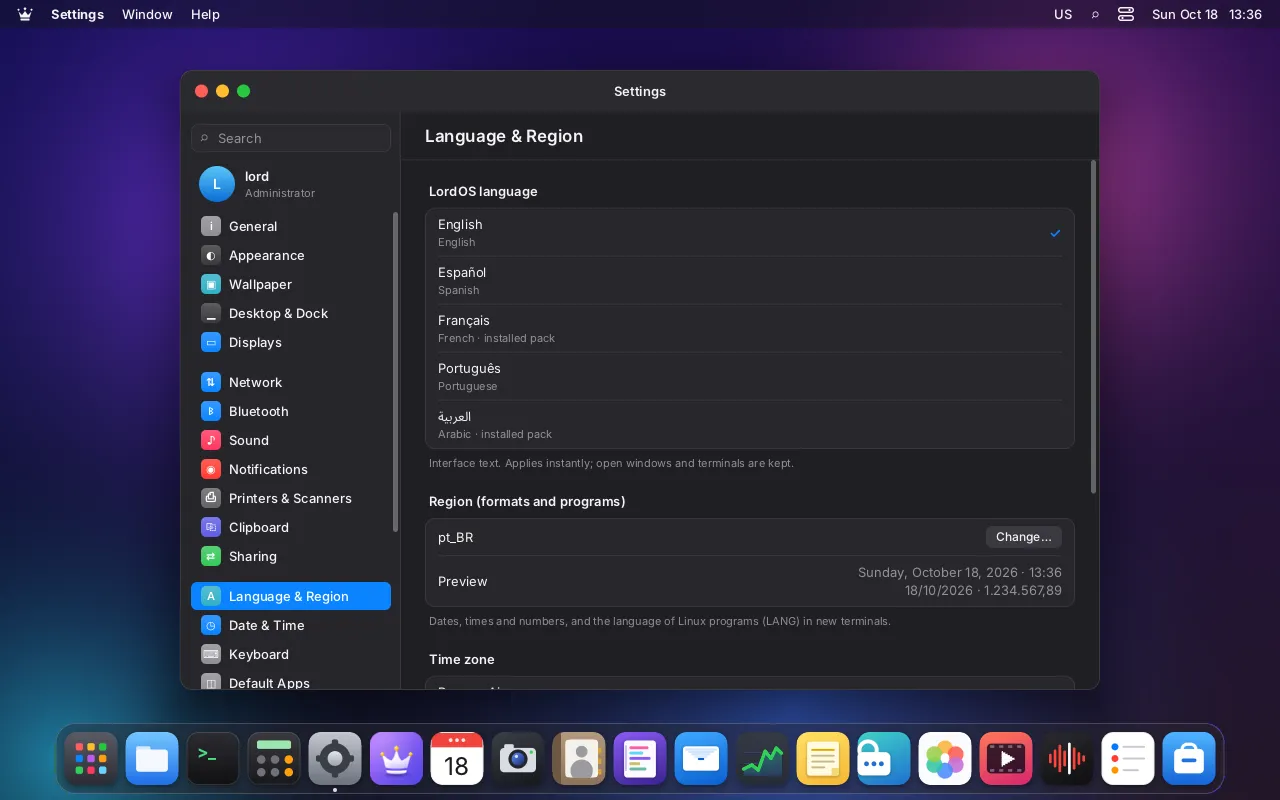
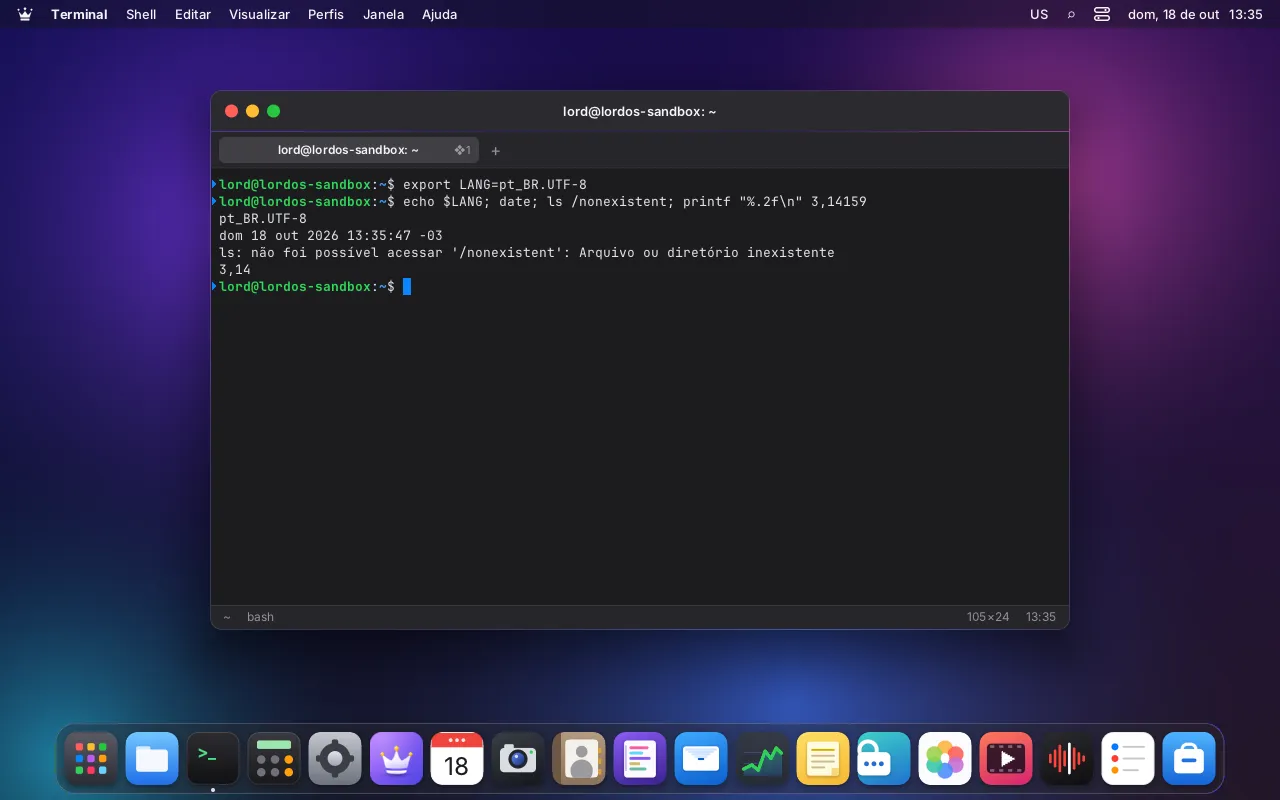
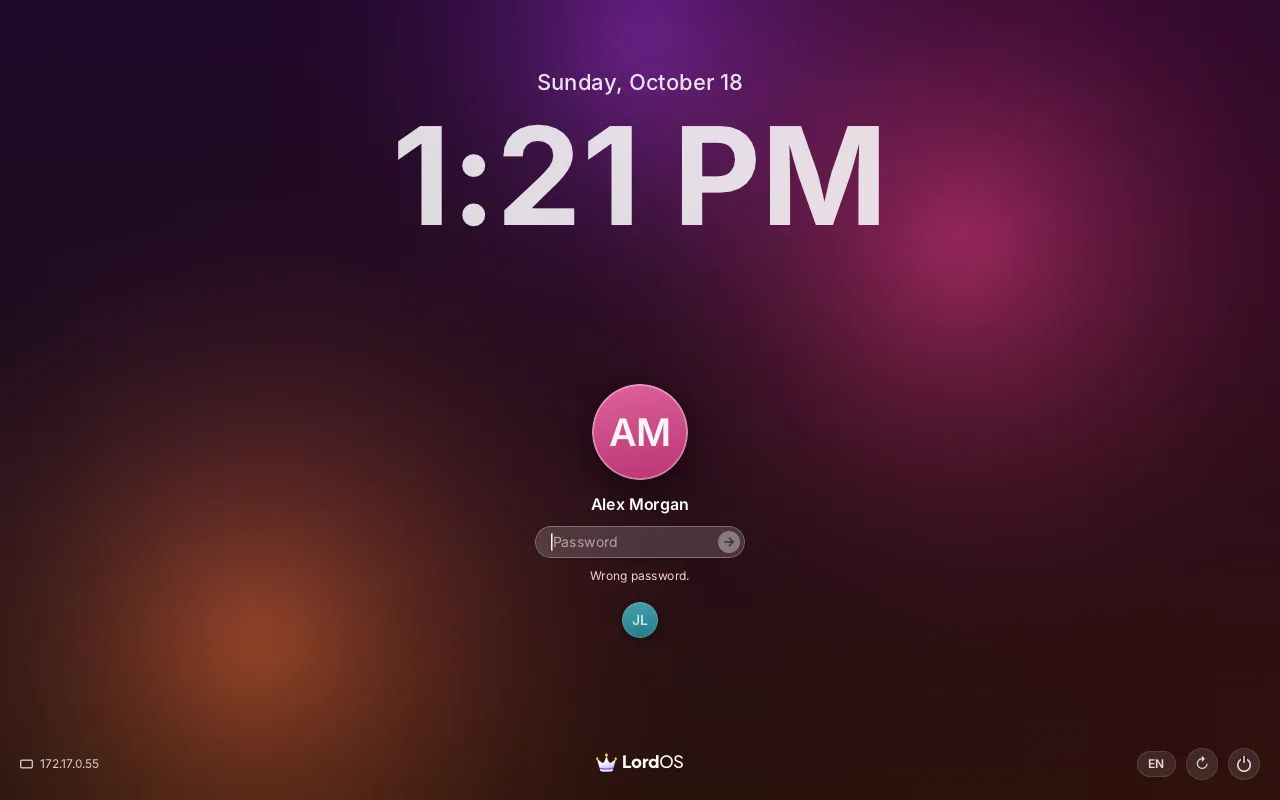
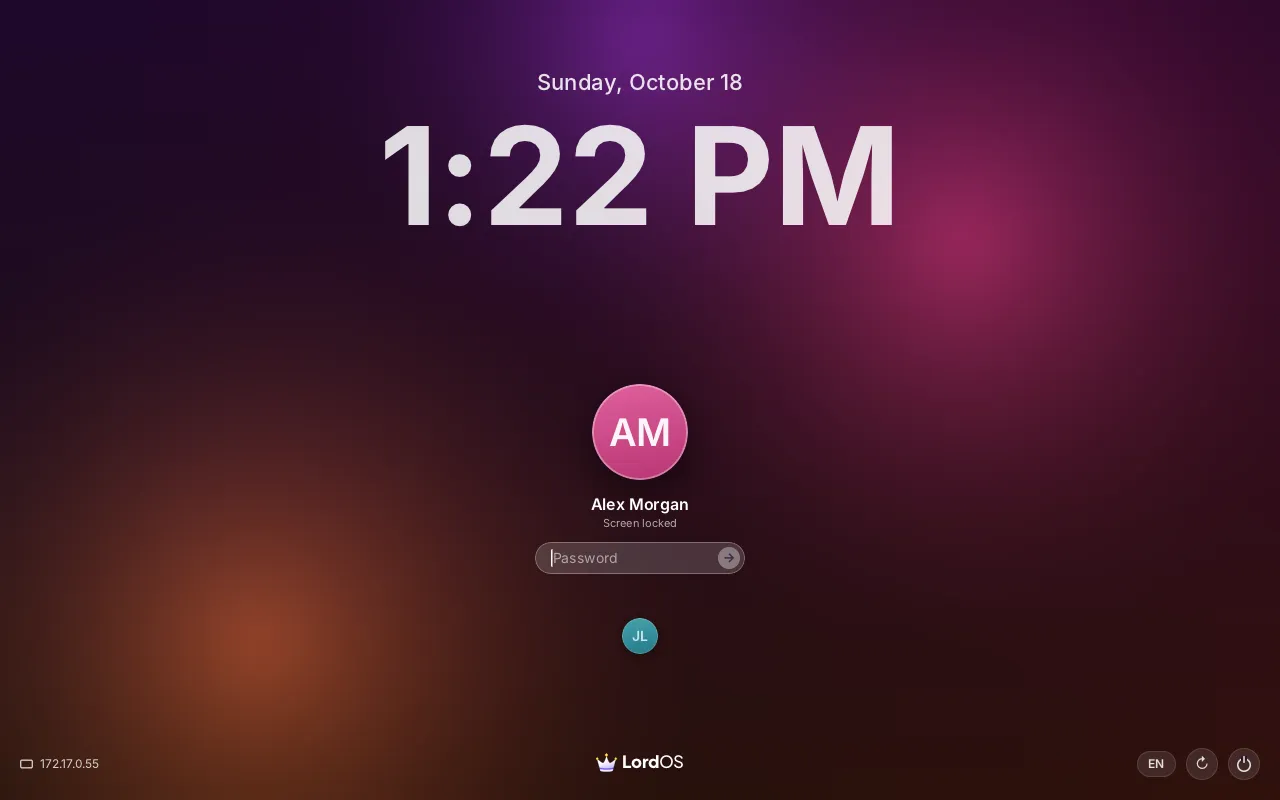
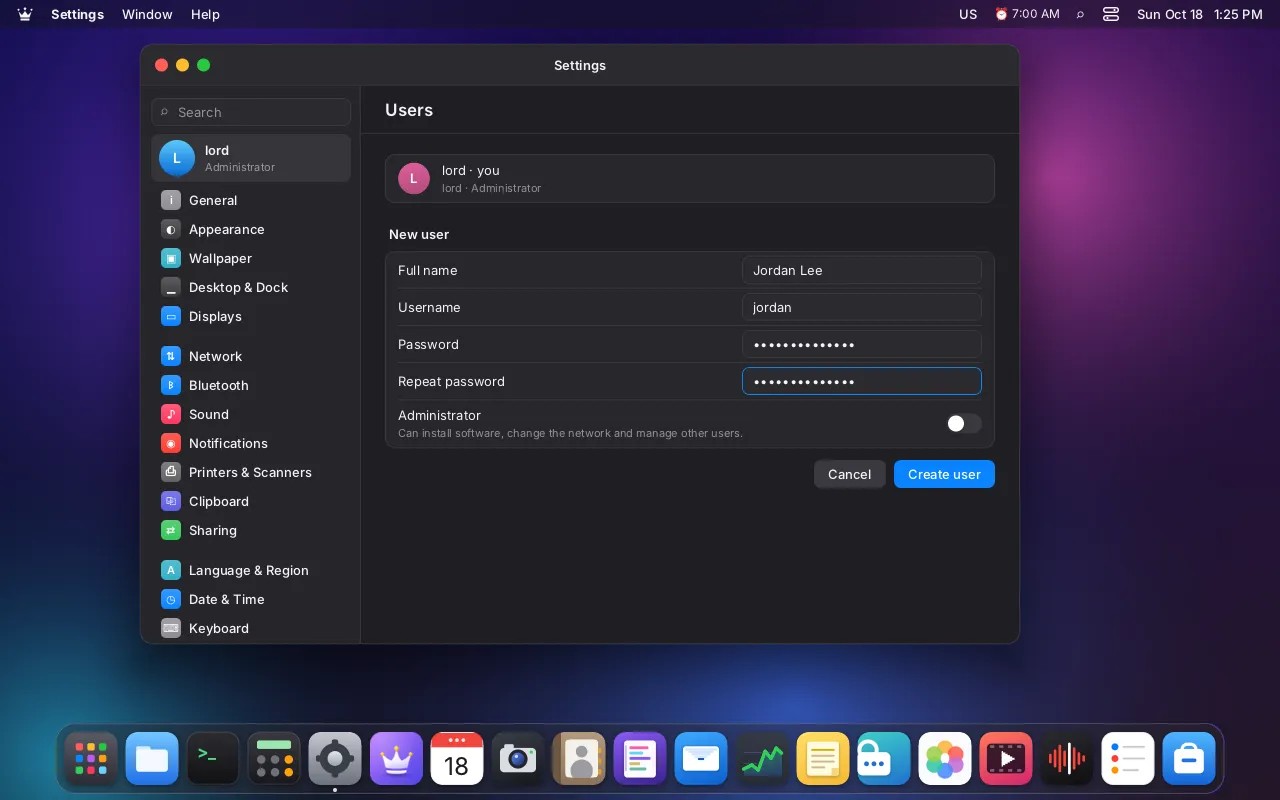
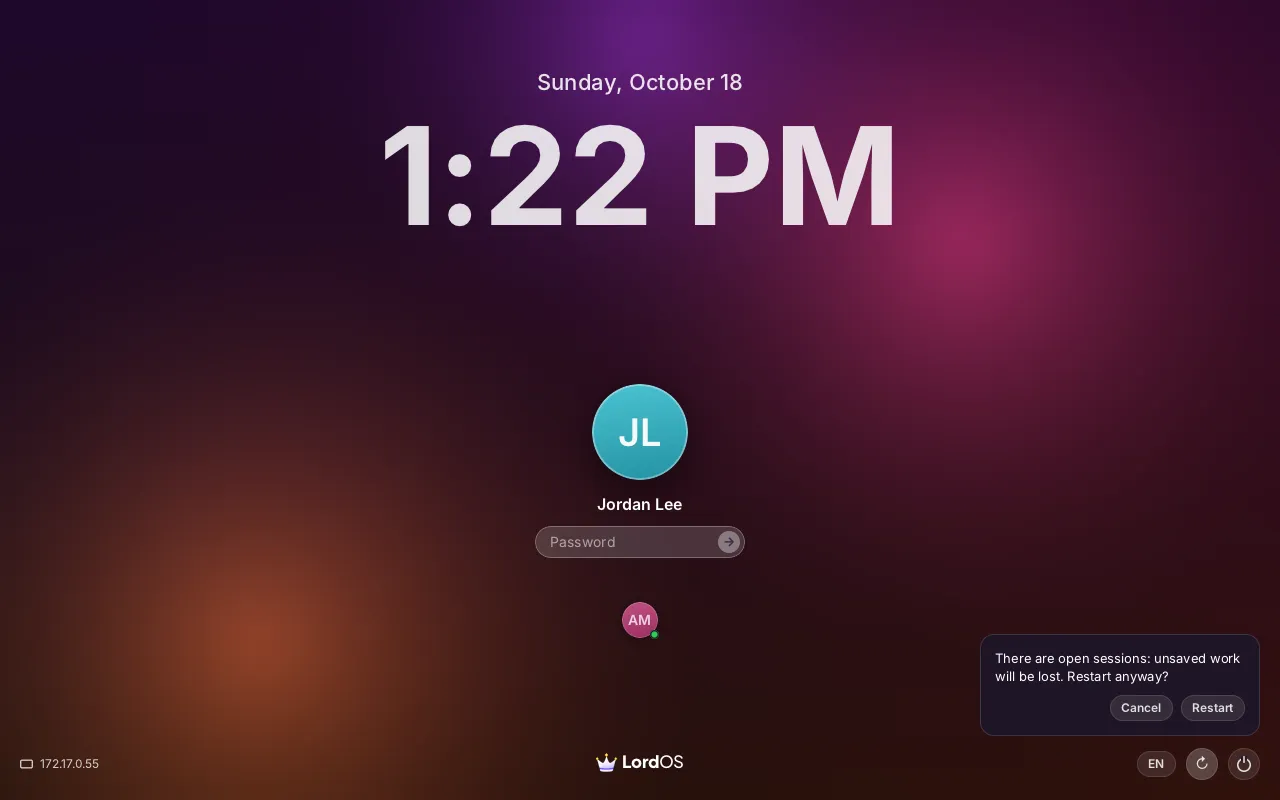
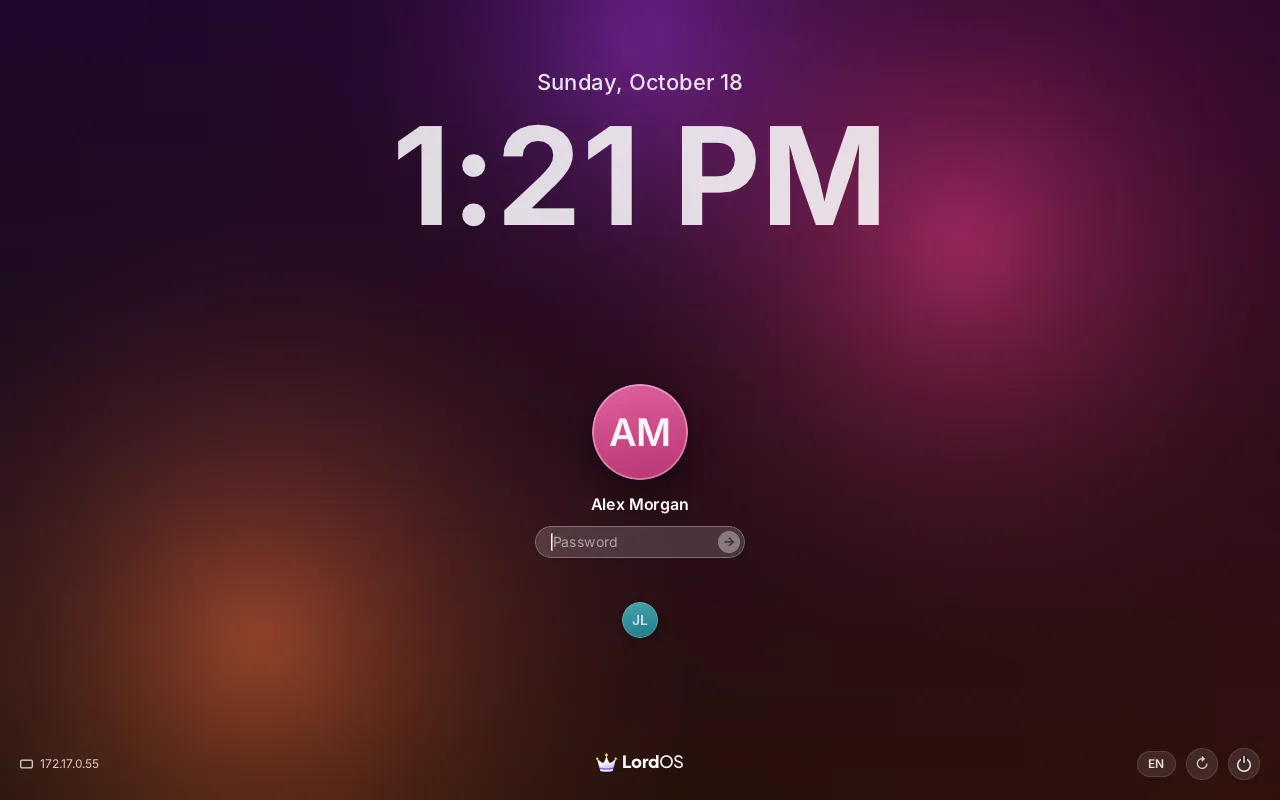
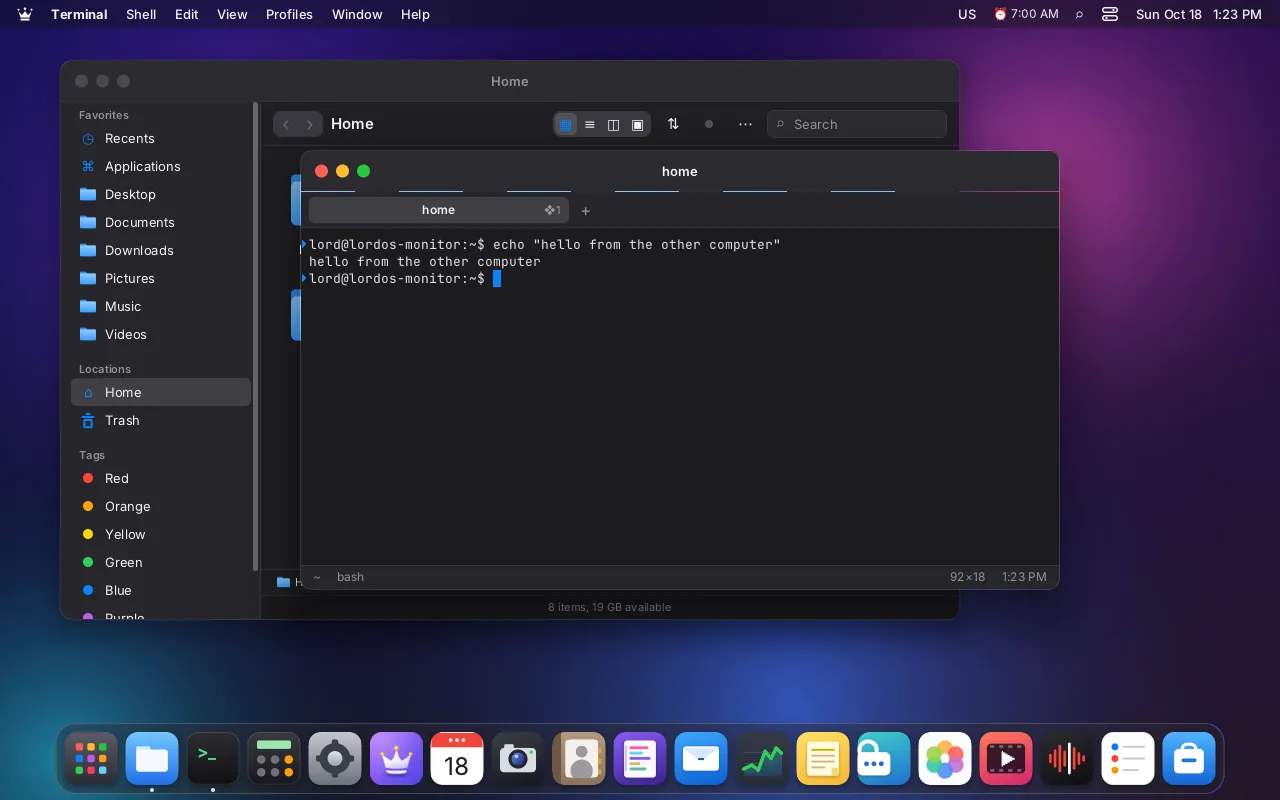
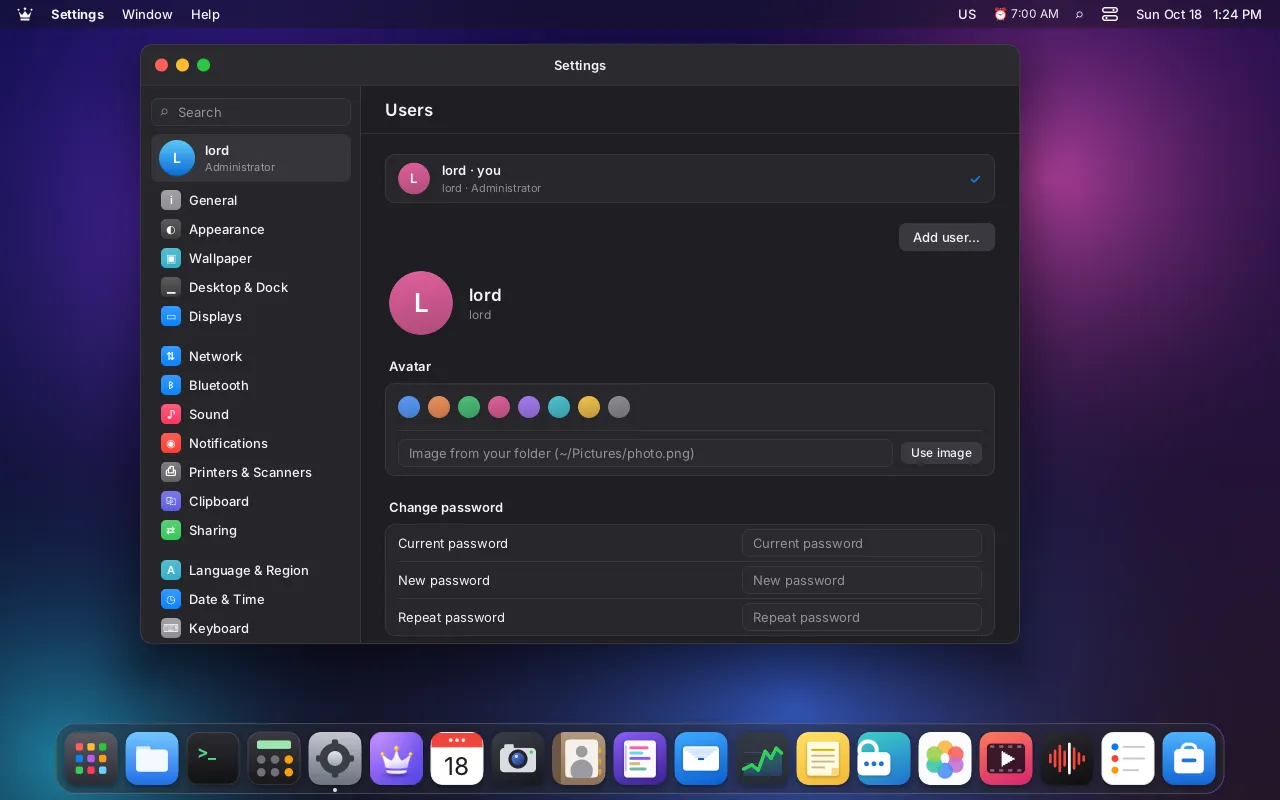
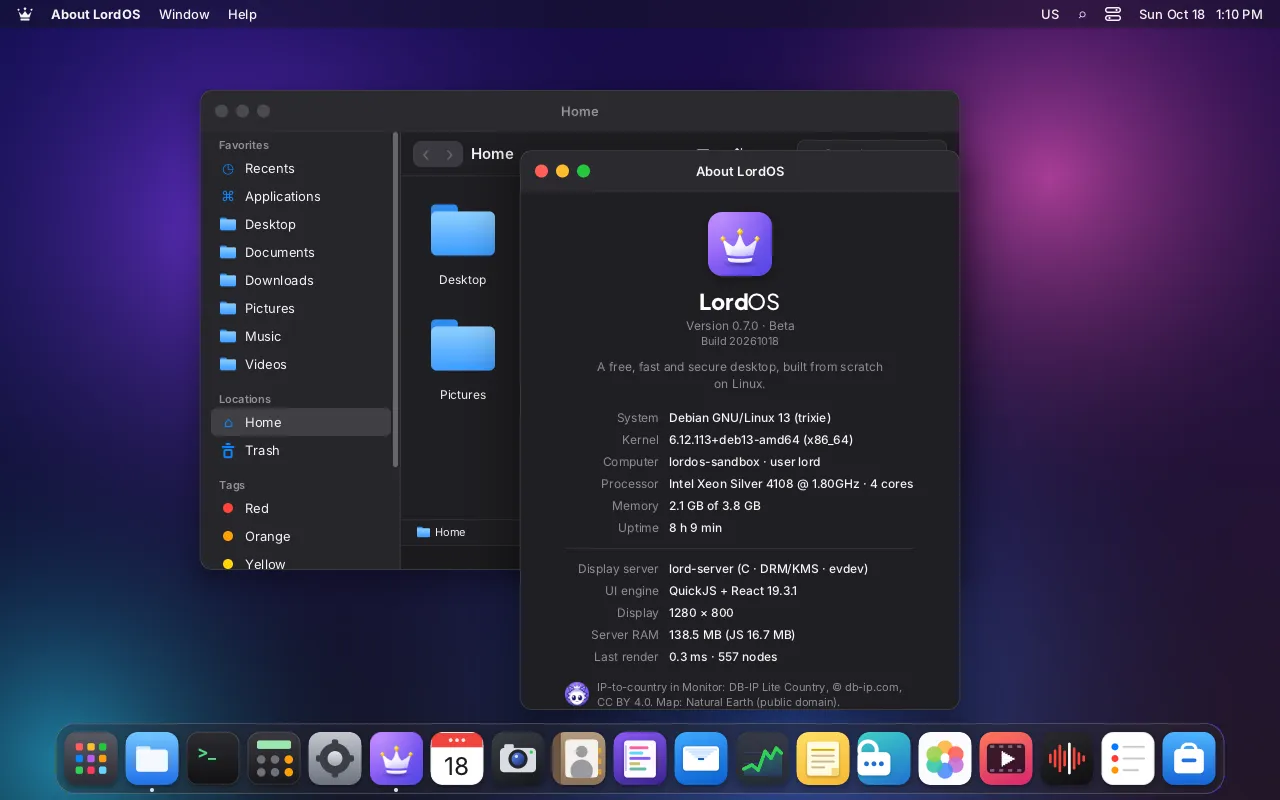
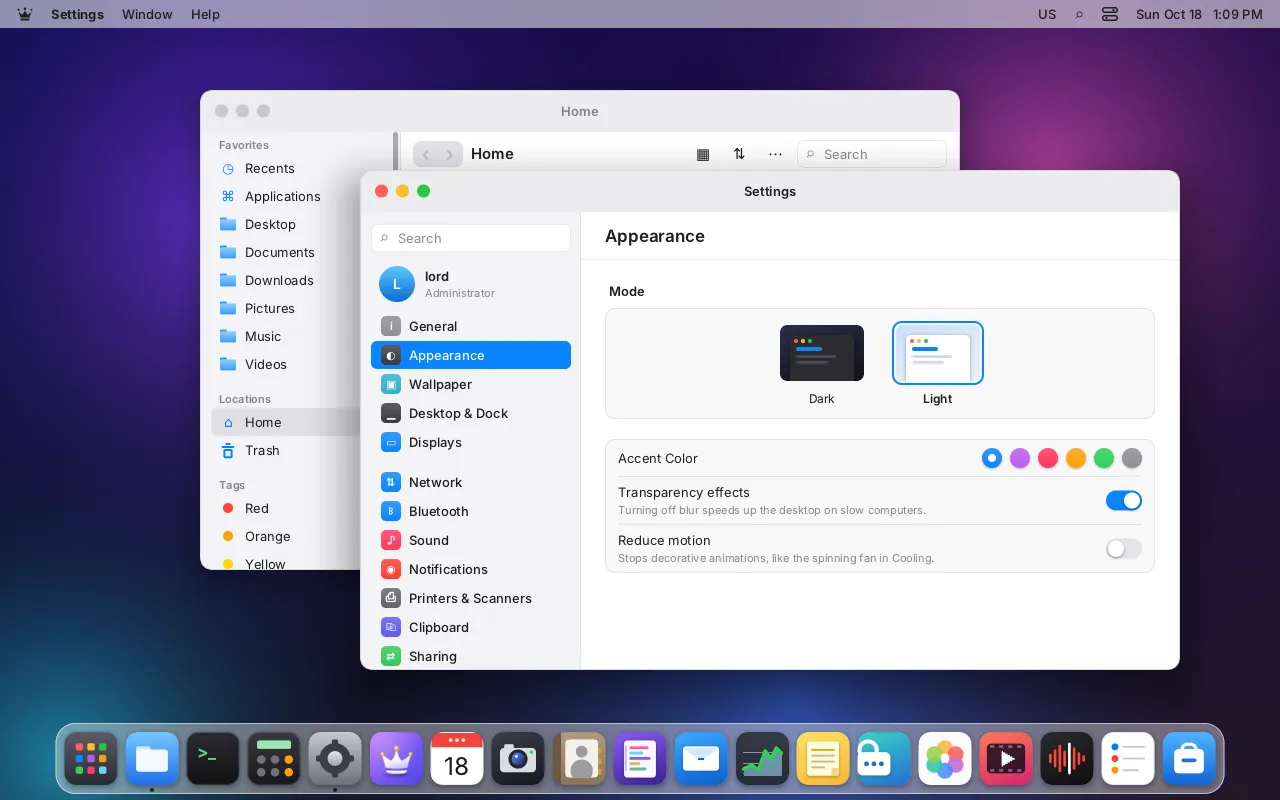
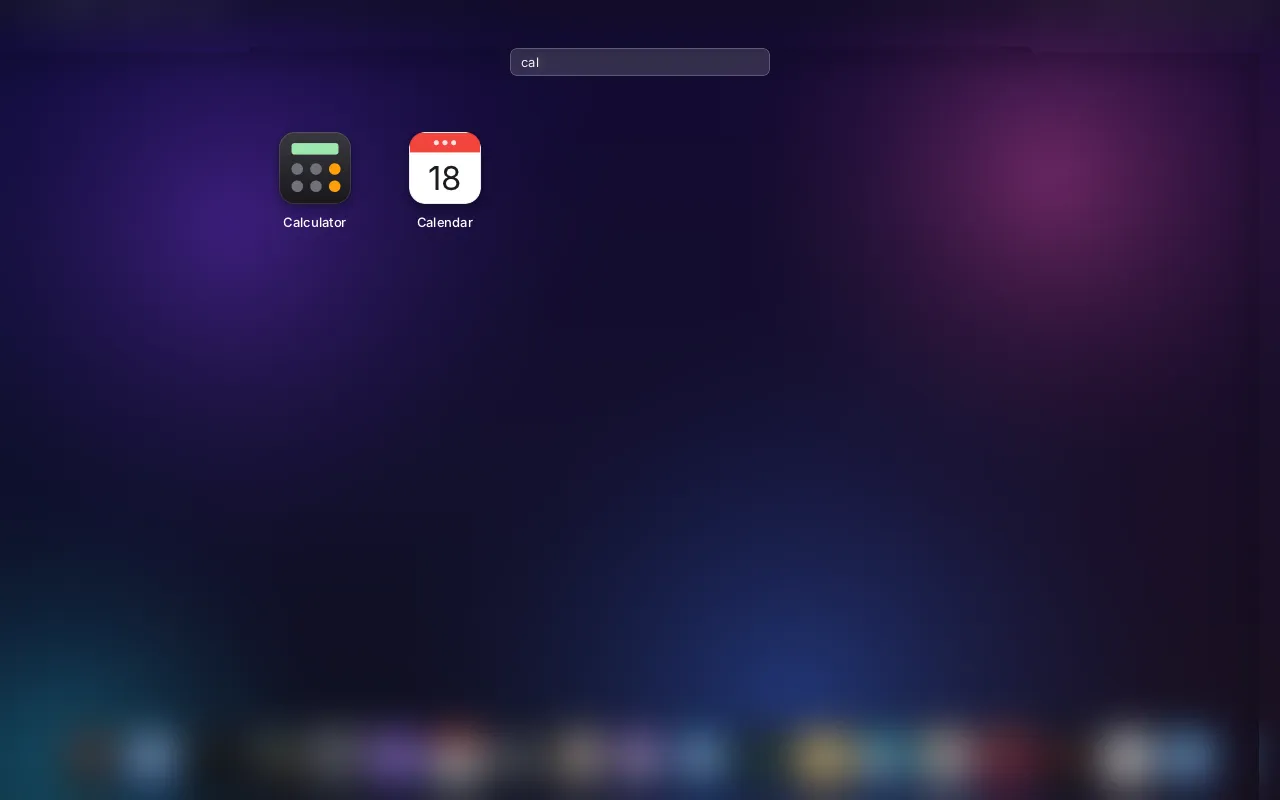
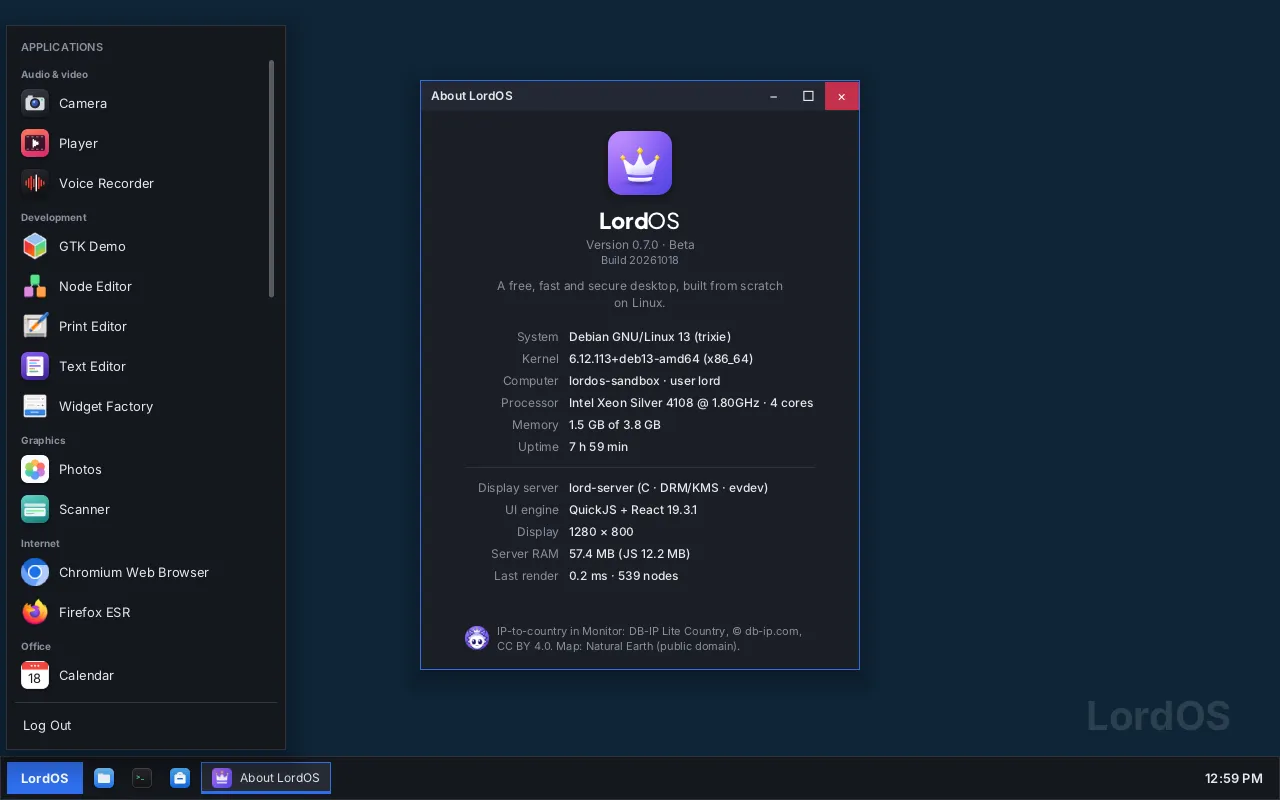
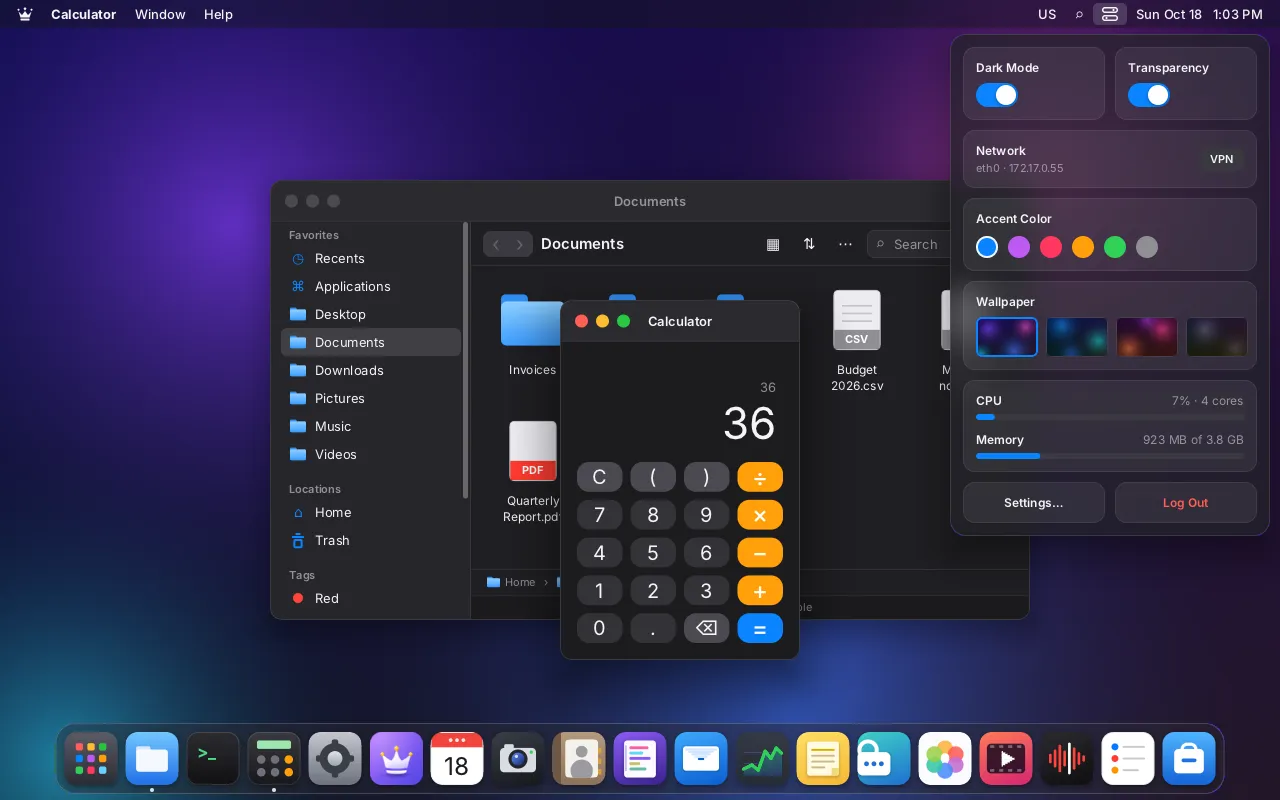
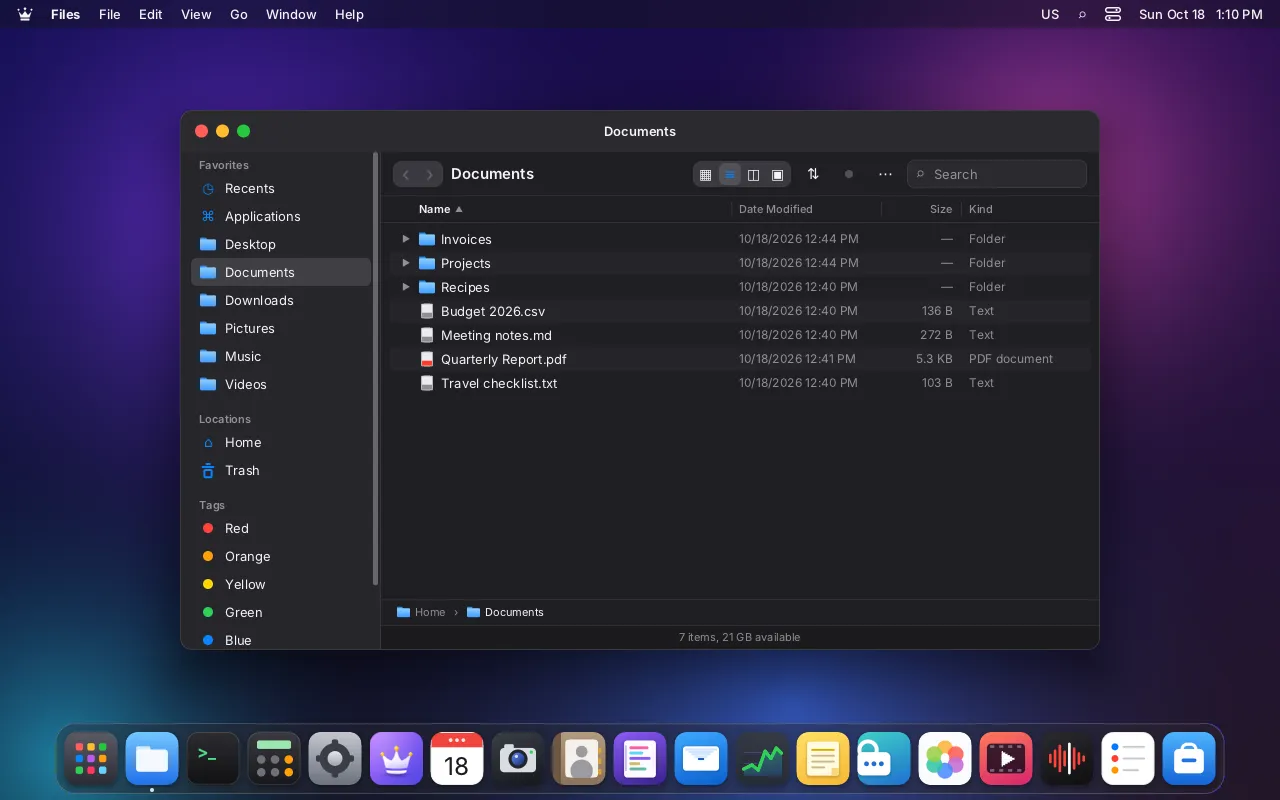
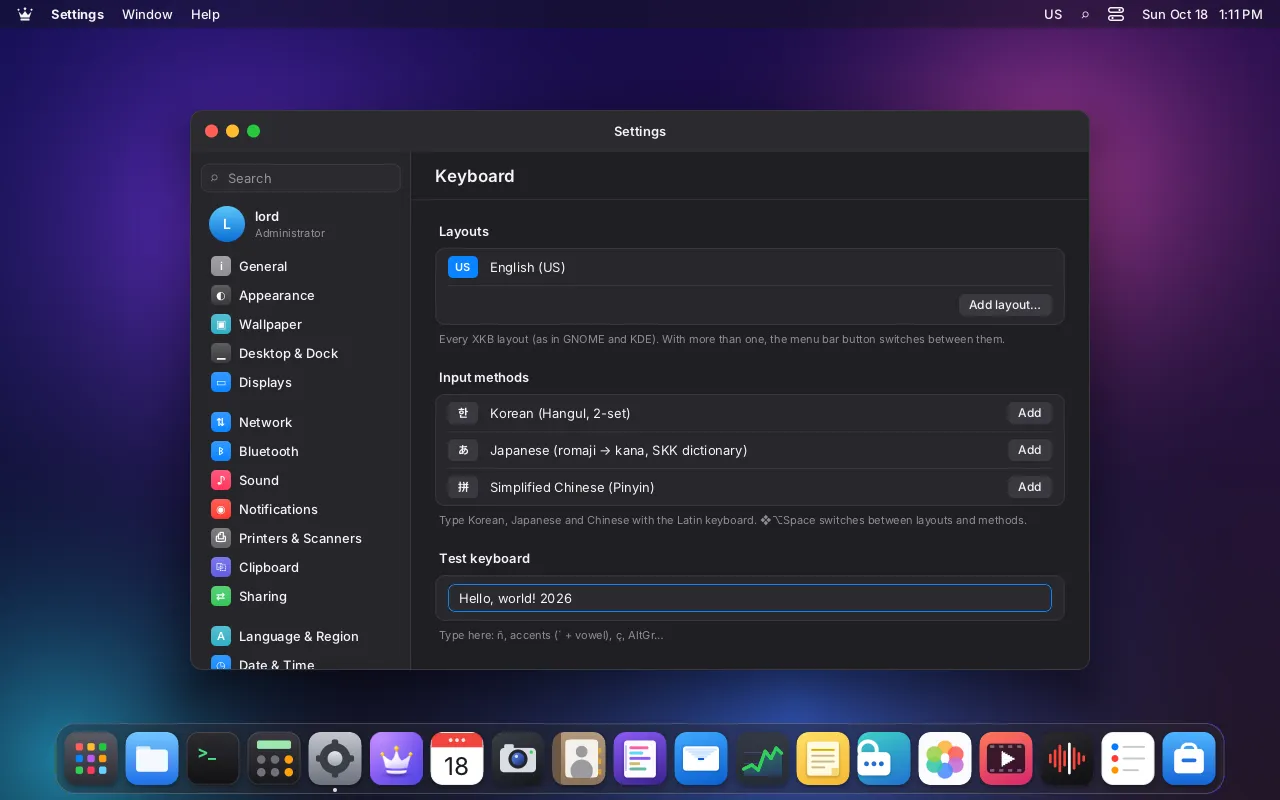
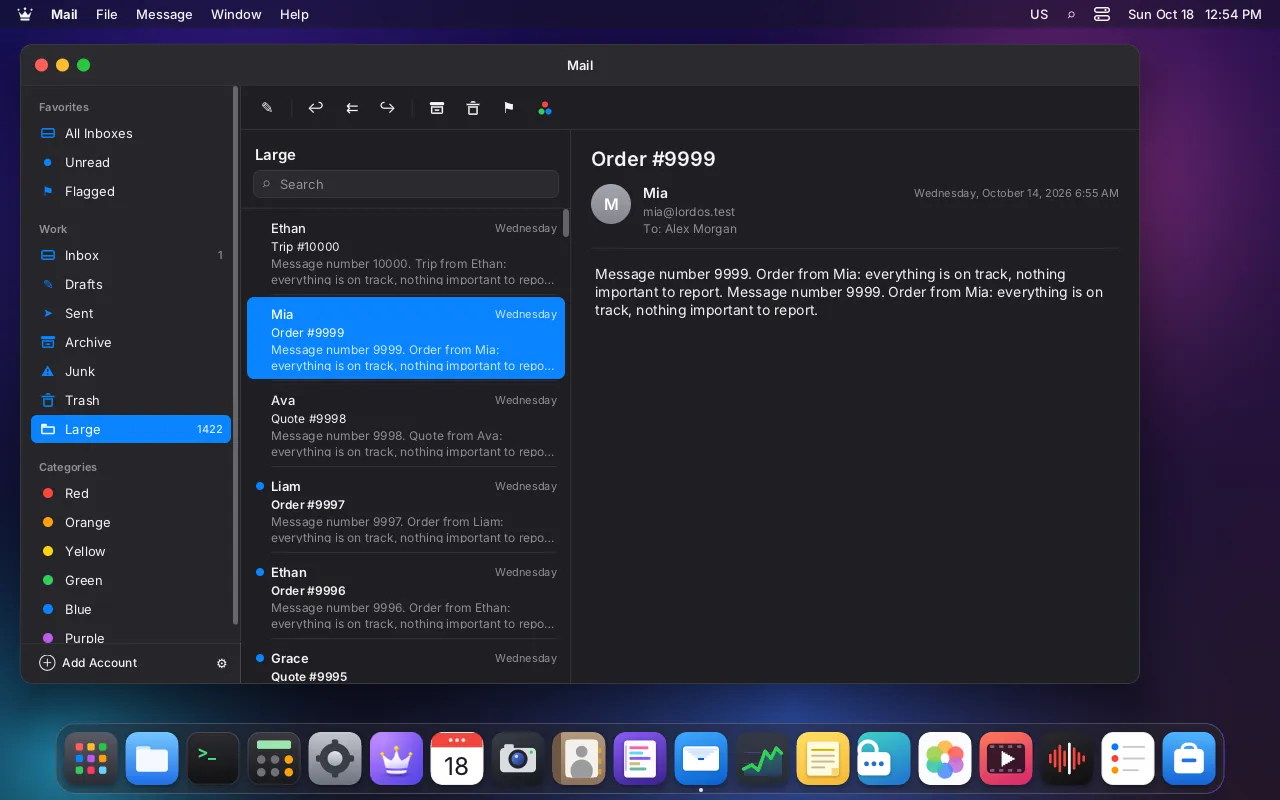
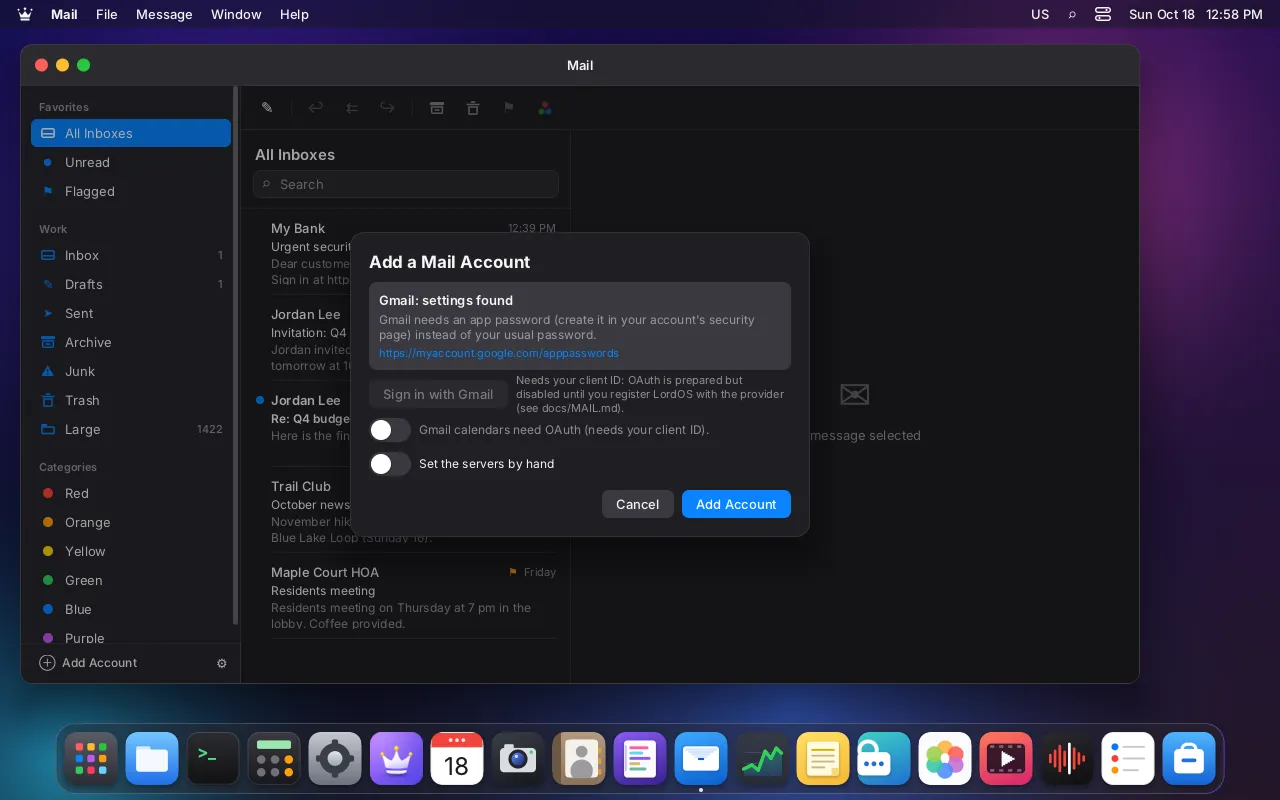
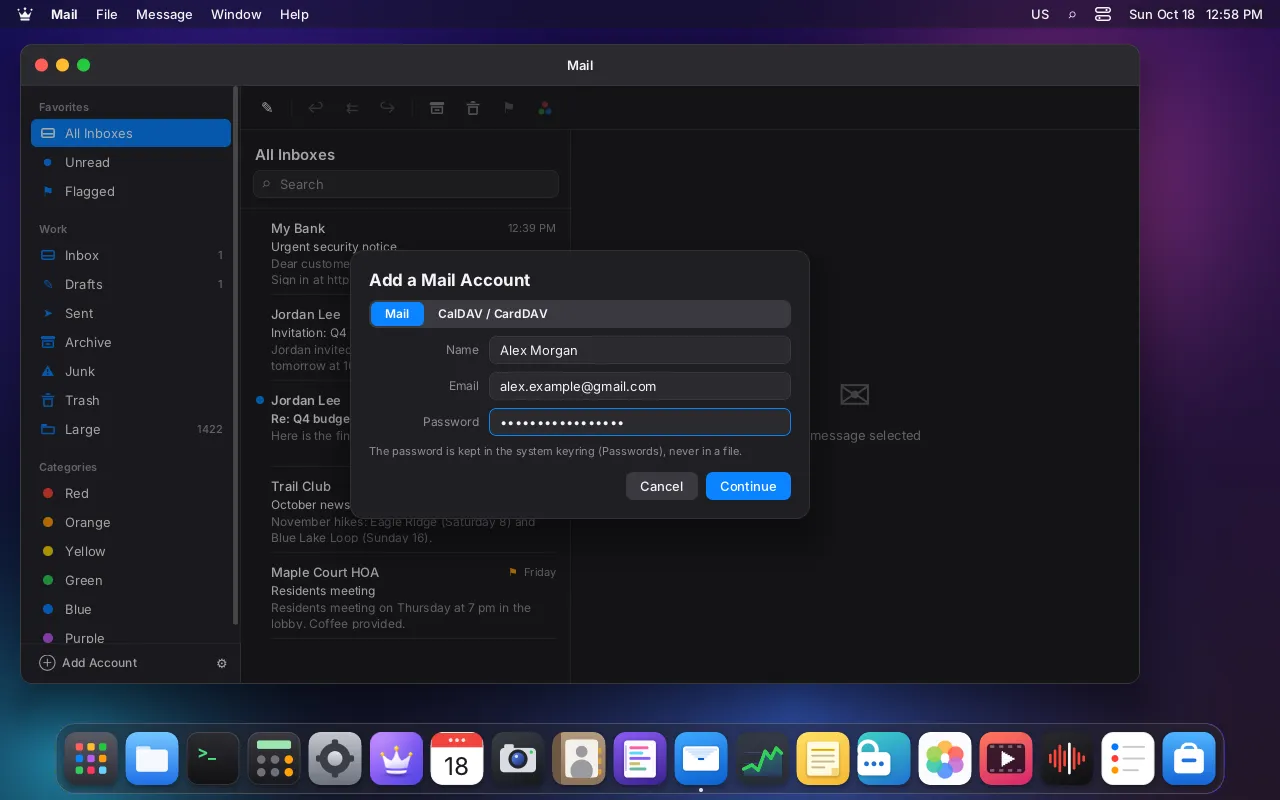
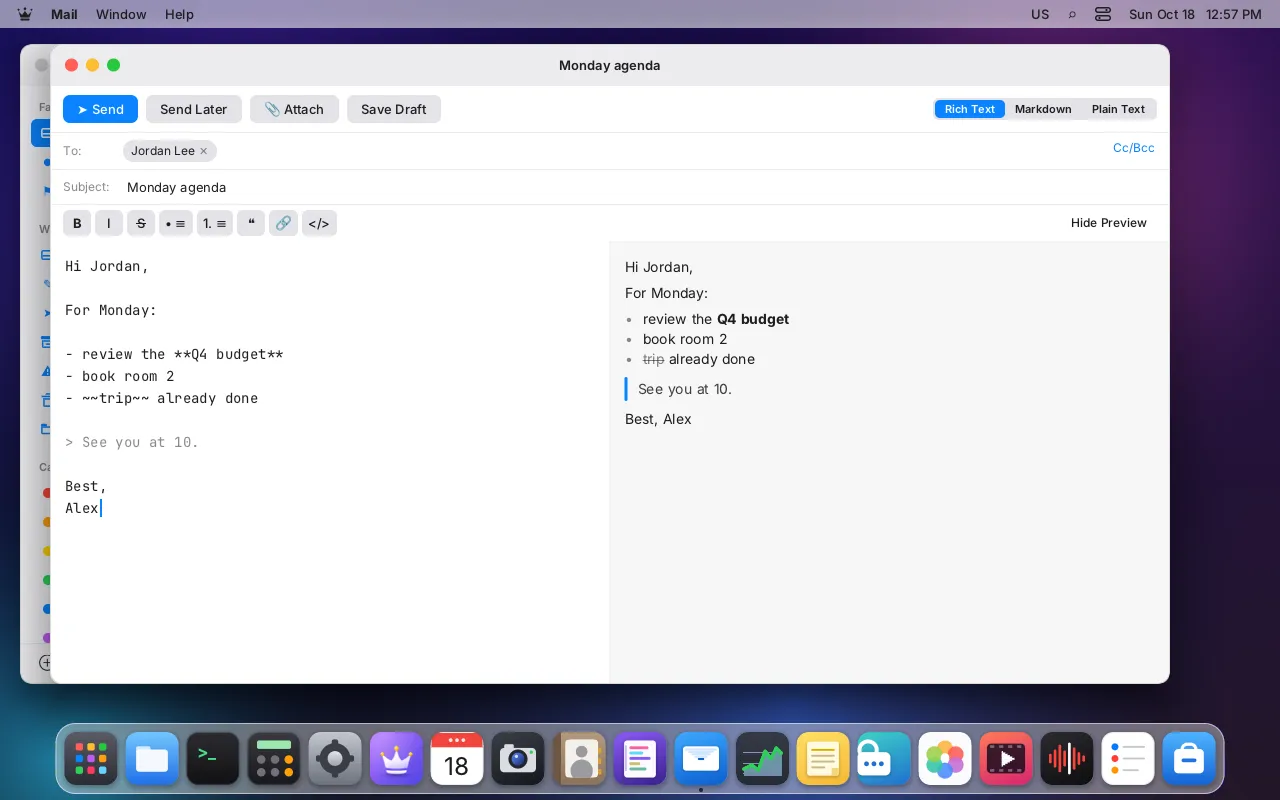
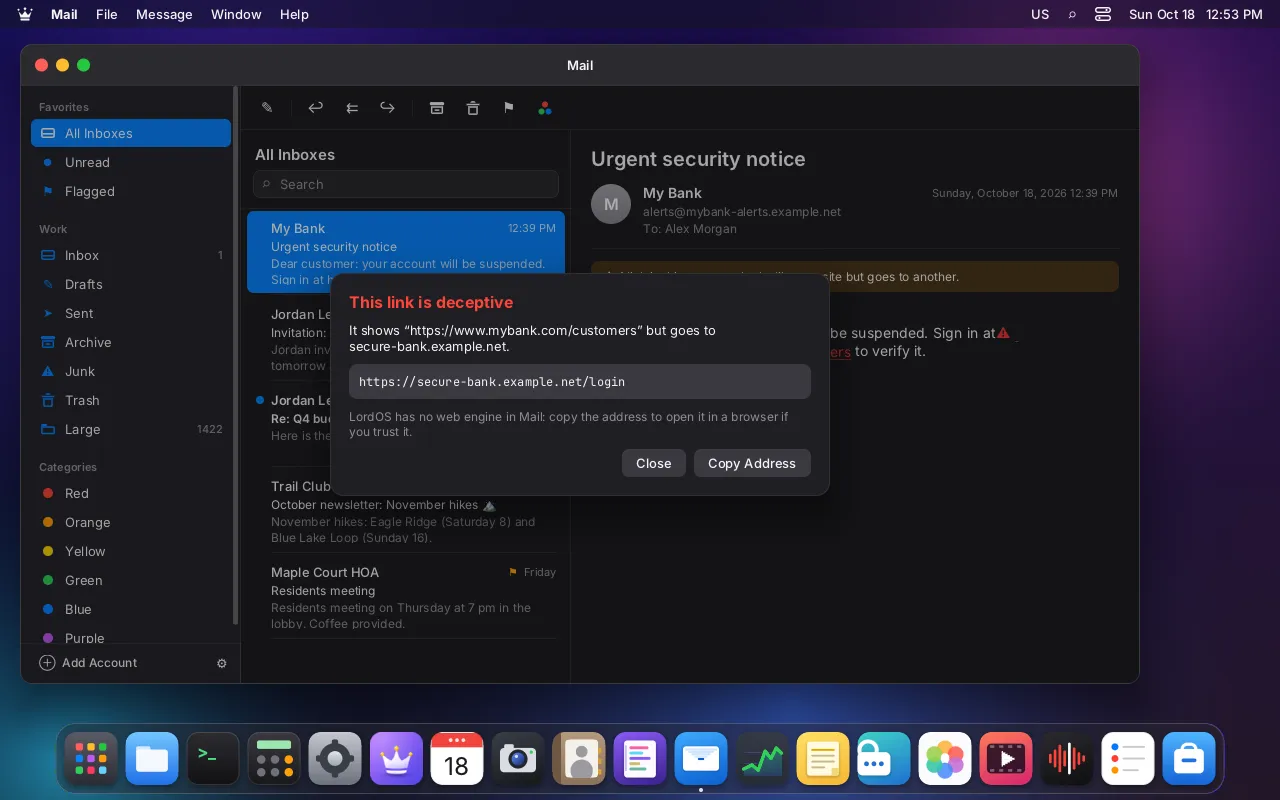
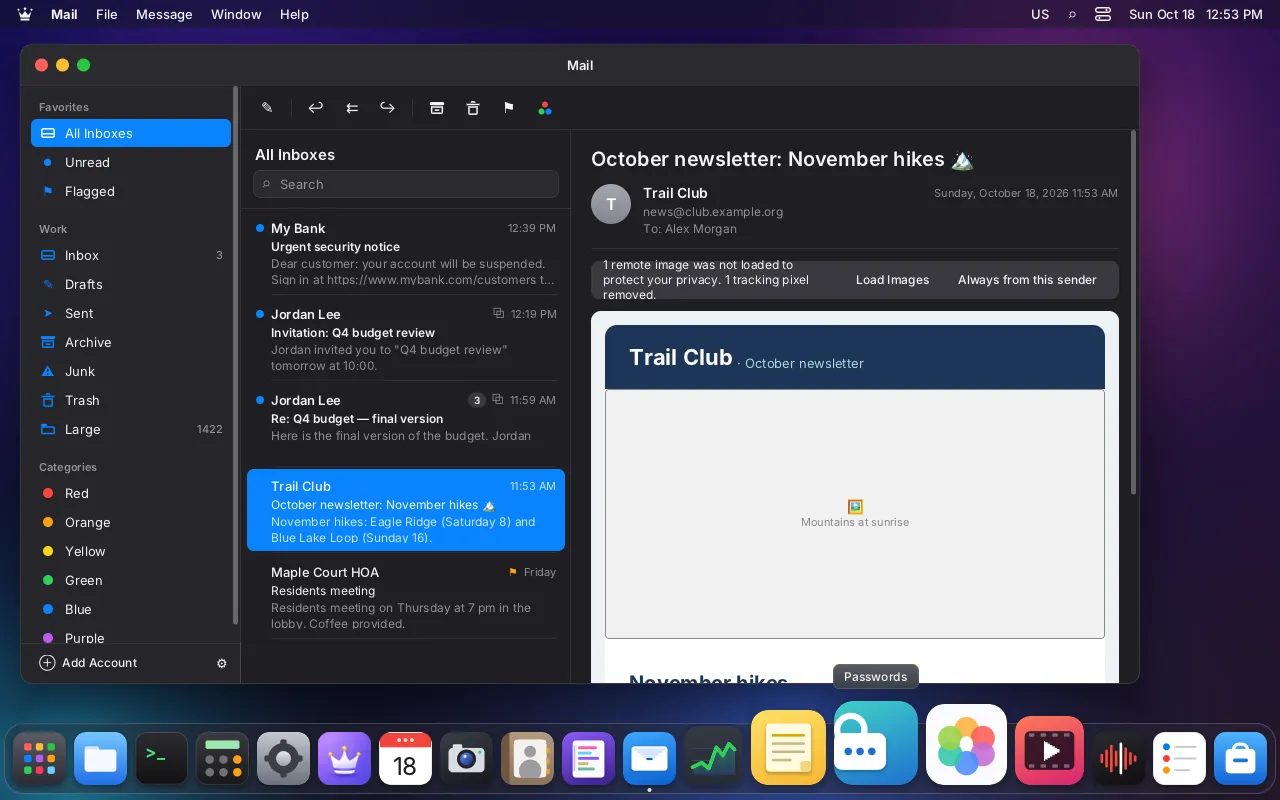
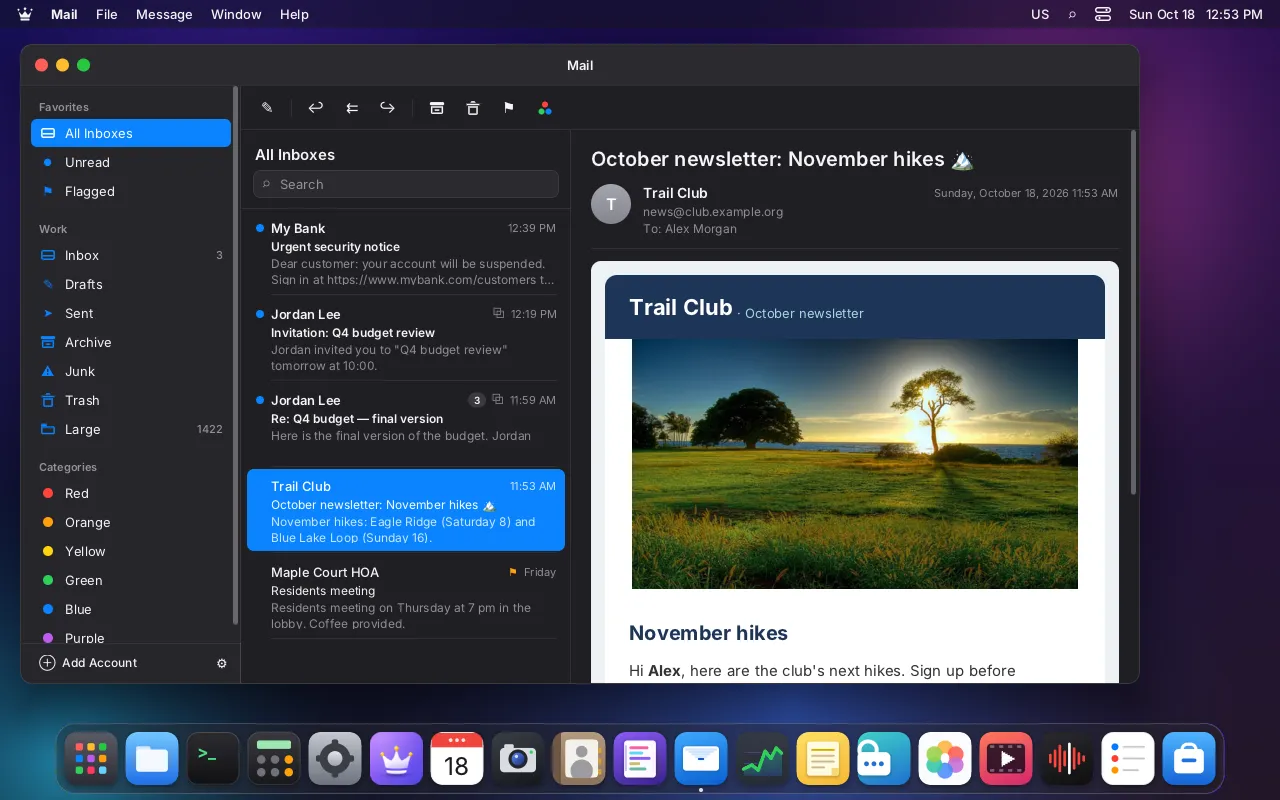
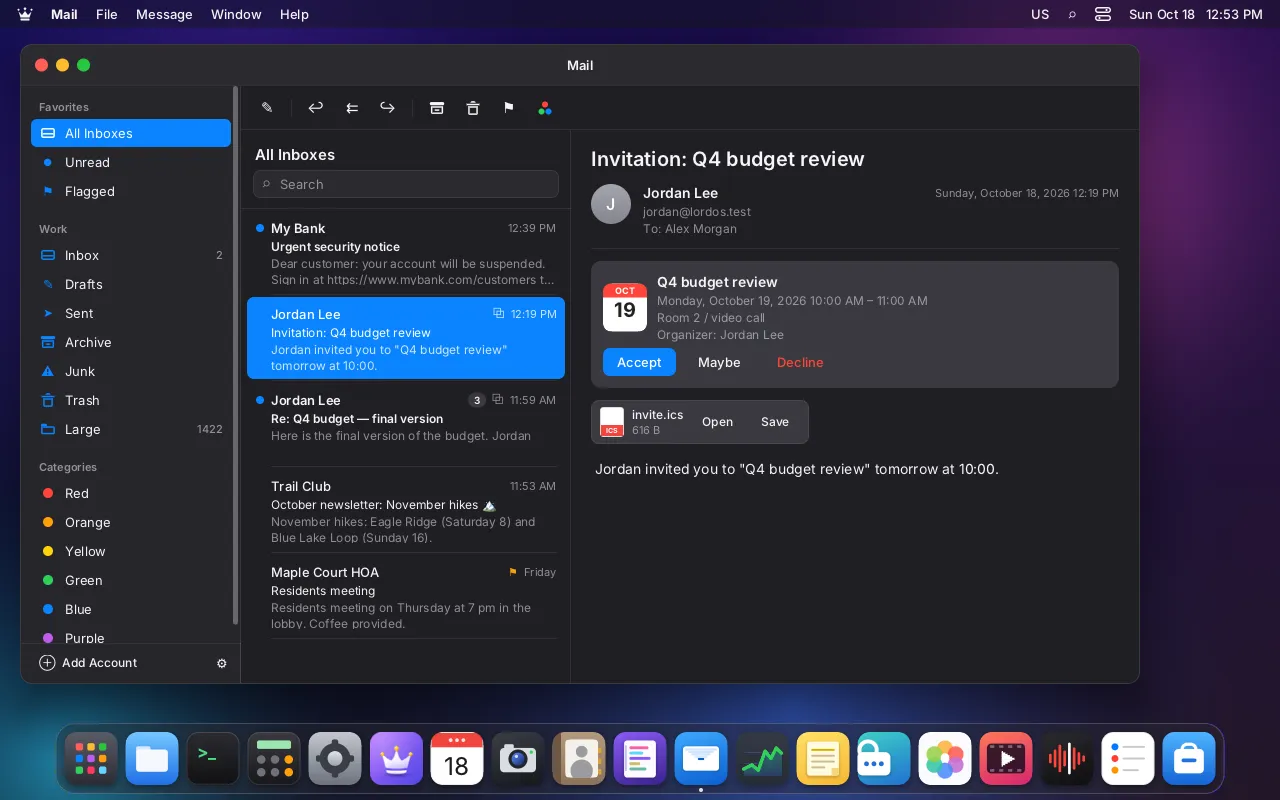
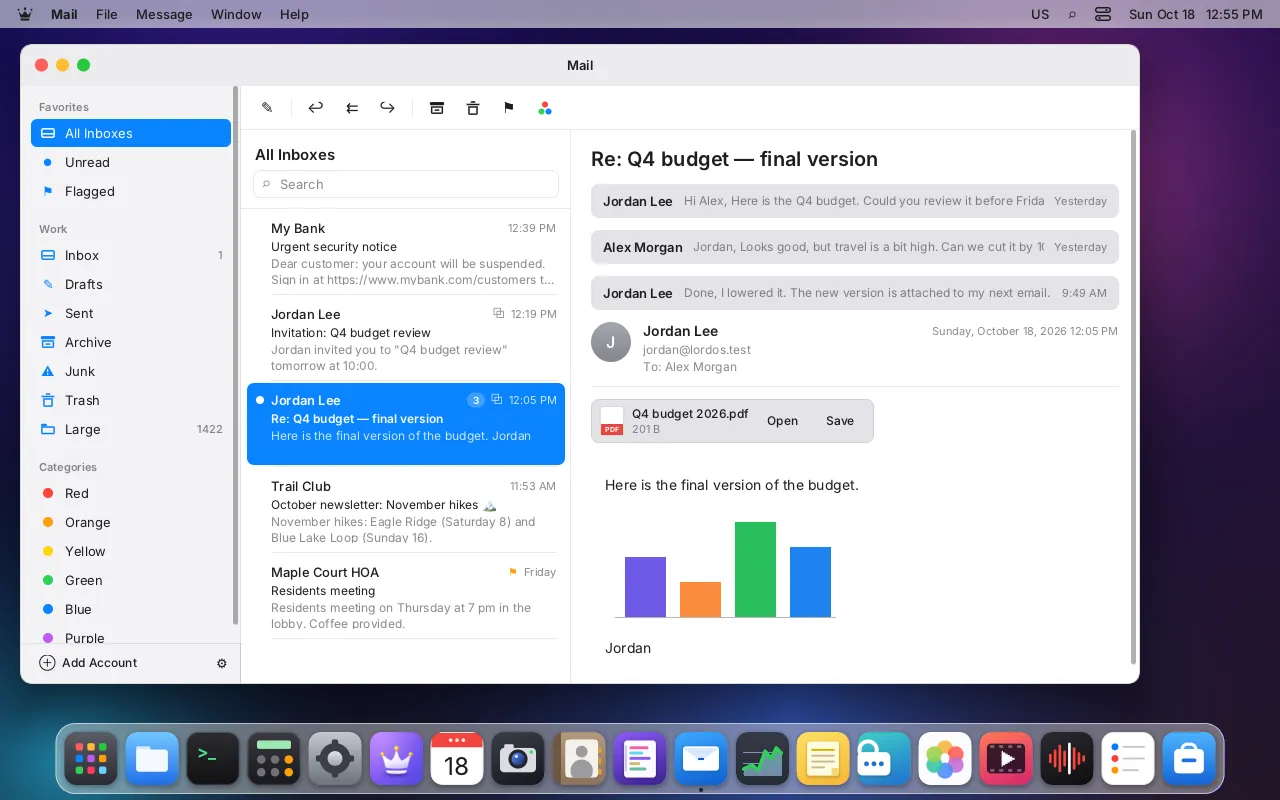
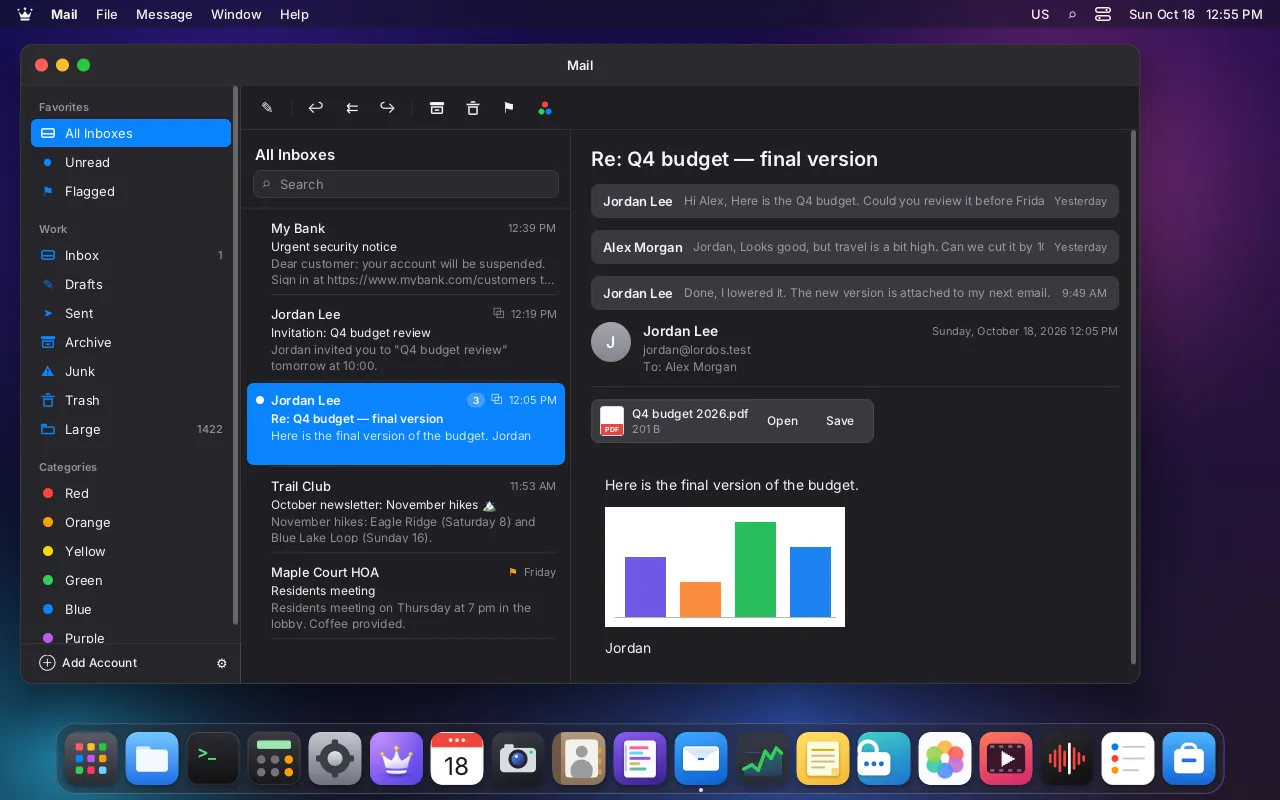
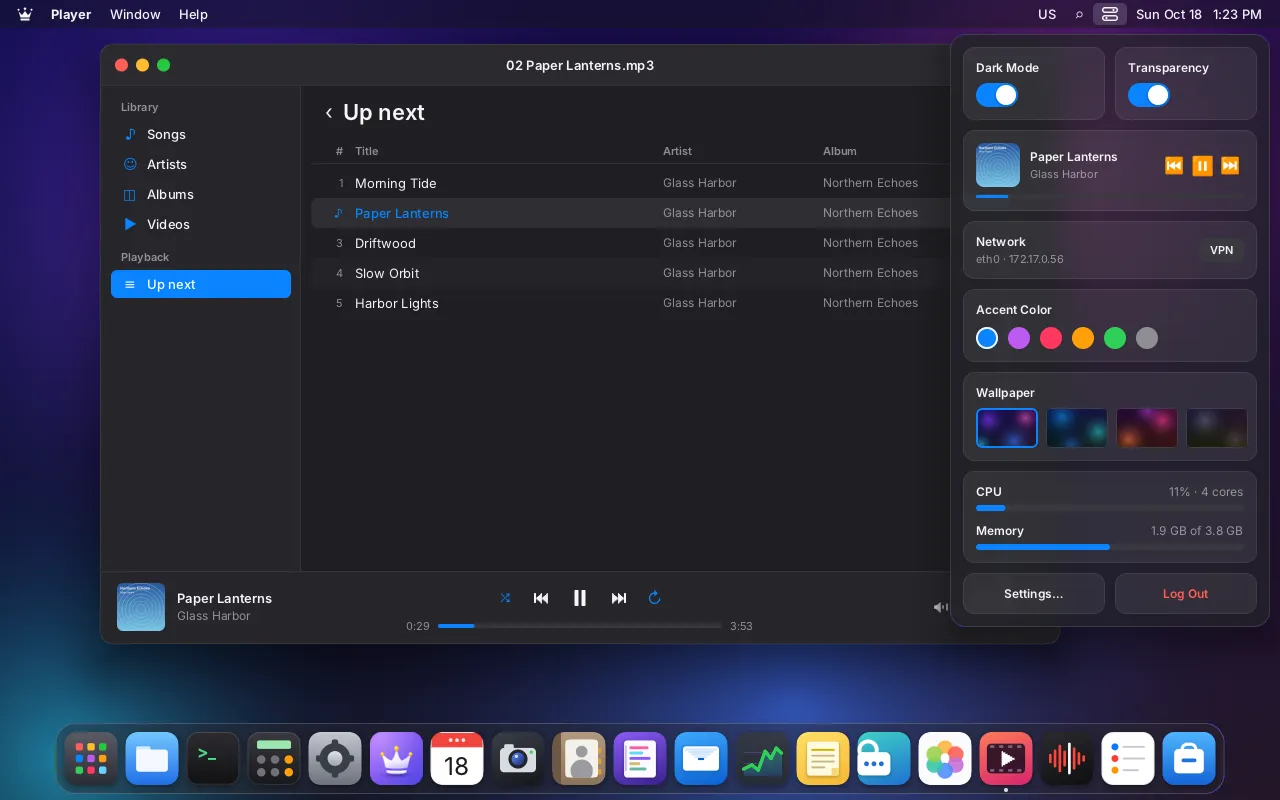
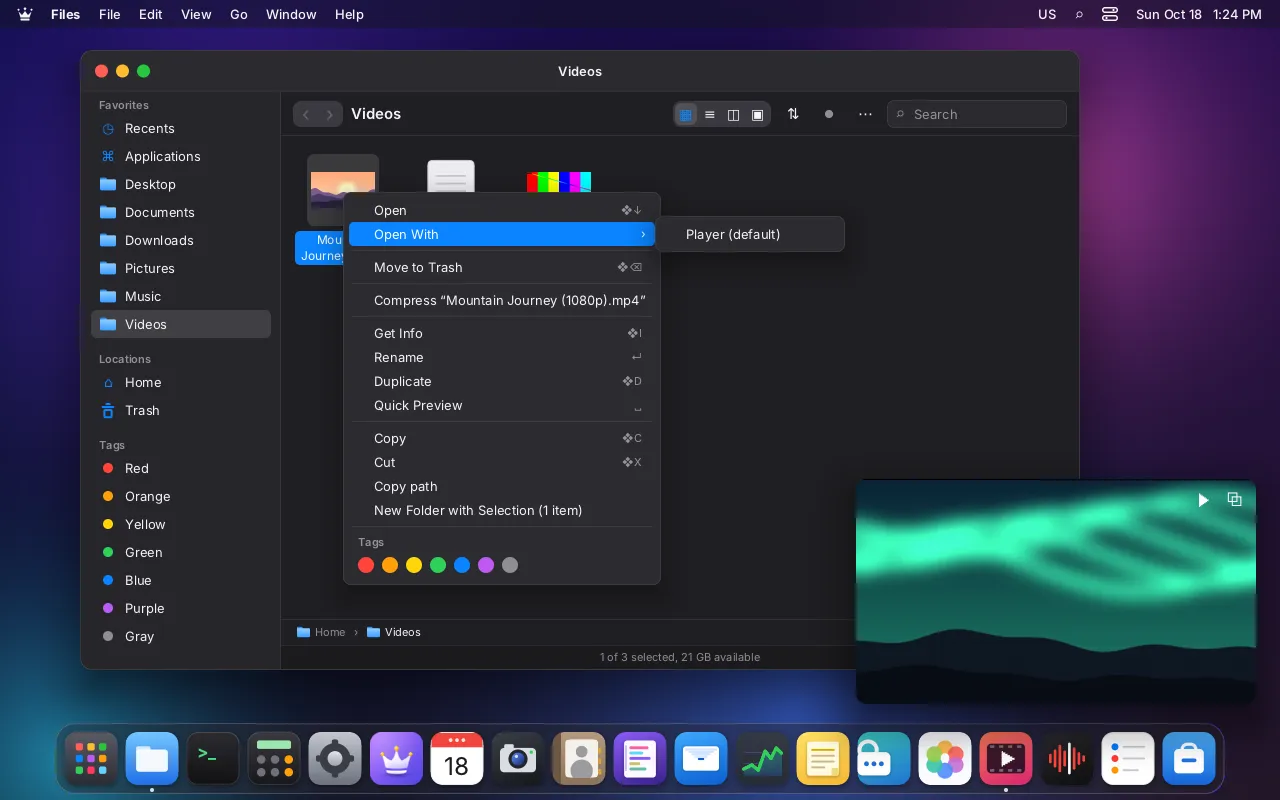
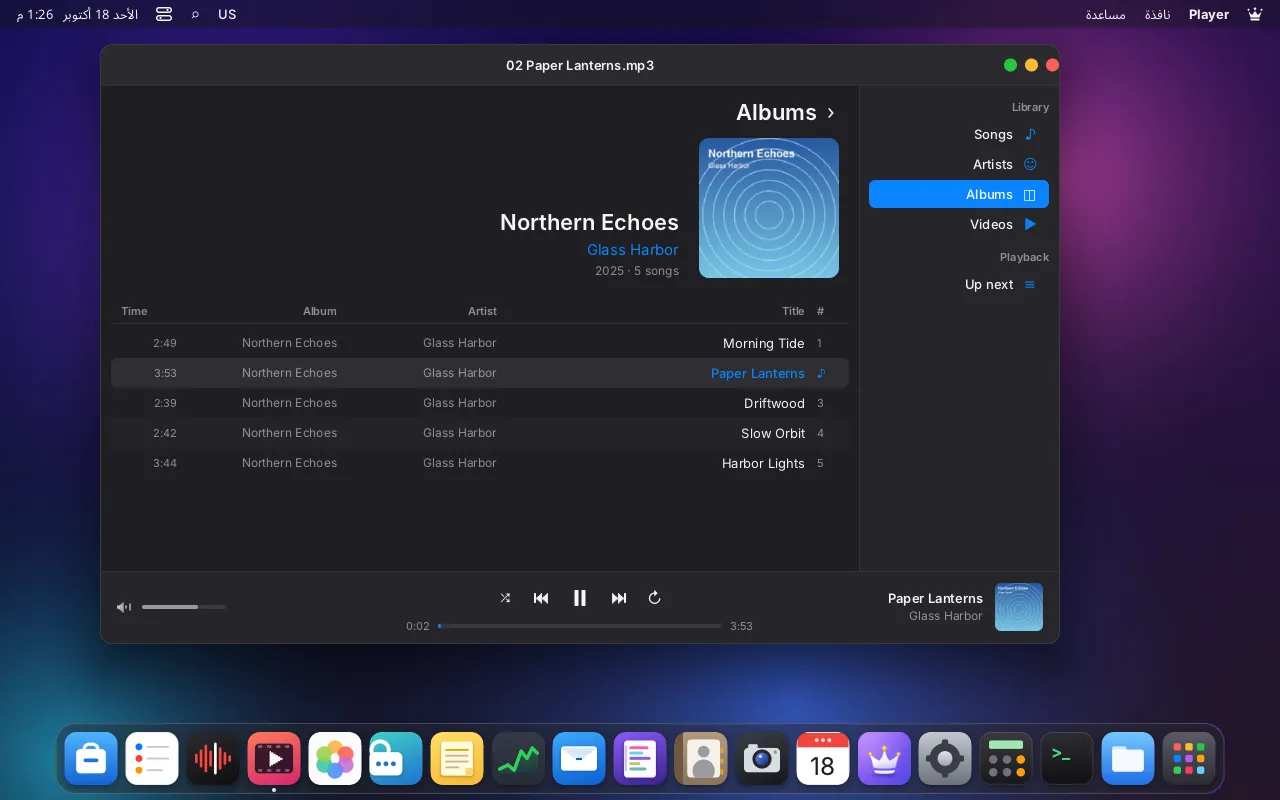
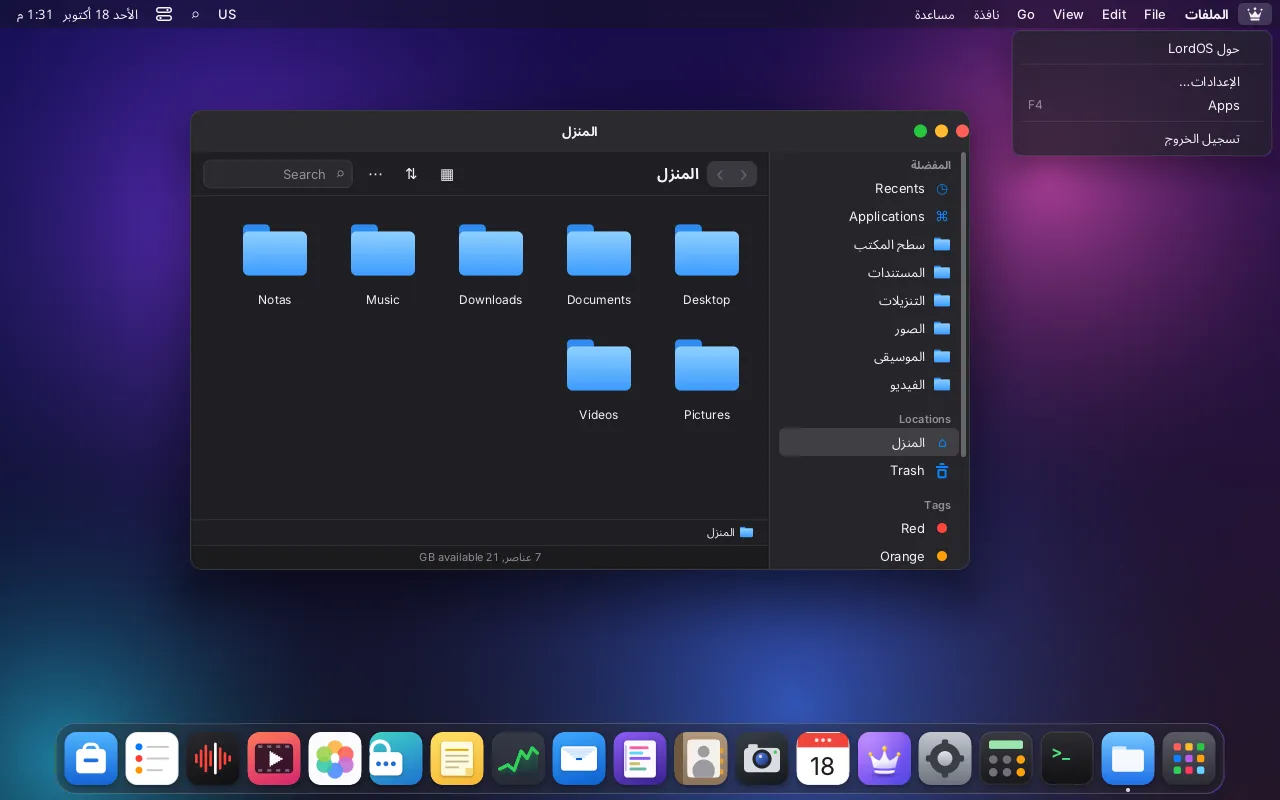
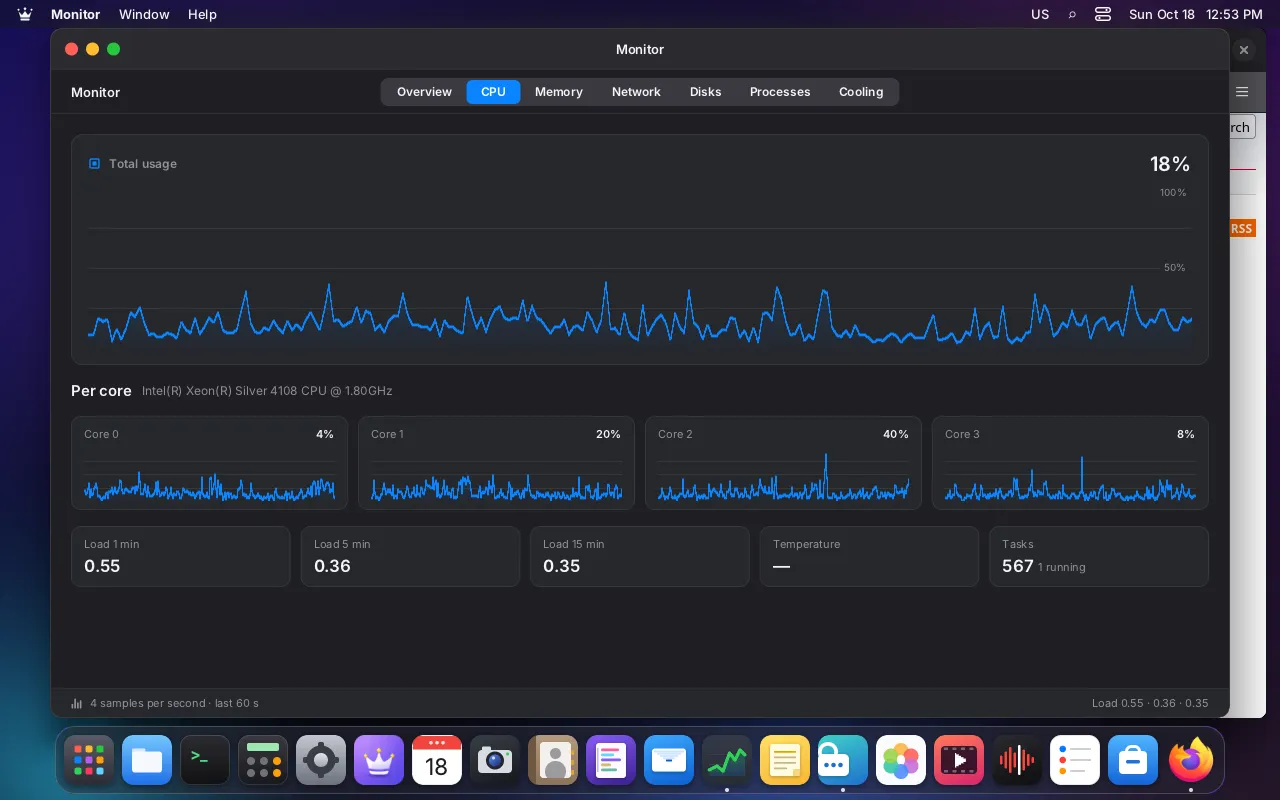
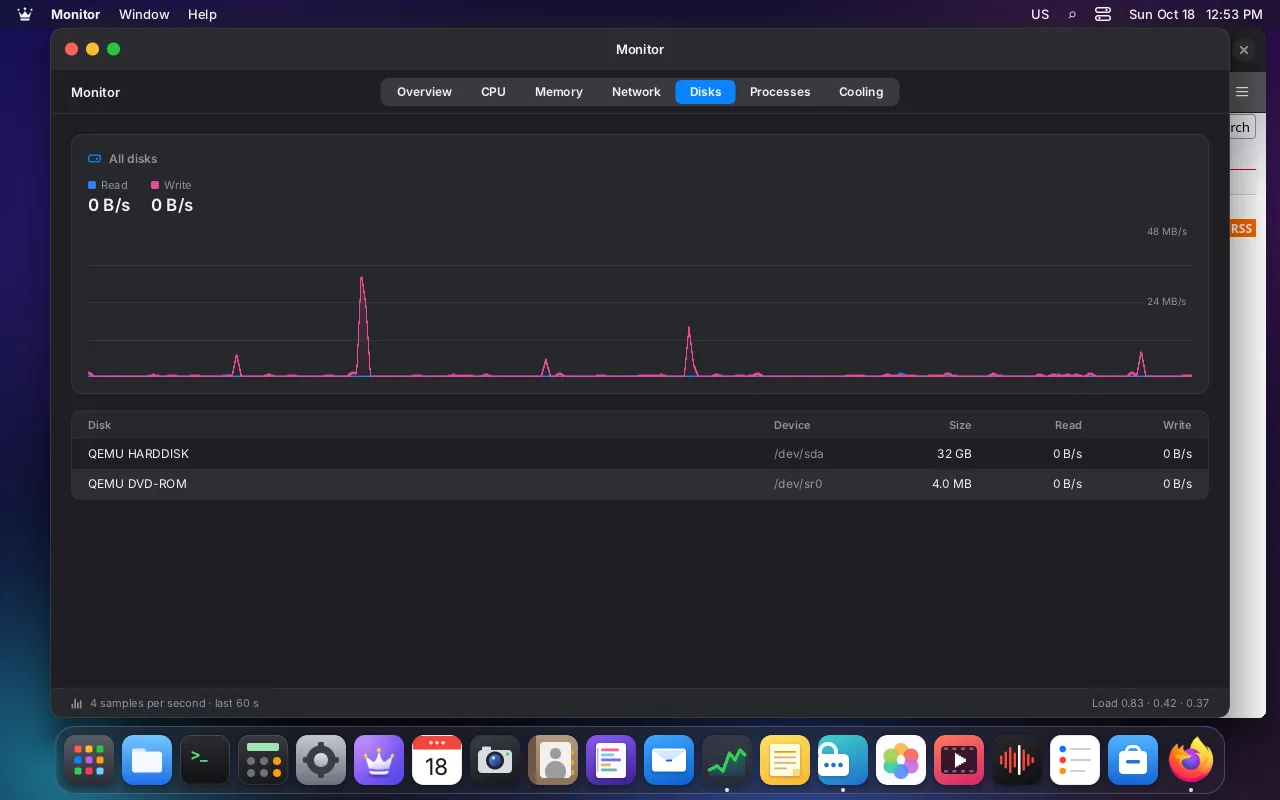
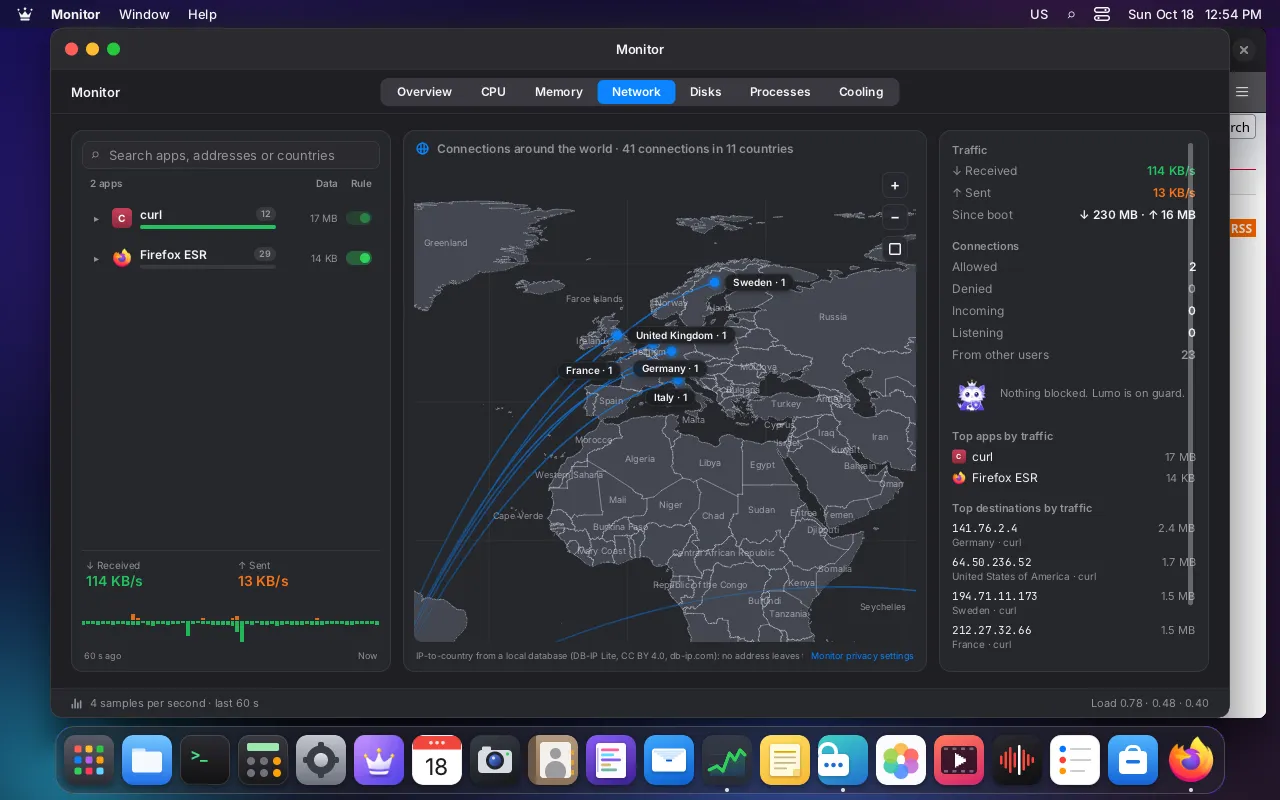
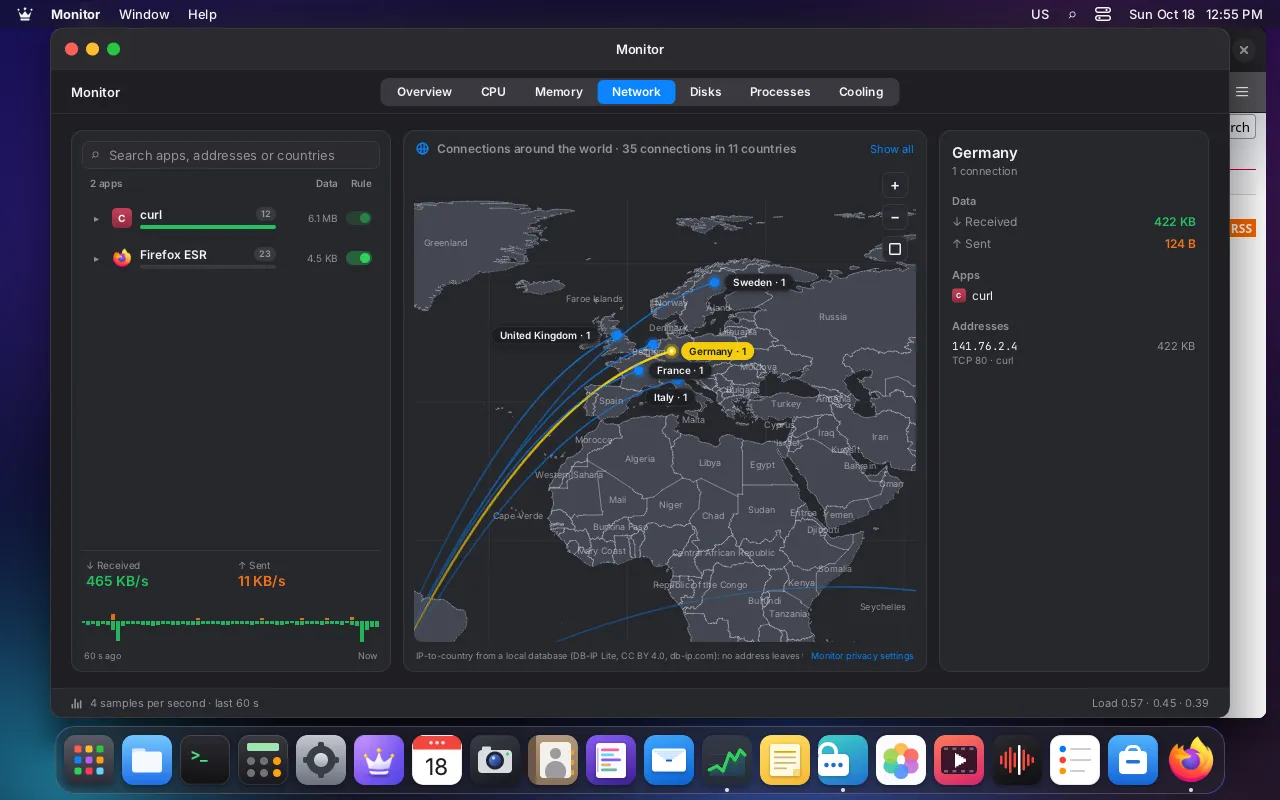
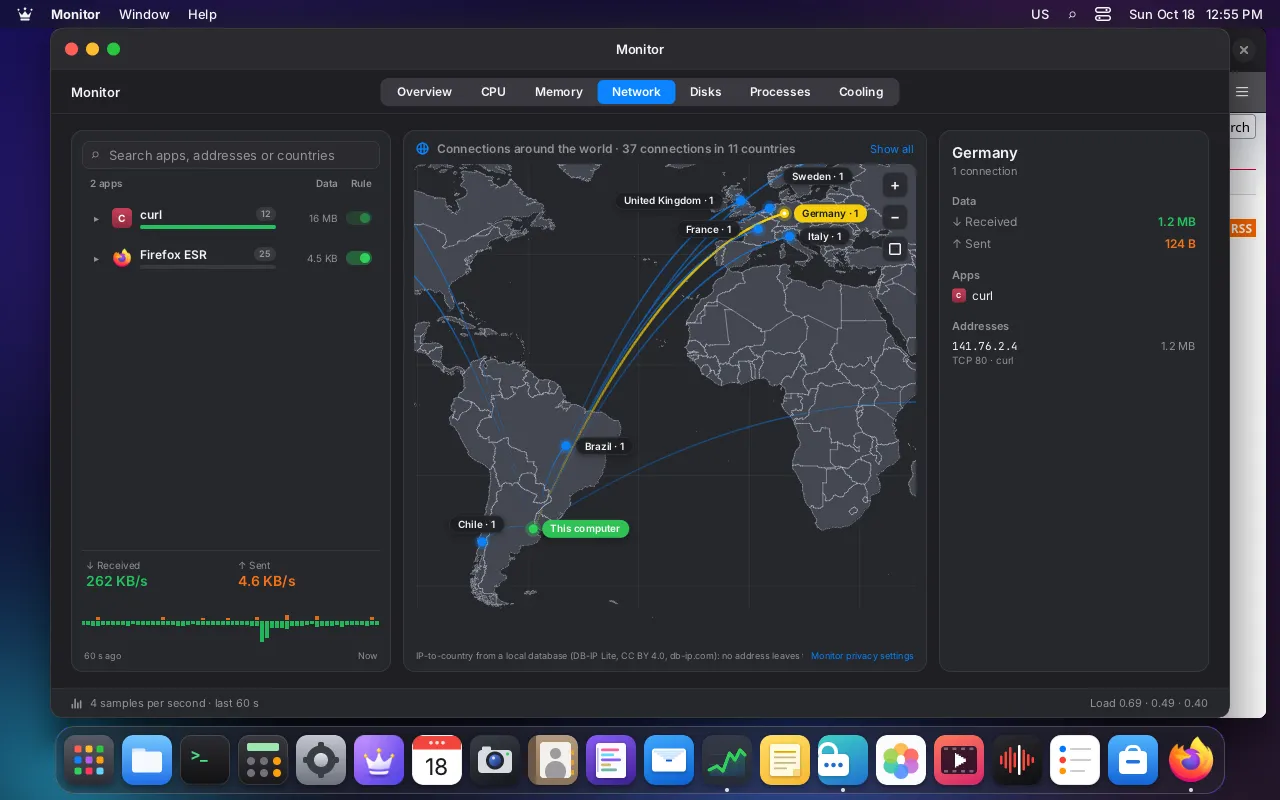
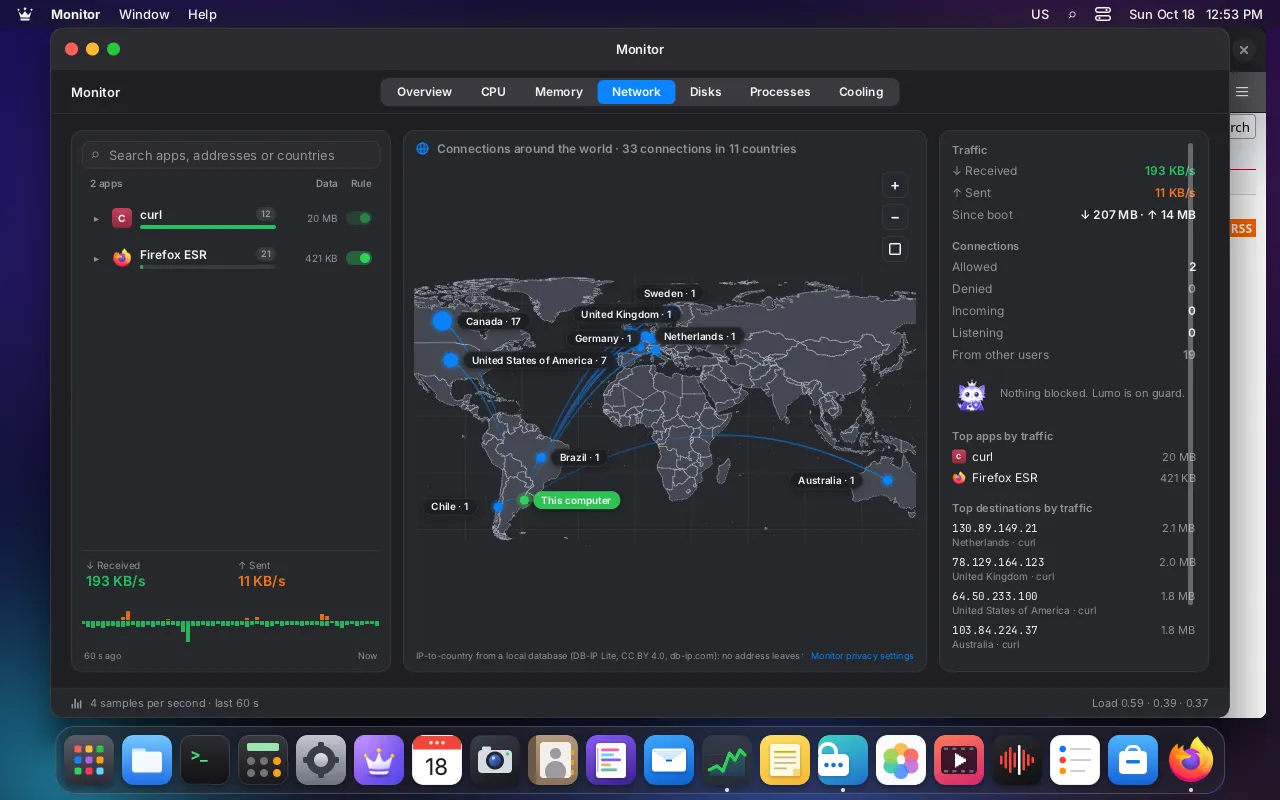
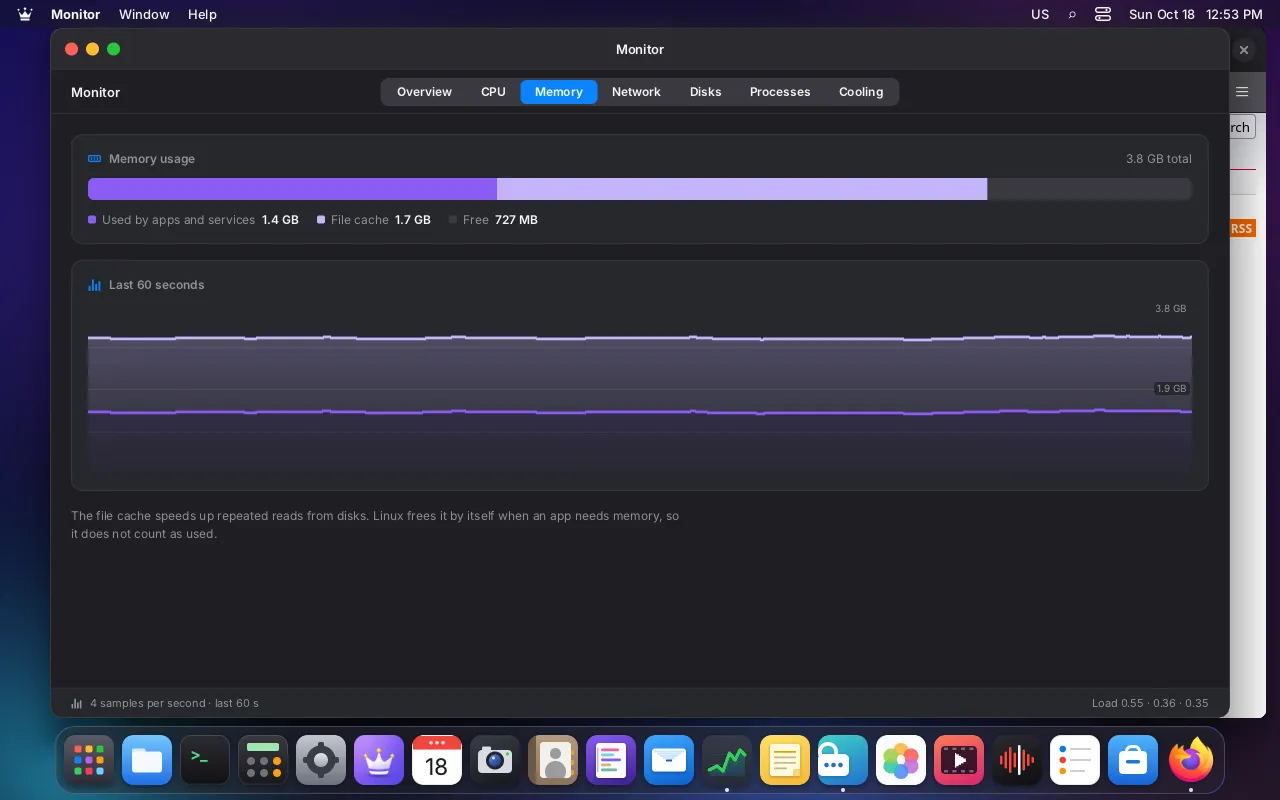
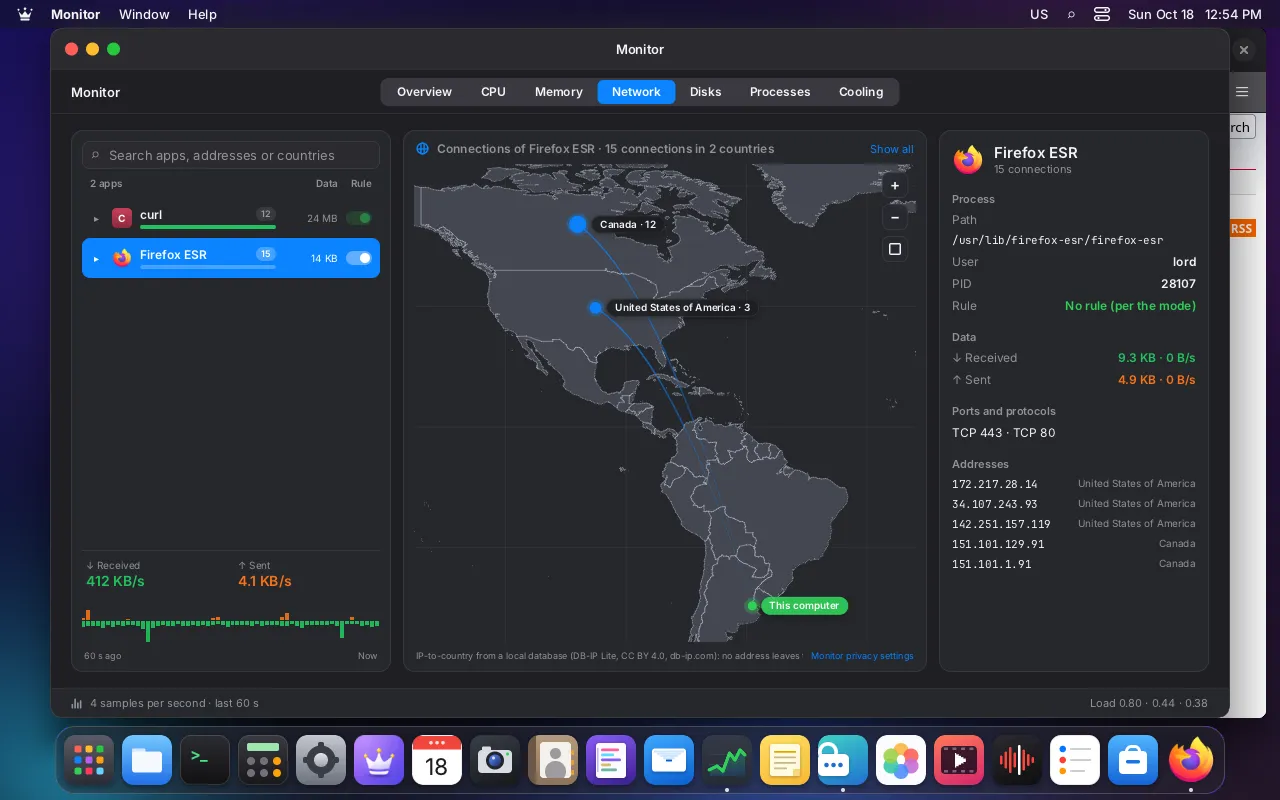
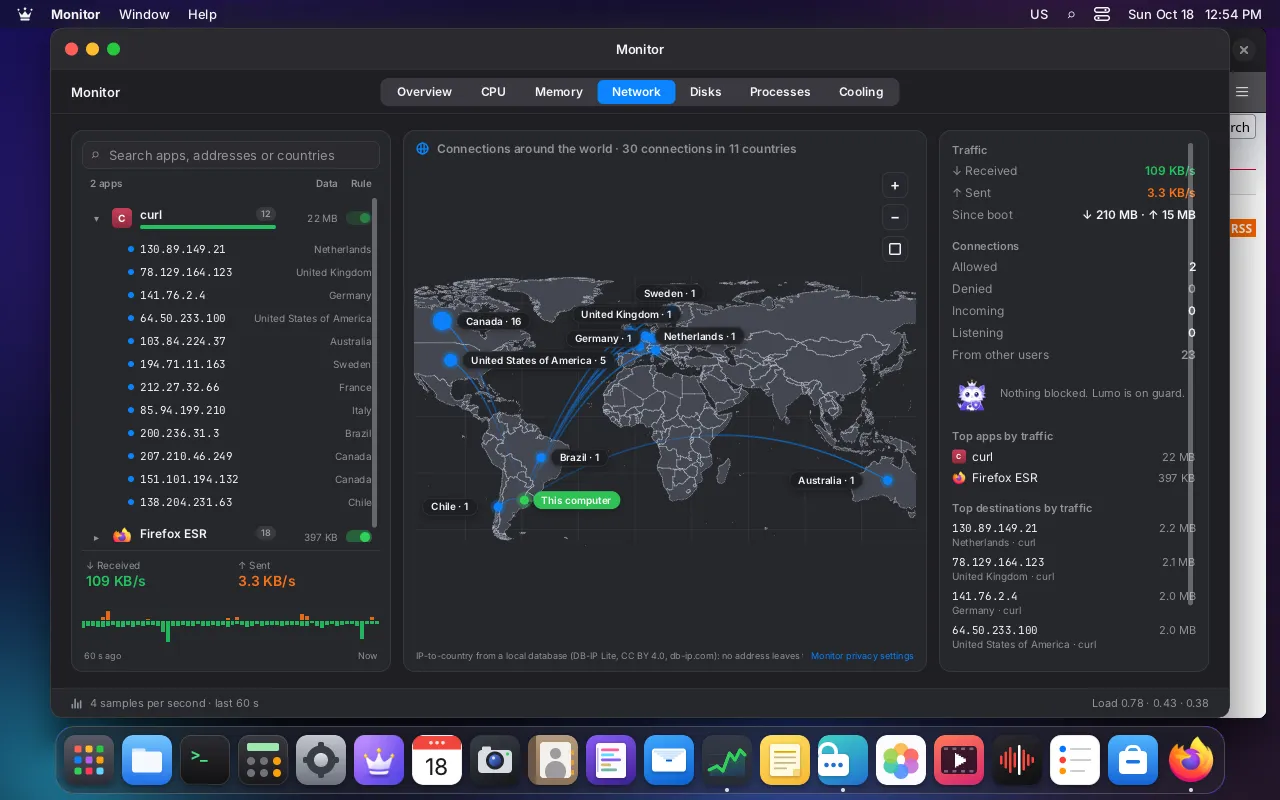
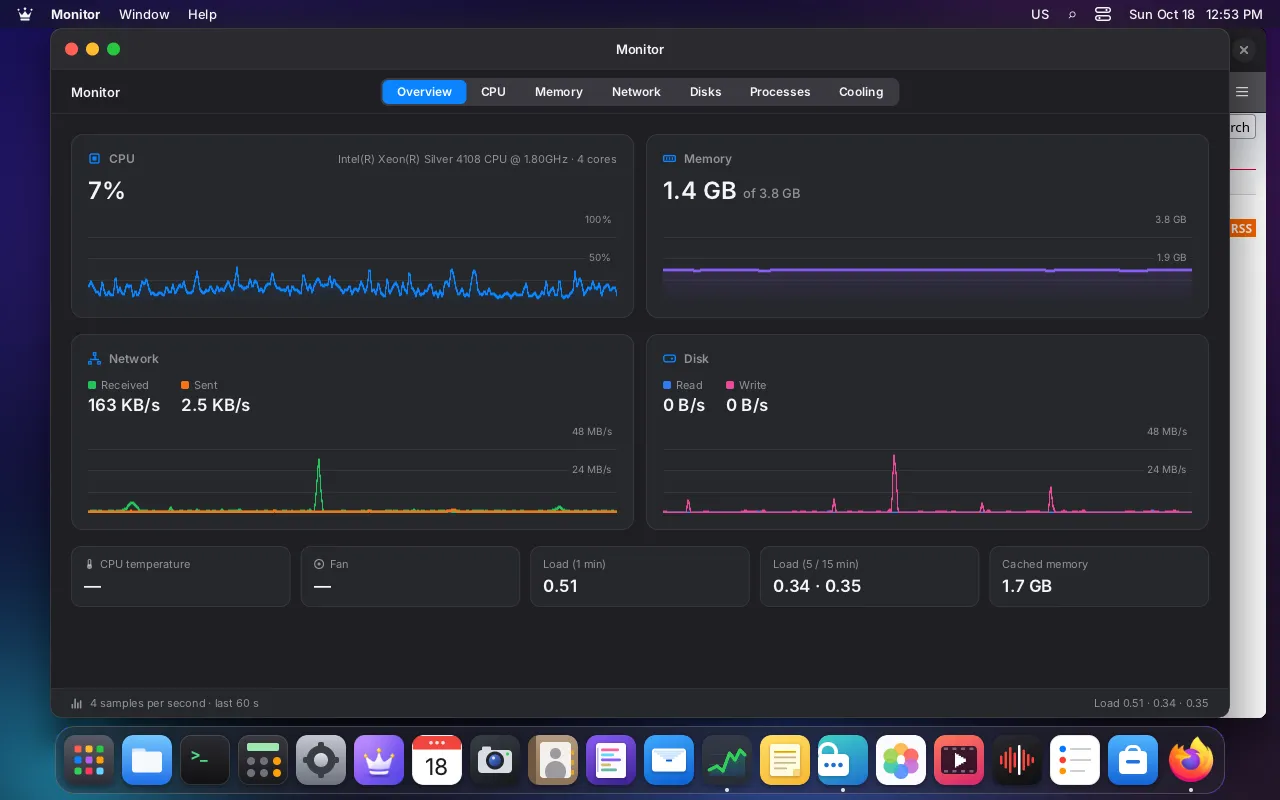
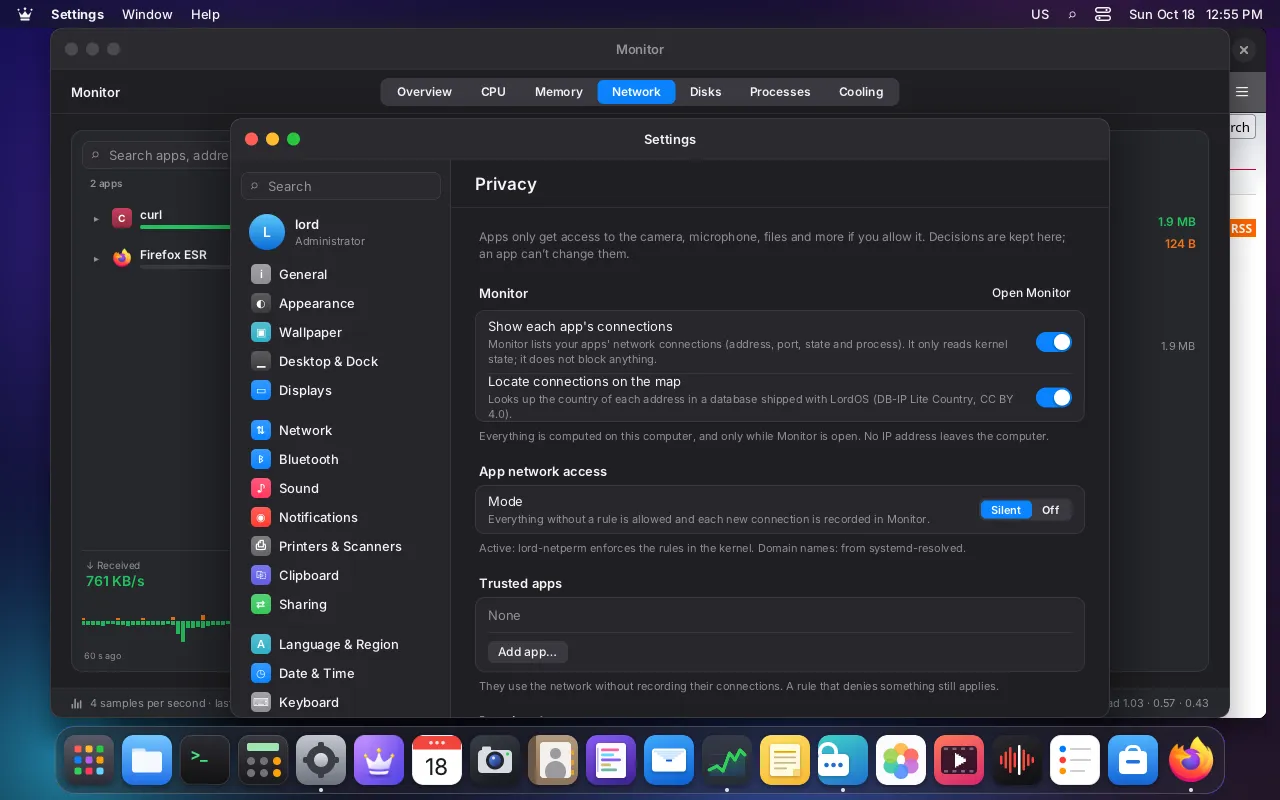
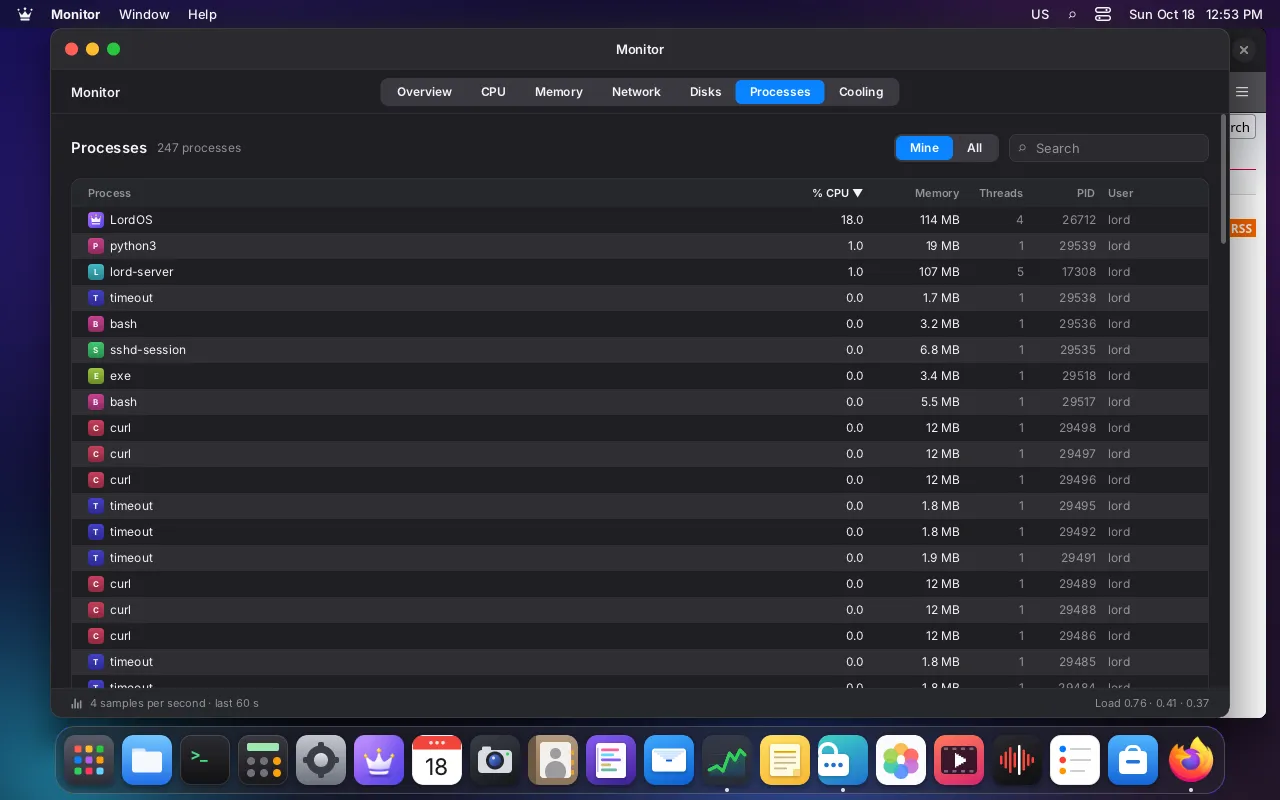
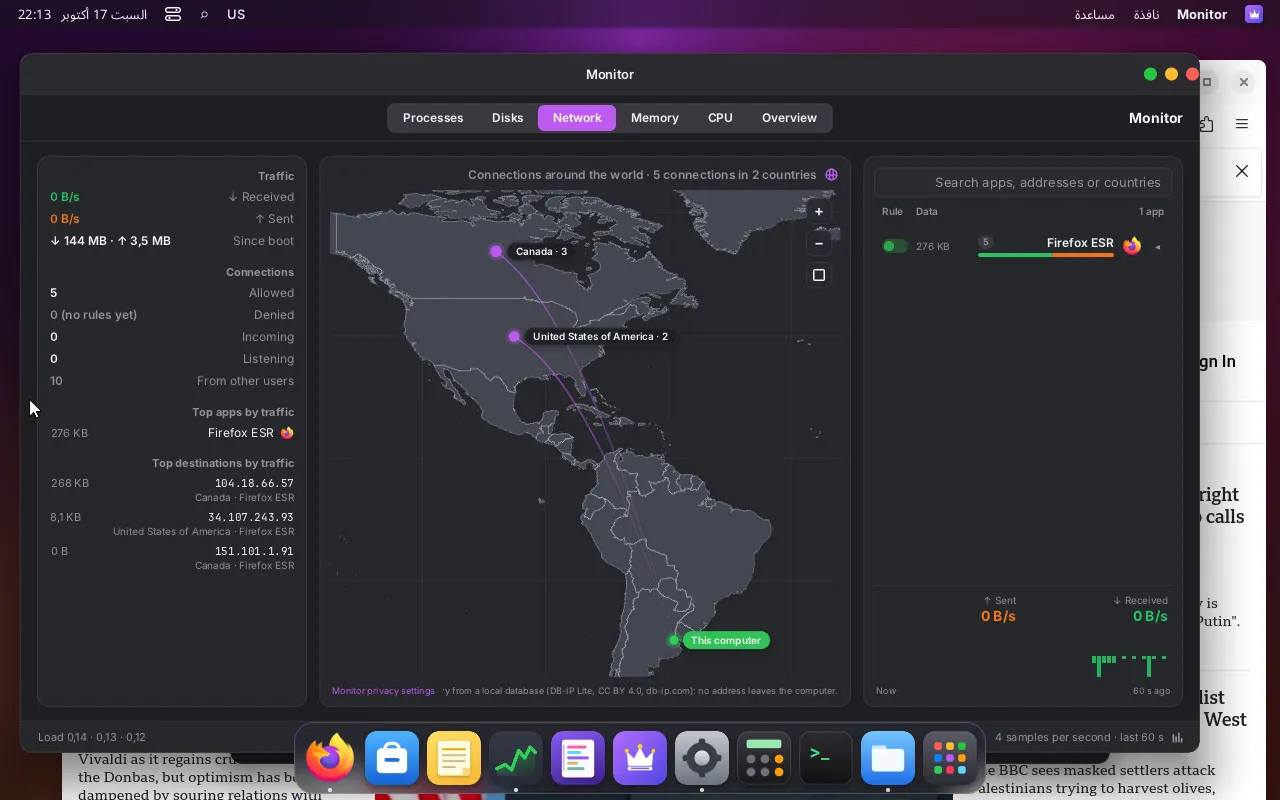
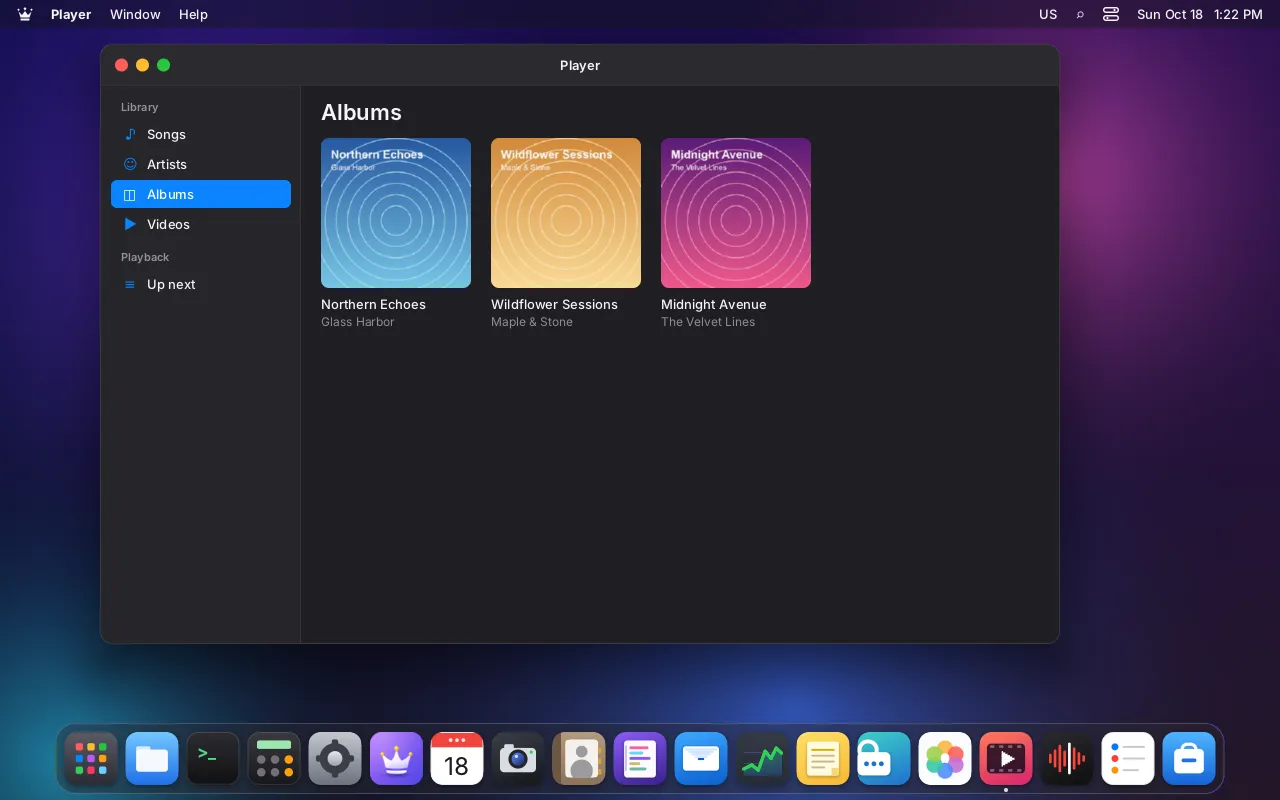
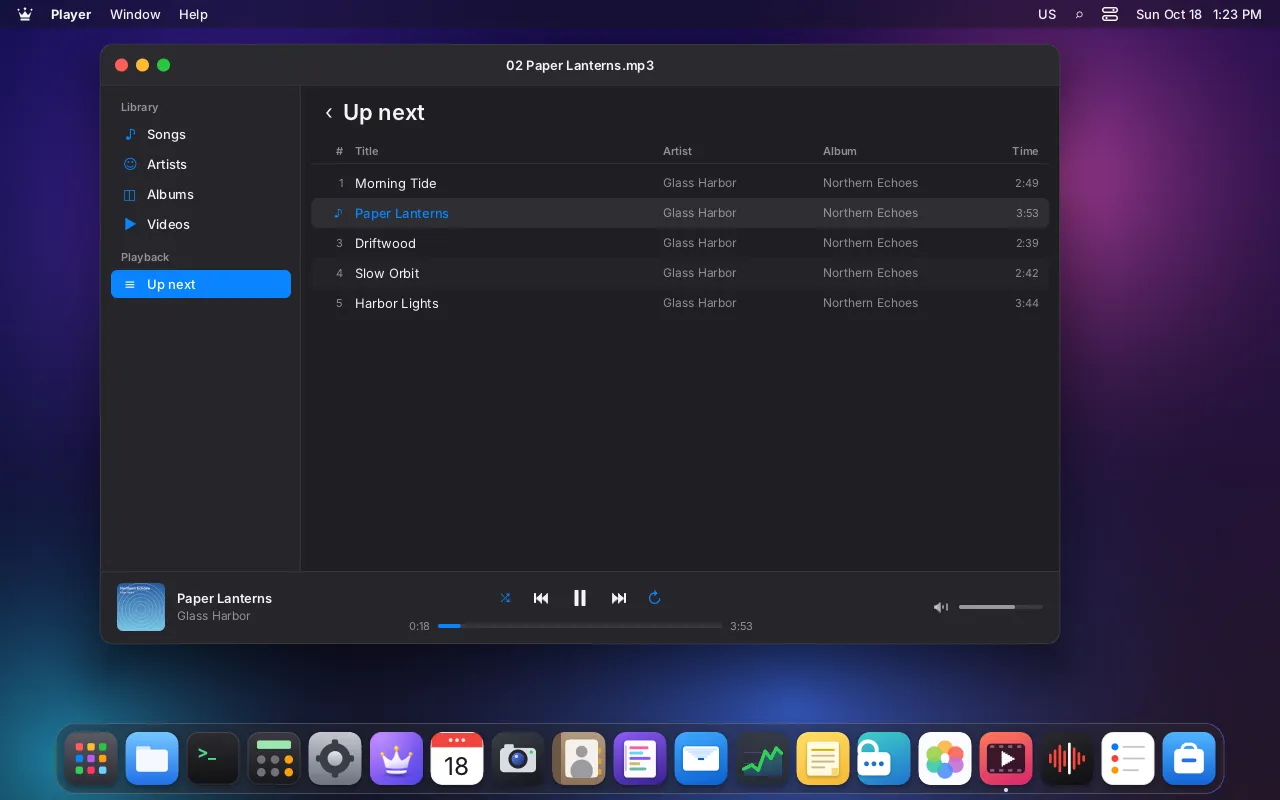
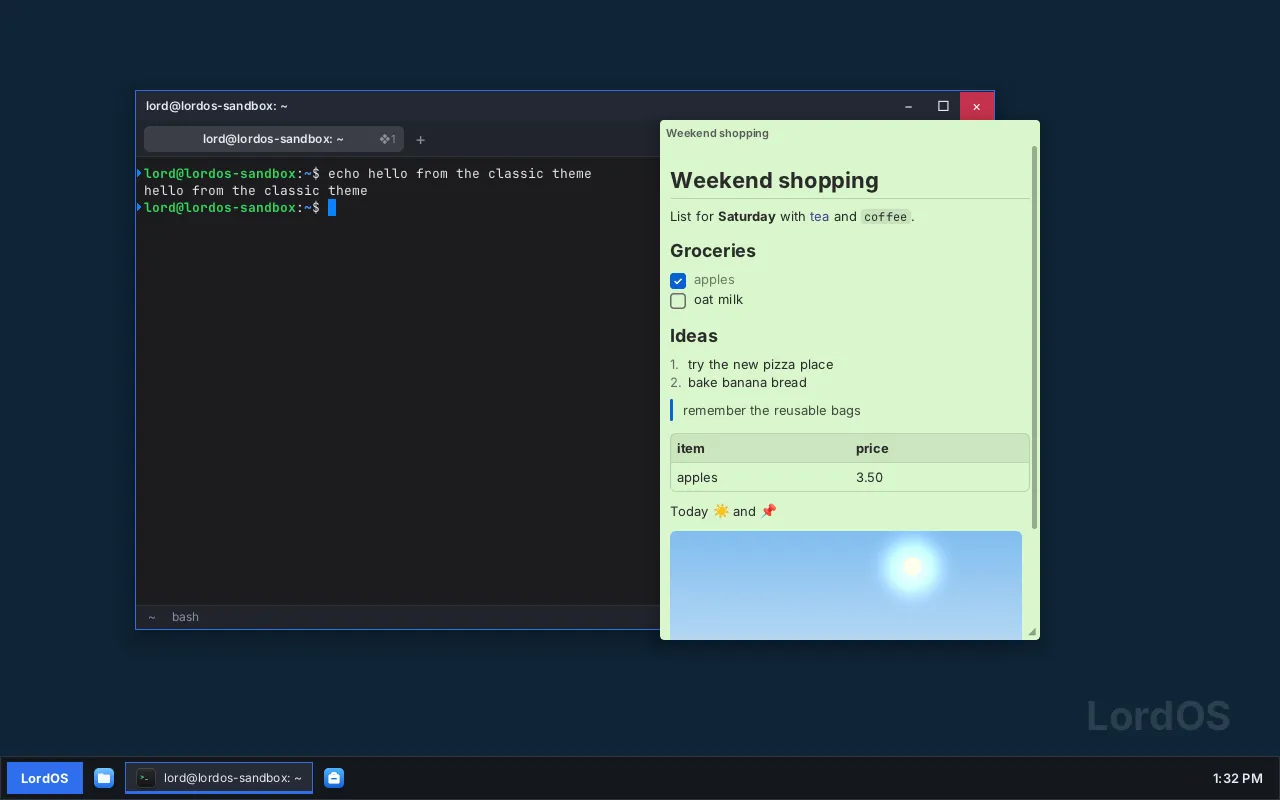
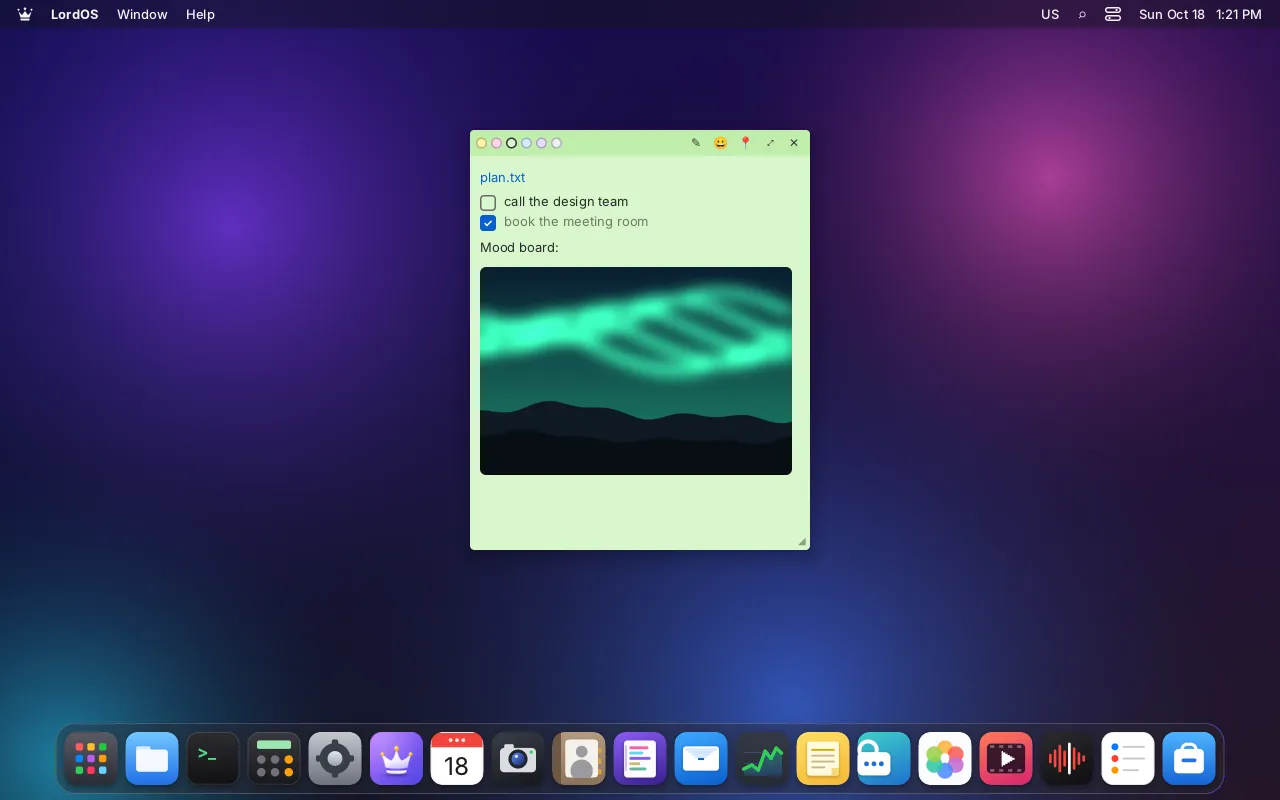
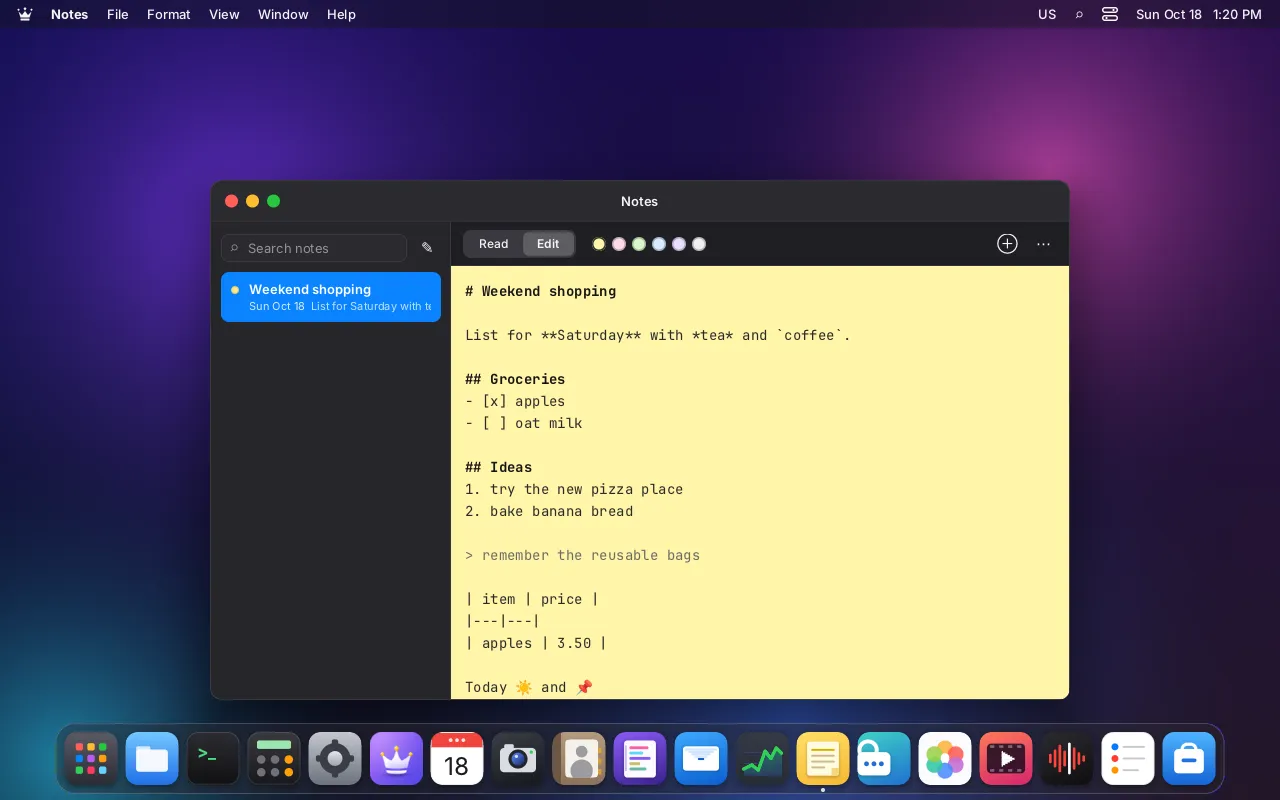
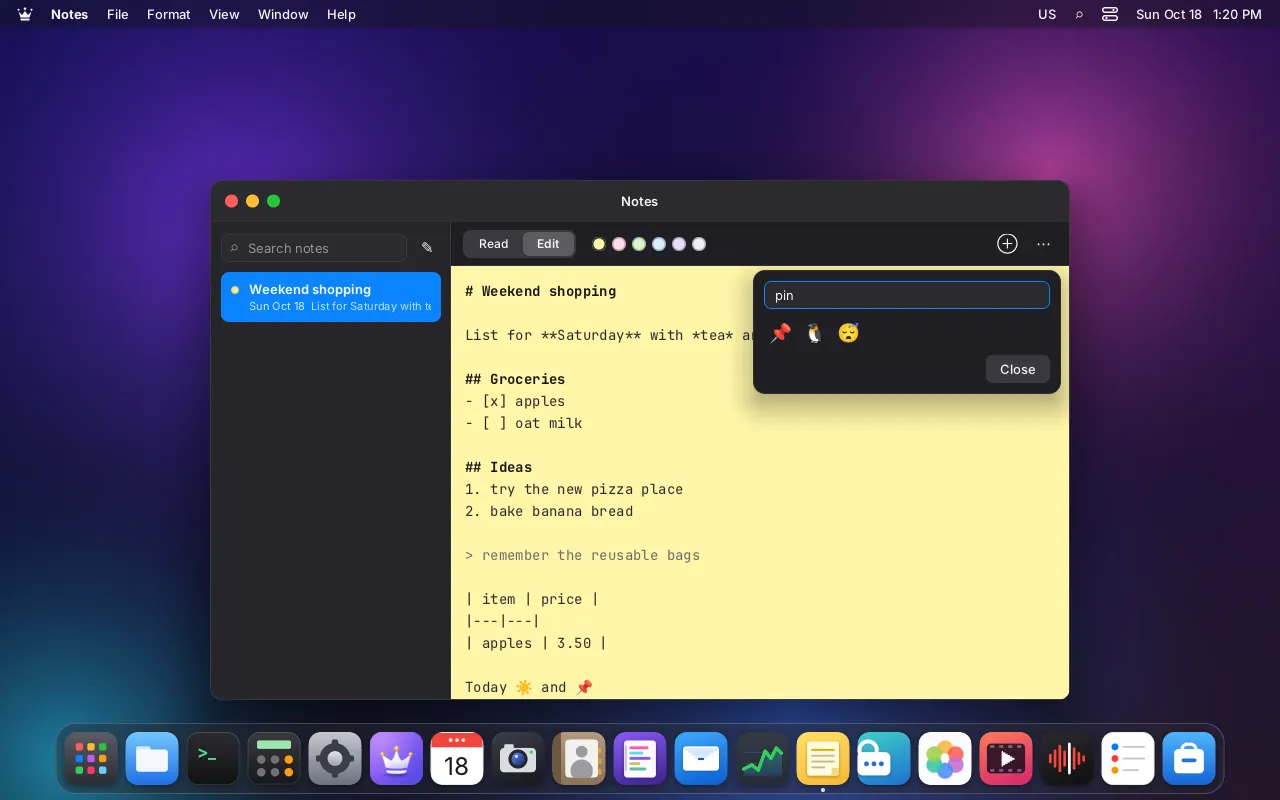
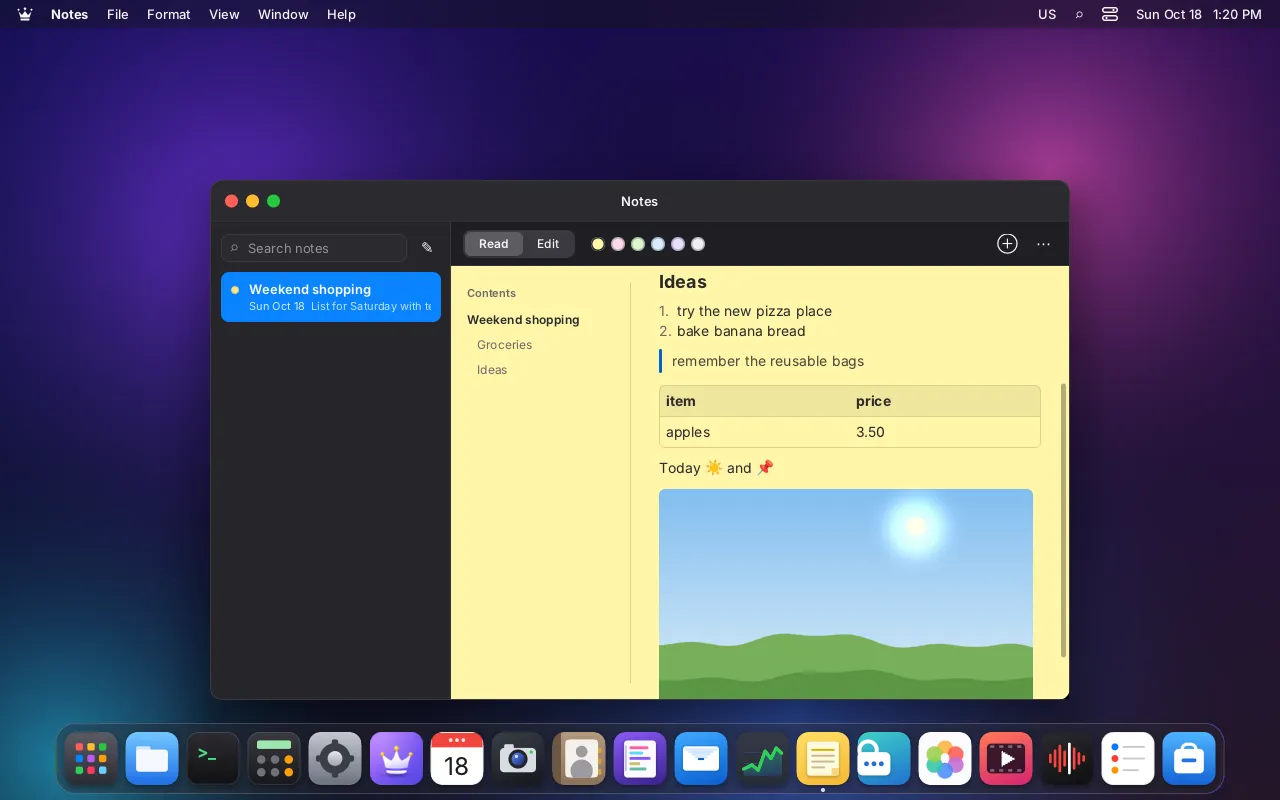
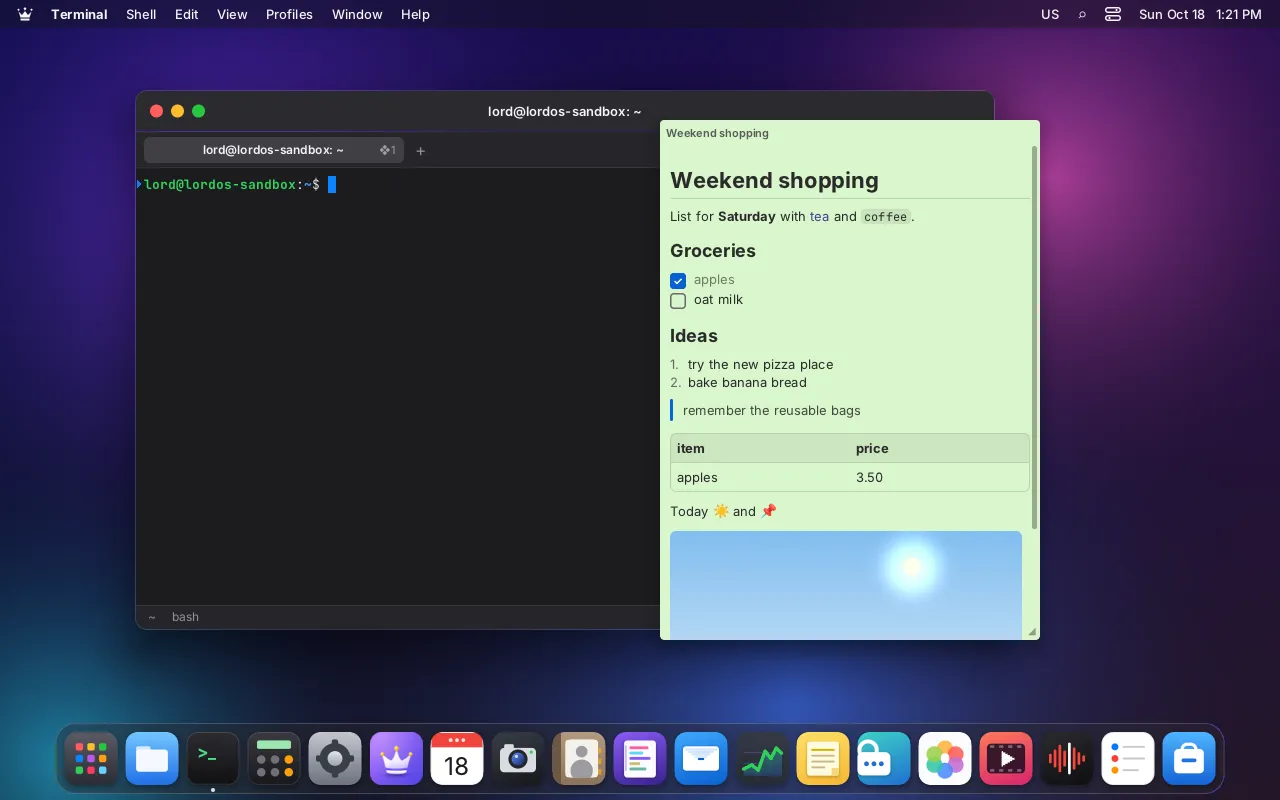
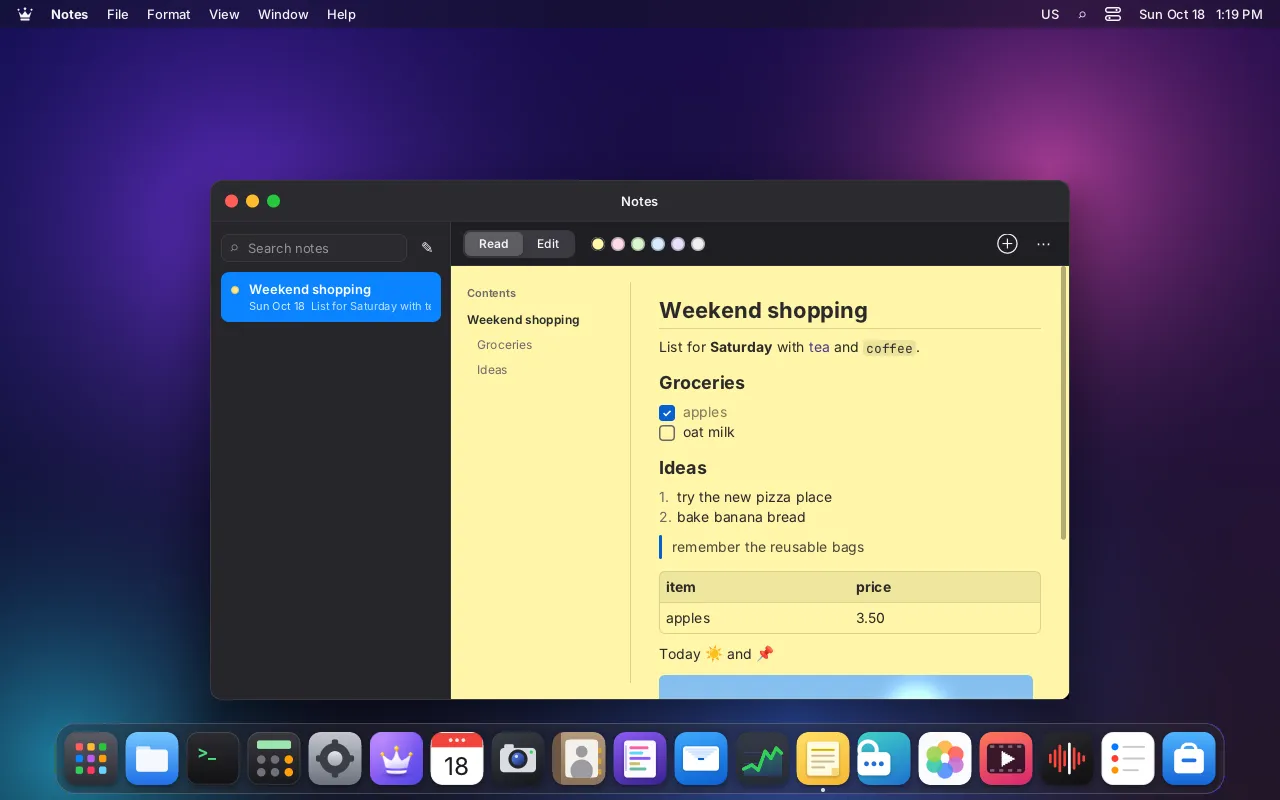
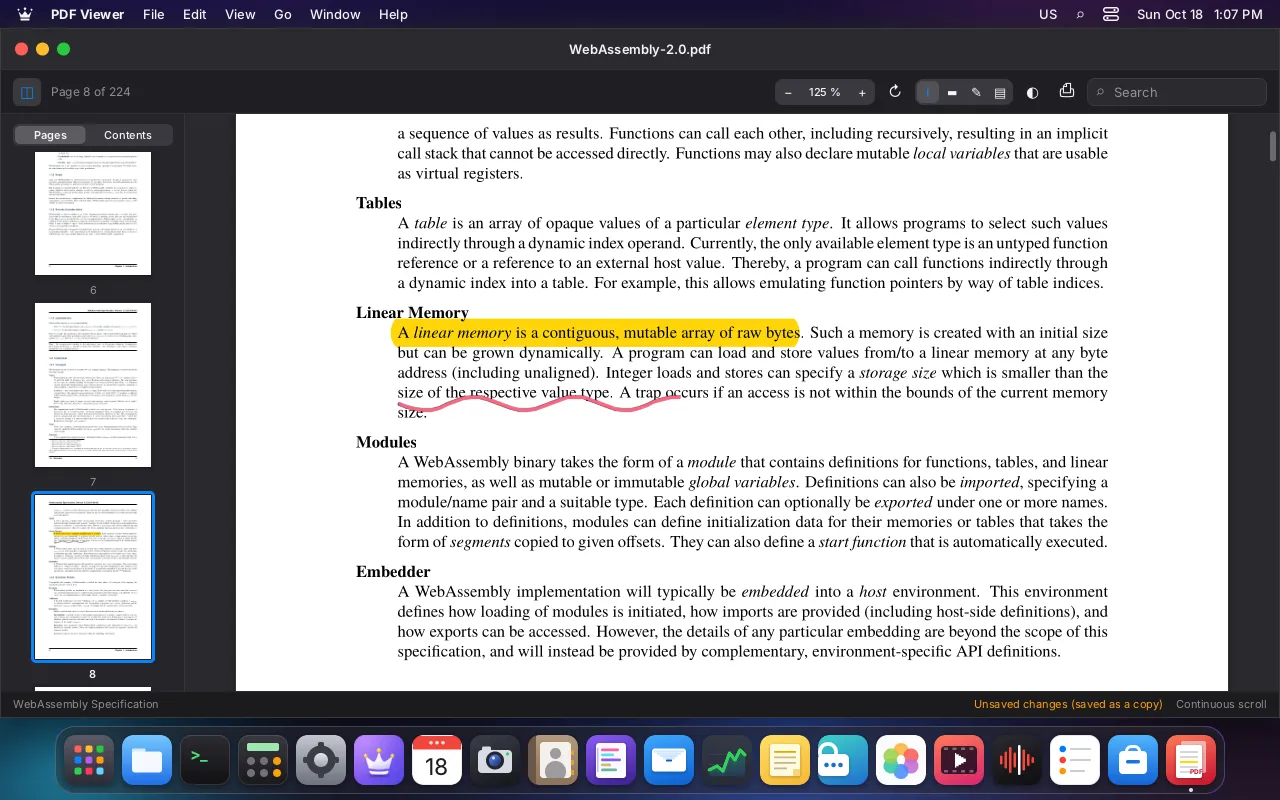
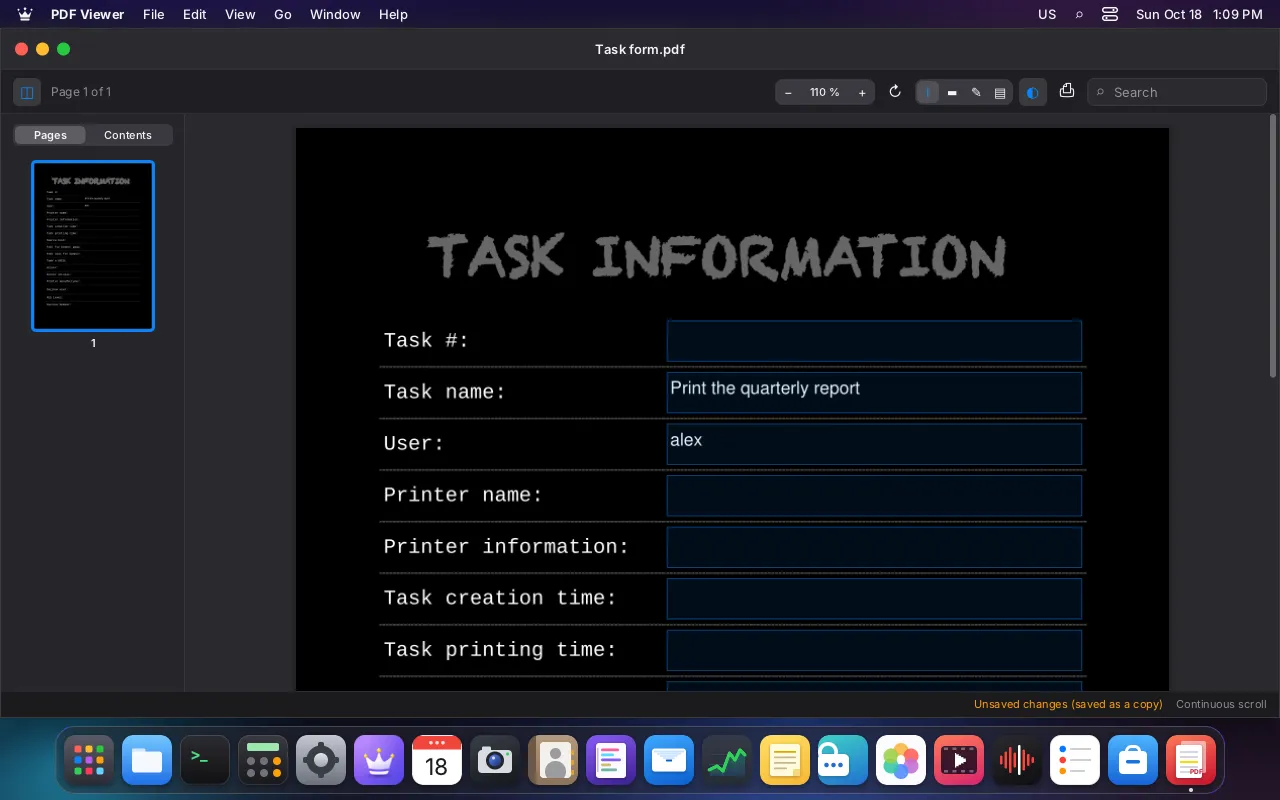
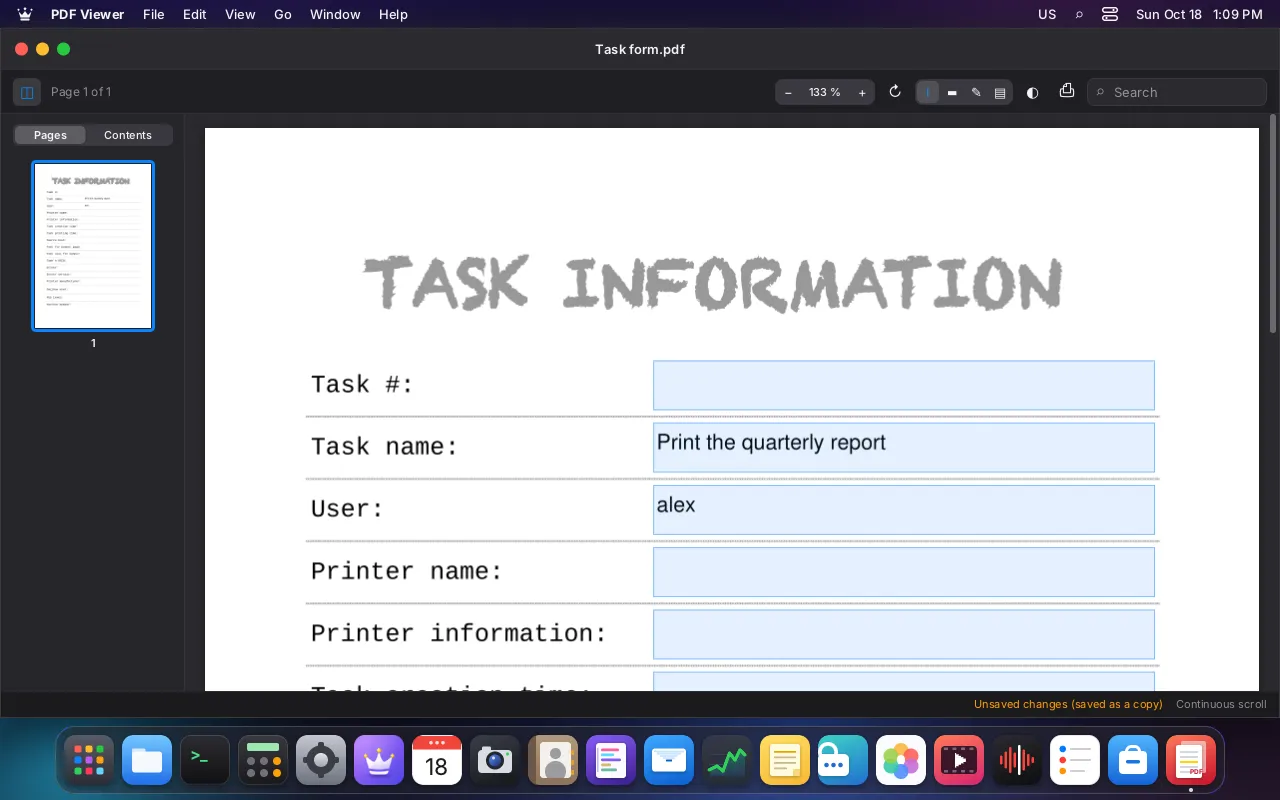
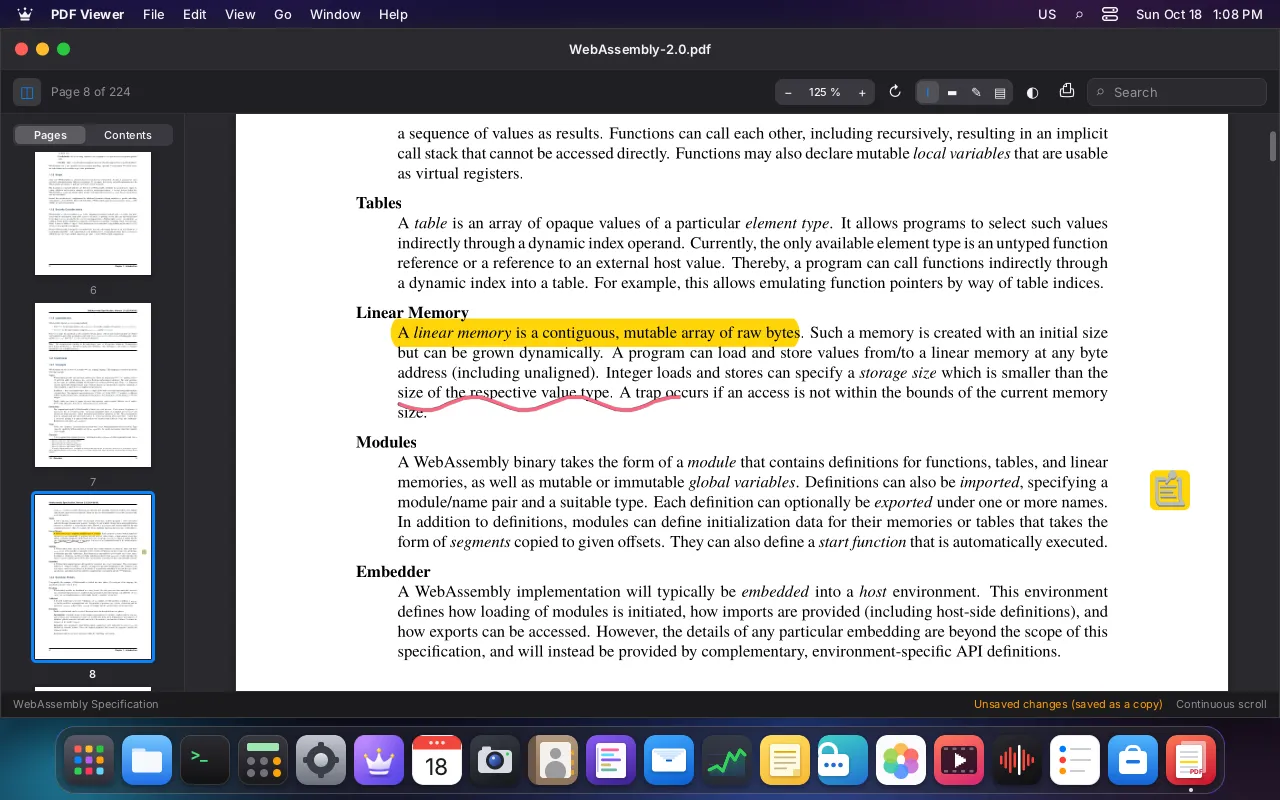
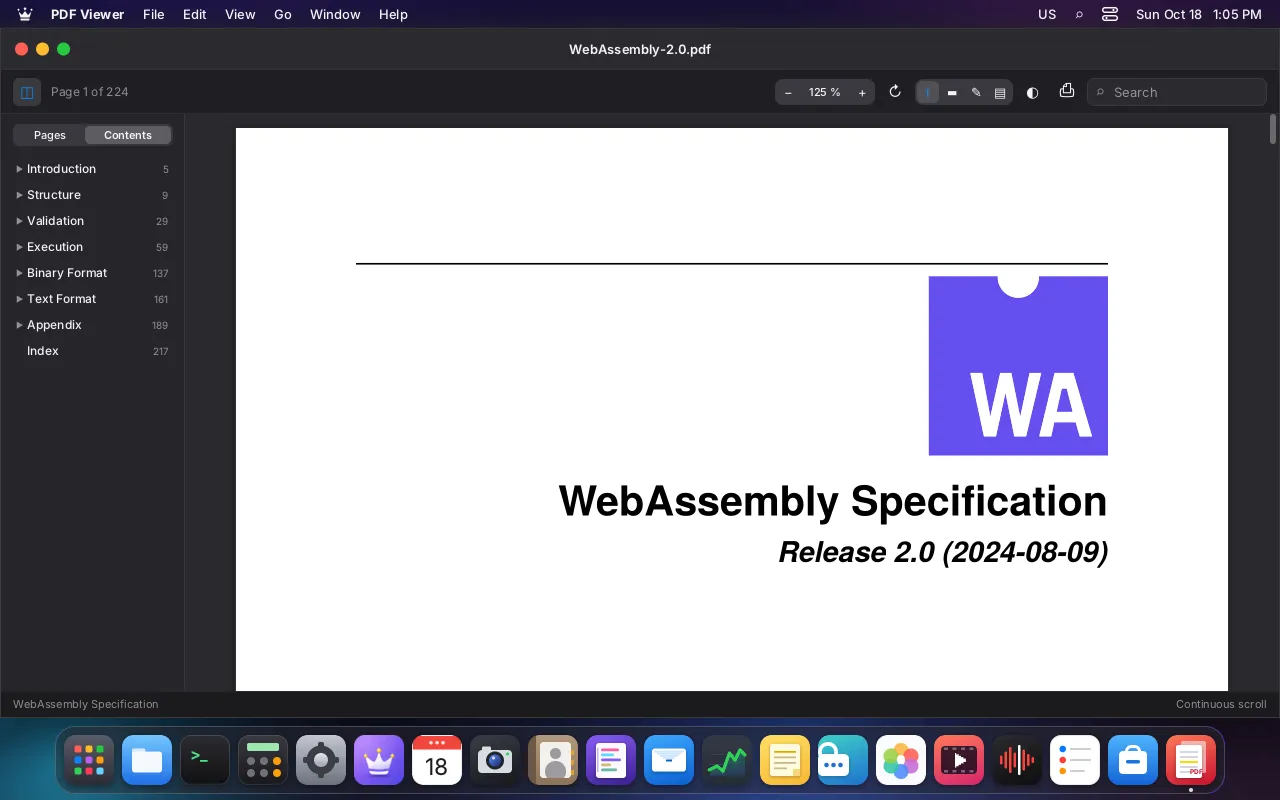
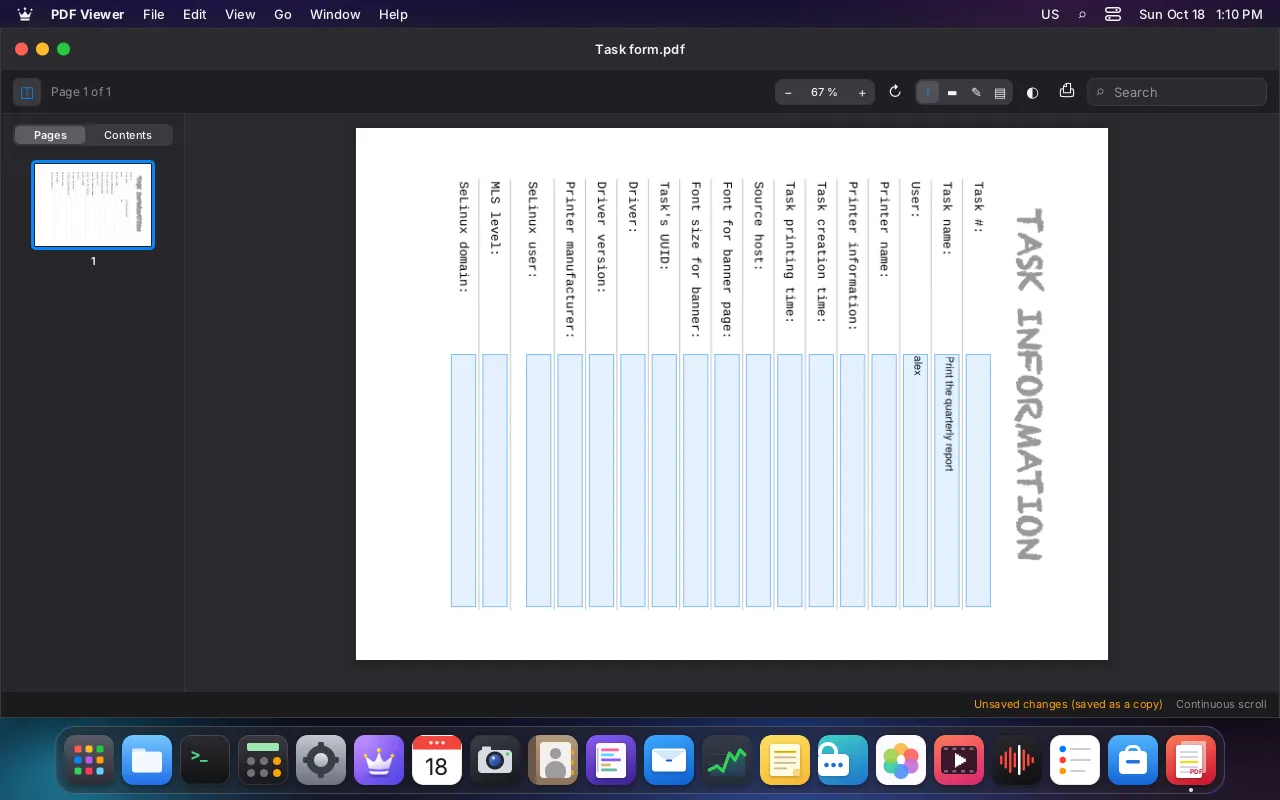
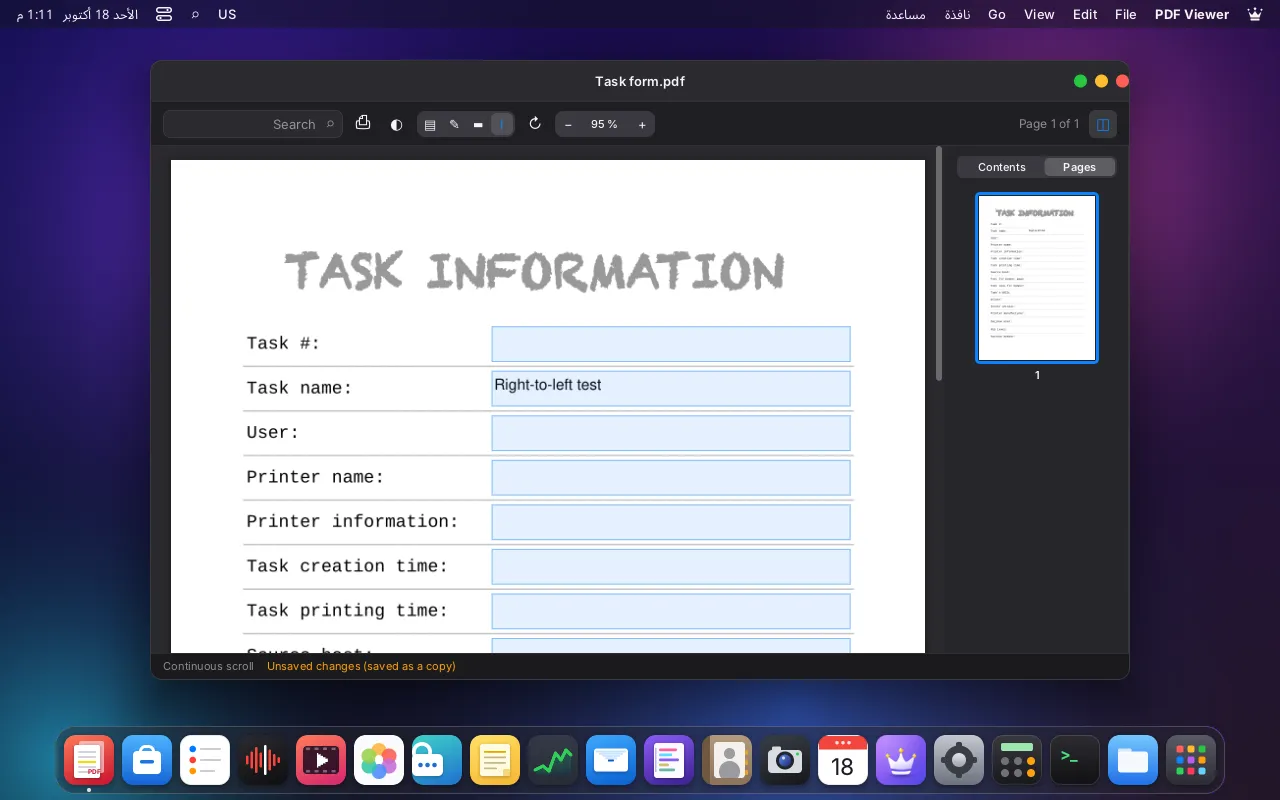
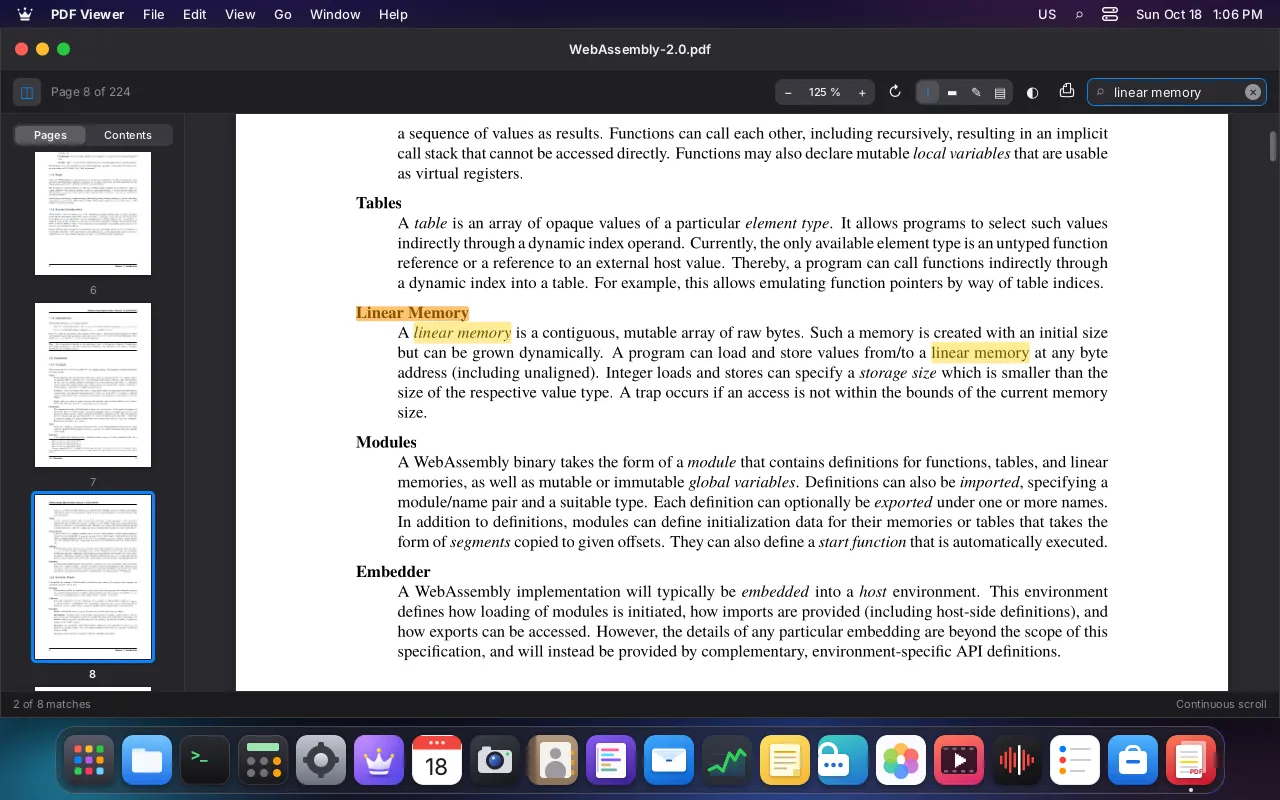
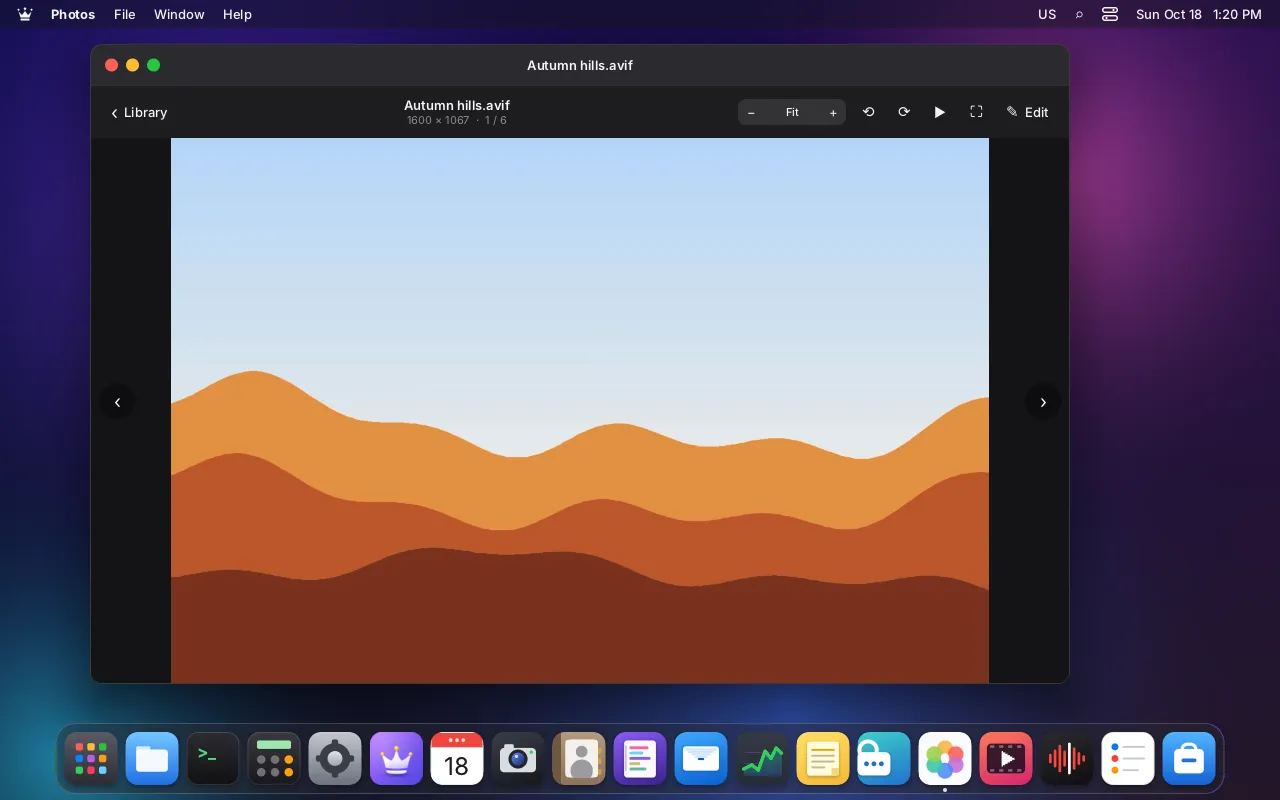
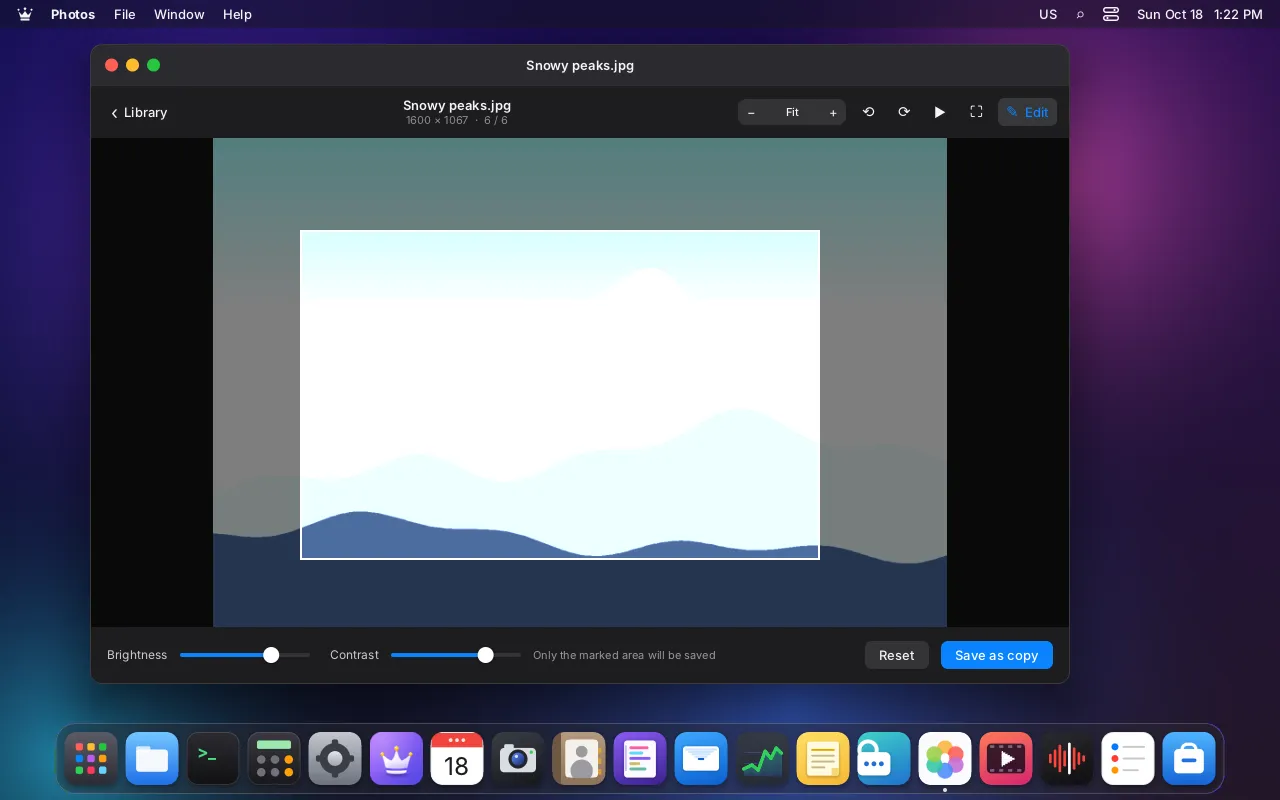
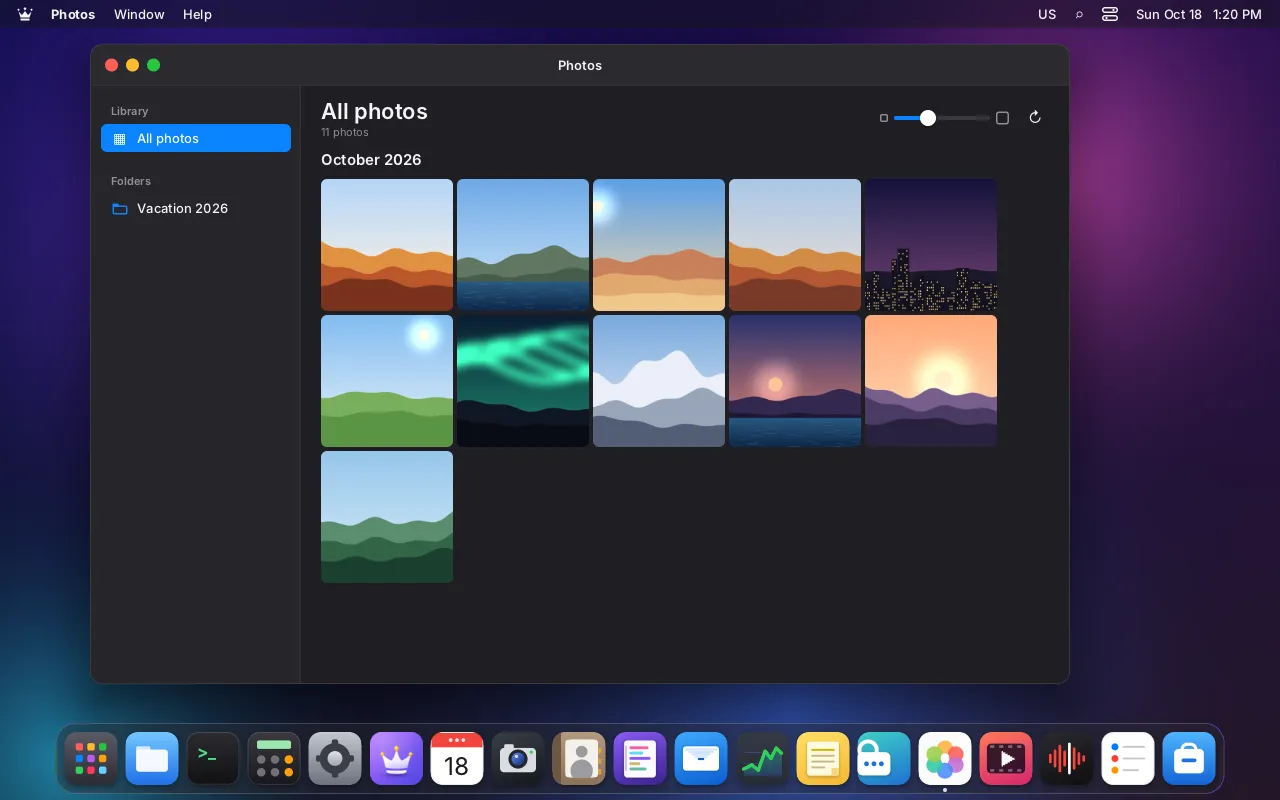
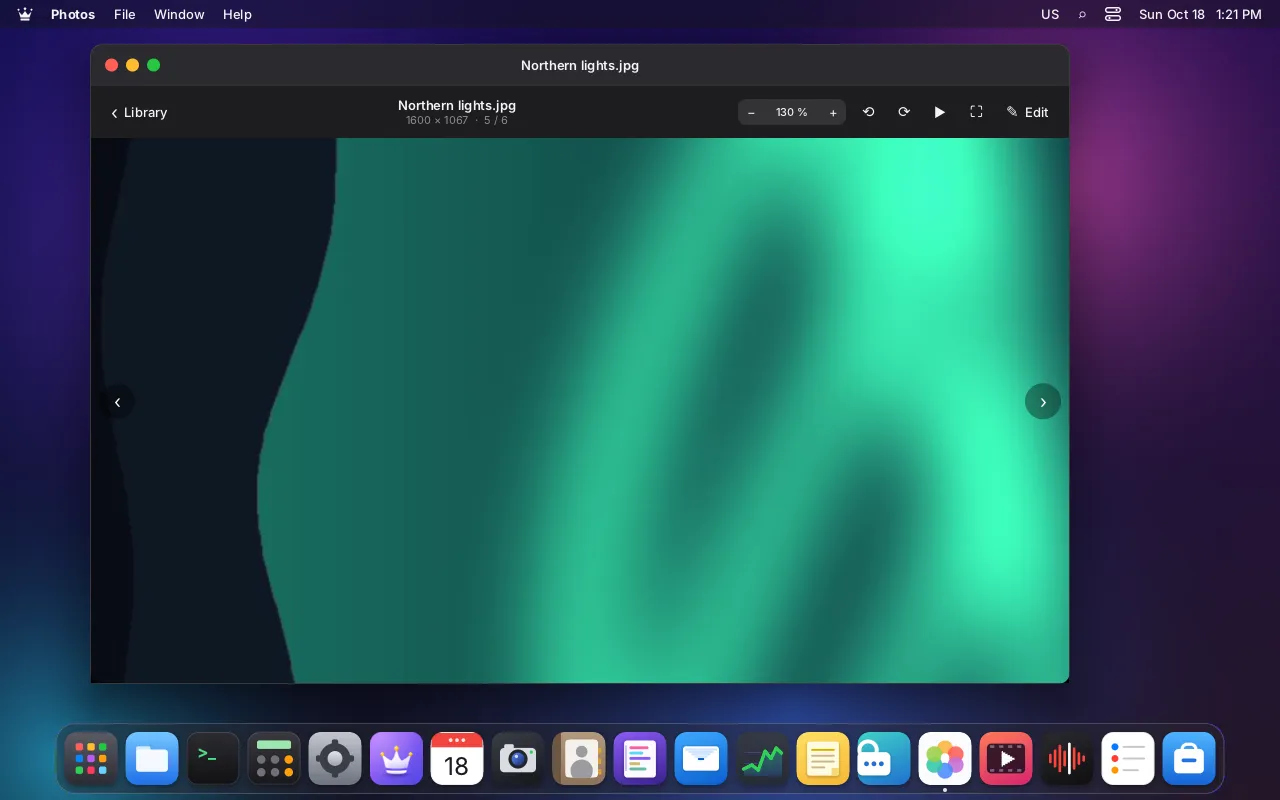
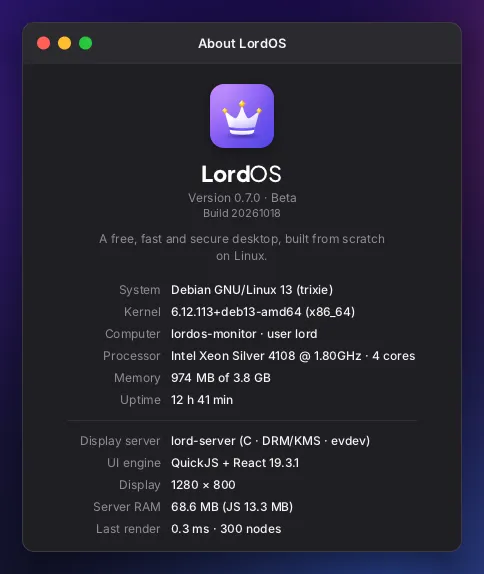
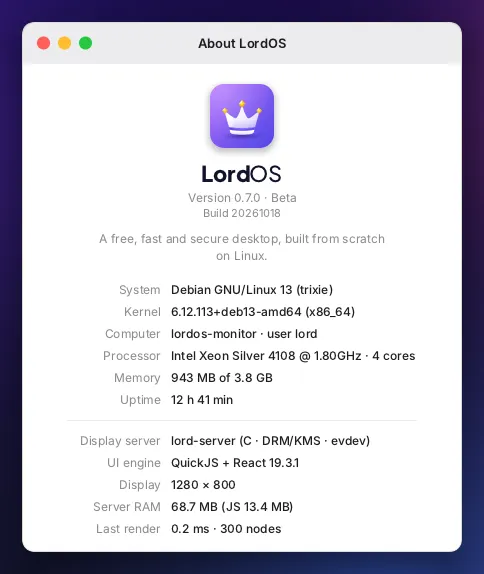
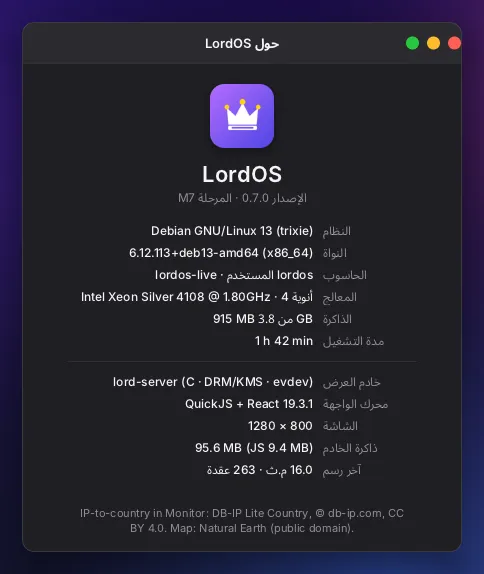
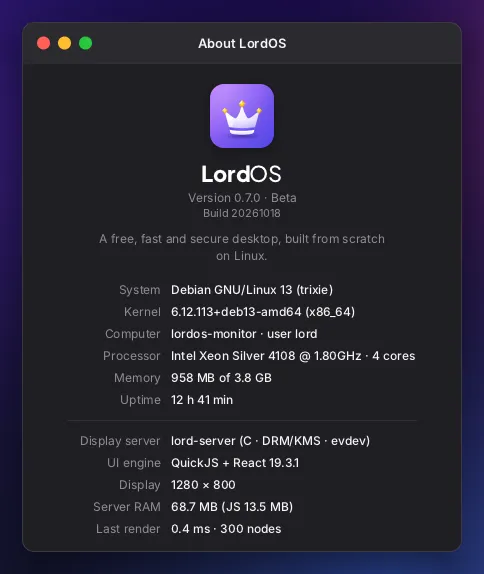
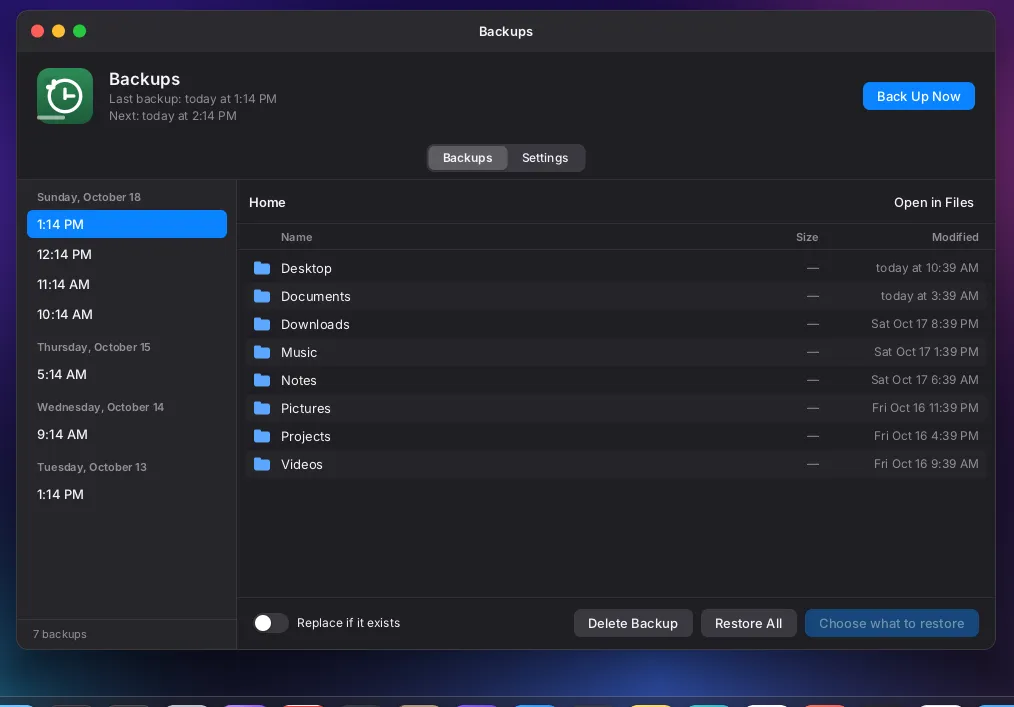
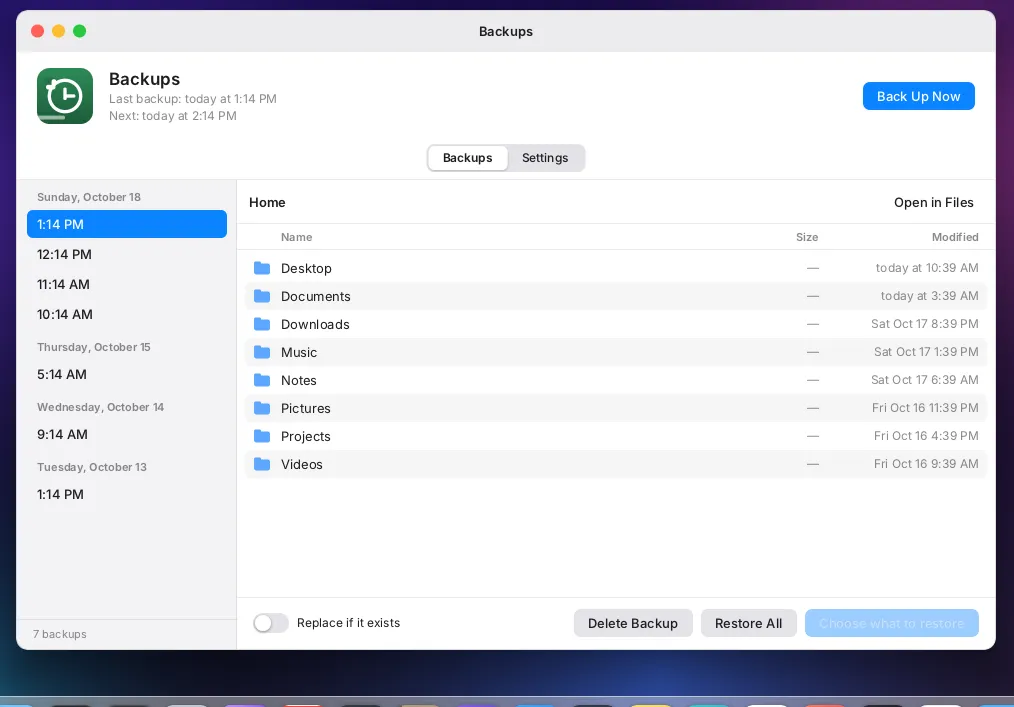
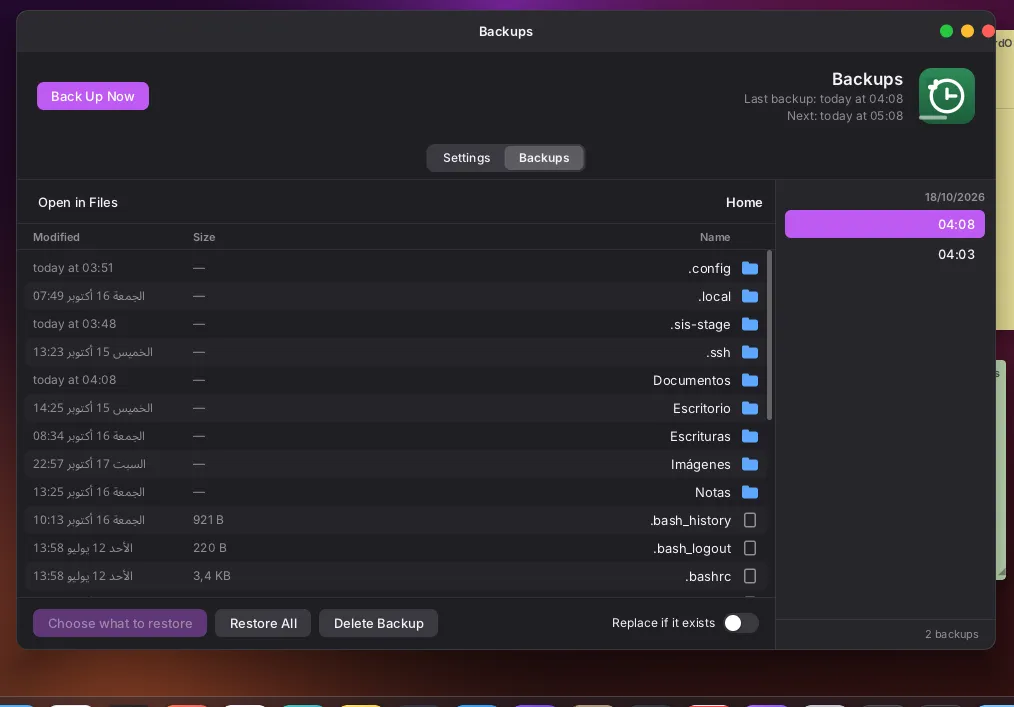
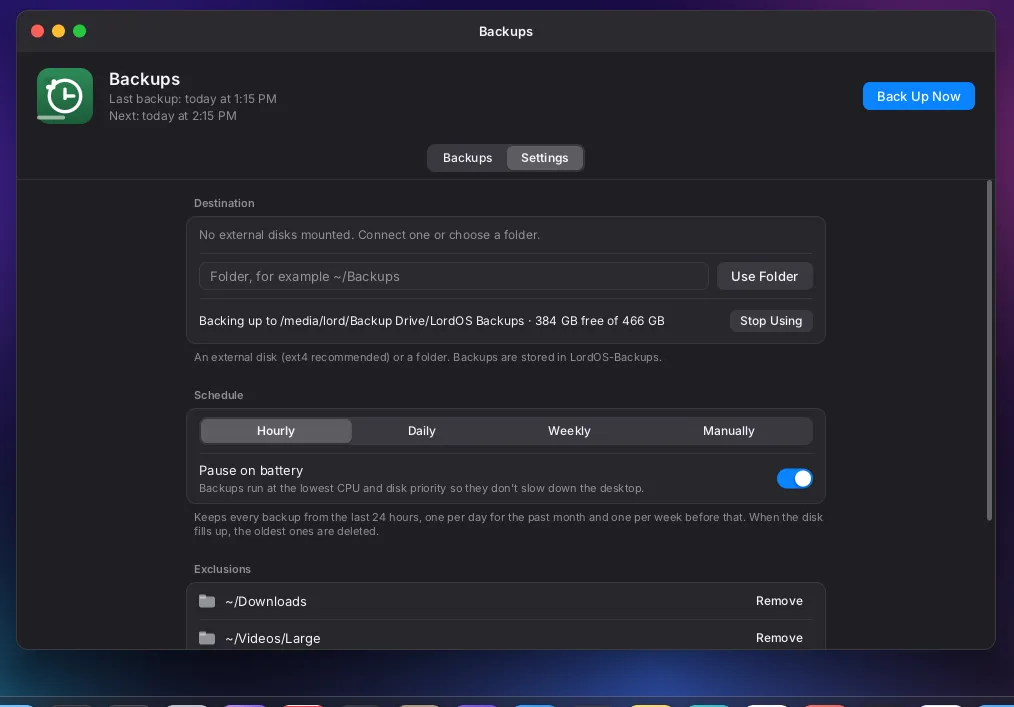
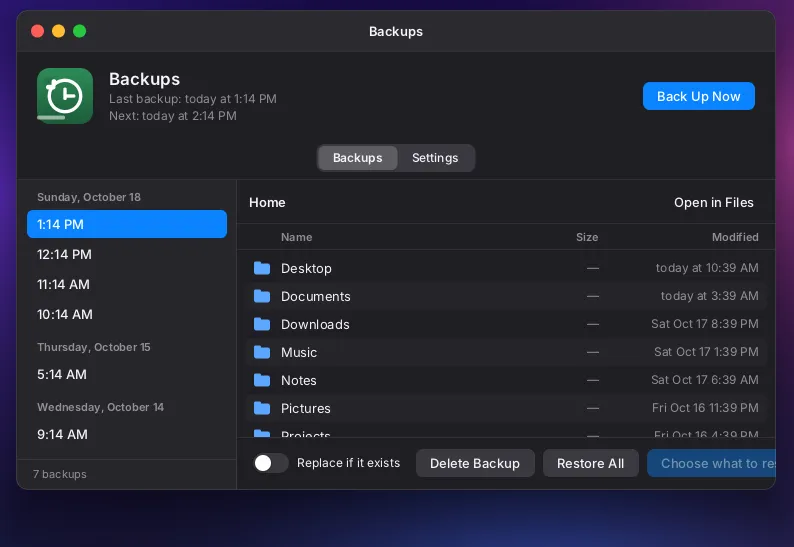
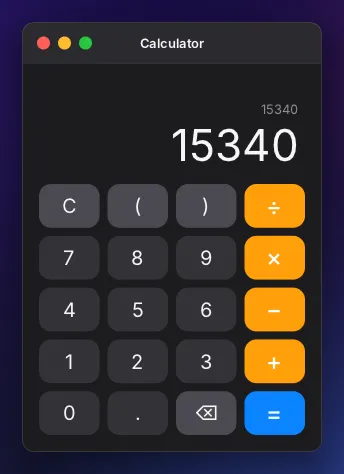
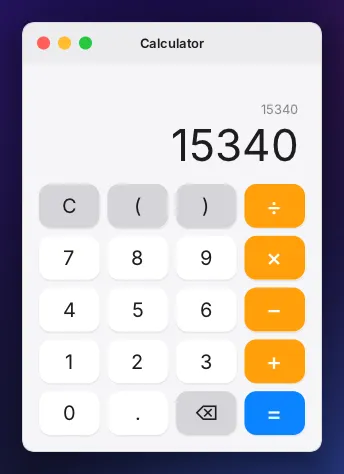
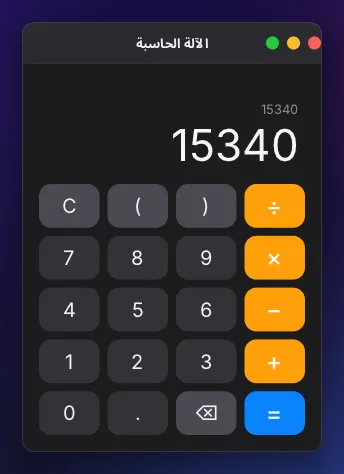
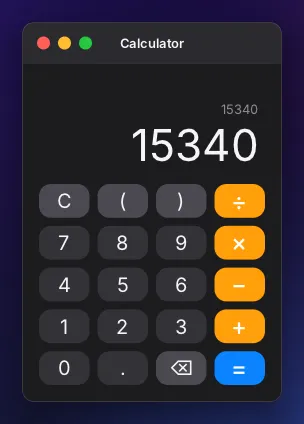
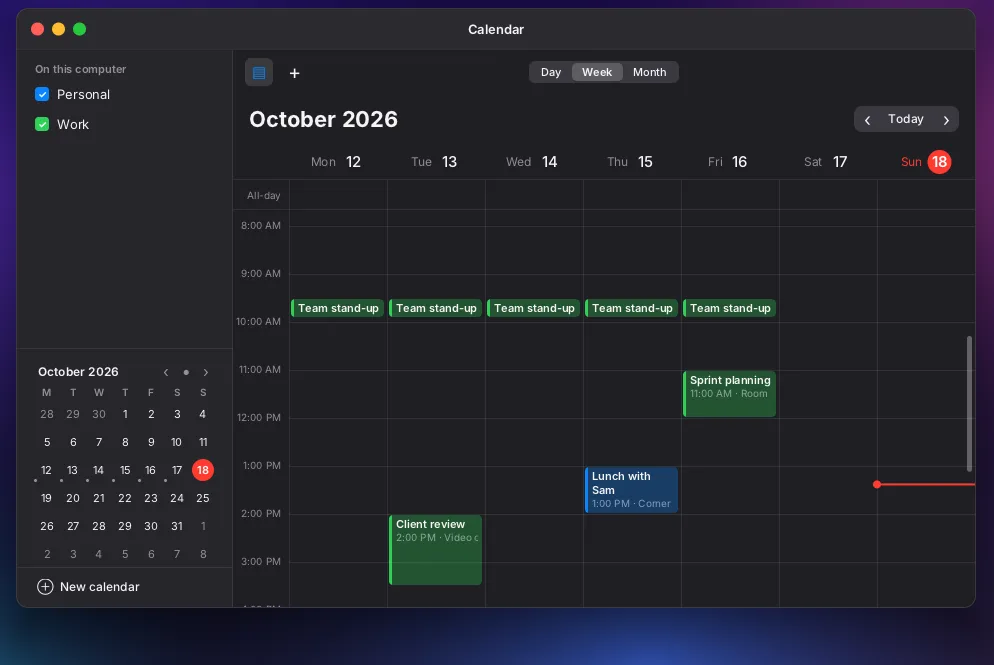
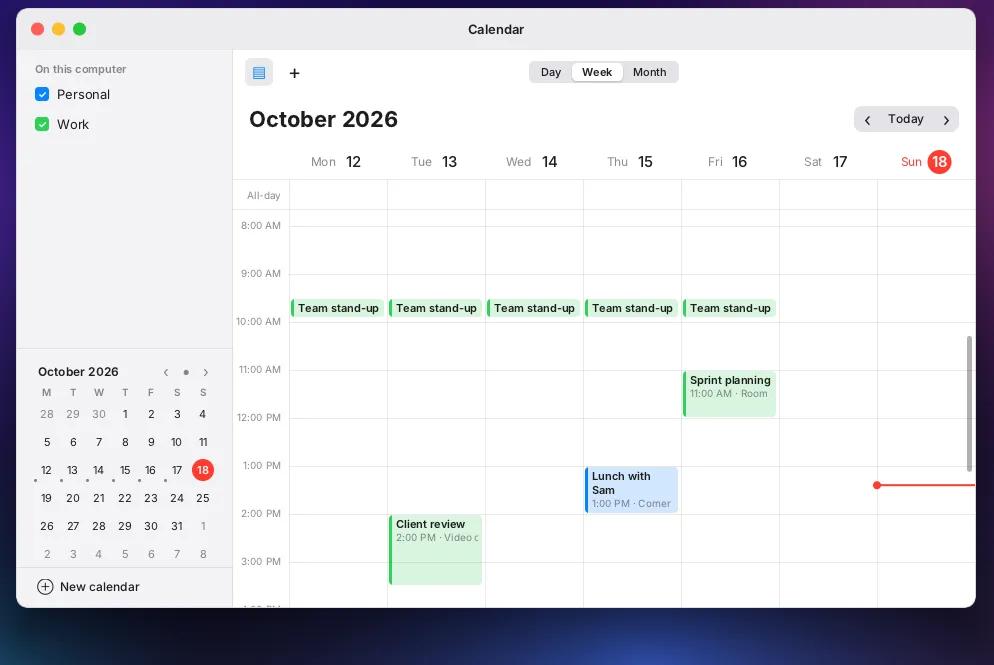
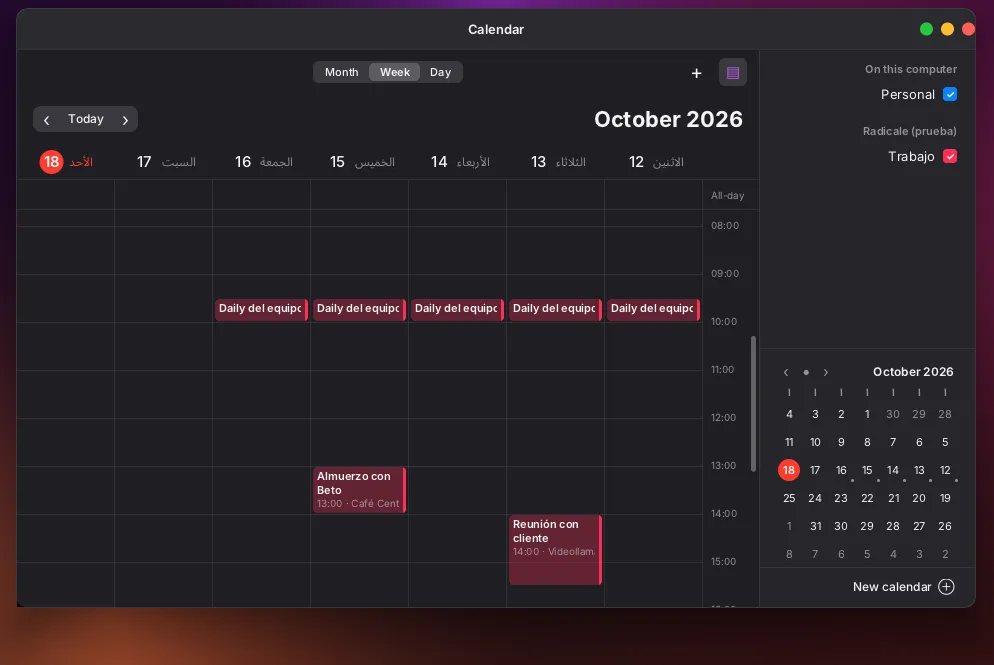
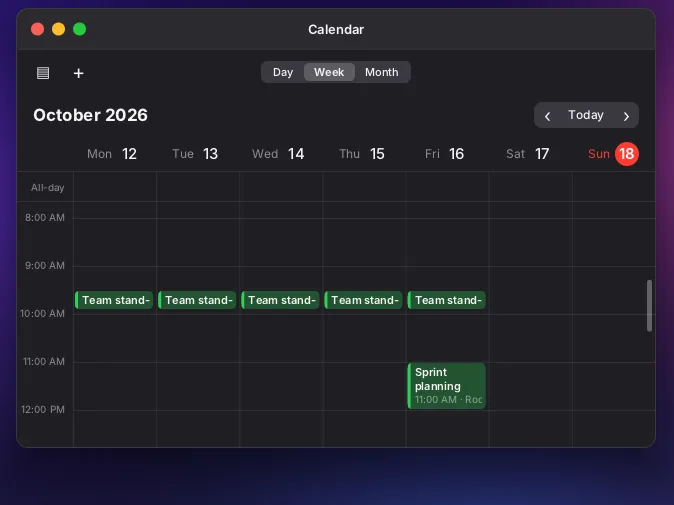
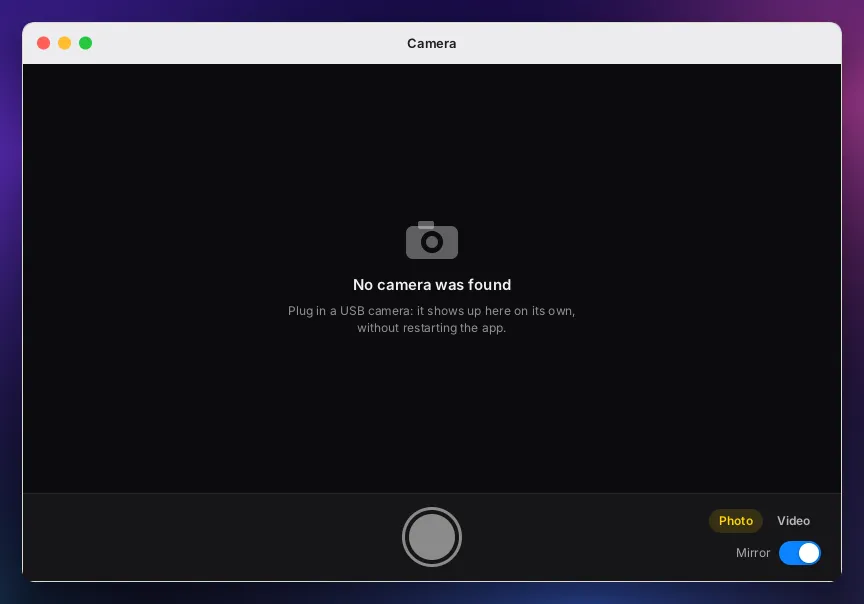
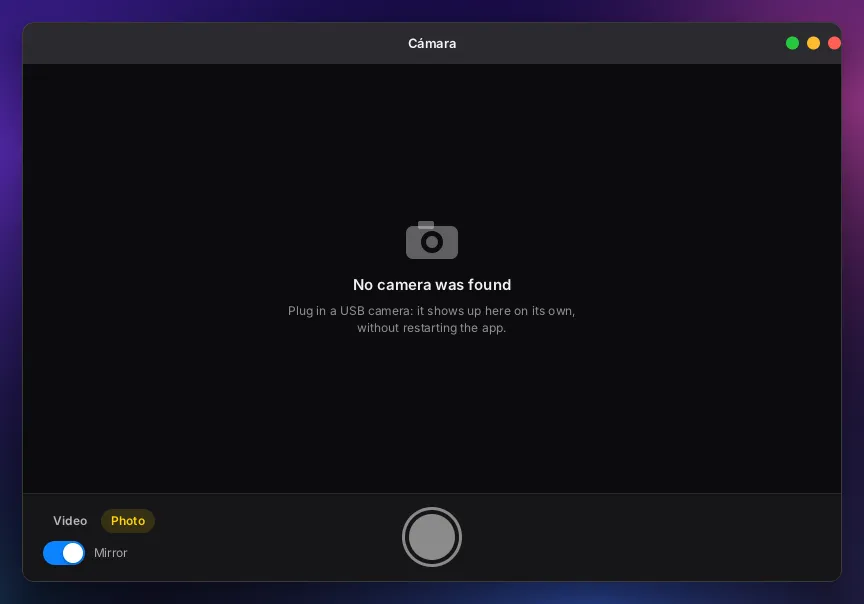
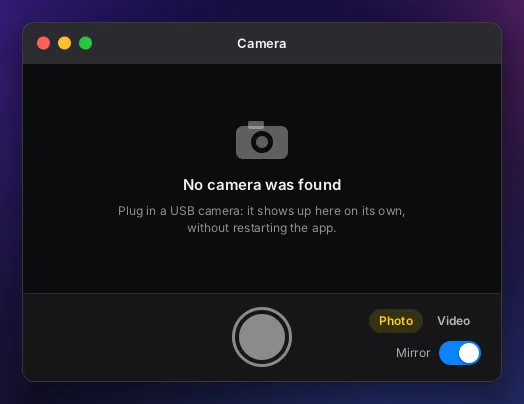
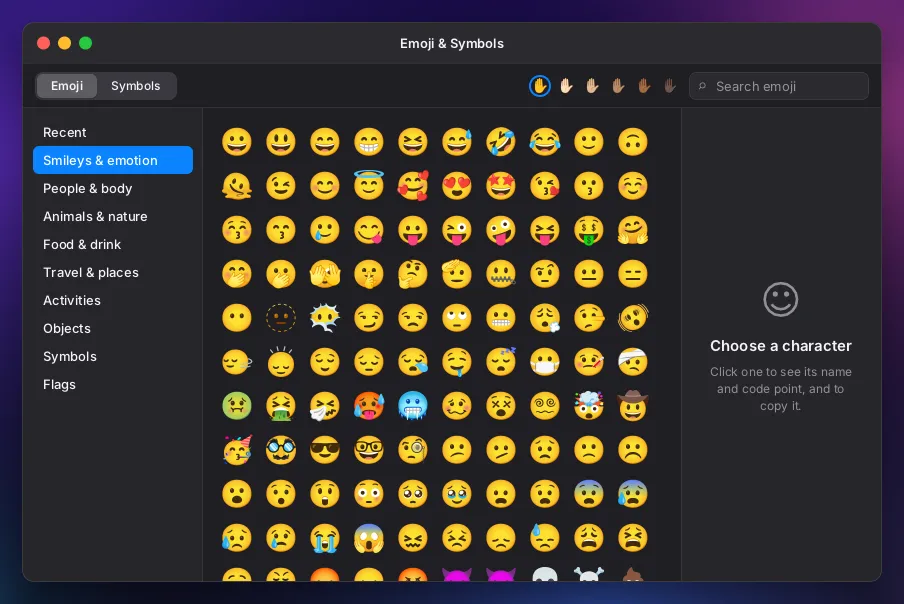
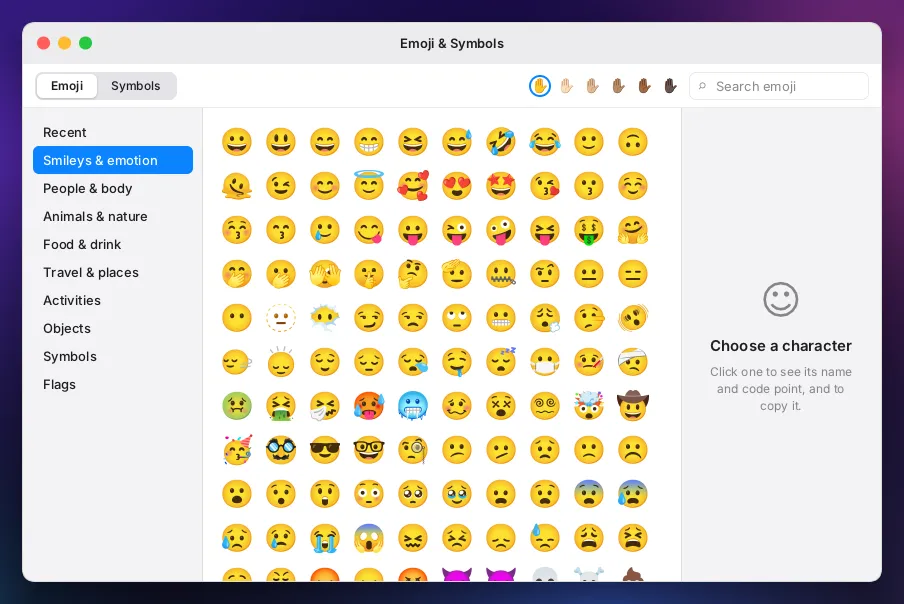
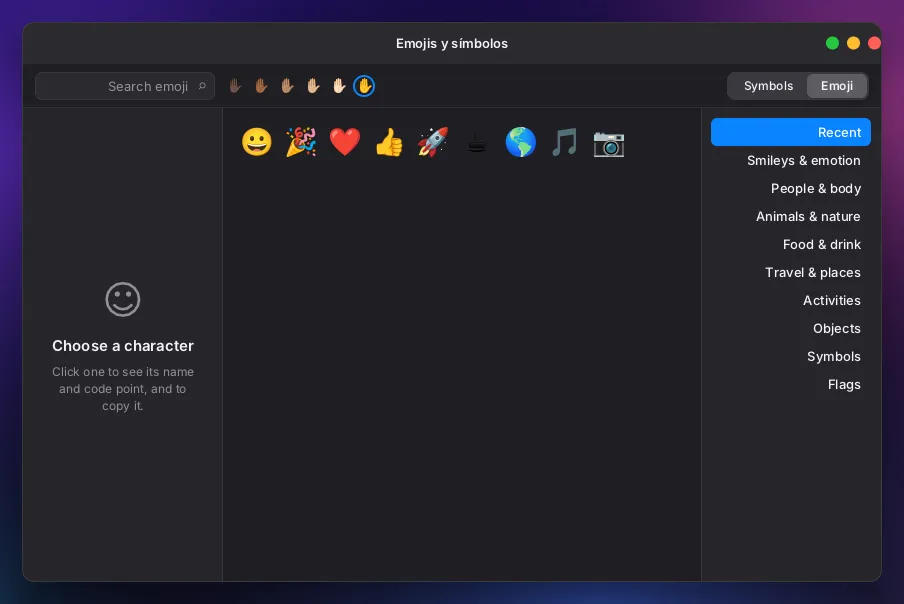
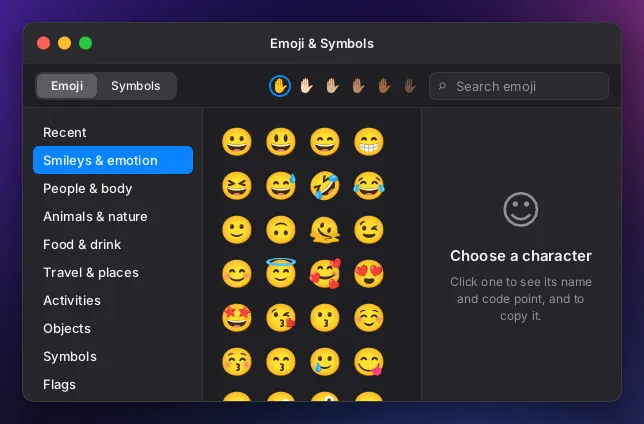
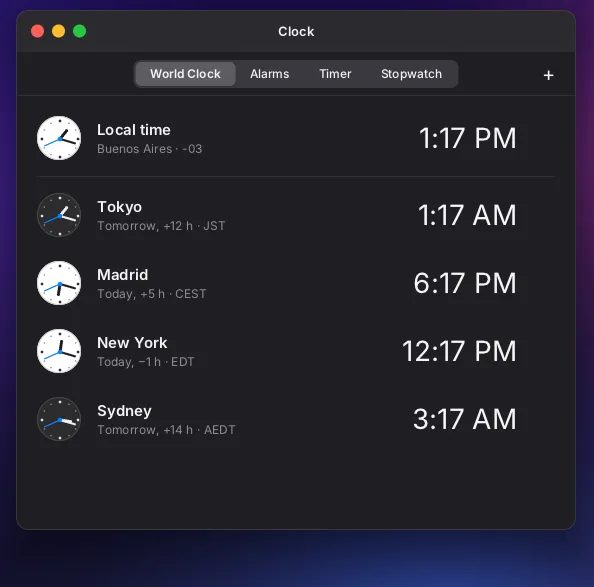
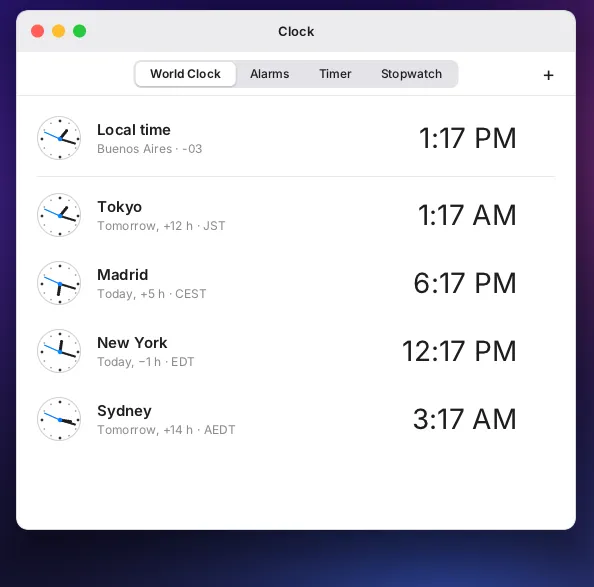
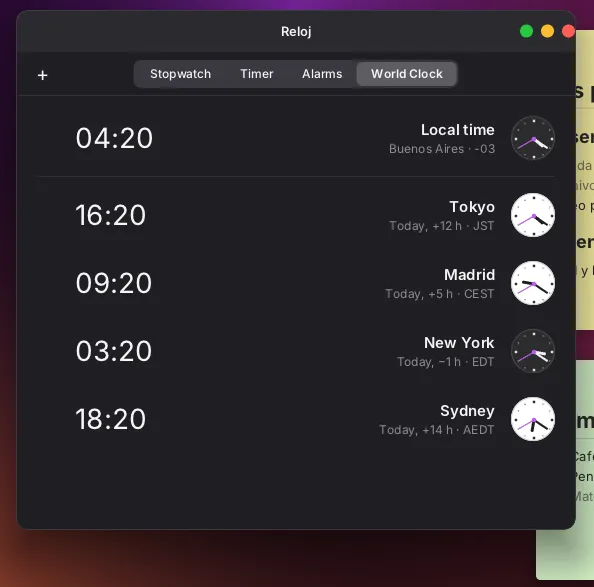
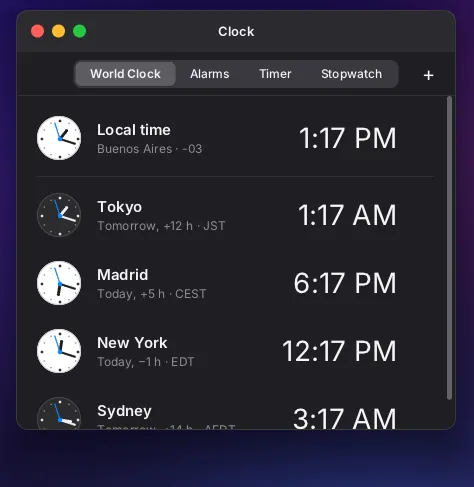
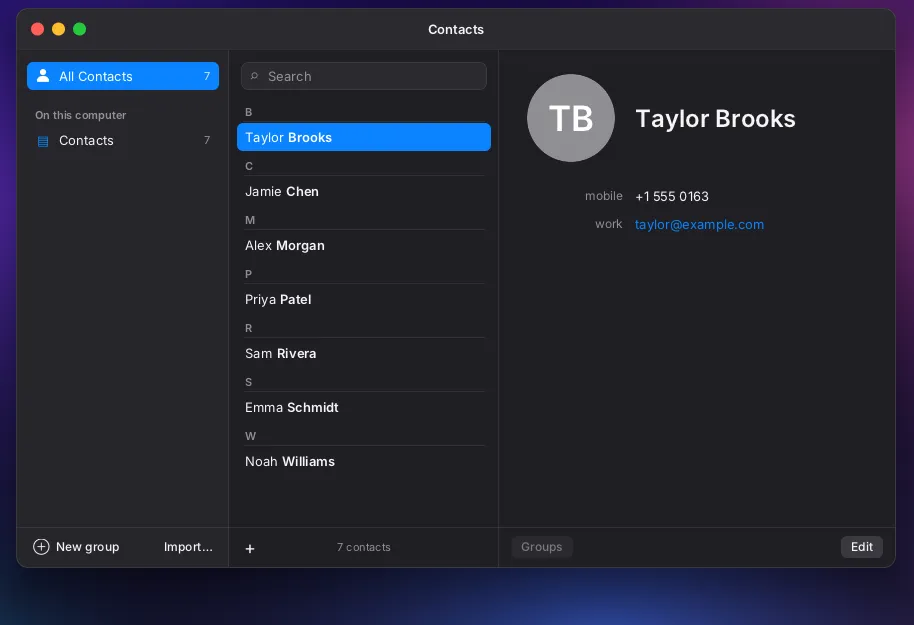
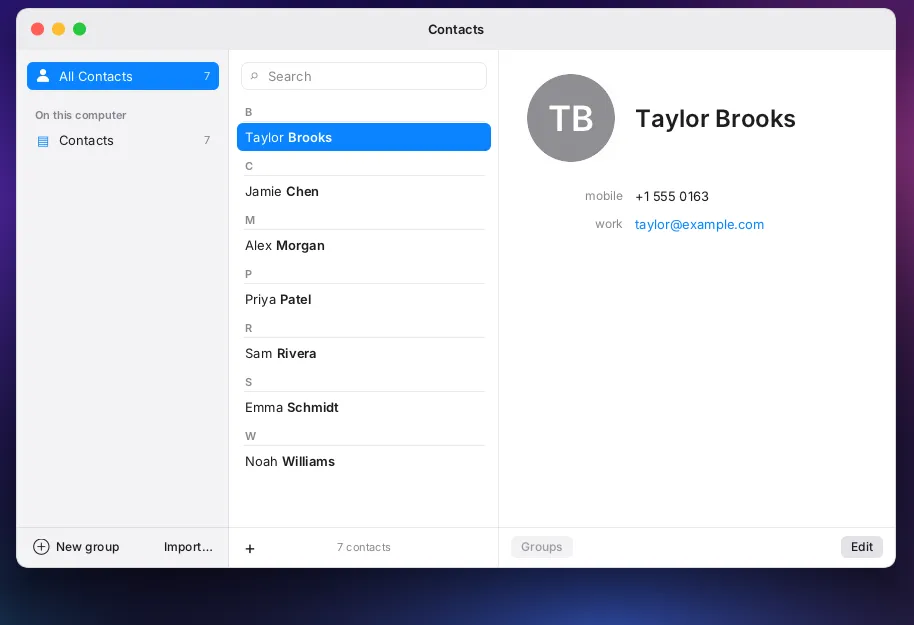
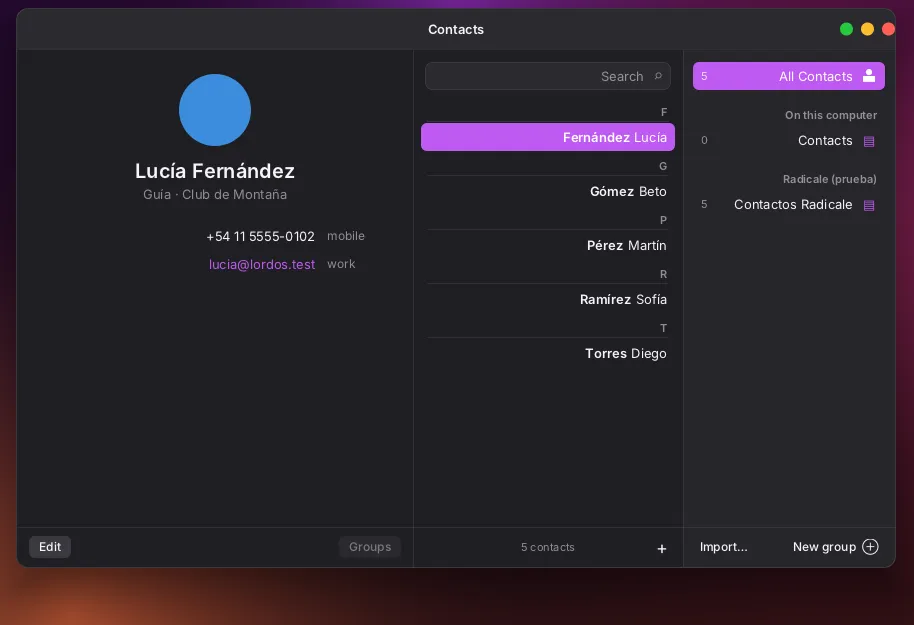
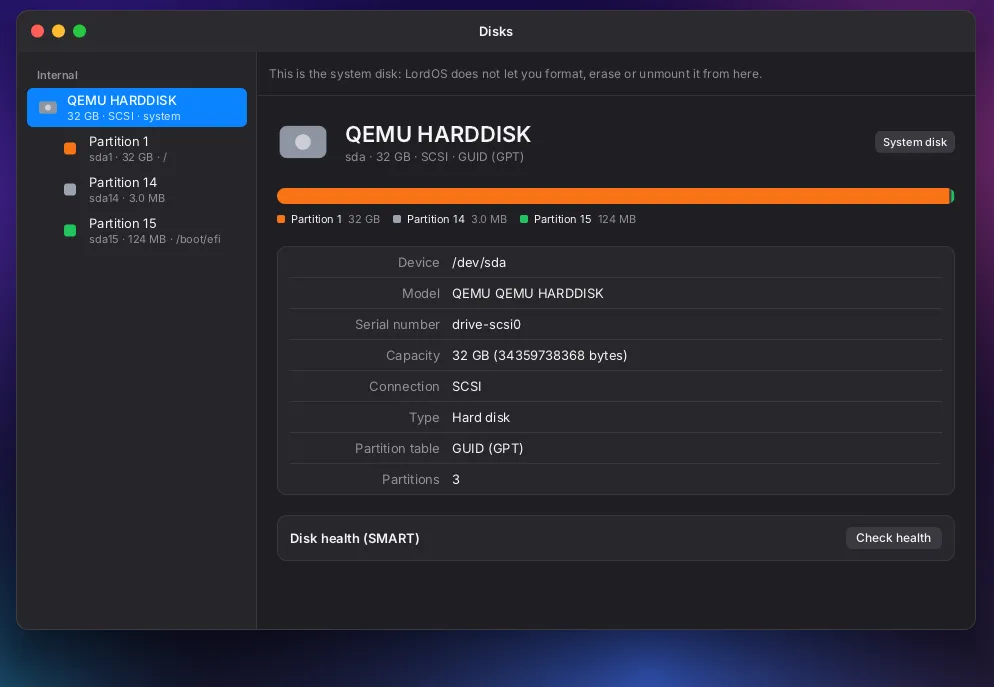
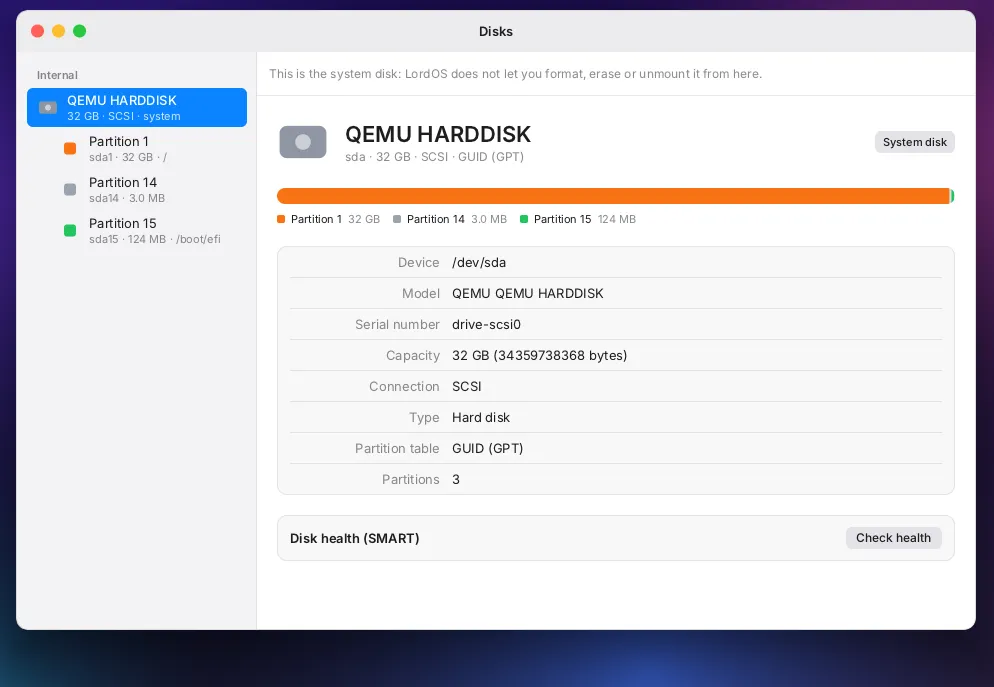
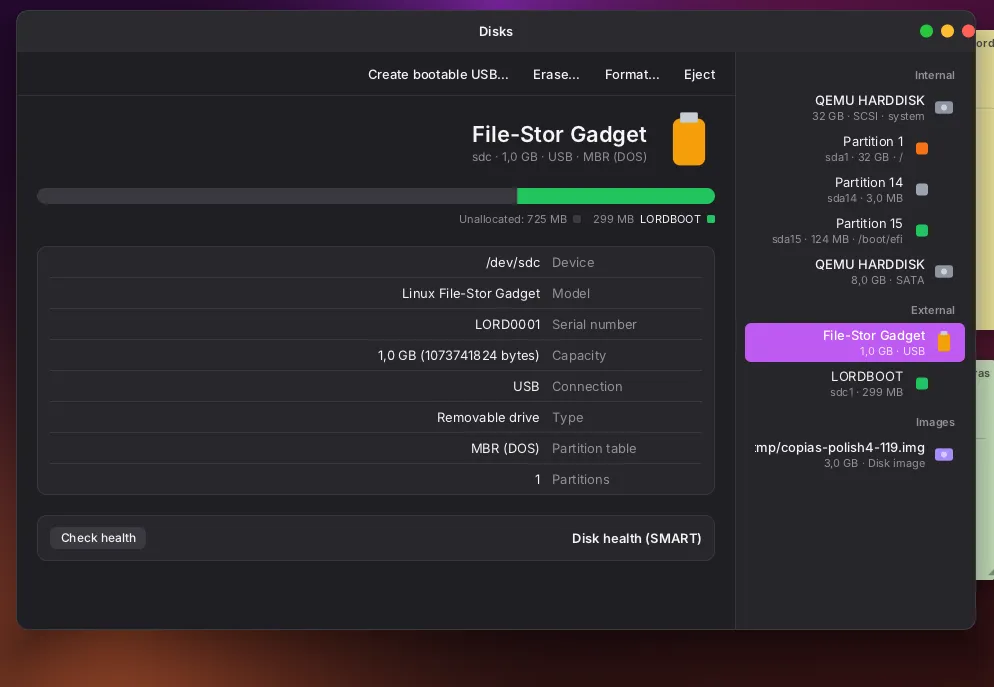
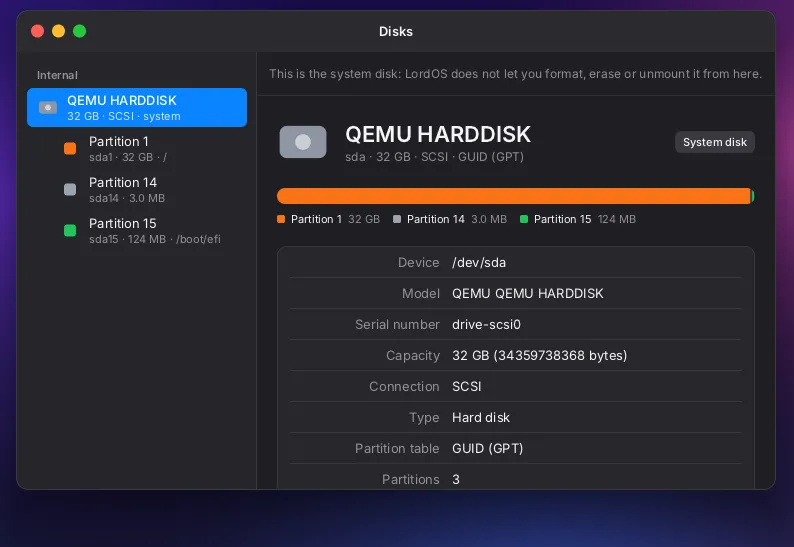
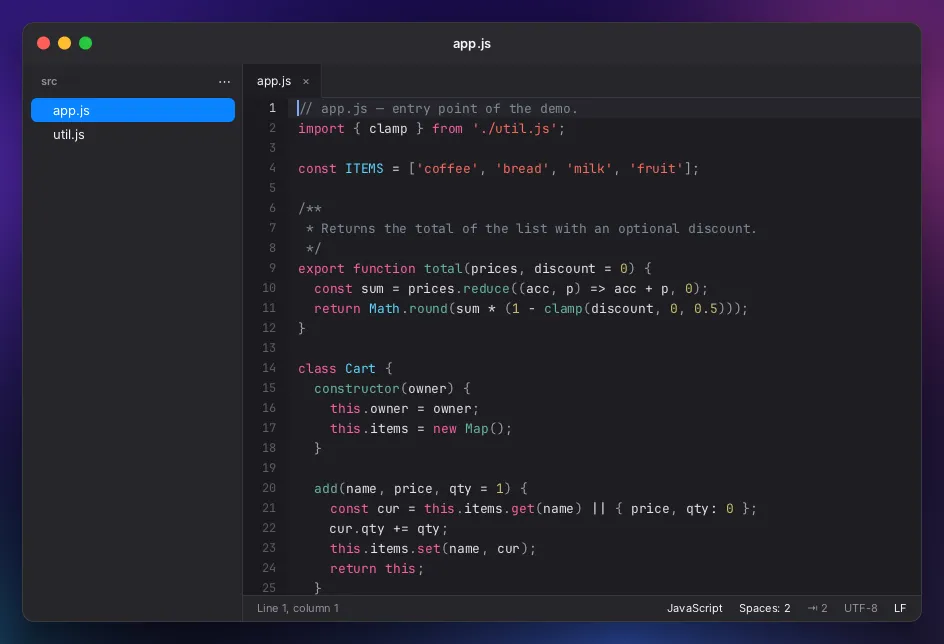
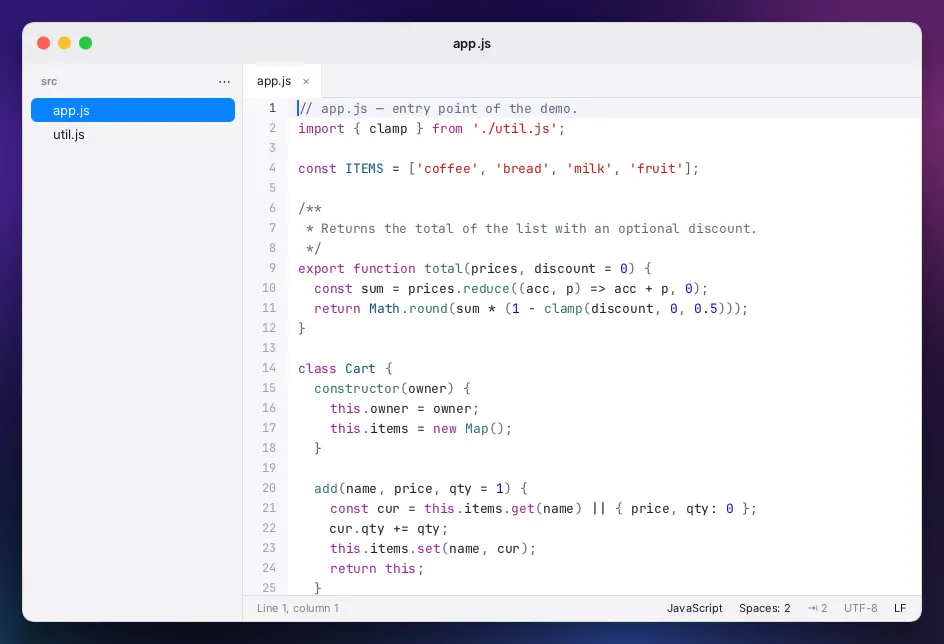
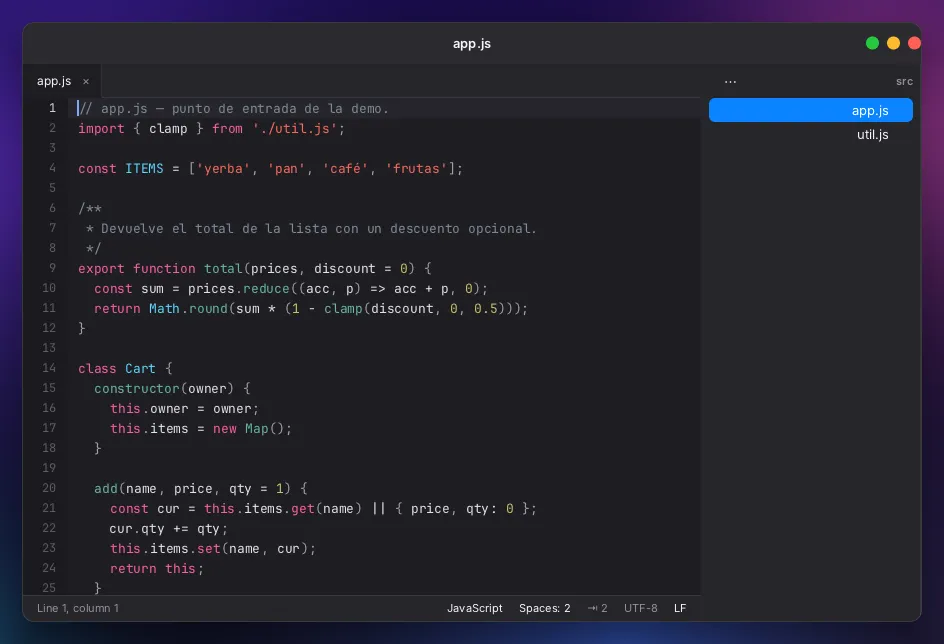
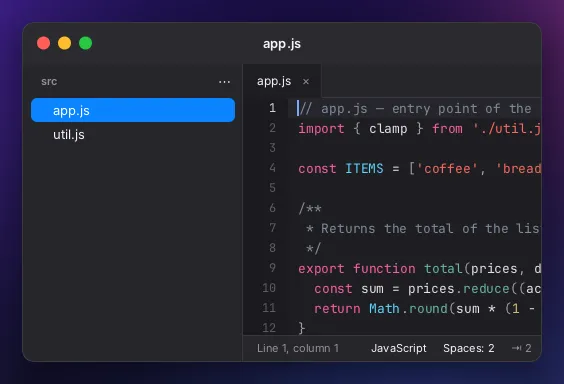
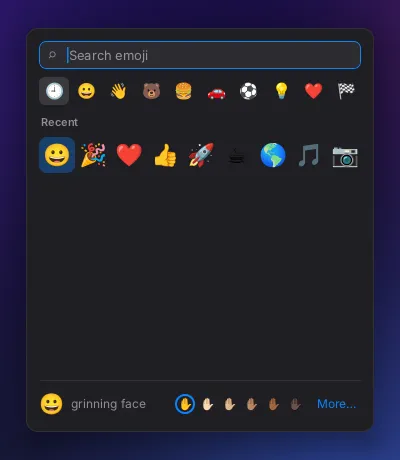
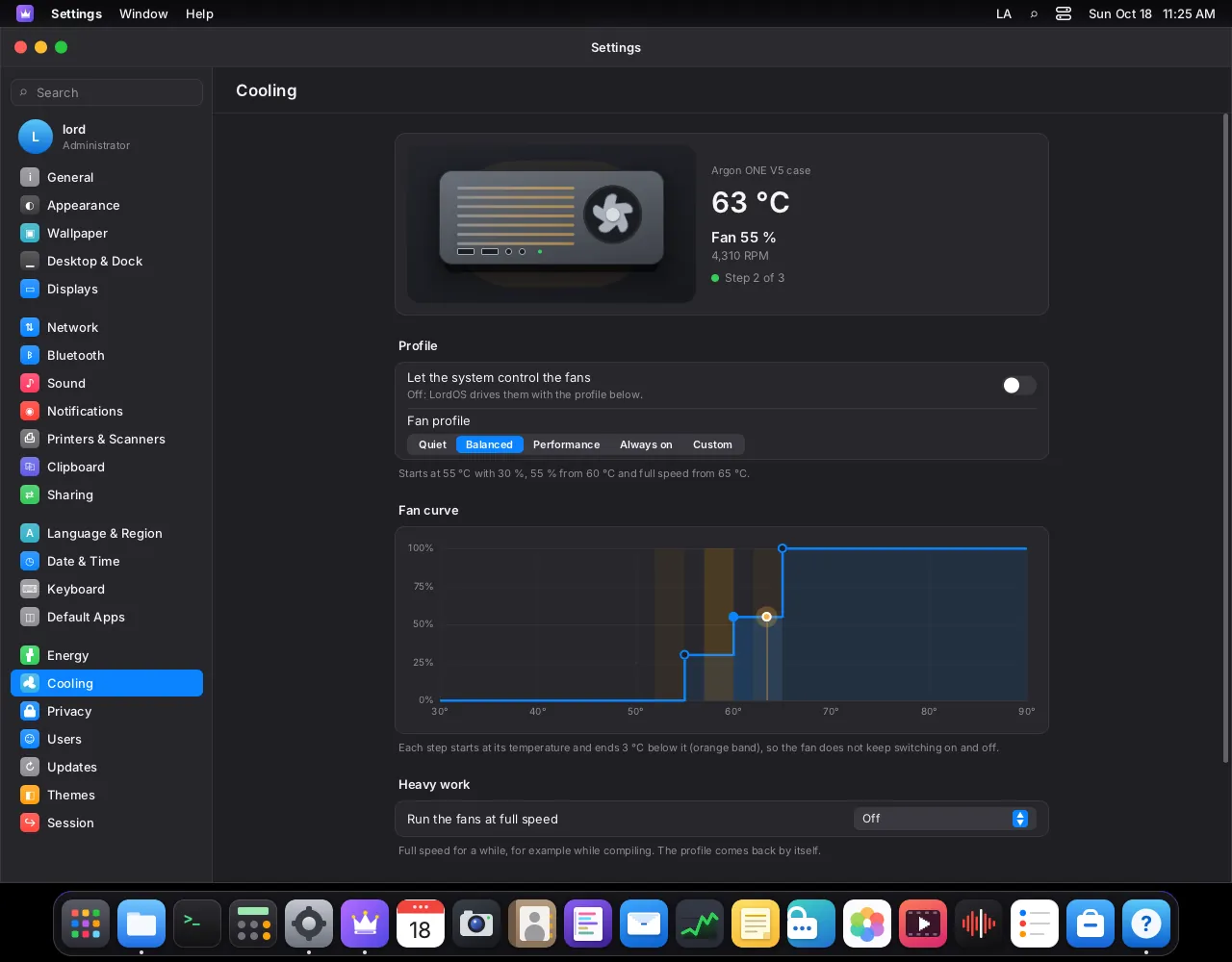
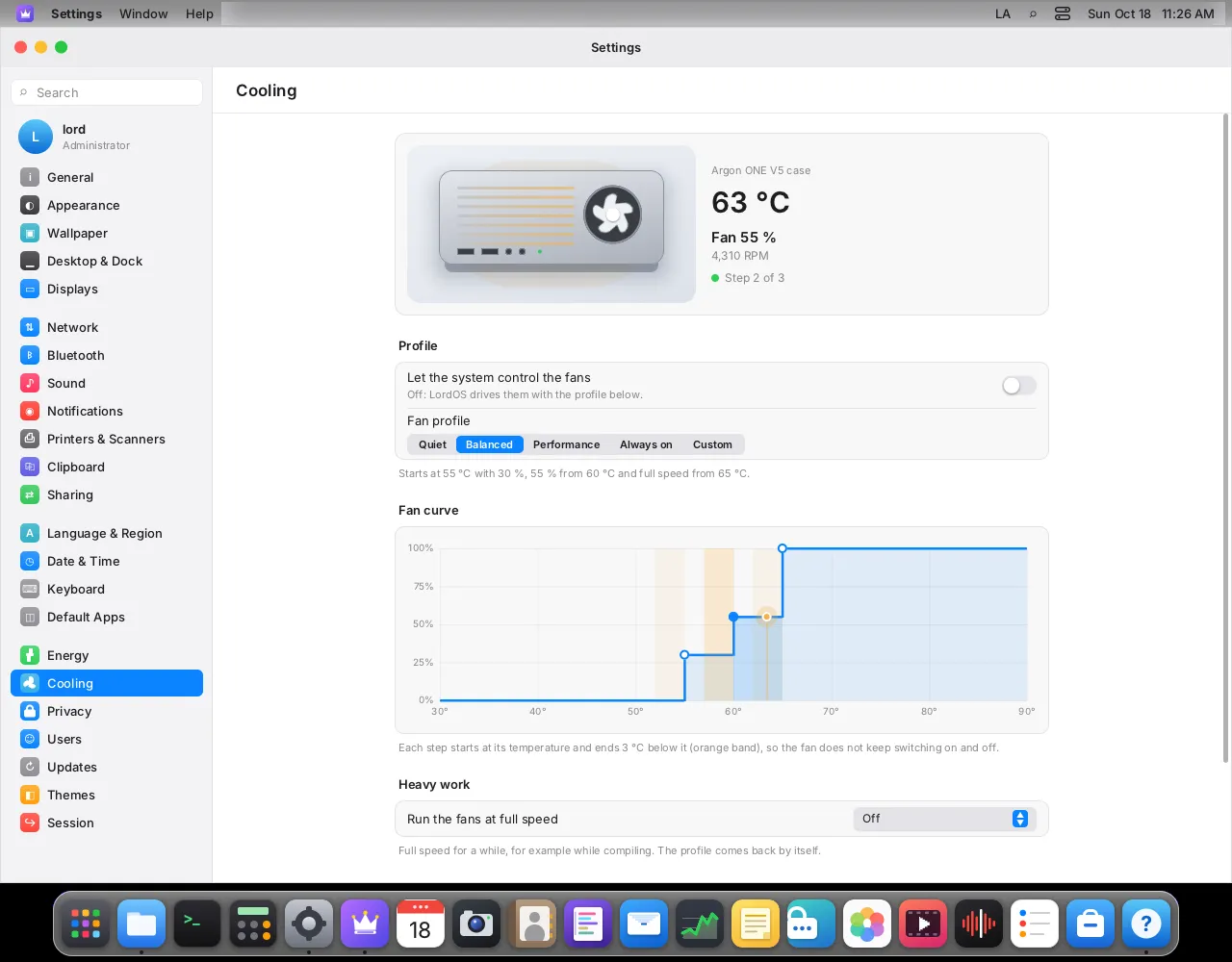
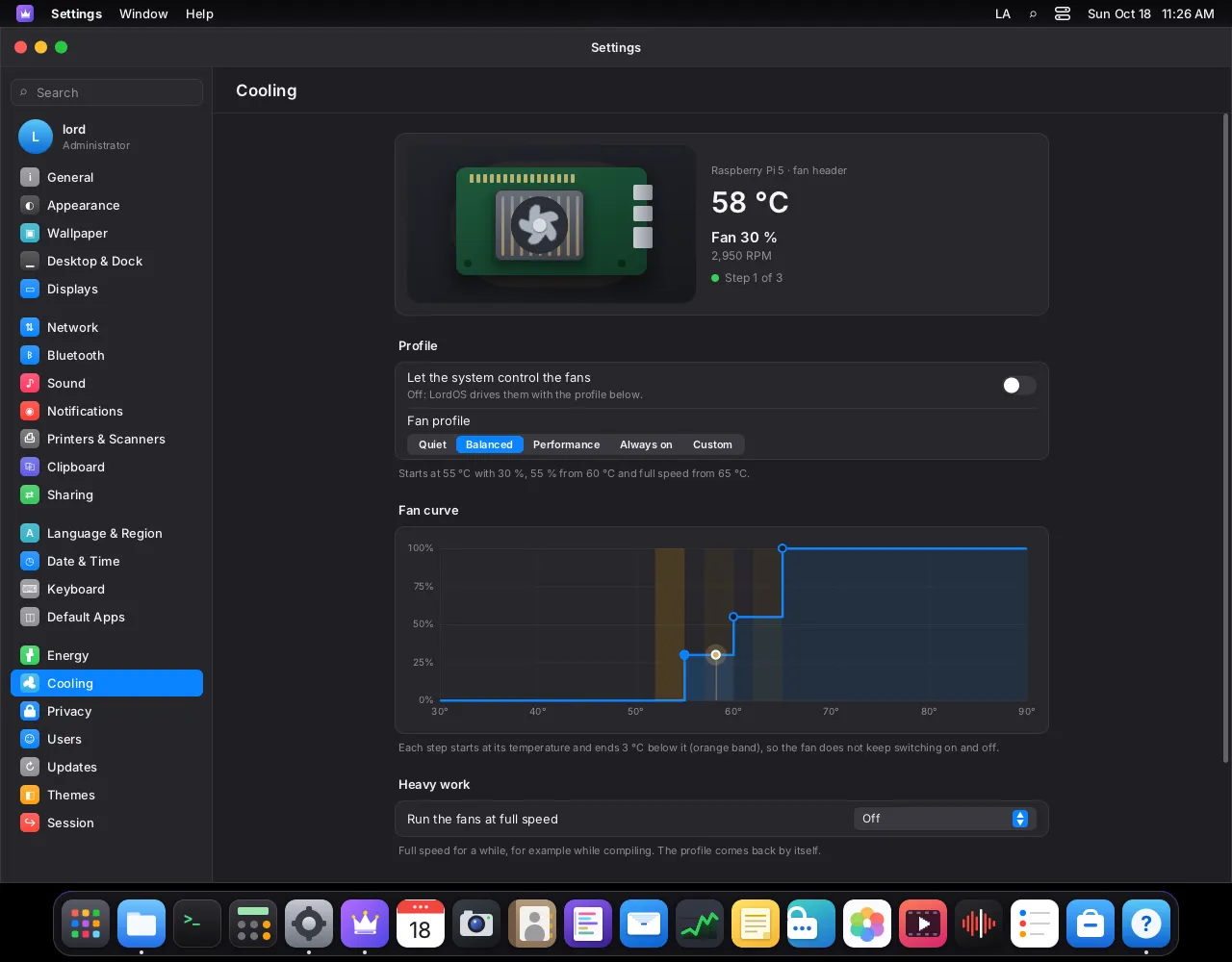
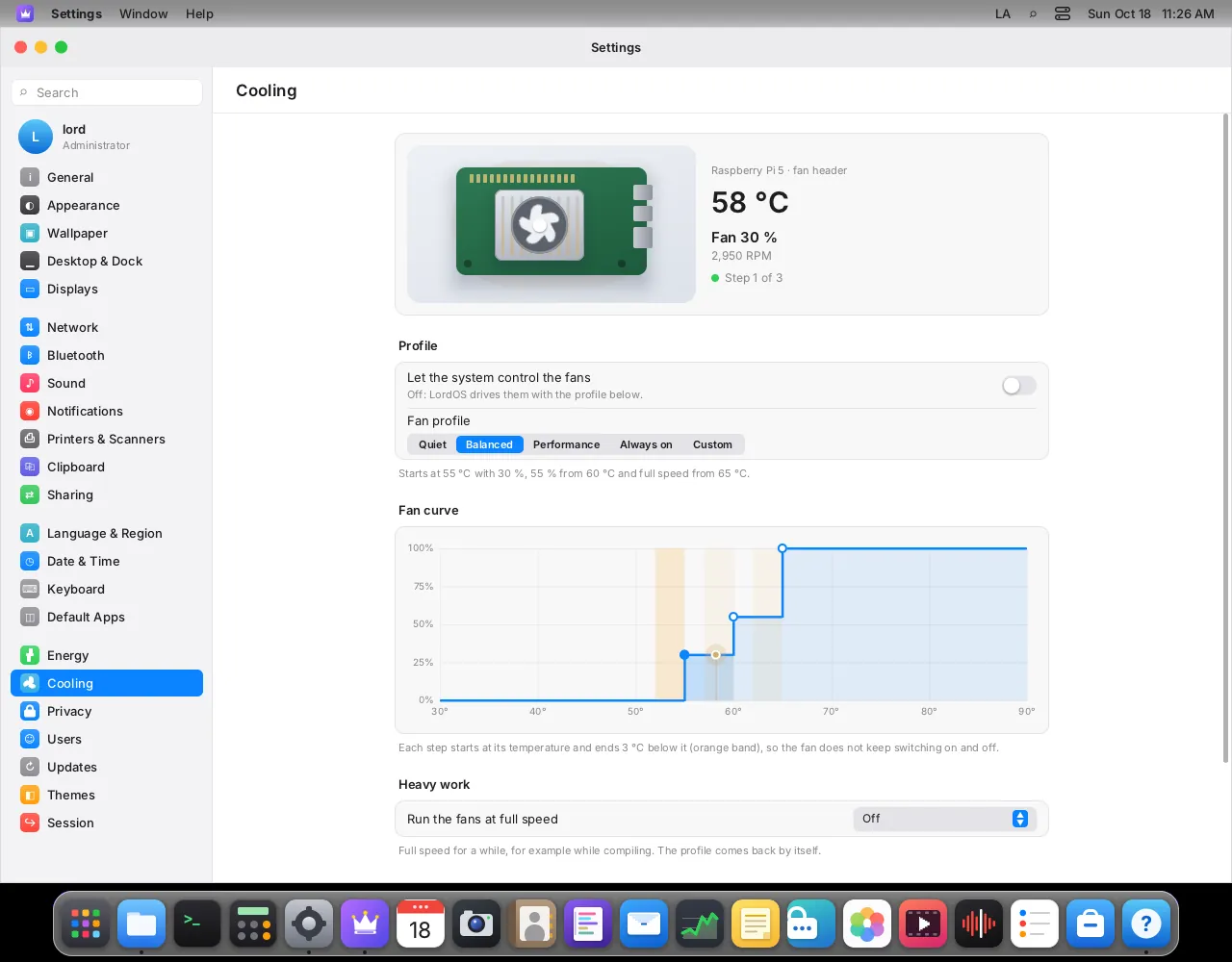
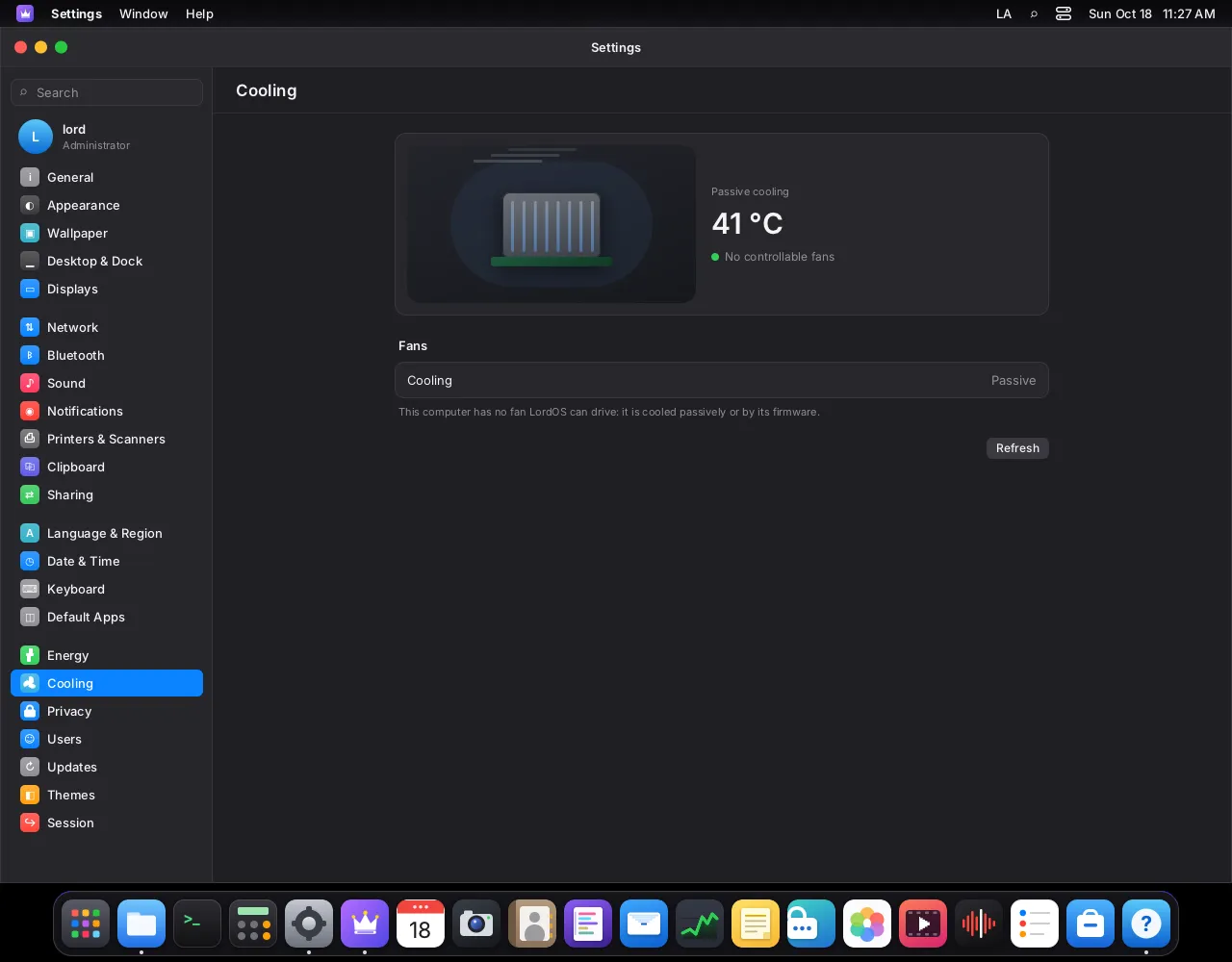
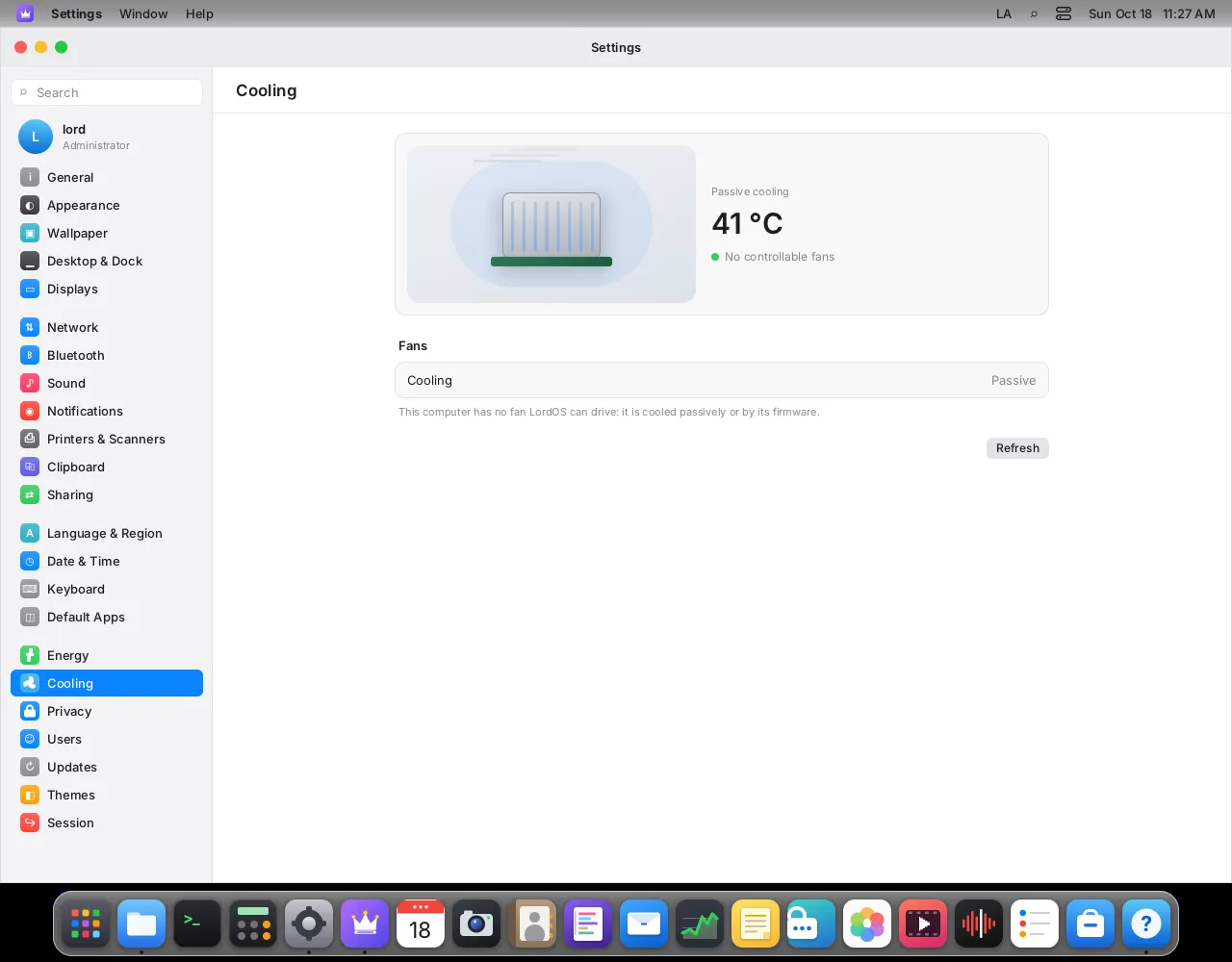
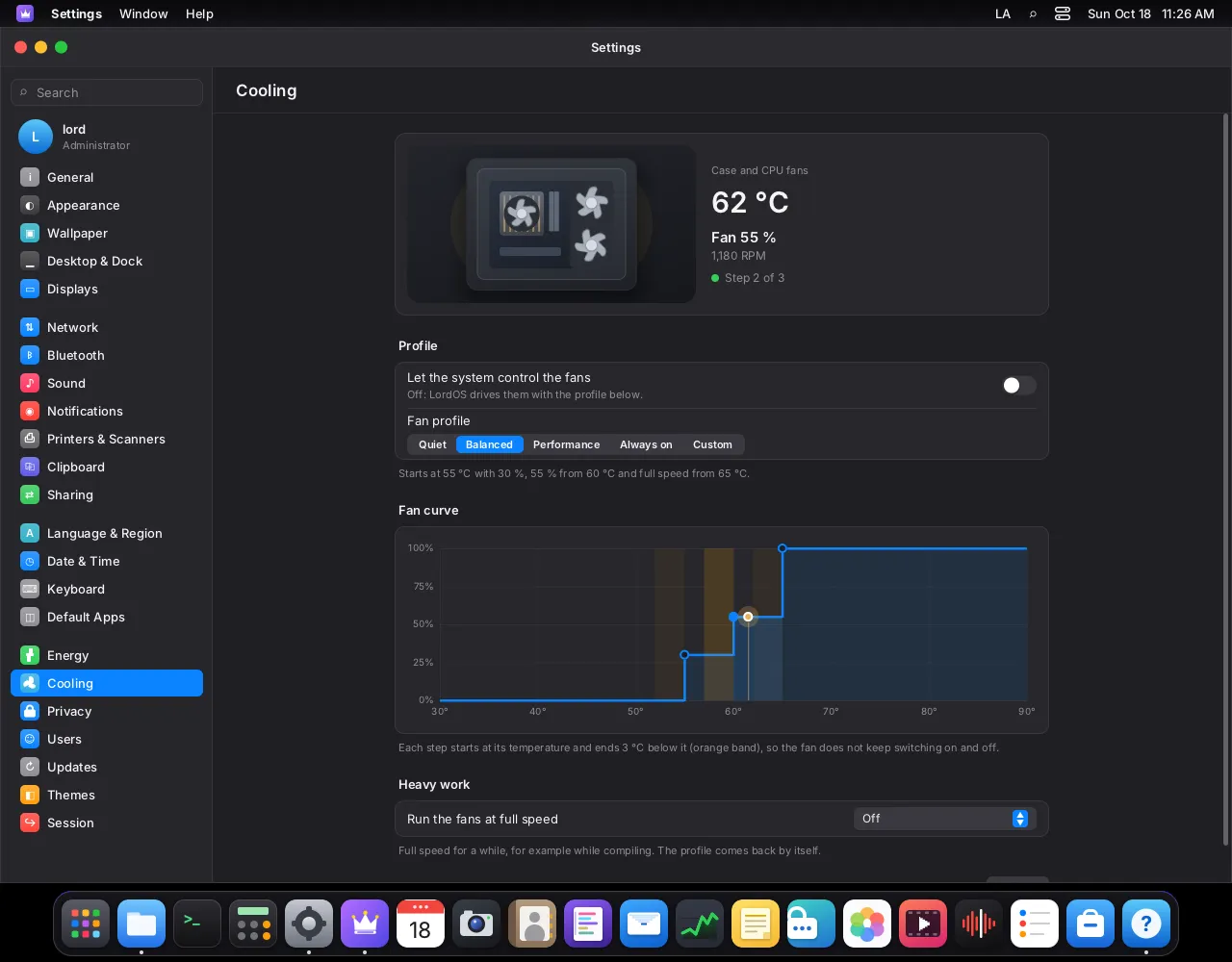
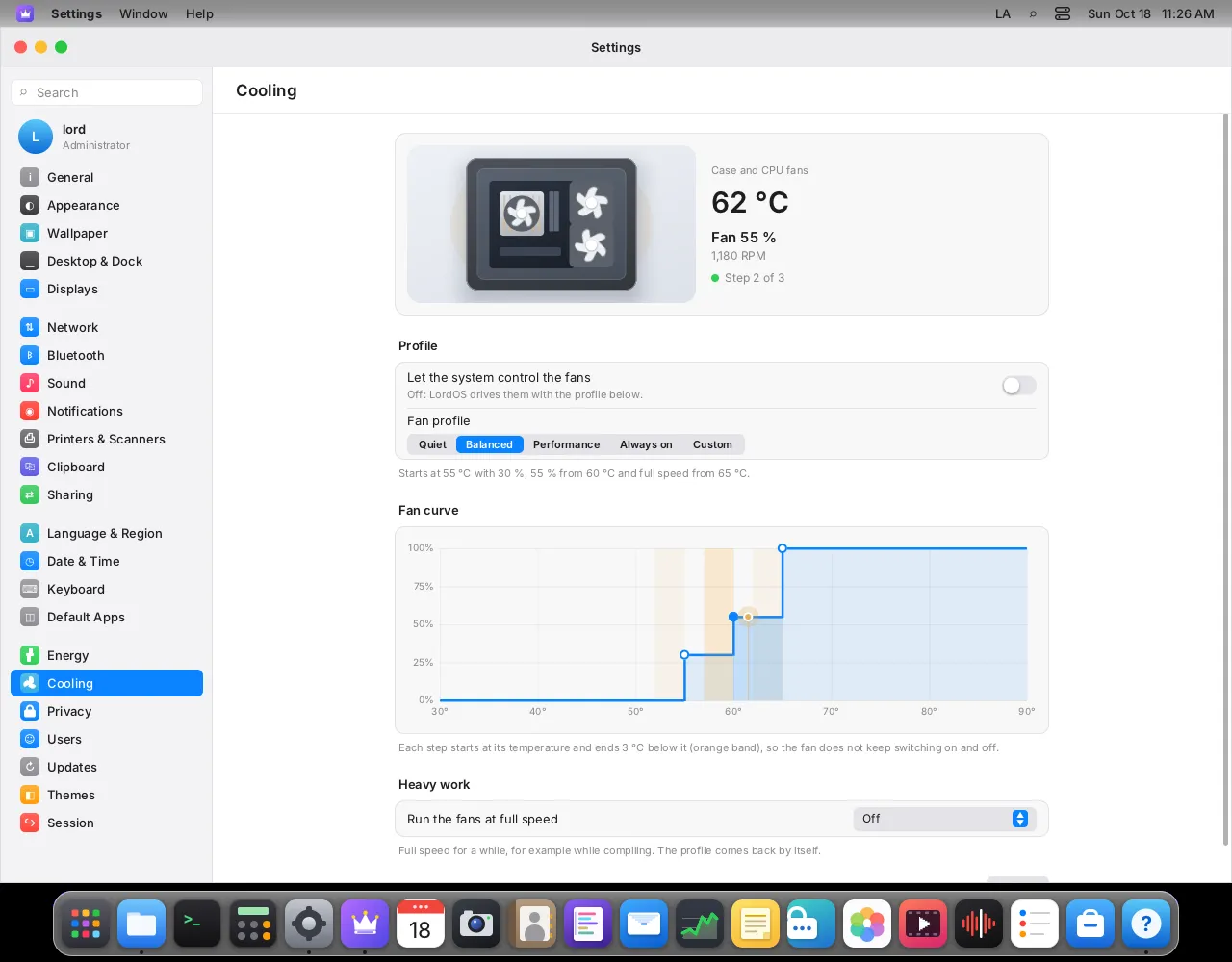
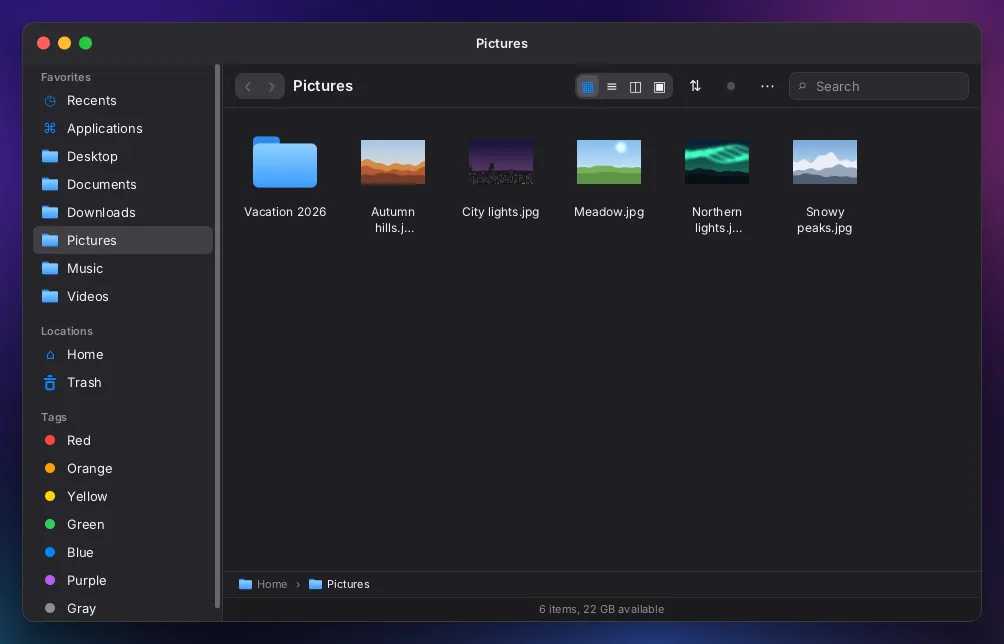
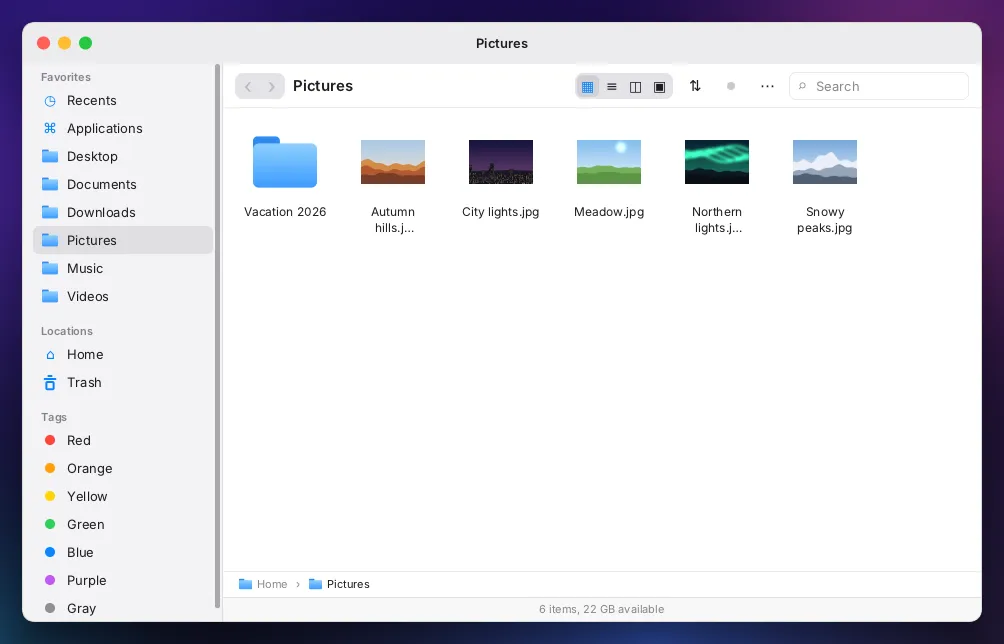
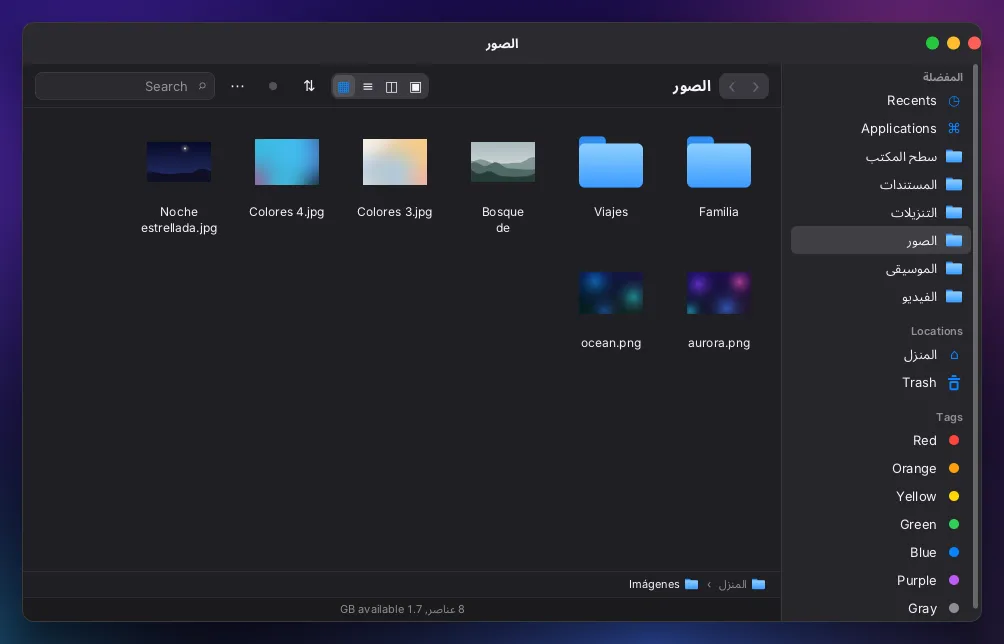
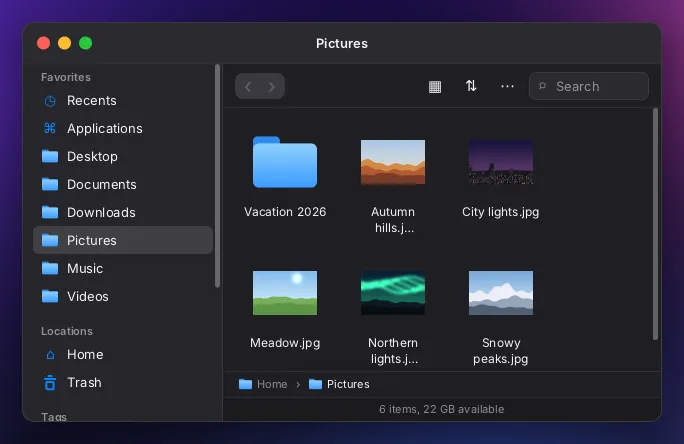
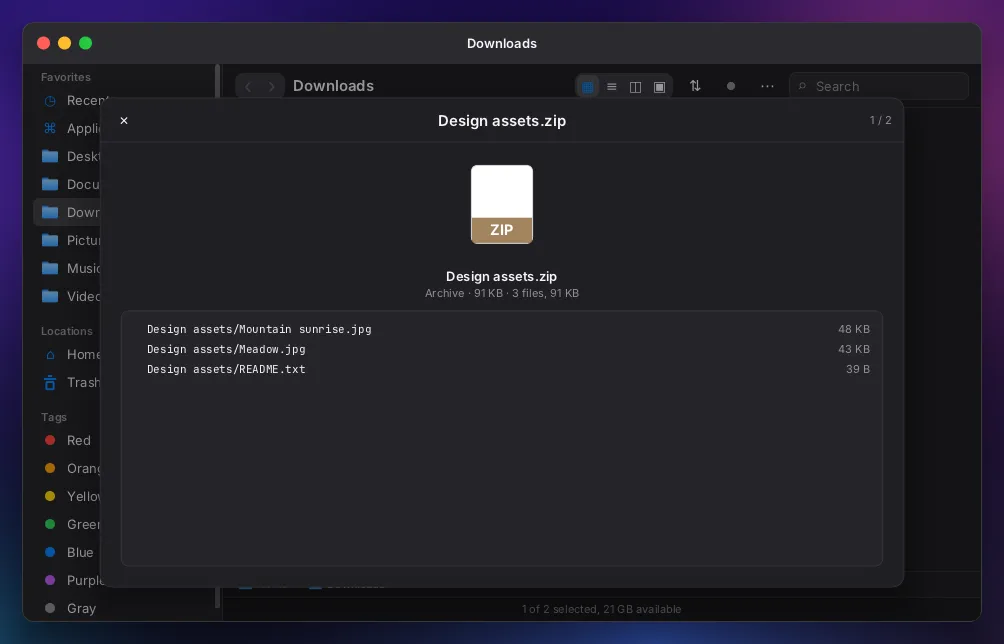
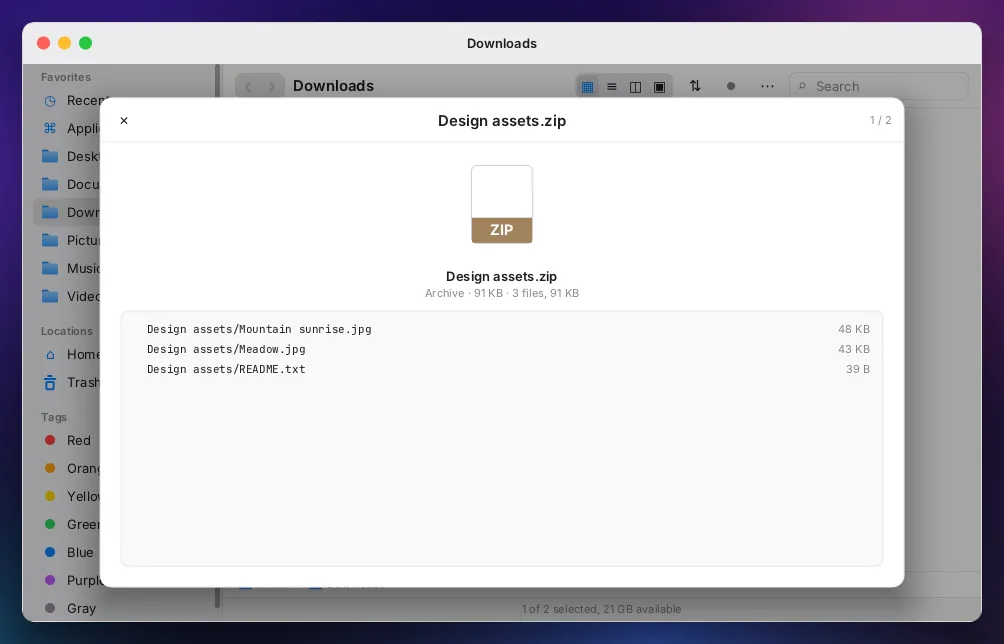
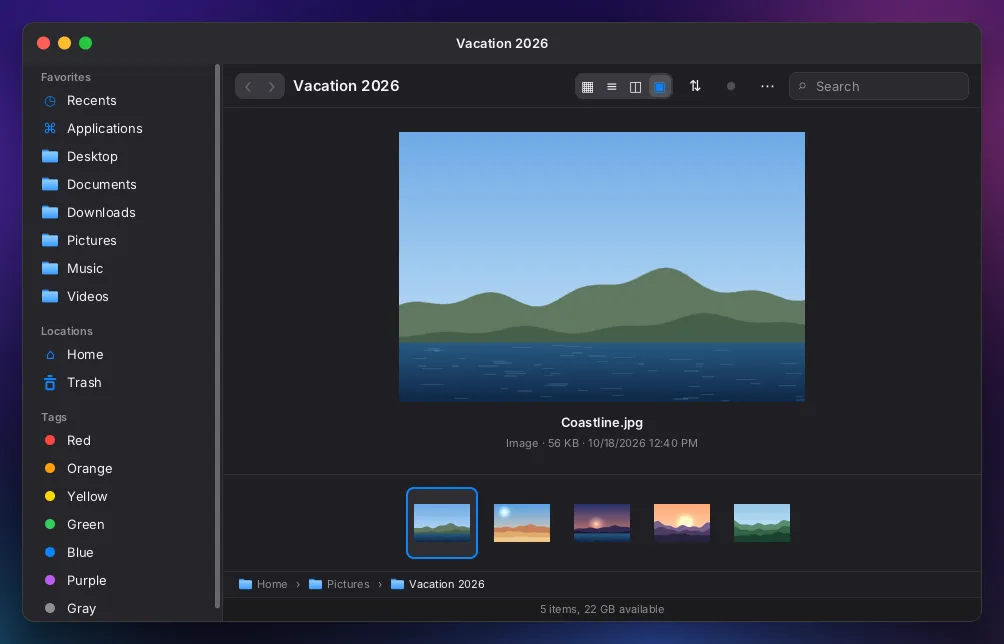
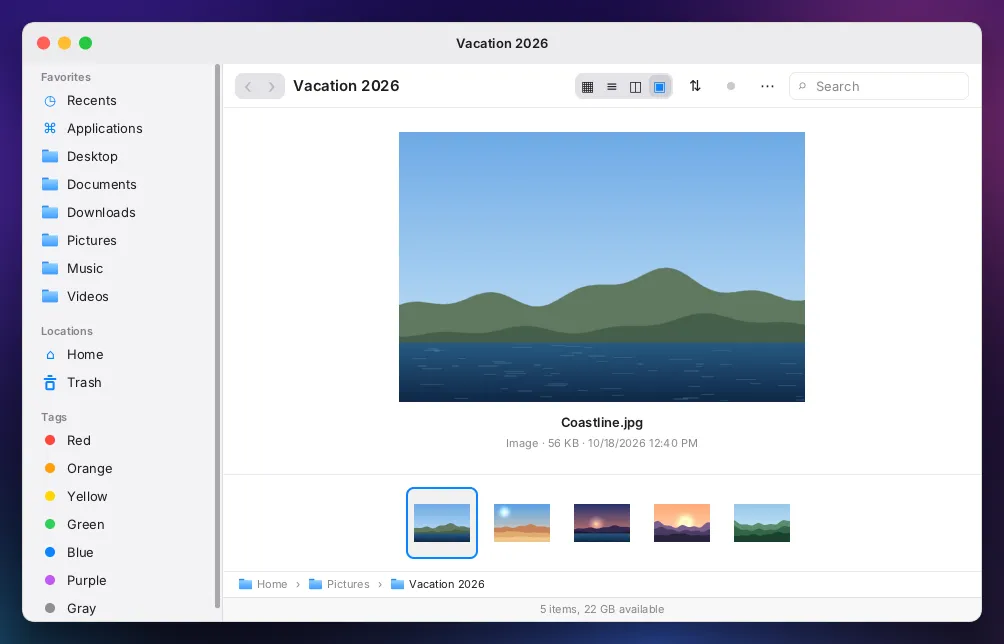
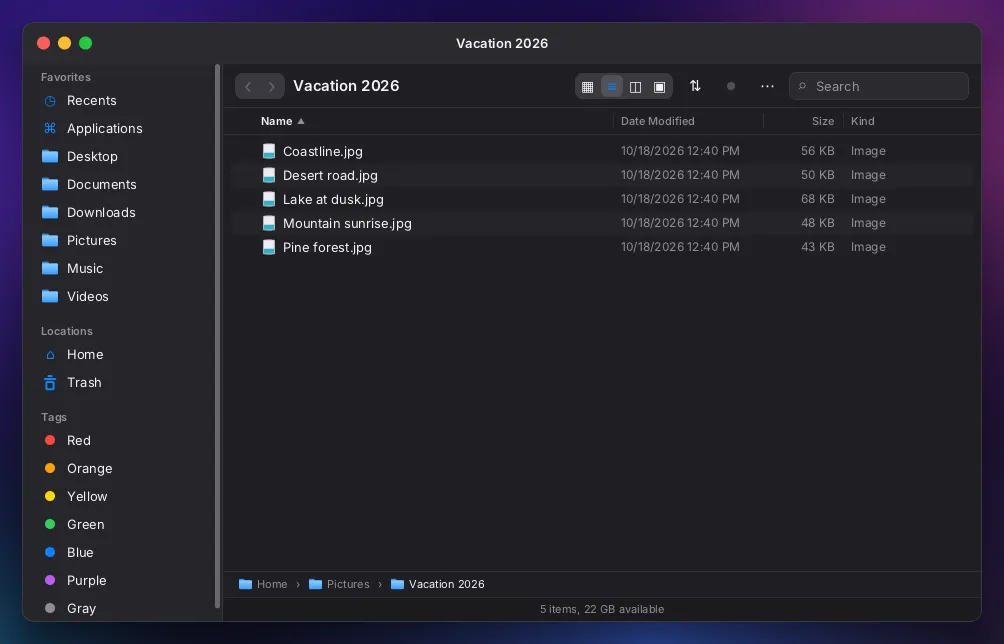
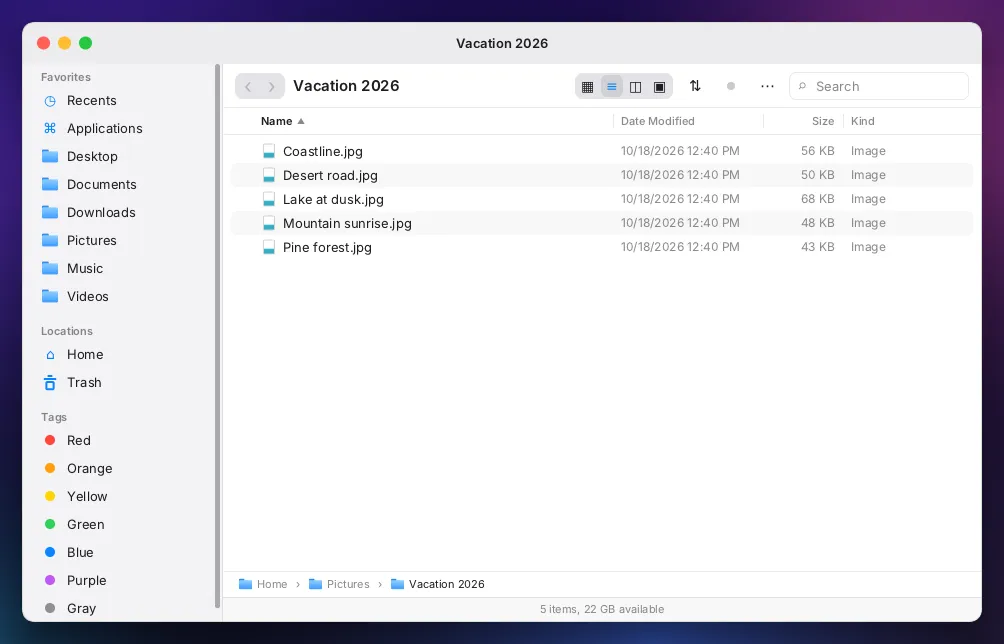
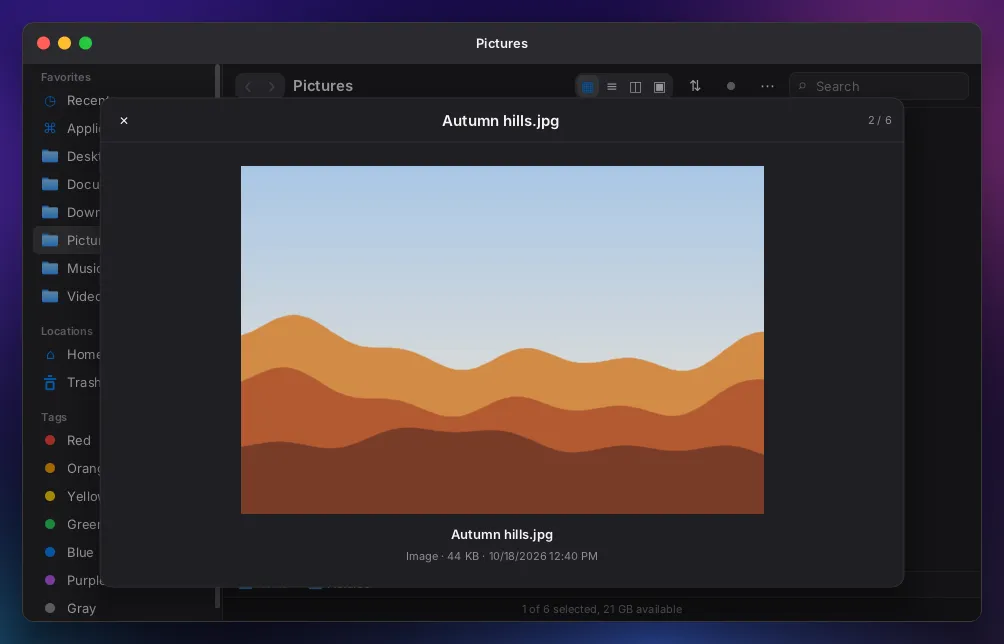
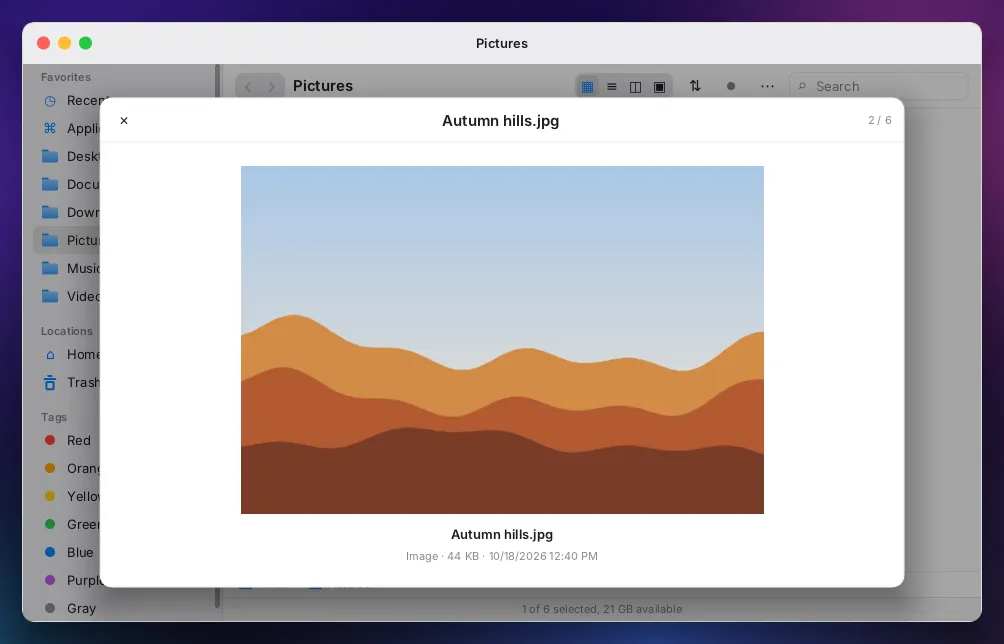
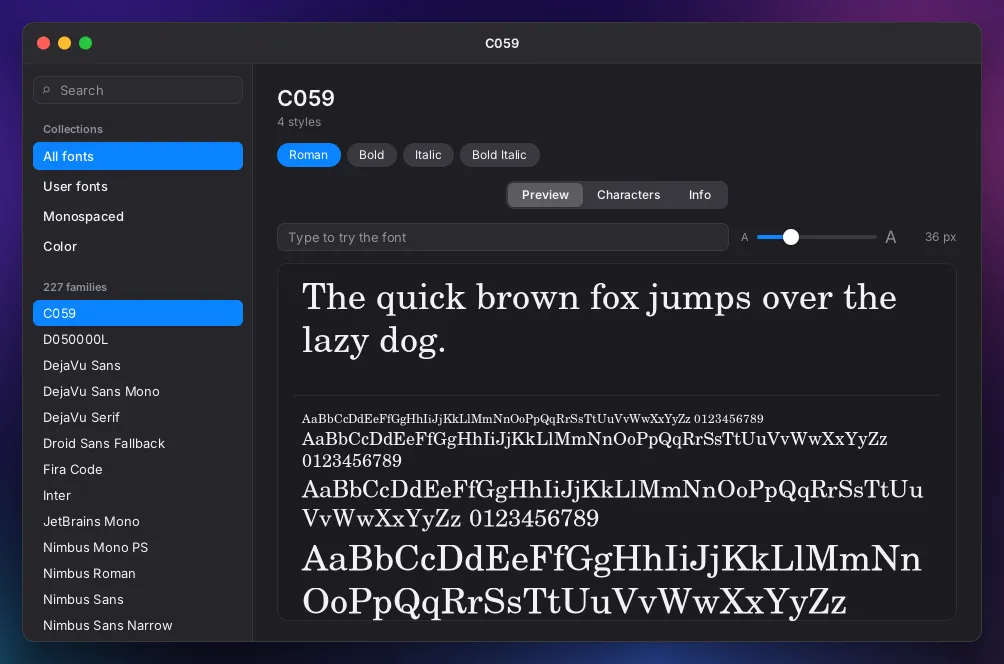
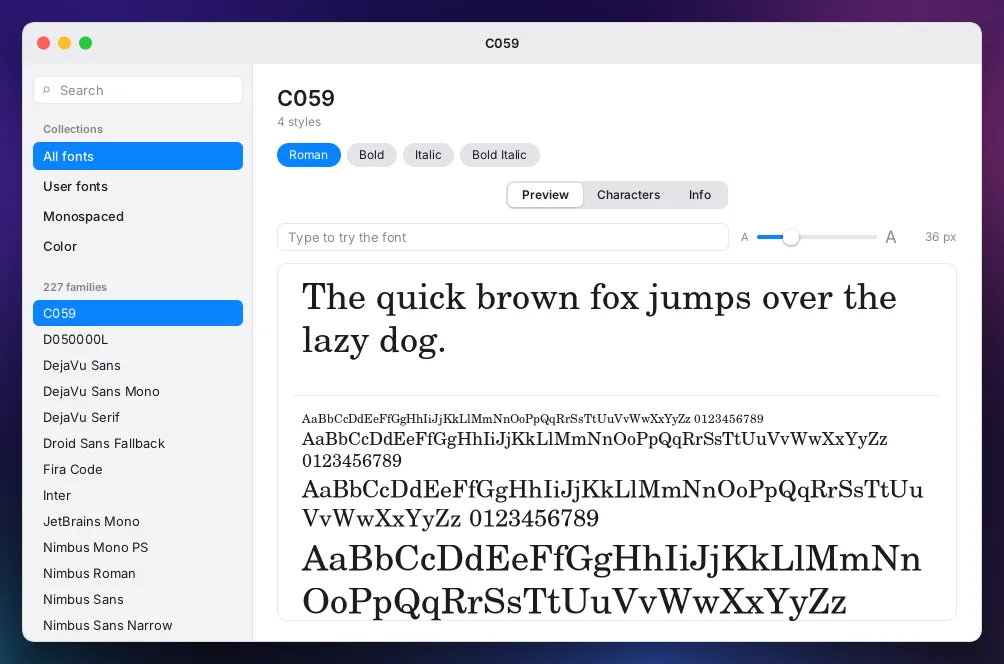
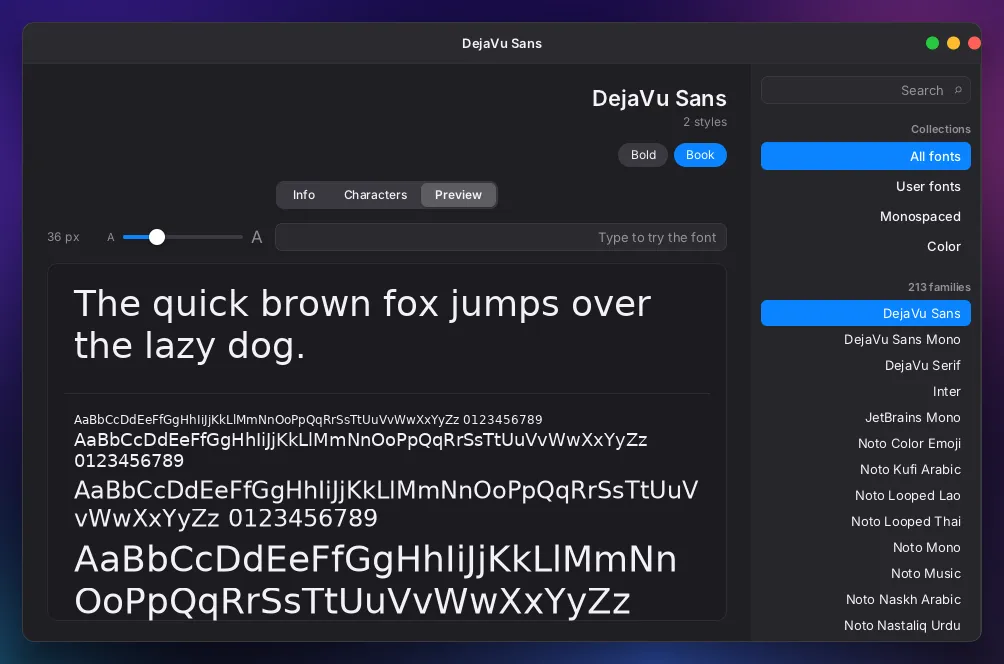
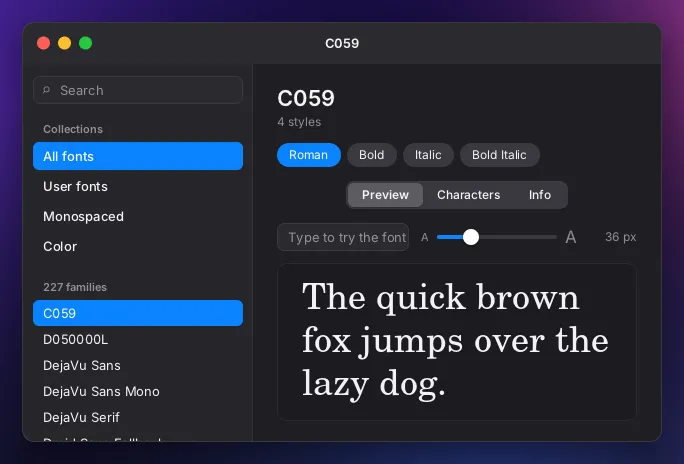
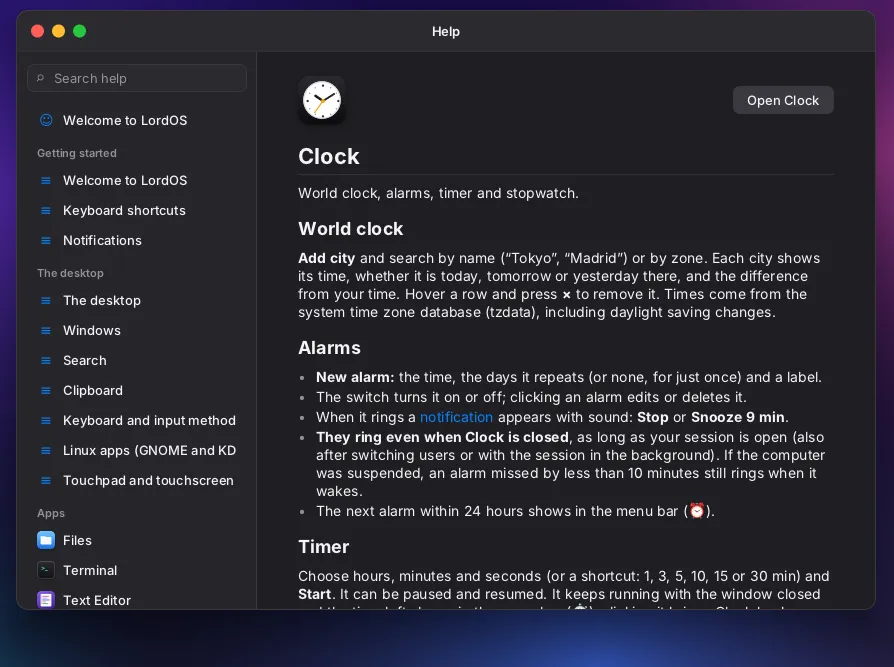
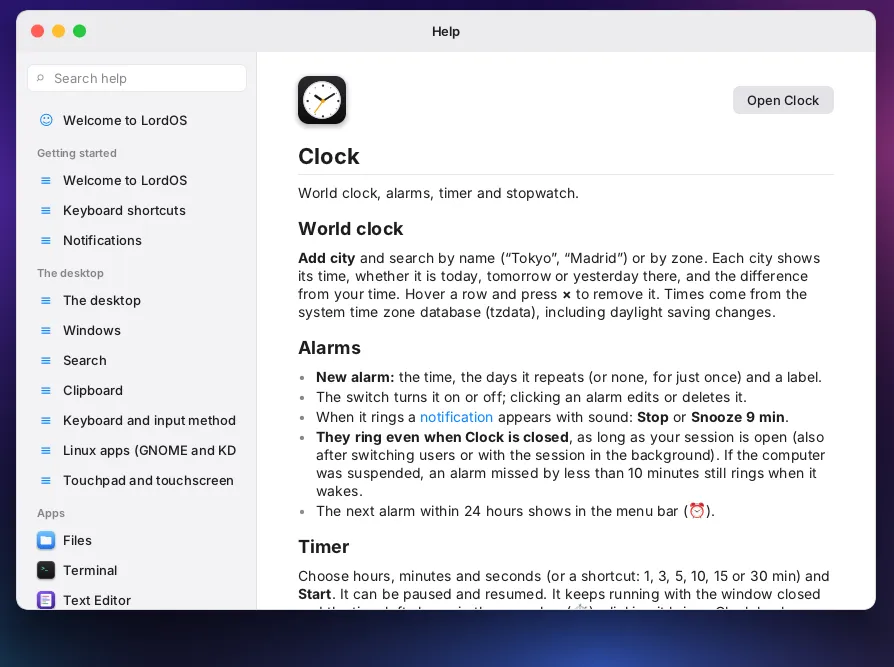
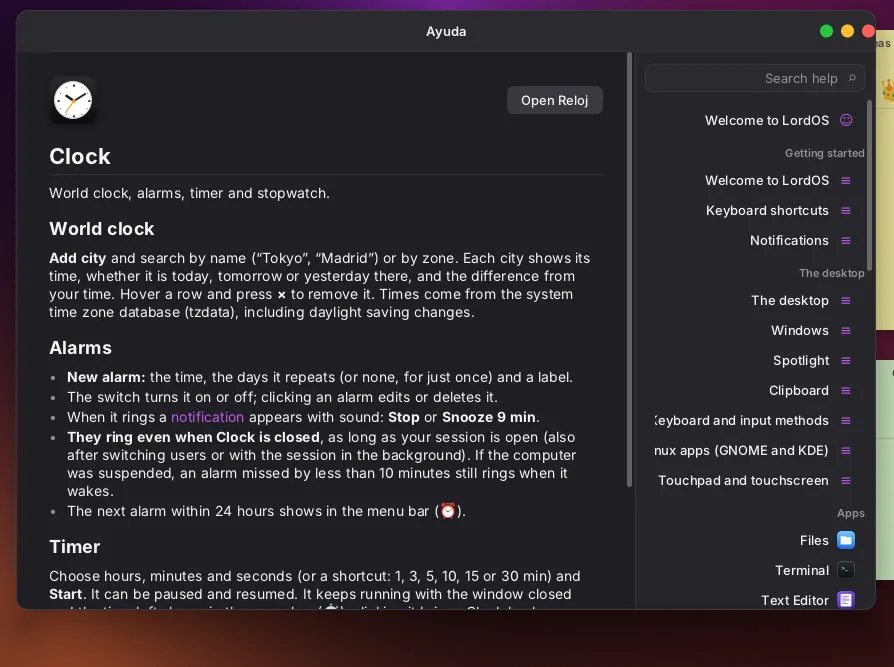
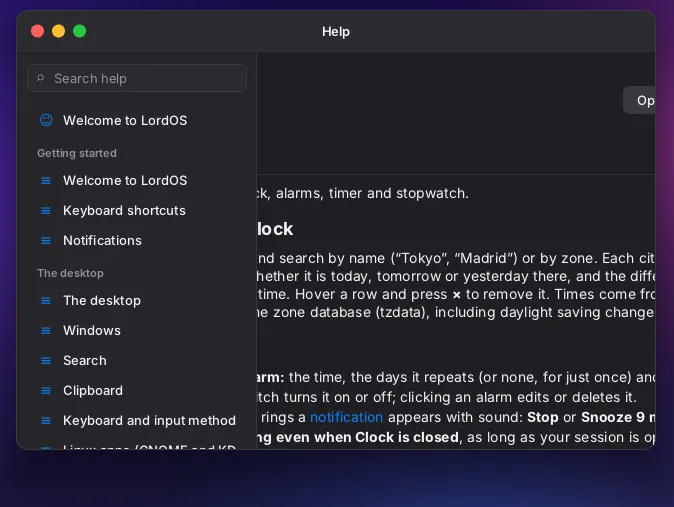
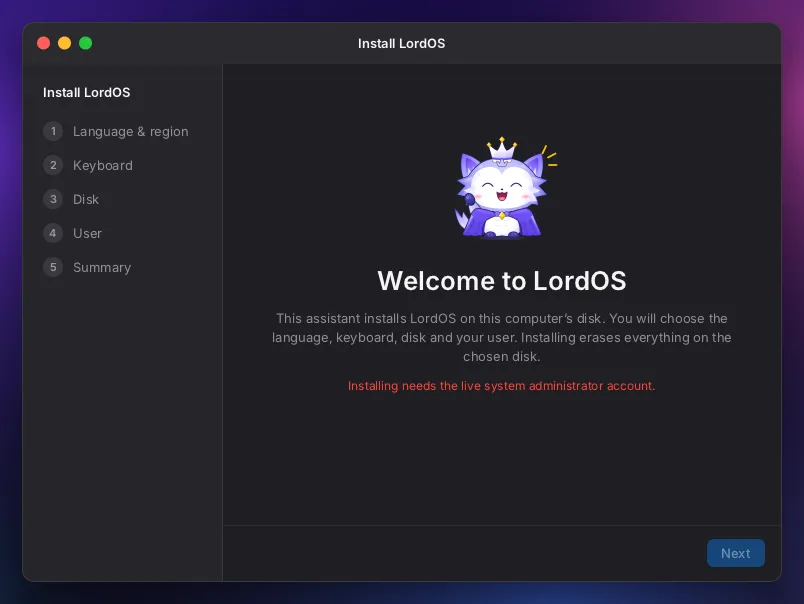
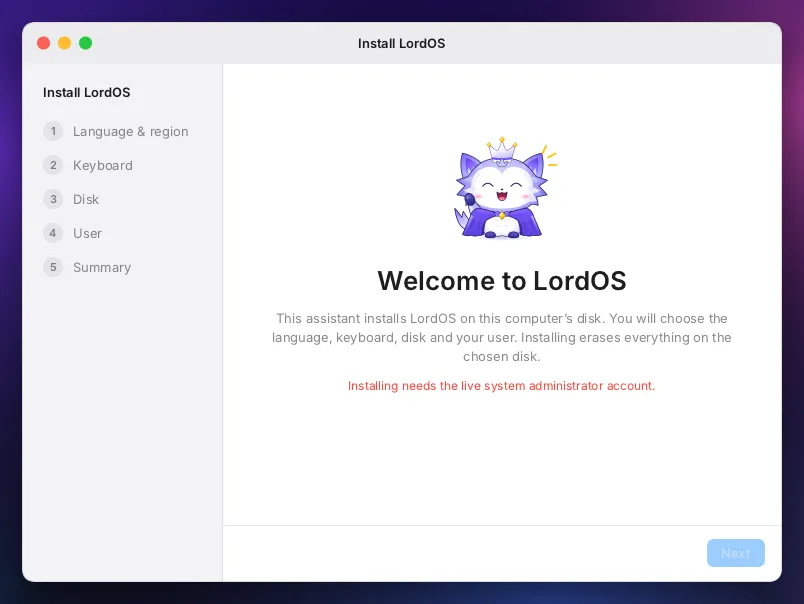
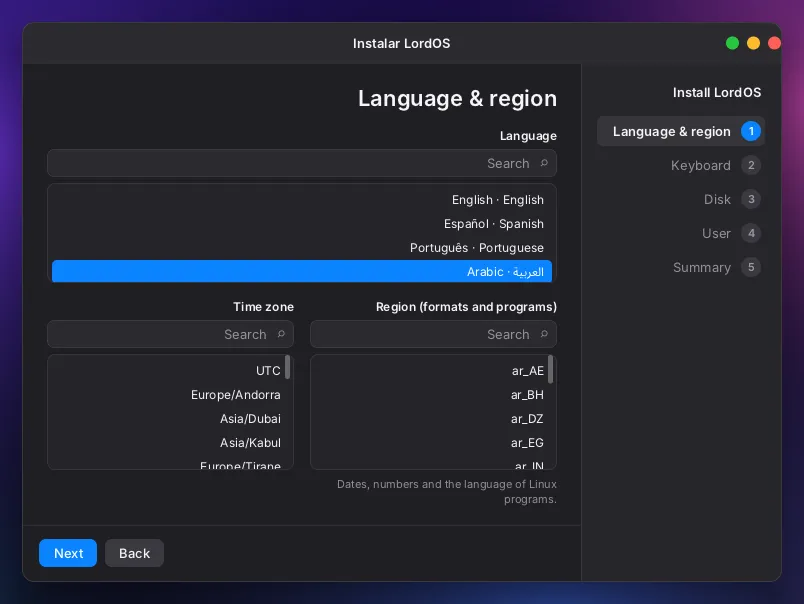
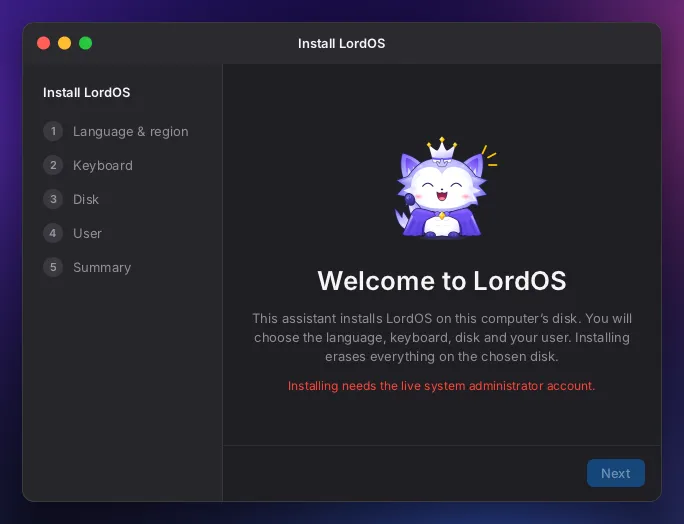
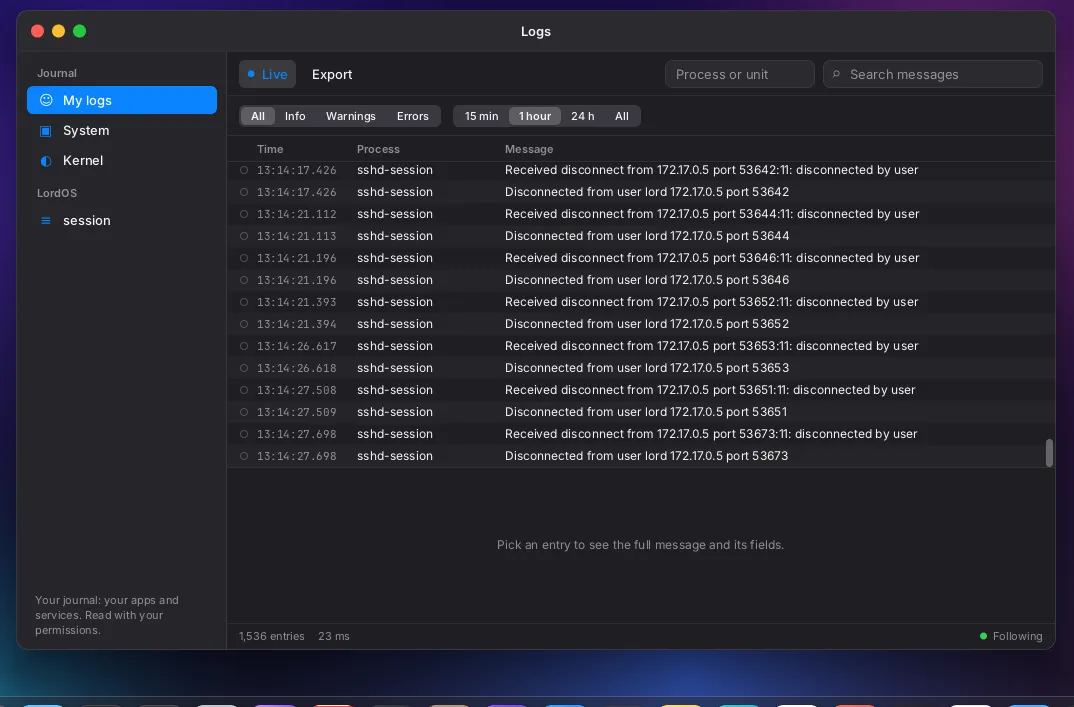
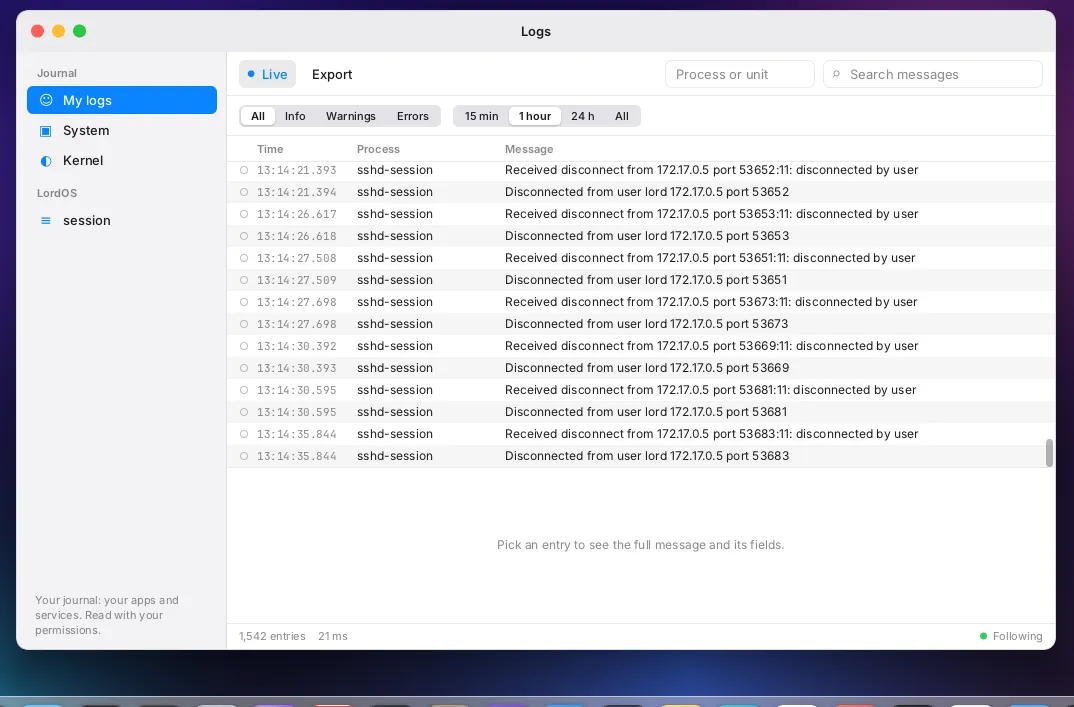
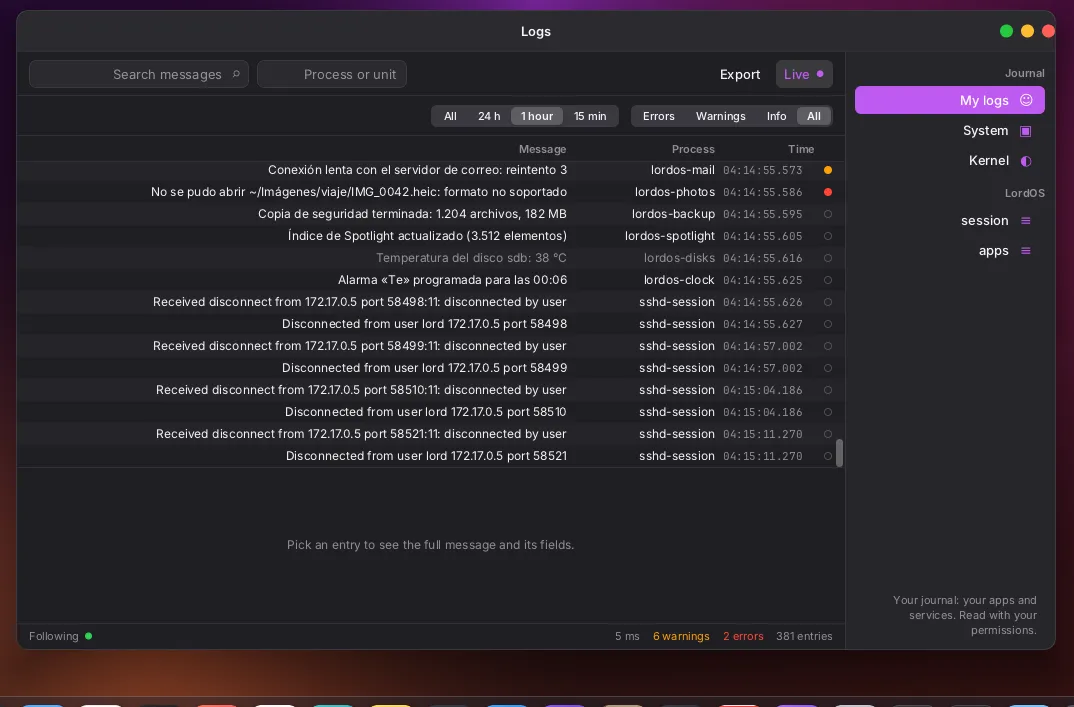
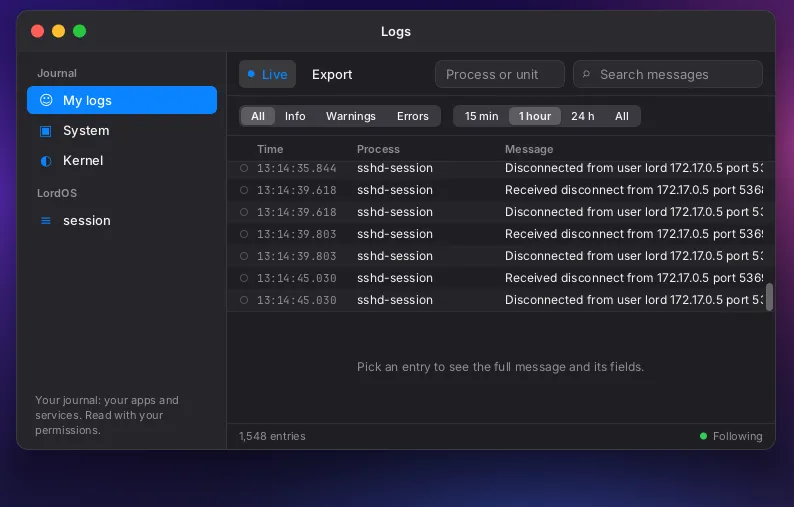
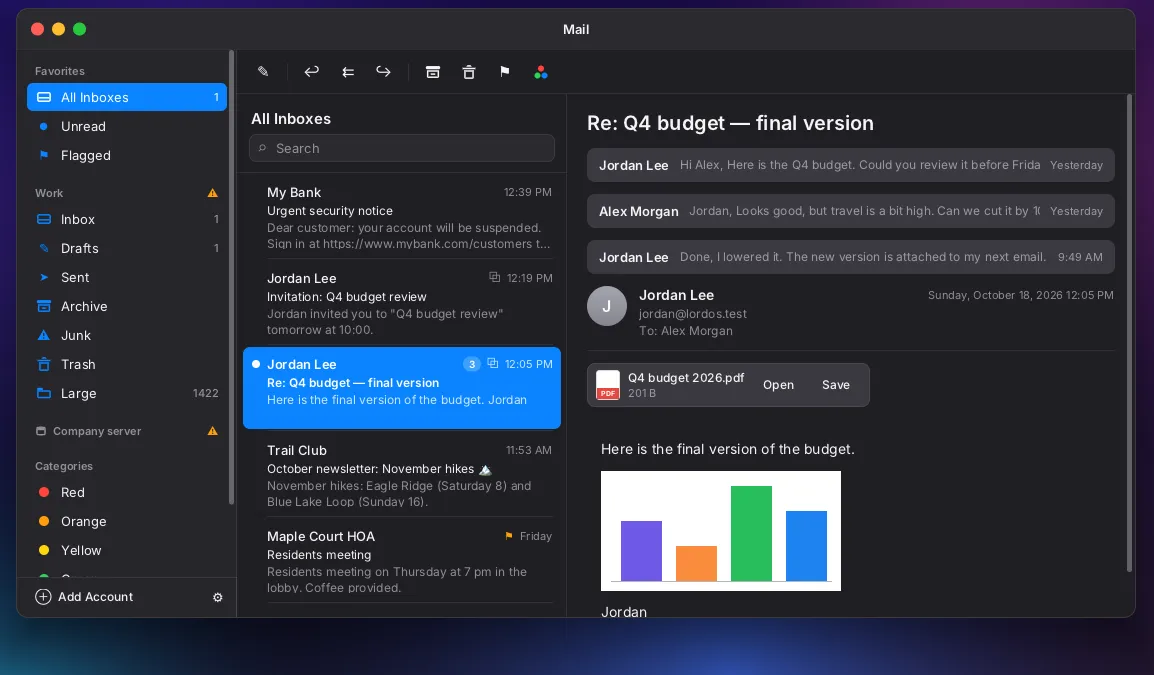
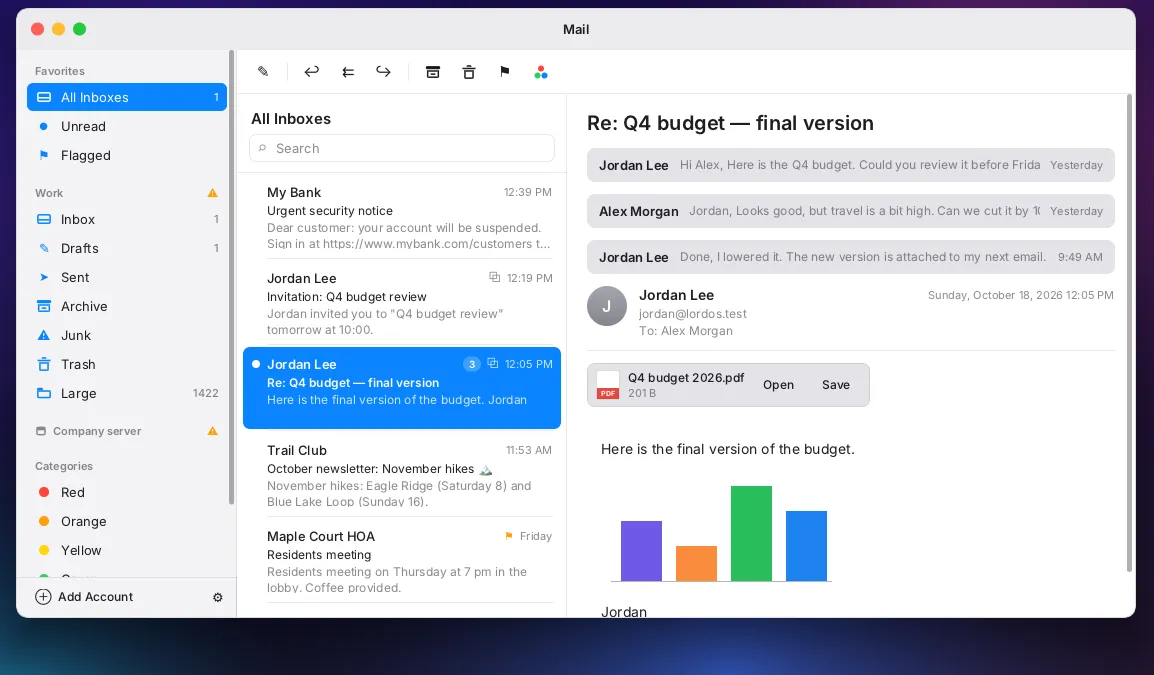
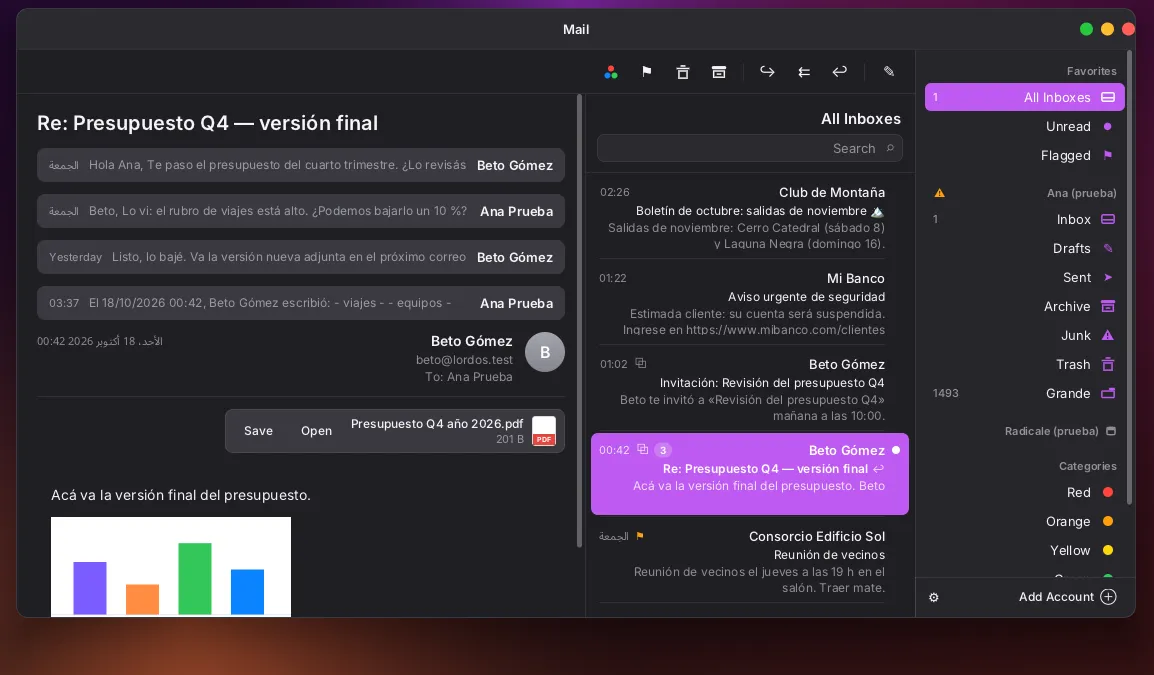
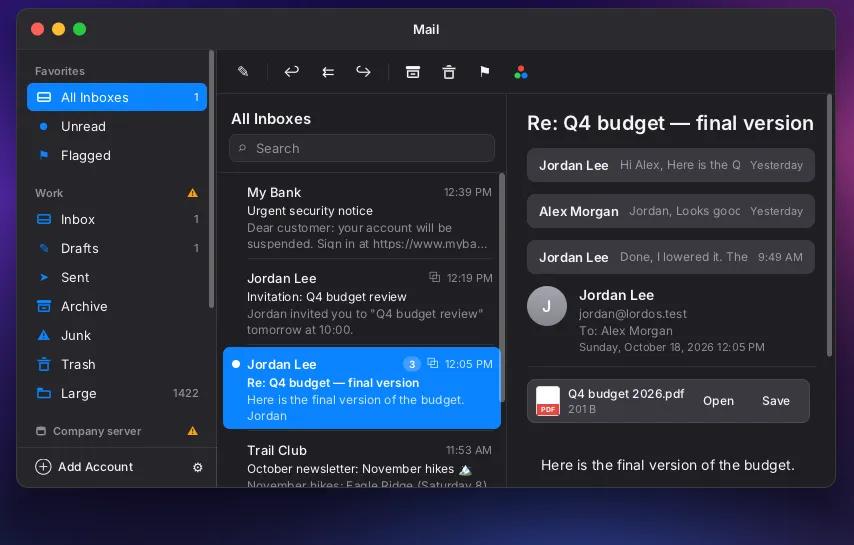
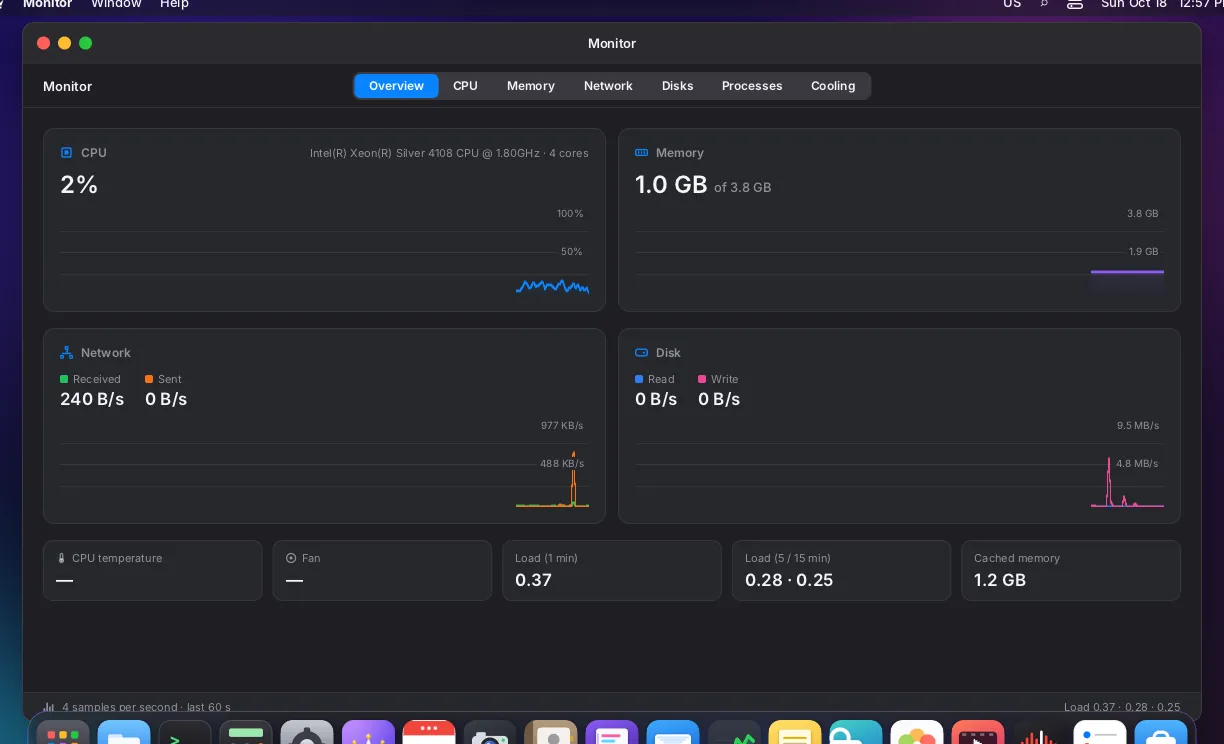
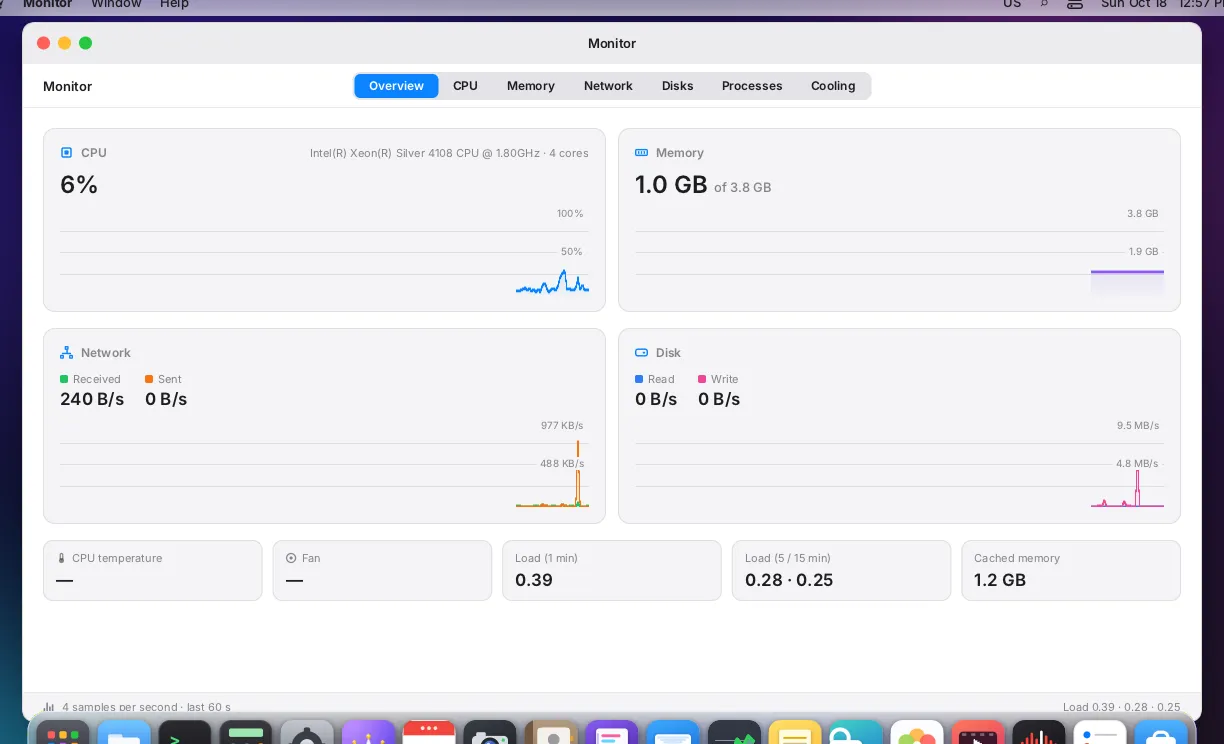
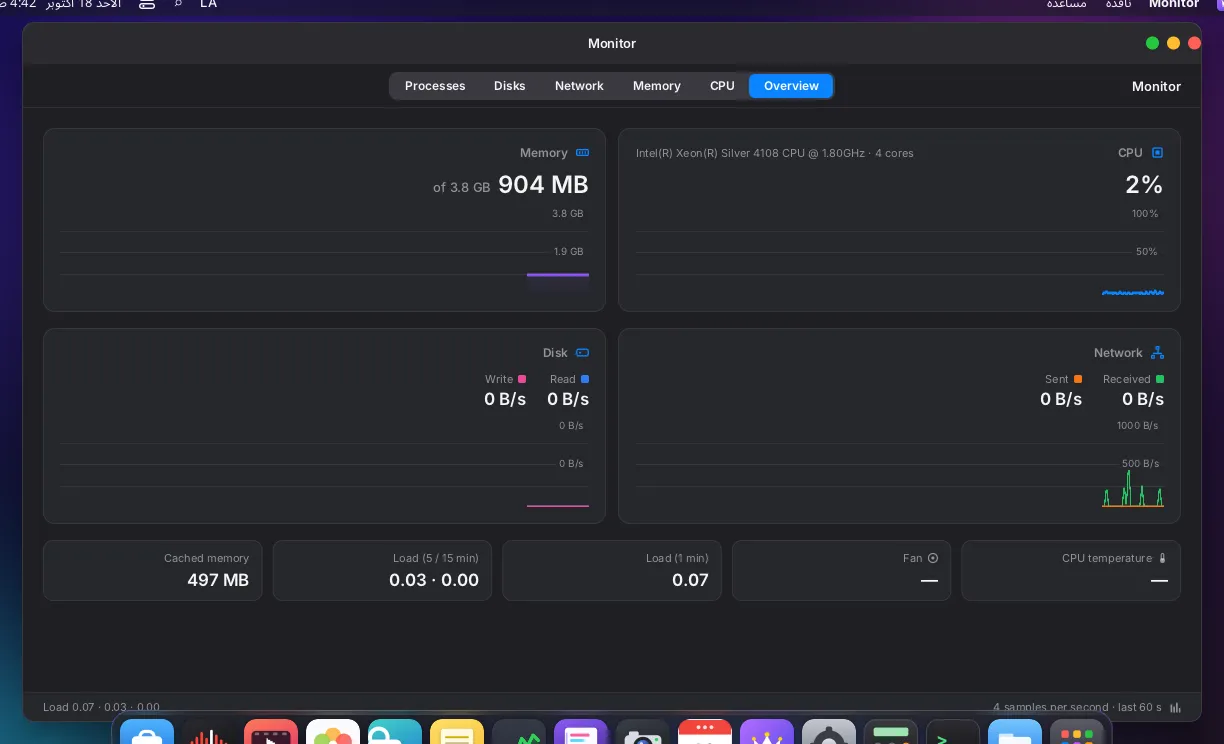
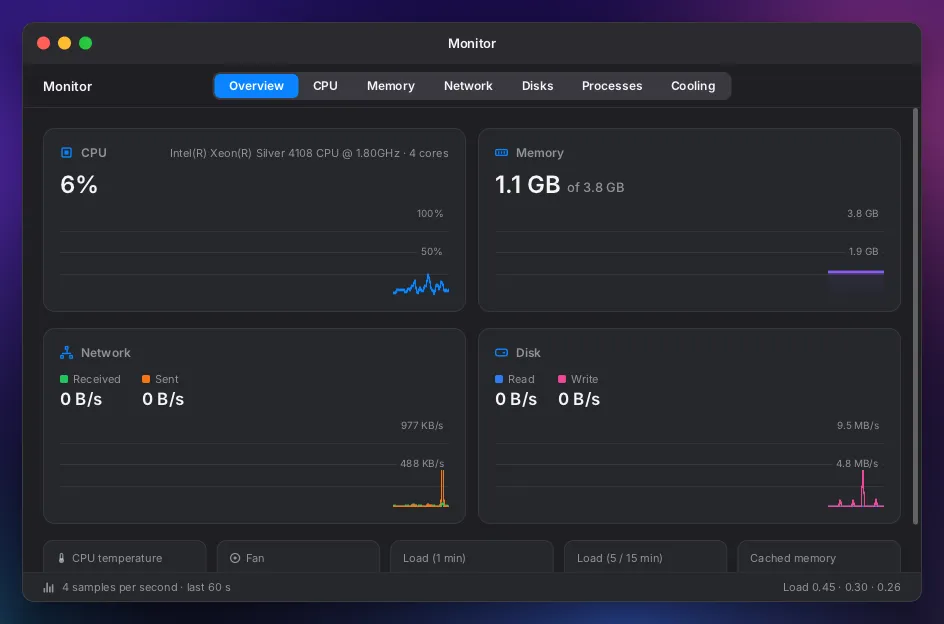
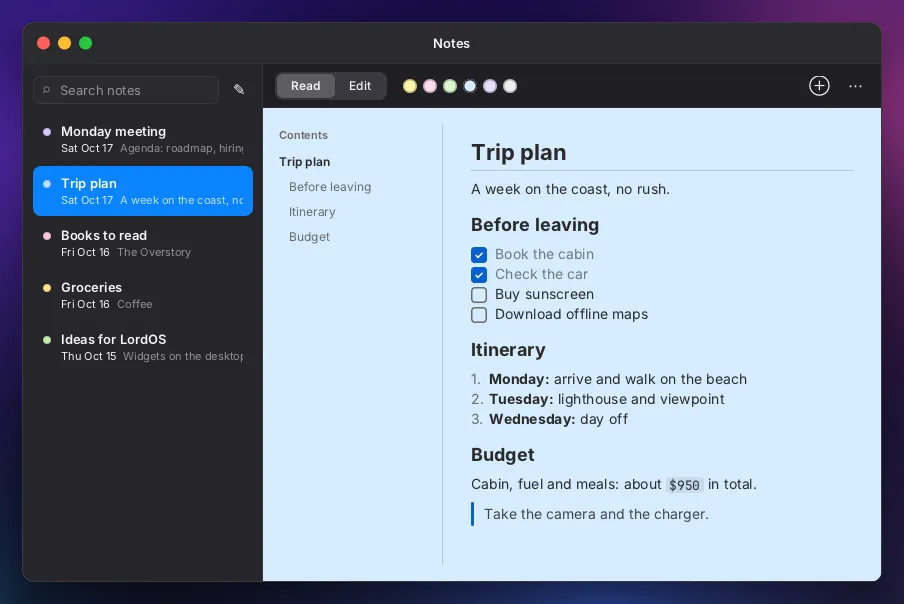
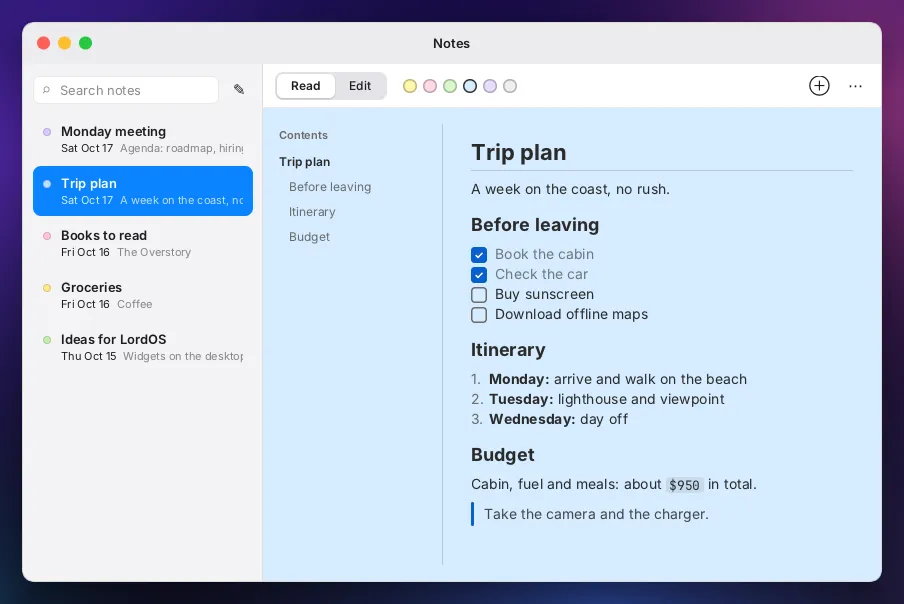
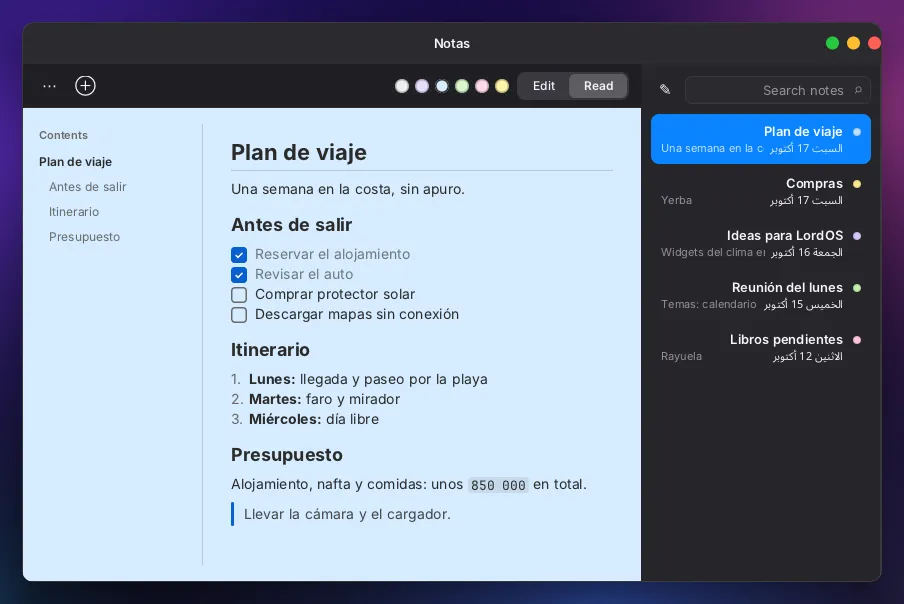
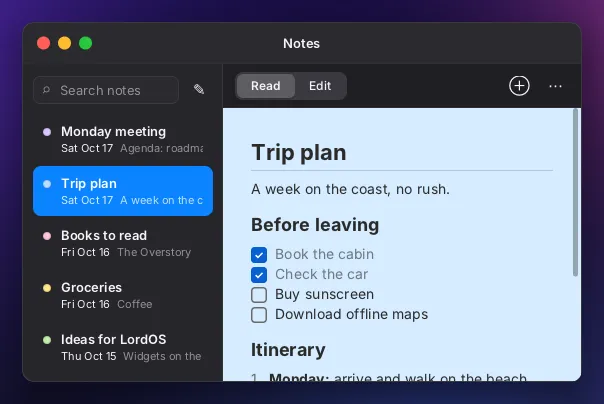
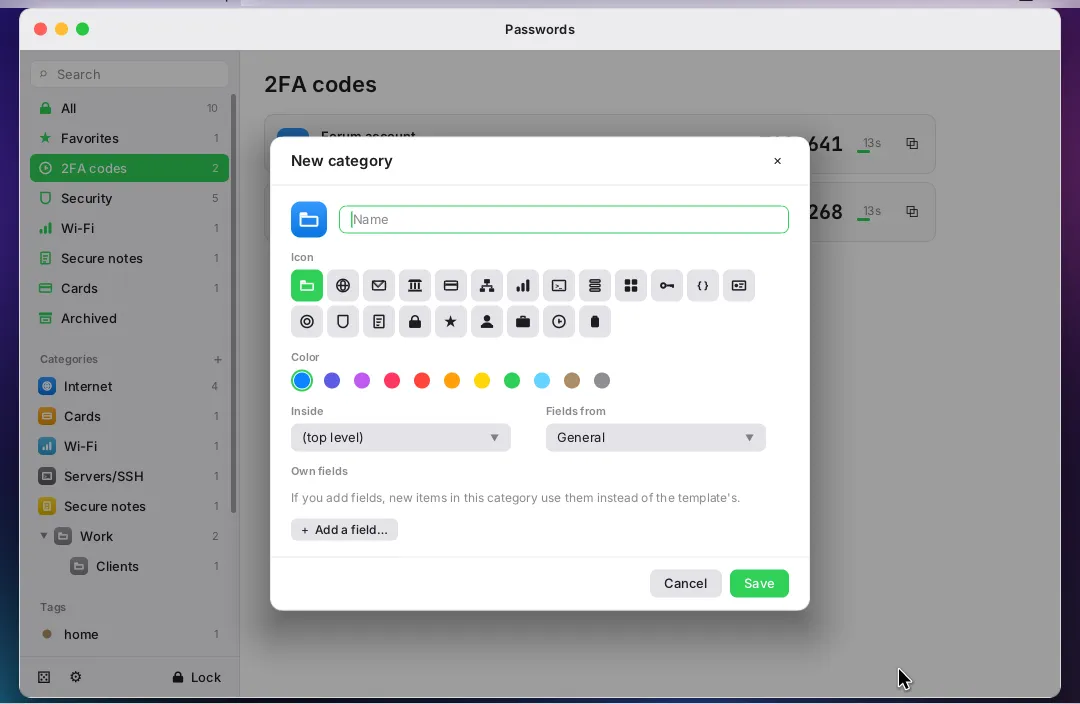
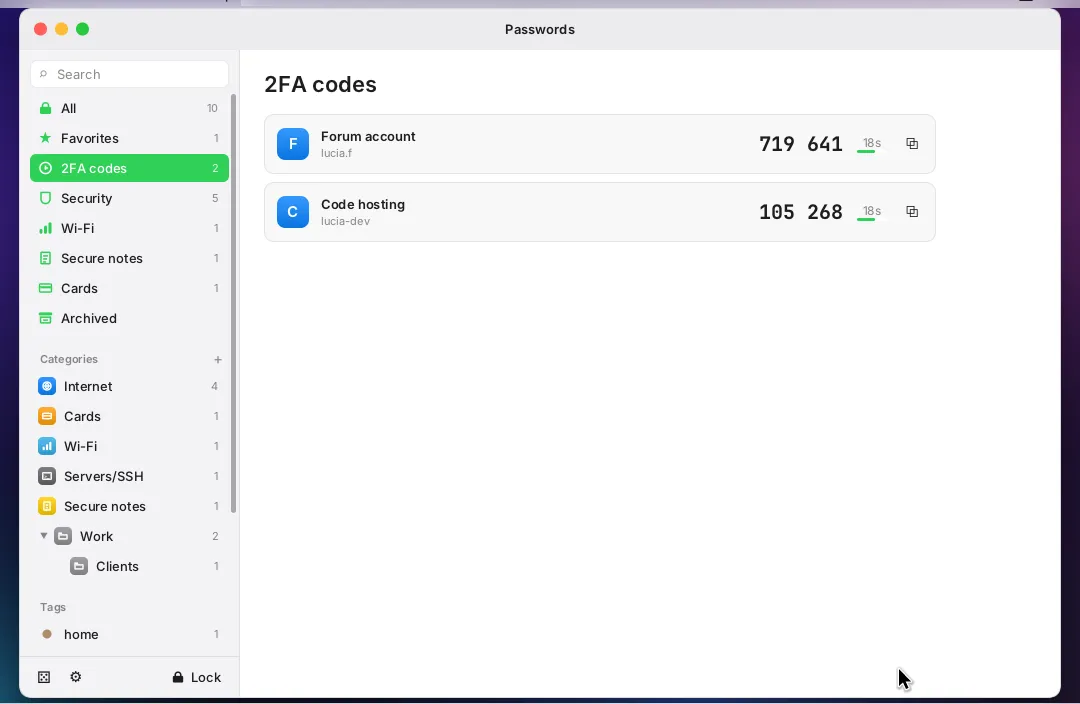
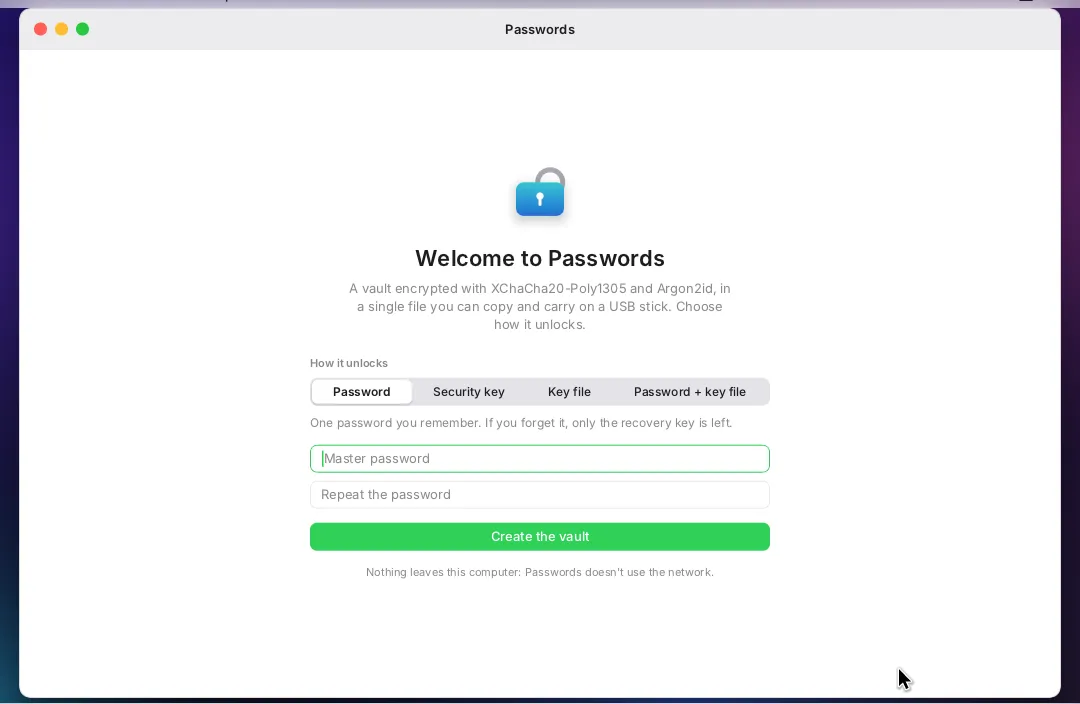
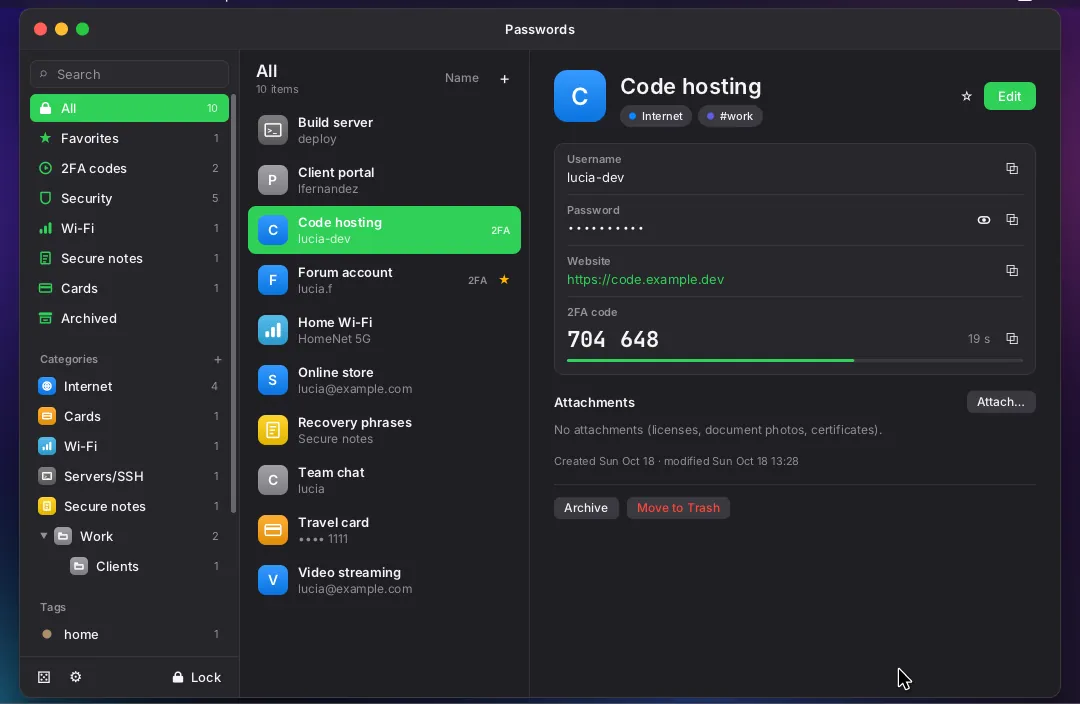
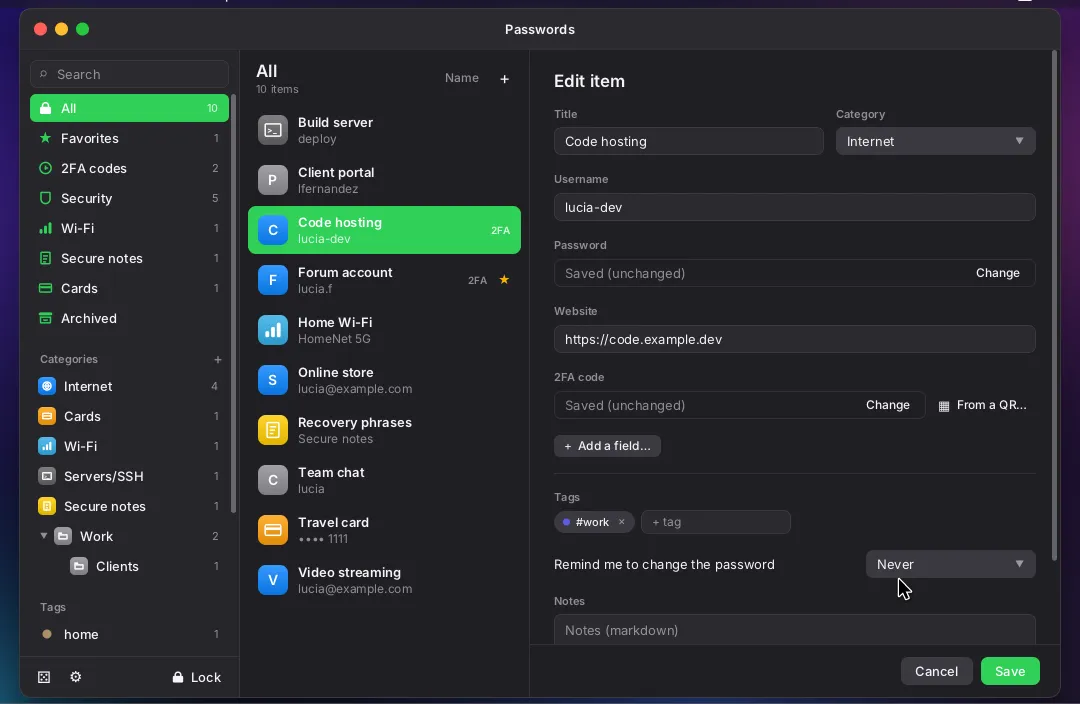
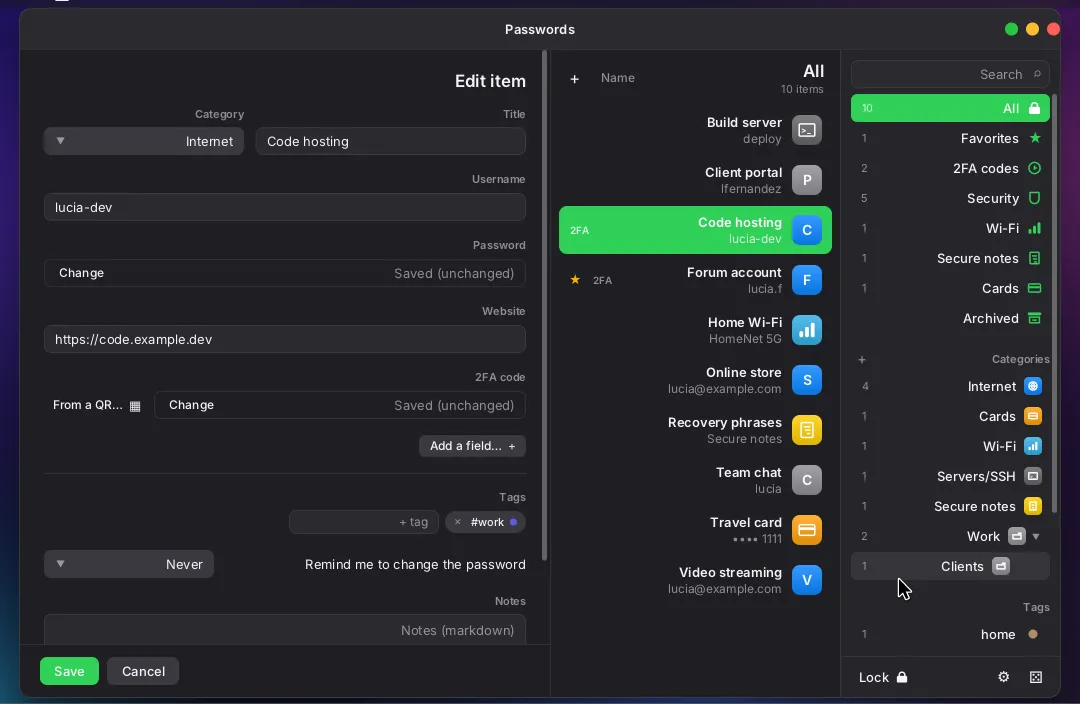
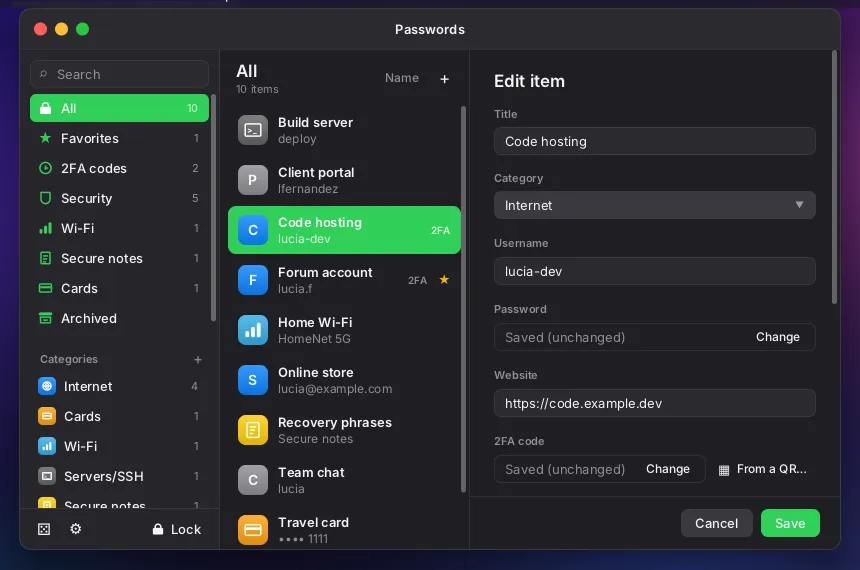
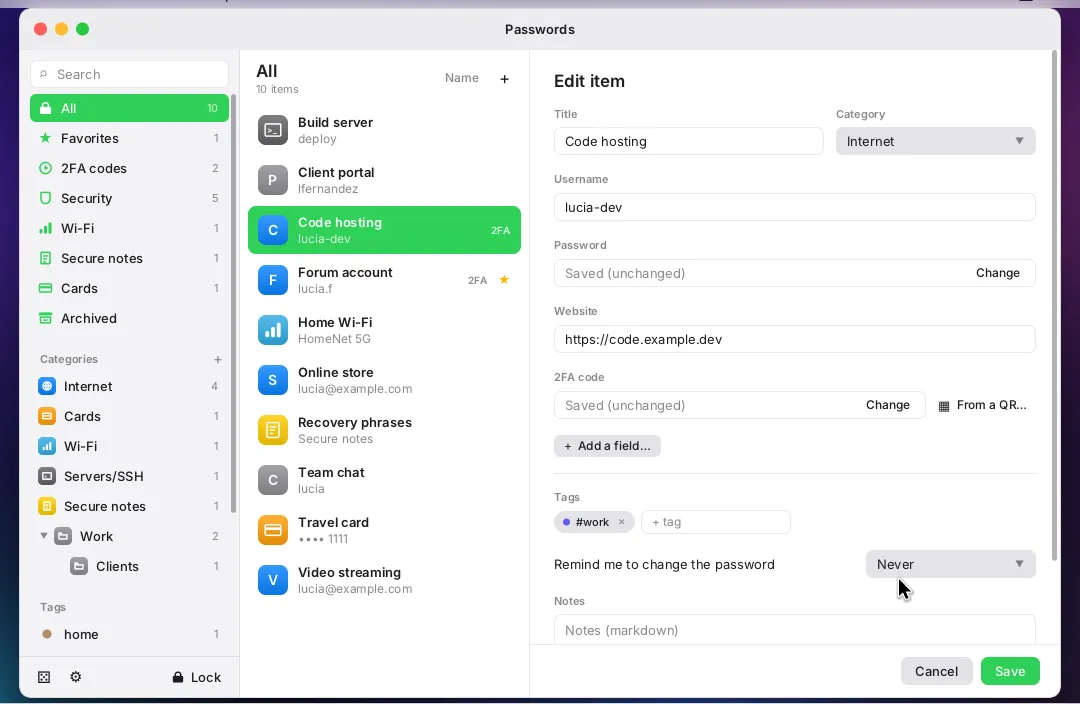
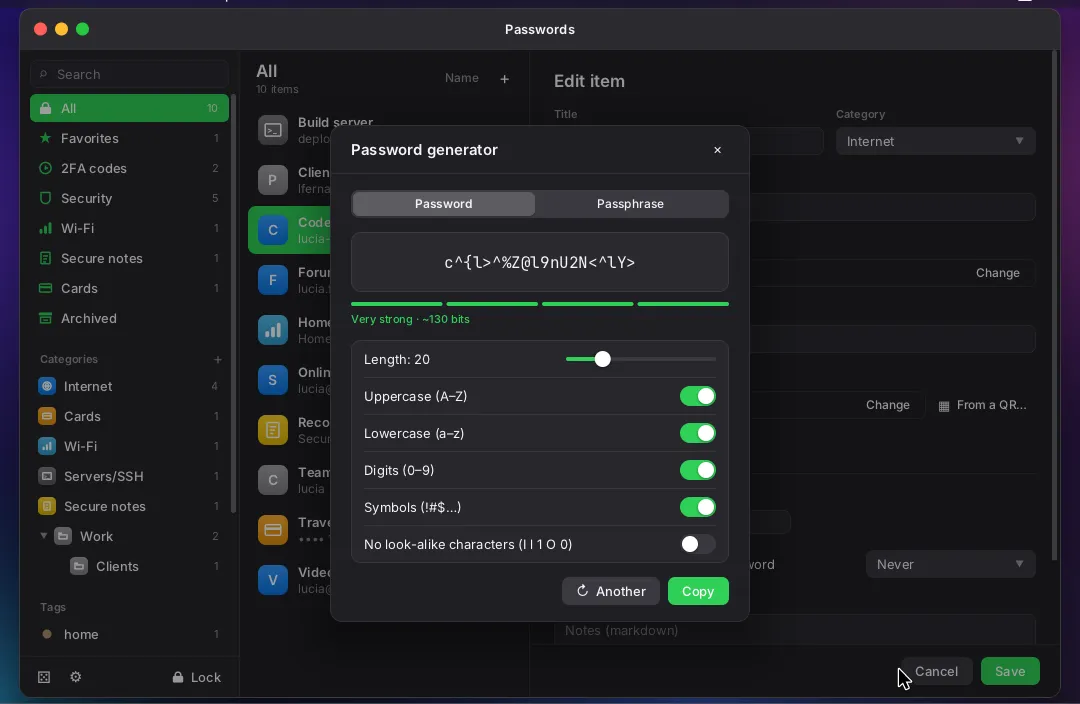
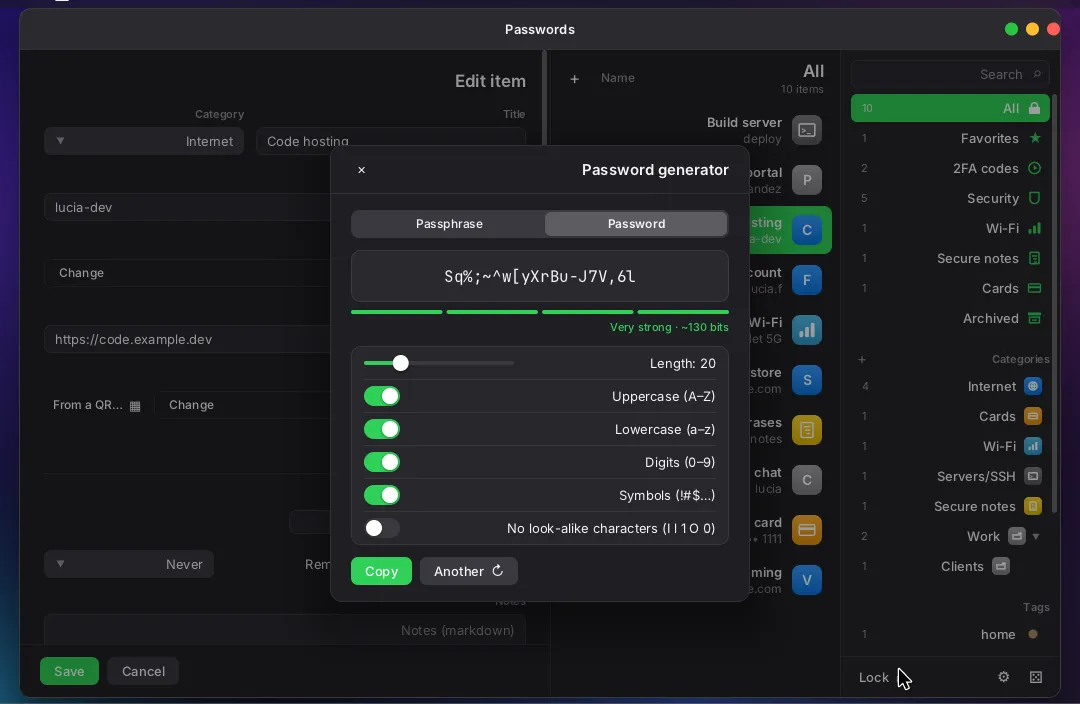
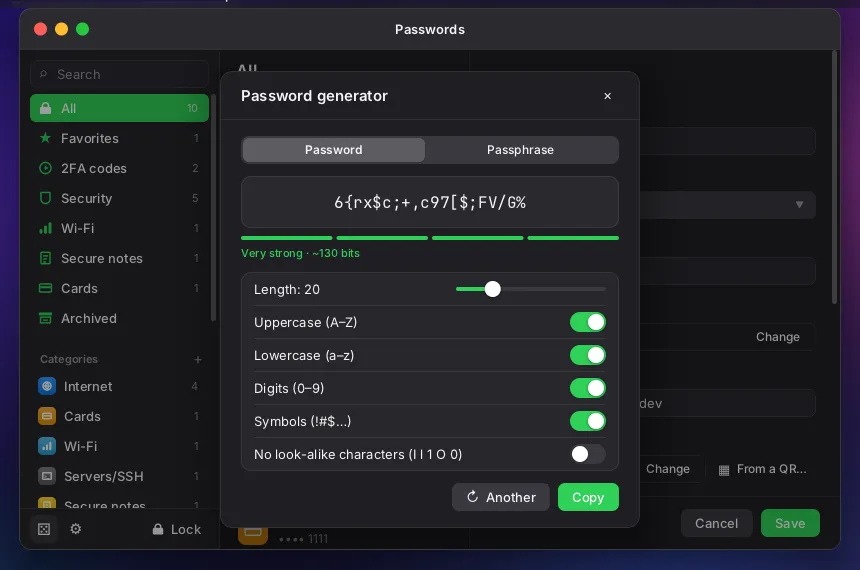
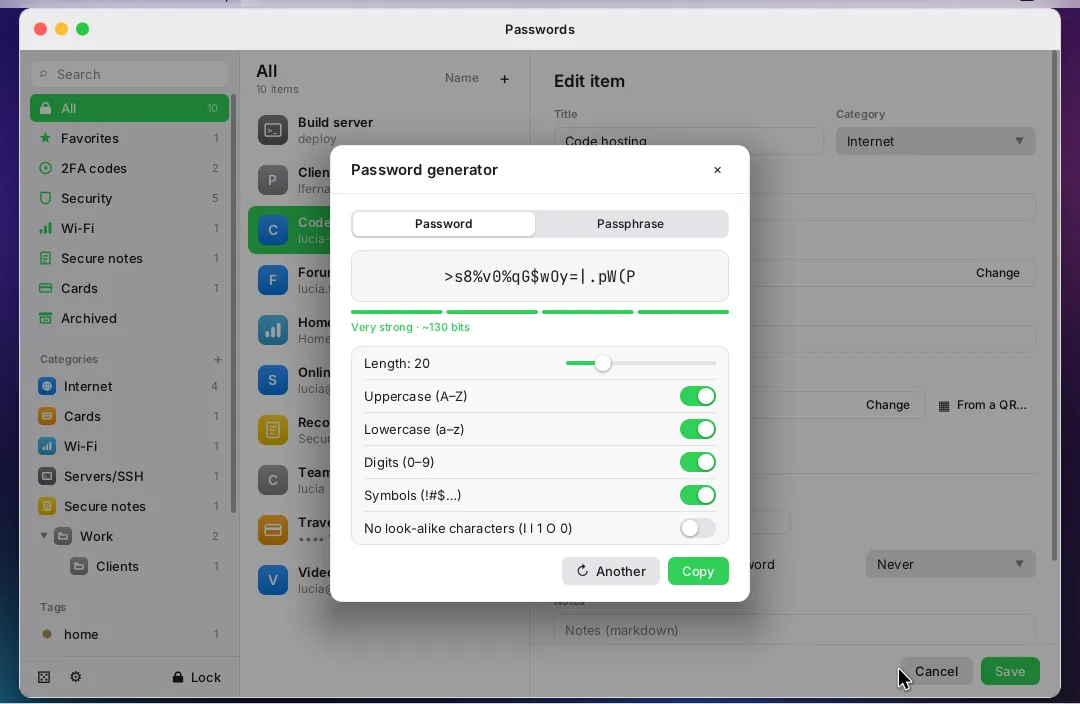
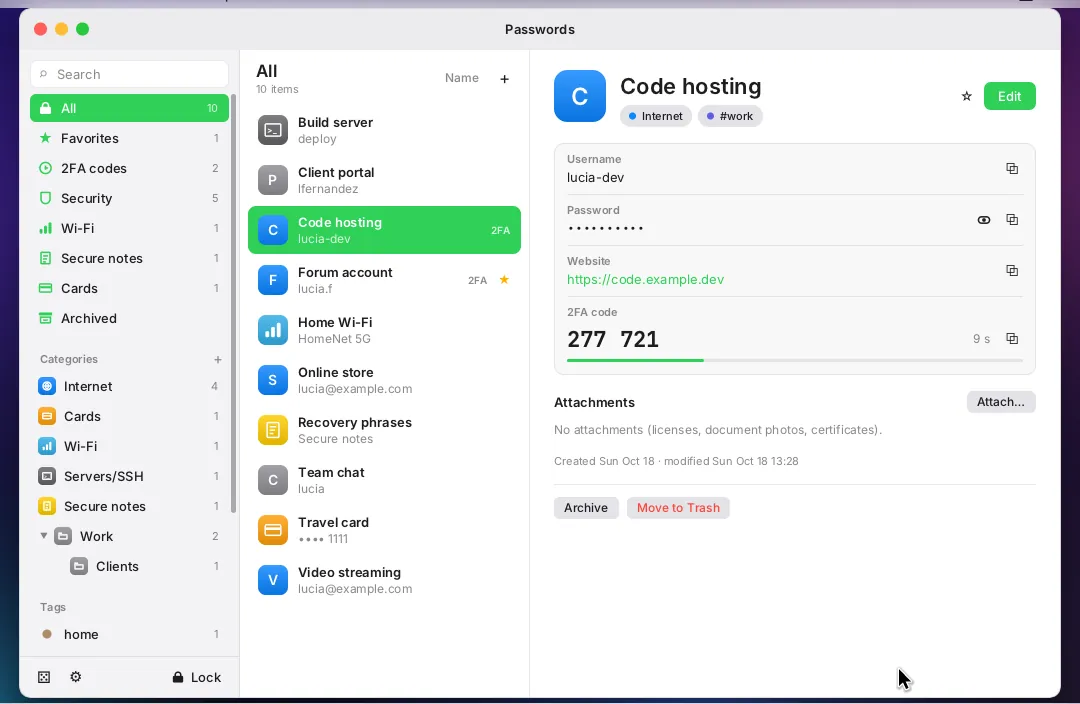
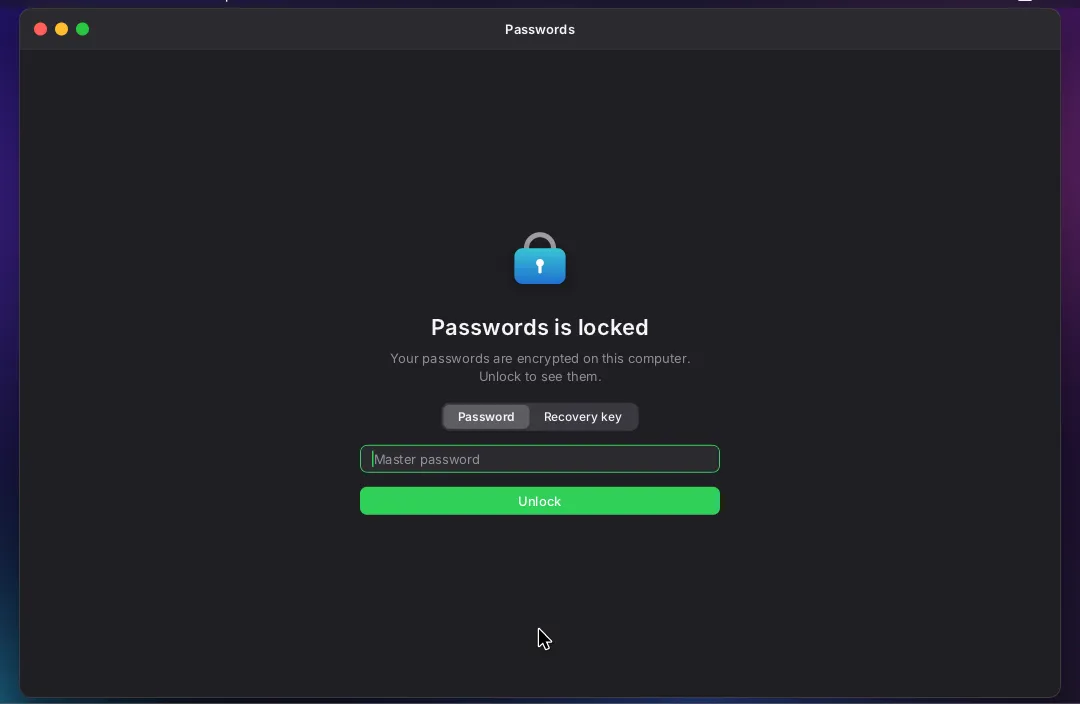
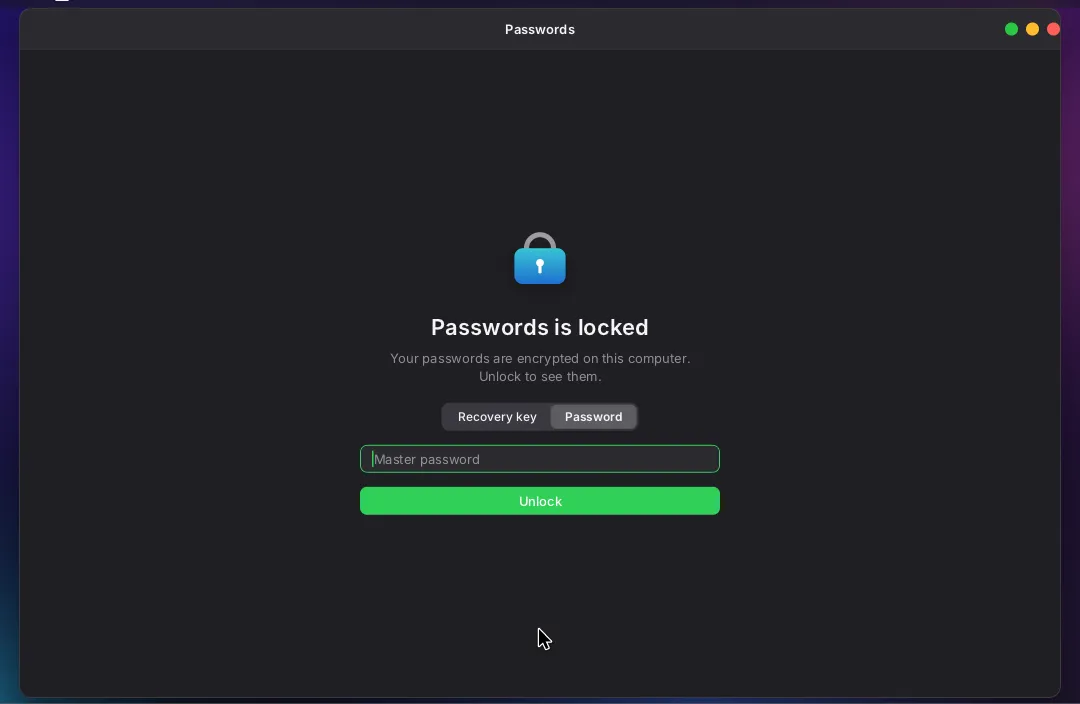
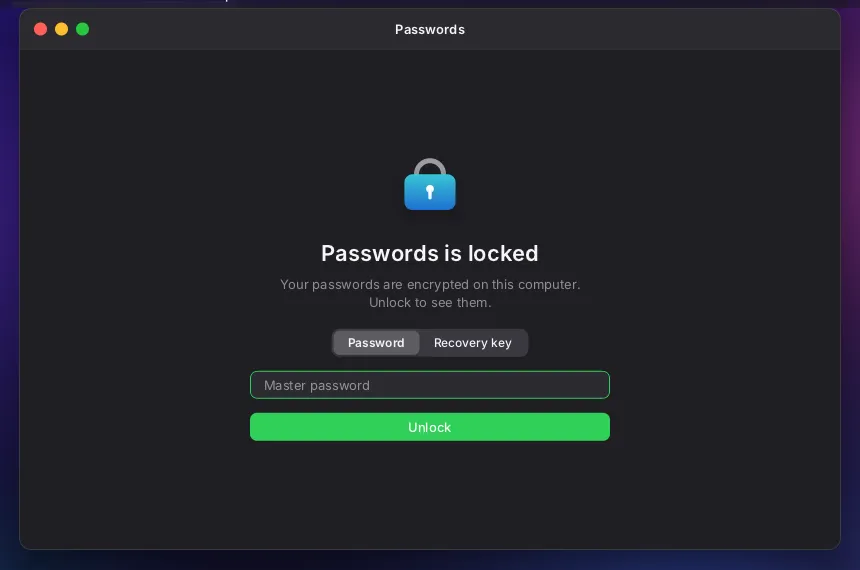
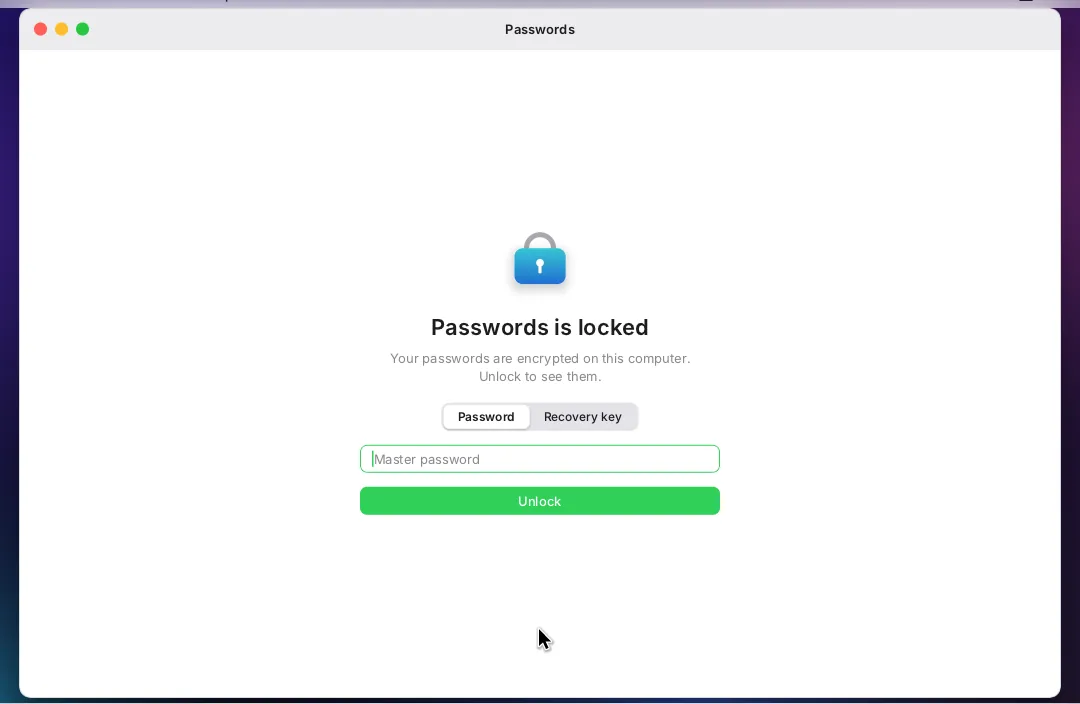
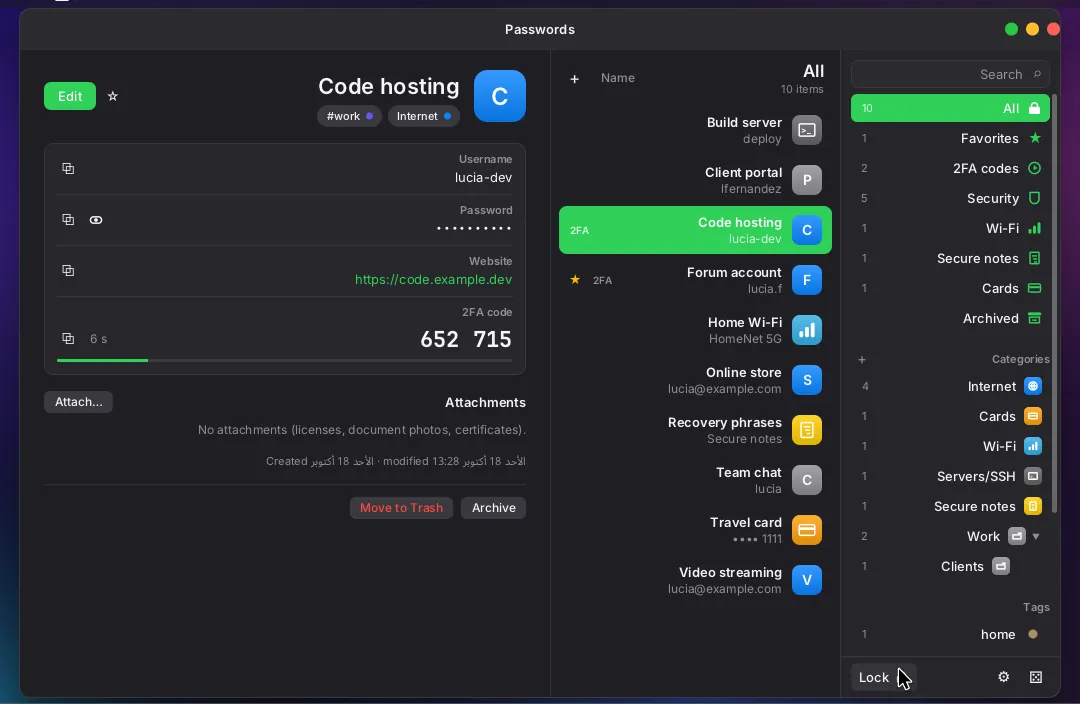
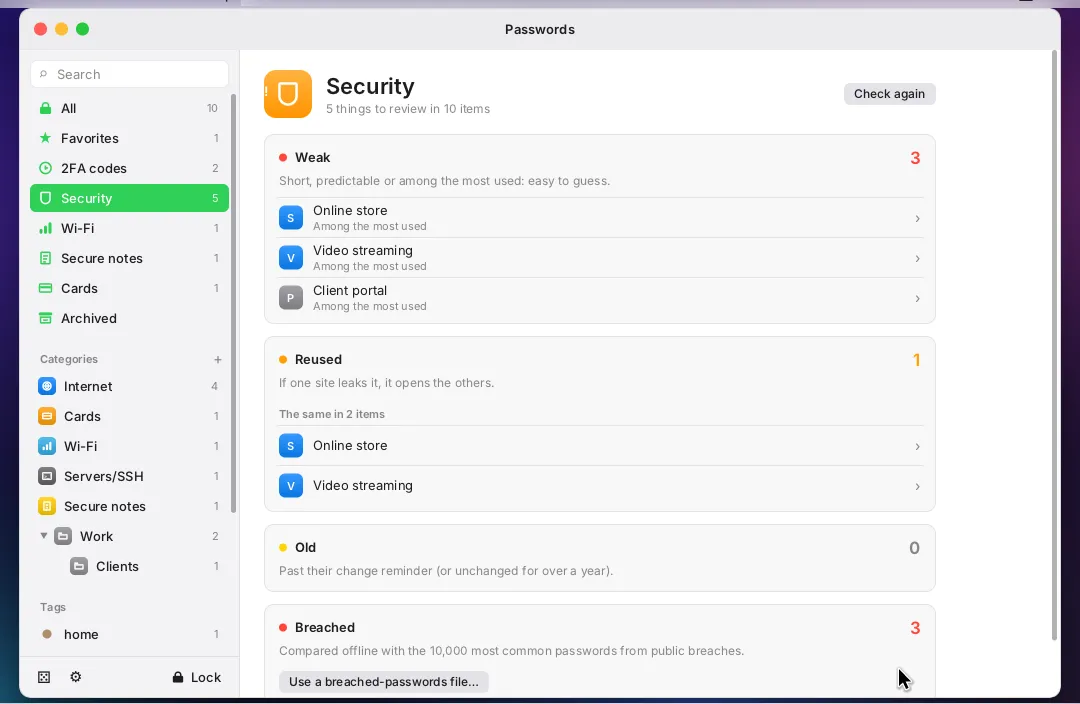
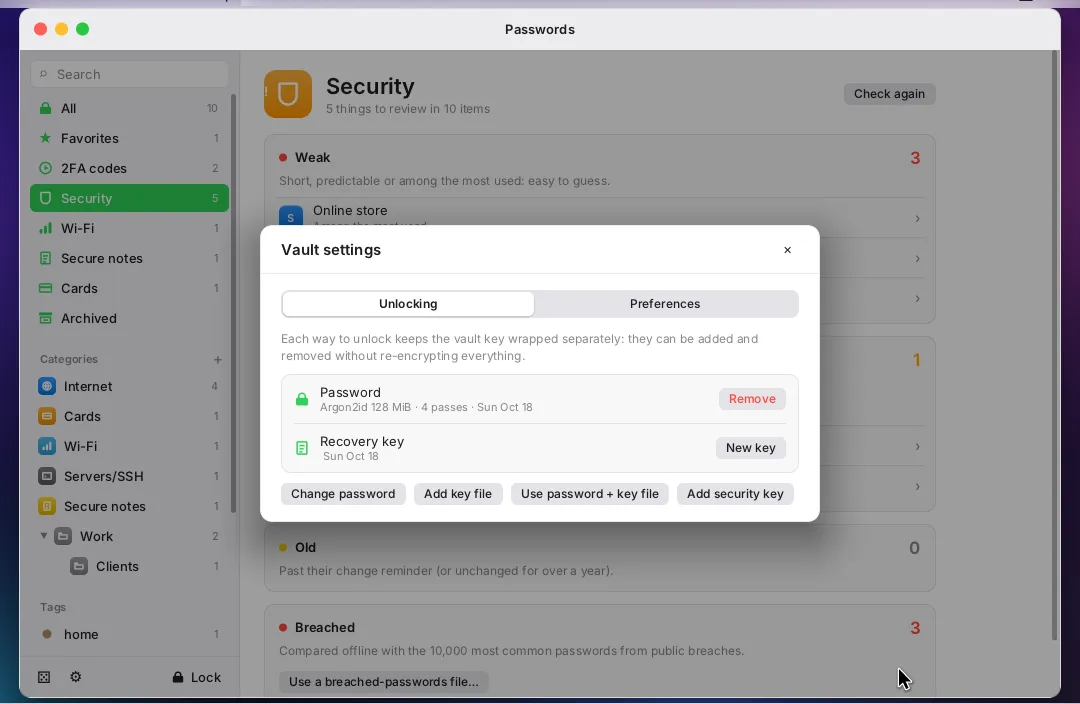
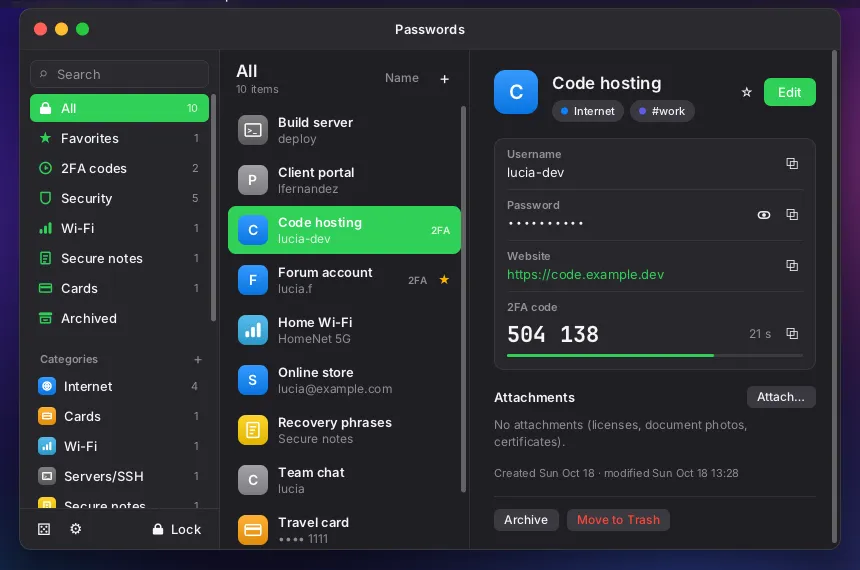
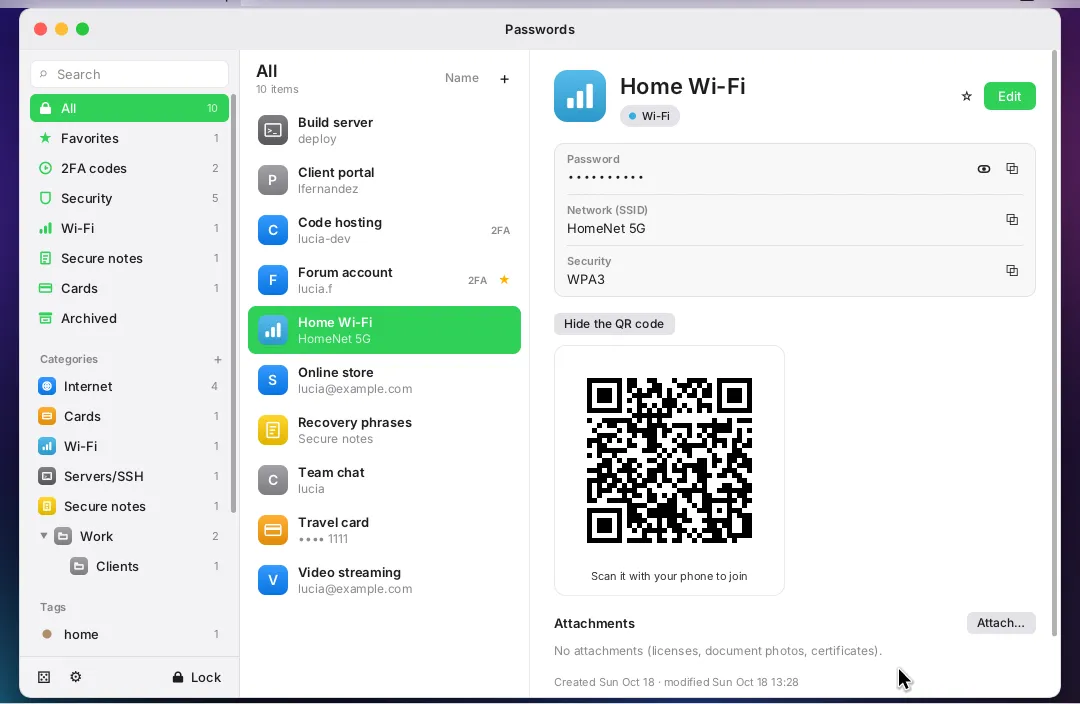
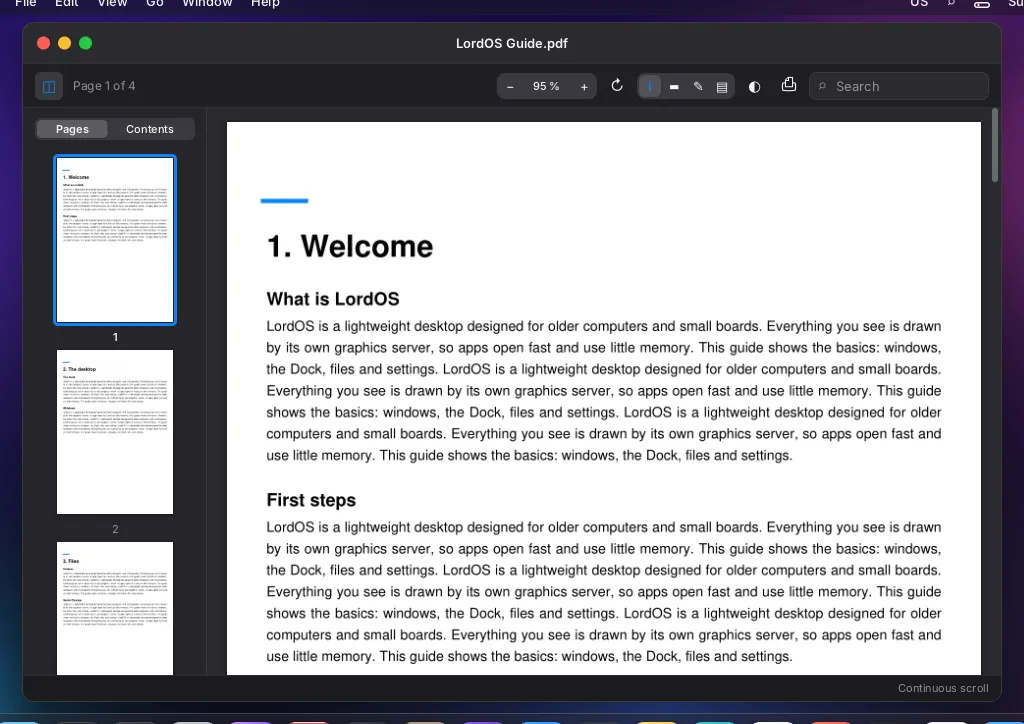
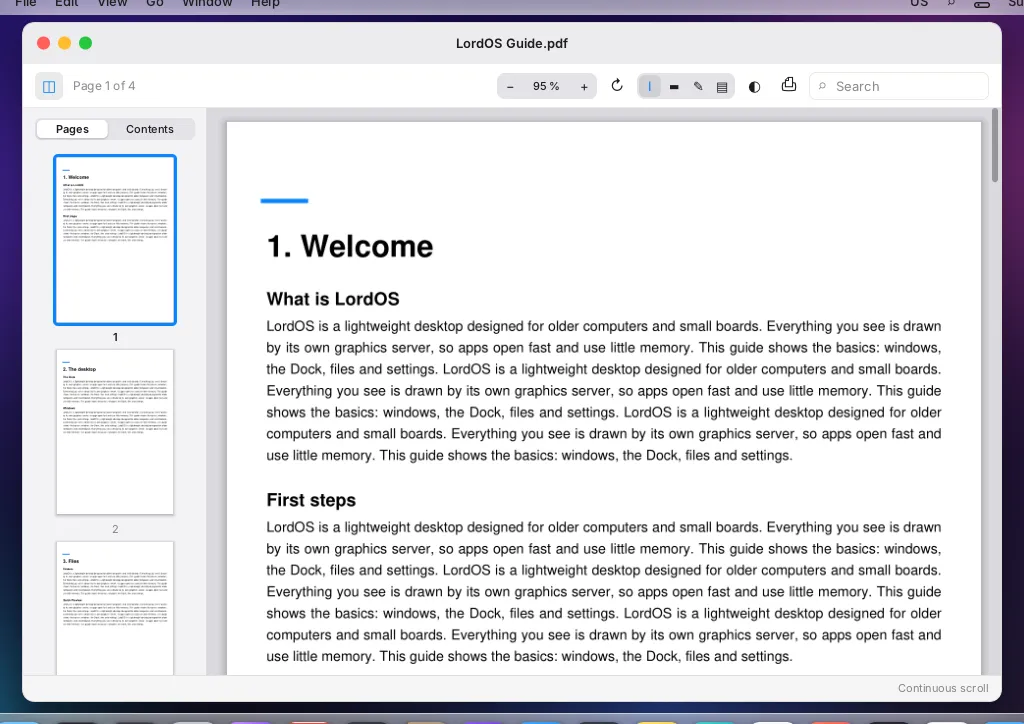
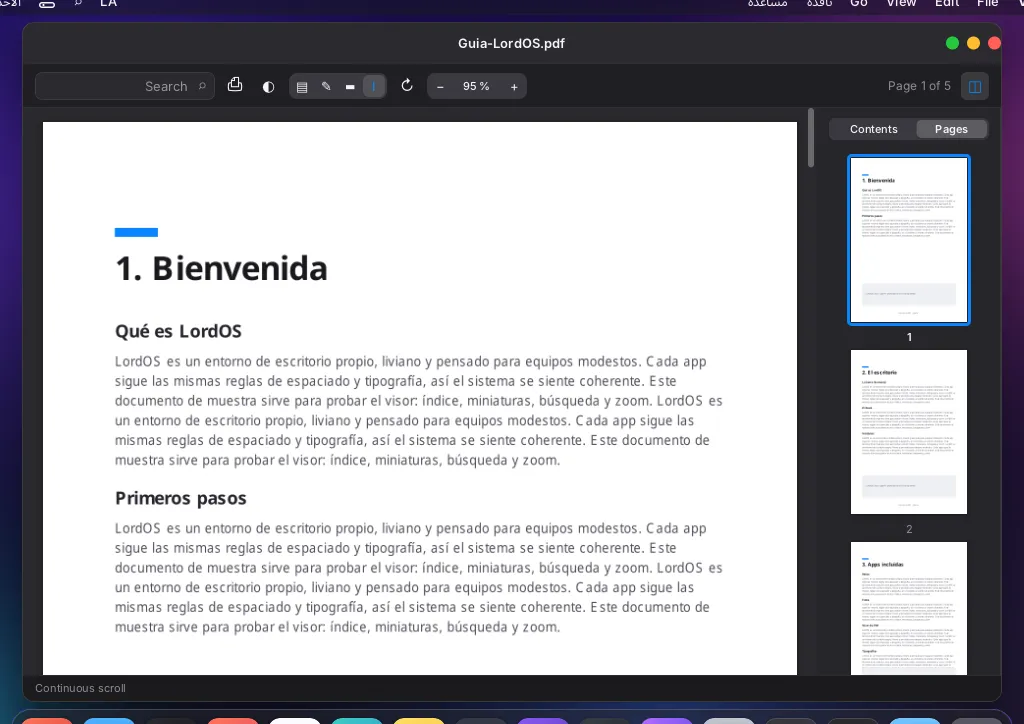
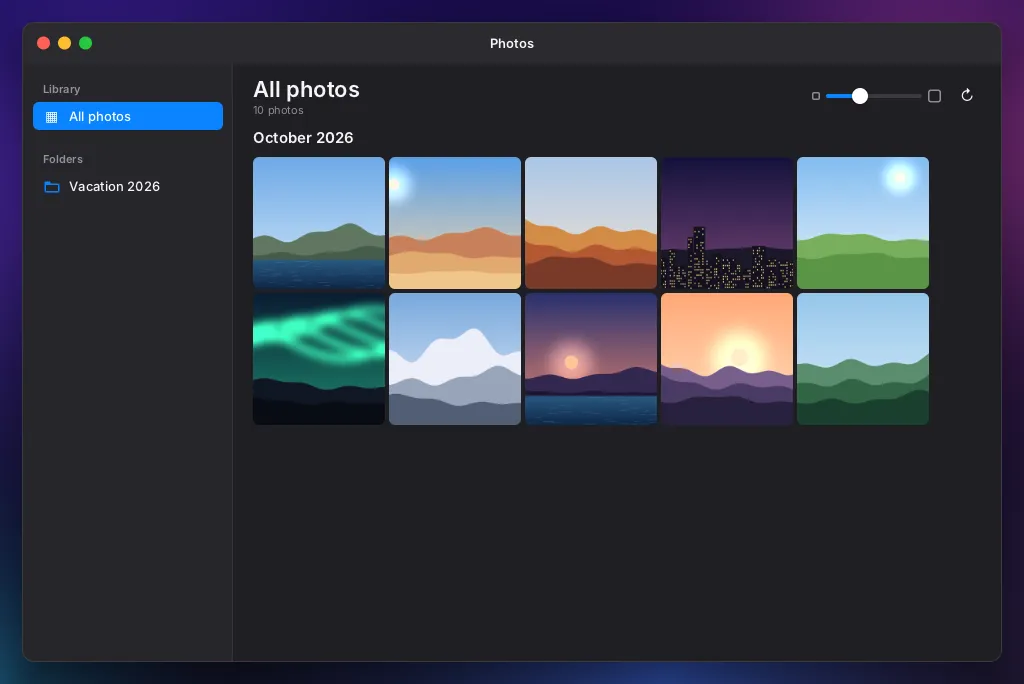
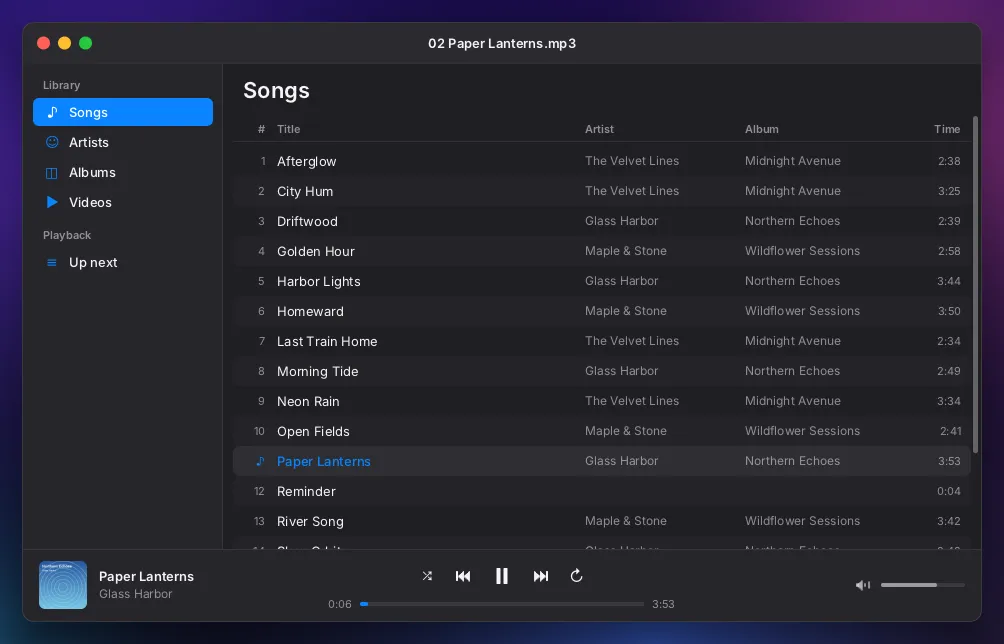
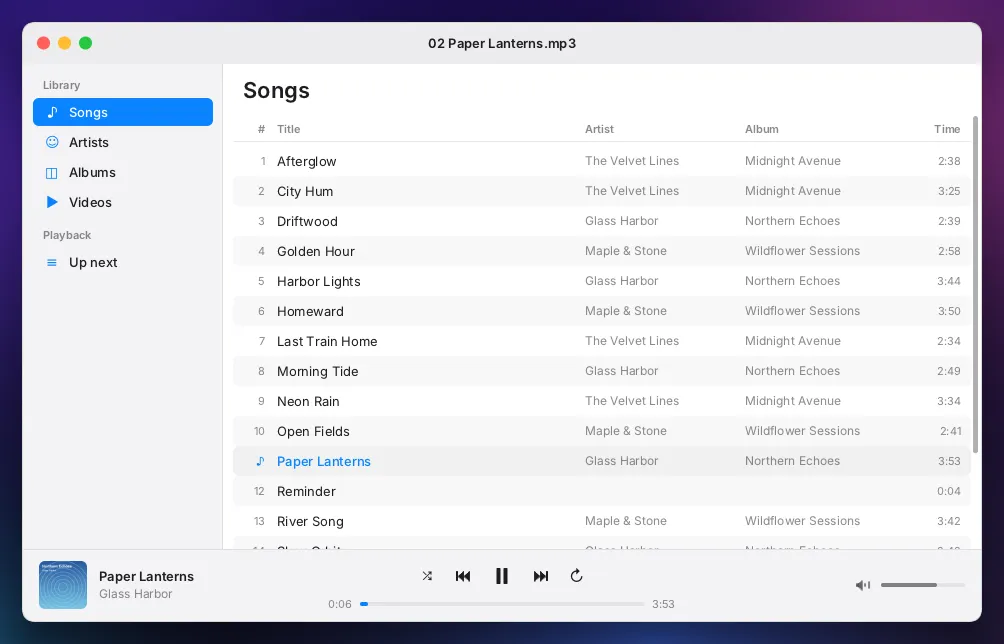
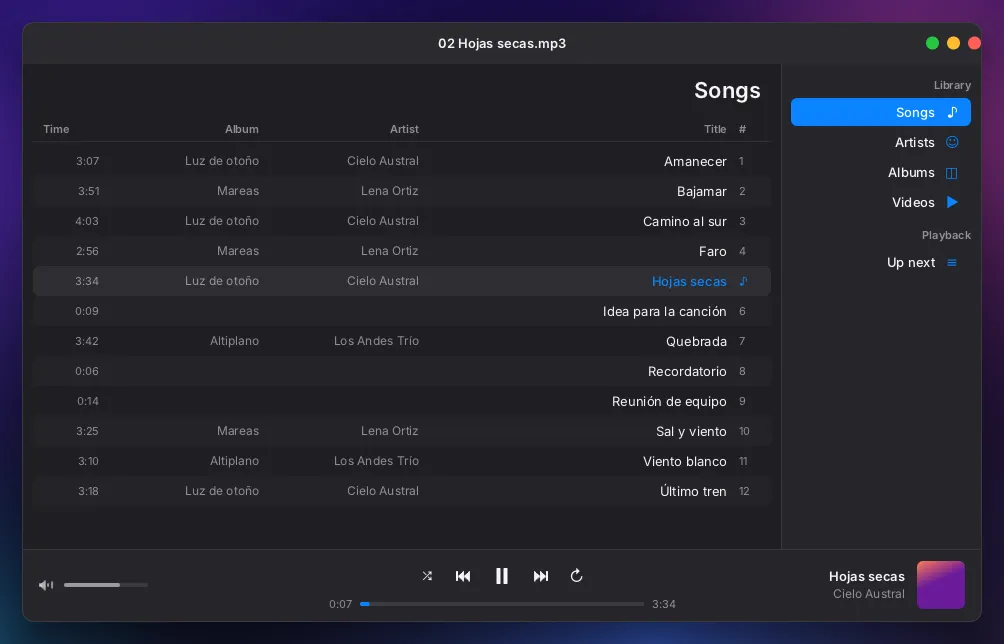
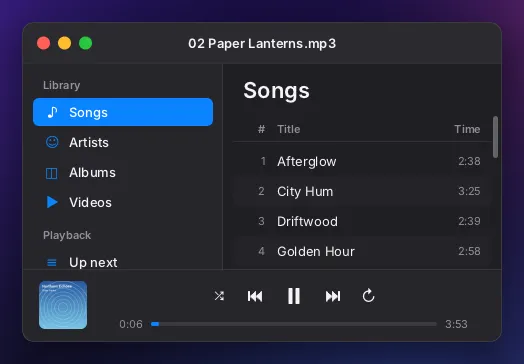
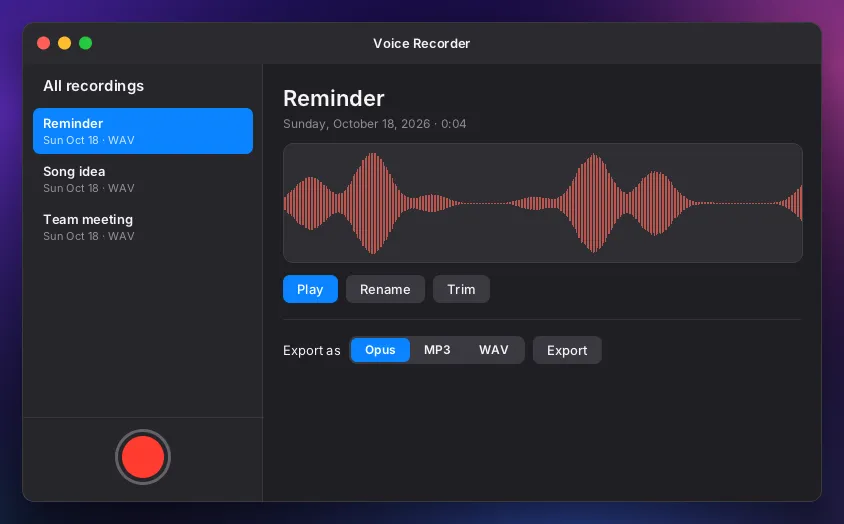
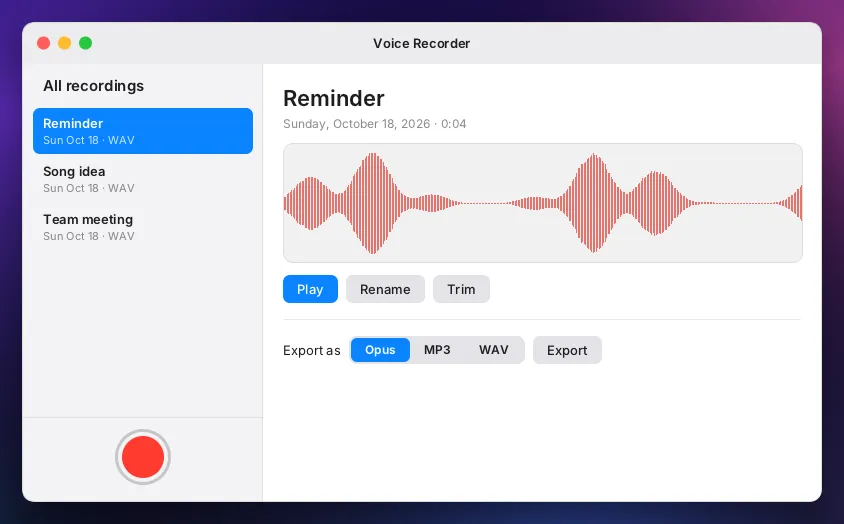
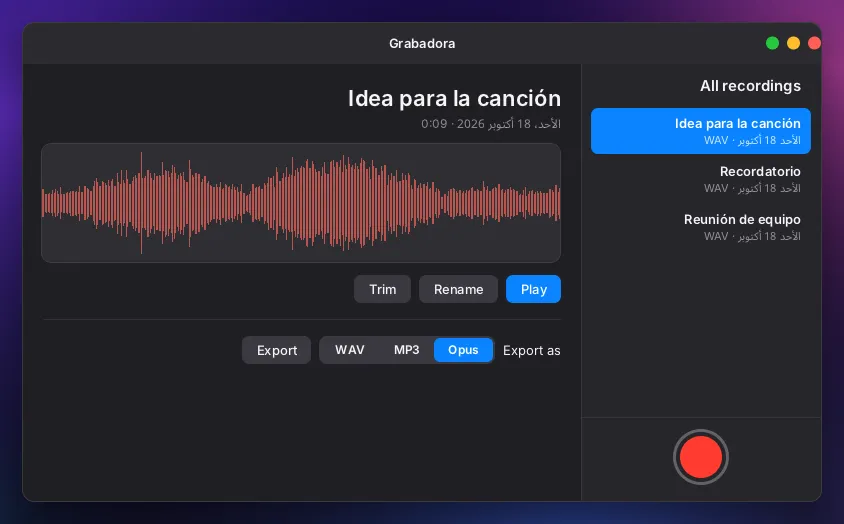
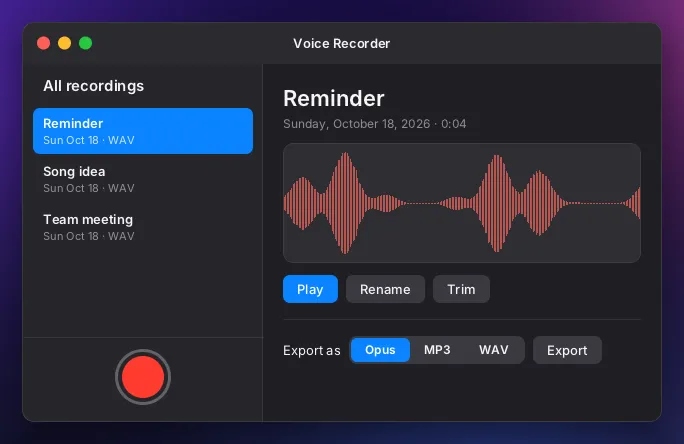
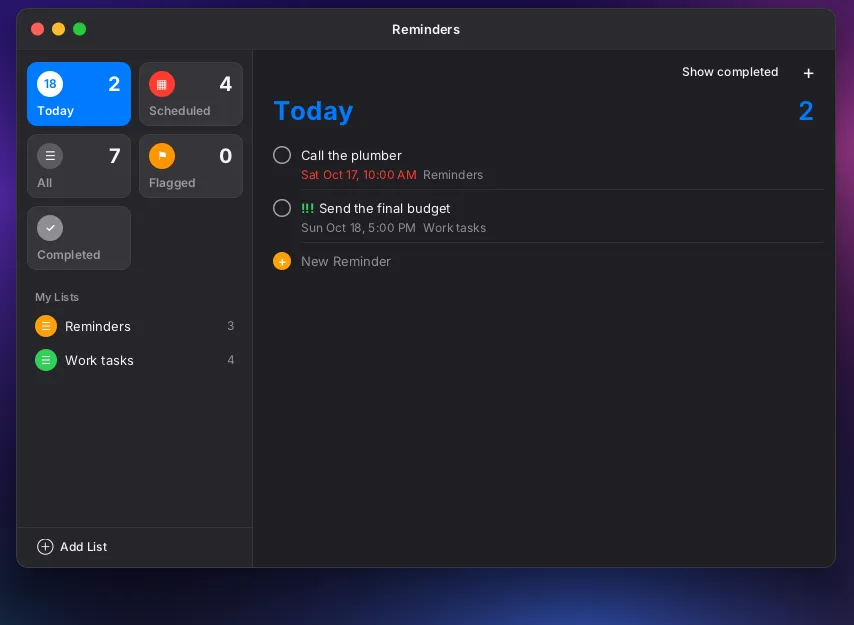
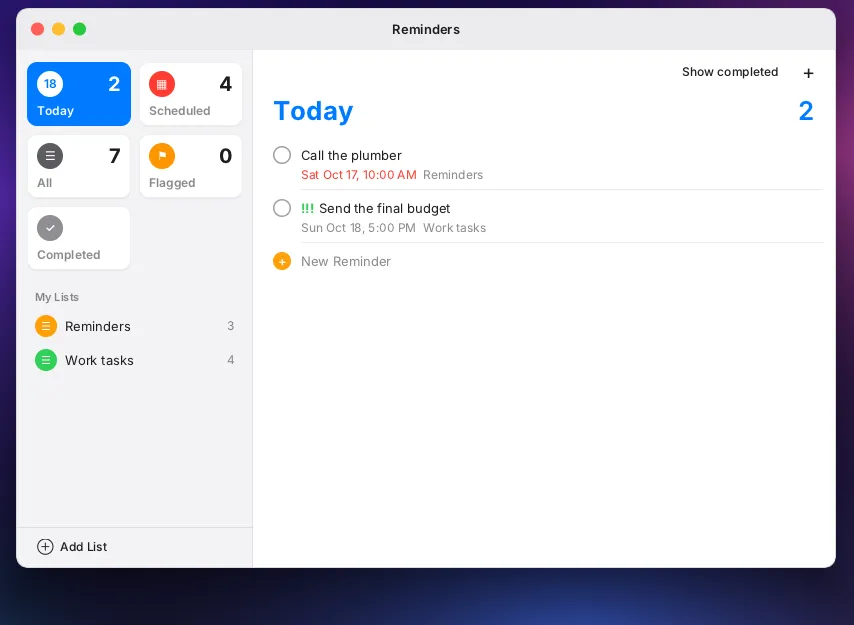
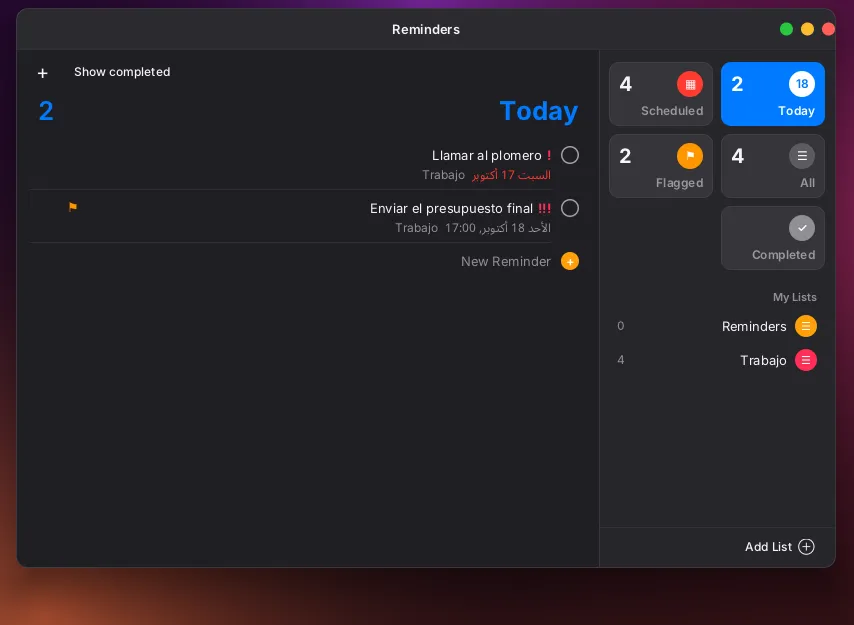
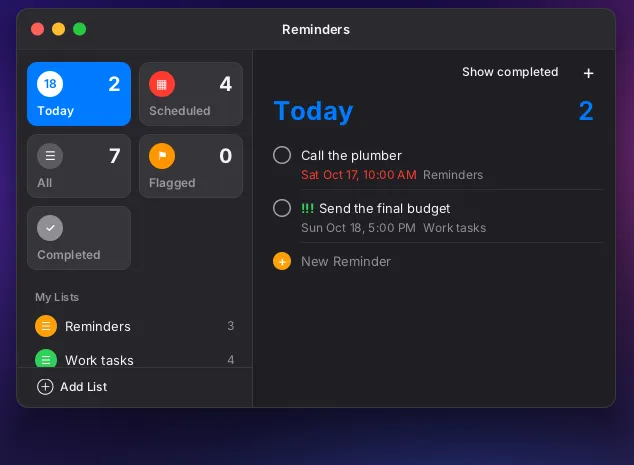
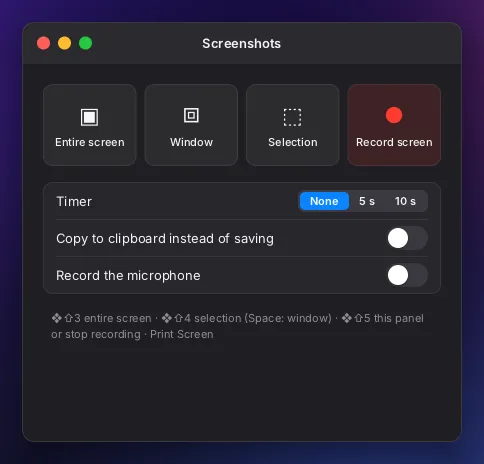
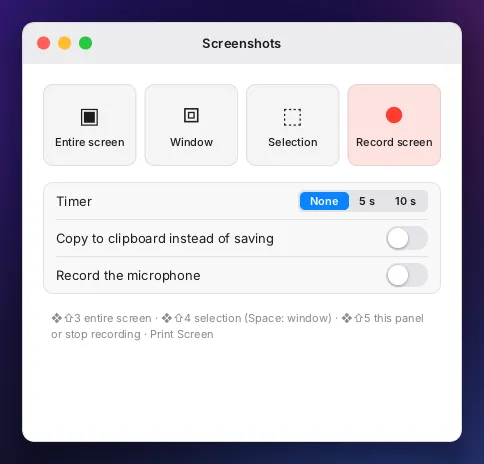
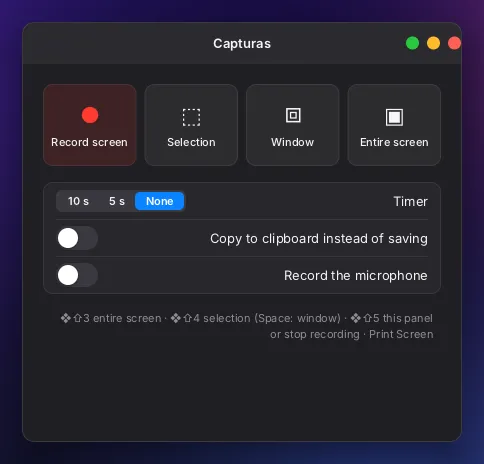
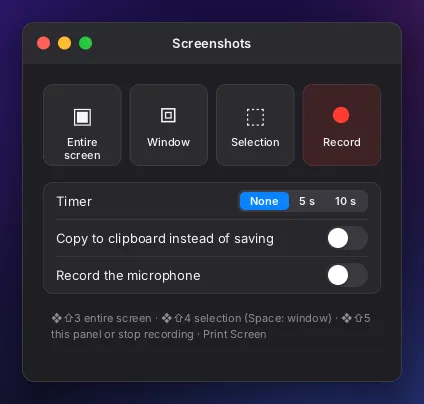
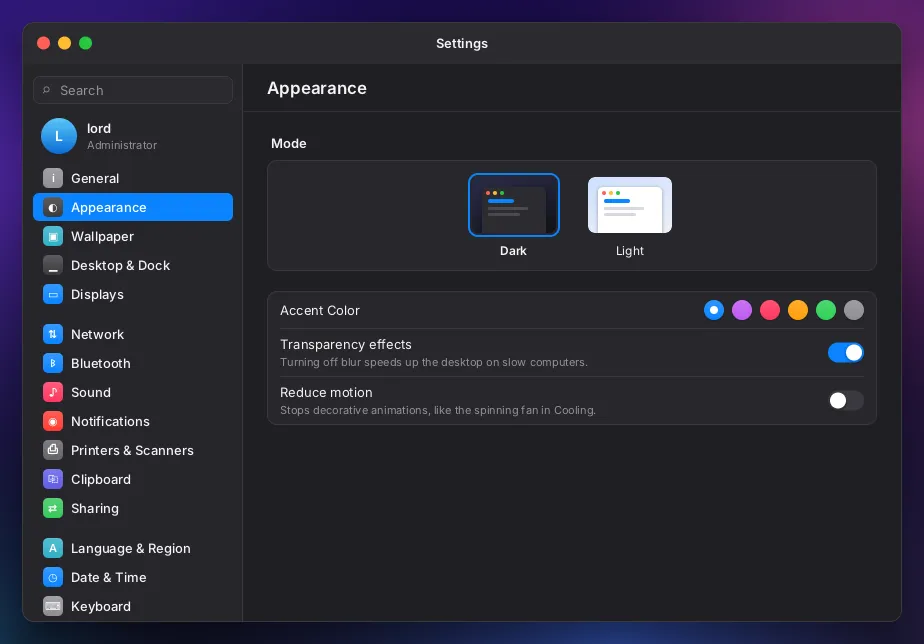
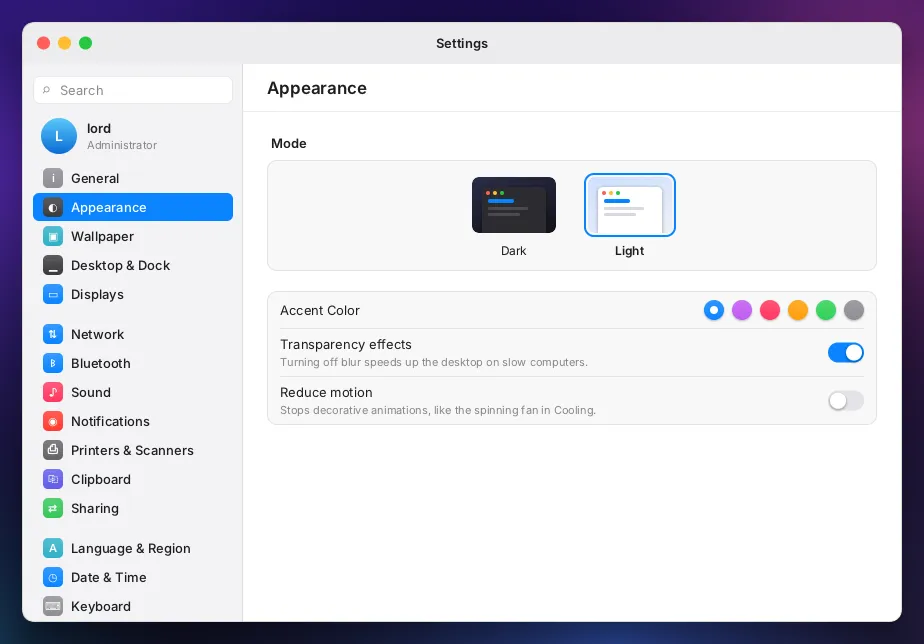
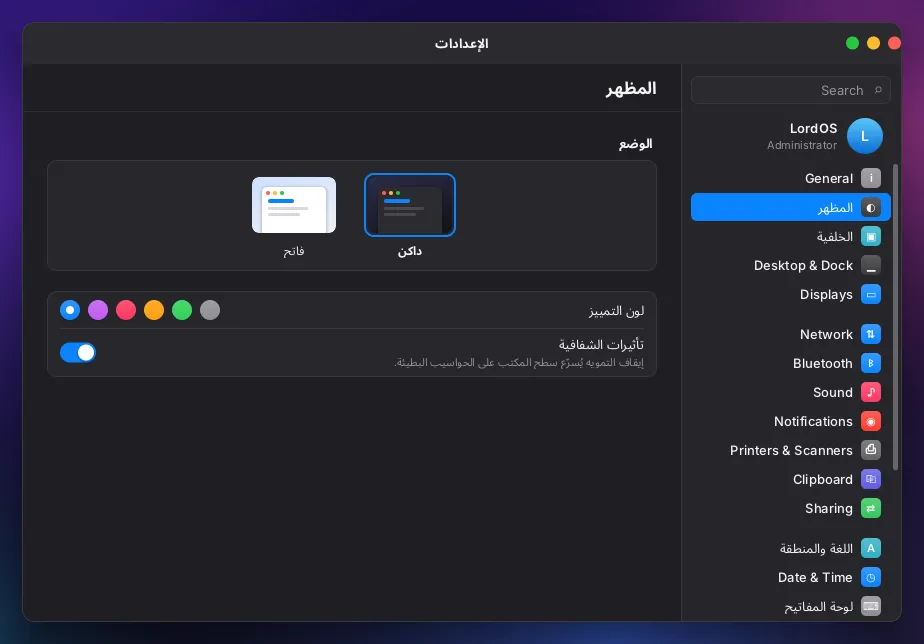
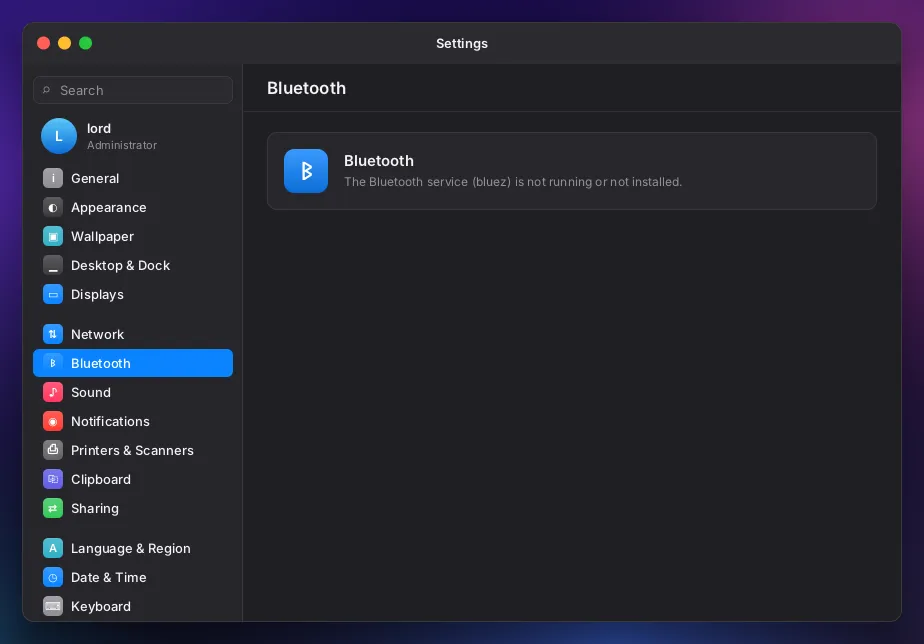
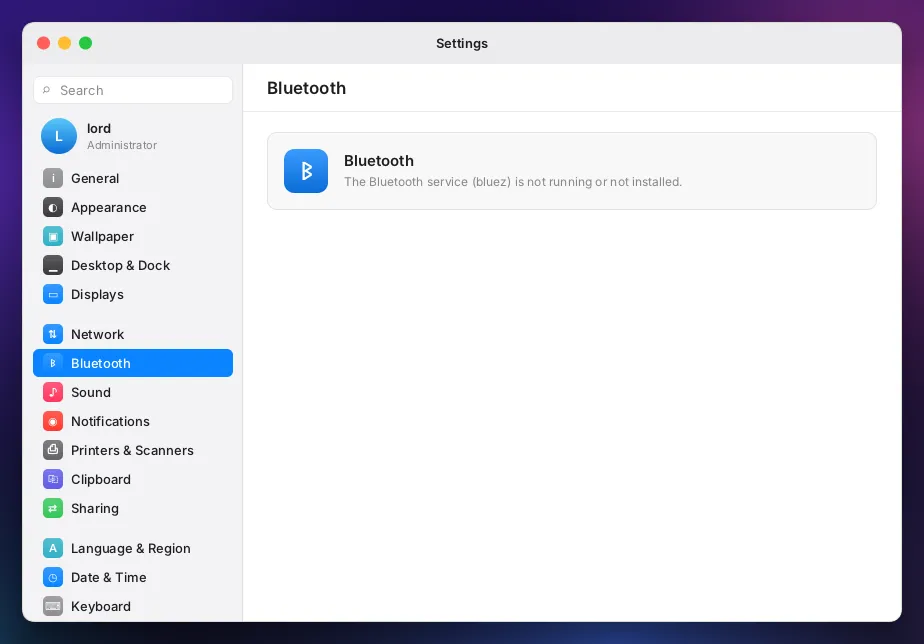
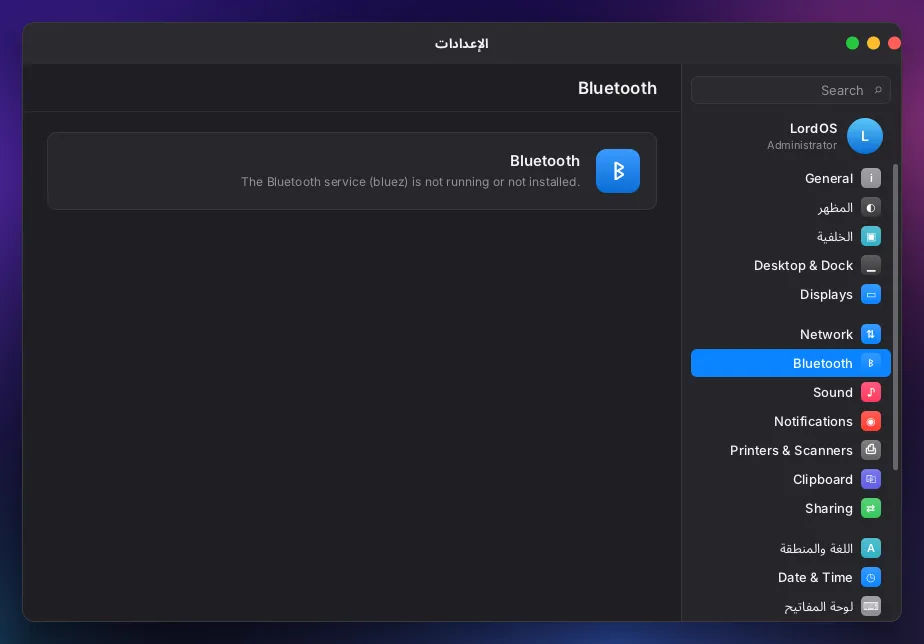
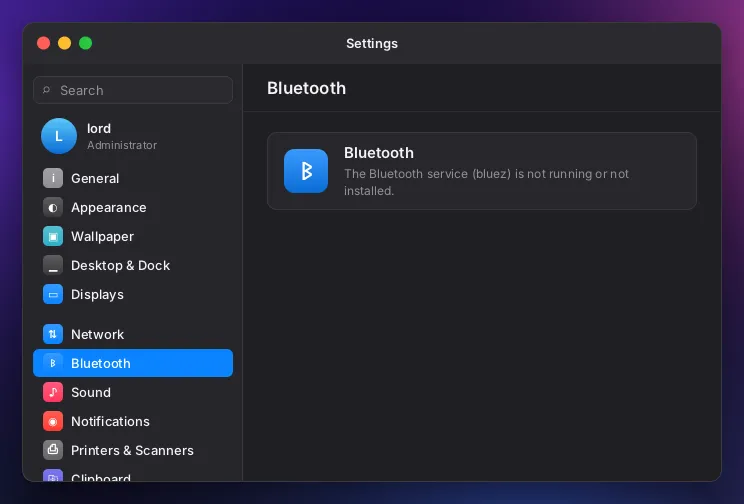
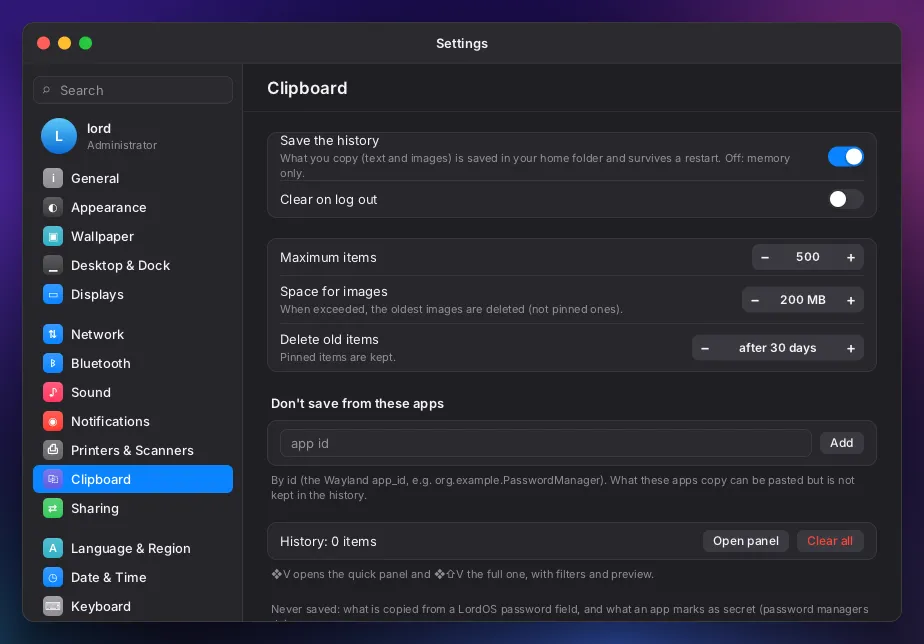
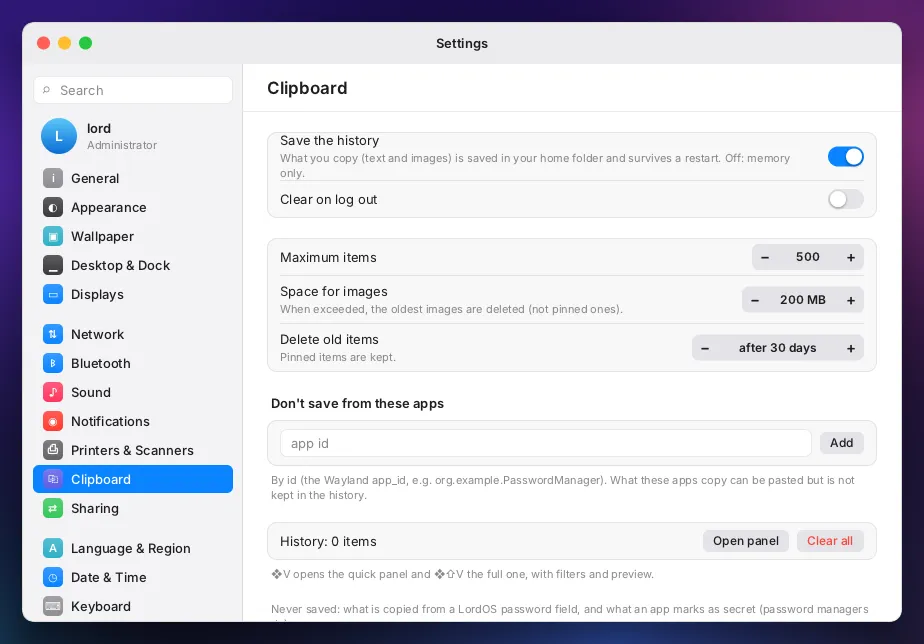
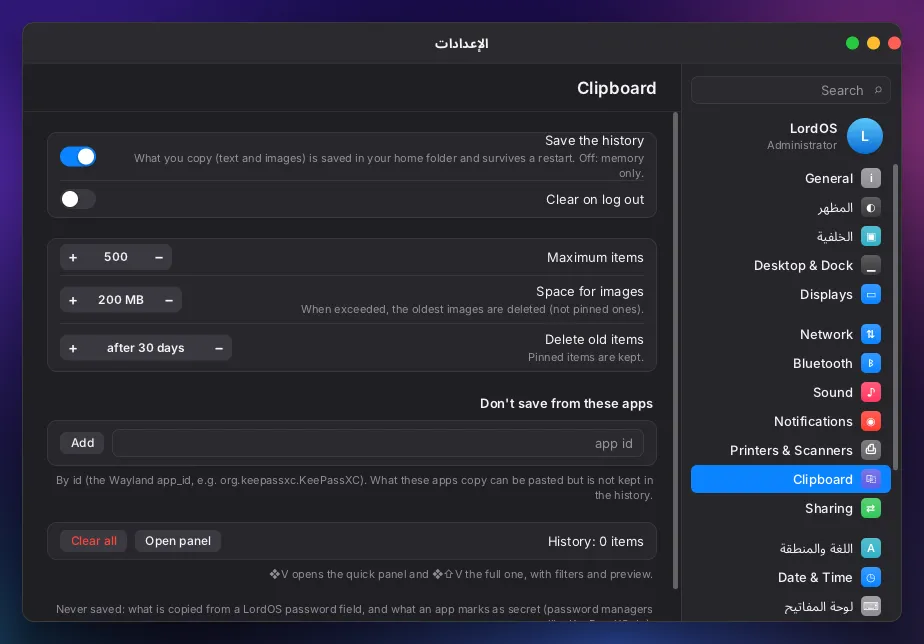
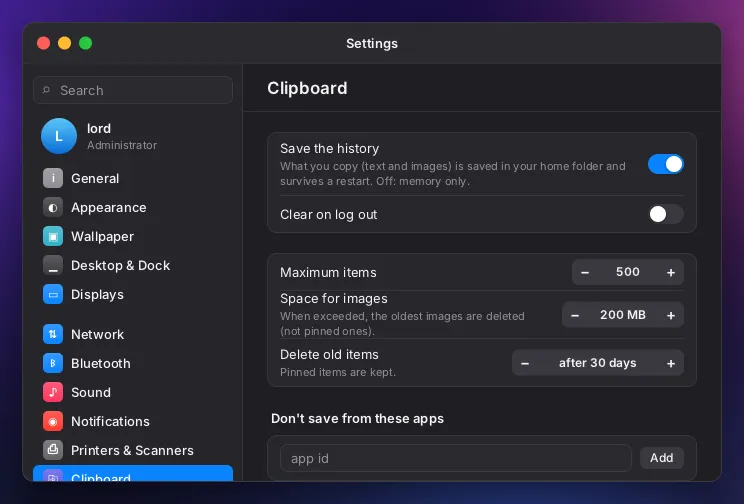
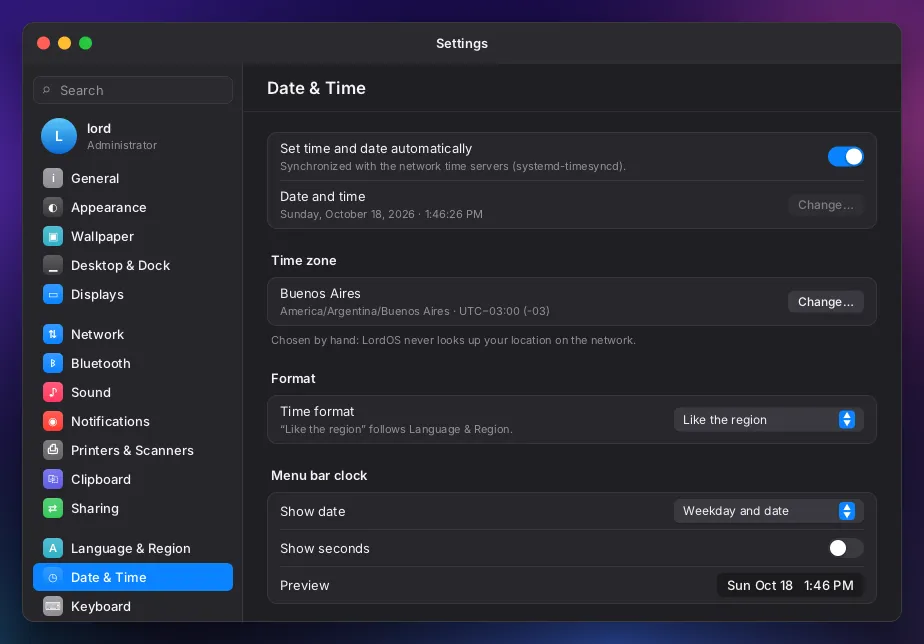
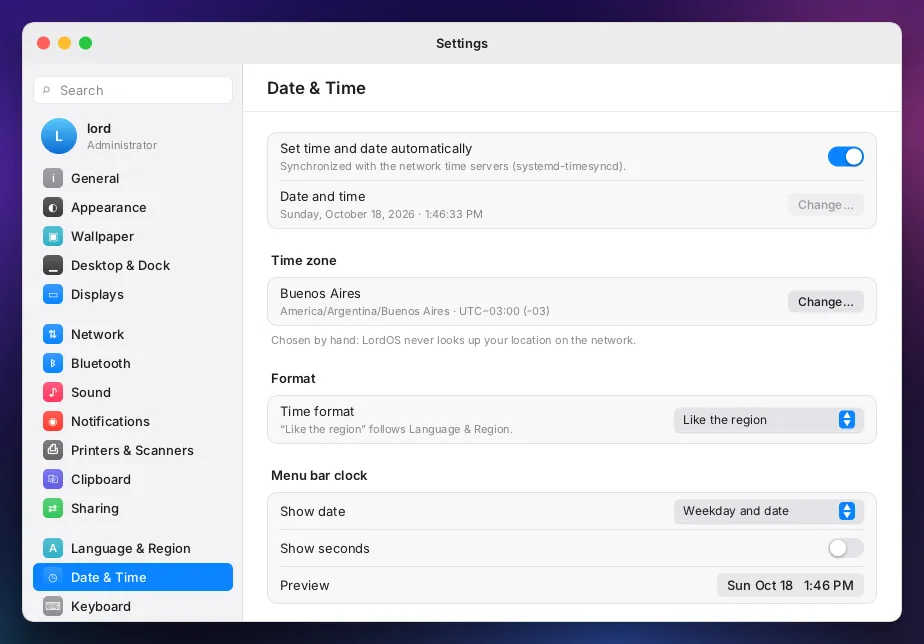
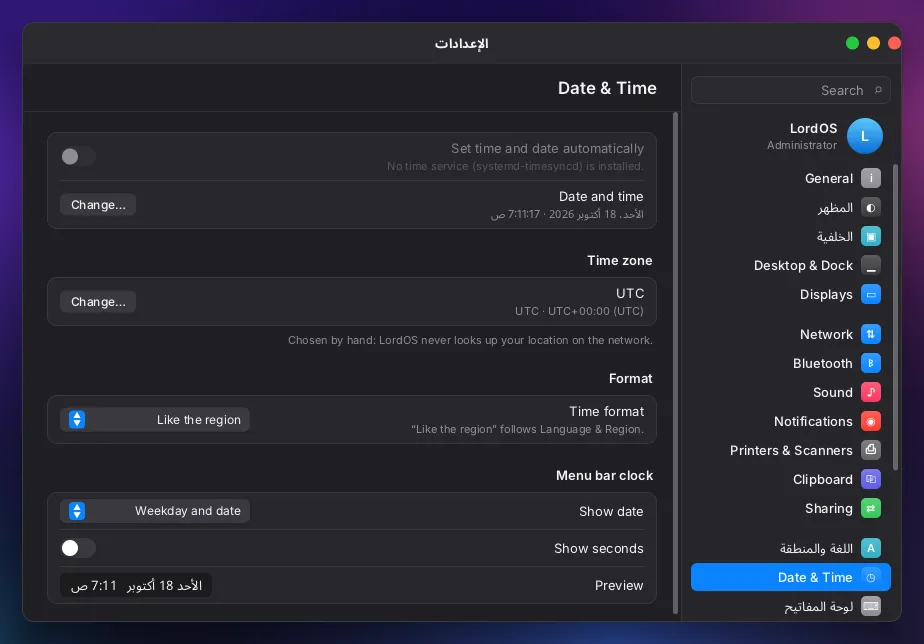
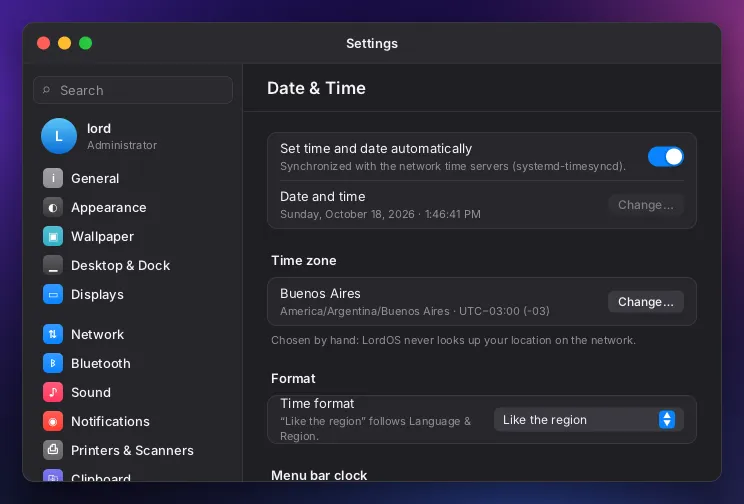
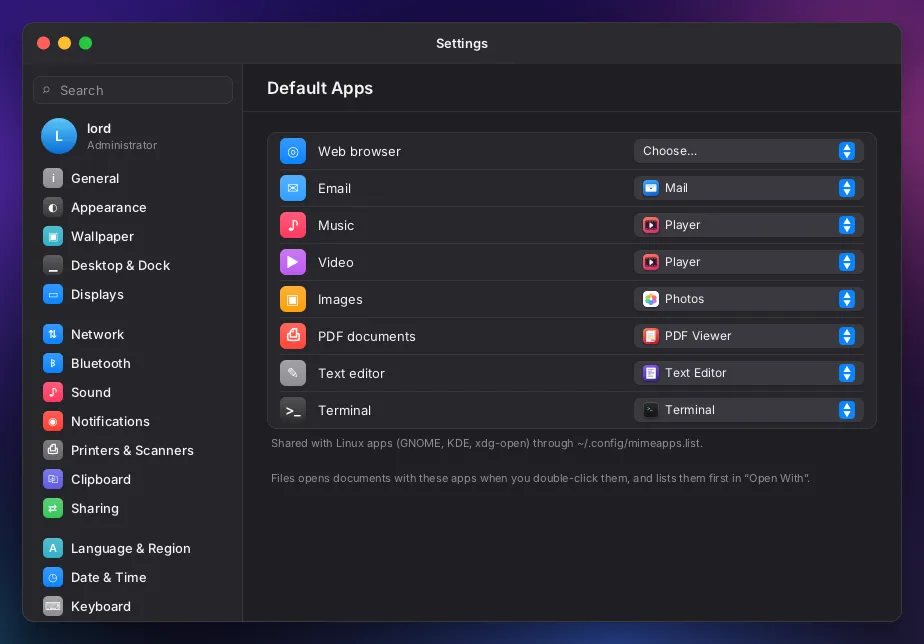
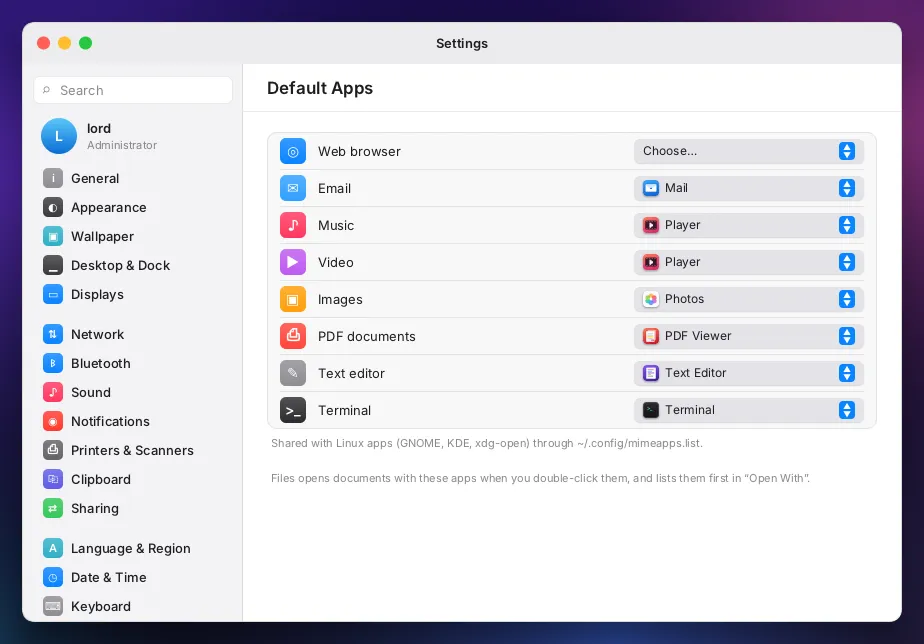
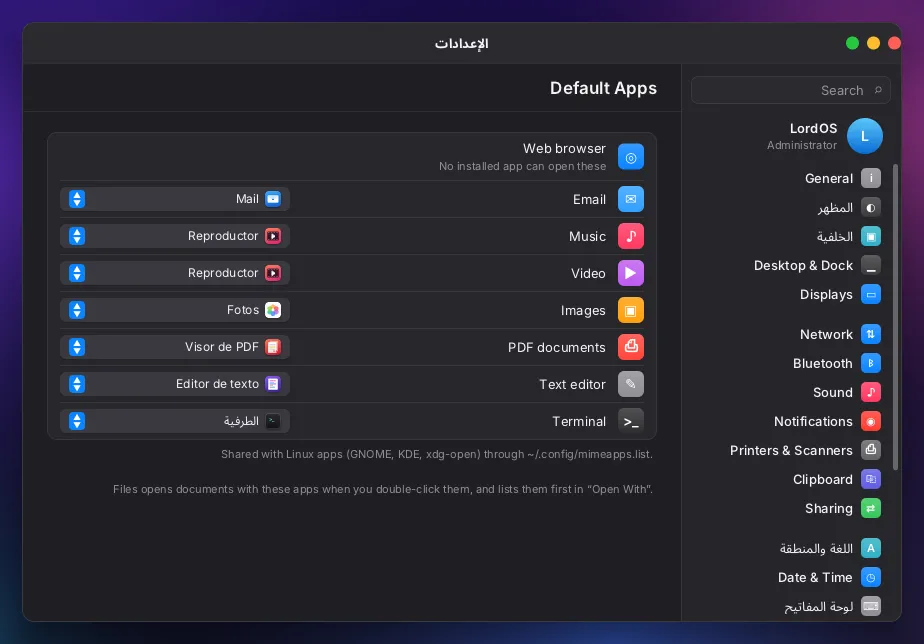
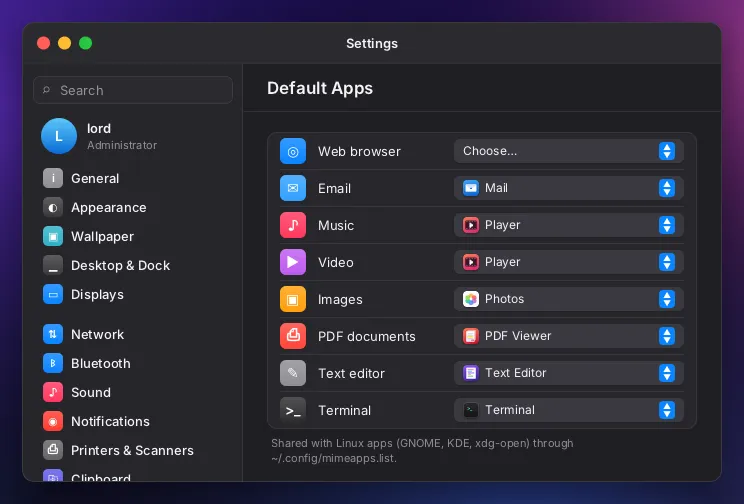
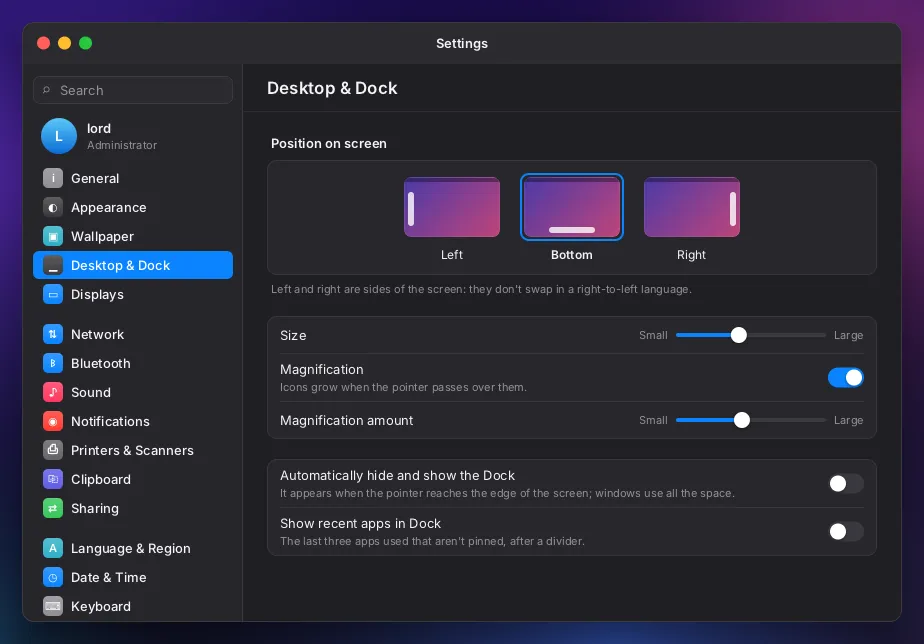
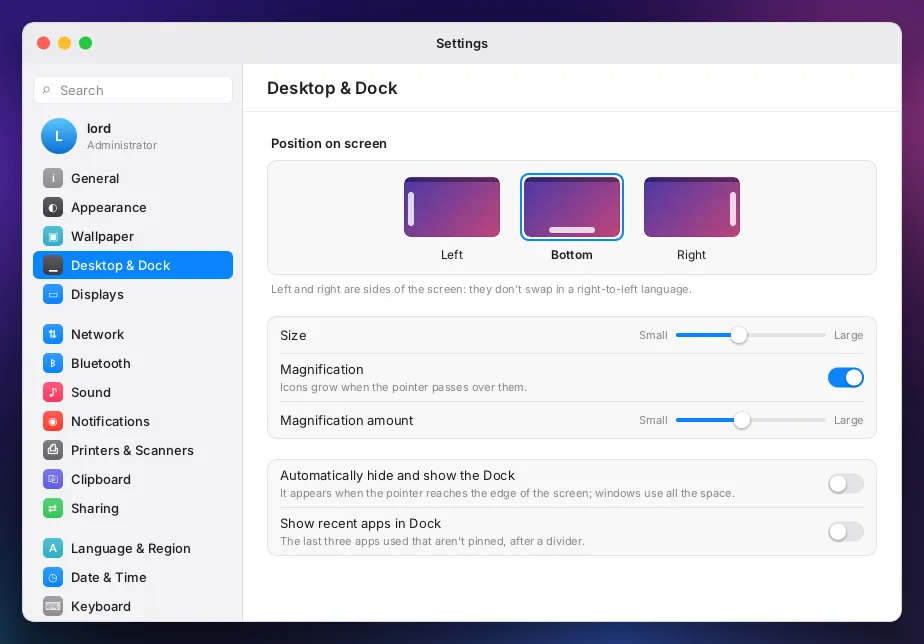
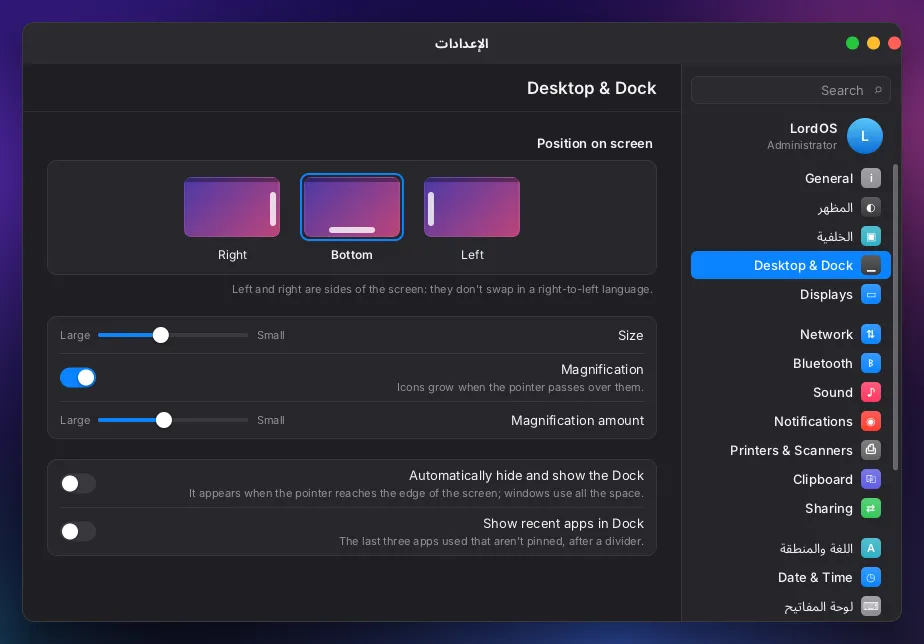
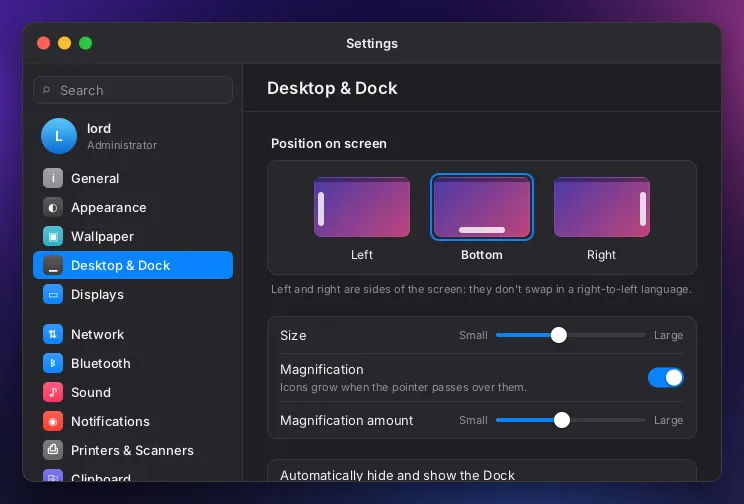
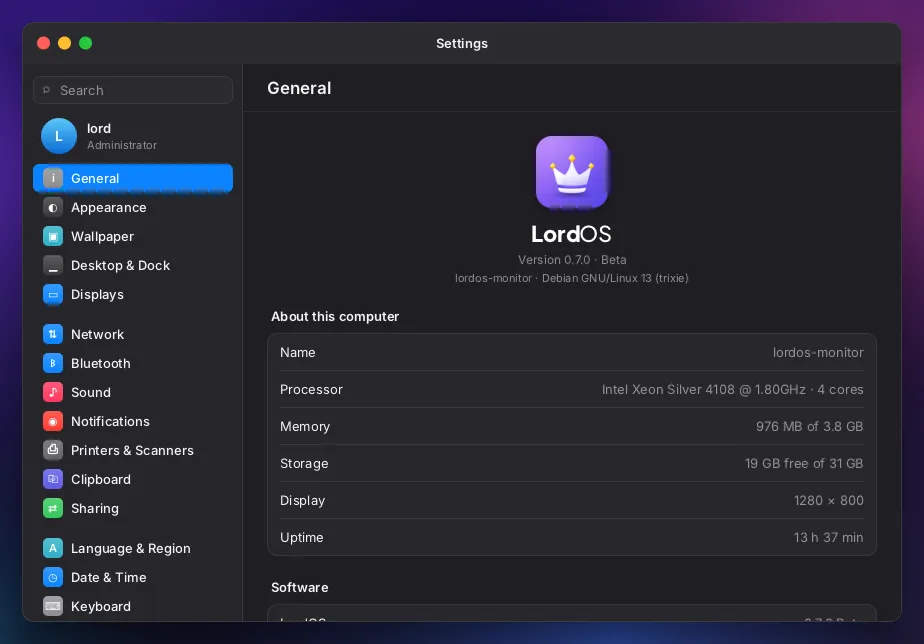
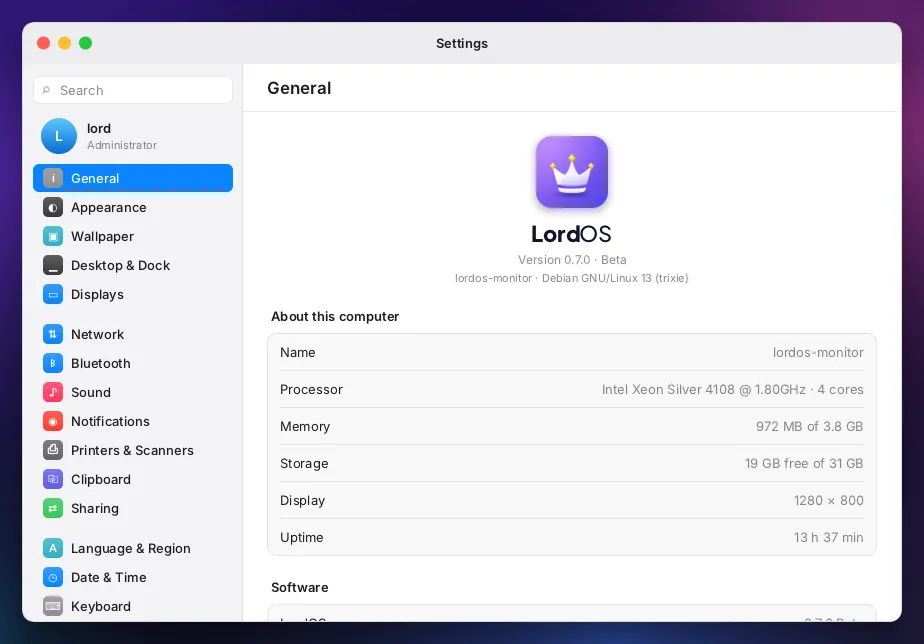
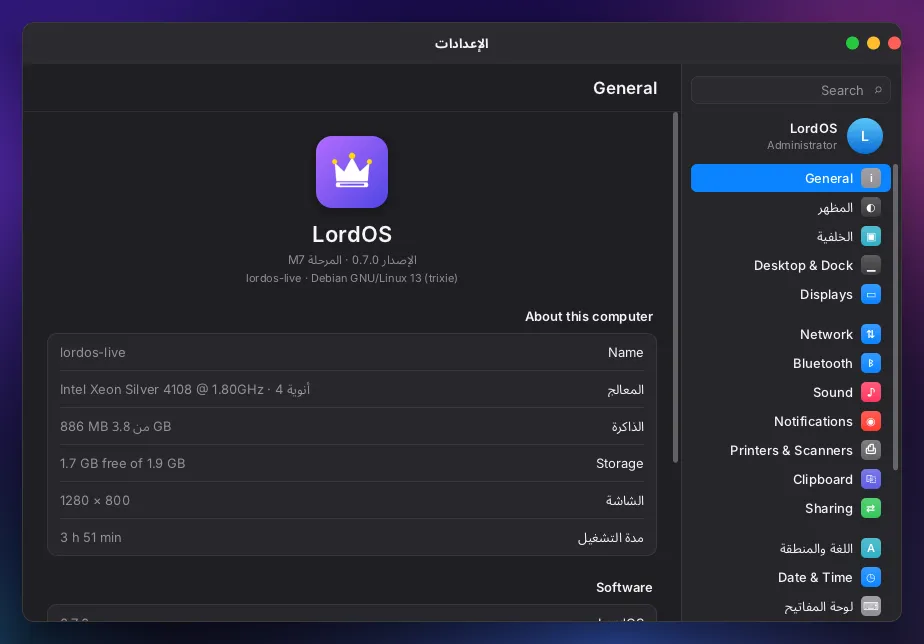
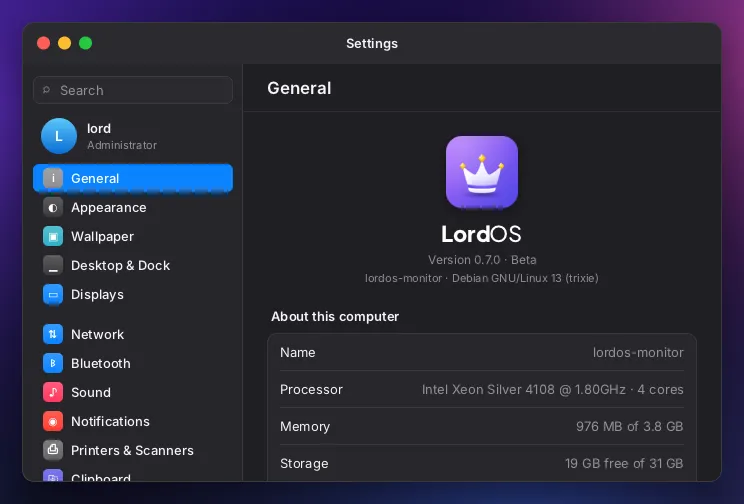
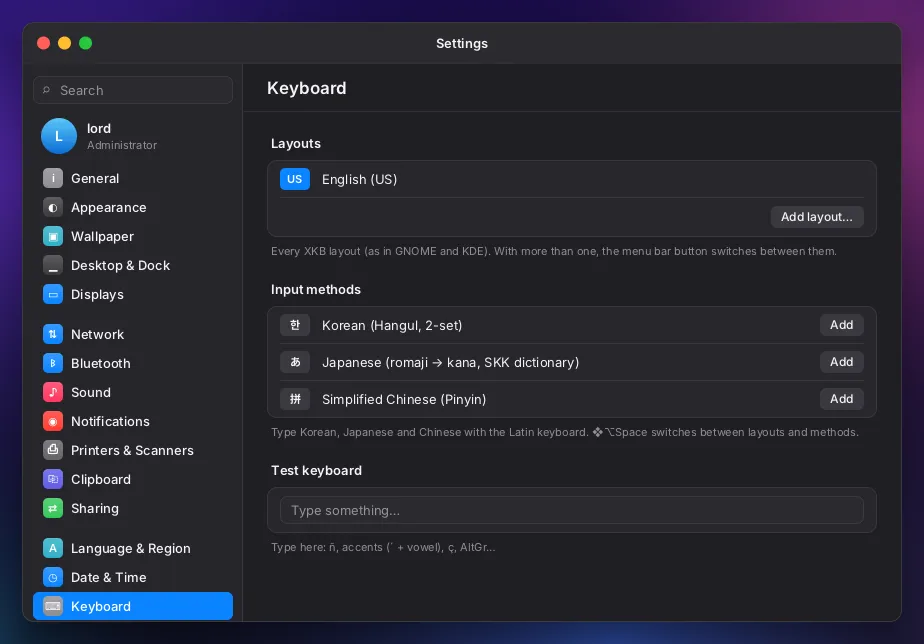
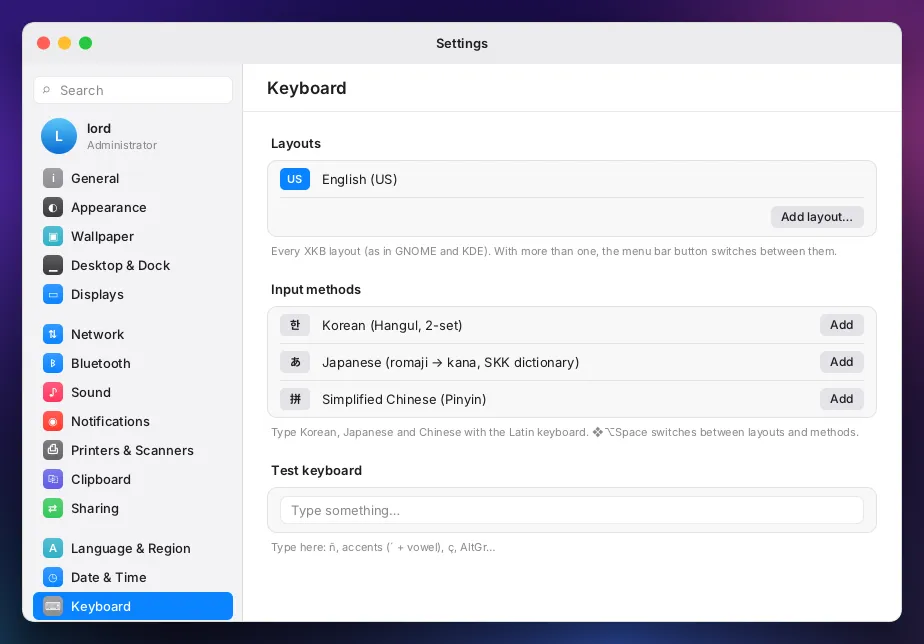
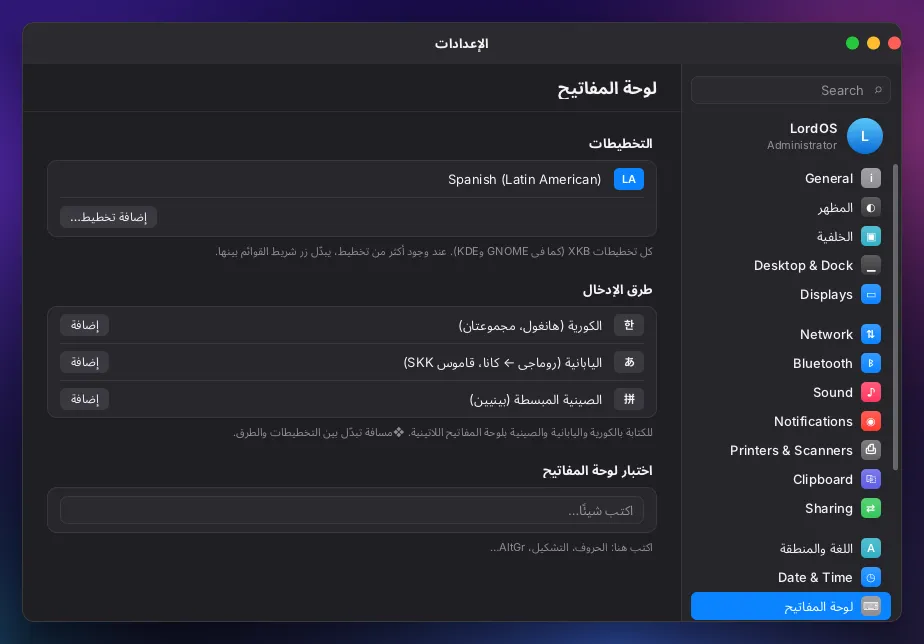
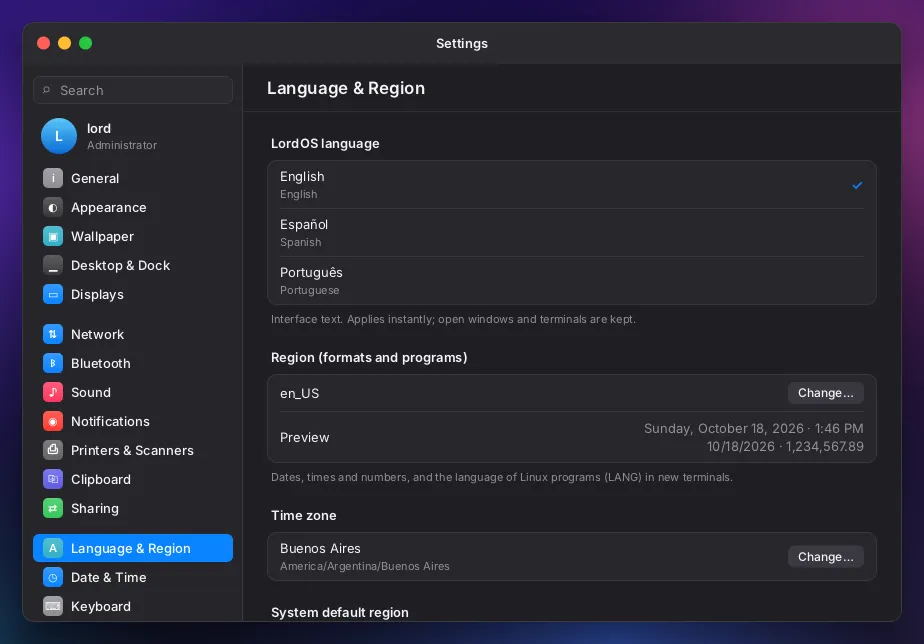
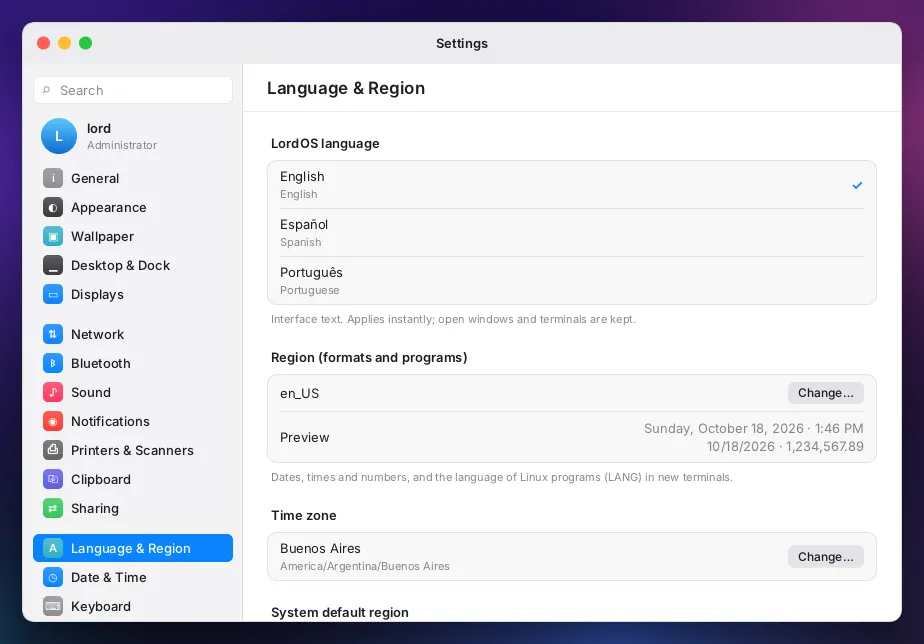
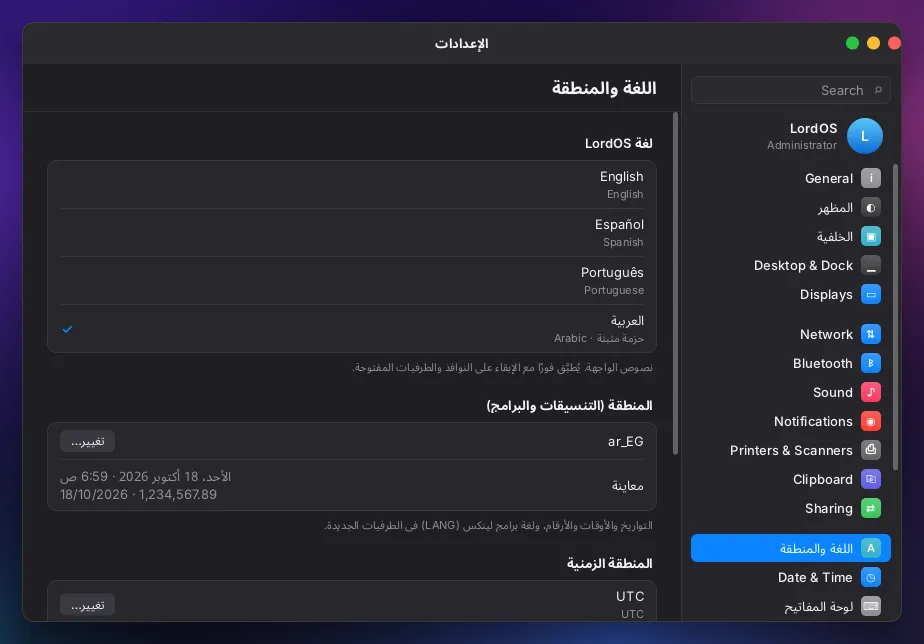
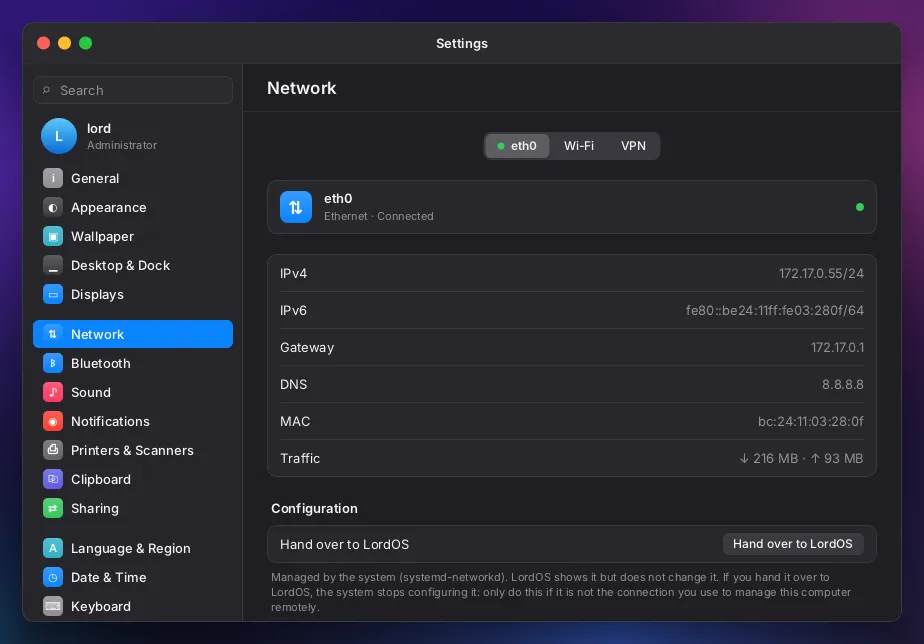
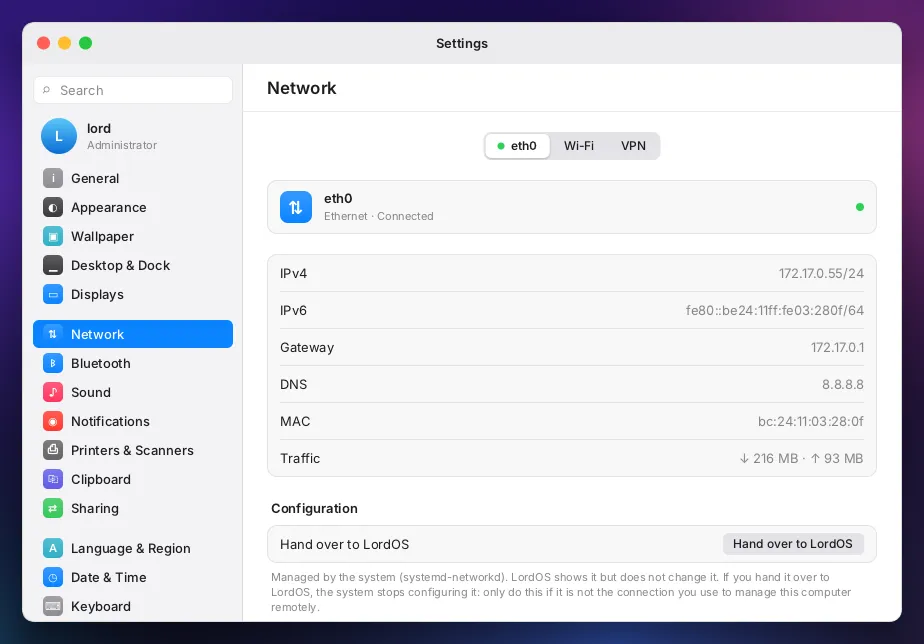
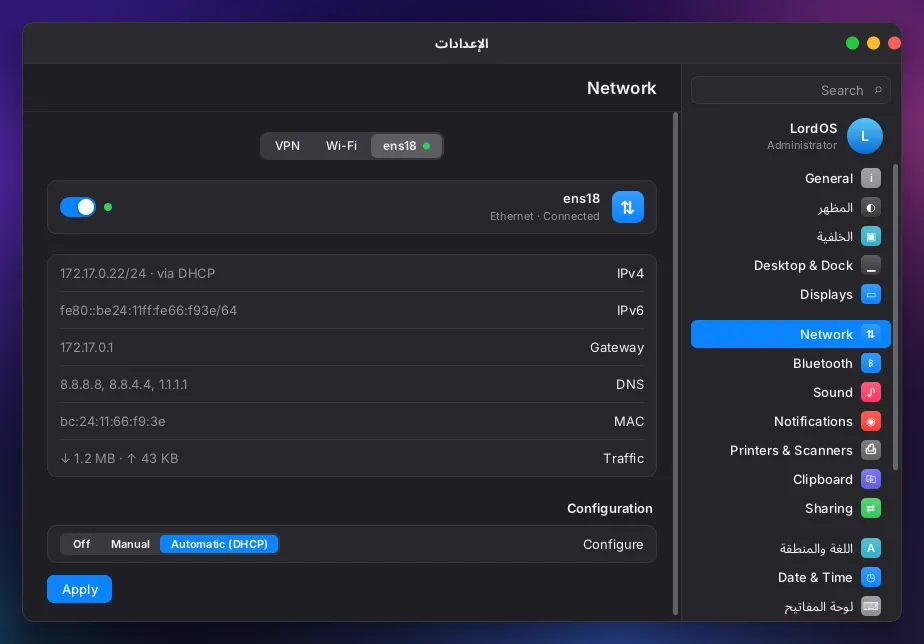
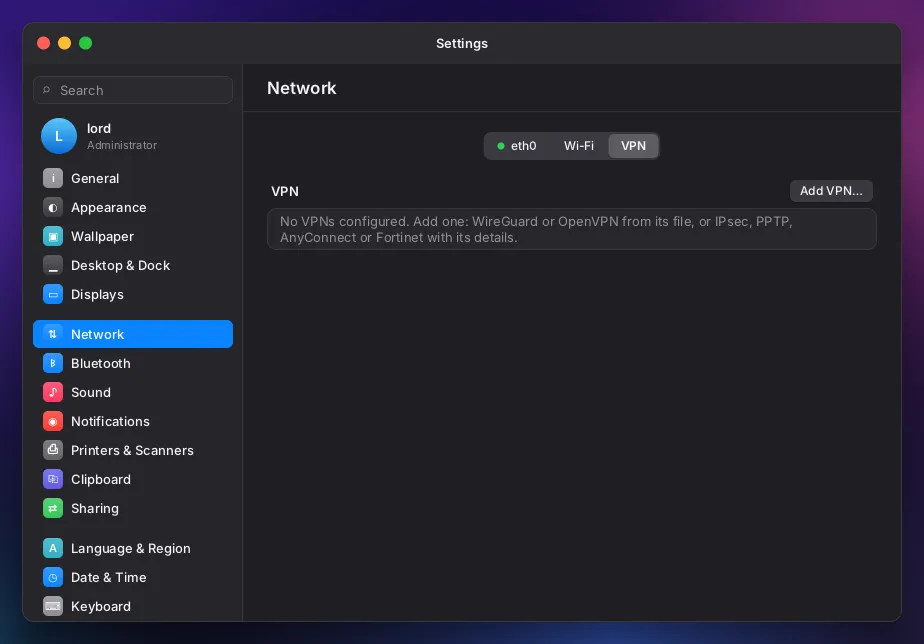
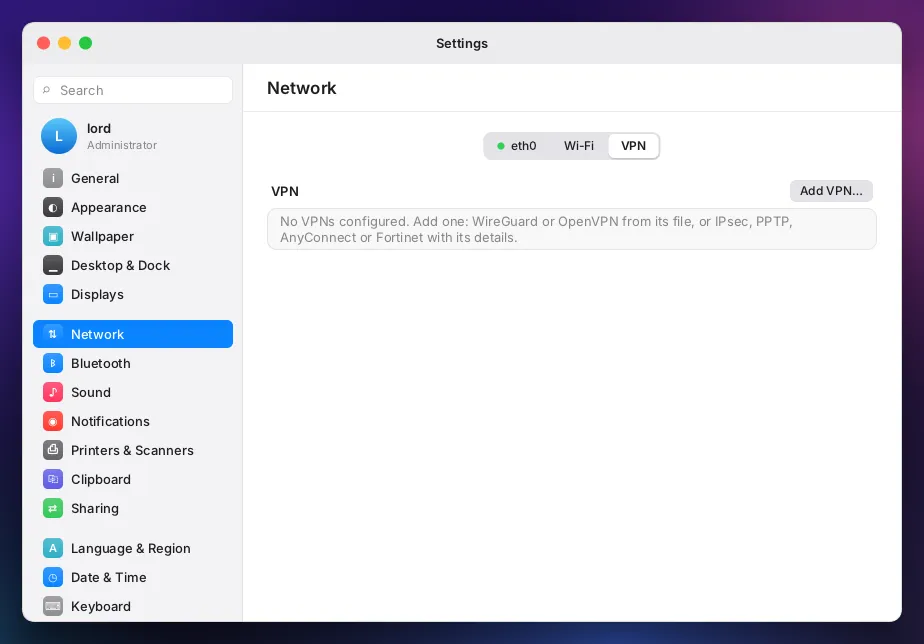
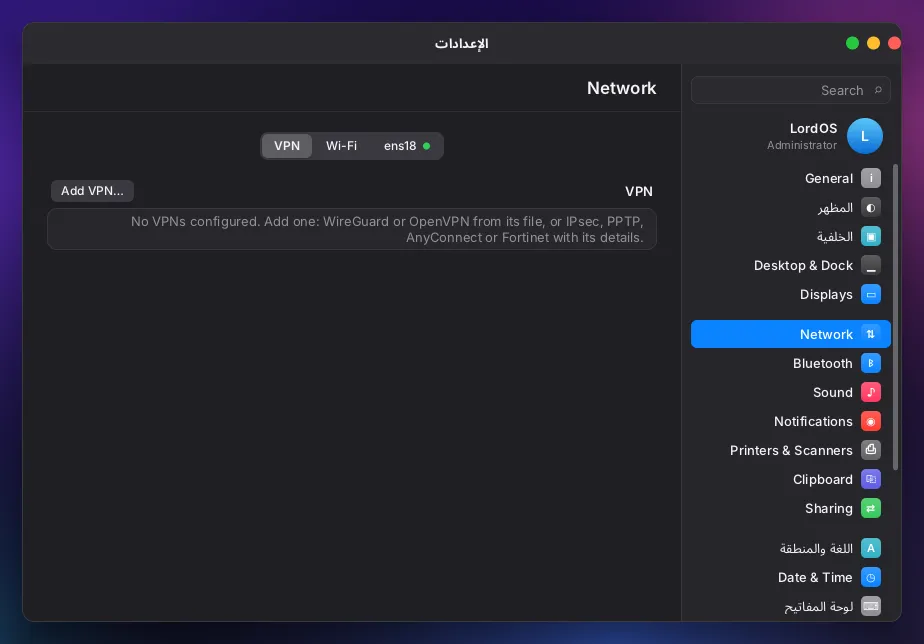
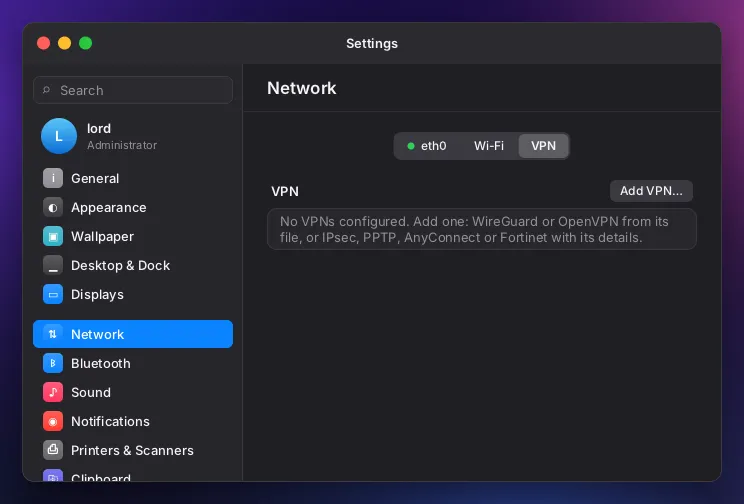
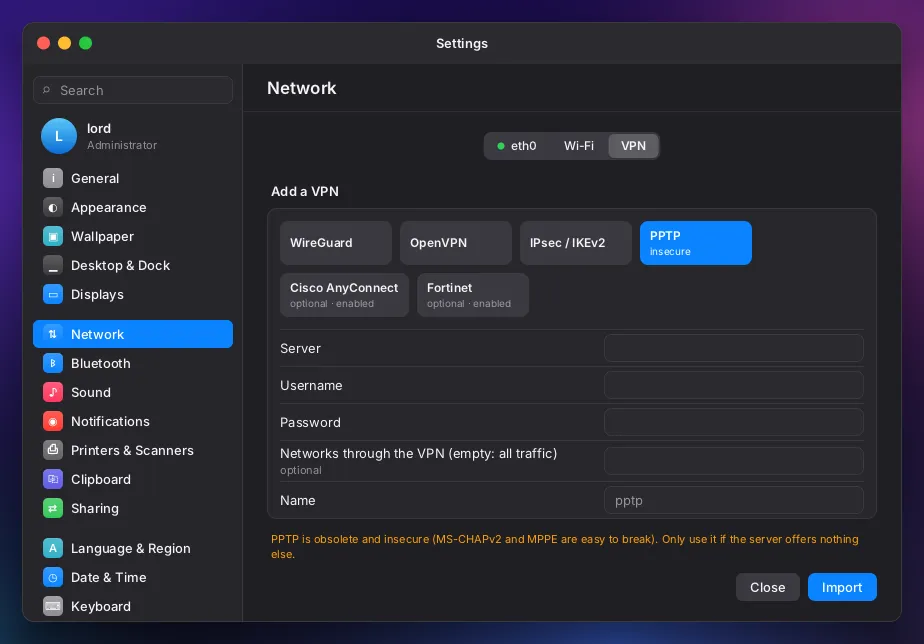
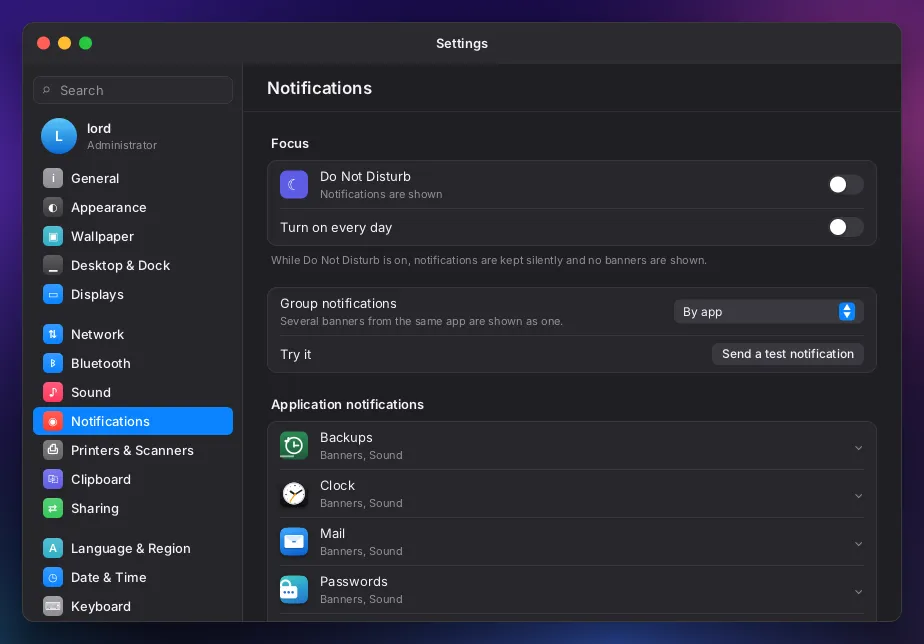
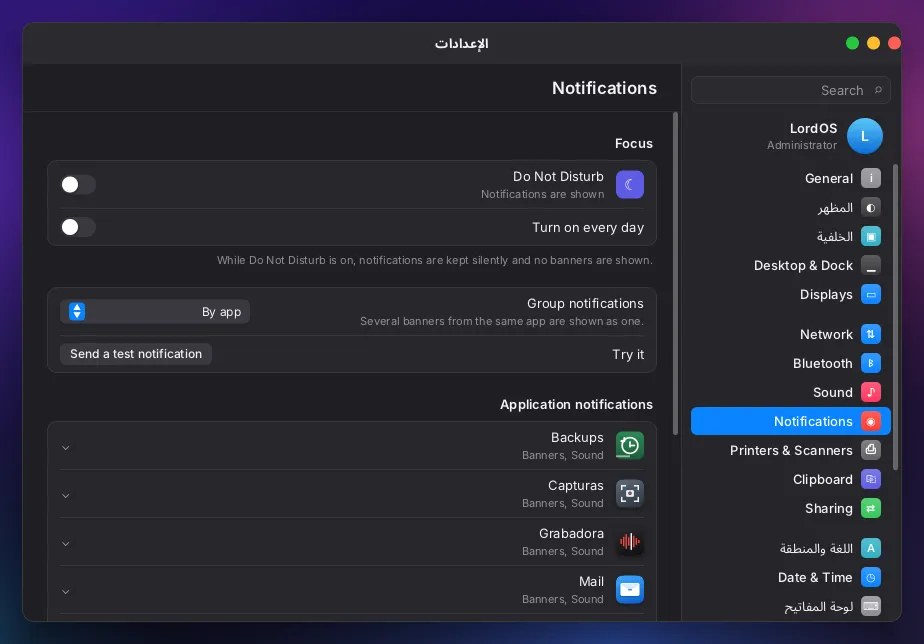
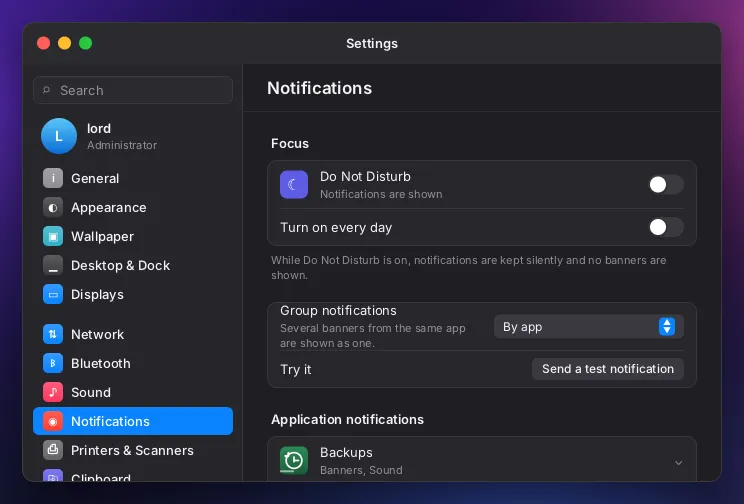
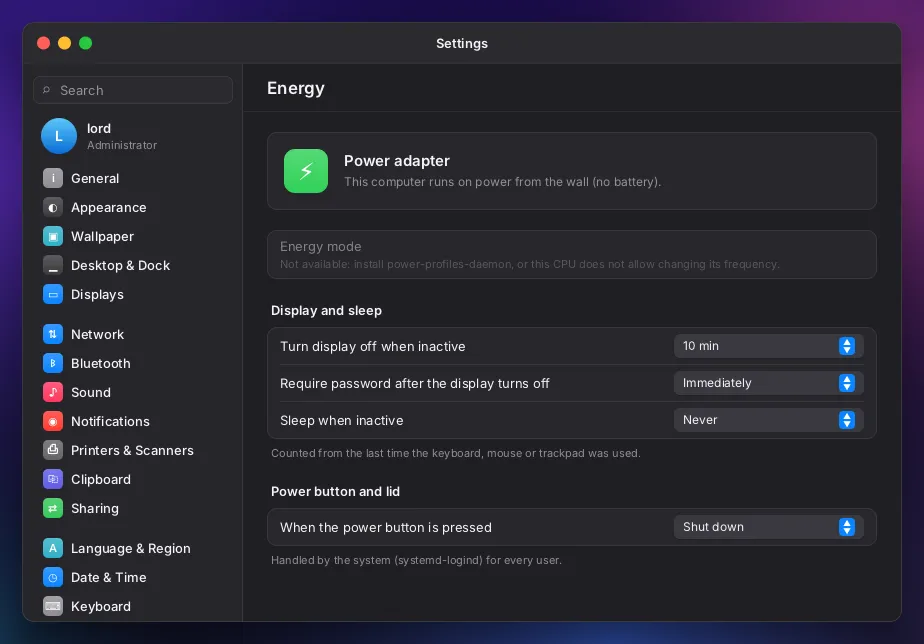
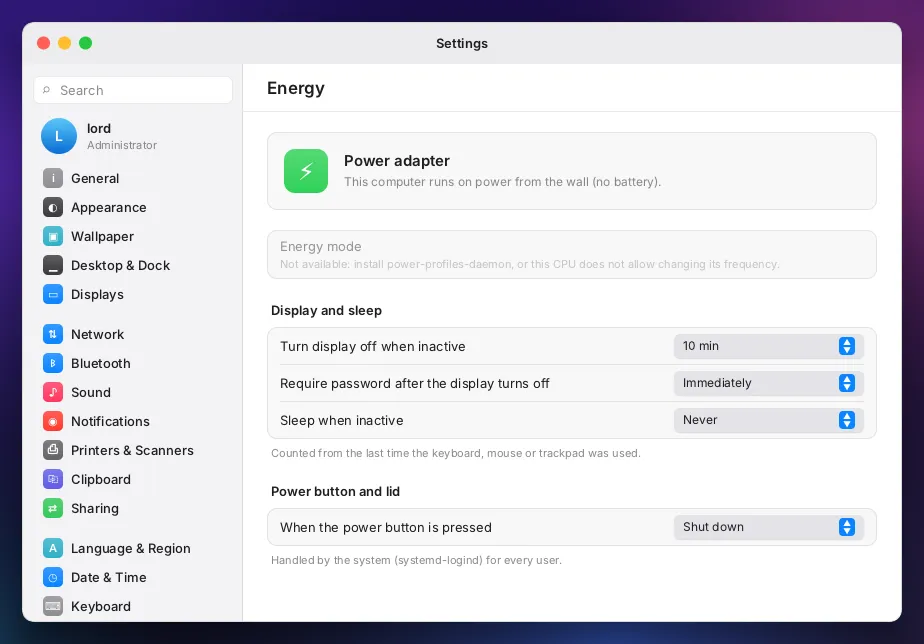
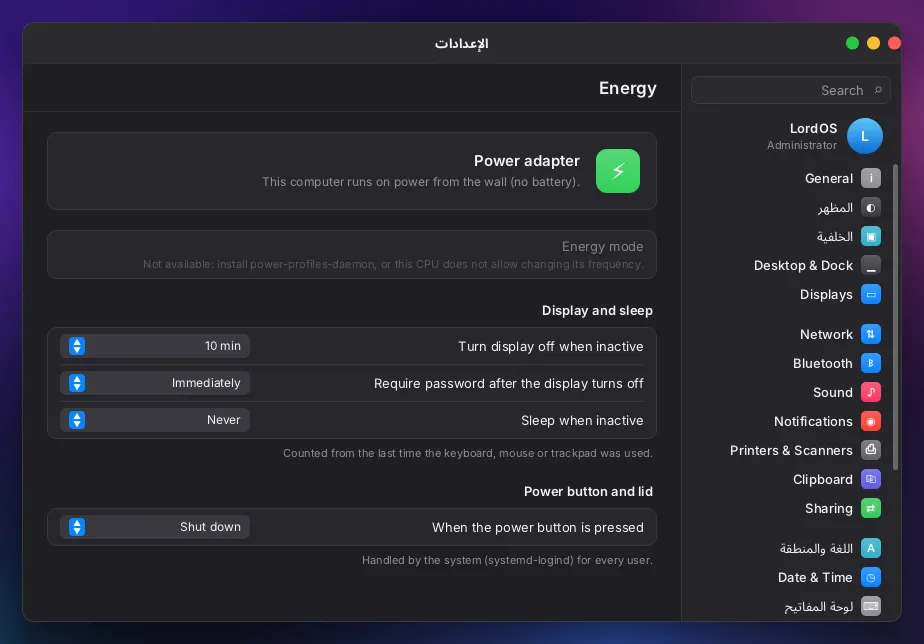
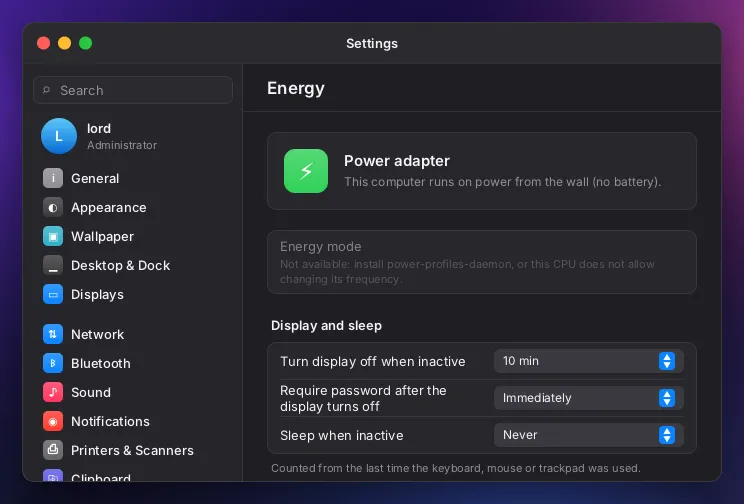
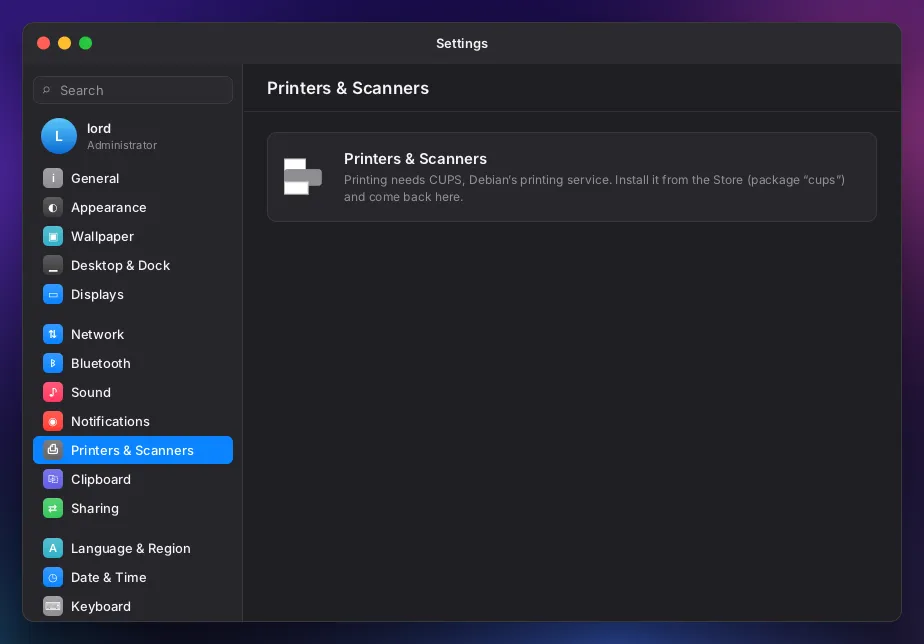
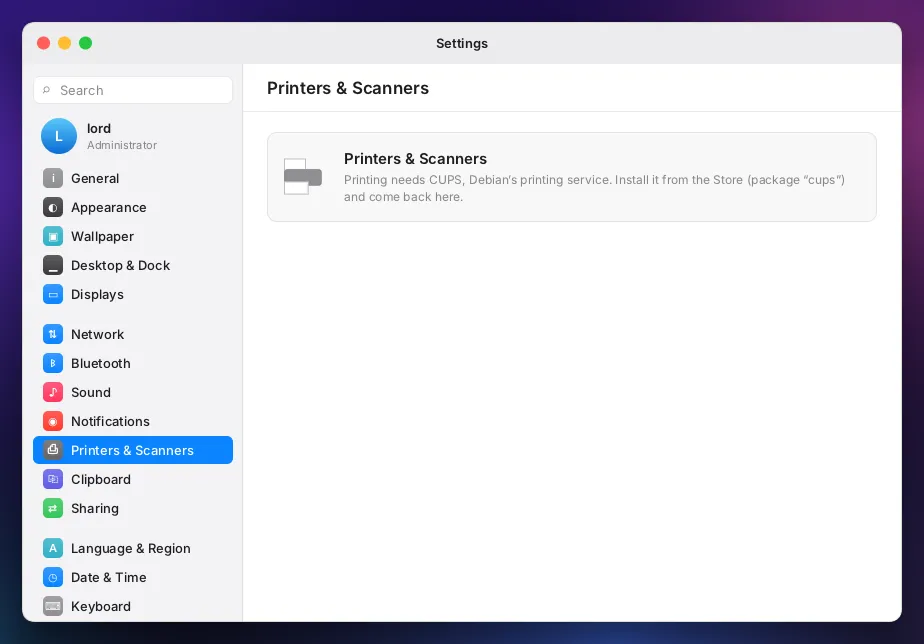
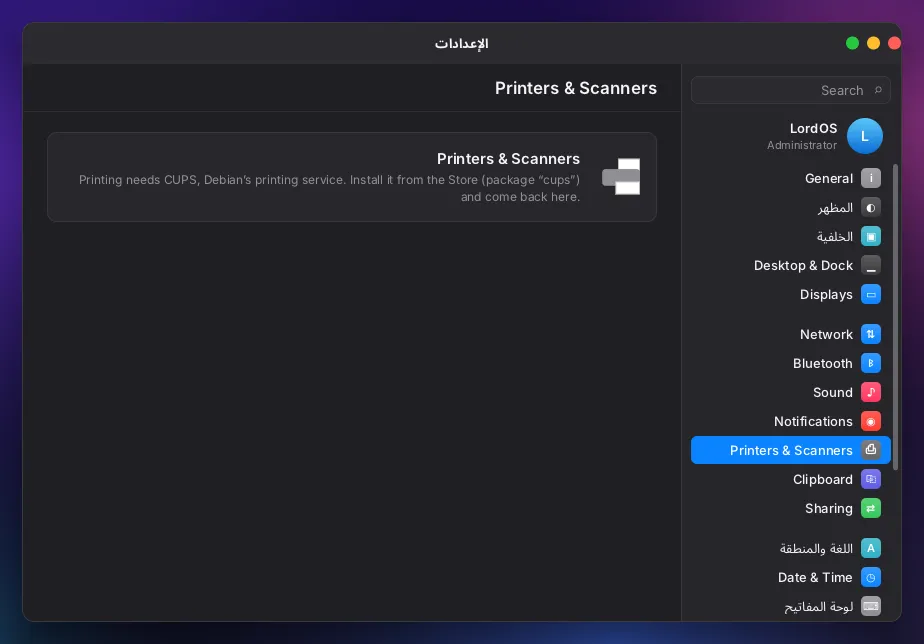
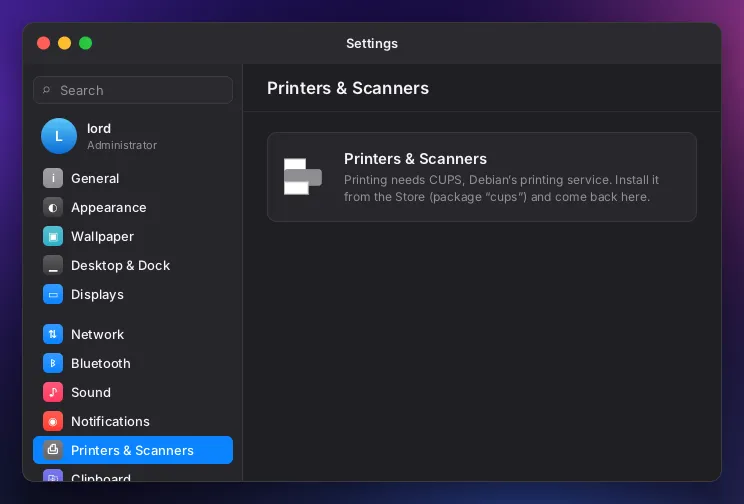
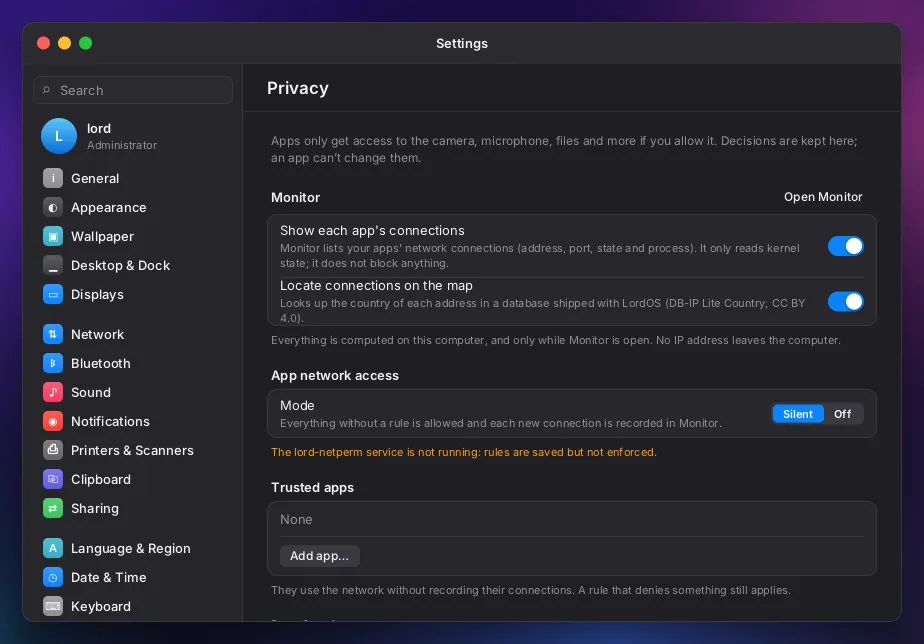
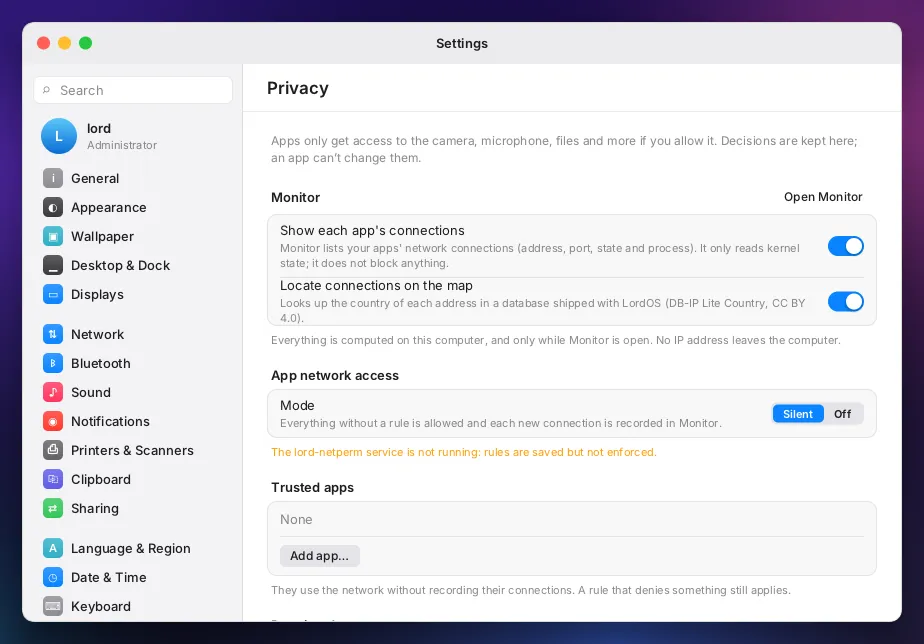
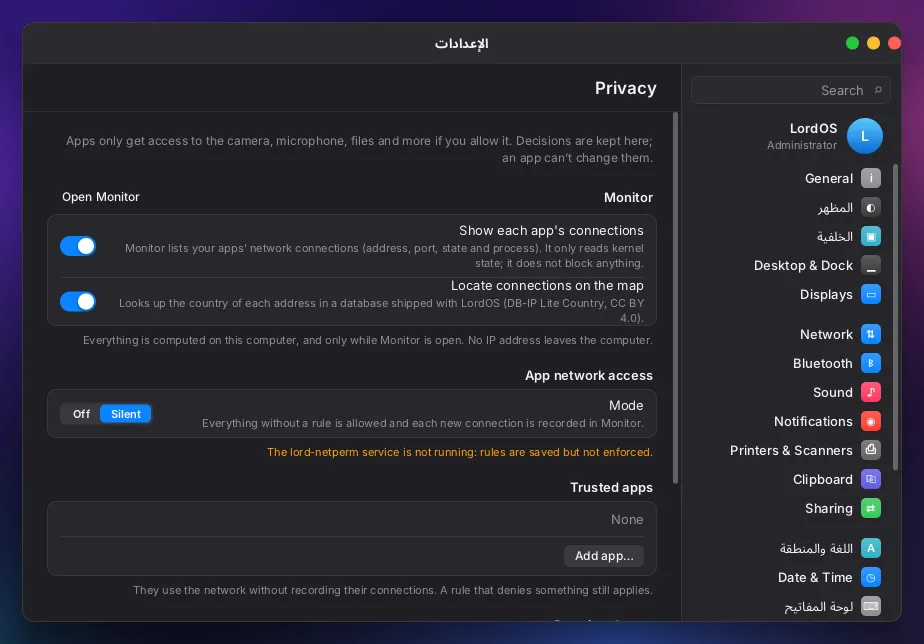
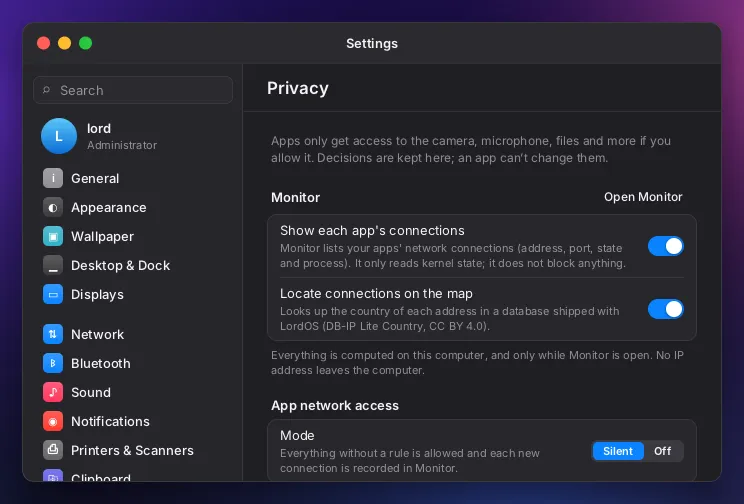
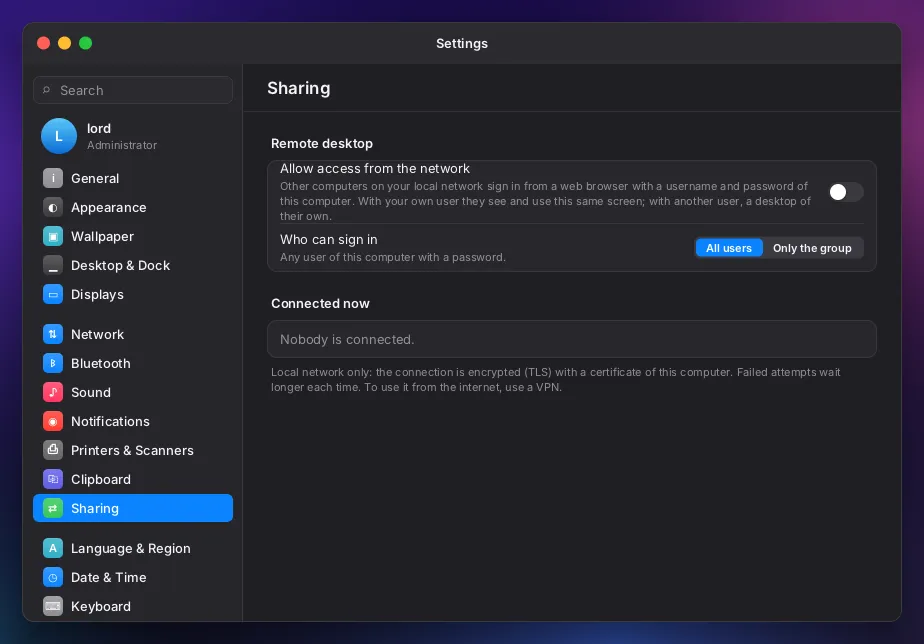
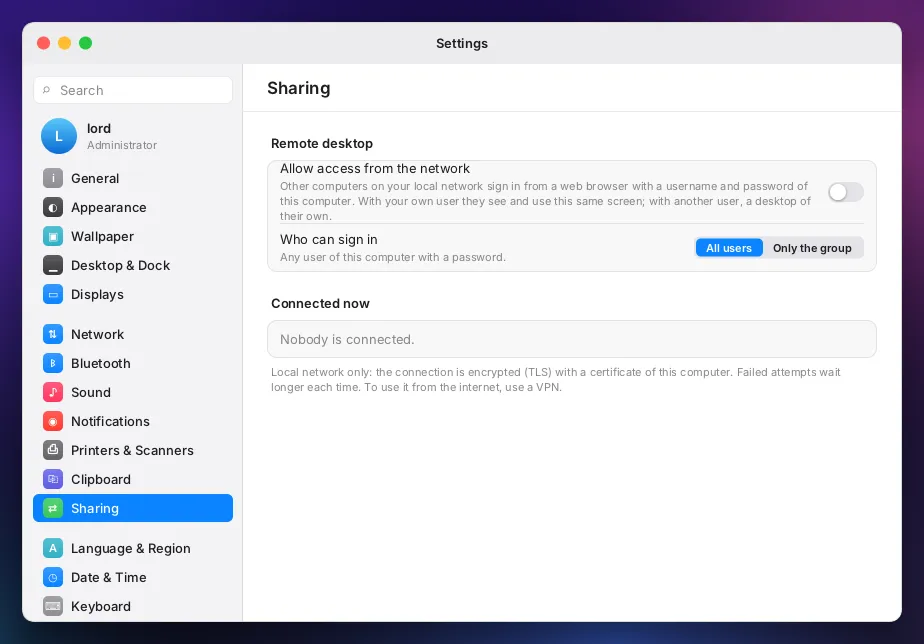
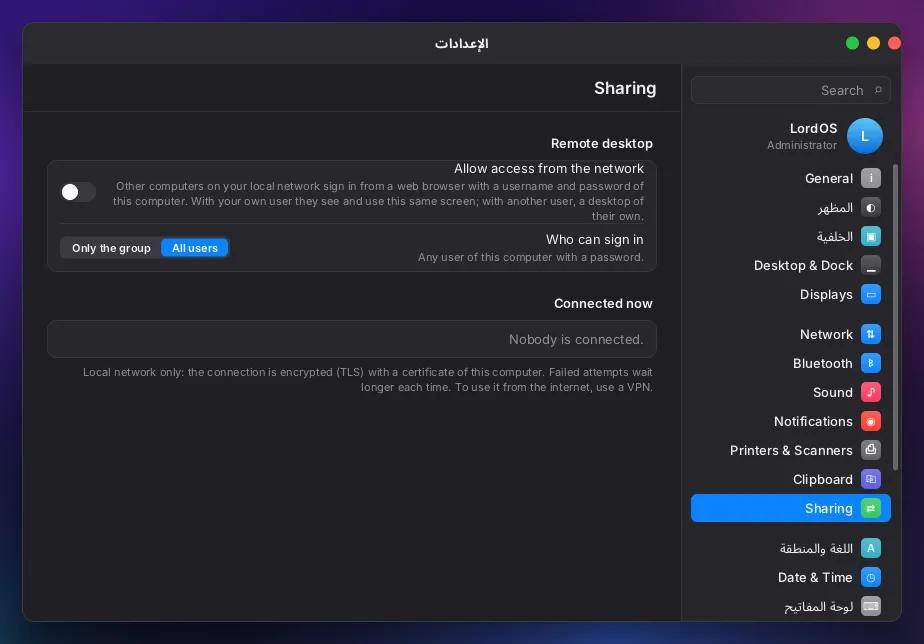
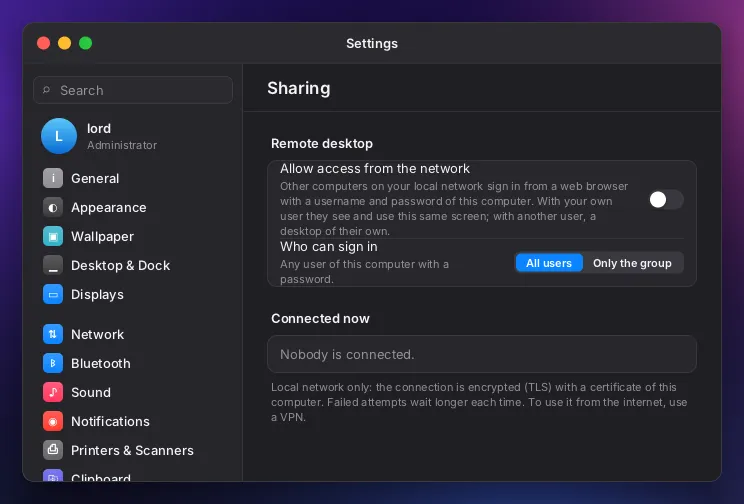
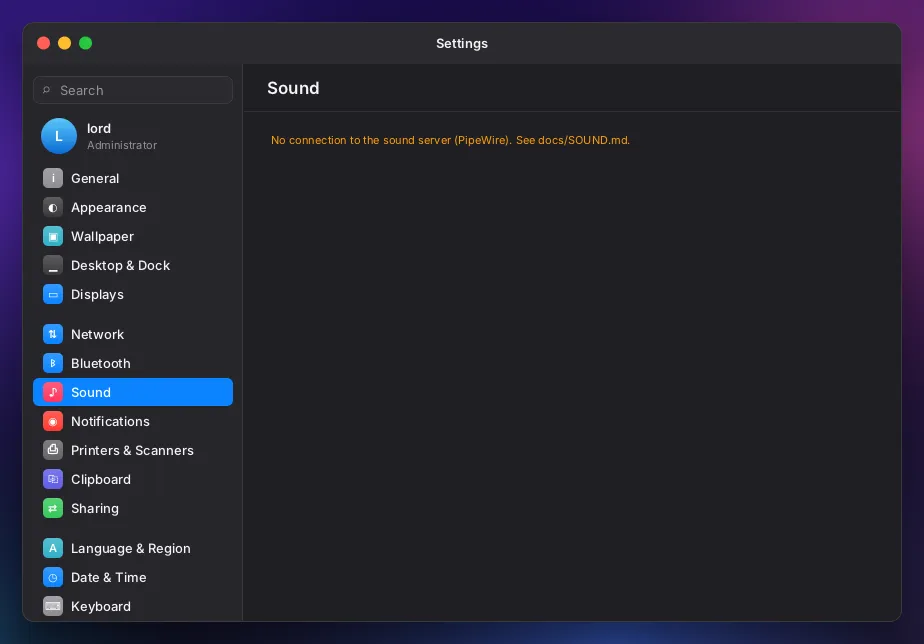
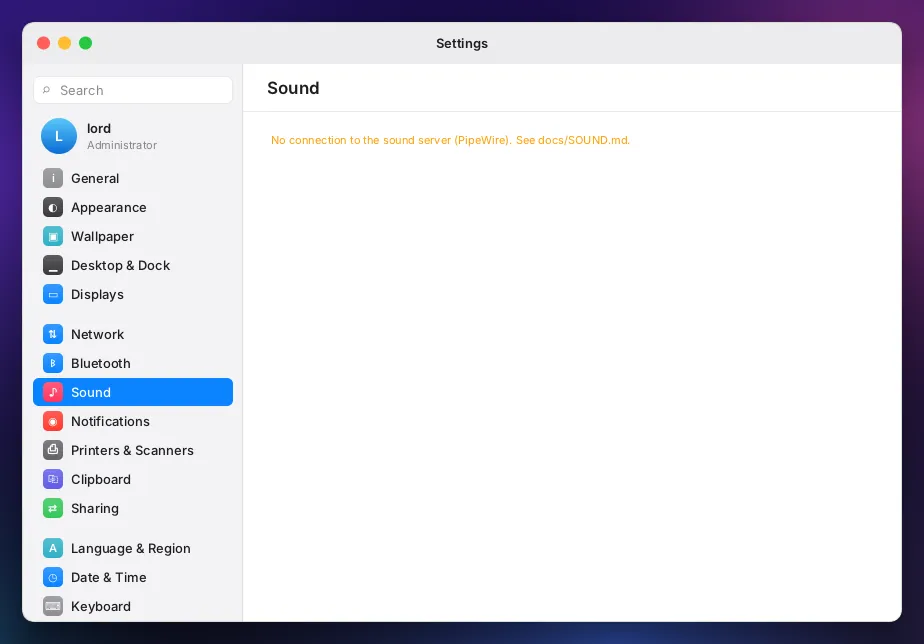
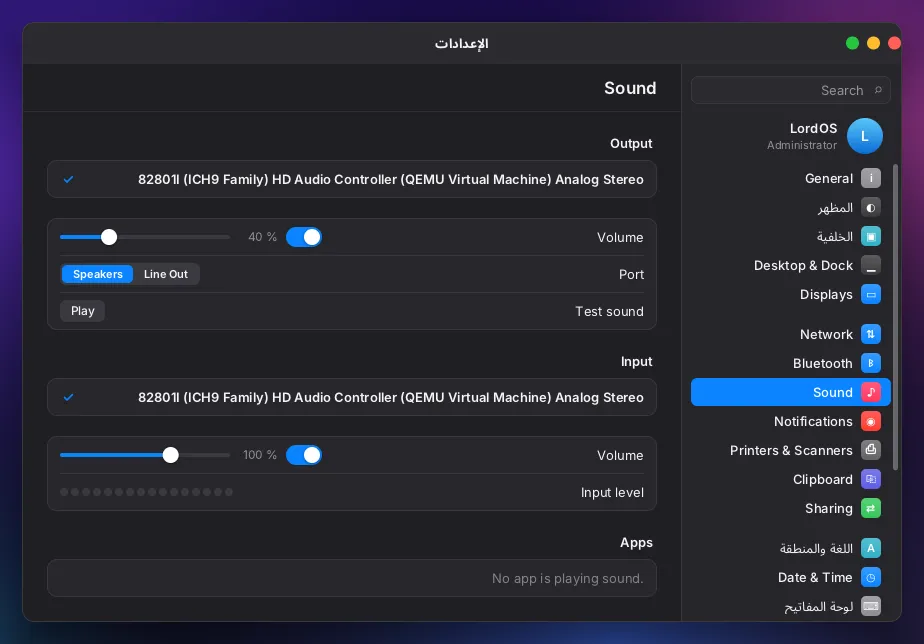
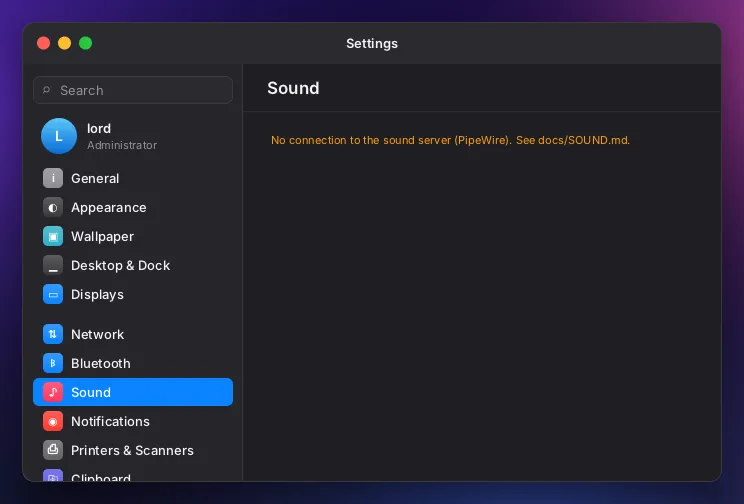
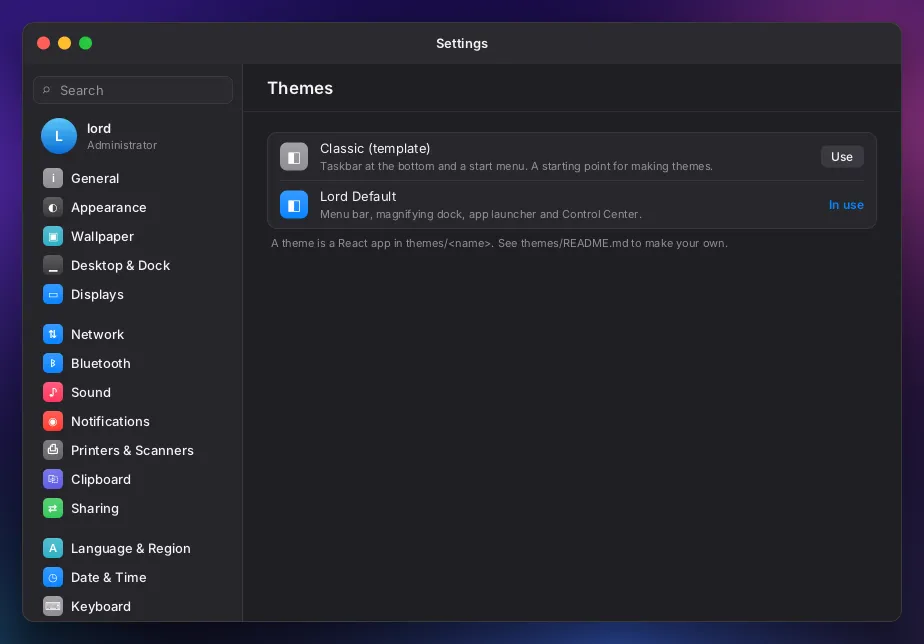
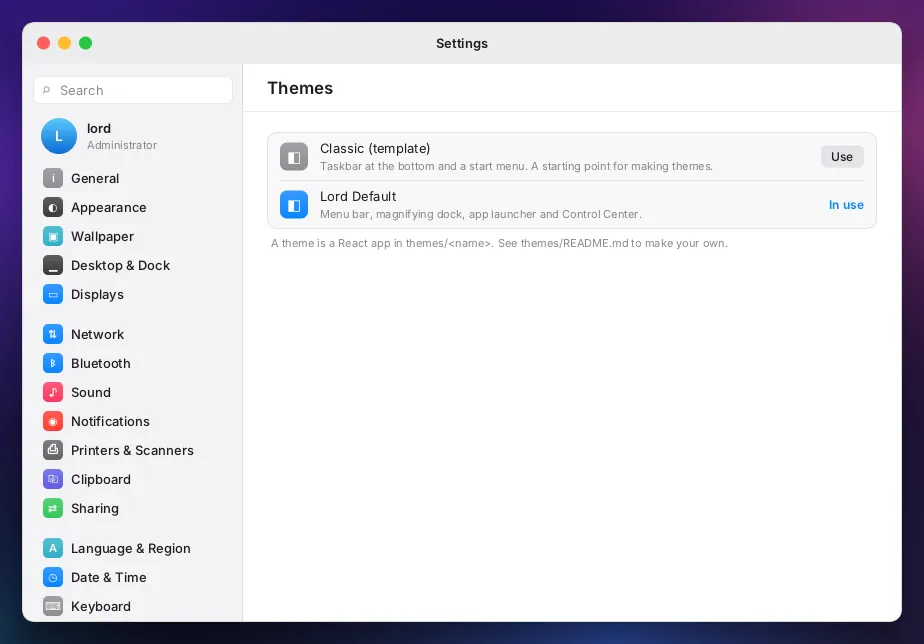
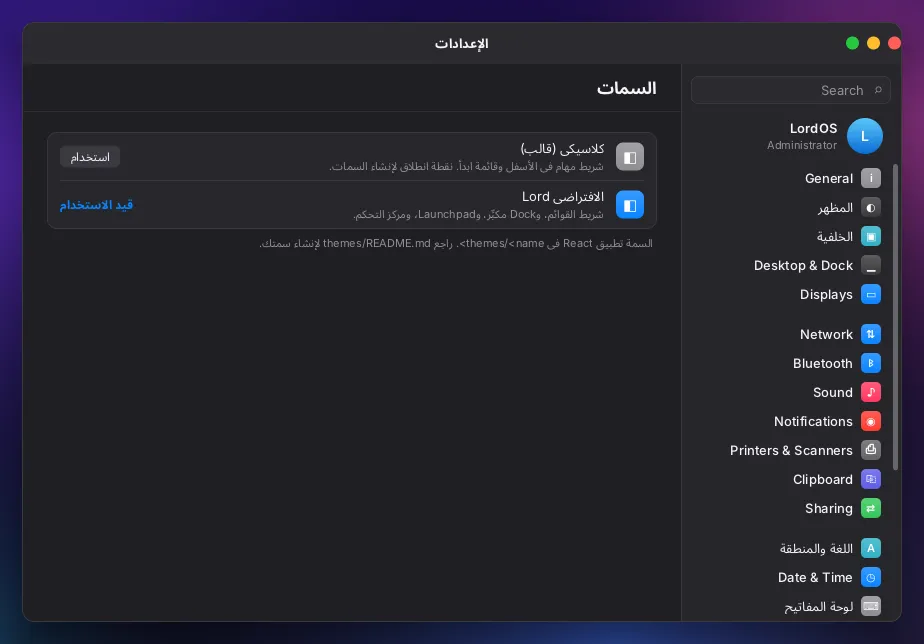
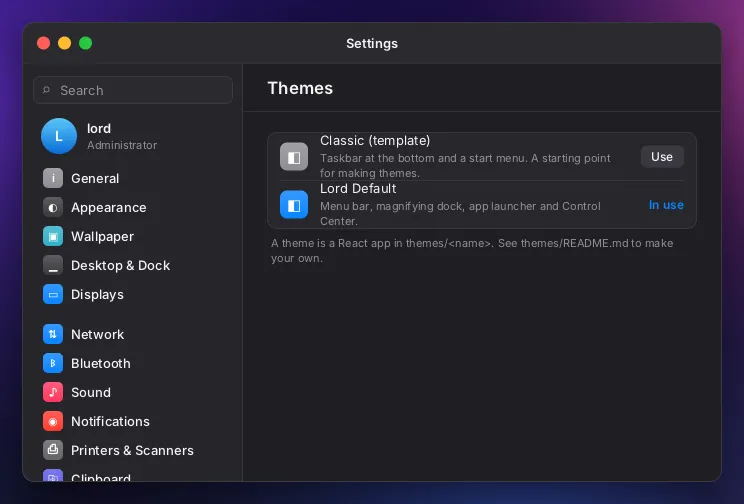
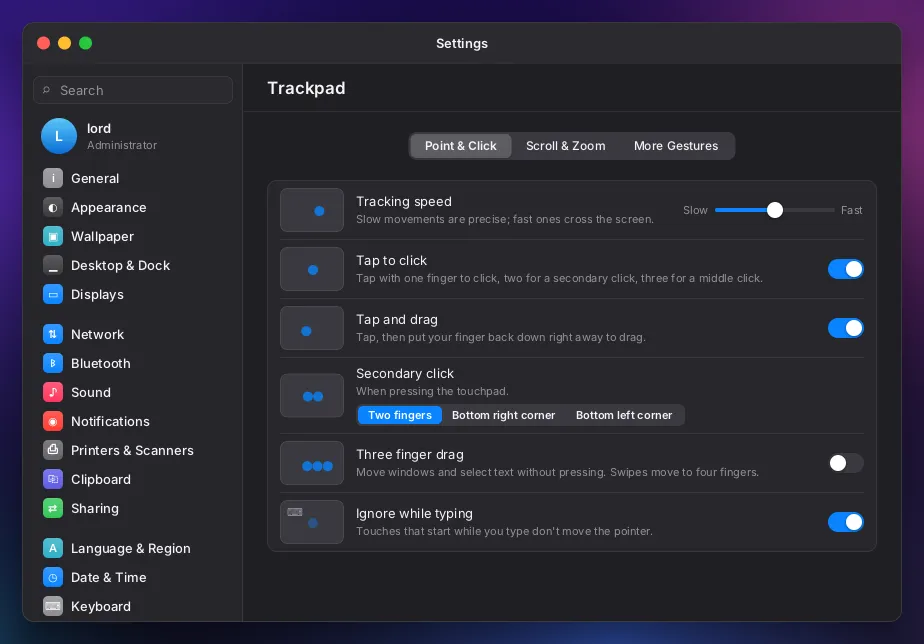
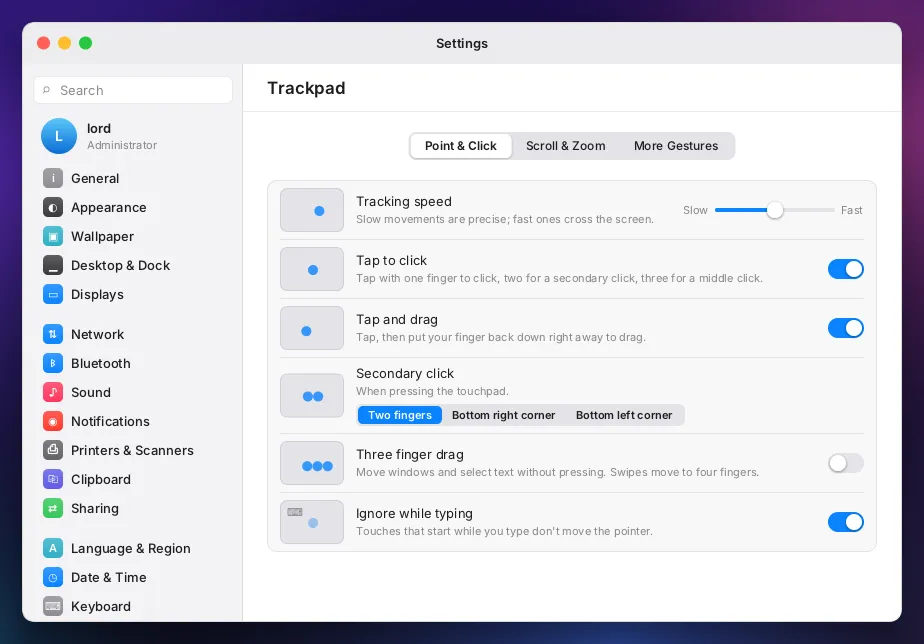
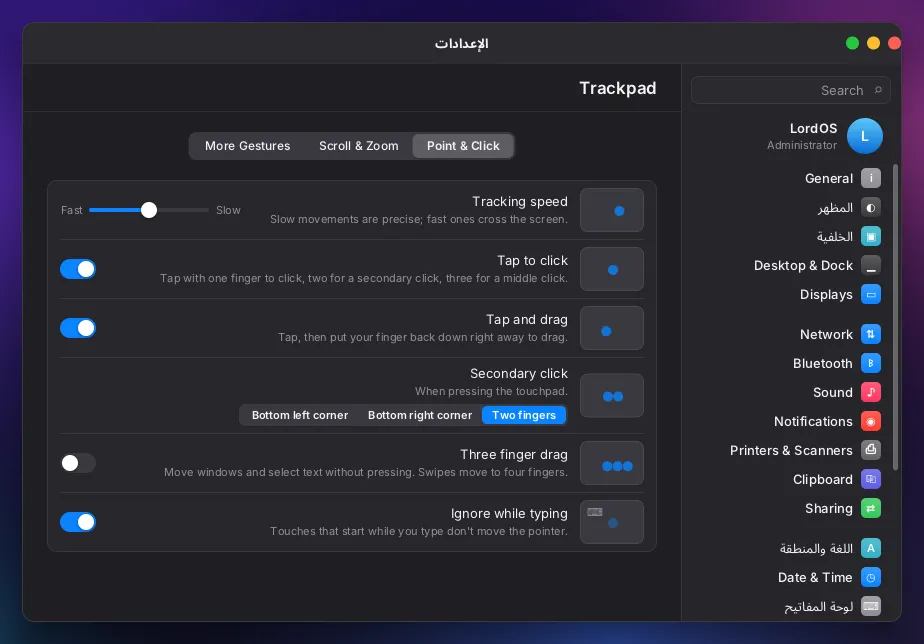
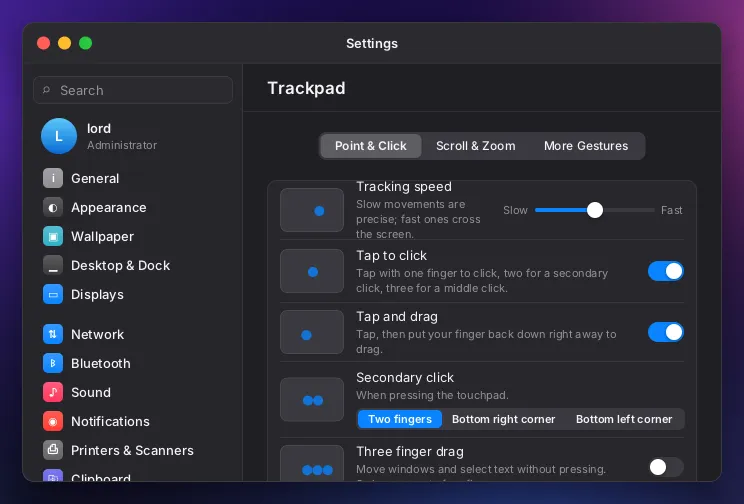
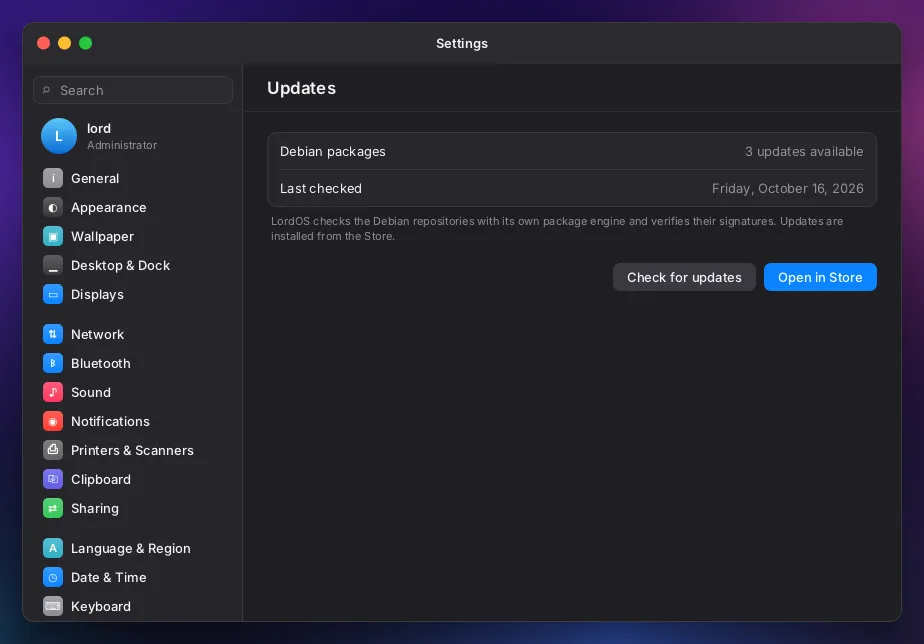
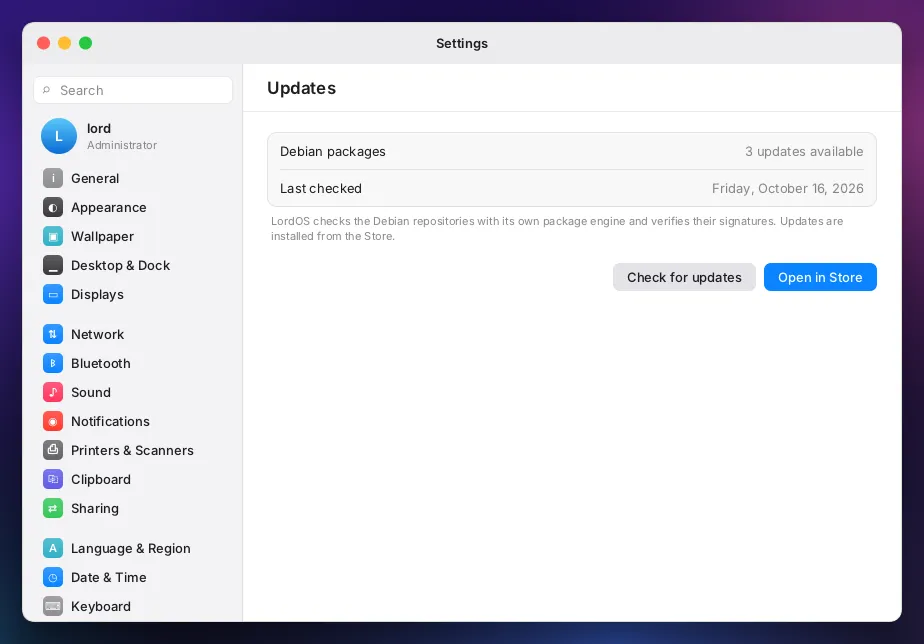
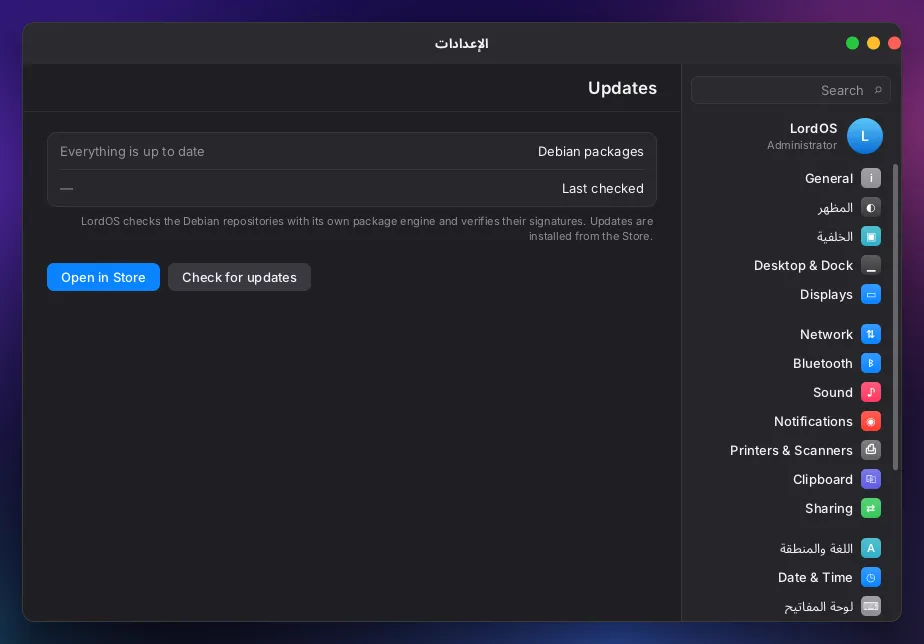
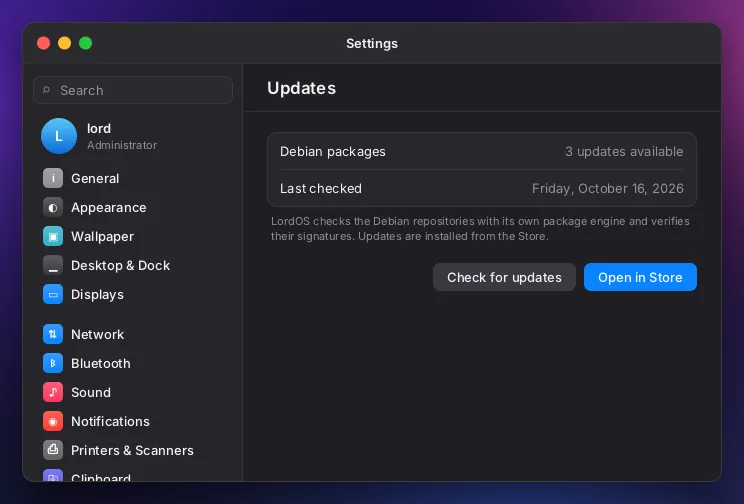
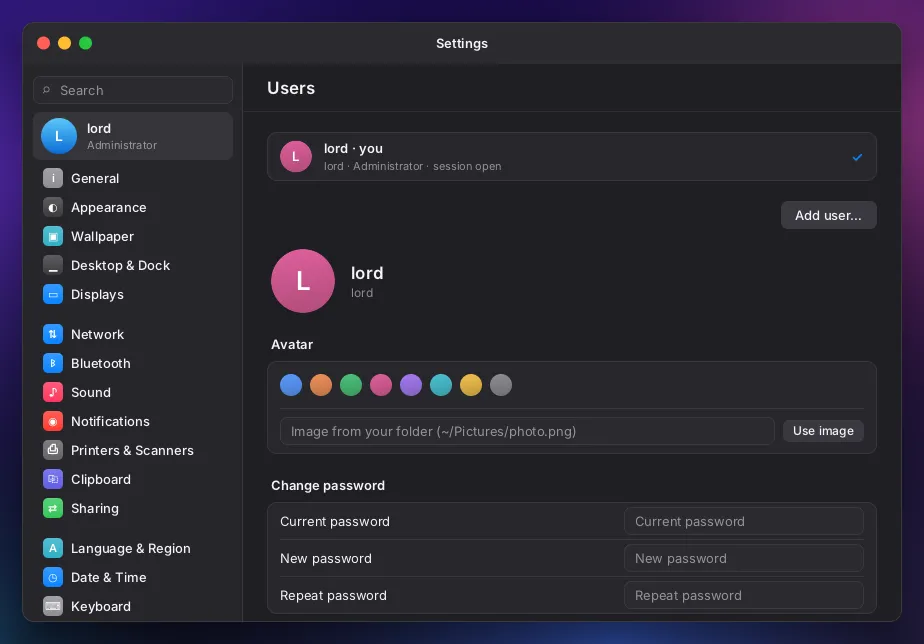
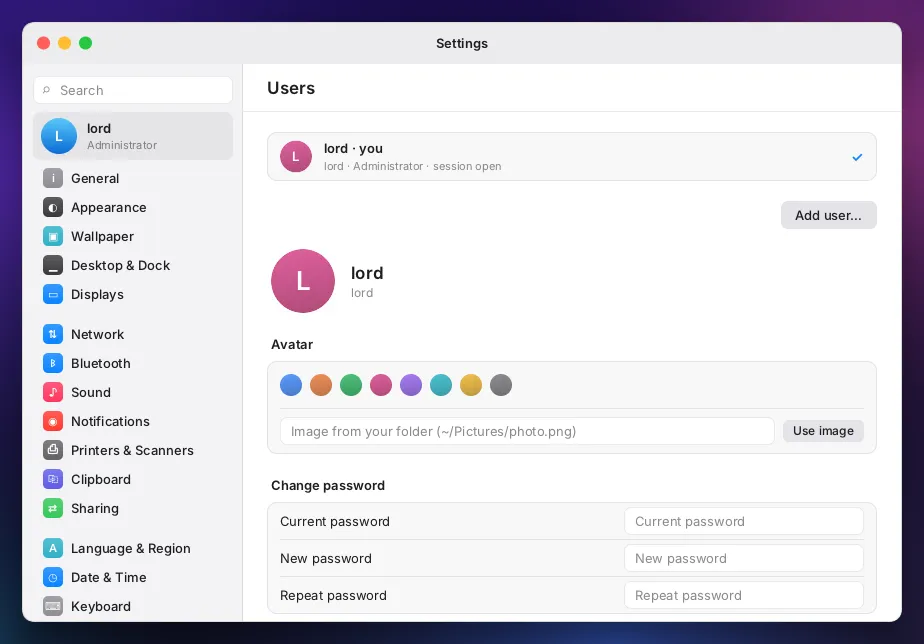
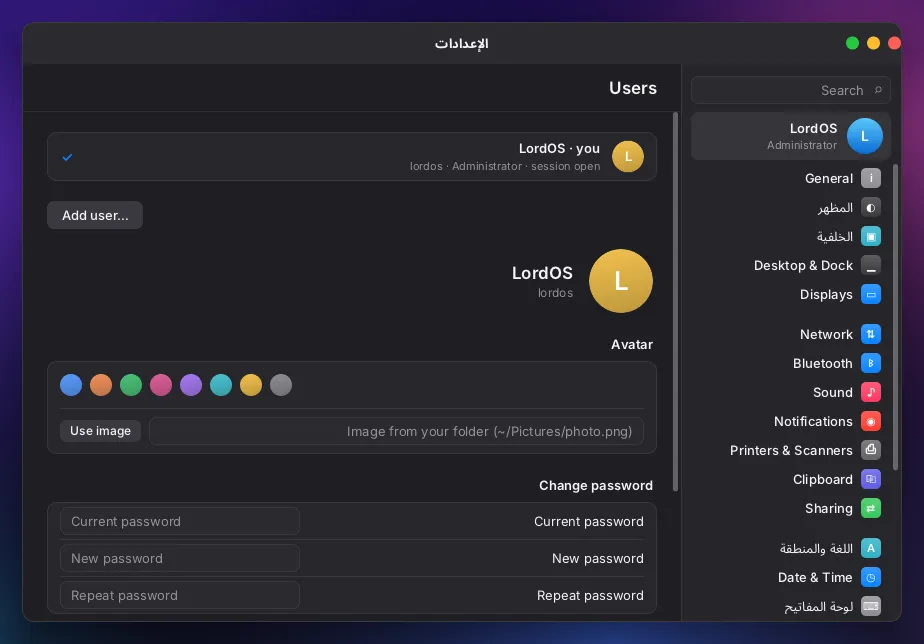
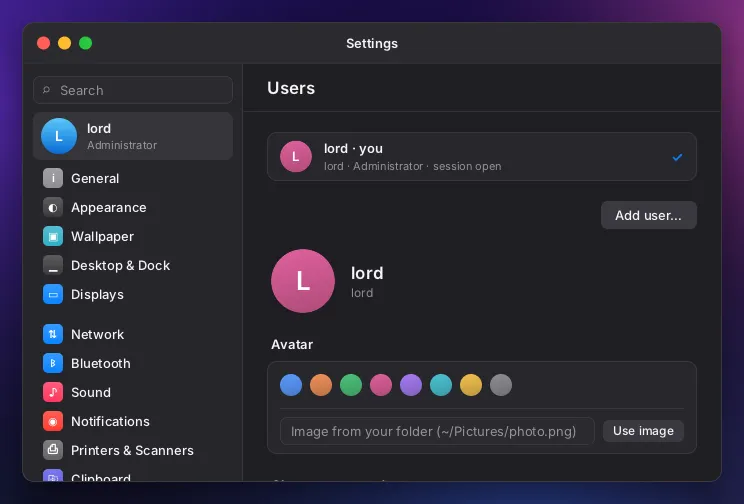
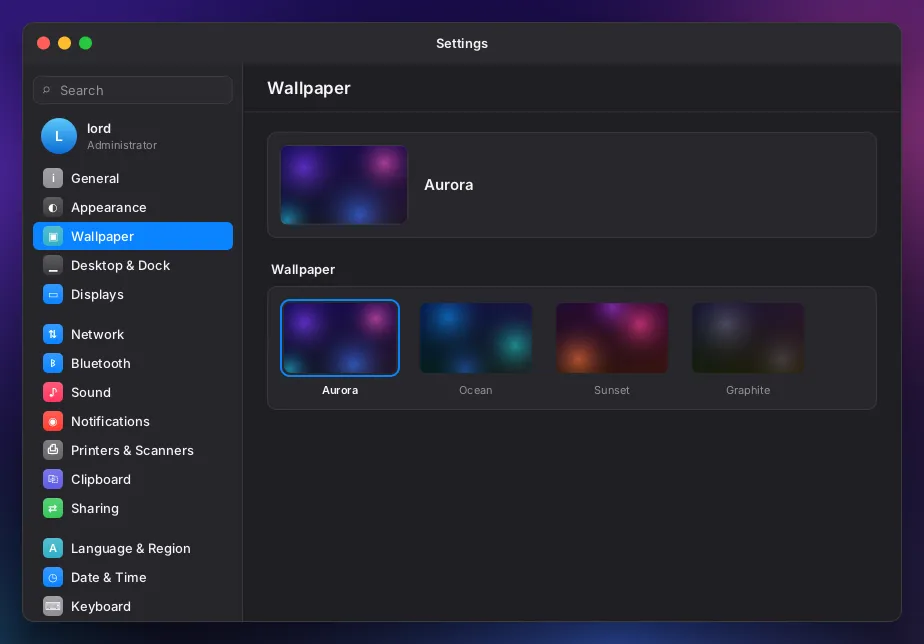
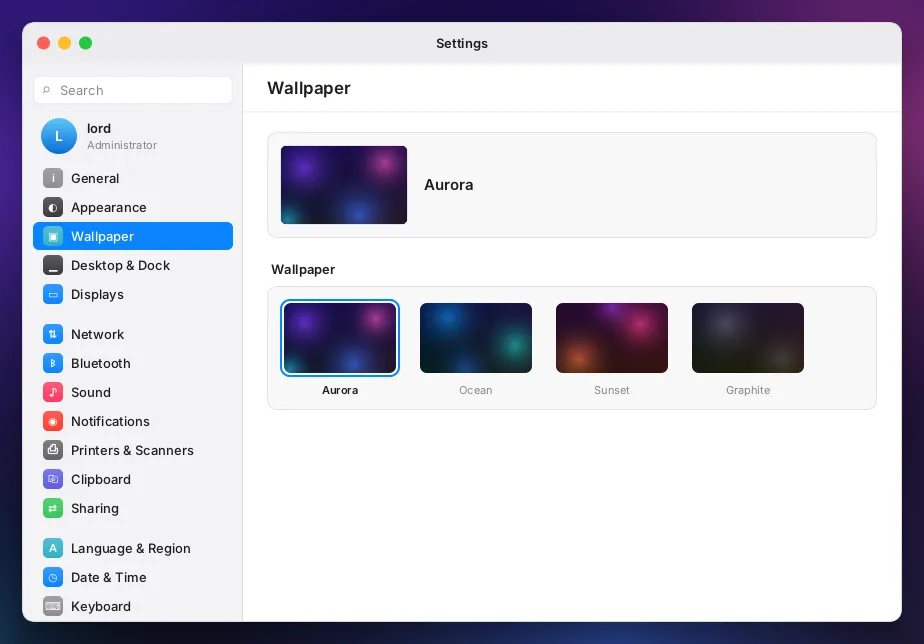
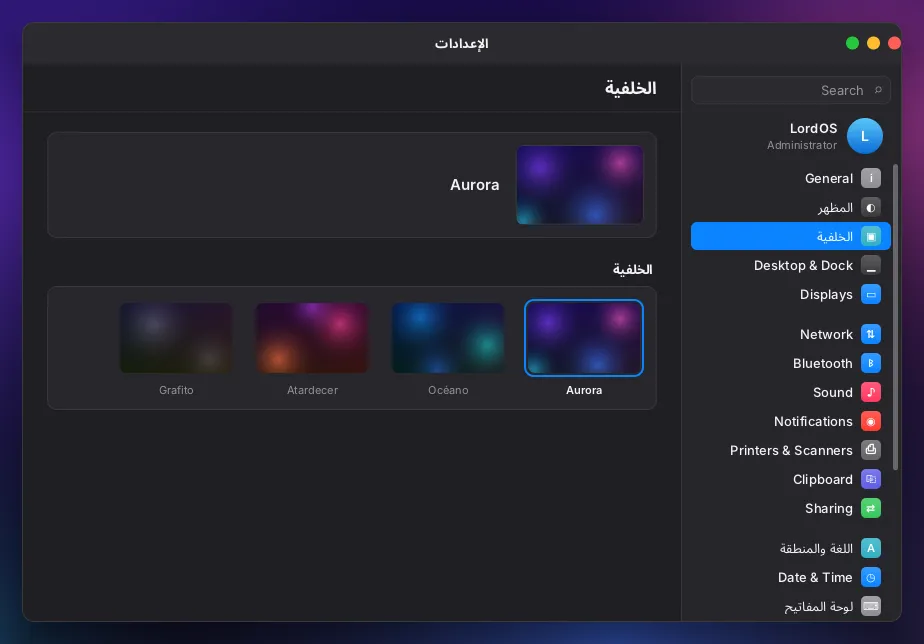
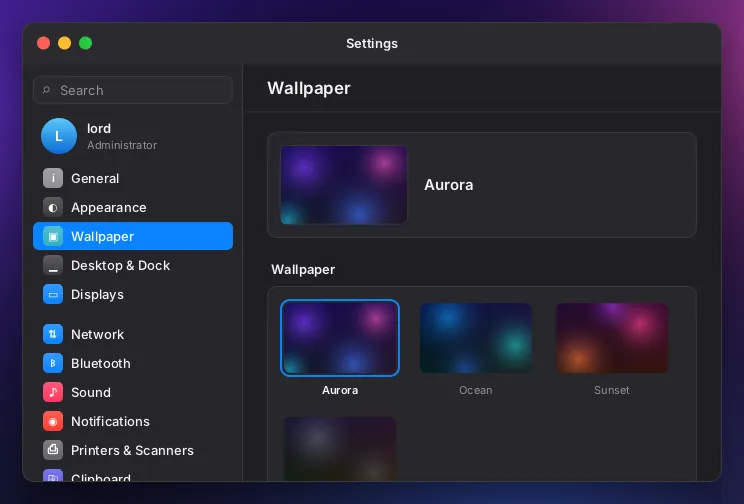
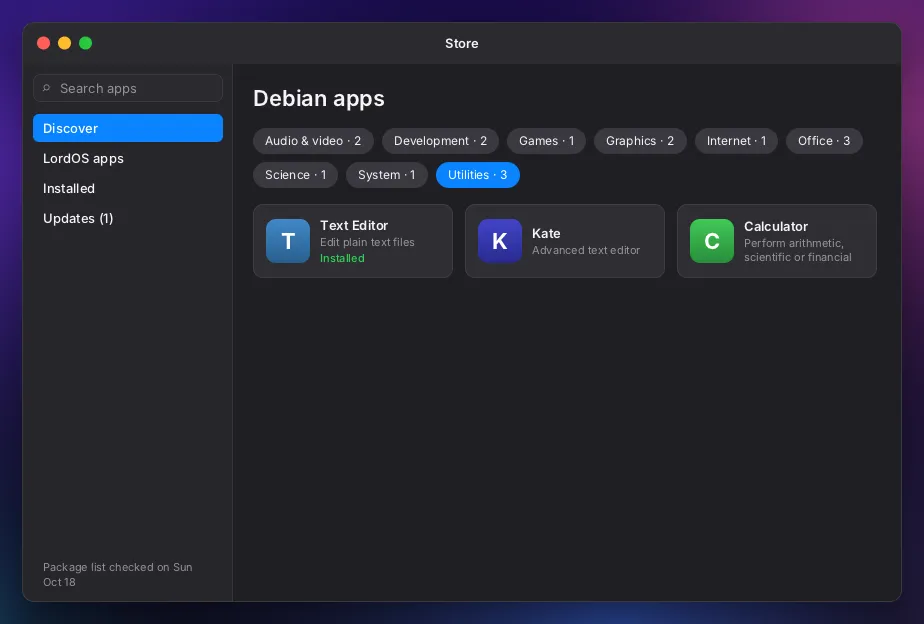
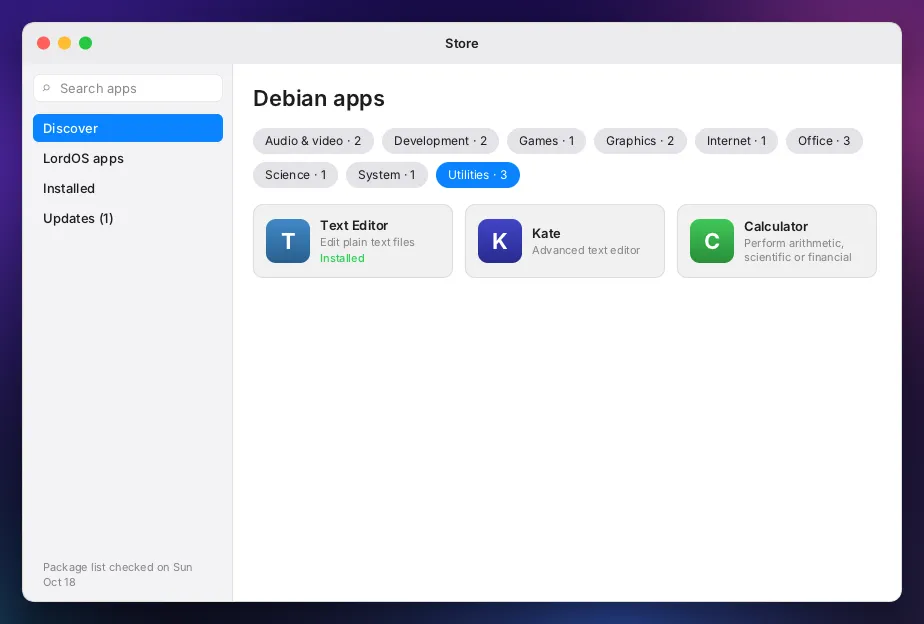
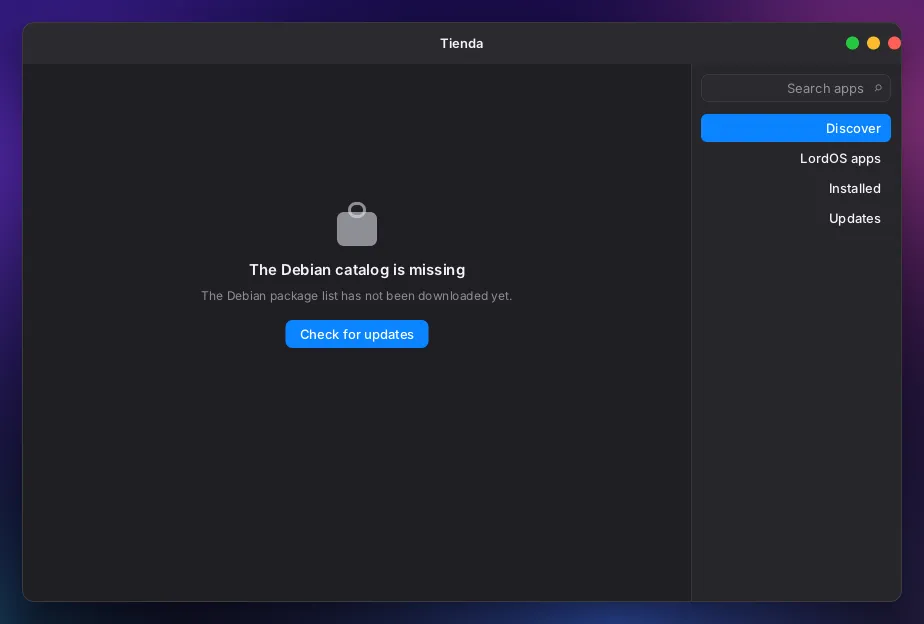
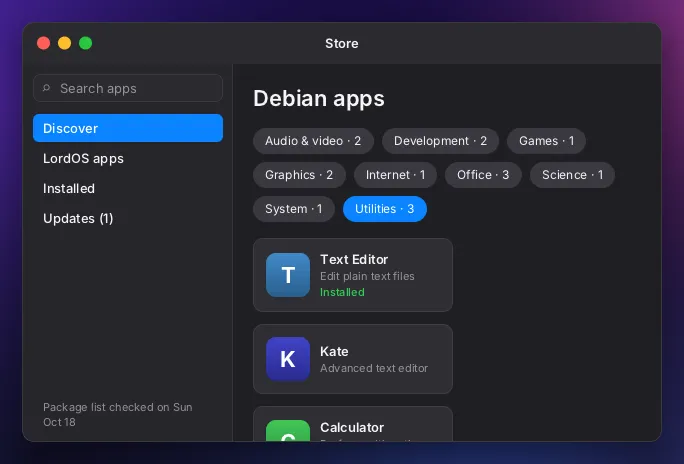
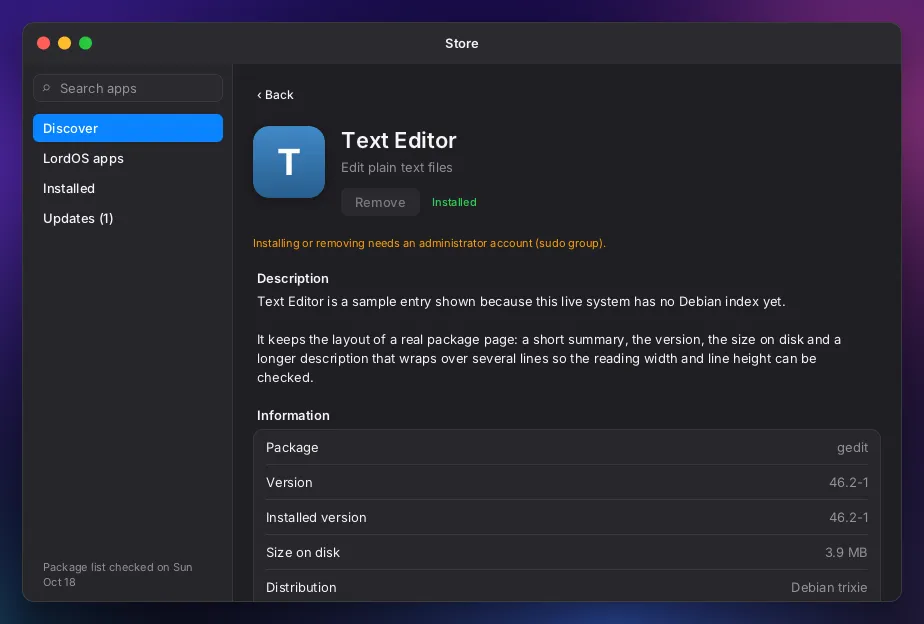
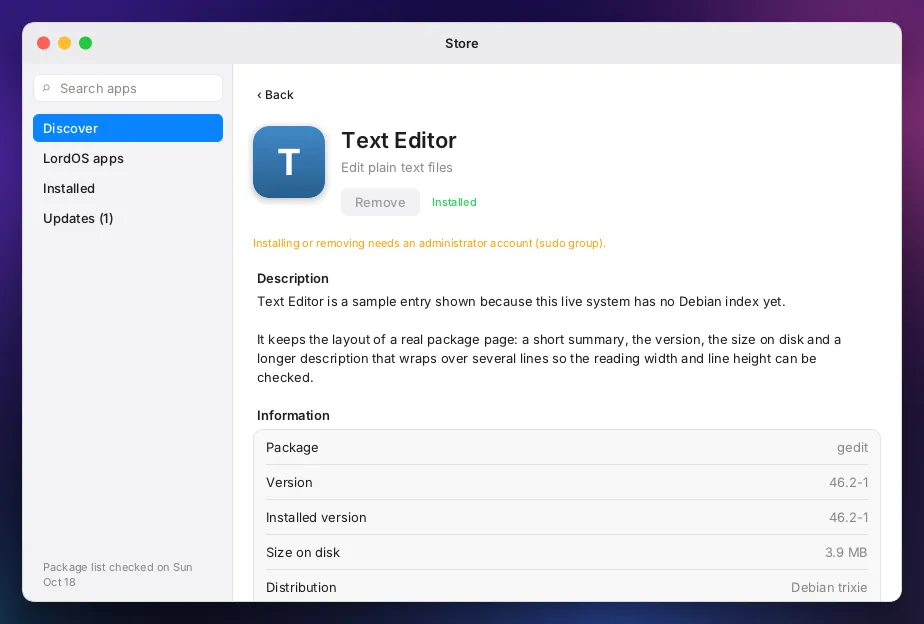
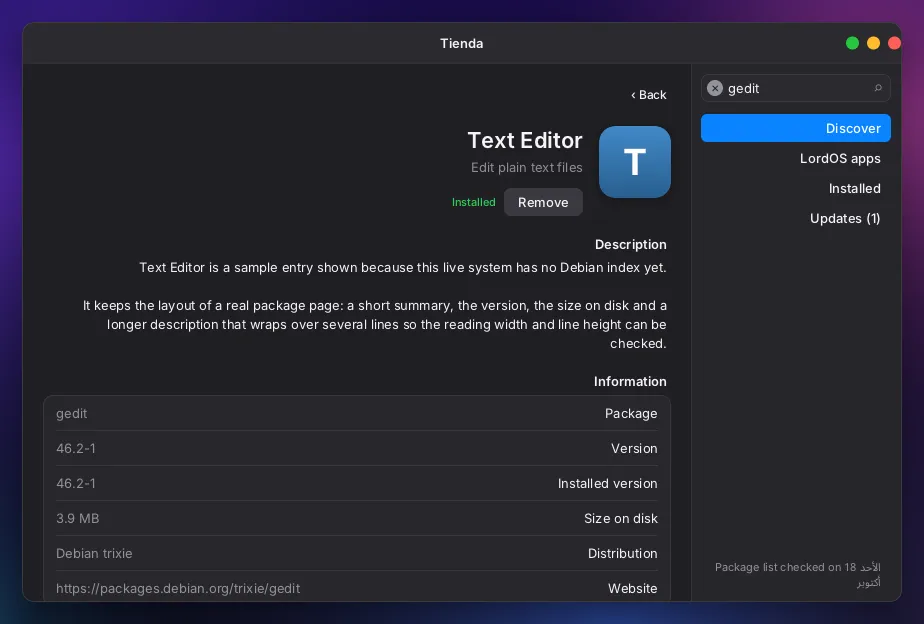
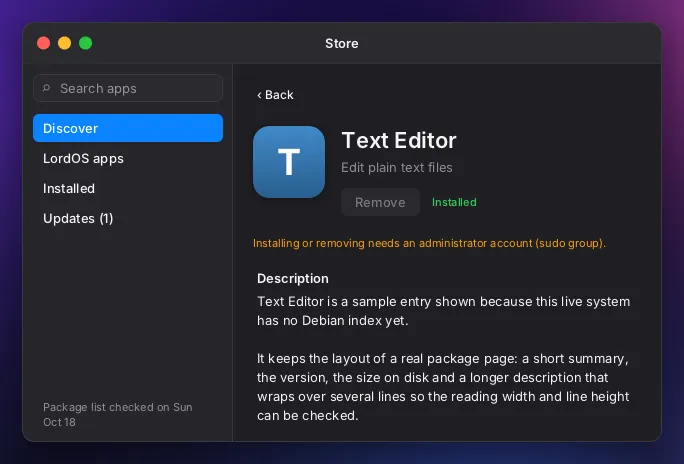
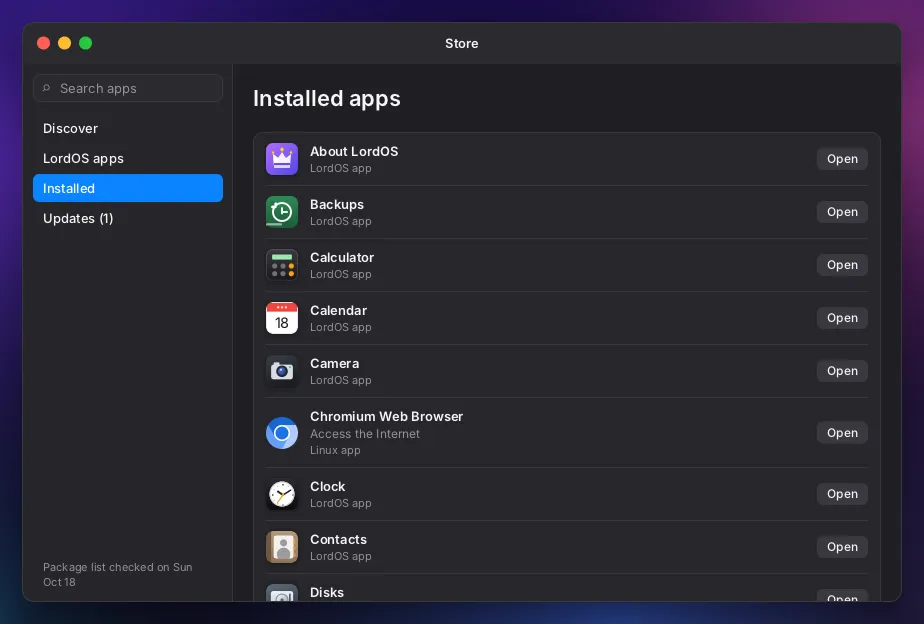
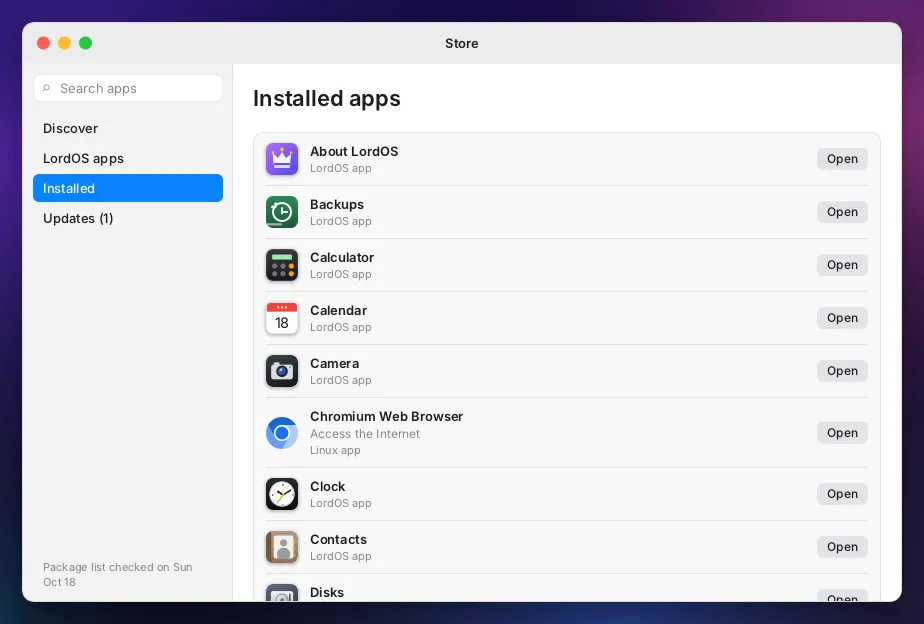
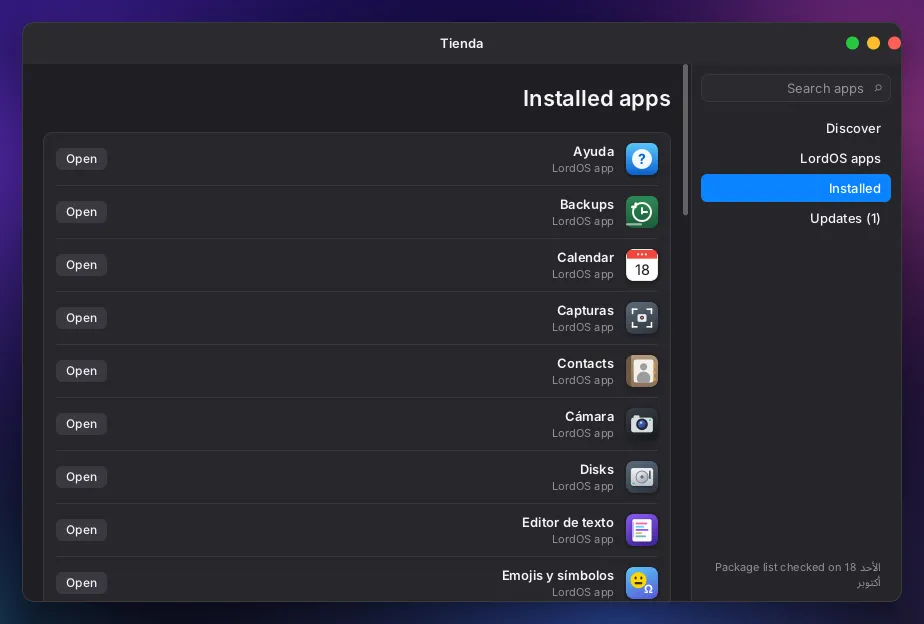
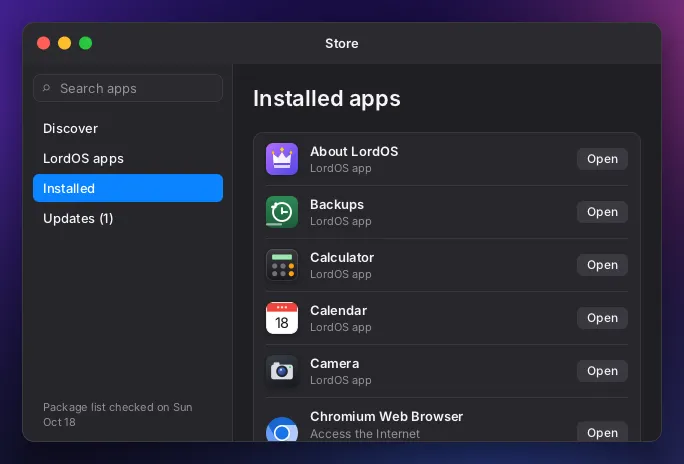
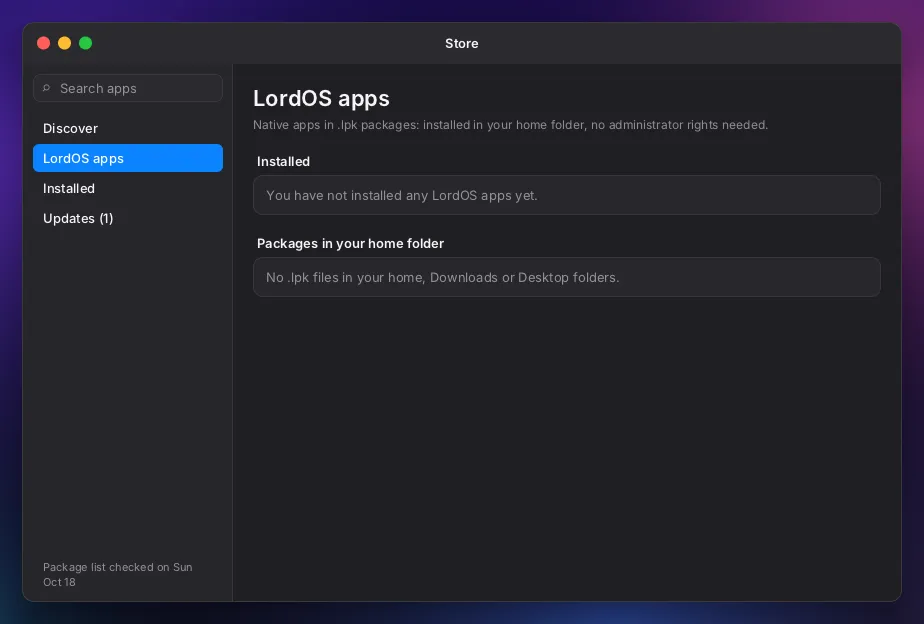
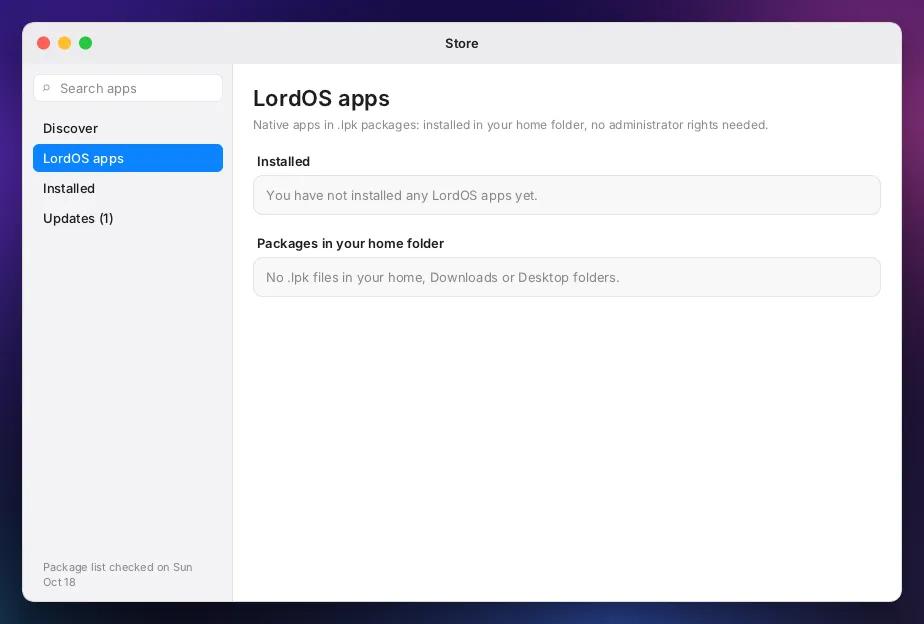
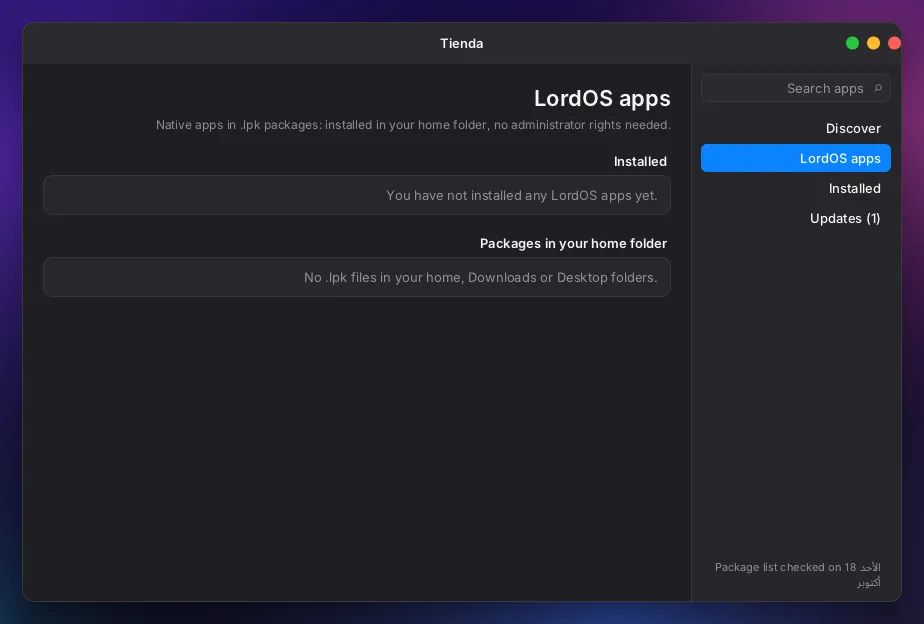
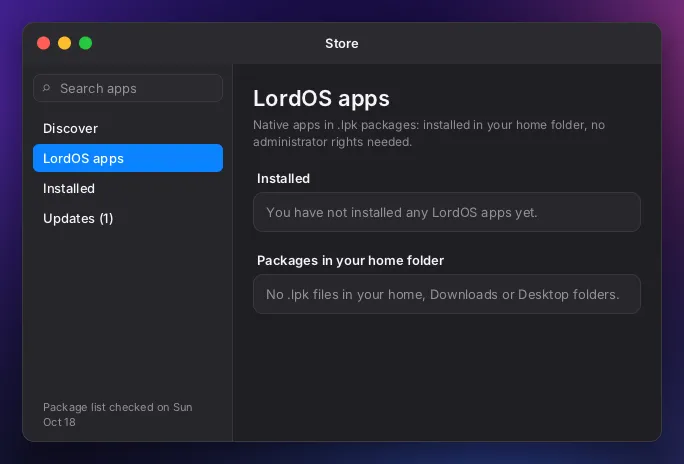
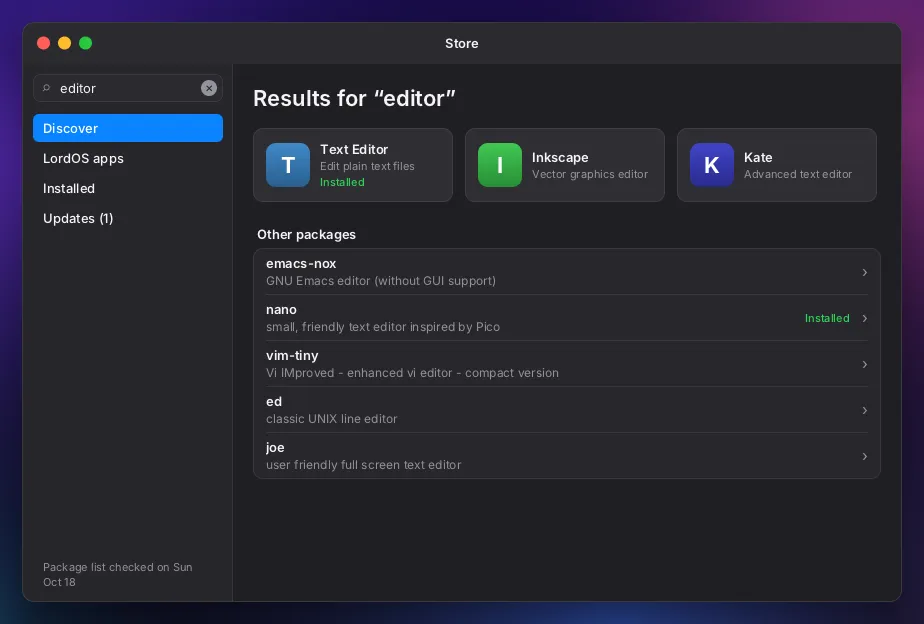
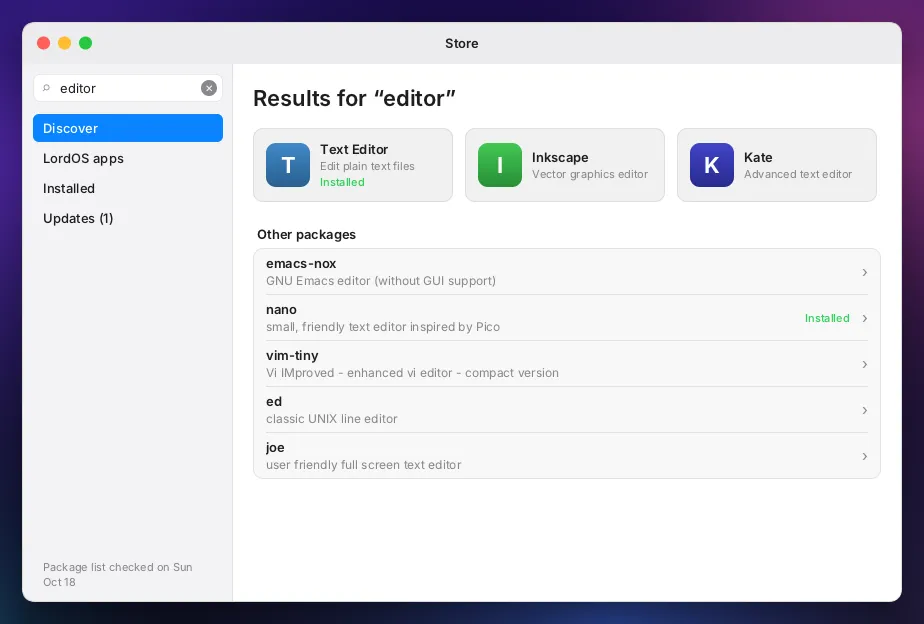
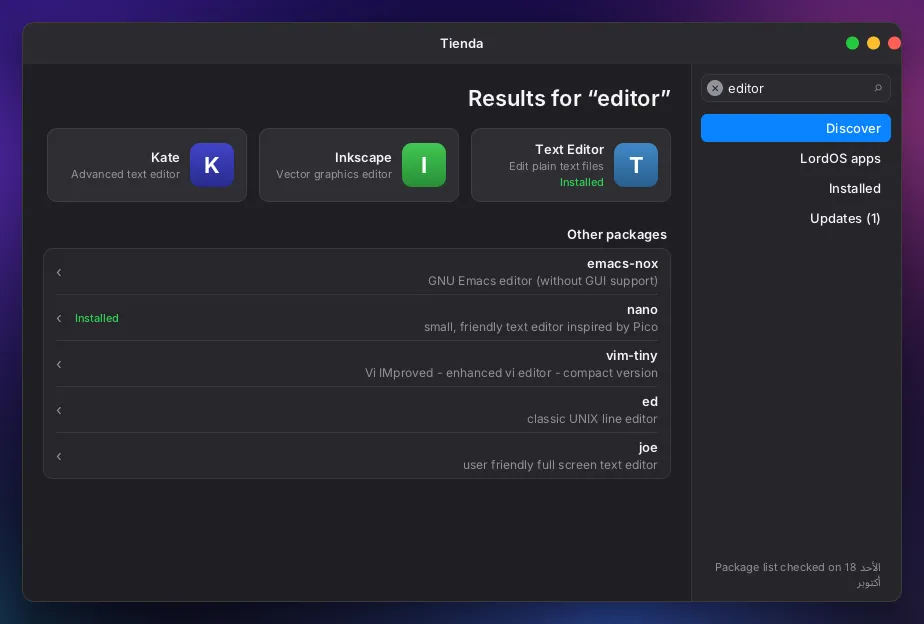
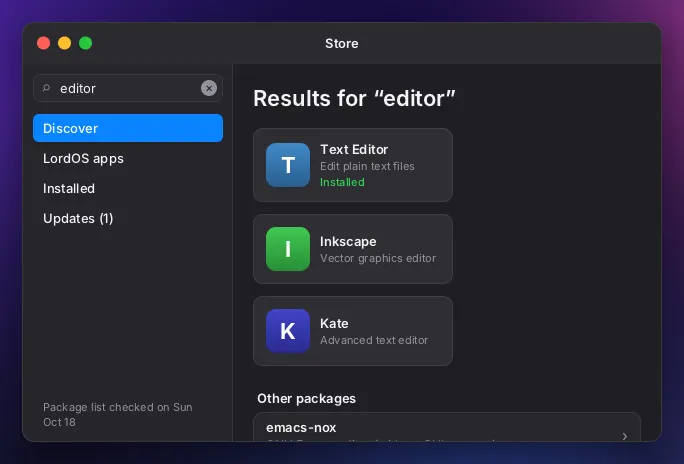
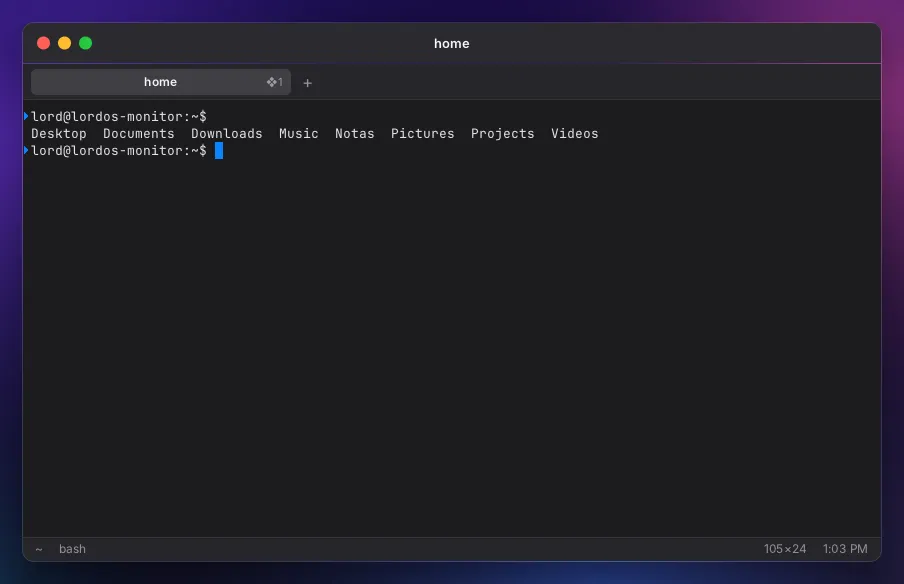
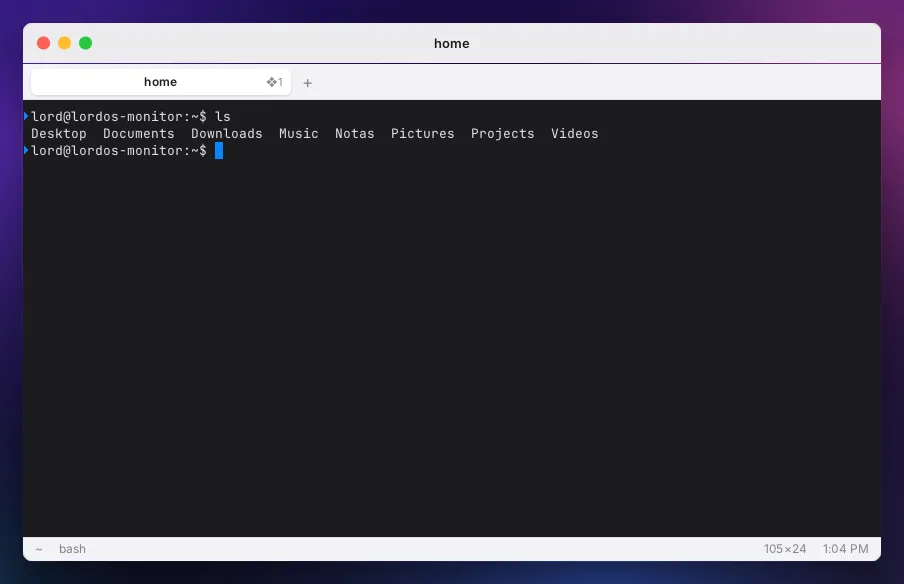
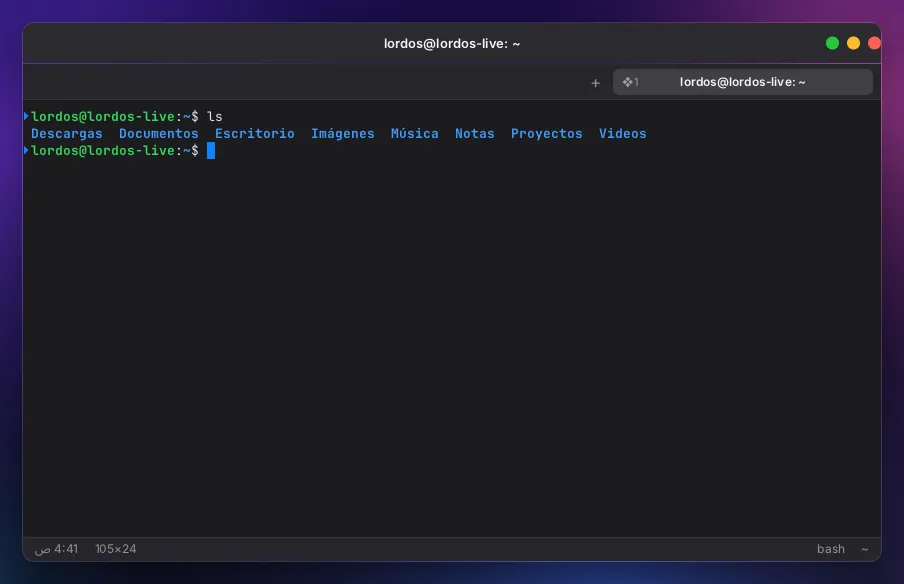
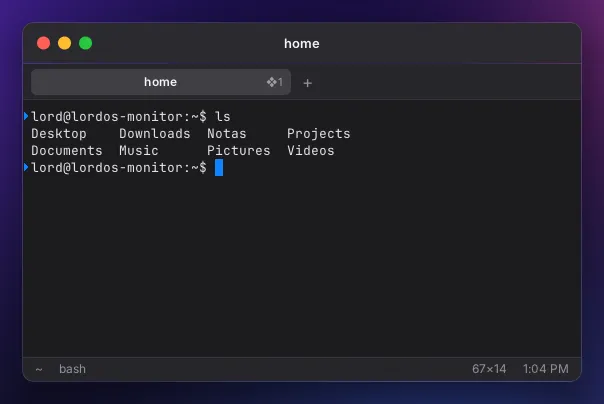
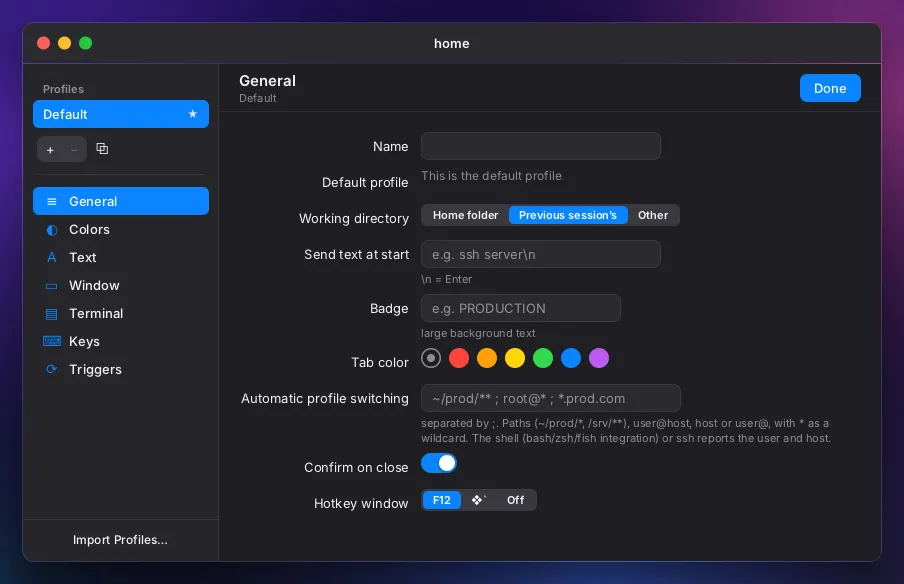
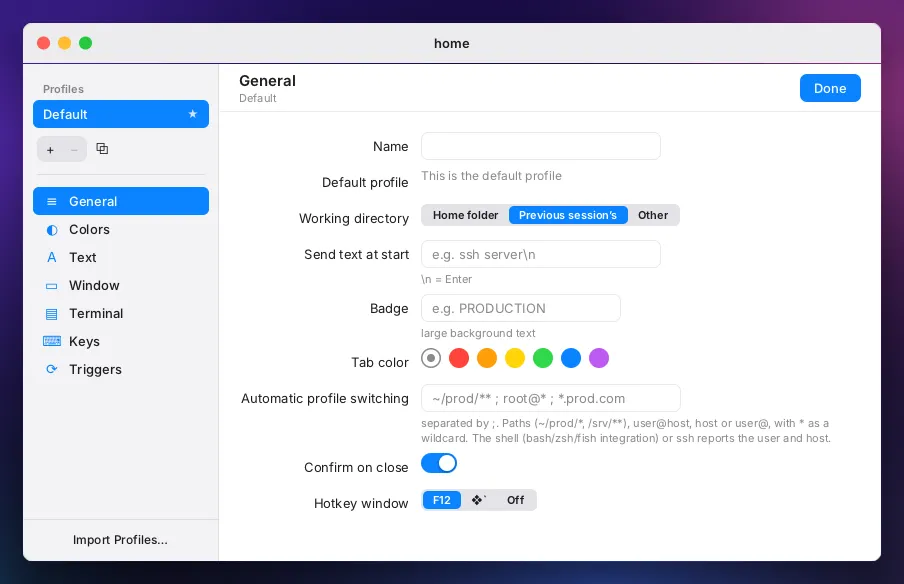
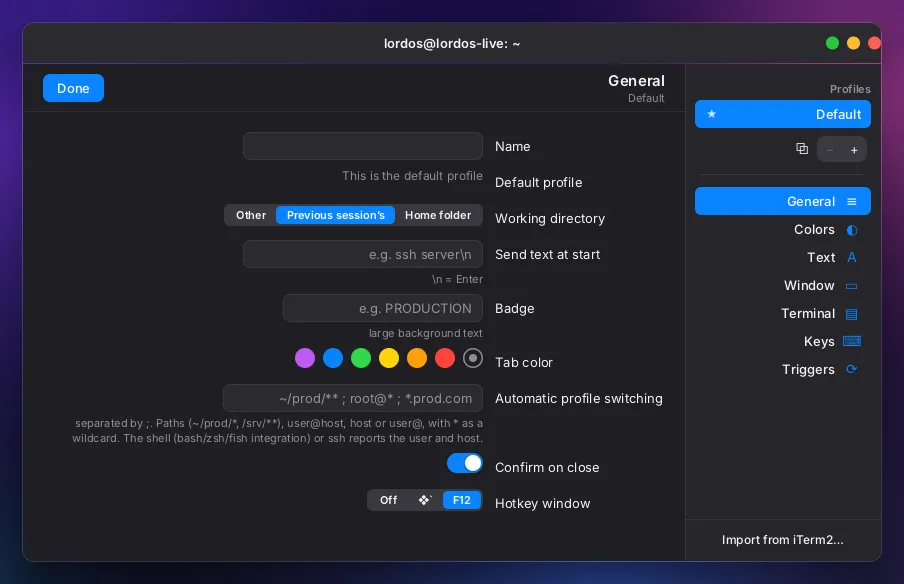
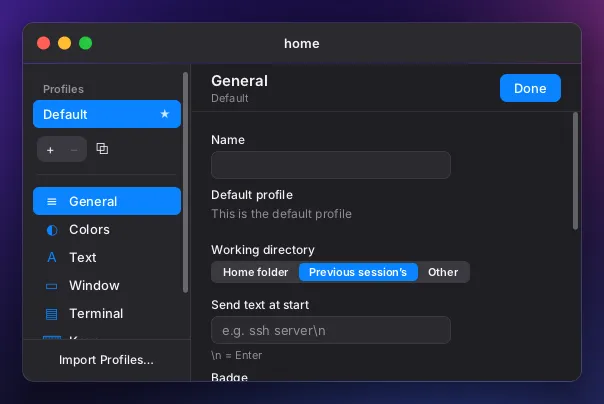
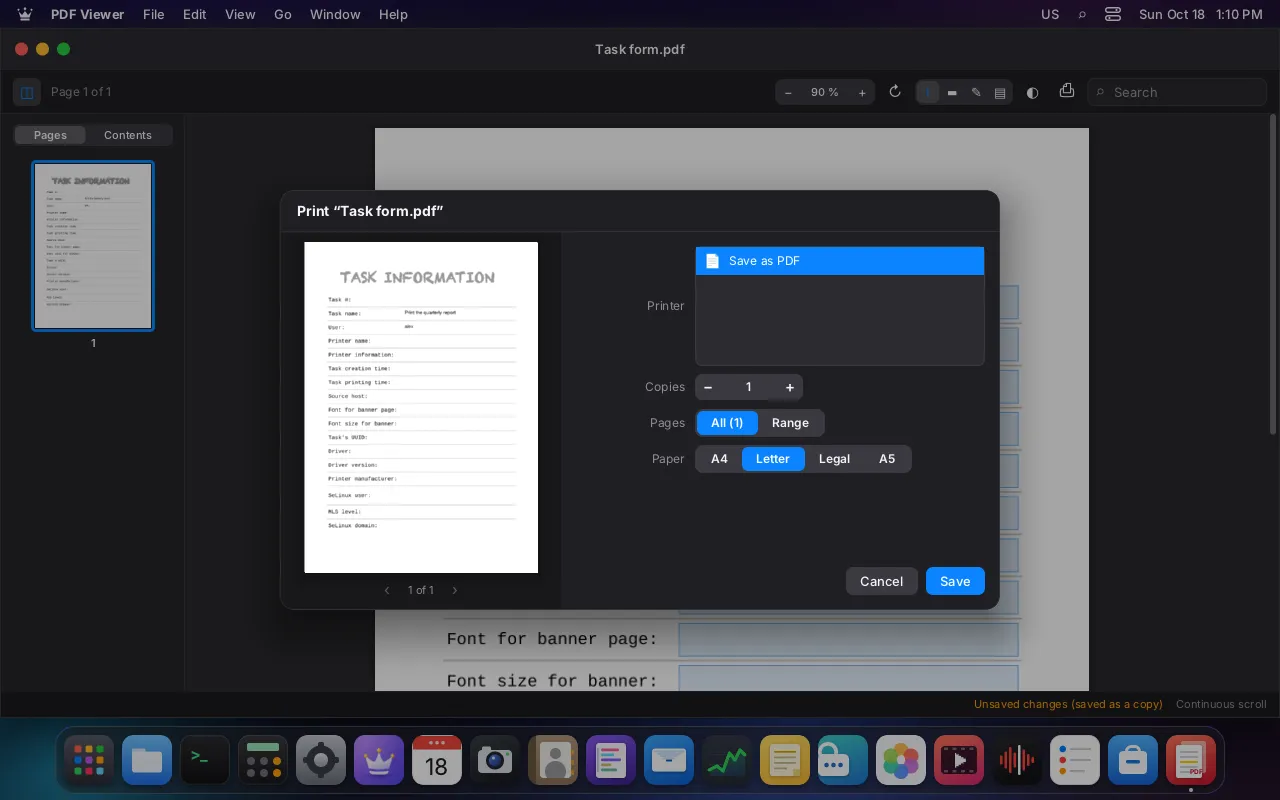
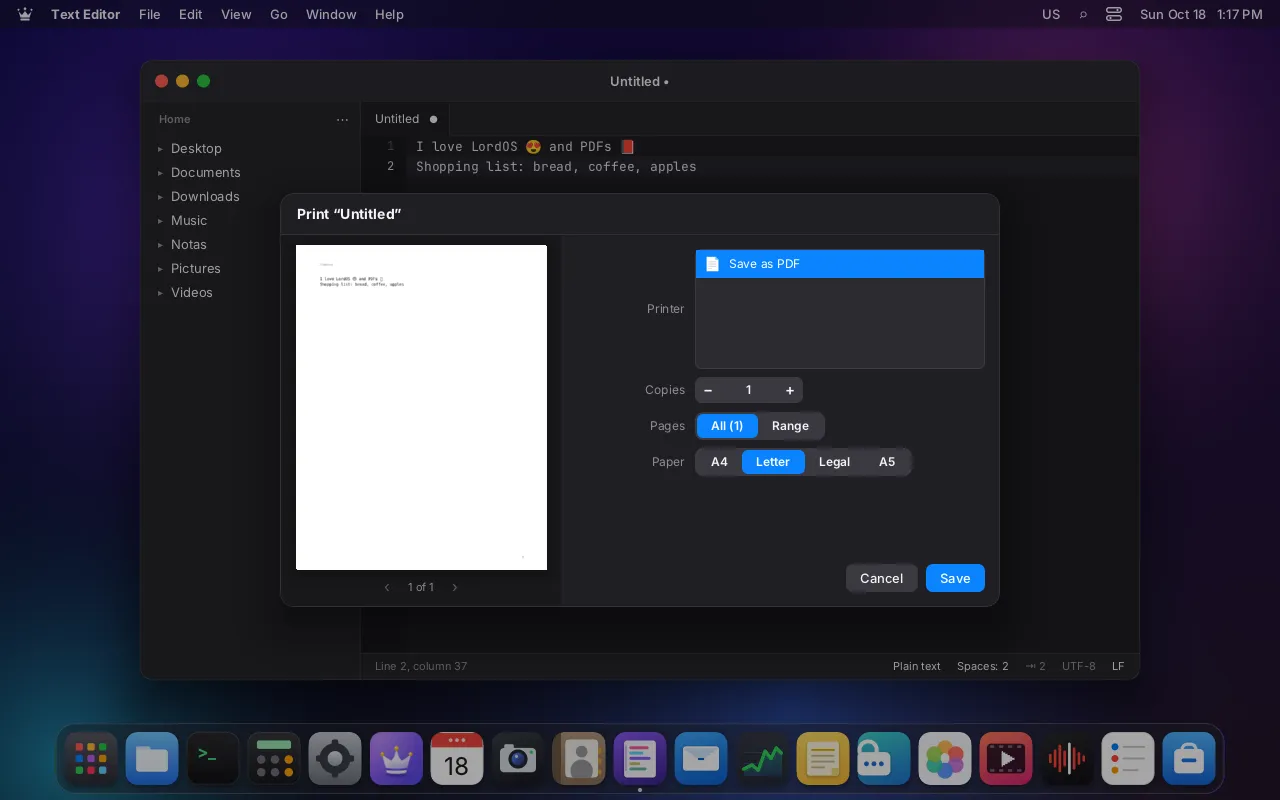
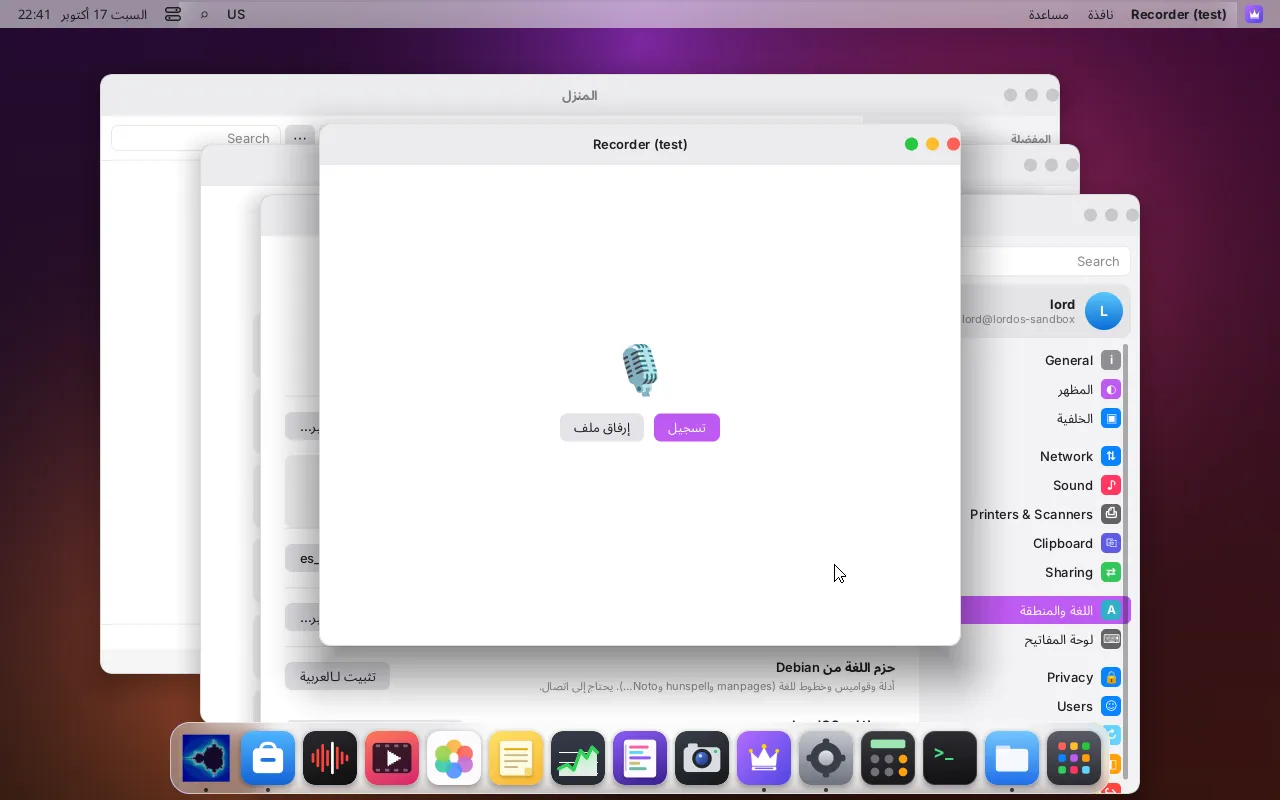
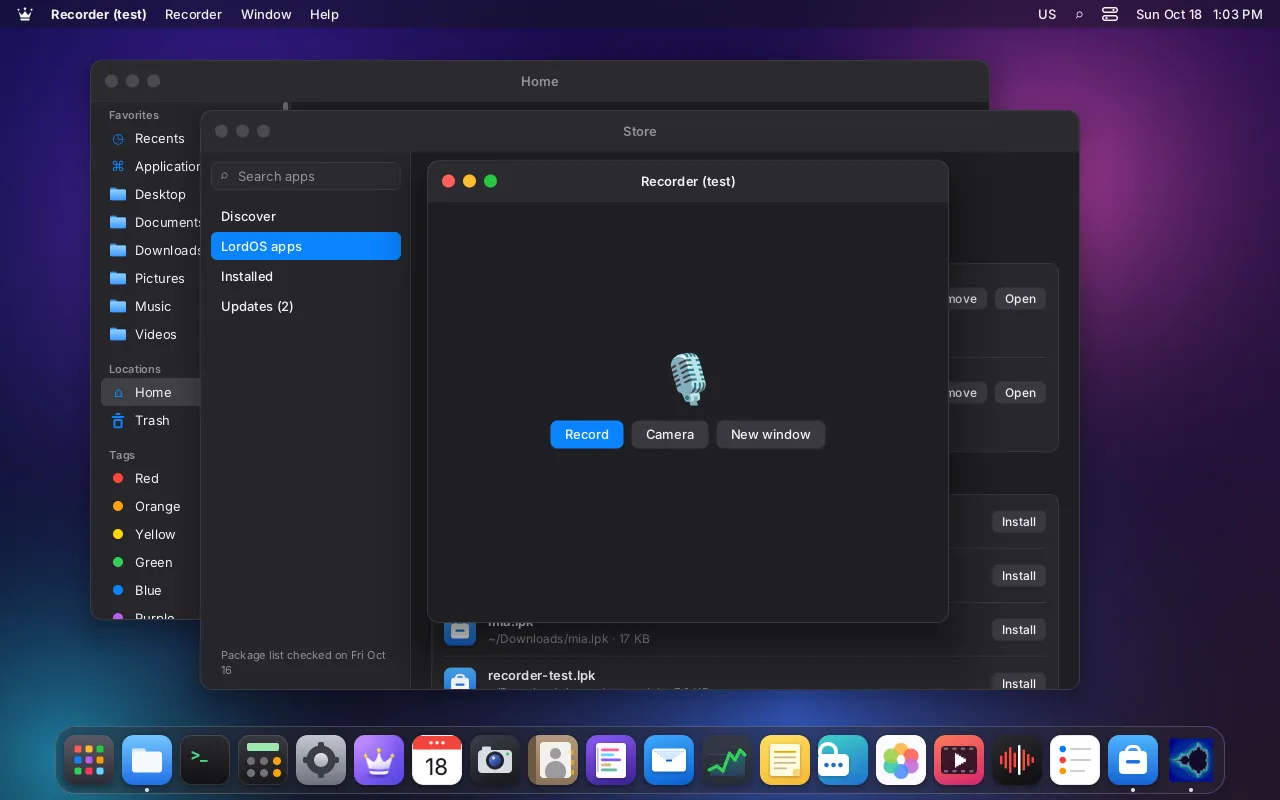
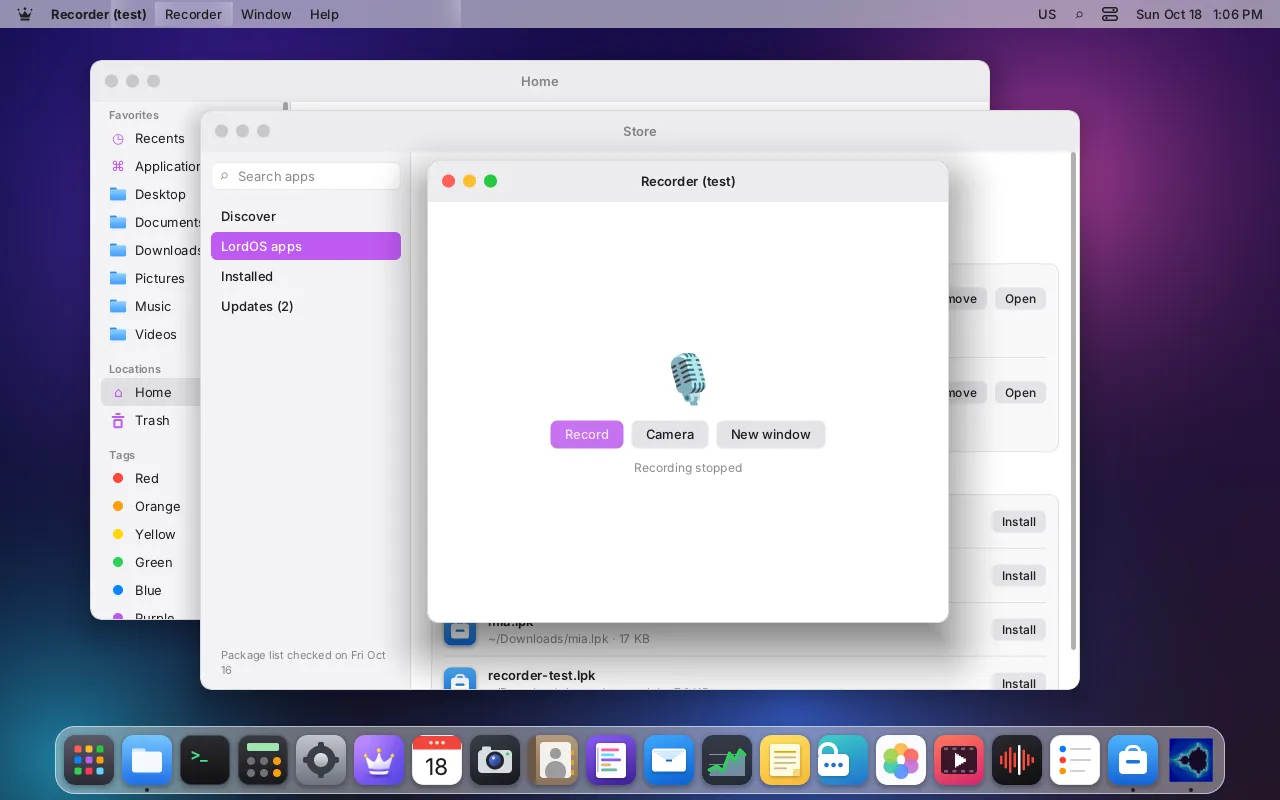
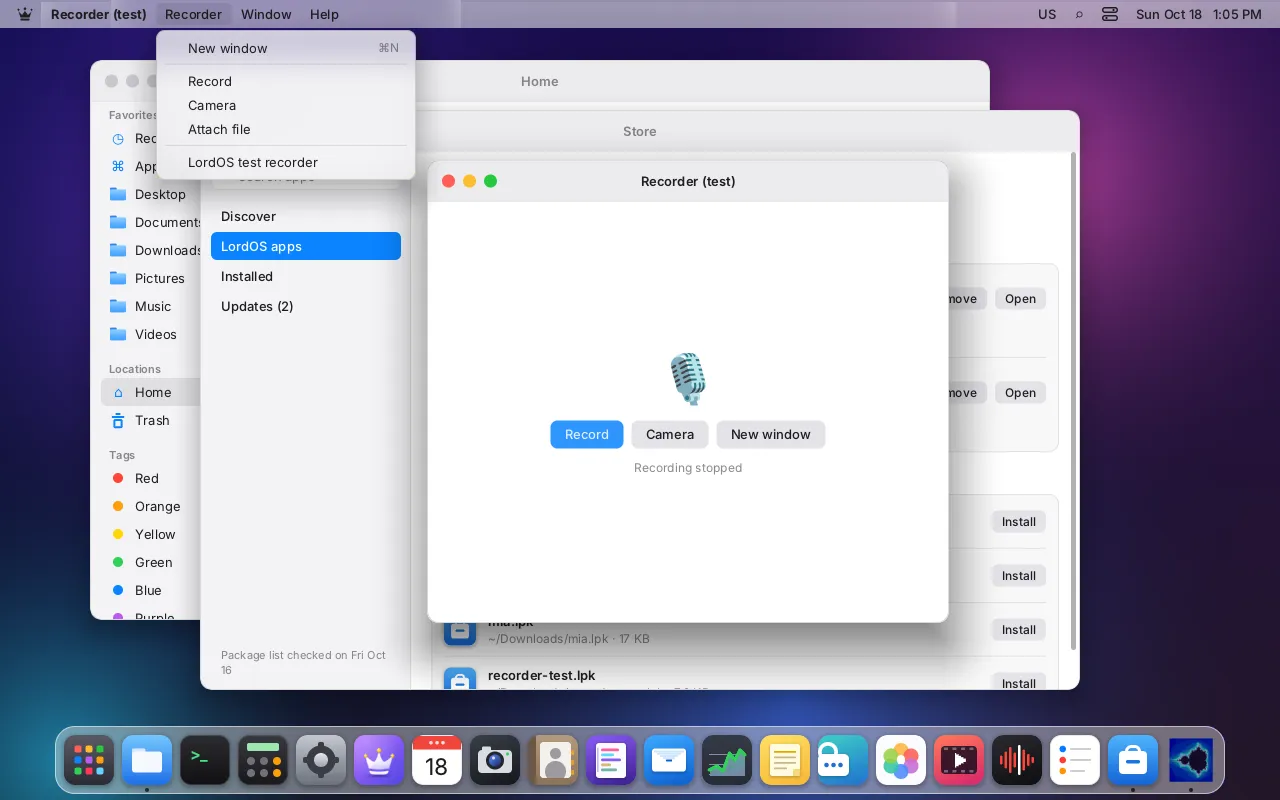
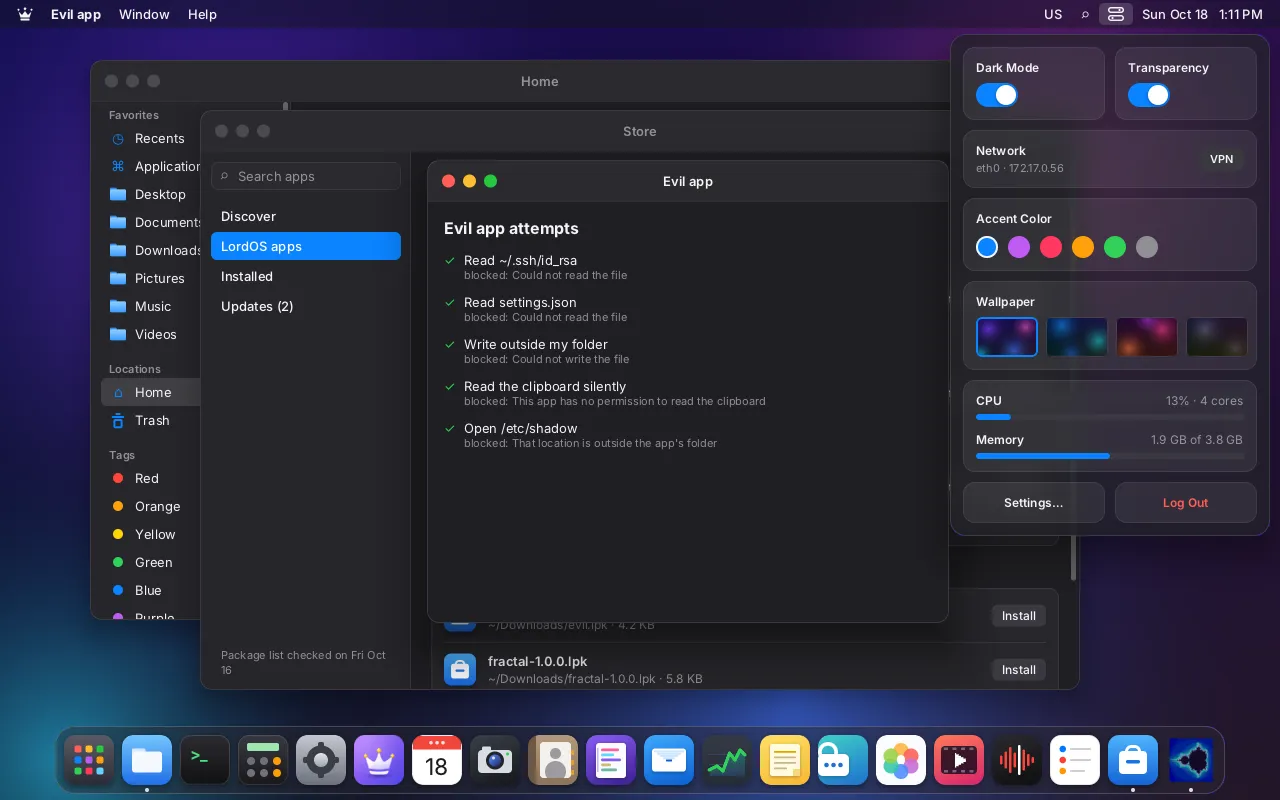
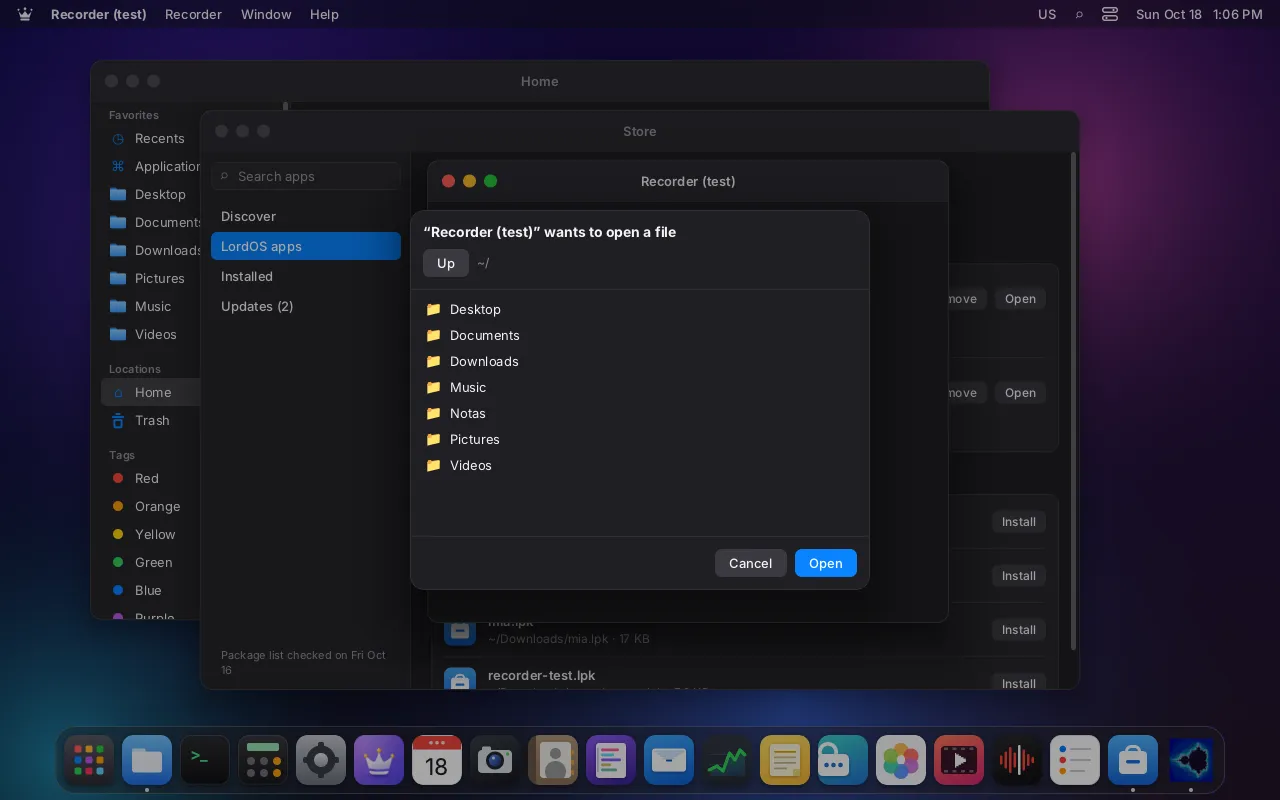
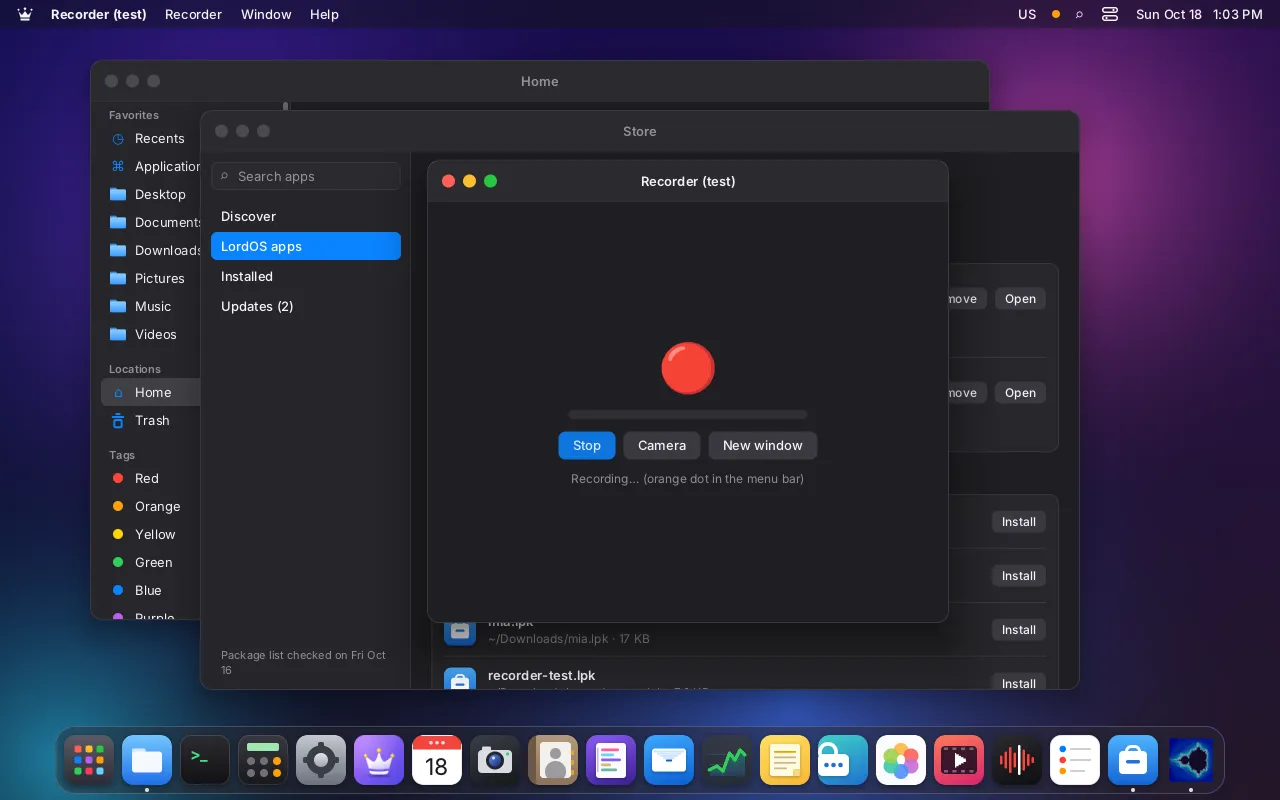
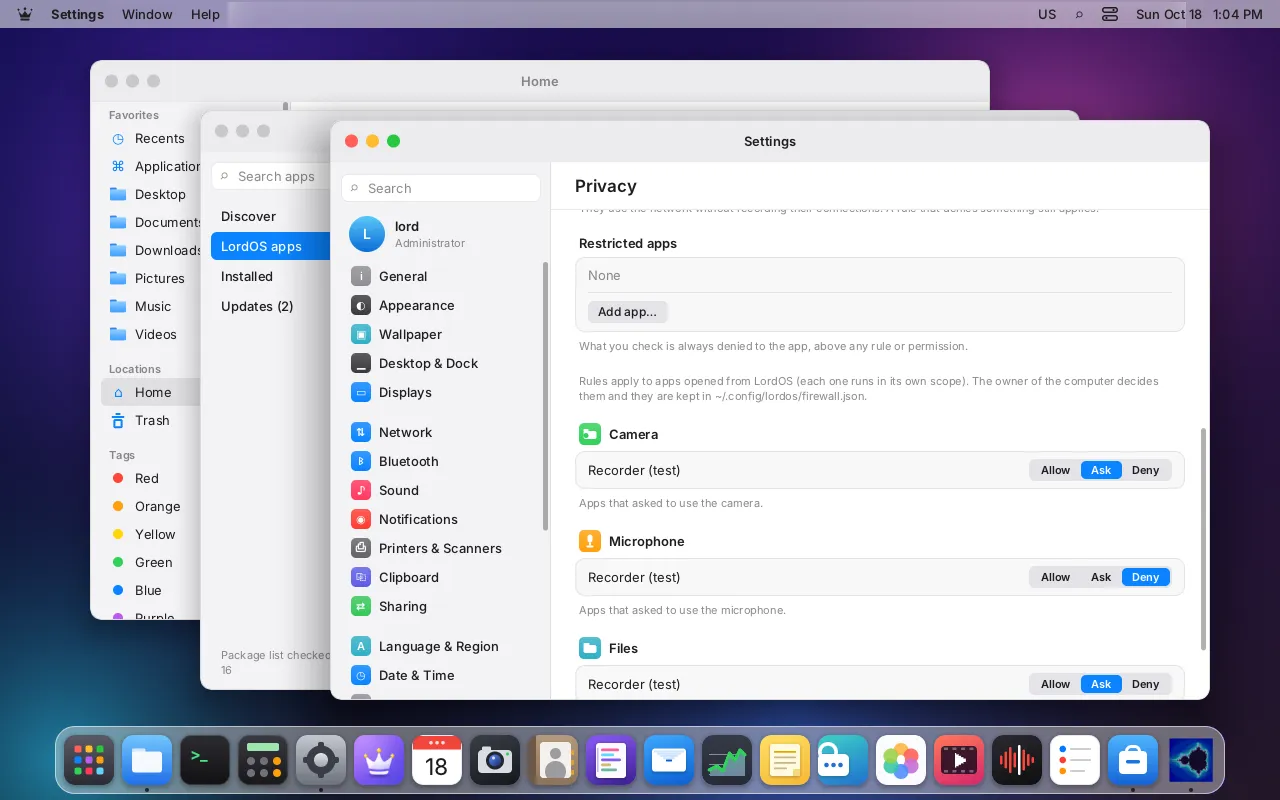
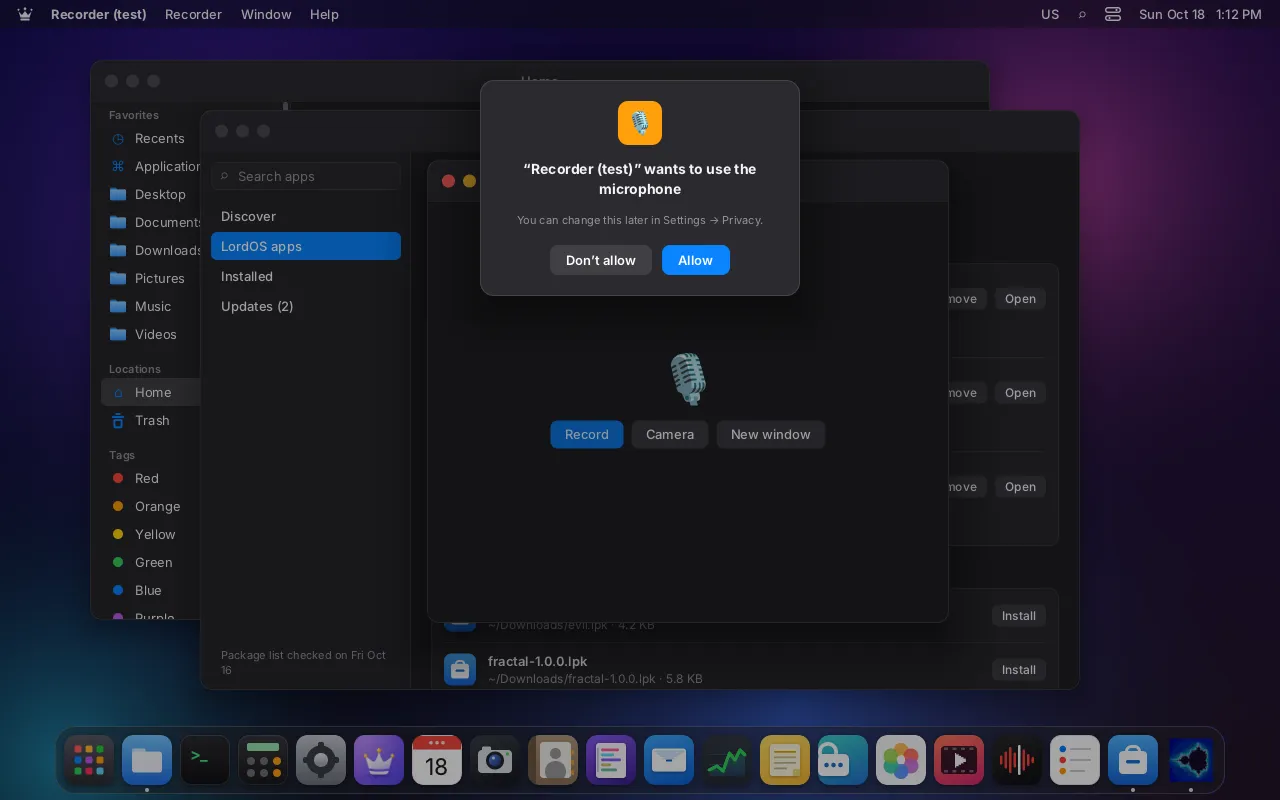
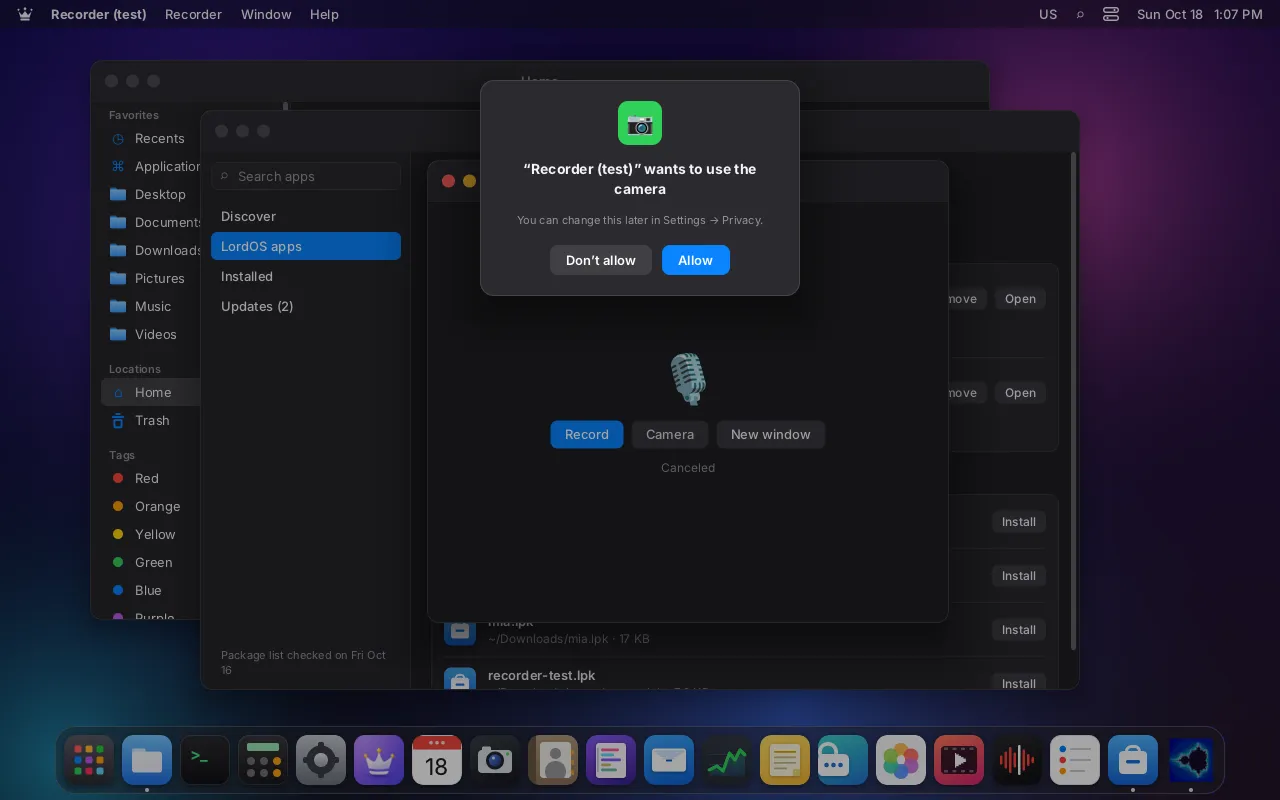
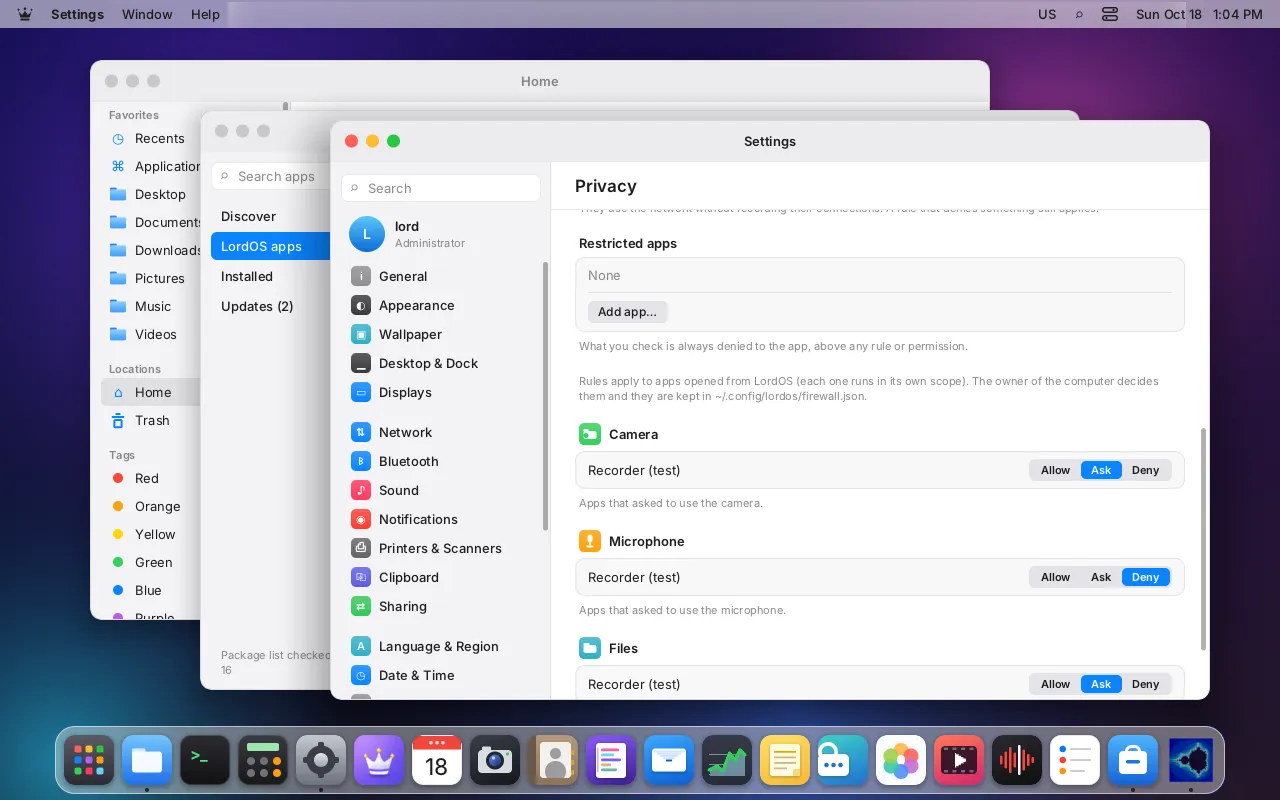
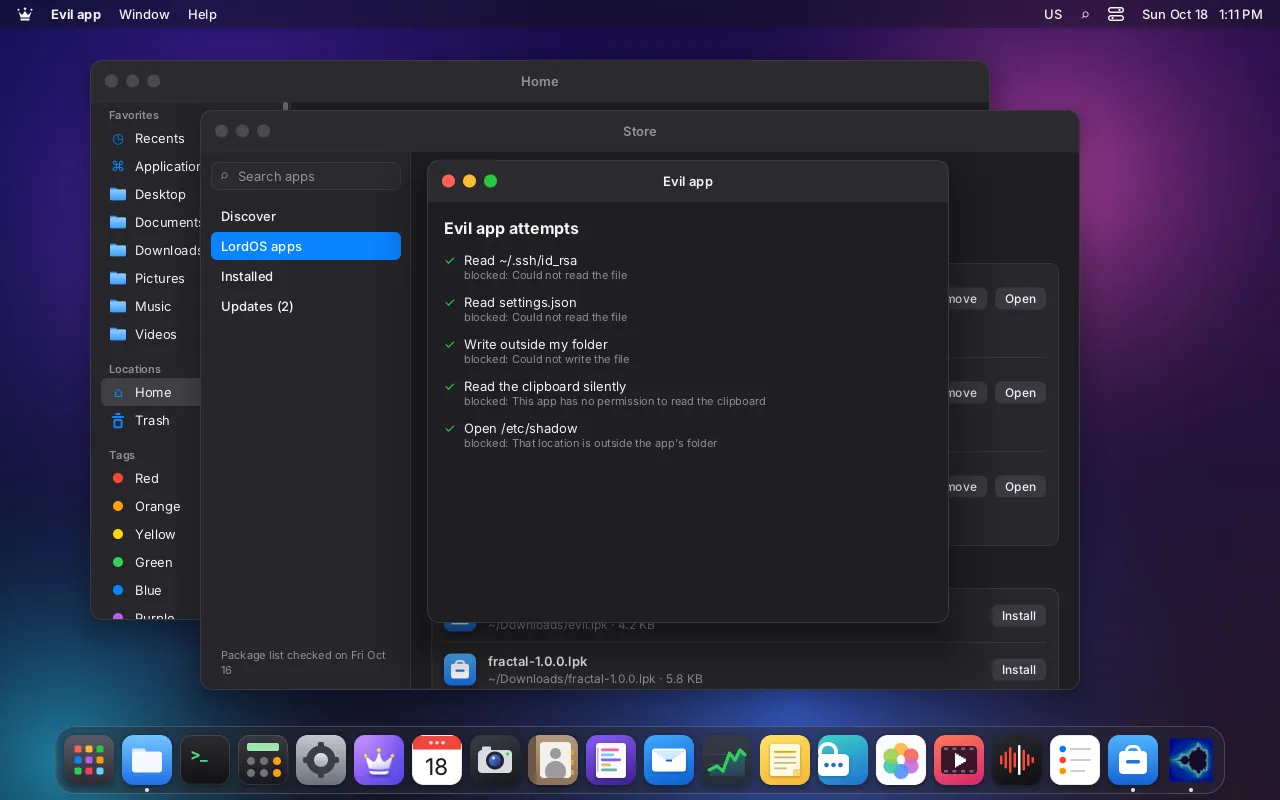
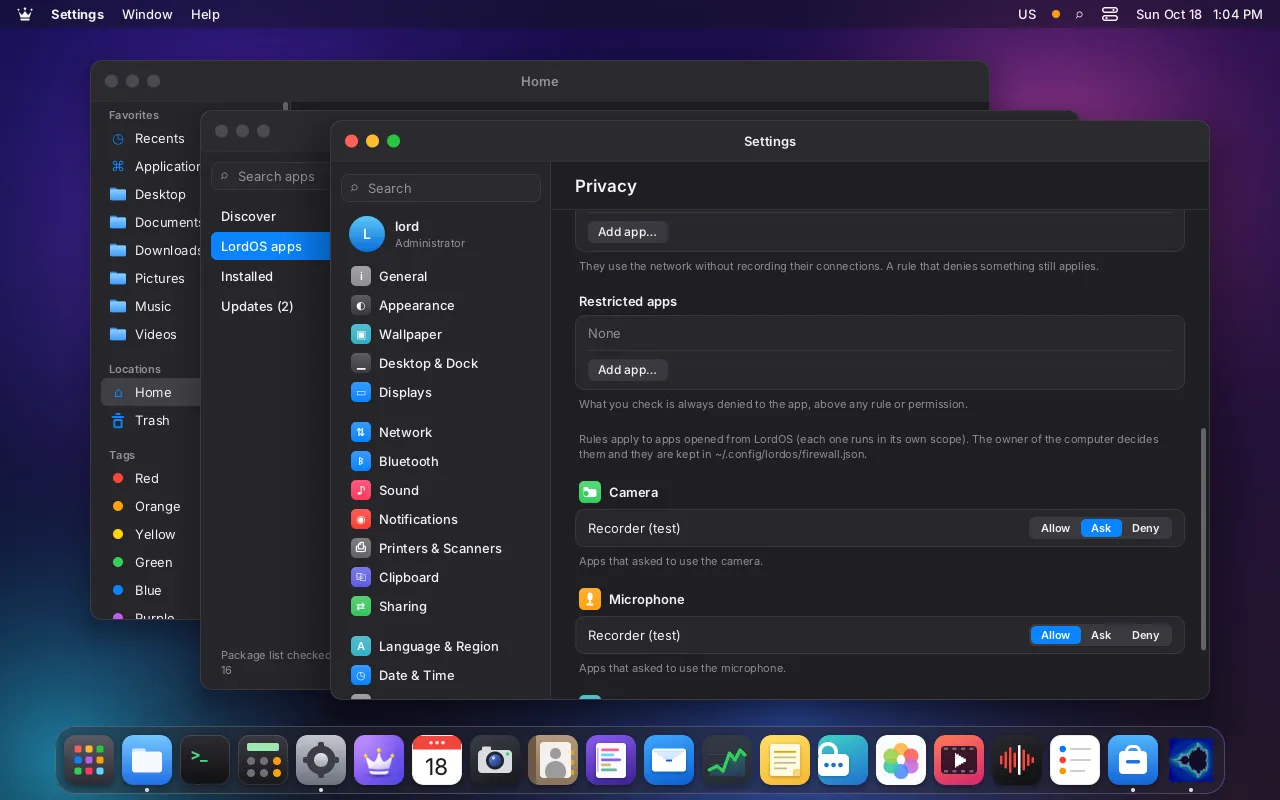
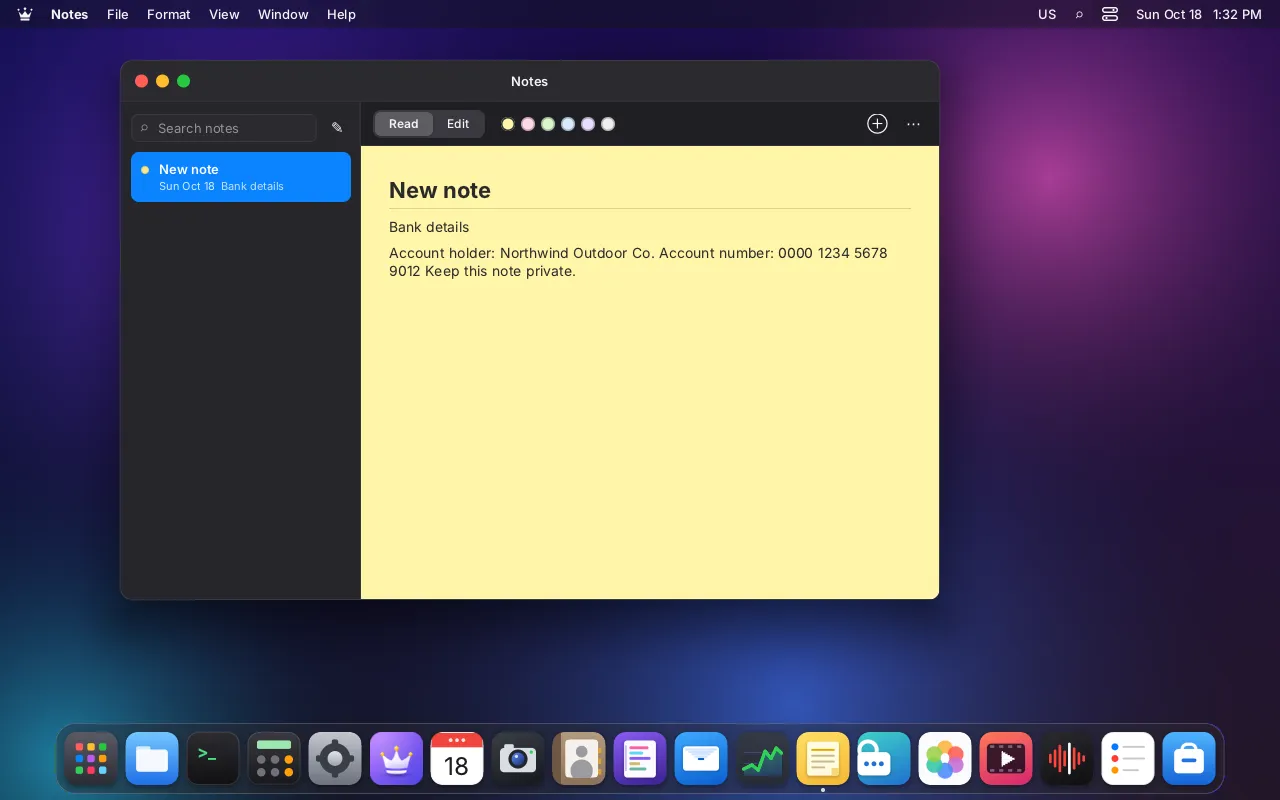
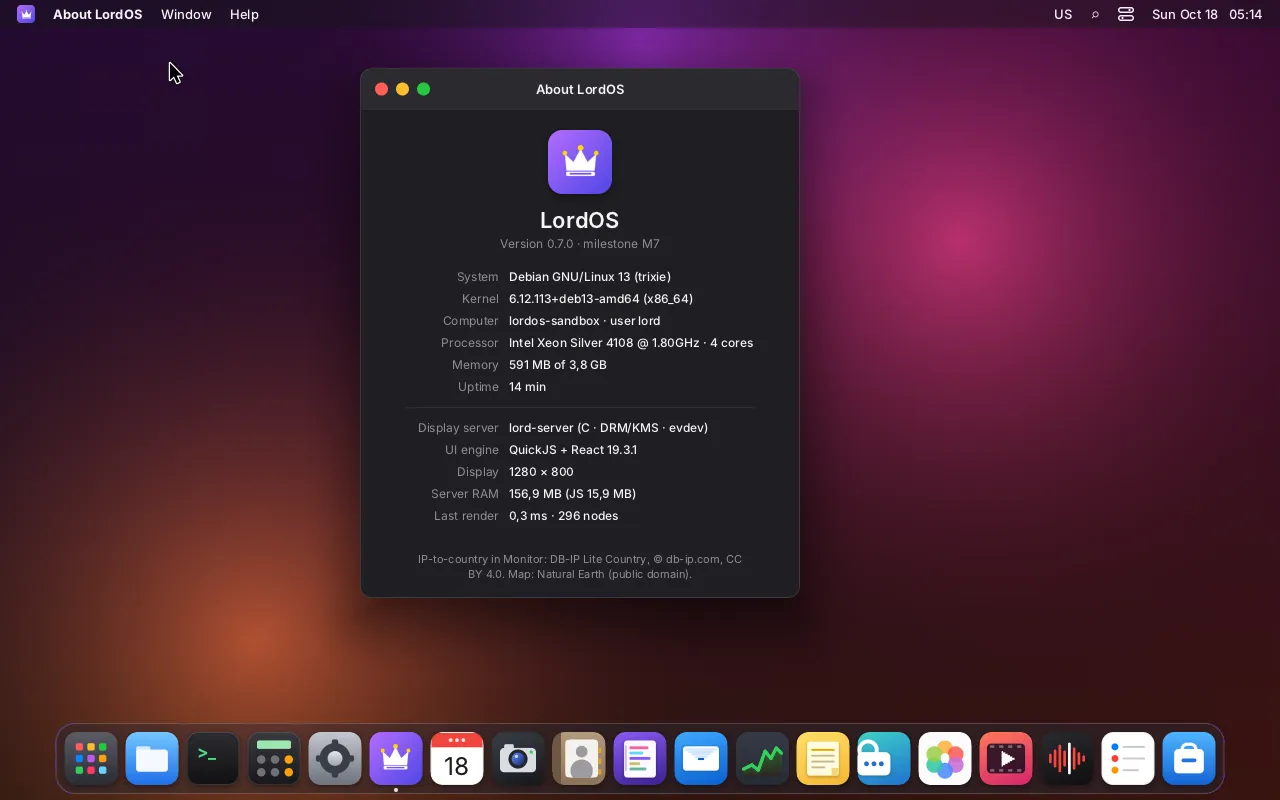
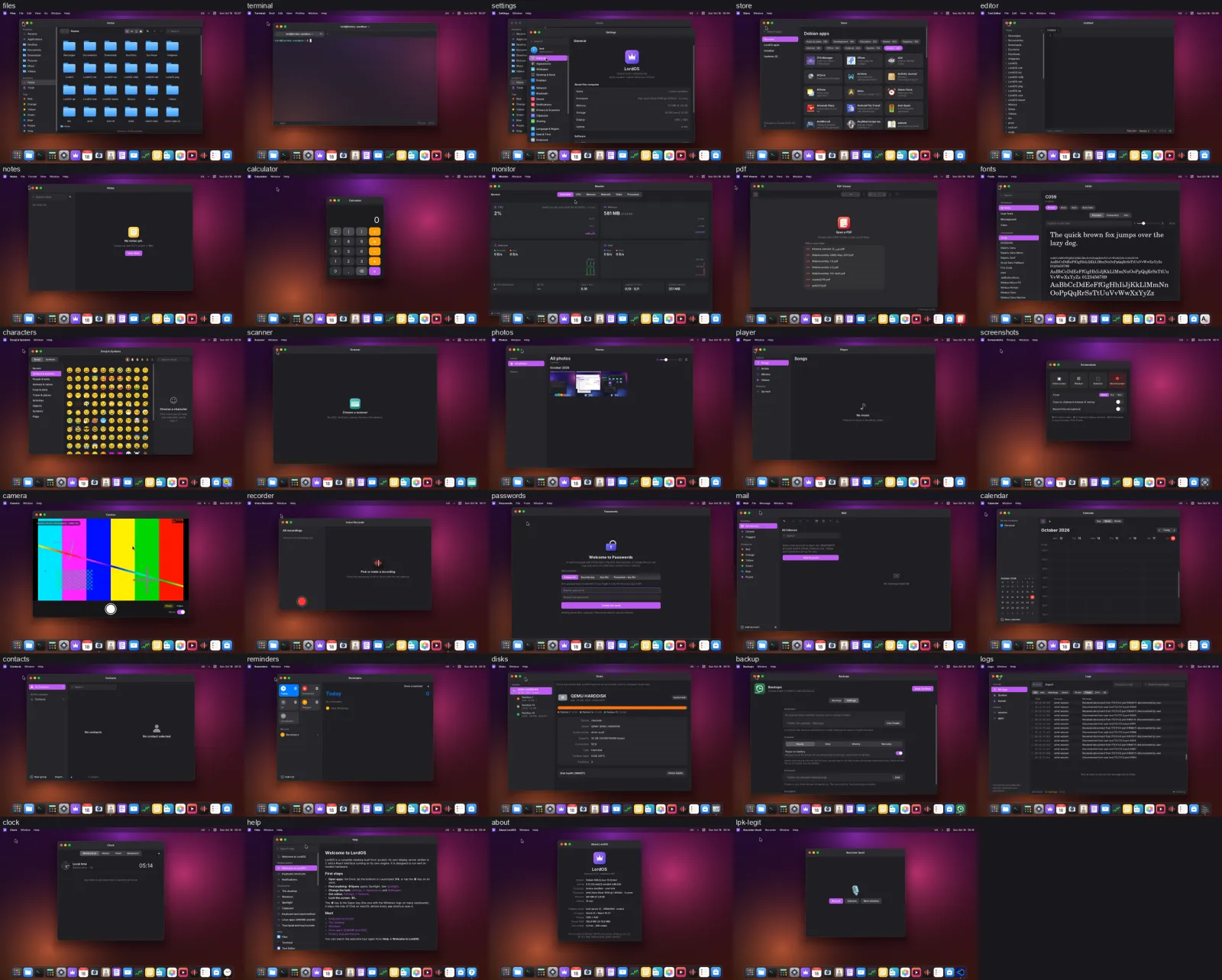
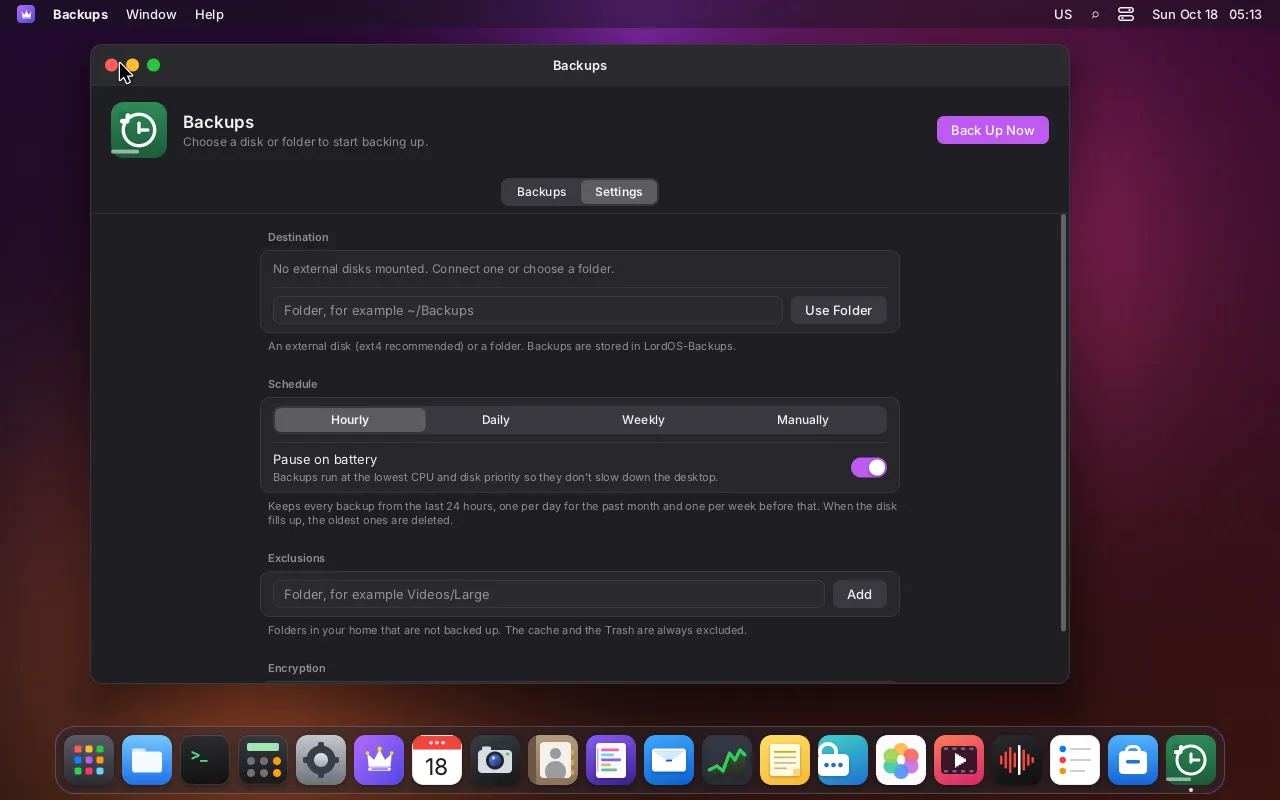
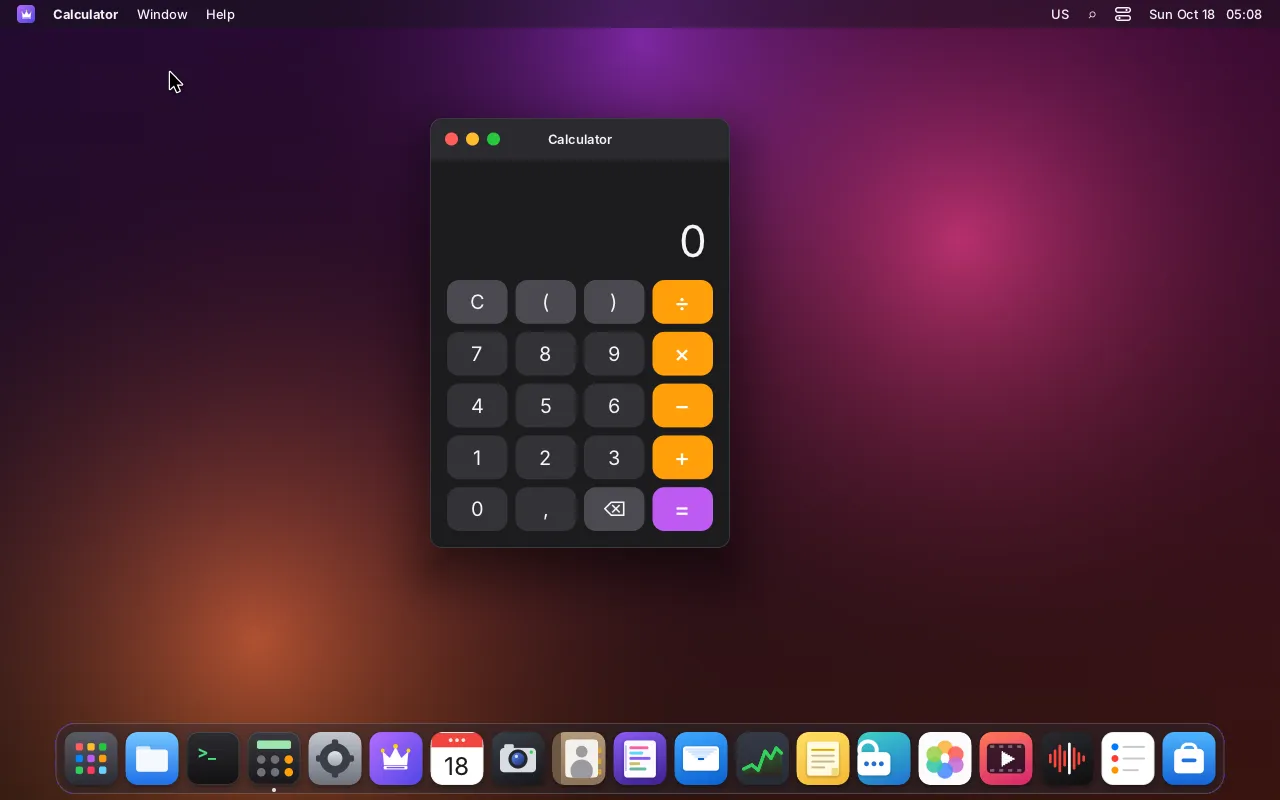
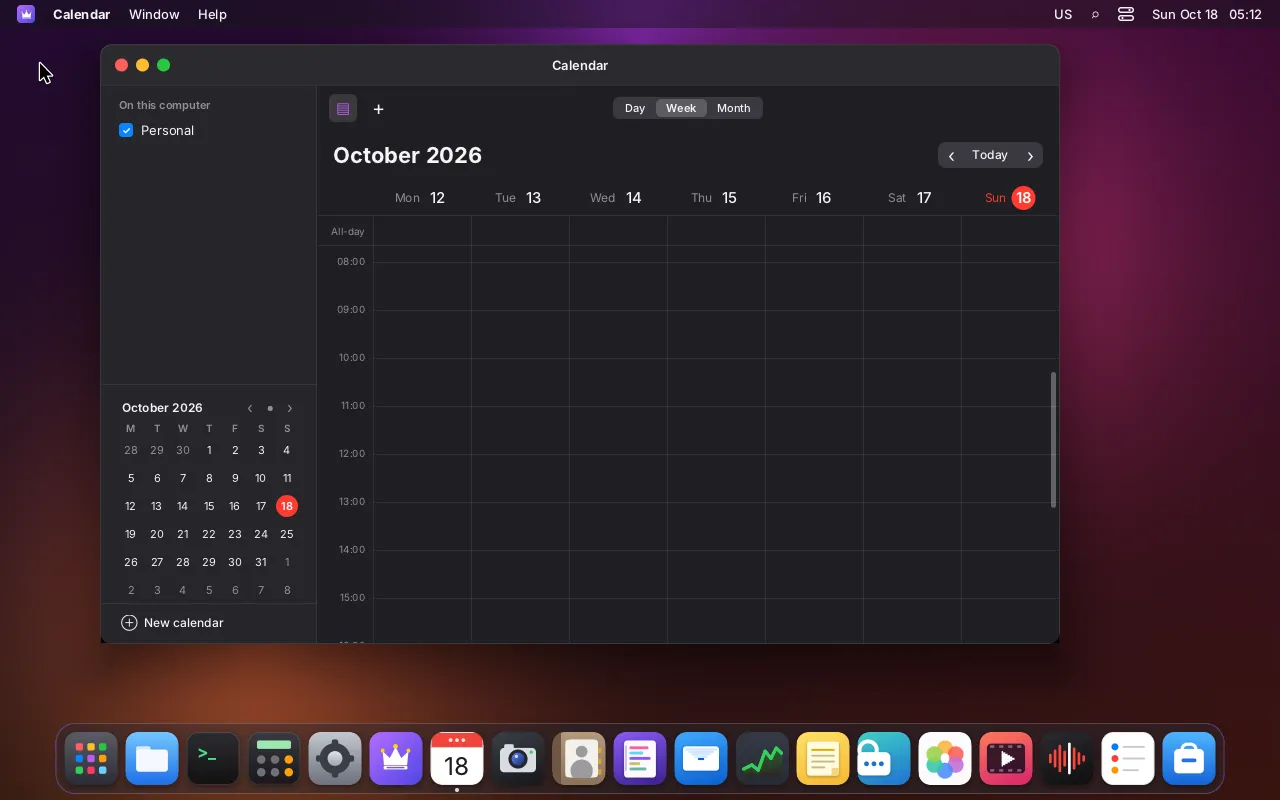
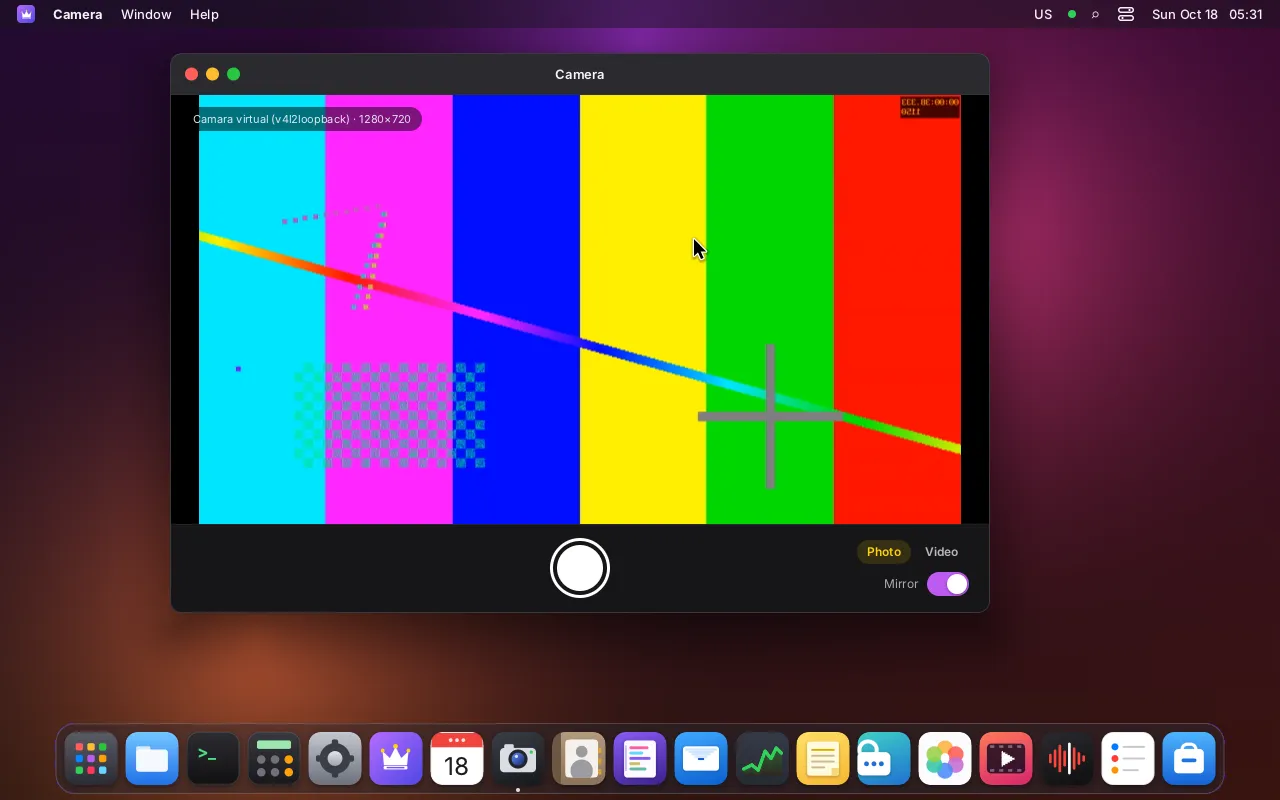
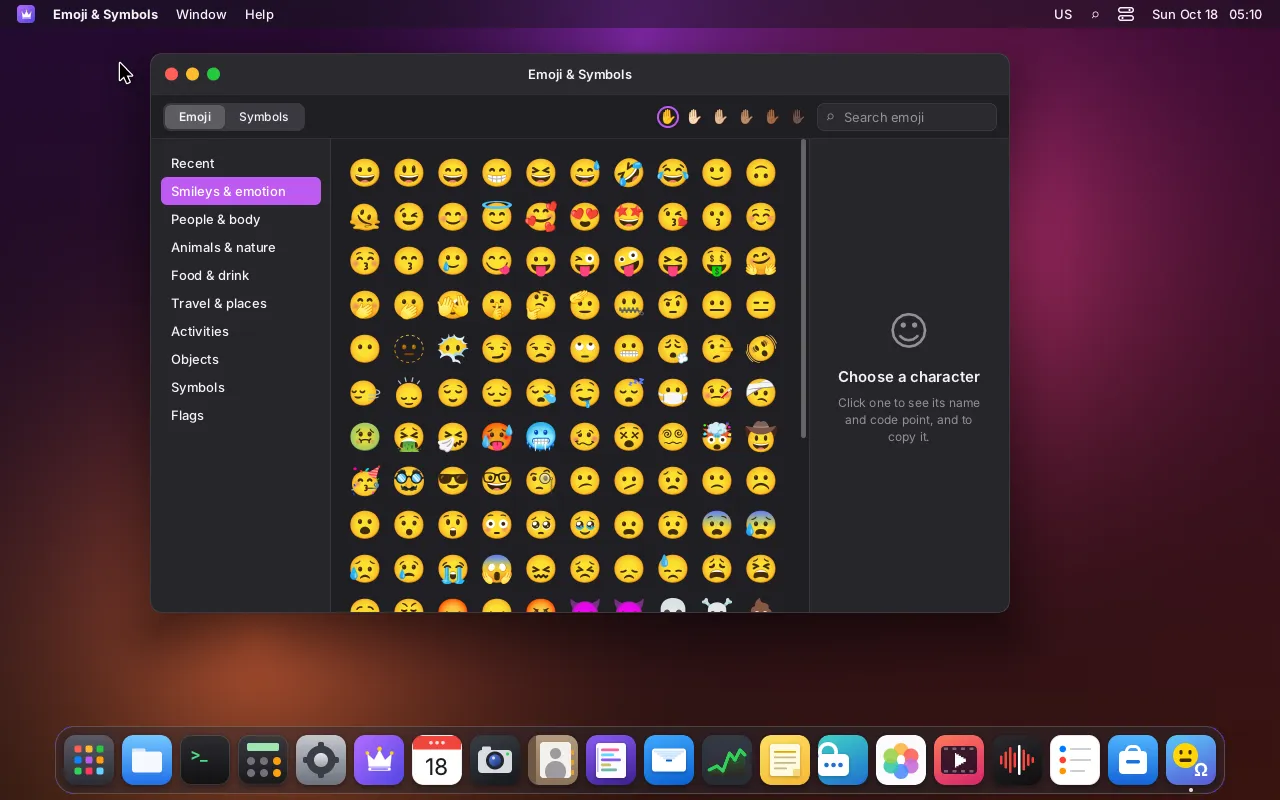
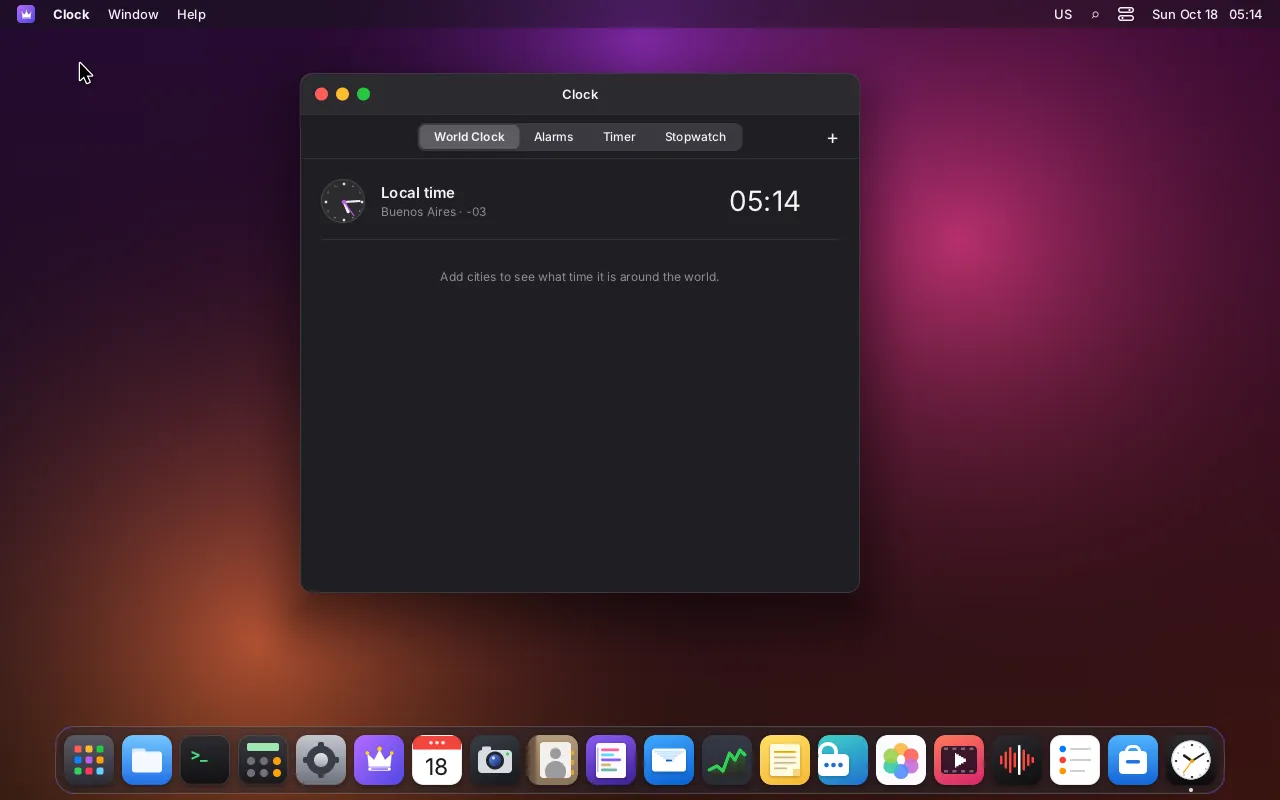
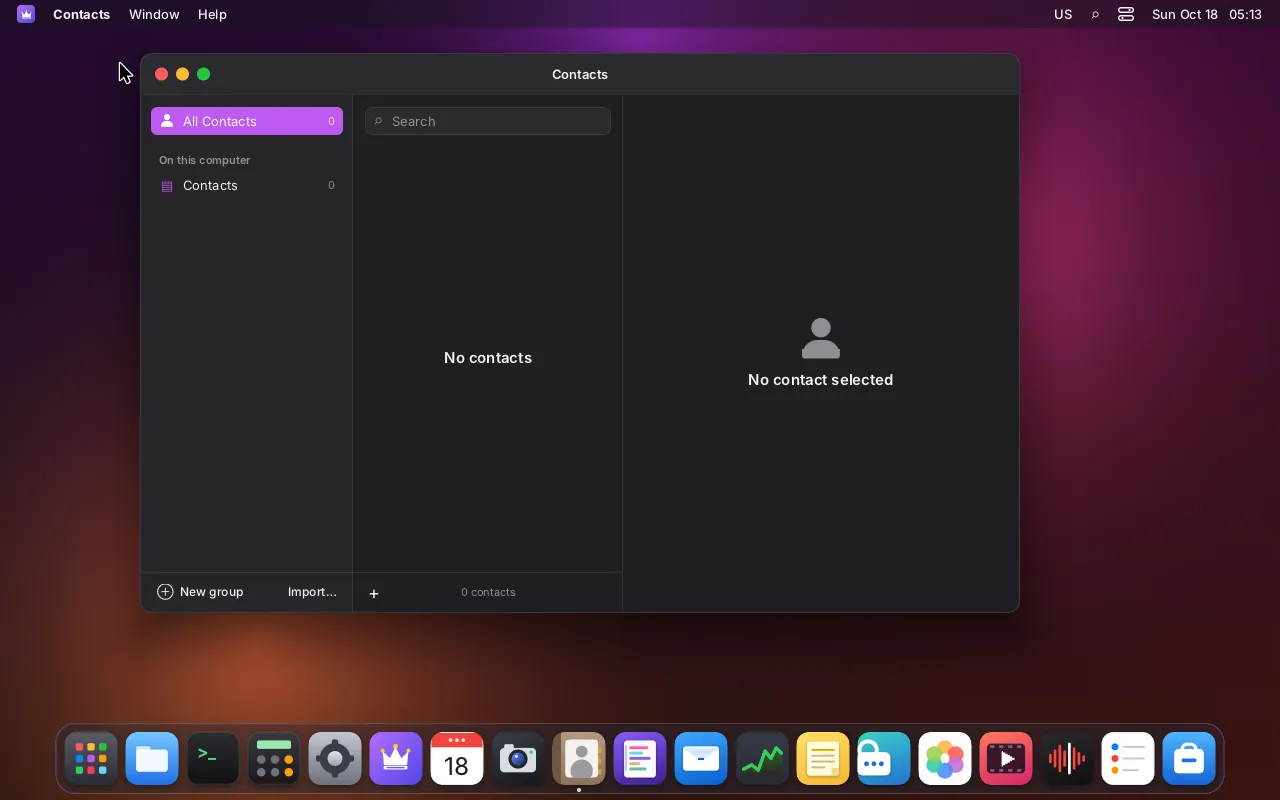
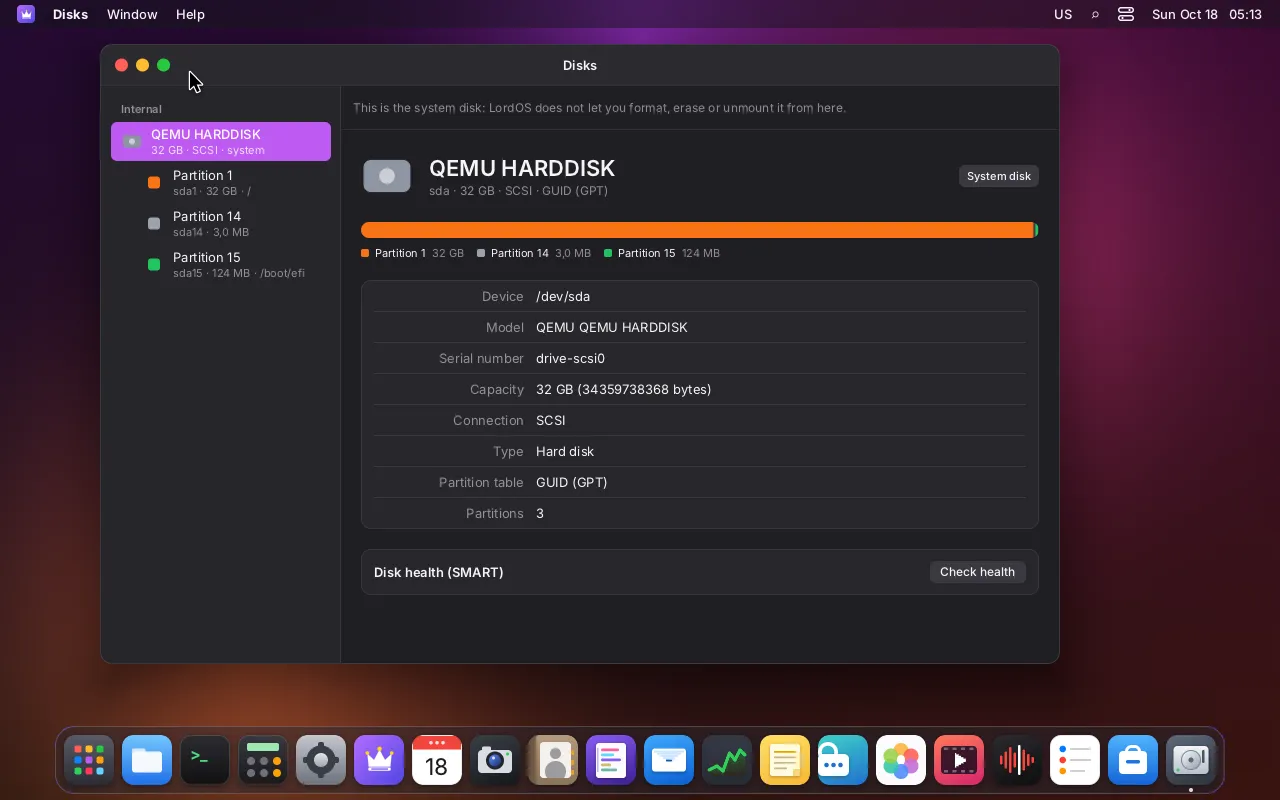
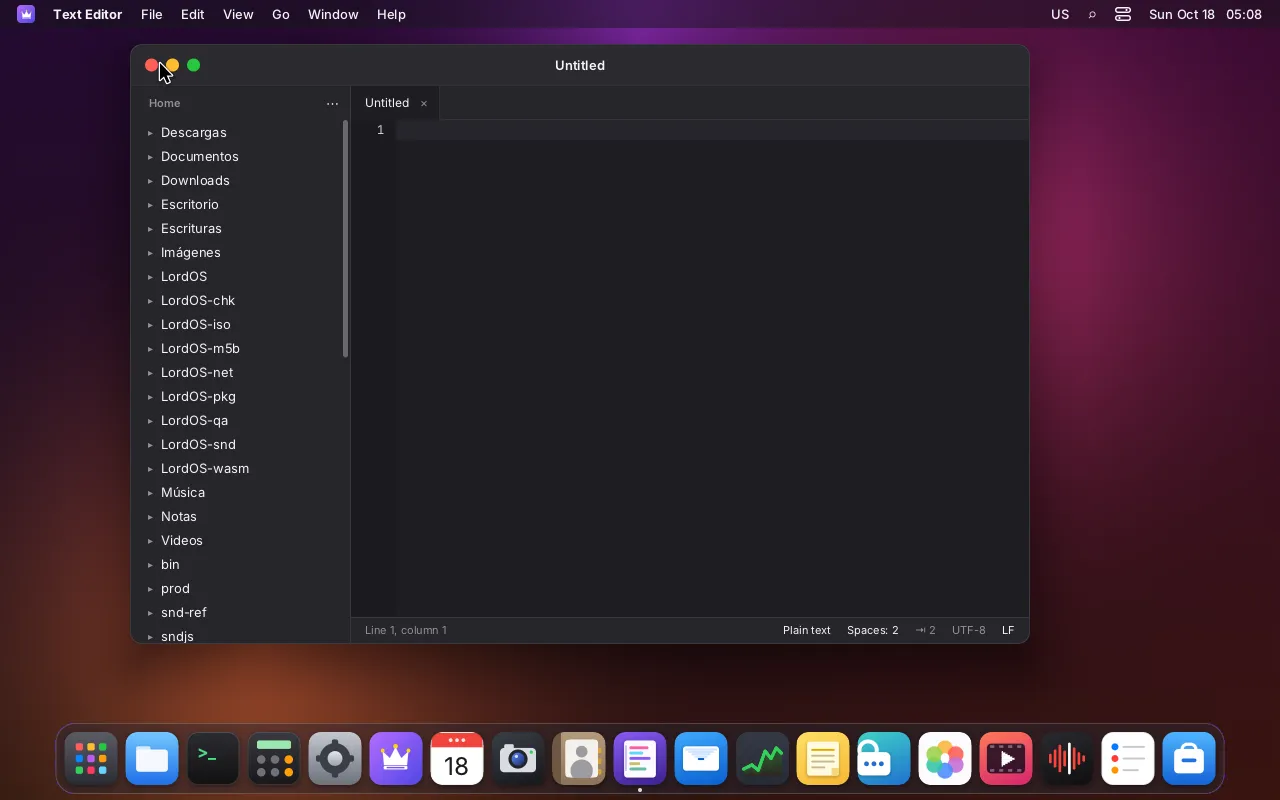
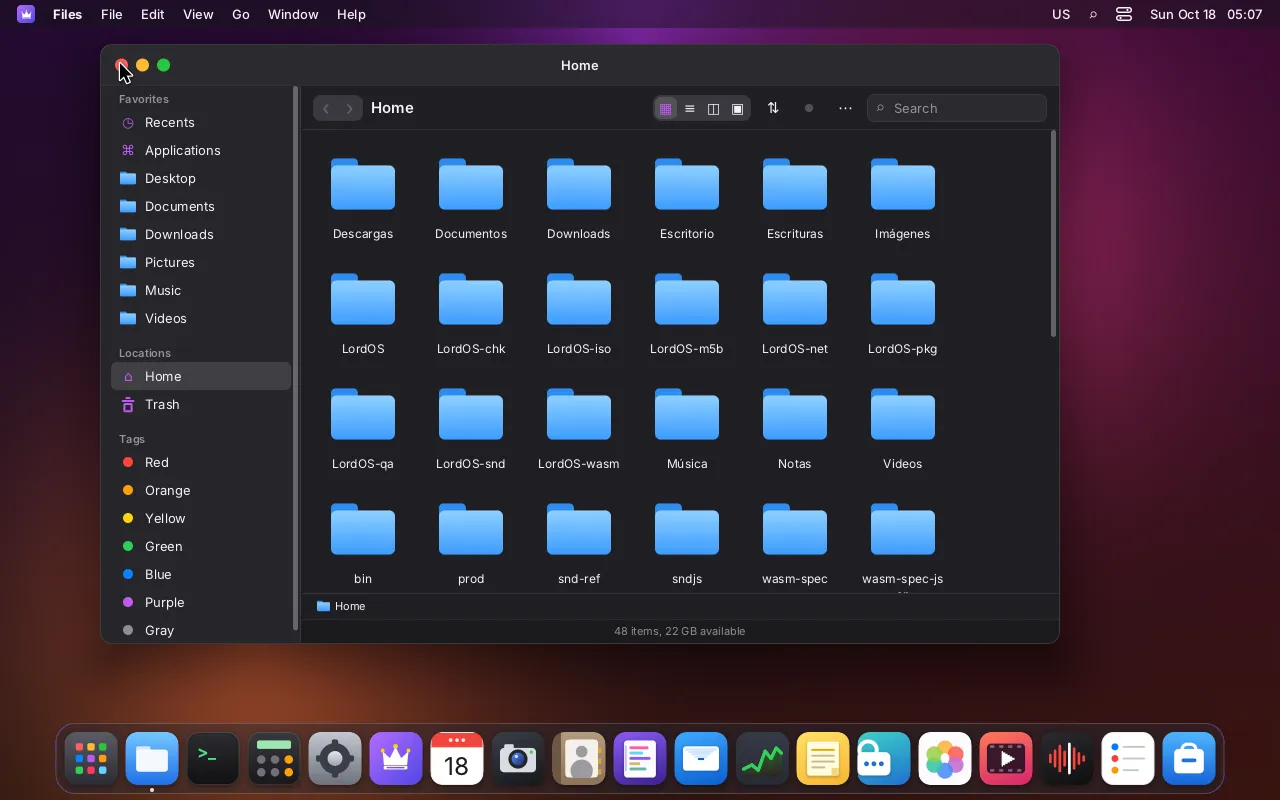
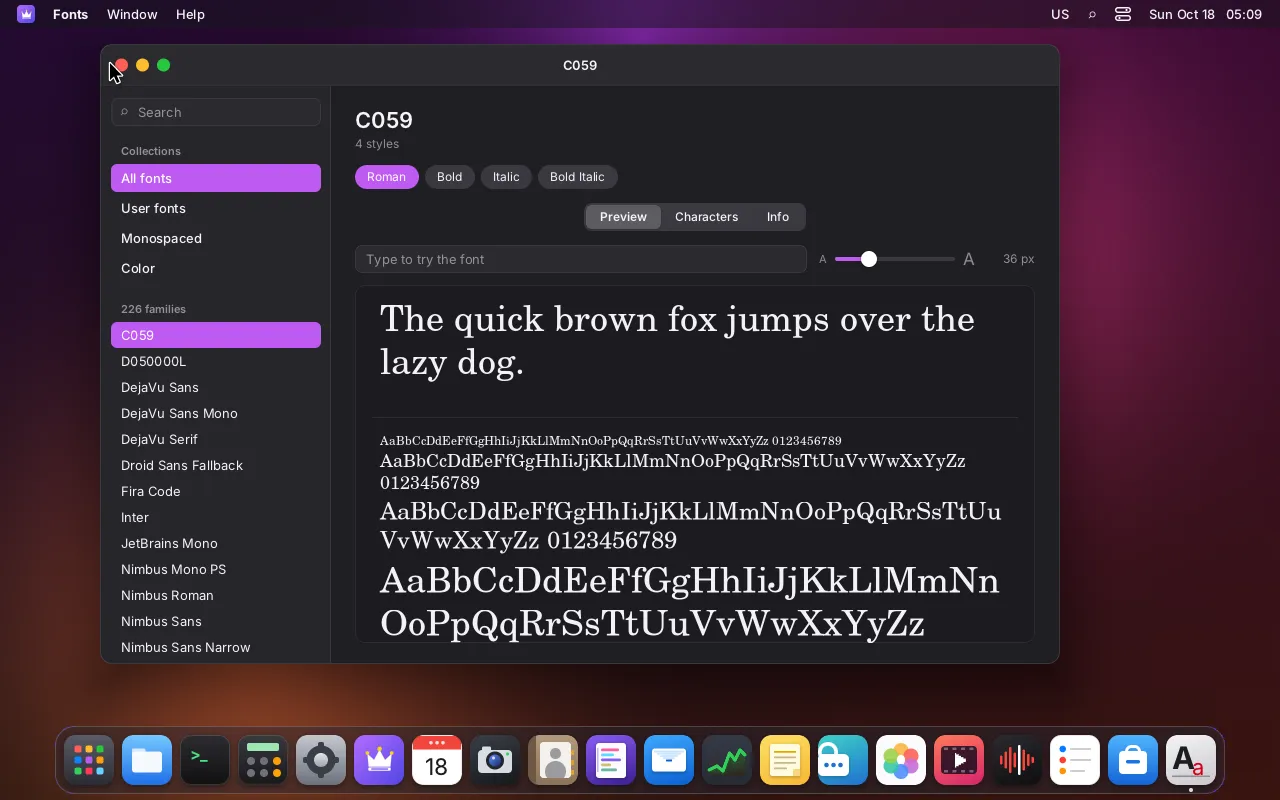
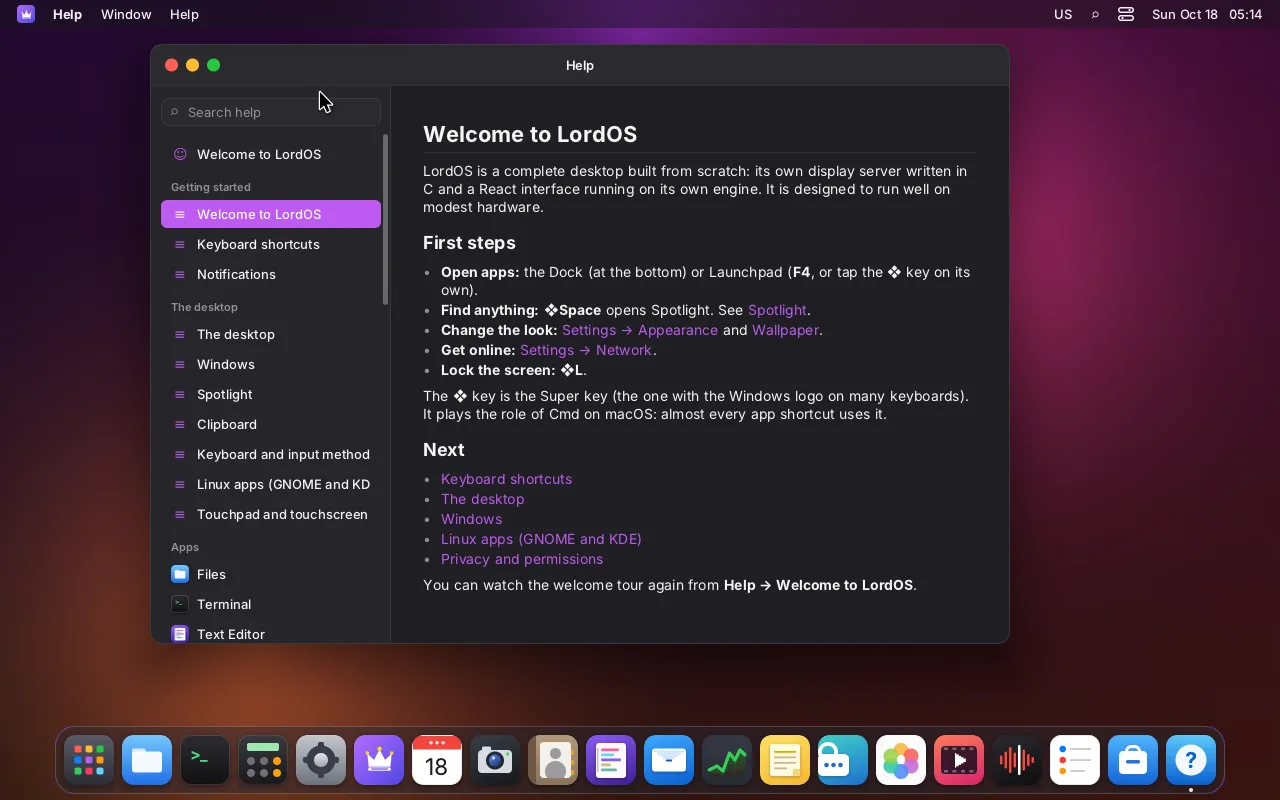
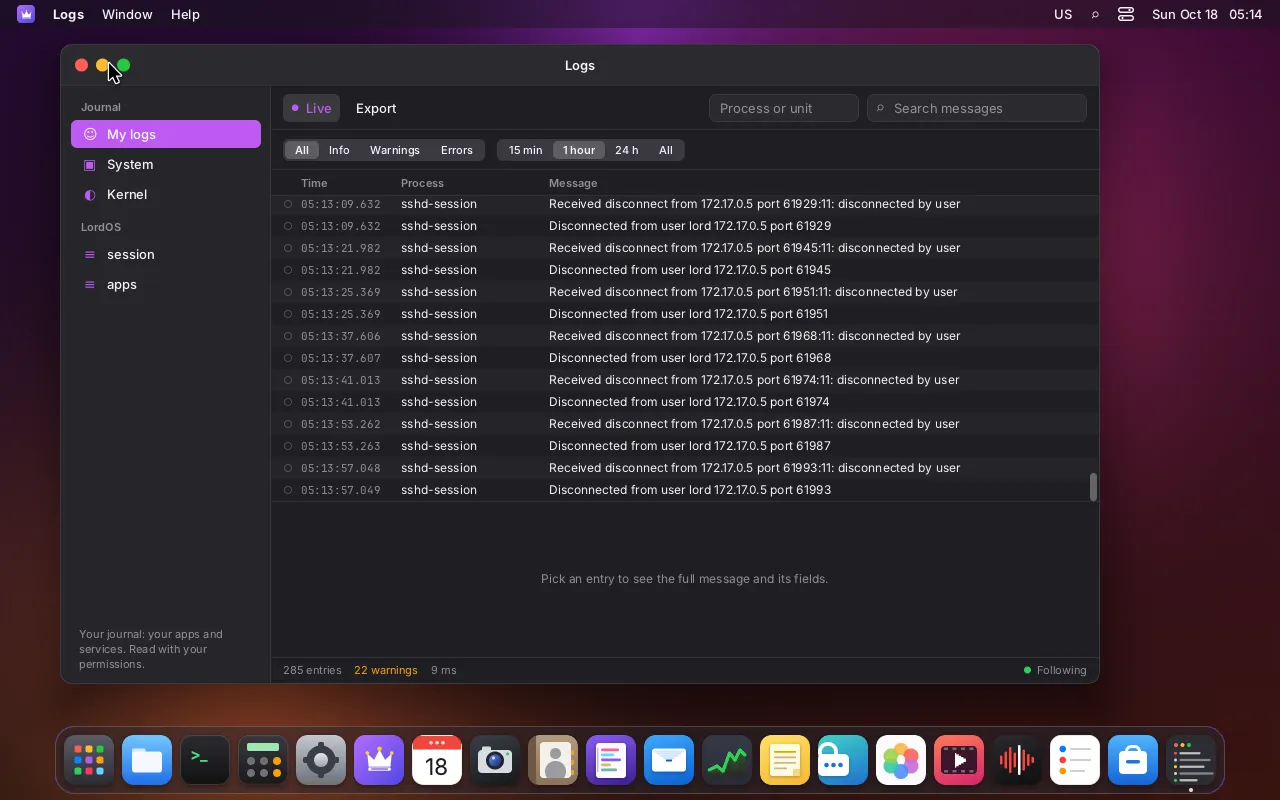
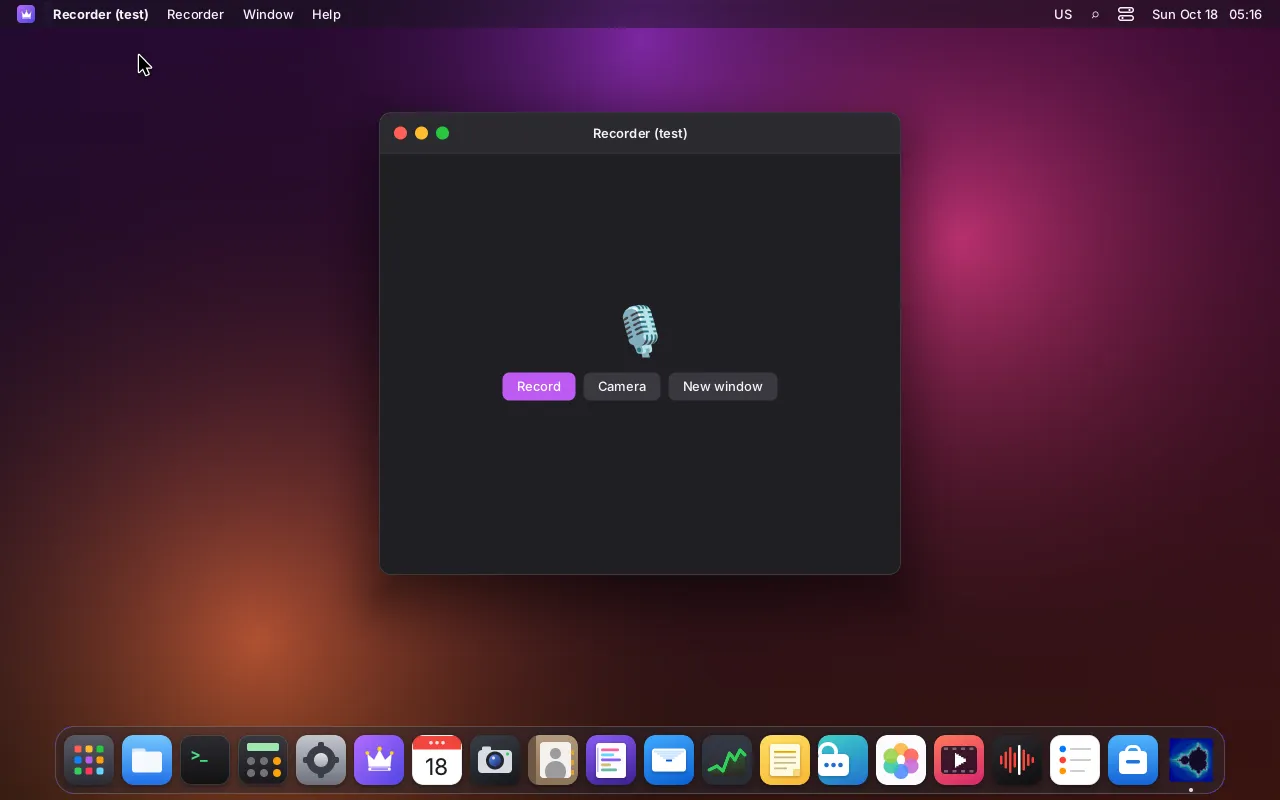
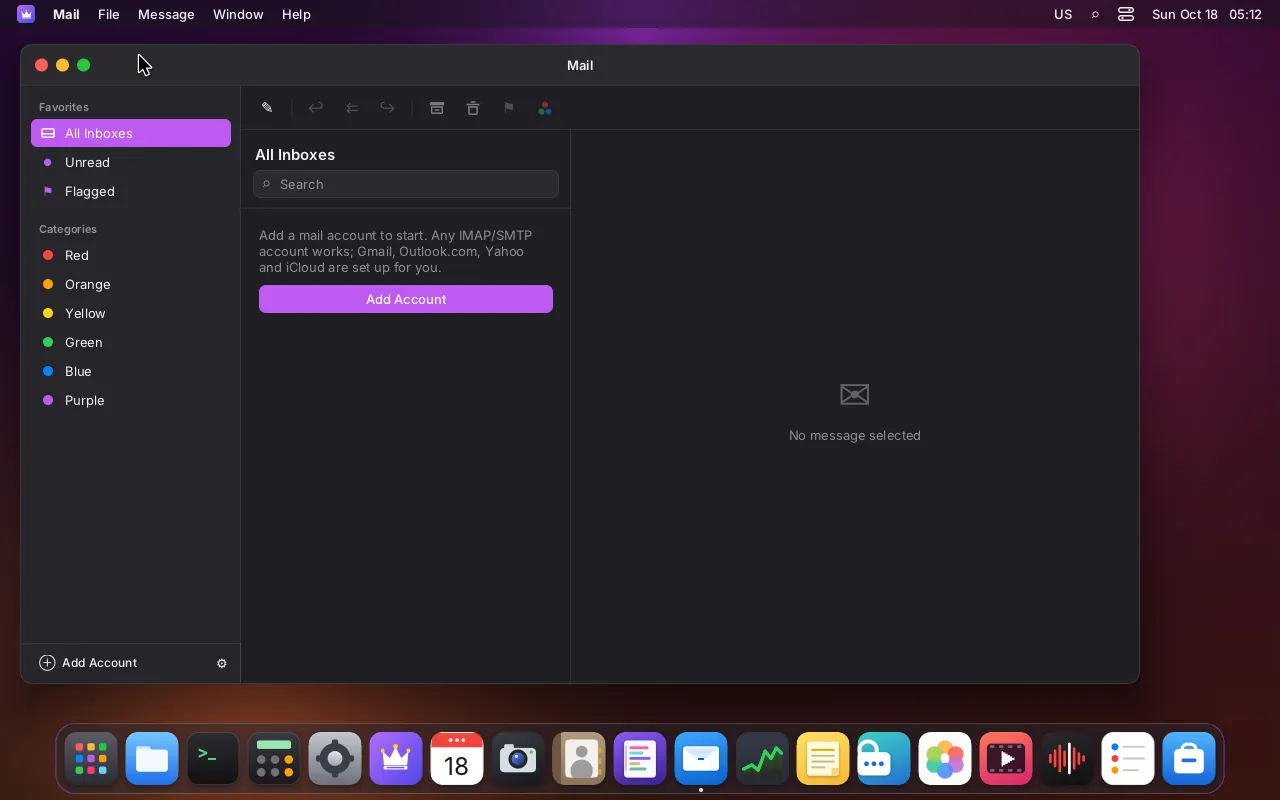
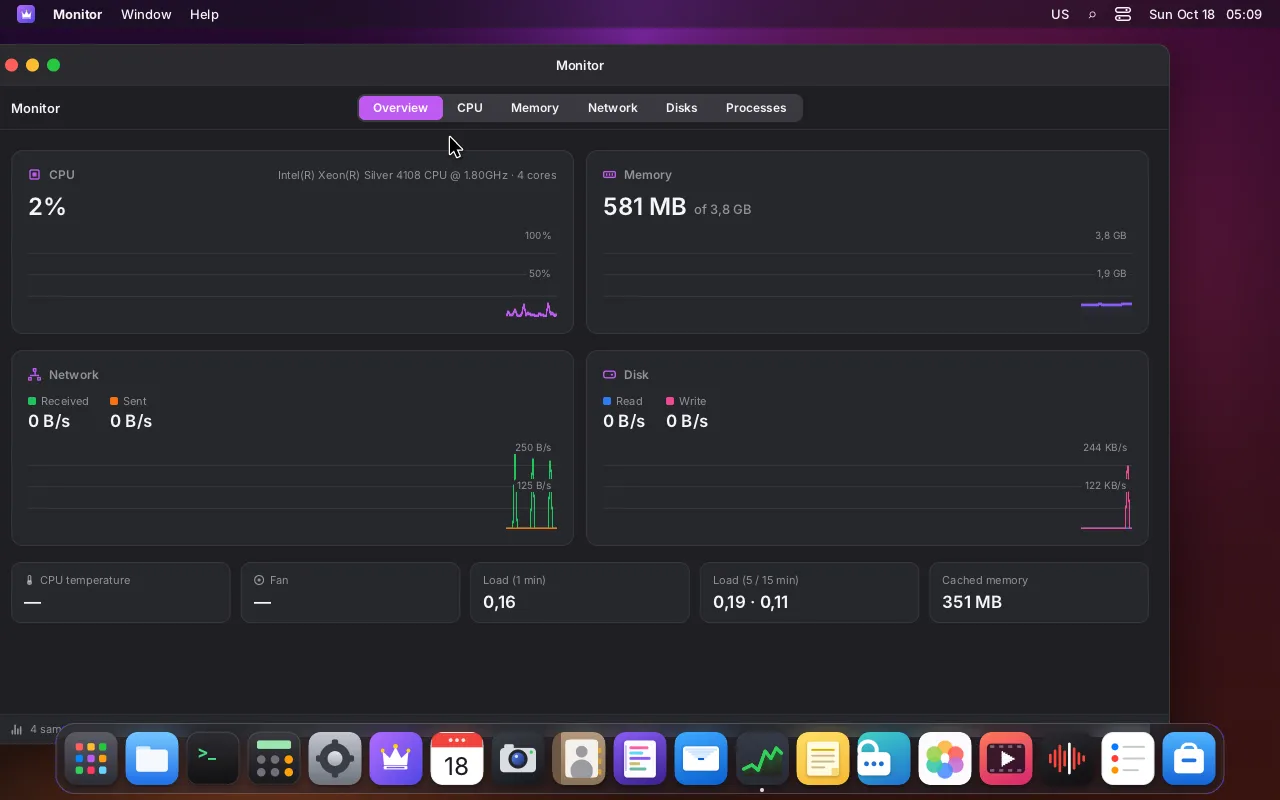
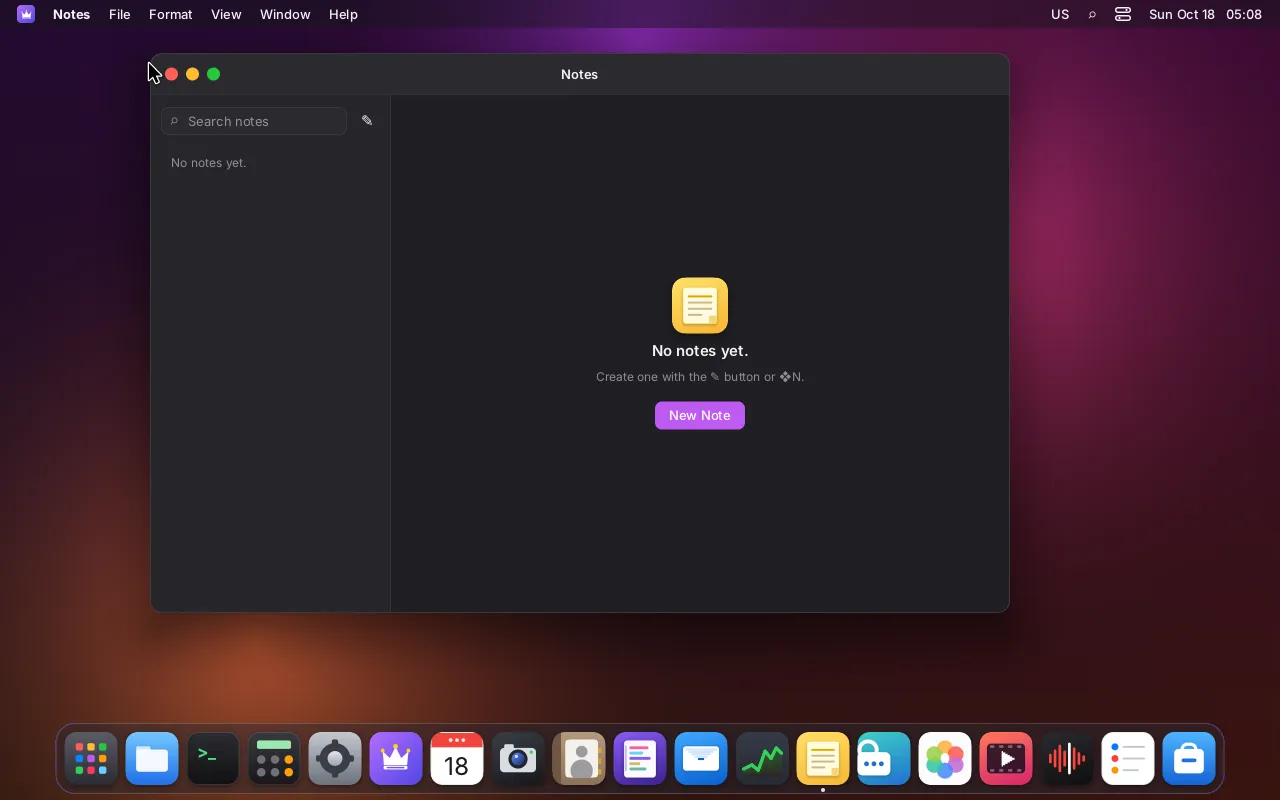
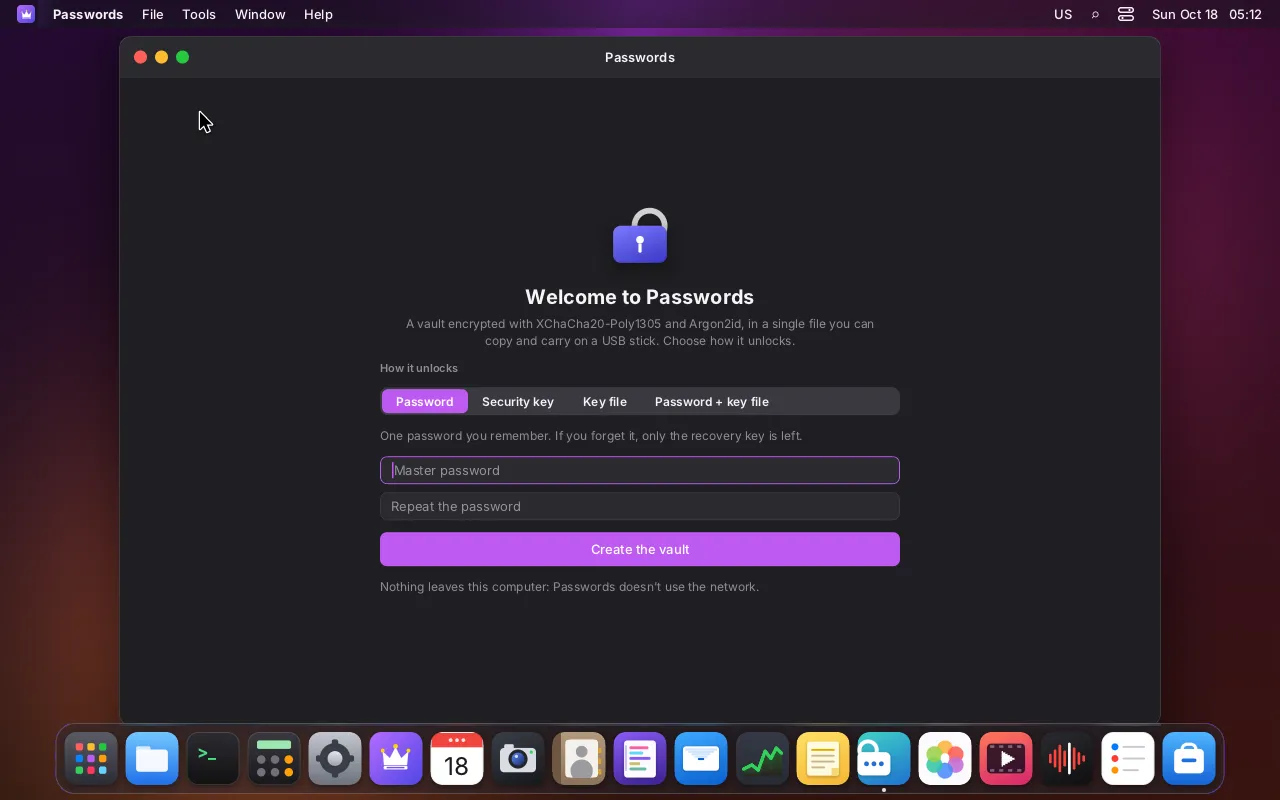
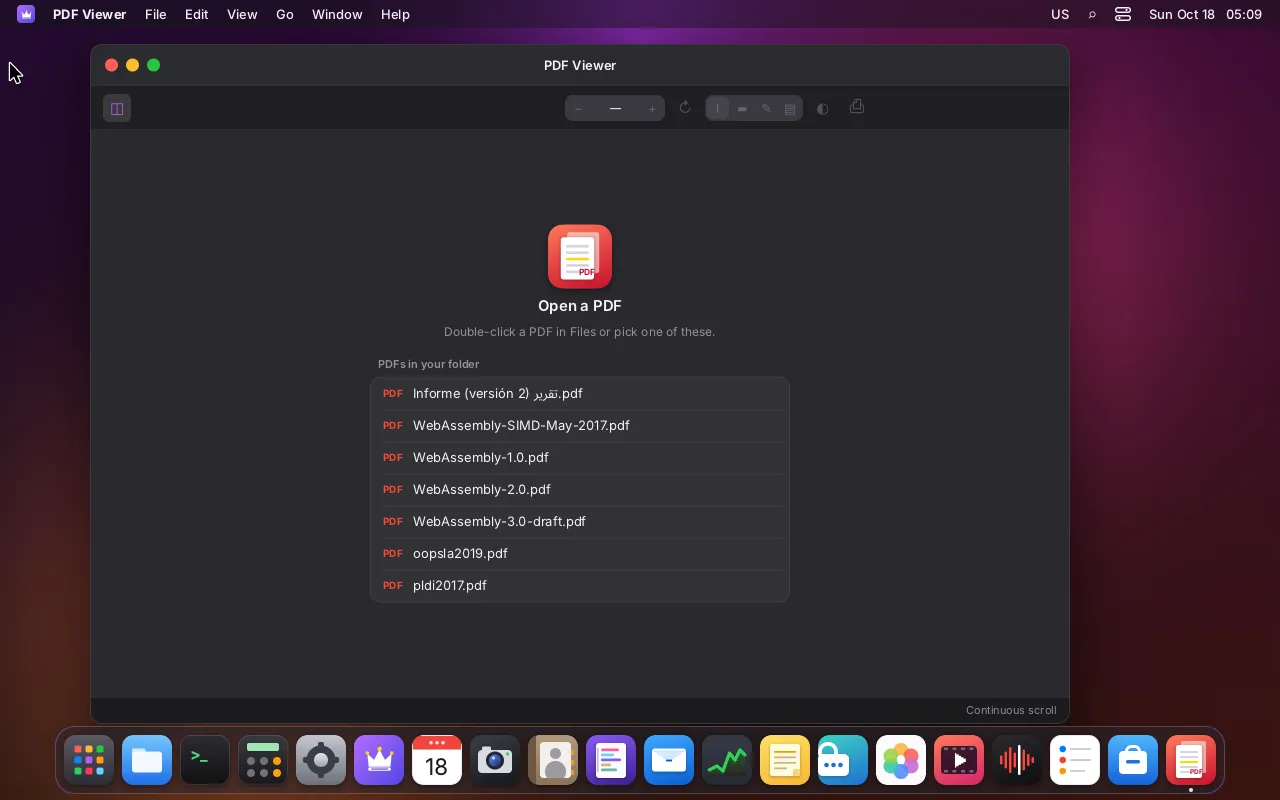
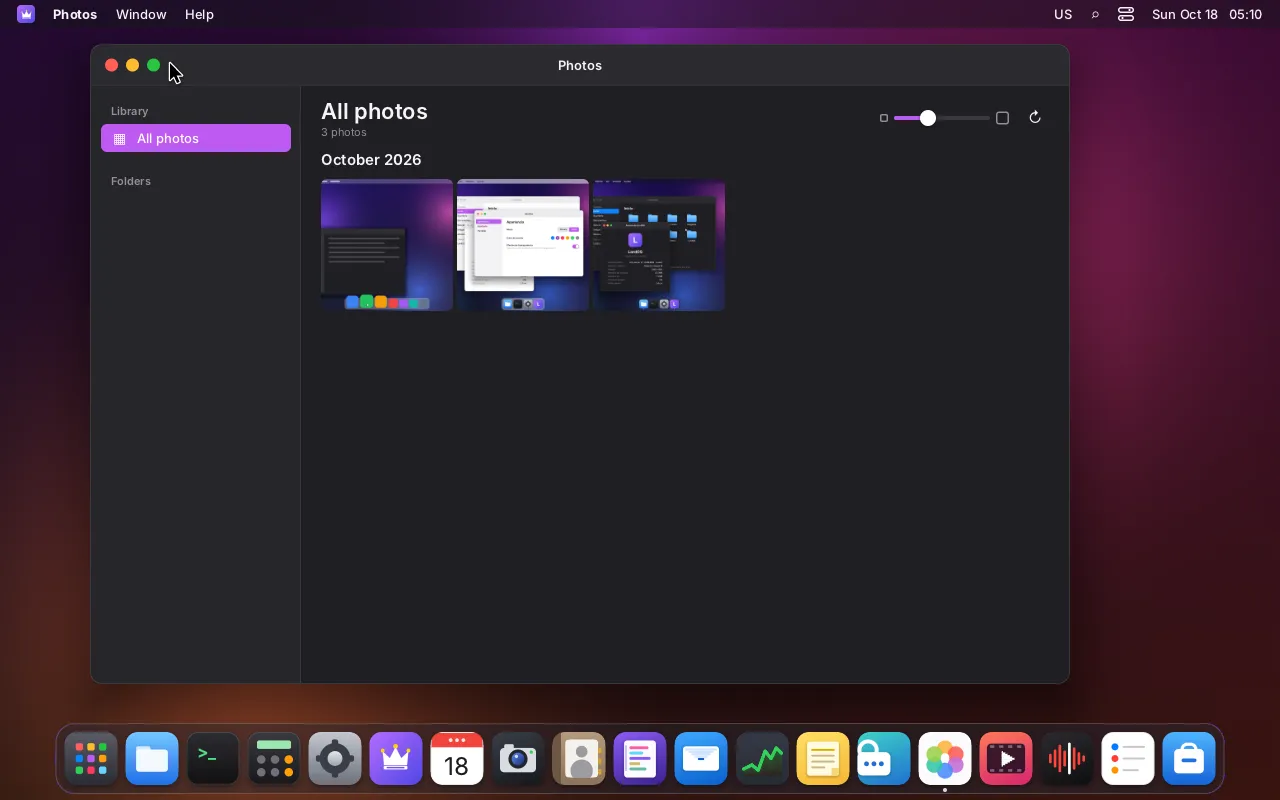
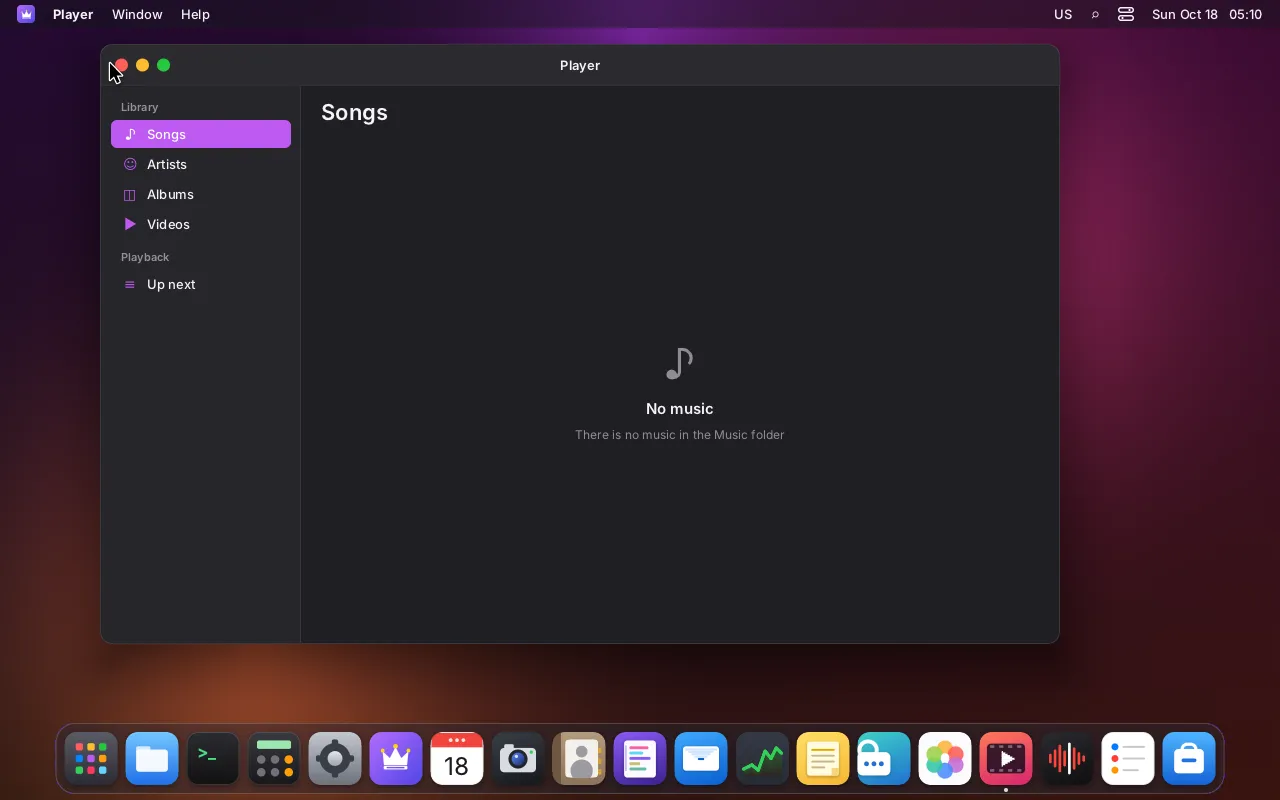
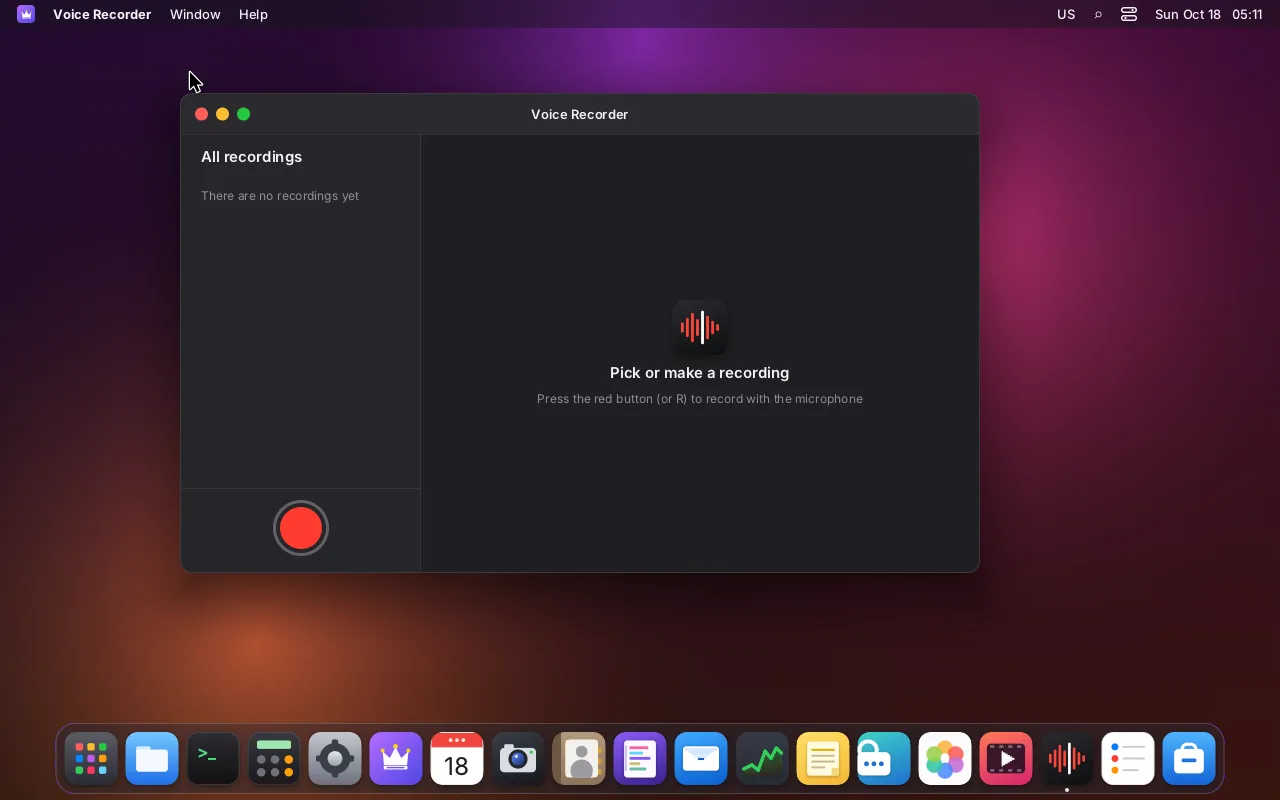
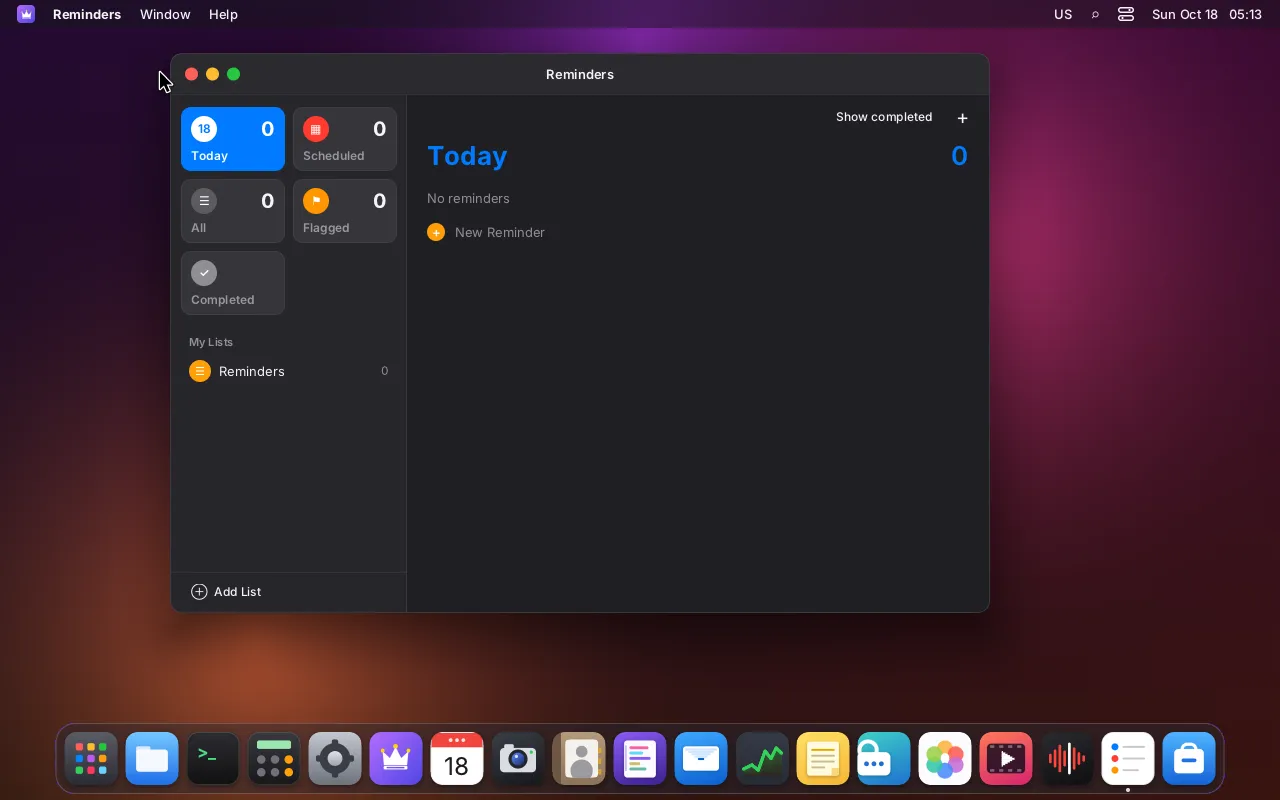
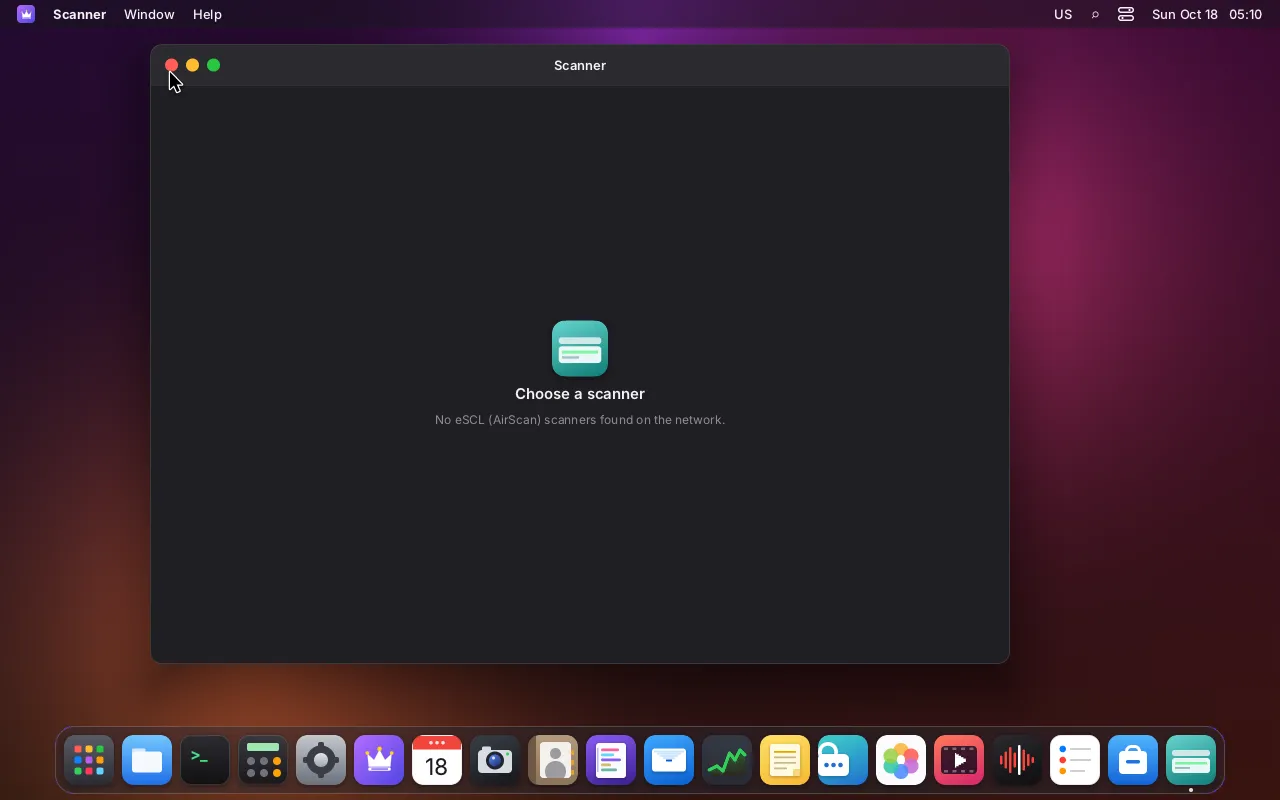
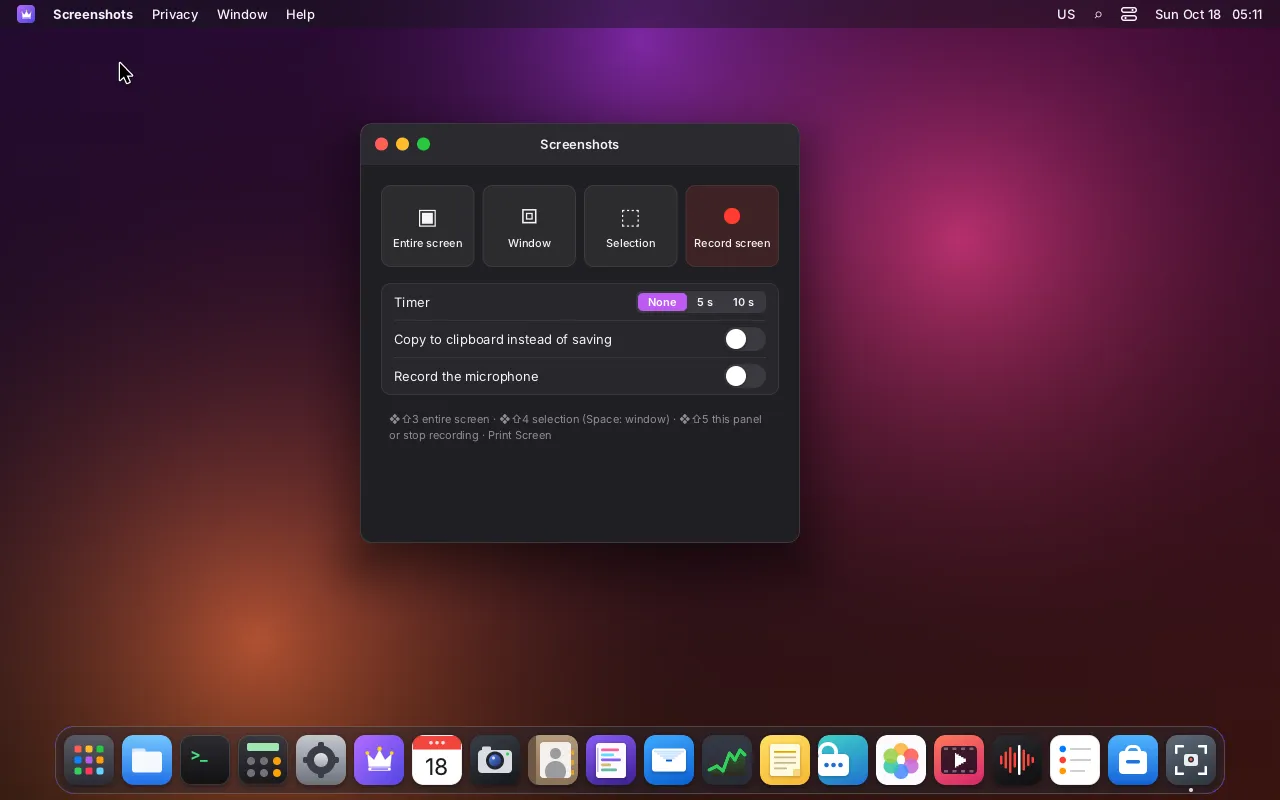
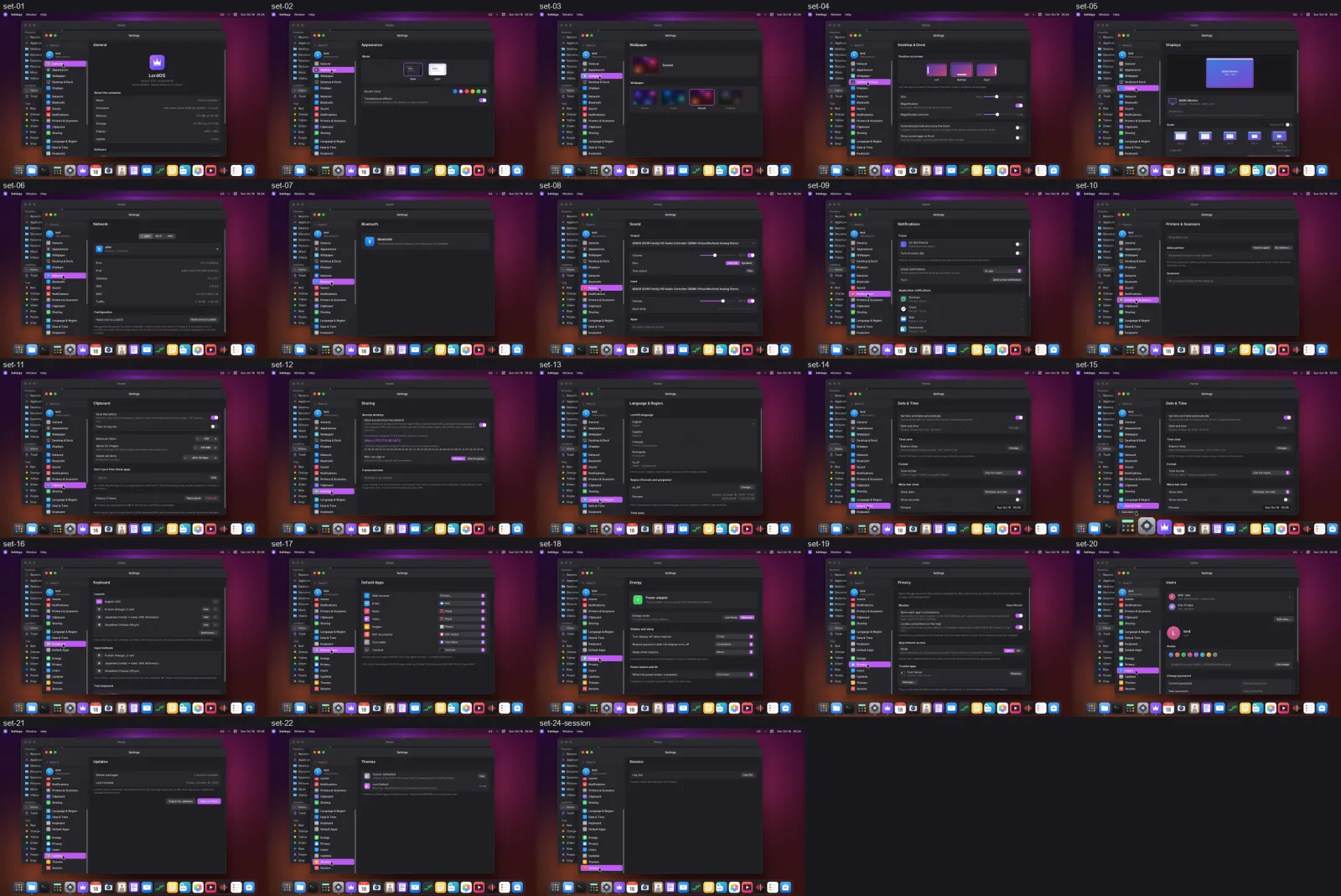
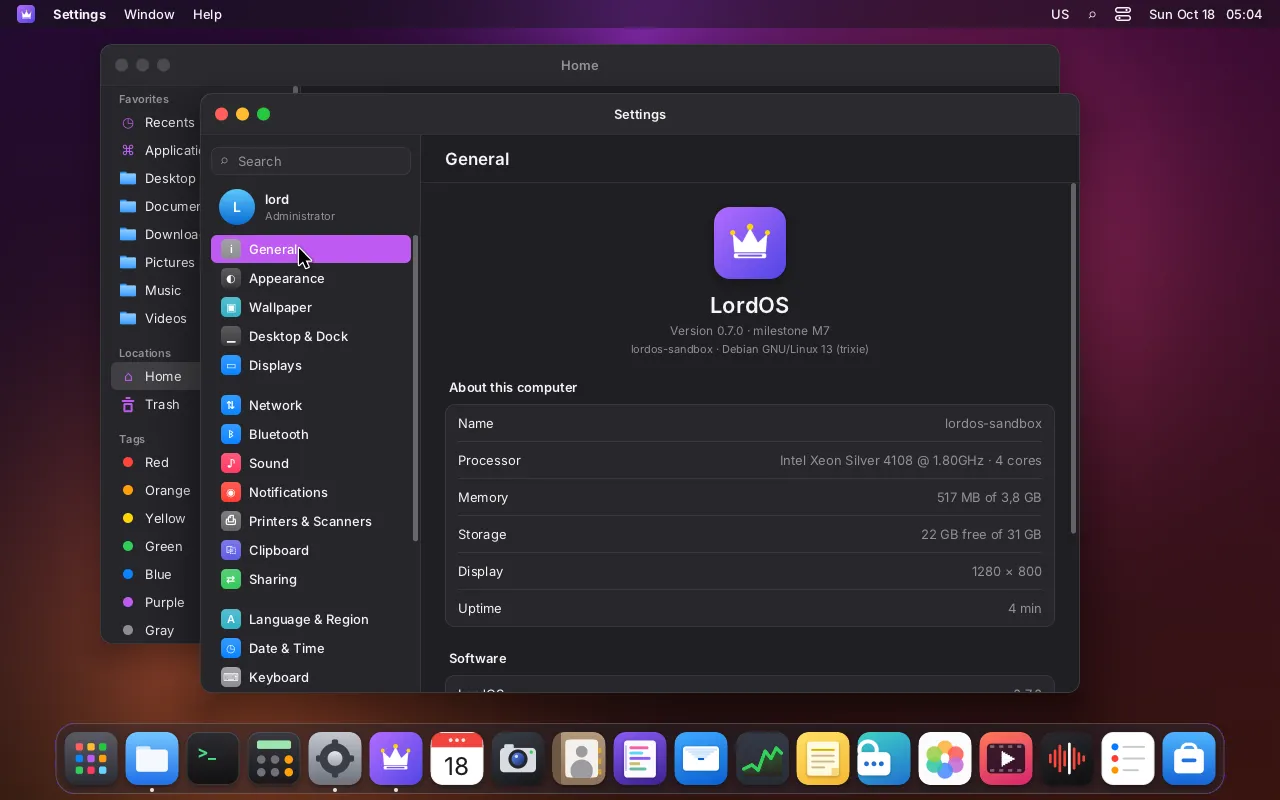
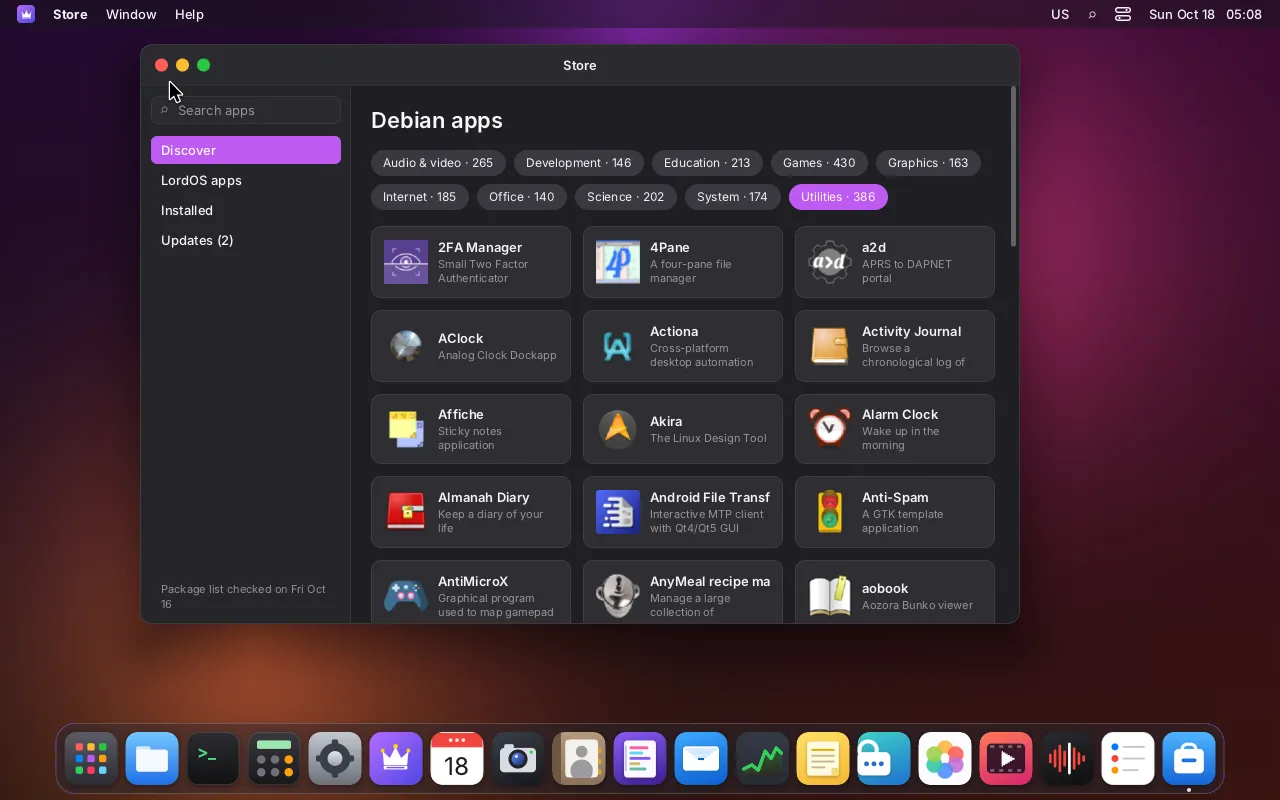
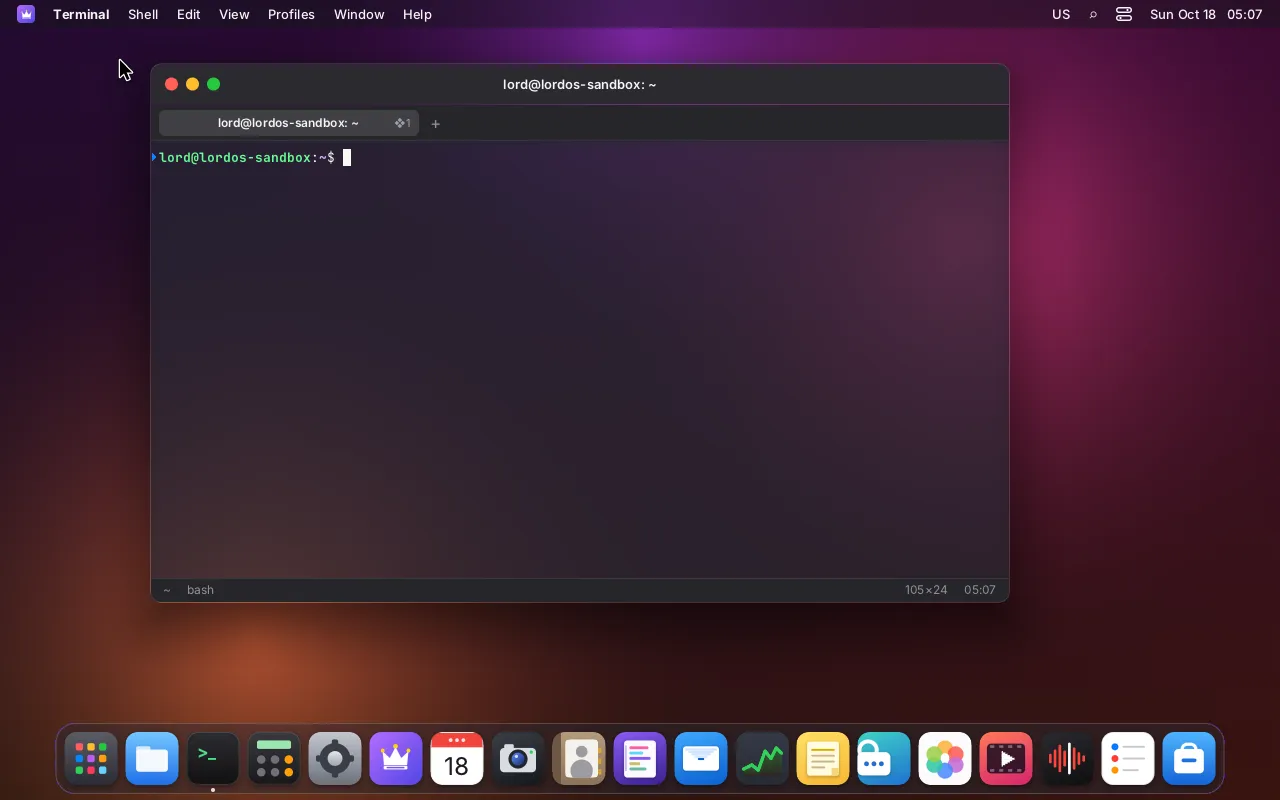
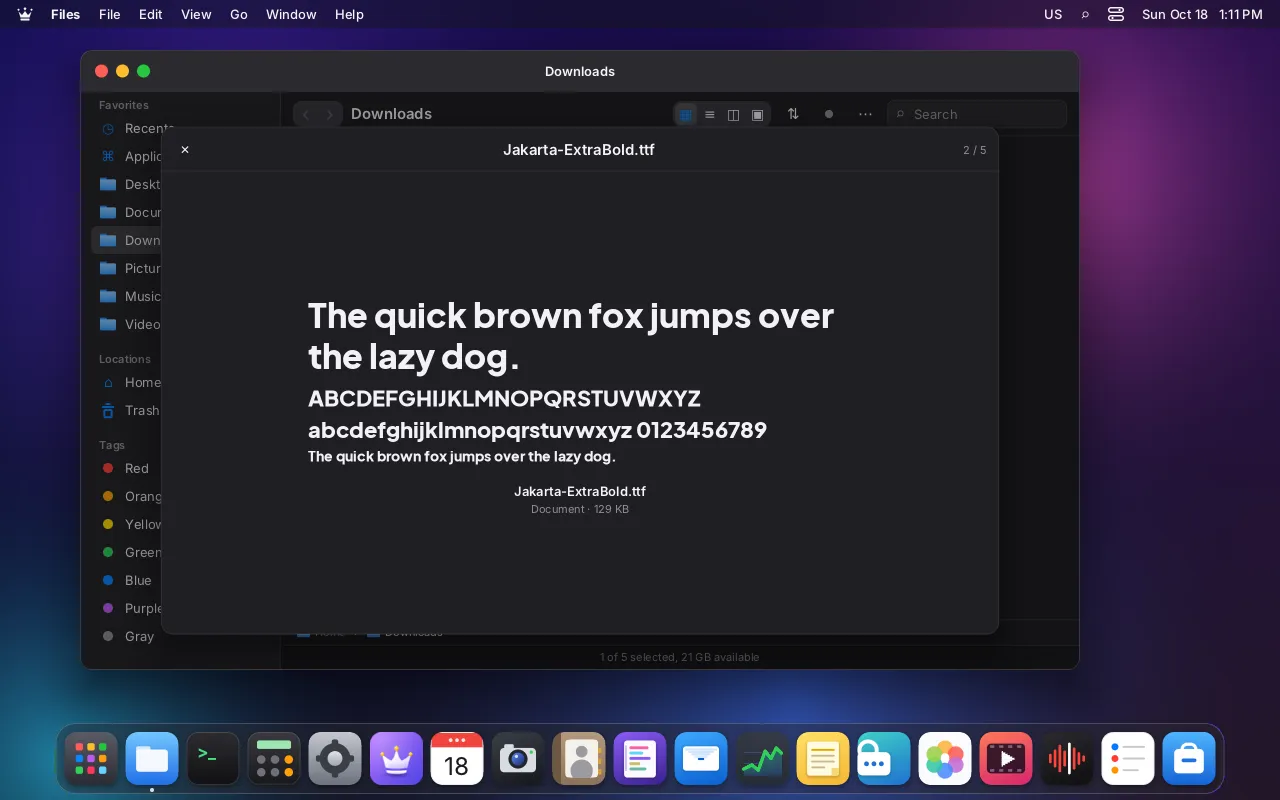
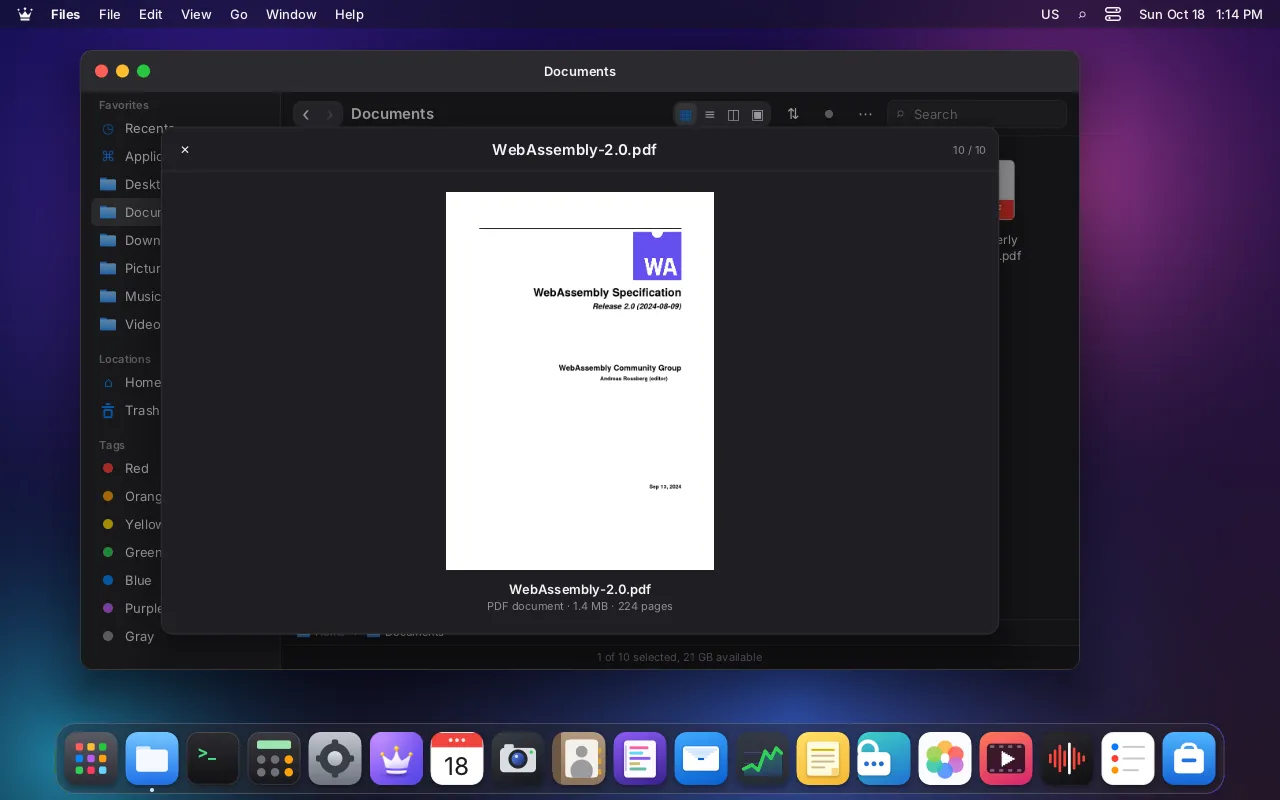
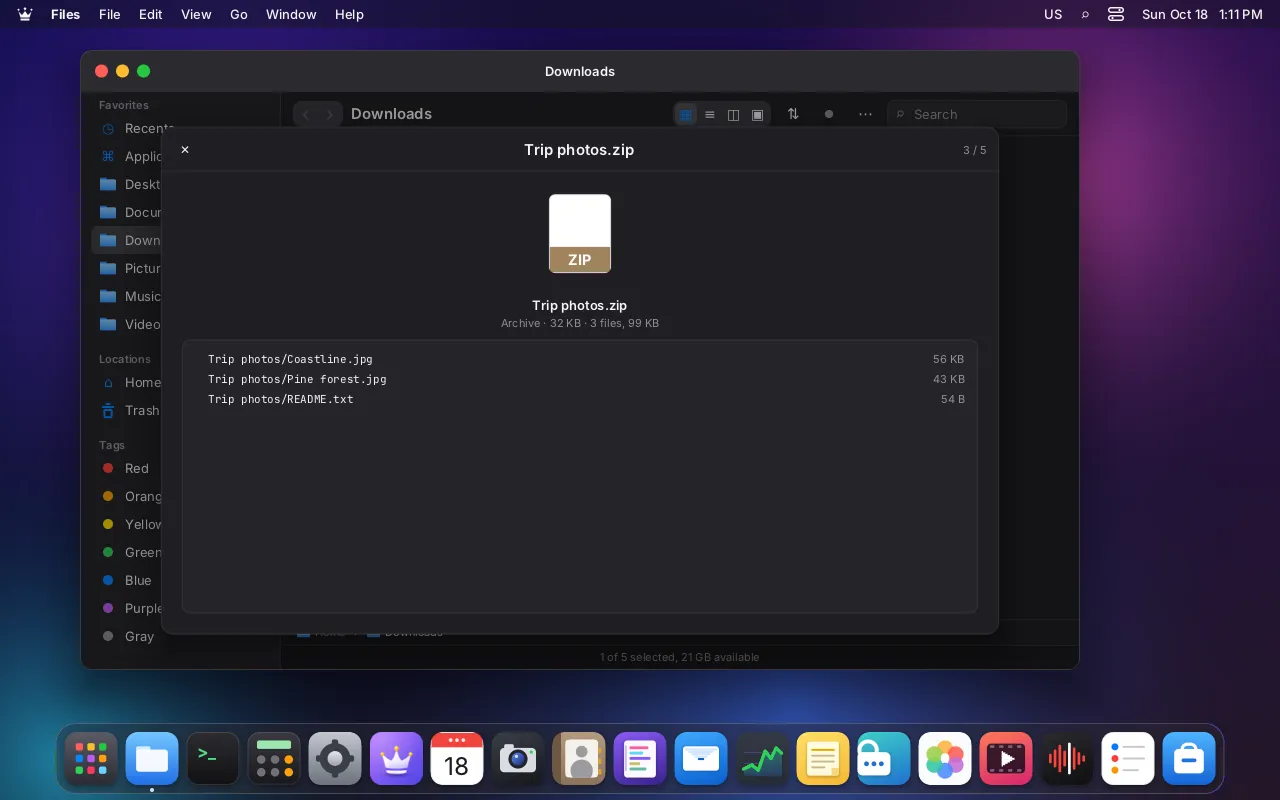
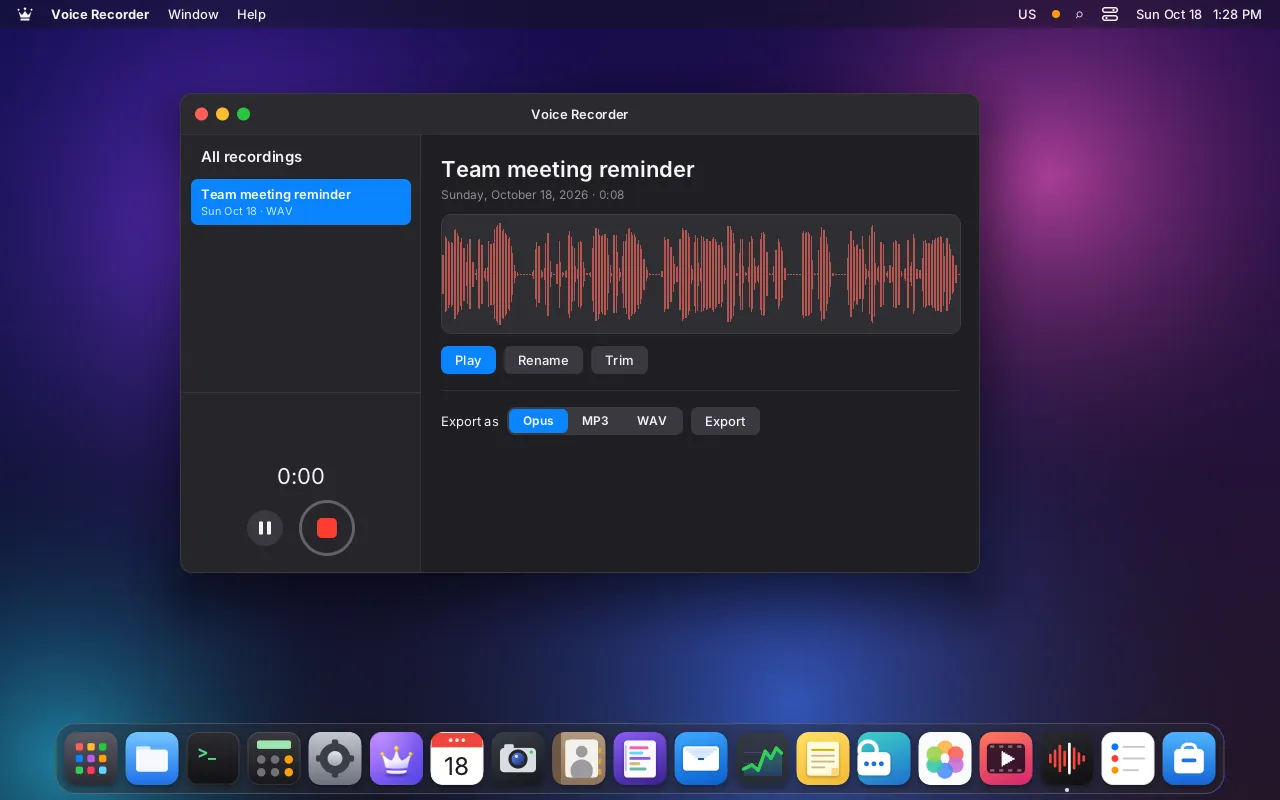
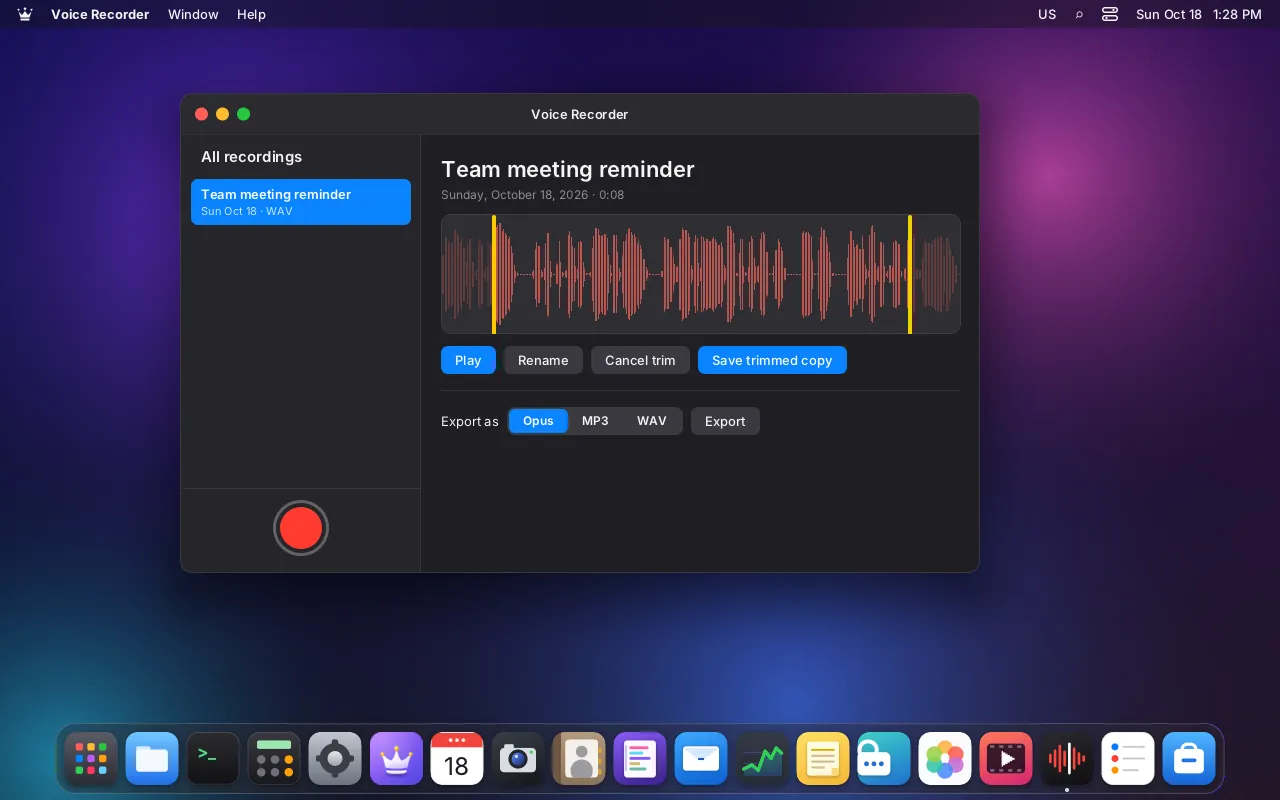
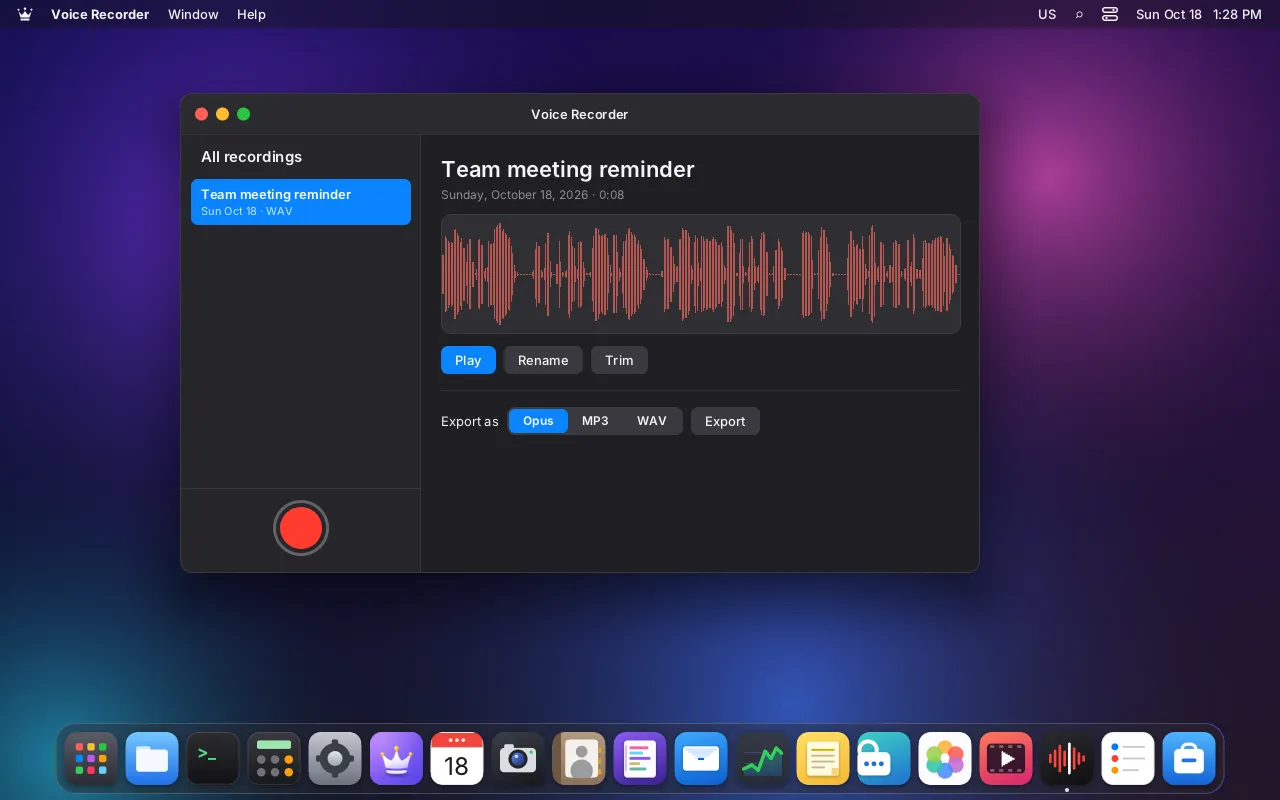
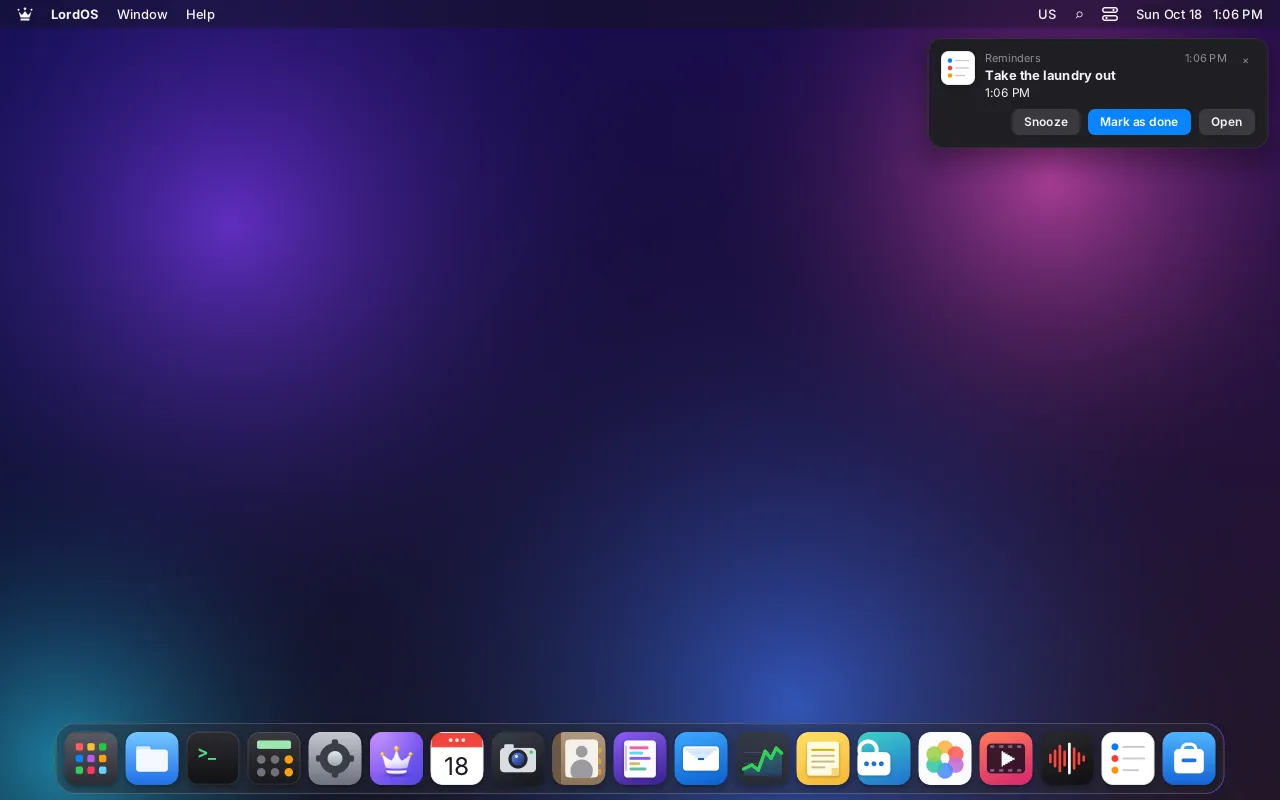
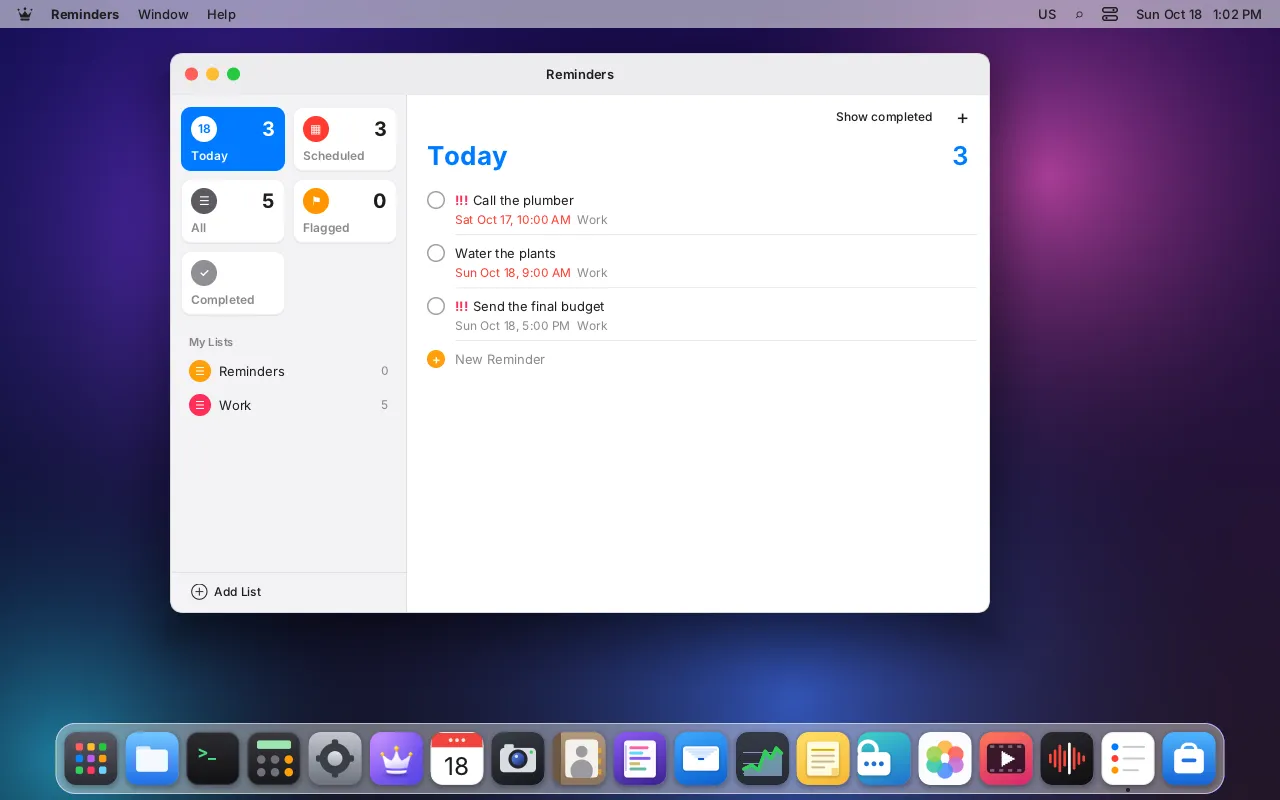
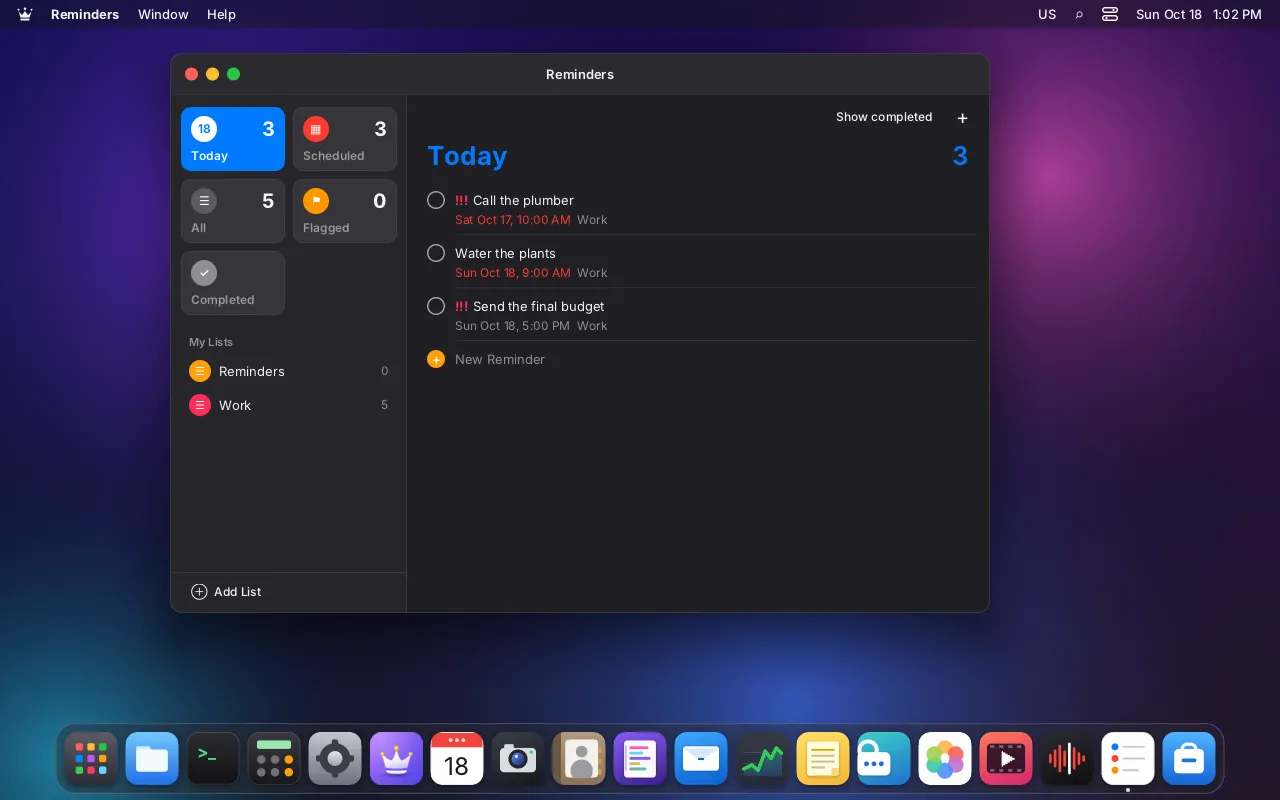
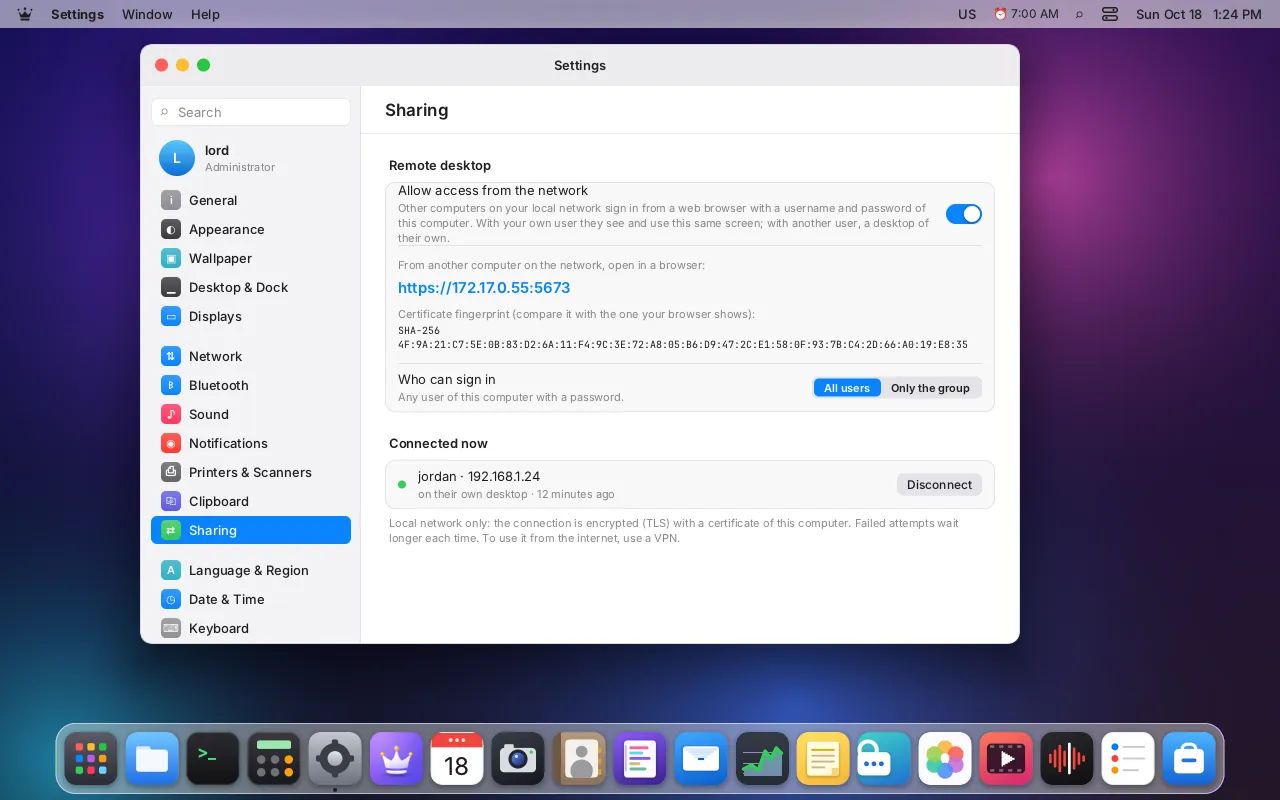
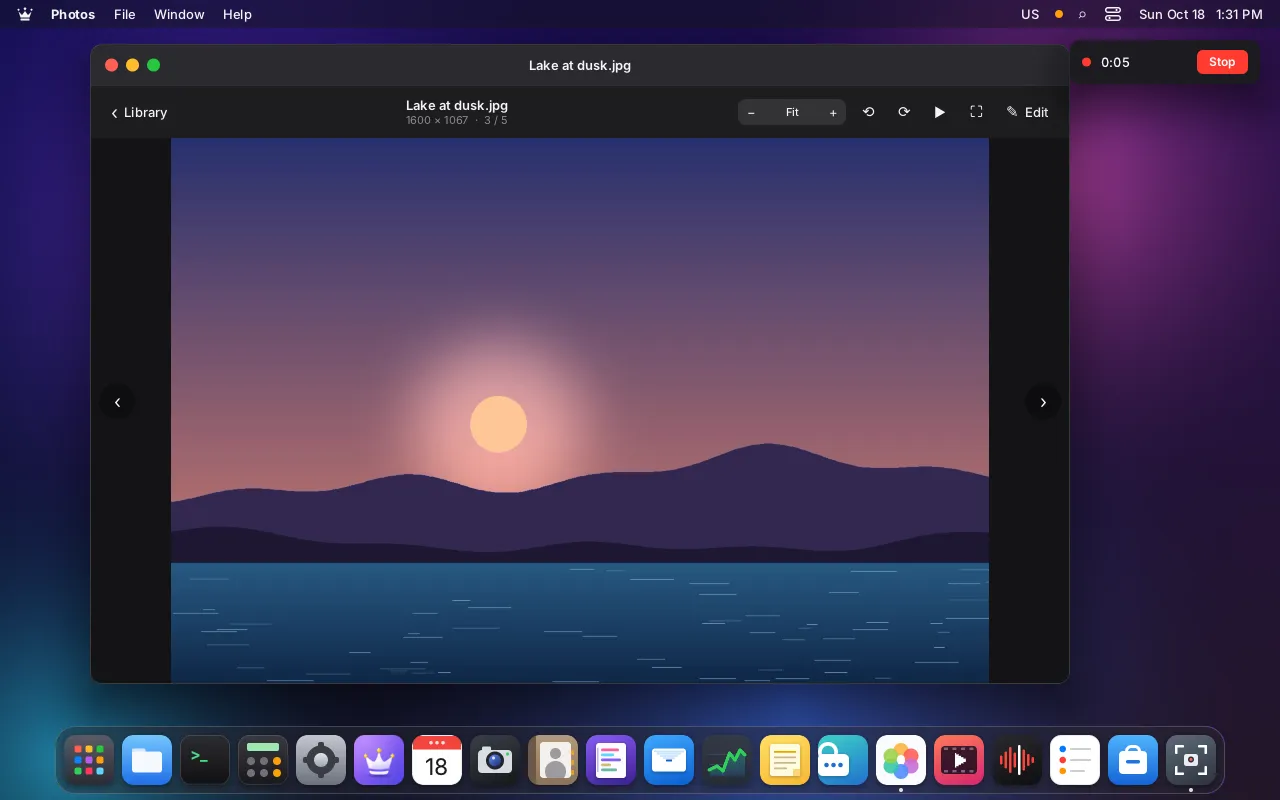
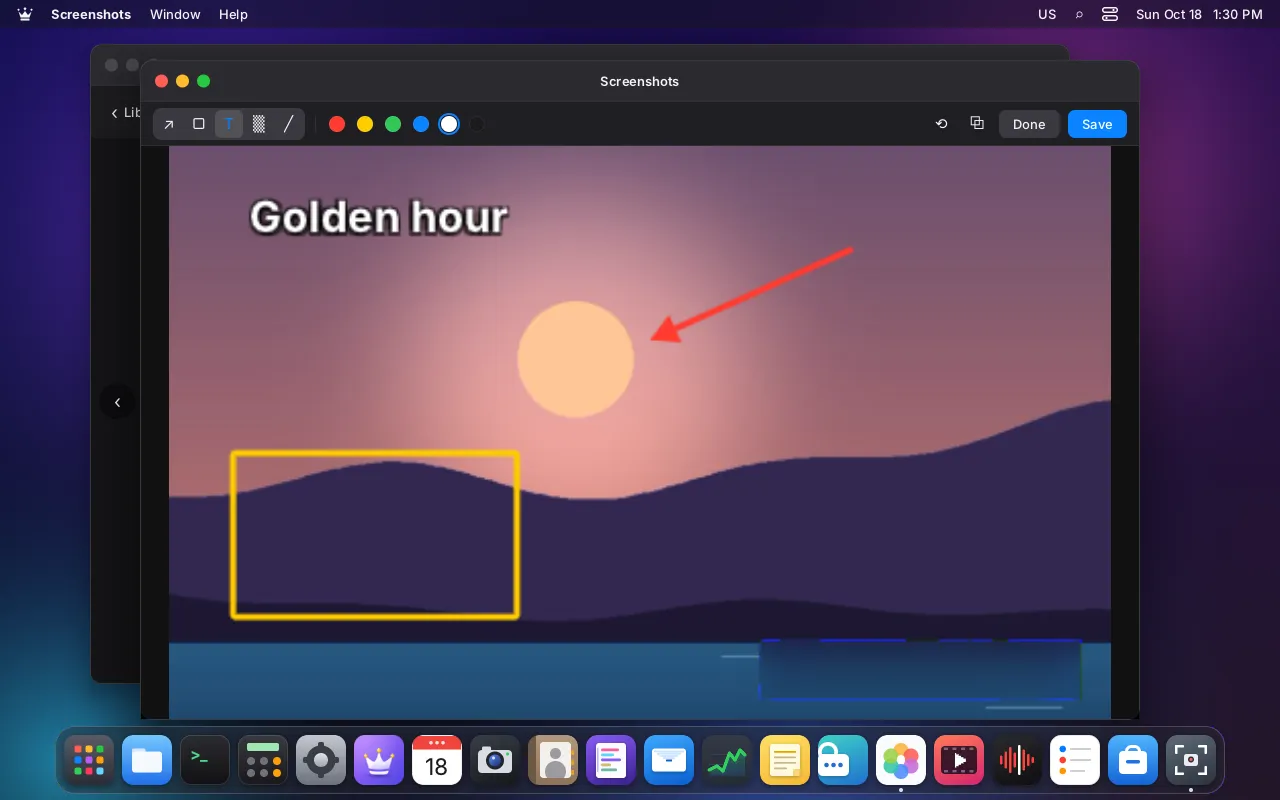
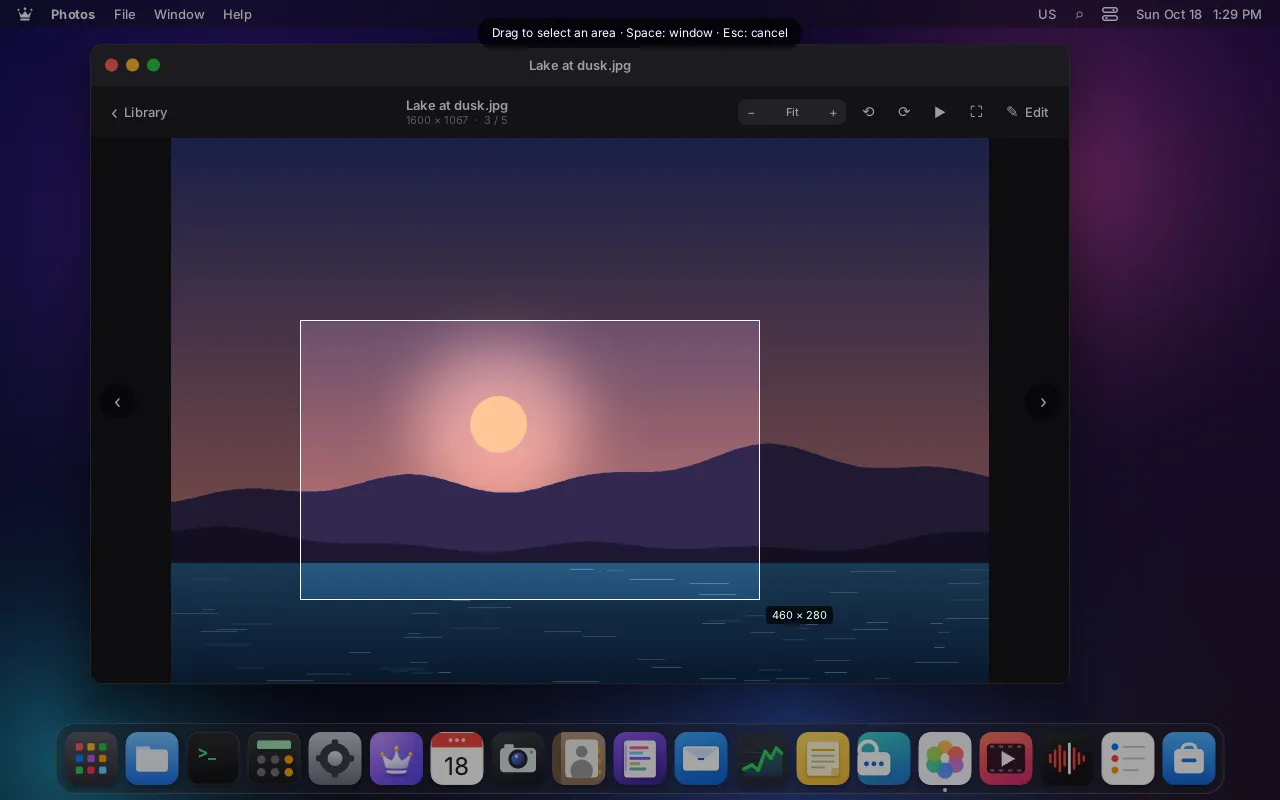
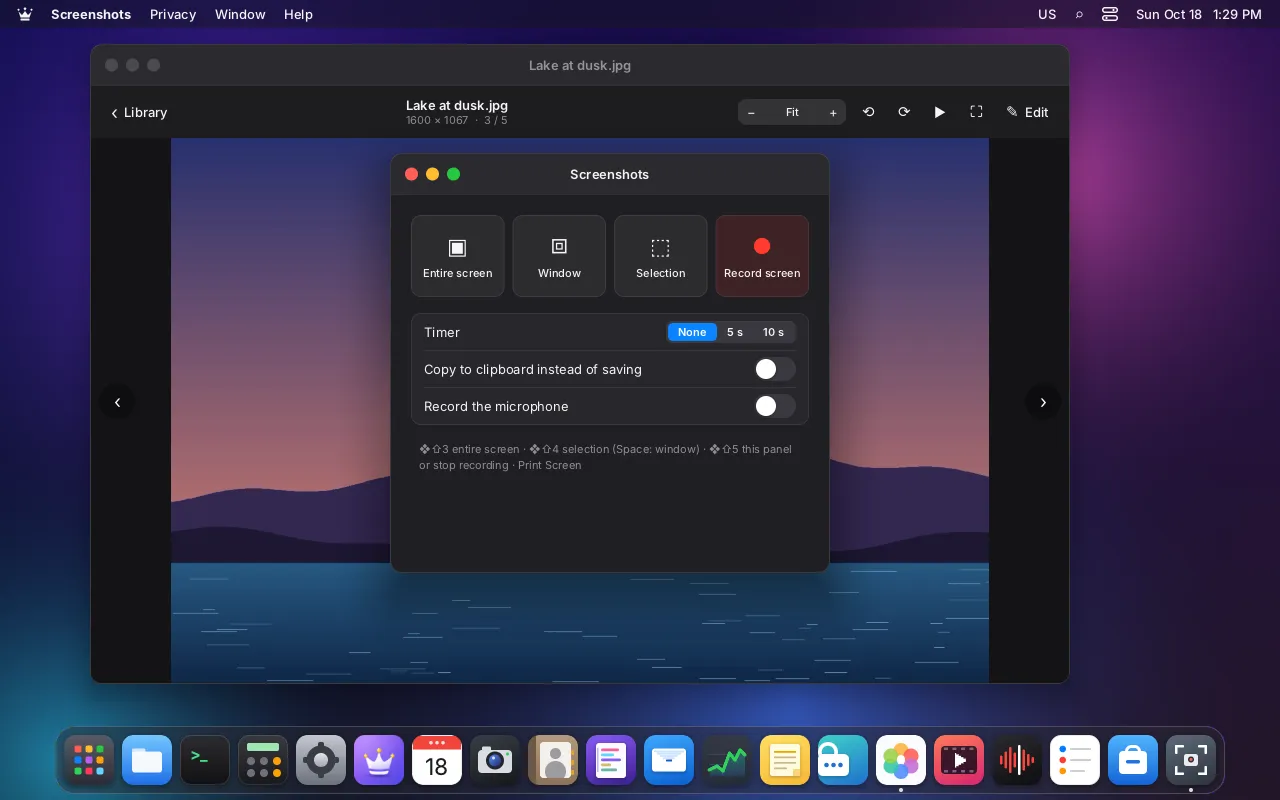
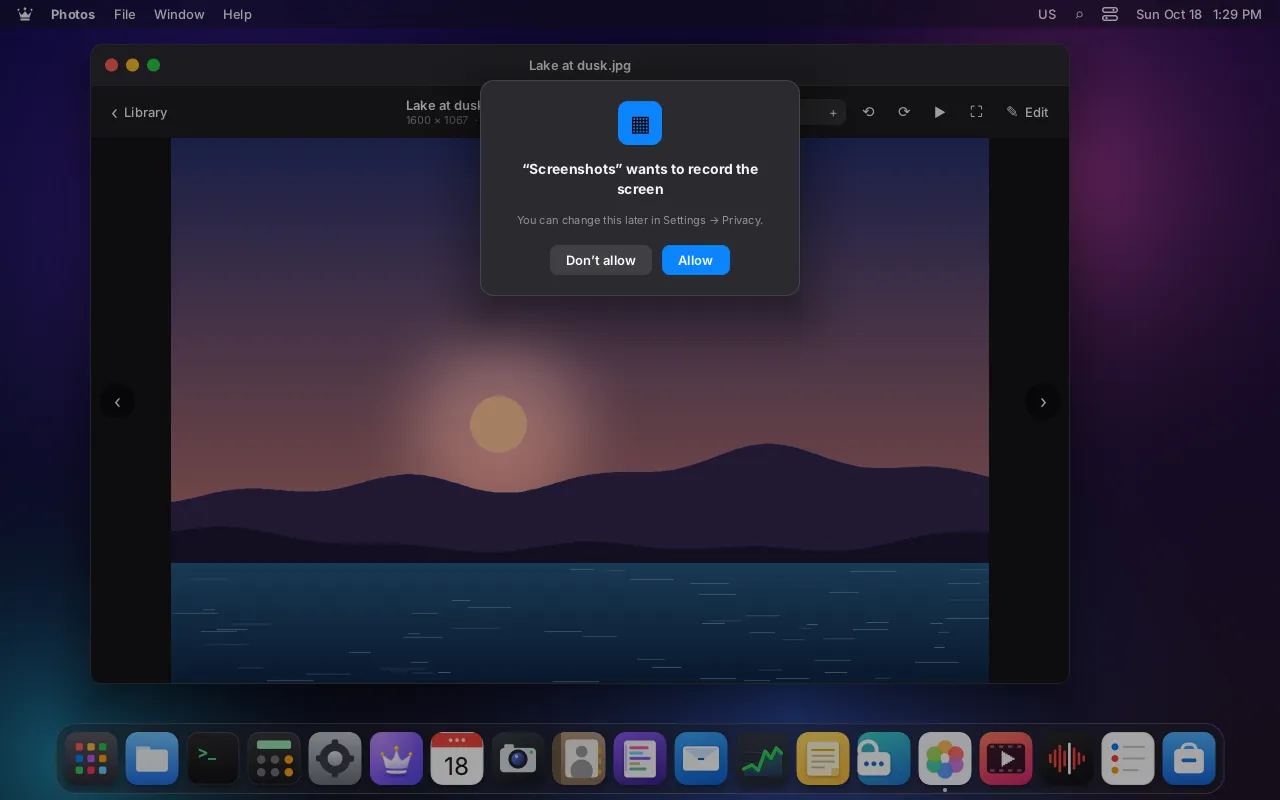
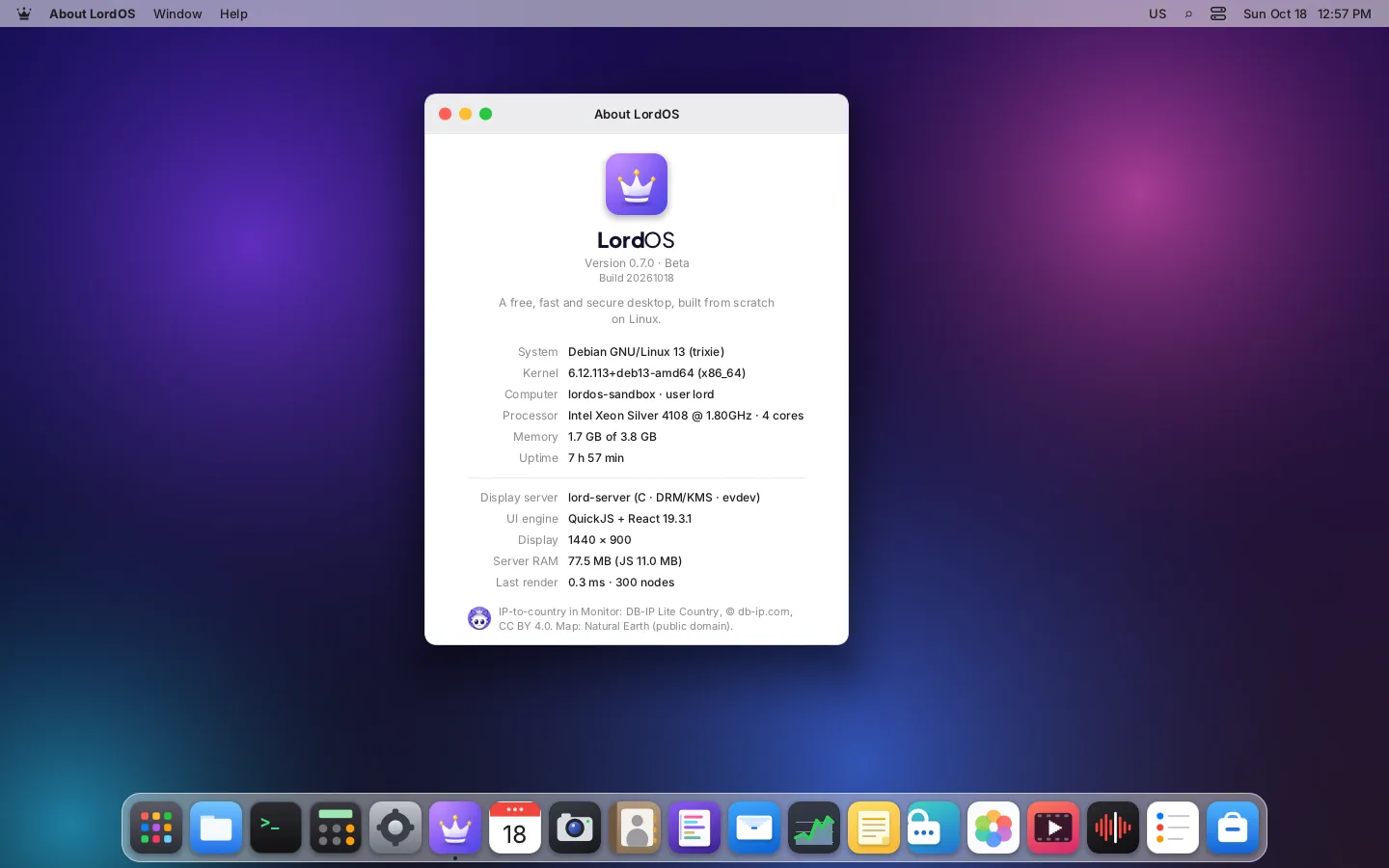
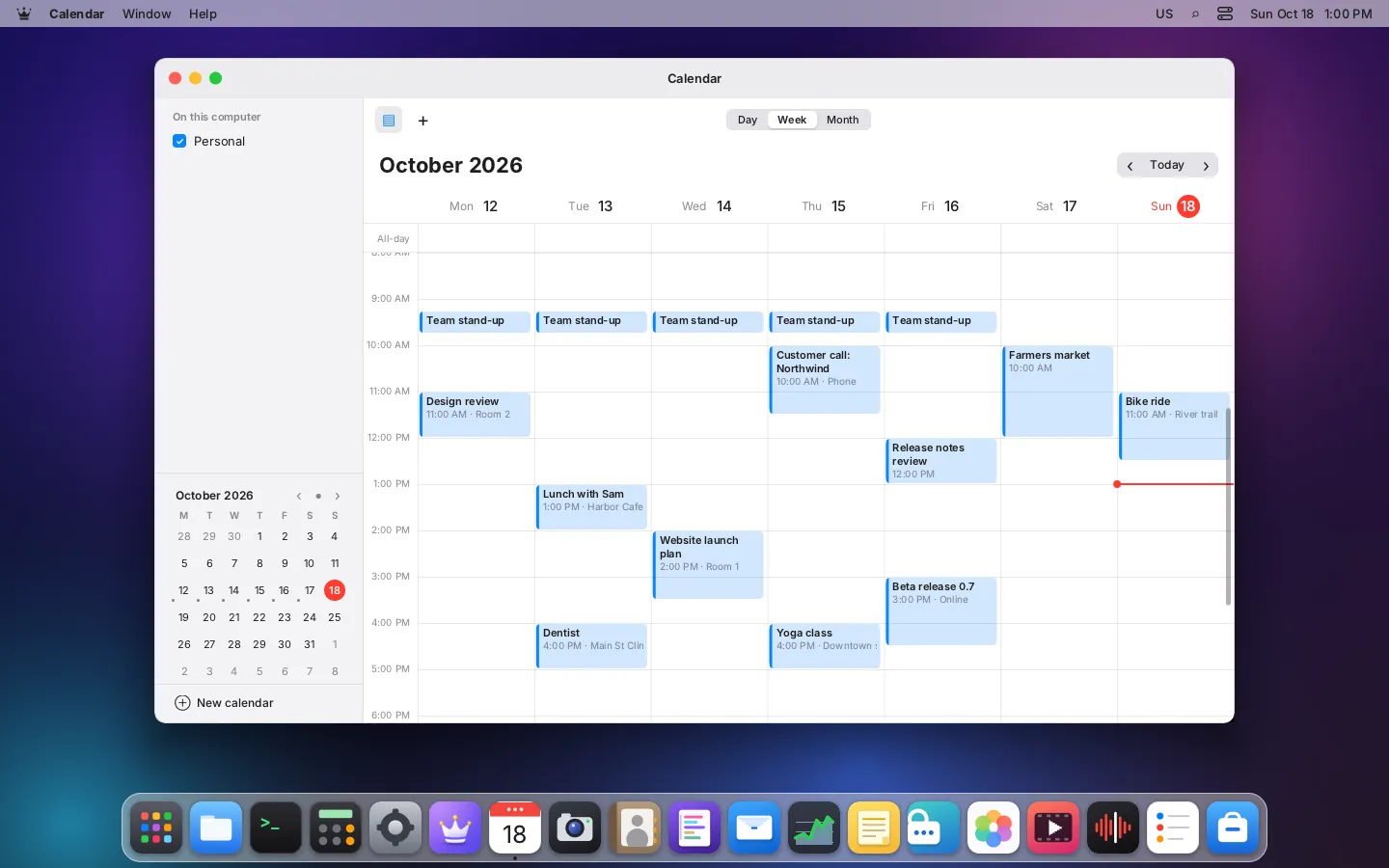
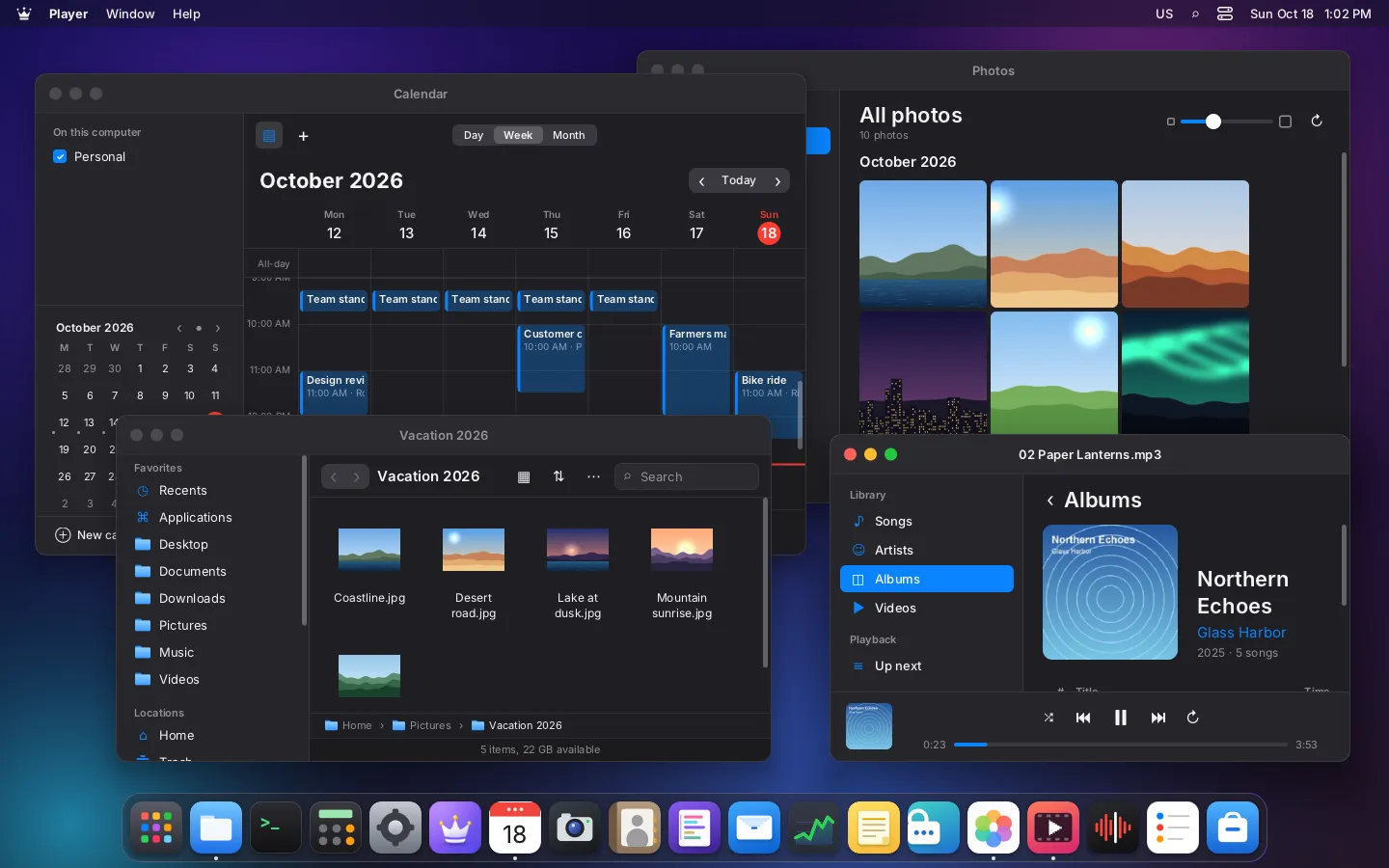
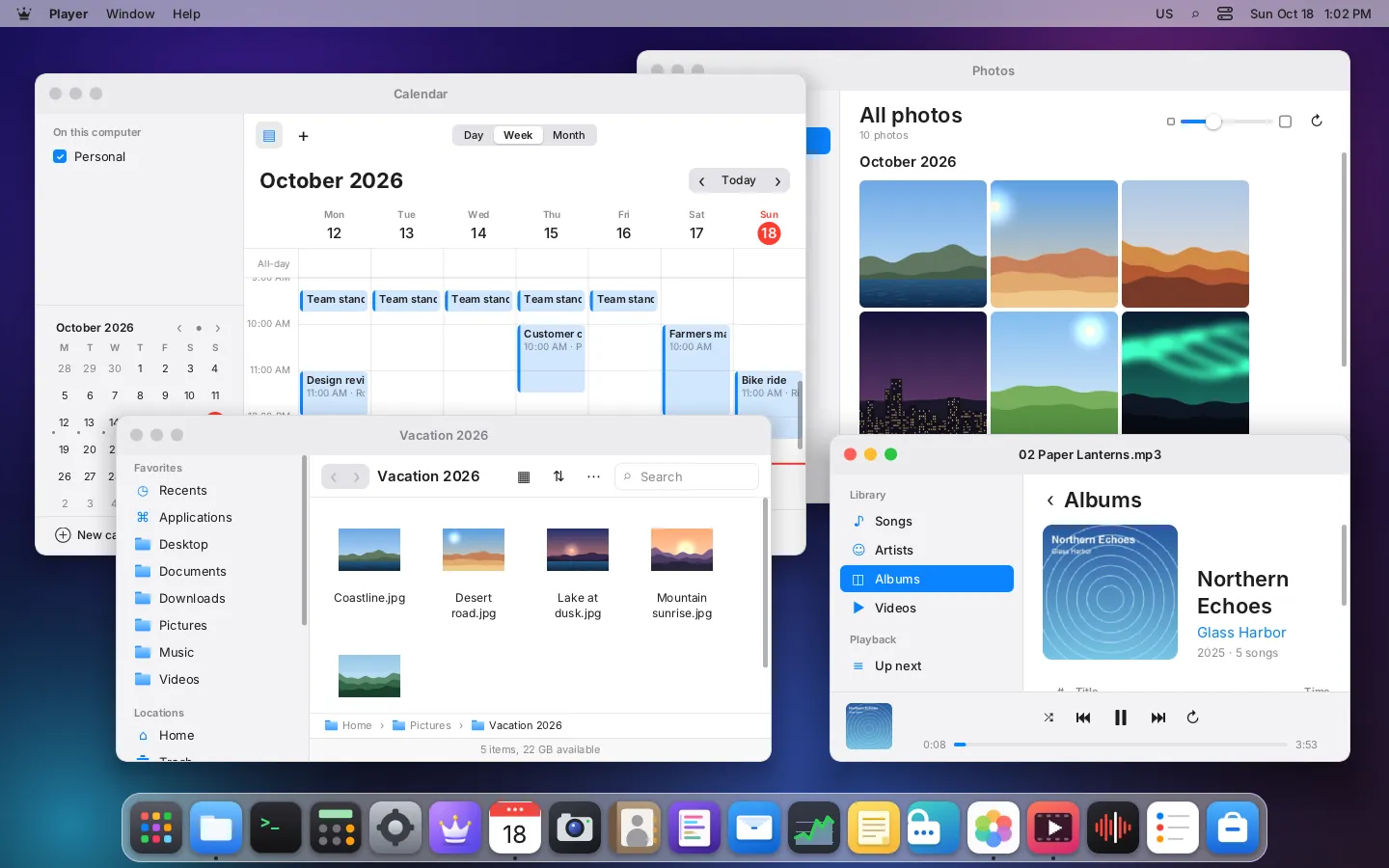
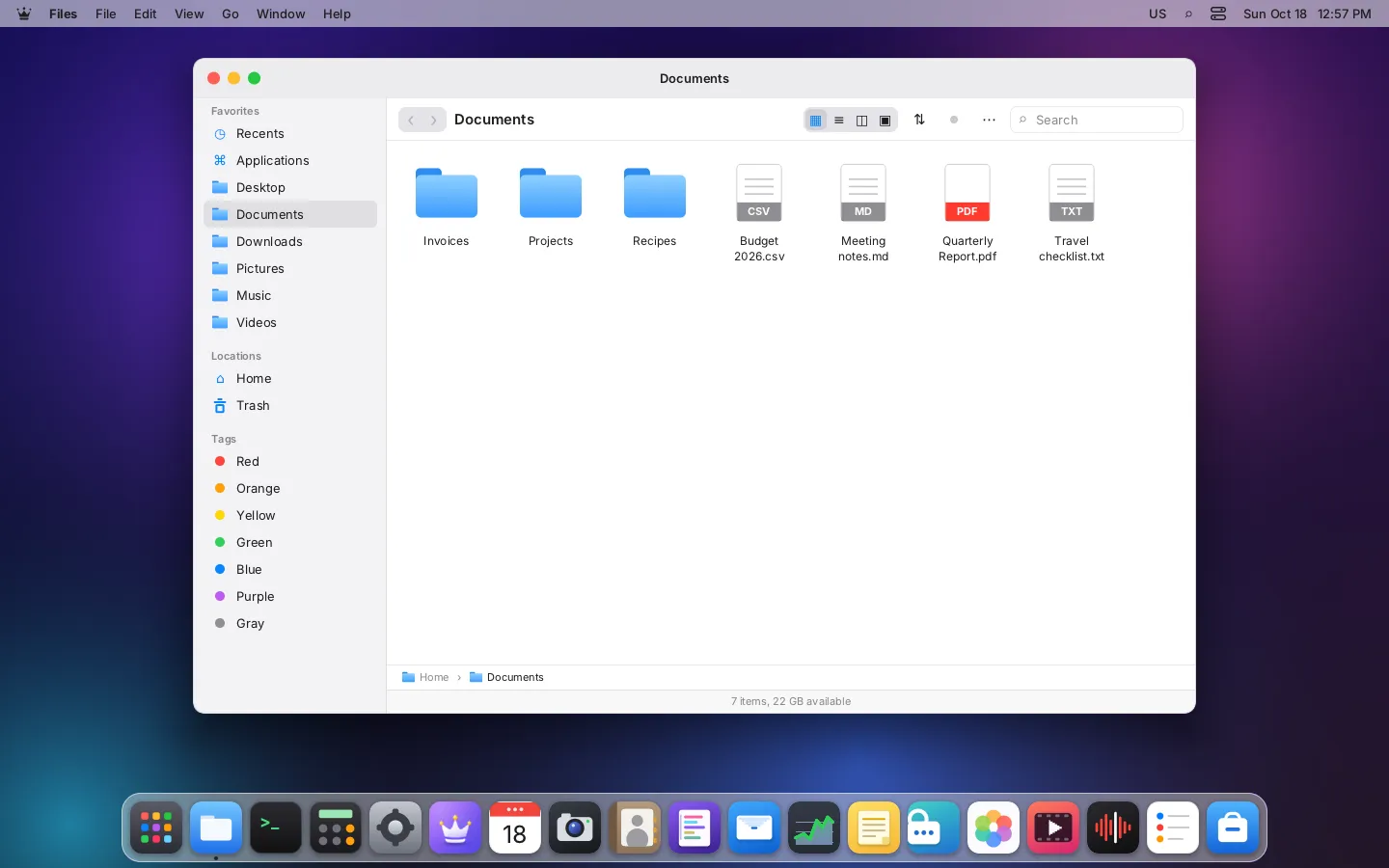
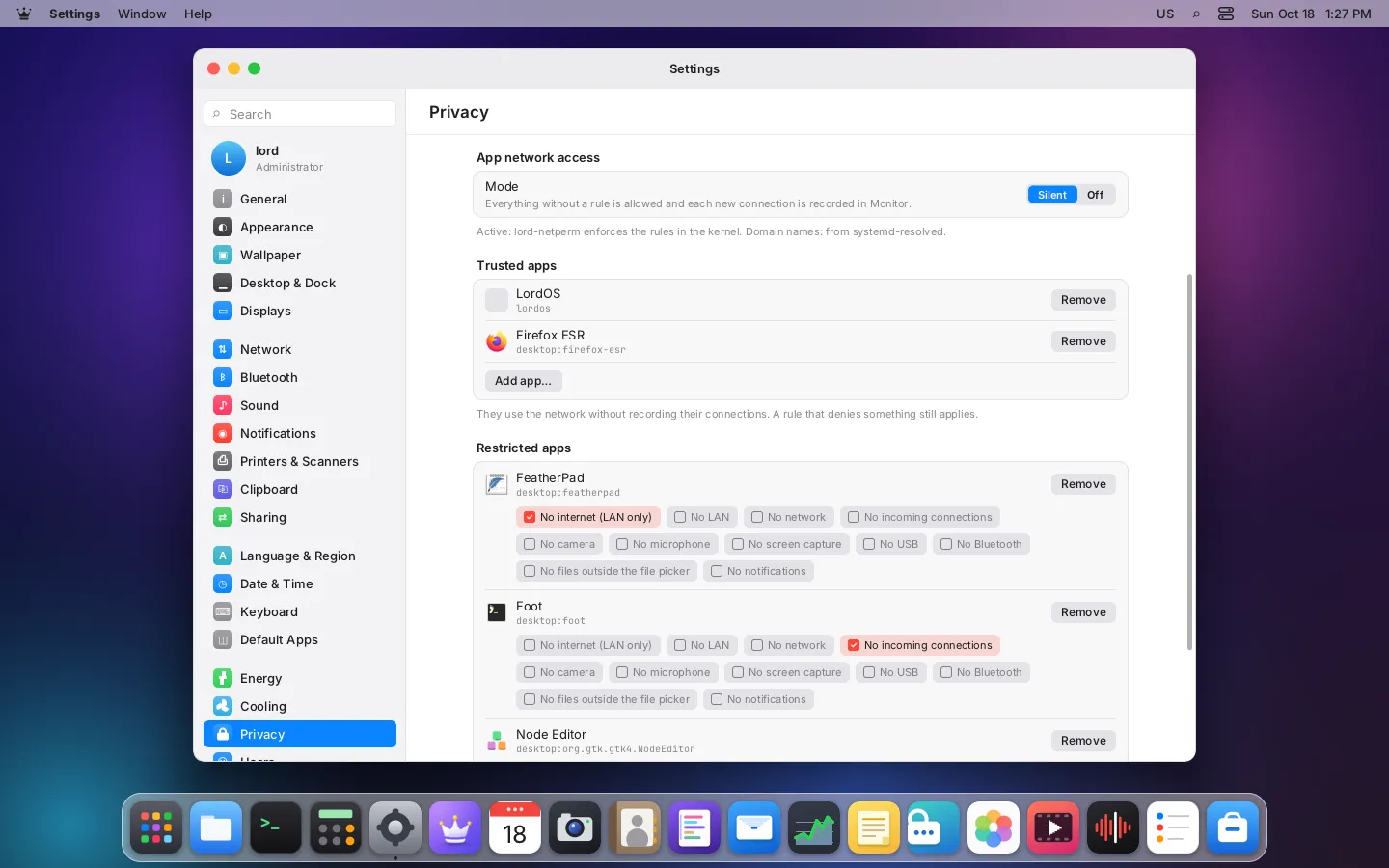
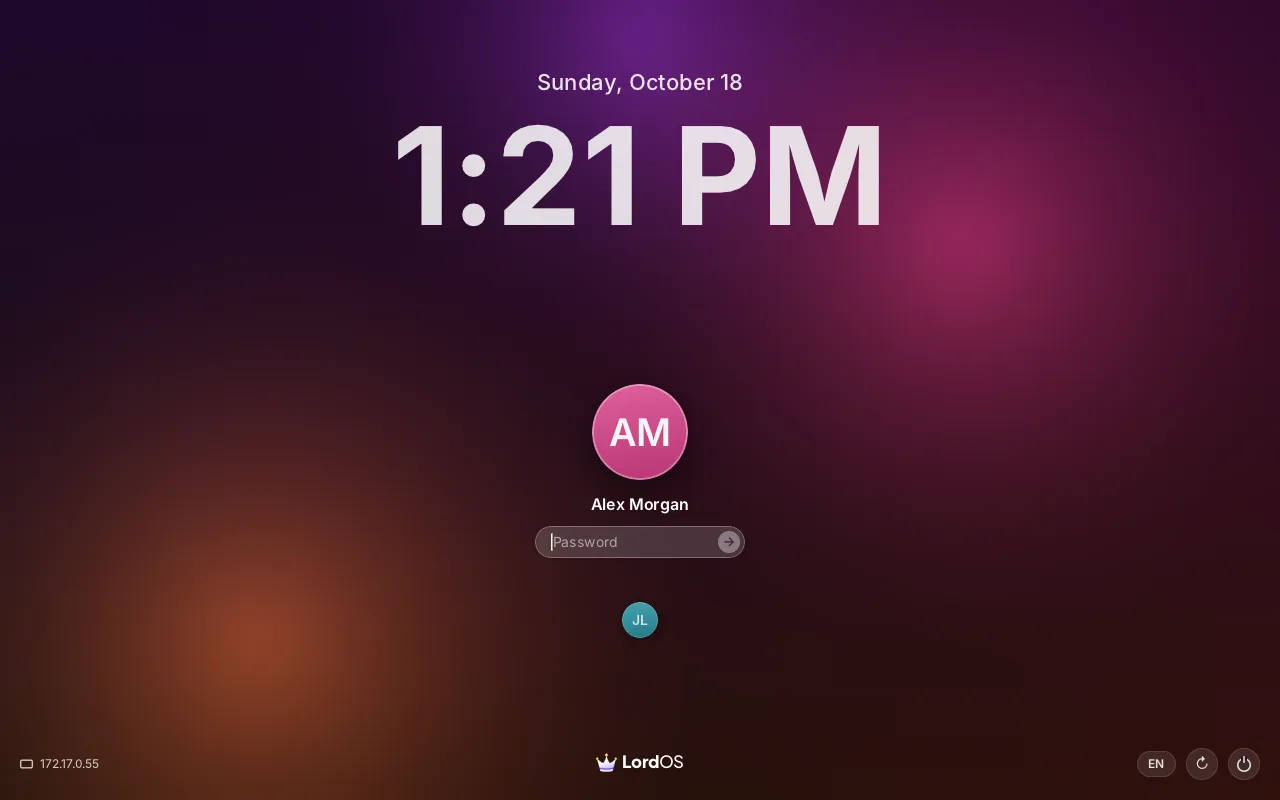
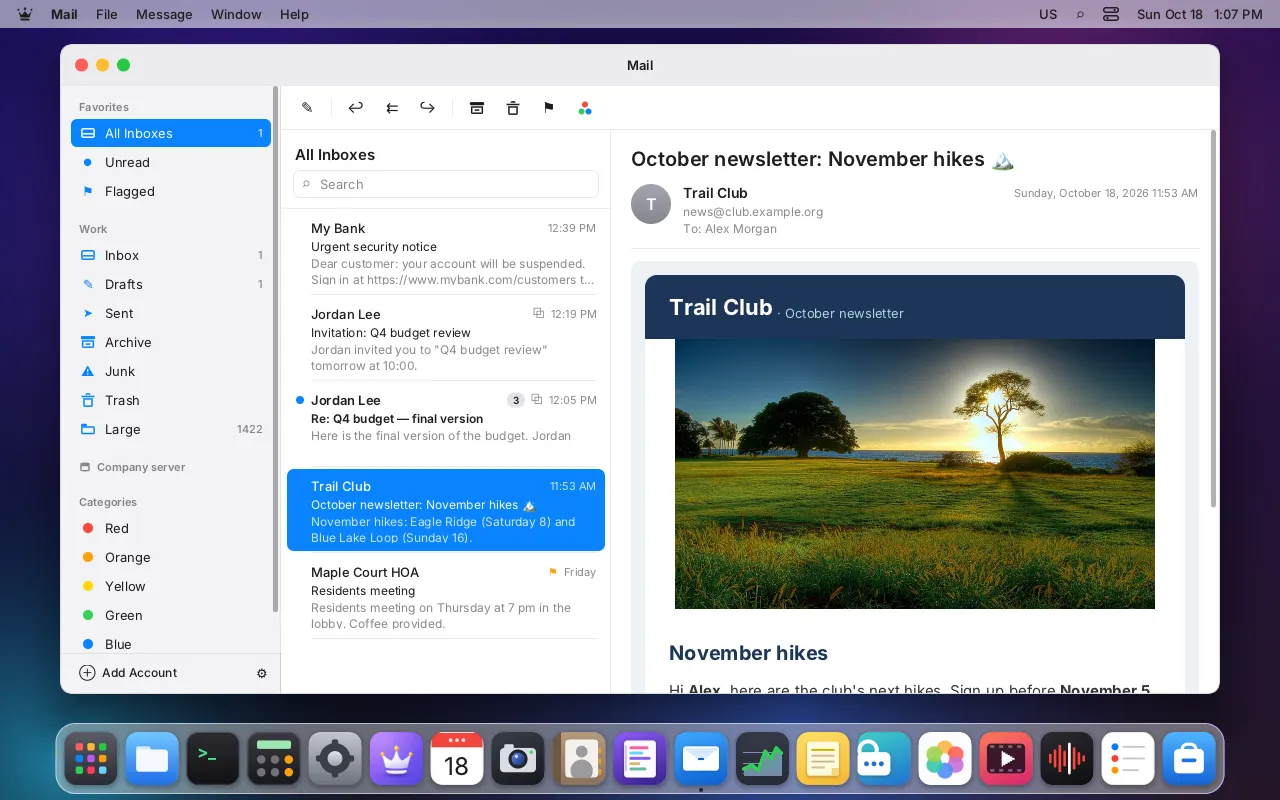
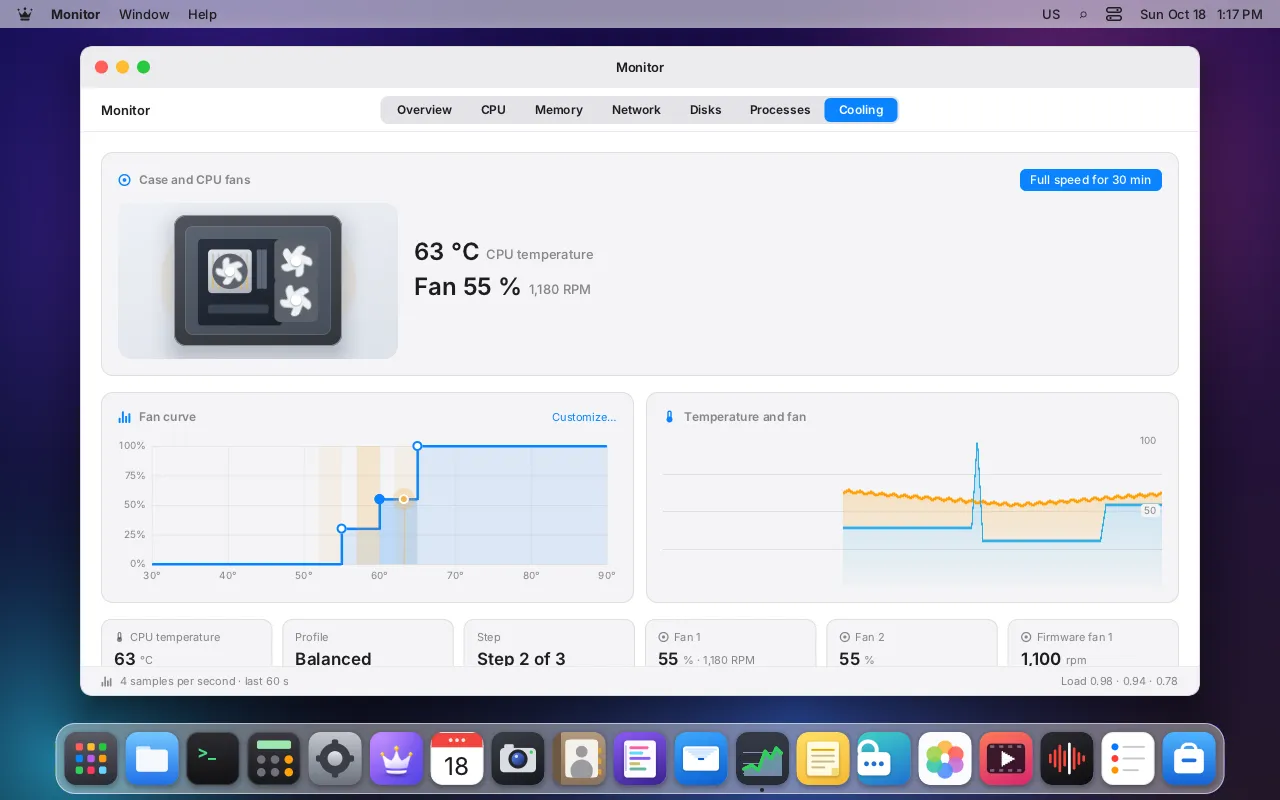
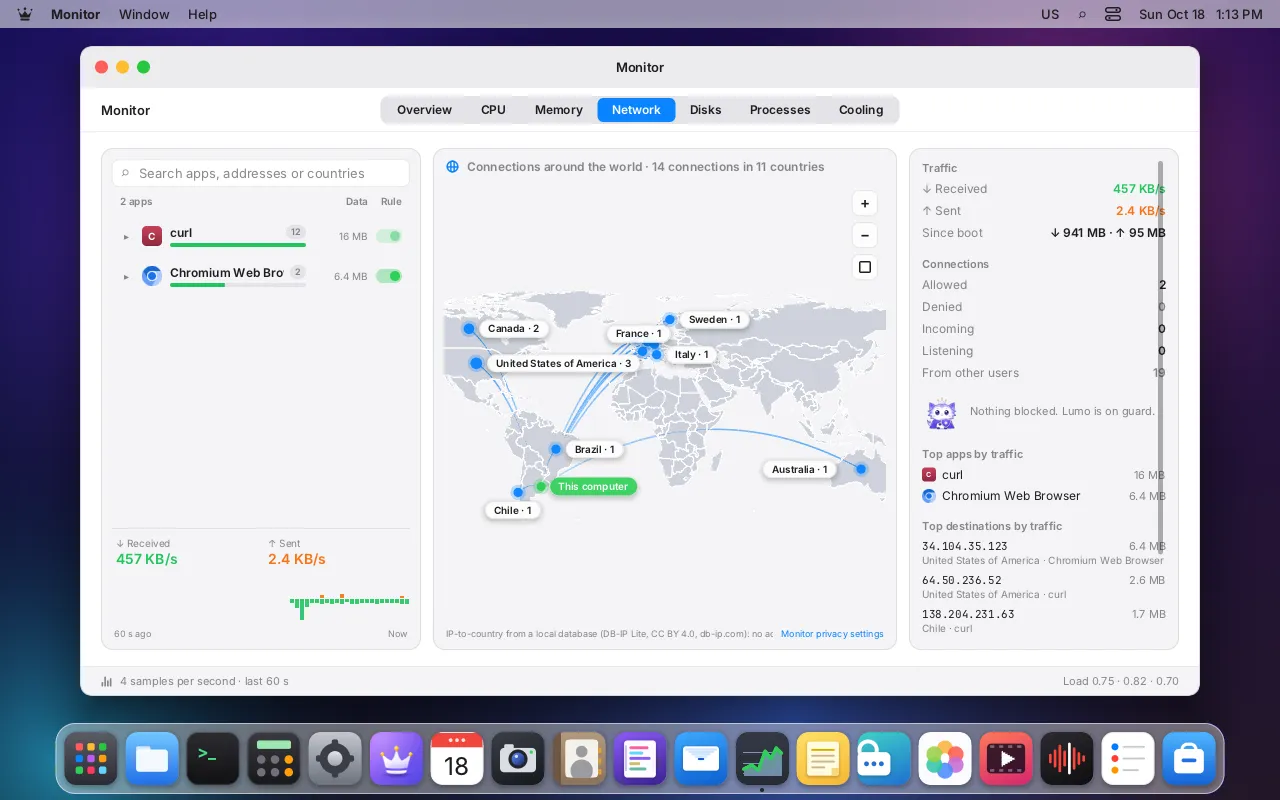
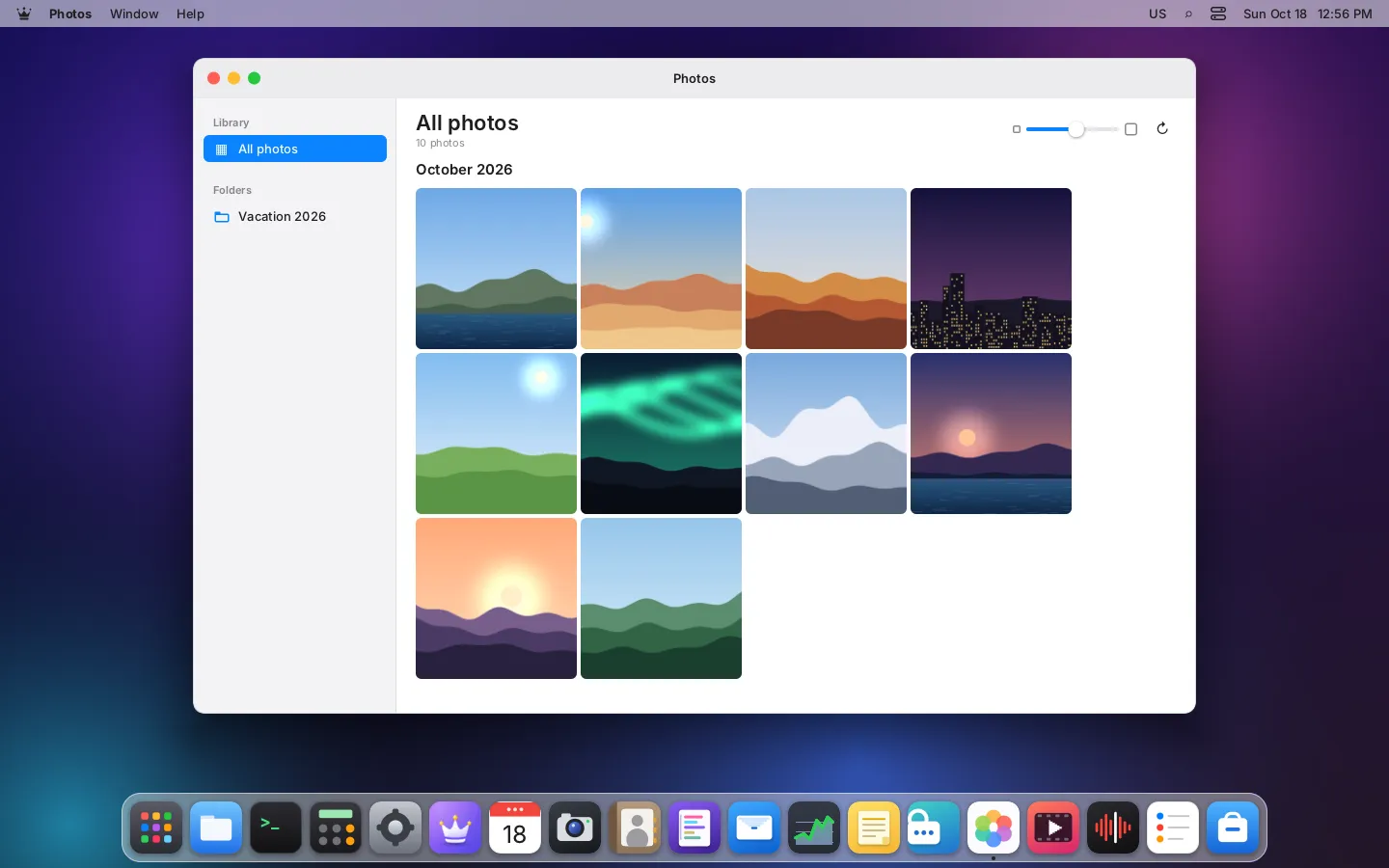
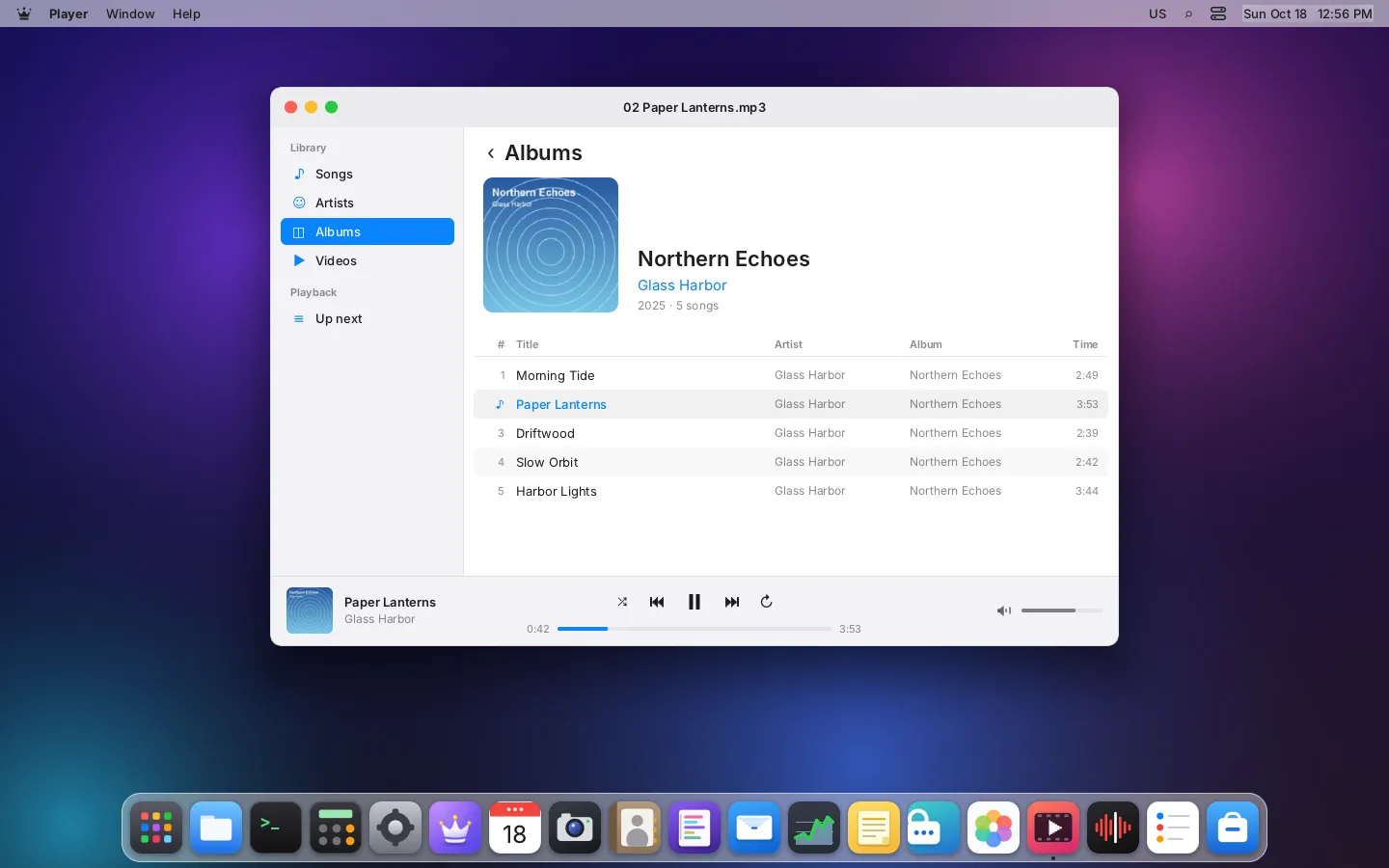
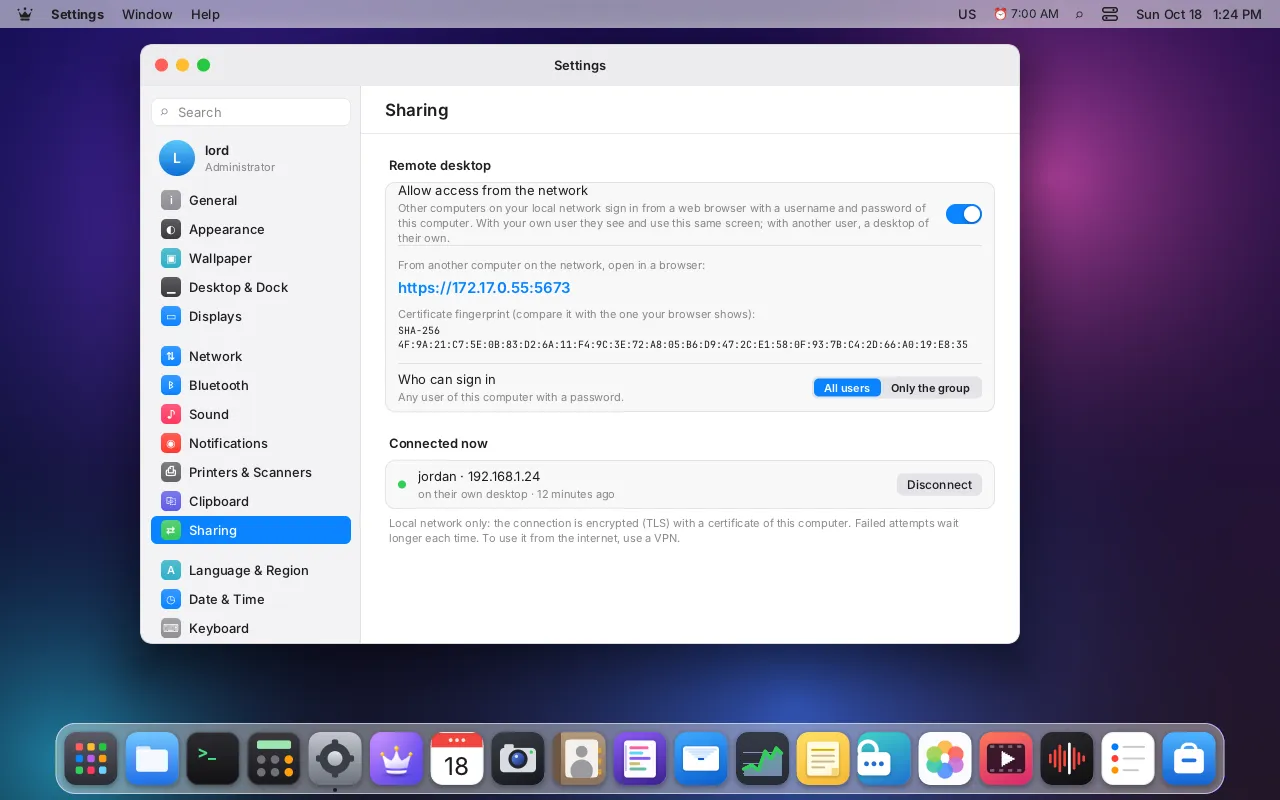
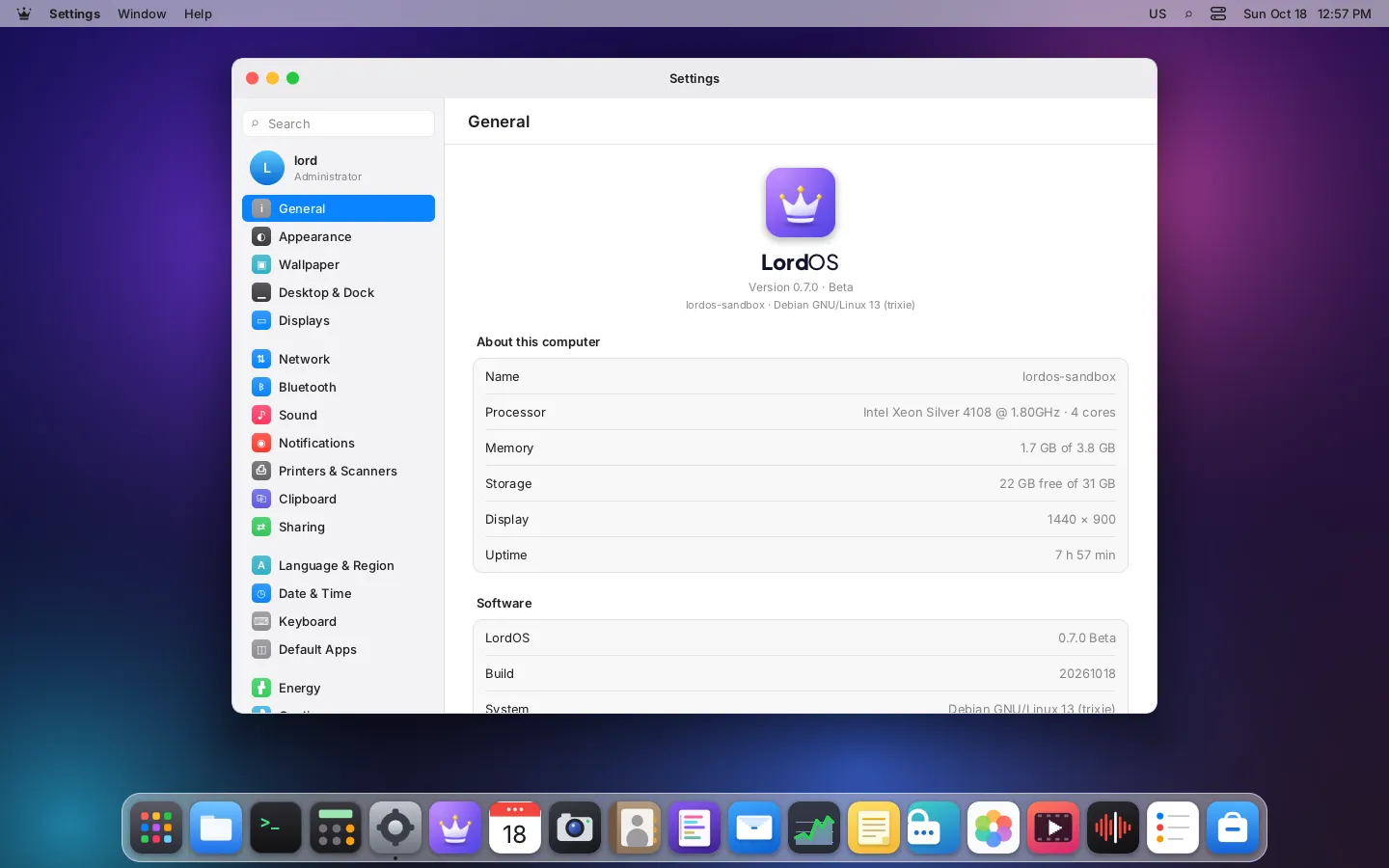
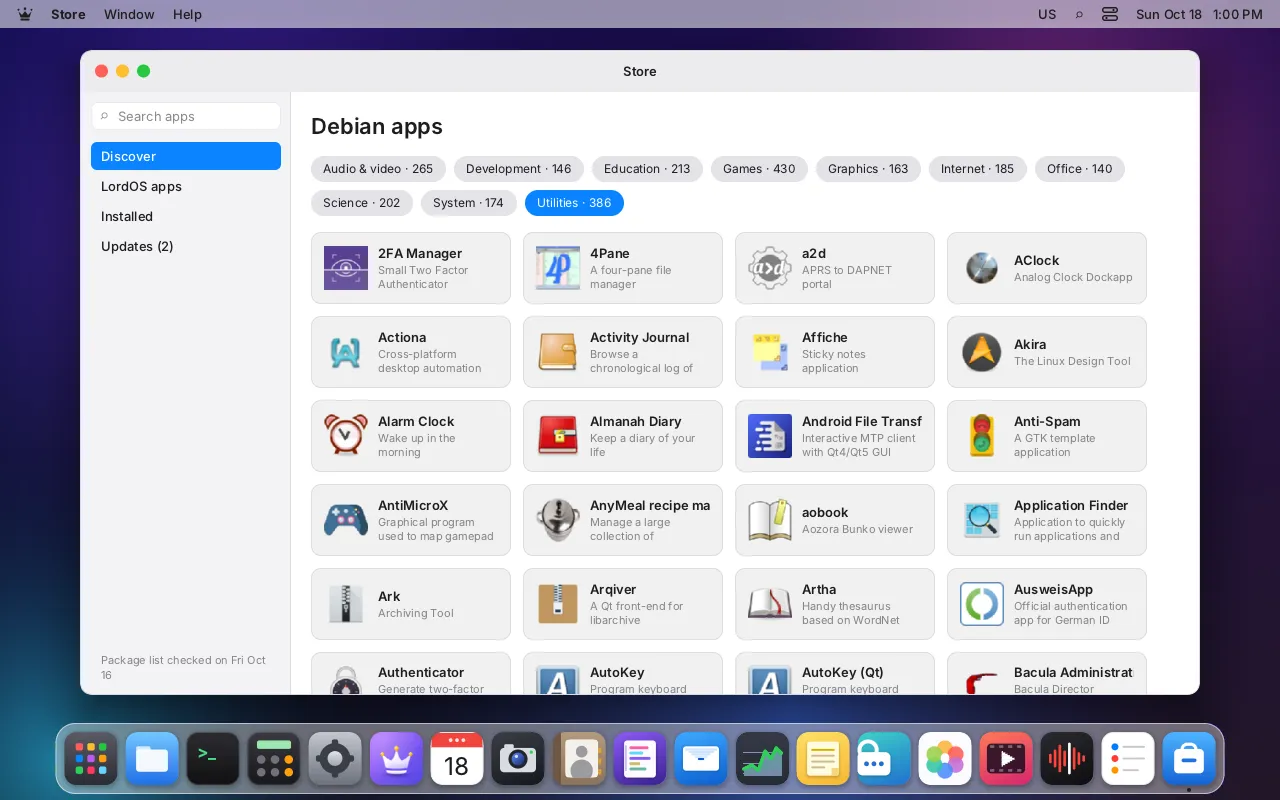
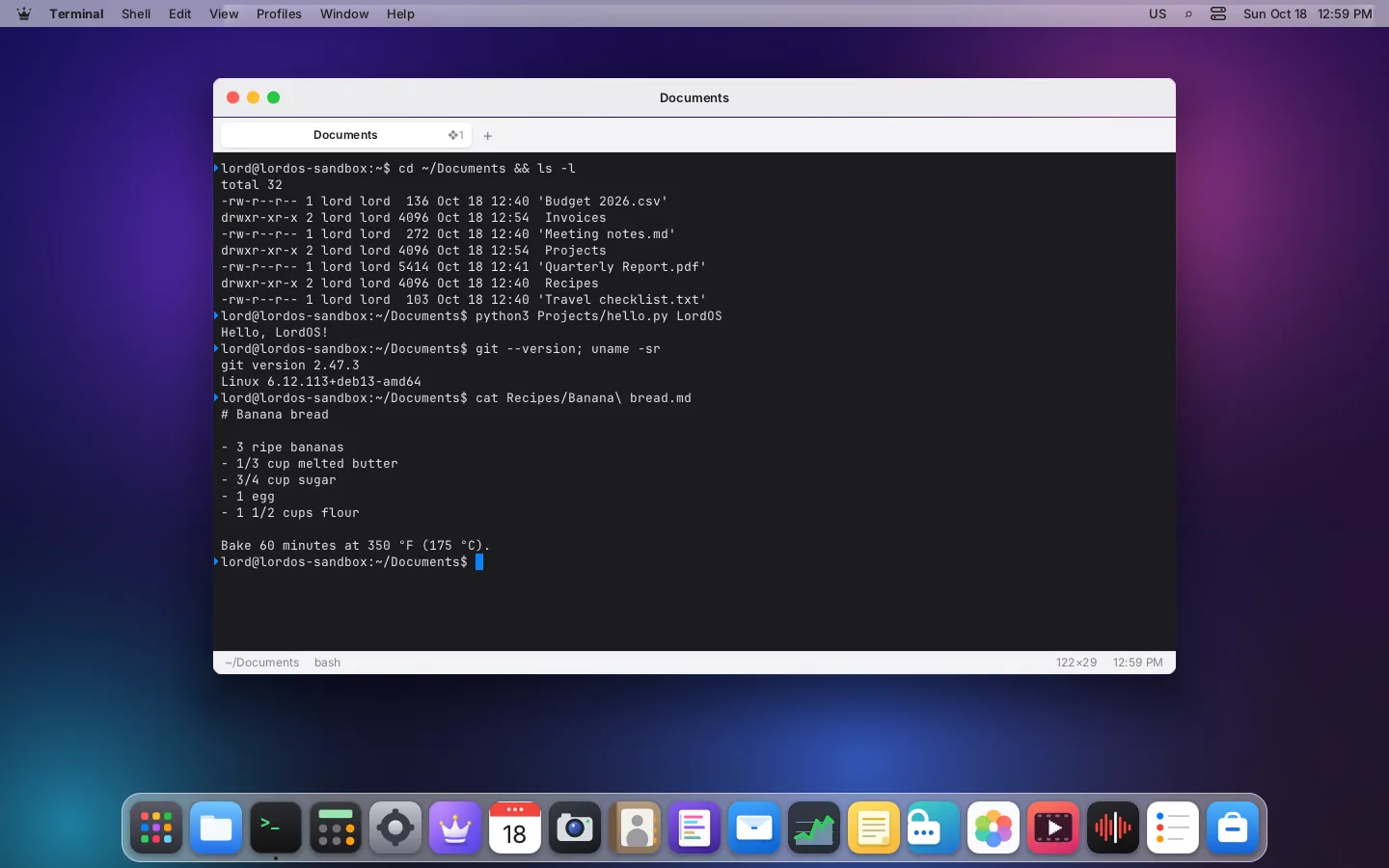
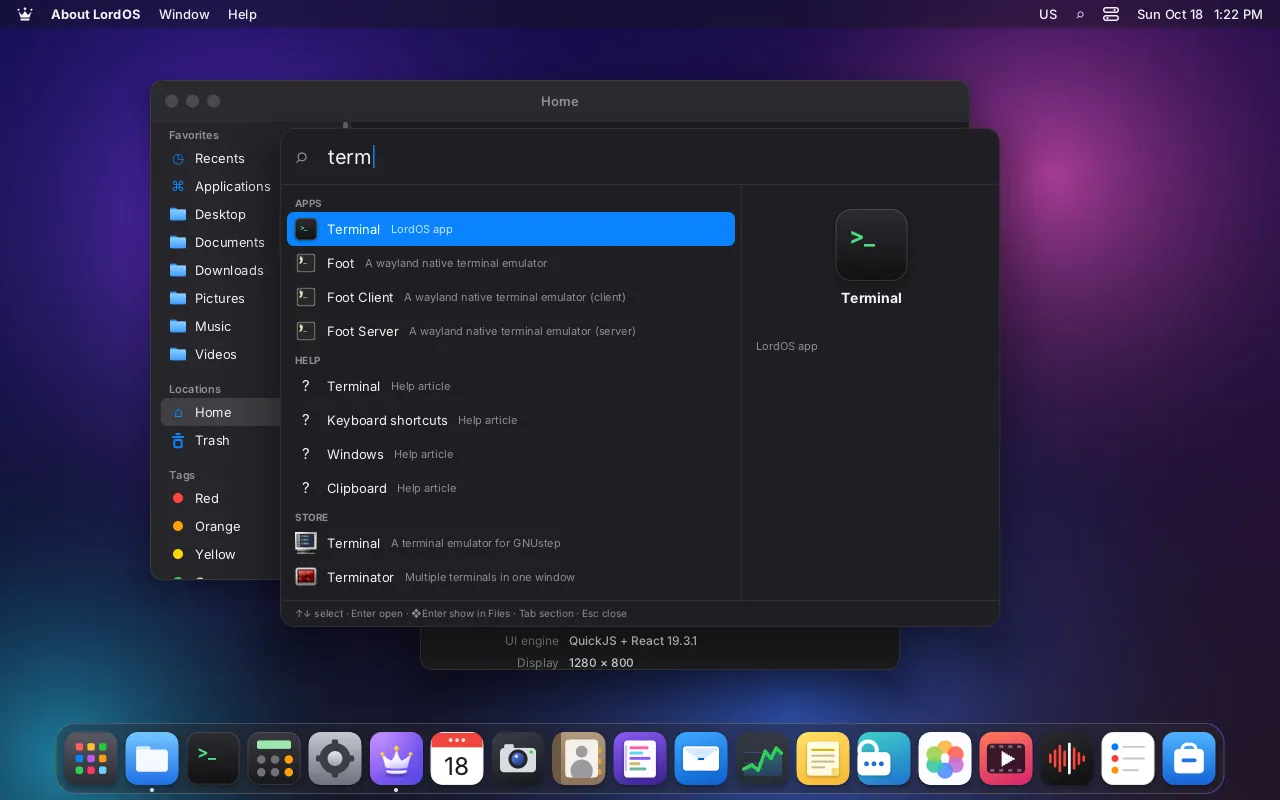
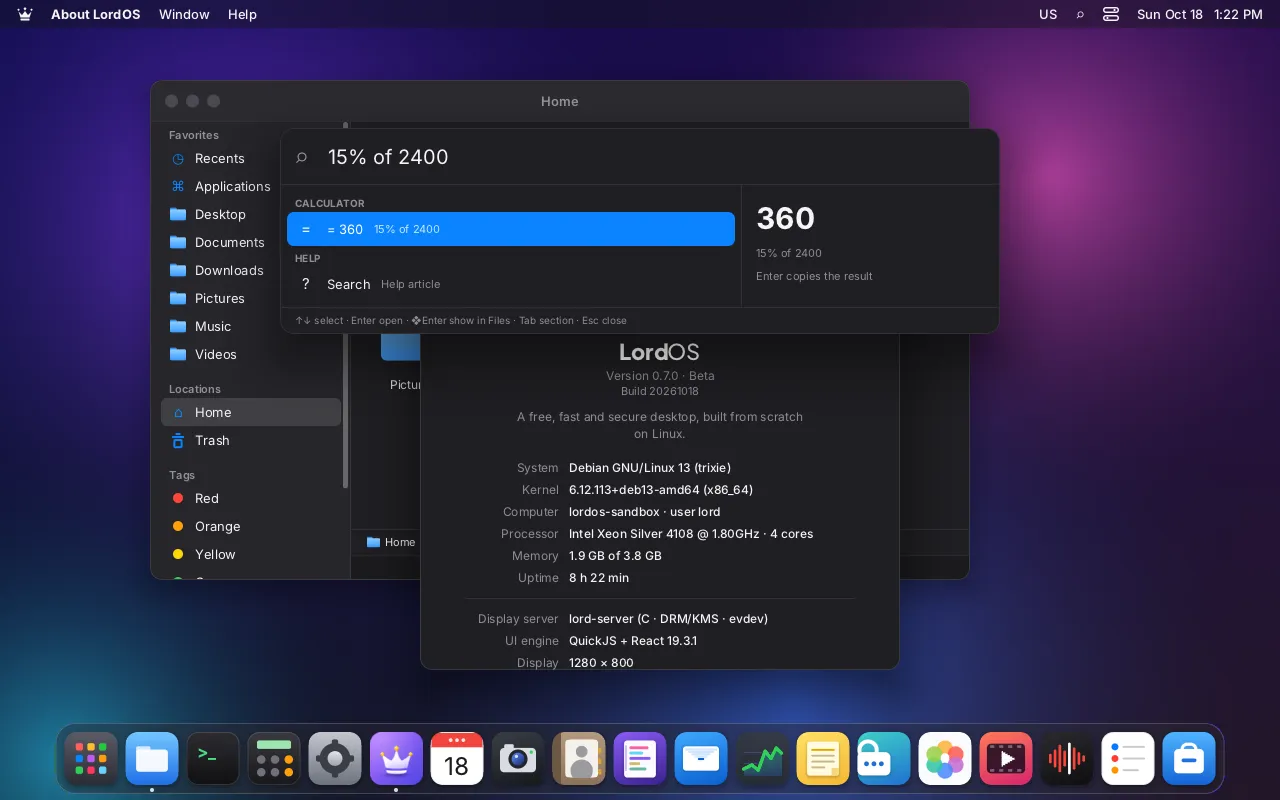
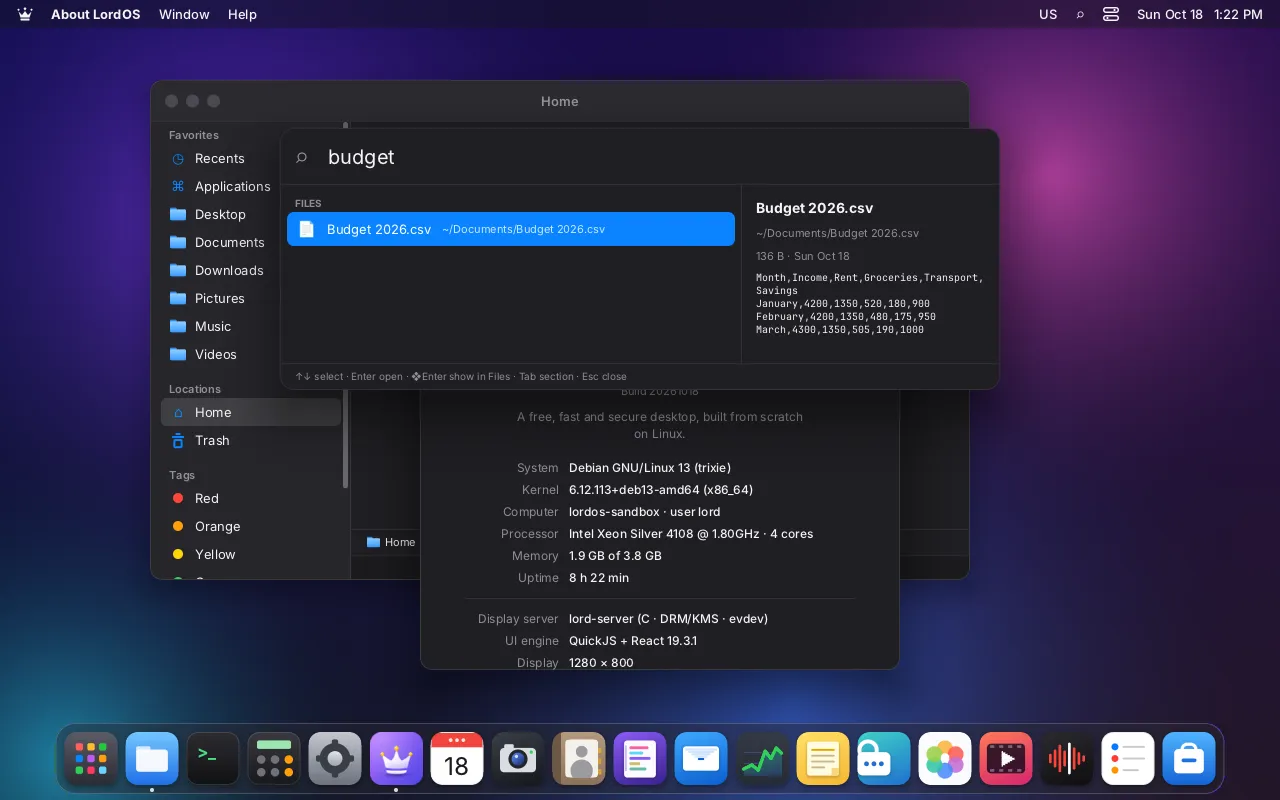
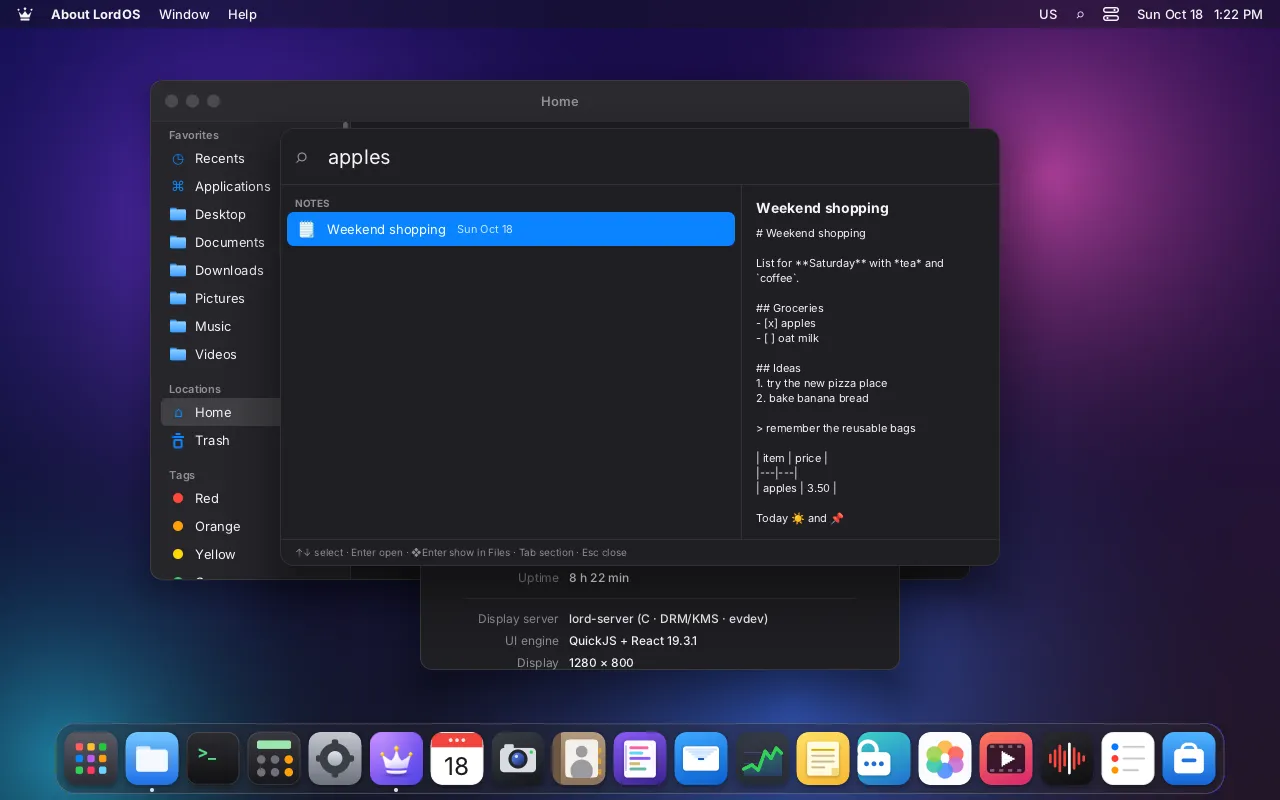
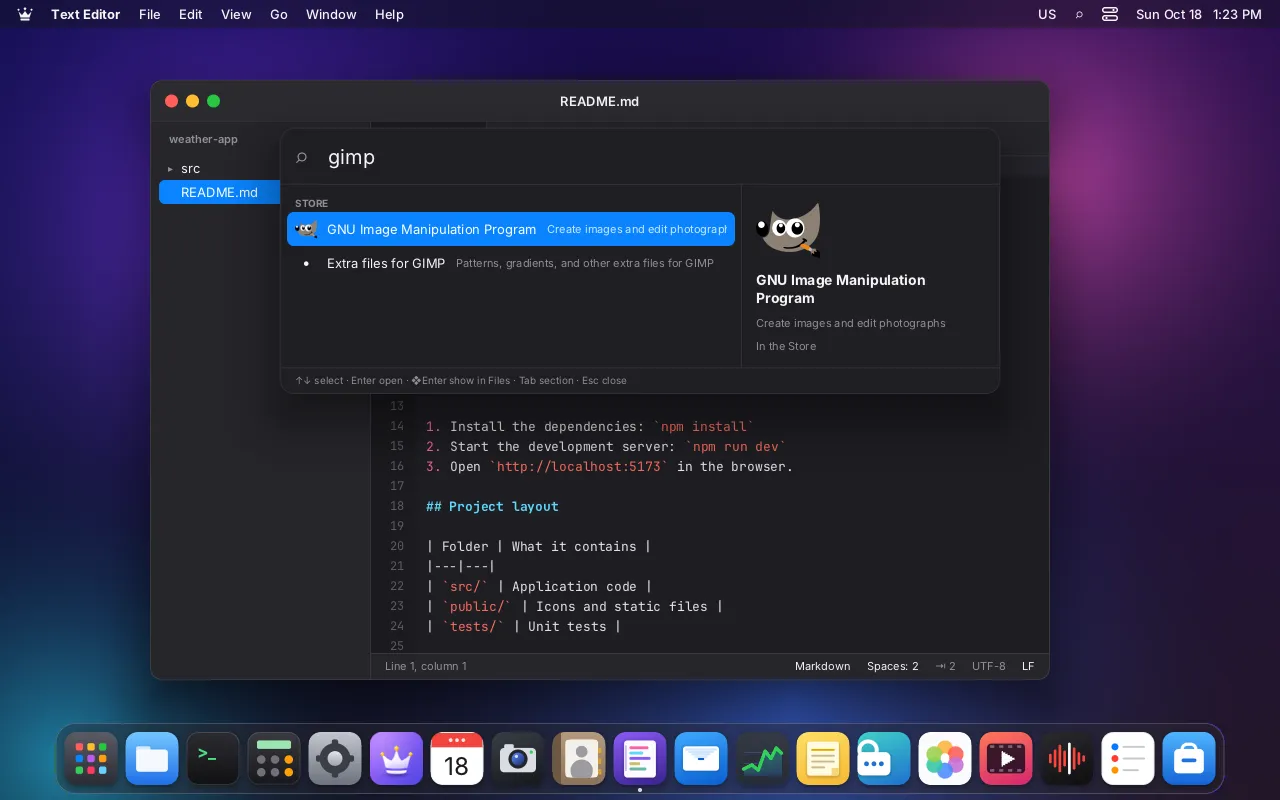
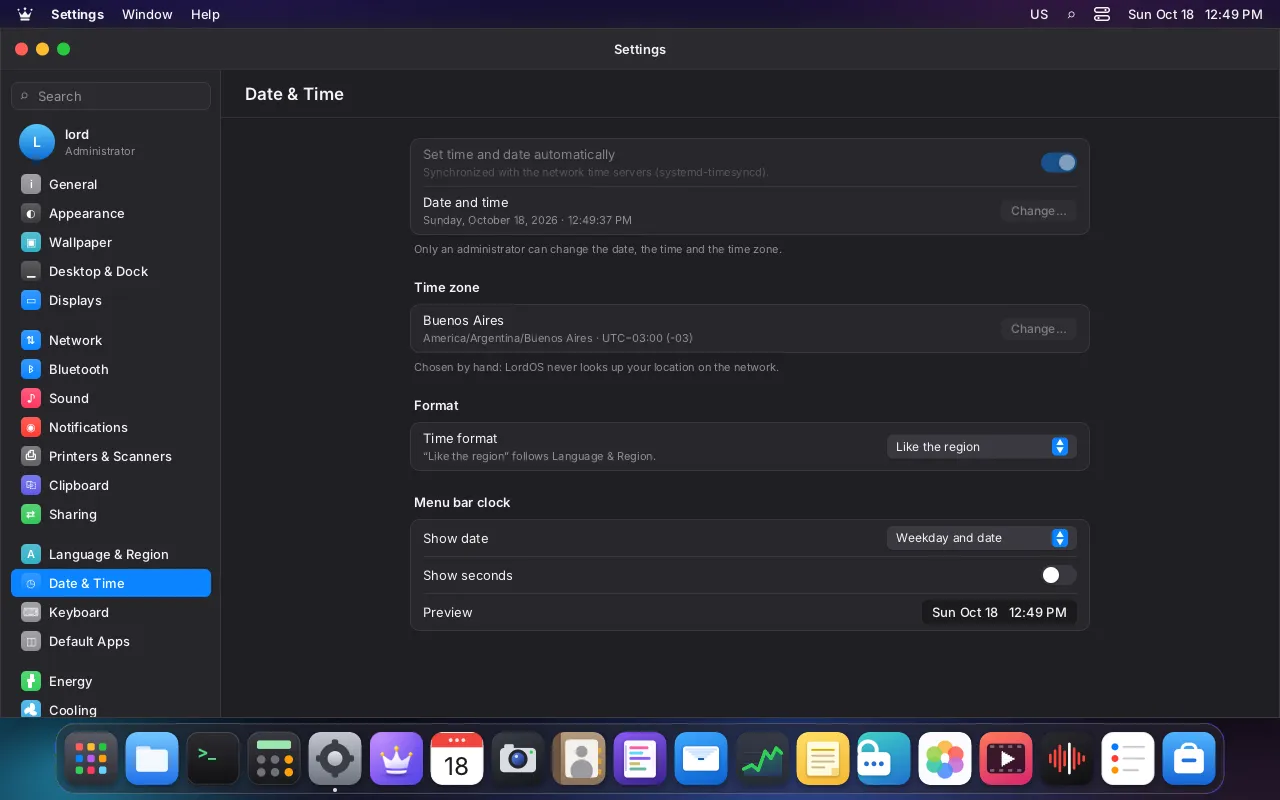
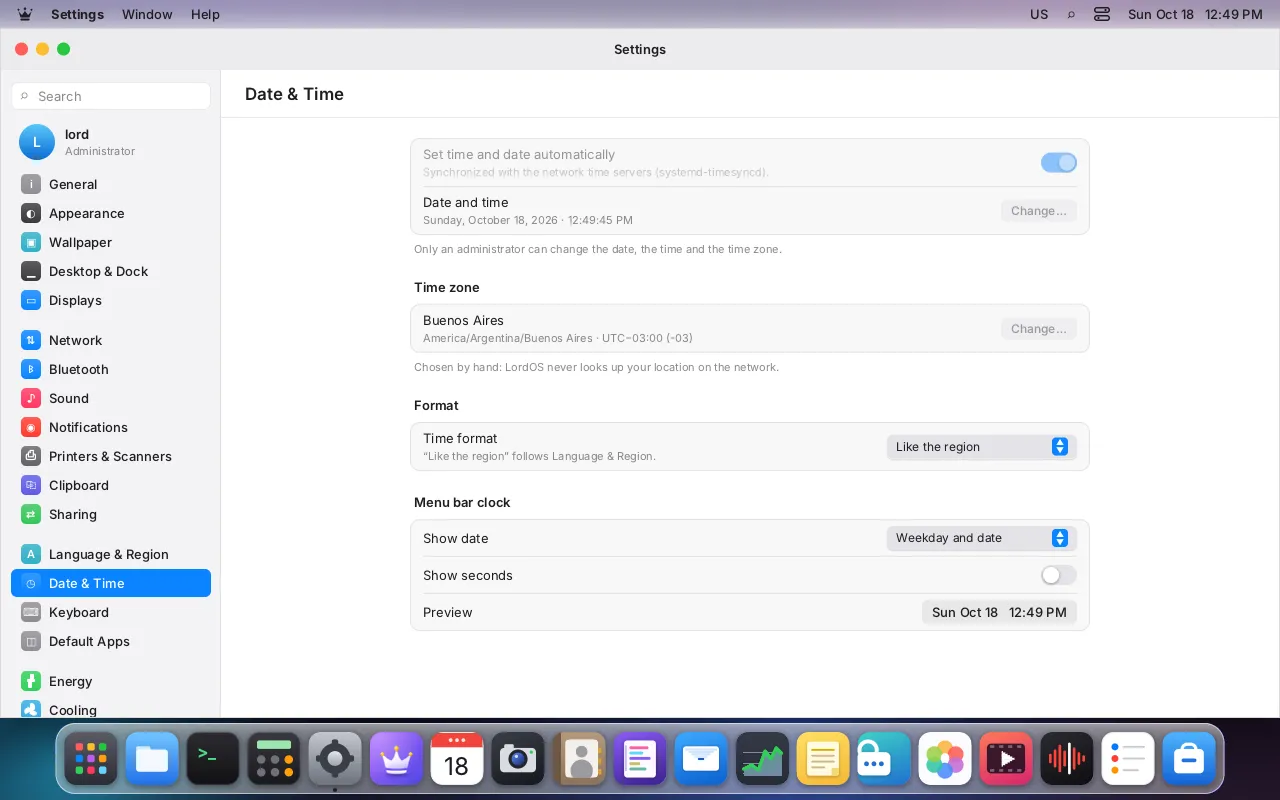
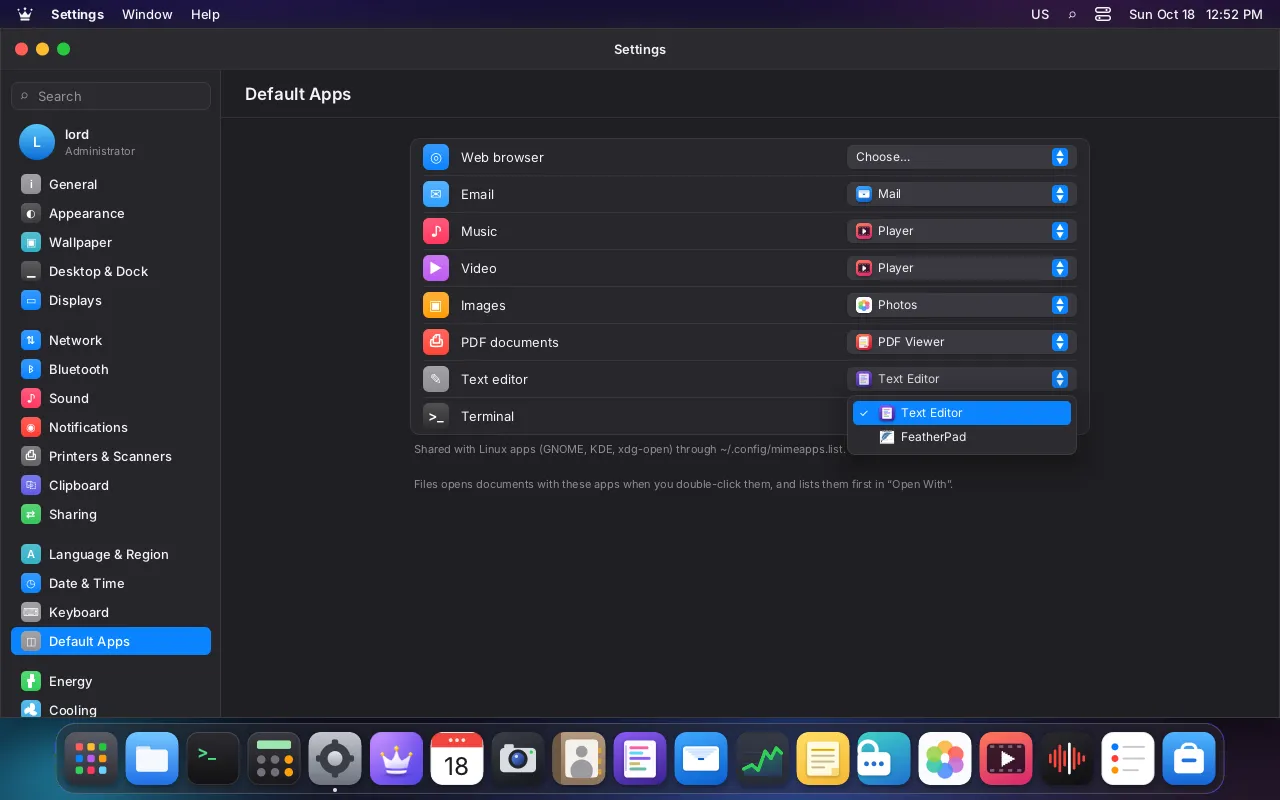
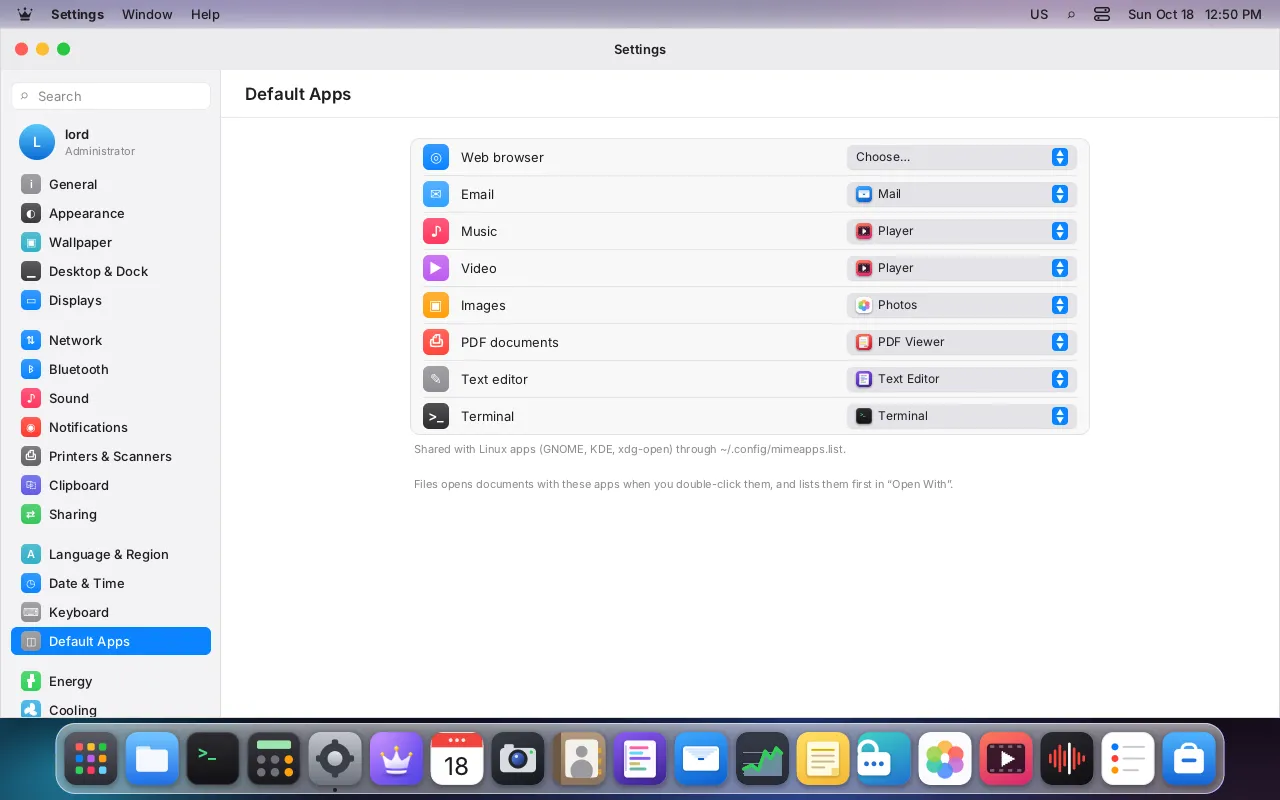
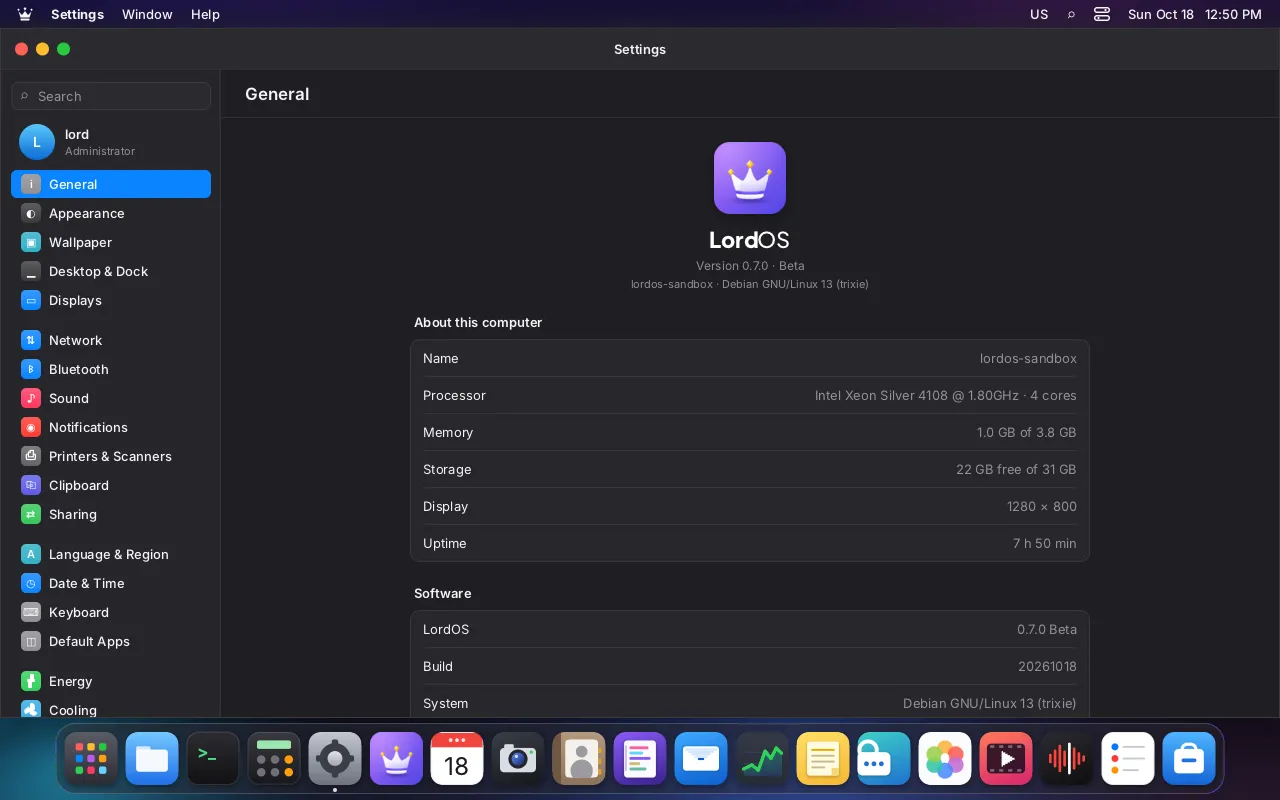
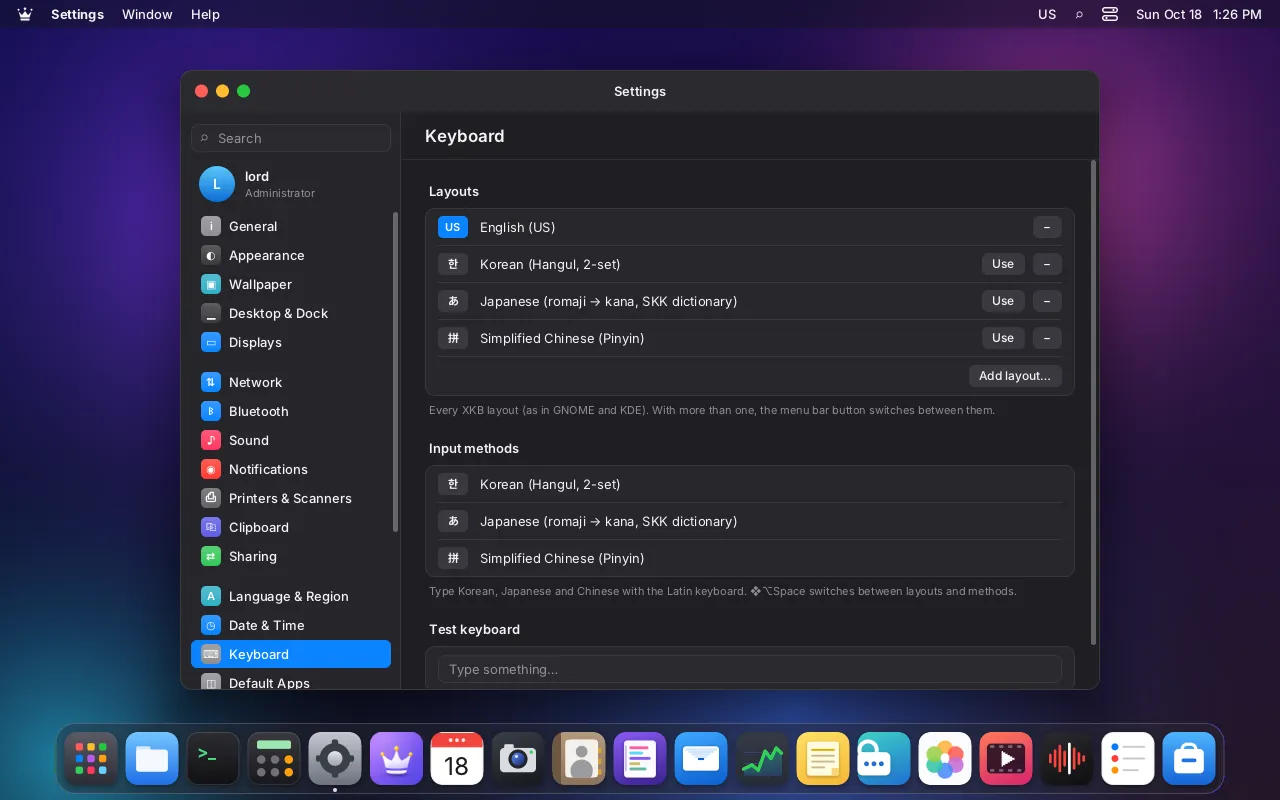
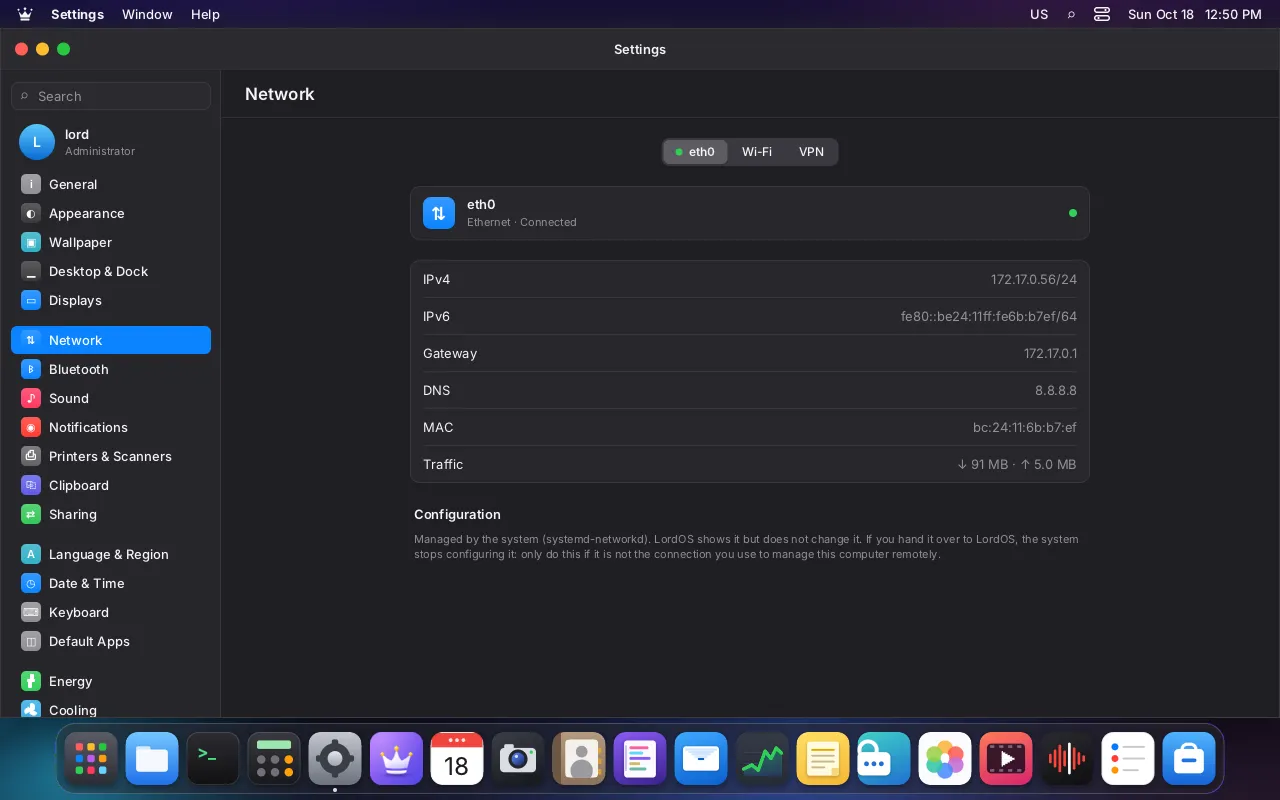
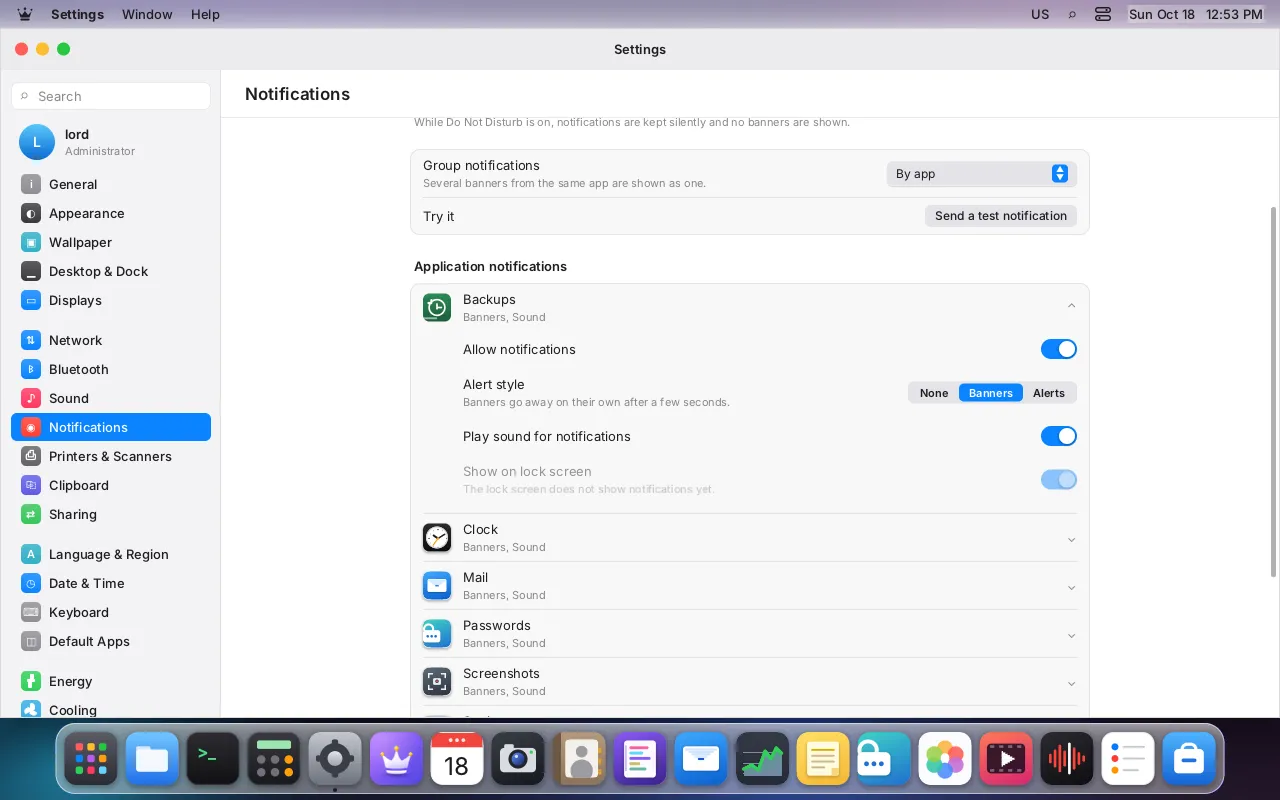
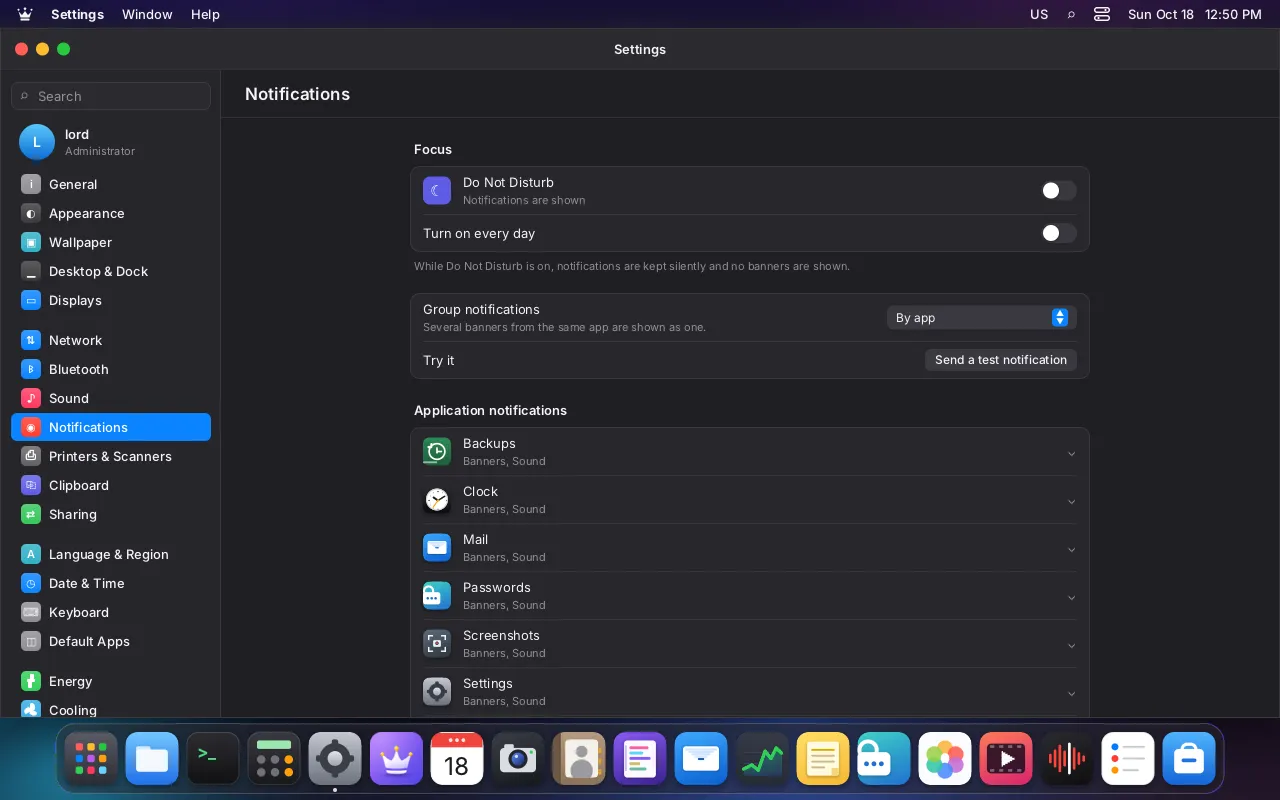
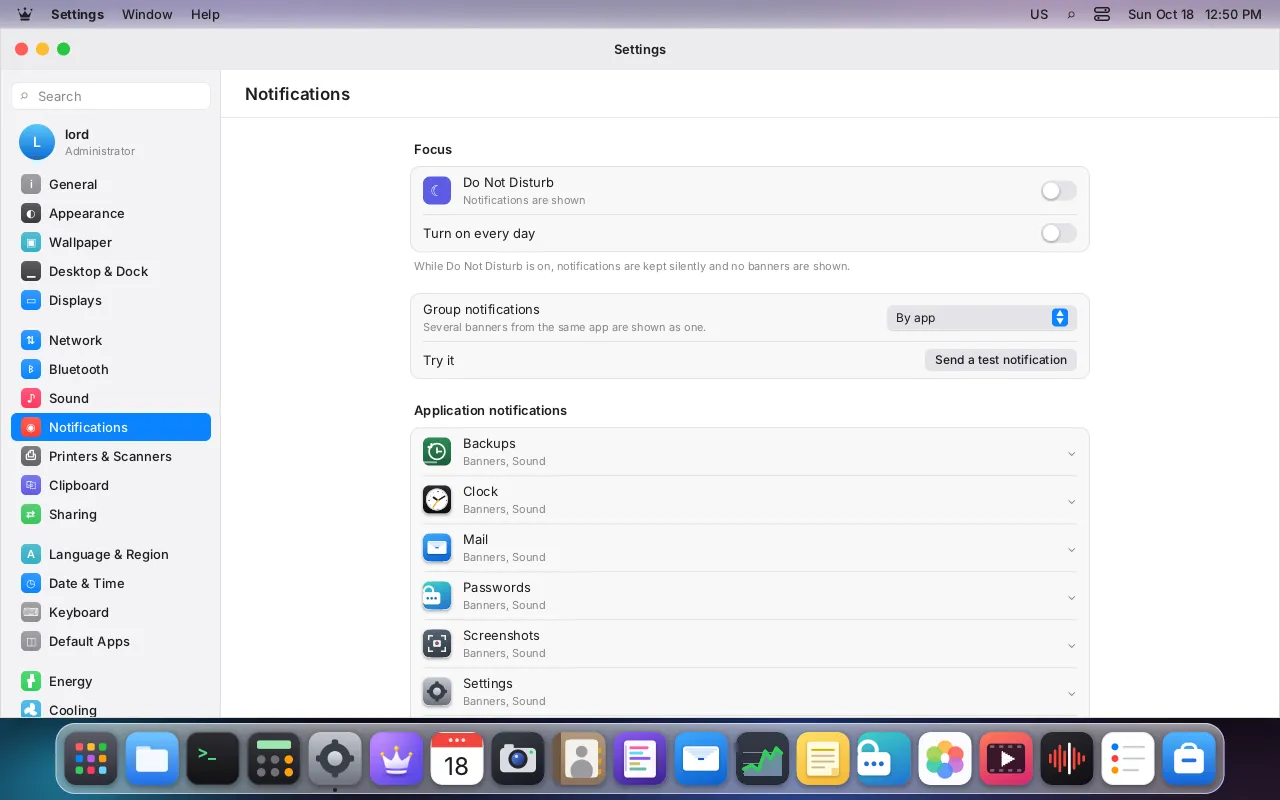
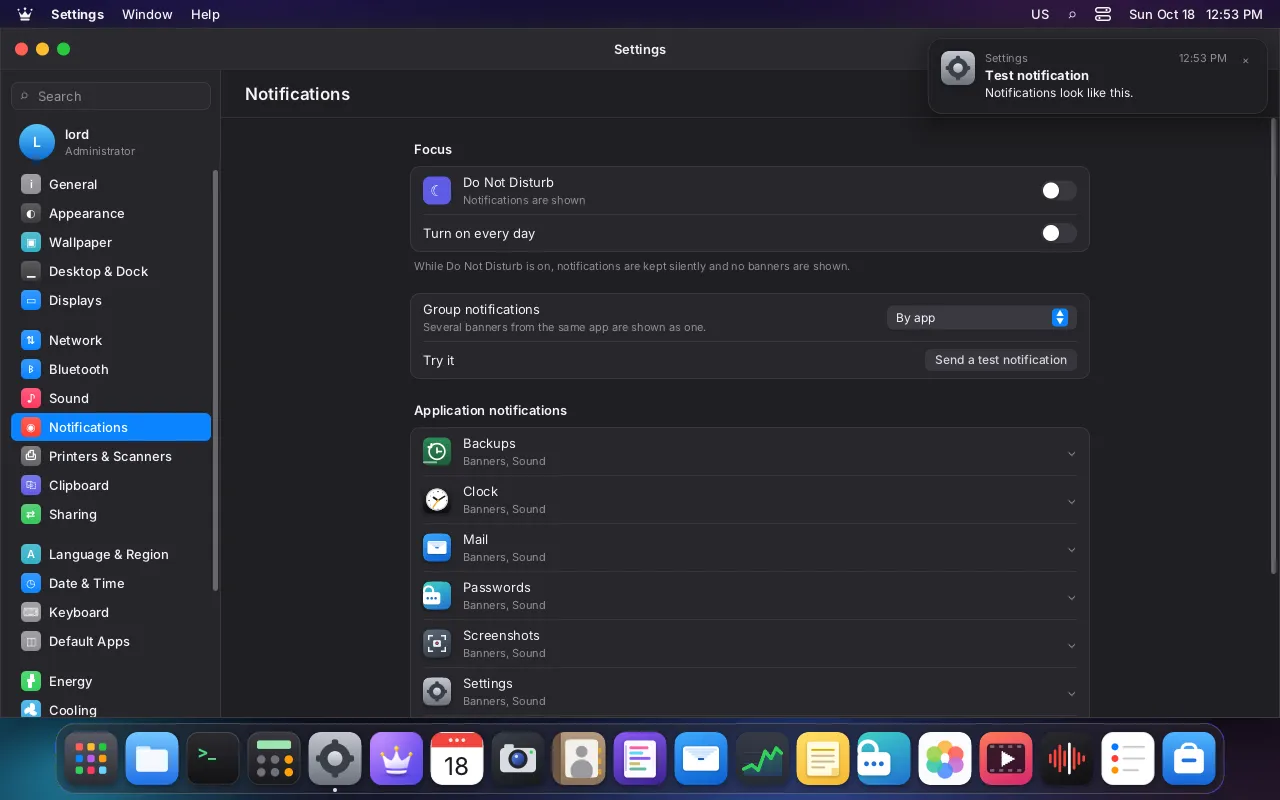
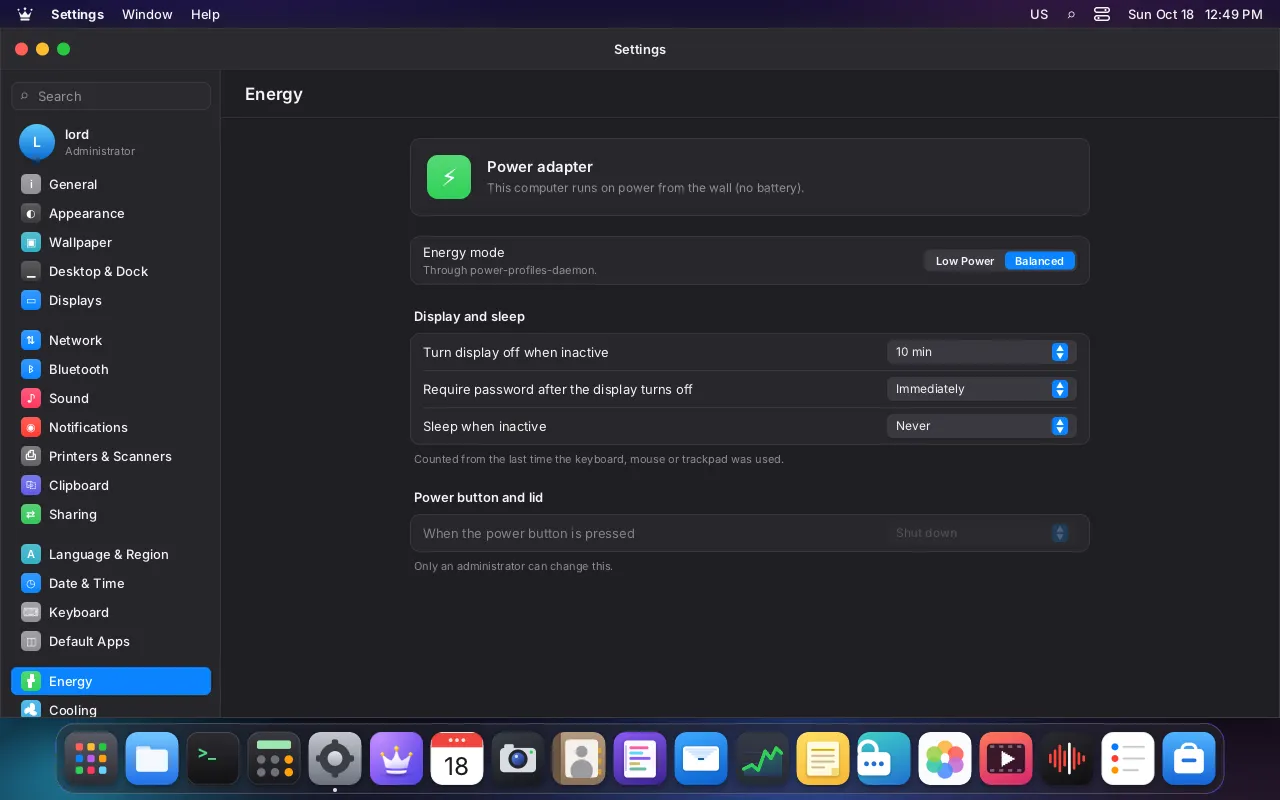
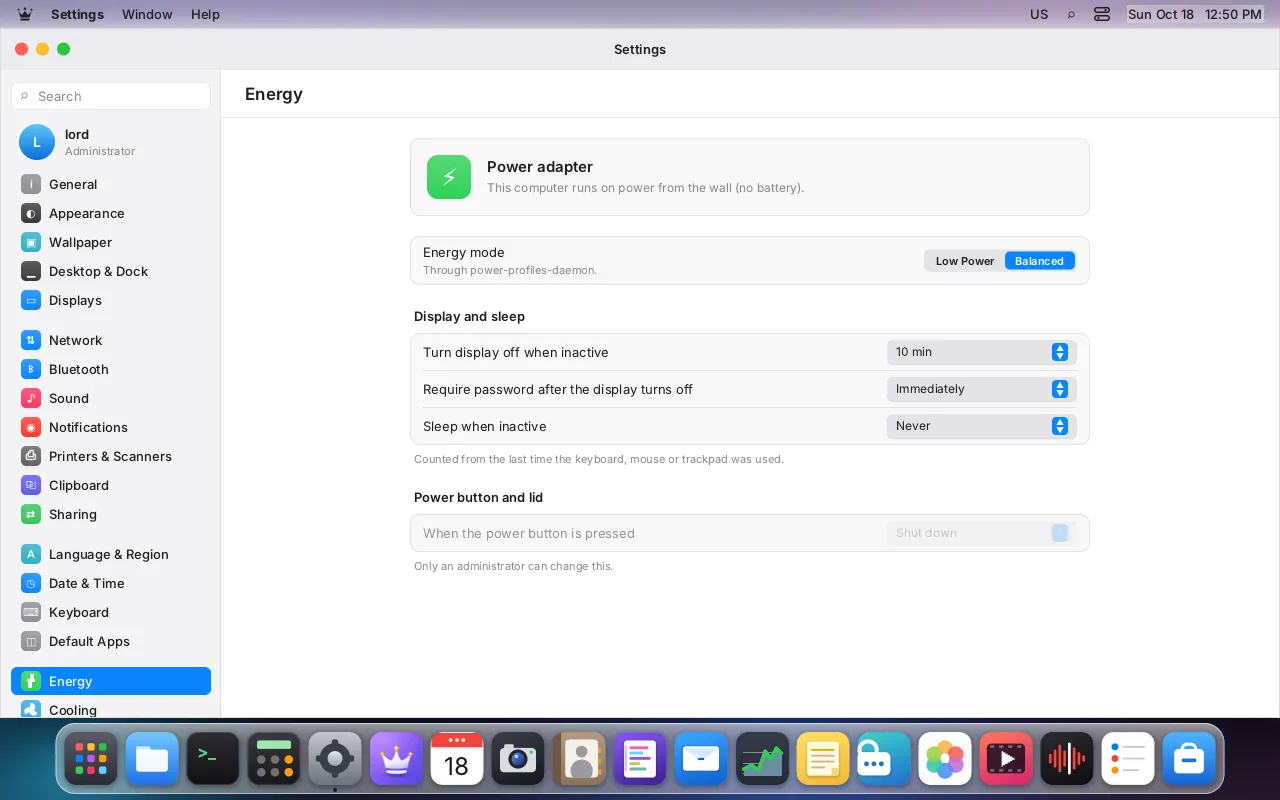
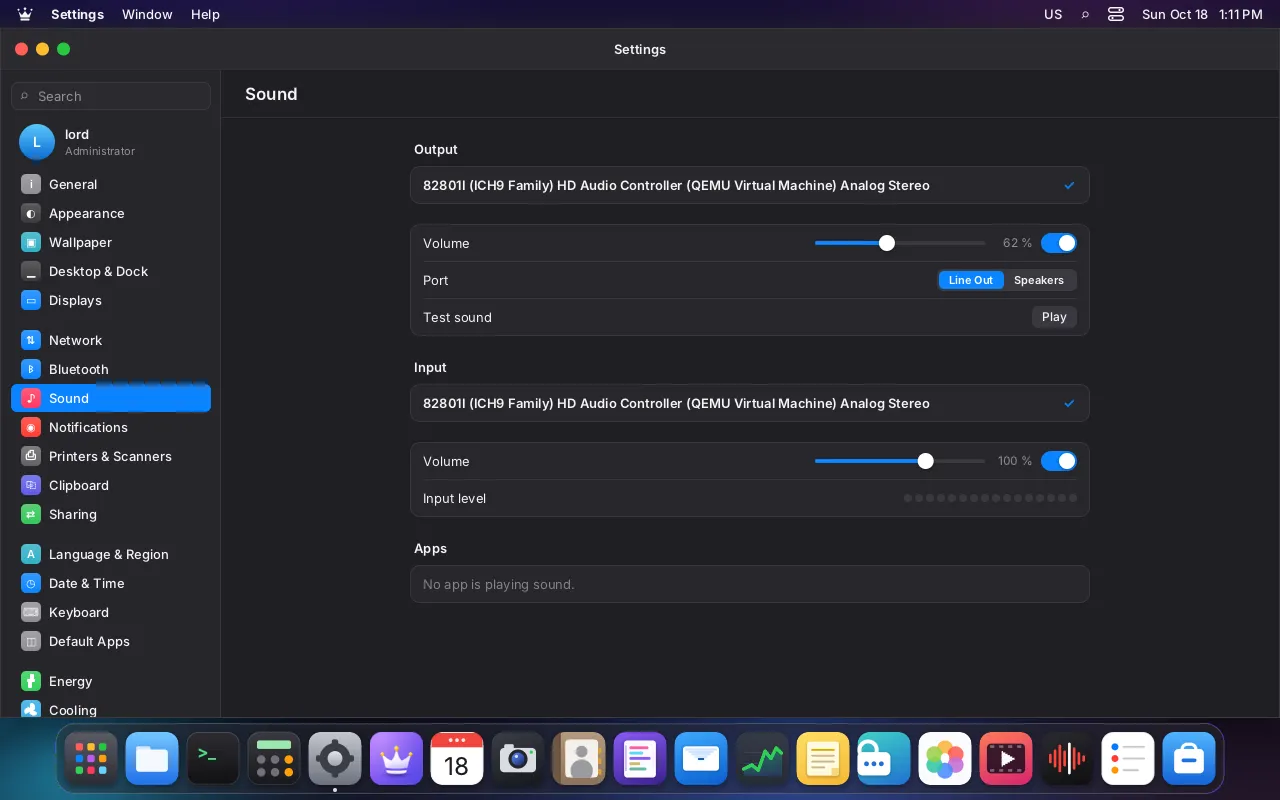
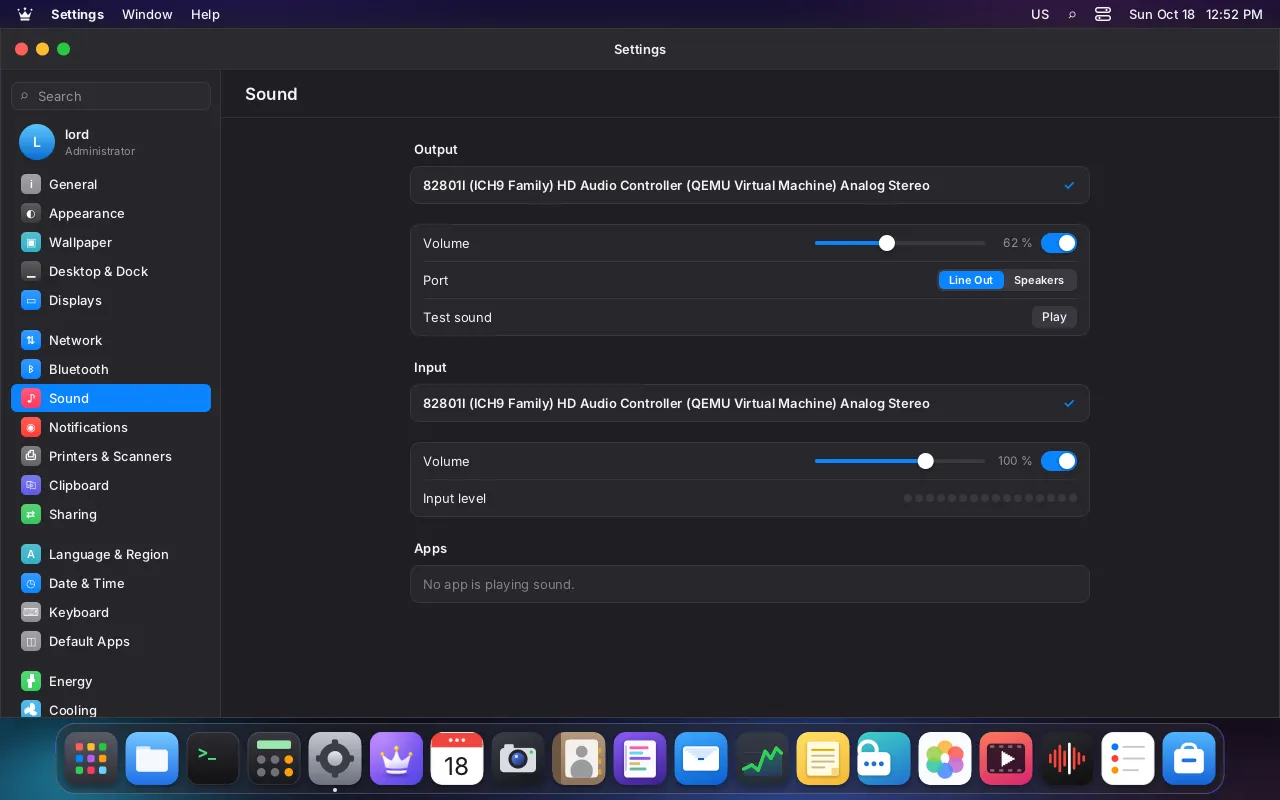
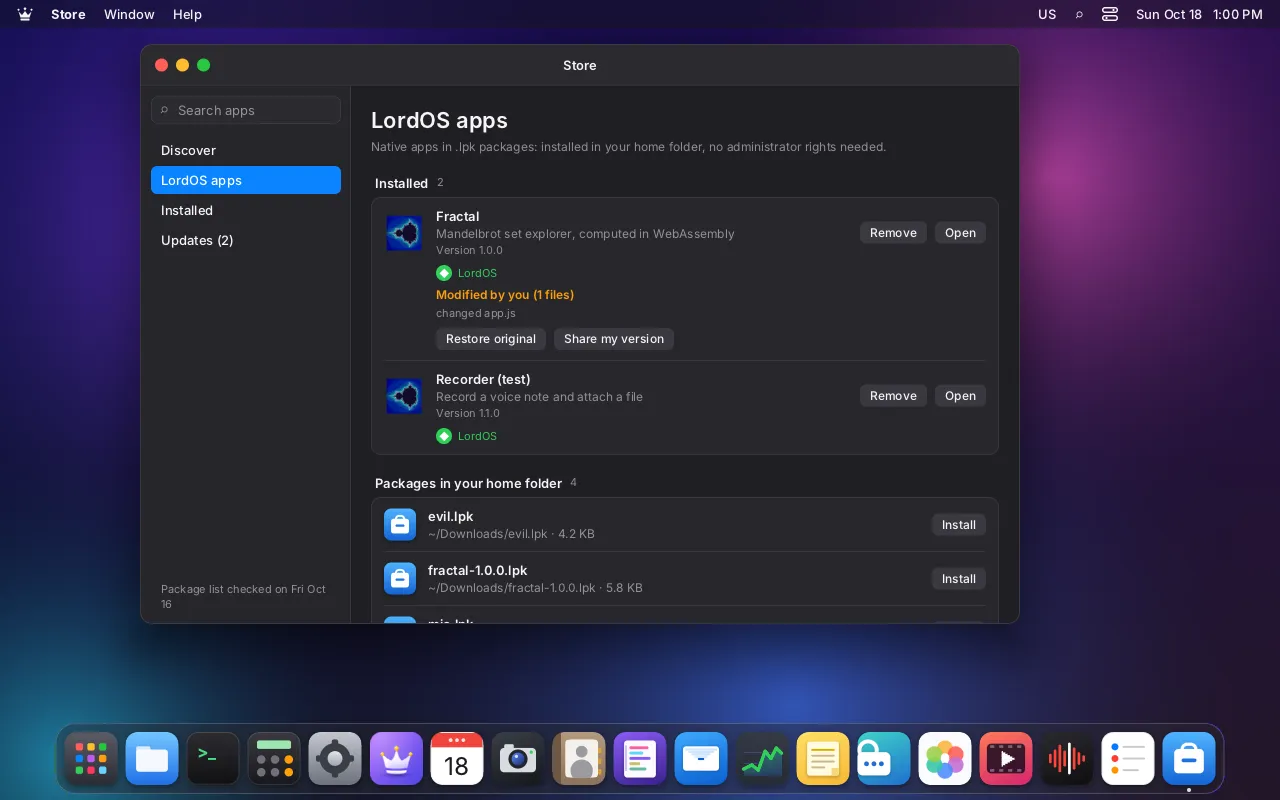
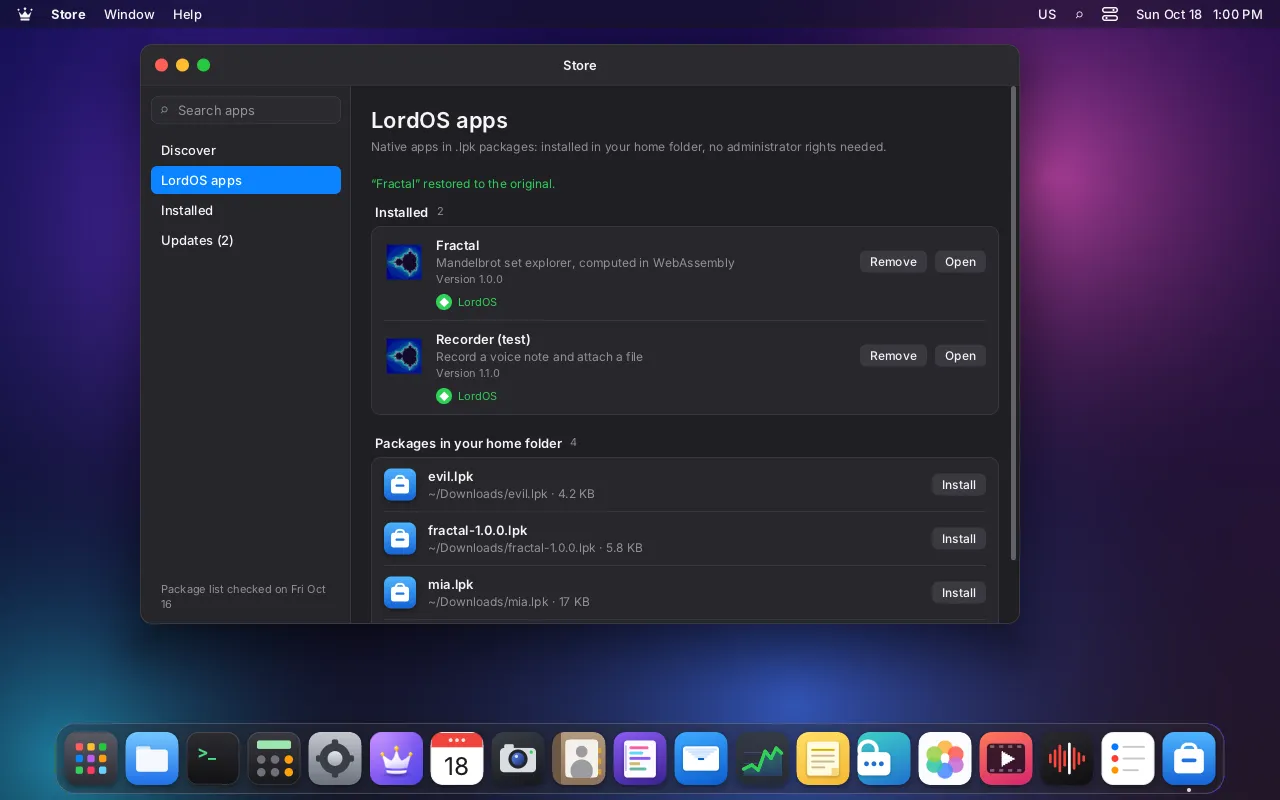
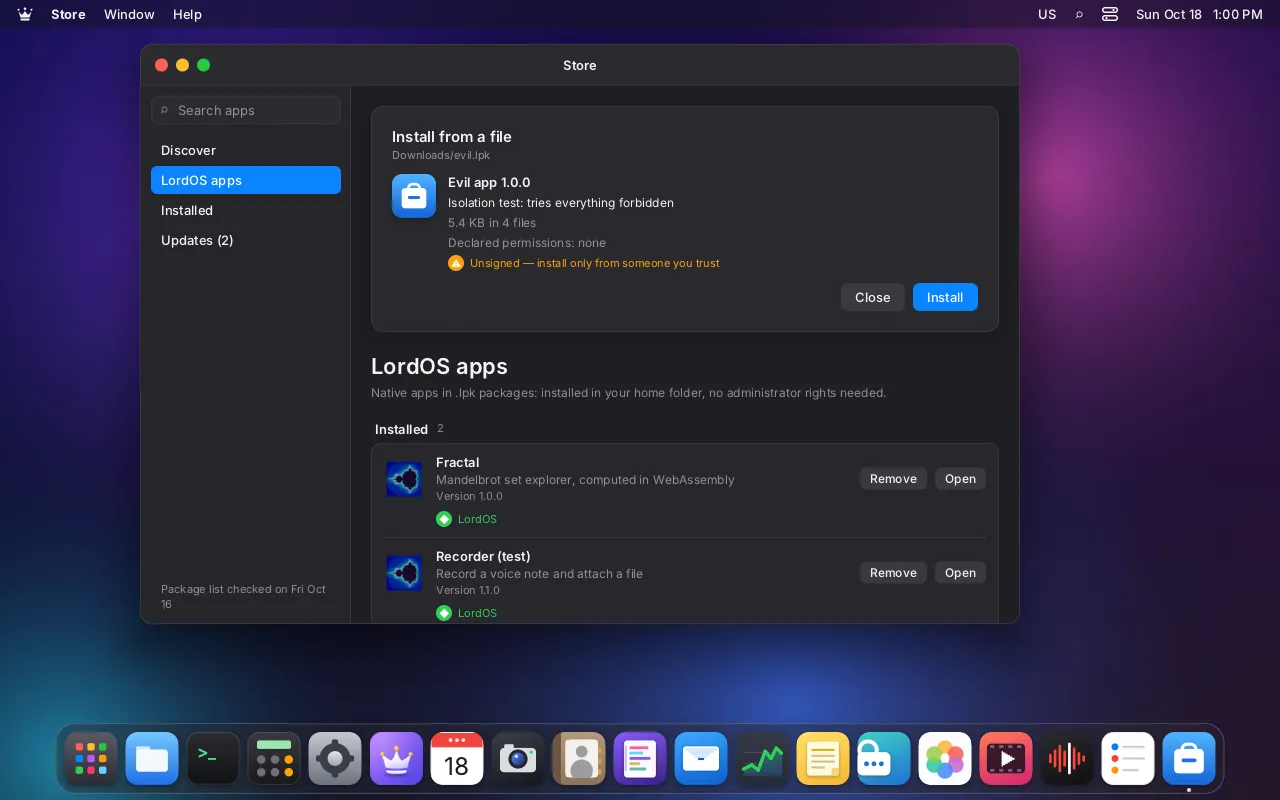
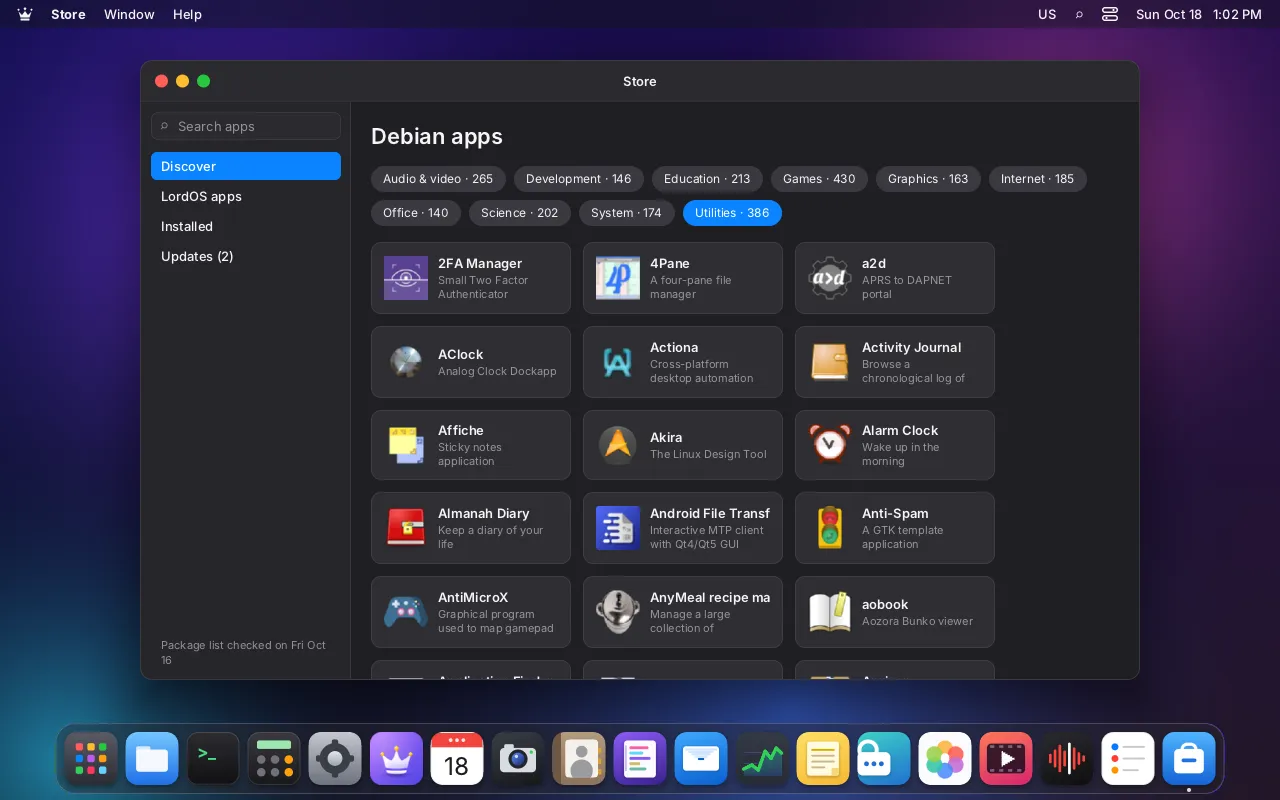
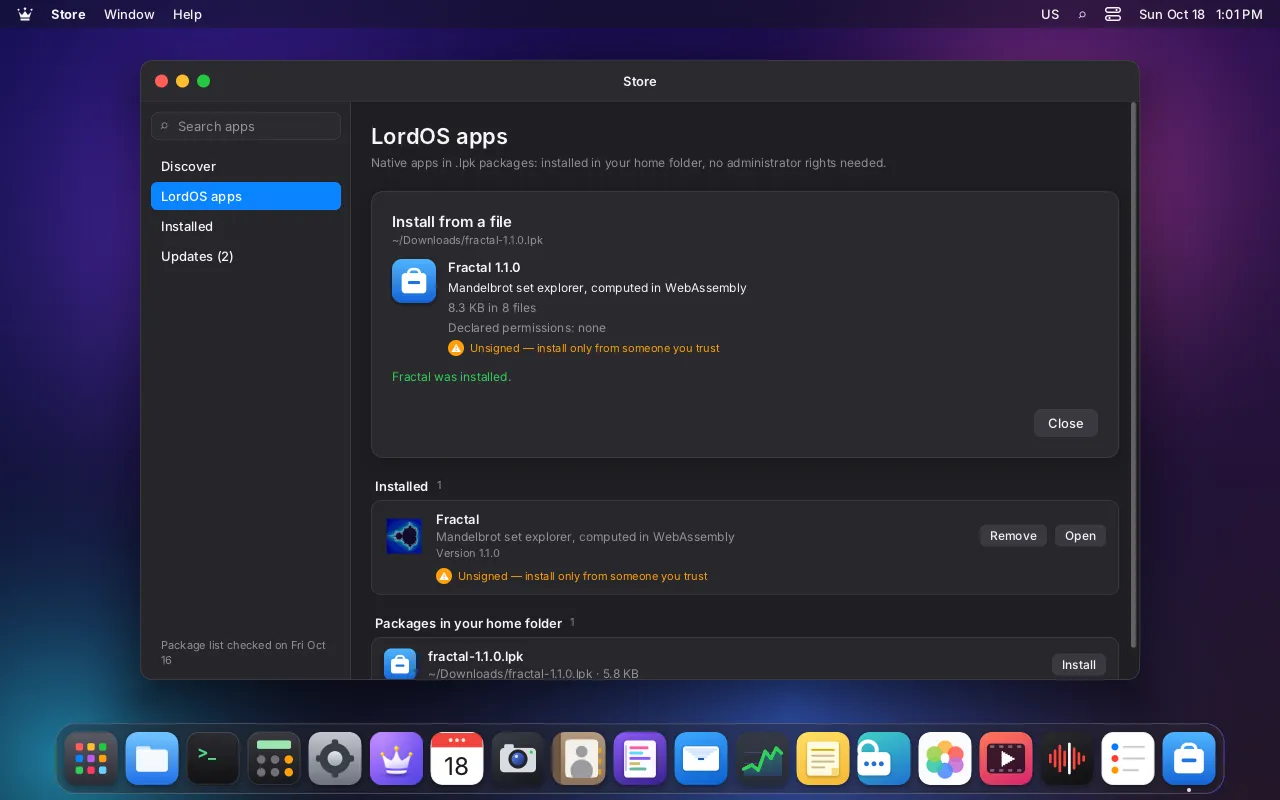
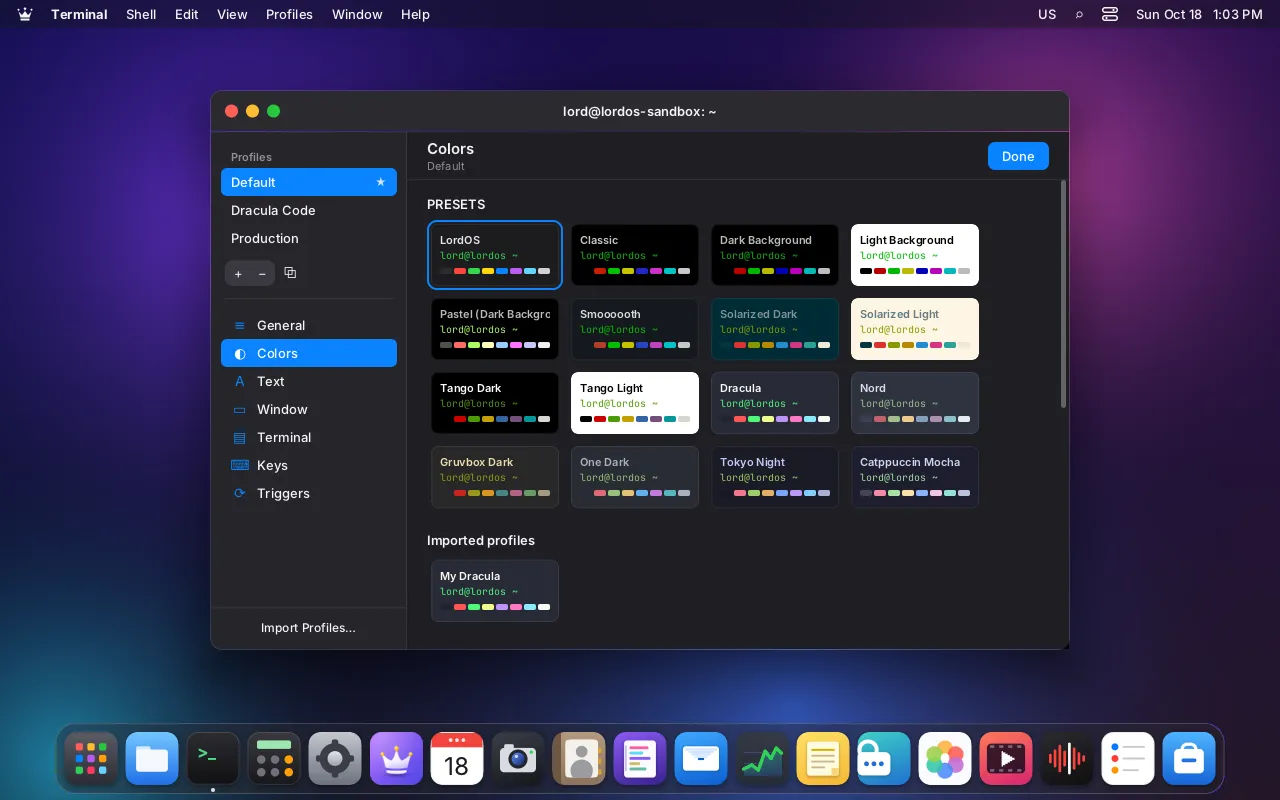
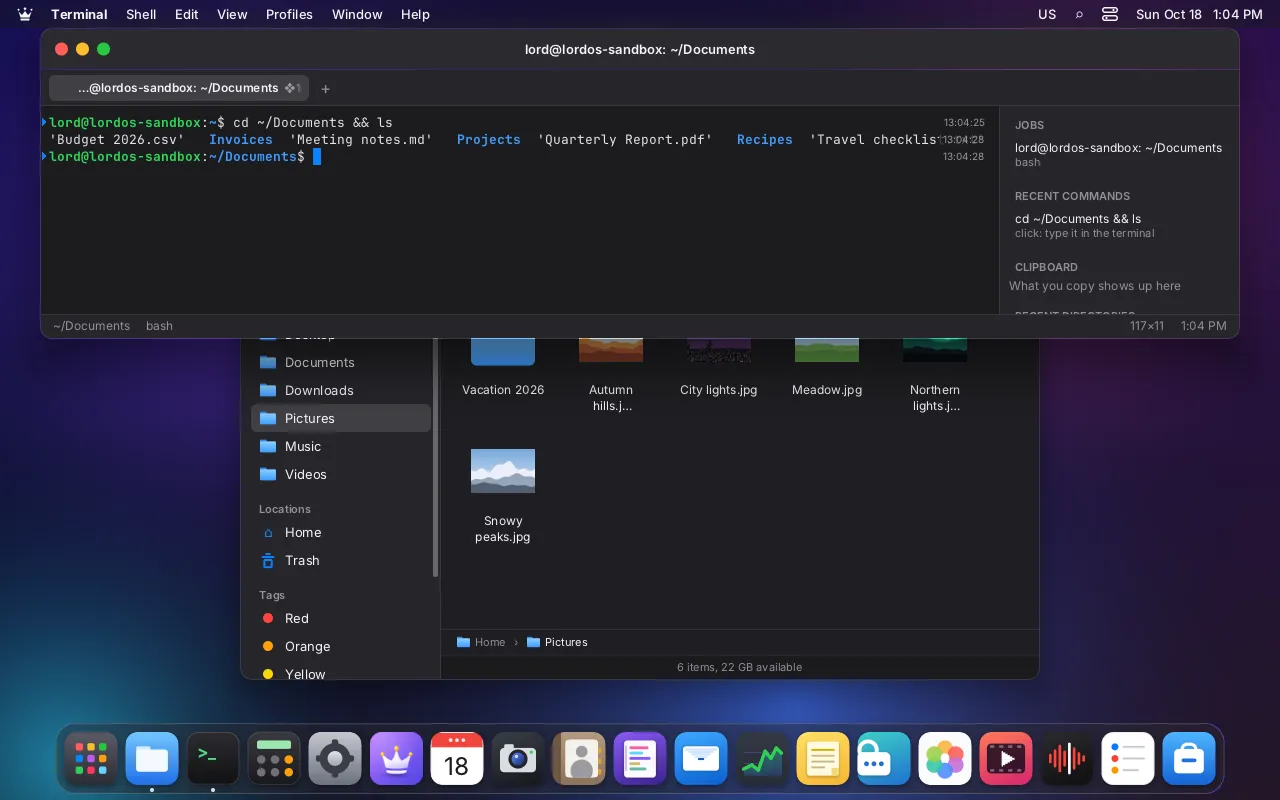
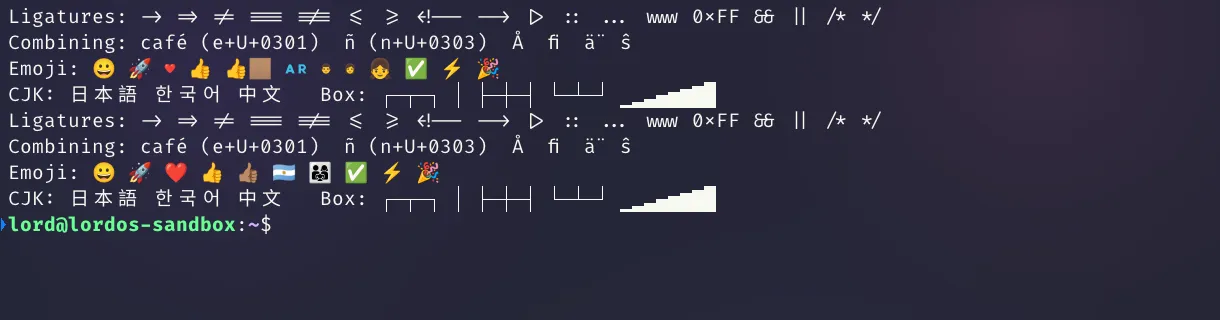
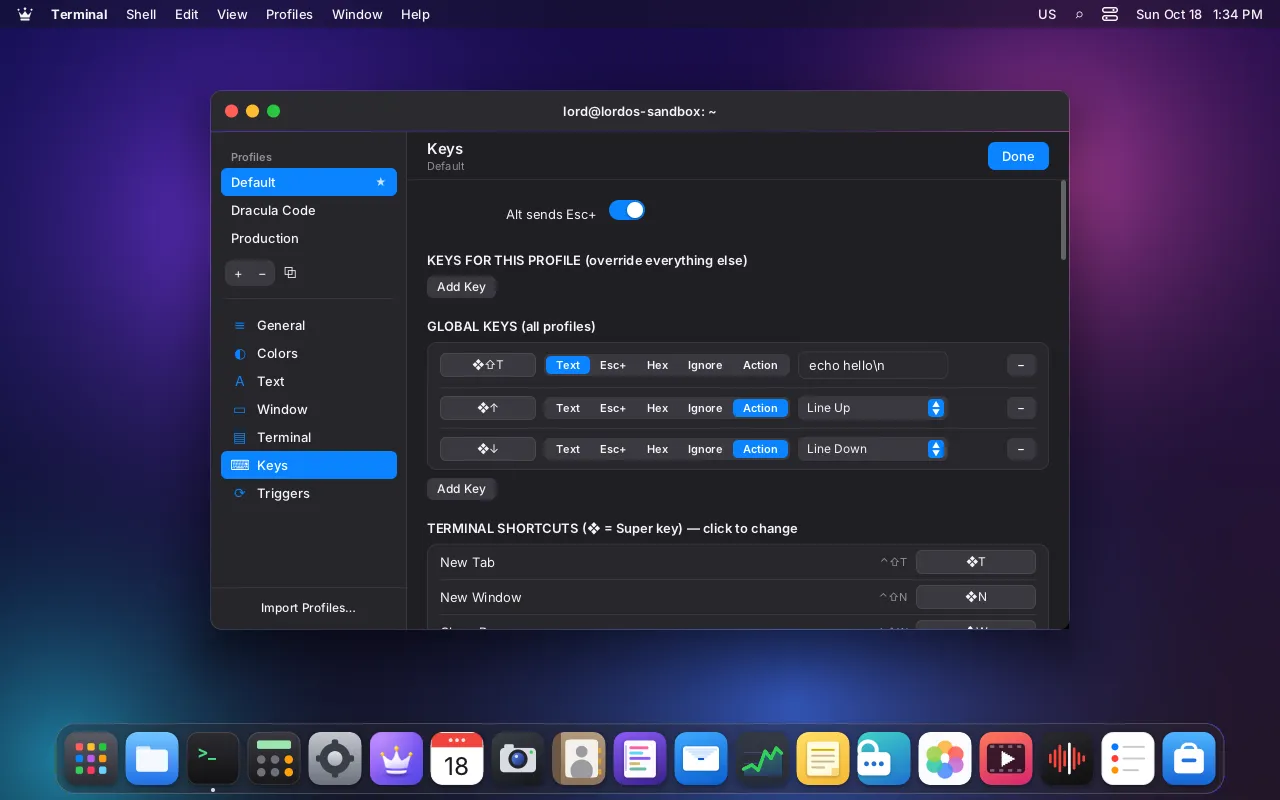
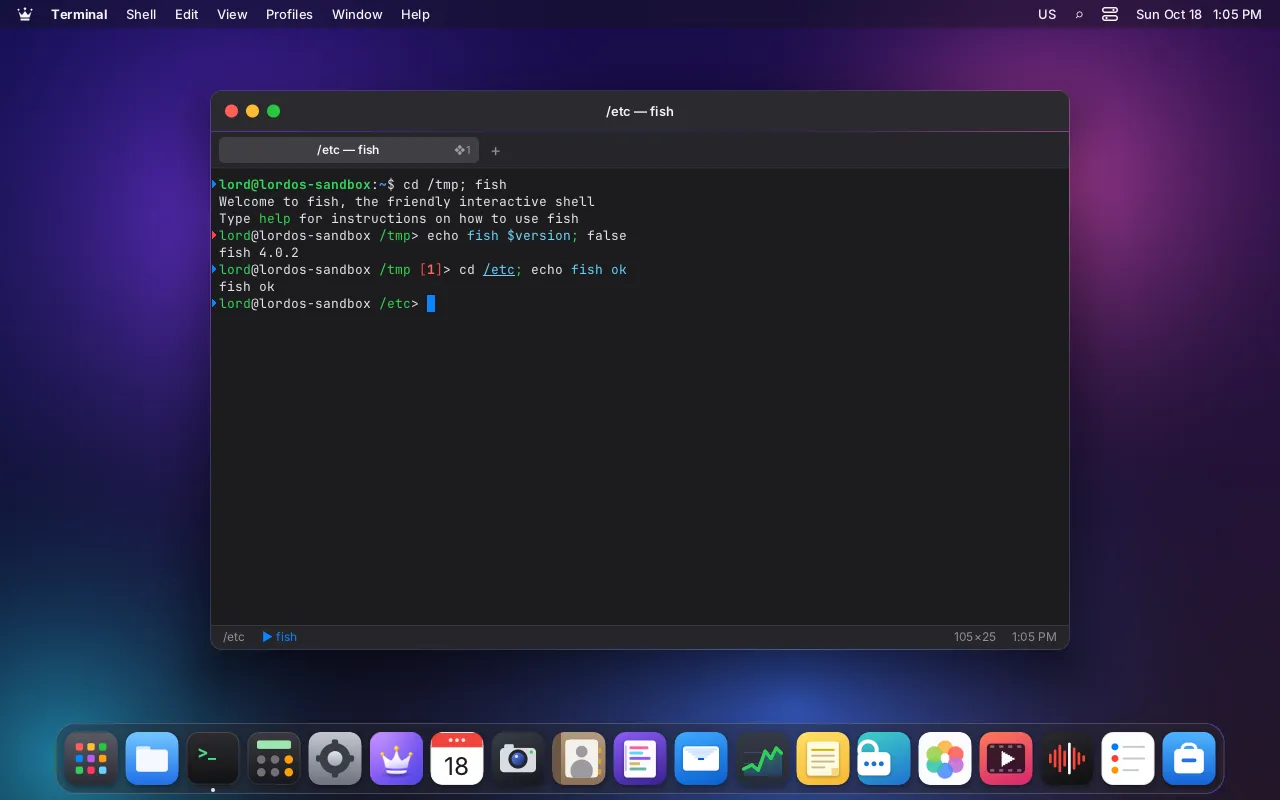
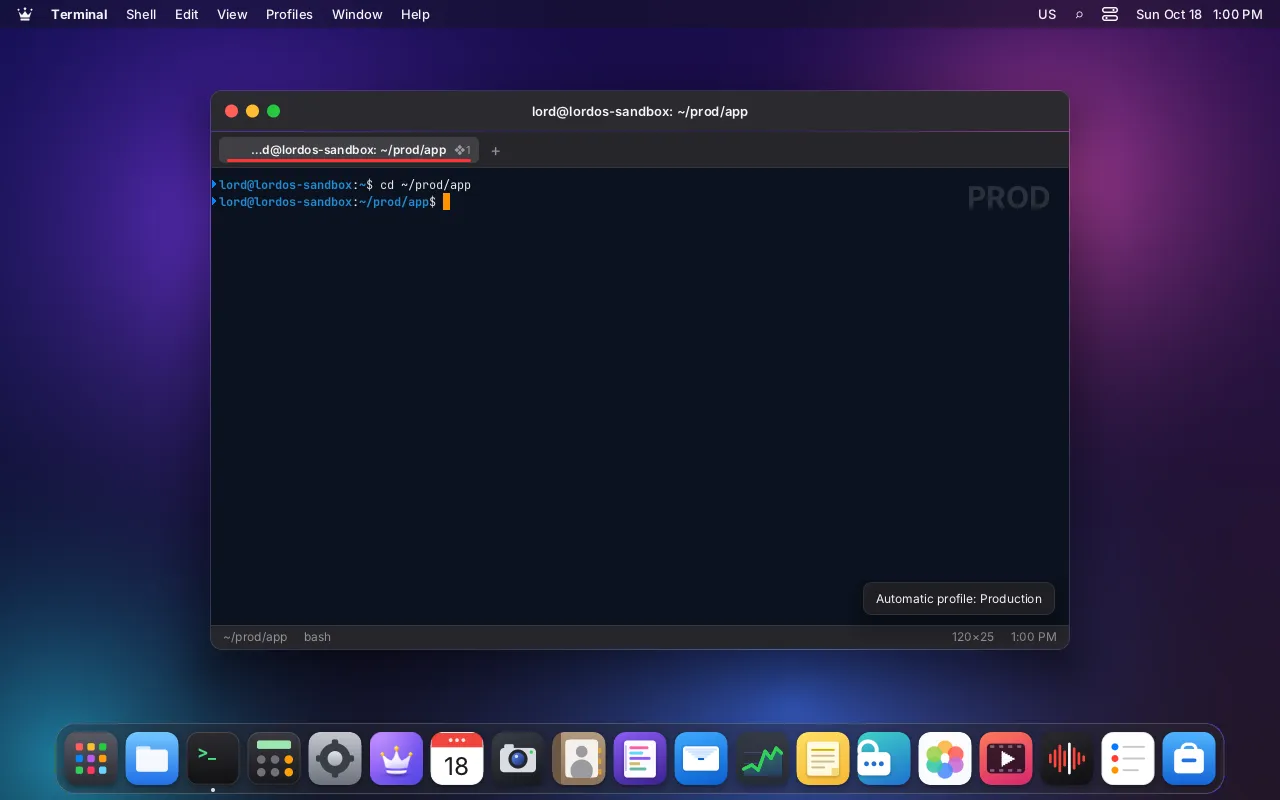
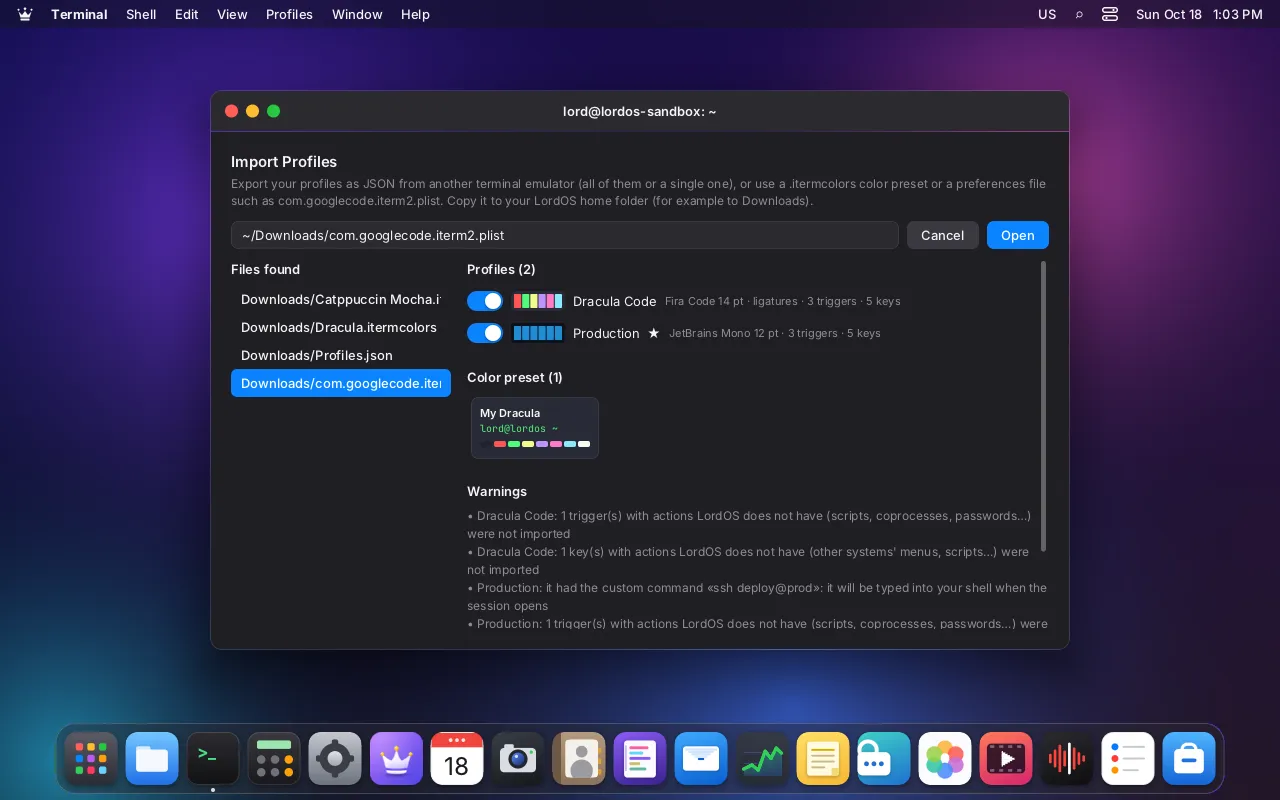
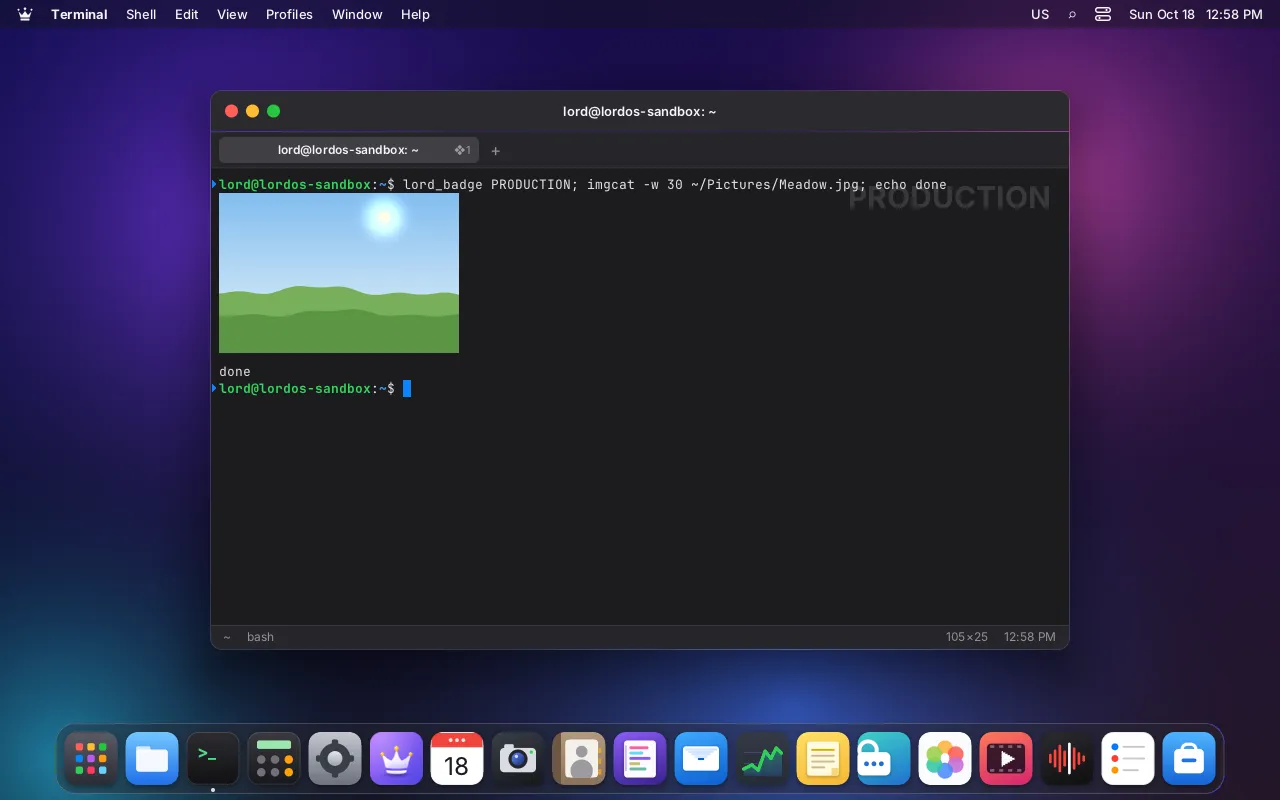
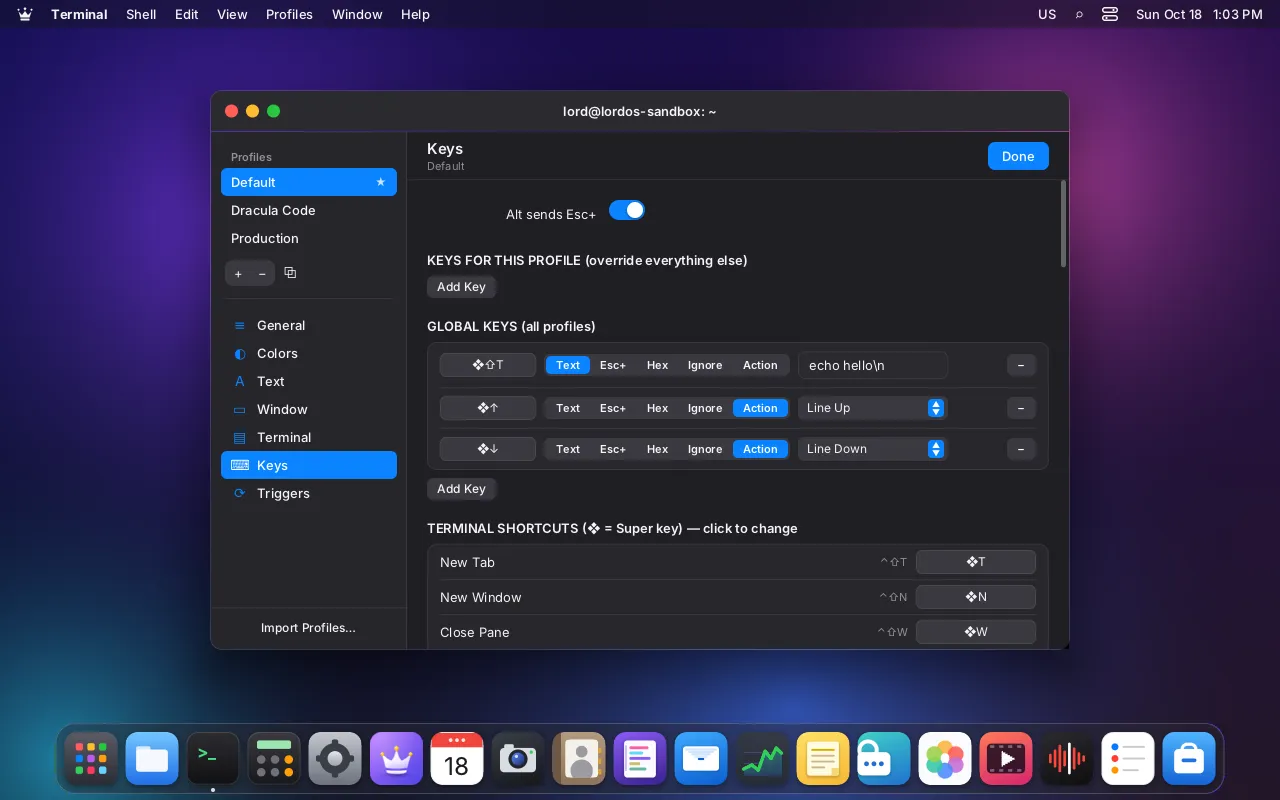
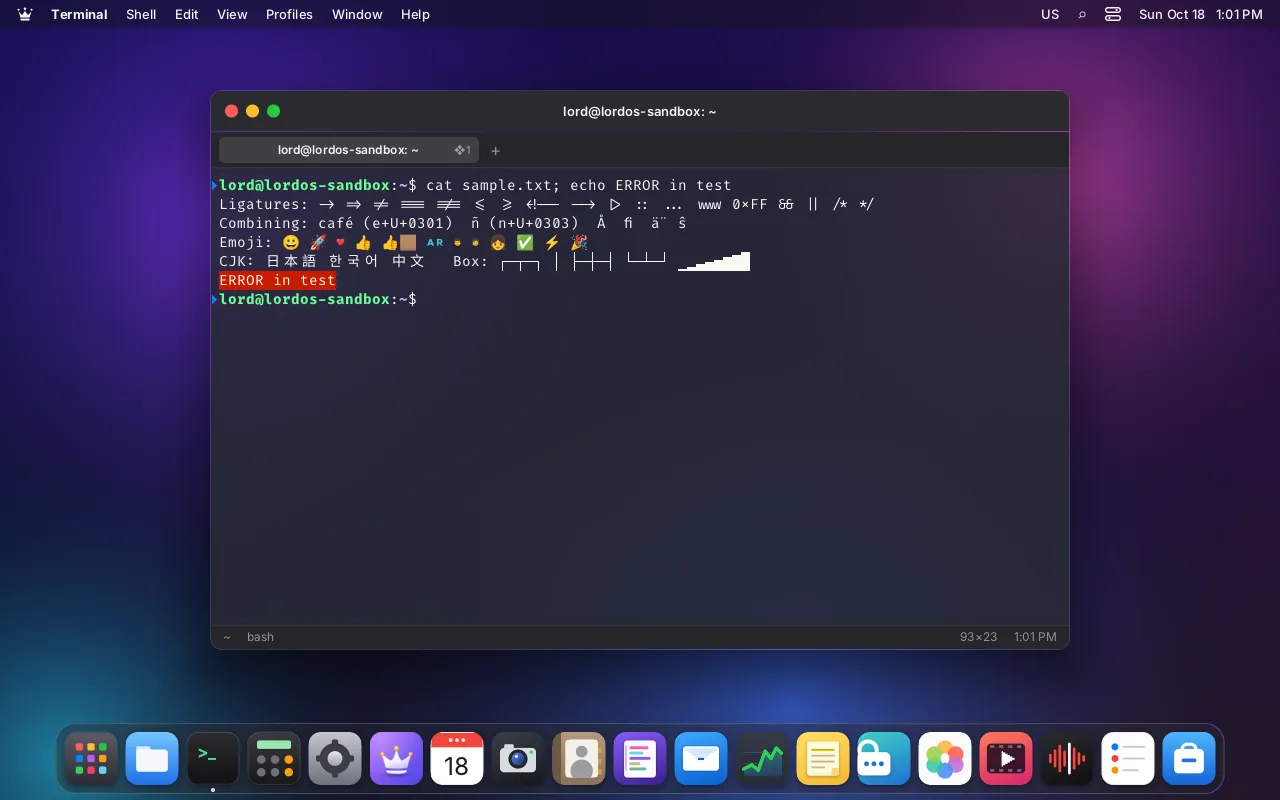
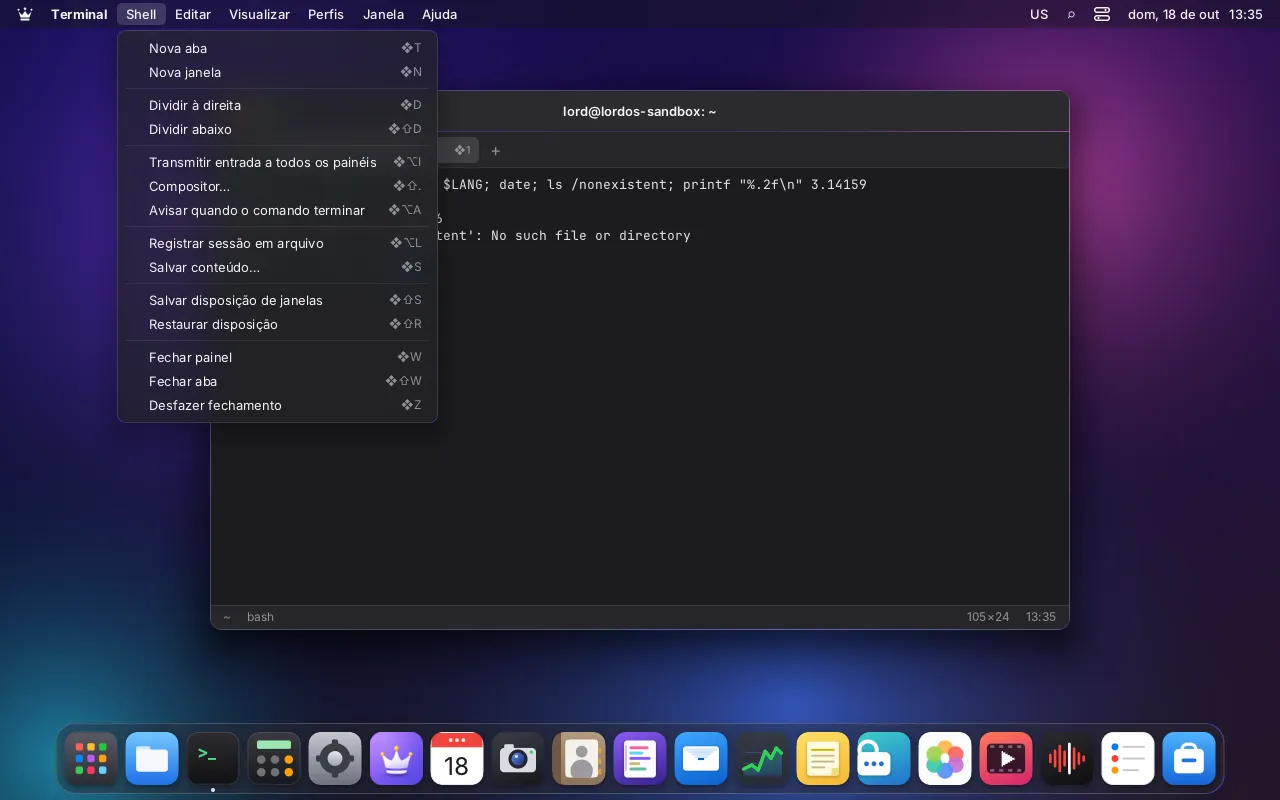
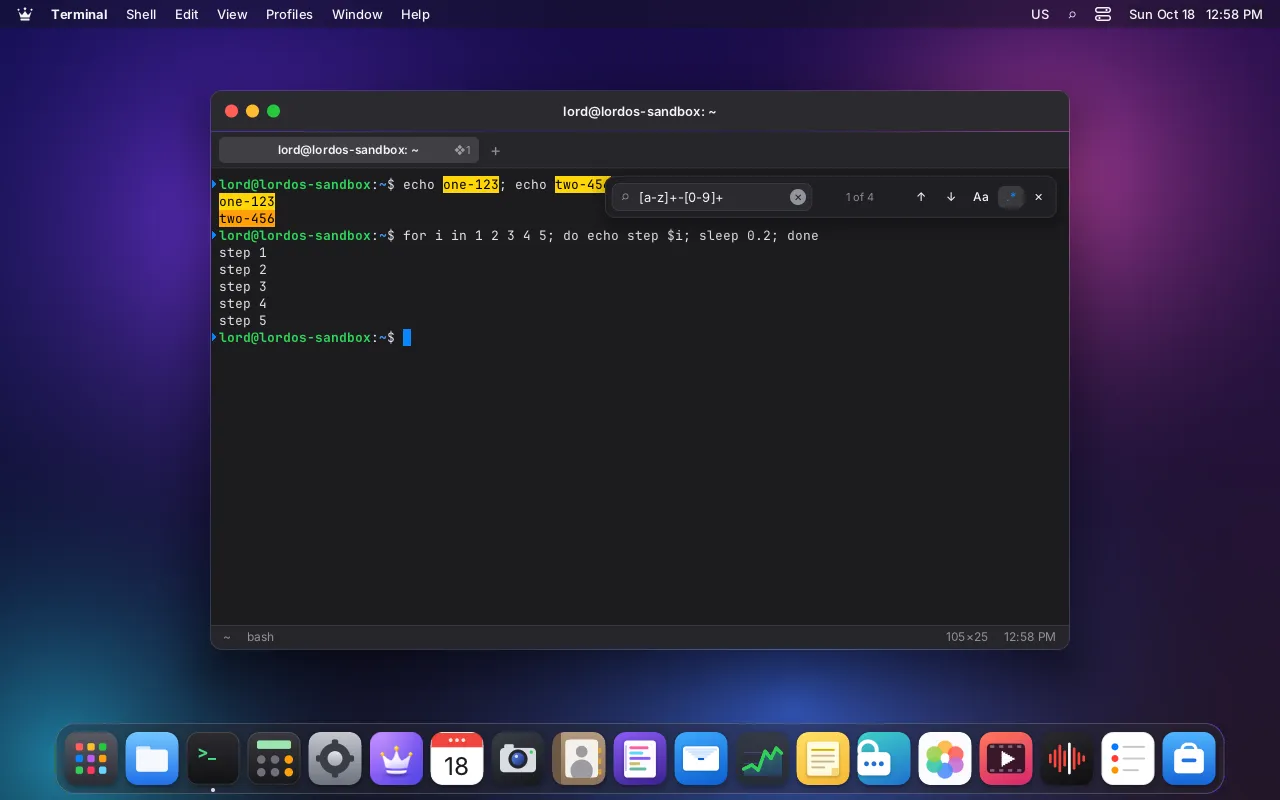
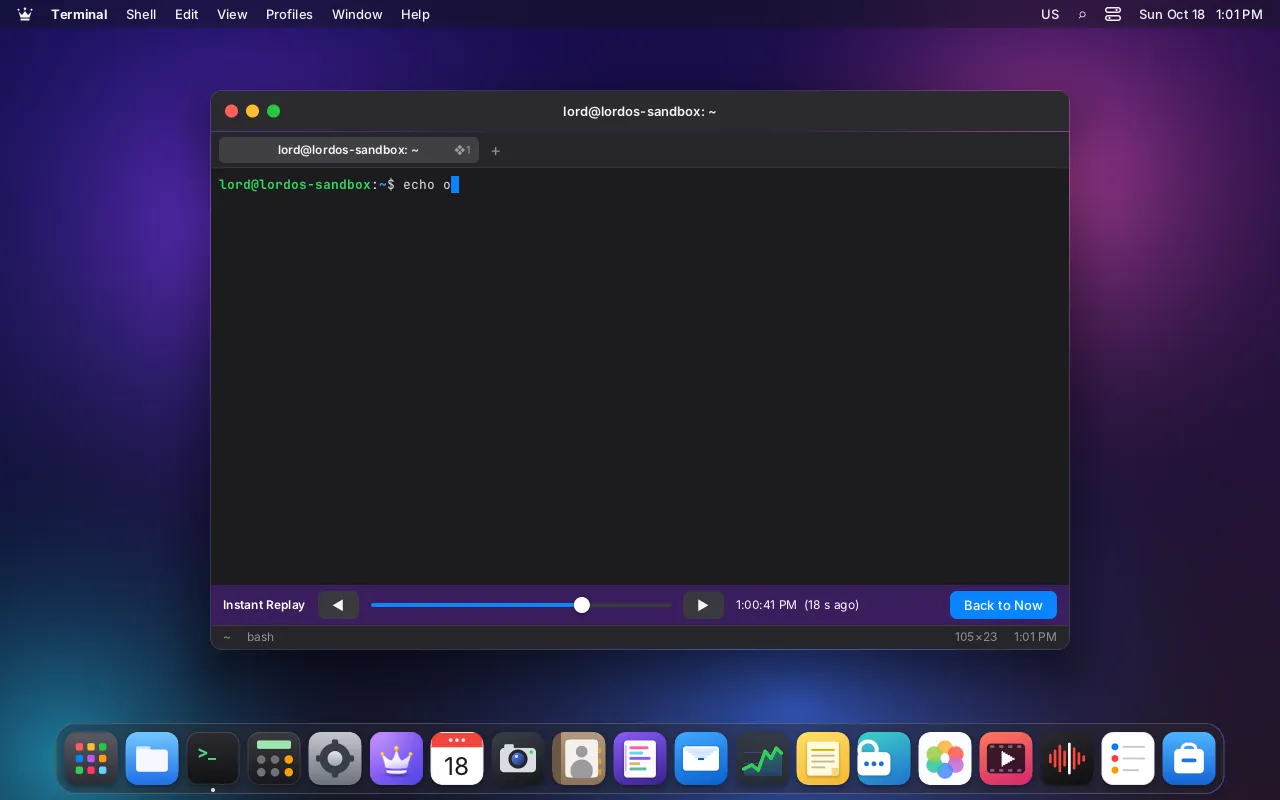
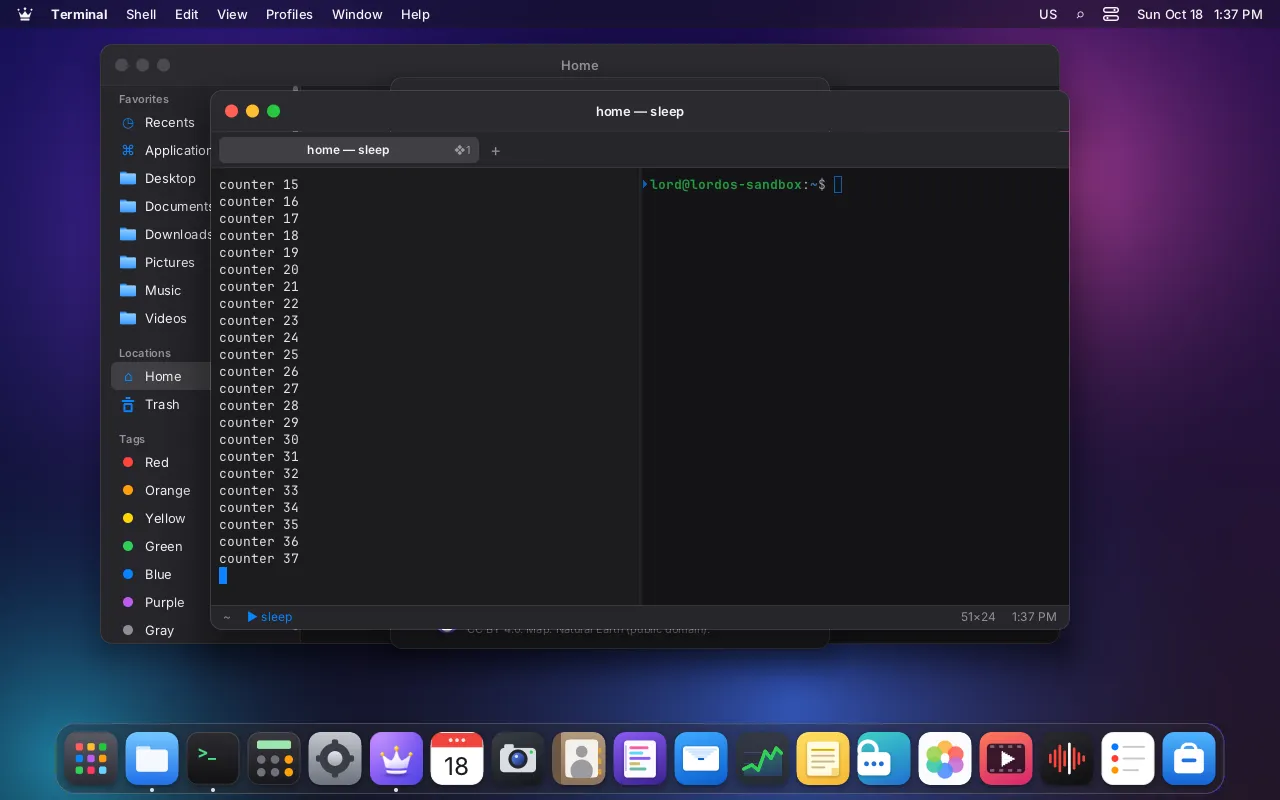
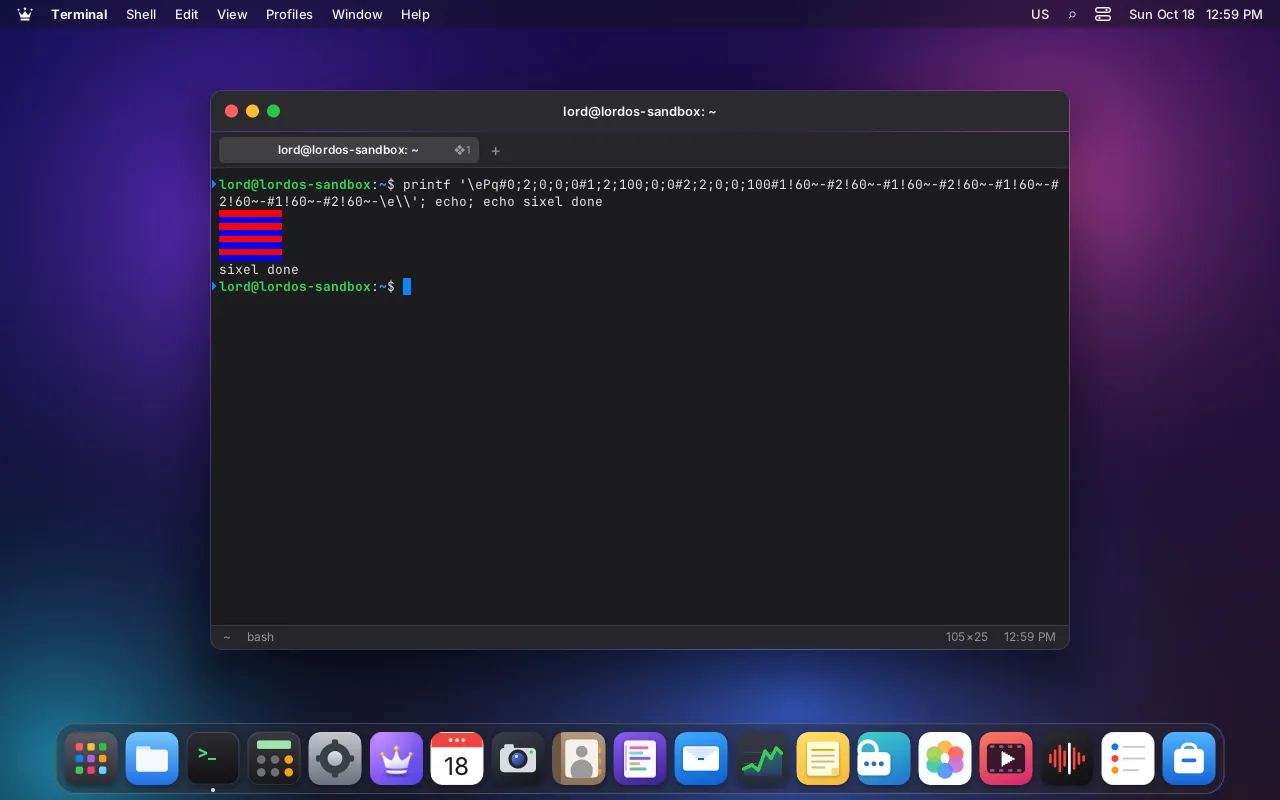
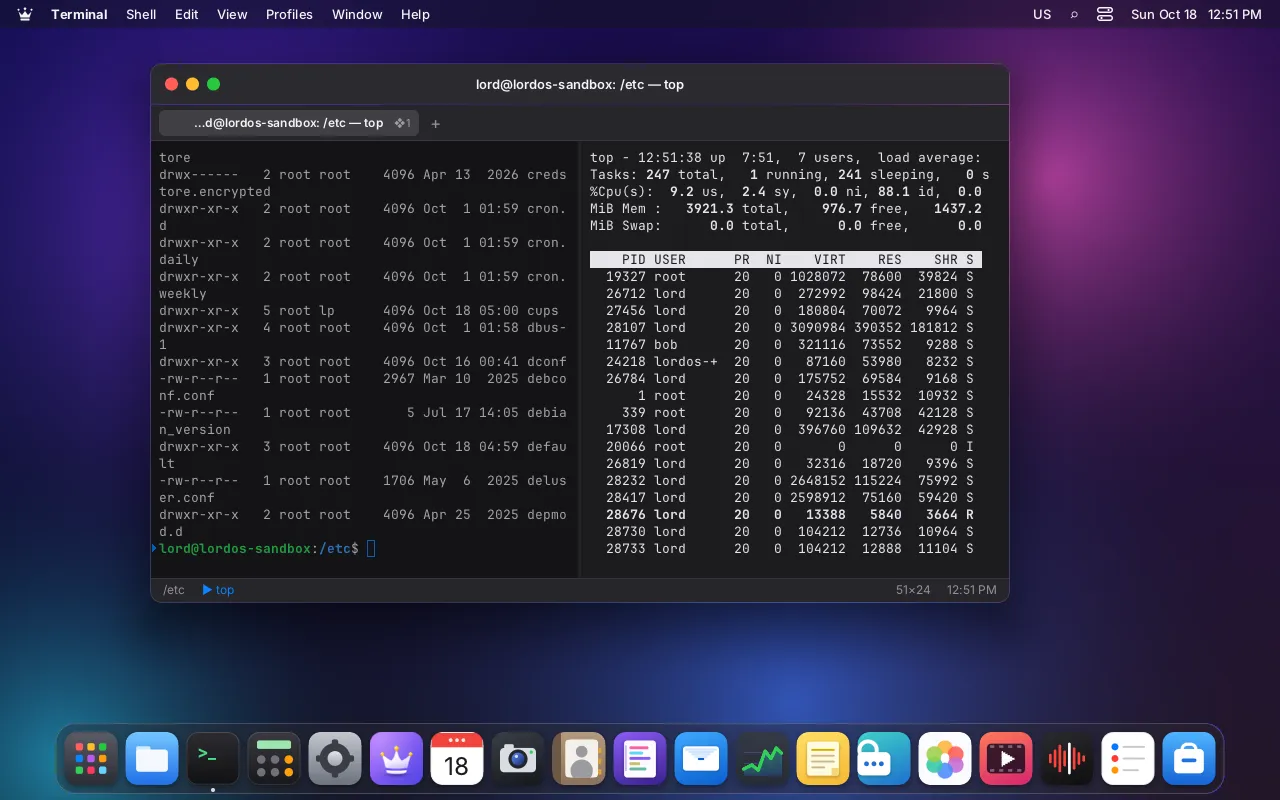
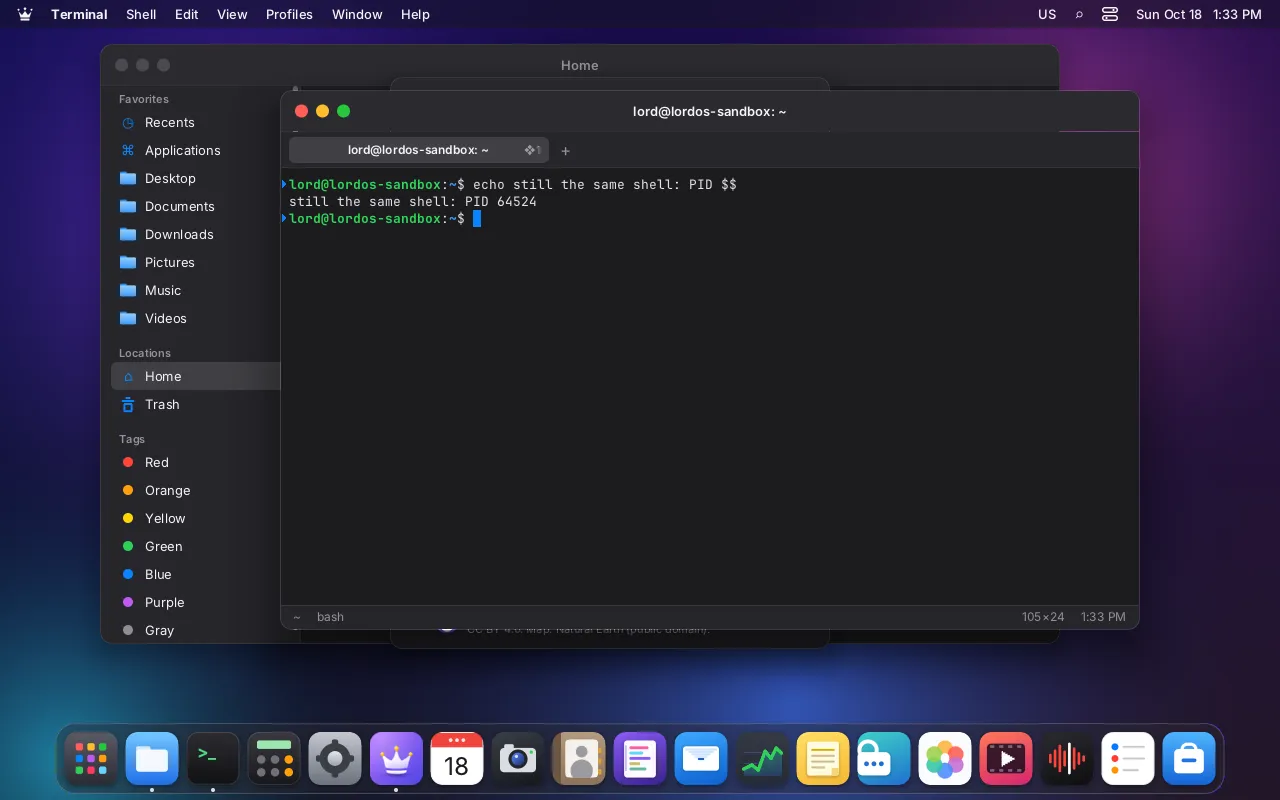
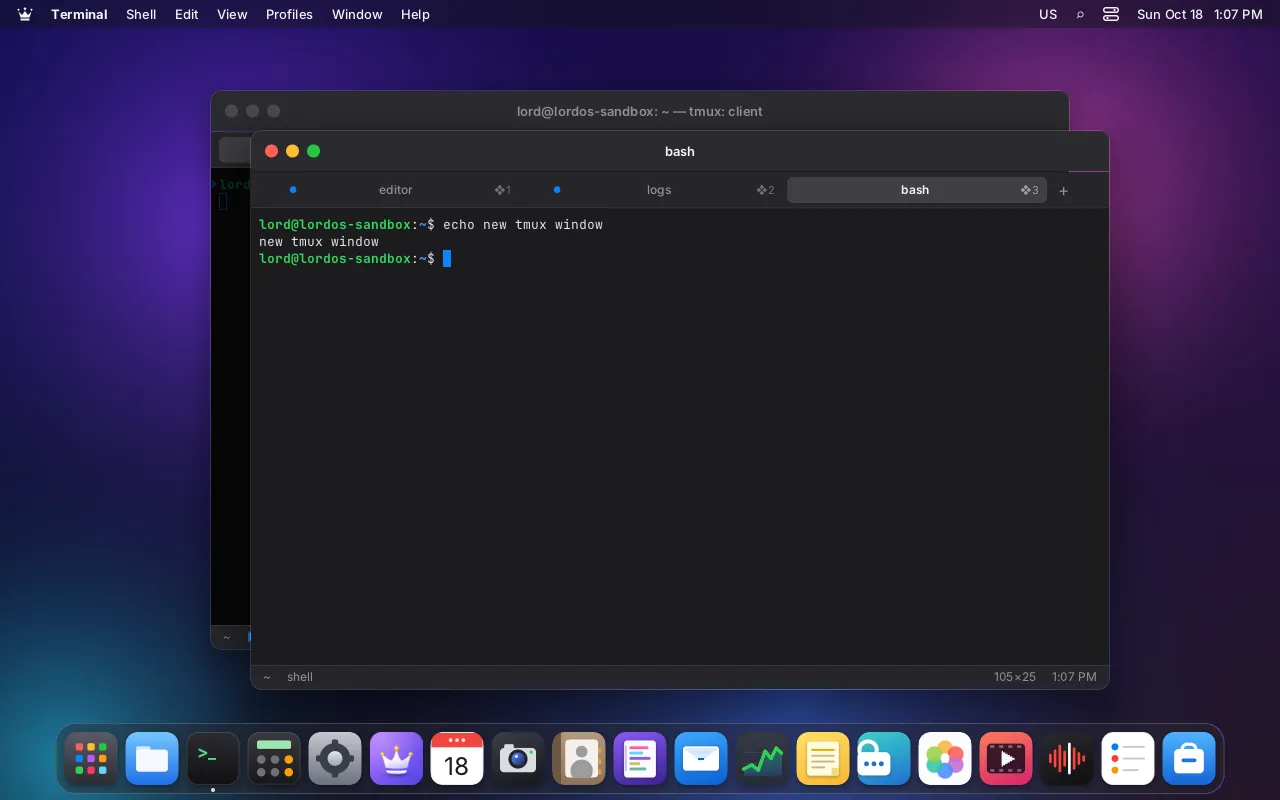
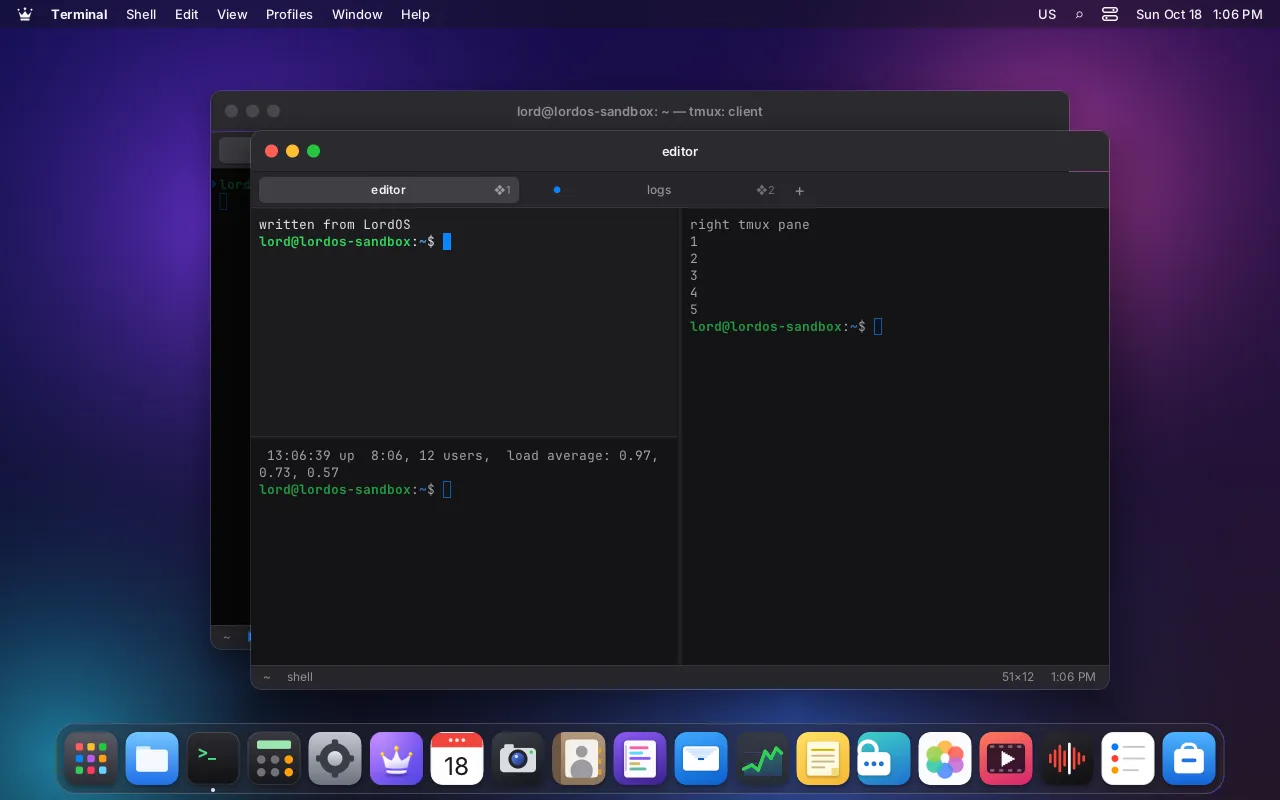
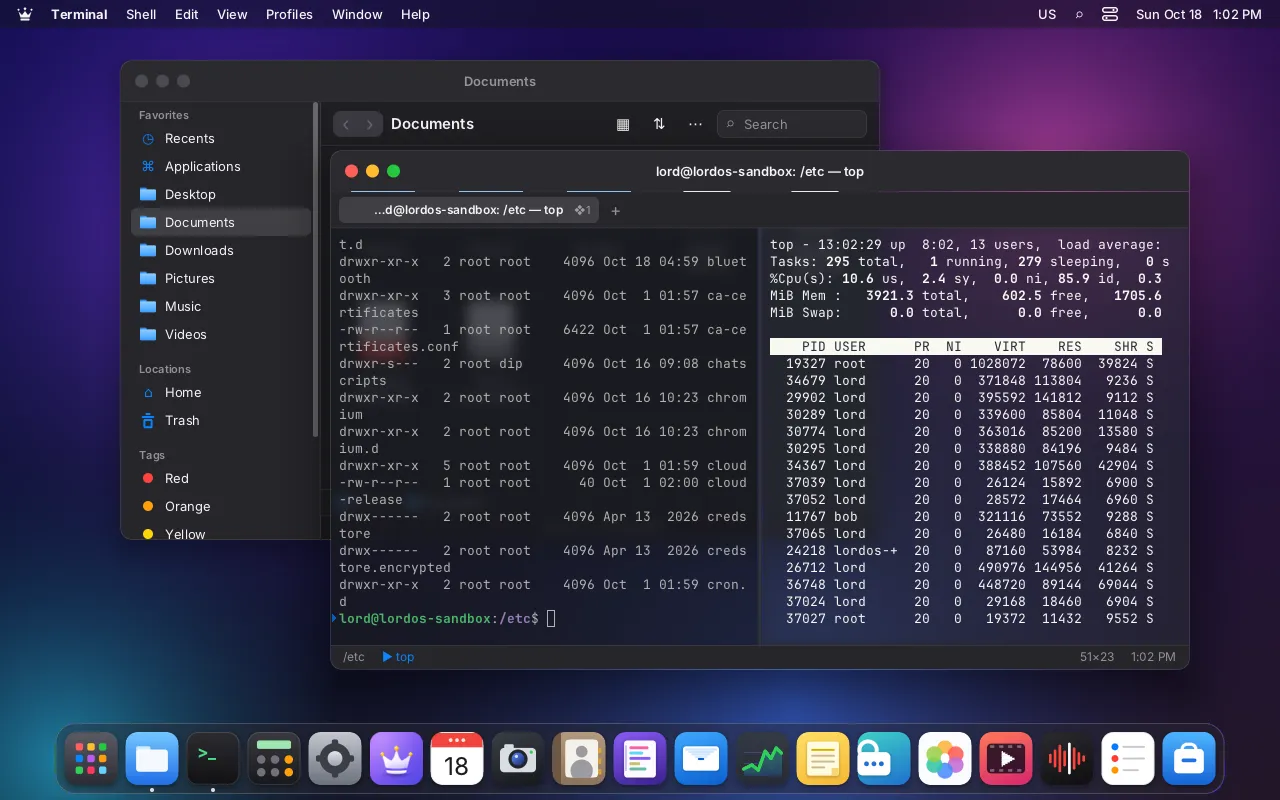
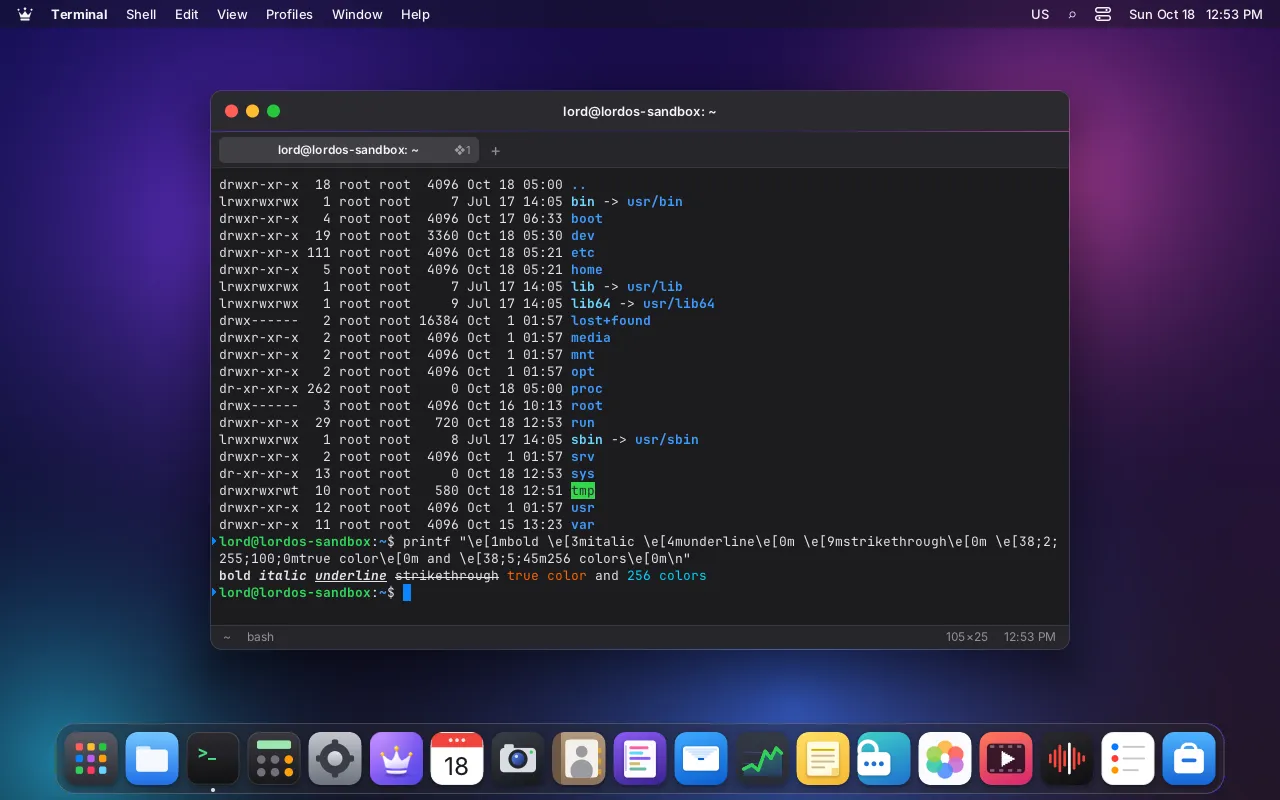
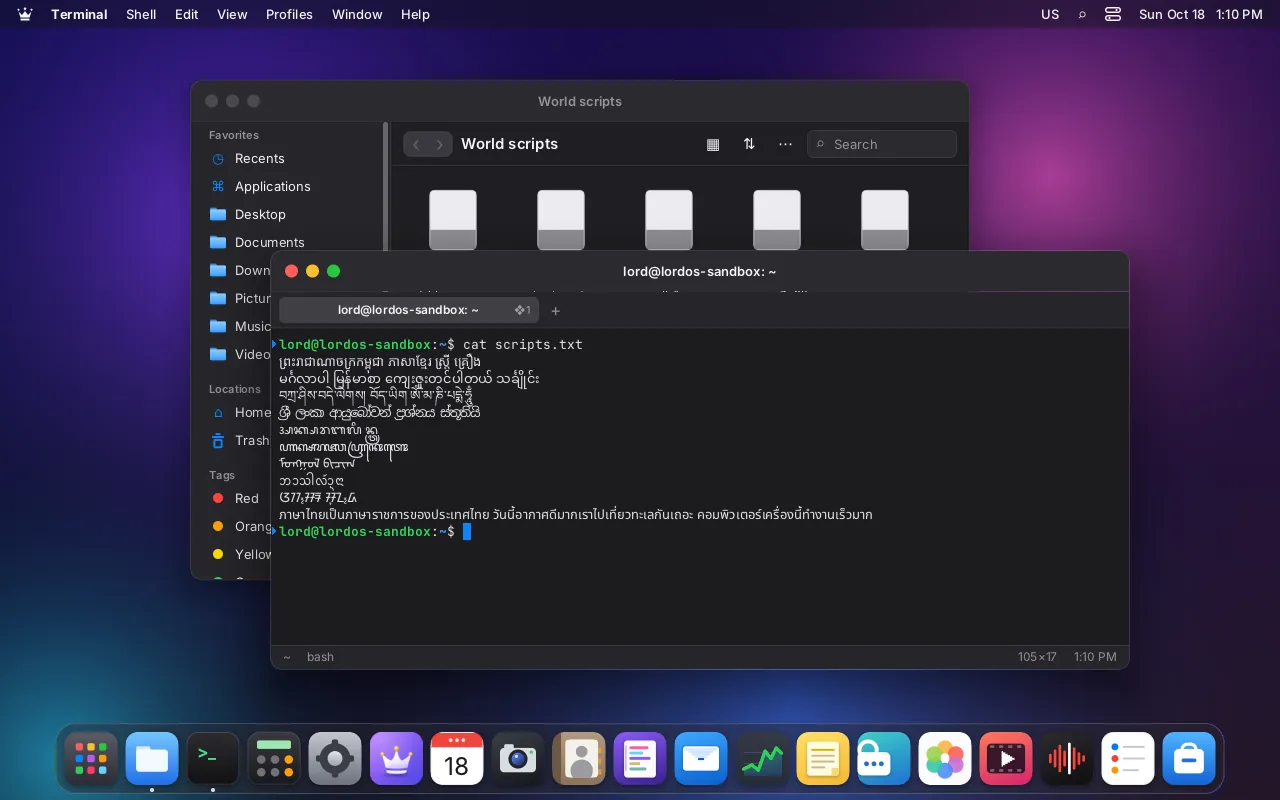
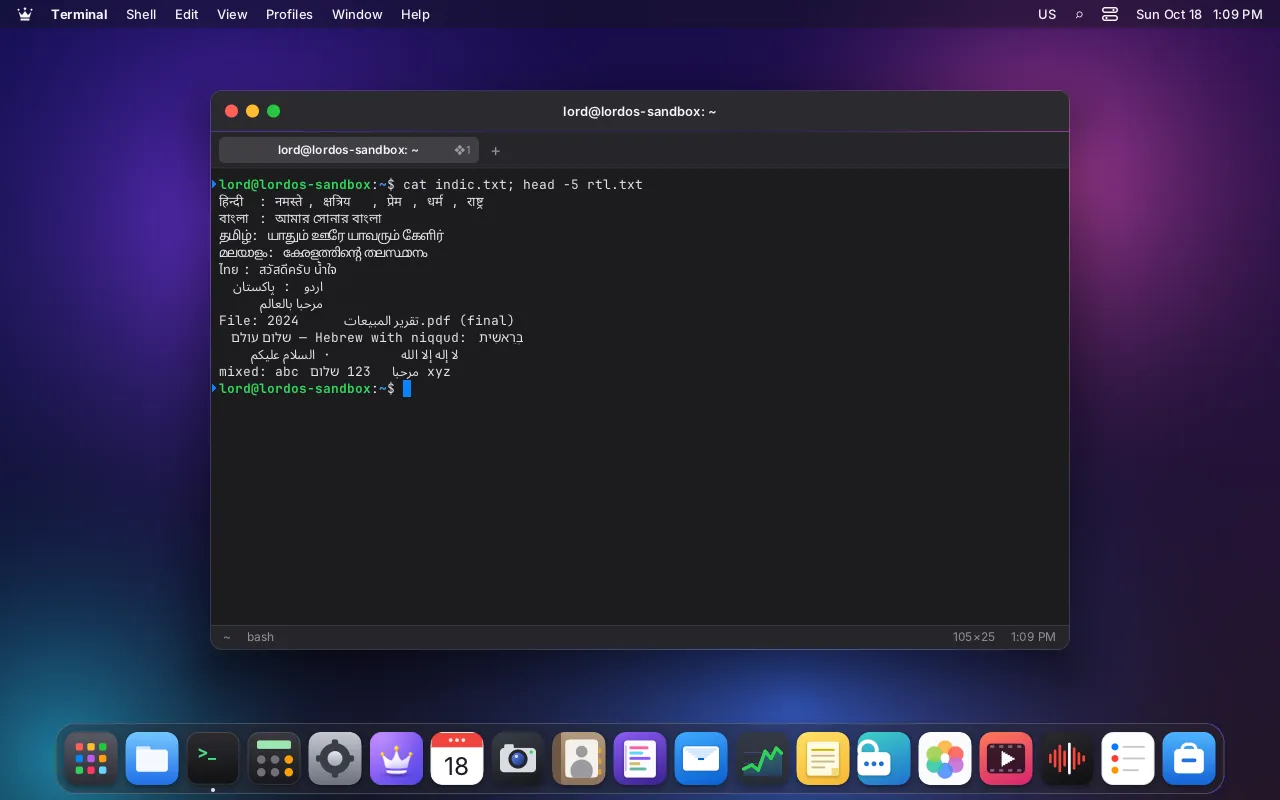
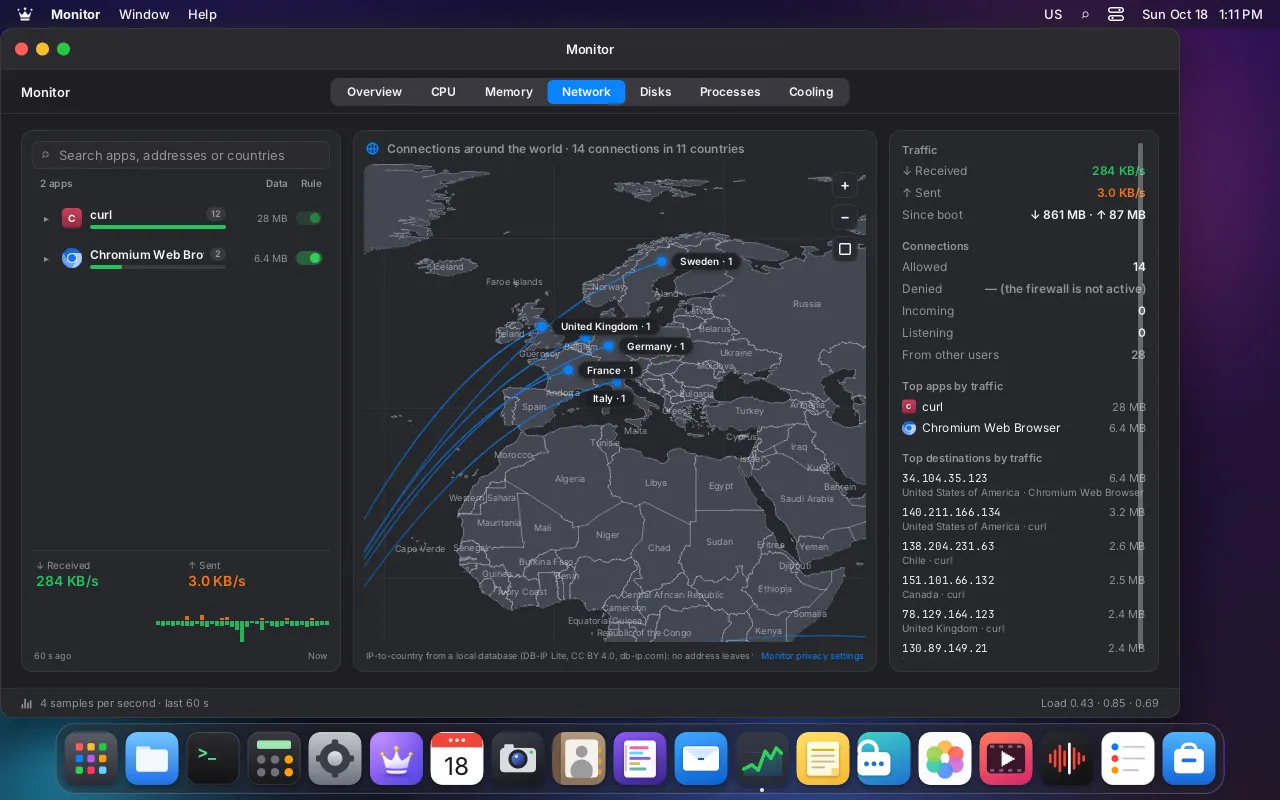
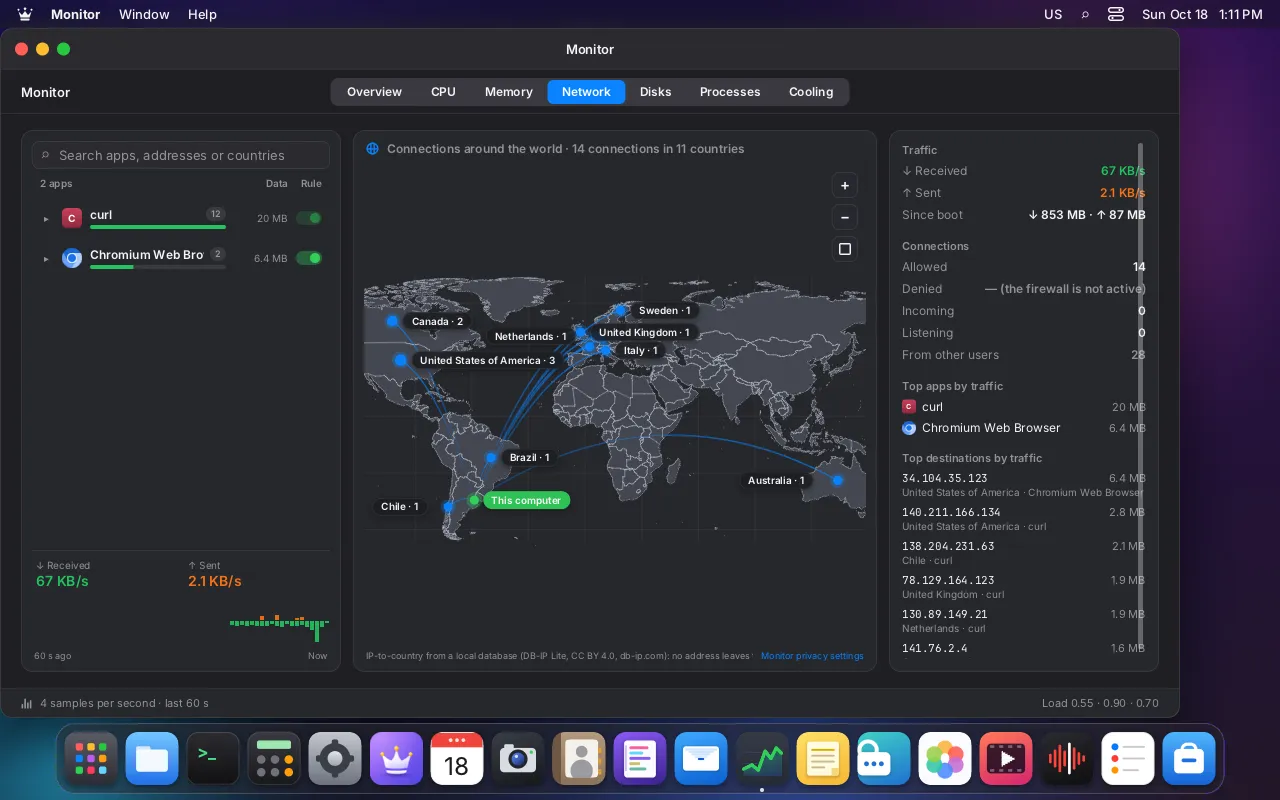
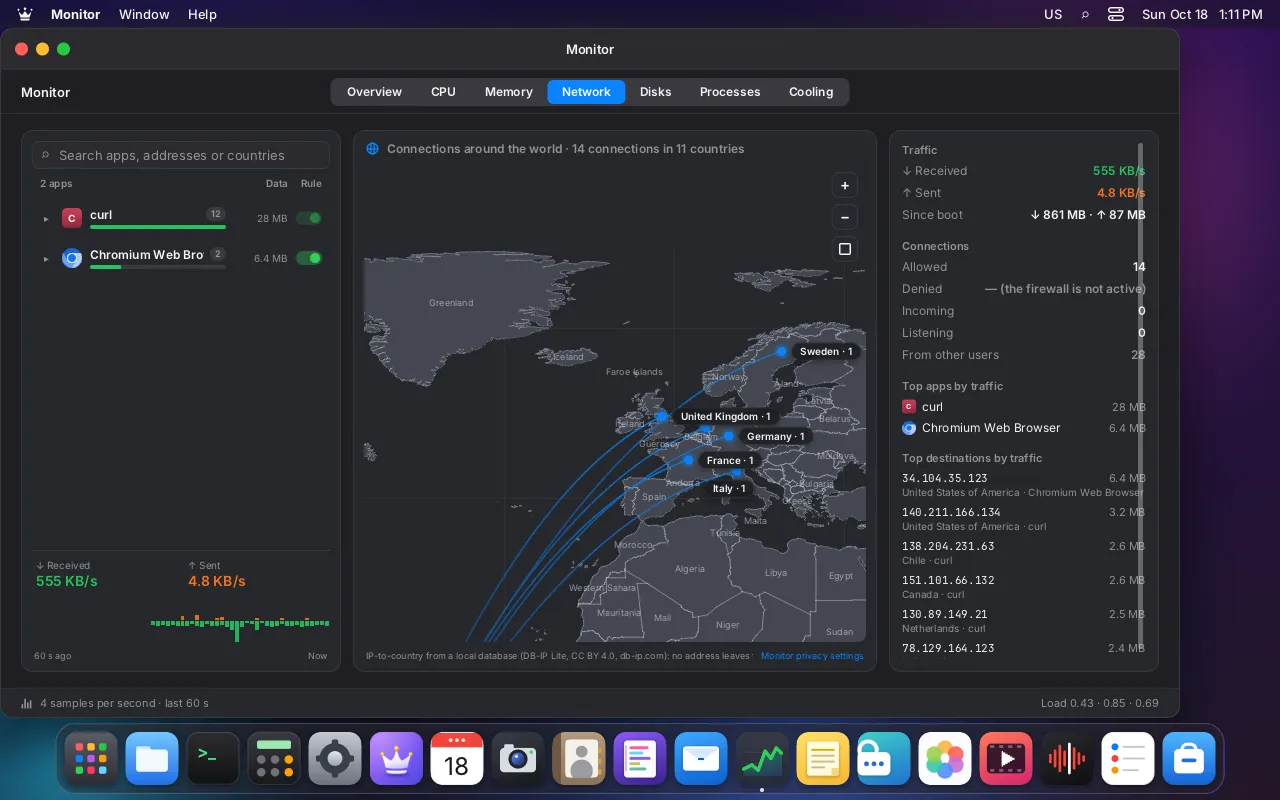
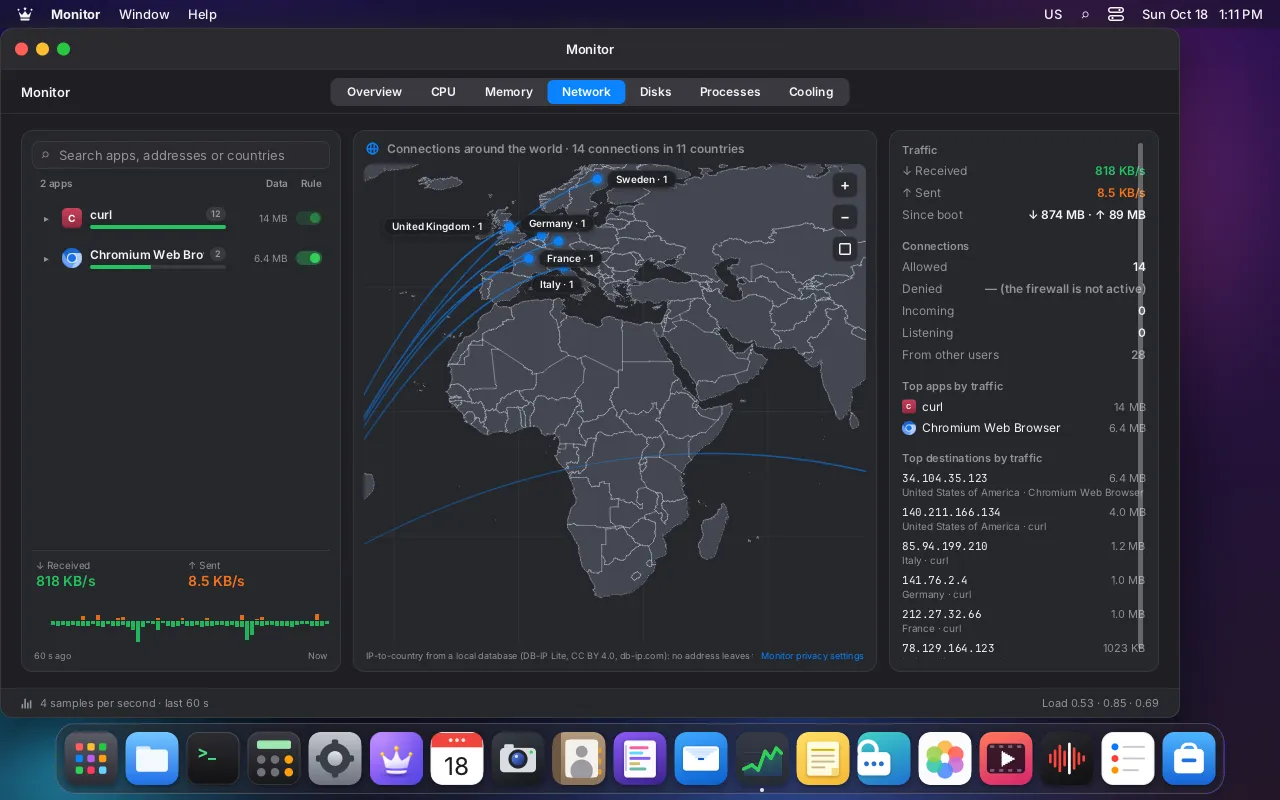
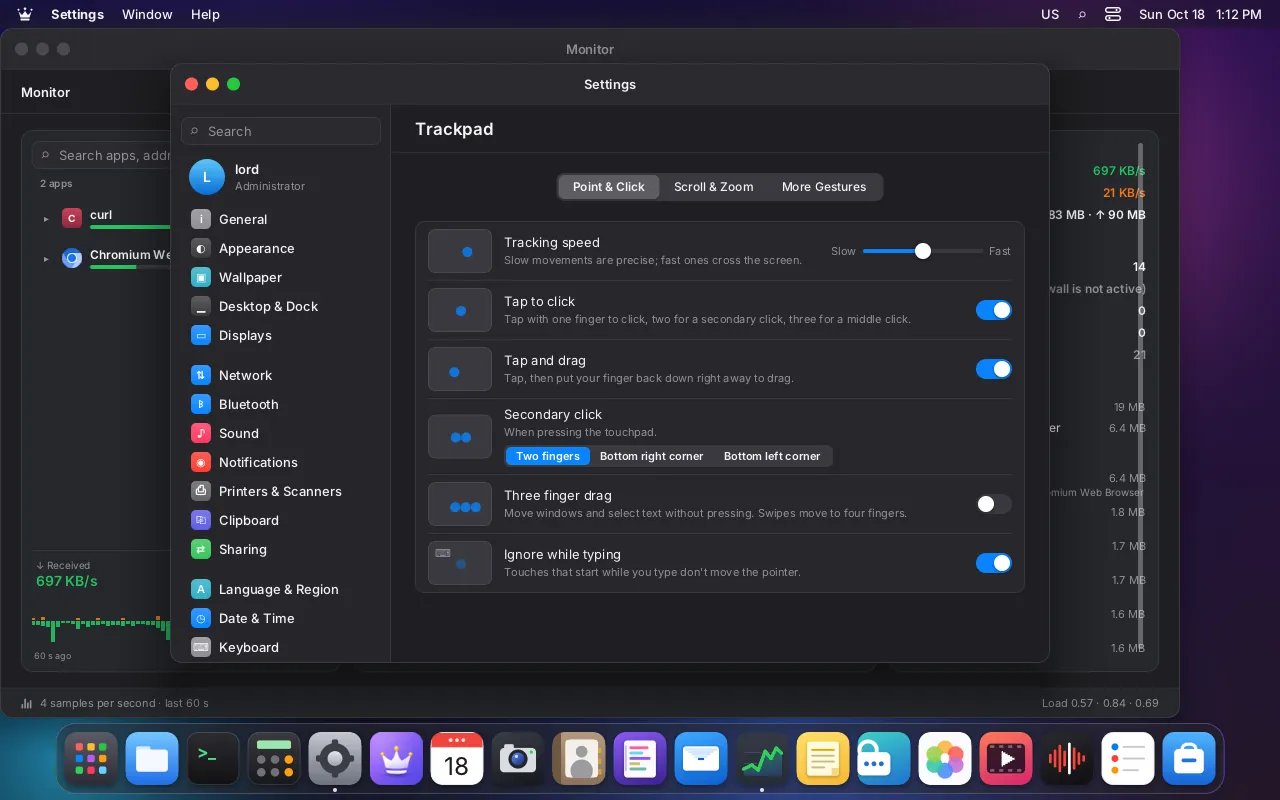
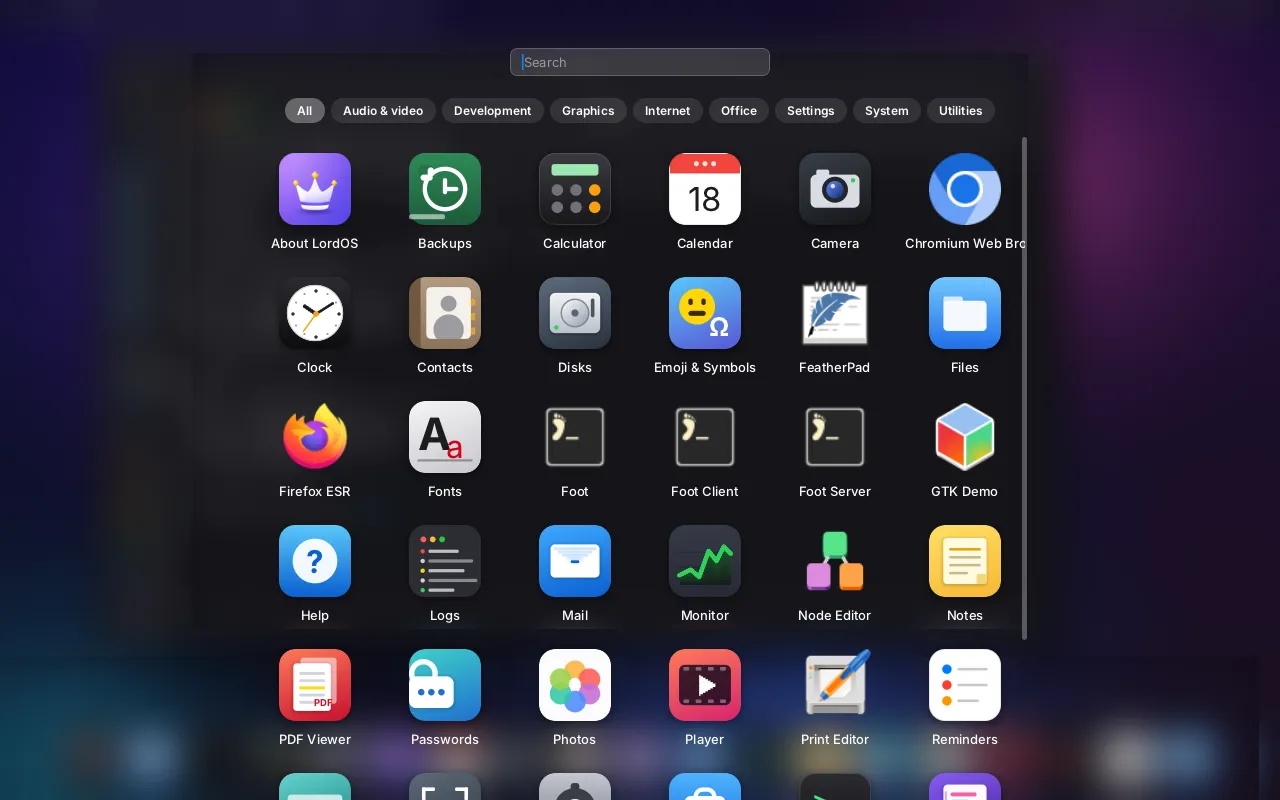
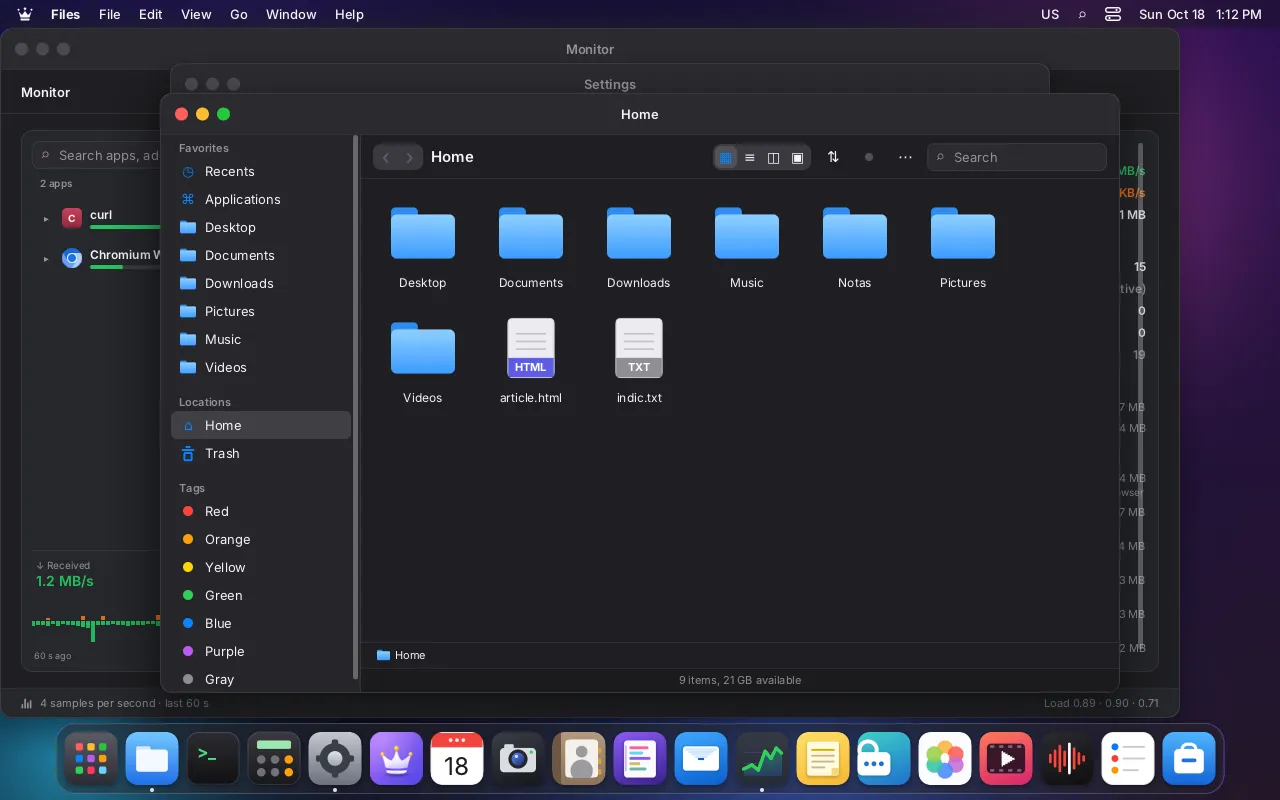
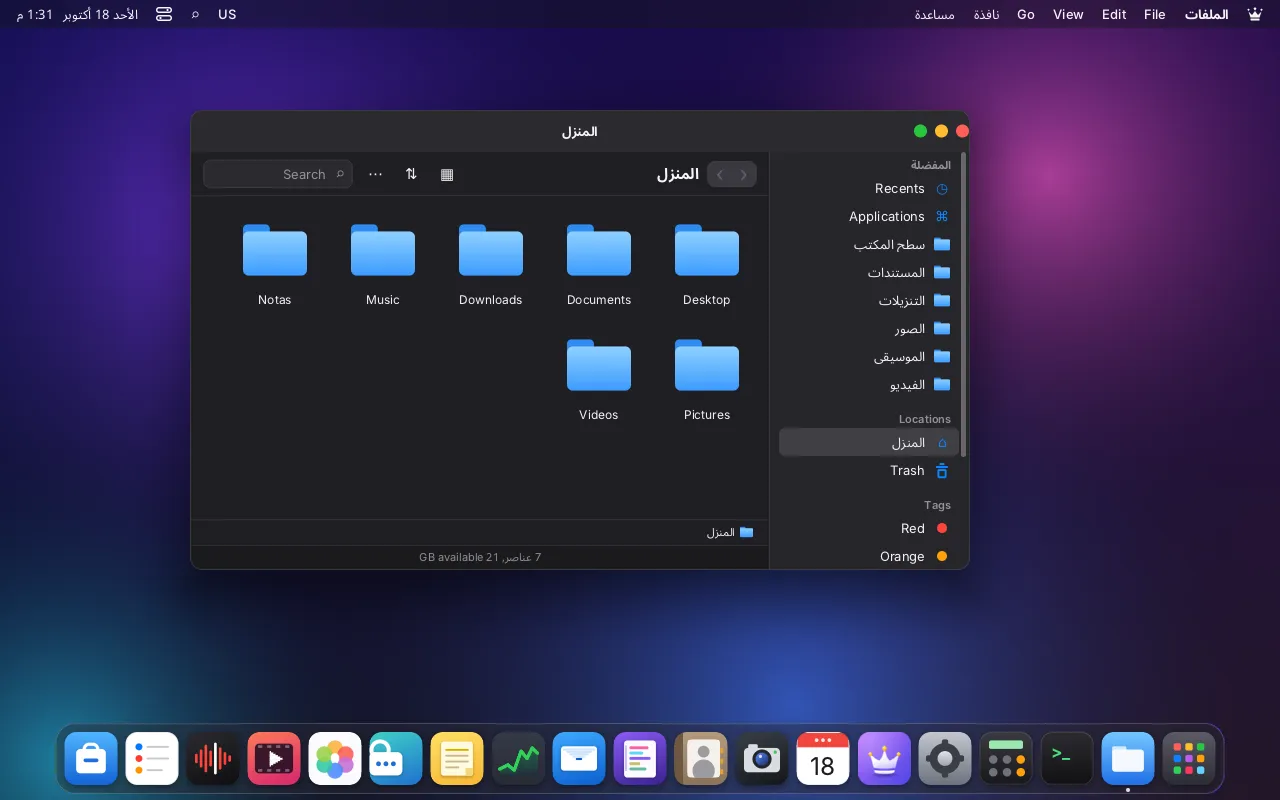
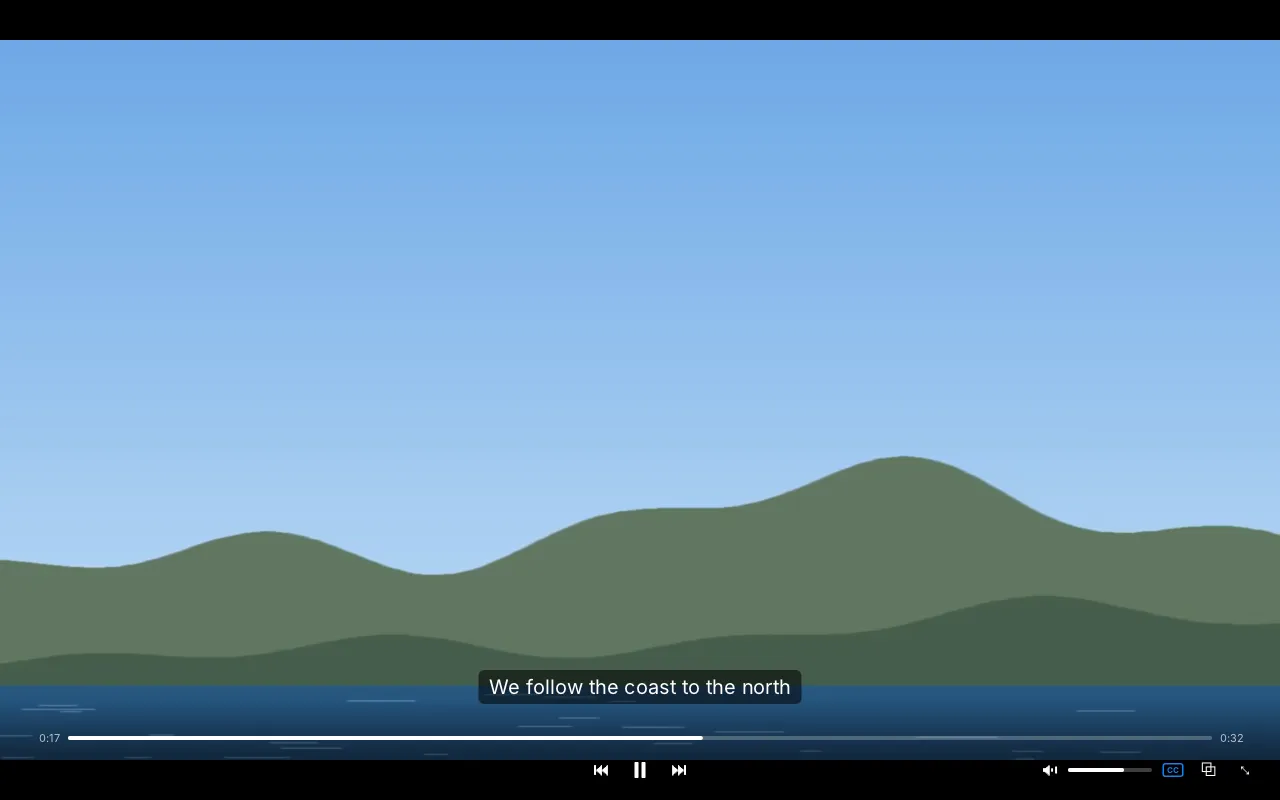
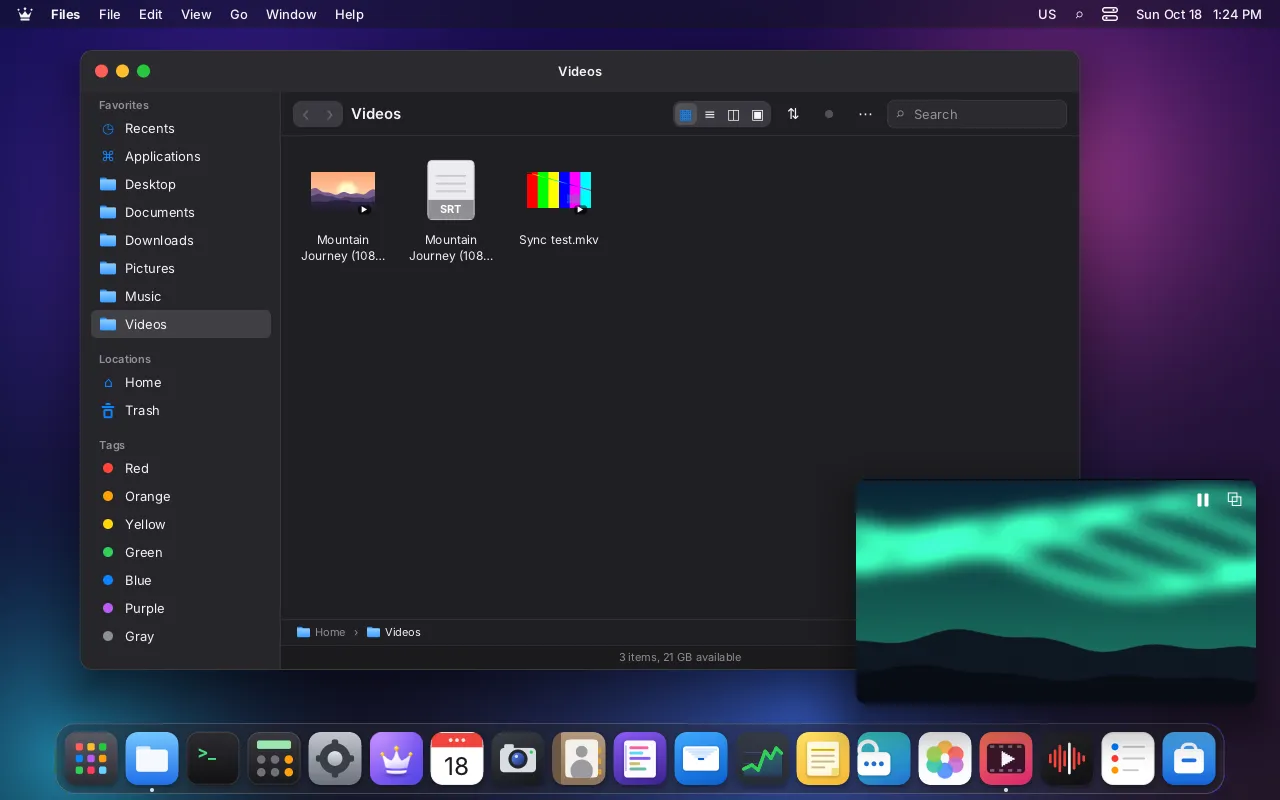
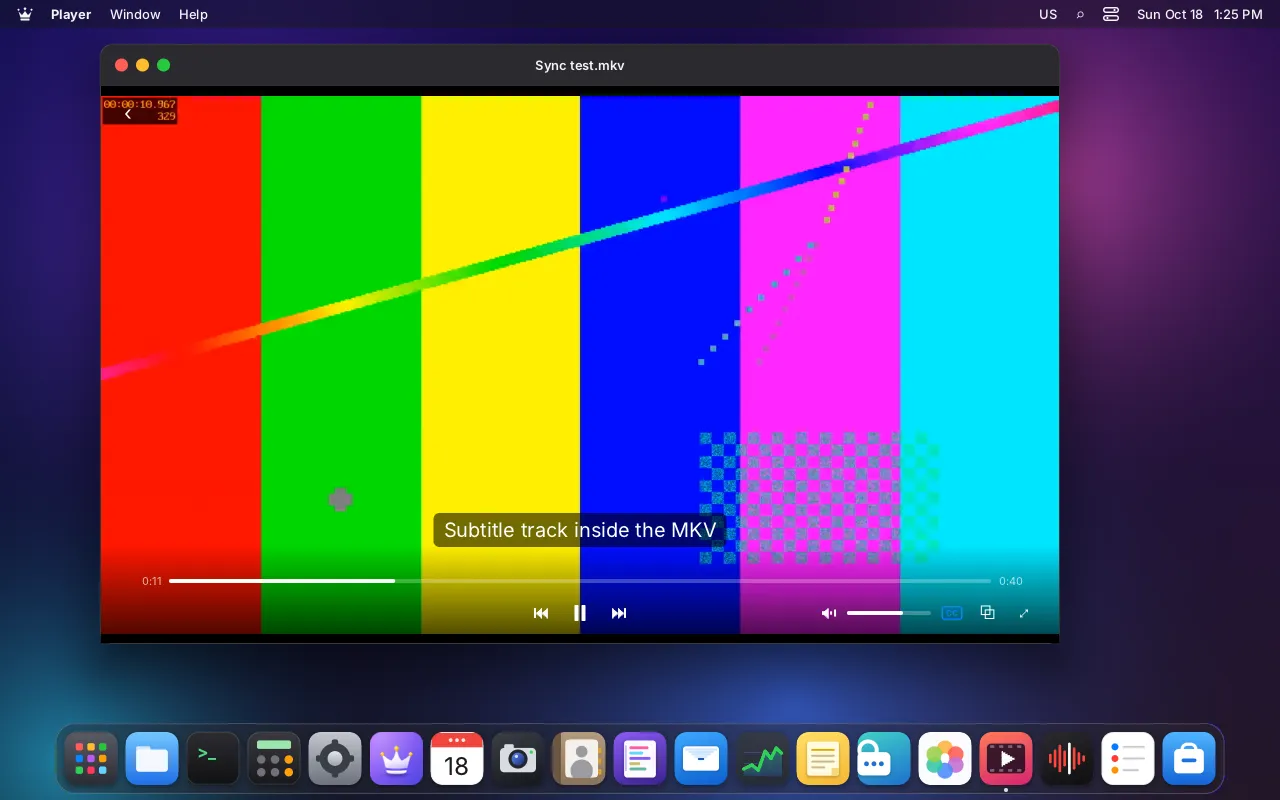
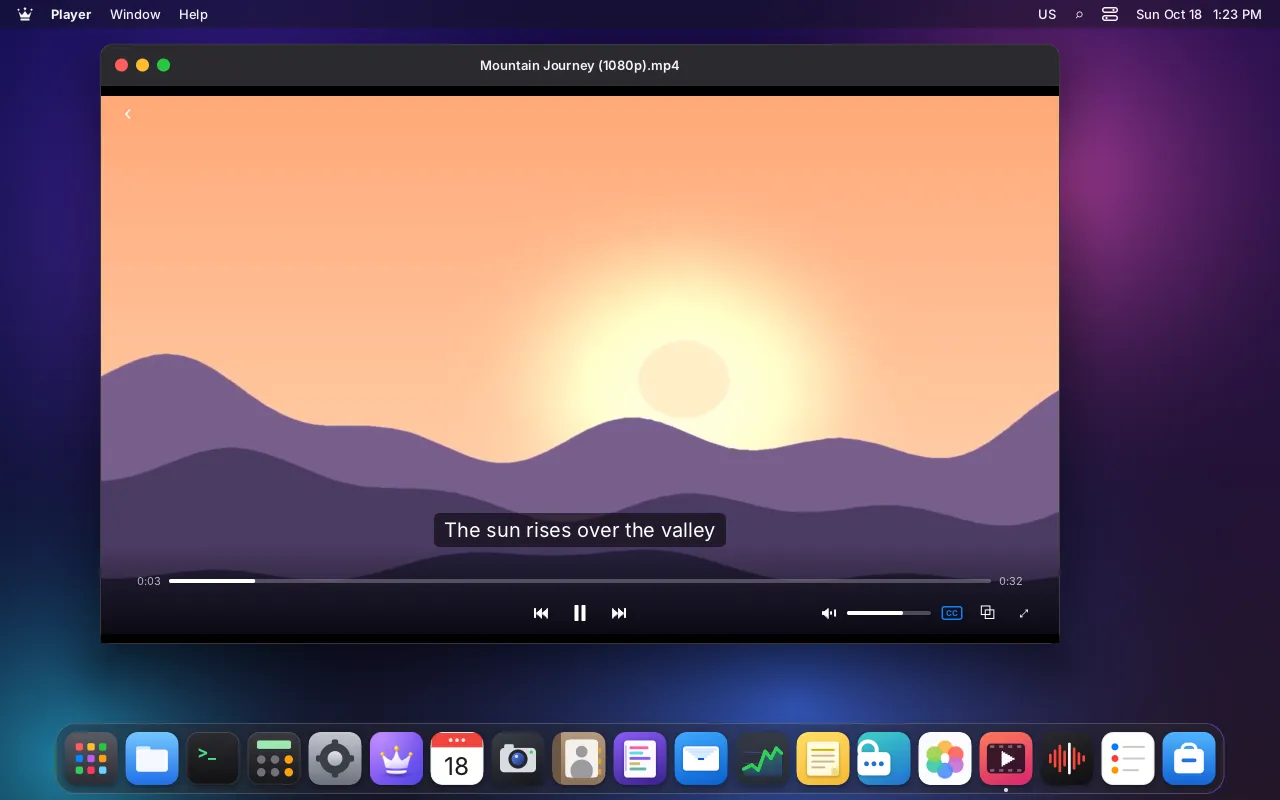
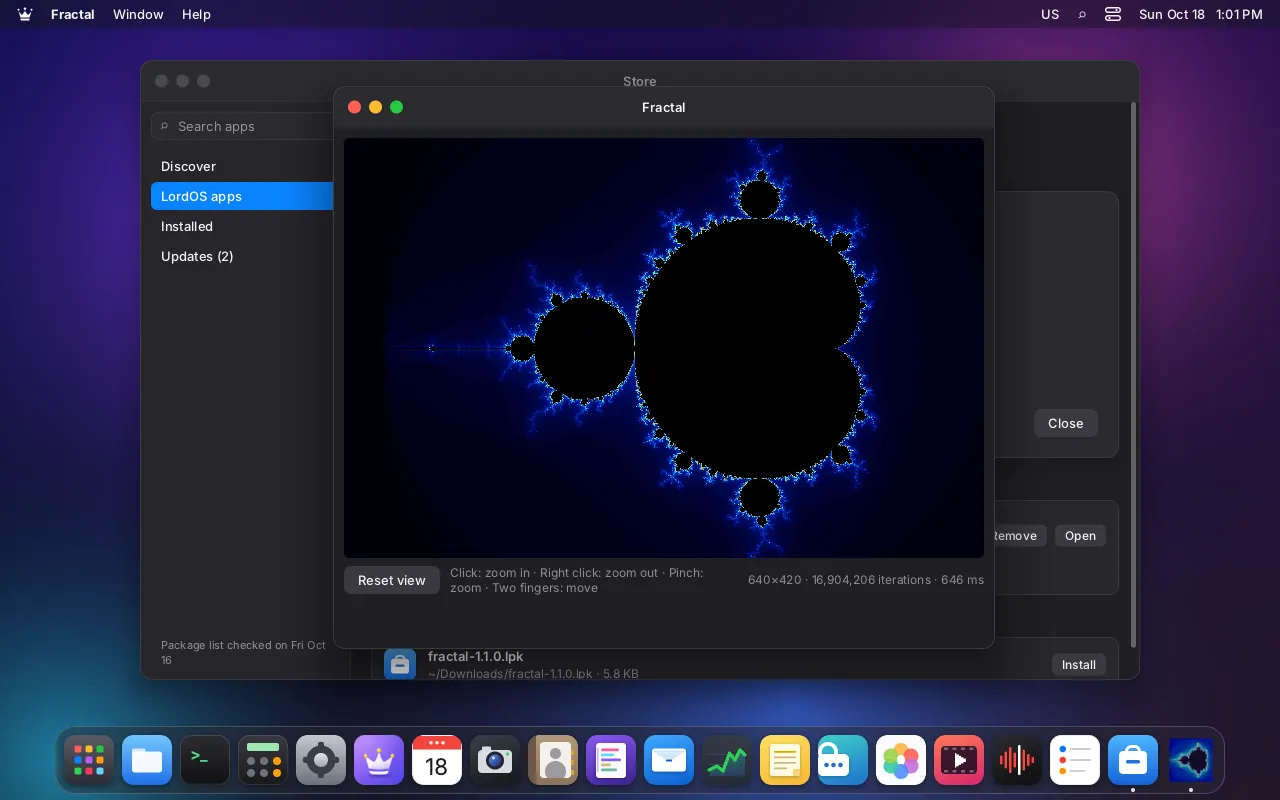
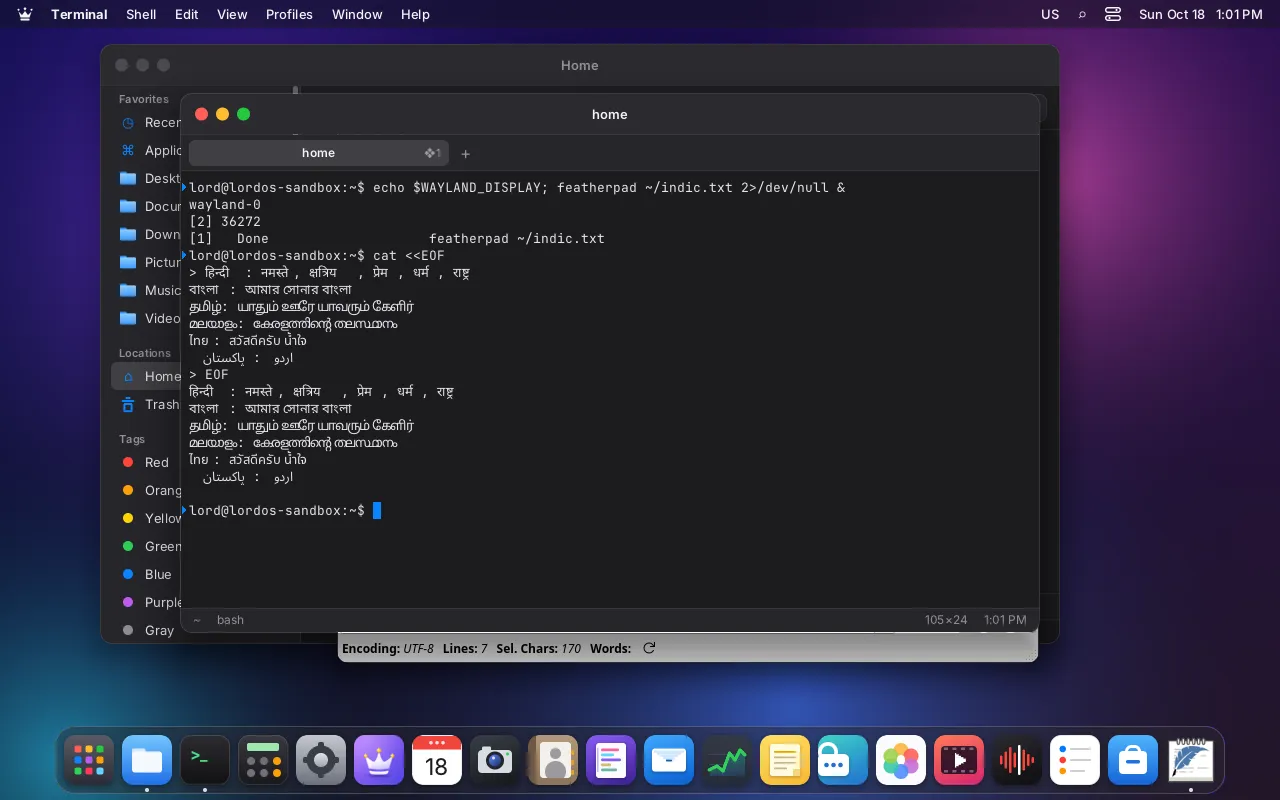
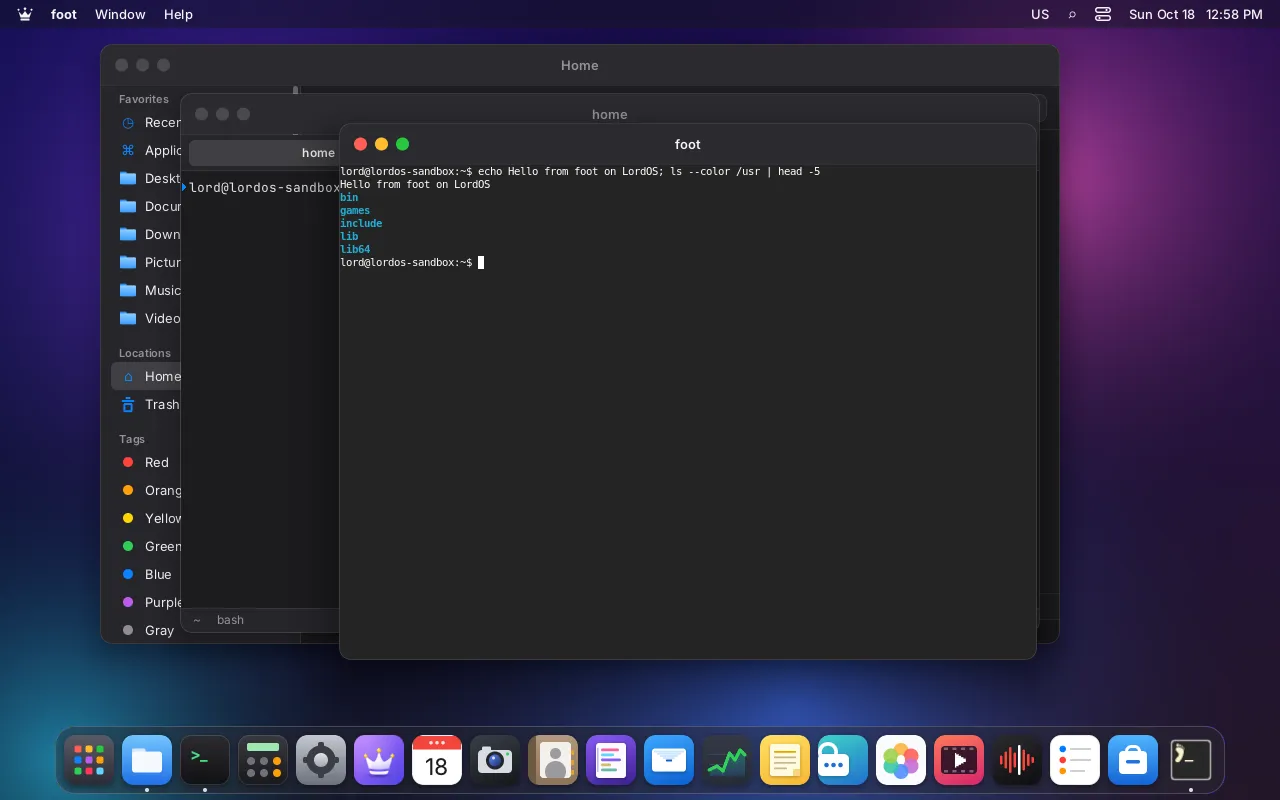
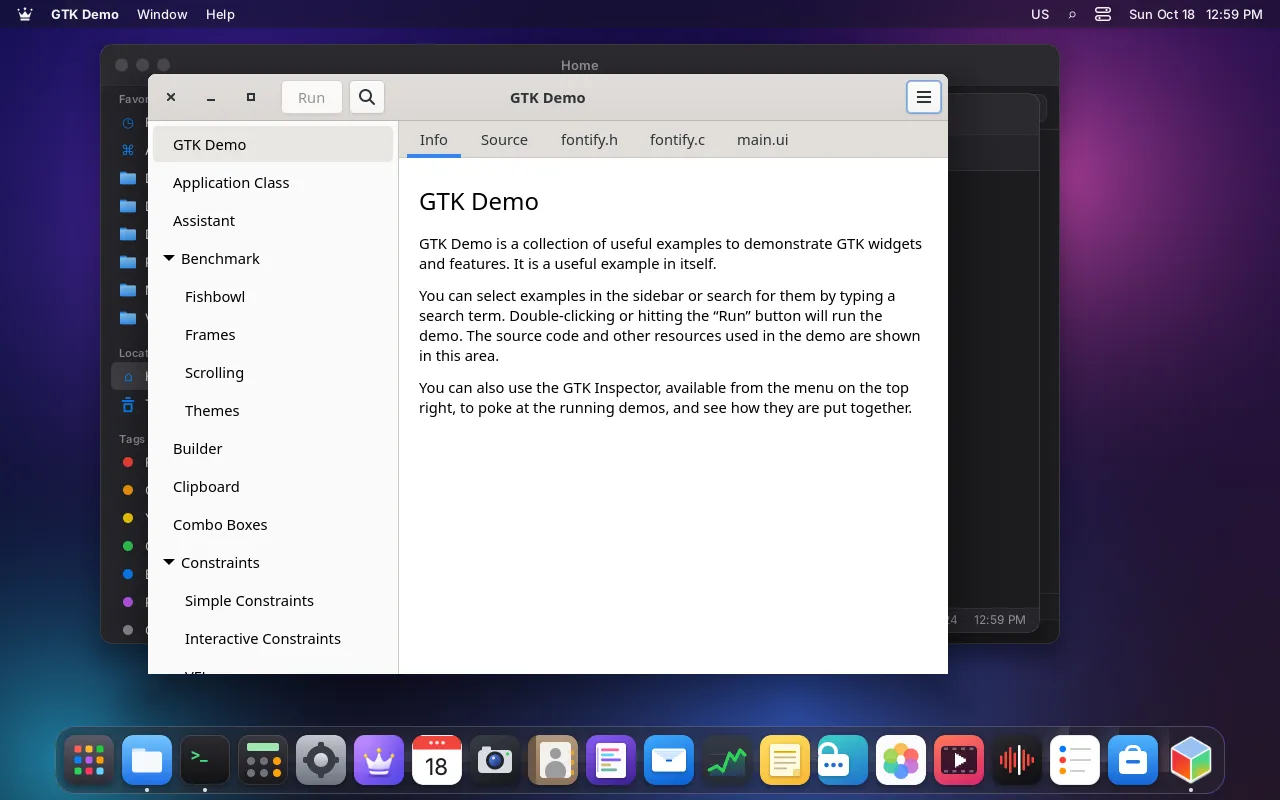
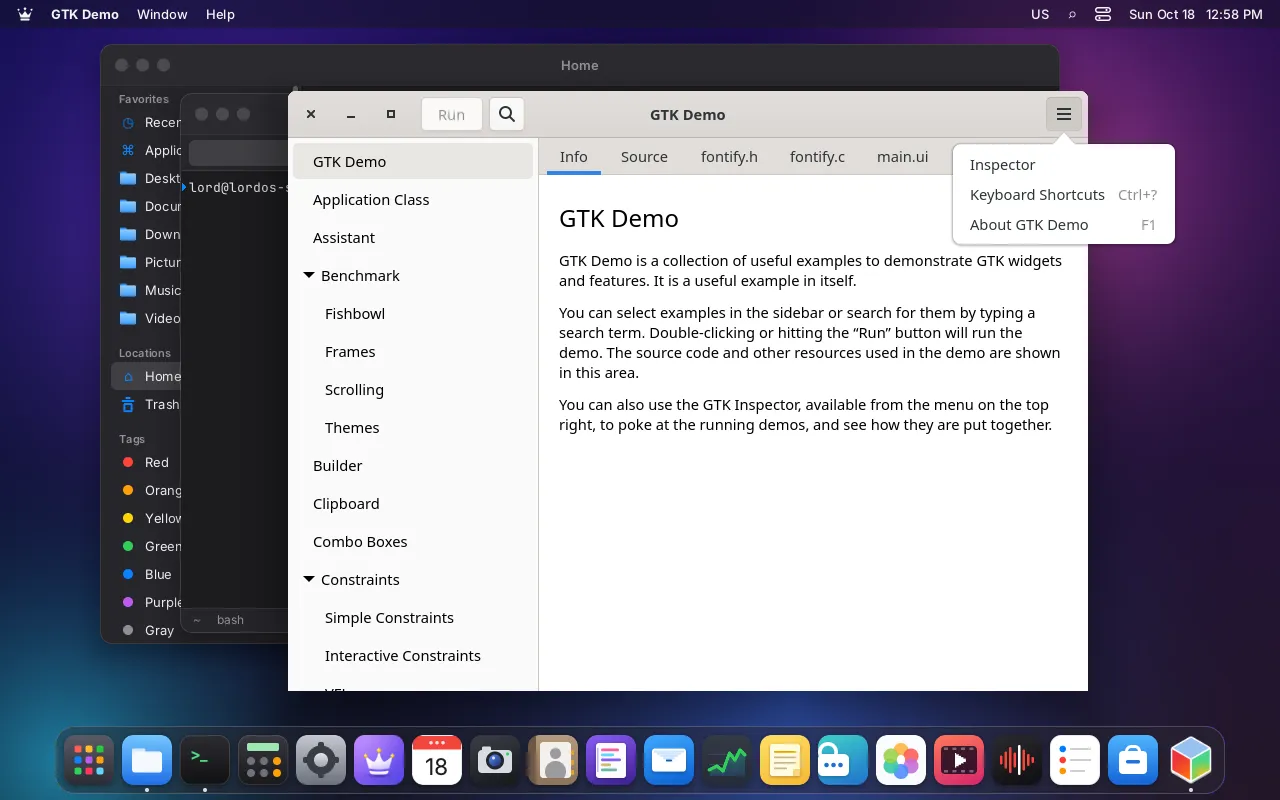
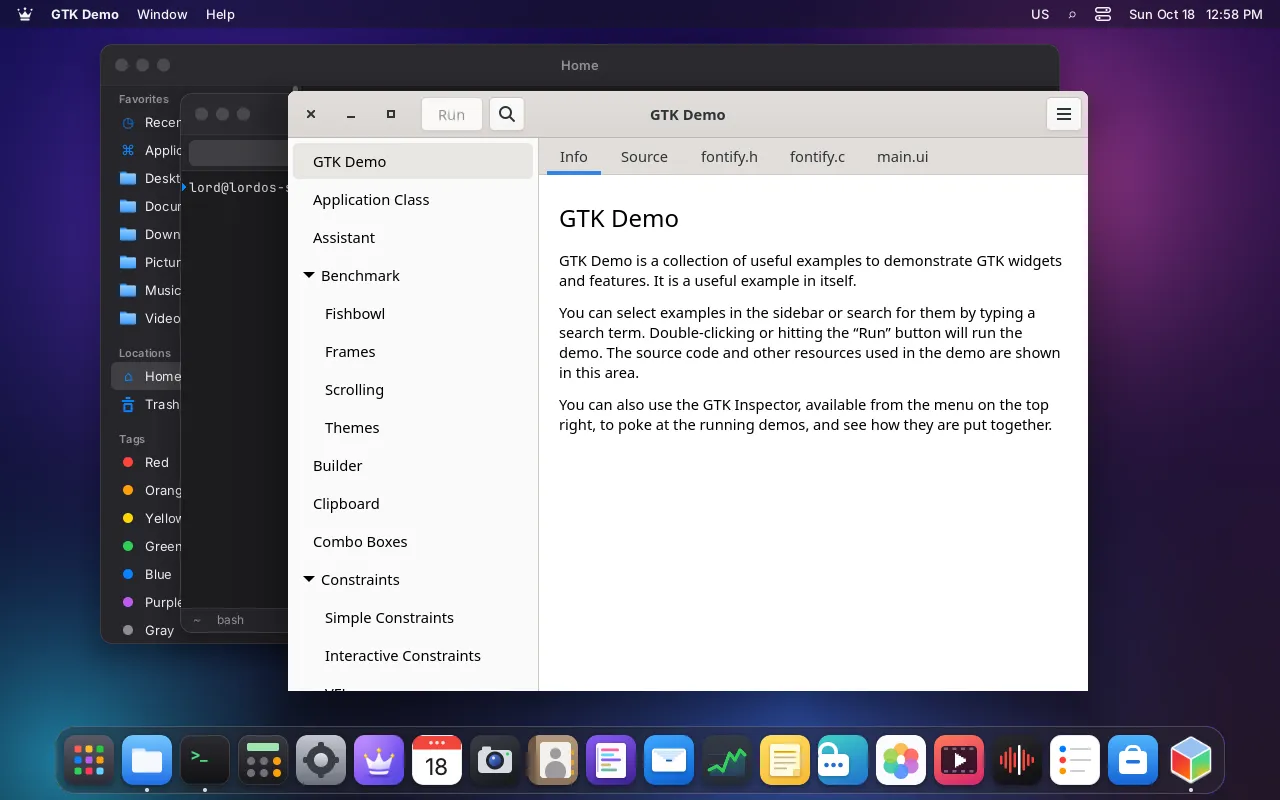
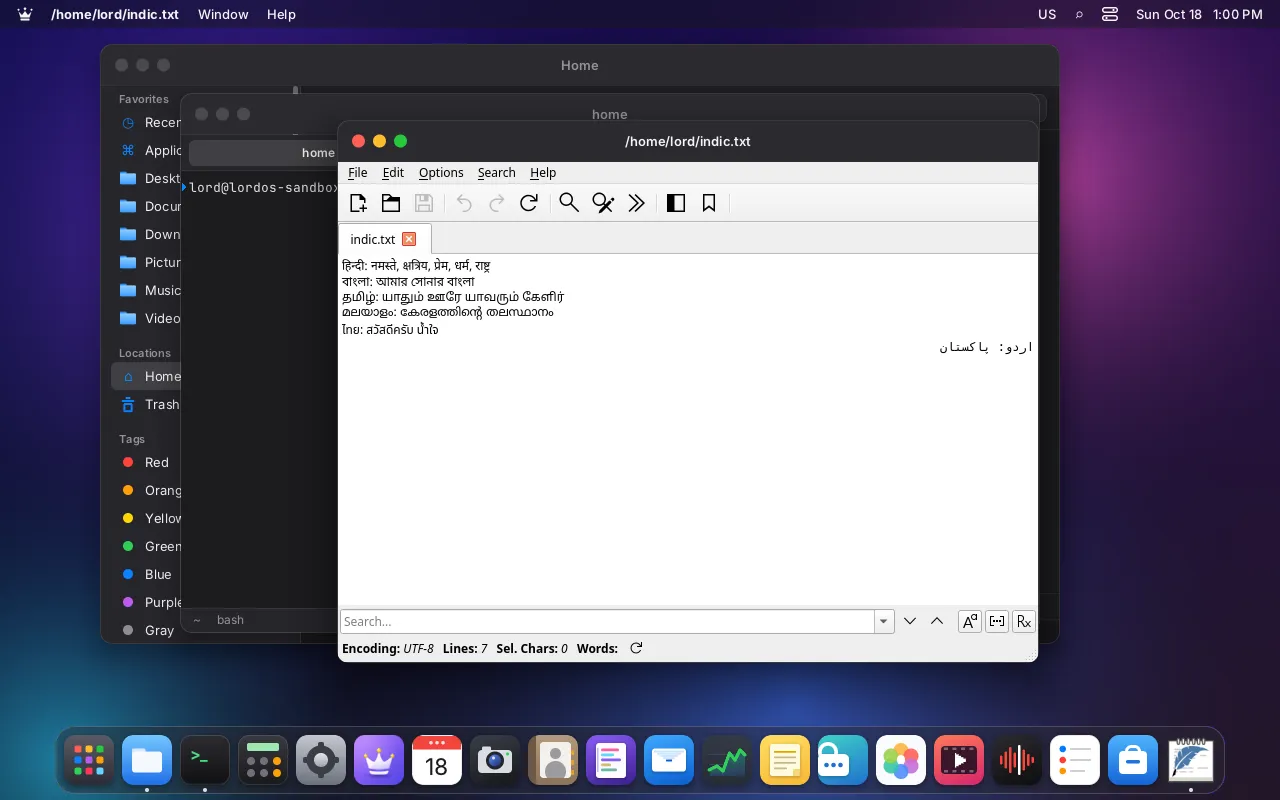
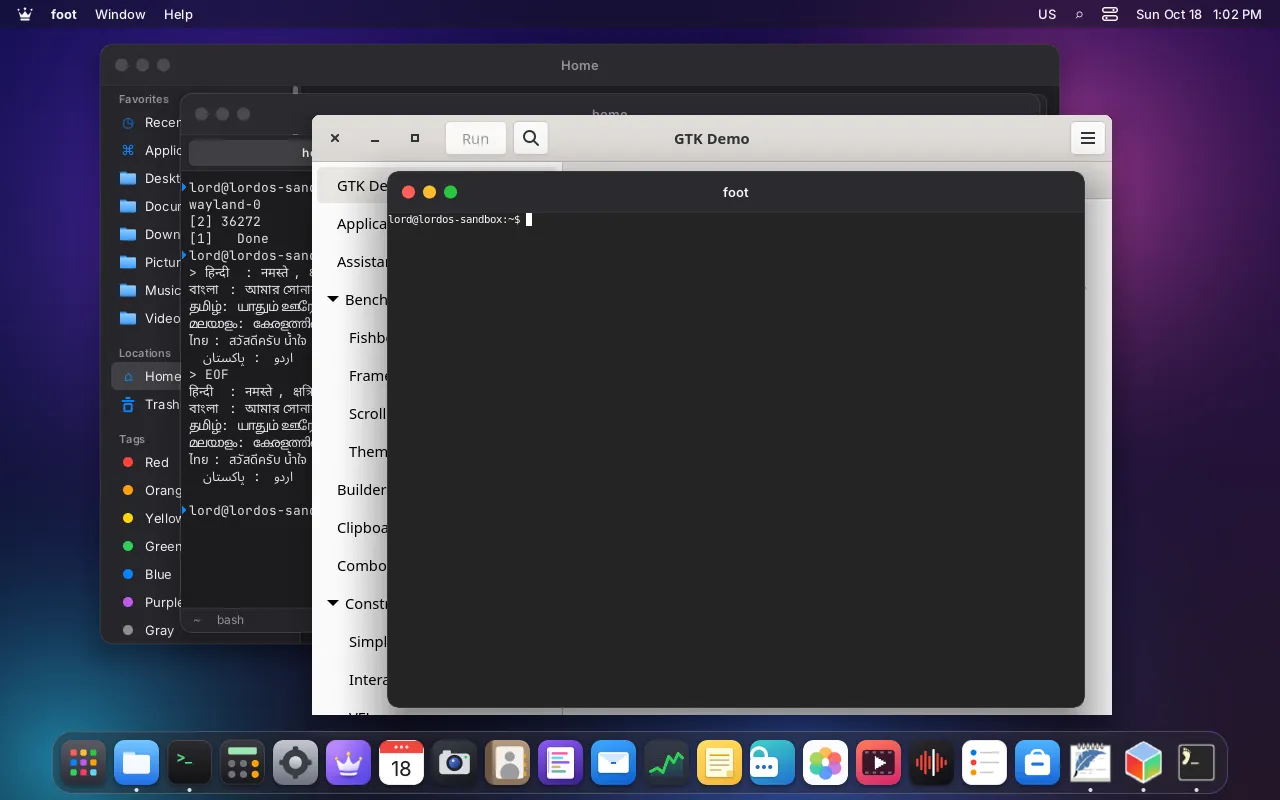
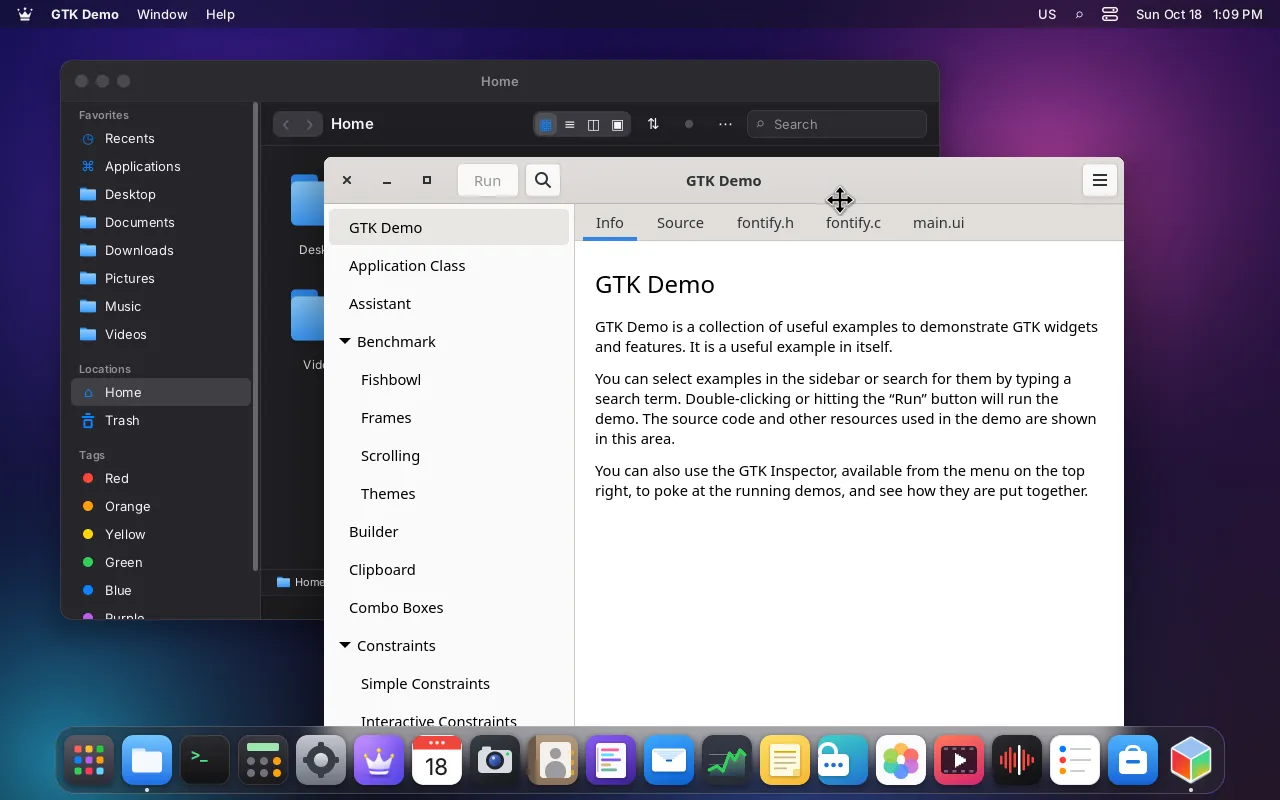
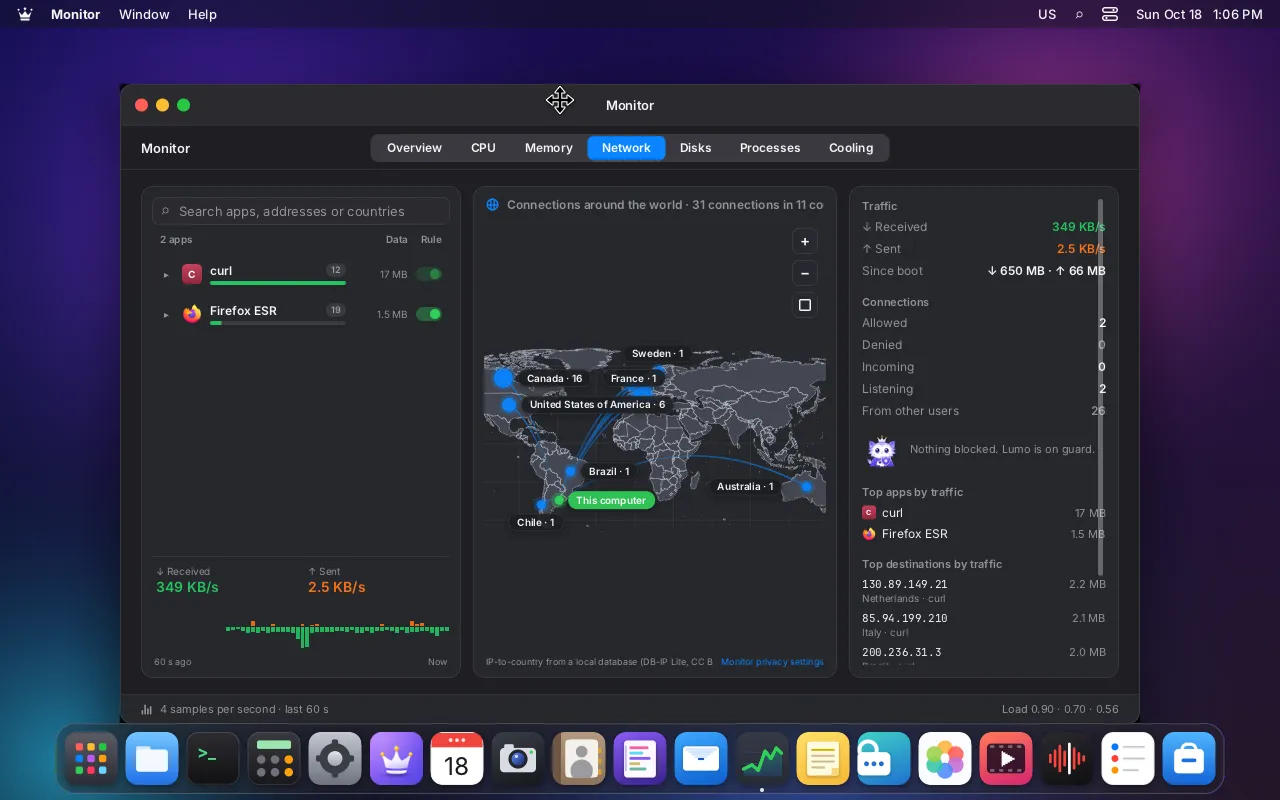
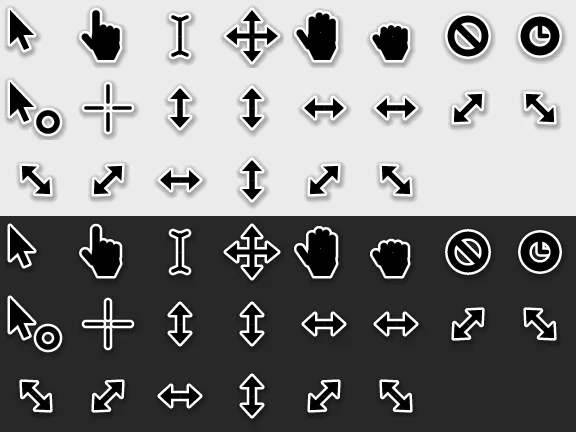
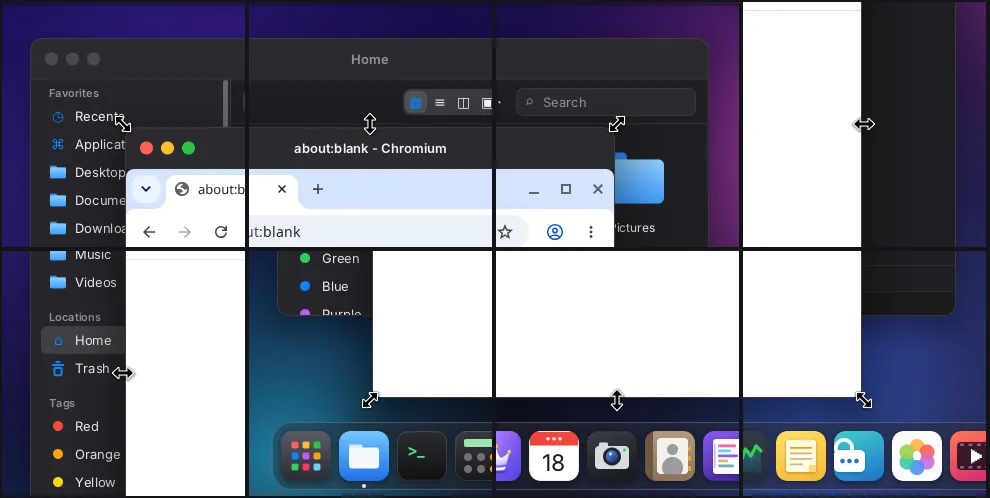
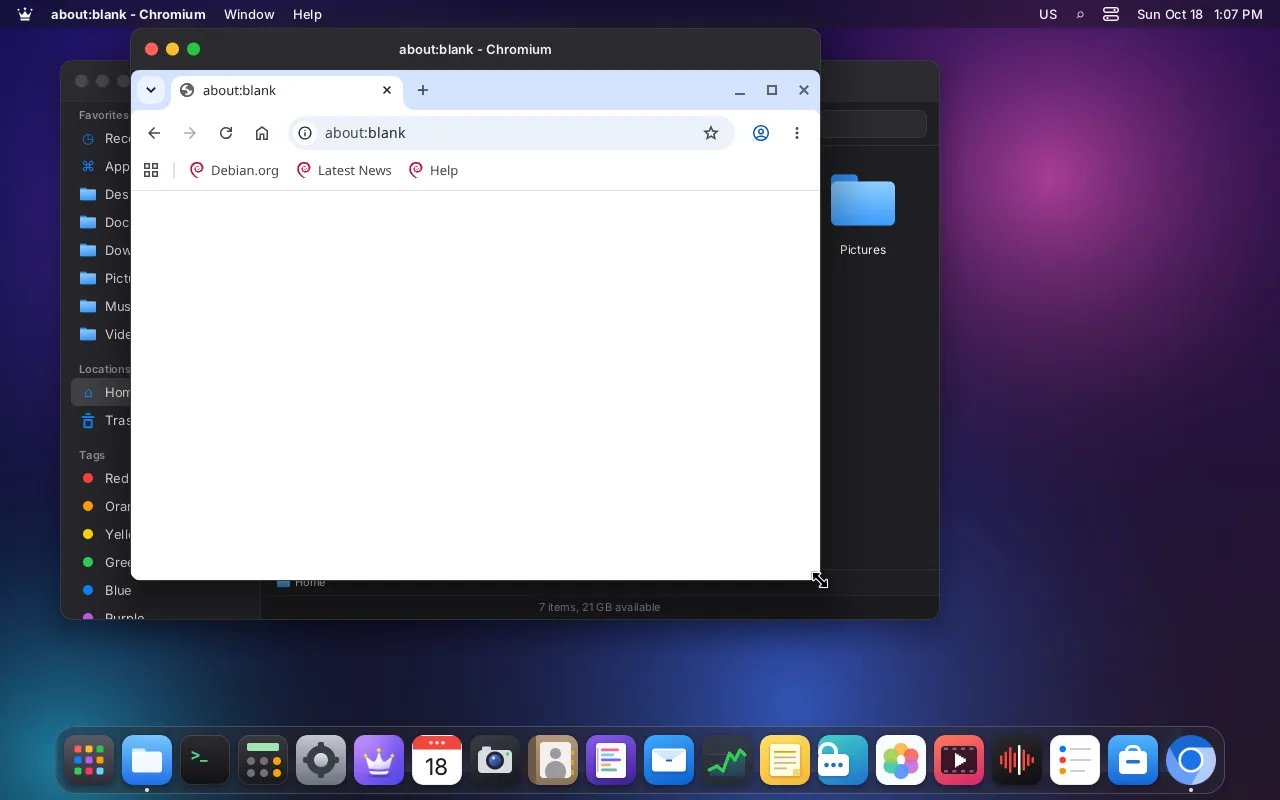
Real screenshots of LordOS, taken from the running system: no mockups, no retouching. Look around and decide if it’s for you.
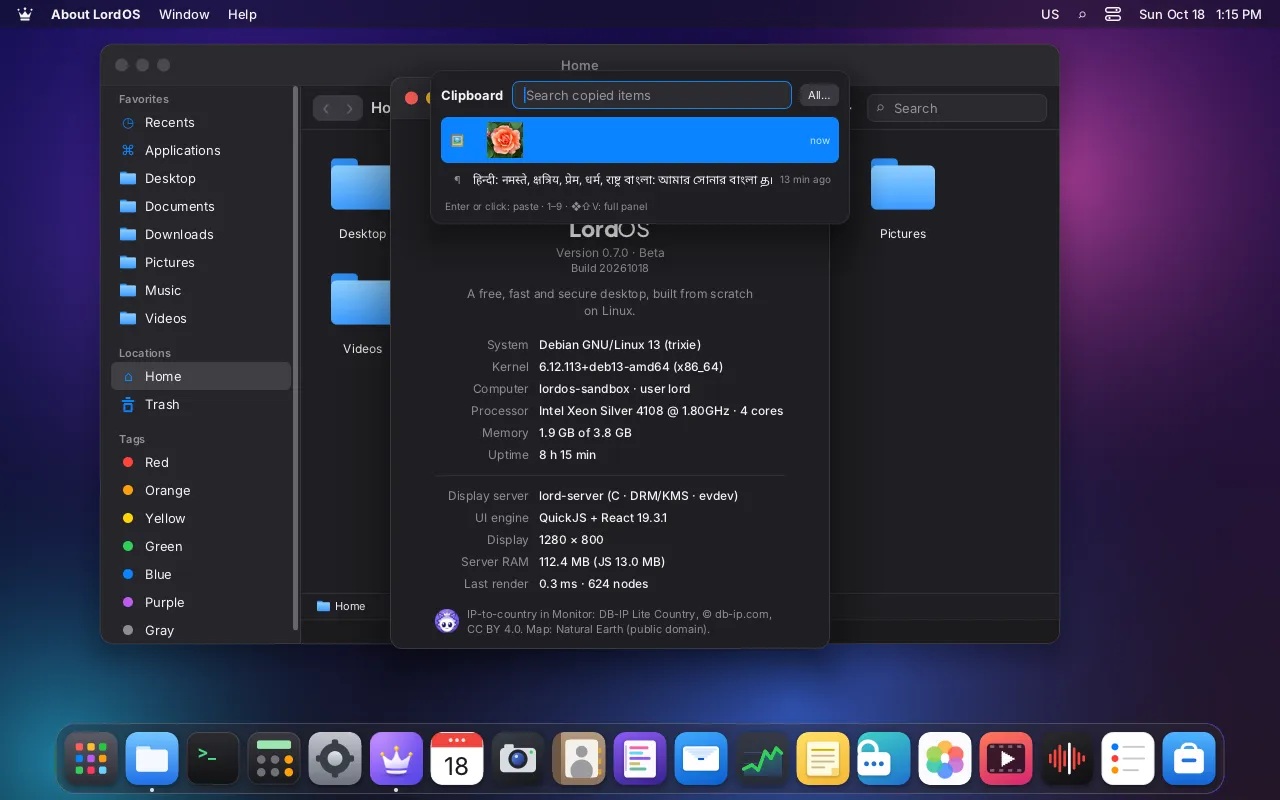
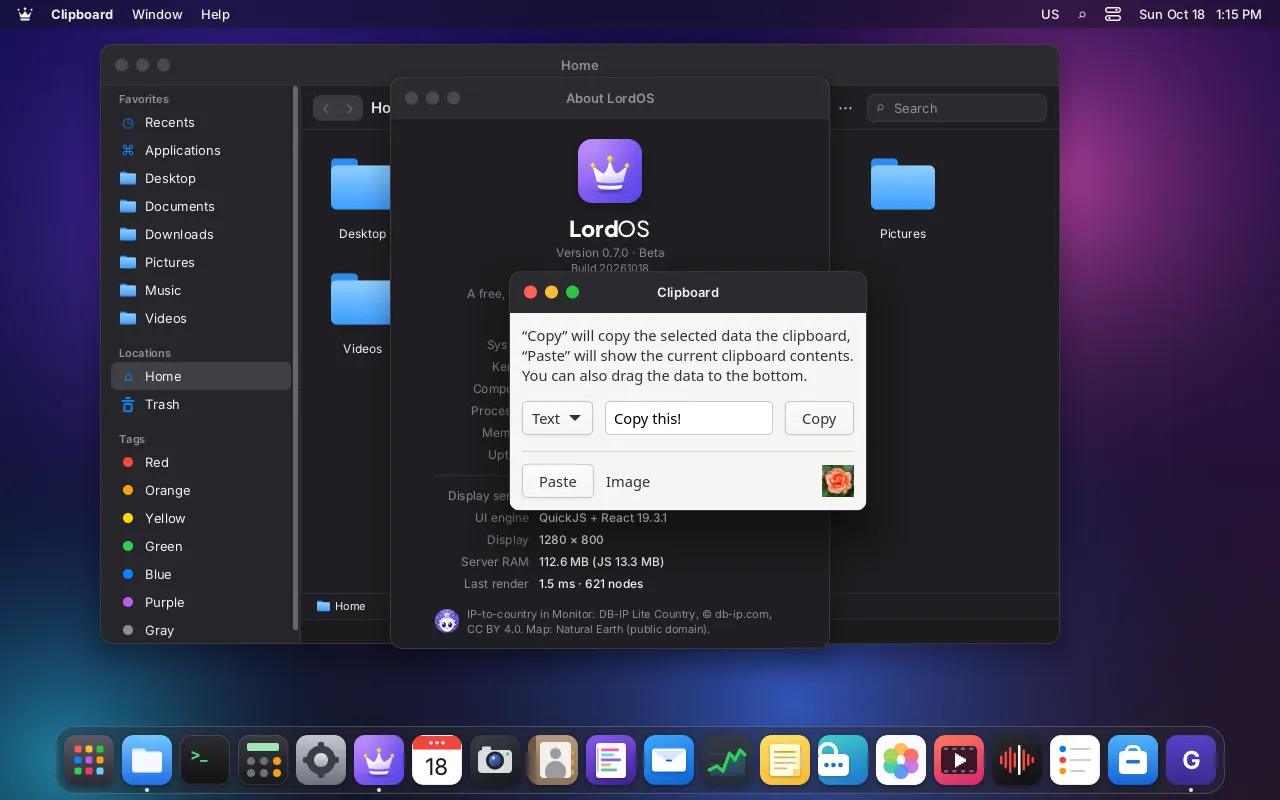
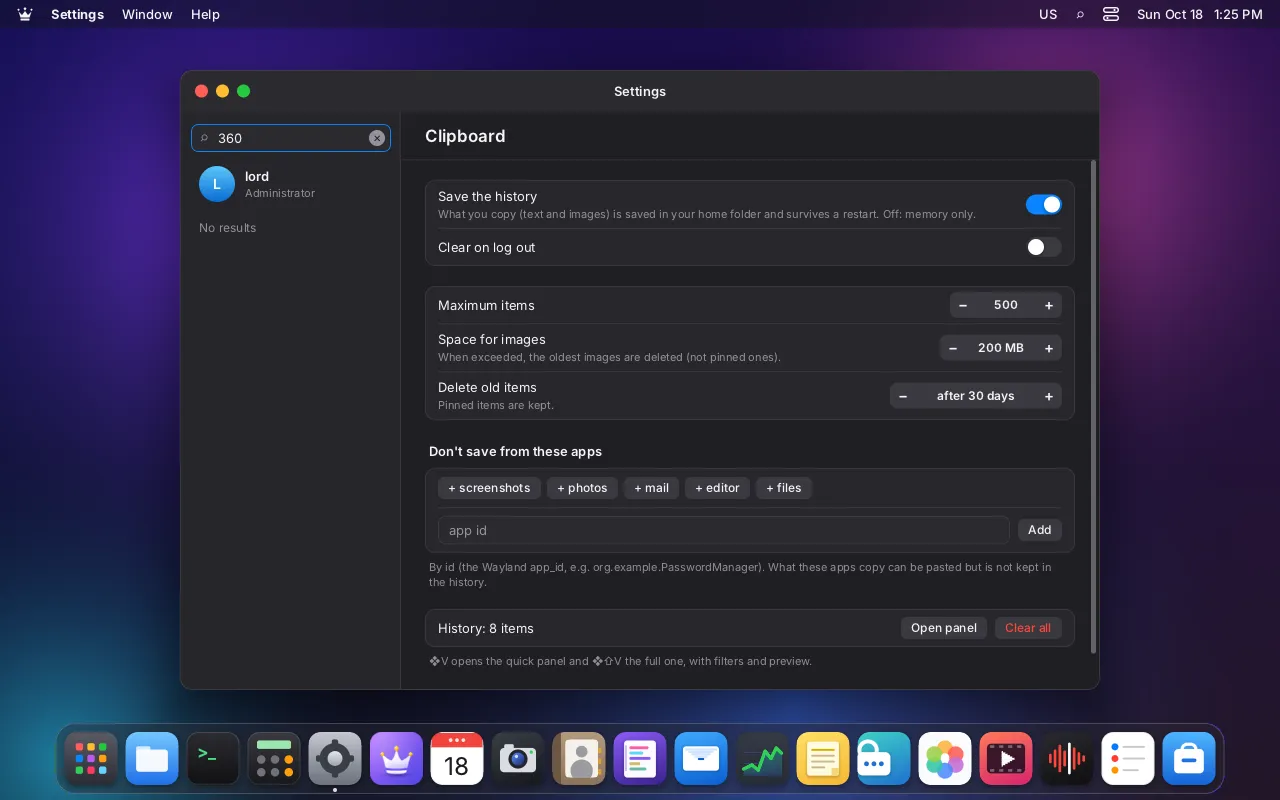
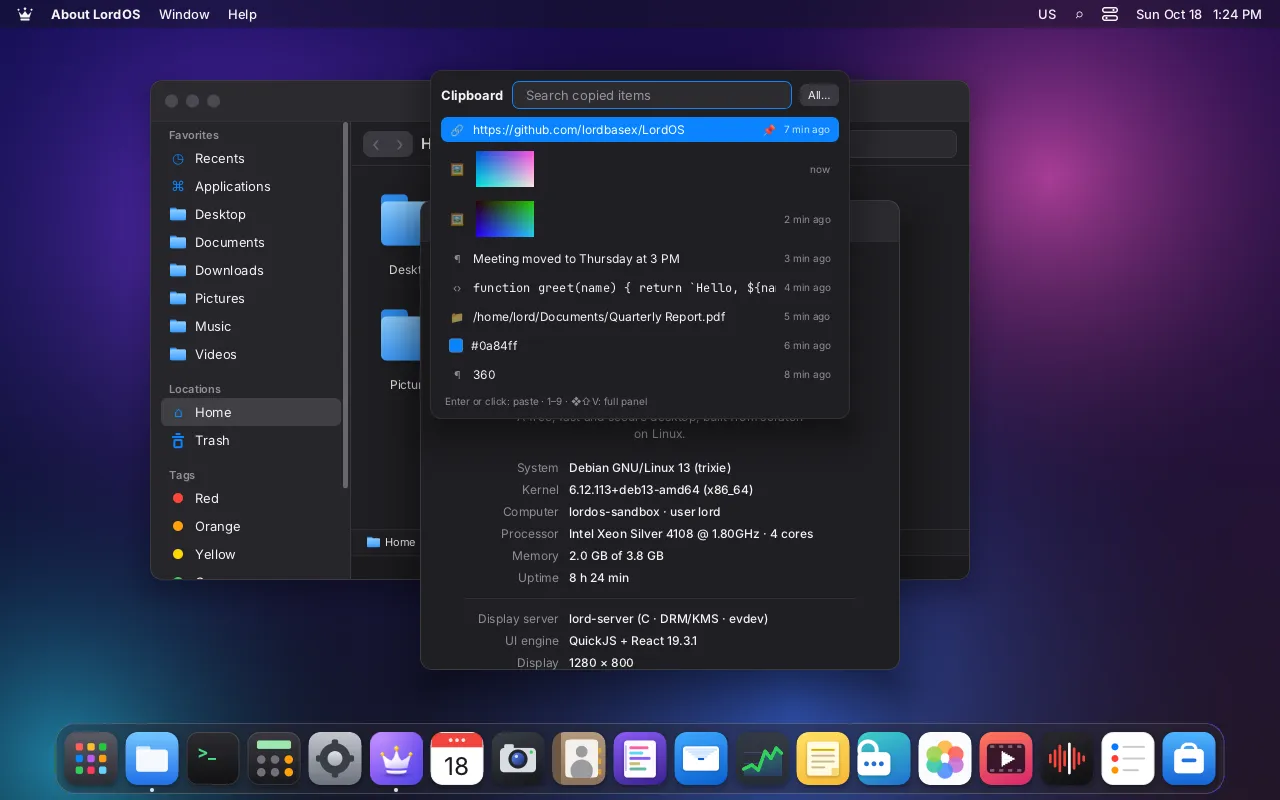
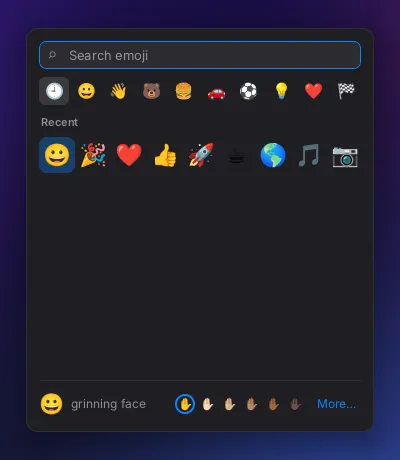
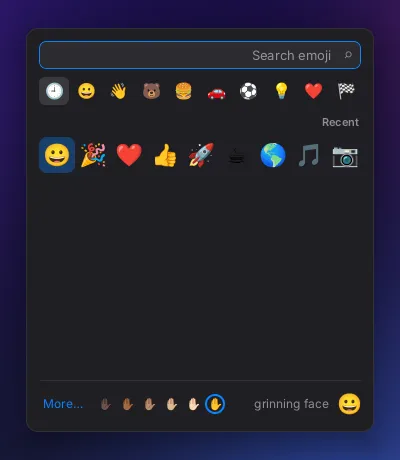
App opened from the launcherDesktopApp launcher with categoriesDesktopLinux apps in the app launcherDesktopIsolated app menu in the menu barPrivacy & securityBrowsing inside an archiveAppsCompressing files into an archiveAppsExtracting an archiveAppsArchive options in FilesAppsBrowsing a backupAppsEncrypted backup setupAppsLocked encrypted backupAppsBackup in progressAppsFiles restored from backupAppsBackup settingsAppsAbout screen with the mascotDesktopAbout screen with the mascotDesktopCalendar unavailable with the mascotAppsCalendar unavailable with the mascotAppsWelcome tour with the mascotAppsWelcome tour with the mascotAppsInstaller welcome with the mascotDesktopAbout LordOSDesktopAbout LordOSDesktopAbout LordOSDesktopLogin screen wordmark close-upDesktopLogin screenDesktopMenu bar logo close-upDesktopGeneral settingsSettingsGeneral settingsSettingsCalendar appAppsCalendar month viewAppsCalendar week viewAppsCamera appAppsCharacters and symbols appAppsClassic theme in ArabicDesktopLinux app in the classic themeDesktopClassic theme start menuDesktopFull clipboard history panelDesktopImage in clipboard historyDesktopPasting an image from historyDesktopPasting from clipboard historyDesktopQuick clipboard panelDesktopClipboard settingsSettingsAlarm going offAppsWorld clockAppsContacts appAppsContacts appAppsNetwork in the control centerDesktopSound in the control centerDesktopChromium with native window frameAppsFirefox with native window frameAppsFirefox with native window frameAppsDisks appAppsGTK app at 150% scaleHardware & Raspberry Pi 5Terminal at 150% scaleHardware & Raspberry Pi 5Dock at the bottomDesktopClassic left taskbar with top barDesktopClassic taskbar on the leftDesktopHidden Dock revealedDesktopDock hidden automaticallyDesktopDock on the leftDesktopDock app menuDesktopDock on the rightDesktopDesktop and Dock settingsSettingsEditor with a 10,000-line fileAppsGo to file in the editorAppsJapanese text in the editorAppsCode editorAppsEditing with multiple cursorsAppsOpening a file in the editorAppsProject folder in the editorAppsPython syntax highlightingAppsFind and replaceAppsSave changes promptAppsText selection in the editorAppsEmoji typed in the editorDesktopEmoji picker in an appDesktopEmoji pickerDesktopUI engine borders and transformsDesktopUI engine borders and transformsDesktopMinimizing a window to the DockDesktopTruncated names in icon viewAppsTruncated names in icon viewAppsTruncated names in list viewAppsTruncated names in list viewAppsCooling tab in MonitorHardware & Raspberry Pi 5Cooling settings on Raspberry PiHardware & Raspberry Pi 5Applications folder in FilesAppsFolder background menuAppsFiles in column viewAppsFile context menuAppsDragging a file to the TrashAppsEmptying the TrashAppsFiles in gallery viewAppsFile information windowAppsFiles grouped by kindAppsFiles in icon viewAppsFiles in icon viewAppsFile names in Indic scriptsAppsFiles in list viewAppsFiles in list viewAppsMoving filesAppsFile opened in a Linux appAppsOpen With menuAppsOpen With dialogAppsQuick file previewAppsRecent filesAppsFiles appAppsSearching in FilesAppsTabs in FilesAppsColor tags in FilesAppsRestoring from the TrashAppsFile names in many scriptsAppsFile names in world scriptsAppsPer-app firewall settingsPrivacy & securityFont character mapAppsPreviewing a font fileAppsInstalled fontsAppsFont sample textAppsFullscreen app on the GPU pathHardware & Raspberry Pi 5Help articleAppsHelp results in searchAppsHelp welcome pageAppsKorean Hangul inputDesktopConverting a Japanese phraseDesktopJapanese input methodDesktopChinese pinyin inputDesktopInput method in the terminalDesktopInput method in a text fieldDesktopLive session desktopDesktopLive session in EnglishDesktopLive ISO boot menuDesktopInstaller: choosing the diskDesktopInstallation finishedDesktopInstaller: keyboard layoutDesktopInstaller: language and regionDesktopInstalling LordOSDesktopInstaller summary before installingDesktopInstaller: creating the userDesktopInstaller welcome screenDesktopInstalled system at idleHardware & Raspberry Pi 5Chromium on the installed systemAppsFirst session after installingDesktopFirefox on the installed systemAppsInstalled system login screenDesktopInstalled system checks in TerminalDesktopAbout LordOS on the live ISODesktopSound on the live ISOHardware & Raspberry Pi 5Two browsers on the live ISOAppsChromium on the live ISOAppsLive session desktopDesktopFiles on the live ISOAppsFirefox on the live ISOAppsGTK app on the live ISOAppsLive session at idleHardware & Raspberry Pi 5Locked live sessionDesktopMail on the live ISOAppsMonitor cooling on the live ISOHardware & Raspberry Pi 5Monitor network view, live ISOPrivacy & securityMonitor on the live ISOAppsPasswords as an isolated processPrivacy & securityLocked Passwords on the live ISOPrivacy & securityPasswords open on the live ISOPrivacy & securitySystem services on the live ISODesktopCooling settings on the live ISOHardware & Raspberry Pi 5Settings on the live ISOSettingsSharing settings on the live ISOSettingsStore on the live ISOAppsBoot menuDesktopLive USB boot menuDesktopSafe mode boot optionDesktopInstaller disk selectionDesktopChoosing the install diskDesktopInstaller keyboard layoutDesktopInstaller language and regionDesktopInstaller progressDesktopInstallation in progressDesktopInstaller finishedDesktopReady to restart after installingDesktopInstaller summary stepDesktopInstallation summaryDesktopInstaller user account stepDesktopCreating the first userDesktopInstaller password mismatch warningDesktopInstaller welcome screenDesktopLive USB desktopDesktopCamera access revokedPrivacy & securityCamera in an isolated appPrivacy & securityTwo windows of an isolated appPrivacy & securityKeyboard layoutsSettingsInterface in FrenchSettingsLanguage and region in EnglishSettingsDesktop in PortugueseSettingsWrong password at loginDesktopLock screenDesktopAdding a new userDesktopRestart with open sessionsDesktopLogin screenDesktopFirst user's sessionDesktopUsers settingsSettingsSwitching userDesktopLive log streamAppsSearching the logsAppsLogs appAppsFirst frame from the display serverDesktopEarly LordOS desktopDesktopEarly LordOS desktopDesktopEarly app launcherDesktopEarly classic themeDesktopEarly control centerDesktopEarly Files appAppsEarly keyboard inputDesktopMailbox with 10,000 messagesAppsMail server settingsAppsAdding a mail accountAppsComposing a messageAppsDeceptive link warningAppsRemote images blockedAppsRemote images loaded on requestAppsCalendar invitation in MailAppsMail appAppsMail conversation viewAppsMedia controls in control centerDesktopOpening media with the playerAppsMedia playerAppsMenu in ArabicDesktopCPU usage in MonitorAppsDisk activity in MonitorAppsConnection map of EuropePrivacy & securitySelected place on connection mapPrivacy & securityConnection map of South AmericaPrivacy & securityWorld connection mapPrivacy & securityMemory usage in MonitorAppsOne app's network connectionsPrivacy & securityNetwork activity in MonitorAppsMonitor overviewAppsPrivacy tab in MonitorPrivacy & securityProcesses in MonitorAppsSystem MonitorAppsMusic albumsAppsSong now playingAppsNotes in the classic themeAppsNote with a desktop imageAppsEditing a noteAppsEmoji in a noteAppsNote list with imagesAppsPinned noteAppsReading a noteAppsPasswords window protected from capturePrivacy & securityProtected window in a screenshotPrivacy & securityPDF annotationsAppsPDF viewerAppsFilling a PDF formAppsNote on a PDF pageAppsPDF outlineAppsRotating PDF pagesAppsPDF viewerAppsSearching a PDFAppsAVIF image in PhotosAppsEditing a photoAppsPhoto libraryAppsZooming into a photoAppsAbout LordOSDesktopAbout LordOSDesktopAbout LordOSDesktopAbout LordOSDesktopBackup appAppsBackup appAppsBackup appAppsBackup settingsAppsBackup appAppsCalculator appAppsCalculator appAppsCalculator appAppsCalculator appAppsCalendar appAppsCalendar appAppsCalendar appAppsCalendar appAppsCamera appAppsCamera appAppsCamera appAppsCamera appAppsCharacters appAppsCharacters appAppsCharacters appAppsCharacters appAppsClock appAppsClock appAppsClock appAppsClock appAppsContacts appAppsContacts appAppsContacts appAppsContacts appAppsDisks appAppsDisks appAppsDisks appAppsDisks appAppsCode editorAppsCode editorAppsCode editorAppsCode editorAppsEmoji popupDesktopEmoji popupDesktopEmoji popupDesktopAnimated fan illustrationHardware & Raspberry Pi 5Fan animation frameHardware & Raspberry Pi 5Fan animation frameHardware & Raspberry Pi 5Fan animation frameHardware & Raspberry Pi 5Fan animation frameHardware & Raspberry Pi 5Raspberry Pi case fanHardware & Raspberry Pi 5Raspberry Pi case fanHardware & Raspberry Pi 5Raspberry Pi active coolerHardware & Raspberry Pi 5Raspberry Pi active coolerHardware & Raspberry Pi 5Passive cooling, no fansHardware & Raspberry Pi 5Passive cooling, no fansHardware & Raspberry Pi 5PC fan controlHardware & Raspberry Pi 5PC fan controlHardware & Raspberry Pi 5Files appAppsFiles appAppsFiles appAppsFiles appAppsArchive in FilesAppsArchive in FilesAppsBrowsing an archiveAppsFiles in column viewAppsFiles in column viewAppsFiles in gallery viewAppsFiles in gallery viewAppsFiles in list viewAppsFiles in list viewAppsQuick file previewAppsQuick file previewAppsFonts appAppsFonts appAppsFonts appAppsFonts appAppsHelp appAppsHelp appAppsHelp appAppsHelp appAppsLordOS installerDesktopLordOS installerDesktopLordOS installerDesktopLordOS installerDesktopLogs appAppsLogs appAppsLogs appAppsLogs appAppsMail appAppsMail appAppsMail appAppsMail appAppsSystem MonitorAppsSystem MonitorAppsSystem MonitorAppsSystem MonitorAppsNotes appAppsNotes appAppsNotes appAppsNotes appAppsPassword category viewPrivacy & securityTwo-factor codesPrivacy & securityCreating a vaultPrivacy & securityPasswords appPrivacy & securityEditing a password entryPrivacy & securityEditing a password entryPrivacy & securityEditing a password entryPrivacy & securityEditing a password entryPrivacy & securityPassword generatorPrivacy & securityPassword generatorPrivacy & securityPassword generatorPrivacy & securityPassword generatorPrivacy & securityPasswords appPrivacy & securityLocked vaultPrivacy & securityLocked vaultPrivacy & securityLocked vaultPrivacy & securityLocked vaultPrivacy & securityPasswords appPrivacy & securityPassword security reportPrivacy & securityVault settingsPrivacy & securityPasswords appPrivacy & securityWi-Fi network entryPrivacy & securityPDF viewerAppsPDF viewerAppsPDF viewerAppsPDF viewerAppsPhotos appAppsPhotos appAppsPhotos appAppsPhotos appAppsMedia playerAppsMedia playerAppsMedia playerAppsMedia playerAppsSound recorderAppsSound recorderAppsSound recorderAppsSound recorderAppsReminders appAppsReminders appAppsReminders appAppsReminders appAppsScanner appHardware & Raspberry Pi 5Scanner appHardware & Raspberry Pi 5Scanner appHardware & Raspberry Pi 5Scanner appHardware & Raspberry Pi 5Screenshot toolAppsScreenshot toolAppsScreenshot toolAppsScreenshot toolAppsAppearance settingsSettingsAppearance settingsSettingsAppearance settingsSettingsAppearance settingsSettingsBluetooth settingsSettingsBluetooth settingsSettingsBluetooth settingsSettingsBluetooth settingsSettingsClipboard settingsSettingsClipboard settingsSettingsClipboard settingsSettingsClipboard settingsSettingsDate and time settingsSettingsDate and time settingsSettingsDate and time settingsSettingsDate and time settingsSettingsDefault apps settingsSettingsDefault apps settingsSettingsDefault apps settingsSettingsDefault apps settingsSettingsDesktop and Dock settingsSettingsDesktop and Dock settingsSettingsDesktop and Dock settingsSettingsDesktop and Dock settingsSettingsGeneral settingsSettingsGeneral settingsSettingsGeneral settingsSettingsGeneral settingsSettingsKeyboard settingsSettingsKeyboard settingsSettingsKeyboard settingsSettingsKeyboard settingsSettingsLanguage and region settingsSettingsLanguage and region settingsSettingsLanguage and region settingsSettingsLanguage and region settingsSettingsNetwork settingsSettingsNetwork settingsSettingsNetwork settingsSettingsNetwork settingsSettingsVPN settingsSettingsVPN settingsSettingsVPN settingsSettingsVPN settingsSettingsAdding a VPNSettingsNotifications settingsSettingsNotifications settingsSettingsNotifications settingsSettingsNotifications settingsSettingsEnergy settingsSettingsEnergy settingsSettingsEnergy settingsSettingsEnergy settingsSettingsPrinters and scanners settingsSettingsPrinters and scanners settingsSettingsPrinters and scanners settingsSettingsPrinters and scanners settingsSettingsPrivacy settingsSettingsPrivacy settingsSettingsPrivacy settingsSettingsPrivacy settingsSettingsSharing settingsSettingsSharing settingsSettingsSharing settingsSettingsSharing settingsSettingsSound settingsSettingsSound settingsSettingsSound settingsSettingsSound settingsSettingsThemes settingsSettingsThemes settingsSettingsThemes settingsSettingsThemes settingsSettingsTrackpad settingsSettingsTrackpad settingsSettingsTrackpad settingsSettingsTrackpad settingsSettingsUpdates settingsSettingsUpdates settingsSettingsUpdates settingsSettingsUpdates settingsSettingsUsers settingsSettingsUsers settingsSettingsUsers settingsSettingsUsers settingsSettingsWallpaper settingsSettingsWallpaper settingsSettingsWallpaper settingsSettingsWallpaper settingsSettingsStore home pageAppsStore home pageAppsStore home pageAppsStore home pageAppsApp details in the storeAppsApp details in the storeAppsApp details in the storeAppsApp details in the storeAppsInstalled apps in the storeAppsInstalled apps in the storeAppsInstalled apps in the storeAppsInstalled apps in the storeAppsLordOS apps in the storeAppsLordOS apps in the storeAppsLordOS apps in the storeAppsLordOS apps in the storeAppsSearching the storeAppsSearching the storeAppsSearching the storeAppsSearching the storeAppsTerminal appAppsTerminal appAppsTerminal appAppsTerminal appAppsTerminal preferencesAppsTerminal preferencesAppsTerminal preferencesAppsTerminal preferencesAppsPrint dialogHardware & Raspberry Pi 5Printing from the editorHardware & Raspberry Pi 5Isolated app in ArabicPrivacy & securityIsolated app running livePrivacy & securityIsolated app running livePrivacy & securityIsolated app switching languagePrivacy & securityIsolated app menus in the barPrivacy & securityIsolated app stopped safelyPrivacy & securitySystem-drawn file pickerPrivacy & securityMicrophone in use indicatorPrivacy & securityMicrophone indicator in the menu barPrivacy & securityMicrophone access deniedPrivacy & securityIsolated app asking permissionPrivacy & securityPermission promptPrivacy & securityRevoking microphone accessPrivacy & securityMalicious app fully blockedPrivacy & securityPrivacy settingsPrivacy & securityProtected window blacked out in capturePrivacy & securityProtected window hidden remotelyPrivacy & securityProtected window on screenPrivacy & securityAbout LordOSDesktopAll apps open at onceDesktopBackup appAppsCalculator appAppsCalendar appAppsCamera appAppsCharacters appAppsClock appAppsContacts appAppsDisks appAppsCode editorAppsFiles appAppsFonts appAppsHelp appAppsLogs appAppsTest app asking for the microphonePrivacy & securityMail appAppsSystem MonitorAppsNotes appAppsPasswords appPrivacy & securityPDF viewerAppsPhotos appAppsMedia playerAppsSound recorderAppsReminders appAppsScanner appHardware & Raspberry Pi 5Screenshot toolAppsAll Settings pagesSettingsSettings appSettingsStore appAppsTerminal appAppsQuick preview of a fontAppsQuick preview of a PDFAppsQuick preview of a ZIPAppsRecording audioAppsTrimming a recordingAppsSound recorder waveformAppsReminder alertAppsReminders appAppsReminders appAppsRemote desktop sharing settingsPrivacy & securityScreen recording frameAppsScreen recording in progressAppsAnnotating a screenshotAppsCapturing a screen areaAppsScreenshot panelAppsScreen capture permissionPrivacy & securityAbout LordOSDesktopCalendar week viewAppsThe LordOS desktopDesktopThe LordOS desktopDesktopFiles in the Documents folderAppsPer-app network restrictionsPrivacy & securityLogin screenDesktopMail inbox with a newsletterAppsMonitor cooling and fansHardware & Raspberry Pi 5Monitor network mapPrivacy & securityPhotos libraryAppsPlayer playing an albumAppsRemote desktop in SettingsPrivacy & securitySettings: GeneralSettingsStore browsing Debian appsAppsTerminal with everyday commandsAppsSearching for appsDesktopCalculator in searchDesktopSearching for filesDesktopSearching notesDesktopStore results in searchDesktopDate and time settingsSettingsDate and time settingsSettingsDefault apps settingsSettingsDefault apps settingsSettingsGeneral settingsSettingsInput methods settingsSettingsNetwork settingsSettingsPer-app notification settingsSettingsNotifications settingsSettingsNotifications settingsSettingsLinux app notificationSettingsEnergy settingsSettingsEnergy settingsSettingsSound device detailsSettingsSound settingsSettingsApp modified after signingPrivacy & securitySigned app restoredPrivacy & securityUnsigned app warningPrivacy & securityDebian packages in the storeAppsNative apps in the storeAppsTerminal color schemesAppsDrop-down terminalAppsEmoji in the terminalAppsTerminal in EnglishAppsFish shell in the terminalAppsPer-host terminal profileAppsImporting a color schemeAppsInline images in the terminalAppsTerminal key bindingsAppsFont ligatures in the terminalAppsTerminal in PortugueseAppsRegex search in the terminalAppsReplaying a terminal sessionAppsTerminal session restoredAppsSixel graphics in the terminalAppsSplit terminal panesAppsTerminal following theme changeAppstmux windows in the terminalAppstmux in the terminalAppsTransparent terminalAppsTrue color in the terminalAppsMany scripts in the terminalAppsWorld scripts in the terminalAppsBrowser before pinch zoomHardware & Raspberry Pi 5Pinch to zoom in a browserHardware & Raspberry Pi 5Map zoomed by pinchingHardware & Raspberry Pi 5Map before pinch zoomHardware & Raspberry Pi 5Panning the map with two fingersHardware & Raspberry Pi 5Pinch zoom over remote desktopHardware & Raspberry Pi 5Trackpad settingsHardware & Raspberry Pi 5Swipe to open the app launcherHardware & Raspberry Pi 5Swipe to show all windowsHardware & Raspberry Pi 5Interface in ArabicDesktopFull-screen videoAppsPicture-in-picture videoAppsEmbedded MKV subtitlesAppsVideo with subtitlesAppsWebAssembly fractal appAppsClipboard shared with Linux appsAppsfoot terminal on WaylandAppsDragging in a GTK appAppsGTK app menuAppsGTK 4 demo appAppsQt 6 text editorAppsThree Linux apps in the DockAppsApp-defined cursorDesktopMoving a GTK windowDesktopMoving a windowDesktopWindow resize cursorsDesktopResizing from window edgesDesktopResizing a windowDesktop
No screenshots match these filters.
All screenshots come from the docs folder of the LordOS repository and are updated with each release.