

The short version#
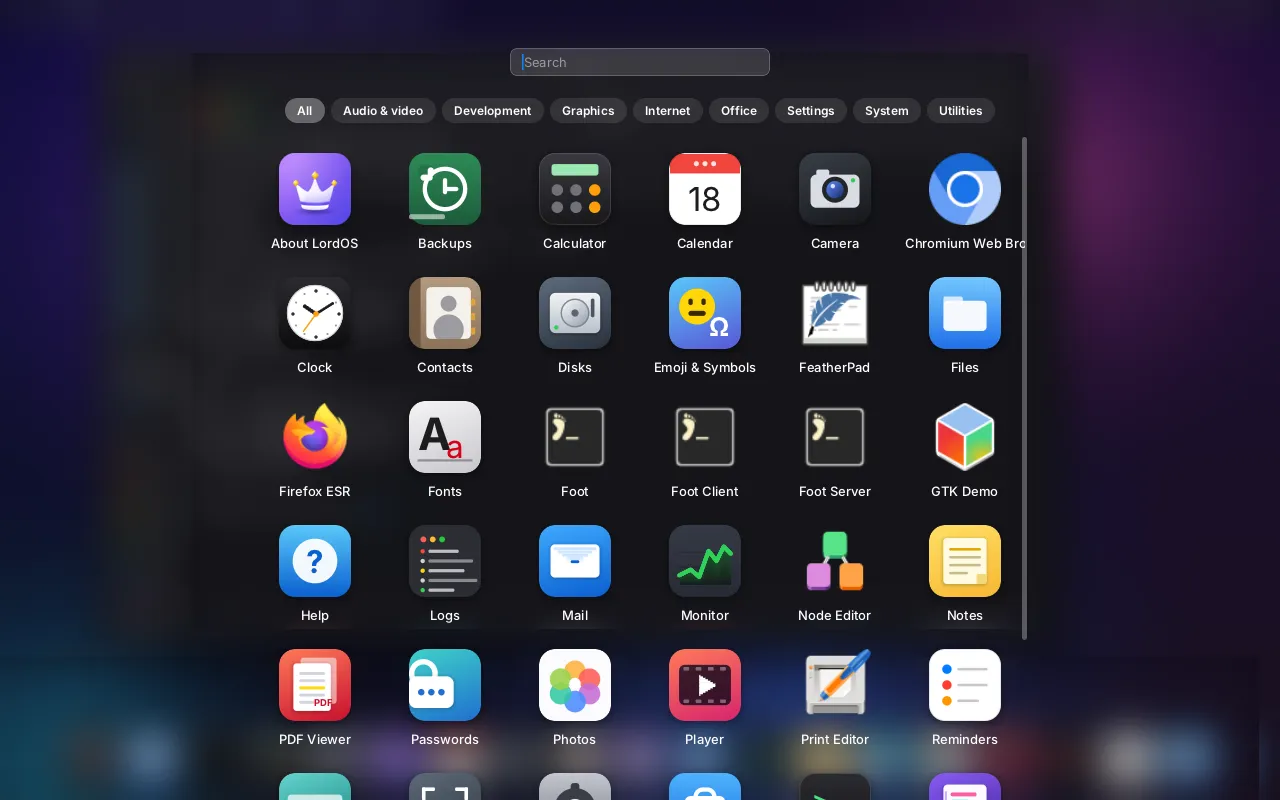
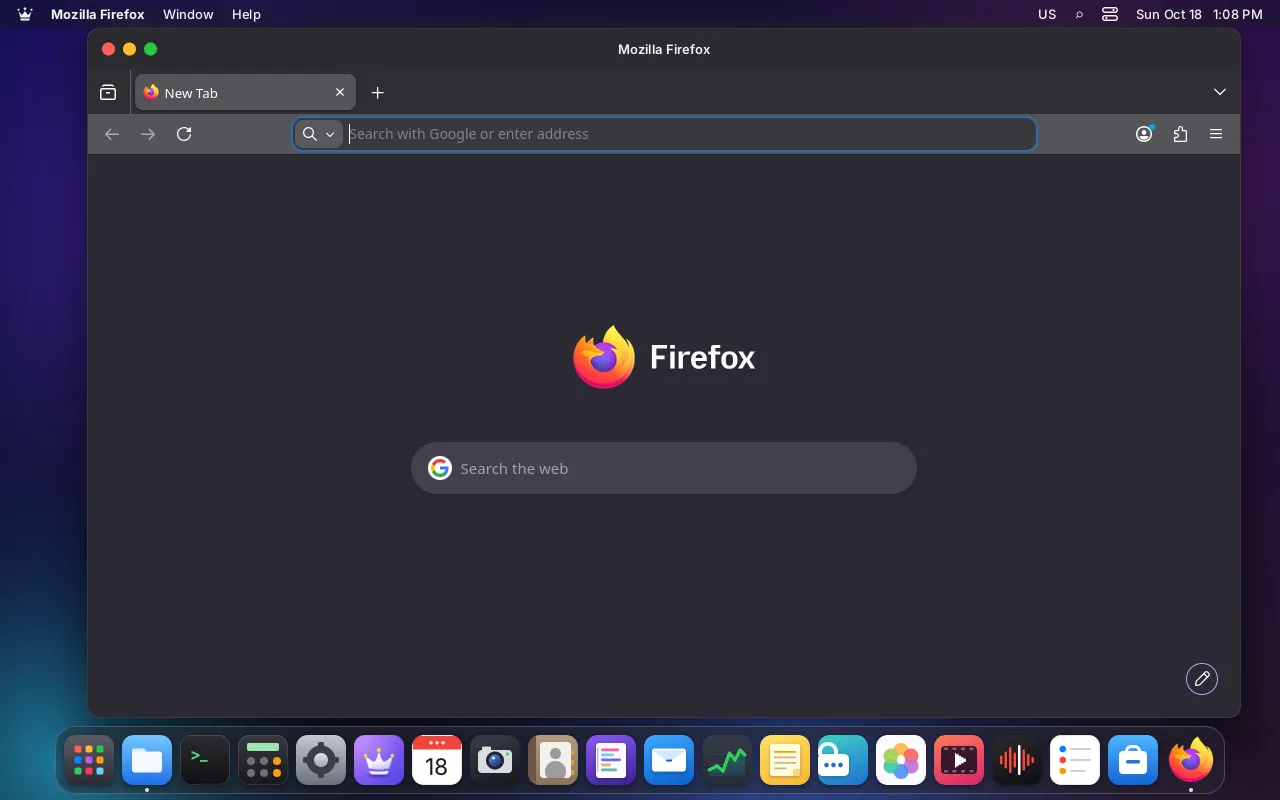
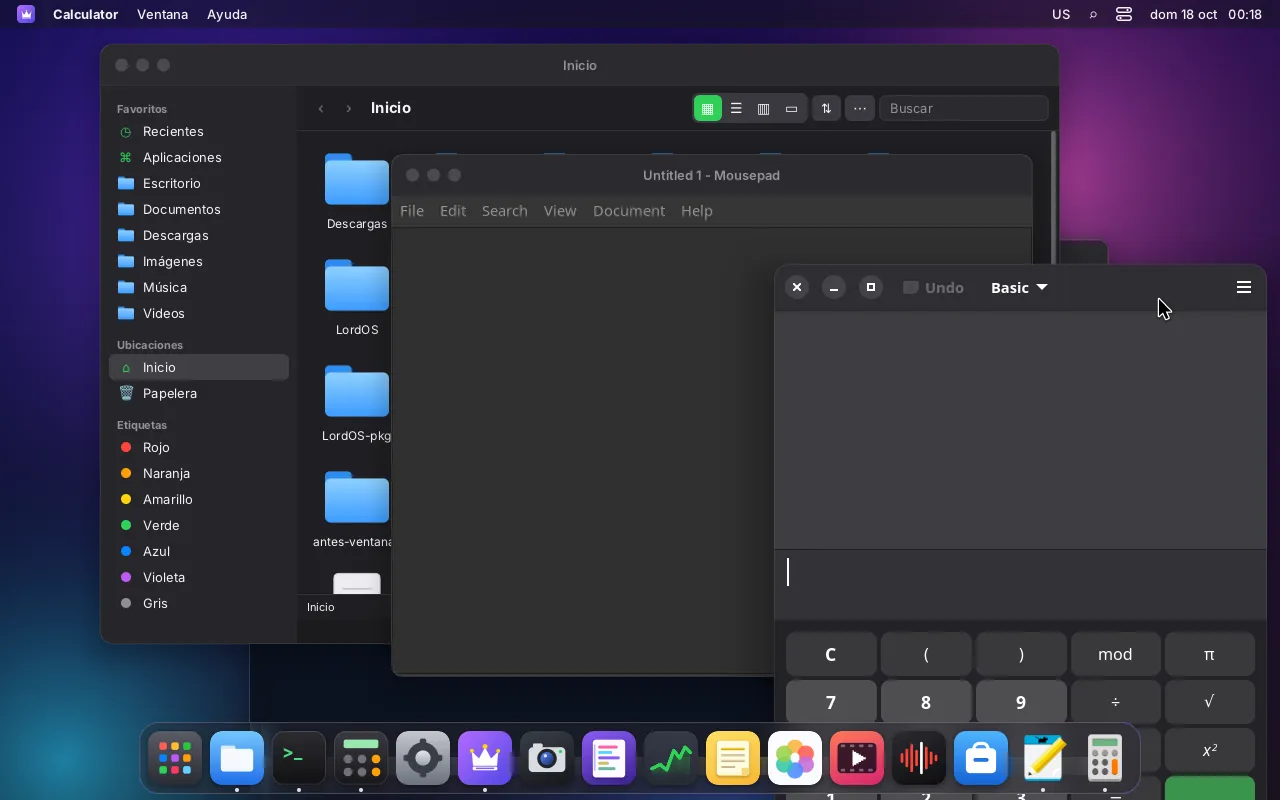
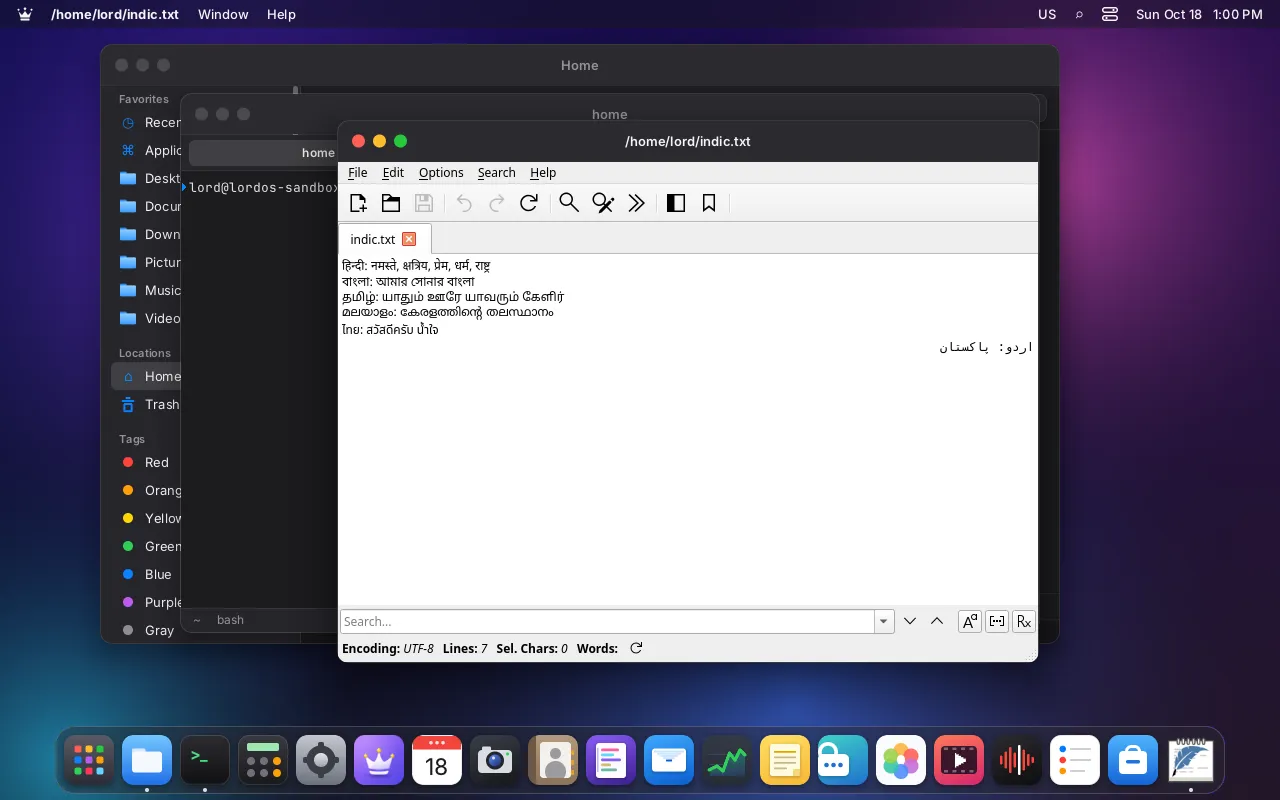
LordOS has a desktop of its own, but it is still Debian underneath. The tens of thousands of programs in Debian's archive are available, and graphical apps built with GTK or Qt, plus browsers like Chromium and Firefox, open as LordOS windows, with the same frame, the same Dock and the same light or dark mode as the native apps.
The trick is a common language. Linux apps speak Wayland, a protocol for "here is my window, here are my pixels, send me the mouse and the keyboard". LordOS's display server speaks it too. So an app that knows nothing about LordOS can still live on its desktop, the way a traveller who speaks the local language doesn't need a guide.
From a click to a Linux window
- YouApp launcherPasses only the id of an installed .desktopthen id
- OursLauncher in lord-serverRe-reads Exec, no shell, no extra argumentsthen placed by root
- KernelIts own cgroup scopeRoot-owned; the firewall, its restrictions and the Monitor use itthen execve
- ReusedGTK / Qt / browserRuns as you; not sandboxed by defaultthen Wayland socket
- OursLordOS Wayland compositorShows only its own surfaces, inside the theme's frame
Legend: YouOursKernelReused
Installing them#
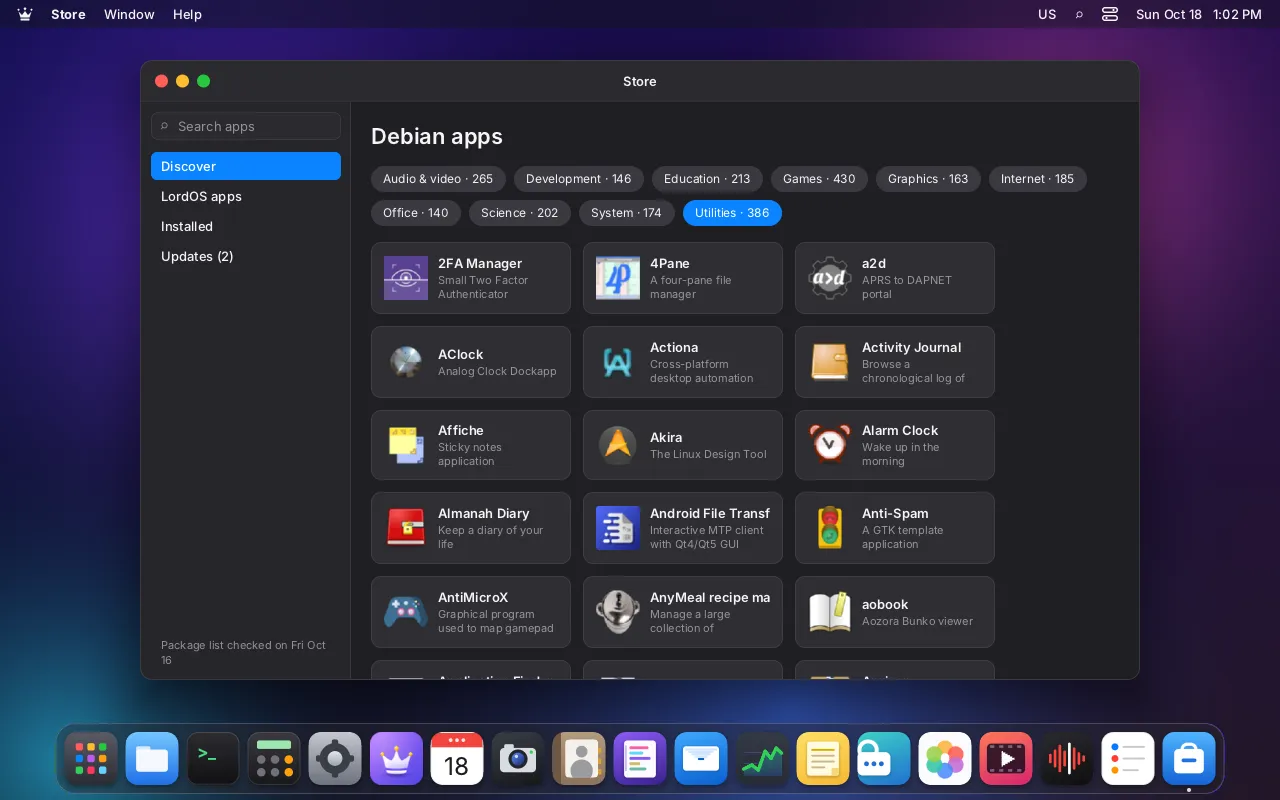
- The Store shows Debian's apps by category, with search, and shows you a plan (what will be installed or removed) before doing anything. It also installs LordOS's own
.lpkapps and local.debfiles. - LordOS's own package engine reads your apt sources, verifies the signed indexes with its own OpenPGP code, resolves dependencies and checks every downloaded file against the SHA-256 in the signed index. Only then does
dpkg, Debian's own tool, unpack and configure the package. The dpkg database is still written only by dpkg, soaptanddpkgkeep working normally in the Terminal. - The Terminal works as on any Debian system. Every tab already has the Wayland variables set, so starting a GTK or Qt program from it just works.
Opening them#
Apps with a .desktop file appear in the app launcher, the Classic theme's start menu and Search, with their icons. Clicking one goes through a deliberately narrow door in lord-server:
- The interface can only pass the id of a
.desktopfile that is already installed in/usr/share/applicationsor~/.local/share/applications, never a command. lord-serverre-reads that file, checks it is a real, visible, non-terminal application, and builds the command from itsExecline by the specification, without a shell and without arguments from the caller. "Open With" in Files may add exactly one file, only if the app declares the file types it handles and the file is in your home folder or on a disk you mounted.- The app is started in its own cgroup,
app-lordos-<id>.scope, created by root, so the Monitor, the per-app firewall and its restrictions know which app each process belongs to. If you restricted the app from your files, this is also where it gets its own view: its own namespaces, an empty home folder with only its own folders, and Landlock.
JavaScript in LordOS can't write .desktop files, so the interface can't invent a command: it can only pick an app that is already installed.
How they look and behave#
- The frame. Apps that ask the compositor to draw their frame (Qt apps, foot, Chromium with its system title bar) get the theme's frame. GTK 3 apps such as Firefox get it through a second decoration protocol LordOS also speaks. GTK 4 apps that draw their own bar keep it, and LordOS trims their shadow.
- Light and dark, live. LordOS serves the "Settings" desktop portal itself on the session bus, so GTK 4 and libadwaita apps follow the mode, accent colour and button order. GTK 3 apps follow through the GSettings keyfile, and LordOS ships a matching GTK theme. Both change live when you switch modes.
- One clipboard. Text copied in a Linux app pastes in LordOS and the other way round; images stay available after the source app closes and appear in the clipboard history (❖V).
- Sharp at any scale. Each display is a separate
wl_output, and fractional scaling lets GTK 4, Qt 6 and Chromium render sharp at 125–175 %. - Touchpad gestures. LordOS's own touchpad driver passes pinch, swipe and hold gestures to Linux apps, so pinch-to-zoom works in browsers.
- Games and GPU apps. With a GPU, apps can hand LordOS GPU buffers directly (
linux-dmabuf), use real fullscreen, lock the pointer and get raw mouse motion. - Notifications from Linux apps arrive through the standard notifications service, which
lord-serverprovides, and can be configured per app in Settings. - Passwords: the standard Secret Service is served by LordOS's keyring, so browsers can keep their secrets there without another keyring daemon.
Which Wayland protocols are there#
wl_compositor, wl_subcompositor, wl_shm, wl_output (one per display), xdg_wm_base with popups, wl_seat (pointer, keyboard, touch), wl_data_device_manager (clipboard), zxdg_decoration_manager_v1, the KDE server-decoration protocol, zxdg_output_manager_v1, wp_fractional_scale_v1, wp_viewporter, zwp_linux_dmabuf_v1, wp_presentation, zwp_relative_pointer_manager_v1, zwp_pointer_constraints_v1, zwp_pointer_gestures_v1 and wp_cursor_shape_manager_v1.
Deliberately absent: any protocol that lets an app capture the screen or other apps' windows.
The skeptical reader's questions#
Are Linux apps sandboxed? Not by default. This is important: they run as your user, as on any Debian system, and can read your home folder. What LordOS adds is a per-app cgroup, attribution in the Monitor, the kernel-enforced per-app firewall (allow, deny, LAN only, no incoming connections, rules by domain or address), and restrictions you can set per app: no camera, no USB and no Bluetooth sockets (in the kernel), no microphone (LordOS's PipeWire guard plus the sound card's capture nodes), no notifications, and "no access to your files", applied from the next launch. They don't cover the clipboard, Bluetooth through BlueZ on the system bus, or programs started outside the app launcher. Only LordOS's own .lpk apps get the full sandbox.
Can a Linux app see other windows or record the screen? Not through LordOS. The compositor only gives an app its own surfaces and offers no screen-capture protocol, there is no X server and no screen-cast portal, and a restricted app is also denied the framebuffer device, so protected windows like Passwords stay private from them too.
What about X11-only apps? They don't run yet: Xwayland is not part of LordOS 0.8.0 Beta. It is planned before 1.0, with X11 apps getting the same per-app identity, firewall and restrictions. Current GTK and Qt apps speak Wayland, and so did the SDL game tested.
And Flatpak? LordOS doesn't use or integrate it, and it hasn't been tested.
Why do packages come over HTTP? LordOS's package engine has no TLS of its own, so https:// sources are fetched over http://. The safety comes from the signatures and hashes: every index must carry a valid signature from a trusted key, can't be expired or older than the one already stored, and every file is checked against its SHA-256 before it is used. Someone on the network can see which packages you download, but can't change them.
Honest limits#
- No Xwayland yet (planned before 1.0), so no X11-only apps.
- Not yet: drag and drop between apps, the middle-click primary selection, LordOS input methods (Korean, Japanese, Chinese) inside Linux apps, and app activation requests.
- SVG-only icons: LordOS doesn't draw SVG yet. It uses the PNG icons Debian publishes for most apps, or the initial.
- Terminal apps with a
.desktopfile aren't shown in the app launcher; start them from the Terminal. - GTK 3 apps keep their own blue accent; Qt 6's reading of the colour scheme from the portal hasn't been tested.