

The short version#
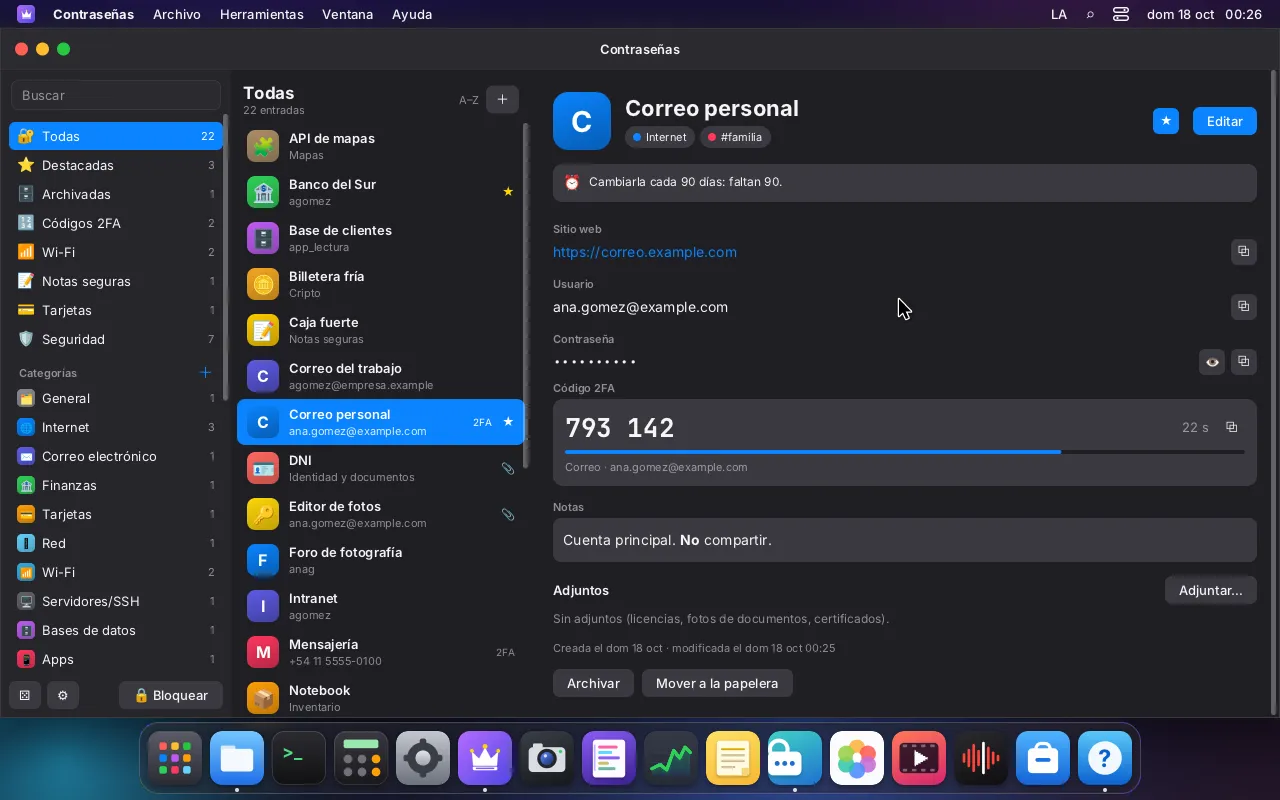
Passwords is LordOS's password manager, and the same machinery is the system keyring: the place where apps keep secrets such as Wi-Fi passwords, VPN credentials and mail account passwords. Everything is stored in an encrypted vault file, and everything that touches your secrets in plain form runs in one small locked-in process, lord-vault.
Think of a safe-deposit room in a bank. The Passwords window is the counter where you talk; lord-vault is the vault behind the wall. The clerk (lord-server) passes documents through a slot, but never holds the key. Only what you ask to see is brought out, one item at a time.
Where your secrets live
- YouPasswords windowIts own sandboxed process; protected from capturethen own channel
- Ourslord-serverOpens files and devices, relays; never holds the vault keythen file descriptors
- Ourslord-vaultNo network, no sockets, no exec; secrets in locked memorythen vault folder only
- Kernel.lvault fileXChaCha20-Poly1305; header authenticated
Legend: YouOursKernel
What it does#
- Items for everything: websites, cards, Wi-Fi (with a QR code to join from a phone), servers and SSH keys, licences with their files, identity documents with photos, crypto wallets with an extra warning, secure notes. Sixteen built-in categories, plus your own, in a tree, with tags.
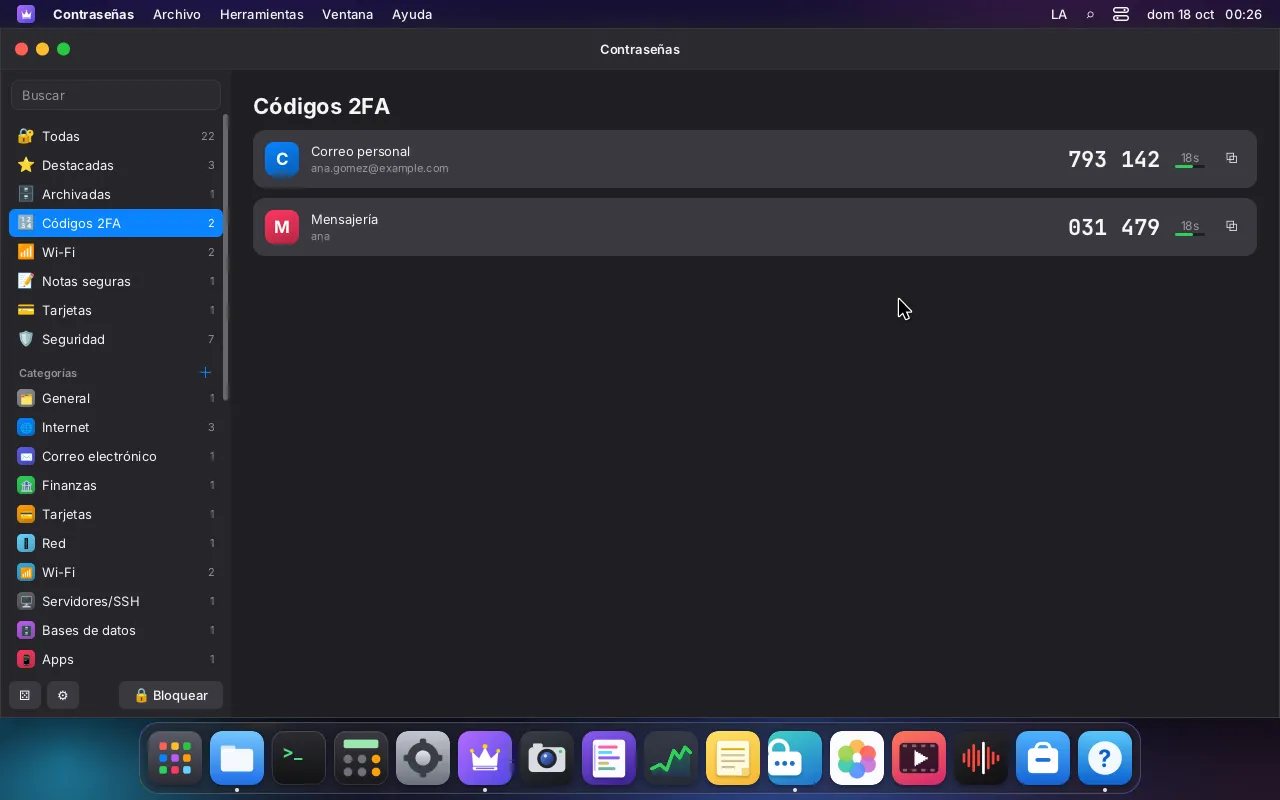
- 2FA codes (TOTP and HOTP) with a live countdown. You can add one from a QR image; the secret never leaves
lord-vault, and the window only receives the current code. - A generator for passwords and passphrases from a 7,776-word list.
- A security report with weak, reused, old and breached passwords. "Breached" is checked offline only: against a bundled list of 10,000 common passwords and, if you provide one, a local file of breached-password hashes. Nothing is ever looked up online;
lord-vaulthas no network at all. - Import from KDBX files (versions 3.1 and 4), from browser CSV exports and from other managers' CSV and JSON exports, with LordOS's own readers. Export to an encrypted copy, or to CSV after a red warning.
How you unlock it#
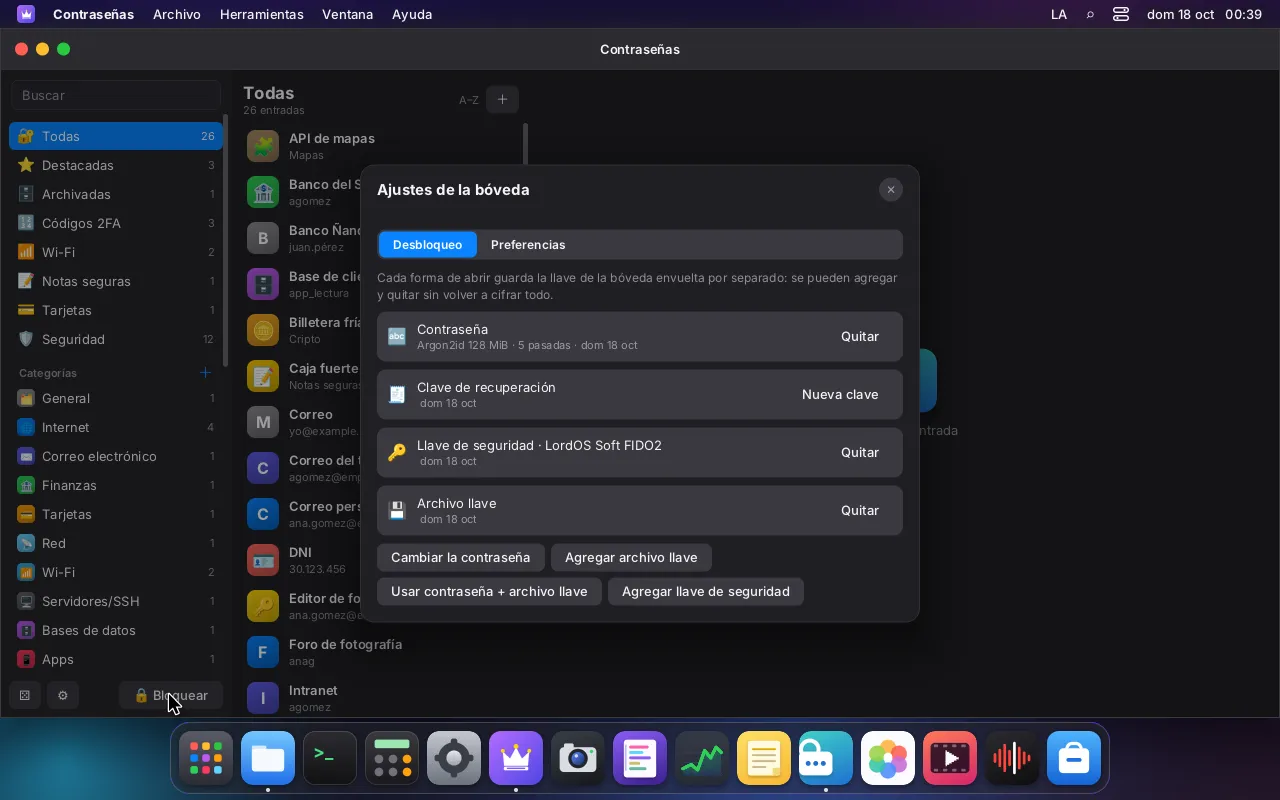
The vault has one random 32-byte key. It is never derived from your password. Instead, each way of unlocking wraps that same key:
- a master password, stretched with Argon2id, with its cost measured on your machine to take about 0.7 s;
- a FIDO2 security key with the
hmac-secretextension, through LordOS's own CTAP2 client; - a key file, for example on a USB stick;
- a password plus a key file, as two factors;
- a printable recovery key of 40 characters.
Several methods can live side by side. The vault locks itself after 5 minutes of inactivity by default, when you lock the screen and when you switch users.
How it protects your secrets#
The file. A single .lvault file, encrypted with XChaCha20-Poly1305. The header is authenticated together with the body, so changing any byte, swapping an unlock slot or truncating the file is detected. The test suite flips every byte of a vault and checks that each one is caught: 1,165 of 1,165. Saving is atomic, with a .bak of the previous version.
The process. lord-vault is started by lord-server with a fixed path and no arguments, and locks itself in before reading anything: no network, no new sockets, no running programs, no files except the vault folder it receives already open. It can't be debugged or dumped by other processes of your user, and secrets live in locked memory (mlock) that is excluded from core dumps and wiped when freed.
The window. The Passwords window itself runs as its own sandboxed process (lord-server --app passwords), not in the desktop's JavaScript. Revealed values never enter the desktop's memory. Lists show titles and user names, never secrets; a value travels only when you click reveal, copy or edit.
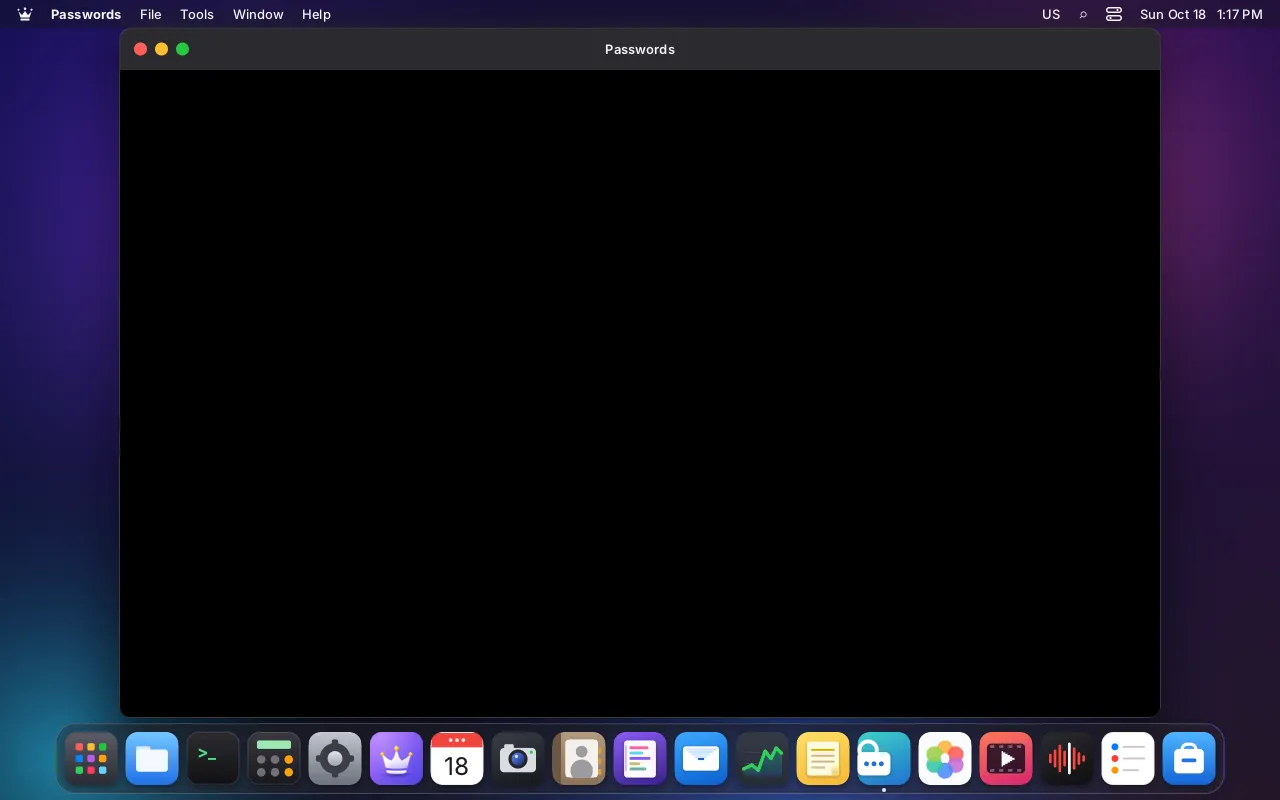
The screen. The Passwords window is protected: it comes out black in screenshots, screen recordings and the remote desktop.
The clipboard. A copied secret stays out of the clipboard history, is marked as sensitive for Linux apps that honour that convention, and is cleared after 30 seconds (configurable) if it is still there.
The system keyring#
- Opened at login.
lord-sessiondchecks your login password, then hands it once tolord-vaultto open the session keyring, and wipes its copy. - LordOS apps keep their secrets with the SDK's
keyring. Each app sees only its own items. For installed.lpkapps,lord-serversets the owner from the app's verified identity, so an app can't claim to be another. If an app asks for another app's item, the system asks you first. - Linux apps use the standard freedesktop Secret Service over D-Bus, served by LordOS's own code. Chromium was tested end to end: it saved a login, restarted, fetched its key from LordOS's keyring and filled the login in.

The skeptical reader's questions#
Who can read the session keyring? Inside LordOS, each app only its own items, unless you share one. Through the Secret Service, the access rule is the freedesktop one: any Linux app of your session that can reach the session bus can read the unlocked collection, as with other desktop keyrings. Isolated .lpk apps can't reach the bus.
Can the Passwords app read the security key directly? No. Using a security key goes through the usb permission prompt; then lord-server opens the device and passes it straight to lord-vault. Neither the app window nor its JavaScript ever holds it.
Honest limits#
- Real security keys haven't been tested. The FIDO2 path was tested only against a software authenticator. Keys that verify only with a built-in fingerprint reader, and the newer PIN protocol 2, aren't supported.
- The Secret Service is minimal: one collection, no per-app access rules, no delete prompts.
- The large Argon2 work area can't be locked in memory under Debian's default limit; it is excluded from dumps and wiped after each use.
- Some KDBX variants aren't supported (Twofish and Argon2 version 0x10).