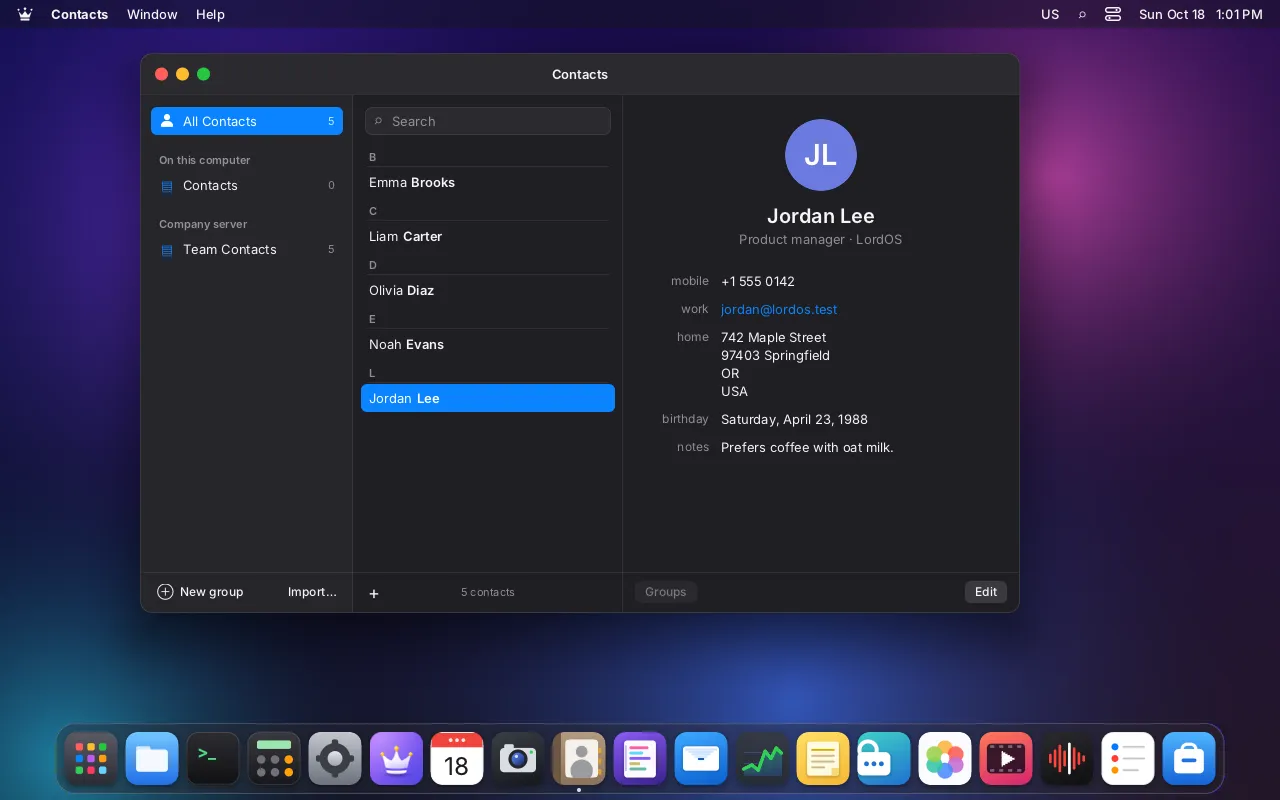
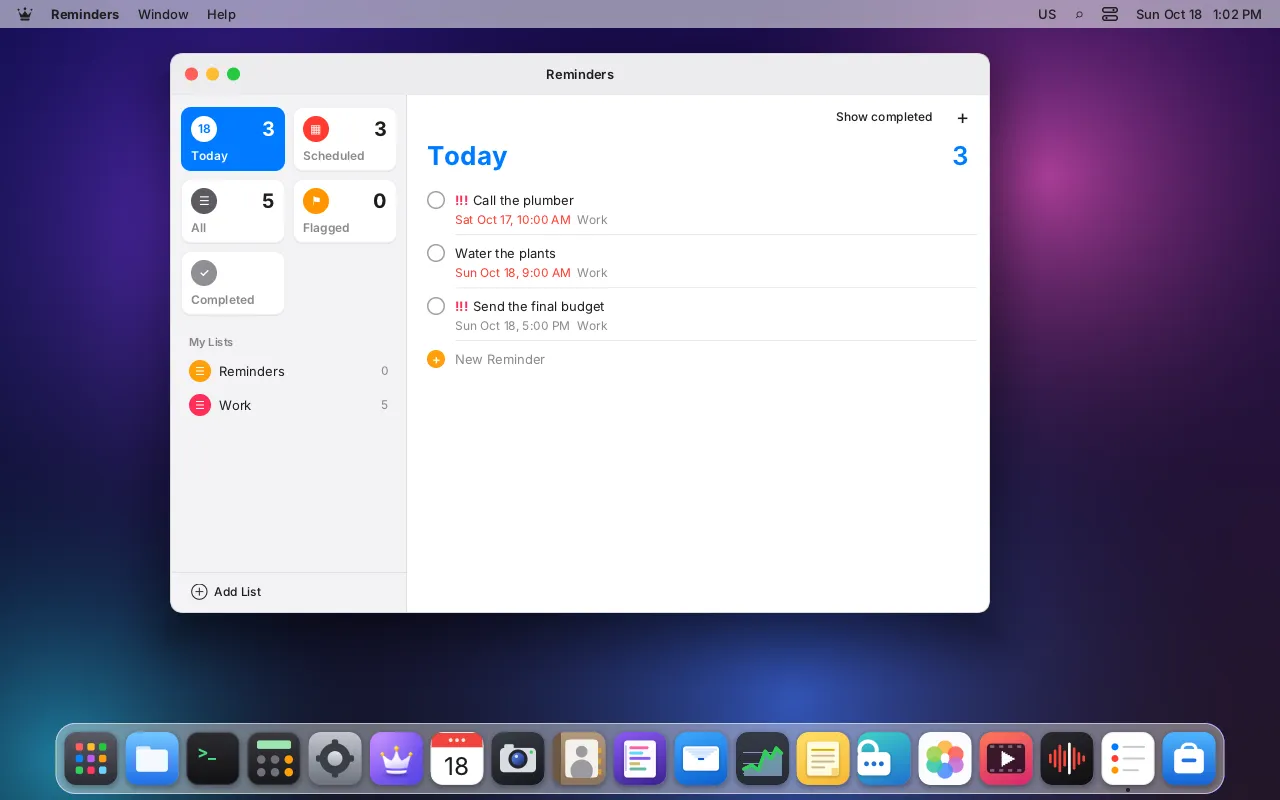
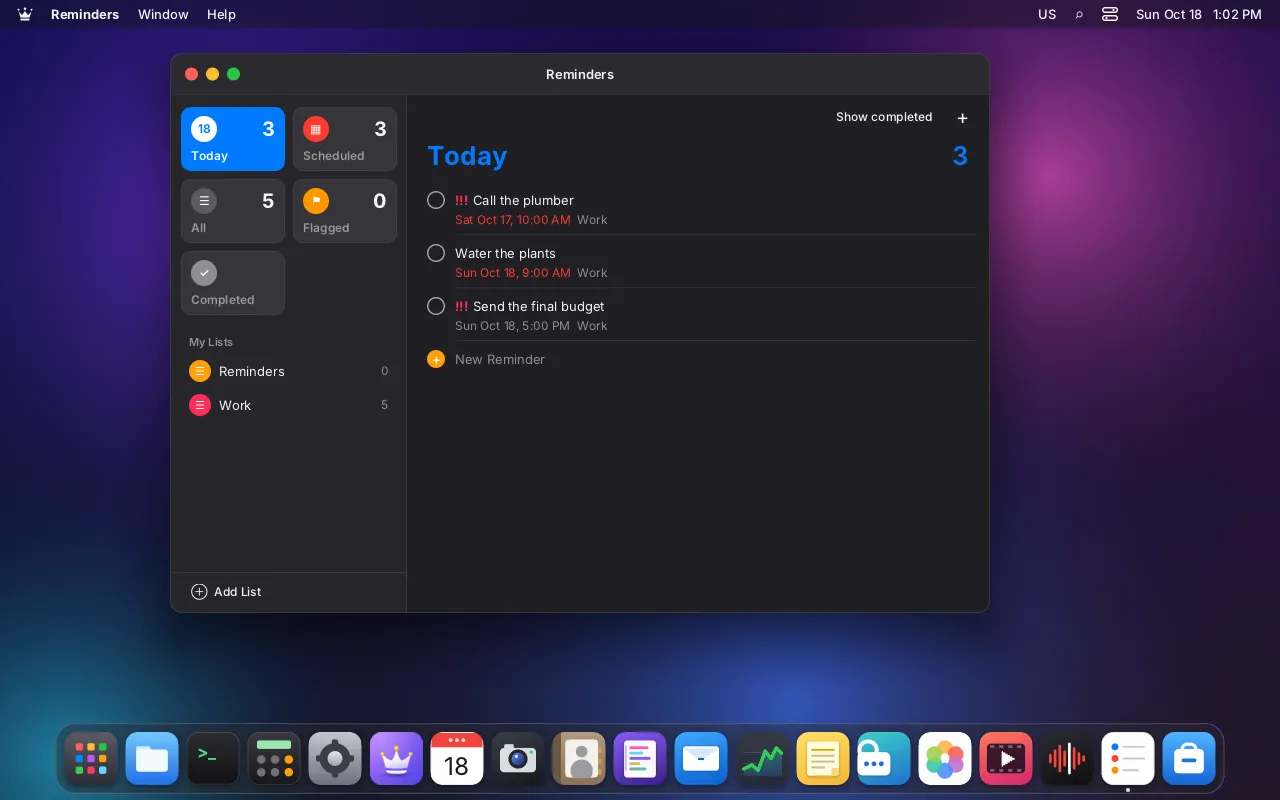
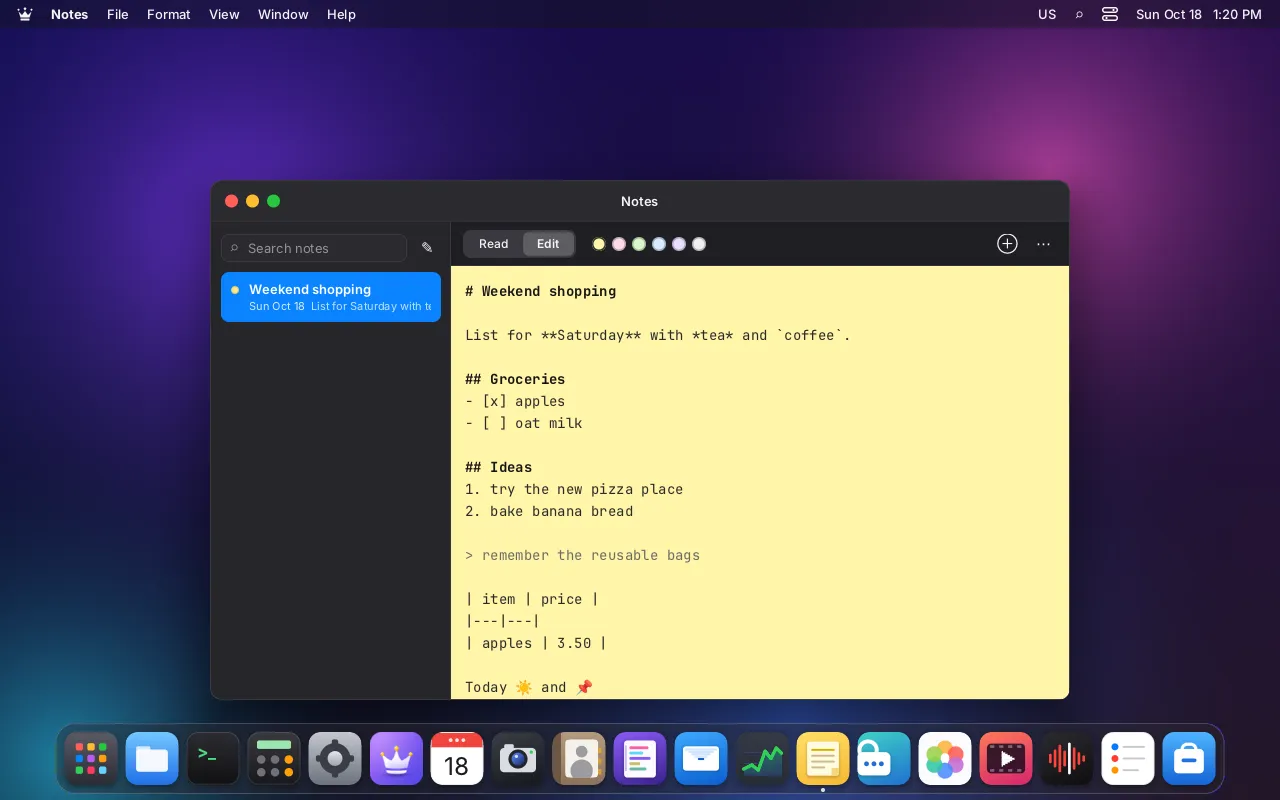
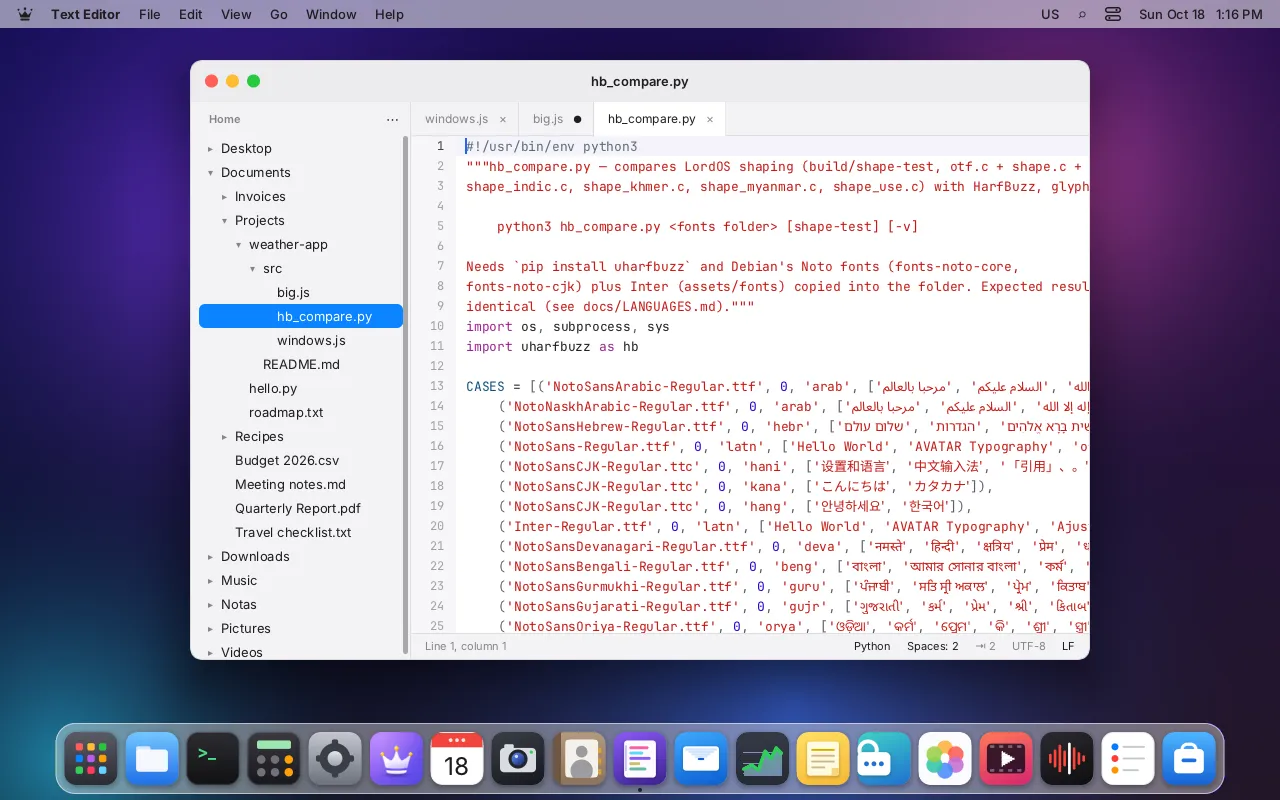
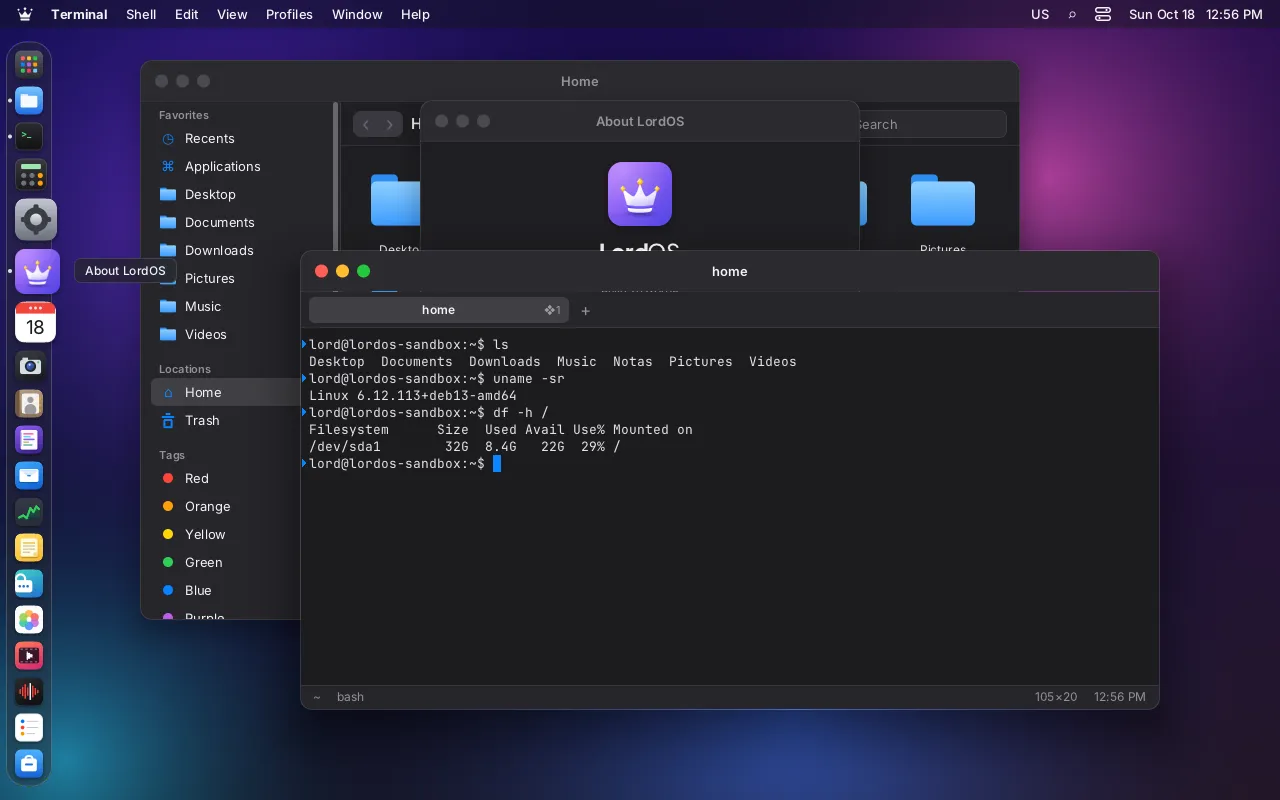
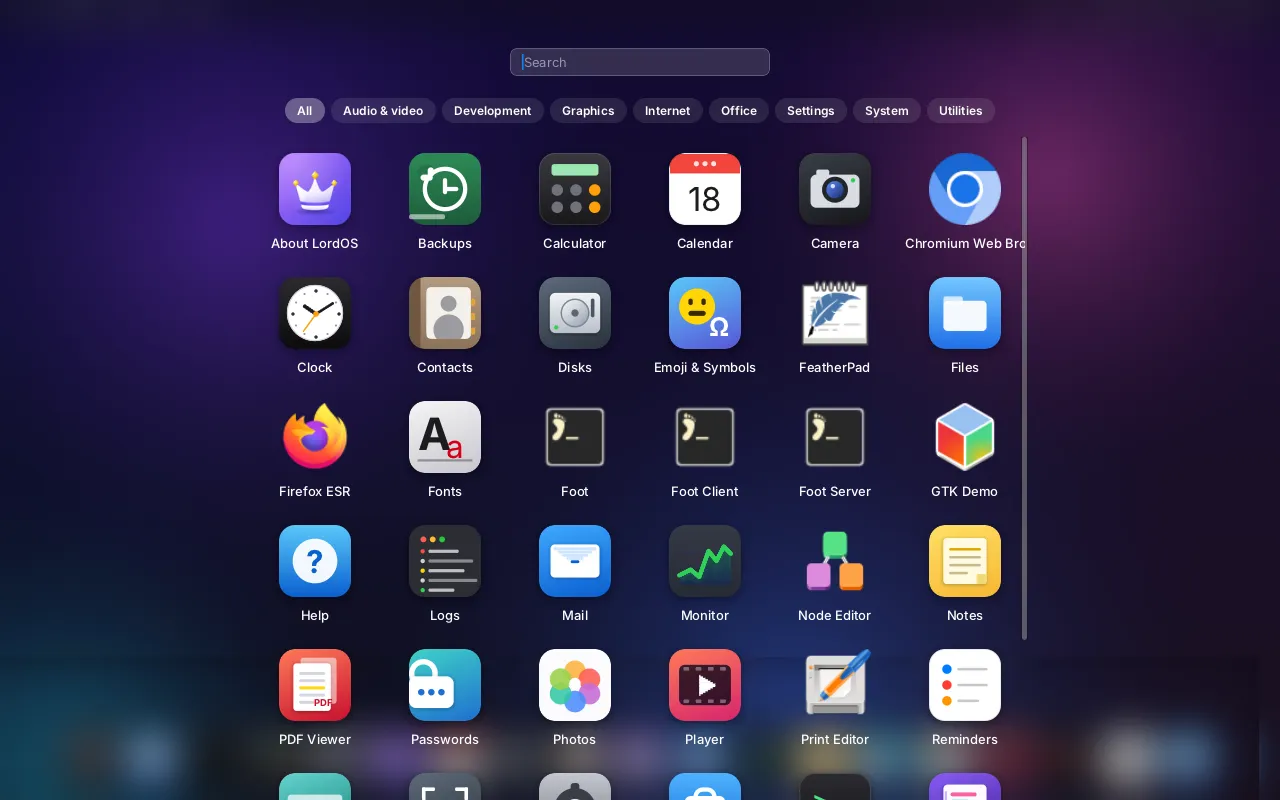
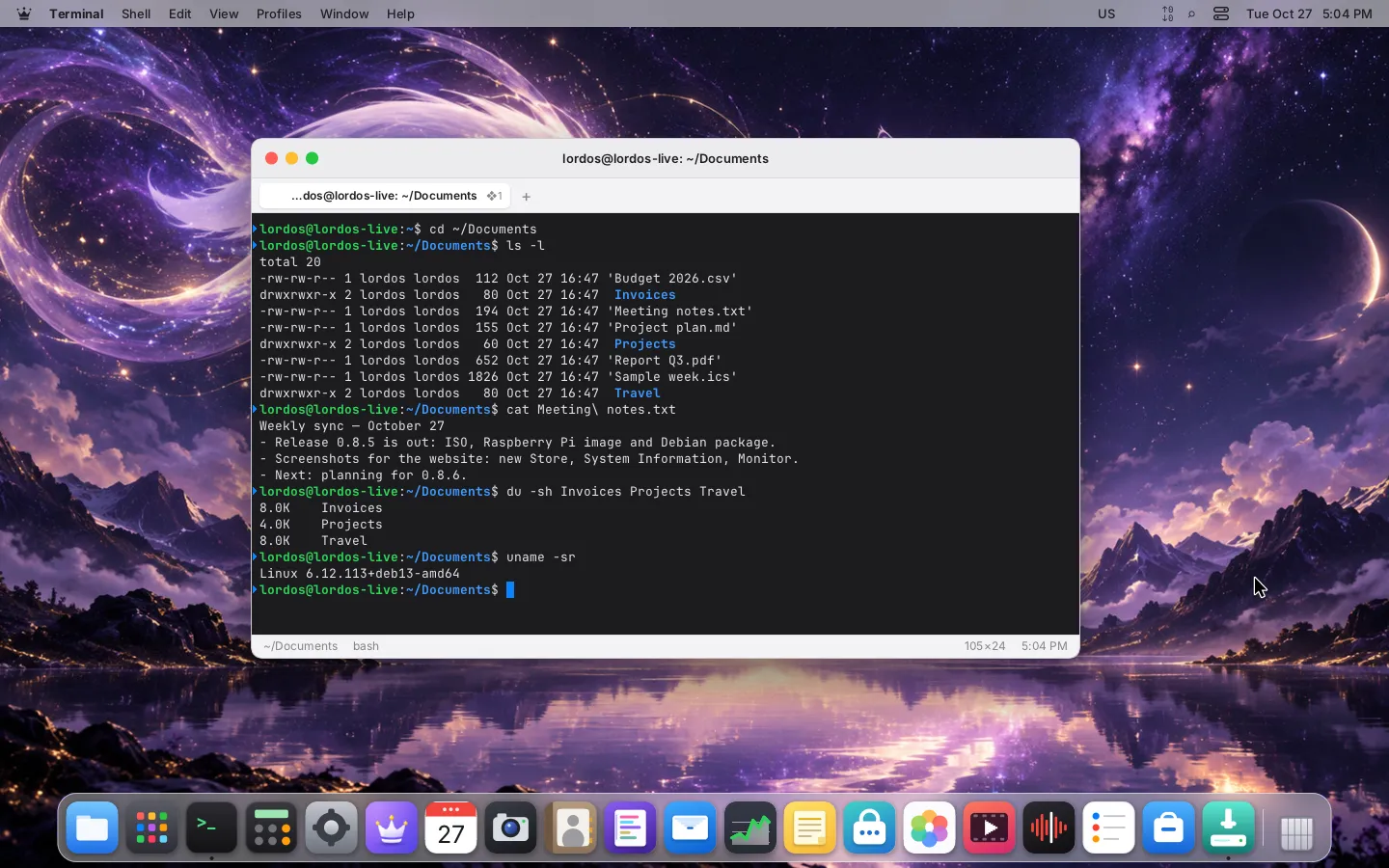
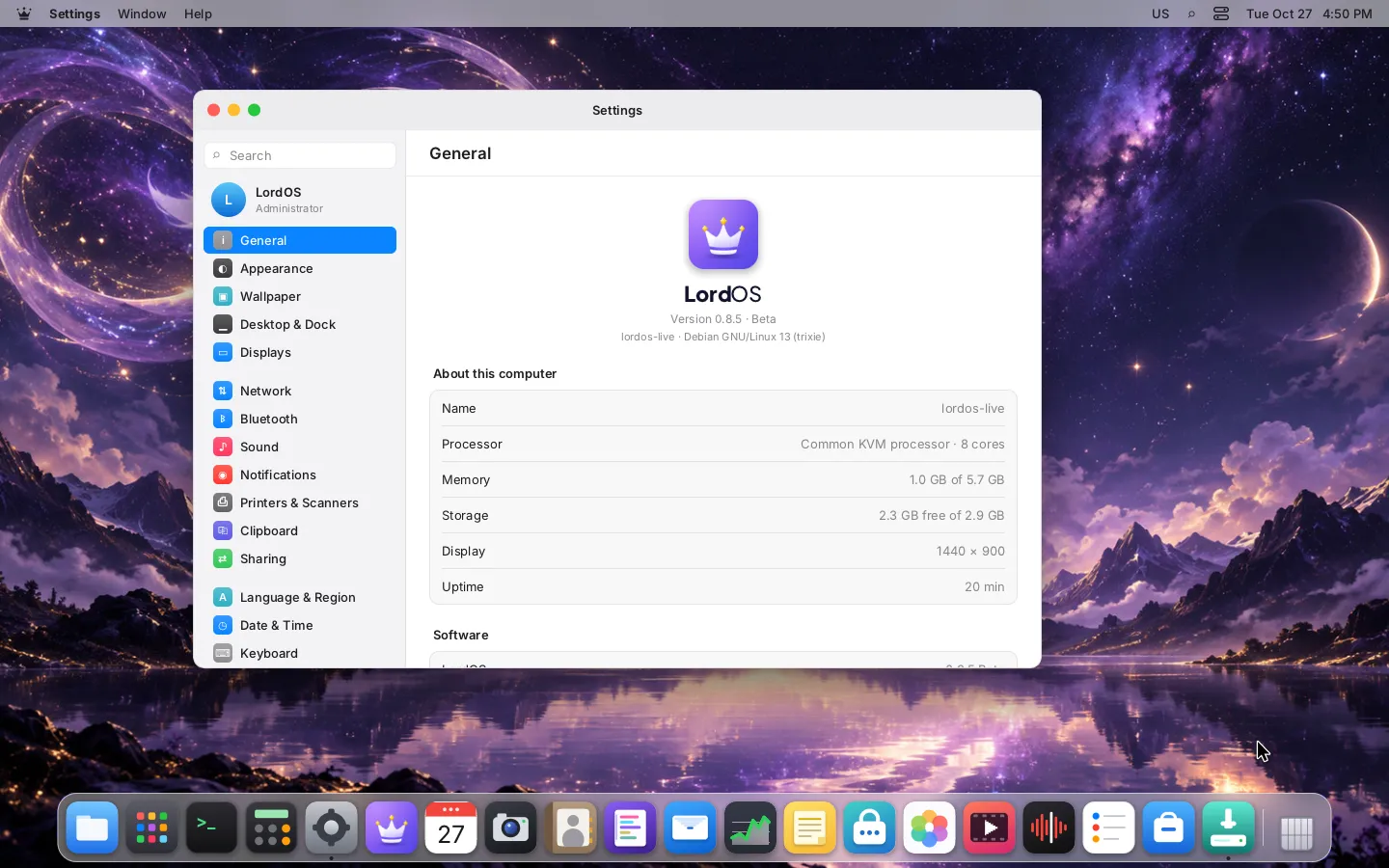
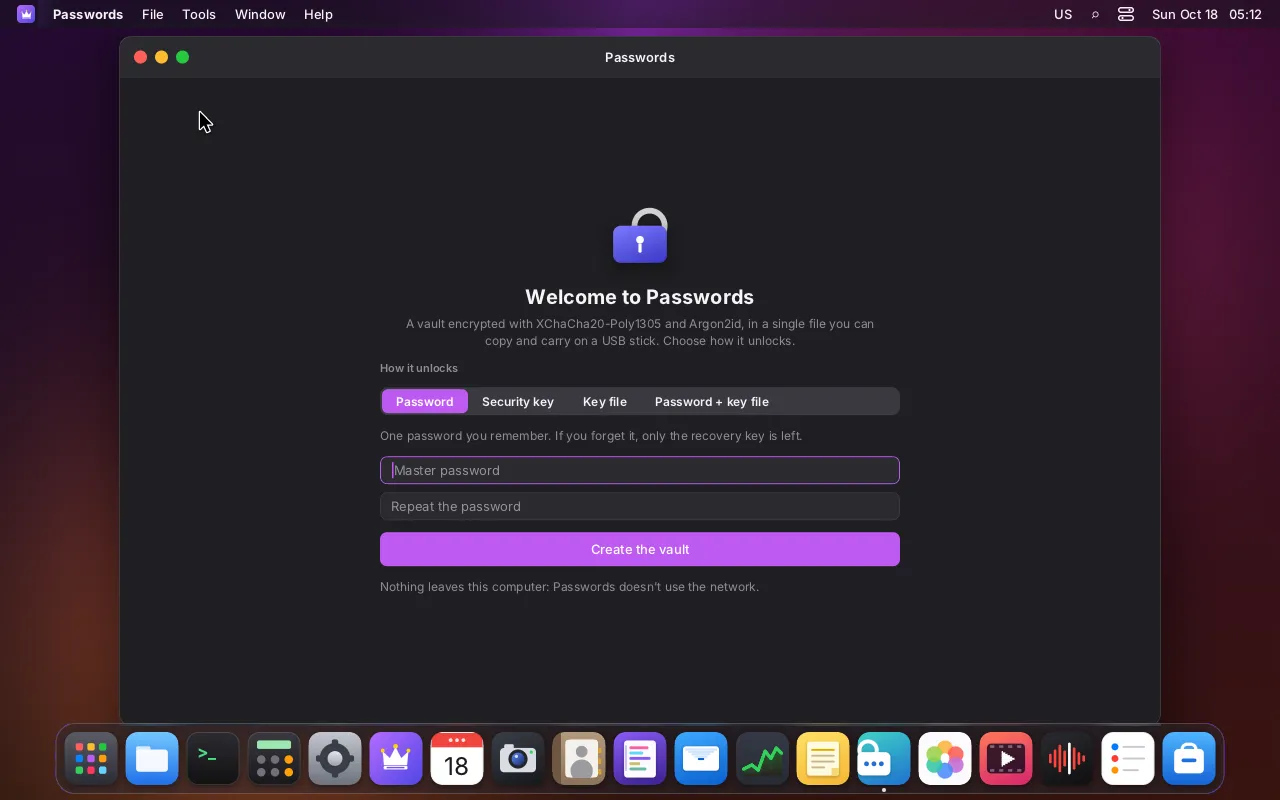
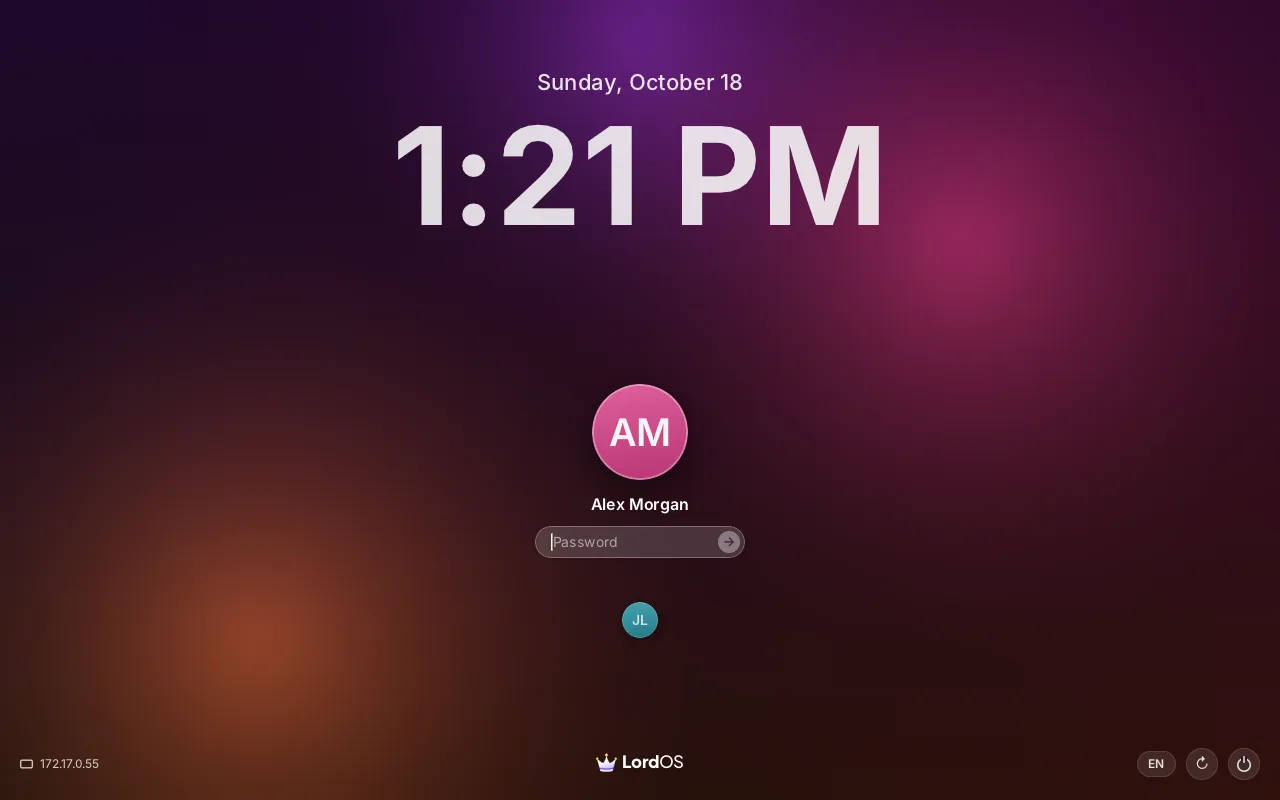
A desktop of its own
Its own display server and Wayland compositor in C and its own interface engine, on a solid Debian base. Smooth on any 64-bit PC (amd64), and light enough for the Raspberry Pi 5 (arm64).
Learn more: A desktop of its own
Version 0.8.6 · Beta
LordOS is a free GNU/Linux distribution based on Debian with its own desktop environment, display server and Wayland compositor written in C, its own interface engine, and native apps made to feel calm, clear and private.
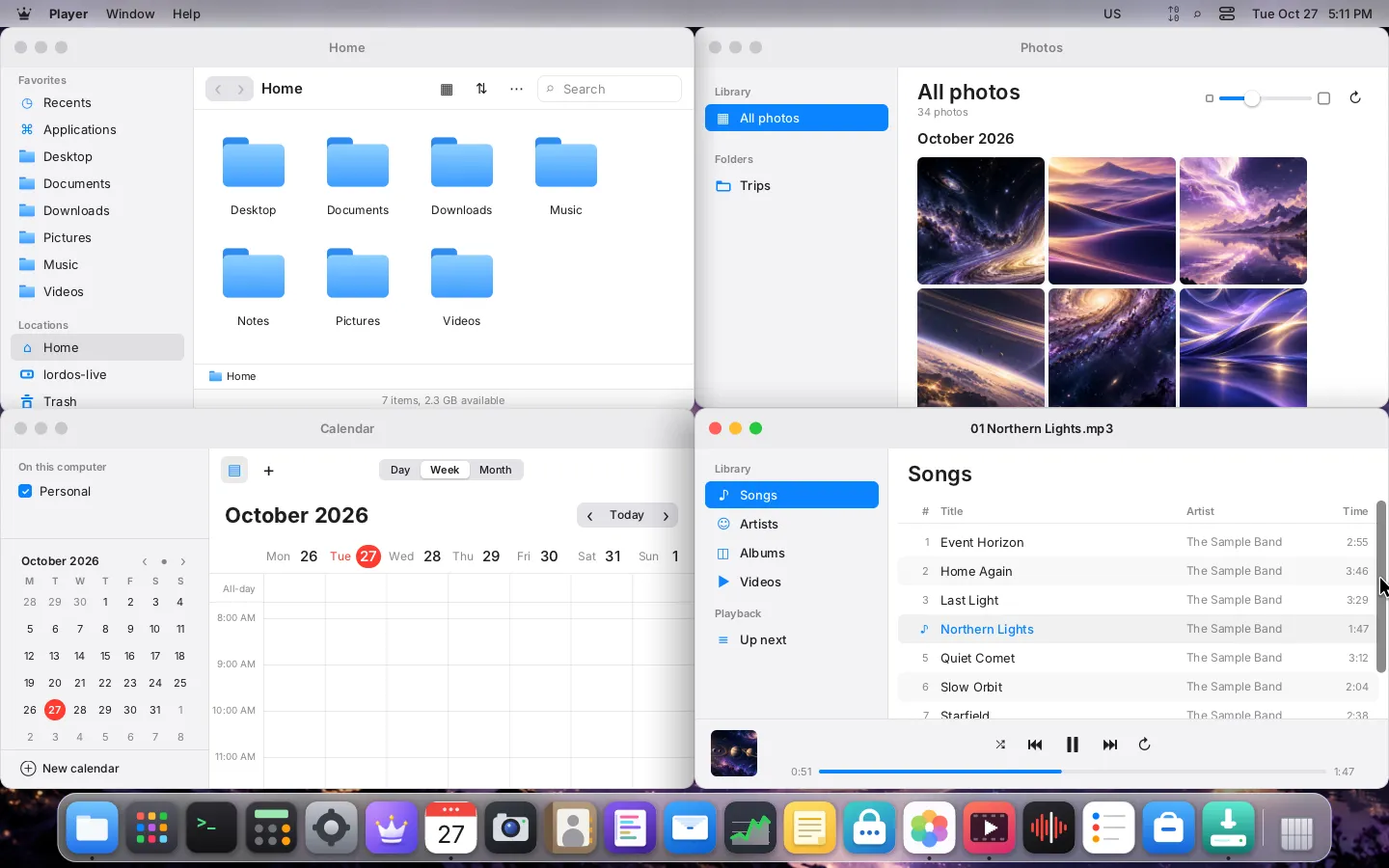
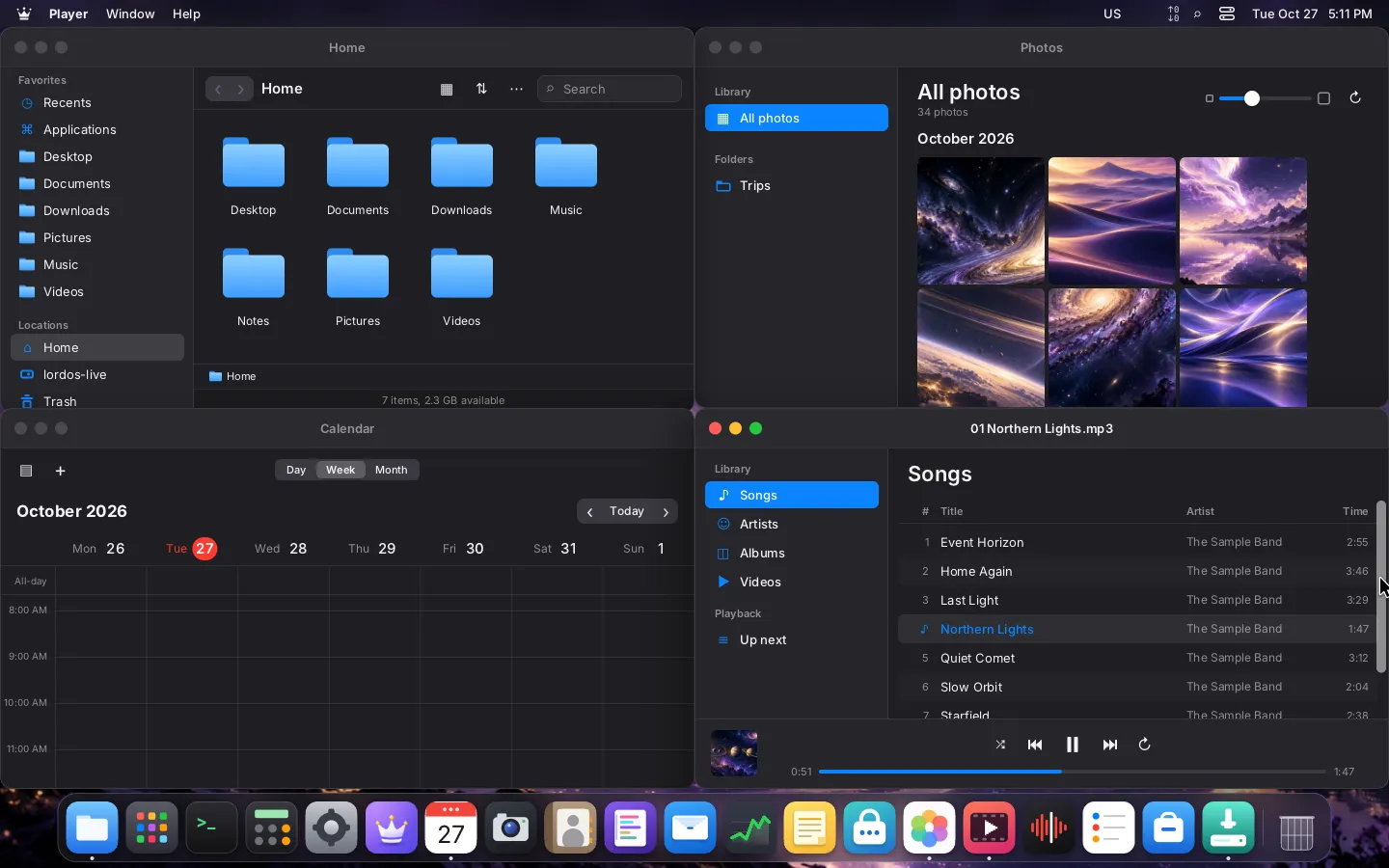
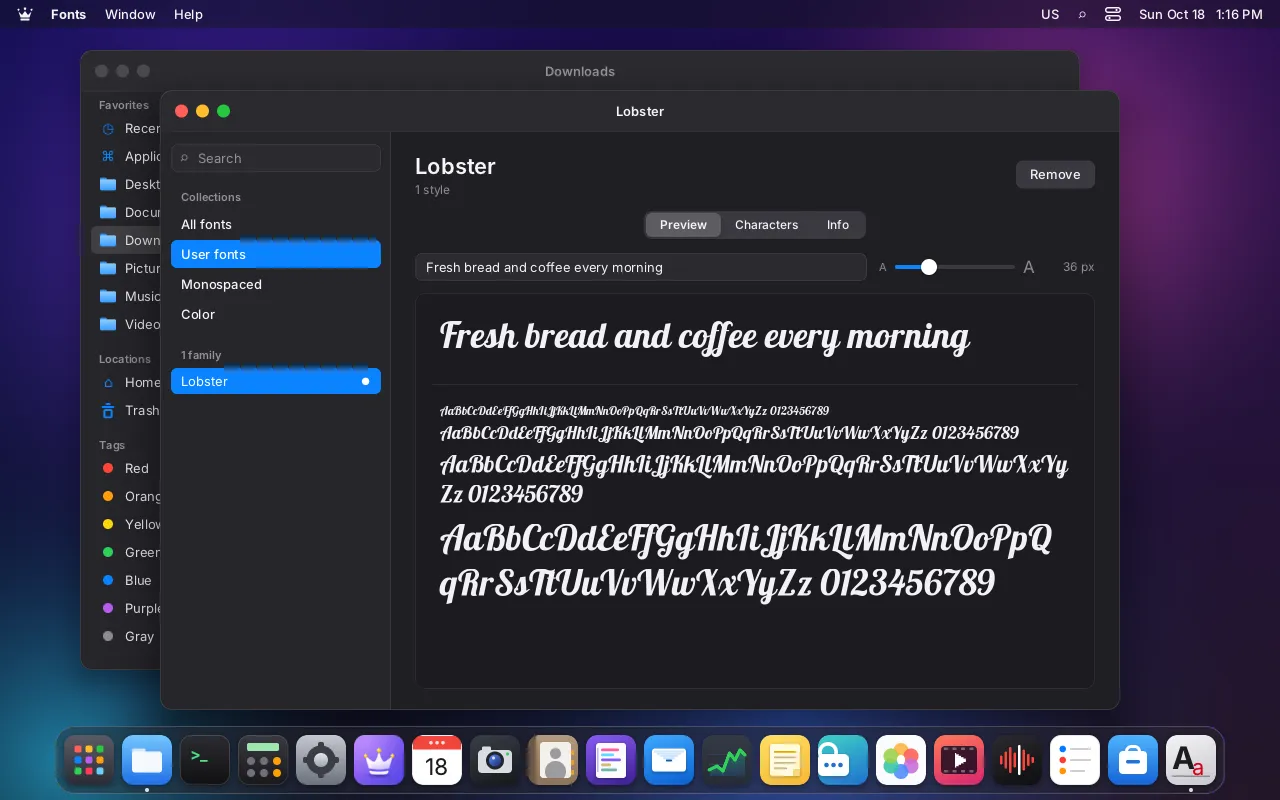
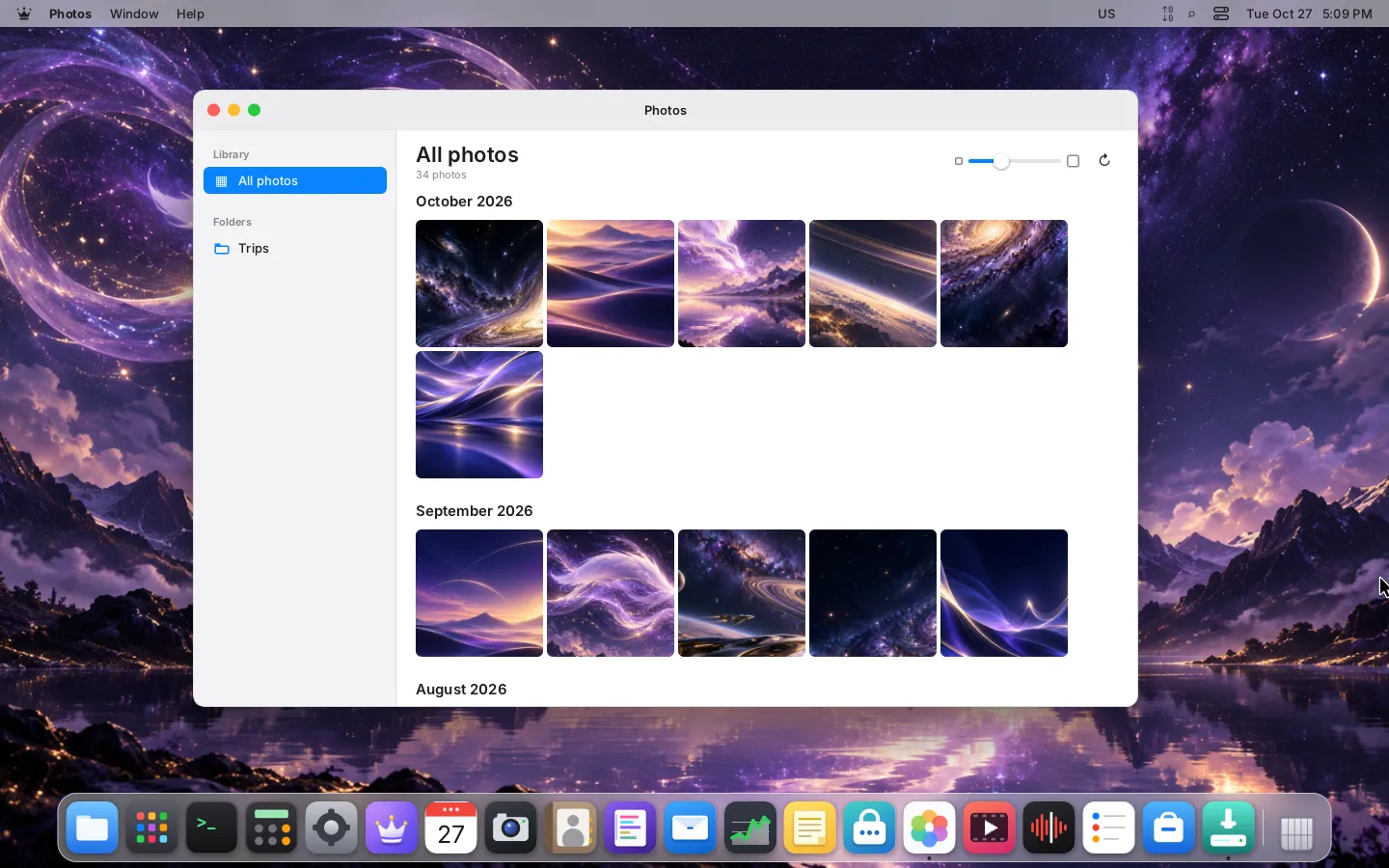
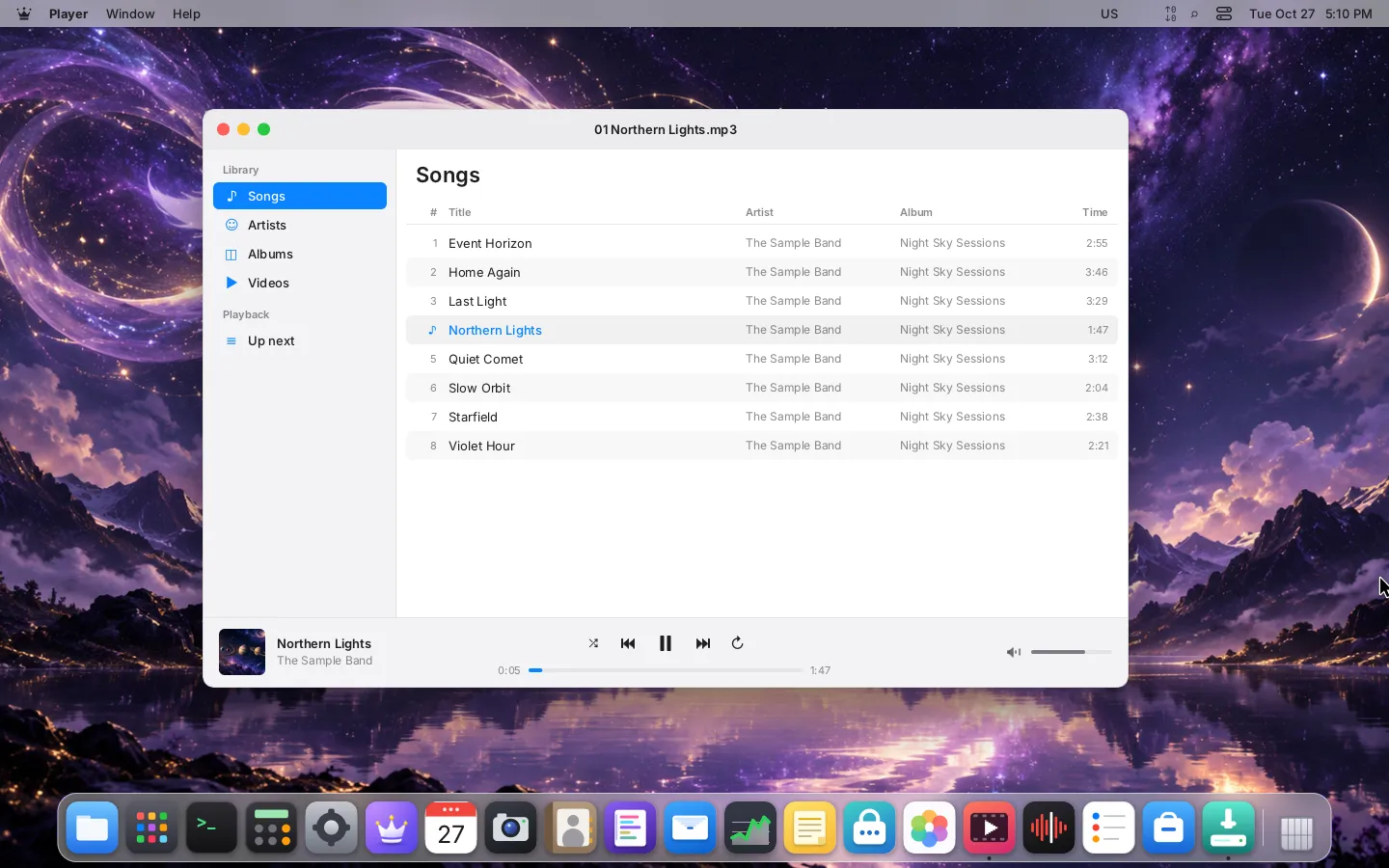
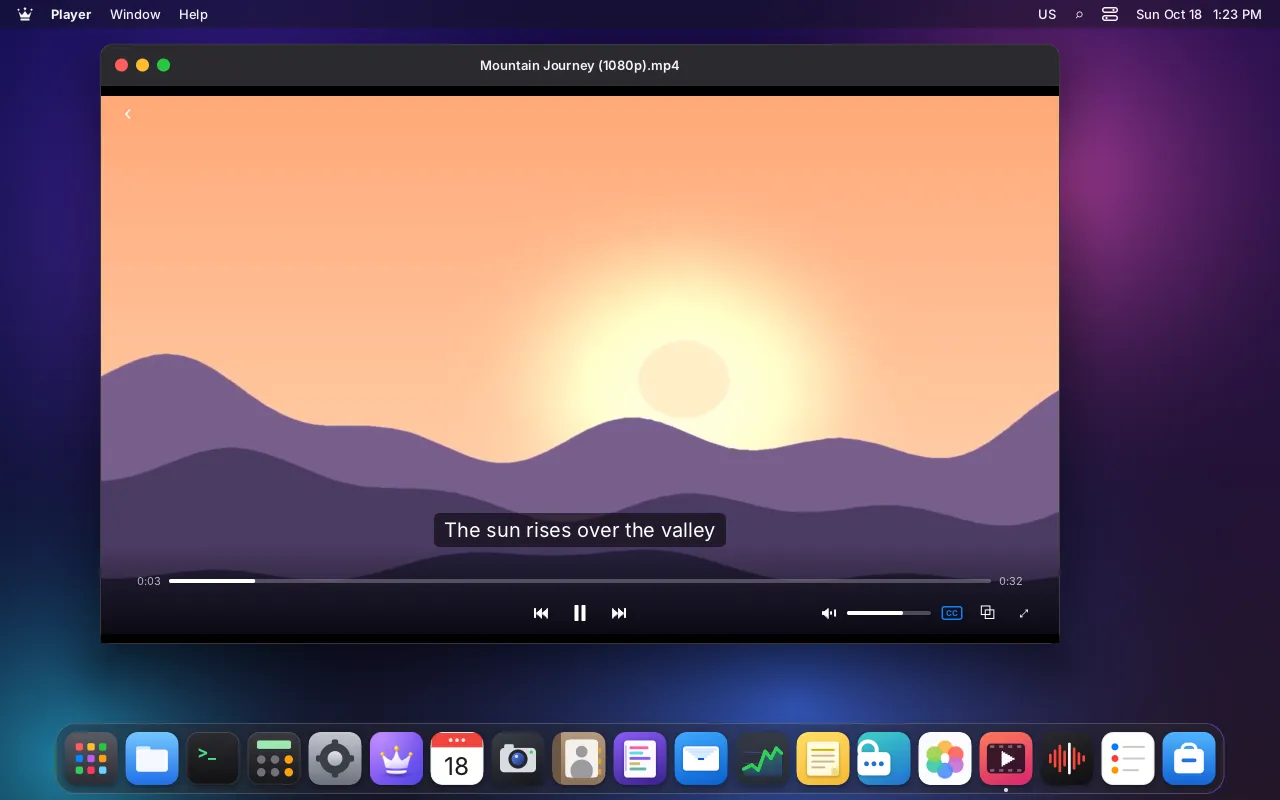
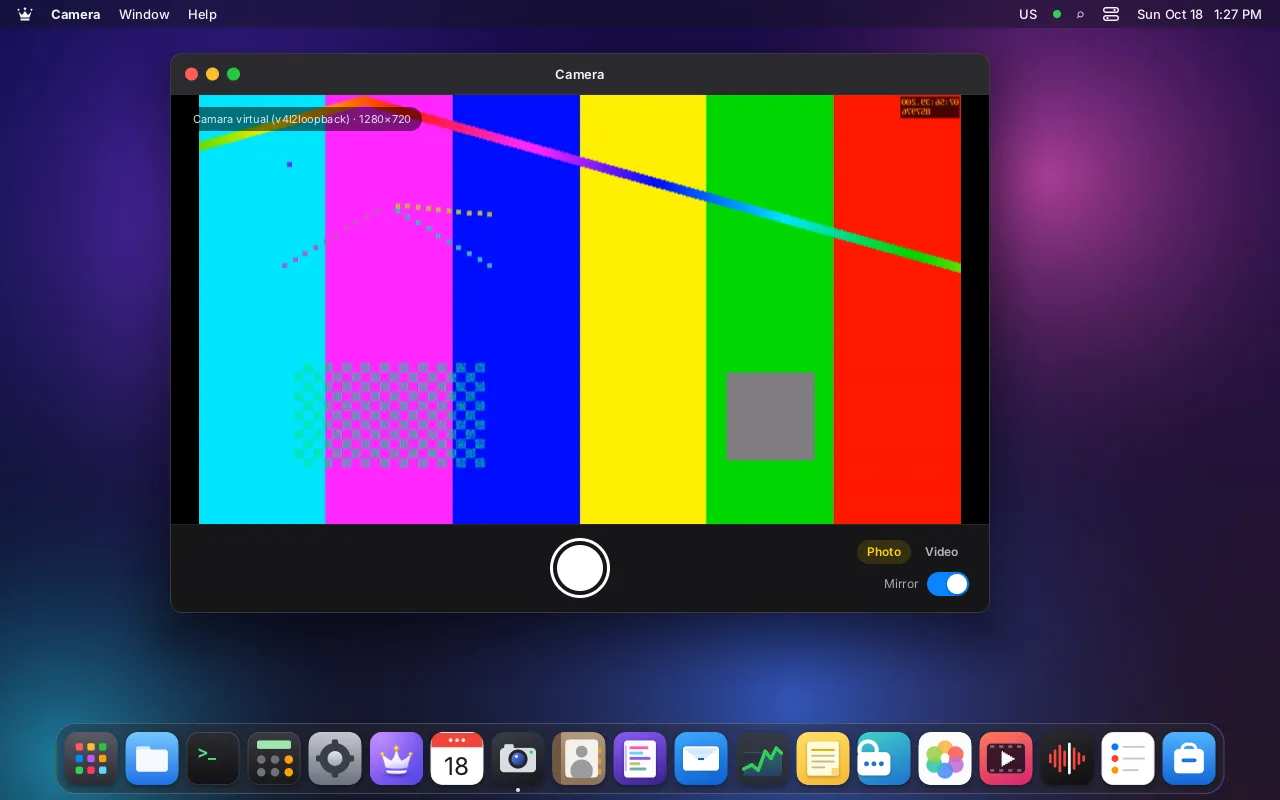
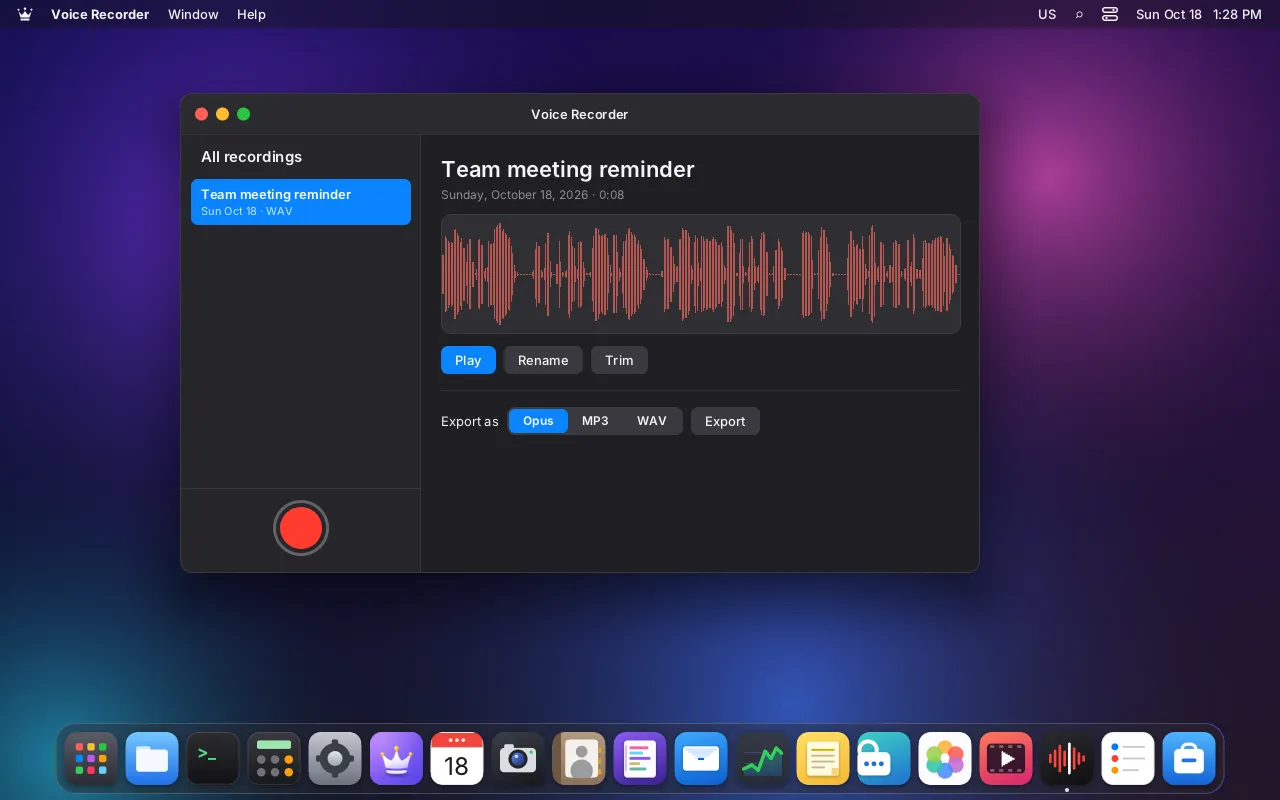
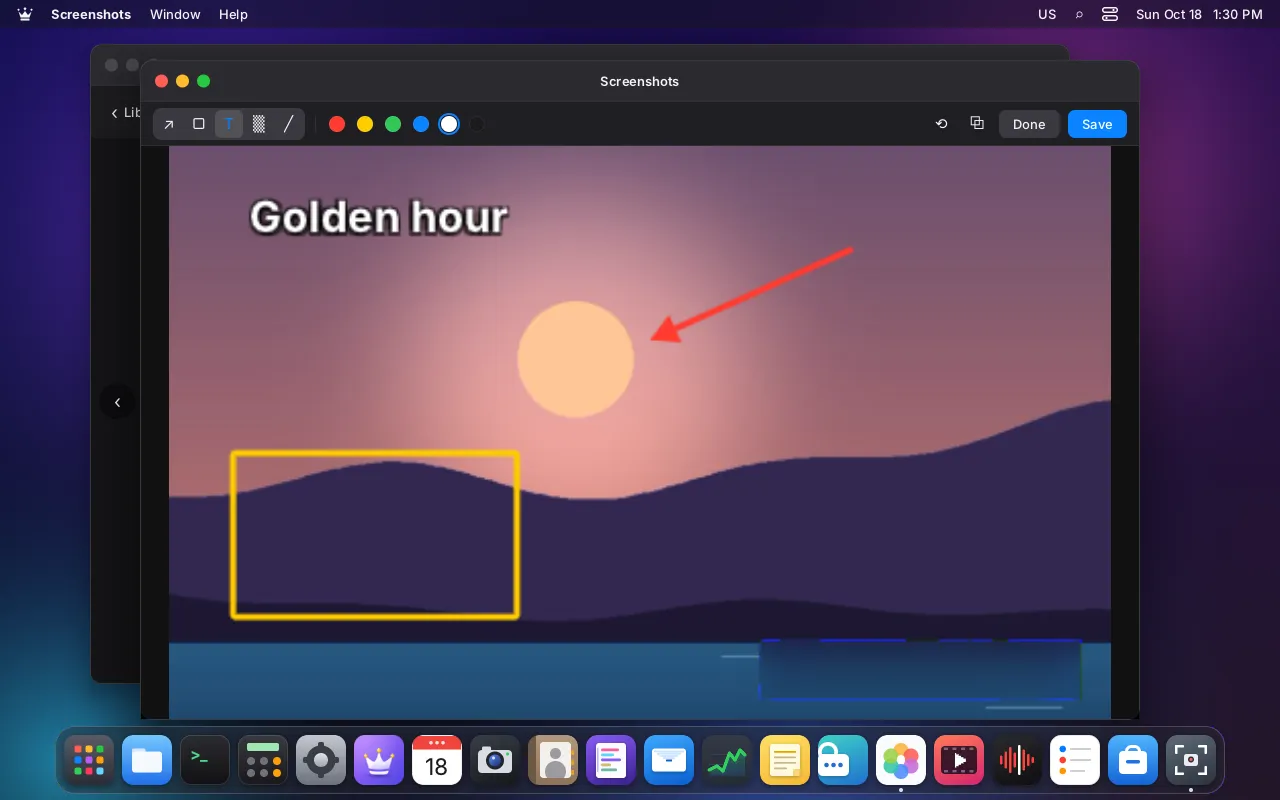
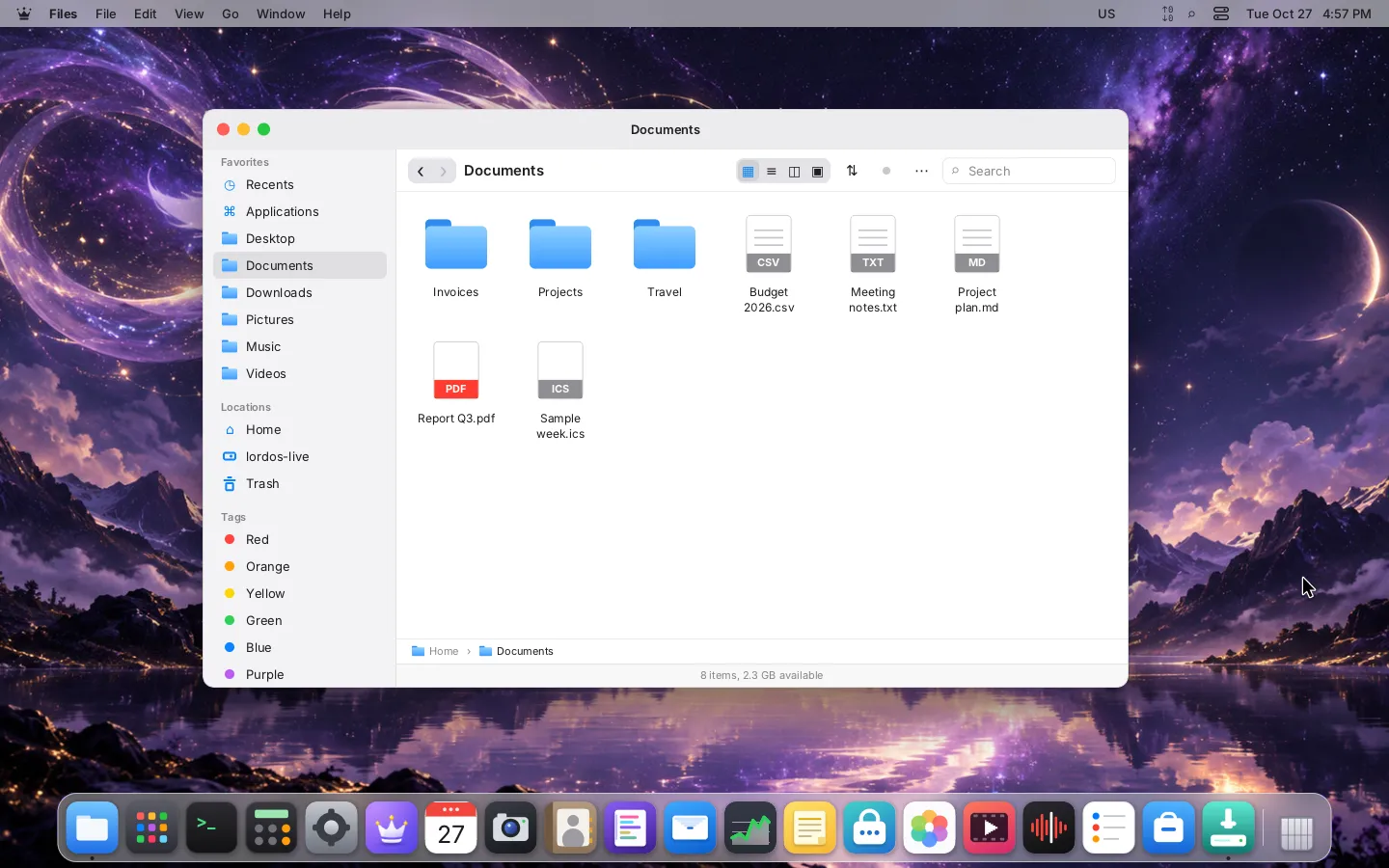
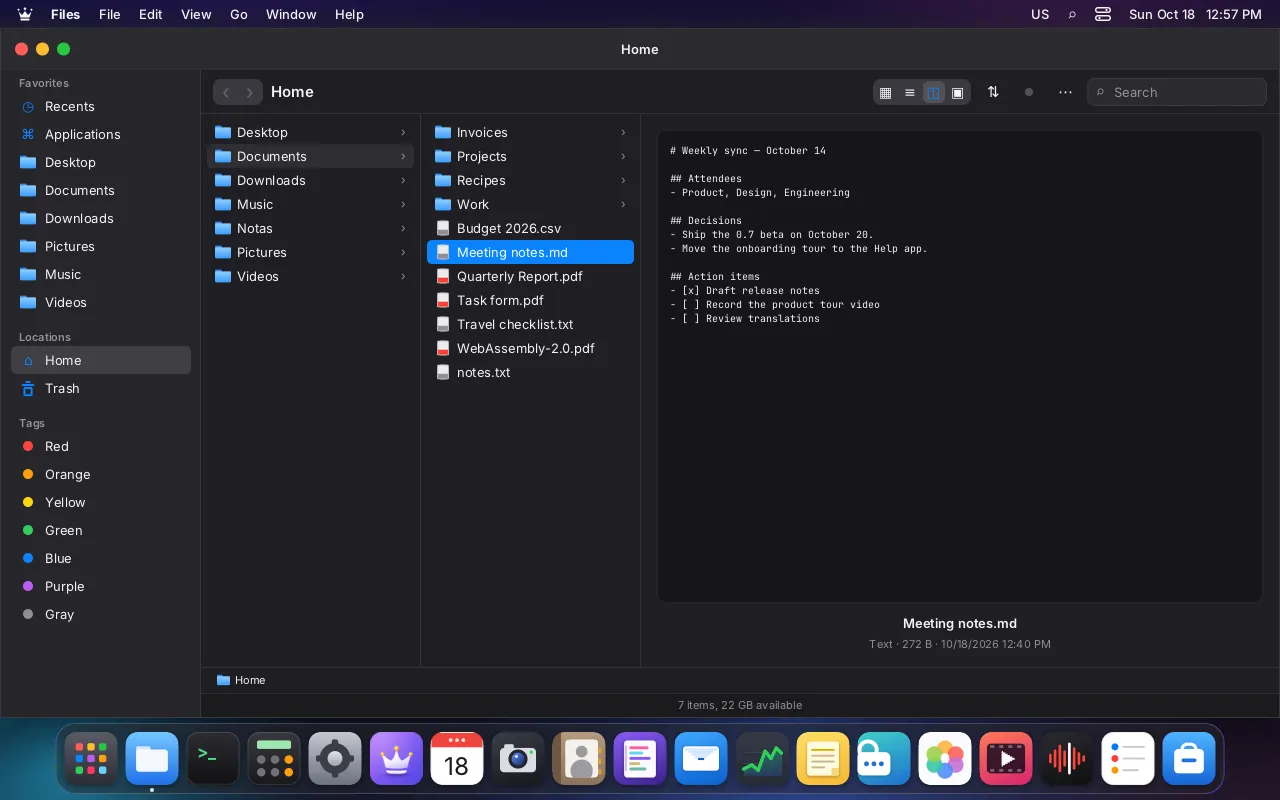
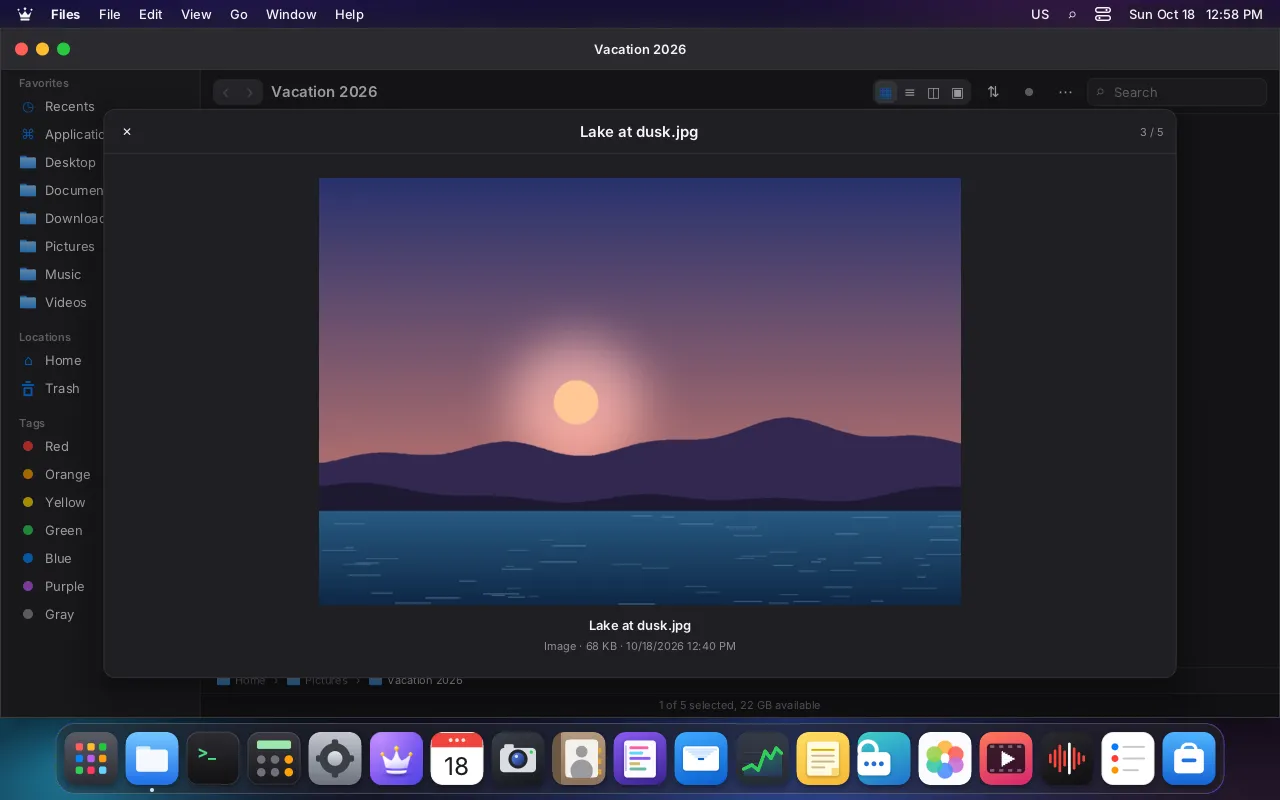
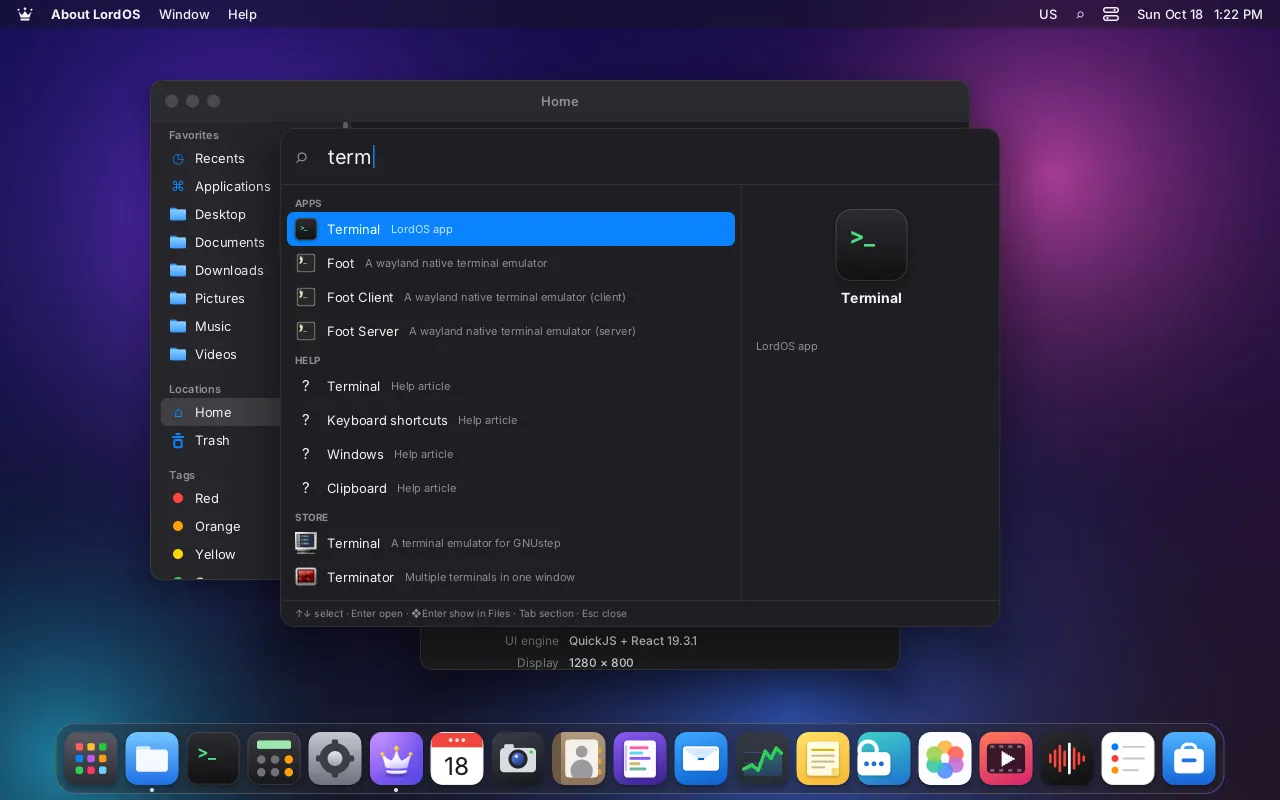
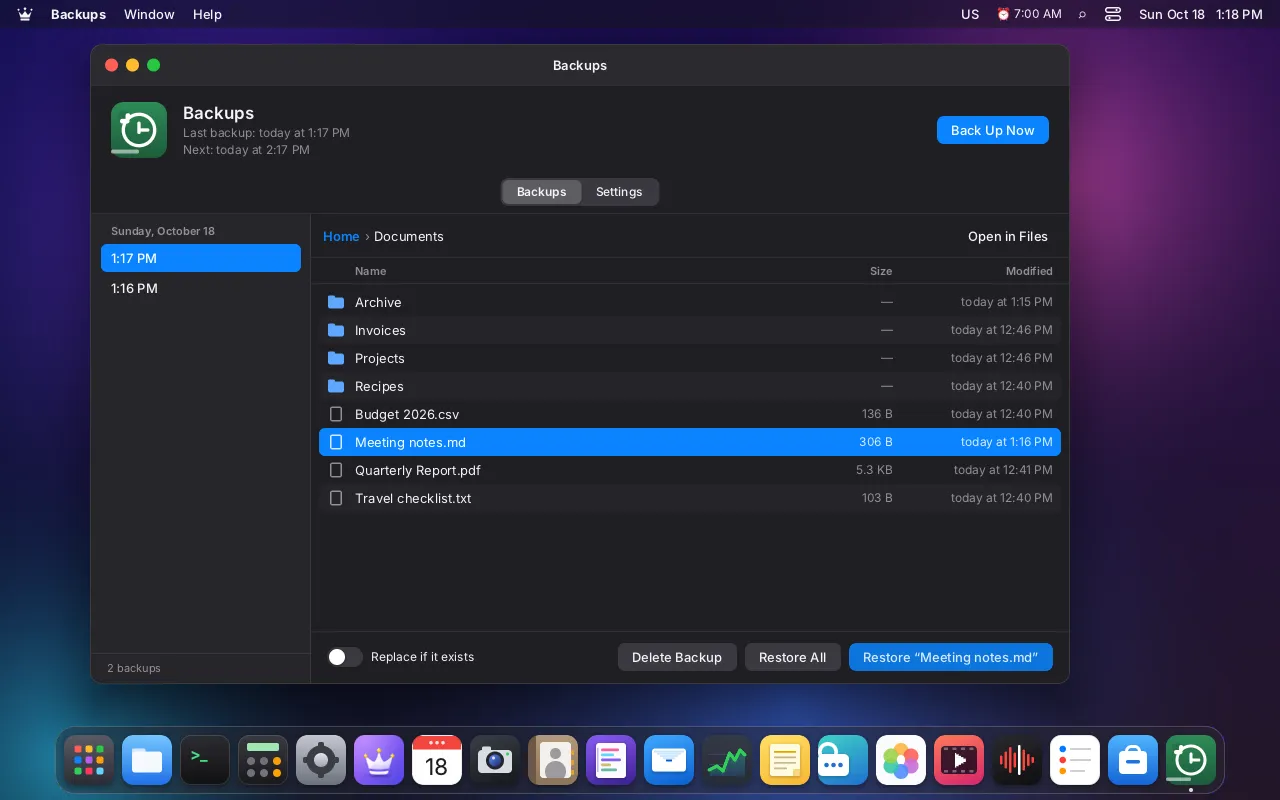
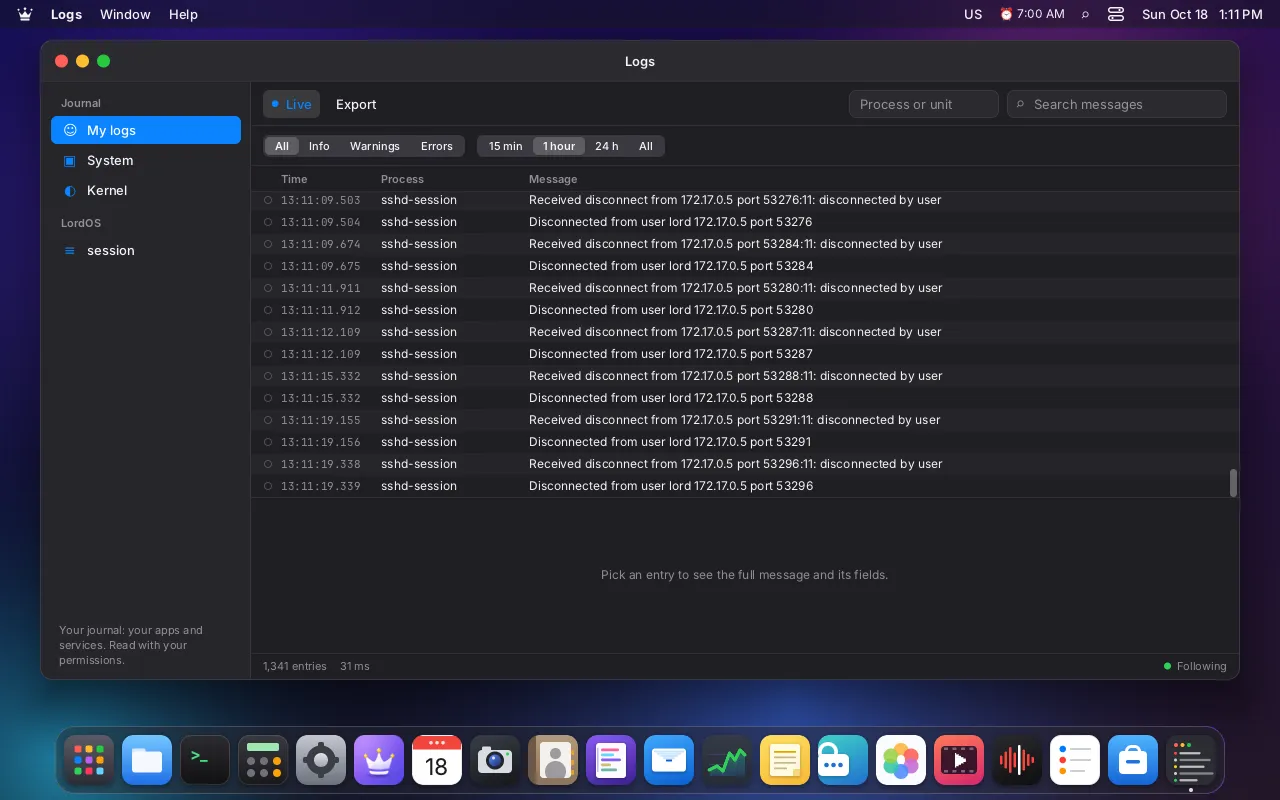
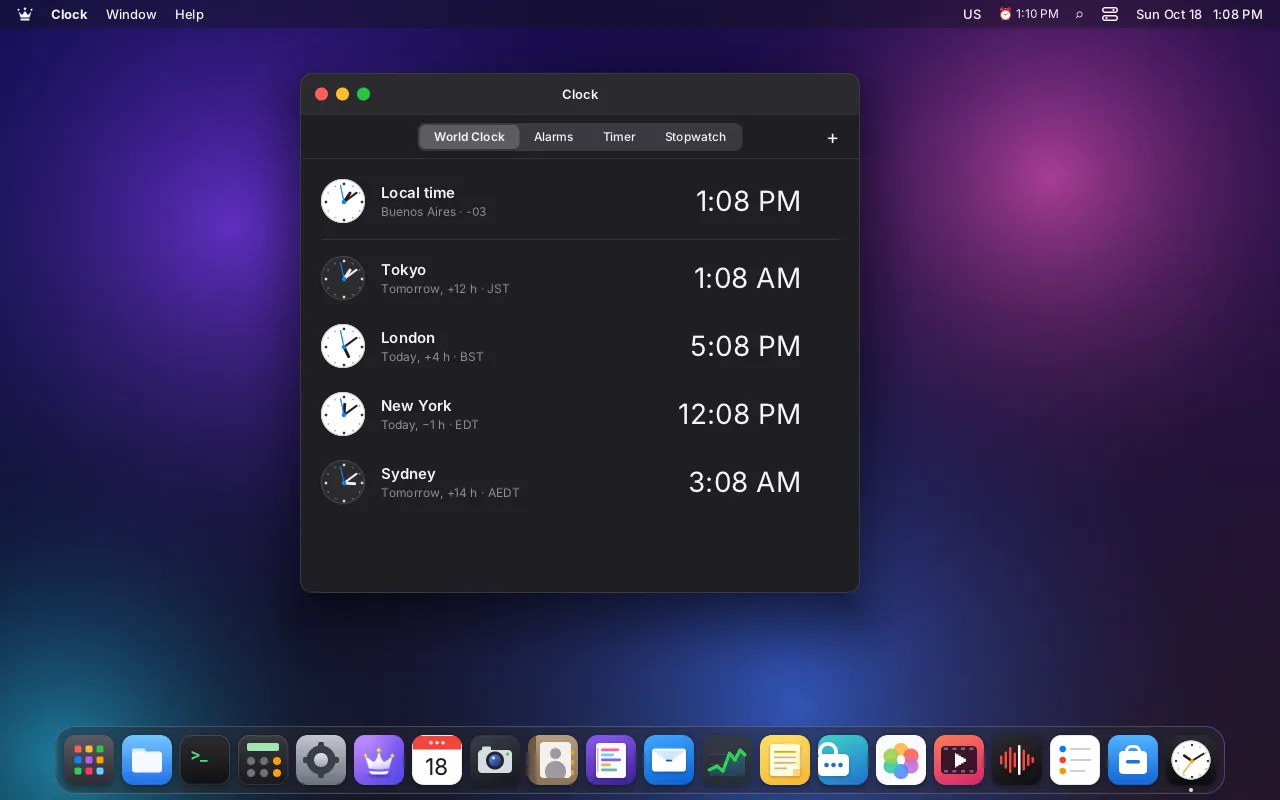
1 / 39The LordOS desktop with Calendar, Files, Photos and Player open
A complete desktop with native apps, privacy built in, and the Linux apps you already use.
Its own display server and Wayland compositor in C and its own interface engine, on a solid Debian base. Smooth on any 64-bit PC (amd64), and light enough for the Raspberry Pi 5 (arm64).
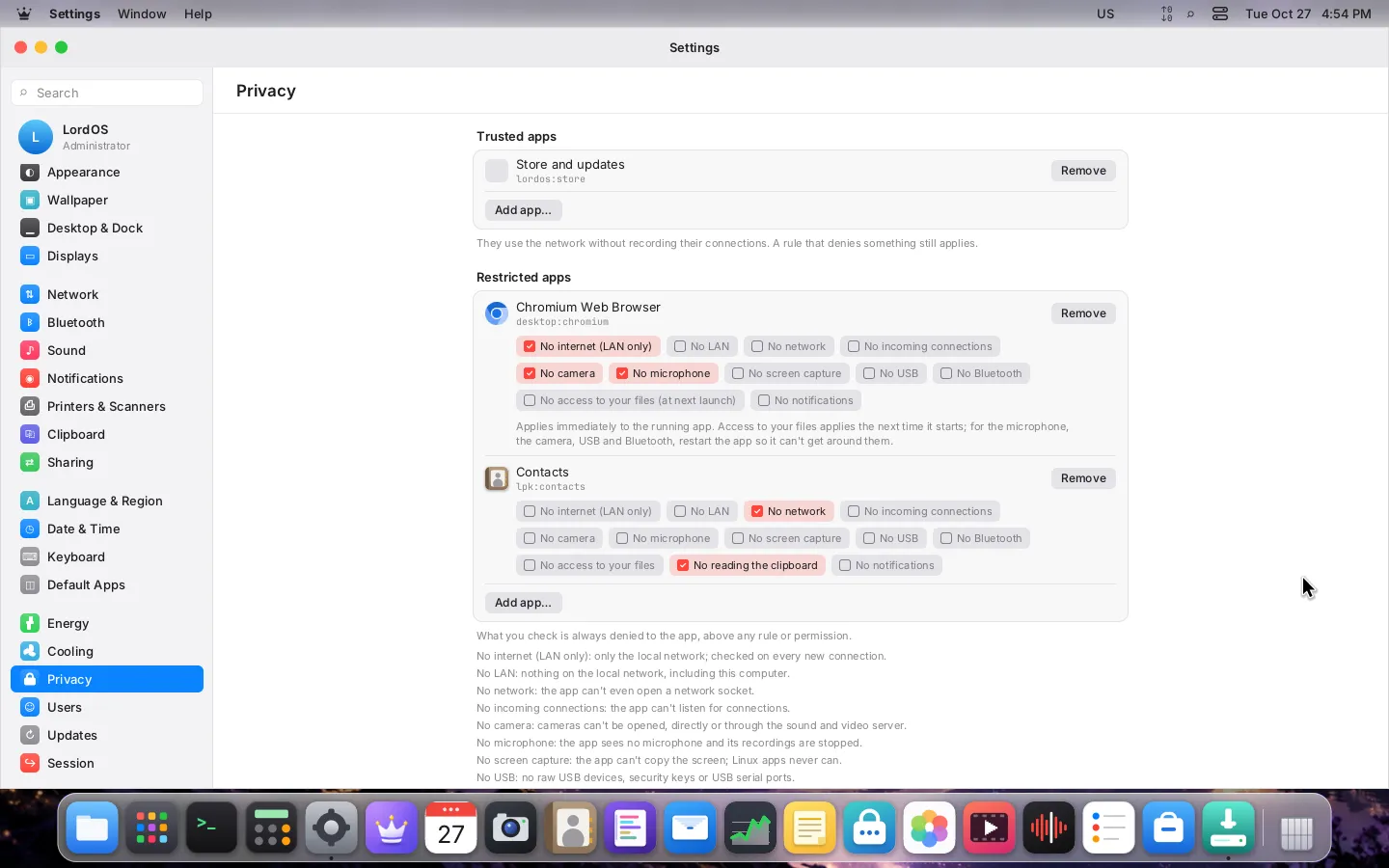
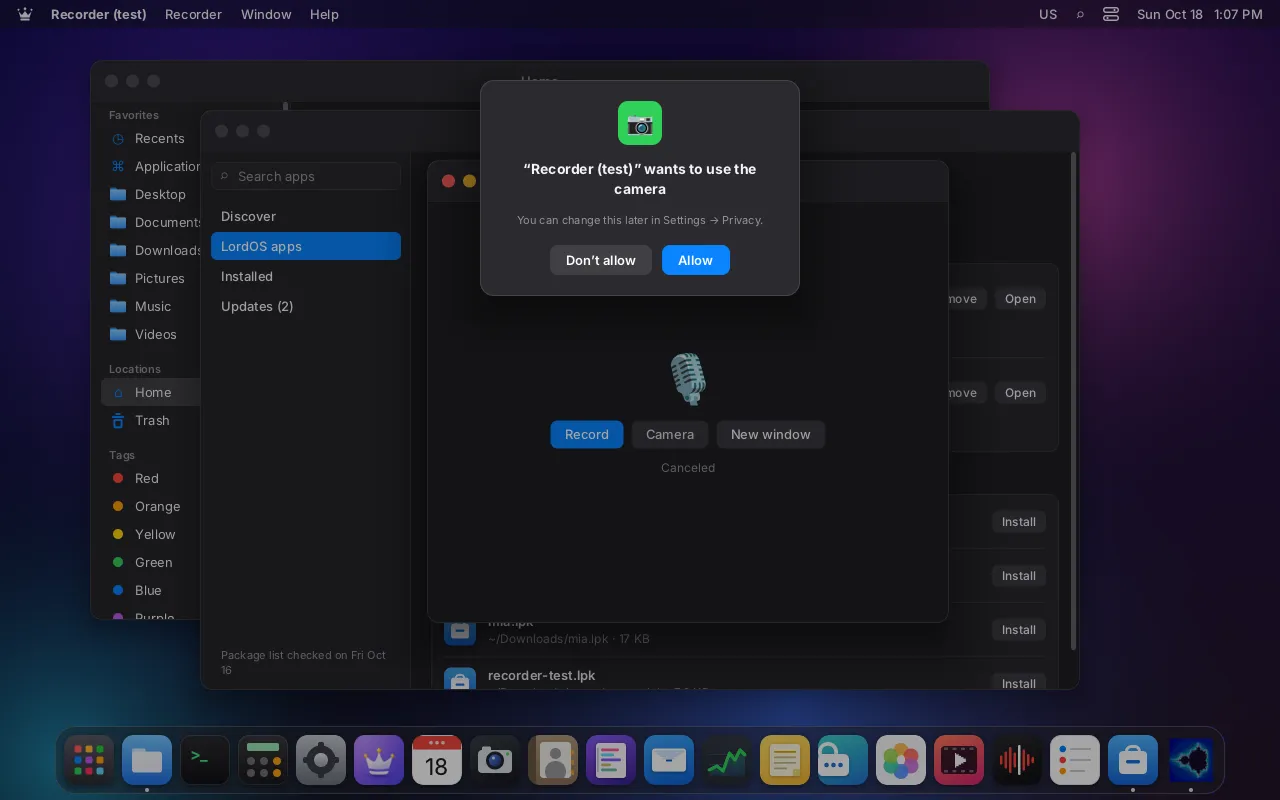
Learn more: A desktop of its ownInstallable LordOS apps run isolated and ask before using your camera, microphone, files or network. You decide.
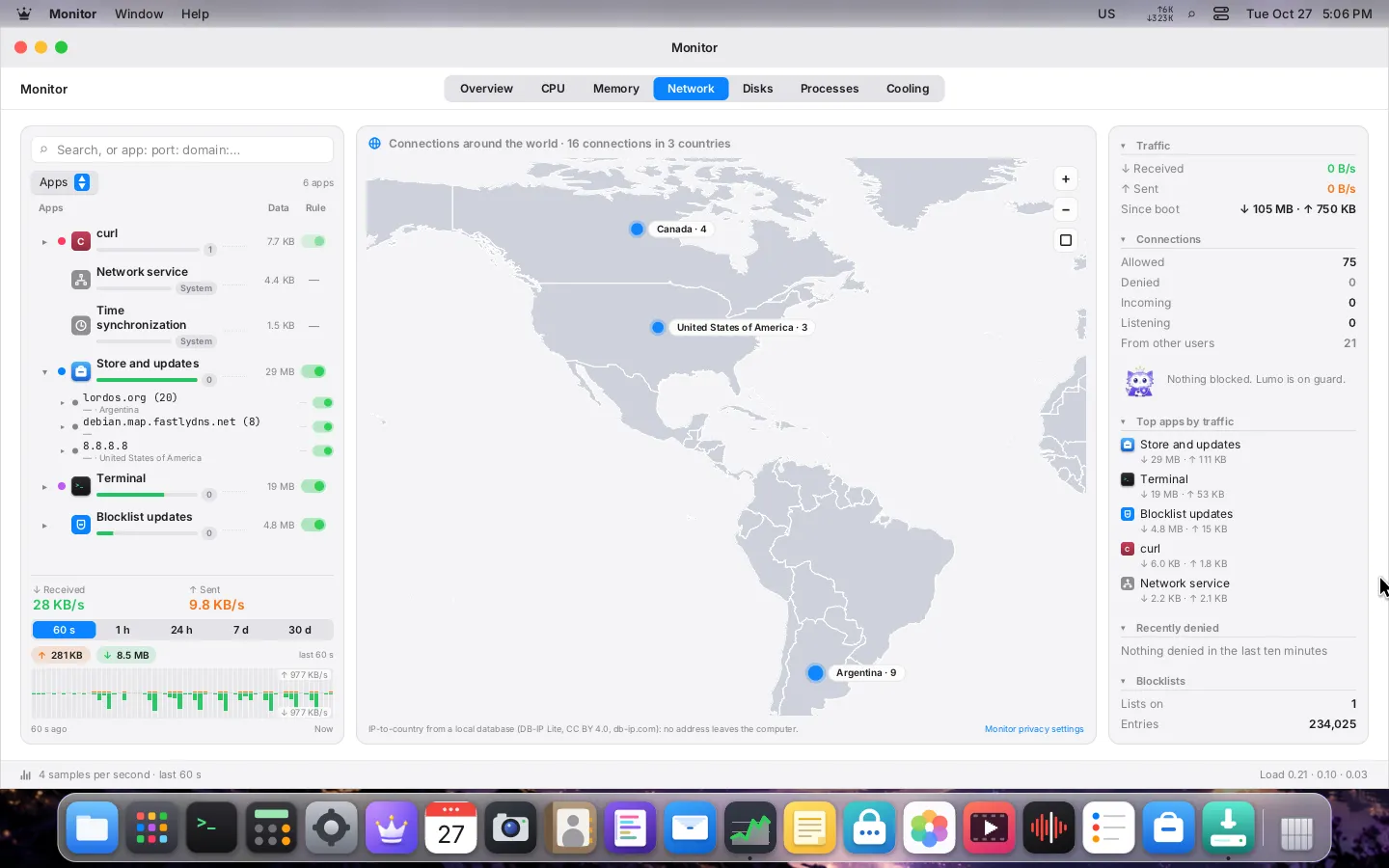
Learn more: Private by designWatch every connection on a live world map, then allow or block it per app, or turn on blocklists of ad, tracker and malware sites.
Learn more: A firewall you can seeA vault for passwords, 2FA codes and cards that unlocks with a password or a USB key.
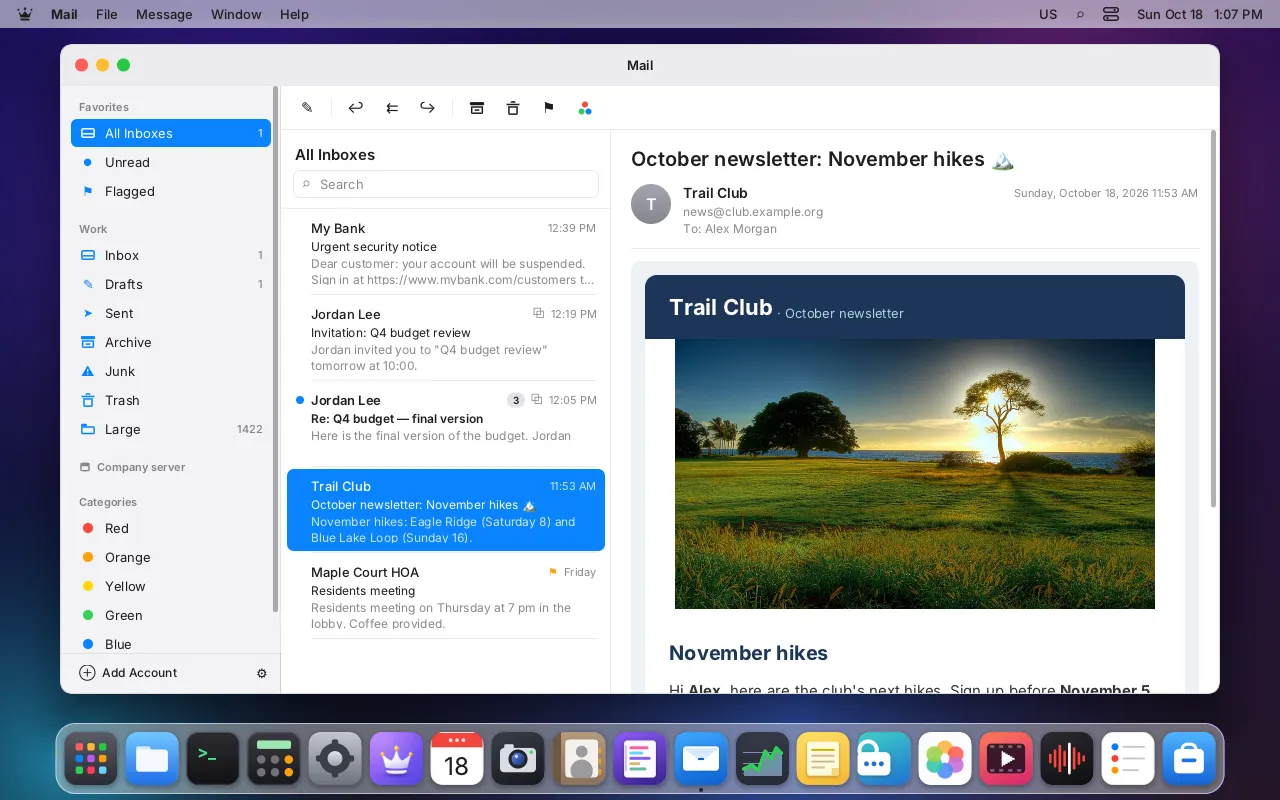
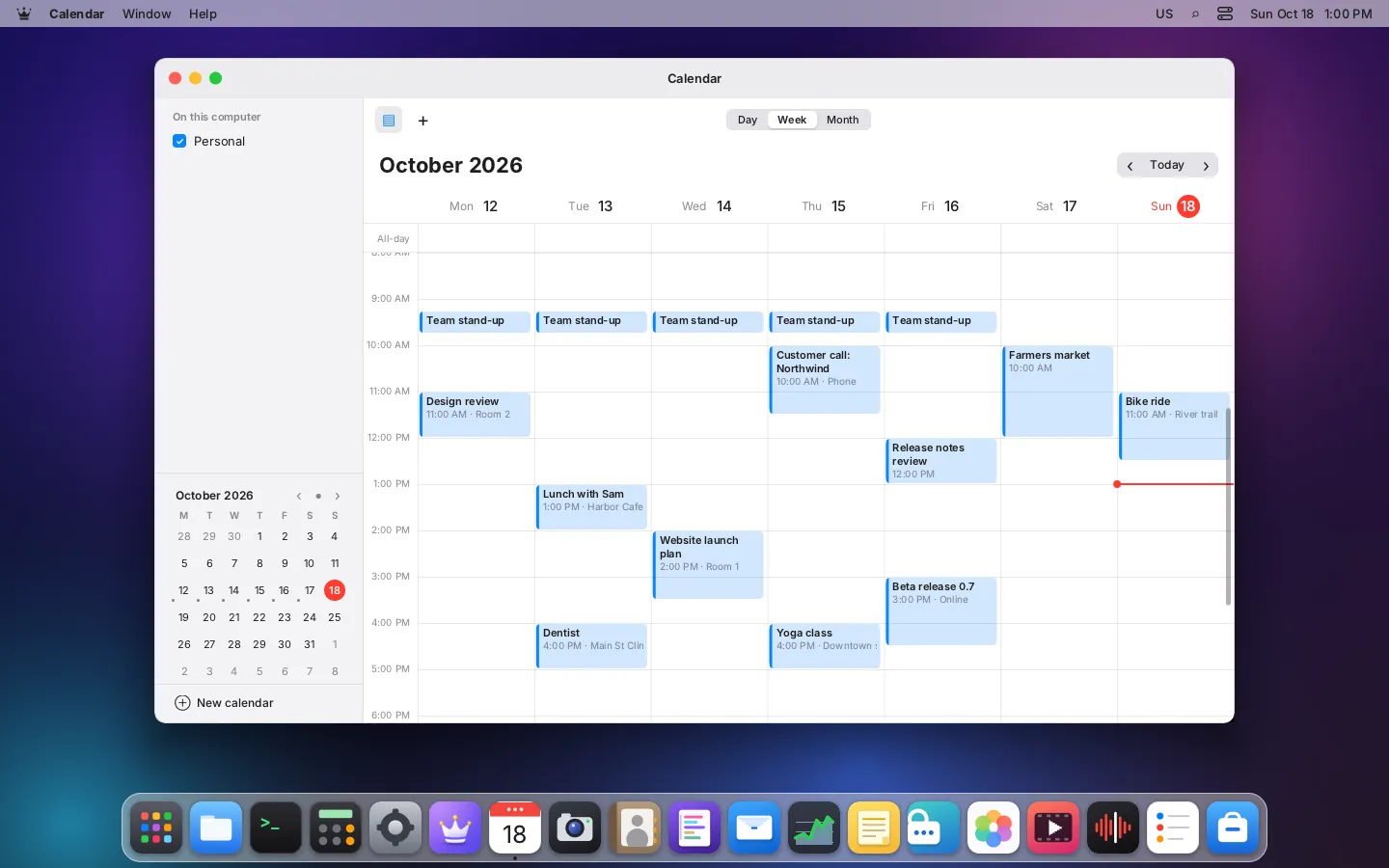
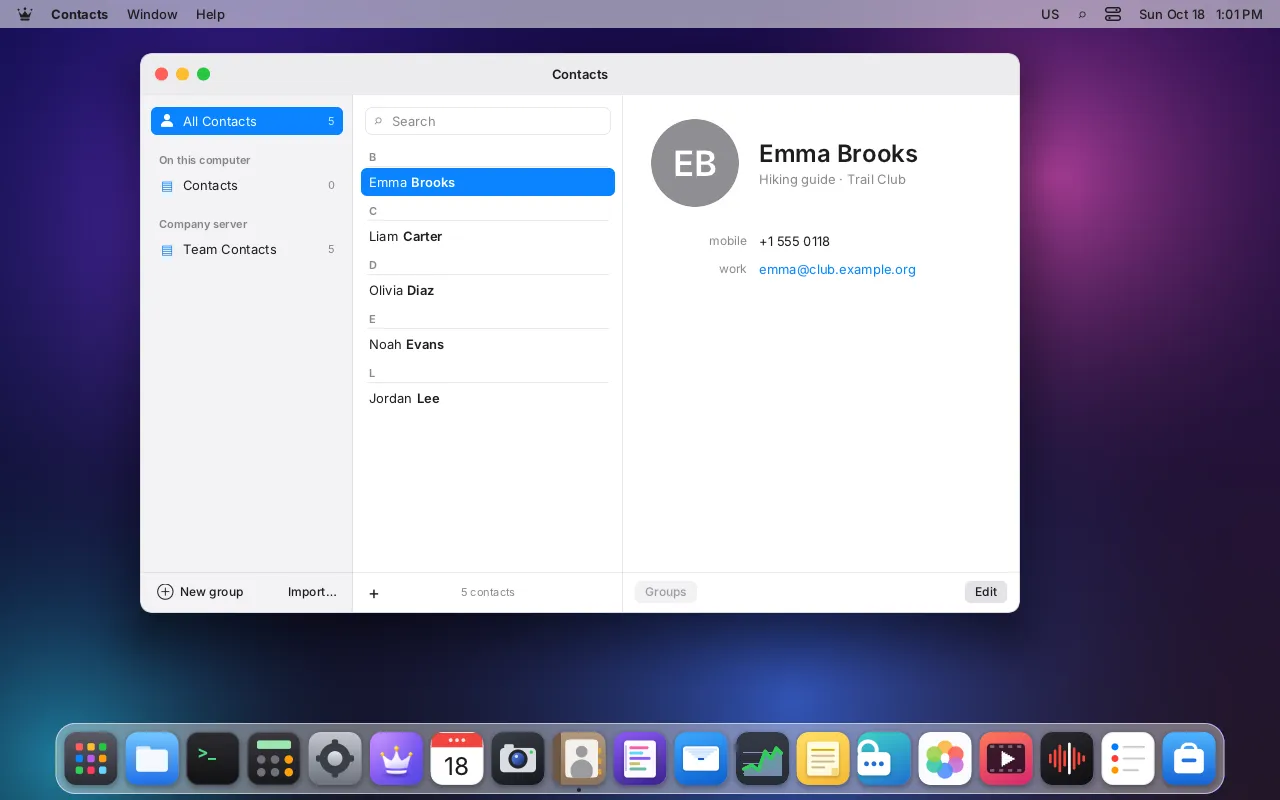
Learn more: Passwords built inNative apps for your accounts, with remote images blocked until you say so.
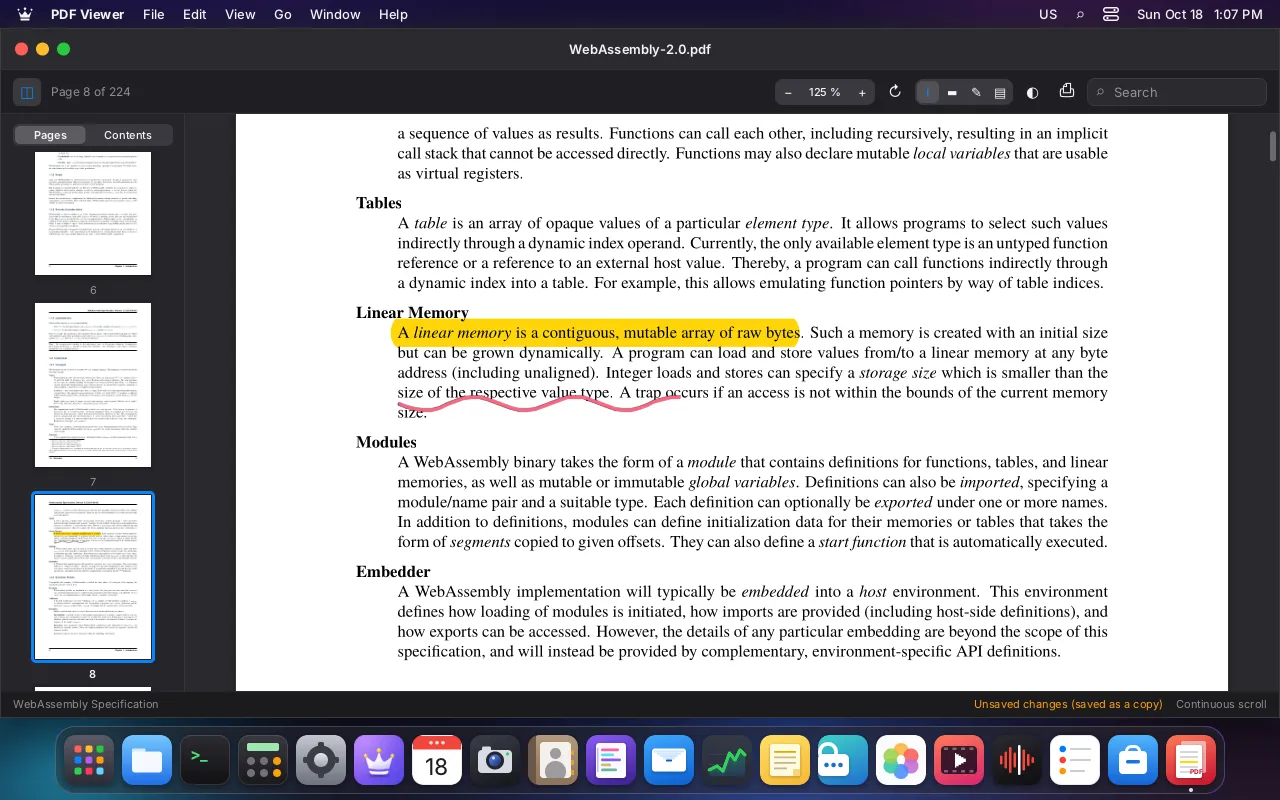
Learn more: Mail, Calendar, ContactsChromium, Firefox and GTK apps fit right in, with the same window frame and dark mode.
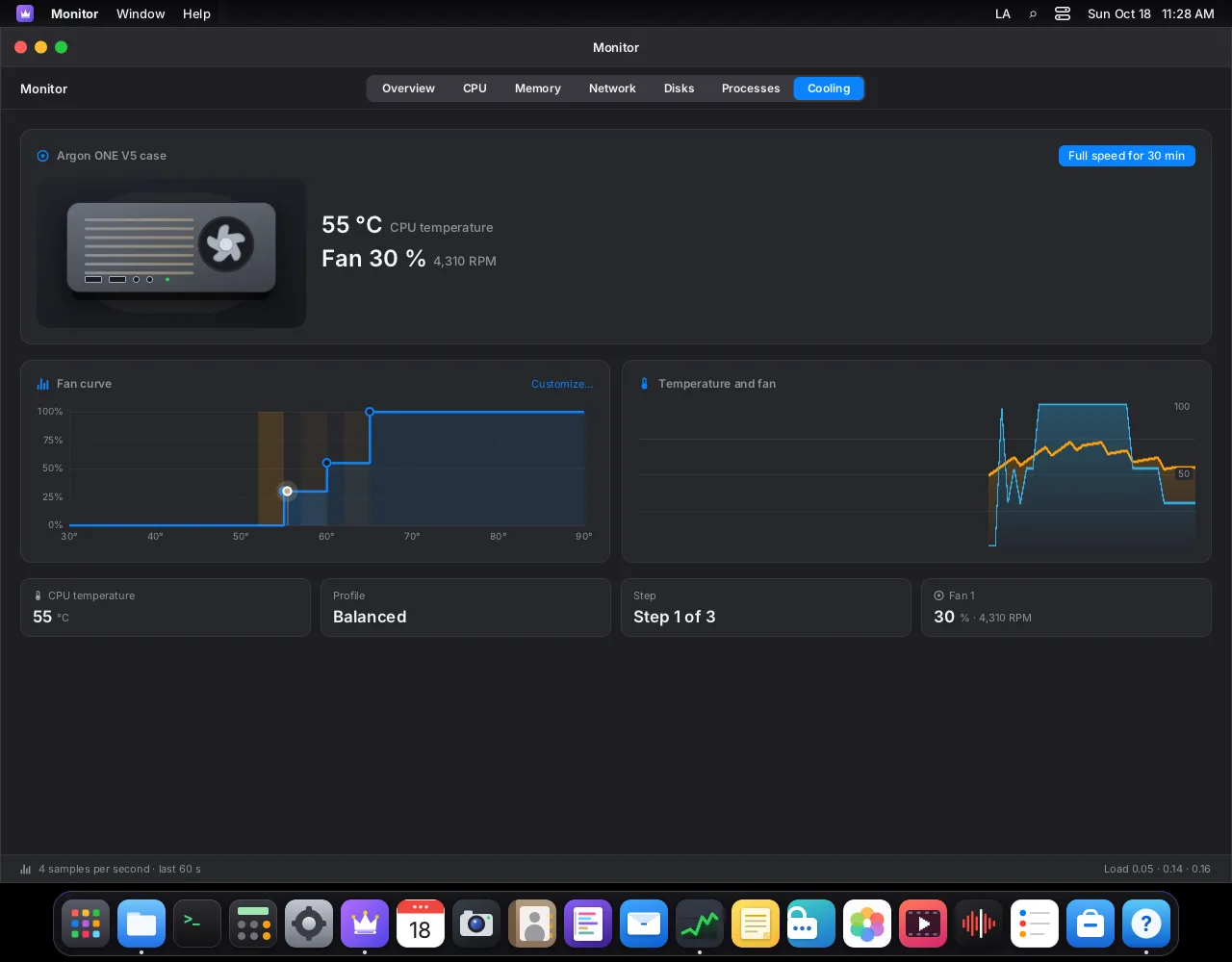
Learn more: Your Linux apps tooMonitor
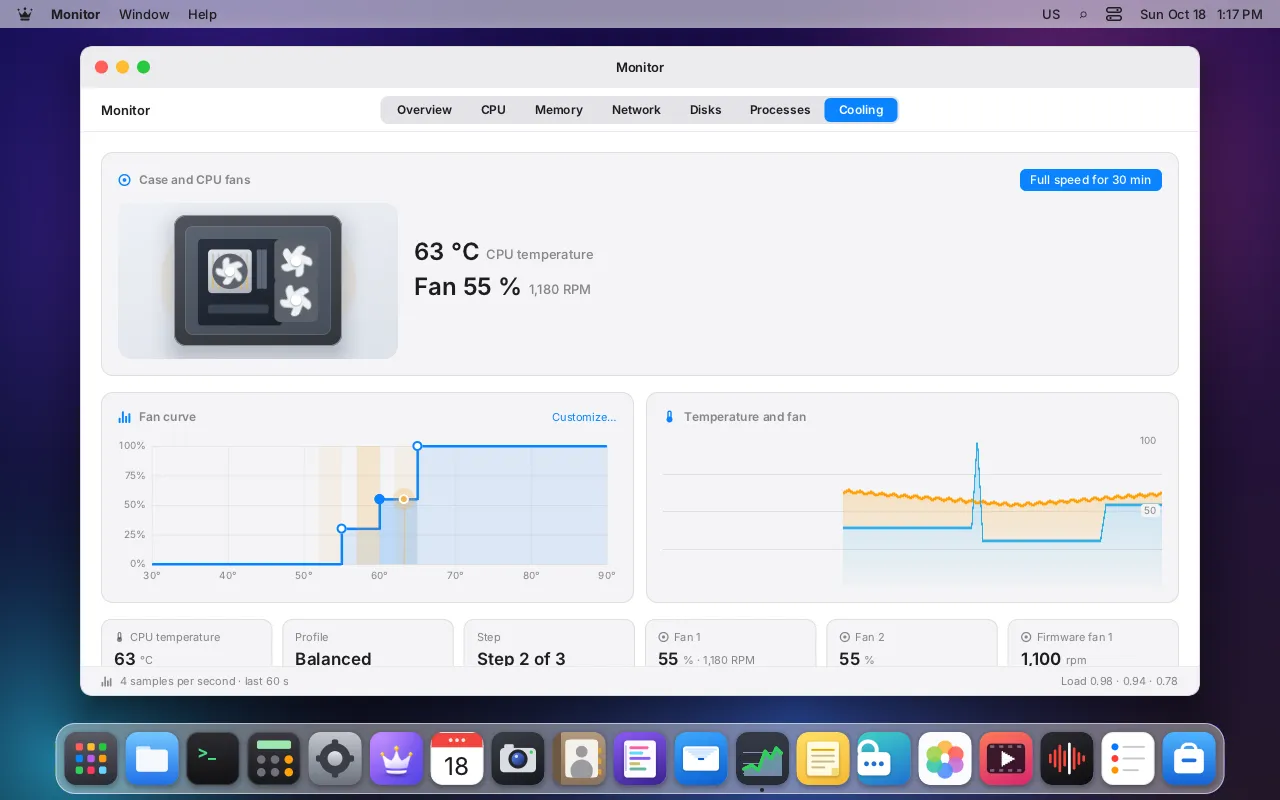
CPU, memory, network, disks and now cooling: live temperatures, fan curves and a full-speed button for heavy work.
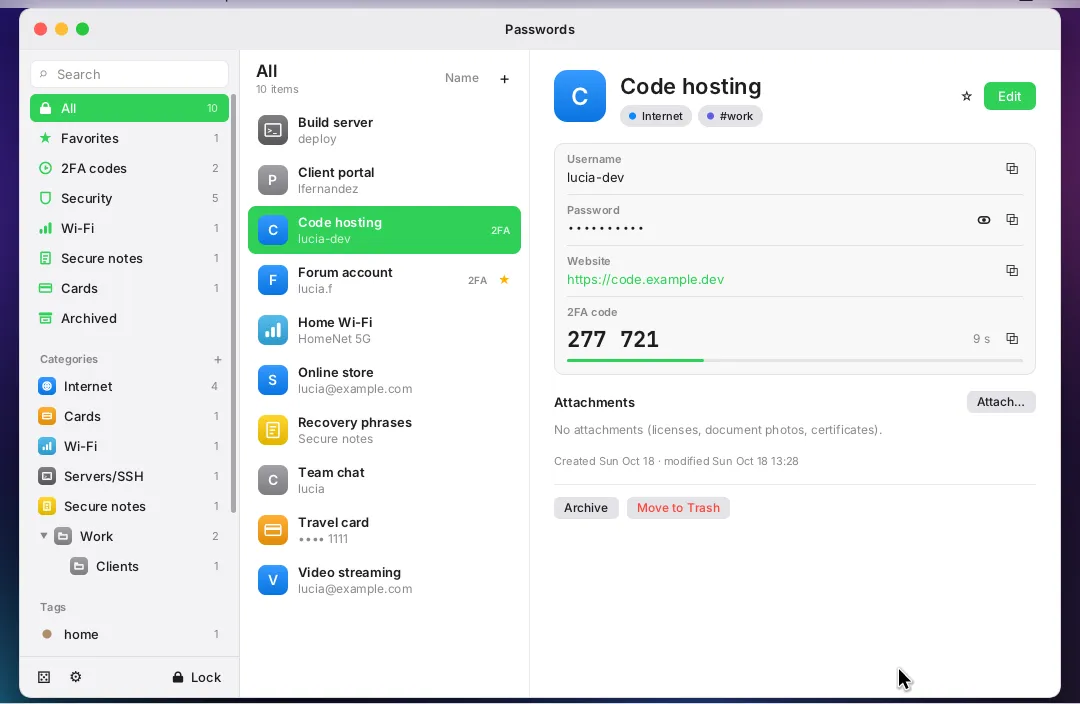
Passwords
Categories, tags, a strong password generator and 2FA codes. The window is hidden from screenshots and screen sharing.
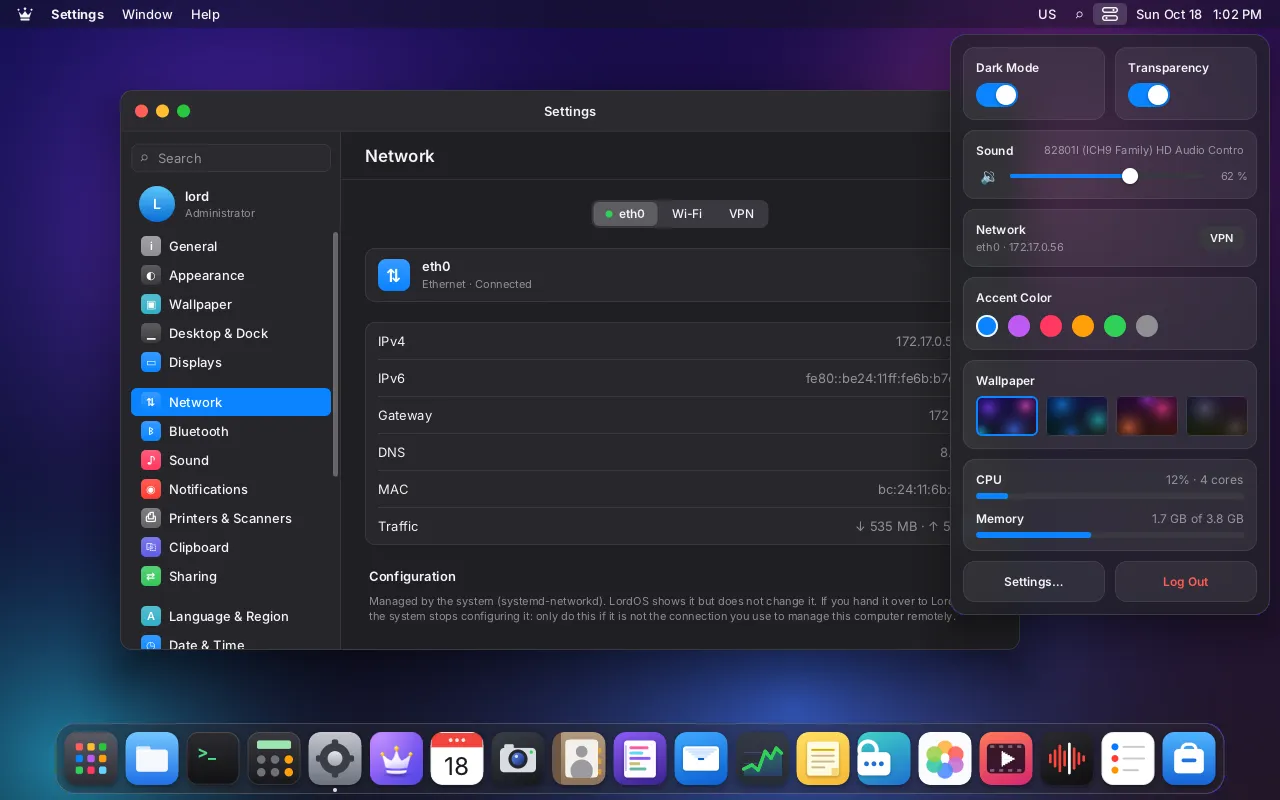
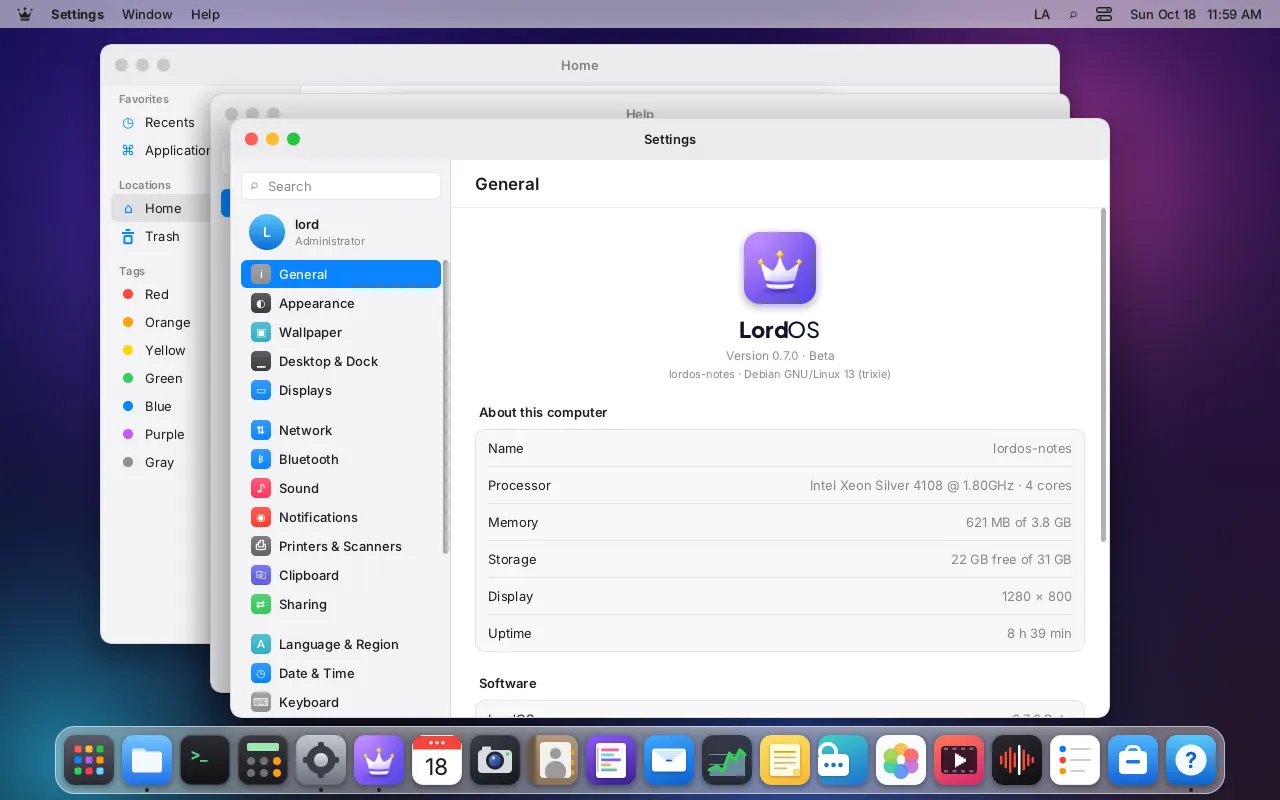
Settings
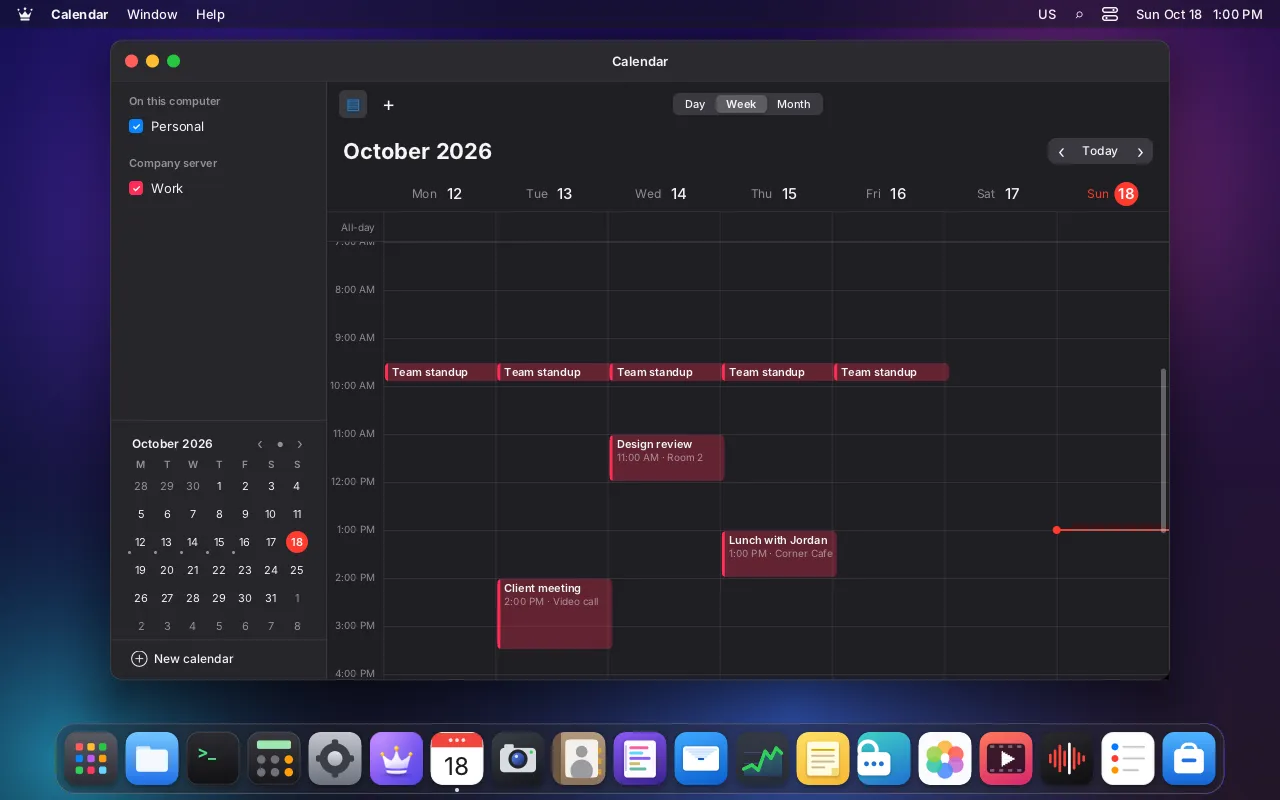
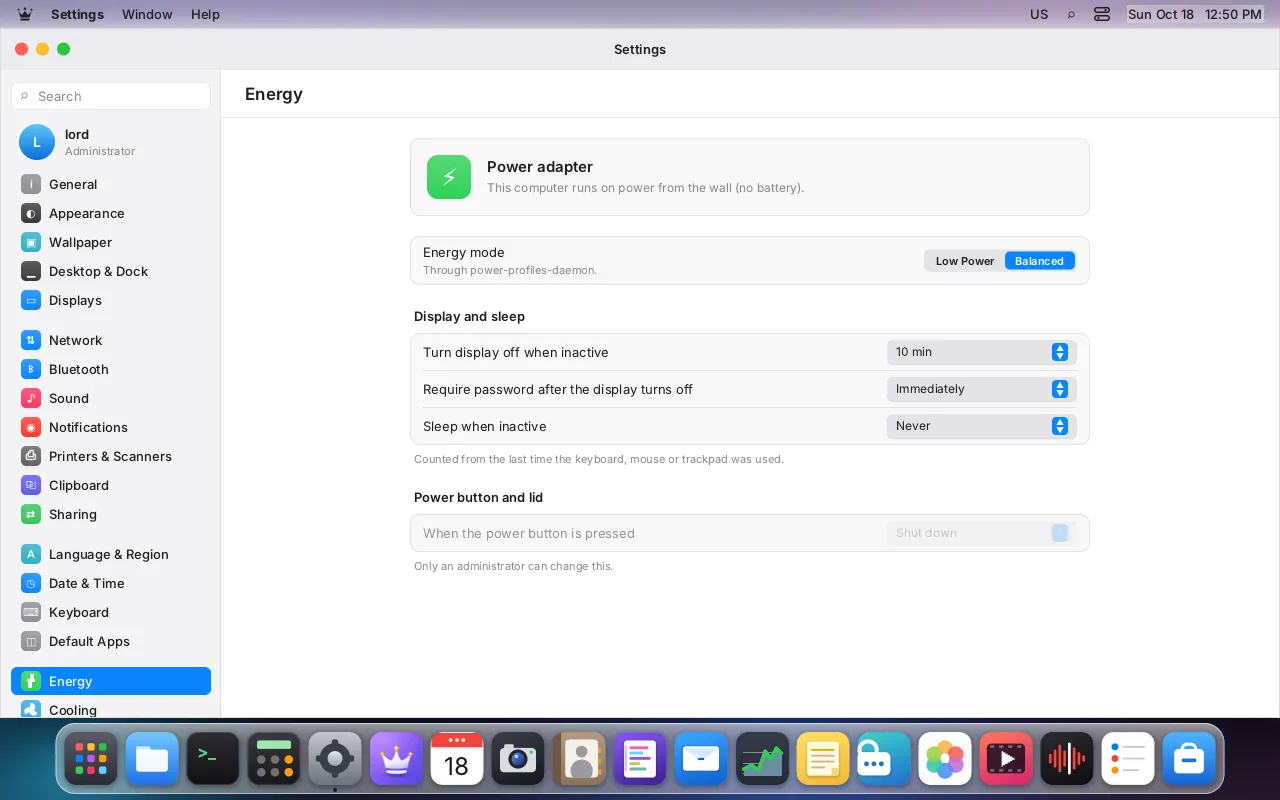
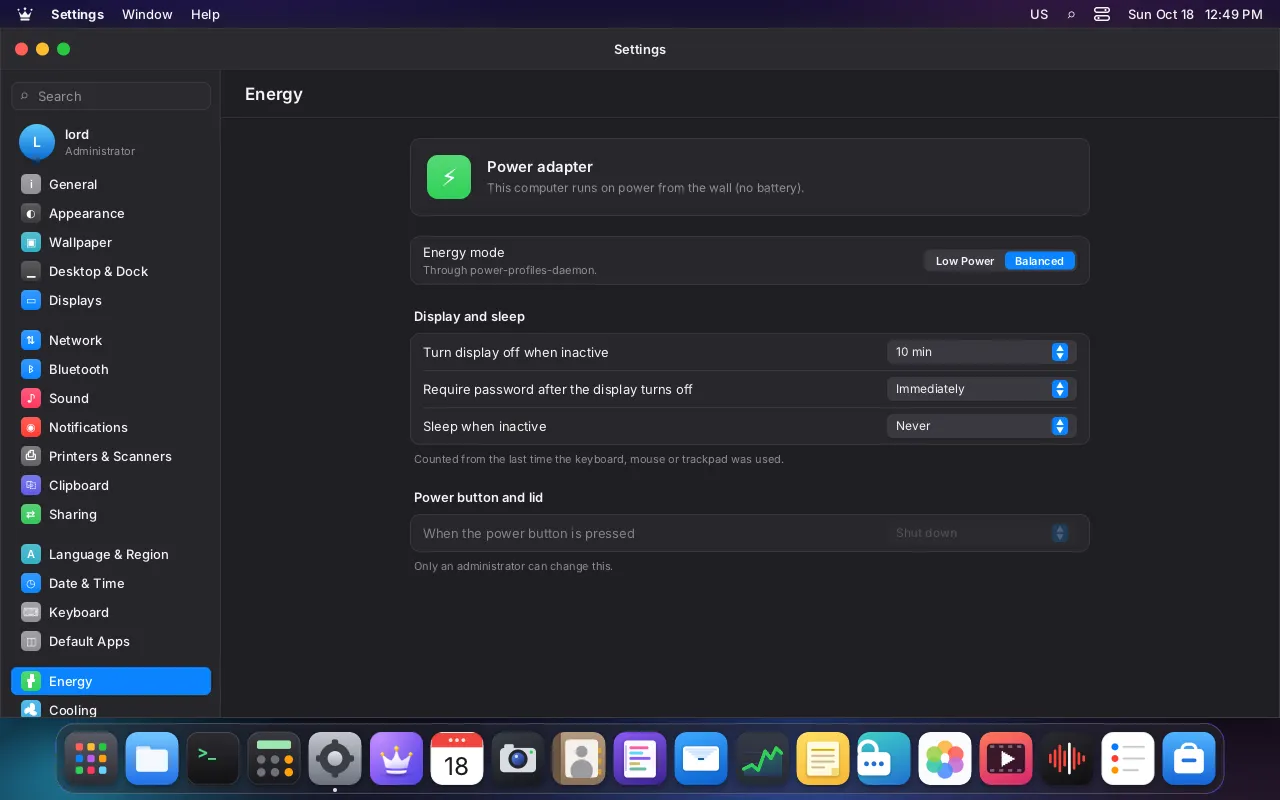
Dark mode, accent colors, the Dock on any side, displays, Bluetooth, energy and remote desktop, all in one place.
Pay what you want, including nothing. Your support keeps LordOS free for everyone.
amd64
Live and installable ISO for computers with an x86-64 processor. Try it without installing.
Download ISOarm64
A ready-to-flash image for SD card or NVMe, with fan control and our own kernel.
Download imageamd64arm64
Add LordOS to the system you already have, on a PC or a server (VPS), with one command:
On a server without a screen, add --remote-desktop and use it from your browser.
curl -fsSL https://lordos.org/install.sh | sh
For the PC (ISO) and for the Raspberry Pi 5 image.
Recommended
Write LordOS to an SD card or a USB stick from the computer you already have, and set up the Raspberry Pi 5's first boot: its name, your account, Wi-Fi, remote access, appearance and cooling. Every official image is checked against the release signature before anything is erased.
It also comes with LordOS (App Launcher → System). Free and open source, it collects nothing.
Download the ISO or the Raspberry Pi image from the release, check it against SHA256SUMS and write it with any image writer app, or with dd. /dev/sdX is the whole card or stick, not a partition.
sha256sum -c --ignore-missing SHA256SUMS
sudo dd if=lordos-live-0.8.6-amd64.iso of=/dev/sdX bs=4M status=progress conv=fsync
sha256sum -c --ignore-missing SHA256SUMS
xz -dc lordos-0.8.6-rpi5-arm64.img.xz | sudo dd of=/dev/sdX bs=4M status=progress conv=fsync
How to check the signature of SHA256SUMS
Without LordOS Imager the Pi starts in setup mode. To prepare it, put lordos-user.txt and the switch files (ssh, remote-desktop) on the card's boot partition before the first boot. Switch files and lordos-user.txt
Every release is signed with the LordOS release key. Check the signature before you install. Key fingerprint (SHA-256):
c7155b8e6bbbb180f907381994d06af76d333016cd6f3facf67cadd053ea108e
Downloads are published on GitHub Releases with SHA-256 checksums.

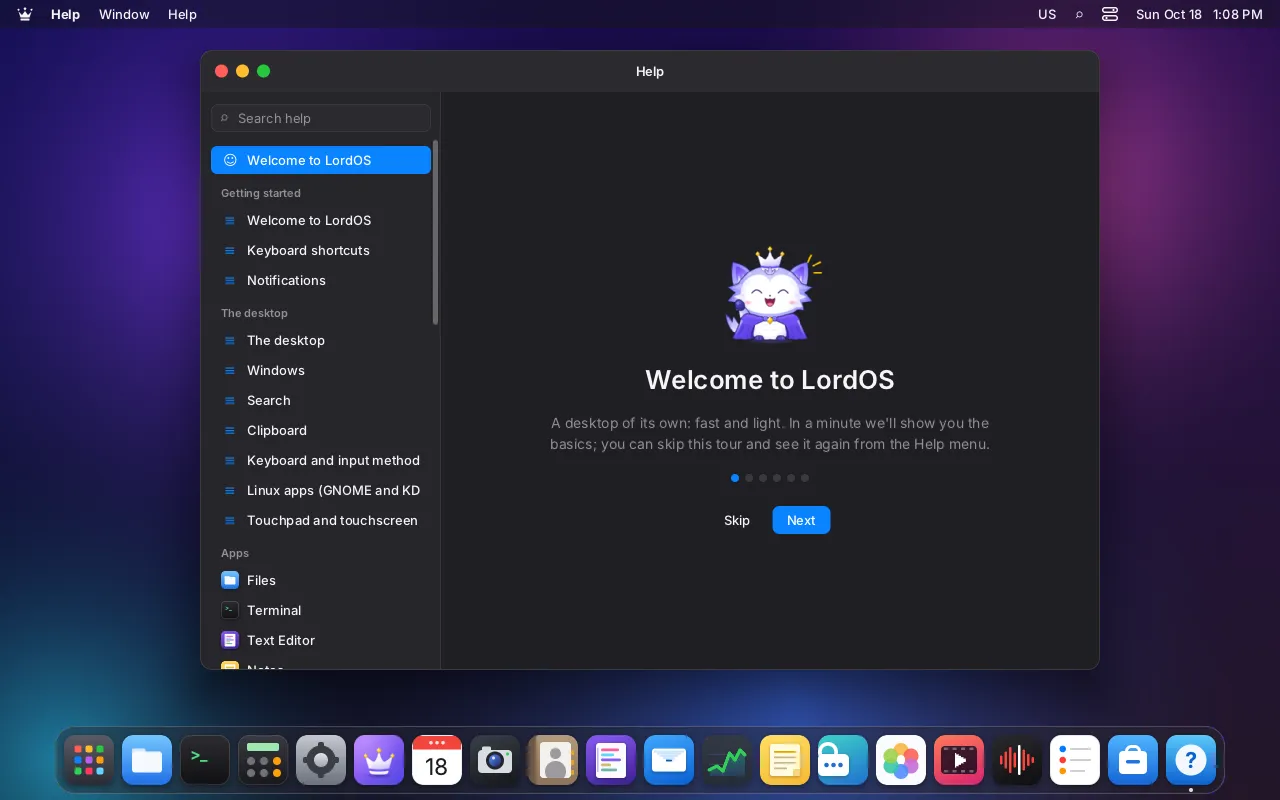
Meet Lumo
Lumo is a small celestial fox with white fur and violet highlights. Its crown and cape stand for protection, freedom and control, and it shows up when something needs your attention.


 Mail
Mail Calendar
 Files
Files Passwords
 Photos
 Player
 Notes
Notes Monitor