

New in 0.8.7.
The short version#
Cleaner shows what is taking up your disk and helps you remove what can safely go. Its rule is simple: analyse, review, plan, confirm, execute, verify. A scan only reads. Nothing changes until you have seen what will happen and said yes.
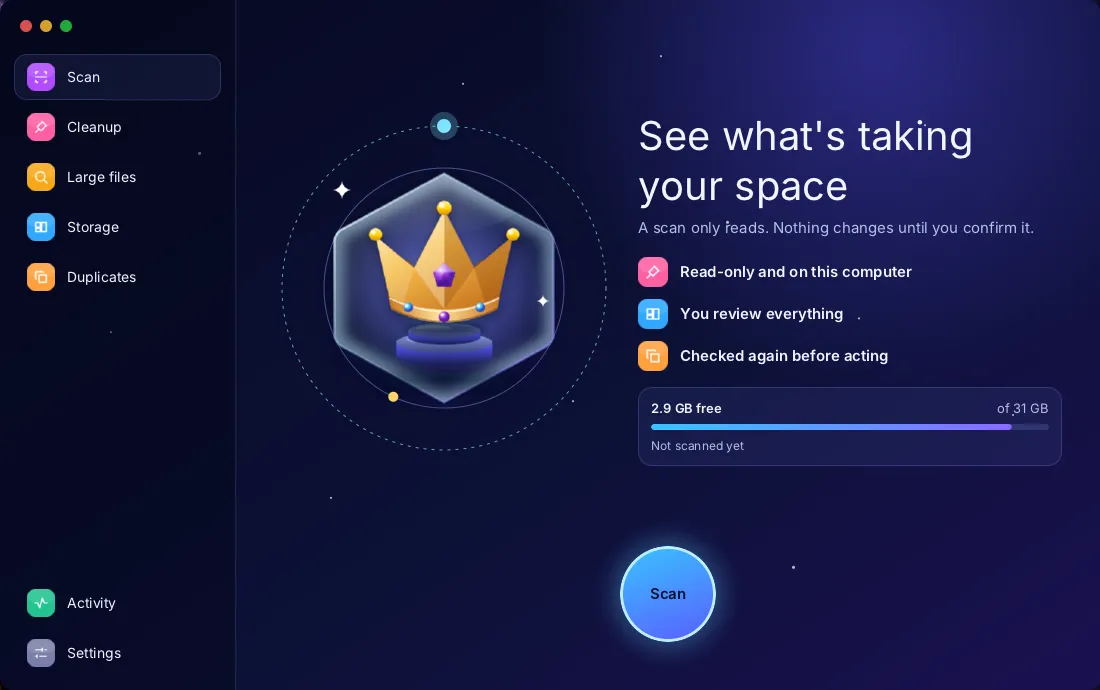
Think of a careful house clearance. Someone walks through and writes a list, touching nothing. You go through the list. Only then does anything leave the house, and each item is checked once more on the way out.
Who does what
- YouCleaner windowHolds candidate ids, never a path's authoritythen your choices
- Ourslord-serverBuilds the plan and checks each object againthen scan request
- Ourslord-cleanSandboxed; reads onlythen read only
- KernelYour filesChanged only after you confirm
Legend: YouOursKernel
What it does#
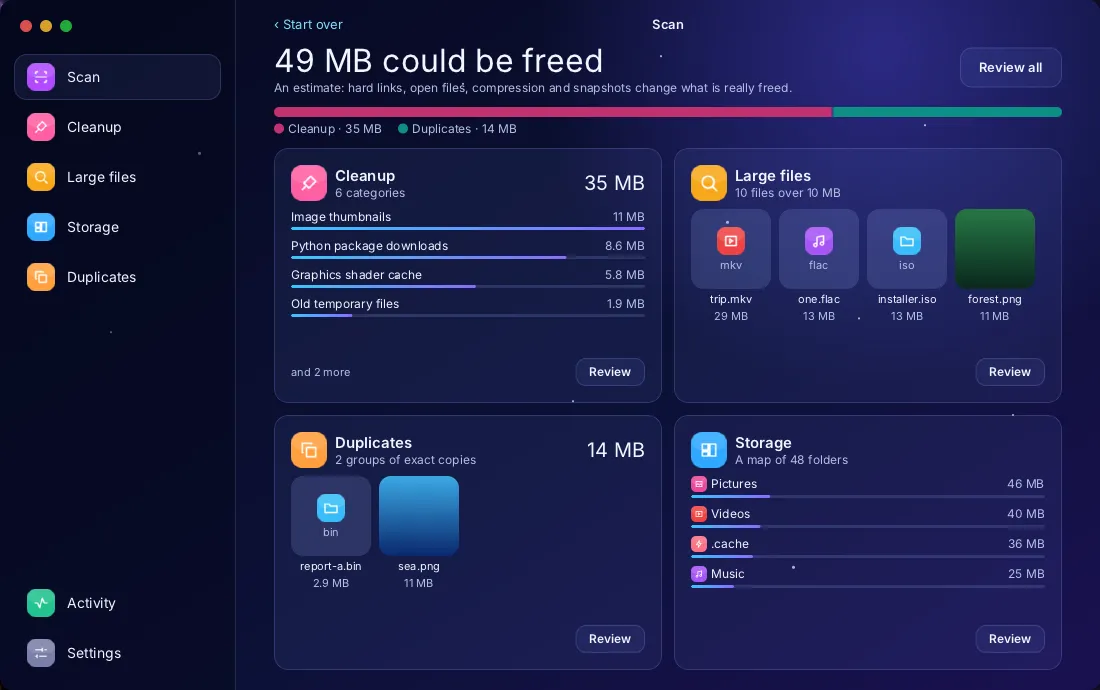
- Scan runs Cleanup, Storage and Duplicates one after the other, then shows a review board of what it really found: one card for each thing it found, with its real sizes and the real files behind it.
- Cleanup lists caches, developer tool downloads, browser caches, old temporary files, old installers and the Trash, each with its reason, its risk and what will happen to it. While a scan runs you see the three rules finding the most so far, with their sizes.
- Code projects in your home folder: build outputs of Node, Rust, Maven, JavaScript, Python, Gradle and Dart. A folder's name proves nothing, so each one is proved by the files next to it or inside it, and Node's dependencies are offered only when the whole project has had no change for 60 days. You choose them one by one and they go to the Trash.
- Big videos of 100 MiB or more on the Desktop and in your screen recordings are chosen one by one too.
- Large files filters by size, age and type.
- Storage shows the largest folders as bubbles, a map, a folder list and a summary by type. A folder is drawn with what it is, so videos, music and code are told apart at a glance. In the map, bands in each tile show what rebuilds by itself and what to check first, and one line gives the free space, both amounts and what wasn't scanned.
- Duplicates finds exact copies in the folders you choose and, if you ask, similar images. Nothing is selected for you.
- Activity records what ran: counts and sizes, never a path.
One thing does stay on disk with names in it: the storage map is kept between sessions, in ~/.cache/lordos/cleaner-map.txt, readable only by your user. It holds folder names and sizes, and it stays on this computer. It is on by default: turn it off in Settings, or remove it with Clear in Activity. A saved map holds nothing that can be acted on; to clean anything, you scan again.
What it will not do#
Cleanup rules never cover cookies, sessions, history or passwords, or ~/.cache as a whole. Cleaner makes no claim to protect your computer and does not look for malware. It has no memory "free up" and no speed test: neither is something it could do honestly. The sizes it shows before acting are estimates, and it says so, because hard links, open files, compression and snapshots change what is really freed.
How it stays safe#
Scanning runs in lord-clean, a sandboxed helper that can only read. Plans are built in lord-server, not in the app, and the app only holds candidate ids, never the authority to touch a path. Everything is checked again right before acting, including the files that proved a project folder.
Regenerable cache files beneath fixed folders can be deleted for real, as your own user, and only by this path: lord.fs still has no general delete. Anything else, project folders included, goes to the Trash, where you can restore it. Three closed administrator actions clean the system's own files, each confirmed; on a throwaway test system they did what their rules say.
What its motion costs#
Cleaner comes in three looks, follows light and dark mode, and works in English, Spanish and Portuguese. Its layout turns for right-to-left languages, checked so far with a test language in English text. Its motion runs only while its window is in front and stops entirely with Reduce motion. Moving parts are kept in separate frames so the screen repaints as little as possible; the numbers are in docs/CLEANER-TESTS.md. They were taken on a virtual machine and on a Raspberry Pi 5 with its monitor, where the session took 4.5–7.2 % of a core with the opening screen idle, 12.2–18.0 % scanning and 0.1 % with Cleaner closed.
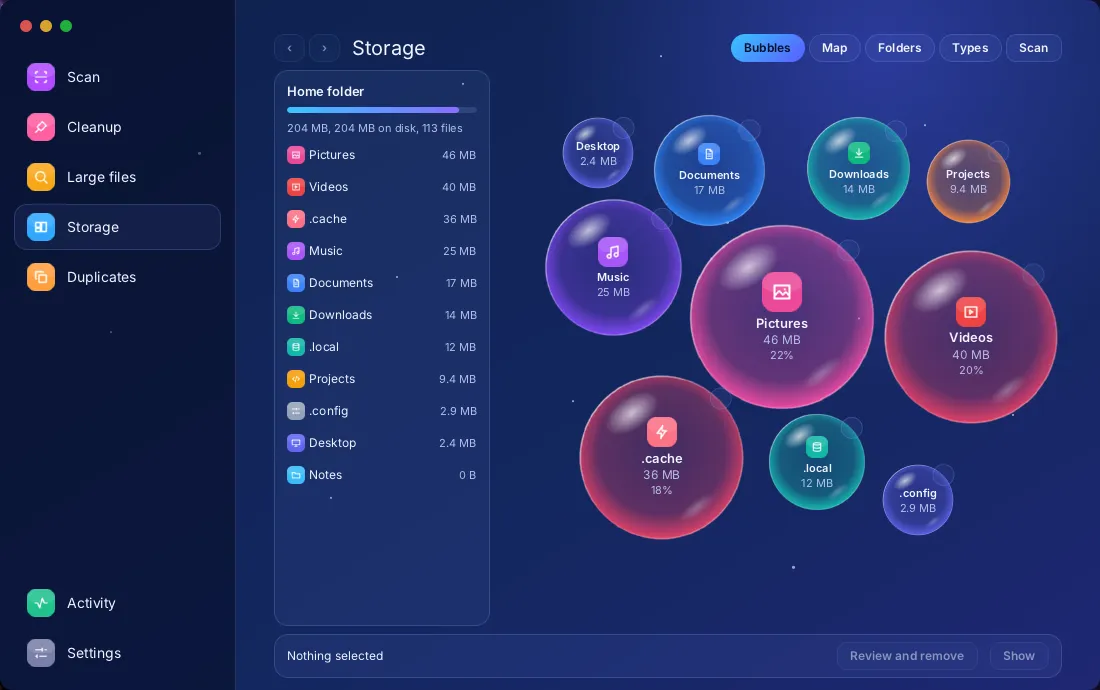
Every result page has Start over and Scan again, lists have Select all, and Duplicates has Select copies, which leaves one copy of each group.
One limit: in a live session a scan finds nothing, because of how the live system lays out its files. An installed system isn't affected.